

Slack recently updated its privacy principles to clarify how customer data is used in Slack AI training and machine learning features. This move is designed to improve transparency and respond to growing concerns about how workplace tools handle sensitive information.
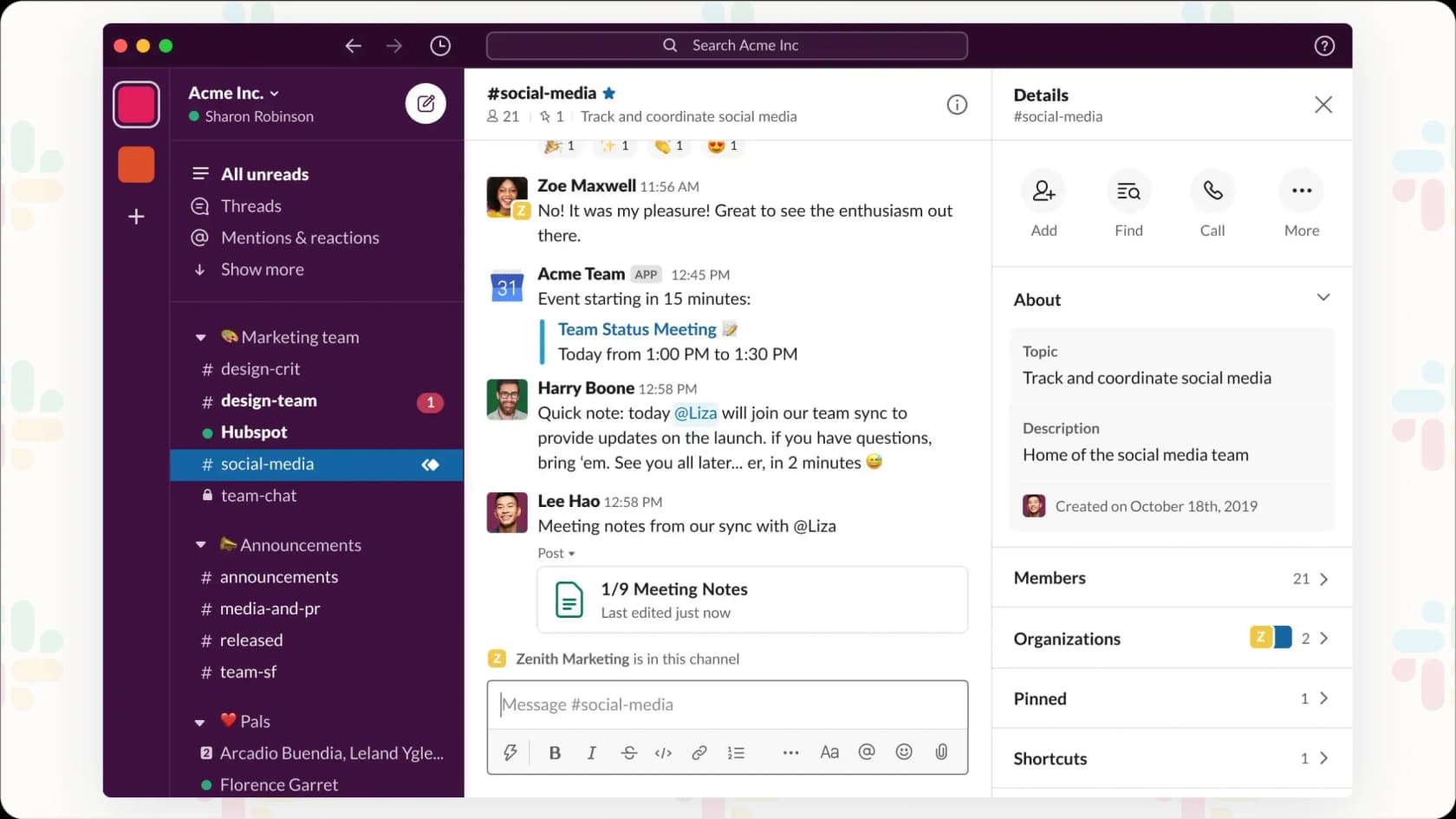
Slack updates its AI privacy rules
On April 7, 2025, Slack introduced changes to its privacy policies to explain how customer data is handled for both machine learning and generative AI. The company provided clearer guidelines and made it easier for teams to understand their options.
Why Slack AI training raised questions
Until this update, Slack used customer data for training traditional machine learning models by default. Teams were automatically included unless they actively opted out. This approach made many users uncomfortable, especially those in regulated industries or those handling confidential data.
As AI becomes more common in the workplace, understanding how platforms use your data is no longer optional. This update aims to give users more clarity and control.
What Slack clarified about AI and data use
Here’s a breakdown of the key clarifications from Slack:
- Traditional ML models – Slack clarified that models powering features like channel suggestions or search results use de-identified and grouped data. They do not look at message content in DMs, private channels, or public channels. These models learn from usage patterns, not conversation content.
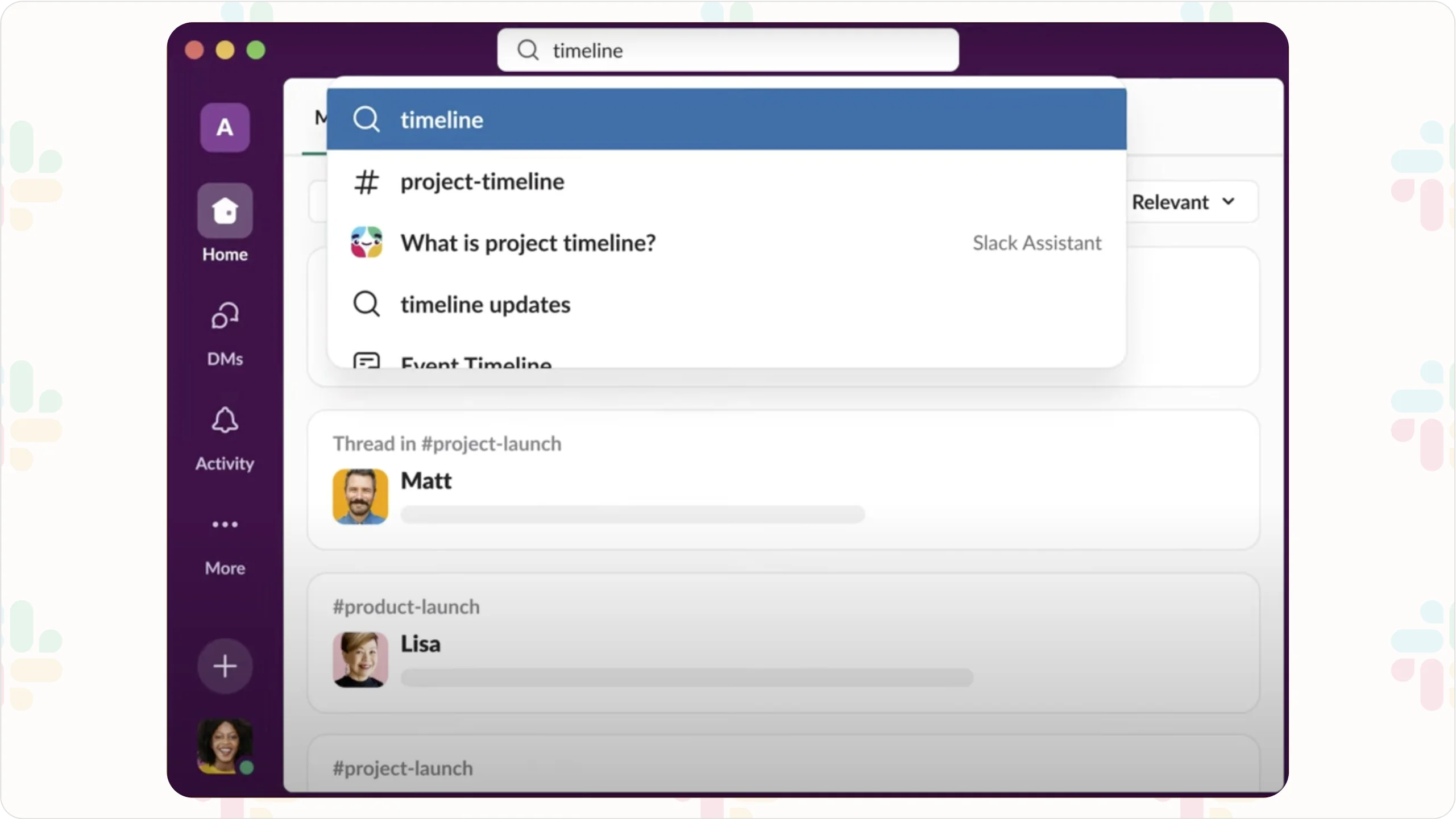
- Generative AI product (Slack AI) – Slack stated unequivocally that they do not use any customer data to train the underlying third-party LLM models. Customer data used by Slack AI features (like generative answers in search) stays within Slack's secure boundaries.
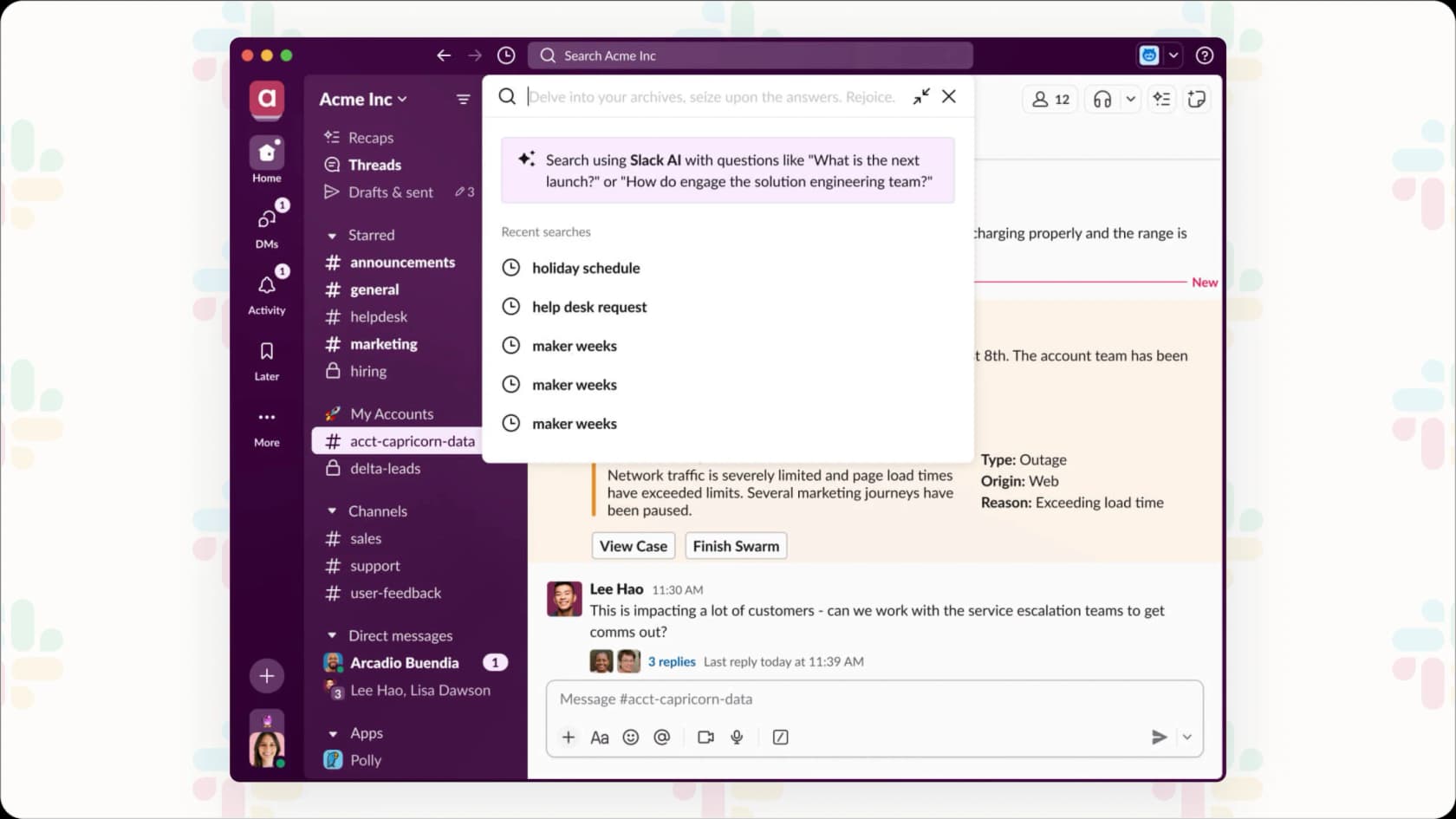
- Opt-out option – Customers can choose to opt out of having their data used for training Slack's* non-generative ML* models by contacting Slack support.
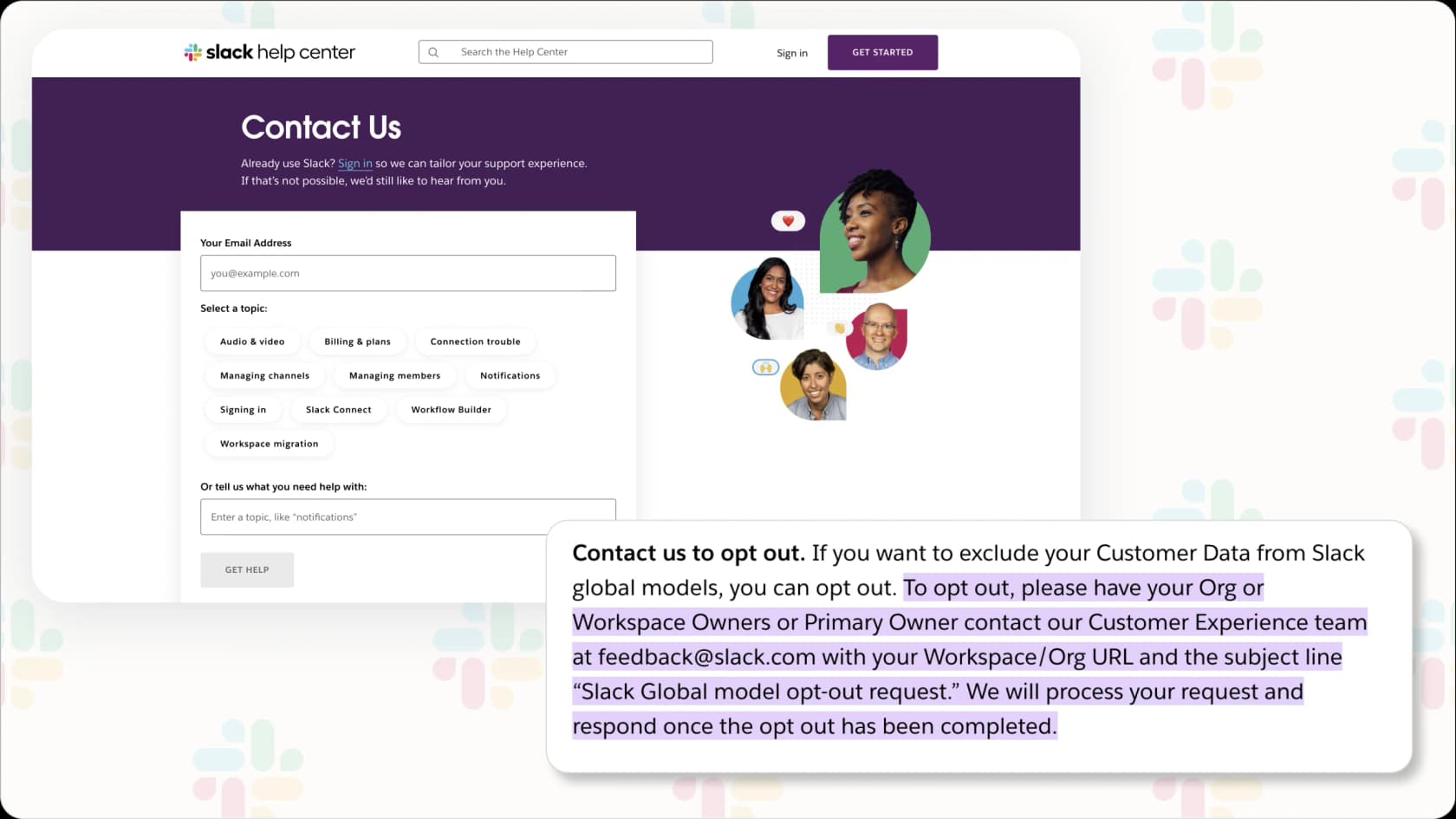
Additional developments include the updated privacy principles document itself, providing users with a clearer resource.
Who needs to review these Slack AI training updates
If your organization uses Slack and handles sensitive data, these changes are worth a closer look. Compliance teams, IT managers, and administrators should review Slack’s new documentation to make sure the current settings match company policies.
This is especially important for teams governed by frameworks like HIPAA or GDPR, where default data use settings may not be acceptable.
How this affects workplace AI adoption
This update may encourage more SaaS providers to publish clearer data training policies. Teams are asking for more control and more information, and Slack’s move could set the tone for others.
If your company is exploring AI features in Slack or similar tools, now is a good time to audit how those tools use your data and whether that aligns with your internal standards.
Tip for teams looking to do more
Navigating all these AI training policies and making sure your data is handled exactly the way your company needs can feel like a lot. While platforms like Slack are working on being clearer, many businesses still want more say in how AI gets trained and used, particularly when they want AI to leverage their own internal company knowledge for support or internal tools.
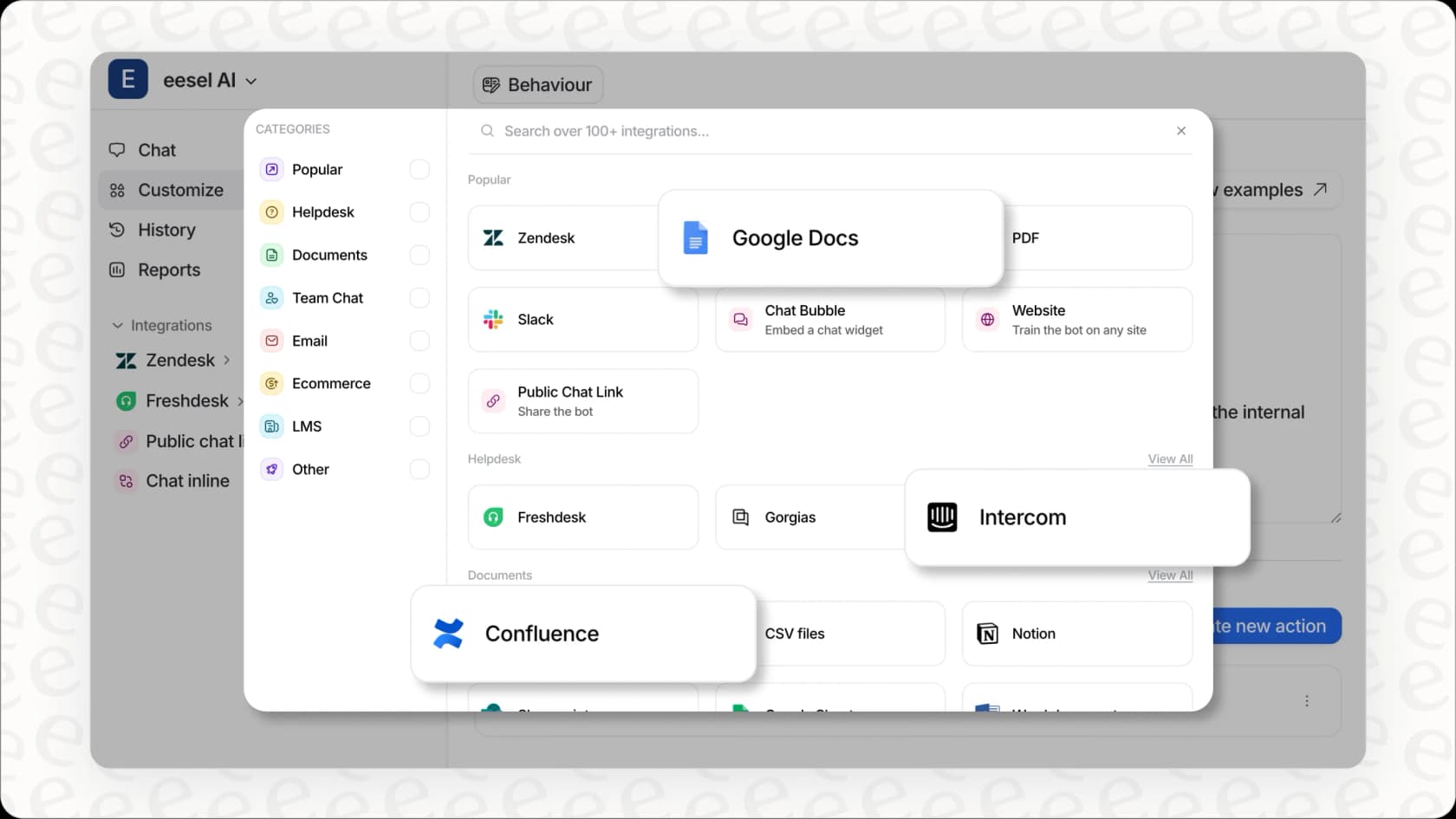
If you're on the hunt for AI support solutions that are really open about data handling, let you train the AI specifically on your knowledge sources (like old support tickets, internal documents, or data from other platforms), and give you flexible options for setting it up, it might be worth exploring alternatives. eesel AI connects with your existing helpdesk and collaboration tools, giving you the ability to train AI agents and assistants using your own data. You get clear control over what data is used and how the AI behaves. It's built for businesses that need powerful AI that actually understands their context, without having to worry about data privacy issues or unexpected costs popping up.
Key takeaways on Slack AI training and privacy
Slack’s update improves transparency, clarifies what types of data are used for AI and machine learning, and introduces more accessible opt-out options. While the update is a step in the right direction, it also reminds teams to stay informed and evaluate the tools they rely on every day.
Knowing how your data is used in Slack AI training helps you manage risk and protect your team. Reviewing these settings regularly can ensure that your collaboration tools are working for you, not the other way around.
If your business wants even more control, flexibility, and transparency, exploring alternatives like eesel AI can help. With eesel, you can train AI directly on your own support tickets, documents, and knowledge sources, all while maintaining clear control over how data is used. This means smarter automation for your team, without surprises.
Start a free trial today (no credit card required) or book a demo to see how eesel AI can help your organization balance powerful AI with strong data privacy.
Frequently asked questions
What is Slack AI training and why does it matter?
Slack AI training refers to how Slack uses customer data to improve its machine learning and AI features. Understanding this matters because it affects how your data is handled, especially if your organization deals with sensitive information.
Does Slack AI training use my private messages or DMs?
No. Slack clarified that its traditional machine learning models do not access the content of private messages, DMs, or public channel conversations. Instead, they rely on de-identified usage patterns.
Is my data used for Slack AI generative features?
Slack stated that customer data is not used to train the large language models behind Slack AI generative features. Any data used stays within Slack’s secure environment.
Can I opt out of Slack AI training?
Yes. Organizations can opt out of having their data used for Slack’s traditional ML model training by contacting Slack support. This does not affect generative AI, which does not use customer data for training.
Who should review Slack AI training updates in my company?
IT administrators, compliance teams, and data privacy officers should review these updates. It’s especially critical for companies governed by frameworks like GDPR or HIPAA.