What an AI employee actually is
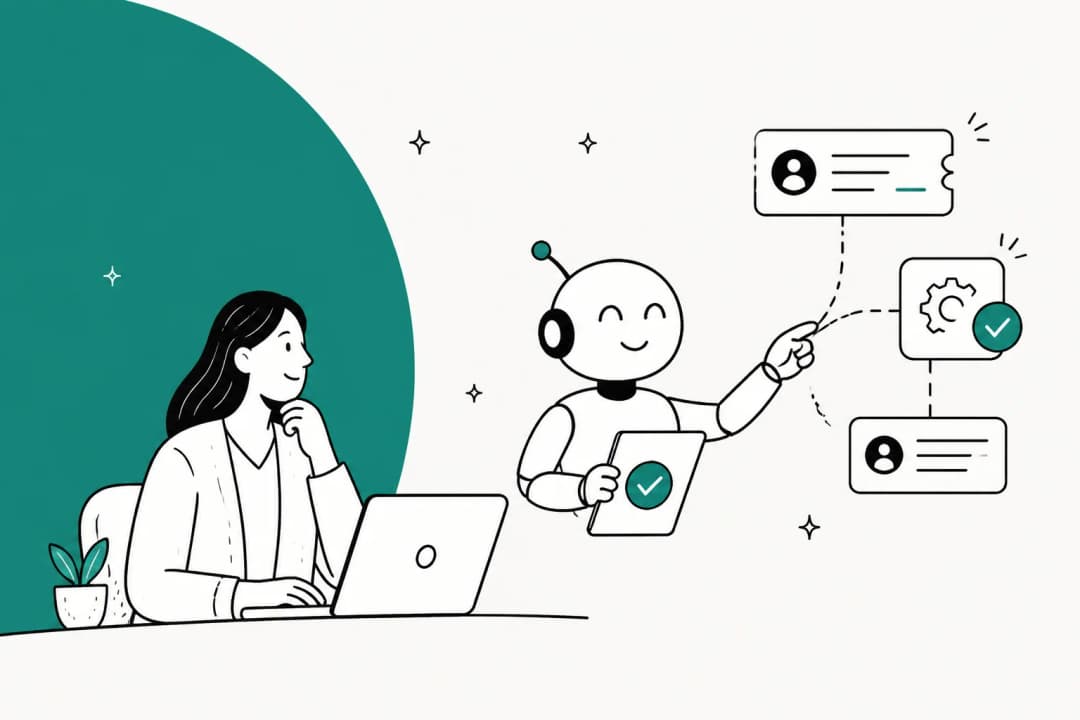
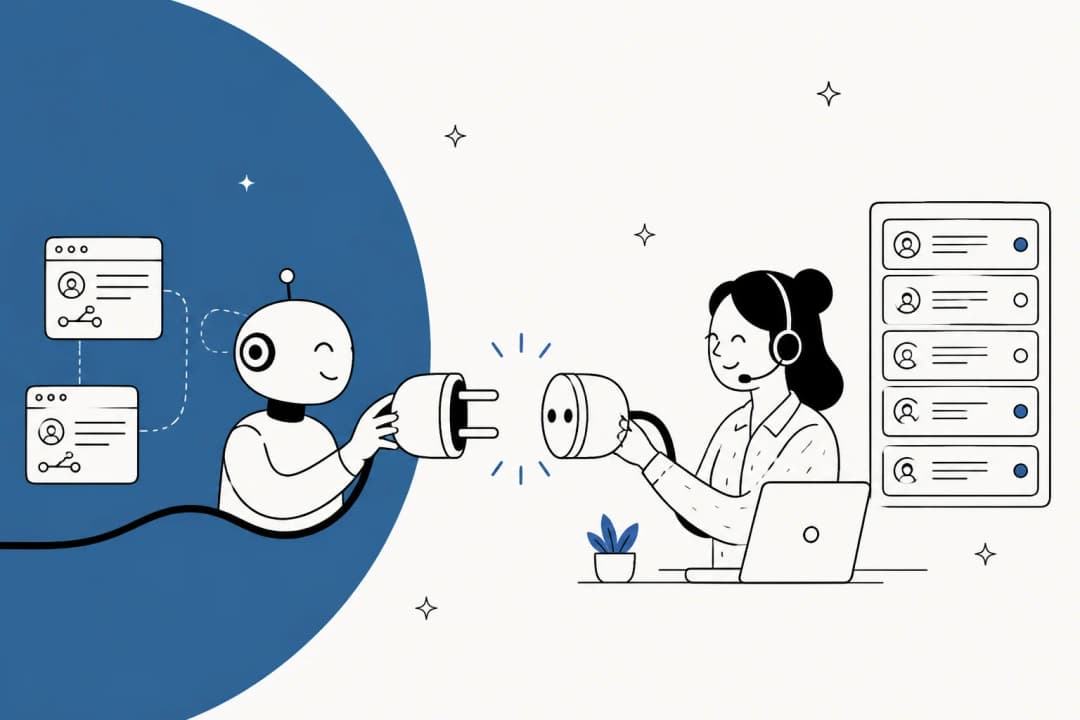
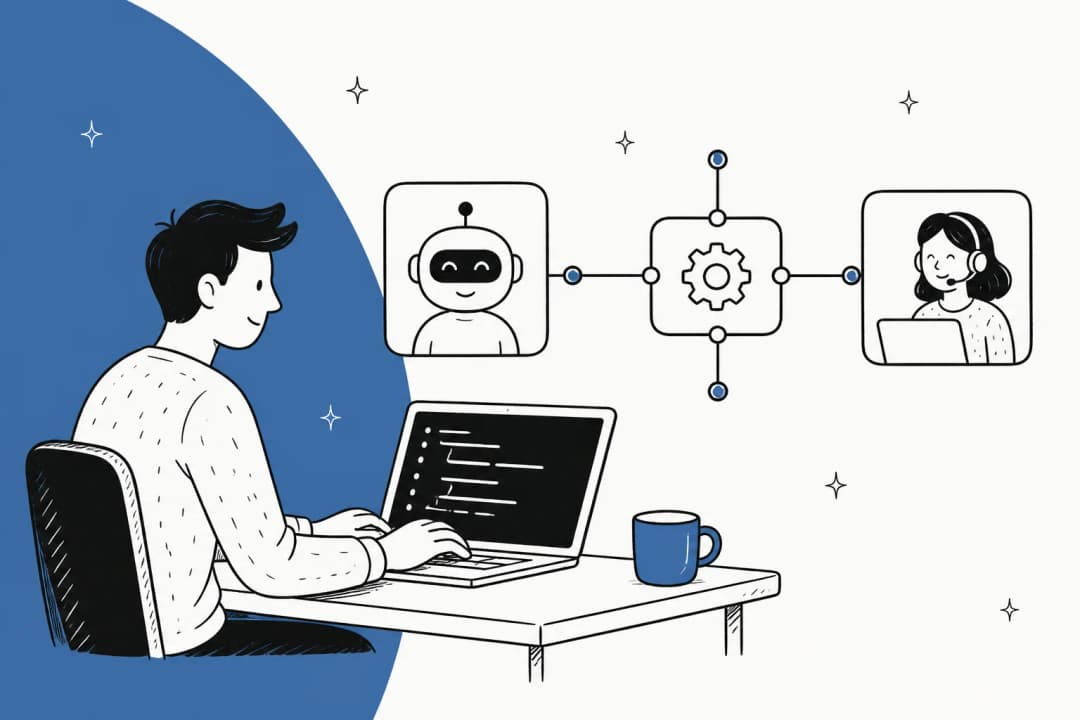
The cleanest definition in the category comes from a competitor. Zamp's guide says an AI employee is a software agent that performs a defined job the way a person would, and the operative phrase is that it owns an outcome. That is the whole distinction. A tool answers when asked. An employee is handed a queue and is expected to have made progress on it by Friday.
Kuse adds the caveat that almost nobody else states plainly: an AI employee is not a legal employee, and it does not replace human accountability. That matters more than it sounds. When an agent sends a wrong refund policy to 400 people, no vendor absorbs that. A named person on your team still owns it.
Three properties separate an AI employee from the software you already run:
- It has its own trigger. A ticket arrives, a schedule fires, someone mentions it in a channel. Nobody has to open an app.
- It chooses the steps. Given "resolve this return request," it decides whether to look up the order, check the policy, or escalate. You did not draw that flowchart.
- It carries context across time. It knows what happened on the last ticket from the same customer, and what you corrected it on last week.
Strip any one of those out and you have something older with a newer name. That is worth knowing before you compare price tags, because a lot of what is sold as an AI employee is a rule-based chatbot with a persona bolted on.
The label also has real detractors, and their objection is the one you have to answer internally before you answer it to a vendor:
"What is an AI employee? A fiction. genAI is a tool, not a person. It can't be an employee any more than the office copy machine can be an employee."

I think that is half right, and the useful half. The word "employee" is doing marketing work, and it smuggles in an assumption about accountability that does not survive a legal review. What it names accurately is the shape of the thing: a queue, a scope, and a review process. Buy the shape, ignore the metaphor.
AI employee vs assistant, copilot, automation, and agent
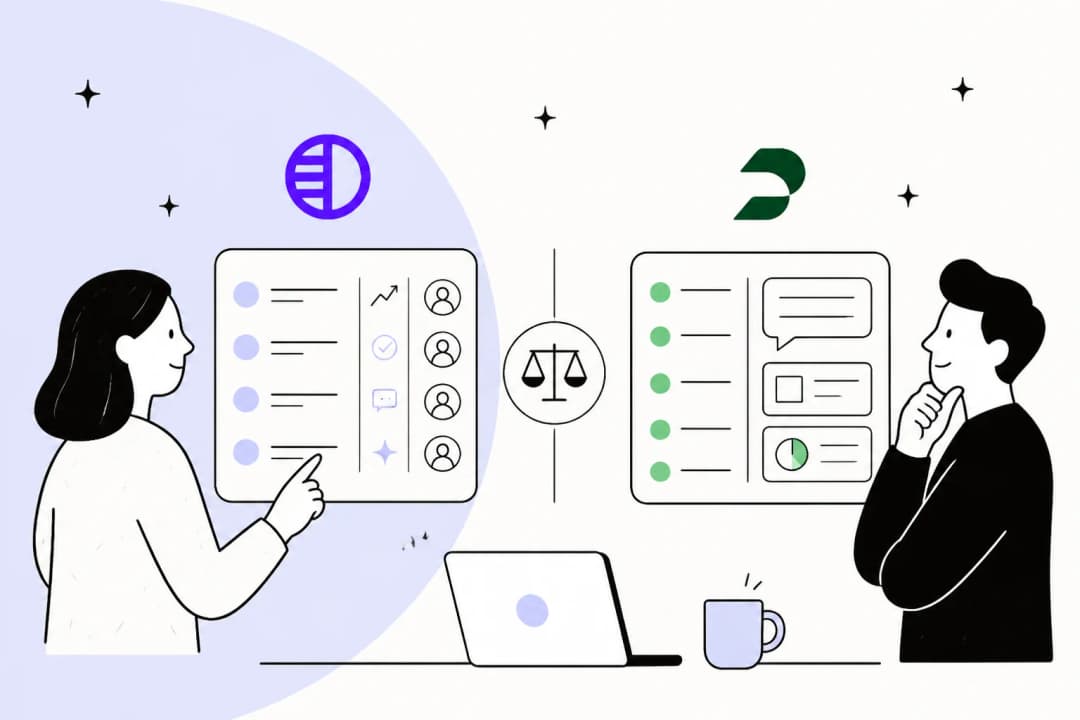
The vocabulary in this space is a mess, and the mess is commercially useful to vendors. Sintra alone ships twelve near-identical landing pages for agents, assistants, copilots, operators, bots, and workforce, and never contrasts them on the page that ranks. So here is the contrast, on one axis that actually predicts behaviour: who decides the next step.
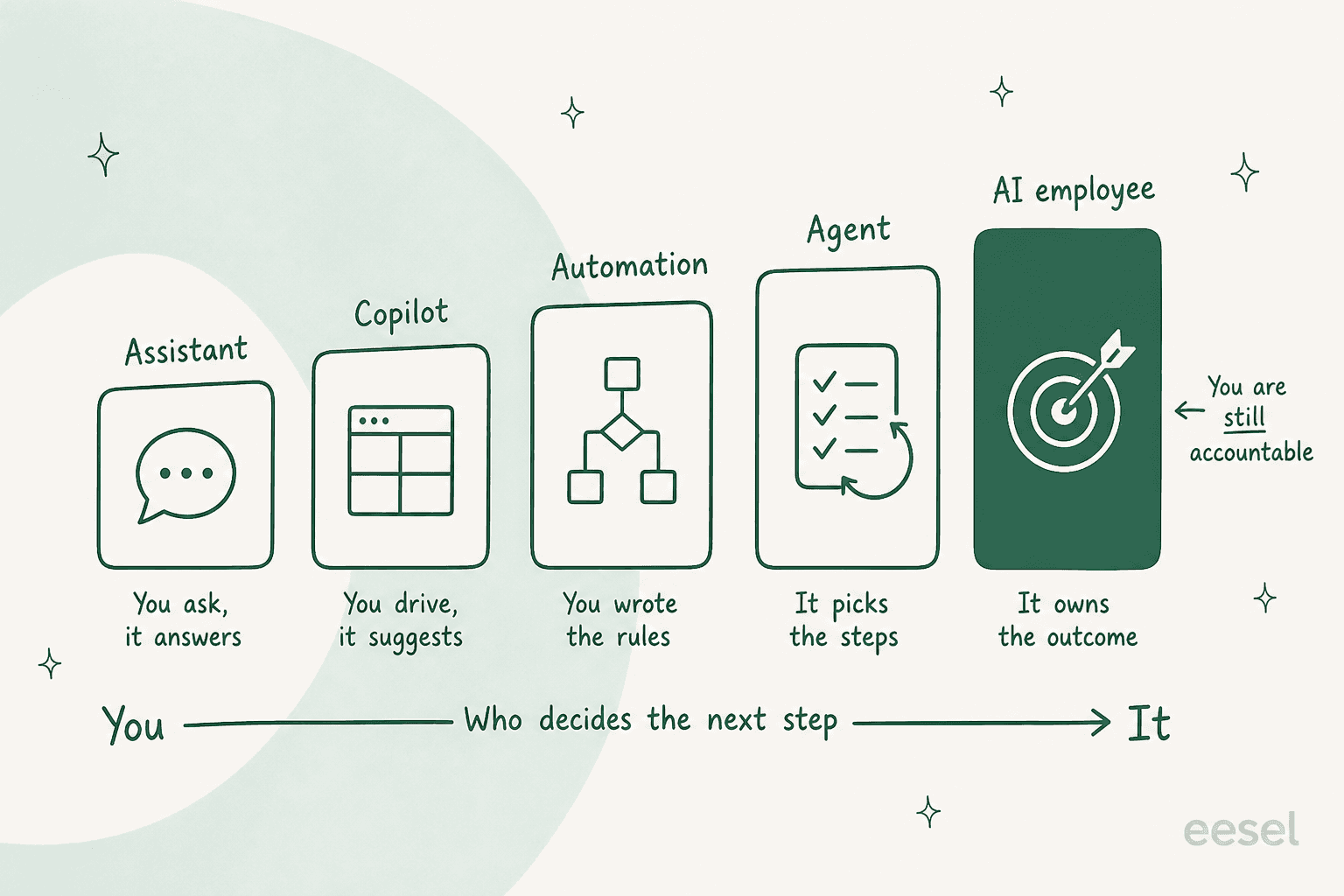
| Who starts it | Who picks the steps | Runs unattended | What breaks it | |
|---|---|---|---|---|
| AI assistant | You, every time | You | No | You stop asking |
| AI copilot | You, mid-task | You, it suggests | No | Nobody at the keyboard |
| Automation / RPA | An event | You, in advance | Yes | Anything you did not foresee |
| AI agent | An event or a goal | It does | Yes | Ambiguous goals, missing tools |
| AI employee | Its own queue | It does | Yes | Scope it was never given |
Two rows deserve a note. Agent assist tools and copilots look like a cheap version of an AI employee, but they scale with the human, not past them: if your team is at capacity, a copilot makes each person faster and does not touch the backlog that piles up overnight. And classic workflow automation is not a lesser cousin, it is a better choice whenever the process really is deterministic. RPA repeats, it does not reason, and repeating is exactly what you want for a refund under $10 with a valid tracking number.
Zamp's own taxonomy line is the one I would keep: every AI employee is an autonomous agent, but not every autonomous agent is structured as an AI employee. The structure is the product.
The roles people actually hire for
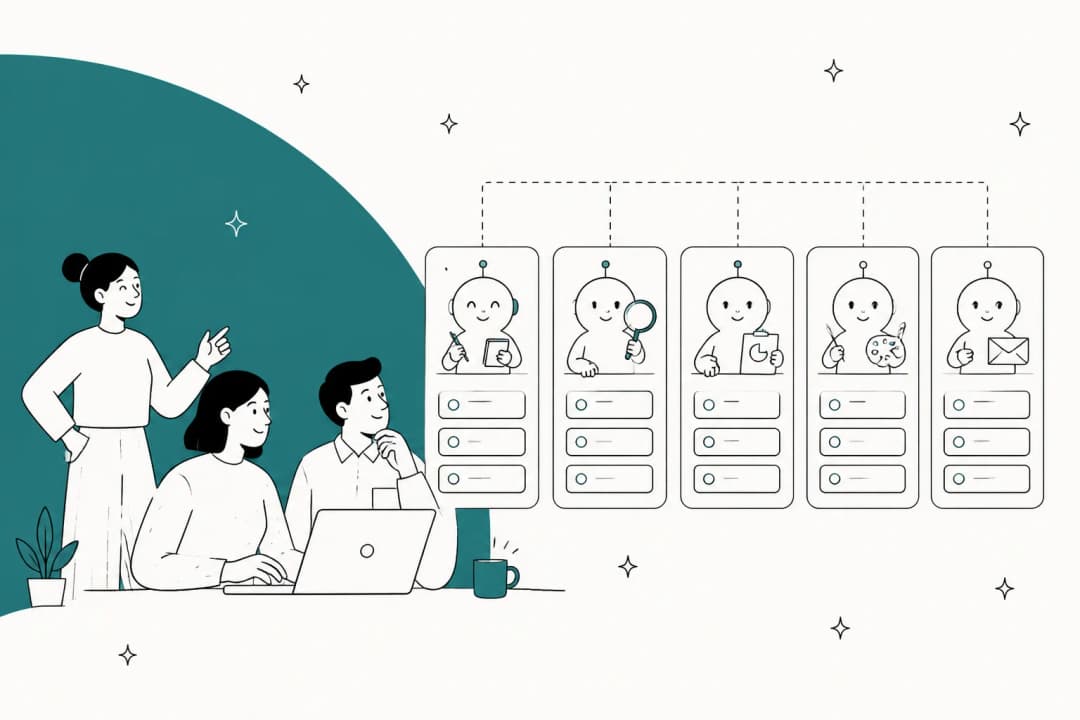
Vendors have converged on a small set of jobs, and the pattern is consistent: the roles that work are the ones where the work is already written down somewhere.
| Role | What it owns | Why it works or does not | Where it lives |
|---|---|---|---|
| Customer support | Triage, tagging, drafting, closing routine tickets | Best fit. Years of resolved tickets are a labelled training set | Helpdesk, shared inbox |
| IT service desk | Password and access requests, first-line troubleshooting | Strong fit, but access requests need approval design | Jira Service Management, Slack |
| HR and internal help | Policy questions, onboarding questions | Works when the handbook is current, fails quietly when it is not | Confluence, Microsoft Teams |
| Sales development | Outreach, qualification, meeting booking | Volume is easy, judgement is not. Approval on every send | CRM, HubSpot |
| Content and SEO | Drafting, briefs, publishing | Output is high, factual review is non-negotiable | AI blog writer |
| Recruiting | Screening calls, candidate scoring | Highest bias and compliance exposure of the set | ATS |
The vendor line-ups tell you the same story. Teammates.ai ships exactly three: Raya on support, Adam on sales, Sara on interviews. Sintra sells twelve helpers across support, copy, SEO, social, and ecommerce. Marblism ships six. We sell three at eesel, and Lindy's own roundup flagged that as a limitation for niche workflows, which is fair.
Notice what is missing from every roster: anything that requires physically being somewhere, anything with a legal signature, and anything where the correct answer is not written down anywhere in your company. That last category is bigger than most teams expect, and it is the reason a rollout stalls.
What it needs access to, and what it is allowed to touch
This is the biggest hole in the published material on this topic, so it is worth going slowly. Of the five page-one guides I read, only Teammates.ai writes anything concrete about permissions, and it is shaped around their own three fixed roles.
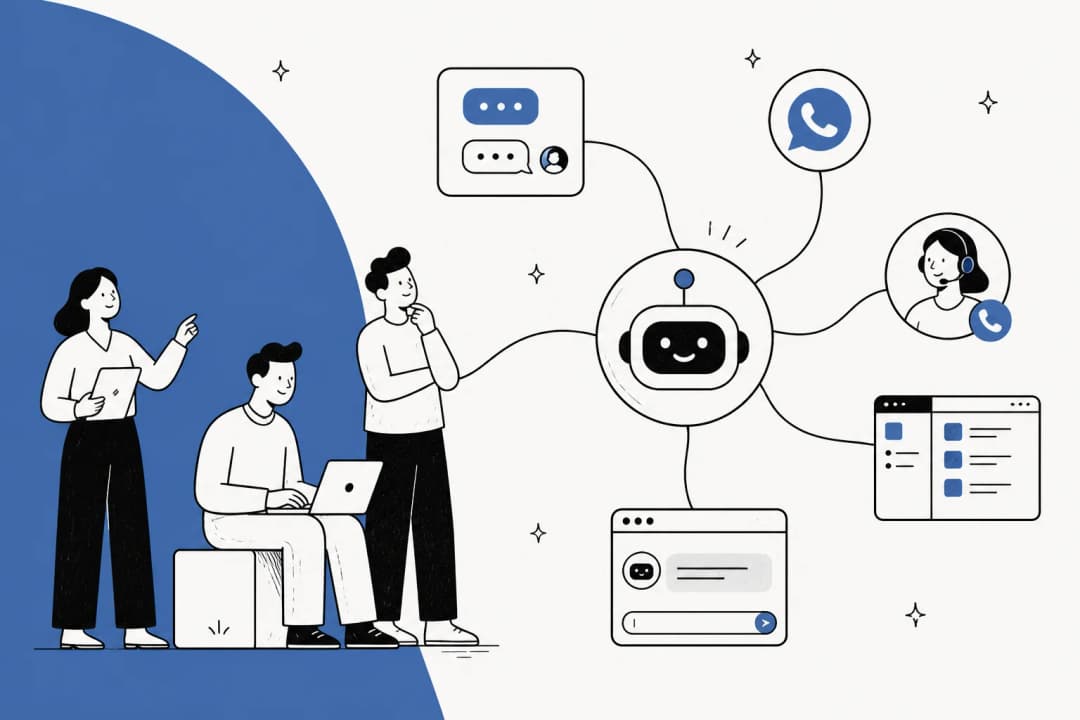
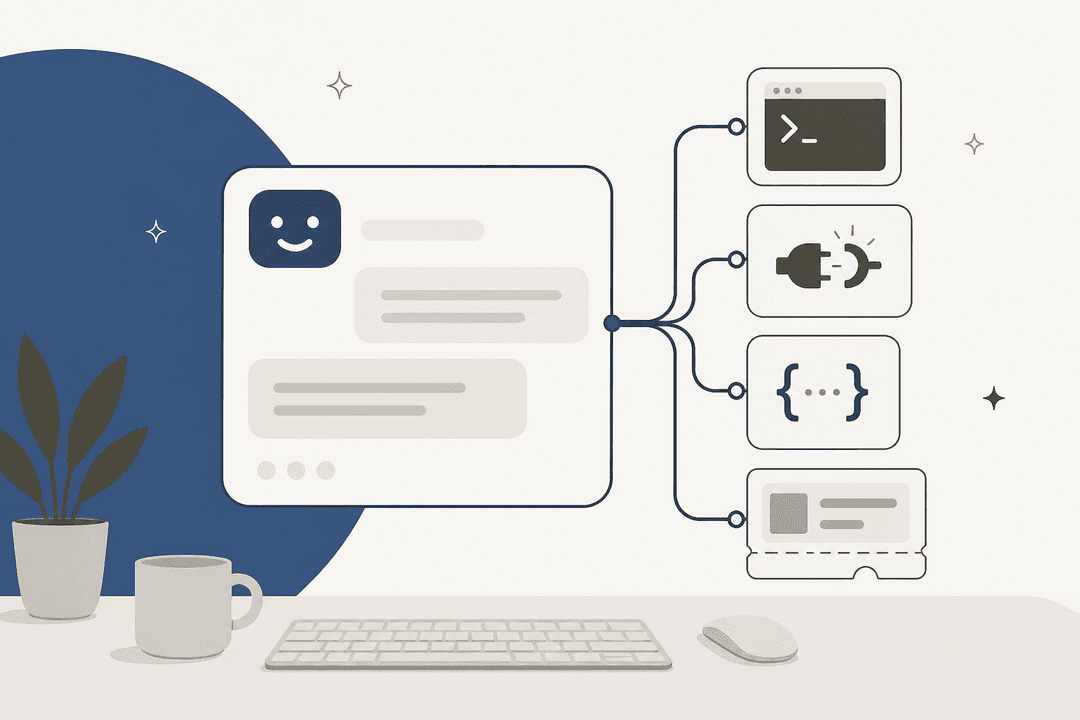
Every integration an AI employee holds gives it three separable things, and conflating them is how teams end up surprised:
- Sources. What it can read: past tickets, help centre, knowledge base, order records, internal docs.
- Triggers. What wakes it up: a new ticket, an @mention, a schedule.
- Actions. What it can do: leave an internal note, leave a draft, send a public reply, tag, assign, close, refund.
Grant them in that order, not all at once. The reason is the blast radius.
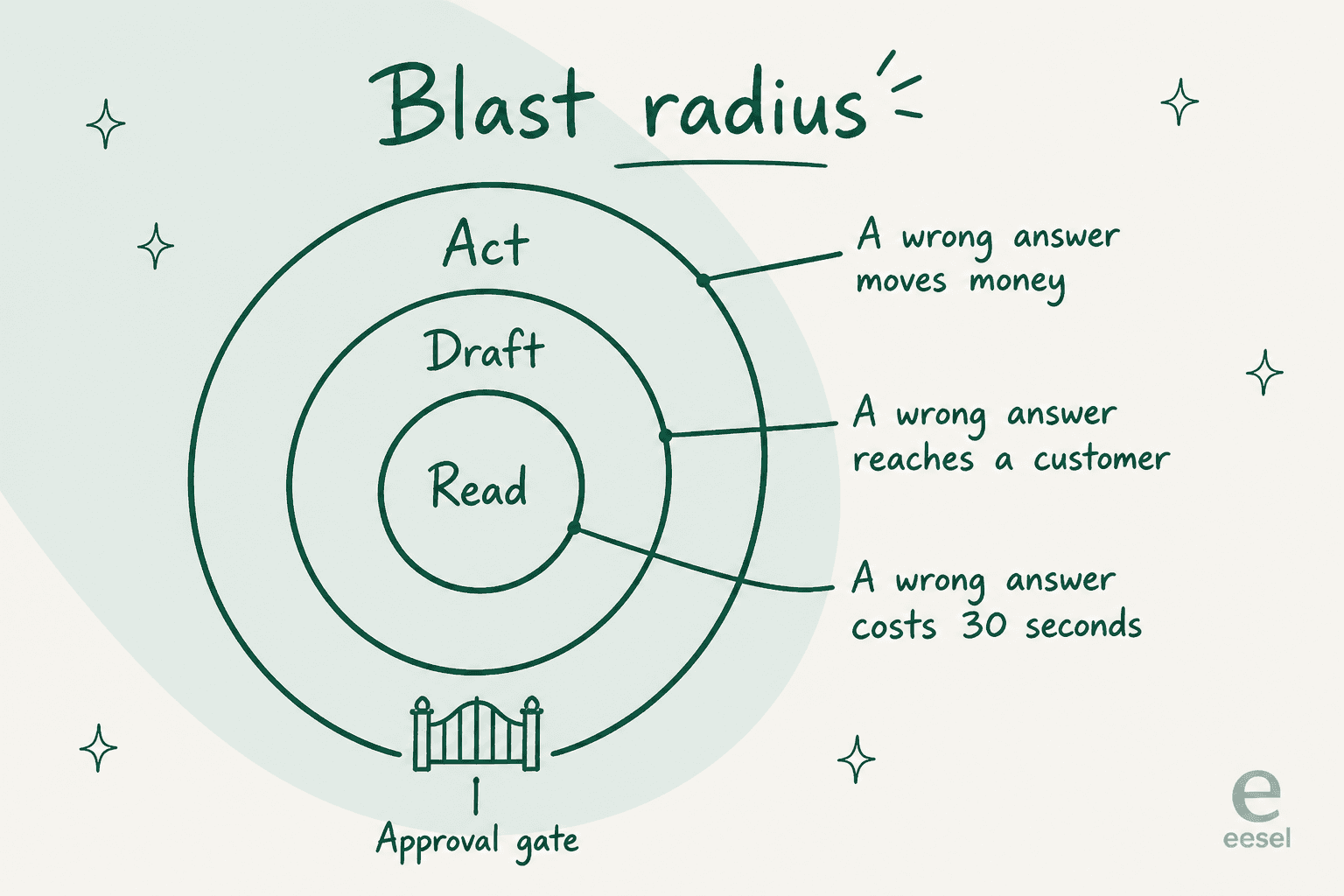
A wrong answer in a read-only draft costs an agent thirty seconds of editing. The same wrong answer with send permission is now in a customer's inbox. The same wrong answer with refund permission has moved money. The scope you grant, not the model you pick, sets what a mistake costs you.
Operators who run agents in production say the same thing in stronger language. From a Hacker News thread on securing agent pipelines:
"Secret and credential sprawl is a real problem in agent pipelines specifically -- each agent needs its own scoped access and the blast radius of a leaked credential is much larger when an agent can act autonomously."
Worth noting that commenter builds tooling in this space, so read it as informed rather than neutral. The point stands regardless: autonomy is what turns a credential problem into an incident.
Two questions to ask any vendor here. First, where is the scope enforced? Teammates.ai claims their boundaries are enforced at the infrastructure level, not through prompts, which is the right answer, because a limit written into a system prompt is a suggestion and prompt injection is a live attack surface. Second, does the agent hold credentials? It should not. On our side the AI never receives API tokens or direct system access, it works from a maintained copy of explicitly shared data, which is the detail I would push every vendor on.
The scoping requests I hear most from real teams are narrower than any vendor's default. One support lead put it in eight words:
"There are certain tickets I don't want to go through AI"
Another wanted the agent to stay dormant unless summoned:
"I want response only when I mention @eesel not during creation and every customer ticket message"
Neither is an edge case. Both are people who understood the blast radius before their vendor did. If a platform cannot express "these ticket types, never" or "only when called," it is not ready for your queue. The same logic applies to knowledge: an enterprise logistics team I worked with needed two agents off one Zendesk, one answering anonymous users from public articles only and one answering signed-in users from public plus a restricted set. That is a roles and permissions problem before it is an AI problem.
Who checks the work
An AI employee without a review design is a liability with a subscription. The good news is the review patterns are well understood, and the sane ones are a ladder rather than a switch.
The four rungs, in the order I would climb them:
- Sandbox. You chat with it. No customer impact, no writes.
- Draft mode. It processes real work and every output waits for a human. This is human-in-the-loop in its strictest form.
- Semi-autonomous. It handles the categories it has earned, escalates the rest. Graduation should be based on a measured approval rate, not a calendar date.
- Autonomous. End to end, monitored through recaps, containment rate, and exception alerts.
Two design details decide whether this holds up. The first is confidence scoring: the agent needs to know when it does not know, and route low-confidence work to a draft instead of a reply. This is not a nice-to-have. It is the single most common reason a support buyer walks. A CX lead running about 7,000 Gorgias tickets a month put the objection better than any vendor page:
"The AI will never be able to answer 100% of the questions, but if it tries and just answers 'sorry I don't know this,' I cannot go and check all my 7,000 tickets to see if the AI actually made a good answer, then the point is a little bit gone. I need an AI who is only handling the tickets that it's confident to handle and all the other ones, leave them alone."
We lost that deal. I am including it because it is the sharpest statement of the requirement I have on file, and because a guide that only quotes its wins is not worth reading.
The second detail is escalation quality. Over-escalate and your team is doing the same work plus reading AI drafts. Under-escalate and the failures are silent. This is why containment and escalation quality should be measured together rather than celebrating a deflection number on its own.
Worth knowing that vendors default in opposite directions here. Lindy default-denies anything with outside impact: sending an email, updating a ticket, publishing a doc all wait for approval, while read-only lookups do not. Teammates.ai does the reverse and pre-authorises scoped limits, so Raya can refund up to a cap without asking and escalates beyond it. Neither is wrong. But you should know which one you bought.
The mental model that seems to separate teams getting value from teams getting frustrated shows up over and over in practitioner threads. One developer running agents daily put it this way:
"If you expect the agent to be autonomous, it will disappoint you. If you expect it to be an amplifier for someone who already knows what "good" looks like, it's transformative."
That is a coding context, but it transfers cleanly. An AI employee is worth the most on a team that already knows what a good reply looks like, because somebody has to be able to tell.
One warning from watching this at close range: check that approvals are more than binary. Approve-sends-as-is and reject-blocks is a workflow that collapses at volume, because the real world is full of drafts that are 80% right. Teams stuck with binary approval just copy-paste around the product, and then the agent learns nothing from the edit.
The step page-one guides skip: the dry run
Here is the gap that surprised me most. I read every ranking guide for this term. Not one of them tells you to test an AI employee against your own historical work before it touches a live customer.
Sintra's fourth setup step is literally to sit back. Teammates.ai goes from go-live in about a minute to handling real interactions on day one. Zamp's step five is run, review, and tune, which is review after it has already acted. The only mention of simulation anywhere on the SERP is inside Lindy's roundup, where they describe our feature and write that the thing they kept coming back to was being able to test the agent on past tickets and see exactly where it would have messed up. A competitor made the argument for me, which is either flattering or embarrassing depending on how you look at it.
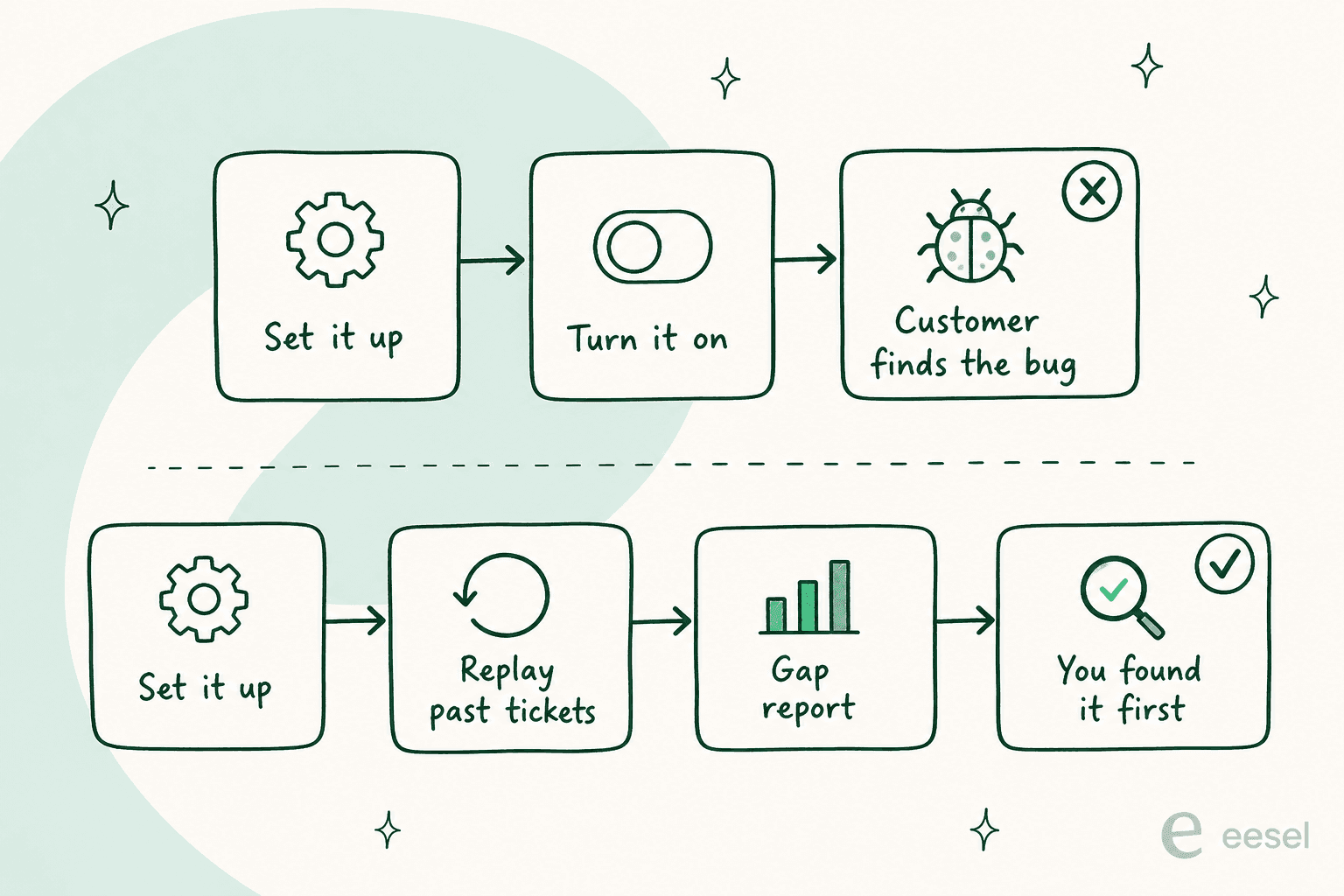
The mechanic is simple. Take a few hundred of your closed tickets, have the agent answer them cold, and compare its answers to what your team actually sent. You get a coverage map by theme instead of a vibe. A real gap report from one of our runs reads like this: 23 tickets last week asked about pro-rated refunds but the docs only cover full cancellations. That is a documentation task, discovered before a customer found it.
I would not deploy without this, and the reason is specific rather than theoretical. I have watched paying customers' agents invent answers when knowledge retrieval came back empty. One fabricated solar-cell subscription claims that went to real customers. Another returned "Oxygen," from the periodic table, as an answer to a support question. Both were confident. Neither would have been caught by reading the marketing page. AI hallucinations in support are a retrieval problem before they are a model problem, and a replay against your own history is how you find the holes in your own knowledge.
How to actually implement one
Six steps, in the order that survives contact with a real queue.
- Pick one job, narrowly. Not "support." Something like "order status questions in English on Shopify." Lindy's advice here is right: pick the narrowest use case, run it for thirty days, and measure what you saved.
- Get the knowledge honest first. Connect past tickets and help docs, then check what is actually current. Knowledge management is where most of the real work is, and RAG only retrieves what you actually have.
- Write the scope as a job description. What it handles, what it never touches, what it says when unsure. This is the guardrails document, and it should name ticket types, not vibes.
- Replay it against history. Run the dry run, read the gap report, fill the gaps, run it again.
- Go live in draft mode. Every output waits for a human. Track the approve-without-edit rate, because that number is your graduation criterion.
- Grant autonomy category by category. Order status first, refunds much later, anything touching money last.
The failure mode I see more than any other is not a bad answer. It is a rollout that never switches on. Internally we call it the last-mile activation gap: the integration is connected, the docs are synced, and the triggers were never enabled, so zero tasks ever fire. One account paid for fourteen months with zero integrations, zero documents, and zero conversations. Connecting a tool is not deploying an employee. Someone has to own the switch-on date. Our implementation guide walks the sequence in more detail.
What an AI employee costs
Advertised prices in this category run roughly $20 to $200 a month, according to Lindy's own roundup, and that range is close to meaningless because the vendors are not selling the same unit. There are three billing shapes, and they behave completely differently at volume.
| Billing shape | Example | What you pay | What happens at zero |
|---|---|---|---|
| Credit wallet | Teammates.ai | $25 to $100/mo for 50 to 200 credits; support burns 1 credit per 10 replies | Overage at $0.50 per credit, it keeps working |
| Per-seat pooled credits | Lindy | $29.99 to $199.99 per seat, 3,000 to 35,000 credits per seat, pooled | It pauses until the cycle resets |
| Fixed monthly credits | Sintra | $97/mo list, 250 credits regardless of billing term | Helpers stop until you top up |
| Per task handled | eesel | $0.40 per ticket or chat session, no platform fee, no seats | Nothing, but you can set a hard spend cap |
The credit models are where buyers report getting caught. A nonprofit buyer left a one-star G2 review of Sintra describing exactly the gap between the sales conversation and the meter:
"I purchased Sintra for my nonprofit organization after discussing the platform and its credit system with a representative named Marijus. I was told that the credits should not run out quickly with normal or reasonable use. However, after using the platform for only three days, my available credits were gone."

Read individual reviews rather than star averages in this category. Trustpilot currently displays a banner on Sintra's profile stating the company's rating is unavailable due to a guidelines breach, and that it has been offering incentives for reviews. That is a caution about the aggregate score, not about the product.
Two things to watch. First, credits are rarely priced per action in a way you can forecast. Lindy publishes bands rather than rates, from 2 credits for an everyday ask up to 2,500 for a big build, and Manus deducts credits whether the task completed or not. Second, a monthly credit cap that stops work is a very different operational risk from an overage bill, and neither is obviously better. Decide which failure you would rather explain.
Plug your own volume in:
The other half of the equation is the human baseline, and here the category is more honest. Teammates.ai anchors on the US Bureau of Labor Statistics median wage for customer service representatives of $37,780, loaded to $55,000 to $70,000 per agent, and argues a team handling 10,000 tickets a month needs 15 to 25 agents before automation. Treat those as their numbers, not gospel, but the shape is right: at 10,000 conversations a month, a $0.40 per-task rate is $4,000, and one loaded agent is roughly $5,000. That is the comparison worth making, and cost per resolution is the metric to make it with.
One trap I would name explicitly. If a vendor charges per resolution, ask what counts. I ran that math for a customer at about 1,000 tickets a month: per-resolution pricing at 80% resolution came out at $792, and the same account in a Black Friday month at 4,000 tickets hit $3,168. Their inbox was 22% spam, and auto-closing spam counted as resolutions. Outcome-based pricing sounds fairer and sometimes bills you more for succeeding.
Where it goes wrong
The published guides are strikingly cheerful. Four of the five ranking pages contain no downside content at all, and one asserts that AI employees do not require supervision or performance check-ins. Here is what actually happens.
- It answers things that are not customers. One ecommerce team's agent replied to marketing newsletters from other brands, offering to unsubscribe them, plus vendor system notifications and non-English gibberish. Noise filtering is a real feature, not a detail.
- It over-promises on your behalf. A support manager had to instruct an agent, in plain words, to stop telling customers we will get them sorted, because it did not know that. Commitments about delivery dates and outcomes are the highest-risk sentences an agent can generate.
- It takes actions nobody asked for. An IT manager once told an agent, in capitals, to stop emailing him reports he never requested. That is a scope problem wearing a helpful disguise.
- It reports success it did not have. The behaviour I find most dangerous is an agent narrating work it never did, claiming searches it never ran or files it never saved. If your monitoring trusts the agent's own account of itself, you are not monitoring.
- Quality drops between sandbox and reality. In one fleet sample we measured 86% good across 434 chats, but real-ticket traffic through webhooks landed at 79% good with 16% partial. Sandbox numbers flatter.
- The knowledge rots quietly. An AI employee is only as current as the docs behind it, and nothing tells you a policy page went stale except a wrong answer.
None of these are arguments against the category. They are arguments for the two things the ranking pages skip: a tight permission scope and a dry run. AI chatbot problems covers more of the failure catalogue if you want the longer version.
The buyer checklist
Ten questions. If a vendor cannot answer four of them, you have your answer.
1. What is the billable unit, exactly?
Per credit, per seat, per conversation, per resolution, or per message. Ask what a busy month looks like, and what happens when the allowance runs out: pause, overage, or stop.
2. Can I test it against my own historical work before go-live?
Not a demo on their data. Your closed tickets, replayed, compared against what your team actually sent, with a report of where it would have been wrong.
3. Where are permissions enforced?
At the API and infrastructure layer, or in a system prompt. Only one of those survives a prompt injection attempt.
4. Can I scope it by ticket type and by audience?
"Never touch billing disputes" and "answer anonymous users from public docs only" are both normal requirements. Many platforms cannot express either.
5. What happens when it is not confident?
Silence and escalation beat a confident guess. Ask to see the confidence score threshold and what it routes to.
6. Is approval more than approve or reject?
Approve-with-edit is the option that matters, because most drafts are close rather than right, and the edit is the training signal.
7. Does every answer cite a source?
Citations turn an unverifiable claim into a checkable one, and they make the knowledge base gaps visible.
8. What is the audit trail, and whose name is on the action?
You want what it read, what it did, why, and which human approved it. Attribution that collapses every approval into one bot account breaks your quality assurance process.
9. What are the real compliance boundaries?
Ask which certifications are held versus in progress, which plan they sit on, and whether a BAA is available. Get it in writing. Vague answers here cost deals for good reason.
10. Who owns switching it on?
A named person and a date. The most common failure in this category is not a bad AI employee, it is a configured one that never started working.
Try eesel for the support role
If the role you are hiring for is support, that is the one I build. eesel drops an AI helpdesk agent into the Zendesk or Freshdesk helpdesk you already run, trains on your resolved tickets rather than just your help centre, and starts in draft mode so nothing reaches a customer until you say so.

The part I would actually use first is the simulation: replay a few hundred of your past tickets, read the gap report, and see where it would have been wrong before it can be. Pricing is $0.40 per ticket or chat handled, with no platform fee and no per-seat charge, and there is $50 of free usage to run that dry run with. Try eesel and find the gaps yourself.
Frequently Asked Questions
What is an AI employee?
What is the difference between an AI employee and an AI agent?
How is an AI employee different from an AI assistant or copilot?
How much does an AI employee cost?
Can I hire an AI employee for customer service?
What access does an AI employee need to my systems?
Will AI employees replace human jobs?


Article by
Kira
Kira is a writer at eesel AI with a Computer Science background and over a year of hands-on experience evaluating AI-powered customer service tools. She focuses on breaking down how helpdesk platforms and AI agents actually work so that support teams can make better buying decisions.