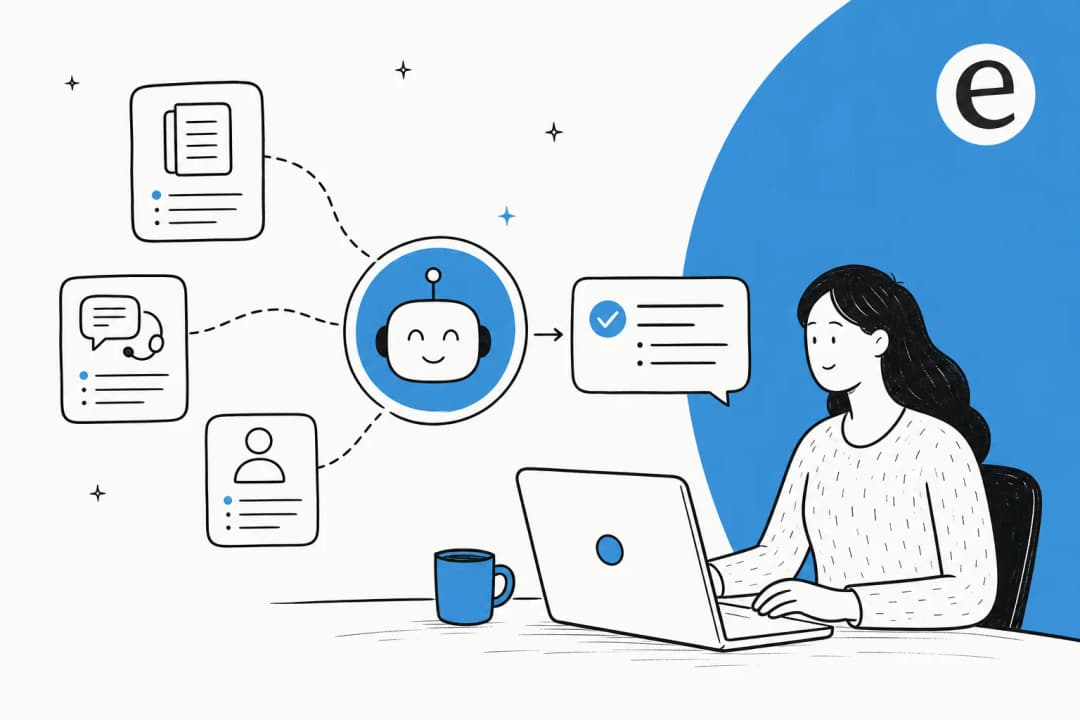
Support teams face a paradox. They're surrounded by information, yet they constantly struggle to find the right answers when they need them. Customer questions that have been answered a hundred times before still become tickets. New agents spend weeks shadowing senior team members just to learn where things are documented. And when experienced staff leave, their institutional knowledge walks out the door with them.
This is where AI knowledge management comes in. Instead of static repositories that grow stale and unmanageable, AI-powered systems learn, adapt, and surface the right information at the right time. Let's break down what this means for support teams and how to implement it effectively.
The knowledge crisis in modern support teams
The numbers tell a sobering story. According to Gartner, 47% of employees don't use their company's knowledge base because it's disorganized and difficult to search. APQC research shows the average knowledge worker spends 8.2 hours every week just searching for, recreating, or duplicating information that already exists somewhere in the organization.
For support teams, this translates into real operational pain. Agents waste hours answering the same questions that customers could have found themselves. Tickets pile up for issues that were resolved months ago. And when someone leaves the company, their expertise often disappears with them, costing up to 213% of their salary to replace according to Market Logic Software.
Traditional knowledge bases don't solve this problem. They just move it around. Information gets dumped into folders and categories that made sense to whoever created them, but finding anything requires knowing exactly where to look. Keyword search helps, but only if you use the same terminology as the person who wrote the article.
AI knowledge management takes a different approach. Rather than expecting humans to organize information for machines to retrieve, it uses machine learning to understand what people are actually asking for and deliver relevant answers regardless of how the question is phrased.
What is AI knowledge management?
At its core, AI knowledge management uses natural language processing to understand the intent behind queries, not just match keywords. When a customer asks "my order hasn't arrived and I'm worried," the system understands this is a shipping inquiry, even if the knowledge base article is titled "Tracking package delivery status."
The technology stack typically includes:
- Natural language processing (NLP) to interpret questions in everyday language
- Semantic search that understands context and meaning rather than exact word matches
- Machine learning that improves recommendations based on what actually helped past users
- Automated content tagging that organizes information without manual categorization
- Knowledge gap identification that flags topics where documentation is missing or insufficient
Unlike traditional knowledge bases that are essentially digital filing cabinets, AI knowledge management systems are more like having a colleague who's read every document, ticket, and conversation in your organization and can instantly recall the relevant parts.
At eesel AI, we think of this as hiring an AI teammate rather than configuring a tool. You don't manually train it on your documentation or upload files to a wizard. Instead, you connect it to your existing help desk, and it learns from your past tickets, help center articles, macros, and any connected documents in minutes. What takes a human weeks to learn, the AI absorbs instantly.

Key benefits for support teams
Faster, more accurate answers
When agents open a ticket, AI knowledge management can instantly surface the most relevant documentation based on the ticket content. Instead of searching through folders or running keyword queries, they get contextual recommendations that match what the customer is actually asking about.
For customers, this means 24/7 self-service that actually works. They can ask questions in their own words and get direct answers rather than being pointed to a list of potentially relevant articles.
Reduced ticket volume through deflection
The most immediate impact of AI knowledge management is fewer tickets reaching human agents. When customers can get accurate answers through self-service, many issues never become tickets at all.
Real results from companies using these tools are significant. Stonly customer Anderson America saw an 80% reduction in daily ticket volume after implementing AI-powered knowledge management. Document360 customer Ajman University recorded a 30% decrease in support calls. Typical deflection rates range from 30% to 81% depending on how mature the deployment is.
Knowledge preservation and continuity
Every resolved ticket contains valuable information about how to handle specific situations. AI knowledge management captures this institutional knowledge automatically, reducing dependency on individual experts. When policies or products change, the system updates its understanding without requiring manual rewrites of documentation.
Agent productivity and onboarding
New support agents traditionally spend weeks or months learning where information lives and how to find it. With AI knowledge management, they get suggested answers from day one, accelerating their ramp-up time. Experienced agents spend less time searching across multiple systems and more time actually solving problems.
Top AI knowledge management tools compared
Here's how the leading platforms stack up for support teams:
| Tool | Best For | Key AI Features | Pricing |
|---|---|---|---|
| eesel AI | Teams wanting autonomous AI teammates | Learns from past tickets, takes actions, progressive autonomy | $299/mo starting |
| Guru | Sales enablement & contextual knowledge | Browser integration, knowledge cards, verification | $25/user/mo starting |
| Document360 | Technical documentation | AI writing assistant, version control, API docs | Custom quotes |
| Glean | Enterprise search across apps | RAG architecture, knowledge graphs, 100+ connectors | Custom enterprise |
| Stonly | Step-by-step guided support | Interactive guides, AI chatbot, clarifying questions | Free tier available |
| Confluence | Teams in Atlassian ecosystem | AI summaries, smart recommendations, Jira integration | Free up to 10 users |
eesel AI
We built eesel AI around the idea that you shouldn't have to configure an AI, you should hire it. Like any new team member, eesel learns your business from existing data, starts with guidance, and levels up to work autonomously as it proves itself.
The key difference is that eesel doesn't just suggest articles, it takes real actions. It can look up orders in Shopify, process refunds, update ticket fields, and create Jira issues. You define escalation rules in plain English, like "If the refund request is over 30 days, politely decline and offer store credit."
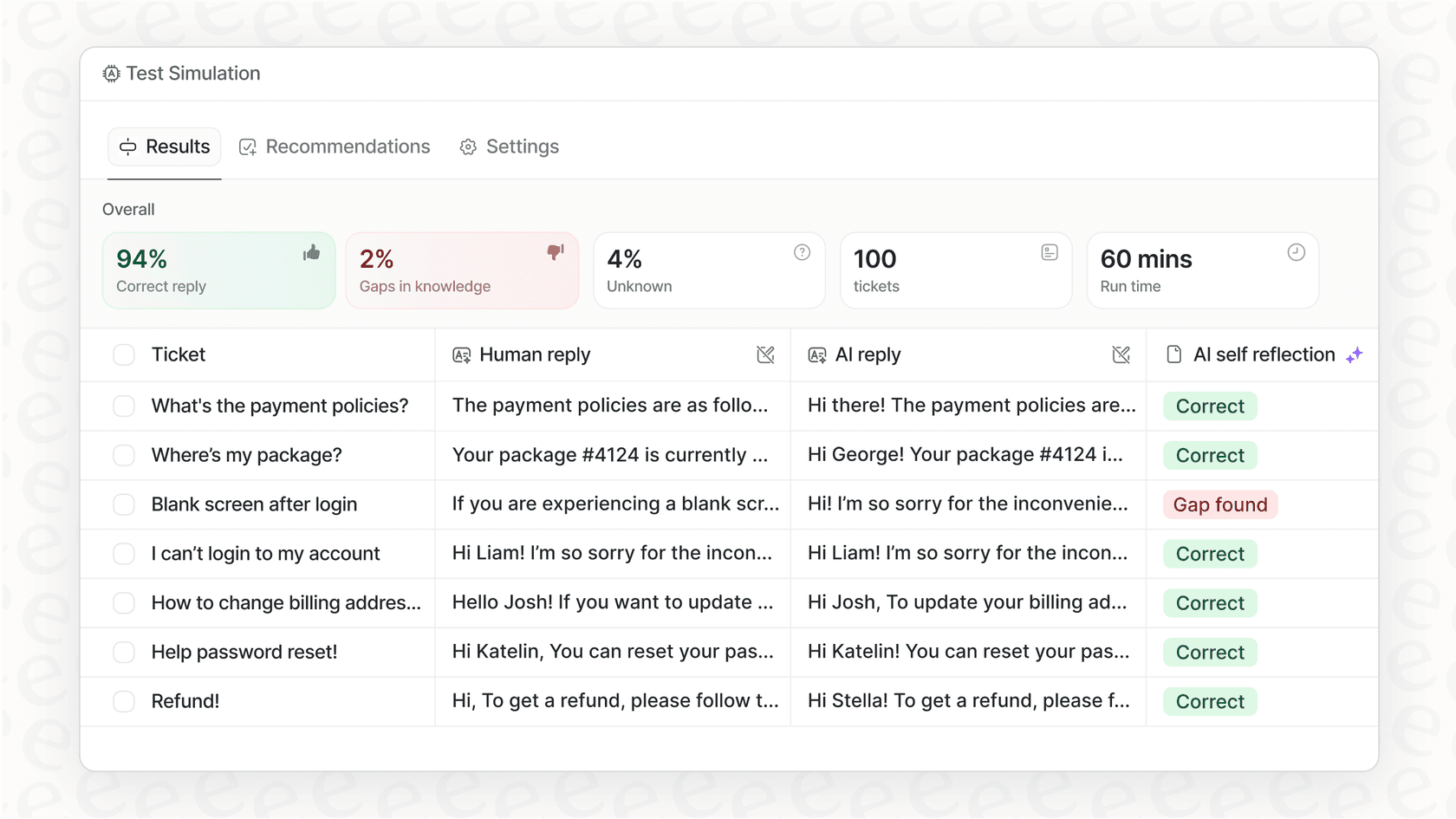
Before going live, you can run simulations on thousands of past tickets to see exactly how eesel would respond. This lets you verify quality and tune behavior before customers ever see it. Check out our pricing to see how this compares to traditional per-seat models.
Guru
Guru focuses on contextual knowledge delivery through browser extensions and CRM integrations. Their knowledge cards appear directly in the tools agents are already using, reducing context switching. The verification features help ensure information stays current, which is particularly valuable for sales and support teams that need confidence in their answers.
Pricing starts at $25 per user per month, with enterprise plans available for larger deployments.
Document360
Document360 is purpose-built for documentation with strong version control and approval workflows. Their AI writing assistant can generate articles from prompts or existing content, which helps teams keep documentation current without starting from scratch every time.
The platform is particularly strong for API documentation and technical content. Pricing requires contacting sales for custom quotes across their Professional, Business, and Enterprise tiers.
Glean
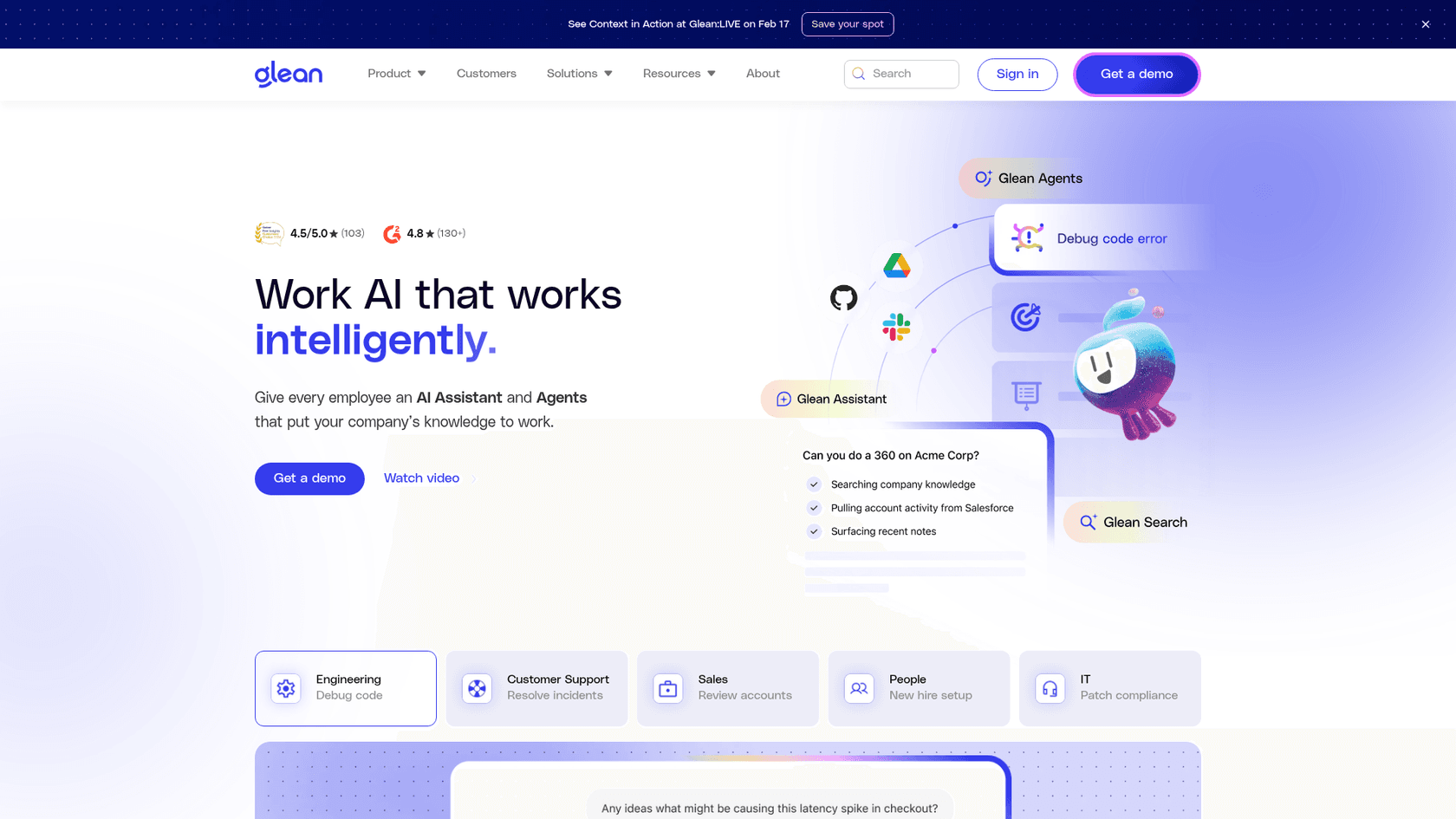
Glean takes an enterprise search approach, connecting to 100+ applications and using RAG (Retrieval-Augmented Generation) to ground AI responses in your organization's actual data. This is powerful for large companies with information scattered across many systems, but the enterprise-only pricing and implementation complexity make it less suitable for smaller teams.
Stonly
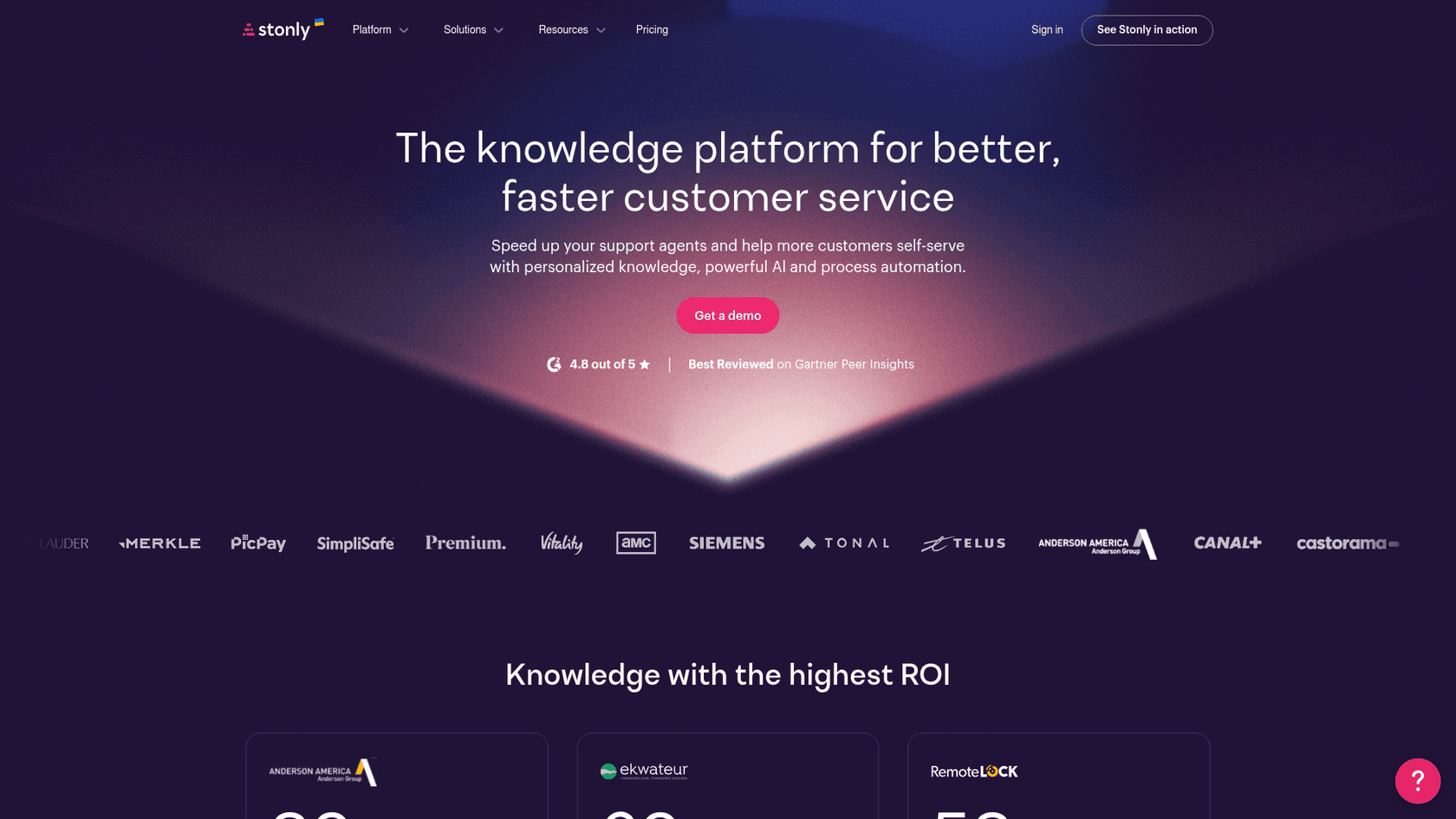
Stonly differentiates with interactive step-by-step guides that walk users through troubleshooting or processes. Their AI Answers feature asks clarifying questions to understand the specific situation before providing guidance. The free tier makes it accessible for smaller teams, with paid plans adding help desk integrations and advanced features.
Confluence
Confluence is the default choice for teams already in the Atlassian ecosystem. The recent addition of Atlassian Rovo brings AI search and assistance, though with usage credits that vary by plan. The free tier supports up to 10 users, making it accessible for small teams, though pricing scales per user for larger deployments.
How to implement AI knowledge management successfully
Start with data quality
There's a saying in AI: the output is only as good as the input. Before deploying any AI knowledge management system, audit your existing documentation. Remove outdated content, consolidate scattered information, and ensure your knowledge base actually contains the answers people are looking for.
AI can help organize and surface information, but it can't create knowledge that doesn't exist. If your documentation has significant gaps, fill them before expecting the AI to perform miracles.
Choose the right integration approach
The best AI knowledge management system is the one your team will actually use. That means meeting them where they already work. Look for solutions that integrate deeply with your help desk, Slack or Teams, and any other systems where agents spend their time.
Surface-level integrations that just add another tab to check won't drive adoption. Deep integrations that surface relevant information automatically in the flow of work will. See our integrations to understand what deep connections look like.
Progressive rollout strategy
Going fully autonomous from day one is risky. A better approach is to start with AI drafting replies that human agents review before sending. This lets you verify the AI understands your business before it talks to customers directly.
As confidence builds, expand to specific ticket types or queues. Eventually, you can level up to full autonomy for appropriate situations, with clear escalation rules for complex issues. Our guide covers this progressive approach in detail.
Measure what matters
Track metrics that actually reflect business impact:
- Ticket deflection rates: How many issues are resolved without human involvement?
- Time to resolution: Are agents solving problems faster with AI assistance?
- Agent confidence and adoption: Are your team members actually using the system?
- Knowledge gap identification: Is the AI flagging topics where you need better documentation?
For more on measuring deflection effectively, see our article on deflection rates.
Common pitfalls to avoid
Expecting AI to fix messy documentation. AI can organize and surface information, but it can't create knowledge that doesn't exist. Clean up your documentation first.
Going fully autonomous too quickly. The progressive approach isn't just safer, it's faster in the long run. Catching problems early prevents customer-facing mistakes that erode trust.
Ignoring change management. Agents need to trust the AI before they'll rely on it. Involve them in the rollout, address their concerns, and show them how it makes their jobs easier.
Neglecting continuous improvement. AI systems learn from feedback. If agents correct AI suggestions, those corrections should train the system. If they don't, the AI won't improve.
Choosing tools that require heavy configuration. Some platforms need extensive setup, manual training, and ongoing maintenance. Consider whether you have the resources for this, or whether a solution that learns from existing data would be more practical.
Getting started with AI knowledge management
AI knowledge management transforms support from reactive to proactive. Instead of waiting for tickets and then hunting for answers, you make knowledge instantly accessible to both customers and agents.
At eesel AI, we approach this as hiring an AI teammate rather than configuring another tool. You connect eesel to your existing help desk, and it learns your business from past tickets, help center articles, and connected documentation in minutes. No manual training. No uploading files to wizards. No waiting weeks for implementation.
You can run simulations on past tickets to see exactly how eesel would respond before going live. Start with eesel drafting replies for review, then expand scope as it proves itself. Eventually, eesel can handle full frontline support autonomously, escalating only the edge cases you define.
If you're curious how this would work for your support operations, invite eesel to your team and see for yourself.