Most IT teams know the feeling. Monday morning, the helpdesk queue has fifteen "I need access to X" tickets waiting. A new hire needs GitHub, Figma, Notion, and Salesforce. A contractor needs temporary read-only access to the data warehouse. Someone is asking for "the same access as Jessica." And somewhere in the backlog, a request from last Thursday never got approved because the right manager was out of the office.
System access requests - the formal process of granting employees access to applications, systems, and data - account for 50-75% of all IT tickets at most organizations. And in most places, every single one is handled manually: a ticket gets created, someone on IT triages it, chases down an approver, then clicks through admin panels to provision the access. Hours or days later, the employee can finally do their job.
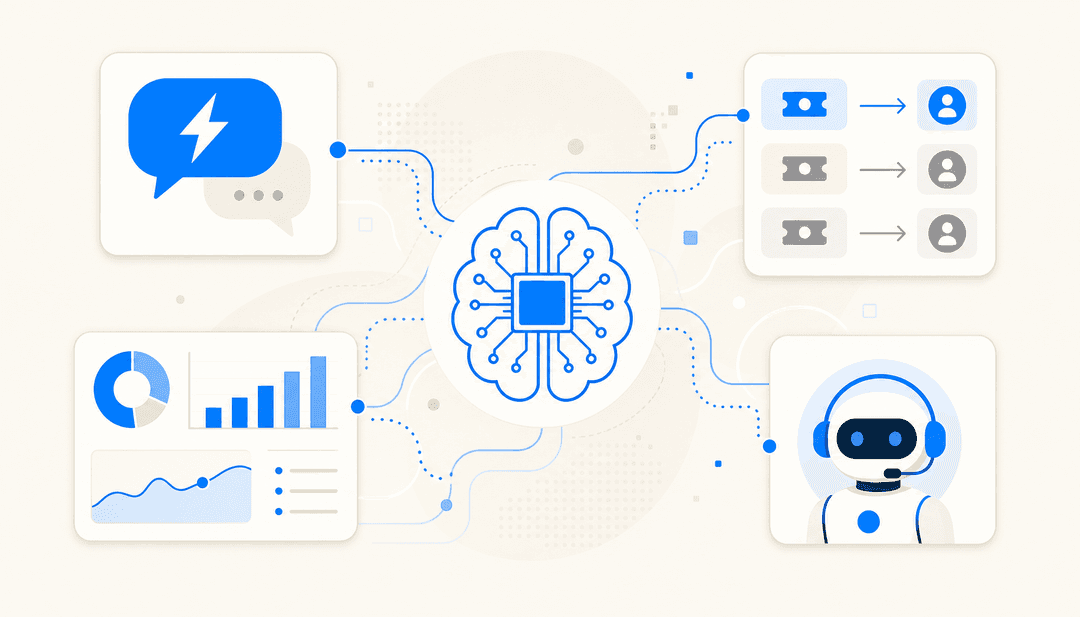
AI changes the picture without requiring new infrastructure. Rather than replacing your ITSM platform or identity provider, an AI agent deploys inside the tools you already use and handles every stage of the process - intake, triage, policy checking, approval routing, provisioning, and audit logging - automatically. This post covers how each of those stages works and what the results look like when organizations actually deploy it.
What counts as a system access request
A system access request is any time an employee formally asks for permission to use an application, system, dataset, folder, or elevated privilege. The most common types:
- Application access - a new hire needs Salesforce, a developer needs AWS dev access, a designer needs Figma
- Data or folder access - read or edit permissions on a shared drive, database, or regulated data set
- Privileged access - admin rights, root access, or database admin roles, which fall under Privileged Access Management (PAM) and carry stricter controls
- Role-based requests - assignment to a predefined role bundle (e.g., "Sales Analyst") that carries a standard set of permissions
- Temporary access - contractor or vendor access, or time-bound access for a specific project or duration
- "Copy access" requests - "give them the same access as Jane" - the operationally worst kind, because they bypass role definitions and require IT to investigate the colleague's full access profile
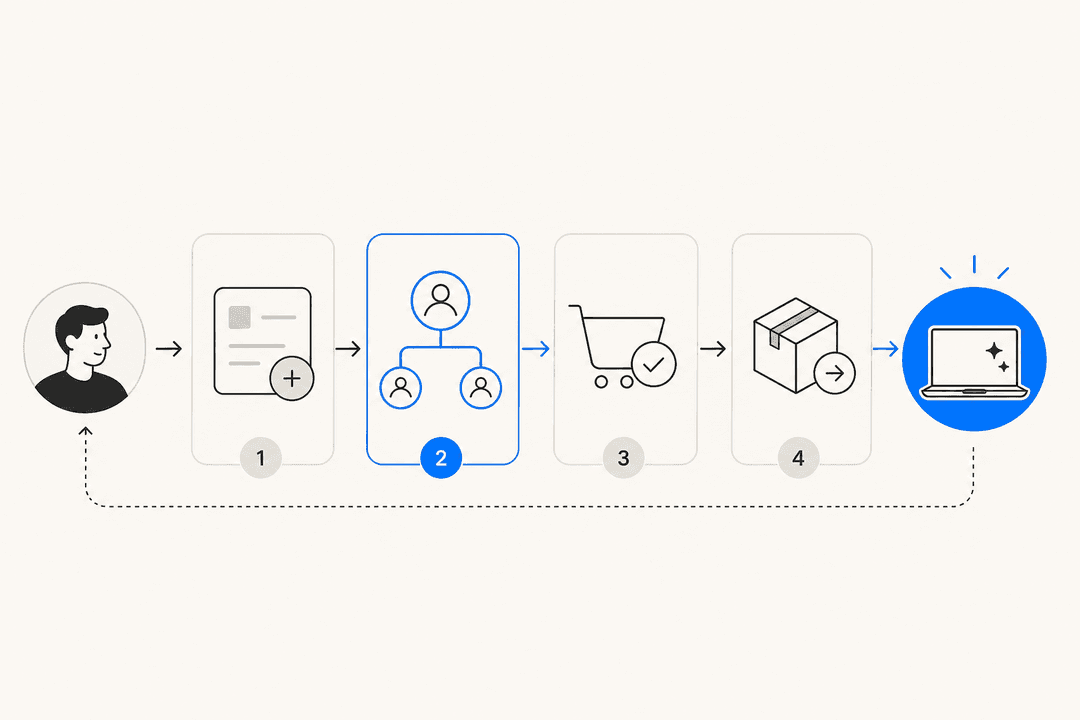
Every one of these runs through the same five-step process: request, review, approval routing, approval decision, provisioning. In most organizations, none of those five steps are automated.
Why manual access request management breaks
The problem is volume. A 5,000-employee organization handles roughly 10,000 access requests per year. At 15 minutes of IT time per request, that's 2,500 IT hours and approximately $55,000 in labor annually - before accounting for the time employees spend waiting.
One IT practitioner described the daily reality in a r/helpdesk thread:
"Some of those are straightforward, some are 'give them the same access as this person' which is a whole investigation."

The same thread surfaces a classic tension:
"Standard package on day one covers maybe 60% of what they actually need. Rest comes in as tickets over the next two weeks... Security keeps pushing back on the default package being too broad. Fair point honestly. If one of those accounts gets compromised the blast radius is huge."
The specific failure modes that compound over time:
Wait times that block work. Employees wait hours to days for access that should take minutes. For a new hire, that means sitting idle while IT tracks down approvals.
Rubberstamping. Approval workflows only work if approvers actually read the request. In practice, many click "approve" without reviewing, because the notification lacks context. This creates the appearance of governance without the substance.
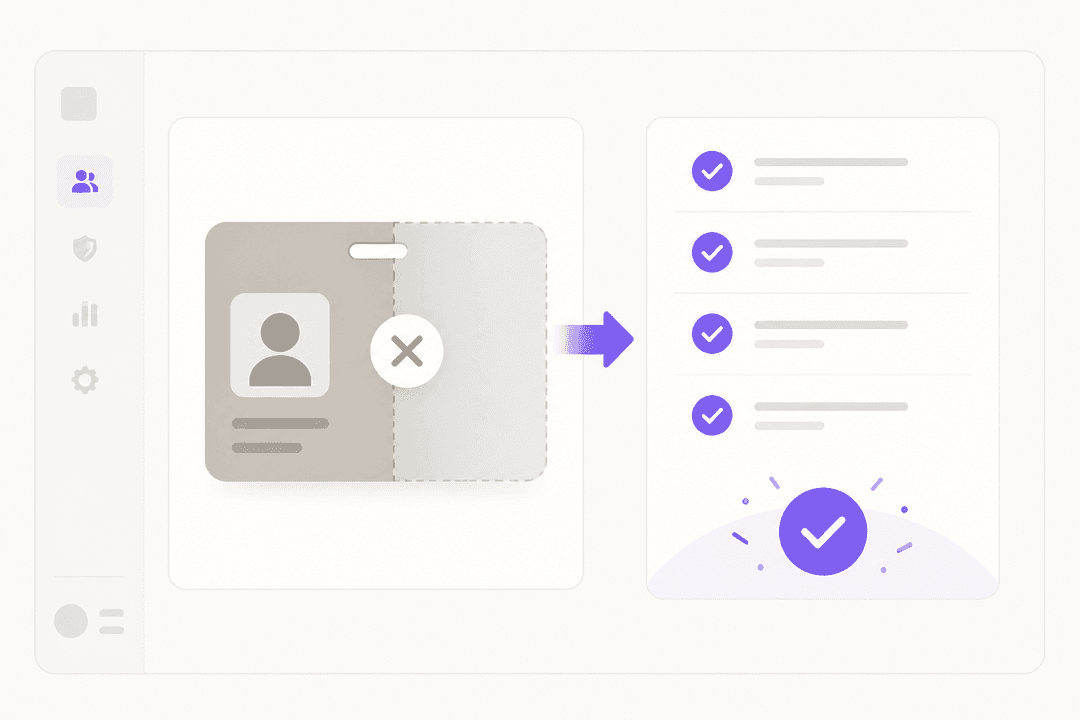
Delayed deprovisioning. When someone leaves or changes roles, manual processes mean their old access persists. Former employees retain access. Role-changers accumulate permissions over time - a pattern called privilege creep. Each dormant account is a potential attack surface.
No audit trail. Requests submitted via Slack DMs or email leave no structured record. When auditors ask "who had access to this system in Q3 and who approved it?", the answer involves a multi-day manual exercise.
| Pain point | Scale |
|---|---|
| Share of IT requests that are access-related | 50-75% |
| Annual IT hours wasted (5,000-employee org) | 2,500 hours |
| Estimated annual labor cost | ~$55,000 |
| Ironclad weekly manual access tickets before automation | ~100/week |
| Typical manual provisioning wait | Hours to days |
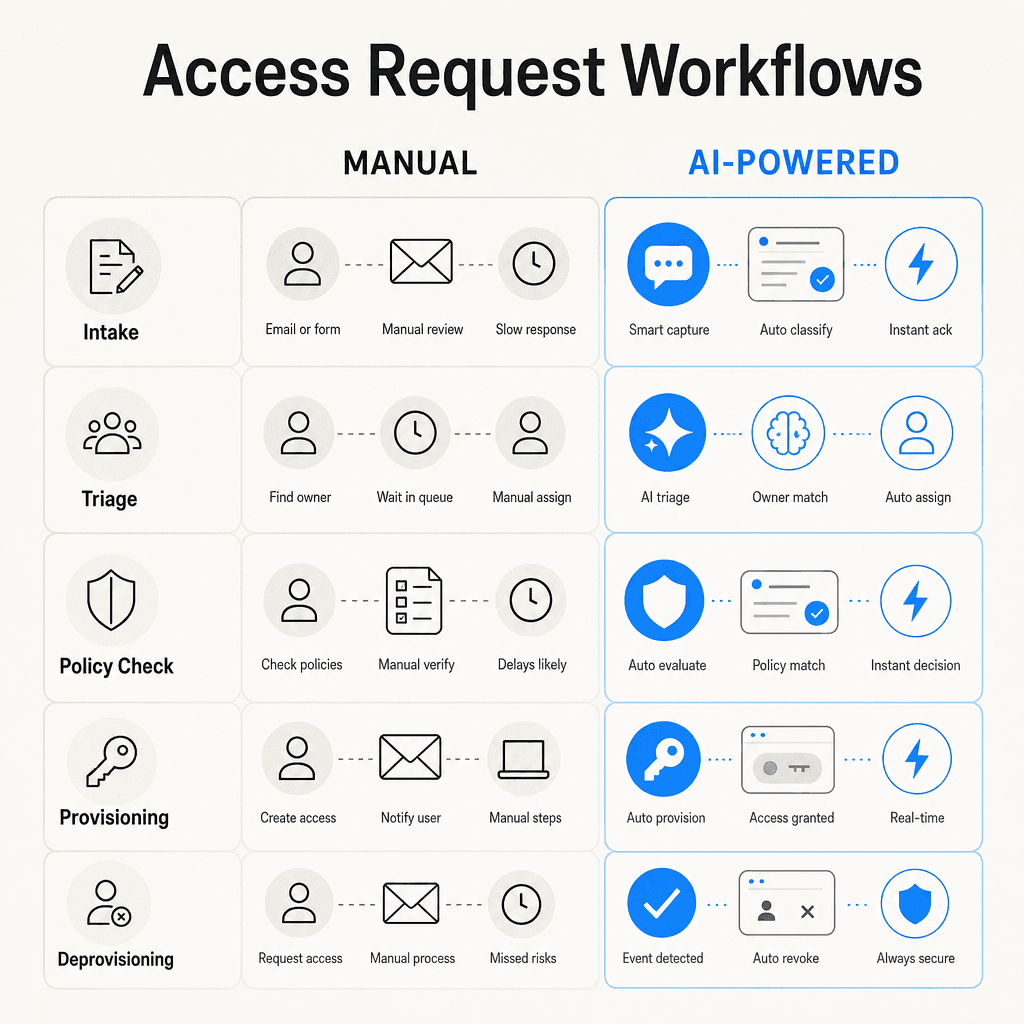
How AI handles each stage of the access request lifecycle
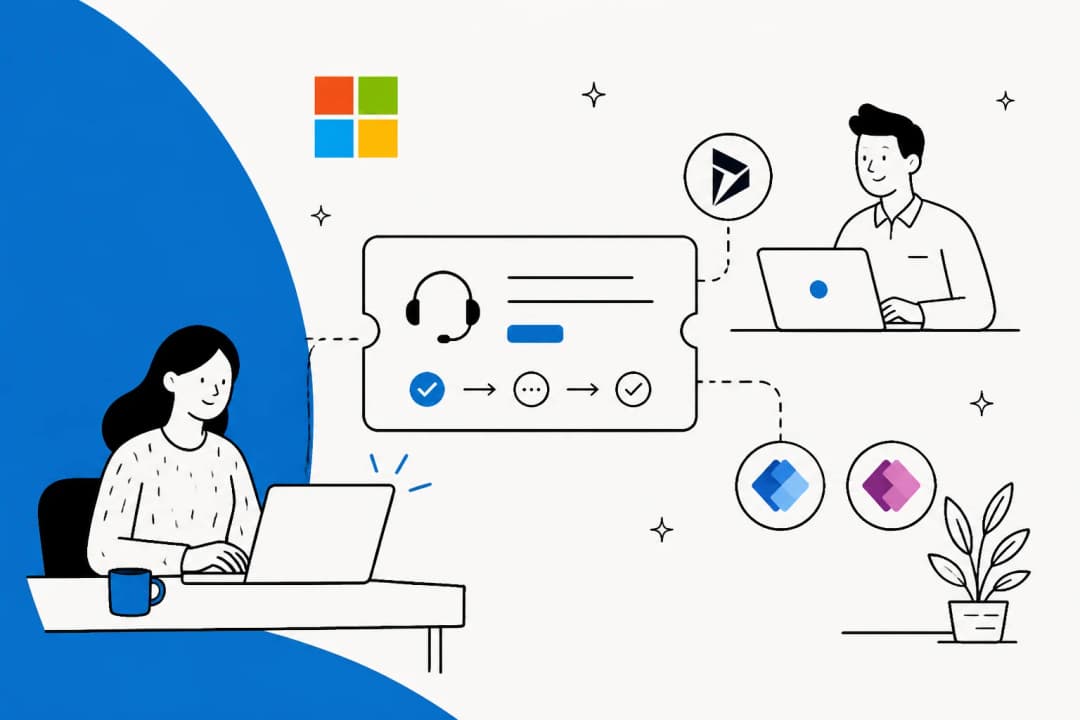
AI doesn't replace your identity provider (Okta, Entra, Jumpcloud) or your ITSM platform. It plugs into the helpdesk where access requests already land and takes ownership of every step in the workflow.
Conversational intake
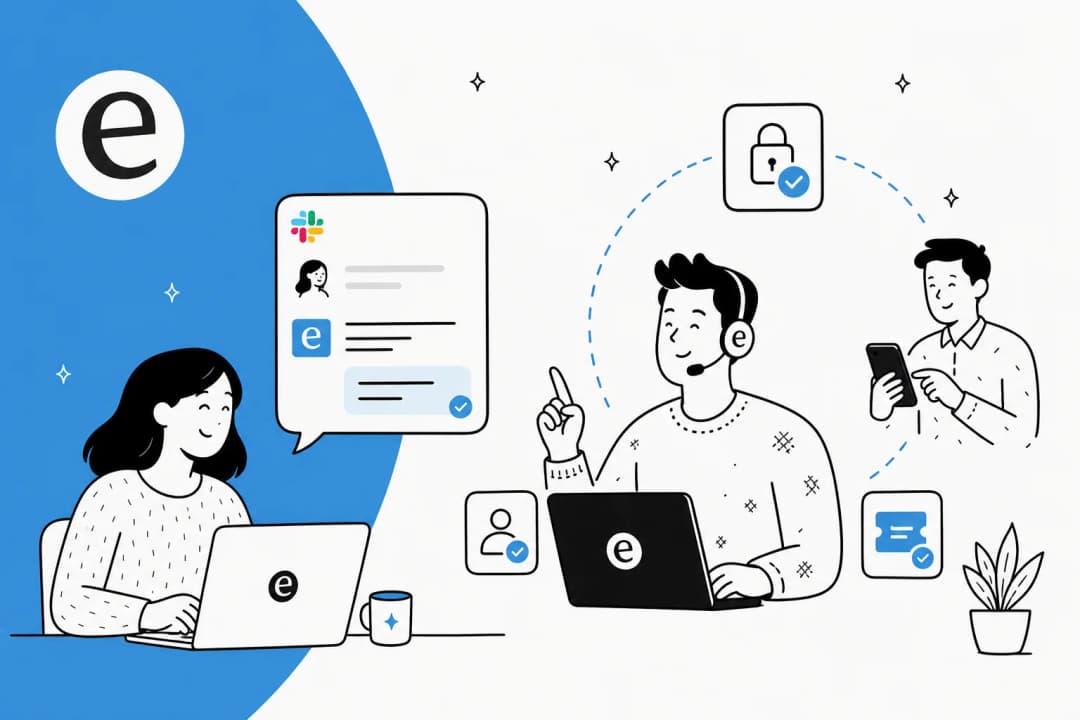
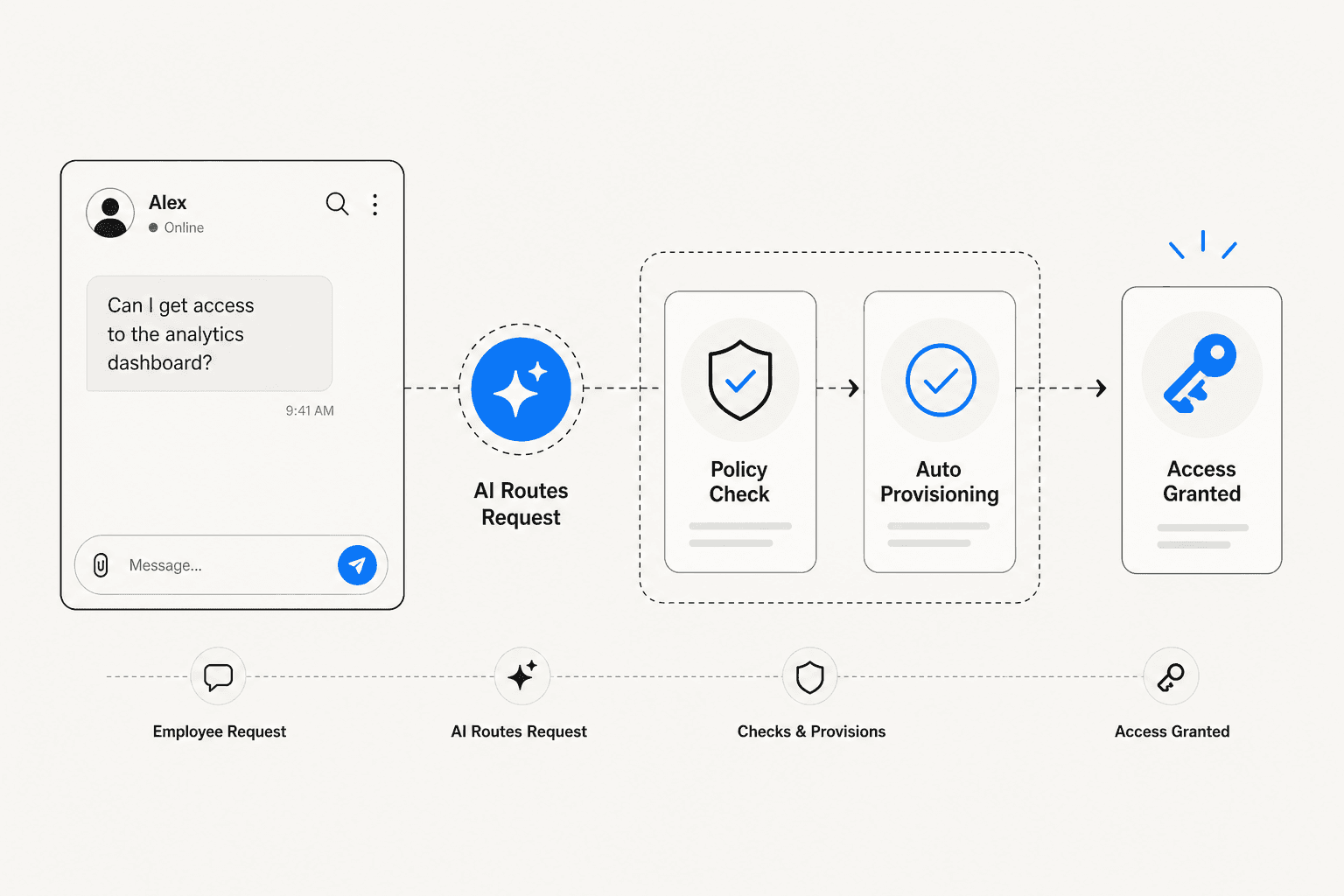
Instead of navigating a form or portal, employees ask in plain language through the tools they're already in - typically Slack or Teams, or directly in the helpdesk ticket:
- "Can I get access to Salesforce?"
- "I need read-only Stripe access for 90 days for the Q3 audit project."
- "My new team member starts Monday - can you set up the same GitHub access as the rest of the engineering team?"
AI interprets the intent, identifies what system and access level is being requested, asks clarifying questions where needed, and structures a proper request automatically. The employee doesn't need to know which form to fill out or which queue to route to.
Intent classification and triage
Once structured, AI classifies the request: access request or troubleshooting issue? Which application? What level? Human user or service account? Is this urgent or standard?
This automatic triage eliminates one of the highest-volume, lowest-value activities for IT staff. When Qonto deployed Siit's AI for ITSM, automated triage alone reduced SLA resolution time by 50%.
Policy checking and auto-approval
Before any human sees the request, AI cross-references it against your policies and access catalog:
- Is this employee's role eligible for the requested access?
- Is this application in the pre-approved catalog for their department?
- Does this request create a separation-of-duties conflict?
Low-risk, pre-approved requests can be auto-approved without IT involvement at all. A designer requesting Figma, a new sales hire requesting the standard CRM role - these should never touch a human reviewer. Higher-risk requests (database admin access, financial systems, privileged accounts) still route to a human approver, but everything else is resolved automatically.
From Siit's documentation on their workflow:
"If an employee needs access to software, AI can: 1) Check company policy for eligibility. 2) Approve access automatically if the request meets criteria. 3) Notify IT only if human approval is needed."
Intelligent approval routing
When human approval is required, AI routes to the right person automatically - the application owner, the requester's manager, or a data steward depending on what's being requested and how sensitive the system is.
Critically, it routes with context: who is asking, their role, what level of access, and for how long. Approvers get a complete picture rather than a bare notification, which addresses the rubberstamping problem. If an approver doesn't respond within a defined timeframe, automatic escalation kicks in.
Vergil Smith, IT Manager at Vidyard, described what this looked like for their SOC 2 requirements:
Automated provisioning
When a request is approved - or auto-approved - AI provisions access in the target system without anyone clicking through an admin panel. For applications that support SCIM (the System for Cross-domain Identity Management protocol), this happens through the identity provider. For others, direct API integrations handle it.
Time-bound access gets an automatic expiry: a contractor receives 30-day access and it disappears on day 30 without anyone needing to remember. Tom Grinberg at Trust & Will:
Automated deprovisioning
Deprovisioning is the neglected half of the access lifecycle. AI handles it automatically: access expires on schedule, an HRIS role change triggers removal of old entitlements, and offboarding immediately revokes access across all connected applications. Ghost accounts - former employees with still-active credentials - stop accumulating.
Continuous audit trails
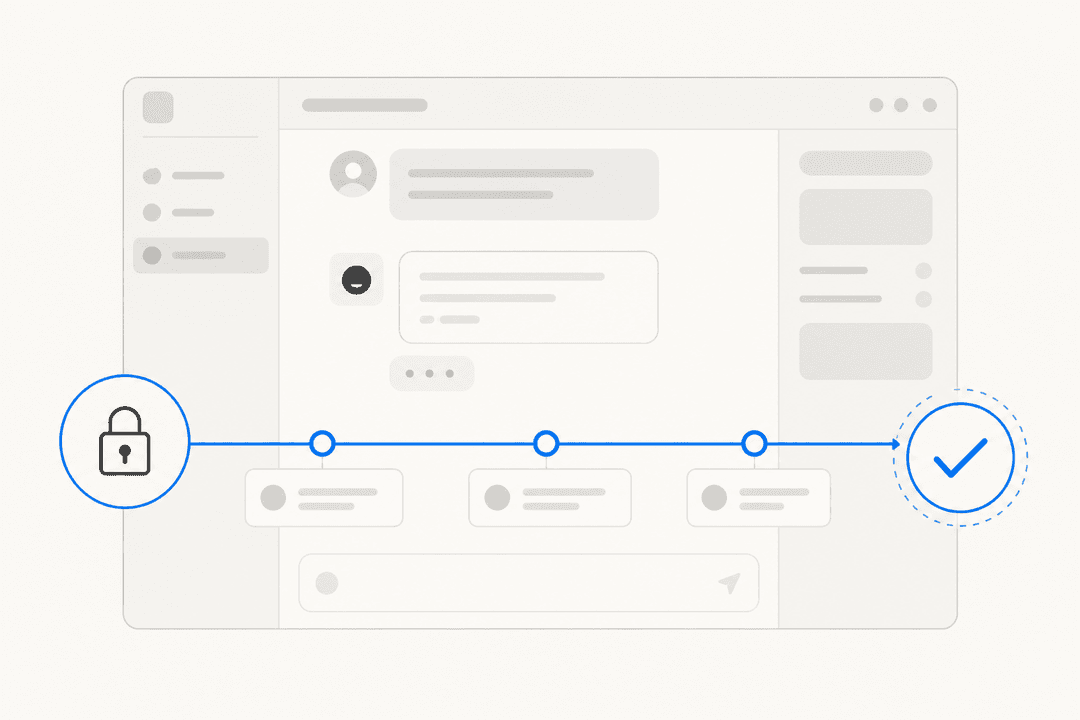
Every AI-mediated action generates a structured, timestamped record: who requested access, what was requested, what justification was provided, who approved (or which policy triggered auto-approval), when access was granted, and when it expires or was revoked.
Before deploying access tooling, Jason Huey at ThoughtSpot noted that compliance reports could take days to compile. With automated audit logging running continuously, that same report takes seconds.
What the results actually look like
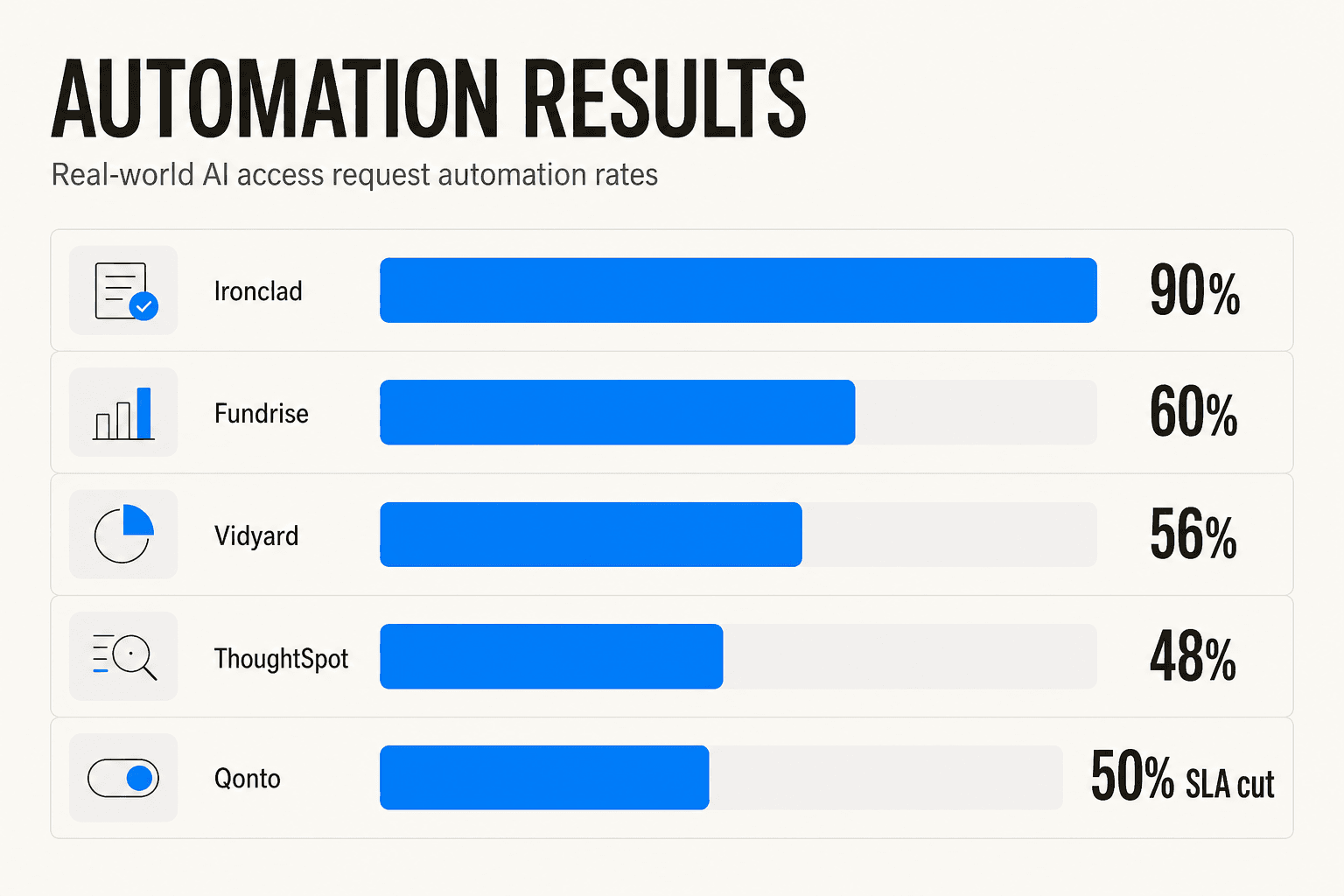
The automation rates when organizations deploy AI for access requests vary based on how well-defined their access policies are before they start - but the direction is consistent:
| Company | Tool | Result |
|---|---|---|
| Ironclad | Risotto | ~90% of access-related IT requests automated |
| Fundrise | Risotto | ~60% of all IT tickets automated |
| Vidyard | Risotto | ~56% of IT tickets automated |
| ThoughtSpot | Risotto | ~48% of IT tickets automated |
| Retool | Risotto | Average resolution time from 2 days to under 1 day |
| Qonto | Siit | SLA resolution time reduced by 50% |
Ironclad's 90% automation rate reflects what's possible when role definitions and access catalogs are already well-structured. Organizations that haven't yet defined what "standard access" means for each department will see lower initial rates - but the process of deploying AI also forces that clarity. That clarity then compounds into higher automation over time.
Compliance as a side effect
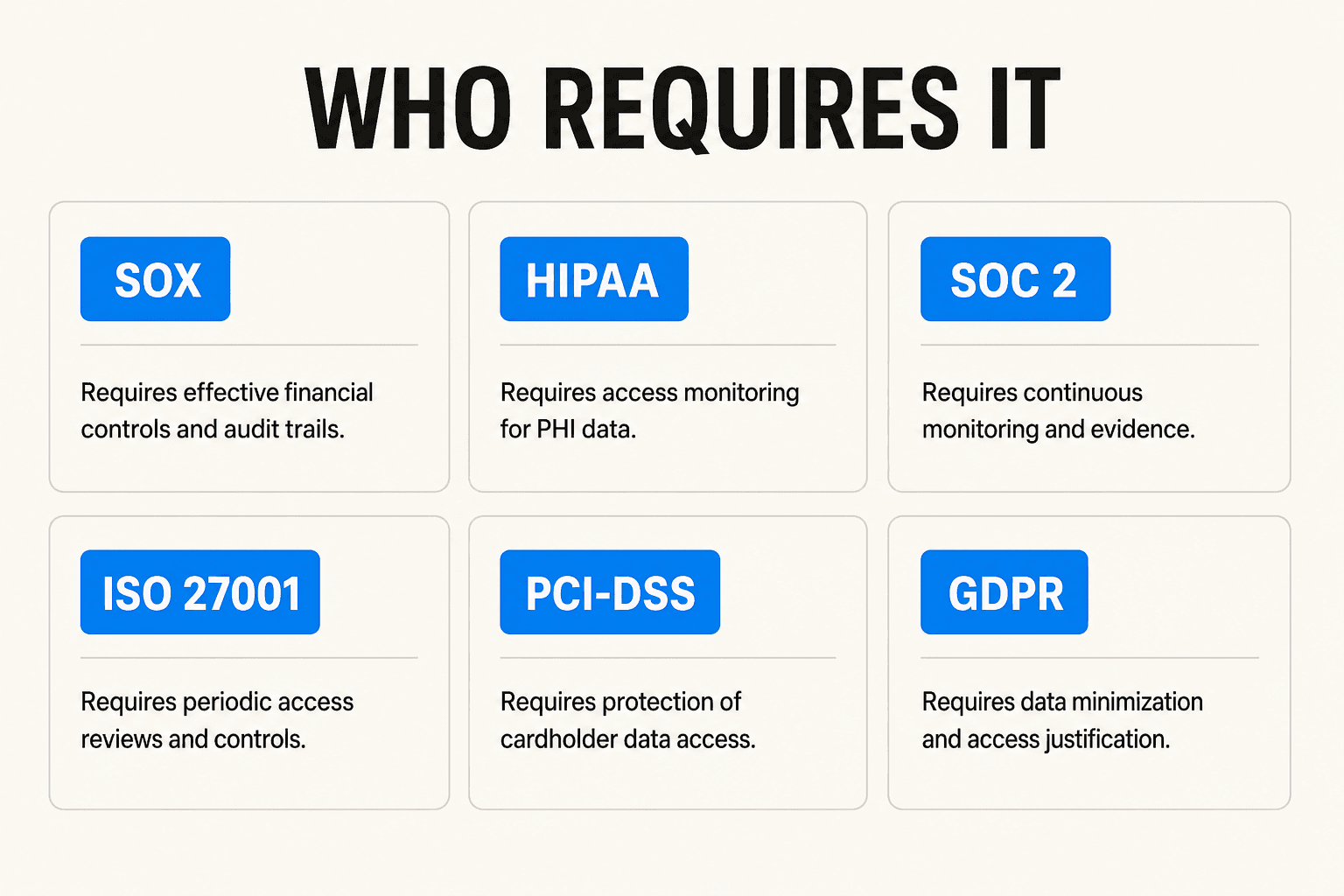
Six widely applicable compliance frameworks specifically mandate access control and audit trails. AI-mediated access request management satisfies all of them automatically - not as a separate compliance initiative, but as a natural byproduct of the automated workflow.
| Framework | Who it applies to | What it requires for access |
|---|---|---|
| SOX | Publicly traded companies | Regular access reviews, user lifecycle management, detailed activity logs for IT general controls |
| HIPAA | Healthcare orgs handling PHI | Unique user IDs, minimum necessary access, RBAC, activity logging; penalties up to $50,000/violation |
| SOC 2 | SaaS companies seeking Trust certification | Logical access restrictions, continuous user activity monitoring |
| ISO 27001 | Any certified organization | Access control policy, user registration and deregistration lifecycle, periodic access reviews (Annex A.9) |
| PCI-DSS | Organizations handling card data | Role-restricted access to cardholder data, strong authentication, complete access logs (Requirements 7, 8, 10) |
| GDPR | Organizations with EU personal data | Data minimization (Article 5(1)(c)), least-privilege enforcement, audit trails for personal data access |
The shared requirement across all six: prove, at any audit moment, who had access to what, why, who approved it, and when it was removed. Manual processes cannot reliably produce this evidence. An AI-mediated access request system produces it continuously and automatically.
Setting up AI for access requests: the practical path
You don't need to replace your IAM infrastructure. The approach is to layer AI into what you already have.
Step 1: Connect your existing ITSM tool. Start where access requests already land. If your team uses Jira Service Management, Zendesk, or Freshdesk, an AI helpdesk agent deploys inside that tool - not alongside it. Employees keep submitting requests the same way they always have.
Step 2: Import your policy documentation and access catalog. The AI checks requests against what you've defined as appropriate access per role and department. This step is also a useful forcing function - it surfaces where your role definitions are unclear or missing.
Step 3: Define auto-approval rules for low-risk requests. Start with the obvious cases: standard SaaS tools that anyone in a given department should have. A designer requesting Figma, a support rep requesting Zendesk access - these don't need approval workflows.
Step 4: Set up approval routing rules. Define who approves what. Direct manager for standard application access; application owner for elevated permissions; CISO or data steward for sensitive systems. These rules translate directly into compliance controls.
Step 5: Start in draft mode. Let the AI prepare responses and route requests, but keep a human reviewing before any action is taken. This is how most teams build confidence before enabling autonomous operation. It also gives you visibility into what the AI is classifying and how.
Step 6: Review coverage and expand. AI platforms surface which request categories aren't resolving automatically - use this to fill in missing policy docs or clarify your access catalog. This is how teams go from 40% automation in week one to 70%+ by month three.
For teams handling IT hardware requests or change management workflows alongside access requests, the same approach applies across ticket types - one agent, trained on your existing documentation and ticket history, handling the full range of internal IT work.
Try eesel
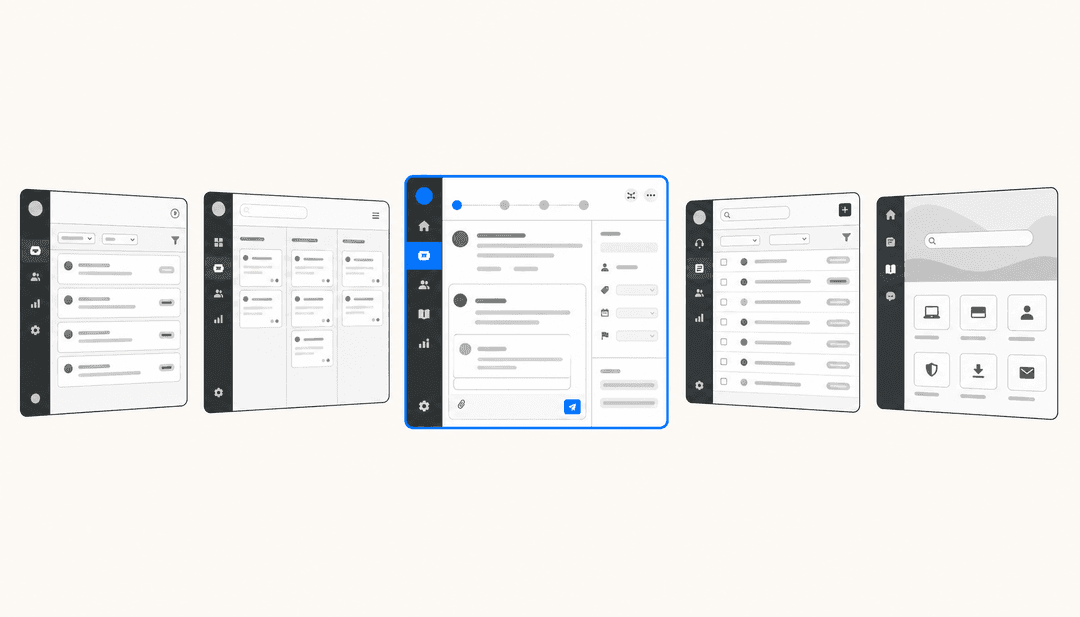
eesel deploys an AI helpdesk agent inside your existing ITSM tool to handle tickets autonomously. Jason Loyola, Head of IT at InDebted, described the access request use case directly: "We use it to be the first responder to our Helpdesk tickets in Jira. It essentially acts just like an agent would."
The agent works in draft mode or autonomous mode, learns from your resolved tickets and internal documentation, and surfaces coverage gaps - the categories it can't yet handle automatically and what's missing to fix that. Pricing is usage-based at $0.40 per resolved ticket with no platform fee and no per-seat charges. The first $50 of usage is free to start.
If access requests are consuming more IT hours than they should - or if your last compliance audit involved reconstructing approval records from Slack messages - eesel is worth a look.