A new hire starts Monday. The manager sends an email to IT on Thursday afternoon: "Can we get them a laptop ASAP?" That email will get forwarded, quoted in a Slack thread, and - if nothing falls through - result in a laptop arriving several days after the new hire sits down at an empty desk.
This is not an edge case. According to an InformationWeek study, 58% of IT teams spend five or more hours per week on repetitive requests, with hardware provisioning and onboarding consistently at the top of the list. 90% of IT professionals say manual tasks contribute to low morale and attrition. The manual process isn't failing because IT teams are slow - it's failing because the workflow was designed for in-office teams with two weeks of lead time, not distributed companies and last-minute hire notifications.
AI changes what's possible for hardware requests. Not by removing IT judgment from the process, but by handling the coordination work that consumes time without adding value: intake, routing, chasing approvals, and answering "where's my order?" five times a day.
Why hardware requests pile up
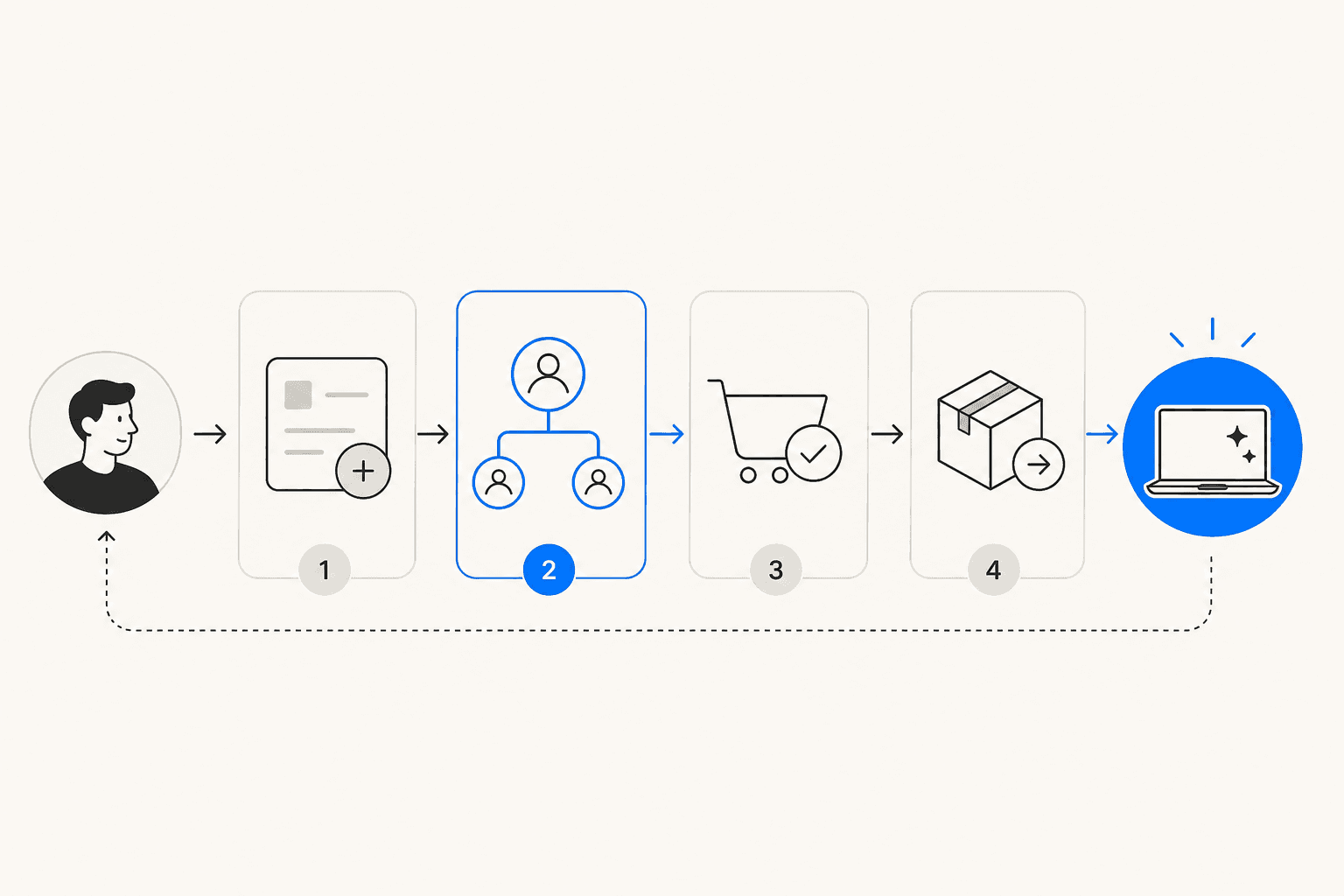
A hardware request isn't a single task. Even a simple laptop request for a new hire typically touches the requesting manager, IT inventory, procurement, and finance - all in sequence. According to Cflow, 53% of organizations experience inefficiencies specifically because these approval stages run in separate systems with no automated handoffs between them.
The IT community has described this problem consistently for years. In one r/sysadmin thread with over 240 comments, the defining frustration is:
"Email comes in 'URGENT: Need new user added ASAP... blah ... approval process, get the purchase approved, order it and get it programmed.'"

The 10-business-day hardware lead time that IT teams request exists precisely because each step in the chain depends on a human decision. When a manager submits a request on day nine, there's no buffer left for any of it. The request is urgent the moment it arrives, but the process assumes planning that never happened.
Automated IT ticketing doesn't solve this by making humans faster - it removes the waiting steps entirely.
The four categories of hardware request
Not all hardware requests carry the same weight, and the right level of automation depends on what's being requested.
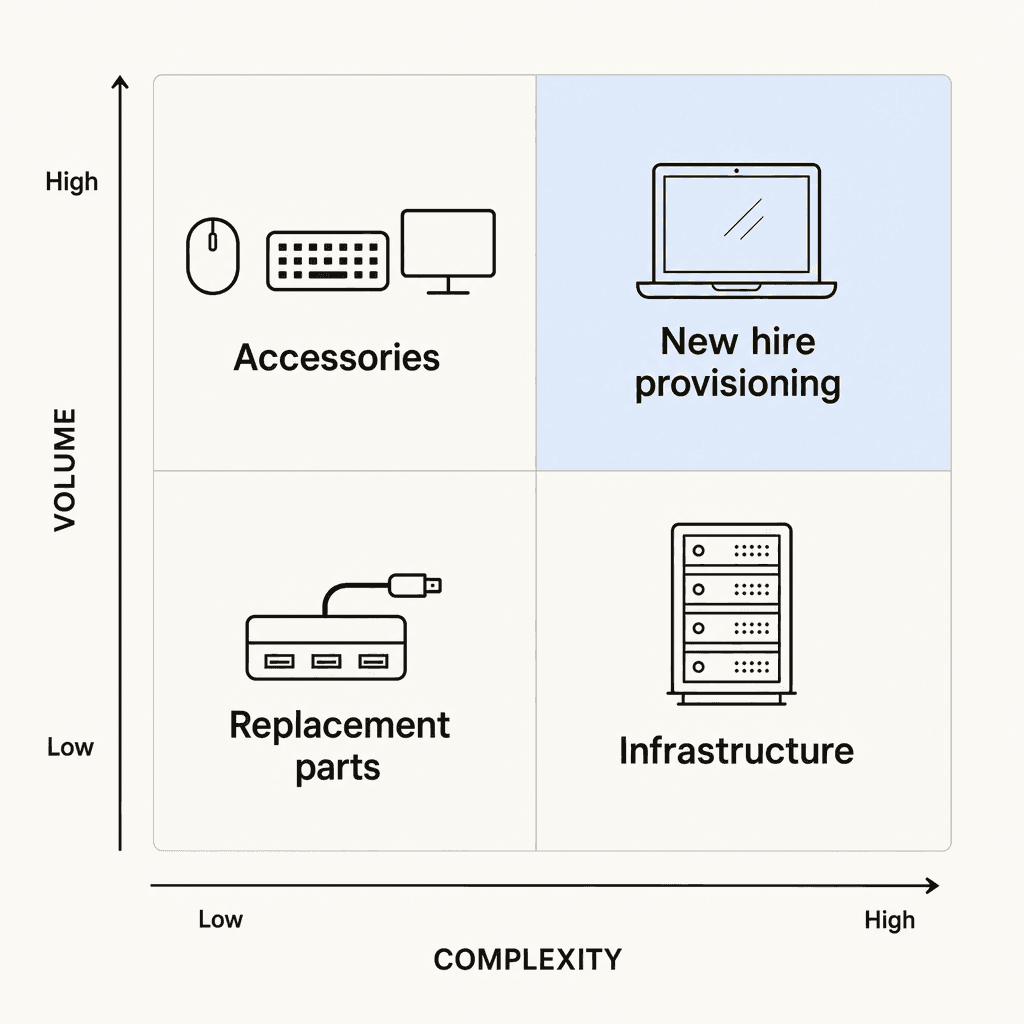
Accessories and peripherals - keyboards, mice, monitors, docks, cables - are high volume and low complexity. These are often below procurement approval thresholds and can be auto-approved based on cost and inventory rules. They account for a large share of IT ticket volume but require the least human judgment per request.
Hardware replacements for failed devices, end-of-life laptops, and lost equipment require a check against existing asset records before a replacement is authorized. If the CMDB entry is clean and the device is out of warranty, the replacement can route automatically. If something is missing or under warranty, it needs a human decision.
New hire provisioning is the highest-volume, most time-sensitive scenario. A single hire triggers requests for a laptop, monitors, peripherals, and often MDM enrollment before day one. This is where late requests cause the most visible business impact, and where automation has the clearest ROI. One r/sysadmin thread from two months ago with 140 comments reports: "Last month, we onboarded 3 new remote employees, and 2 of them did not receive their laptops by the start date."
Infrastructure and server procurement is low volume but high complexity - long approval chains, vendor RFQ processes, legal review, executive sign-off. AI handles intake and routing here but the approval decisions themselves remain human.
Where manual processes break down
The delays in hardware request handling don't spread evenly across the workflow. They cluster at specific handoff points.
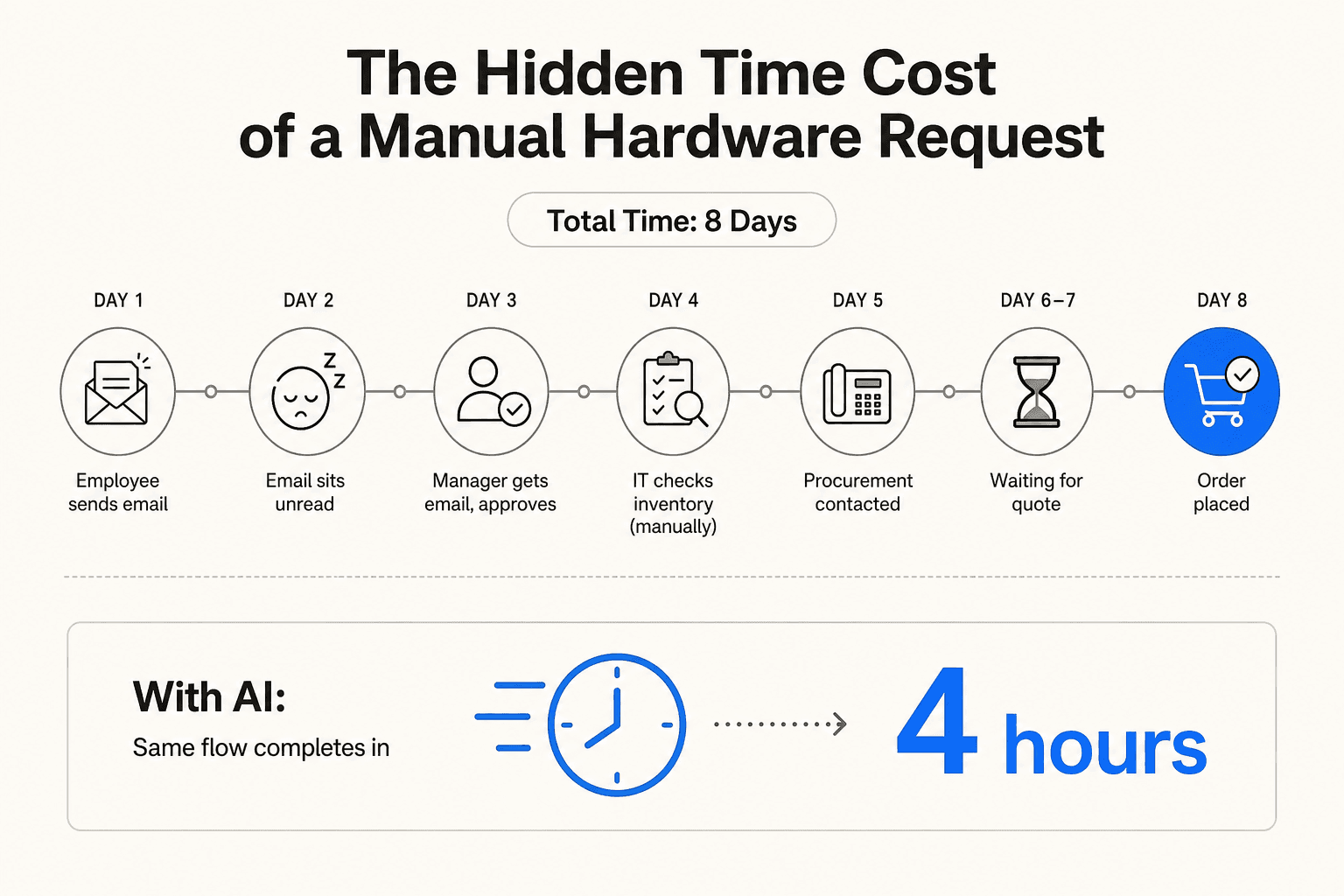
The HR-IT gap. IT doesn't learn about a new hire until someone manually tells them. HR knows the moment an offer is accepted, but that information doesn't automatically reach the IT system. As one r/automation thread put it directly: "IT needs lead time to provision hardware but HR doesn't always know when offer is signed." The fix - HRIS triggering an automatic IT ticket - is well understood but not widely implemented. Teams that have built it describe the contrast starkly: in one r/helpdesk thread, one commenter describes their setup as "entirely automated, using Jira Service Management for ticket, using the automation flow to start it" while the original poster was "getting destroyed by onboarding tickets."
Manual inventory checks. Before ordering hardware, IT needs to verify whether the request can be filled from existing stock. Without a live CMDB connection, this means checking a spreadsheet or logging into a separate asset tool. For remote teams, it's worse. One r/ITManagers thread with 130 comments describes the peripheral tracking problem directly:
"tried to do hardware inventory management with a spreadsheet but its impossible when you cant physically see or touch anything. people dont... MDM helps with the laptops but what about monitors and docks and peripherals? absolutely no clue where any of that stuff is."
Status questions. A significant share of IT ticket volume is employees asking where their request is. This requires no decision-making - it's a lookup - but it consumes the same IT attention as a request that actually needs thought. Building an effective internal helpdesk means systematically removing these friction points rather than adding headcount to absorb them.
What AI takes off your plate
The before/after of AI-assisted hardware request handling is concrete enough to be worth mapping out.
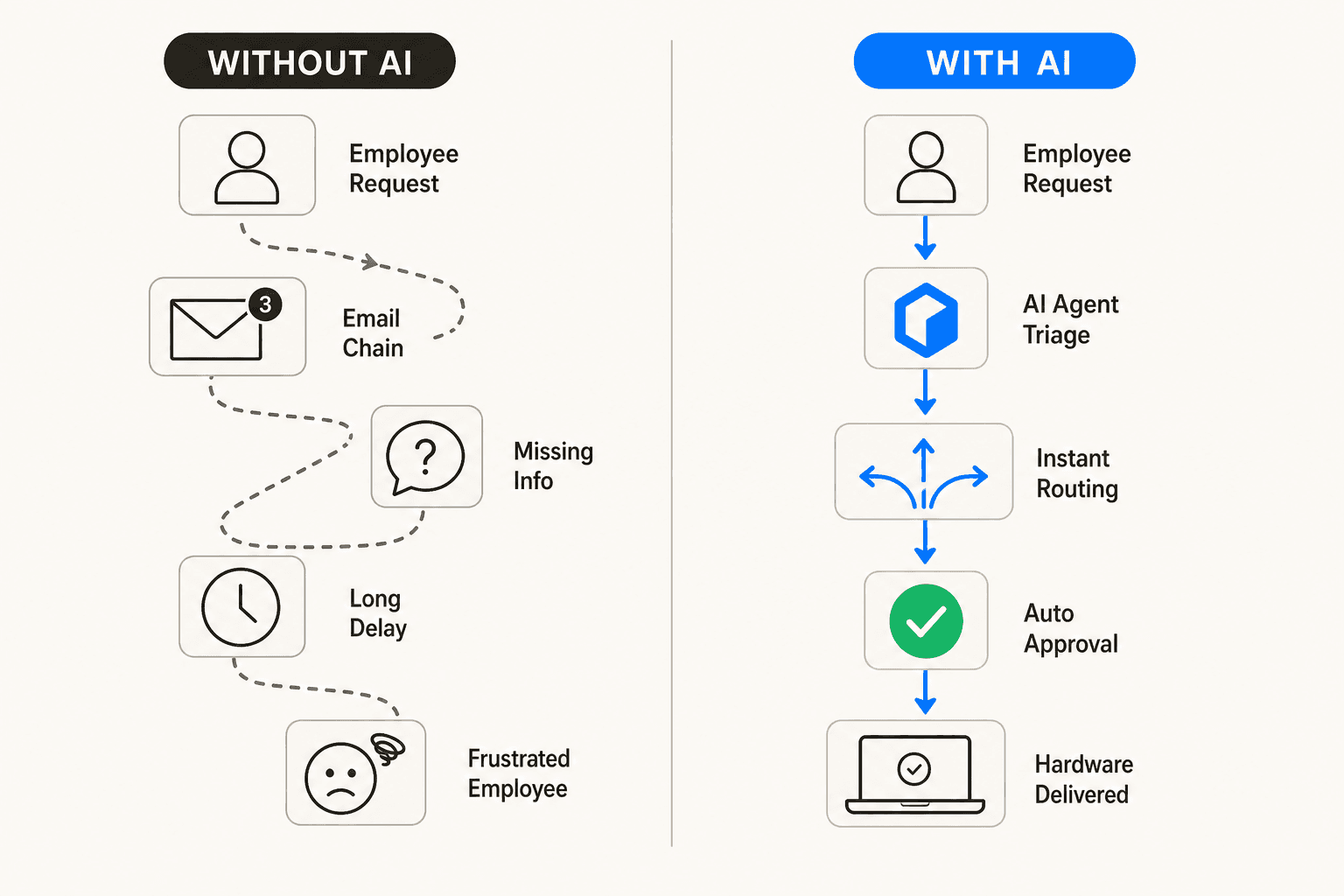
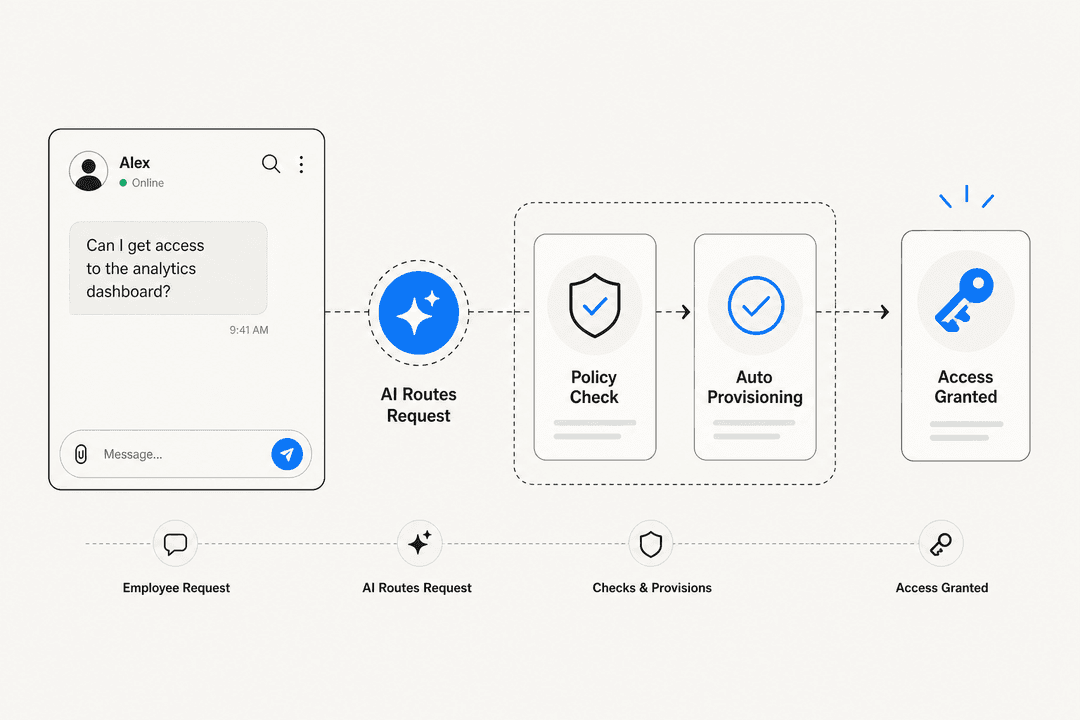
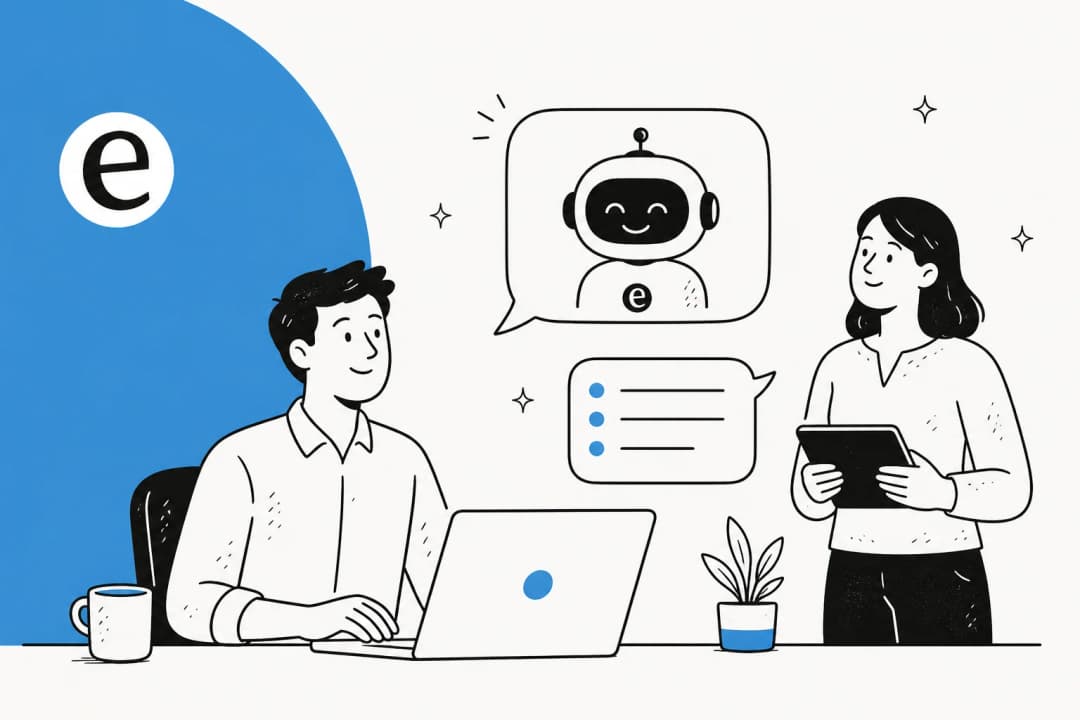
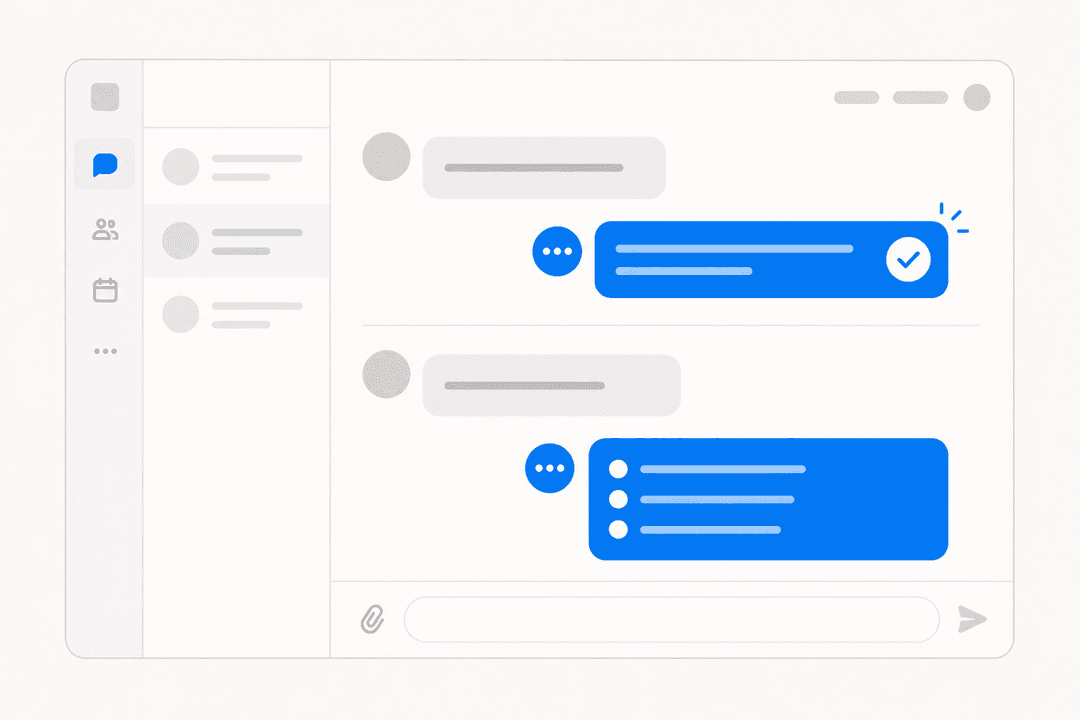
Natural language intake. An employee types "I need a replacement monitor - mine stopped working" in Slack. The AI interprets the request, categorizes it, and opens the appropriate ticket. No portal navigation, no form to find. ITSM chatbots built for conversational intake handle this 24/7, including outside business hours. According to IBM, AI virtual agents take over this layer without IT involvement for the intake step.
Automated inventory check. Before routing a purchase request, the AI queries available stock. If a usable monitor is already in storage, it flags the reallocation option rather than opening a procurement request. This is where ITSM automation tools with CMDB integration have a measurable impact on unnecessary purchases.
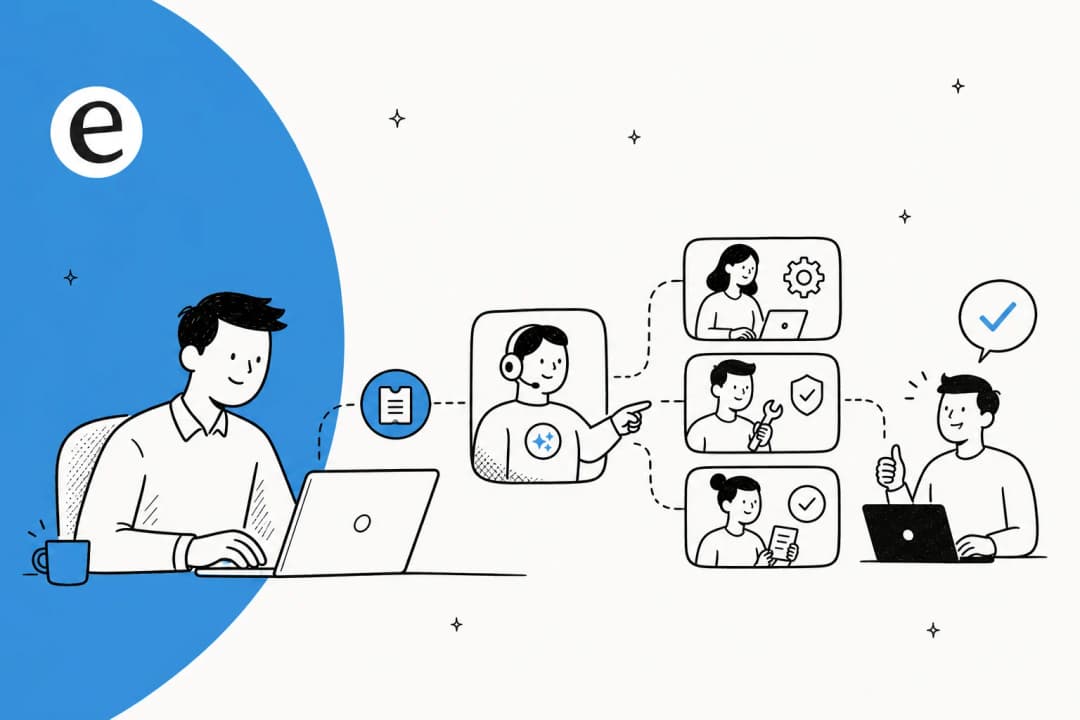
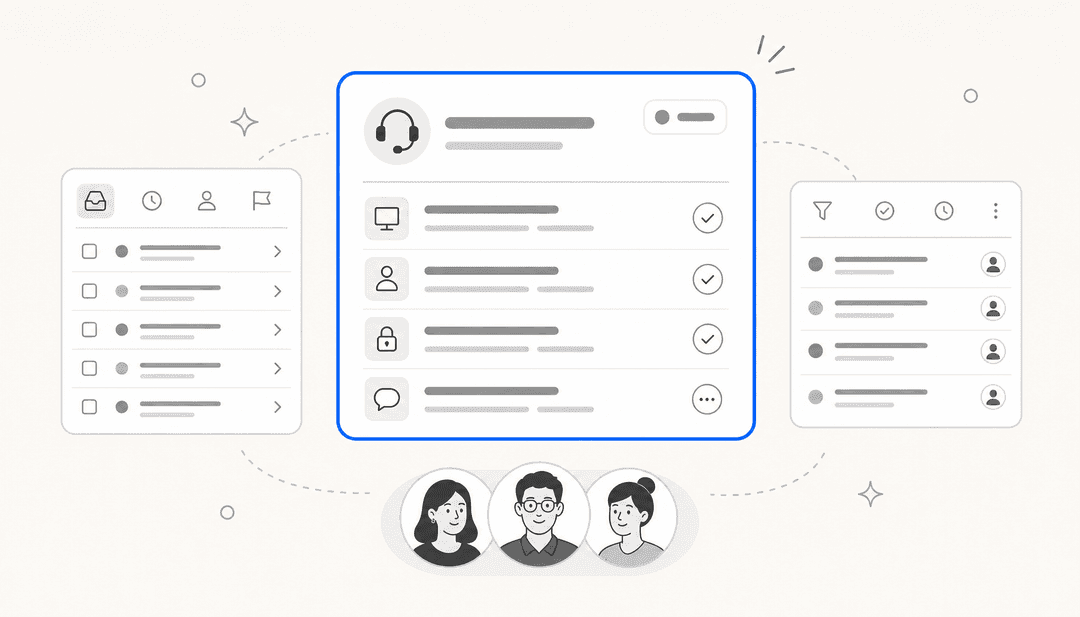
Intelligent approval routing. Hardware requests route automatically to the correct approvers based on cost threshold, hardware type, department rules, and vendor status. A $30 USB hub skips the finance approval chain entirely. A $2,500 laptop routes to the manager, then IT inventory, then procurement - in sequence, with automated reminders so nothing stalls in an unread inbox. According to Siit, a 30-second approval decision can take over an hour when bounced manually between teams. AI routing collapses that to the actual decision time.
Status tracking without IT involvement. Employees can ask "where is my laptop order?" and get an accurate real-time answer without creating a ticket. This is the same category as password reset requests and access provisioning - questions that require no judgment from IT but consume their time anyway. Deflecting them entirely is where the hours add up.
Cross-departmental orchestration for new hire provisioning. For new hires specifically, AI can trigger MDM enrollment, route budget approval to Finance via Slack, update asset records, and notify IT when equipment arrives - all from a single intake event. Siit describes this as removing the coordination tax: the hours spent manually following up across departments to make sure each step happened.
Pattern detection. If 12 employees submit replacement requests for the same laptop model in the same week, a well-configured AI agent spots the pattern and creates a single incident ticket rather than processing 12 separate replacements. Remote IT support AI does this well - recognizing systemic hardware issues from ticket patterns before the problem gets escalated manually.
Setting up AI for hardware request handling
The practical requirements are simpler than they sound.
At minimum, AI for hardware requests needs: a connection to your helpdesk (where requests land), access to your hardware policies and approved equipment list, and a set of routing rules for who approves what. Most IT helpdesk AI tools learn from your existing ticket history to understand what a hardware request looks like at your company, so setup is largely about feeding it what you already have.
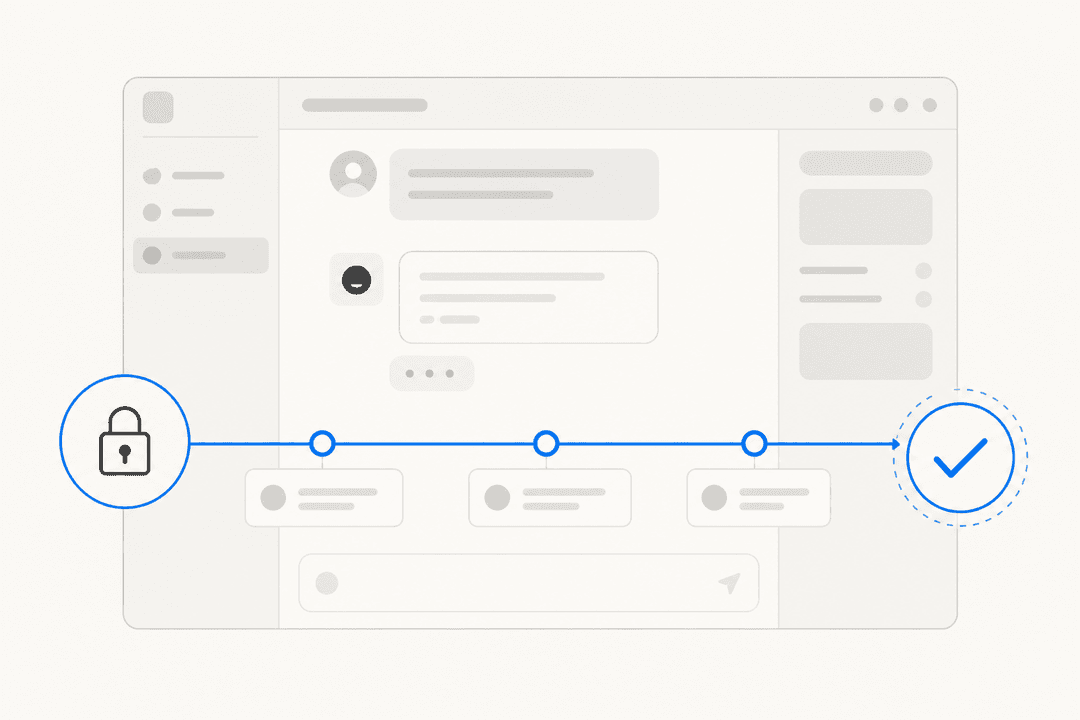
The question of autonomy is the more important decision. The safest starting configuration is AI in draft mode: it handles intake, classifies the request, pre-populates routing, and drafts the response to the requester - but a human approves before anything is sent or acted on. This lets you validate the AI's judgment before expanding it to autonomous handling of specific request types.
Automating ticket triage is often the first step - teaching the AI to correctly classify incoming requests before trusting it to route them independently. Most teams expand autonomy from there.
For the HR-IT gap specifically, the upstream fix matters most: your HRIS needs to send a signal to your ITSM when a new hire is confirmed. That's a one-time integration that, once live, eliminates late hardware requests for new hires almost entirely. AI for employee onboarding questions then handles the communication layer on top - answering the new hire's questions about their equipment status before they start.
The best AI tools for internal support teams connect to Slack and Microsoft Teams natively, which matters because that's where most hardware requests actually start - not in a service portal.
eesel for IT hardware requests
eesel's AI helpdesk agent handles the communication and routing layer for IT hardware requests inside Zendesk, Freshdesk, and the other helpdesks IT teams use. It learns from your past tickets and policy docs on day one, so it already understands your hardware approval process, lead time requirements, and which requests escalate to which approver - without manual rule configuration.
Confidence-based routing means requests that fall outside the AI's training get flagged for human review rather than handled incorrectly. You keep full oversight on anything edge-case, and can expand eesel's autonomy for specific request types as you validate its accuracy. G2 reviewers consistently report going live in under 15 minutes, and eesel's 7-day free trial is sufficient to test it against real hardware request volume before committing.