Every IT team handles the same repetitive pile: password resets, software access requests, onboarding tickets, VPN troubleshooting. A 2024 InformationWeek study found that 58% of IT organizations lose more than five hours per agent per week to these repetitive requests alone. That's time spent before anyone touches a real incident.
ITSM automation tools cut through that backlog. The best ones use AI to read the actual content of a ticket, search your knowledge base, and respond -- autonomously for the clear cases, with a draft ready for human review when it's uncertain. Gartner projects that 40% of enterprise apps will feature task-specific AI agents by end of 2026, up from less than 5% in 2025.
eesel AI offers one way to get there: it works as an AI layer on top of whatever helpdesk your team already uses, with no migration required. But it's not the only approach. ServiceNow, Freshservice, Jira Service Management, and ManageEngine each build automation into their own ITSM platforms -- a different trade-off in setup complexity, cost, and what you're willing to change.
This guide covers five tools across that spectrum, with real pricing, real AI capabilities, and the catches each platform doesn't lead with.
What to look for in an ITSM automation tool
Before comparing products, it's useful to understand what the meaningful differences are:
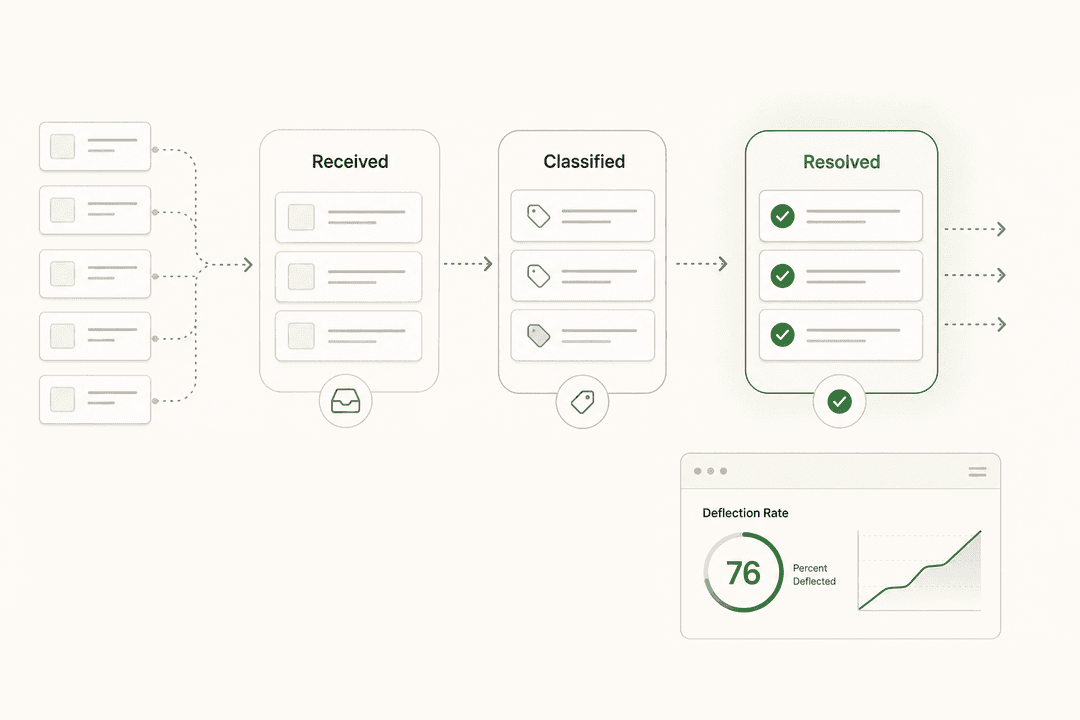
- Ticket deflection rate -- how many Tier-1 tickets the AI handles without human involvement. Modern AI agents deflect 40-80% of routine volume. The actual number depends heavily on the quality of your knowledge base.
- How the AI learns -- does it train on your own past tickets and docs, or does it rely on generic LLM knowledge? Tools grounded in your specific knowledge base produce far more relevant answers.
- Setup time and migration cost -- whether you're adding AI on top of an existing tool or adopting an entirely new ITSM platform. The second path means migrating ticket history, rebuilding workflows, and retraining agents.
- AI feature gating -- several platforms lock their best automation behind the most expensive tier. Freddy AI Agent requires Freshservice's Enterprise plan. JSM's Virtual Service Agent requires Premium.
- Pricing model -- per seat, per task, per conversation, or flat rate. The model matters as much as the headline number once you're at volume.
Best ITSM automation tools in 2026
1. eesel AI
Best for: teams that already have an ITSM or helpdesk and want to add AI without migrating.
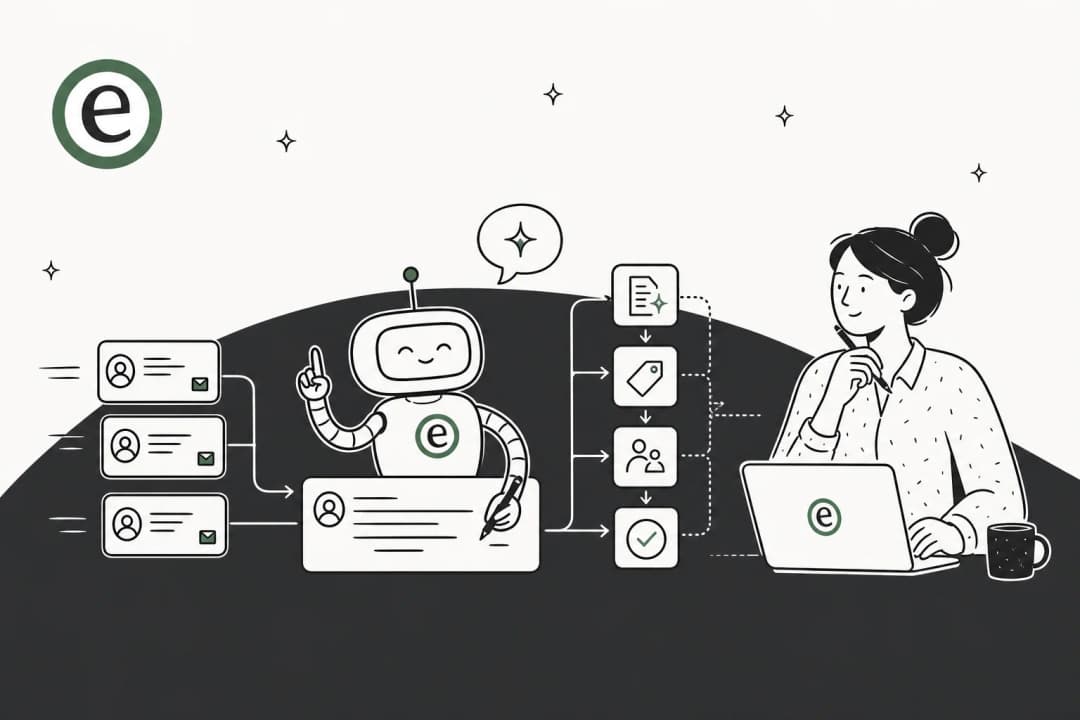
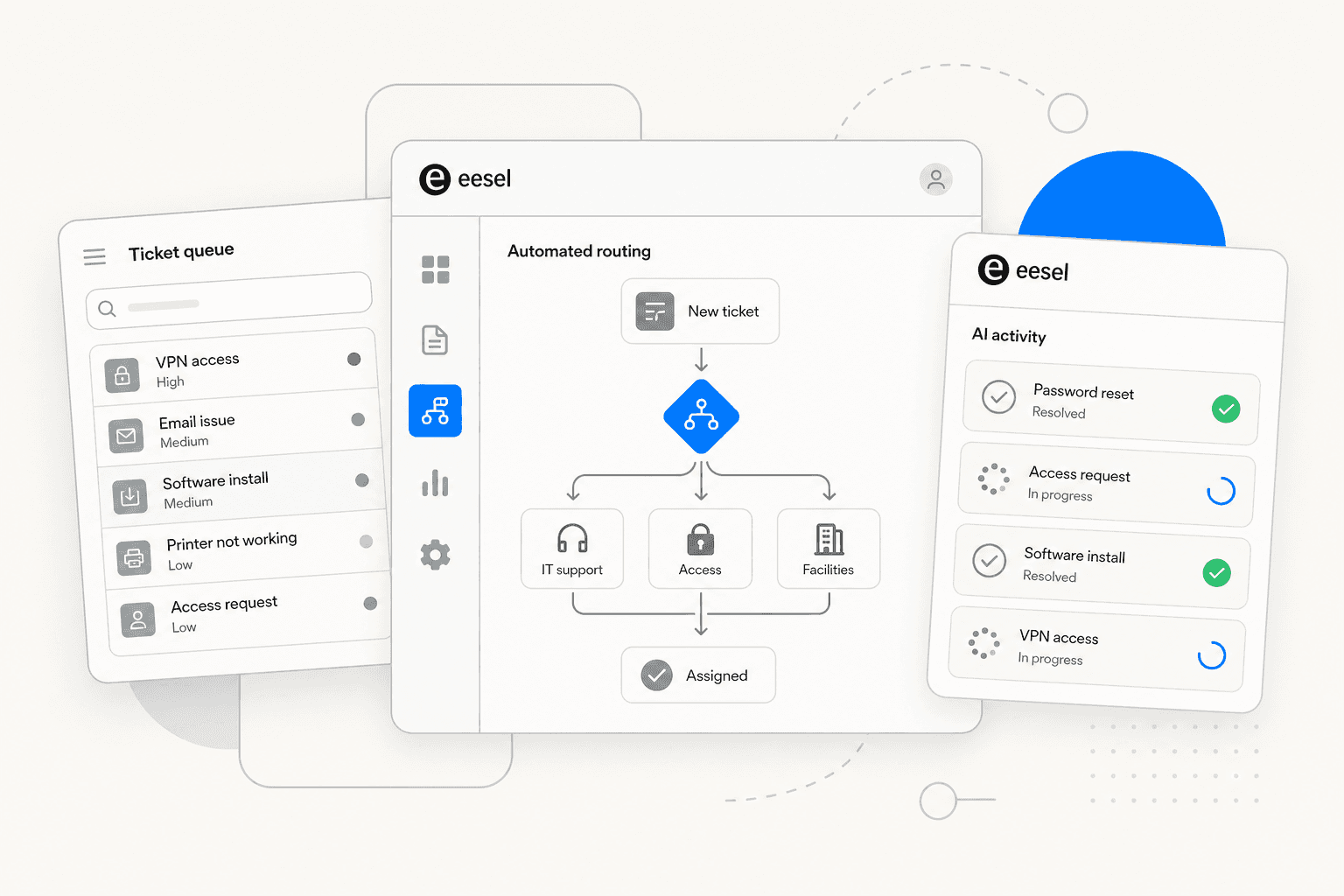
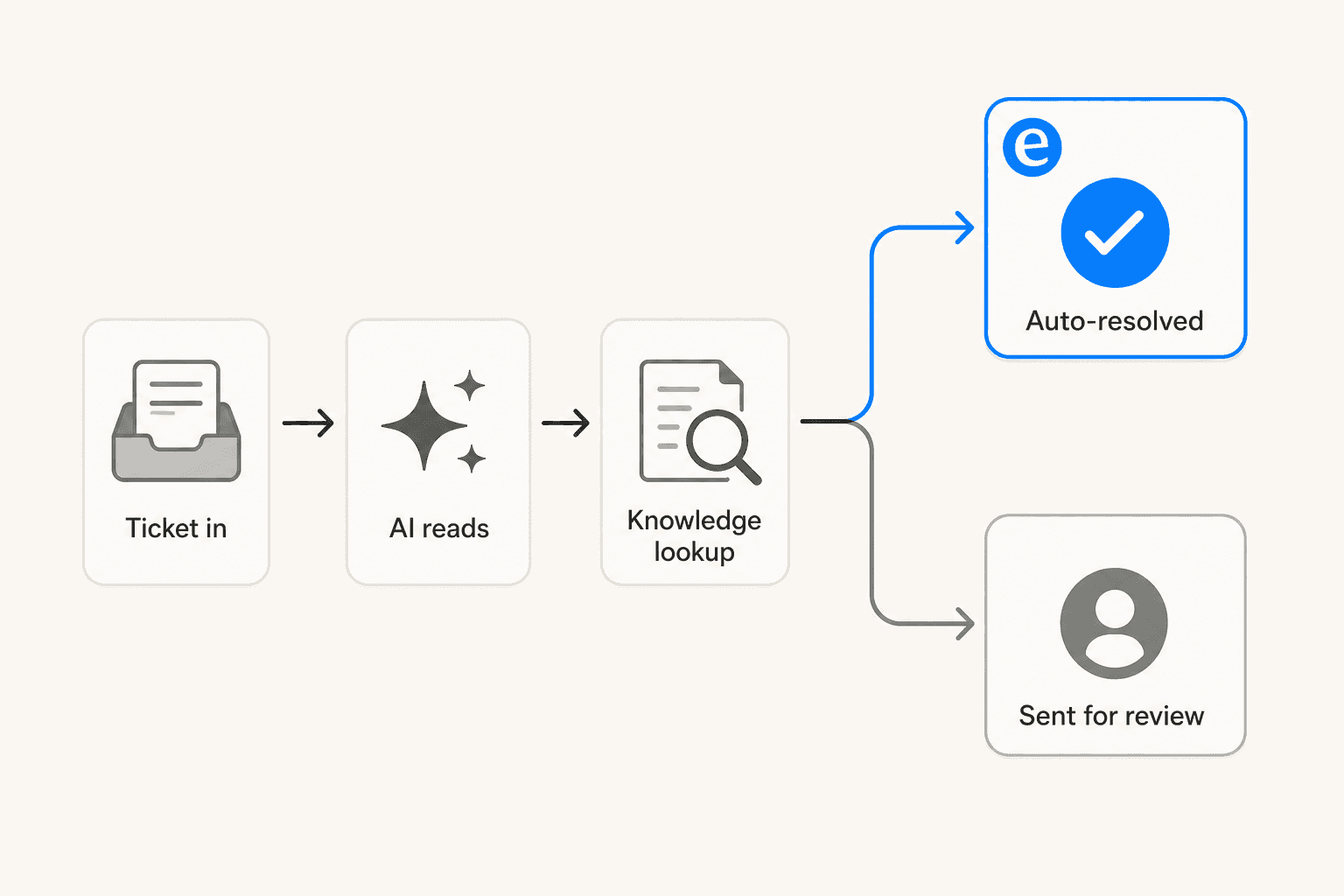
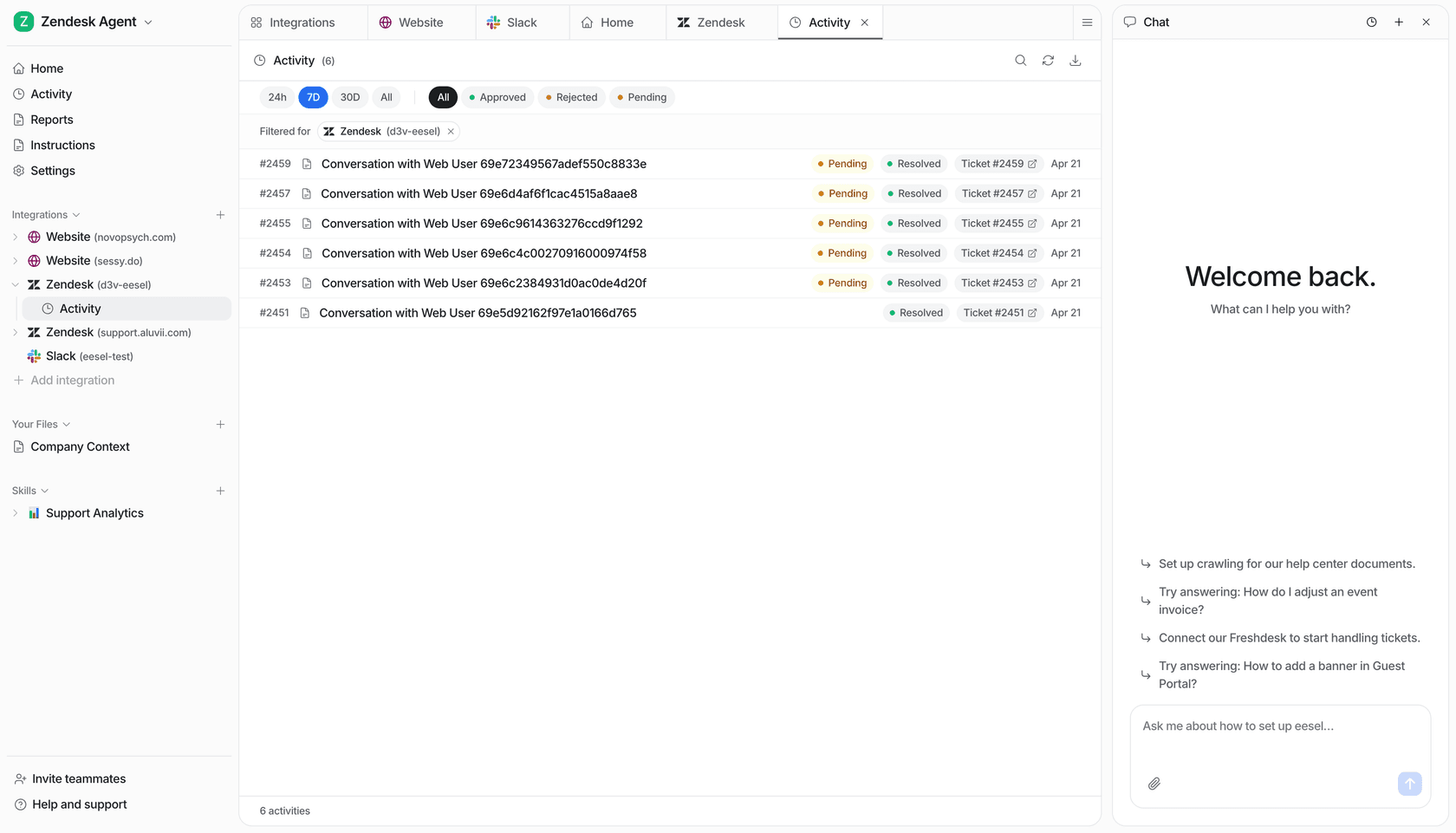
eesel AI connects to your existing helpdesk -- Zendesk, Freshdesk, Jira Service Management, Gorgias, Help Scout -- and acts as an AI agent layer on top. You don't touch your current workflows; eesel reads incoming tickets, searches your knowledge base, and either sends a reply autonomously or queues a draft for agent review depending on its confidence score.
Setup takes under 15 minutes. Once connected, eesel ingests your past tickets, help center articles, Confluence spaces, Google Docs, Notion wikis, and any public pages you point it at. It starts learning your business context on day one from data you've already accumulated.
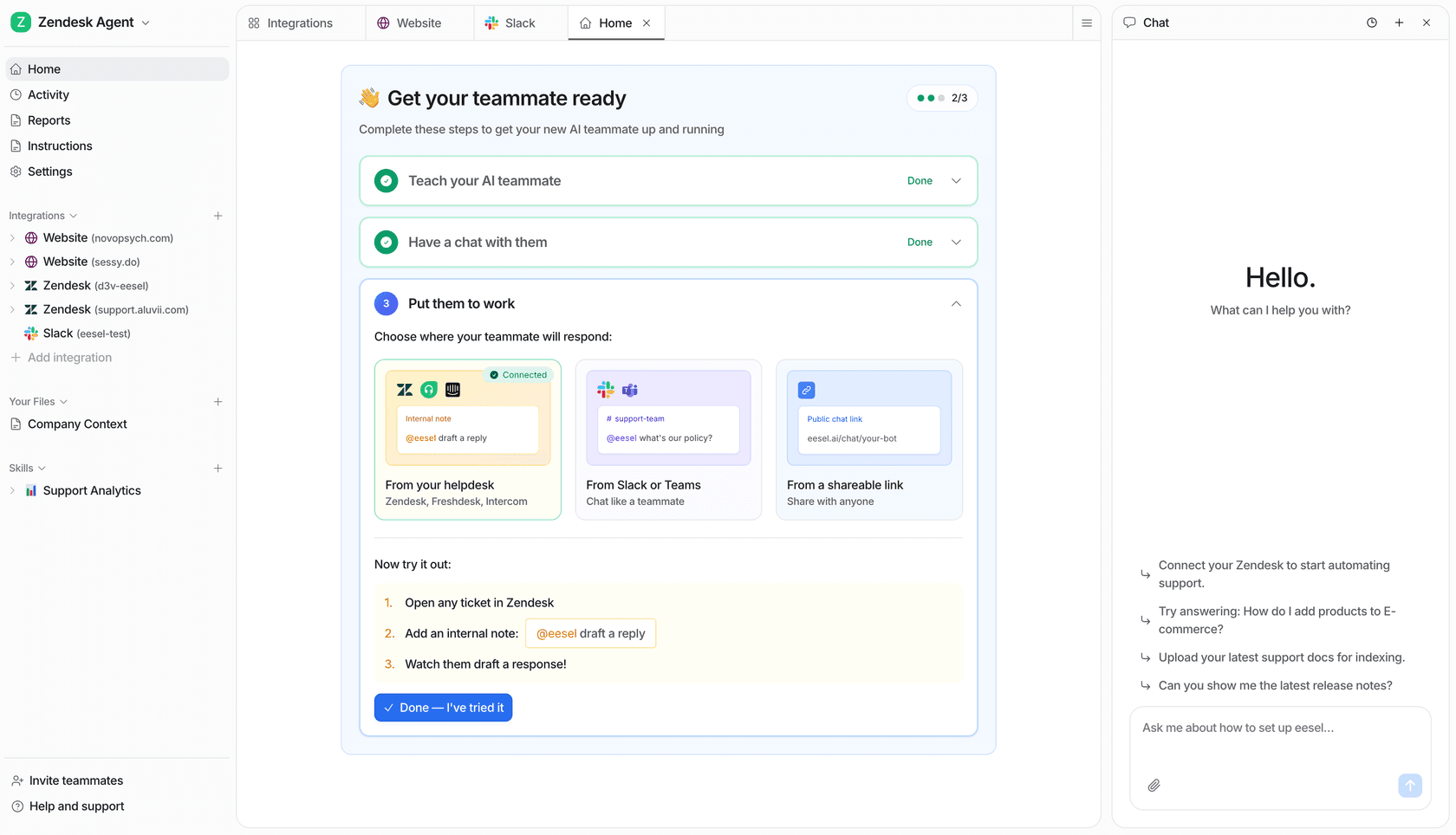
Key automation features:
- Autonomous ticket resolution with confidence-based routing -- high-confidence replies go out; low-confidence responses become drafts for agent review
- Simulation mode: test the AI against thousands of historical conversations before it touches live customers, so you get a data-driven forecast of resolution rates before going live
- Natural language instructions: write escalation rules, tone guidelines, and policies in plain English ("If the request is a billing dispute, always escalate to the billing team")
- 80+ language support -- auto-detects and replies in the customer's language
- Multi-channel: handles Slack, email, helpdesk tickets, and website chat from one agent
The simulation mode is particularly valuable for IT teams that want proof before committing. Before turning the AI loose on live tickets, you run it against a sample of historical conversations and see exactly how it would have responded -- including a breakdown of which ticket types it handles confidently versus which it would escalate.
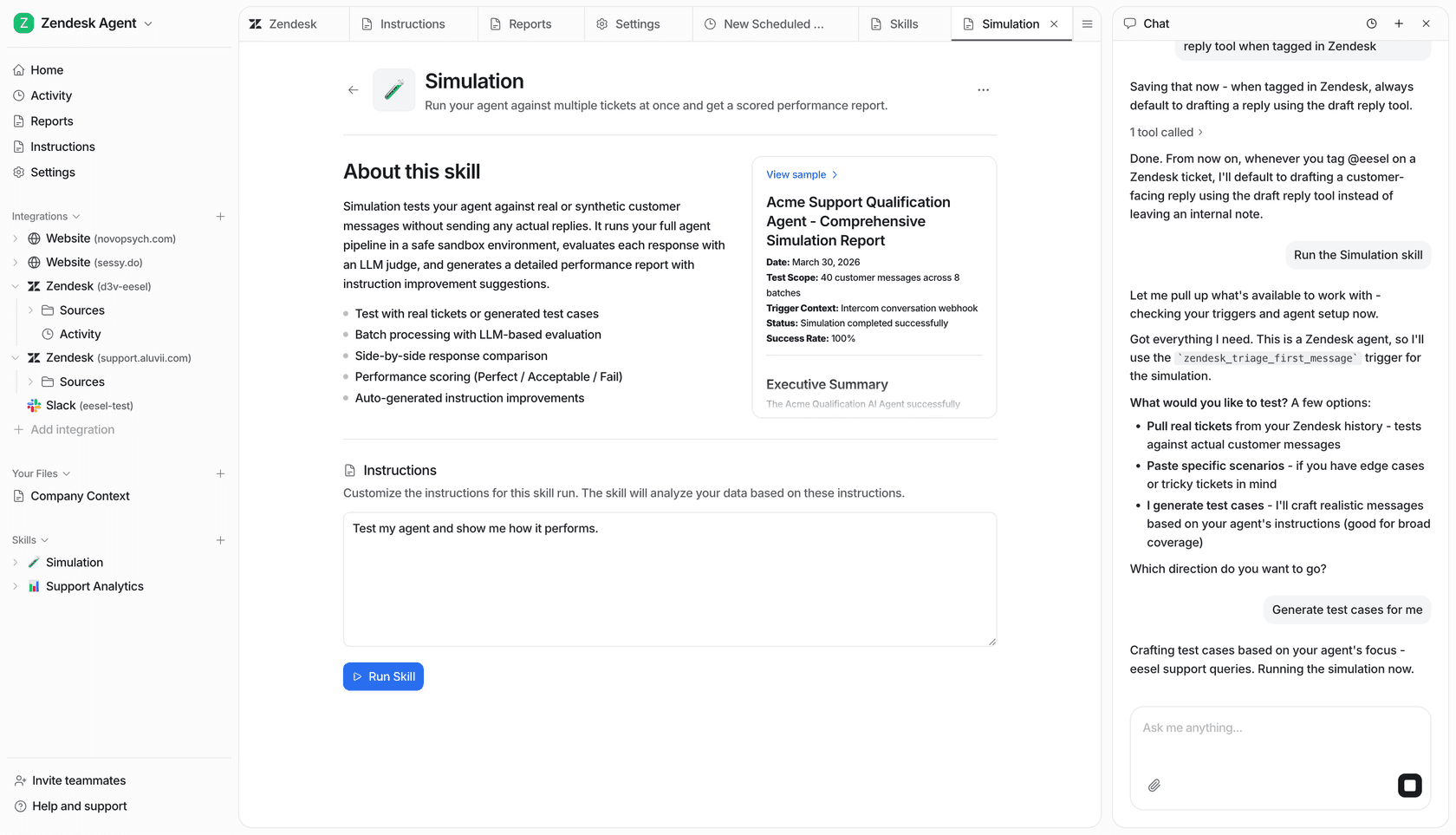
Results from live deployments: Gridwise saw 73% of Tier-1 requests resolved autonomously in the first month on Zendesk. Smava runs eesel against 100,000+ tickets per month in German.
Pricing: Task-based, no platform fee. Regular tasks (support tickets, chat sessions) cost $0.40 each -- a team handling 1,000 tickets/month pays $400. Light tasks (dashboard questions) are free. Flat-rate plans also available: Team at $299/month (1,000 interactions), Business at $799/month (3,000 interactions). $50 in free credits to start, no credit card required.
What it doesn't replace: eesel augments your existing helpdesk -- it doesn't replace it. If you need a new ITSM platform with incident lifecycle management, a CMDB, or change management workflows, eesel isn't that product. It's specifically the AI-on-top-of-existing-tooling option.
2. ServiceNow ITSM
Best for: large enterprises that want a single platform to own IT service management, IT operations, and AI governance.
ServiceNow ITSM is the market's reference implementation for enterprise IT service management. It covers incident, problem, change, and release management on a single platform, layered with Now Assist (the GenAI suite), a Virtual Agent chatbot, and -- as of February 2026 -- an Autonomous Workforce product powered by the newly acquired Moveworks (now rebranded as EmployeeWorks inside ServiceNow).
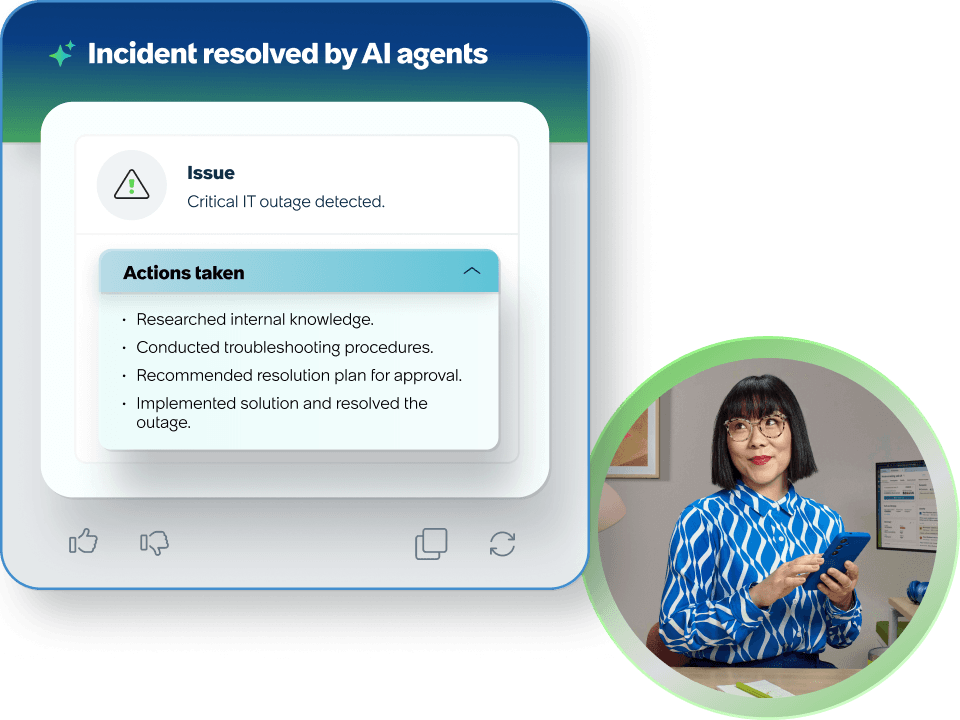
85% of the Fortune 500 use ServiceNow. The platform handles everything from ticket routing to AI governance -- the AI Control Tower module tracks AI risk and compliance across all deployed agents. ServiceNow's own internal deployment resolves 90%+ of employee IT requests autonomously.
Key automation features:
- Now Assist -- GenAI summarization, suggested actions, content creation, AI search, and hands-free voice across all ITSM modules
- Virtual Agent -- conversational chatbot with NLU, multi-turn dialogs, Slack/Teams integration, and live agent handoff
- AI Agents -- autonomous agents that work across ITSM, CRM, and employee experience; orchestrate multi-agent workflows via AI Agent Orchestrator
- Autonomous Workforce -- an L1 IT Specialist agent that handles end-to-end resolution of common IT requests using historical incident data, knowledge bases, and proactive remediation workflows
- Workflow Data Fabric -- connects to external systems without rip-and-replace data migration
G2 reviewers (1,270 reviews, 4.4/5) consistently cite workflow automation and centralized IT management as the platform's strengths. The top complaints: "Learning Curve (72)," "Expensive (60)," and "Complexity (56)" as G2's most-cited negative tags. One G2 reviewer summed it up: "Pricing is another concern, since the platform is relatively expensive and the ROI tends to be clearer for larger organizations than for smaller teams."
Pricing: No public pricing. Every tier -- Foundation, Advanced, Prime -- terminates in "Get Custom Quote." Expect enterprise-level investment and implementation timelines measured in months.
3. Freshservice
Best for: mid-market IT teams that want a polished, ITIL-aligned platform with AI included.
Freshservice is Freshworks' purpose-built ITSM product for internal IT teams -- not to be confused with Freshdesk, which handles customer-facing support. It covers the full ITSM lifecycle: incident, problem, change, release, and asset management under one interface, built to ITIL v4 best practices. The AI layer is called Freddy -- Freddy AI Agent handles employee-facing self-service, and Freddy AI Copilot assists agents with reply suggestions and ticket summarization.
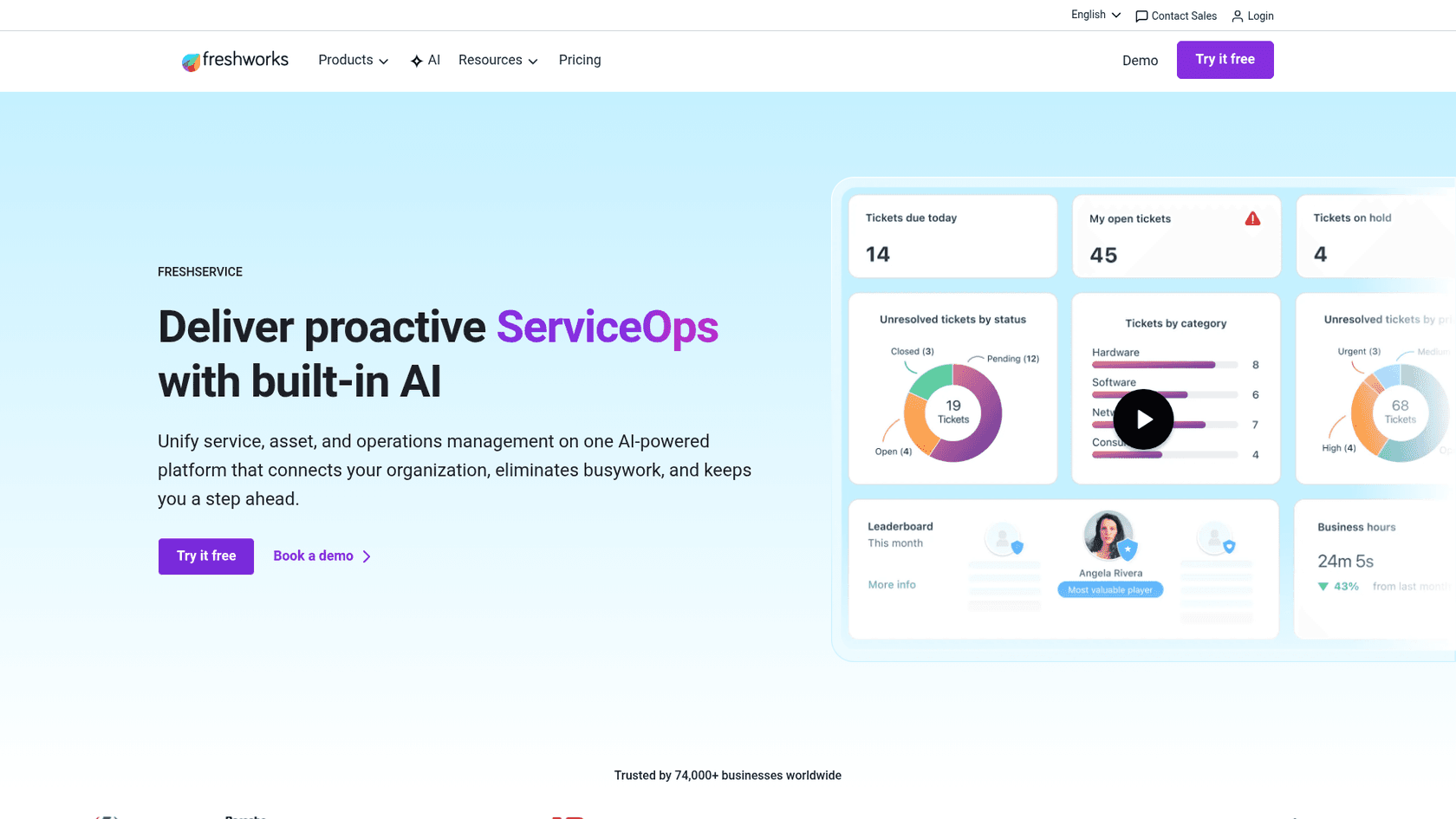
74,000+ businesses use Freshservice. A Forrester Total Economic Impact study found 356% ROI in under six months. Freshservice reports 66% ticket deflection with Freddy AI Agent and a 77% reduction in average resolution time with Freddy AI Copilot.
Key automation features:
- Freddy AI Agent -- 24/7 virtual agent on Slack, Microsoft Teams, Microsoft 365 Copilot, and the employee portal; handles resolution in 40+ languages
- Freddy AI Copilot -- reply suggestions, ticket summarization, and smart field recommendations for human agents
- Freddy AI Insights -- anomaly detection, trend analysis, and conversational analytics for IT leaders
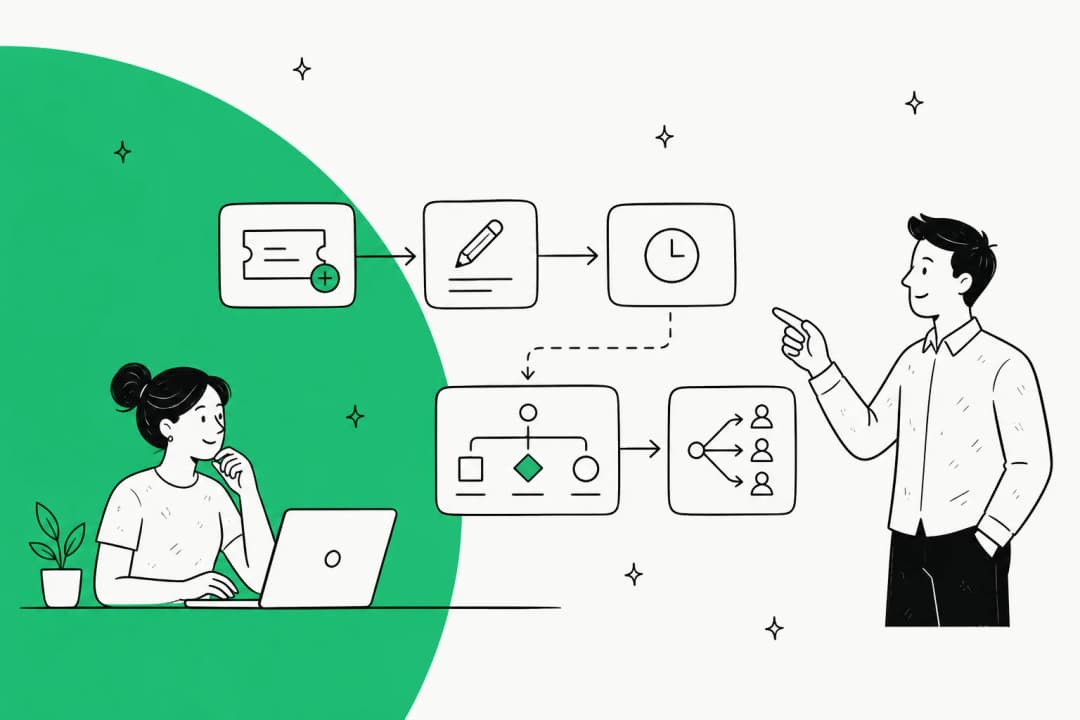
- No-code workflow automation -- drag-and-drop automator for approval flows, SLA escalations, and cross-department service requests
- Enterprise Service Management -- extend the same ITSM to HR, Finance, and Facilities with separate workspaces
Capterra reviewers (692 reviews, 4.5/5) consistently cite ease of use and the ITIL-aligned structure. The recurring complaint: AI features are gated behind the Enterprise tier, and the licensing model becomes complex and expensive at scale.
Pricing:
| Plan | Price (annual) | Freddy AI included? |
|---|---|---|
| Starter | $19/agent/month | No |
| Growth | $49/agent/month | No |
| Pro | $99/agent/month | No |
| Enterprise | Custom | Yes (Freddy AI bundled) |
Freddy AI Agent sessions can be added to lower tiers for an extra per-session fee, but the fully bundled version lives in Enterprise. 14-day free trial, no credit card required.
4. Jira Service Management
Best for: engineering-heavy organizations already running on Atlassian's toolchain.
Jira Service Management is Atlassian's ITSM product for teams that already live in Jira and Confluence. Its main advantage is tight integration with software development workflows: a developer incident in Jira Core, a service request in JSM, and a knowledge article in Confluence all share the same underlying data model. 60,000+ customers use it, with a 275% ROI over three years per a Forrester study.
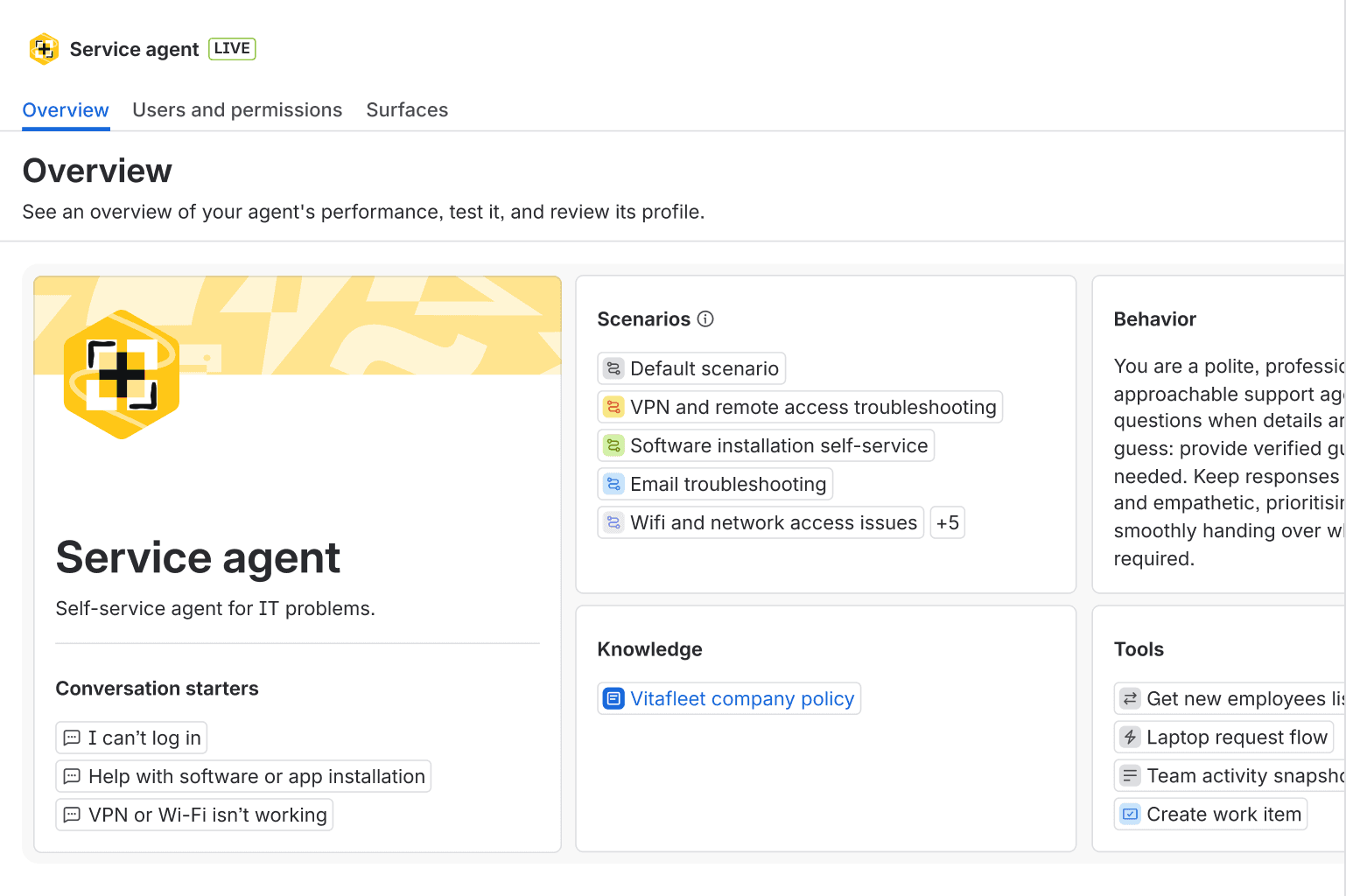
The automation surface has two distinct layers: the Virtual Service Agent (a customer-facing chatbot powered by intent-based flows and/or RAG against linked Confluence knowledge bases) and Rovo Agents (internal AI teammates that can read and write Jira and Confluence). An Atlassian Community Champion put the distinction plainly: use Virtual Service Agent for customer-facing flows and Rovo Agents internally.
Key automation features:
- Virtual Service Agent -- handles password resets, software provisioning, and common IT requests; available on portal, Slack, Teams, email, and website widget; uses intent flows or AI answers from Confluence
- Rovo -- cross-product AI search, Chat, and custom Agents; now bundled at no additional cost with all paid cloud subscriptions
- AIOps -- alert grouping, AI-generated incident creation, and post-incident review (PIR) generation for Slack-based incident workflows
- No-code automation rules -- triggers that span Jira and Confluence; tie developer incidents directly to IT service tickets
- Rovo Customer Service -- a newer AI support agent on paid plans at $1 per resolution
Pricing:
| Plan | Price (monthly) | Virtual Service Agent? |
|---|---|---|
| Free | $0 (3 agents) | No |
| Standard | $20/agent/month | No |
| Premium | $51.42/agent/month | Yes -- 1,000 conversations/month included |
| Enterprise | Annual, contact sales | Yes (unlimited) |
Above the 1,000 included conversations/month on Premium, overage is $0.30/conversation. Worth keeping in mind from the Atlassian Community: Rovo's write actions (updating Jira fields, creating records) can be unreliable -- it "tends to hallucinate success on write actions rather than flagging that it couldn't complete them properly" according to a widely-cited community thread.
5. ManageEngine ServiceDesk Plus
Best for: budget-conscious IT teams, regulated industries, and organizations that need on-premises deployment.
ManageEngine ServiceDesk Plus covers the full ITIL v4 suite -- incident, problem, change, release, service catalog, CMDB, and asset management -- at a price point significantly below ServiceNow. It's a product from Zoho Corp, available as SaaS cloud or self-hosted on-premises. The on-premises option is relatively rare in this category and makes it the natural choice for regulated industries -- government agencies, financial institutions, healthcare organizations -- that can't put ticket data in a cloud vendor's environment.
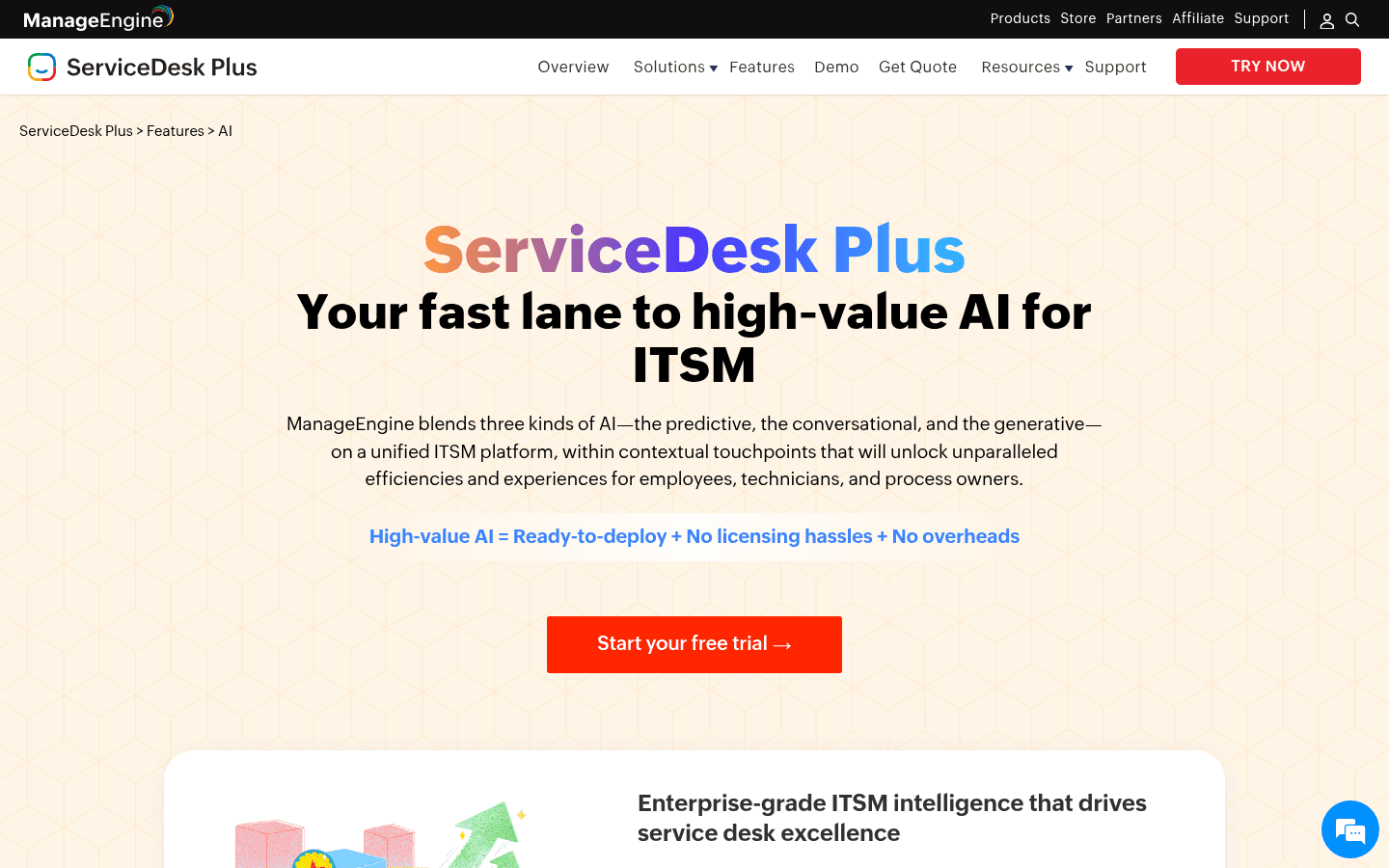
Gartner Peer Insights gives ServiceDesk Plus 4.4/5 from 1,465 verified reviews, and ManageEngine was named in the 2025 Gartner Magic Quadrant for AI Applications in ITSM.
Key automation features:
- Zia AI -- built-in AI assistant at no extra cost across all paid tiers; includes predictive ticket categorization, auto-suggested solutions from the knowledge base, sentiment analysis, and a conversational virtual agent
- Generative AI in Zia -- reply drafting from knowledge base articles, ticket summaries, and resolution notes
- No-code workflow automation -- drag-and-drop builder for approval flows, escalation paths, and cross-department processes
- SLA automation -- multi-level SLA policies with proactive and reactive escalation at each breach threshold
- Enterprise Service Management -- up to 15 separate service desk instances under one shared portal
- Microsoft Teams integration -- log and track tickets directly from Teams without opening the portal
Pricing:
| Edition | Cloud (annual) | On-premises |
|---|---|---|
| Standard | From $13/tech/month | Free up to 5 techs |
| Professional | From $27/tech/month | Contact sales |
| Enterprise | From $67/tech/month | Contact sales |
All paid cloud editions include Zia AI -- no additional tier required to access AI features. The Standard cloud starts at $13/tech/month with no minimum headcount. One recurring note in community reviews: customer support quality is inconsistent, described by some Gartner Peer Insights reviewers as "abysmal to nonexistent." Worth factoring in if responsive support is part of your vendor criteria.
Comparing the tools side by side
| Tool | Best for | Starting price | AI automation | Full ITSM platform? | On-prem? |
|---|---|---|---|---|---|
| eesel AI | Teams with existing helpdesk | $0.40/task | Native, all tiers | No (overlay) | No |
| ServiceNow | Fortune 500 enterprises | Custom quote | Now Assist + AI Agents | Yes | Yes (data center) |
| Freshservice | Mid-market IT teams | $19/agent/month | Freddy AI (Enterprise only) | Yes | No |
| Jira Service Management | Atlassian ecosystem teams | $20/agent/month | Virtual Service Agent (Premium only) | Yes | No |
| ManageEngine ServiceDesk Plus | Budget and regulated teams | $13/tech/month | Zia AI (all paid tiers) | Yes | Yes |
How to choose the right tool
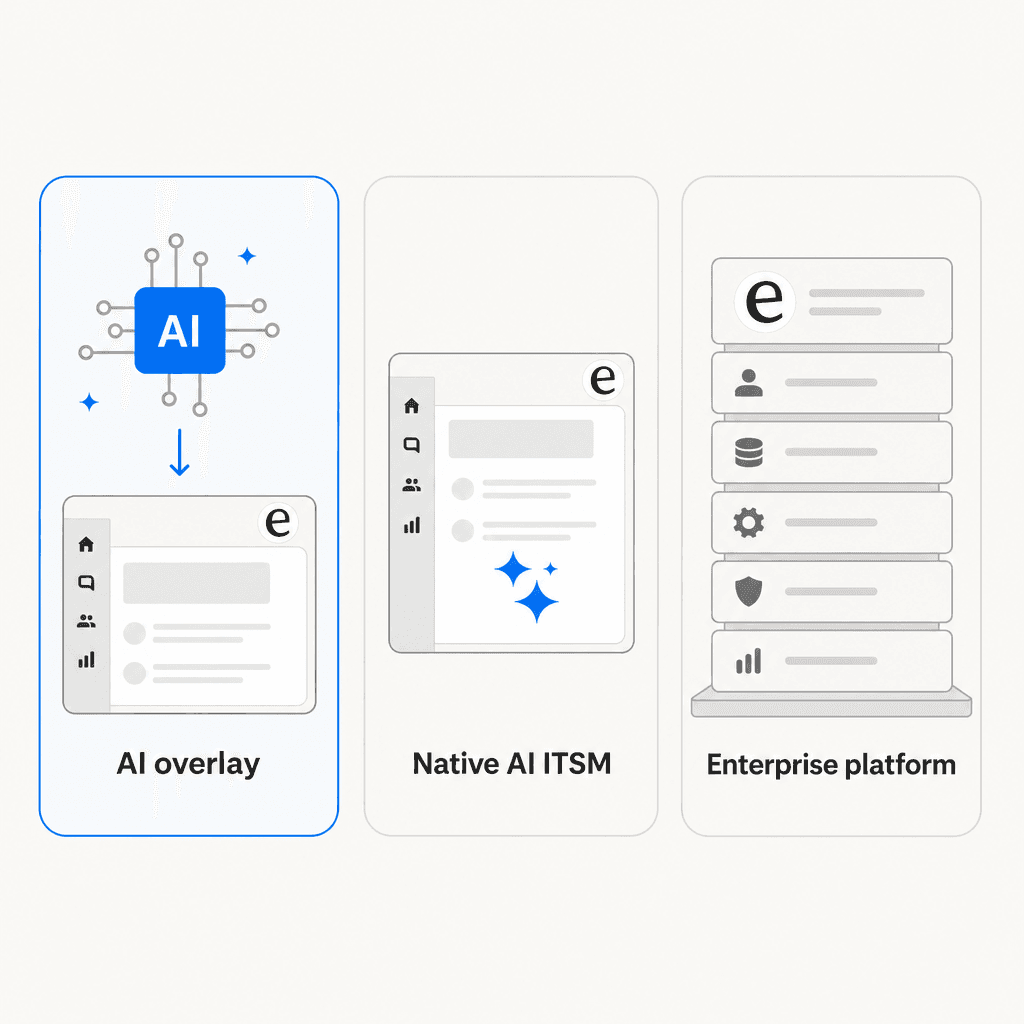
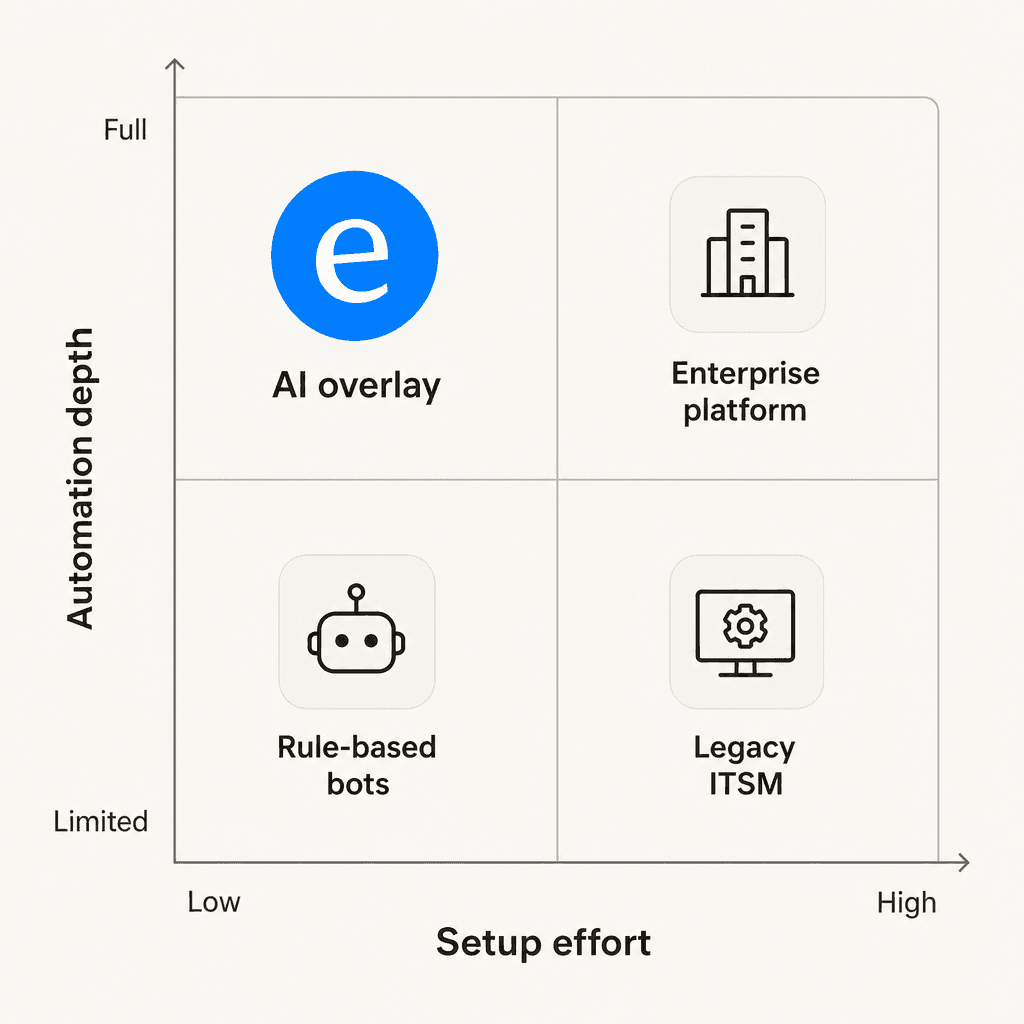
The biggest fork in the road is whether you already have an ITSM platform you want to keep.
If you do -- and most teams do -- an AI overlay like eesel AI is the lowest-friction path to automation. You're not migrating ticket history, retraining agents on a new interface, or rebuilding SLA policies from scratch. You connect eesel to your existing helpdesk, run a simulation against past tickets, and start handling live volume. eesel's ITSM integration with Slack and other channels means you can also catch tickets that come in through informal channels, not just the ticket portal.
If you're selecting an ITSM platform for the first time, or your current one genuinely isn't meeting your needs, then the built-in AI tools make more sense -- but the choice between them comes down to scale and context:
- Small teams or tight budgets: ManageEngine starts at $13/tech/month with Zia AI included, a free on-premises tier for up to 5 technicians, and no separate AI add-on required
- Mid-market IT teams: Freshservice is well-suited for teams that want polished ITIL workflows -- just plan for Enterprise pricing if Freddy AI is part of the reason you're buying
- Atlassian shops: JSM if your team already runs on Jira; the dev-to-IT workflow integration is the real differentiator, but budget for Premium if you want the Virtual Service Agent
- Enterprise scale: ServiceNow if your organization has the budget and dedicated IT staff to implement properly -- the Moveworks acquisition (now EmployeeWorks) adds a strong conversational AI front door to the platform for 2026
Try eesel AI
eesel AI sits in the category that's easiest to try first: you connect it to the helpdesk you already have, it reads your existing ticket history and knowledge base, and it starts handling requests -- autonomously for the straightforward ones, with a draft queued for review when it's less confident. The whole setup takes under 15 minutes, and there's a simulation mode that shows you what your actual deflection rate would look like against real historical conversations before you go live.
Pricing is per task, not per seat. That means you're only paying for the automation that actually happens, which is a meaningful difference when you're evaluating ROI upfront.
$50 in free credits, no credit card required. Connect your helpdesk, run a simulation, and see the numbers before spending anything.
Frequently Asked Questions
What is ITSM automation?
Can I add ITSM automation without replacing my current helpdesk?
How much does ITSM automation cost?
What percentage of IT tickets can be automated?
How long does it take to set up an ITSM automation tool?


Article by
Alicia Kirana Utomo
Kira is a writer at eesel AI with a Computer Science background and over a year of hands-on experience evaluating AI-powered customer service tools. She focuses on breaking down how helpdesk platforms and AI agents actually work so that support teams can make better buying decisions.