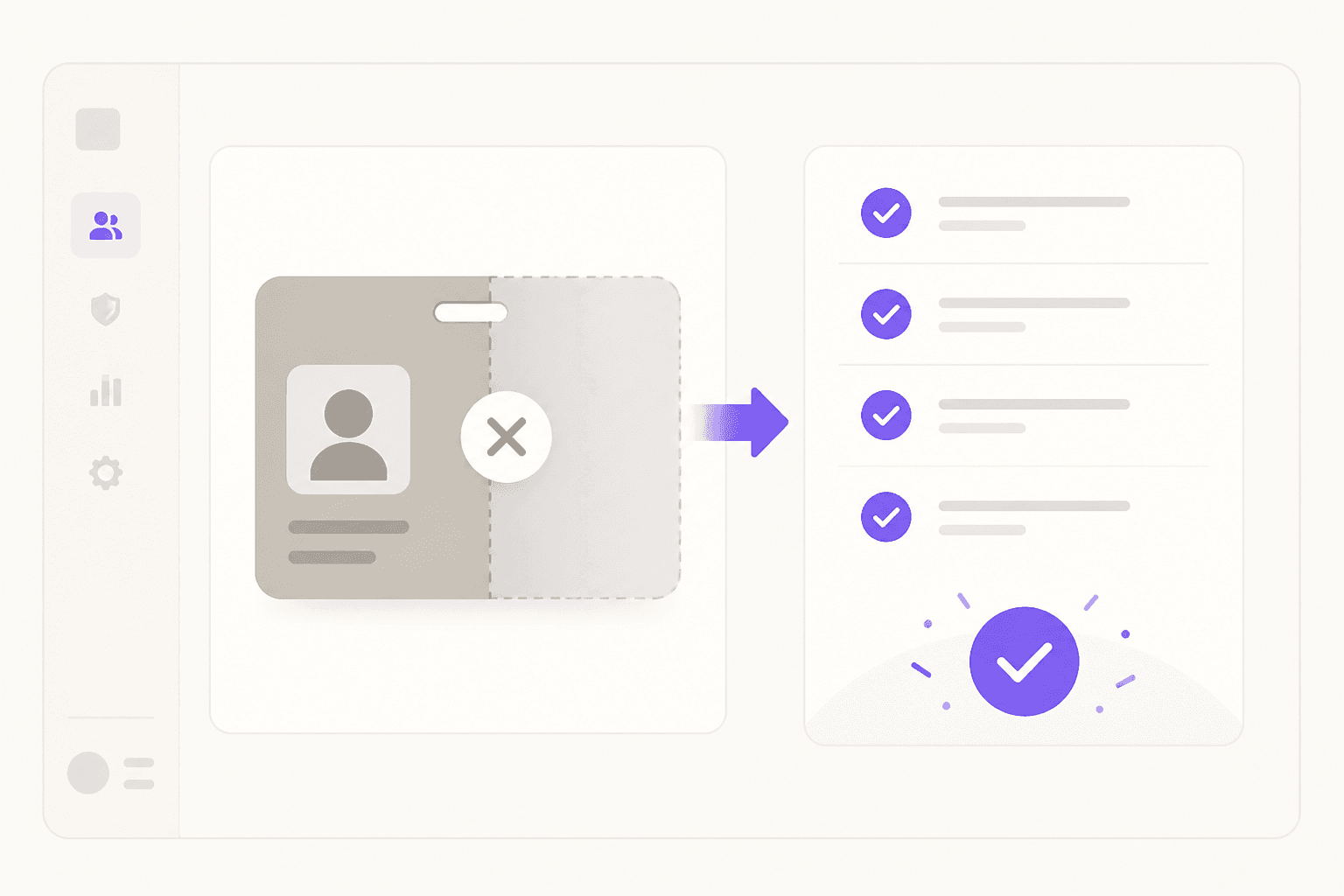
Every IT team has at least one story like this: the departing employee's offboarding ticket was submitted, the HR system was updated, and IT assumed everything was handled. Three months later, an alert fires. Someone just logged into the company CRM using that former employee's credentials.
IT offboarding is the structured removal of a departing employee's access to every company system. It looks manageable on paper. It falls apart at every edge case: shadow IT that never made it onto the checklist, SSO deprovisioning that covers two-thirds of apps and leaves the rest active, HR notifying IT after the employee's last meeting.
Beyond Identity's 2022 research found that over a third of ex-employees still had access to company email or work files after leaving, and nearly 75% of organizations had been harmed by a former employee's access misuse. These numbers have not improved significantly since.
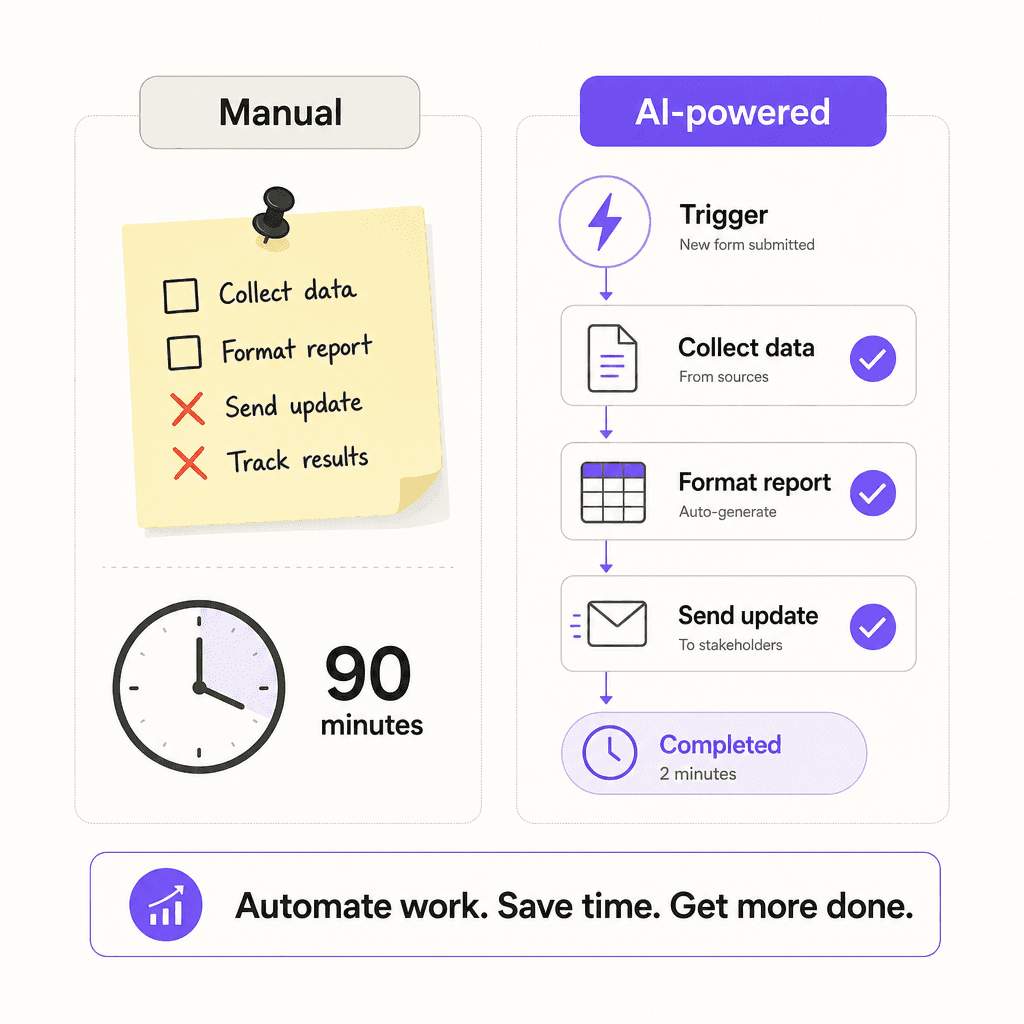
AI-powered IT offboarding replaces that manual, ad-hoc process with triggered, auditable workflows that run the same way every time, regardless of how many apps an employee used or how busy the IT team is. This guide covers what that looks like in practice, which tools do it well, and how to build a workflow that satisfies compliance auditors without adding work.
Why manual IT offboarding keeps breaking
The core problem is scale. The average enterprise runs dozens to hundreds of SaaS applications. Manually offboarding one employee across all of them takes 30 to 90 minutes. Most teams have neither the staffing nor the visibility to do it reliably.
The failure modes are predictable.
Delayed notification. BetterCloud's State of SaaS 2025 report found that about a third of respondents took more than 24 hours to offboard an ex-employee. That's 24 hours of live access after a departure. For unplanned terminations, where HR and legal are often looped in before IT, the delay can be longer.
The shadow IT blind spot. Standard offboarding checklists only cover apps IT already knows about. Employees routinely self-service SaaS tools outside the central catalogue, and those accounts survive the formal offboarding process untouched. As one r/sysadmin commenter described it:
"You disable their Okta account and think you're done, then find out they had 12 other accounts you didn't know about."
Shared credentials. If the departing employee knew passwords for shared accounts (vendor portals, monitoring tools, social media), those credentials remain usable by anyone who remembers them until someone manually rotates every one.
License waste. SaaS seats keep billing after the employee leaves unless someone manually cancels each one. SpotOn saved $160,000 in unused SaaS licenses after implementing automated offboarding through Stitchflow. That number reflects how much slips through the cracks at scale.
Compliance gaps. Manual offboarding produces no reliable audit trail. SOC 2 auditors require timestamped evidence that every inactive employee's access was revoked and when. A spreadsheet someone updates manually, if it exists at all, does not satisfy that requirement.
The r/ITdept thread "Offboarding an employee showed me how little visibility IT has" captures the first-hand experience: the first real offboarding is always a reckoning with how little has been documented and how many access points exist that IT didn't know about. During mass layoffs or high-turnover periods, checklist-based processes reliably miss steps under time pressure.
What AI-powered IT offboarding actually does
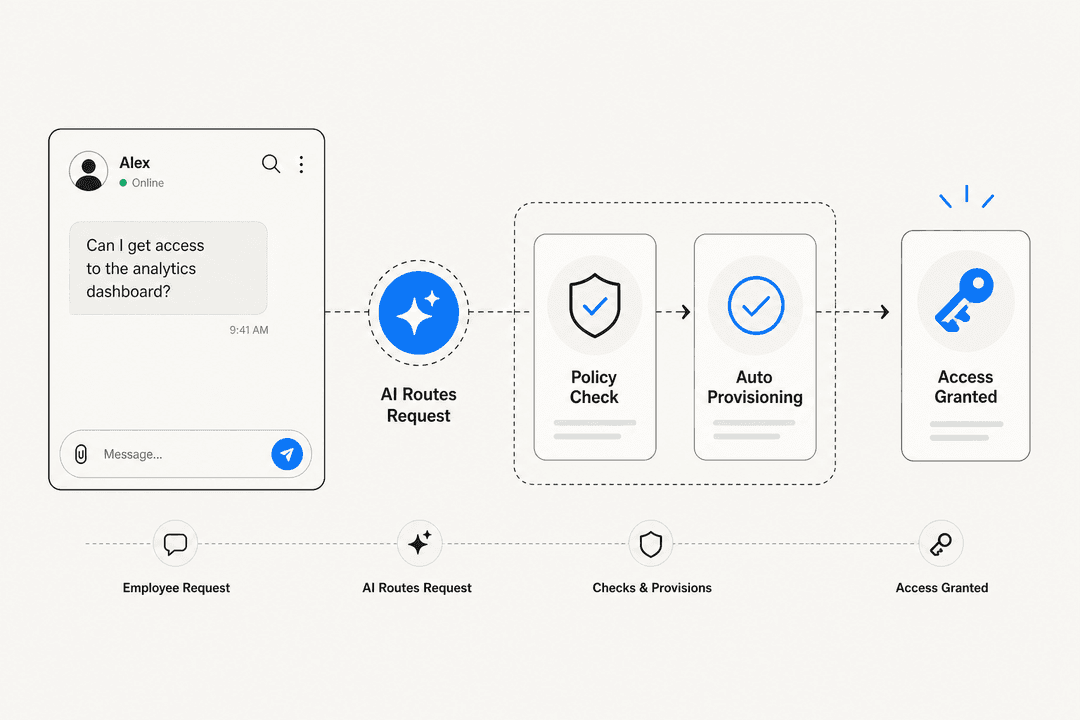
The core shift is from "someone submits a ticket and IT works through a checklist" to "the HR system records a departure and the automated workflow handles the rest."
Trigger-based automation. When HR marks an employee as inactive in an HRIS (BambooHR, Workday, or Rippling), a workflow fires immediately. All downstream deprovisioning steps execute without anyone opening a ticket. IDP deactivation, SaaS app deprovisioning, device return notification: all run in sequence, in the background, logged with timestamps.
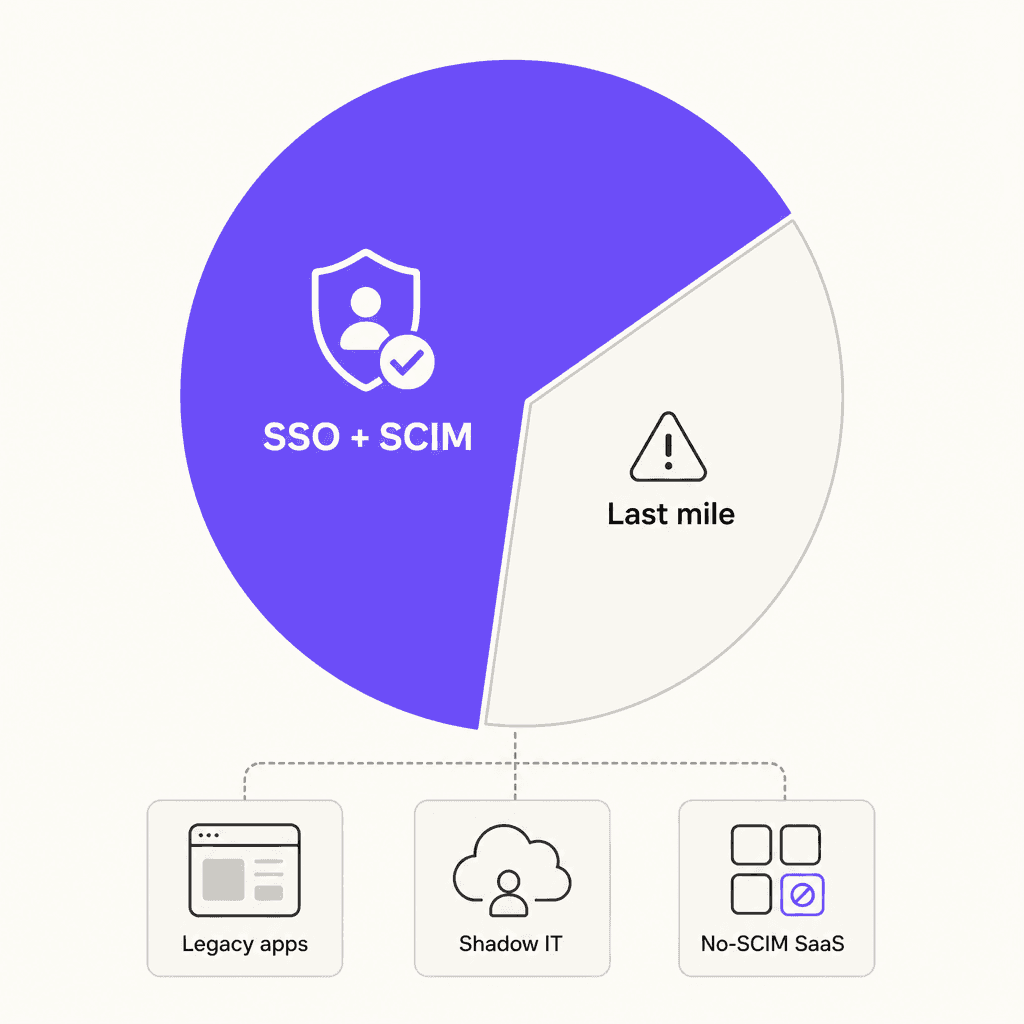
Coverage beyond SCIM. Standard identity providers handle SCIM-compatible apps, which cover roughly 60-70% of a typical SaaS stack. AI-powered platforms extend coverage to the remaining 30-40%: apps without SCIM endpoints, OAuth grants created by the employee, and shadow IT accounts.
Shadow IT discovery. Tools like Nudge Security scan continuously for all SaaS accounts connected to a user's identity and surface orphaned accounts and OAuth grants that are invisible to standard offboarding processes.
Audit-ready documentation. Automated platforms generate timestamped logs of every action taken during offboarding. Some, like Stitchflow, create video recordings of each deprovisioning step. This satisfies SOC 2, ISO 27001, and HIPAA requirements without manual evidence gathering.
License reclamation. Automated tooling detects unused seats after offboarding and releases or cancels them. For organizations running dozens of apps per employee, this adds up quickly.
The ServiceNow internal case study is the most-cited benchmark in this space: 70% reduction in offboarding time and 73% reduction in cost per offboard after automating the process.
The last-mile problem: why disabling SSO isn't enough
Every IT team knows the SSO shortcut: disable the user in Okta or Azure AD, and all connected apps lose access. For apps integrated via SCIM, this works. For the rest, it doesn't.
Stitchflow's analysis puts the SCIM coverage gap at 30-40% of the average SaaS stack. That gap includes:
- Legacy apps without modern APIs or SCIM endpoints
- Niche SaaS tools that require manual admin login to remove a user
- Shadow IT accounts that were never connected to the SSO perimeter in the first place
- OAuth grants created by the employee (Zapier workflows, Slack bots, GitHub Actions) that persist as active access pathways even after SSO revocation
This is where the actual security risk concentrates. The apps covered by SSO are, by definition, the ones IT already manages. The apps that fall outside SSO coverage are the blind spots.
One r/cybersecurity commenter summarized it directly:
"The hardest part is finding all the non-SSO accounts. That's where the real risk lives."
Closing this gap requires either manual admin action for each non-SCIM app (which doesn't scale) or tooling specifically designed for last-mile coverage, either through browser automation or behavioral discovery.
IT offboarding tools: what to use
Several platforms address IT offboarding, but they operate at very different levels of the stack. Understanding where each fits helps you choose the right combination rather than expecting one tool to do everything.
| Tool | Category | Shadow IT coverage | Non-SCIM app support | Best for |
|---|---|---|---|---|
| Stitchflow | SaaS Management Platform | Yes | Yes (browser automation) | Full-stack coverage including last-mile apps |
| Nudge Security | SaaS Security Management | Yes | Yes (password resets) | Shadow IT discovery and OAuth cleanup |
| BetterCloud | SaaS Management Platform | No | No | Security-conscious enterprises with 90+ deep integrations |
| Okta Lifecycle Mgmt | Identity and Access Management | No | No (SCIM only) | Enterprise SSO-centric environments |
| Rippling | All-in-one HR/IT Platform | Limited | Limited | SMBs wanting unified HR and IT with built-in MDM |
| Atomicwork | AI-native ITSM | Partial | Via integrations | Modern IT teams replacing legacy ITSM |
| Workato | iPaaS / custom automation | No | No | Custom HRIS-to-Okta-to-app pipelines |
The two tools that most directly address the last-mile problem are worth examining in detail.
Stitchflow
Stitchflow uses managed browser automation to deprovision users from apps that lack APIs or SCIM endpoints. Headless browsers in isolated containers perform the same admin UI actions a human would, then return SCIM-style responses so existing orchestration workflows (Okta, Workato, ServiceNow) remain unchanged. Every action is logged with a timestamp and a video recording.
The SpotOn case study is the most concrete public benchmark: 400+ offboarding gaps closed, $160,000 in unused SaaS license savings. Stitchflow also maintains an "IT Graph" that continuously reconciles discovered accounts against the IDP, so new shadow IT gets flagged automatically rather than surfacing after a departure.
Stitchflow offers a free checklist generator called Offboard IT that requires no sign-up, useful as a starting point before committing to a full platform.
Nudge Security
Nudge Security takes a different approach: rather than browser automation, it uses behavioral nudges. When an employee is being offboarded, Nudge Security automatically contacts app owners and the departing employee to confirm access revocation, reset passwords on unmanaged accounts, and revoke OAuth grants. The platform claims to automate up to 90% of IT offboarding tasks with this model, with a 5/5 G2 rating.
The key differentiator is discovery: Nudge Security finds every cloud app associated with a user's identity, including tools IT never catalogued. It also handles first-user detection, finding the person who originally created an account in a given app so ownership can be transferred rather than simply revoked.
Pricing starts at approximately $4 per user per month, with a free trial available.
How to implement AI IT offboarding: the complete workflow
Whether you're starting from scratch or formalizing an existing process, the sequence below covers what a complete automated offboarding workflow looks like in practice. The r/sysadmin community's consistent advice: automate the fast, reversible actions first, and require human review before any permanent deletions.
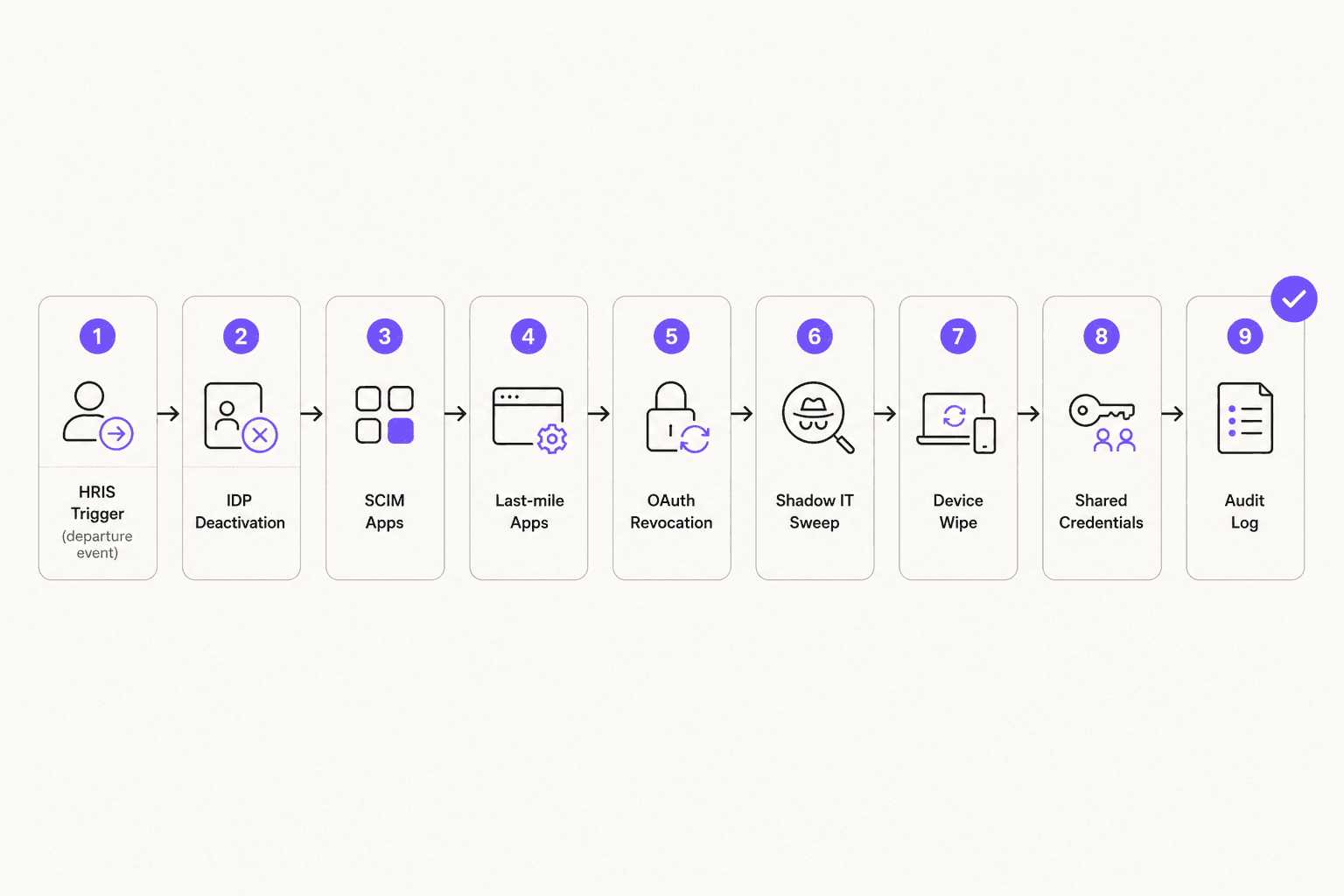
Step 1: HRIS trigger. The departure event in Workday, BambooHR, or Rippling fires the workflow. The key requirement: IT must receive this trigger simultaneously with the departure notification going to the employee, not after. The r/sysadmin thread "Fired employee downloaded all company files" (390+ comments) makes the failure mode concrete: when HR notifies IT after the employee, a bulk download window opens before access is revoked.
Step 2: IDP deactivation. Disable the SSO account first. This immediately blocks access to all SSO-enabled apps. Suspend the account rather than deleting it. You need the account intact to export mail, transfer Drive files, and review activity logs.
Step 3: SCIM-connected app deprovisioning. Let the IDP push deprovisioning to all SCIM-connected apps automatically. For Okta Lifecycle Management, this cascades to 6,500+ apps in the Okta Integration Network.
Step 4: Last-mile app deprovisioning. For apps outside SCIM coverage, deploy browser automation (Stitchflow) or execute targeted admin actions per app. This is the step most teams skip, and the one where live access persists longest.
Step 5: OAuth revocation. Enumerate and revoke all OAuth grants the user created in Microsoft 365 and Google Workspace. These are app-to-app connections that remain active after SSO revocation unless explicitly revoked.
Step 6: Shadow IT sweep. Run a discovery tool (Nudge Security, Stitchflow IT Graph) to surface accounts in apps outside the IT catalogue. Flag each for action.
Step 7: Device lock and wipe. Trigger MDM remote wipe for company-owned devices (Intune, Jamf, Kandji). Send device return instructions. Log receipt when hardware comes back.
Step 8: Shared credential rotation. Change passwords on any shared accounts the employee had access to: vendor portals, monitoring tools, social media. This one stays manual unless you have a PAM system; put it explicitly on the workflow checklist.
Step 9: Audit log closure. Generate and store the complete timestamped record: every action, every app, when it happened. This is the deliverable for SOC 2 and ISO 27001 audits.
Security and compliance requirements
The compliance stakes for incomplete offboarding are documented, not theoretical. Vanta notes that SOC 2 auditors specifically require organizations to demonstrate that during the observation period, no inactive employees had system access, with documented evidence of when and how access was revoked.
| Framework | Offboarding-specific requirement |
|---|---|
| SOC 2 | Timely access revocation; no inactive employees with system access during observation period; audit evidence required |
| ISO 27001 | Control A.9.2.6: Removal or adjustment of access rights at employment end; formal deprovisioning process required |
| GDPR | Access to personal data limited to authorized persons; ex-employees with lingering EU resident data access create direct exposure |
| HIPAA | ePHI access terminated at employment end; audit controls must document all revocations |
| SOX | Internal controls over financial data require access governance including offboarding documentation |
| CCPA | Unauthorized access to California consumer data triggers disclosure requirements |
For organizations going through SOC 2 Type II certification or renewal, this is the section that most often produces audit findings. Evidence of a manual checklist does not satisfy the auditor's requirement for an automated, repeatable control. An automated offboarding platform that generates timestamped logs closes this finding cleanly.
The security incident data reinforces the stakes. A disgruntled ex-employee who logged back into systems months after termination deleted 180 virtual servers, costing over $678,000 in recovery and downtime. Beyond Identity's 2022 research found that 75% of organizations had been harmed by former employee access misuse. These are not edge cases; they're the predictable outcome of incomplete offboarding at scale.
The IT community consensus on r/sysadmin is clear:
"The longer an account stays active after departure, the more liability you carry."
Post-exit monitoring (30+ days of anomaly detection on old account identifiers) rounds out the security posture. Most teams don't implement it in practice, but for organizations with regulated data or high-value intellectual property, it's worth the tooling investment.
eesel for IT helpdesk automation
Deprovisioning tools handle the access revocation side of offboarding. But IT teams running a helpdesk on Zendesk, Freshdesk, or any other platform also deal with the ticket side: employees submitting "please remove my access to X" requests, managers asking about device return procedures, IT staff routing offboarding tasks to the right owner.
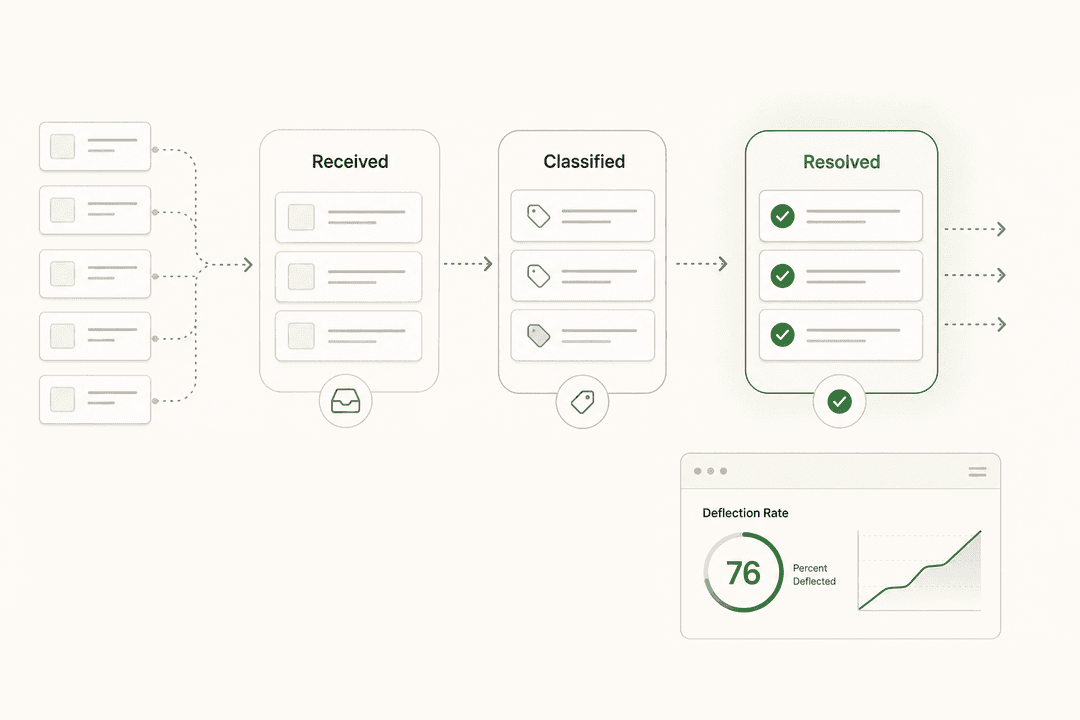
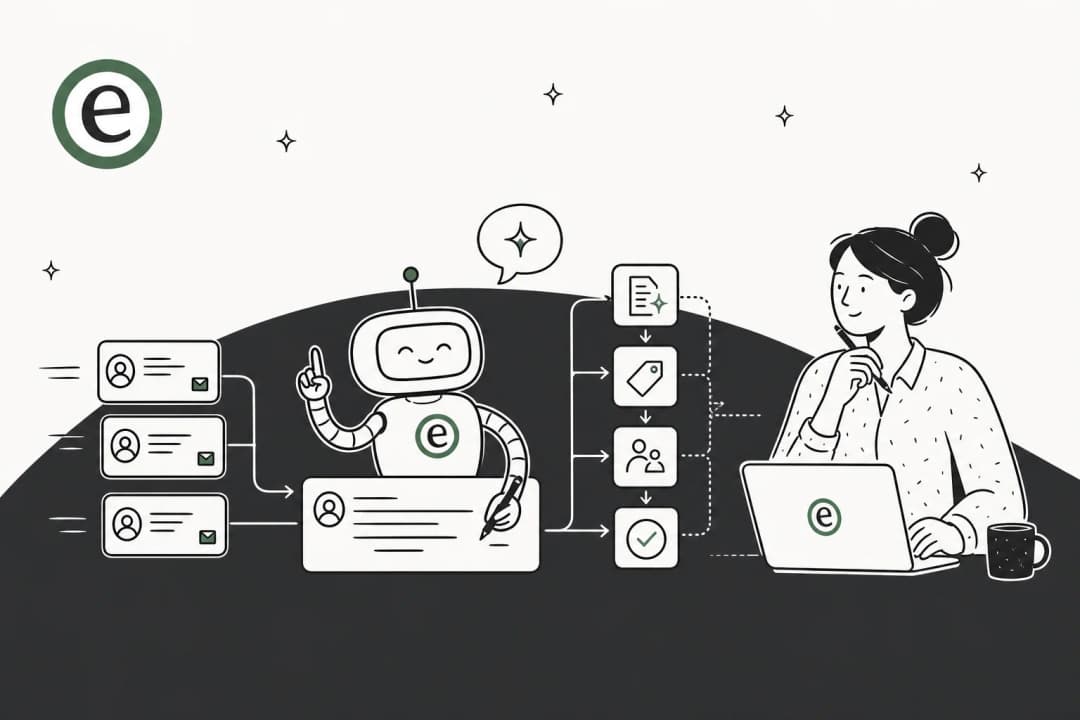
eesel is an AI helpdesk agent that integrates with the major IT helpdesk platforms and automates responses to repetitive IT tickets. During offboarding periods, IT queues often flood with requests that don't require human judgment: equipment return procedures, access removal confirmations, questions about what happens to files and accounts. eesel's agent answers these automatically, drawing from your internal documentation and past ticket history.
The AI helpdesk agent connects to your existing helpdesk in minutes, learns from past tickets on day one, and handles first-response deflection so IT admins spend time on the actual technical deprovisioning work rather than answering the same questions over and over. For IT teams running high-volume offboarding periods (quarterly reduction in force, seasonal contractor turnover), this reduces the ticket backlog without additional headcount.
eesel supports Zendesk, Freshdesk, Help Scout, Gorgias, and 19 other integrations, including Slack for internal IT support. Pricing starts with a $50 free trial, no credit card required. See the AI helpdesk implementation guide for a step-by-step setup walkthrough, or the AI for DevOps support guide for more IT-specific automation use cases.