What is asynchronous customer support?
Asynchronous customer support is any support where the customer and the agent don't need to be present at the same moment. The customer writes in, closes the tab, and the answer arrives later by email, push notification, or in the same chat window when they come back. Email is the oldest version. Persistent messaging is the modern one.
Zendesk draws the line cleanly in its own docs. Its messaging overview describes conversations that are "persistent, with full context and history", while its live chat comparison calls live chat "a single, stand-alone conversation that you cannot return to" once the customer closes the browser. That's the whole difference in one sentence: can the conversation survive the customer walking away?
Here's how the two models compare on the things a support lead actually manages:
| Synchronous (live chat, phone) | Asynchronous (email, messaging, forms) | |
|---|---|---|
| Customer has to stay | Yes, or the session ends | No, the thread waits for them |
| Reply expectation | Seconds to minutes | A stated window, usually hours |
| Staffing | Someone online whenever the widget is | Agents work the queue in batches |
| Best for | Urgent, simple, "I'm stuck right now" | Anything needing investigation |
| Biggest risk | Abandoned chats when nobody answers | Round trips that stretch a fix over days |
| Typical metric | Wait time, chat duration | First response time against a promise |
I write a lot of eesel's support content, and before drafting this I asked ChatGPT the question the way a four-person remote team would ask it. It didn't search for definitions. It went straight to Help Scout's Beacon contact settings and Front Chat's offline email capture. That tells you what buyers really want to know: not "what is async support" but "how do I make my chat widget stop pretending we're online". So that's where most of this guide goes.
Your chat widget is probably already async
Here's the thing most teams miss. If you have a chat widget and you don't staff it 24/7, you already run asynchronous customer support. You just run it accidentally, through each helpdesk's fallback rules.
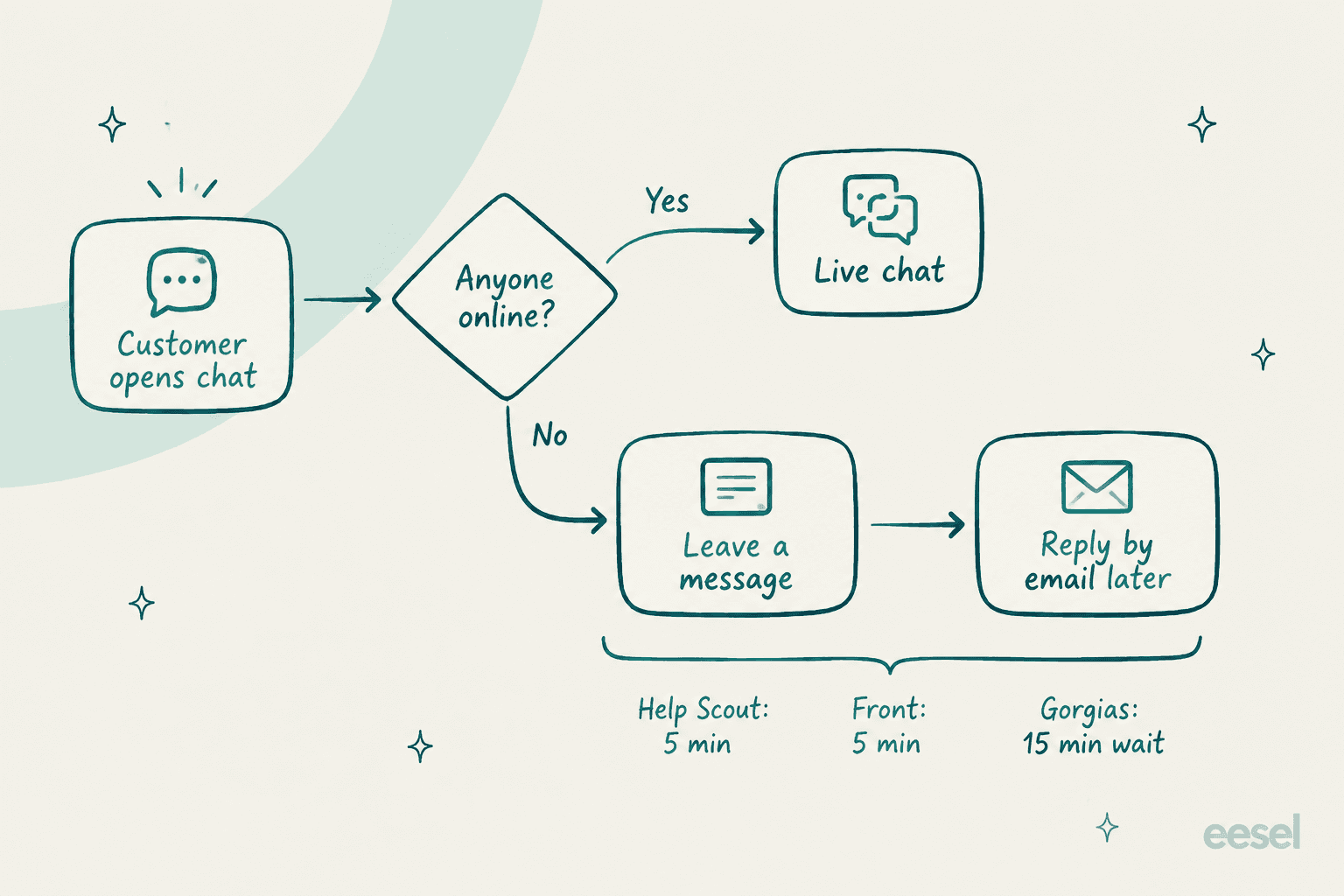
The fallback rules are surprisingly short:
- Help Scout. Beacon only offers chat "when a User is available", per Help Scout's availability doc. Otherwise customers see the Send a Message form. If nobody accepts a chat within
5 minutes, Help Bot apologizes, closes it, and the transcript lands in your Unassigned view (chat docs). - Front. If an agent replies and the visitor goes quiet for
5 minutes, Front emails a transcript of the last10messages, and the customer's reply lands unassigned in a shared inbox (Front Chat docs). - Gorgias. Outside business hours, offline capture lets shoppers "send an asynchronous message" and get the reply by email. During hours, once the estimated wait passes
15 minutes, shoppers can switch to email (chat preferences). - Zendesk. Continuous conversations emails customers who left the Web Widget with unread agent replies, and they can answer straight from that email.
- Freshchat. Freshworks' help center says it delivers a missed message "over email (even if it is a day later)", and an email reply becomes a Freshdesk ticket (Freshchat docs).
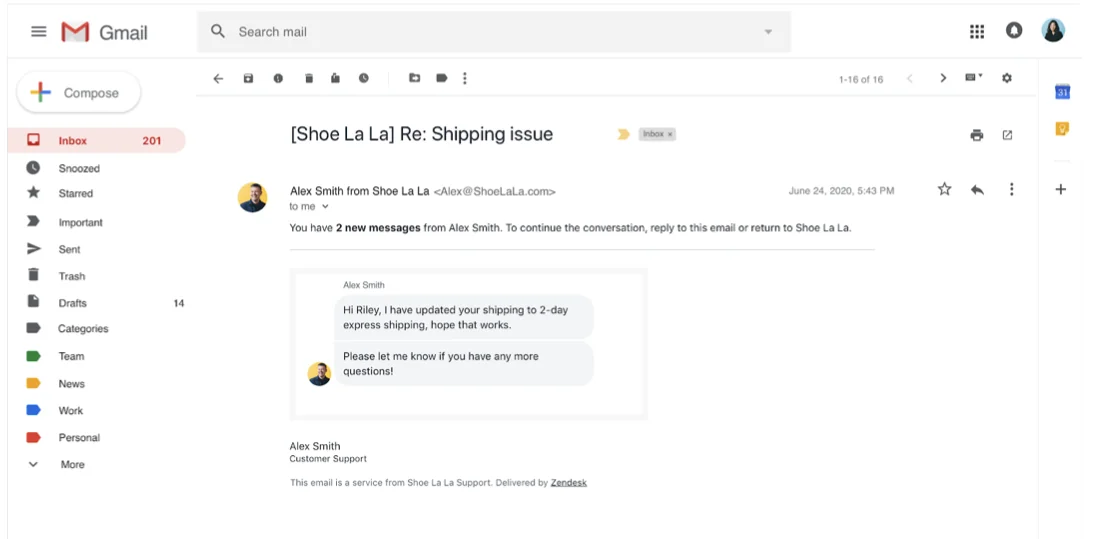
None of this is bad. It's actually good plumbing. The problem is the experience in between: a widget that says "chat with us" sets a live expectation, then quietly hands the customer to email. One bootstrapped founder on Hacker News put the trap well:
"Live support is murkier - if you do have set it up and are offline, falling back to email that gets answered tomorrow does seem slow, just by the fact you've just anchored me to "live"."

So the first decision isn't which tool. It's whether your front door says "chat" or "message us". Pick the helpdesk you use below to see exactly how async works there and what it costs to unlock.
If you're weighing tools rather than configuring one, my Help Scout vs Front comparison and the shared inbox roundup go deeper on the async-first options.
Is async better for customers, or just cheaper for you?
Both, if you do it right. Neither, if you don't. That's the honest answer, and the community threads back it up from both sides.
The case for async is mostly about small teams. A SaaS operator on Hacker News described dropping instant-message support as the company grew from 3 to 8 people and past 5,000 customers:
"Most support is now dome through our ticket system. Our support team replies usually within 30 mins during sane hours. We get raves about our fast CS replies so I think dropping chat/IM support has actually helped us."
Notice what earned the raves: a fast reply inside a promise, not an instant one. Another commenter in a bootstrapping thread was blunter about live chat for teams that can't staff it: it "creates unrealistic expectations in the customers" (drchiu).
The case against is just as real. Async fails when the wait stretches past what the problem can tolerate. One customer described a payroll provider going from seconds on live chat to "email based tickets that sometimes don't get answered for 24+ hours" (codegeek). Another cancelled a premium service after replies "took a couple days" (PopeDotNinja).
The vendor numbers frame the tolerance gap. Front's own customer service guide says customers "tolerate roughly 2 minutes and 40 seconds on live chat, but 12 to 24 hours on email", though it doesn't cite a study for that. Zendesk's messaging page claims "84% of CX leaders rate their response speed as excellent, but only 39% of customers agree", also without a source on the page. Treat both as direction, not gospel. The direction is consistent, though: customers accept a longer wait on async channels, and teams overrate how fast they already are.
So when is async the wrong call? When the customer loses something by waiting. A checkout error, an order they need to cancel before it ships, a locked-out admin. Those need a fast lane. Everything that needs investigation, a refund that needs warehouse data, a bug report, a billing dispute, is usually better as one considered async reply than a rushed live one.
How to set up asynchronous customer support in 6 steps
This is the setup I'd run for a team of 3 to 15 people. It works on any of the helpdesks above.
1. Write a reply promise you can hit 9 times out of 10
Pick a window based on your actual coverage, not your aspiration. "We usually reply within 4 business hours" is a promise. "We'll get back to you soon" is not. Pull your current first response time at the 90th percentile and set the promise just above it.
Then show it where the customer writes in. Zendesk has an estimated wait-time banner on every Suite plan, and Gorgias can share wait time as a dynamic estimate. On tools without one, put it in the form text and the auto-reply.
2. Make the front door say "message us", not "chat now"
If you can't staff chat during every hour the widget shows, relabel it. Gorgias lets you set chat to "Offline (capture messages only)" (chat preferences). Help Scout's Beacon falls back to its contact form automatically. On Zendesk, the "social messaging" style from its conversational styles guide is built for this: tickets stay reopenable for up to 28 days after they're solved, and Zendesk recommends it for issues "that are not time sensitive".
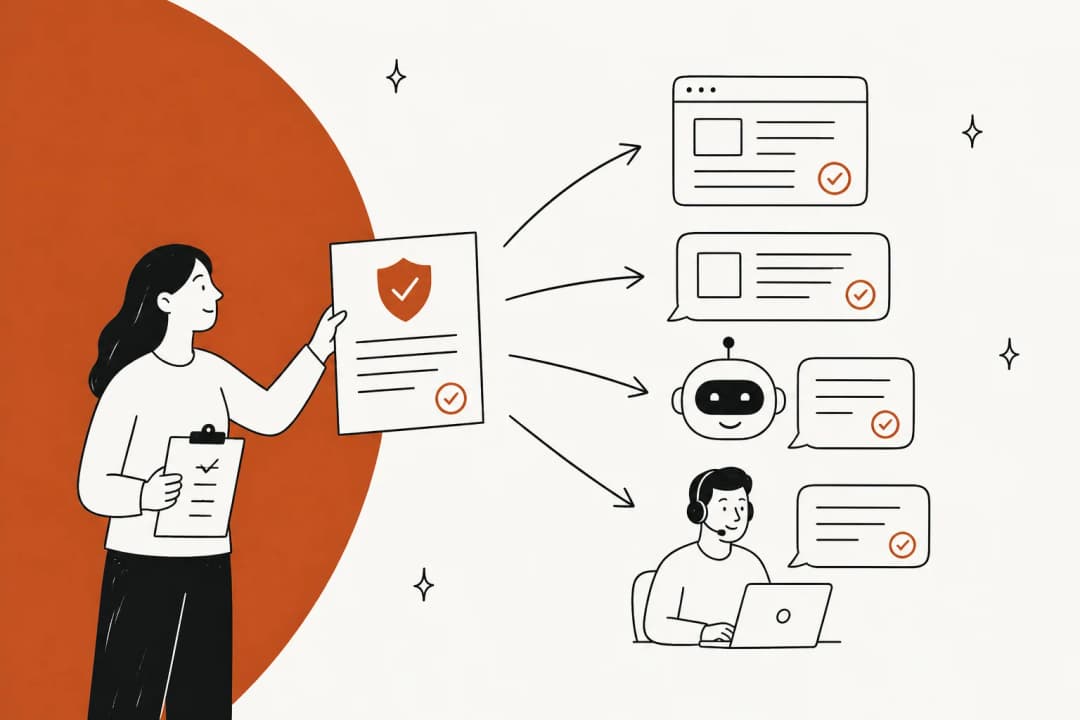
Always capture an email address up front. Every fallback above (Help Scout transcripts, Front's 5-minute email, Gorgias offline capture, Zendesk continuous conversations) depends on having one.
3. Send an acknowledgement, and don't count it as a reply
The auto-reply's job is to confirm receipt, restate the promise, and tell the customer they can close the page. Something like: "Got it. We usually reply within 4 business hours, and the answer will land in your inbox." These auto-reply best practices cover the wording. If you're on Zendesk, start with this Zendesk auto-reply guide. Gorgias teams can schedule replies with after-hours rules.
Don't let that auto-reply stop your SLA clock. A bot saying "we got it" is not a first response, and counting it hides exactly the delays customers complain about.
4. Give every conversation one owner and one status
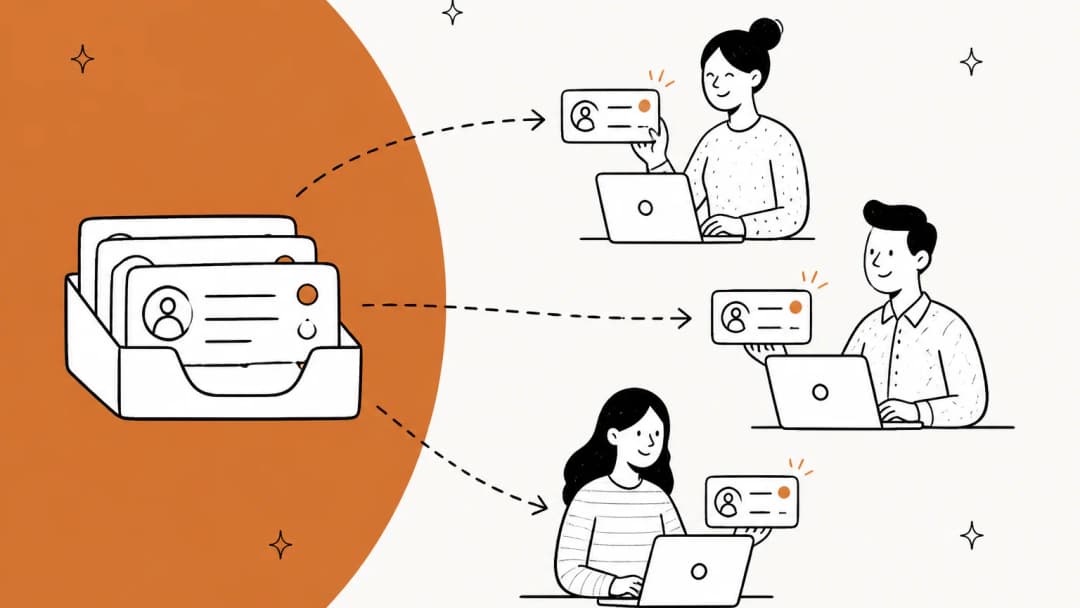
Async falls apart when a ticket sits in a shared view that everyone assumes someone else is watching. Use four statuses and stick to them: needs our reply, waiting on customer, waiting on another team, resolved. Assign an owner on first touch with routing rules, and set an alert before the deadline, say at 3 hours on a 4-hour promise.
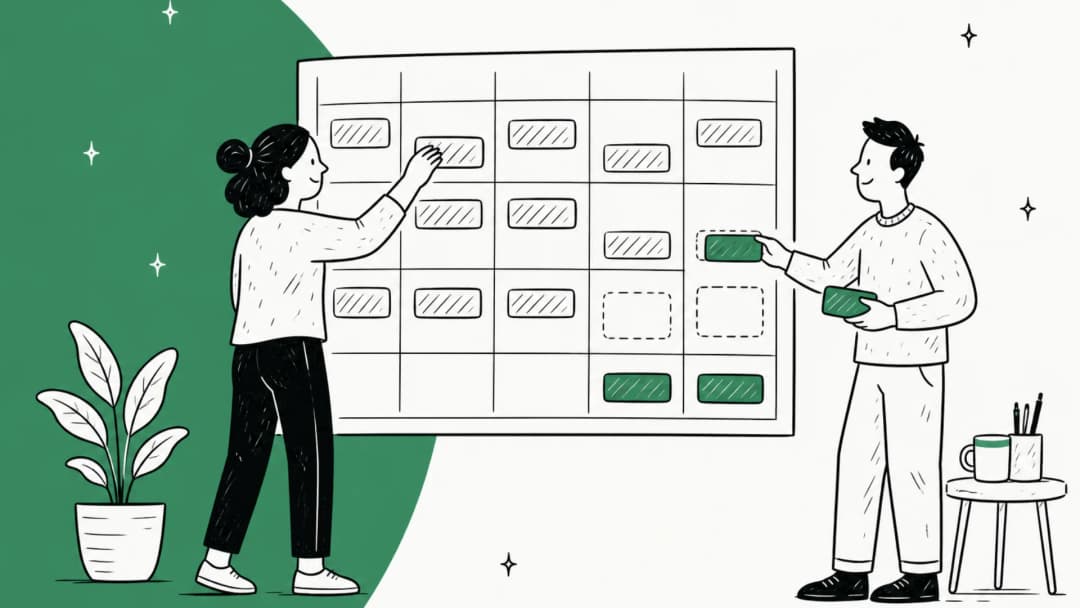
For distributed teams, this is where handoffs matter. When an owner's day ends, anything that needs action before they're back moves to someone else with a short note: what the customer asked, what you tried, what you promised and by when. My follow-the-sun guide covers handoff notes in detail, and AI ticket summaries can write the first draft of one.
5. Close the loop in one reply
This is the single biggest lever in async support, and the one most teams ignore. In live chat, a quick clarifying question costs 30 seconds. In async, it costs a full cycle of your reply window.
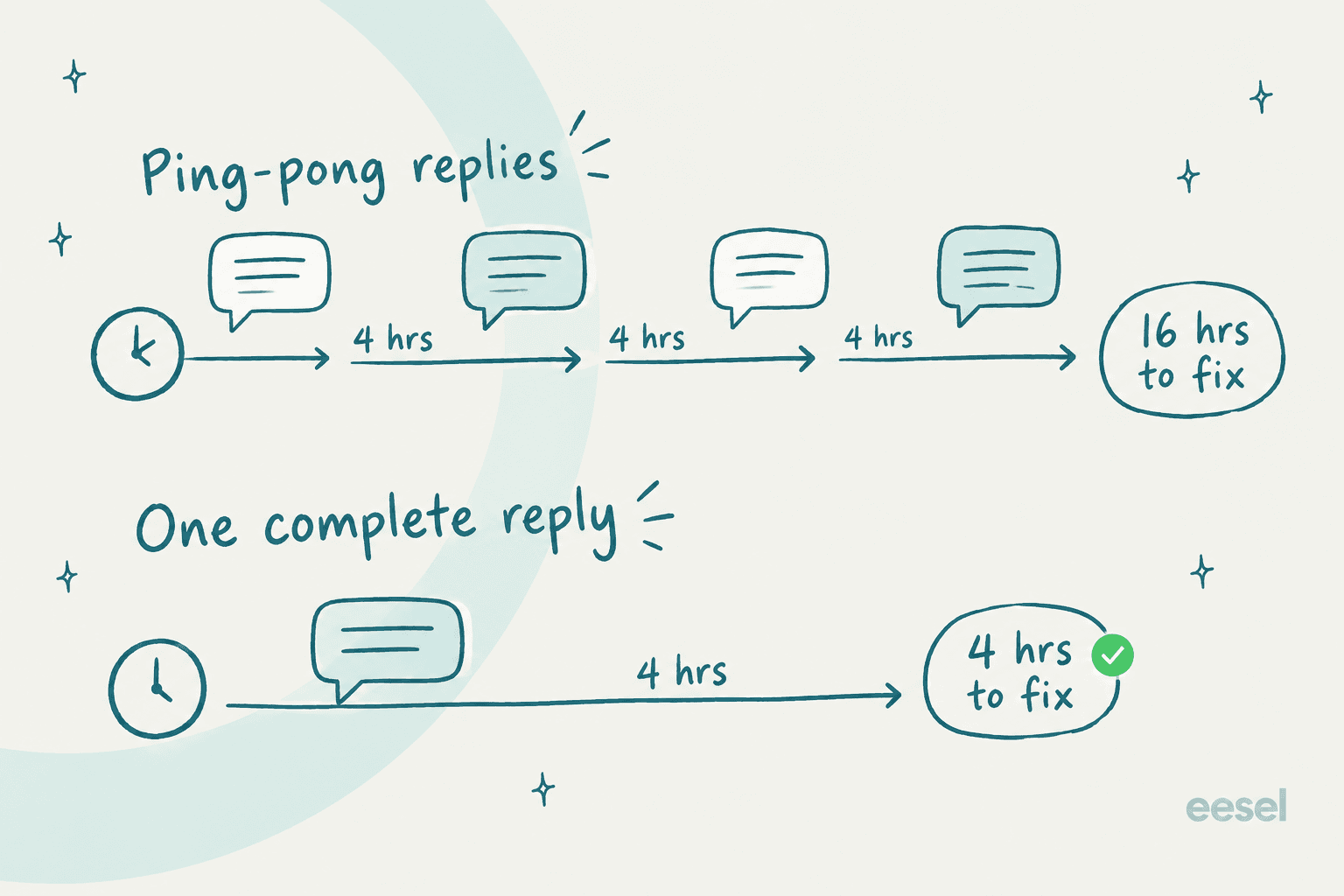
Your real resolution time is your reply window multiplied by the number of round trips. On a 4-hour promise, four back-and-forths is 16 hours, while one complete reply is 4. So write the reply that anticipates the next question: the likely cause, numbered steps, and what to send back if those steps don't work. Collect order number, account email, and a screenshot in the form up front so you're not asking for them later.
6. Keep a fast lane for what can't wait
Decide which ticket types skip the async queue: outages, security reports, payment failures, anything time-boxed like order cancellations. Tag them on arrival (an AI triage tool does this well), route them to whoever is on, and publish only the urgent coverage you can actually staff.
What to measure once you go async
Live-chat metrics like average wait time and chat duration stop meaning much. These are the ones I'd put on the dashboard instead:
| Metric | Why it matters for async | Target to start with |
|---|---|---|
| Replies inside your promise | The promise is the product | 90% or better |
| 90th-percentile first response | Averages hide the ticket that sat overnight | Just under your promise |
| Oldest unanswered conversation | Catches tickets nobody owns | Never older than the promise |
| Replies per resolution | Every extra round trip adds a full window | Trending down |
| CSAT after resolution | Tells you if slower but fuller replies land | Flat or up after the switch |
Most helpdesks can report these natively. This rundown of customer service KPIs goes through how to set each one up, the AI metrics guide adds the ones for automated replies, and Zendesk users can track business-hours durations in Explore.
Where AI fits in an async queue
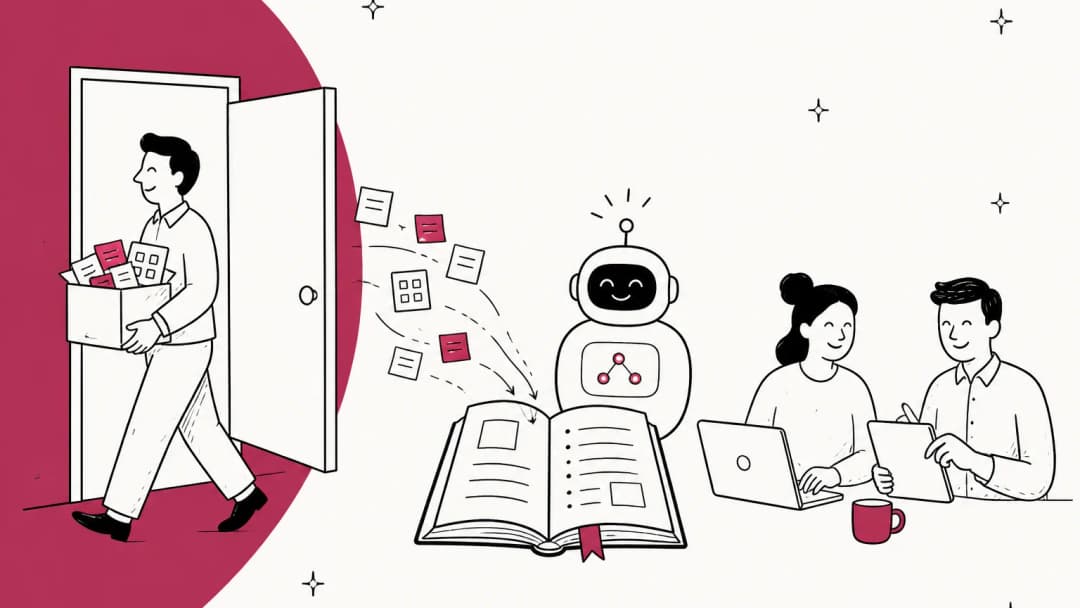
Async support has one built-in weakness: the hours where nobody is working the queue. A message that arrives at 2 a.m. sits until someone logs on, and on a Friday night that can mean Monday. eesel has spent years putting AI agents on real helpdesk queues, and async queues are where they pay off fastest, because nobody is staring at a typing indicator while the AI works.
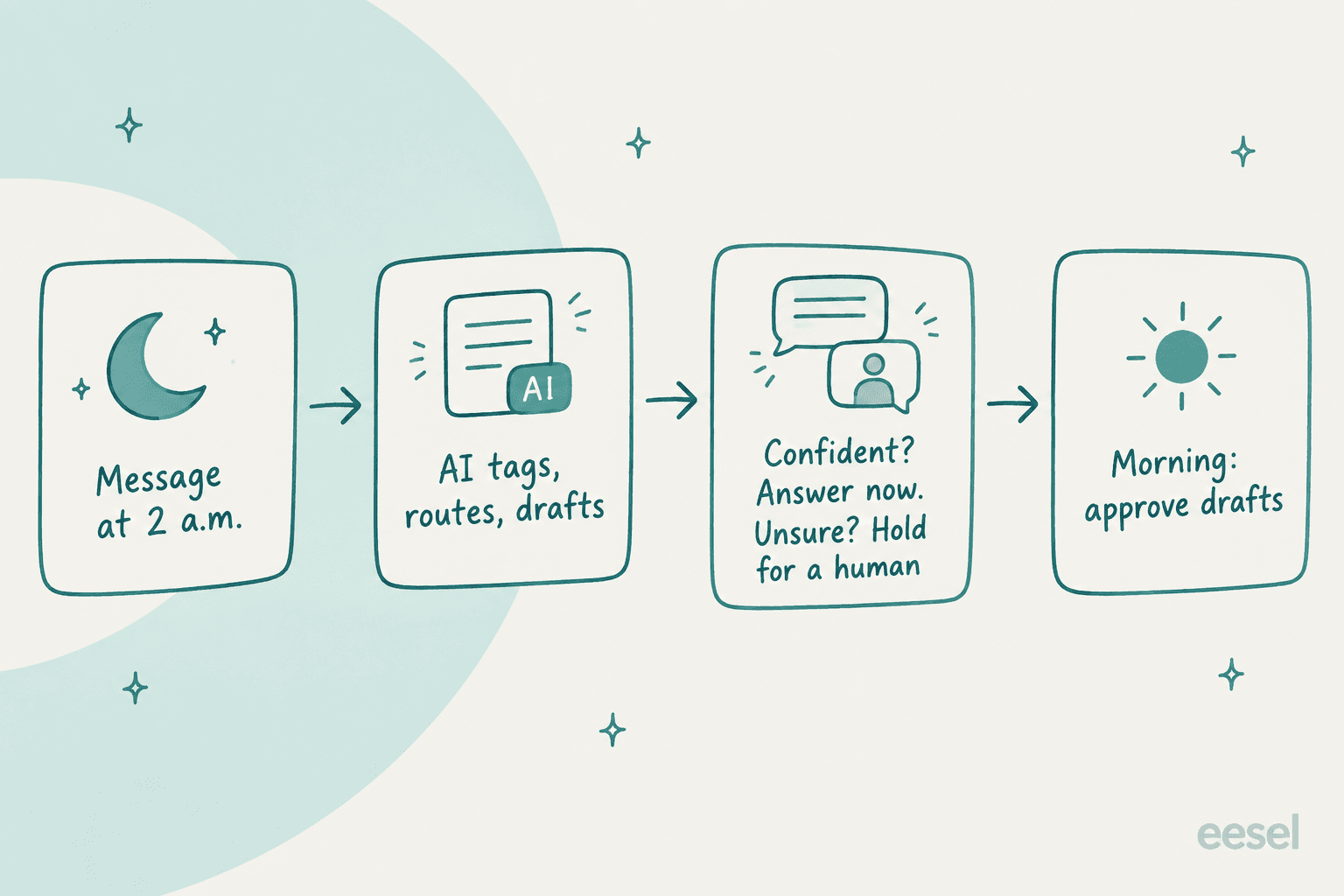
The pattern that works is narrow on purpose. The AI answers what it's sure about, and leaves everything else tagged, routed, and drafted for the morning. A CX lead handling about 7,000 tickets a month put the rule better than I could on a call with eesel:
"I need an AI who is only handling the tickets that it's confident to handle and all the other ones, leave them alone."
That's the right instinct. Here's what it looks like in practice:
- Overnight answers for the common questions. Anytime Fitness runs 5,000+ gyms in 40+ countries. Before eesel, a member asking a question at 10 p.m. waited until morning. Now the common questions get answered day or night.
- Drafts waiting for review. In eesel, each action can be set to auto, needs approval, or disabled. Replies start on approval, so the AI drafts at 2 a.m. and a person approves at 9. See how helpdesk copilots work for the draft-first model.
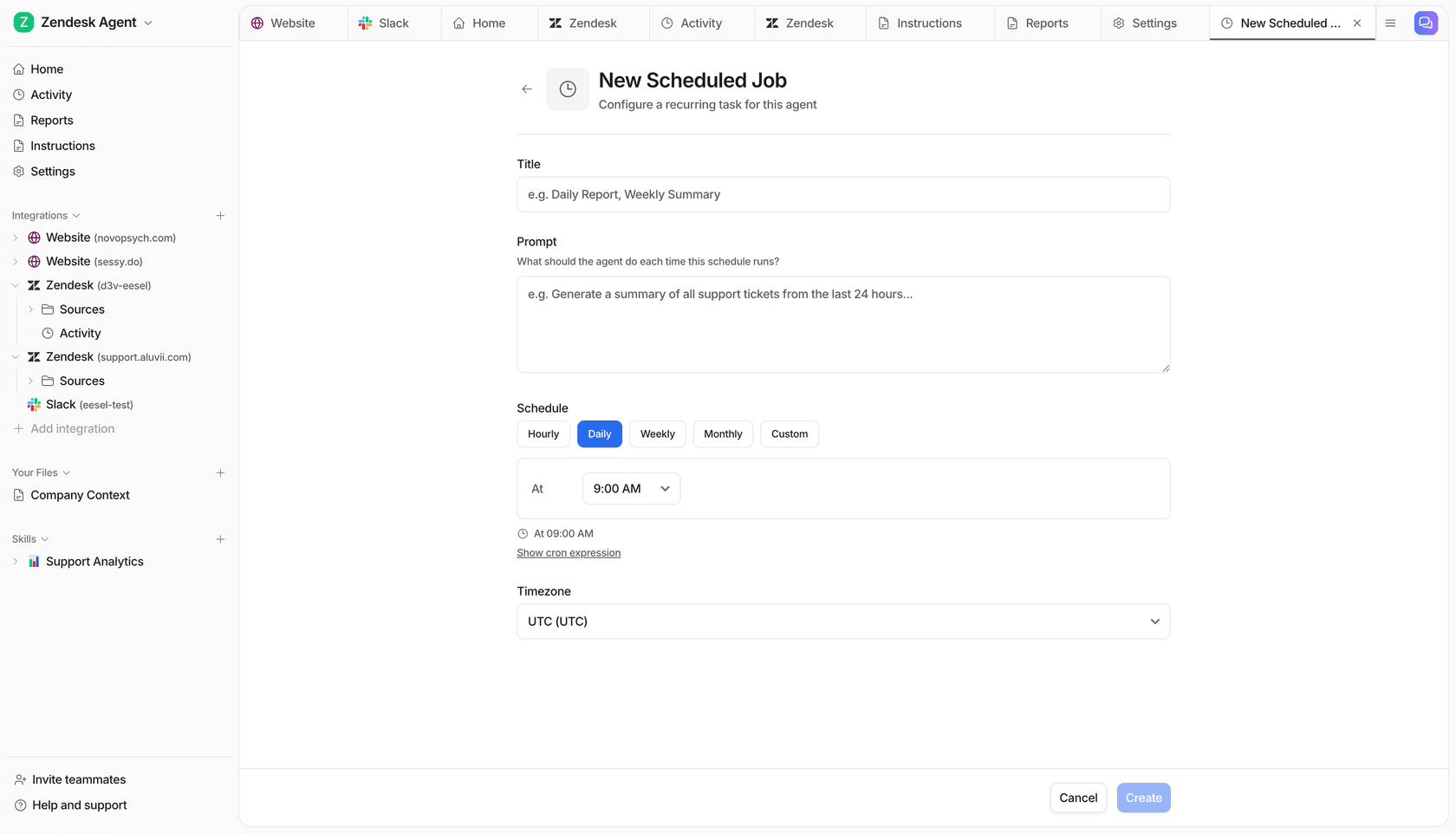
- A handoff summary every morning. A scheduled job can post "a summary of all support tickets from the last 24 hours" at a set time and timezone, so whoever starts the day knows what came in.
- Same answers in every timezone. Because the AI learns from your past tickets, macros and help center, a customer in Sydney and one in Berlin get the same answer.
One honest caveat from eesel's own data. In a real-traffic trial on an e-commerce inbox, triage was strong (93% accurate, every spam ticket caught), but agents sent only 12% of AI drafts as written. Most edits were about length and tone, which training on the team's own sent replies fixes. Plan a week or two of review before you let drafts go out on their own. eesel's simulation runs the agent against your past tickets first so you can see where it lands before any customer does.
Also, put business hours and handoff rules in your helpdesk's own config, not only in the AI's instructions. One long-time eesel customer ran into inconsistent business-hours logic despite detailed prompt instructions. Your helpdesk's SLA policies are the source of truth, along with its own after-hours conditions. The AI should work inside them.
Common mistakes when switching to async
- Keeping a "chat now" button you can't staff. It anchors customers to live, then disappoints them. Relabel or hide it outside covered hours.
- Counting the auto-reply as a first response. Your dashboard looks great while customers wait.
- Asking one question per reply. Every round trip adds a full reply window. Ask for everything in the form.
- No owner on new conversations. Shared views with no assignee are where async tickets go to die. See this ticket triage guide.
- Adding seats to cover nights. Per-seat helpdesk pricing makes evening coverage expensive. An AI teammate covers the same hours without adding agents, as this AI vs offshore cost breakdown shows.
Try eesel on your async queue
If your team already works an inbox in Zendesk, Help Scout, Front, Gorgias or Freshdesk, eesel joins it as an AI helpdesk teammate. It works the hours your team doesn't: answering the tickets it's confident about, tagging and routing the rest, and leaving drafts and a morning summary for whoever logs on first. Your agents don't learn a new tool. They just find the queue in better shape.
Pricing is per ticket, not per seat. The Teammate plan starts at $299 a month for 500 credits, where one ticket or chat is one credit however many replies it takes. That works out to roughly 60 cents a ticket at the base tier, with unlimited seats. You can start free with 100 credits and no card, and it runs in draft mode until you trust it.

Try eesel on your own async queue, or read how an AI helpdesk agent compares with the alternatives first.
Frequently Asked Questions
What is asynchronous customer support?
What is the difference between asynchronous and synchronous customer support?
Is asynchronous customer support better than live chat?
How fast should you reply in asynchronous customer support?
Which helpdesk is best for asynchronous customer support?
Can AI handle asynchronous customer support?
Does asynchronous customer support work for remote teams across time zones?


Article by
Kurnia Kharisma
Kurnia is a software engineer and writer at eesel AI with two years of SEO experience, writing about AI tools, helpdesk software, and customer support. He pairs a developer's understanding of how these products are built with search-driven research into what actually ranks and resonates with the people searching for them.