Working on an IT helpdesk or a customer service team can feel like you’re constantly juggling flaming torches. The tickets never stop piling up, many questions are repeats from yesterday, and agent burnout is a real problem. It’s easy for teams to get bogged down by manual, repetitive tasks that drain time and morale.
I'm sure this is an issue that many people are faced with. How do we deal with Clients emailing tech's directly. Is anyone using any Copilot or power automate to pull them out of an inbox and send them right to our ticketing system?

This is where the idea of a "helpdesk copilot" comes into play. It’s an AI assistant designed to work with your agents, not replace them. Think of it as a tool to give your team some extra brainpower, helping them handle more conversations with less stress.
We’re seeing a lot of activity in this area. Big companies like Microsoft are going all-in on their Copilot tools, but there are also newer, more nimble platforms that treat AI like a new teammate you can onboard in just a few minutes. This guide will give you a clear rundown of what a "helpdesk copilot" is, how it works, what it’s good for, and what to look for when picking one for your own team.
What exactly is a helpdesk copilot?
A "helpdesk copilot" is an AI-powered assistant that connects directly to the helpdesk or service management tools your team already uses. It’s less like a public-facing chatbot and more like a personal assistant for agents. Its primary job is to help your team work faster and more accurately by drafting replies, summarizing ticket histories, and finding answers across all your scattered knowledge sources.
This isn't just a fancy FAQ bot. A copilot understands the context of a conversation and learns from your company’s unique knowledge, your past tickets, help center articles, and internal docs, to provide genuinely useful support.
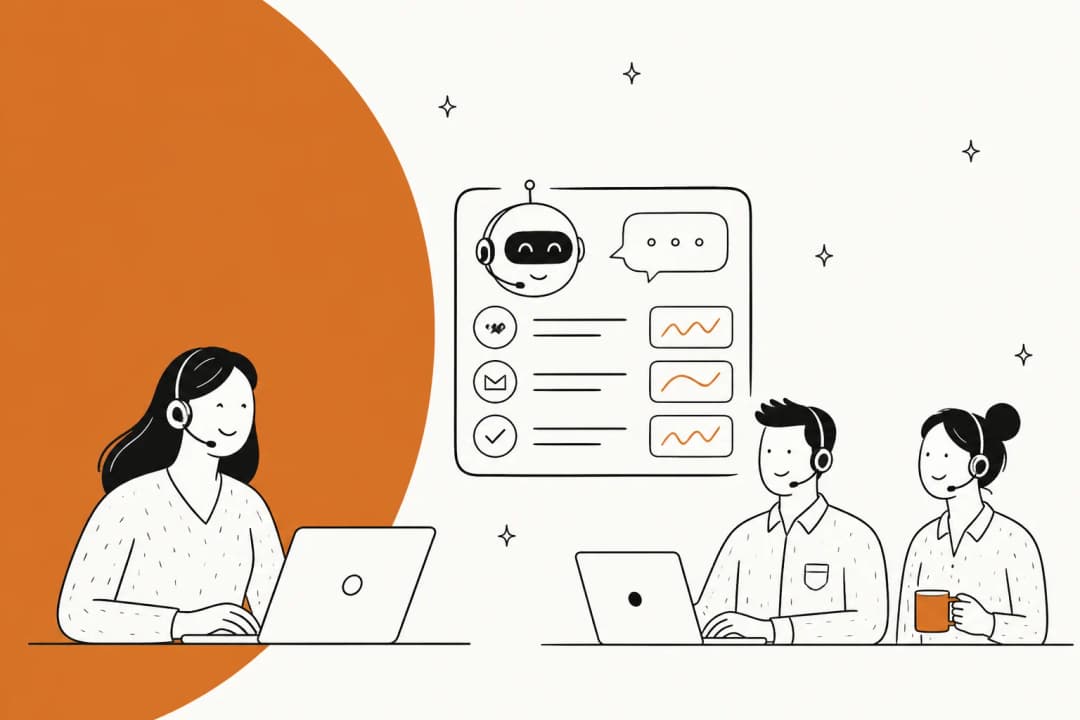
They generally work in two main modes, which is nice because it means you can adopt AI at your own pace, as this graphic illustrates:
-
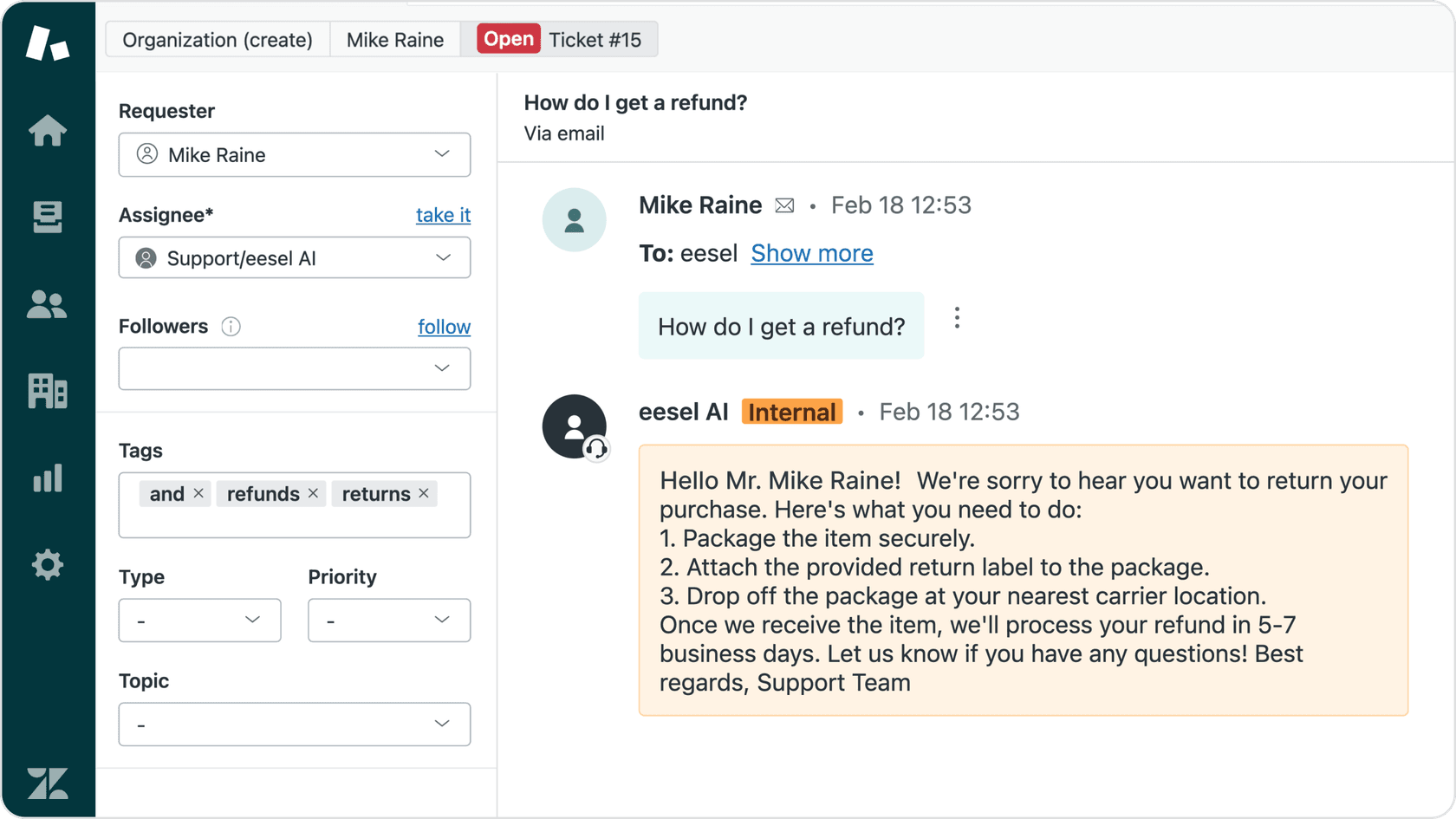
Agent-facing (Copilot): In this mode, the AI works behind the scenes, offering real-time help. It drafts replies as internal notes that your human agents can check, edit, and then send. It’s a classic human-in-the-loop setup that keeps your team in full control.
-
Autonomous (Agent): Once the AI has learned the ropes and you trust its answers, you can give it more freedom. In autonomous mode, it can handle frontline questions on its own, resolving common issues without any human help and only escalating when it gets stuck.
A real-world example: Microsoft's helpdesk copilot
To get a better sense of how a "helpdesk copilot" works in a big corporate environment, it’s useful to look at Microsoft’s ecosystem. Their service offering, which Microsoft's docs now call Service Agent (formerly Copilot for Service), isn't a single thing. It’s a Microsoft 365 Copilot agent for Dynamics 365 Customer Service, and it sits alongside custom agents you build in Microsoft Copilot Studio. It’s quite powerful, especially for teams already living in the Microsoft world.
The Microsoft helpdesk copilot ecosystem
Copilot Studio is the command center where admins build and customize AI agents for different business needs. Here’s a quick peek at what it can do:
-
Custom AI Agents: You can build agents from scratch, telling them which knowledge sources to use (like a company SharePoint site), what triggers to respond to, and what actions to perform.
-
Answering Employee Questions: It's set up to handle internal questions about company policies by connecting to your knowledge bases. Microsoft also lists over 100 prebuilt connectors, including Salesforce, ServiceNow and Zendesk, to bring outside content into Copilot answers.
-
Ticket Management: The copilot can check on ticket statuses for users. With the ServiceNow Knowledge connector, it can pull ServiceNow knowledge articles into its answers. Service Agent itself can take case actions in Dynamics 365, like adding notes, updating status and creating child cases.
-
Human Handoff: Like any good enterprise assistant, it knows when to give up. If the AI can’t solve a problem, it has a built-in process for passing the conversation to a human agent.
Technical setup with Copilot Studio
Getting Microsoft’s copilot up and running isn't exactly a plug-and-play experience. It’s designed for deep integration with the Microsoft 365 ecosystem and requires a good amount of technical setup.
Unfortunately, my own experience is that it feels like Microsoft released the program too early, and it’s full of bugs or things that haven’t been fully thought through... I also find the marketing of the product misleading, as Microsoft claims that you can easily and quickly create your own agent with Studio. Sure, it’s easy if you use a pre-made agent template and upload a couple of files for the bot, but that’s a very basic use case , and there are cheaper alternatives for that as well. In my opinion, it’s definitely not easy and requires at least some IT knowledge (e.g., understanding what a variable is).
The process involves pointing the AI to your knowledge sources, manually setting up actions and workflows, and then deploying the agent to different channels. While this gives you a lot of control, it often requires someone from IT or a developer to get everything working correctly. Its success also hinges on having perfectly structured knowledge articles and clean data. If your documentation is a mess, the AI’s answers will be, too.
For a more hands-on look at how these agents are built within the Microsoft ecosystem, the video below offers a detailed walkthrough of creating an autonomous IT helpdesk agent using Copilot Studio, demonstrating the steps involved in connecting knowledge sources and defining tasks.
Complex licensing and platform dependency
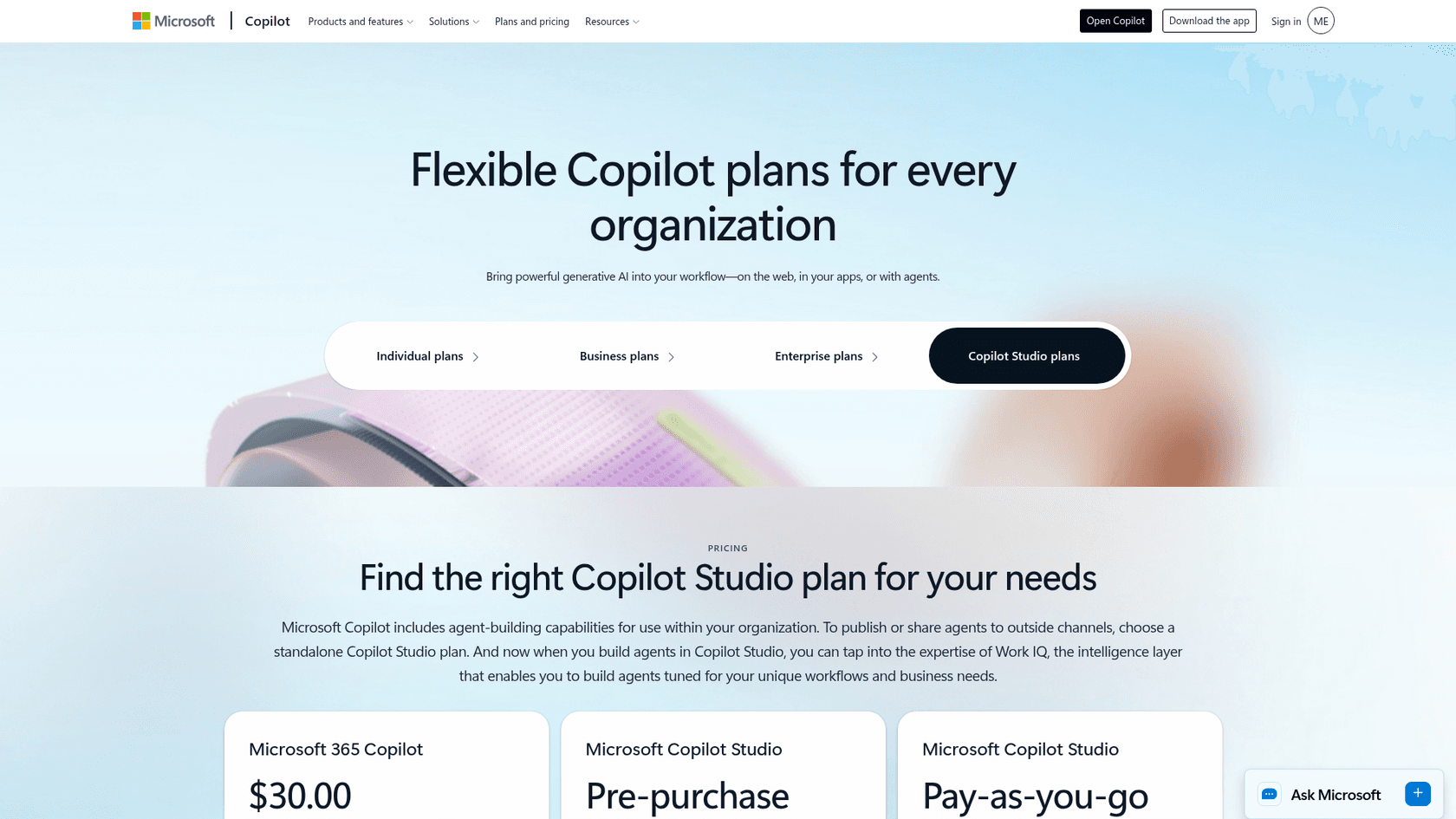
The pricing and dependency can be a hurdle. Microsoft says specific licensing requirements apply to Service Agent, and what you can use depends on your licensing and tenant setup. Microsoft 365 Copilot itself is listed at $30 per user per month.
Usage is then billed through "Copilot Credits," which you can either pre-purchase or pay for as you go with an Azure subscription. This layered cost structure can make it tough to predict your monthly bill. Service Agent works with data from Dynamics 365 Customer Service and knowledge sources like SharePoint, so a team on Freshdesk or Gorgias would bring that content in through connectors or a custom Copilot Studio agent.
Key use cases for a helpdesk copilot
Microsoft’s platform is just one option. Many teams are using "helpdesk copilot" technology to make a real difference in their operations. With the right tool, some are even seeing results like 73% of tier 1 tickets resolved in the first month, as one eesel customer reported.
Here are a few of the most common ways teams are putting them to use.
Intelligent ticket triage and routing
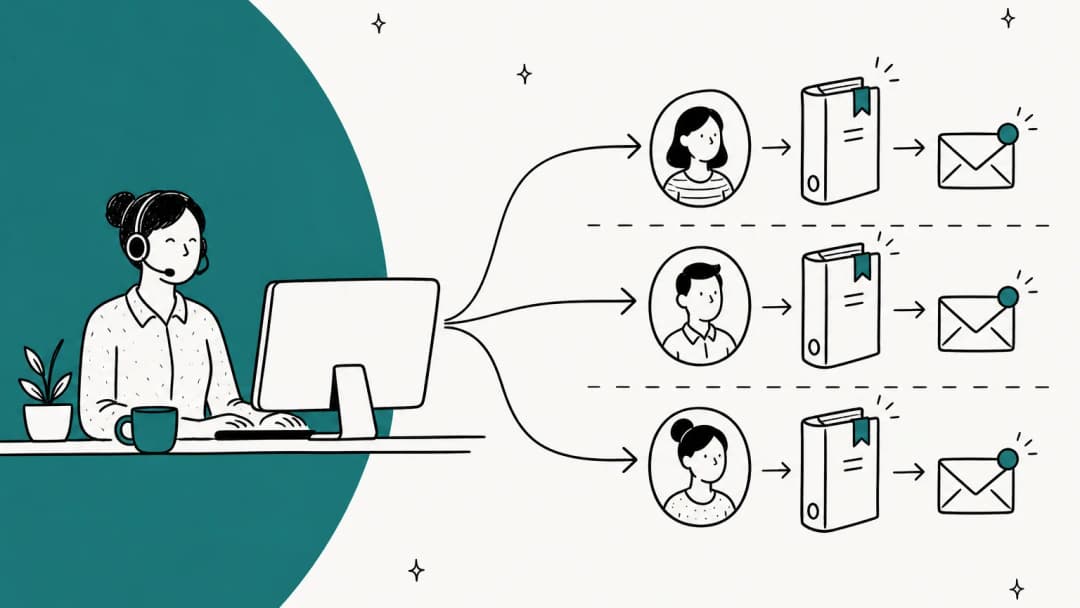
Instead of having a person manually read, tag, and assign every incoming ticket, a copilot can do it in seconds. For example, a tool like eesel AI Triage can be configured with simple, plain-text instructions to automatically tag tickets by sentiment, close out spam, or route urgent issues straight to a Tier 2 team. This saves a ton of time and makes sure critical issues get to the right people much faster.
Real-time assistance and reply drafting
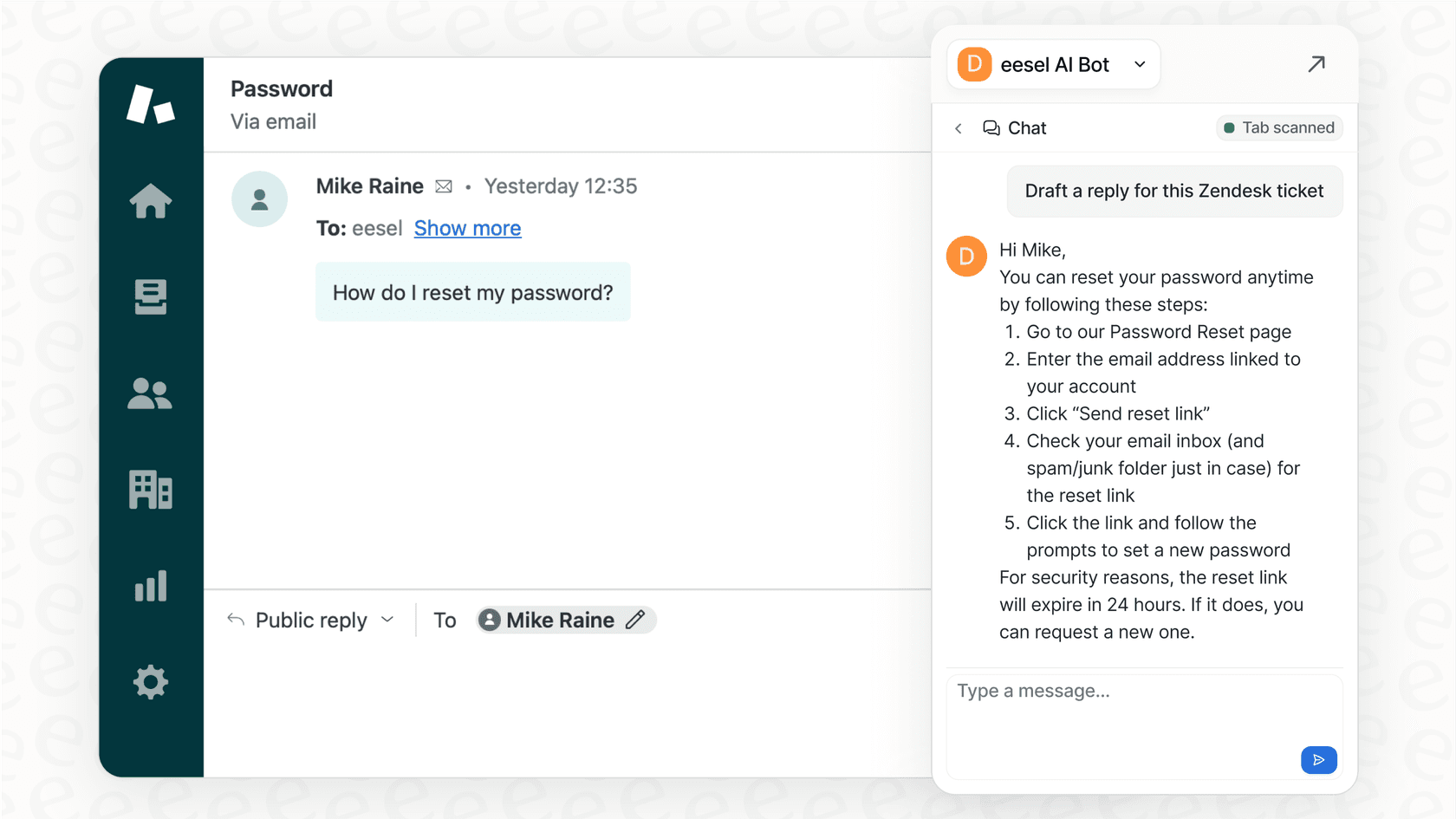
This is the main "copilot" function. As soon as an agent opens a ticket, the AI can have a full draft reply waiting for them. A good AI Copilot doesn't just use a generic script; it learns from all your past tickets to match your team's specific tone and voice. This helps keep everything consistent, speeds up response times, and is incredibly helpful for onboarding new agents. They can learn the ropes just by watching how the AI handles different situations based on past conversations.
Employee self-service for internal IT support
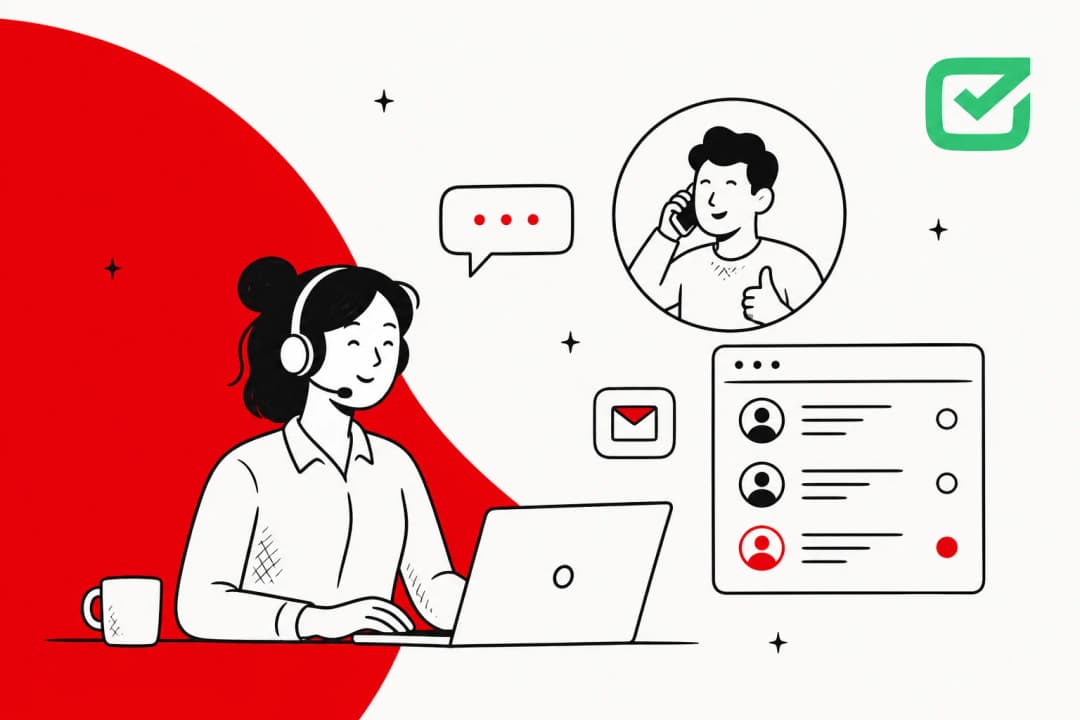
A "helpdesk copilot" is also great for internal support. You can set up an AI Internal Chat to be the first point of contact for your IT team. It lives right inside Slack or Microsoft Teams, where employees already are. When someone has a question about setting up their VPN or resetting a password, they can just ask the AI. It connects to your internal knowledge bases in Confluence, Google Docs, or Notion to provide instant answers, deflecting a huge number of tickets and letting your IT specialists focus on bigger projects.
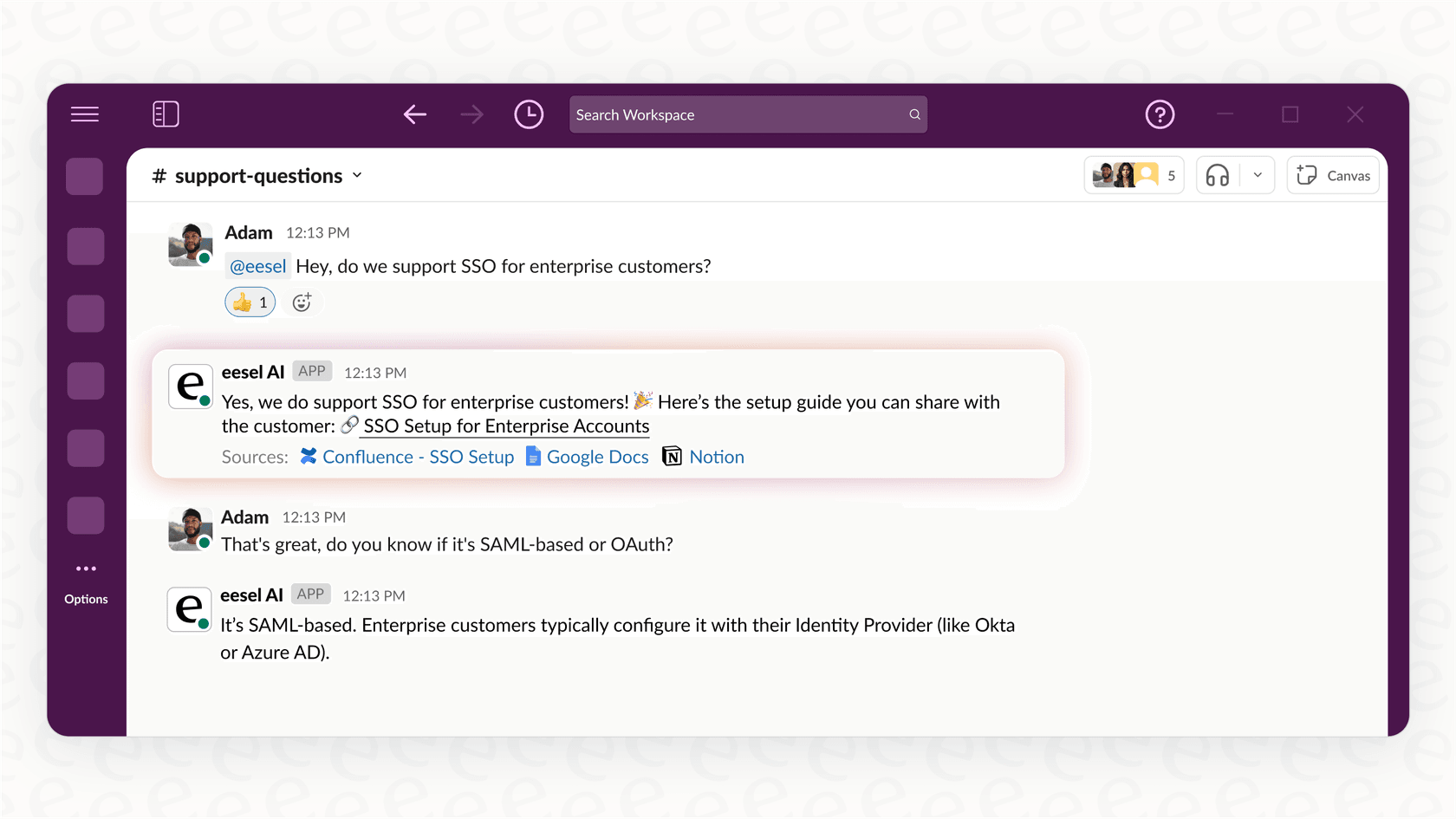
Ticket summarization and knowledge generation
For those ridiculously long ticket threads, a copilot can be a lifesaver. It can instantly summarize the entire conversation, giving an agent all the context they need without making them read through dozens of messages. Some advanced platforms can even spot gaps in your help center. If they notice the same question being resolved repeatedly, they can automatically draft a new knowledge base article about it, helping you build out your documentation with content you already know people need.
The teammate approach: A simpler, more integrated helpdesk copilot
While powerful, ecosystem-heavy tools aren't for everyone. An alternative way to think about AI is not as a complex piece of software to configure, but as a new teammate you can hire. This model, used by platforms like eesel AI, is all about getting started quickly, working safely, and learning as you go.
Go live in minutes with a one-click setup
You can forget about long implementation projects or needing a developer on call. With the teammate approach, you just invite the AI to your existing helpdesk, whether it’s Zendesk, Freshdesk, or another platform. The moment it joins, it starts learning from your past tickets, macros, and help center articles. There's no complicated setup. It also connects to dozens of integrations including Google Docs, Notion, and Confluence, so it shows up on day one with a decent grasp of your business.
Start safely with a human-in-the-loop workflow
One of the biggest worries with AI is that it’ll go rogue and send strange replies to customers. The teammate model handles this by starting in "draft mode" by default. The AI suggests replies as internal notes, and your human agents have the final say, they can approve, edit, or delete them.
This avoids any "turn it on and hope for the best" moments. As you and your team get more comfortable with the AI, you can gradually "promote" it, letting it handle certain types of tickets on its own. It’s a clear path from trainee to a fully autonomous agent. You can even use a simulation mode to test the AI on thousands of your past tickets to get a clear forecast of its performance before it ever interacts with a customer.

Transparent pricing built for any team
Instead of complicated licensing and layered usage credits, this approach uses a fixed monthly price sized to volume. One credit covers one ticket or chat, however long it runs, and every integration, channel and seat is included, with no per-seat fee.
For example, here is eesel's pricing:
| Plan | Price per month | Credits per month | What you get |
|---|---|---|---|
| Free | $0 | 100 (no card) | Try everything |
| Teammate | $299 | 500 | Every integration, channel, and seat included |
| Teammate | $499 | 1,000 | Same, sized to volume |
| Teammate | $999 | 2,500 | Same, sized to volume |
| Teammate | $1,899 | 5,000 | Same; above 5,000, talk to us |
If you run out of credits, agents pause until they reset, or you can turn on optional overage with a monthly cap you set ($0.80 per extra credit).
Choosing the right helpdesk copilot for your helpdesk
A "helpdesk copilot" isn't a futuristic idea anymore; it’s a practical tool that can really improve your support operations. It helps your team be more efficient, makes their jobs less stressful, and leads to a better experience for your customers or employees.
As we've covered, there are two main paths you can go down. You can pick a deeply integrated, ecosystem-specific platform like Microsoft Copilot, which offers a lot of power but often comes with complexity and high costs. Or, you can choose a flexible, teammate-focused platform like eesel AI that’s built for quick setup, safe adoption, and ease of use.
The best choice depends on your team's tech stack, budget, and how you want to use AI. But for teams that want to see value right away without a massive upfront investment, the trend is moving toward tools that feel less like software and more like a helpful partner.
Tired of complex configurations and risky rollouts? Invite eesel AI to your helpdesk and see how an AI teammate can start drafting replies and improving your support from day one.
Frequently asked questions
What are the main benefits of using a helpdesk copilot?
The main benefits are increased agent efficiency and reduced stress. A "helpdesk copilot" automates repetitive tasks like drafting replies and triaging tickets, freeing up your team to focus on more complex issues and improving overall response times.
How does a helpdesk copilot learn to answer questions specific to my business?
A "helpdesk copilot" connects to your company's existing knowledge sources. It learns from past support tickets, help center articles, and internal documents in places like Confluence or Google Docs to provide accurate, context-aware answers.
Is it risky to let a helpdesk copilot talk directly to customers?
It doesn't have to be. Many platforms, like eesel AI, start in a "draft mode" where the AI suggests replies as internal notes for a human agent to review and approve. You can then gradually grant it more autonomy as you build trust in its performance.
What’s the difference between a helpdesk copilot and a standard chatbot?
A standard chatbot is typically customer-facing and follows a rigid script. A "helpdesk copilot" works alongside your agents as an assistant, helping them with tasks like summarizing tickets, finding information, and drafting personalized replies based on all your internal knowledge.