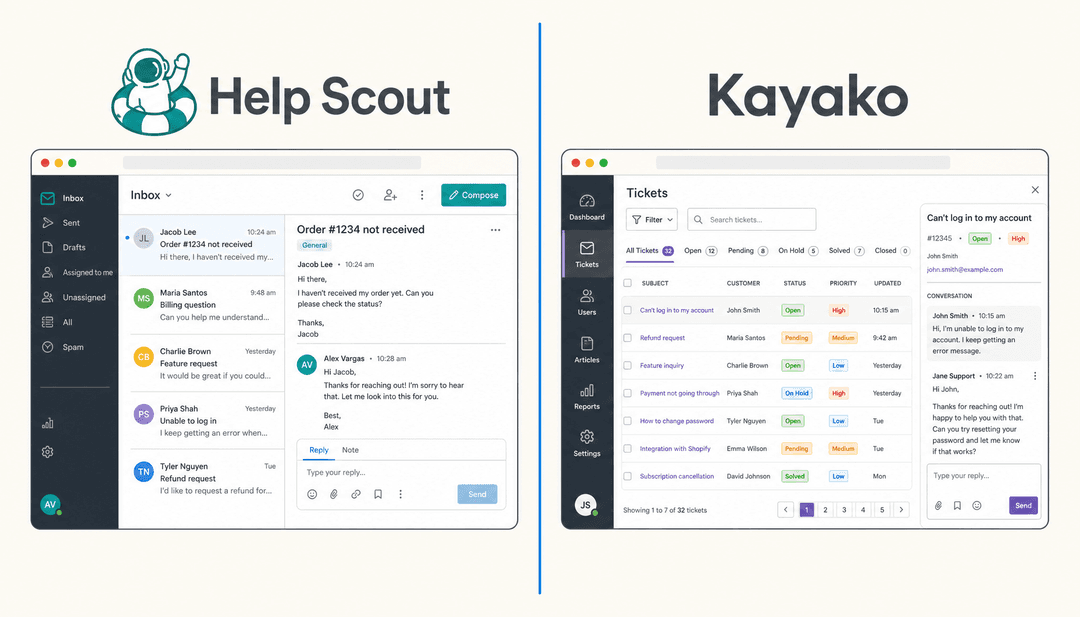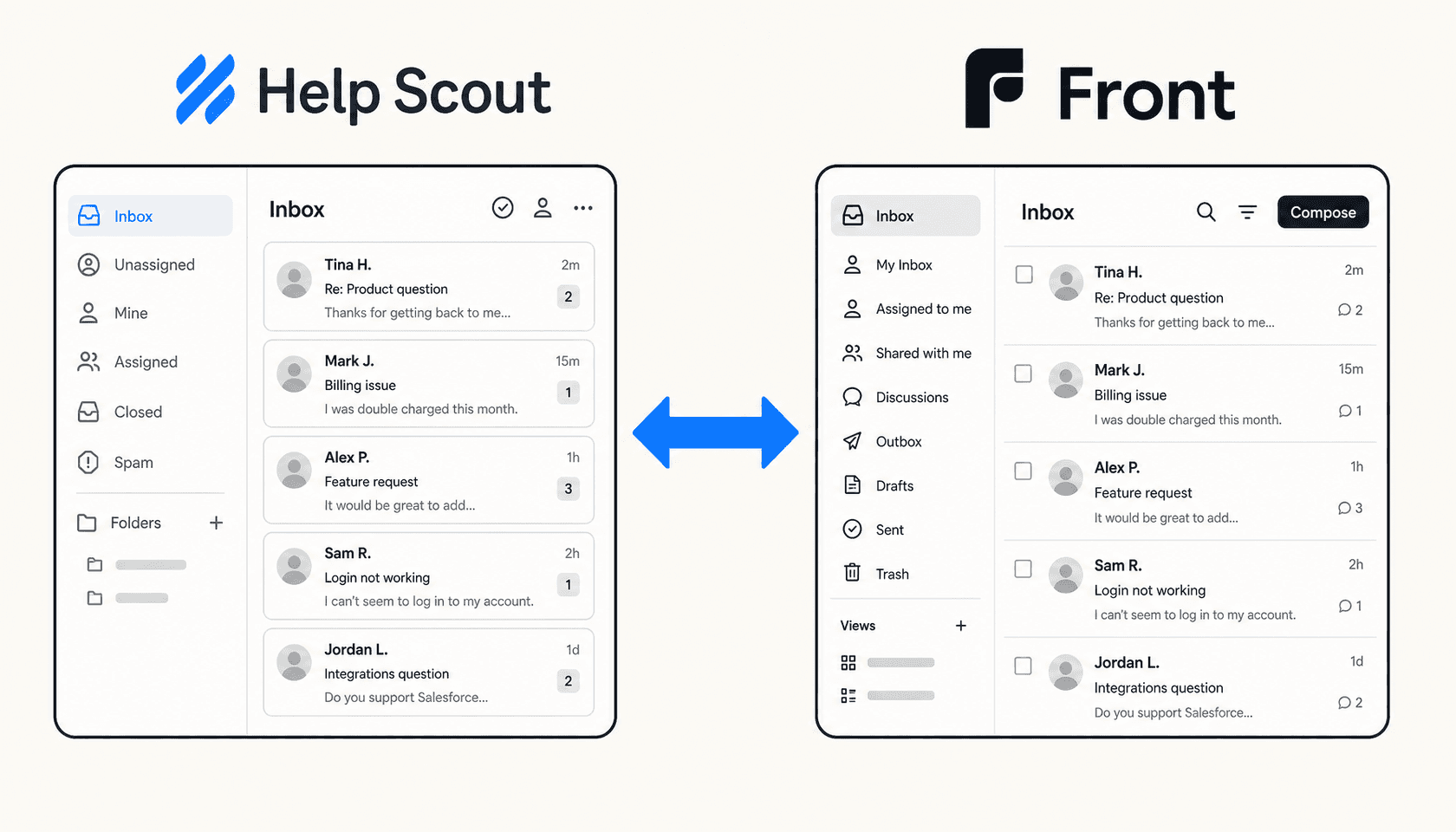
Help Scout and Front both market themselves as shared-inbox tools for customer-facing teams, which makes the comparison feel obvious on paper. In practice they're aimed at different buyers with different problems.
Help Scout is built for B2B and SaaS support teams that want clean, intuitive software that gets out of the way. It does email, live chat, a knowledge base, and an AI layer - nothing exotic, but done well and without the complexity that enterprise helpdesks tend to add. It's used by over 12,000 companies including Buffer, Vimeo, and Gusto.
Front started as a shared inbox for internal email collaboration and has grown into a full customer operations platform. Its channel coverage (email, SMS, voice, social, WhatsApp, Slack) and AI layer (Autopilot for autonomous resolution, Copilot for agent assist) go deeper than Help Scout's, and it's positioned specifically for industries where customer conversations involve complex, multi-step coordination - logistics, manufacturing, financial services. More than 9,000 companies use it.
This guide compares them on what actually matters when choosing: how the inbox feels day to day, what the AI really does, what each plan costs including the add-ons, integrations, and what users are saying in 2026. There's a mention of eesel near the end, but the goal here is to help you pick the platform that fits your team.
What is Help Scout?
Help Scout is a customer communications platform that positions itself as "the most intuitive customer support platform." It's designed for B2B and SaaS teams who want collaborative support tooling without the overhead of a traditional helpdesk.
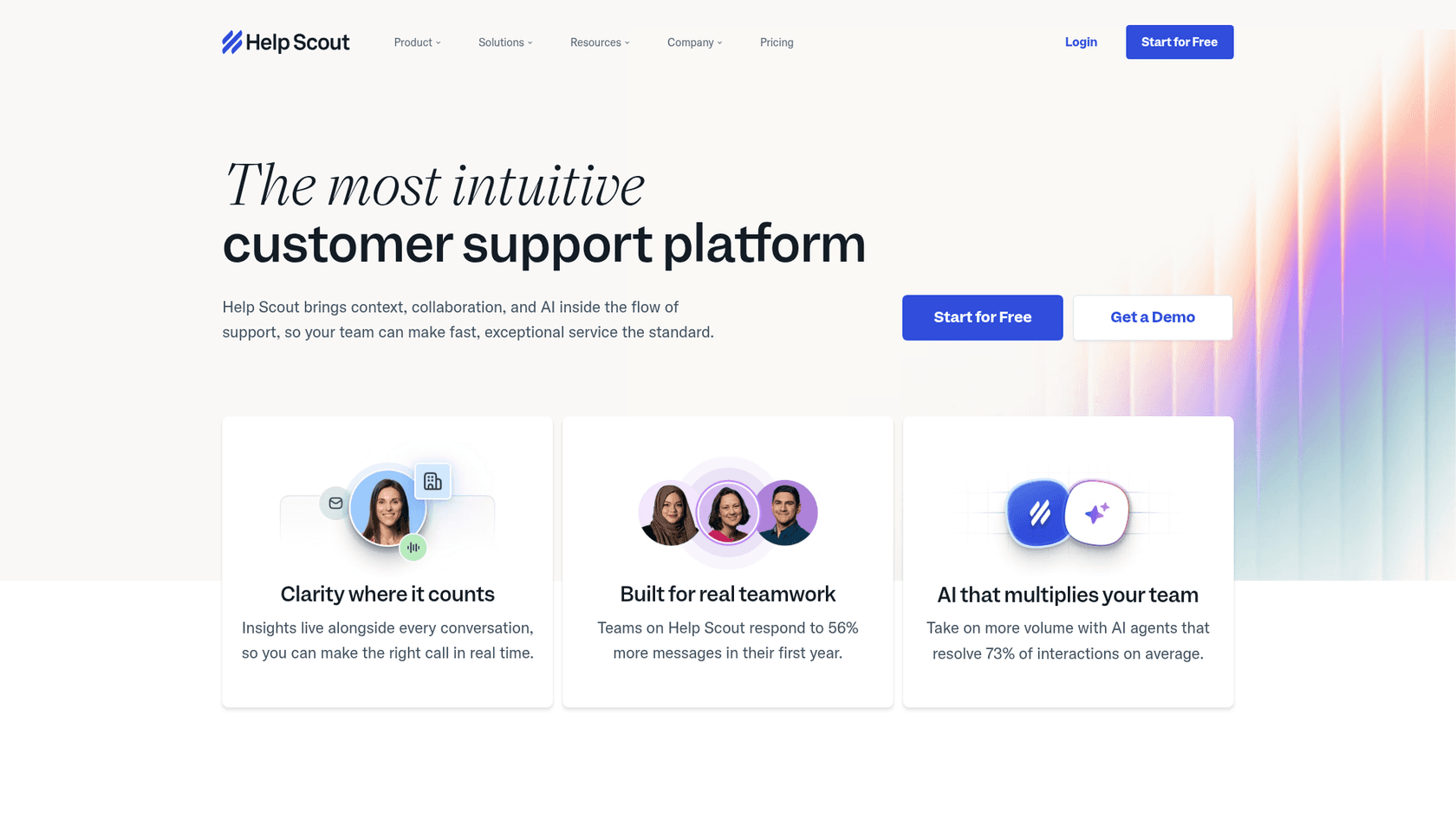
The product centers on a shared inbox for email and live chat, a built-in knowledge base called Docs, and Beacon - a widget you embed on your site to serve chat, proactive messages, and self-service articles. Layered on top of that is an AI suite covering autonomous chatbot resolutions, draft generation, and conversation summaries.
The numbers Help Scout publishes are specific: teams respond to 56% more messages in their first year, and the AI Answers chatbot resolves an average of 73% of customer interactions it handles without a human. On Capterra, it scores 4.6/5 across 226 reviews, with Ease of Use at 4.7/5 - which tracks with what reviewers actually say.
"It's a no frills help desk tool that gets out of your way and just lets you help your customers." Verified Reviewer, Technical Support Specialist, on Capterra
Help Scout fits best when your team is primarily doing email-based support with some live chat, your knowledge base is central to deflecting tickets, and you'd rather have clean software agents learn in a day than a feature-dense platform that needs a specialist to configure.
What is Front?
Front is a customer operations platform built around a shared inbox. More than 9,000 companies use it, with a heavy concentration in logistics, manufacturing, and financial services - industries where customer conversations involve complex coordination across teams and systems.
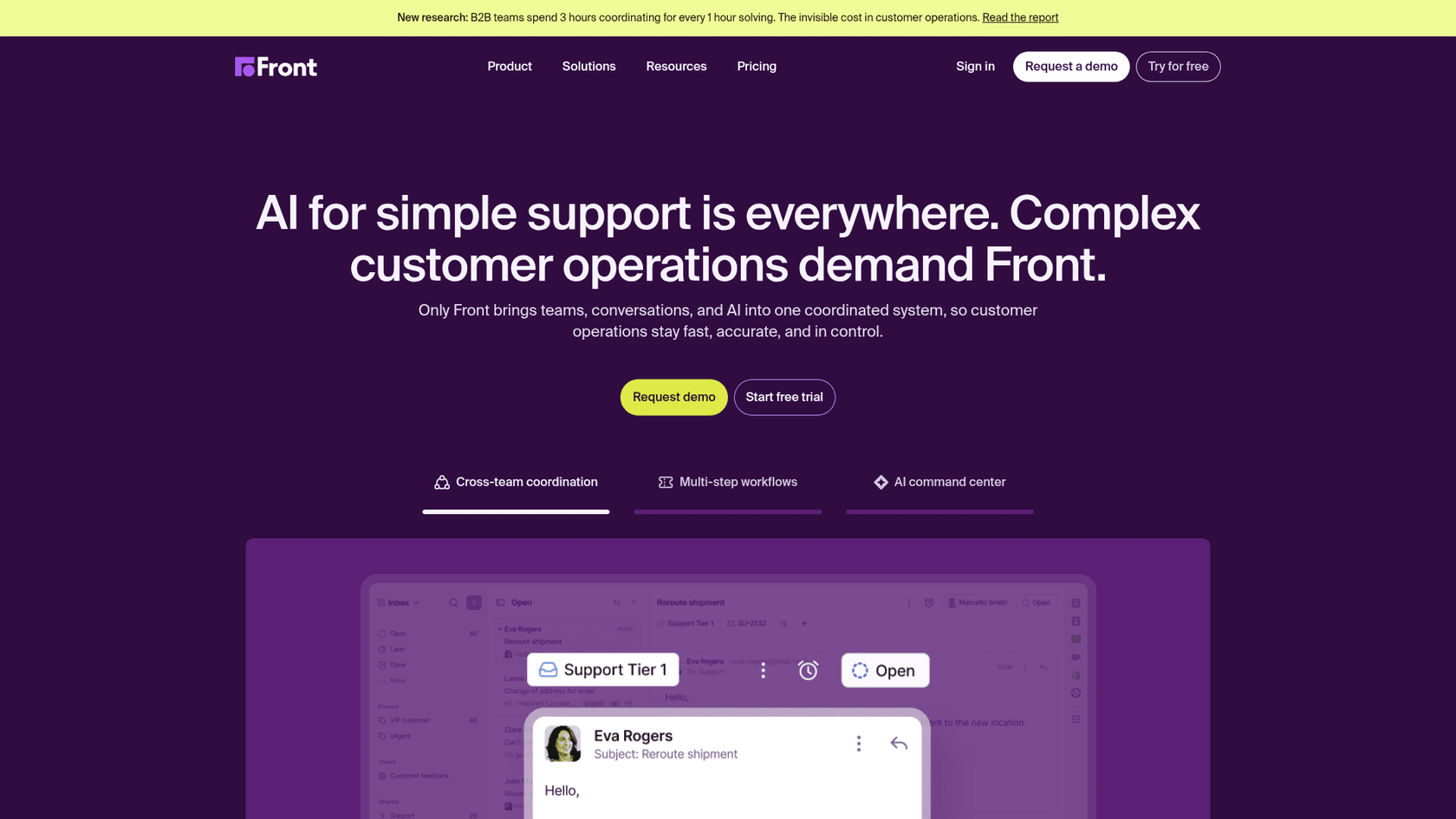
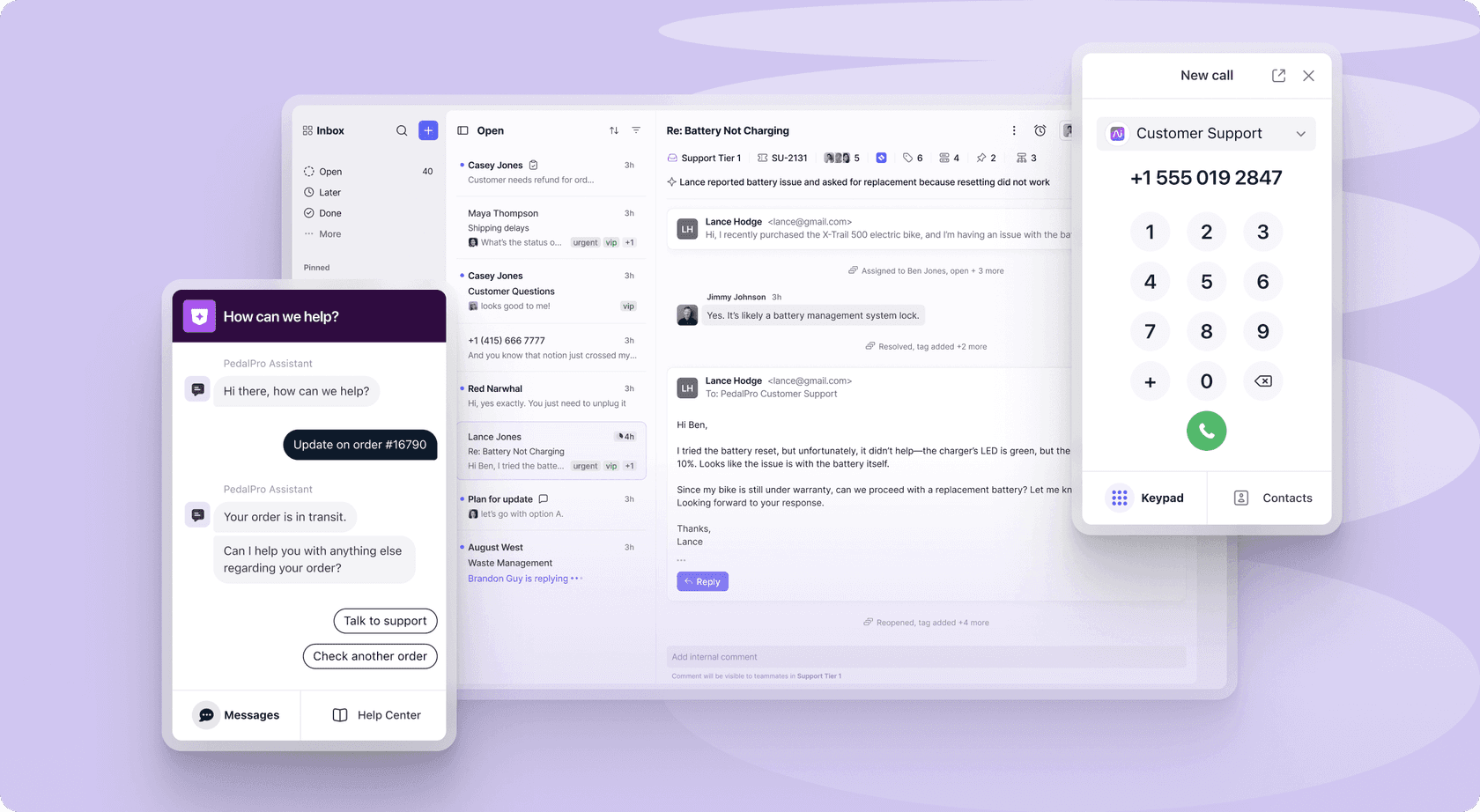
Where Help Scout is primarily email plus chat, Front is omnichannel from the Professional plan upward: email, SMS, voice, social media (Facebook, Instagram), WhatsApp, and Slack all land in the same workspace. Internal collaboration is baked in at the thread level - agents can @mention colleagues, leave internal comments, and work on shared drafts without forwarding emails or switching to another tool.
The AI layer is more ambitious than Help Scout's. Autopilot is a full autonomous agent that can handle multi-step workflows across third-party systems. Copilot is an inline agent-assist tool that researches conversations, drafts replies, and suggests next steps. The tradeoff: Copilot is a paid add-on ($20/seat/month) unless you're on Enterprise, and Autopilot pricing requires a sales conversation.
"Front feels like a one stop shop! It works with Gmail and Outlook, which is super helpful and it really creates a main hub for our various channels and apps." Mai M., Managing Director, Hospitality, on Capterra
Front works well for teams where every conversation is high-context and the cost of a missed or duplicated reply is high - account management, logistics coordination, customer success at high-touch SaaS companies. It's less suited for teams that need a simple, fast-to-deploy support tool. For more detail, our Front review covers the platform in depth.
Shared inbox and channels
The shared inbox is the core product for both companies, so it's worth being precise about what each delivers.
Help Scout's inbox consolidates email, live chat via Beacon, Facebook Messenger, and Instagram. Collision detection shows when a teammate is already replying, which prevents the "two agents answer the same ticket" problem. Internal notes let agents collaborate before sending, and Saved replies handle common questions. On Plus and above, WhatsApp joins the channel list. The inbox is organized around conversations rather than tickets, which keeps the UX light.
Front's inbox is built for more complex teams. From Professional upward, every channel type in modern customer ops is covered - email, chat, SMS, voice, social media, WhatsApp, and Slack. The collaboration model goes deeper than collision detection: @mentions pull colleagues into specific threads without forwarding, shared drafts let two people work on the same reply before it goes out, and a ticketing portal lets customers track their own requests. Routing runs through automation rules and AI-driven categorization via Smart Topics.
Both platforms support SLA monitoring. Help Scout includes one basic SLA policy on Standard, up to unlimited on Pro. Front's SLA setup scales similarly and adds AI-assisted routing at higher tiers.
The channel gap is real. If your team needs SMS, voice, or Slack handled natively inside the inbox, Help Scout doesn't cover it. Help Scout's strength is that the email-and-chat experience is cleaner for teams that don't need that breadth. For a broader look at how shared inboxes compare to ticketing systems, see our shared inbox vs ticketing system guide.
AI capabilities
Both tools have invested heavily in AI in 2026, but they're solving different problems.
Help Scout AI
Help Scout's AI runs across four tools: AI Answers, AI Drafts, AI Summarize, and AI Assist.
AI Answers is the autonomous chatbot. You point it at your knowledge base URLs, it handles incoming chat questions, and charges $0.75 per successful resolution - with "successful" defined as a conversation the customer closes without escalating or asking more questions. There's a 3-month free trial of unlimited resolutions for new accounts. Help Scout reports an average resolution rate of 73%, which is competitive with what Front's Autopilot claims. You can set a monthly spending cap so there are no surprise bills at the end of the month.
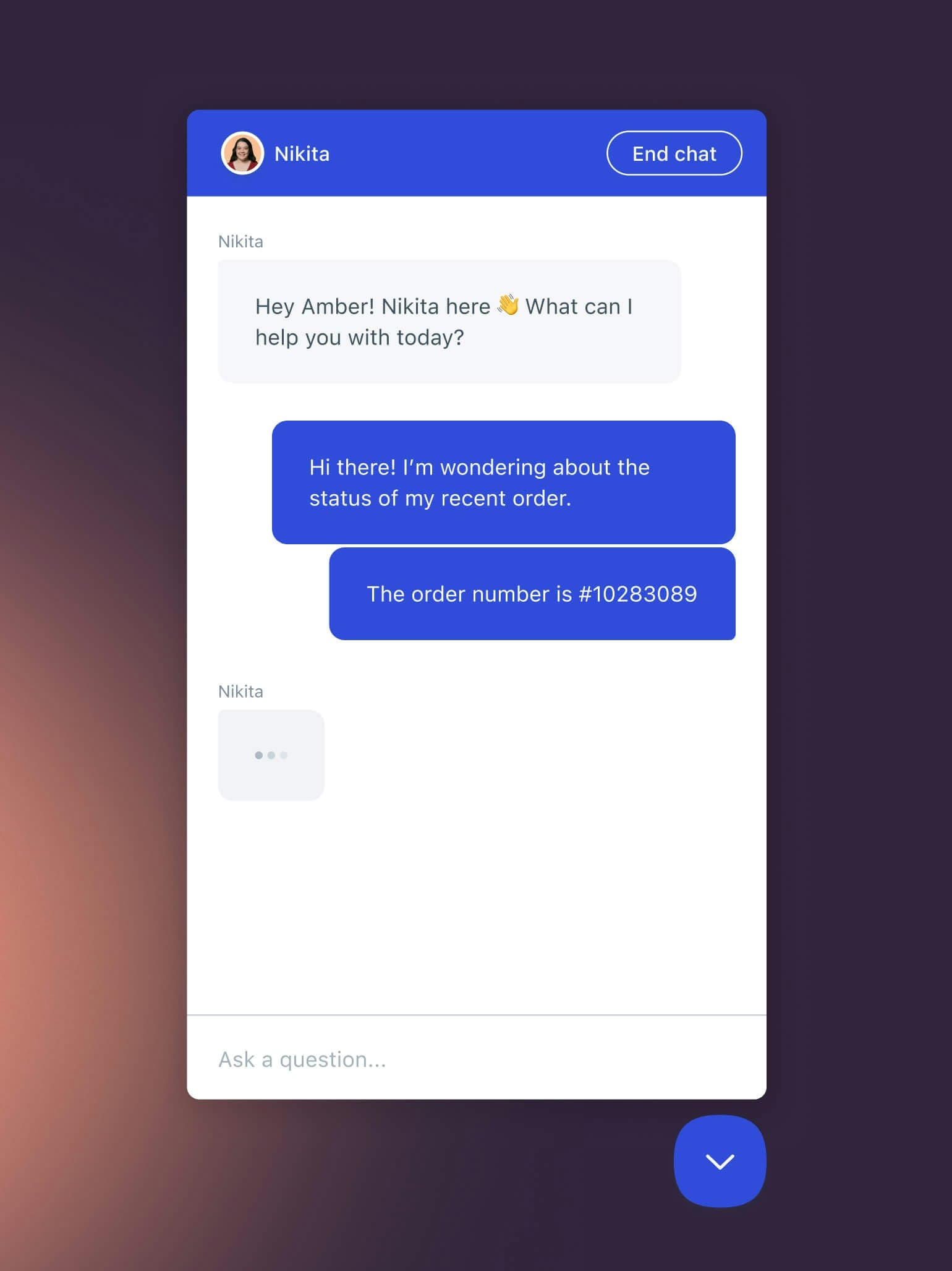
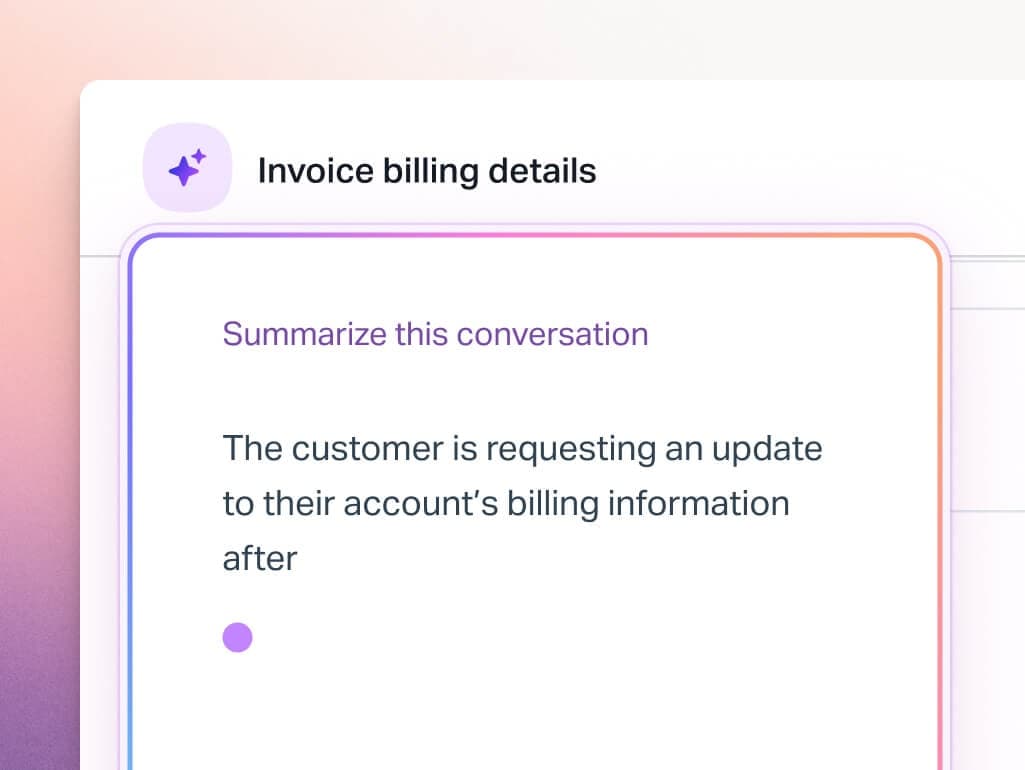
AI Drafts (Plus and Pro) generates a full reply draft the agent reviews and edits before sending. AI Summarize collapses long threads into bullet points so teammates can catch up on complex cases without reading every message. AI Assist (Standard and up) gives in-editor tools for tone adjustment, expansion, shortening, and translation. For more on these features and how they're priced, see our Help Scout AI overview.
Front AI
Front's AI architecture is more sophisticated and more layered in pricing.
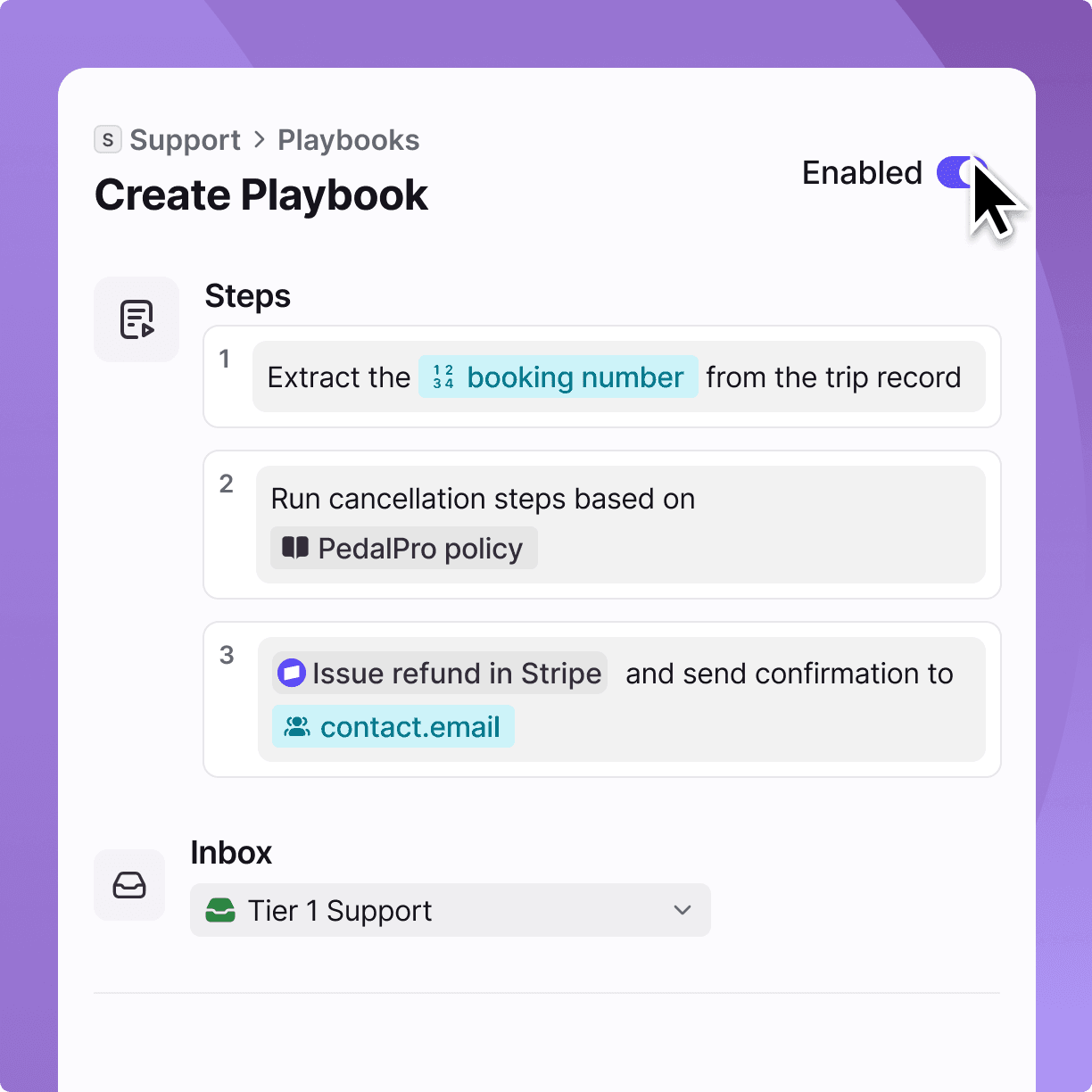
Autopilot is Front's autonomous agent. It can resolve up to 70% of customer requests by executing multi-step workflows across third-party systems - CRMs, ERPs, internal databases. It's not a chatbot answering from a knowledge base; it can take actions inside other systems, run simulations before going live, and operate across email, live chat, and Slack simultaneously. Pricing is contact-sales-only.
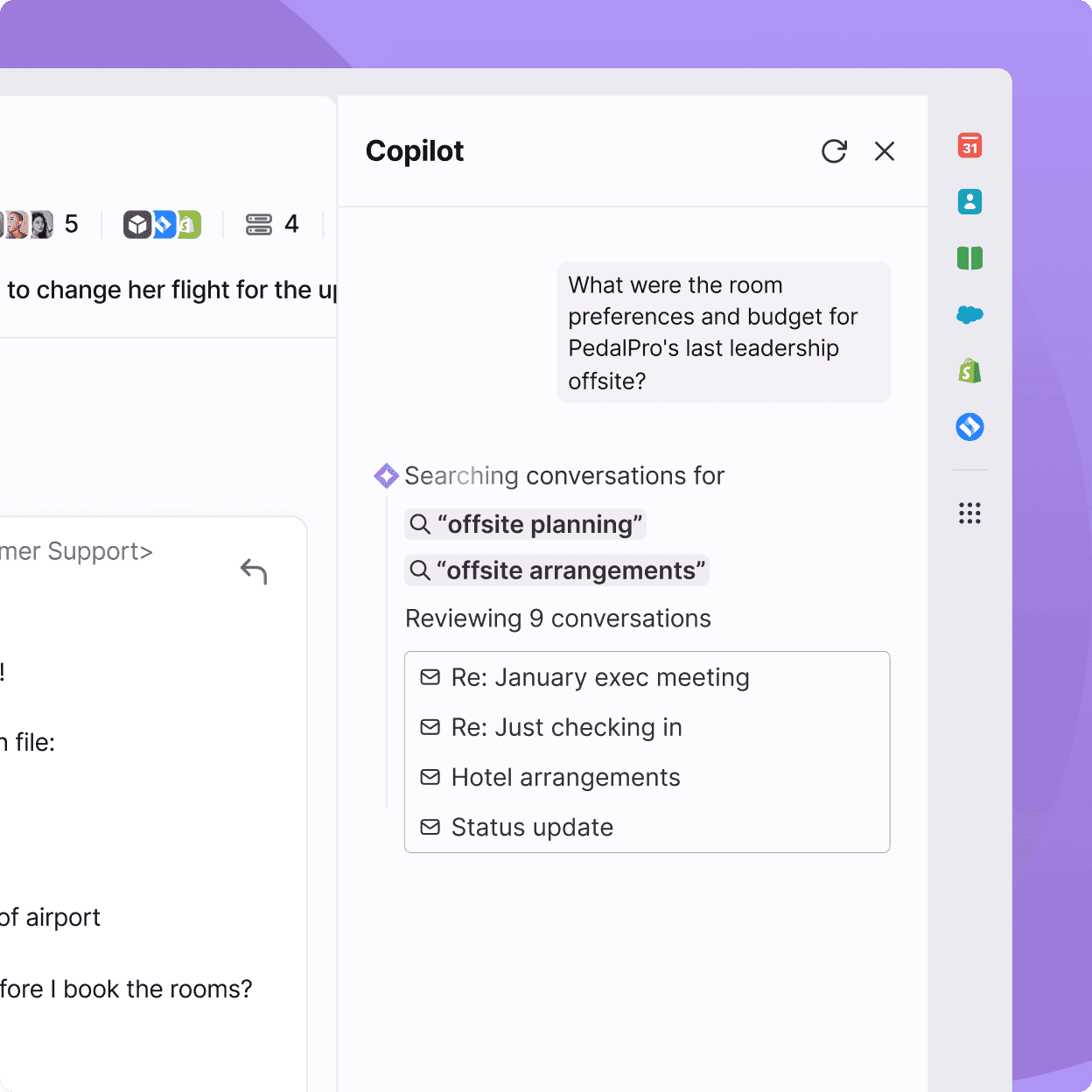
Copilot is the agent-assist layer. It pulls from conversation history, the knowledge base, and connected CRM data to give agents context they'd otherwise have to find manually, then drafts a reply based on that full picture. Agents can refine the draft with follow-up prompts before sending. The Front AI features breakdown on our blog covers how these add-ons are priced in practice.
On the analytics side, Smart Topics automatically identifies why customers reach out by revealing patterns across thousands of conversations, Smart QA monitors quality against custom standards across 100% of interactions (both human and AI), and Smart CSAT infers satisfaction scores without requiring customers to fill out surveys. All three are add-ons on Starter and Professional; they're included in Enterprise.
The comparison is clear: Help Scout's AI is easier to get running and the per-resolution pricing on AI Answers is transparent. Front's AI can do more - especially for complex multi-system workflows - but the deeper features require Enterprise or expensive add-ons. For teams that want accurate AI deflection on top of either platform without a plan upgrade, eesel connects to your existing Help Scout or Front setup and resolves tickets from your full knowledge base.
Pricing: the full breakdown
Help Scout pricing
| Plan | Price | Users | Inboxes | Docs sites | Notable inclusions |
|---|---|---|---|---|---|
| Free | $0 | Up to 5 | 1 | 1 | 100 contacts/month limit |
| Standard | $25/user/mo | Up to 25 | 2 | 2 | Email, chat, Messenger, Instagram; basic SLA |
| Plus | $45/user/mo | Up to 50 | 5 | 3 | Adds WhatsApp, unlimited AI Drafts, round-robin routing |
| Pro | $75/user/mo | Unlimited (min 10) | 10 | 5 | Adds SSO/SAML, HIPAA compliance, dedicated onboarding |
AI Answers costs $0.75 per resolution after the 3-month free trial. A resolution is charged only when the customer is fully handled by AI and doesn't escalate or ask follow-up questions. Additional inboxes cost $10/month each; additional Docs sites cost $20/month each. For the full breakdown including contact limits and workflow caps, see our Help Scout pricing guide.
Front pricing
| Plan | Price | Seats | Channels | Channels per license |
|---|---|---|---|---|
| Starter | $25/seat/mo | Up to 10 | Single type only | Up to 10 |
| Professional | $65/seat/mo | Up to 50 | Omnichannel | Up to 30 |
| Enterprise | $105/seat/mo | Unlimited | Omnichannel | Up to 50 |
The AI add-ons on Starter and Professional add up quickly:
| AI feature | Add-on price | Included in |
|---|---|---|
| AI Copilot | $20/seat/mo | Enterprise |
| Smart QA | $20/seat/mo | Enterprise |
| Smart CSAT | $10/seat/mo | Enterprise |
| Smart QA + CSAT bundle | $25/seat/mo | Enterprise |
| AI Autopilot | Contact sales | Add-on for all plans |
One important constraint: Starter only covers a single channel type. Teams that need omnichannel are starting at $65/seat/month.
The pricing gap at scale is significant. A 15-person team wanting omnichannel plus Copilot on Front would pay $65 + $20 = $85/seat/month, or $1,275/month. The same team on Help Scout Plus would pay $45 x 15 = $675/month base, plus $0.75 per AI resolution up to whatever cap they set. For teams deflecting a few hundred tickets a month with AI, Help Scout often comes out cheaper on total spend.
Integrations
Help Scout's integrations cover the common SaaS stack: Salesforce, HubSpot, and Jira are included in the Plus plan at no extra charge. The list is narrower than Front's by design - Help Scout is focused on the tools B2B/SaaS support teams actually use rather than building a universal connector layer.
Front has 160+ integrations with a particular emphasis on what operations-heavy industries rely on - Salesforce, HubSpot, Asana, Jira, and industry-specific logistics tools. The CRM integration goes deeper than a surface connection: Copilot pulls from CRM data in real time to surface account context during a conversation. See the Front integrations directory for the full list.
What users actually say
Help Scout's Capterra reviews consistently praise how fast new agents get up to speed:
"Help Scout has a clean, intuitive interface that doesn't overwhelm users with unnecessary complexity
new team members can get comfortable with it quickly without much hand-holding." Krystal M., People Operations, on Capterra

The knowledge base integration comes up repeatedly as a differentiator - specifically the ability to link articles inside conversations and track which help sections get the most views:
"The integrated nature of the Docs sites is another perk; I appreciate being able to rapidly link articles and check statistics about which sections of our help libraries are most popular." Emma B., Senior Director Product Marketing, on Capterra
The criticism that shows up consistently in 2026 reviews is recent UX changes:
"They are constantly making poor decisions when designing updates. The last six months have been update after update that has made the platform harder to use for my agents." Thomas P., Head of Customer Success, on Capterra
Front's Capterra reviews center on collaboration as the strongest selling point:
"Front feels like a one stop shop! It works with Gmail and Outlook, which is super helpful and it really creates a main hub for our various channels and apps... Loving the automated workflow that has been super simple for our team to set up and implement as a powerful new tool to help us scale." Mai M., Managing Director, Hospitality, on Capterra
The biggest consistent complaint in early 2026 reviews is the Outlook sync change:
"Outlook sync is one-way only. Made Front unusable for our team. Front no longer offers a true two-way Outlook sync, and that makes it unusable for any team that works across both Front and Outlook... The result is that emails already dealt with in Front continue to sit as unread in shared and personal Outlook mailboxes, causing constant confusion." Grey H., Director, Machinery, on Capterra
Pricing frustration also surfaces repeatedly in recent reviews, particularly around seat minimums and features being moved to higher tiers.
How to choose
| Your situation | Better fit |
|---|---|
| Small B2B or SaaS support team (under 25 people) | Help Scout |
| Budget under $40/user/month with AI included | Help Scout |
| Primarily email and live chat | Help Scout |
| Knowledge base is central to deflection | Help Scout |
| HIPAA compliance required | Help Scout Pro |
| Complex operations in logistics or manufacturing | Front |
| Need SMS, voice, or Slack handled natively in inbox | Front |
| Account management and support in the same inbox | Front |
| Autonomous AI that coordinates across systems | Front Autopilot |
| Deep CRM integration with Salesforce or HubSpot | Front |
| Outlook-first team | Check both (Front's one-way sync may be a dealbreaker) |
If you're a SaaS company with a focused support function and you want clean software that works without a lengthy setup, Help Scout is the safer choice. The AI Answers chatbot is transparent in its pricing and the per-resolution model lets you start small. For more alternatives in this space, see our Help Scout vs Zendesk and Help Scout vs Hiver comparisons.
If your team handles complex customer operations where conversations require coordination across systems and long resolution timelines - or if you're in logistics, financial services, or manufacturing where that complexity is the norm - Front's deeper AI and channel breadth justify the higher base cost. See our front alternatives list if you want to compare more options before deciding.
One thing worth knowing: both platforms' native AI has limits when your knowledge base is fragmented across multiple tools or when you need auditable deflection at scale. That's the gap eesel fills - it reads across your existing knowledge sources and resolves tickets directly inside Help Scout or Front without requiring a plan upgrade. For teams that want to deflect the predictable 40-60% of ticket volume without rebuilding their support stack, it's worth a look.
Frequently Asked Questions
Is Help Scout cheaper than Front?
Does Help Scout or Front have better AI?
Which is better for a small support team?
Can Front replace a traditional helpdesk?
What AI agent should I add to Help Scout or Front?


Article by
Kurnia Kharisma Agung Samiadjie
Kurnia is a software engineer and writer at eesel AI with two years of SEO experience, writing about AI tools, helpdesk software, and customer support. He pairs a developer's understanding of how these products are built with search-driven research into what actually ranks and resonates with the people searching for them.