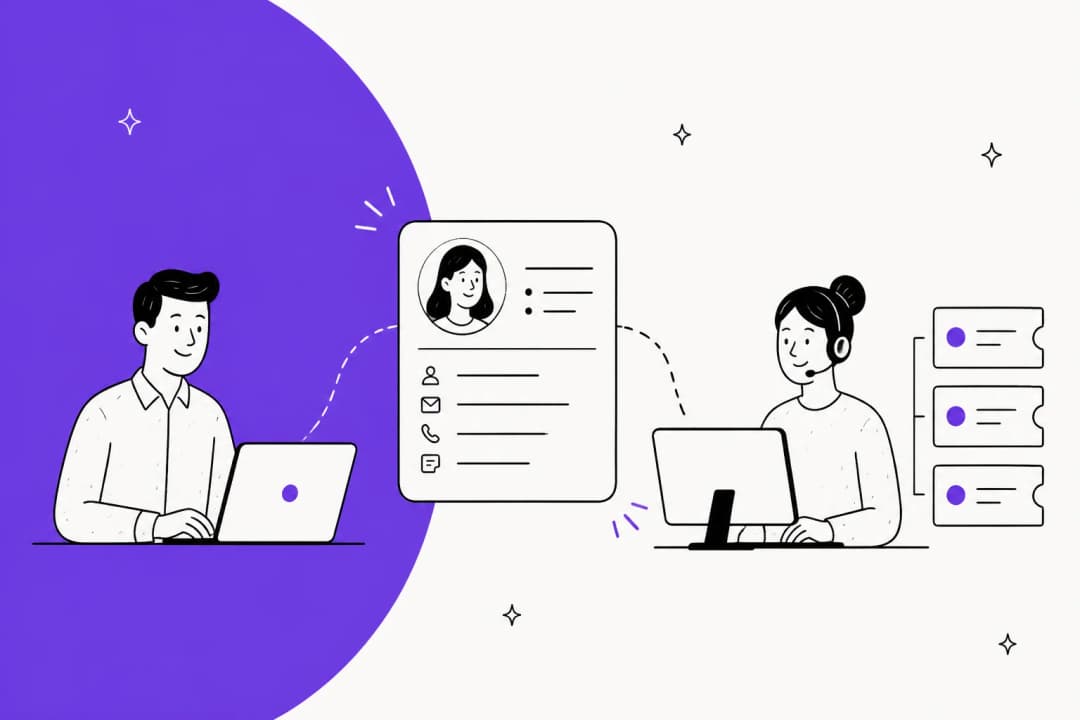
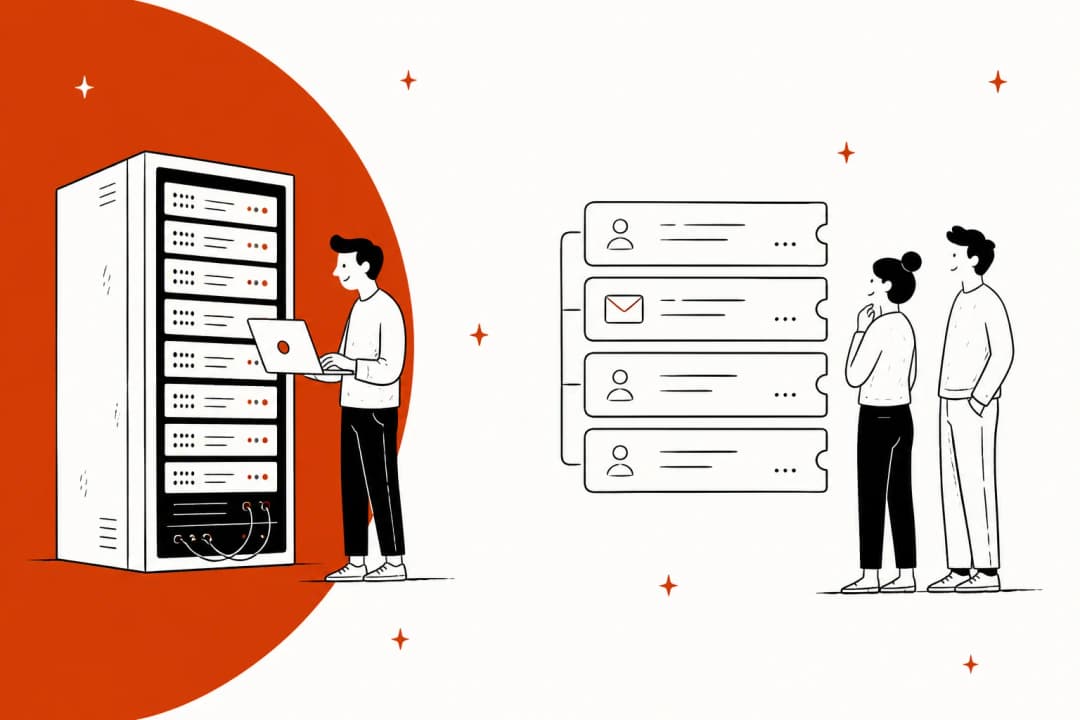
Most teams start with a simple shared email address. Support@company.com goes to a Google Group or Outlook Shared Mailbox, everyone has access, and for a while, it works. But then your team grows, email volume increases, and suddenly that simple system becomes a source of chaos. Emails get missed. Two people reply to the same customer with different answers. No one knows who is handling what.
This is the crossroads every growing support team faces: stick with the shared inbox, or move to a more structured ticketing system? The answer depends on how your team works, how many customers you are supporting, and what kind of experience you want to deliver.
What is a shared inbox?
A shared inbox is an email account that multiple team members can access simultaneously. Think support@company.com or help@yourbusiness.com. These are typically managed through tools like Google Groups, Outlook Shared Mailboxes, or collaborative platforms like Front and Help Scout.
Teams use shared inboxes because they are familiar. The interface looks like regular email, so there is no learning curve. Your team can jump right in, and setup takes minutes. They are also often free or low cost, included with existing email suite subscriptions like Microsoft 365 or Google Workspace.
The problem is that shared inboxes lack structure. There is no automatic tracking, no assigned ownership, and no system to prevent two agents from replying to the same message. This creates what support teams call "agent collision," where customers receive conflicting responses. It also leads to "orphaned" emails that slip through the cracks because everyone assumes someone else will handle them.
What is a ticketing system?
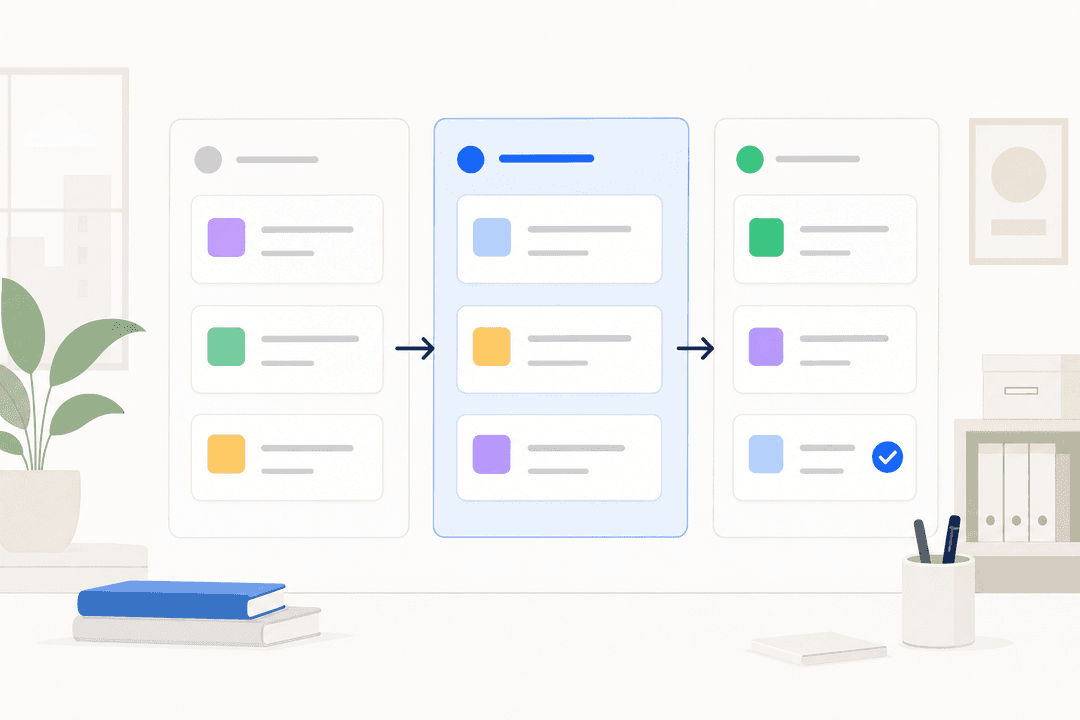
A ticketing system is specialized software built to manage customer communication. Tools like Zendesk, Freshdesk, and Jitbit convert every incoming message into a trackable record called a ticket. Each ticket gets a unique ID and moves through a workflow from "open" to "resolved."

Ticketing systems enforce accountability. Every ticket is assigned to a specific person or team. There is no doubt about who is responsible for the next reply. They also include built-in collaboration features like internal notes and mentions, so team members can discuss issues privately without forwarding emails or switching to Slack.
The trade-off is complexity. Ticketing systems take longer to set up, require training, and often feel impersonal to customers. That first automated reply with a ticket number can make customers feel like they are just an entry in a queue rather than a person with a problem.
Shared inbox vs ticketing system: the core differences
Here is how these two approaches compare across the dimensions that matter most for your day-to-day operations:
| Aspect | Shared Inbox | Ticketing System |
|---|---|---|
| Ownership | Ambiguous; relies on manual claiming | Clear assignment to one owner |
| Accountability | Low; easy for messages to be missed | High; every action is logged |
| Collaboration | Fragmented; requires external tools | Centralized; built-in internal notes |
| Context | Scattered across threads and apps | Unified within the ticket history |
| Reporting | None; requires manual tracking | Automatic; built-in performance metrics |
| Scalability | Poor; breaks down with higher volume | Excellent; designed to handle growth |
| Customer feel | Personal, but can be chaotic | Structured, but often impersonal |
| Setup time | Minutes | Days to weeks |
| Learning curve | Low (feels like email) | Medium to high |
The fundamental difference comes down to this: shared inboxes are designed for communication, while ticketing systems are engineered for resolution and growth.
Pros and cons of shared inboxes
Pros:
- Familiar interface. Your team already knows how to use email, so there is no training required.
- Fast setup. You can create a shared address and grant access in minutes.
- Low cost. Often free with existing email subscriptions like Microsoft 365 or Google Workspace.
- Personal responses. Replies come from real people in a familiar email format, with no ticket numbers or robotic language.
Cons:
- No accountability. Without clear assignment, important messages get missed.
- Agent collision. Multiple agents can reply to the same email with different answers, confusing customers.
- No visibility. Managers cannot see who is working on what without asking.
- Zero reporting. You cannot track response times, resolution rates, or team performance.
- Difficult to scale. What works for 5 customers per day breaks down at 50 or 500.
Pros and cons of ticketing systems
Pros:
- Clear ownership. Every ticket is assigned to a specific agent, eliminating confusion.
- Built-in collaboration. Internal notes and mentions keep discussions in one place.
- Automatic reporting. Dashboards show response times, resolution rates, and agent performance.
- SLA tracking. Monitor compliance with service level agreements automatically.
- Handles volume. Designed to scale from dozens to thousands of tickets per day.
- Omnichannel support. Manage email, chat, phone, and social in one place.
Cons:
- Steep learning curve. Agents need training on new interfaces and workflows.
- Impersonal feel. Ticket numbers and automated replies can feel cold to customers.
- Higher cost. Per-agent pricing adds up quickly for larger teams.
- Complex setup. Configuration, workflows, and integrations take time to implement.
- Feature bloat. Many systems include capabilities small teams will never use.
Signs you have outgrown your shared inbox
How do you know when it is time to make a change? Here are the clearest signals:
- Customers follow up on unanswered emails. If you are regularly hearing "Just checking in on this," messages are slipping through the cracks.
- Multiple agents reply to the same customer. Two different answers to the same question makes your team look disorganized.
- You have no idea who is working on what. Your team relies on memory or verbal cues instead of a system.
- You spend more time organizing than replying. Complex folder systems and manual tracking are signs the tool is not doing its job.
- Urgent issues get buried. A critical bug report looks the same as a password reset in a chaotic inbox.
- You need data but have none. You cannot answer basic questions about response times or team performance.
- New agents take forever to get up to speed. Without structured processes, onboarding becomes detective work.
Most sources agree on a rough threshold: if you have more than 10 agents or handle more than 200 tickets per day, a shared inbox is probably holding you back. Below that, it might still work if your volume is manageable and your processes are tight.
The modern alternative: AI teammates that bridge both worlds
There is a third option that is gaining traction: AI-powered support tools that combine the personal feel of shared inboxes with the structure of ticketing systems.
At eesel AI, we have built something that works differently from traditional ticketing. Instead of forcing you to choose between chaotic shared inboxes and rigid ticket systems, we offer an AI teammate that learns your business and handles customer conversations autonomously.

Here is what that looks like in practice:
- No ticket numbers required. Our AI maintains conversation context naturally, so customers never feel like a case number.
- Learns from your existing data. Connect eesel to your help center, past tickets, and documentation. It understands your tone and policies from day one, with no complex configuration.
- Starts as a copilot, levels up to autonomous. Begin with eesel drafting replies for your team to review. As you gain confidence, let it handle conversations directly.
- Plain English instructions. Define escalation rules and workflows conversationally. No digging through complex configuration menus.
- Works where you work. Integrate with your existing help desk or shared inbox. You do not need to migrate everything to a new system.

The result is support that feels personal to customers but runs with the efficiency and accountability of a structured system. Teams using eesel achieve up to 81% autonomous resolution rates, with typical payback periods under two months.
Pricing starts at $299 per month for up to 1,000 AI interactions, with no per-seat fees. This means you pay for what you use, not for how many agents you have.

Who should choose what
Choose a shared inbox if:
- You have 1 to 5 agents handling support
- You receive fewer than 50 tickets per day
- Your questions are simple and repetitive
- Personal relationships with customers are your top priority
- You do not have formal SLA requirements
Choose a ticketing system if:
- You have 10 or more agents across time zones
- You handle 200 or more tickets per day
- Your product requires specialized knowledge to support
- You need strict SLA compliance and reporting
- You support customers across multiple channels (email, chat, phone, social)
Consider eesel AI if:
- You want the personal touch of shared inboxes with the efficiency of automation
- You are drowning in volume but do not want to add ticket numbers
- You need to scale without hiring proportionally
- You want AI that learns your business from existing data, not rules you configure
Making the right choice for your team
The shared inbox vs ticketing system decision is not permanent. Many teams start with shared inboxes, graduate to ticketing systems as they grow, and some are now adopting AI teammates that change the equation entirely.
The key is matching the tool to your actual needs, not hypothetical future requirements. A 3-person startup does not need enterprise ticketing software. A 50-person support team cannot run on Google Groups.
If your current setup is causing stress, confusion, or missed replies, you have already outgrown it. The question is not whether to change, but what to change to.
For teams that want structure without sacrificing the human touch, modern AI alternatives offer a compelling middle path. You can maintain the personal feel of email while gaining the accountability and efficiency of automation.
Ready to see how an AI teammate could work for your support operation? Try eesel free and see how it learns from your existing data to handle customer conversations in your voice.