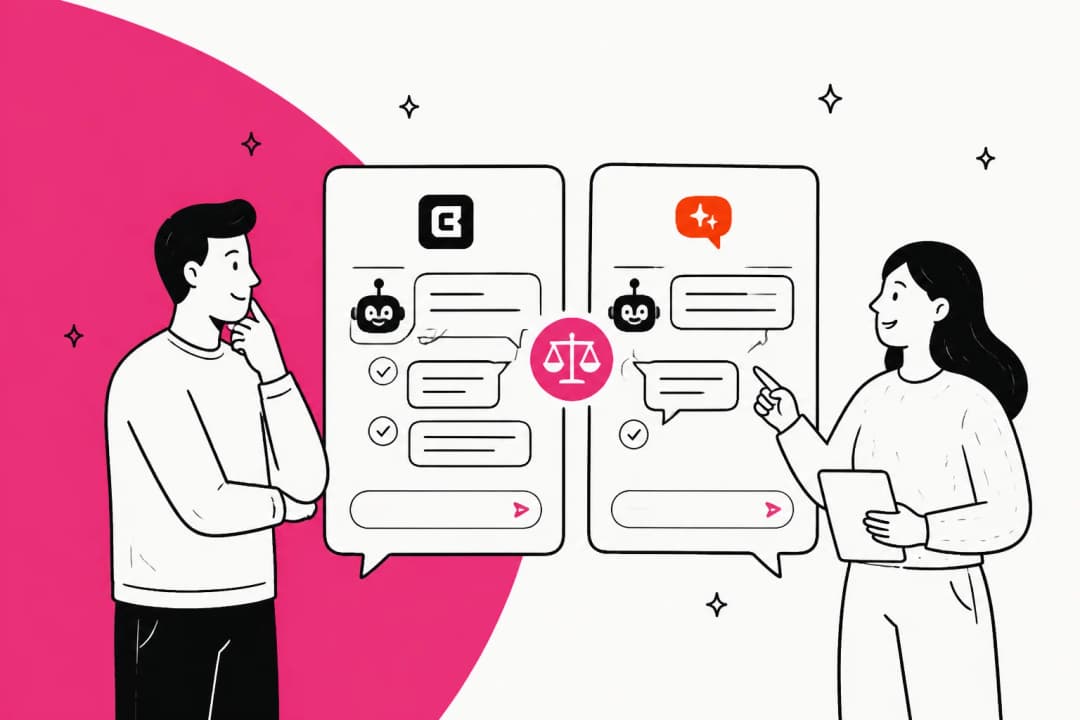
DocsBot vs SiteGPT at a glance
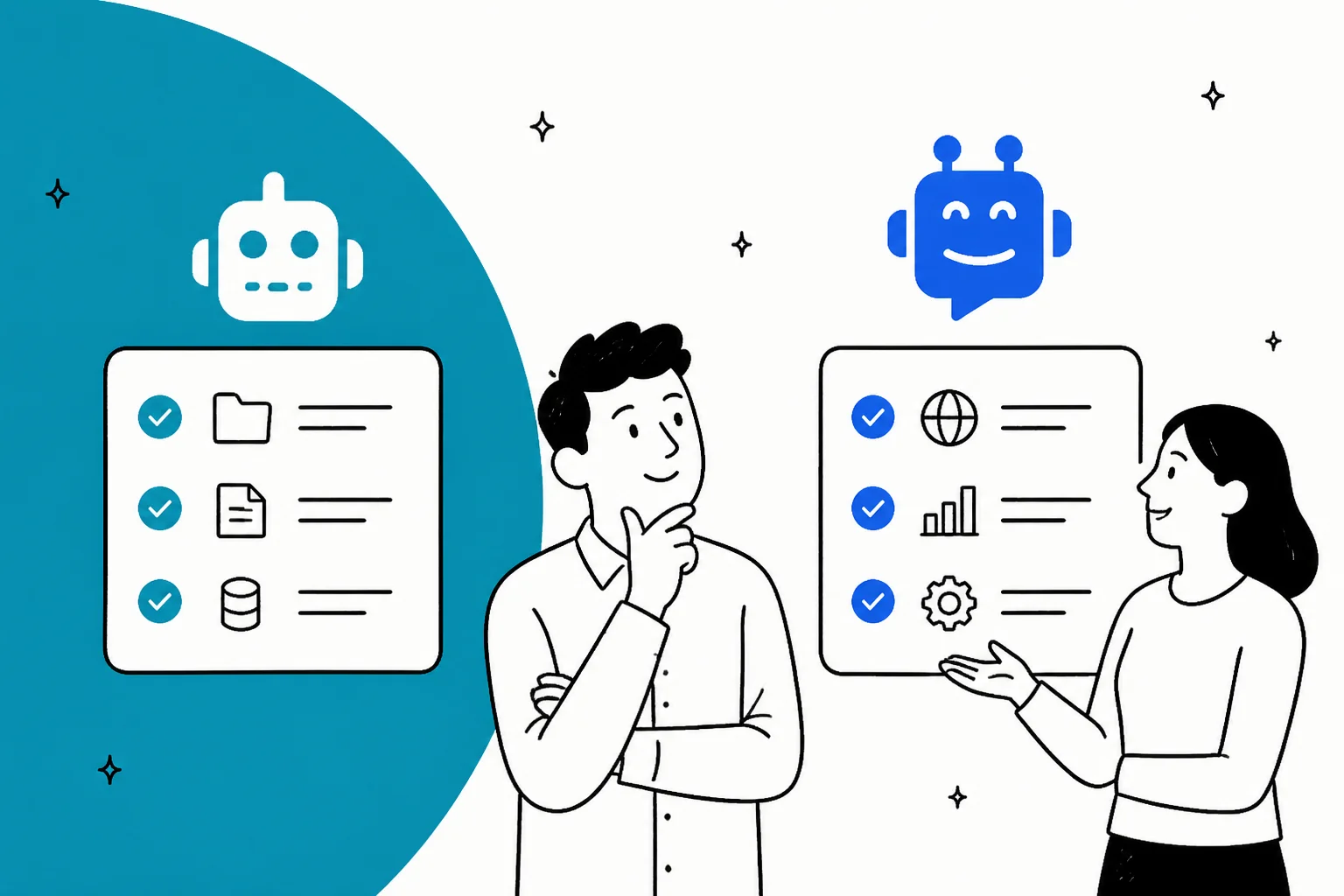
Here is the short version before we dig in. Both are legitimate picks in the wider AI chatbot market, and the choice comes down to how broad you need the bot to be and how you want to be billed.
| Dimension | DocsBot | SiteGPT |
|---|---|---|
| Best for | A broad support bot with actions, voice, and ticket sources | A fast, simple website FAQ bot |
| Entry price | Free ($0), then $49/mo Personal | $59/mo Starter (no free plan) |
| Free tier | Yes, real free plan, no card, no expiry | No, 7-day trial, card required |
| Billing unit | AI credits (model multipliers, 1x to 20x) | Messages (GPT-4.1 costs ~10x mini) |
| Content sources | ~40 types, including past tickets | Website, sitemap, files, cloud drives |
| Trains on past tickets | Yes (Standard+) from Help Scout, Freshdesk, Zoho, Zendesk, Salesforce | No, published content only |
| Actions and tools | Yes: APIs, webhooks, MCP, Stripe, scheduling | No, answers only |
| Voice agents | Yes (Standard+) | No |
| Helpdesk fit | Deploys to Slack, Teams, WhatsApp; tickets as source | Zendesk AI Agent (Scale-only), Freshdesk Messaging, Crisp |
| Security | SOC 2 Type II, GDPR, HIPAA (Enterprise) | SOC 2 Type II, GDPR, HIPAA (Enterprise) |
| Public reviews | G2 4.3/5 (3), Product Hunt 4.8/5 (15) | G2 (thin footprint), Capterra (1) |
What DocsBot is
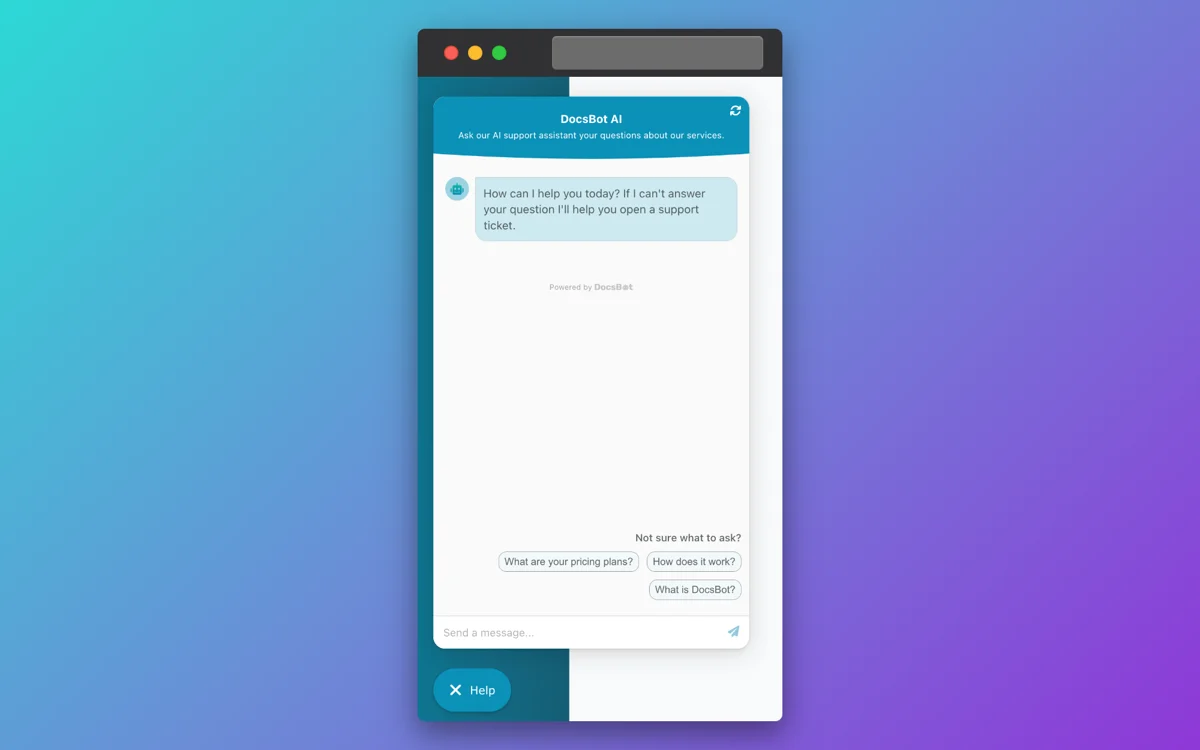
DocsBot AI turns your knowledge base into AI agents that answer questions and, on higher tiers, take actions across your tools. Its own line is that it "turns your knowledge base into AI agents that deliver instant, accurate answers." The company says it has spent four years deploying support agents and is "trusted by more than 3,000 businesses," with named logos like Sony and Sentry.io.
What sets it apart is breadth. DocsBot ingests close to 40 source types: website crawls, sitemaps, YouTube transcripts, uploaded files, Notion, Confluence, Google Drive, SharePoint, and, on Standard and up, resolved tickets from Help Scout, Freshdesk, Zoho Desk, Zendesk, and Salesforce. On top of answers, its AI Actions let a bot book meetings, hit webhooks, run Stripe billing actions, and escalate to a ticket. There is a public API, a remote MCP connection, and an MCP server so you can expose your bot to other tools.
On the community side the footprint is small but positive. DocsBot holds 4.8/5 across 15 reviews on Product Hunt and 4.3/5 across just 3 on G2. The praise that keeps coming up is source-grounded accuracy and API flexibility:
"The fact that the Docsbot API allows me to adjust source content, view chats and remediate... it's just an amazingly flexible chatbot and I can fine tune EXACTLY what I need the bot to know, and it rarely hallucinates."

The honest limit reviewers name is the one every RAG bot has: it still gets confused sometimes. One reviewer put it plainly that "sometimes it get confused due to which it generate wrong answers." That is normal, and it is exactly why testing before go-live matters, which I will get to.
What SiteGPT is
SiteGPT is narrower and proud of it. It is a DIY AI chatbot builder run by a self-described two-person team, and the pitch is literal: "It's like having ChatGPT specifically for your product." You point it at a URL, sitemap, YouTube channel, or files, it trains in a few minutes, and you drop the widget on your site. The whole thing is built to get a non-technical person from URL to embedded bot without a sales call.
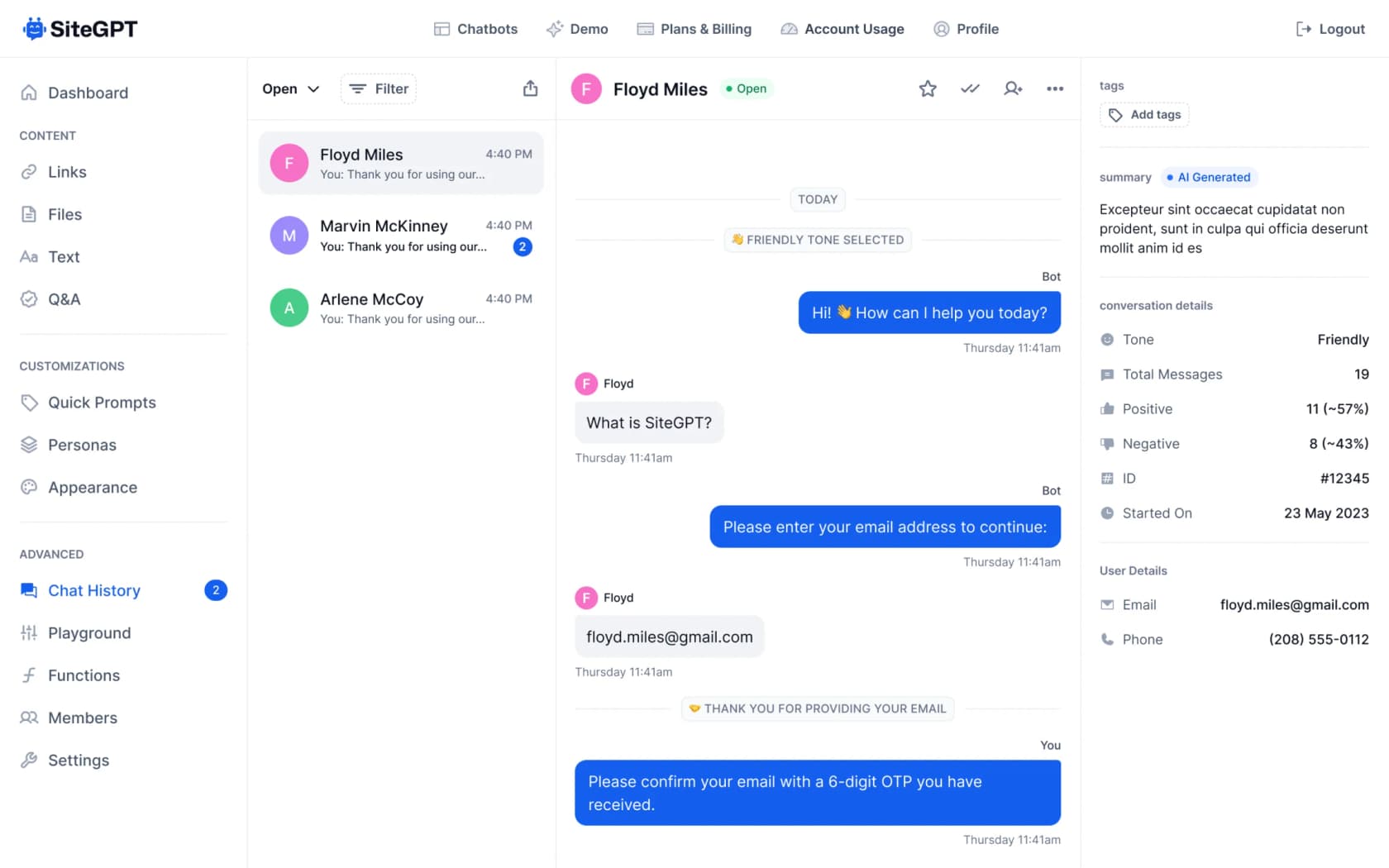
Under the hood it runs on GPT-4.1-mini and GPT-4.1, supports 95+ languages, and can escalate to a human at the push of a button. Higher tiers add an iOS live inbox, lead capture, AI conversation insights (topics, sentiment, resolution), and a weekly email digest. It is a tidy, well-scoped product.
The trade-off shows up in the public reviews, which are thin and consistent. The praise is speed of setup; the recurring gap is integrations. A Capterra review headlined "Easy to train, use, and implement but lacks integrations" said it directly:
"Currently the integration options are limited, so implementing may not be as smooth depending on your other platforms. Also, corrections currently need to be made directly on SiteGPT.ai and not through any integrated platform."

That is a fair summary. SiteGPT is great at the thing it does and does not pretend to be an AI customer service software suite.
What each one can learn from
This is the biggest real difference, and it is easy to miss on the pricing pages. Both tools train on your published content, but only DocsBot can pull from your resolved support tickets.
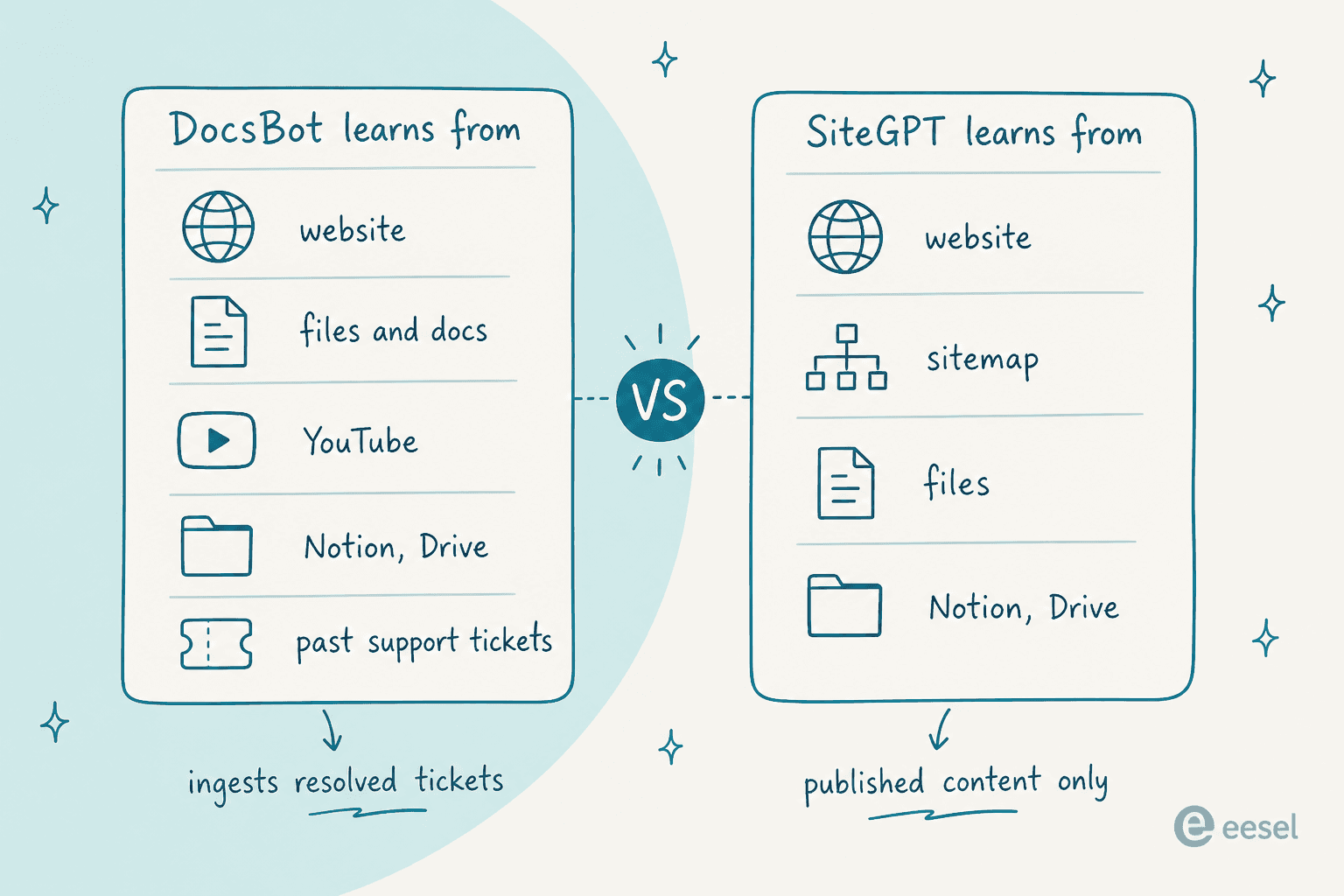
Why does that matter? Your help center says how things are supposed to work. Your ticket history says how customers actually phrase problems and how your best agents actually resolve them. A bot trained only on published docs answers the tidy version of a question; a bot that has also seen past tickets answers the messy real one. DocsBot exposes ticket sources on Standard and up. SiteGPT does not have that path at all, so corrections happen by hand in its Q&A trainer.
If your goal is a marketing-site FAQ bot, published content is plenty. If your goal is deflecting real support volume, the ticket-history gap is the thing to weigh.
Testing before you trust it live
Here is where I would push back on both tools, kindly. Both let you preview a bot, and both call it testing. DocsBot has a chat playground and analytics that show what the bot answered. SiteGPT has a manual preview plus Q&A training to correct answers after the fact.
That is preview, not a dry run over your own history. Neither tool answers the question a support lead actually has before flipping the switch: out of my last few thousand real tickets, how many would this bot have resolved correctly, and where would it have gone wrong? Without that, you are launching on vibes and then watching your customer service metrics to find out. When an AI chatbot answers incorrectly in production, the customer is the one who finds the bug.
This is the single biggest reason I would reach for a dedicated AI helpdesk chatbot over a website bot for anything past a marketing FAQ. Simulating against your real ticket backlog turns "I hope this works" into a number you can defend.
Pricing compared
Both tools have reasonable sticker prices and a meter underneath that does the real work. Read the meter, not the headline.
DocsBot pricing
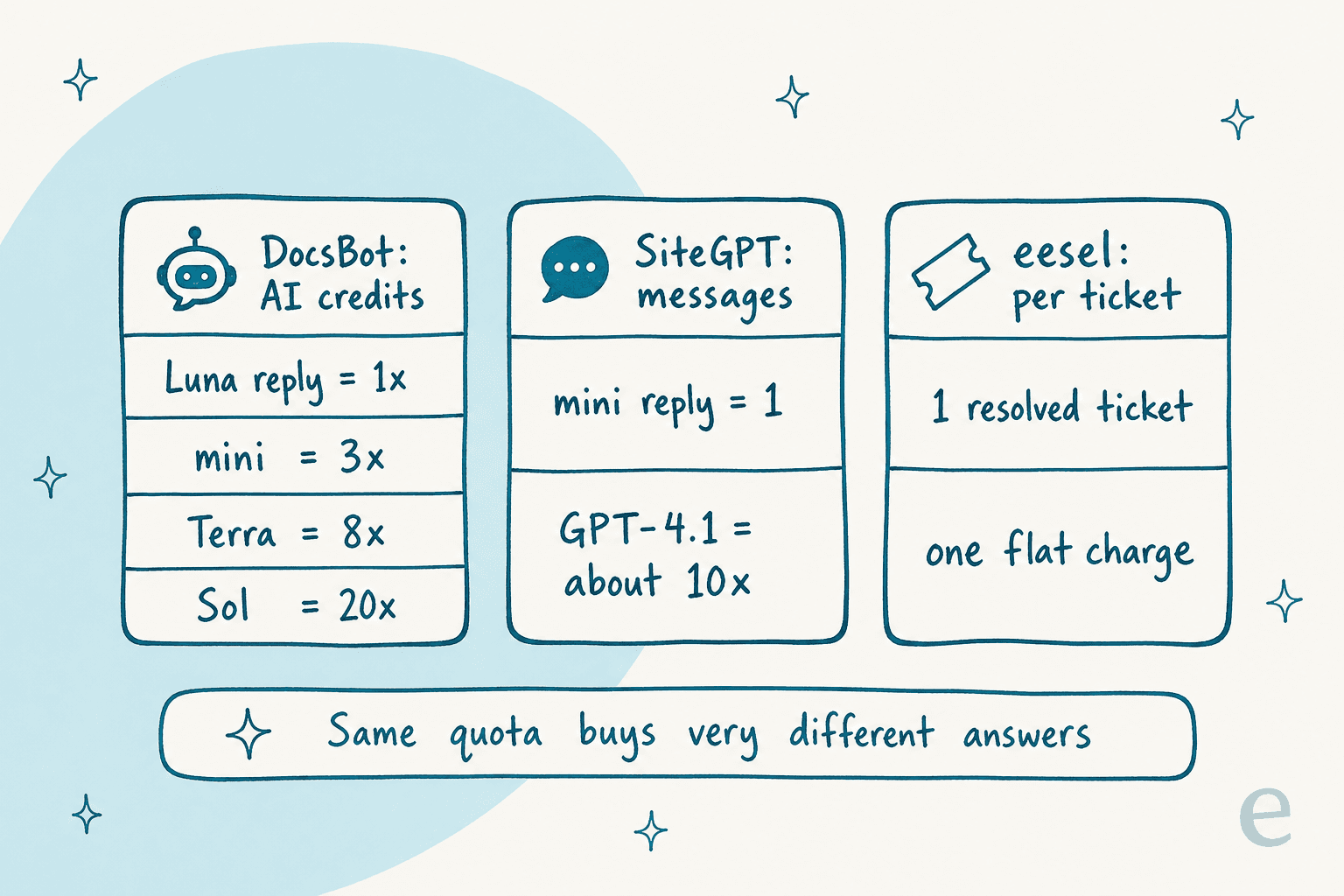
DocsBot bills in AI credits, not flat per-message. A standard reply on the cheapest model is 1 credit; bigger models and actions cost more.
| Plan | Price/mo | Bots | Source pages | AI credits/mo | Actions/bot | Users |
|---|---|---|---|---|---|---|
| Free | $0 | 1 | 50 | 100 | None | 1 |
| Personal | $49 | 1 | 5k | 5k | 3 | 1 |
| Standard | $149 | 3 | 15k | 15k | 8 | 5 |
| Business | $499 | 10 | 100k | 60k | 12 | 10 |
| Enterprise | Custom | Custom | Custom | Custom | Custom | Custom |
The gotcha is the model multiplier. On DocsBot's live table, a GPT-5.6 Luna reply is 1x, GPT-5.4 mini is 3x, GPT-5.6 Terra is 8x, and GPT-5.6 Sol is 20x. So Standard's 15,000 credits is 15,000 answers on the cheap model or about 750 on the top one. You can bring your own OpenAI key to get 1x usage on any model, which is a nice escape hatch if you are technical.
SiteGPT pricing
SiteGPT meters in "messages," where one message is a GPT-4.1-mini reply. Prices below show the yearly-effective monthly rate first, then the month-to-month rate.
| Plan | Effective /mo (yearly) | Billed monthly | Chatbots | Messages/mo | Pages | Team |
|---|---|---|---|---|---|---|
| Starter | $39 | $59 | 1 | 4k mini (or 400 GPT-4.1) | 1,000 | 1 |
| Growth | $79 | $129 | 2 | 10k mini (or 1,000 GPT-4.1) | 10,000 | 4 |
| Scale | $259 | $429 | 3 | 40k mini (or 4,000 GPT-4.1) | 50,000 | 10 |
| Enterprise | Custom | Custom | up to 10,000 | Customizable | 500,000 | up to 10,000 |
The same trap lives here: a GPT-4.1 reply eats roughly 10x the quota, so Starter's 4,000 messages becomes about 400 real questions a month if you want the smarter model. Extra messages come in packs of 5,000 for $59/mo, and removing SiteGPT branding is another $39/mo. The full SiteGPT pricing story has the rest.
One SiteGPT quirk worth pricing in: the Zendesk AI Agent integration is Scale-only. So if you are on Growth at $129 and you decide you want SiteGPT answering inside Zendesk, that is a jump to $429. DocsBot avoids that specific cliff by treating Zendesk as a content source, though you are then embedding its own widget rather than living natively in the Zendesk agent seat.
Which one should you pick
After all that, the decision is cleaner than it looks. It comes down to what you actually need the bot to do.
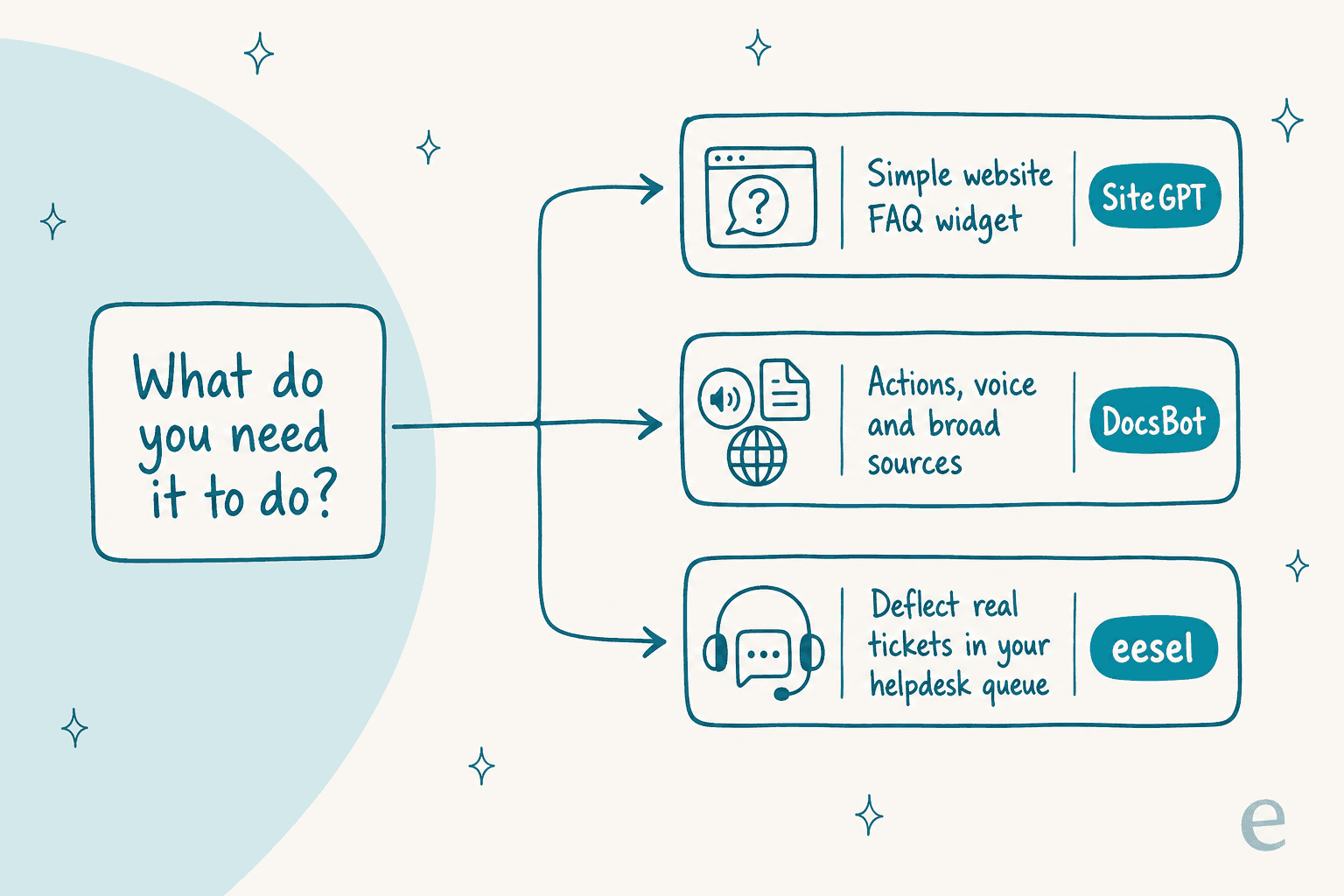
Pick SiteGPT if you want a simple, well-made website bot fast, you train mainly on published pages, and you would rather not think about credits and model tiers. Its free trial needs a card, but the setup really is quick, and for a small site it is the lower-friction start among AI chatbot builders.
Pick DocsBot if you need more than answers: actions, voice, a real API, close to 40 sources, and the ability to feed an AI agent from support tickets. Its free plan is genuinely useful for kicking the tires, and Business at $499 lands where a lot of teams are comfortable. Just map your model usage to credits before you commit, or bring your own key.
Look past both if your real job is customer service automation at helpdesk volume rather than answering FAQs on a marketing page. That is a different problem, and it is the one eesel is built for.
Try eesel
Both DocsBot and SiteGPT are bots you build and then bolt onto a website. eesel is an AI helpdesk agent that joins your existing support queue as a teammate. It plugs into Zendesk, Freshdesk, Gorgias, Front, Slack, and more in minutes, and it trains on your past tickets and docs on every plan, not just the top tier.

The part that fixes the testing gap above: eesel simulates the agent on thousands of your historical tickets and forecasts the resolution rate before a single customer is involved. You see what it would have answered, where it would have escalated, and what it would have cost, then you switch it on only for the topics it handles well.

Pricing is per ticket with no per-seat fees, so a gradual rollout where you route a slice of volume to the AI costs you that slice, not a whole plan tier. If you want to deflect real tickets and know the numbers before you trust it, eesel is free to try.
Pick SiteGPT for a fast website widget, pick DocsBot for a broader bot with actions and ticket sources, and give eesel a look when the goal is deflecting real helpdesk volume with a dry run first.
Frequently Asked Questions
What is the difference between DocsBot and SiteGPT?
DocsBot is a broader AI chatbot platform with actions, voice agents, an API, and close to 40 content sources including past support tickets. SiteGPT is a simpler DIY website chatbot that trains on your published content. DocsBot does more; SiteGPT is faster to stand up.
How much do DocsBot and SiteGPT cost?
DocsBot runs from a free plan to $49 (Personal), $149 (Standard), and $499 (Business), billed in AI credits. SiteGPT starts at $59/mo (Starter) up to $429/mo (Scale) billed monthly, metered by messages. For the full breakdown see our SiteGPT pricing guide.
Can DocsBot or SiteGPT train on past support tickets?
DocsBot can pull resolved tickets from Help Scout, Freshdesk, Zoho Desk, Zendesk, and Salesforce as a content source on Standard and up. SiteGPT trains on published content only. If learning from ticket history matters, an AI customer service chatbot like eesel does it on every plan.
Does SiteGPT integrate with Zendesk?
Yes, but the Zendesk AI Agent install is Scale-only, so wanting it inside Zendesk pushes you from the $129/mo Growth tier to the $429/mo Scale tier. DocsBot uses Zendesk mainly as a content source rather than a native agent seat.
Are DocsBot or SiteGPT good free options?
DocsBot has a real free plan (1 bot, 50 pages, 100 credits) with no card and no 30-day expiry. SiteGPT has no free plan, just a 7-day trial that needs a card. For more no-cost routes, see our roundup of free AI for customer service tools.


Article by
Alicia Kirana Utomo
Kira is a writer at eesel AI with a Computer Science background and over a year of hands-on experience evaluating AI-powered customer service tools. She focuses on breaking down how helpdesk platforms and AI agents actually work so that support teams can make better buying decisions.