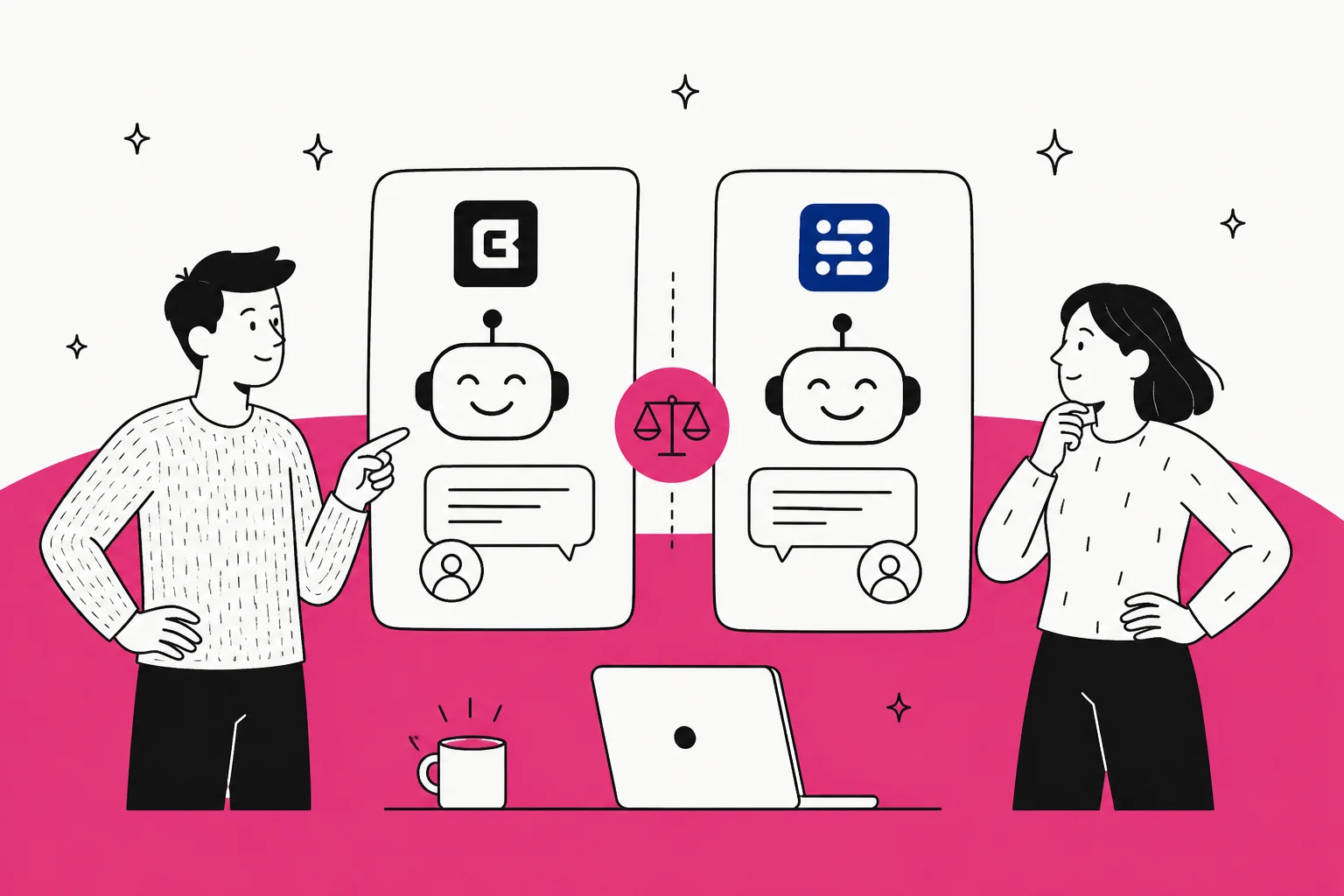
How I compared them
I set up both tools the way a small support team would: connect a help center, train the bot, poke at the builder, and read the pricing pages line by line (including the fine print on how credits burn). I also pulled real reviews from G2 and Reddit rather than leaning on either vendor's testimonials. Where a number matters, I have linked it to the source so you can check my work.
One framing note up front. These are both good tools for what they are, and I am not here to dunk on either. The goal is to tell you which one fits your situation, and to be honest about the ceiling both of them share.
Here is the shape of the whole comparison in one table.
| Dimension | Chatbase | Chatling |
|---|---|---|
| Positioning | "Conversational agents for customer experience" (support, sales, product) | "AI support platform built for resolution, not deflection" |
| Free plan | $0, 50 credits, 1 MB training, 1 agent | $0, 200 credits, 500K characters, 1 agent, web only |
| Entry paid | Hobby $40/mo, 700 credits | Starter $25/mo, 1,750 credits |
| Mid tier | Standard $150/mo, 4,000 credits | Growth $75/mo, 6,000 credits |
| Top self-serve | Pro $500/mo, 15,000 credits | Scale $295/mo, 35,000 credits |
| Agents included | 1 on every plan (extra +$300/yr) | 1 / 2 / 5 / 7 by tier |
| Billable unit | Message credits, per model request (actions 2x) | AI credits, per response (0.5 to 25 by model) |
| Knowledge base cap | 1 to 40 MB of extracted text | 500K to 100M characters |
| Channels | Web, email, voice/telephony, WhatsApp, Slack, Messenger, Instagram | Web, WhatsApp, Instagram, Telegram, Messenger |
| Built-in helpdesk | Ticketing inbox (Standard+) | Live chat + unified inbox + handoff |
| Train on past tickets | Pro only, needs Salesforce/Zendesk OAuth | No |
| Voice | Full voice + telephony (Standard+) | Voice input only (speech-to-text) |
| Pre-launch testing | Manual playground | Manual playground / testing |
| G2 rating | 4.8 / 5 | 4.7 / 5 (79 reviews) |
What each one actually is
Chatbase has grown up from a "chat with your PDF" tool into what it now calls "conversational agents for customer experience." Its own product summary pitches a single AI agent that "replaces the fragmented stack of tools businesses use for support, sales assistance, and product education," and the homepage splits one agent into support, sales, and product-guidance roles. It claims 10,000+ businesses and carries a 4.8 rating on G2.
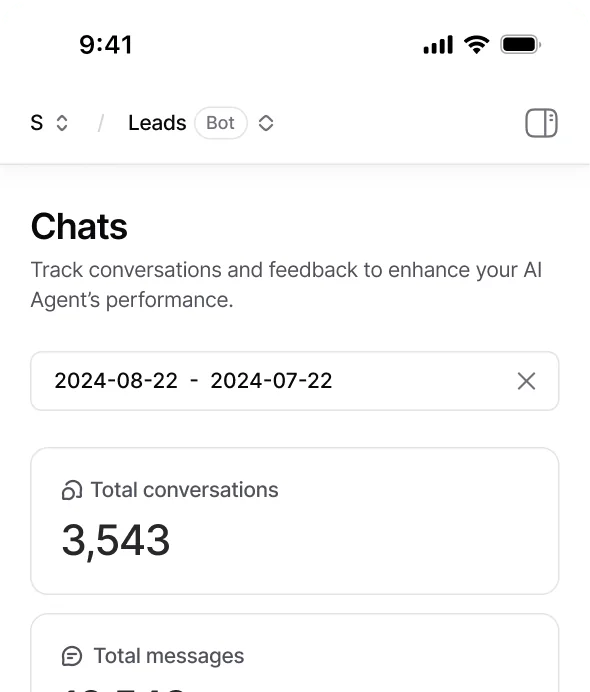
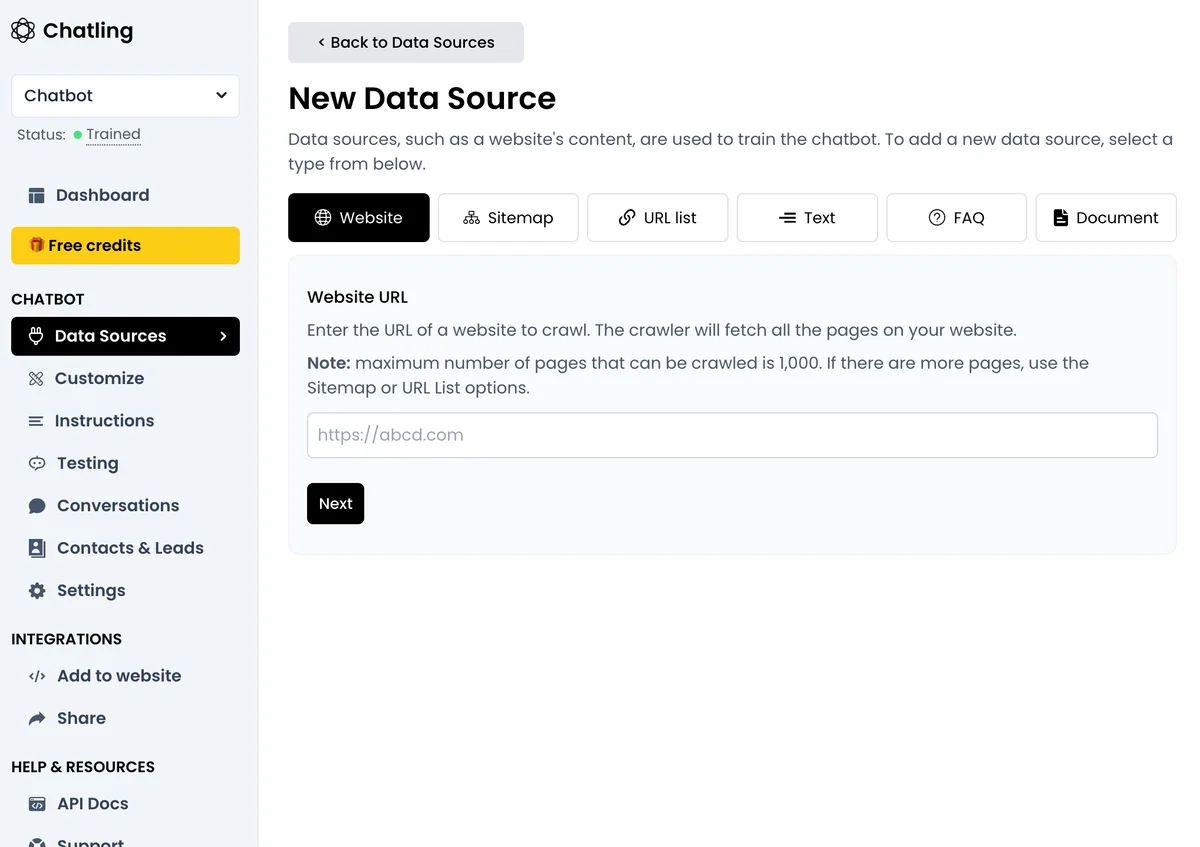
Chatling has moved the other way, from a generic no-code chatbot builder toward a focused support tool. Its homepage now leads with a sharp line: "The AI support platform built for resolution, not deflection." It says it powers AI support for 1,000+ teams, skews heavily toward small business (66 of its 79 G2 reviewers are companies with 50 or fewer employees), and sits at a steady 4.7 on G2. It splits into two build modes: autonomous AI Agents (instruction-driven, no flow-building) and flow-based AI chatbots you design in a visual drag-and-drop builder.
So the one-liner: Chatbase is trying to be your whole customer service software stack, and Chatling is trying to be the fastest, cheapest AI chatbot for your website. That difference shows up in almost every category below.
Pricing: Chatling is roughly half the price, but read the meter
Let me put the real numbers side by side, because this is the section most people came for. First, Chatbase.
| Plan | Monthly | Message credits | Agents | Training size | Seats |
|---|---|---|---|---|---|
| Free | $0 | 50 | 1 | 1 MB | 1 |
| Hobby | $40 | 700 | 1 | 10 MB | 2 |
| Standard | $150 | 4,000 | 1 | 20 MB | 3 |
| Pro | $500 | 15,000 | 1 | 40 MB | 5 |
| Enterprise | Custom | Higher | Higher | Higher | Higher |
Now Chatling.
| Plan | Monthly | AI credits | Agents | KB characters | Seats |
|---|---|---|---|---|---|
| Free | $0 | 200 | 1 | 500,000 | 1 |
| Starter | $25 | 1,750 | 2 | 10,000,000 | 2 |
| Growth | $75 | 6,000 | 5 | 30,000,000 | 5 |
| Scale | $295 | 35,000 | 7 | 100,000,000 | 10 |
Both figures are from the vendors' own pages (Chatbase pricing, Chatling pricing), and both offer roughly 20% off on annual billing.
The headline is obvious: Chatling is about half the price at every rung. The more interesting comparison is the mid tier, where most teams land. Chatling's $75 Growth plan gives you 6,000 credits, five agents, and 30 million characters of knowledge. Chatbase's nearest tier, Standard at $150, gives you 4,000 credits, one agent, and 20 MB of training text. You are paying double for fewer credits and a fraction of the agents. Chatbase earns some of that back with voice, telephony, and a real ticketing inbox on Standard, which Chatling does not match, so it is not a pure loss, but on raw capacity Chatling is the value pick. Either way, it helps to weigh the sticker price against the cost of a human agent so you know what "cheap" actually buys back.
Here is the part both vendors would rather you skim past: the sticker price is not your bill. Both meter usage in credits, and a credit is not a message. It is a model request, priced by the model you pick.
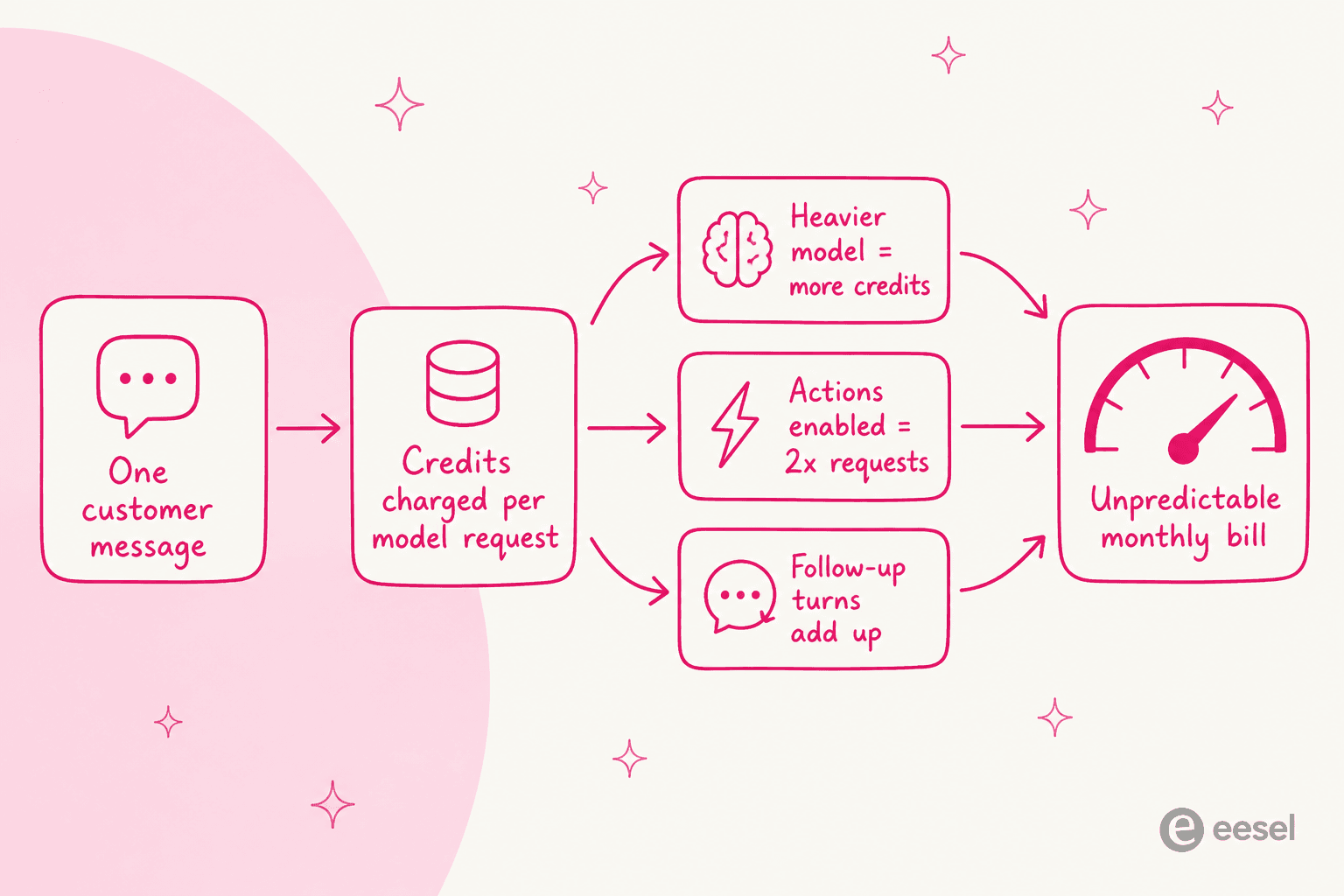
On Chatling, the burn rate varies about 50x across models. Its pricing FAQ lists Gemini 2.5 Flash, DeepSeek, and Mistral Small at 0.5 credits per message, all the way up to 25 credits for Claude Opus 5 or GPT-5.6 Sol. So the Free plan's 200 credits is either 400 messages on a cheap model or eight messages on a premium one. Chatbase works the same way, and its pricing FAQ adds a twist: if the agent takes an action, it makes a second model request, so an action-heavy reply costs "2x the number of credits for the model you are using."
One Chatling user put the practical problem plainly:
"I find Chatling's builder app to be very robust with a lot of options and flexibility... the support team helped resolve my technical challenges quickly. [But] the cost associated with the free version and the token usage is kinda low; it doesn't really translate well for regular users like startups being able to afford the subscription."

None of this makes either tool a bad deal. It just means "which plan do I need?" is hard to answer in advance, because it depends on model choice and how chatty your customers are. If predictable cost is a priority, that is worth sitting with before you commit. It is also the main reason some teams prefer a per-ticket pricing model that tracks resolved work rather than model requests.
Agents and scale: the one-agent cap
This is the single biggest structural difference in Chatbase's pricing, and it is easy to miss. Every Chatbase plan, from Hobby to Pro, includes exactly one AI agent. Want a second agent (say, one for pre-sales and one for support, or separate agents for two brands)? That is a $300 per agent, per year add-on. Chatling instead scales agents with the plan: two on Starter, five on Growth, seven on Scale.
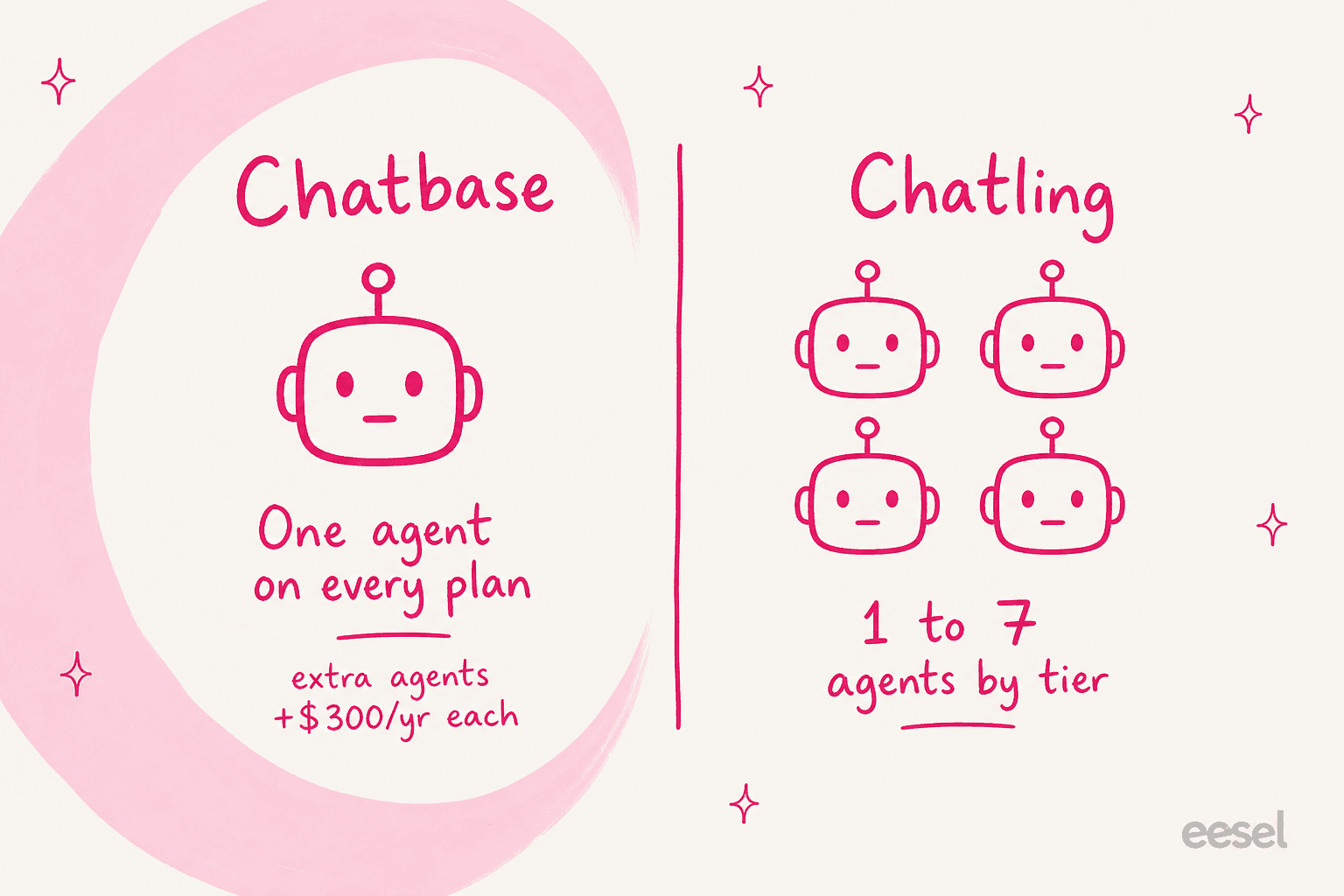
Whether this matters depends entirely on you. A single business with one help center and one audience really only needs one agent, and Chatbase's cap is a non-issue. An agency running bots for several clients, or a company with distinct product lines, will feel it fast. If you are in the second camp, Chatling's tiered agents (or a platform where multiple AI agents run under one account) will be cheaper and less fiddly. It is the kind of trade-off worth mapping against the wider field of the best AI agents for customer service before you lock in.
Knowledge base: how much can you feed it?
Both tools train an AI on your content, but they cap it very differently, and the units are annoyingly not the same.
Chatbase measures a "training content size" in megabytes of extracted text, and the ceiling is small: 1 MB on Free, 10 MB on Hobby, 20 MB on Standard, 40 MB on Pro, per its pricing table. For a big help center or a deep product catalog, 40 MB of text goes quicker than you would think. Chatling measures in characters, and is far more generous: 500,000 on Free, then 10 million, 30 million, and 100 million on paid tiers.
On the source types, they are close. Chatling ingests websites (up to 1,000 pages), sitemaps, URL lists, documents, plain text, and FAQs, plus native article imports from Zendesk, Zoho, and Notion, with weekly or daily auto-sync depending on tier. Chatbase covers files, website crawls, text, Q&A pairs, and Notion, and adds one thing Chatling does not: it can train on past support tickets. That is a real edge for answer quality, since ticket history is where your thorniest edge cases live. The catch is it is gated hard: tickets as a source is Pro-only ($500/mo), and the data-sources doc adds that it "requires an active Salesforce or Zendesk integration via OAuth." So you can train on tickets, if they live in Salesforce or Zendesk and you are on the top plan.
If ticket history is central to your answers, this gap is worth weighing carefully. It is one reason teams already living in a helpdesk sometimes reach for an AI knowledge base chatbot that reads tickets natively rather than through a gated integration, and getting the knowledge base setup right matters before you pick a tool.
Channels, live chat, and the helpdesk question
Both are omnichannel, with a slightly different mix, and both want to be your main AI customer service chatbot across those channels. Chatling deploys to web, WhatsApp, Instagram, Telegram, and Messenger from a unified inbox, and supports 80+ languages. Chatbase covers web, email, WhatsApp, Slack, Messenger, and Instagram, and pulls ahead on one channel Chatling does not really do: phone voice and telephony, available from the Standard plan. Chatling has voice input (speech-to-text) but not a full phone agent.
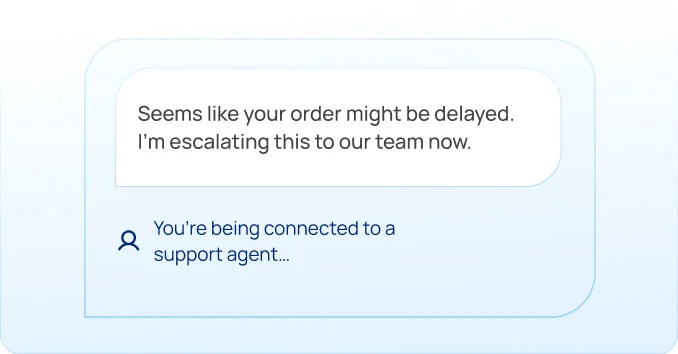
Worth clearing up a stale myth here: older comparison posts claim Chatling has no live chat or human handoff. That is no longer true. Chatling's current docs and homepage document full live chat, human handoff with AI conversation summaries, team routing, and a Copilot agent-assist feature. Its handoff messaging is clean:
The nuance is depth. Chatbase ships a fuller built-in ticketing helpdesk: an omnichannel inbox with custom statuses, assignment, notes, mentions, routing, and reporting, plus native escalation into helpdesks like Zendesk, Freshdesk, Gorgias, Help Scout, and more. Chatling's live-chat layer is capable but lighter, and it is where its reviews are weakest (G2's route-to-human score is its lowest dimension). If you want the bot to be the front door of a real ticketing operation, Chatbase's helpdesk is more built-out. If you already run a helpdesk and just want good AI chat escalation into it, either can hand off, and so can a tool that lives inside your existing helpdesk instead of adding a new inbox.
The part both tools skip: testing on your real tickets
Here is the shared ceiling I promised in the TL;DR, and it is the thing I would push back on hardest with either vendor.
Both tools let you "test" before you launch, and both mean the same thing by it: a playground where you type questions at the bot and read the answers. Chatbase's Playground previews behavior in real time and gives you a shareable preview URL. Chatling has an equivalent Testing panel in its builder. Reviewers like them for quick sanity checks:
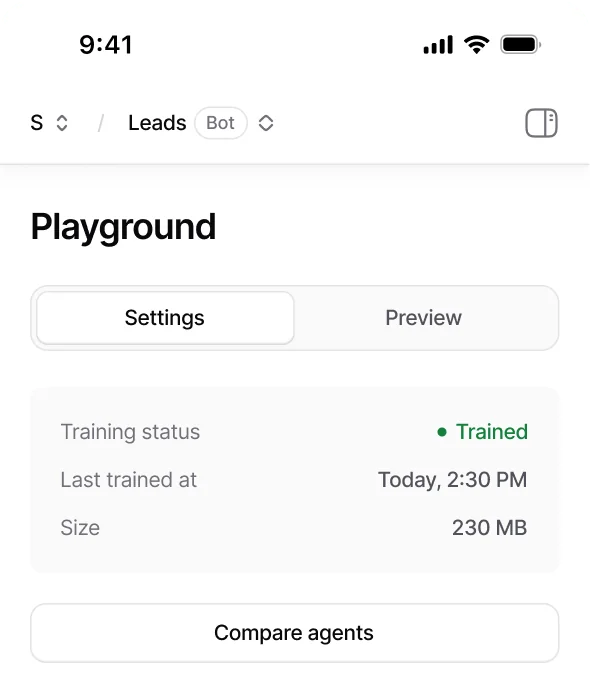
But a manual playground answers "does this one question work?" It cannot answer the question a support lead actually has: "across the last few thousand real tickets, how many would this bot have resolved, and where would it have gone wrong?" You find that out in production, on live customers, which is exactly the wrong place to find out your bot confidently gives wrong answers. Anyone who has shipped an AI bot knows the feeling, and it is why we treat AI hallucinations in support as a launch-blocking risk, not a footnote.
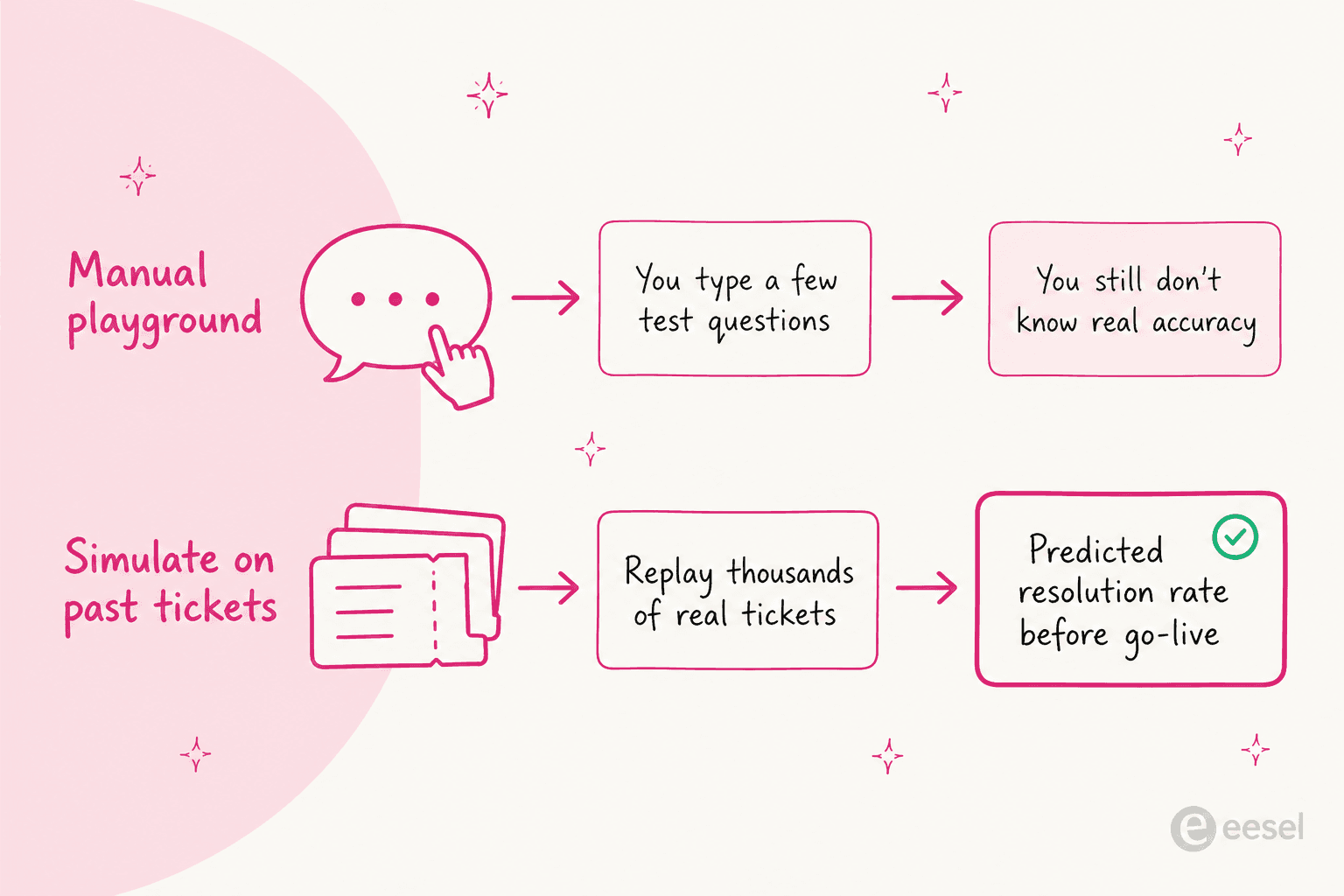
This is the one place I would not accept "the playground is fine." Before you put any bot in front of customers, you want a real resolution rate estimate from your own history, not a vibe from a dozen test questions. The same goes for the other AI customer service metrics you will be judged on once it is live.
What real users say
Pulling the sentiment together, the pattern is consistent across both.
Chatling's reviewers love the speed and price, and flag support responsiveness and tight credits as the sore spots. One captures the value-plus-caveat well:
"I've enjoyed using their chat builder and human support features... you get great value for their price point. [But] their support is slow. Sometimes you need answers quickly... it sometimes feels as if Chatling has just one person dedicated to assisting."
Setup speed is the recurring win. A school administrator: "It took me about twenty minutes to have everything on our page set up," with the honest caveat that "sometimes it misses stuff, especially like calendar items" (Faustin W., G2).
Chatbase's reviewers praise the same effortless setup, and the community view is that it is strong for support and FAQs specifically. From Reddit:
"Chatbase and similar tools nail FAQs but don't really sell. They're great for support, not for driving revenue."

And on why agencies reach for it:
"I recommend chatbase to clients I talk to who want a bot but don't want to take the time to set one up."
Neither has a Reddit horror-story pile. These are well-liked tools. The complaints are about credits, support depth, and the occasional miss, not about the core product being bad.
So which should you pick?
Here is my honest read after living in both.
Pick Chatling if you are a small or mid-size team that wants a website support bot live this week, on a budget, with a big knowledge base and room for a few agents. At $25 to $75/mo it is the clear value play, the builder is easy, and the resolution-first positioning matches where it is strong.
Pick Chatbase if you need the wider platform: real phone voice and telephony, a built-in ticketing helpdesk, or training on your Salesforce/Zendesk ticket history, and you are fine paying for it and living with one agent per plan.
But if you are past the hobbyist stage, running a real support queue in a real helpdesk, both tools hit the same two walls: a credit meter that makes cost hard to forecast, and testing that is just a manual playground. That is the moment the "bolt a chatbot onto your website" category stops being enough, and a helpdesk-native approach (the kind I covered in our roundup of the best AI helpdesk software) starts to make more sense.
Try eesel for support that lives in your helpdesk
If your tickets already live in Zendesk, Freshdesk, Gorgias, Front, or Help Scout, the eesel AI helpdesk teammate takes a different path than either Chatbase or Chatling. Instead of standing up a separate bot and inbox, it joins the helpdesk you already run, trains on your past tickets and help center automatically, and drafts or sends replies right in the queue.

Two things directly answer the gaps above. First, it simulates on your historical tickets before go-live, so you see a real resolution-rate estimate on your own data instead of guessing from a playground. Second, it is priced per ticket the AI handles, not per model credit, so the bill tracks resolved work rather than which model happened to fire, which is far easier to forecast (the current rates are on the pricing page). It is self-serve and free to try, so you can point it at your own tickets and see the simulated numbers before you commit to anything.
Frequently Asked Questions
What is the main difference between Chatbase and Chatling?
Chatbase is the broader customer-experience platform: it adds voice and telephony, a built-in ticketing helpdesk, and training on past tickets, but every plan is capped at one AI agent. Chatling is the cheaper, SMB-focused support bot: it gives you 1 to 7 agents by tier and a much larger knowledge base, but no phone voice and no past-ticket training. If you want the fuller comparison, our guide to the best AI chatbot builder covers the wider field.
How much does Chatbase cost compared to Chatling?
Chatbase runs $0 free, $40 Hobby, $150 Standard, and $500 Pro per month. Chatling runs $0 free, $25 Starter, $75 Growth, and $295 Scale. So Chatling is roughly half the price at every tier, though both meter usage in model credits on top of the sticker price. See our notes on AI resolution rate for why credit counts alone do not tell you the real cost.
Do Chatbase or Chatling charge per resolution?
Neither charges per resolution. Both bill in AI credits that are consumed per model request and vary heavily by model, so the same plan can serve very different message volumes. A per-ticket or per-resolution model like eesel's is easier to forecast because it tracks resolved work, not which model fired.
Can Chatbase or Chatling train on my past support tickets?
Chatling trains on your website, docs, files, and FAQs, but not your ticket history. Chatbase can use tickets as a source, but only on the Pro plan and only through a Salesforce or Zendesk OAuth connection. A helpdesk-native option like the eesel AI helpdesk teammate learns from past tickets directly. Here is how to train AI on a knowledge base.
Which is better for a small business, Chatbase or Chatling?
For most small teams that want a website support bot up fast and cheap, Chatling is the better value: lower price, more agents per plan, and a bigger knowledge base. Chatbase makes more sense once you need phone voice, a real ticketing inbox, or training on your ticket history. Either way, test the bot on real scenarios before launch, as covered in our guide to tier-1 support deflection.


Article by
Alicia Kirana Utomo
Kira is a writer at eesel AI with a Computer Science background and over a year of hands-on experience evaluating AI-powered customer service tools. She focuses on breaking down how helpdesk platforms and AI agents actually work so that support teams can make better buying decisions.