Chatbase vs SiteGPT at a glance
Before the detail, here's the honest side-by-side. Both are website AI chatbot builders that train on your content, but they diverge sharply on price structure, what they'll learn from, and how far they scale.
| Dimension | Chatbase | SiteGPT |
|---|---|---|
| Best for | A growing support team that wants an inbox, voice, and ticket learning in one tool | A small site that needs a self-serve FAQ bot live fast |
| Entry price (monthly) | $40/mo Hobby | $59/mo Starter |
| Top self-serve price | $500/mo Pro | $429/mo Scale |
| Billable unit | Message credits (varies by model + actions) | Messages (GPT-4.1 reply ≈ 10x a mini reply) |
| Free tier | Yes (50 credits, 1 agent) | No (7-day trial, card required) |
| Trains on past tickets | Pro plan only, via Zendesk/Salesforce | No, published content only |
| Built-in helpdesk / inbox | Yes (Standard+) | No |
| Voice / phone | Yes (Standard+) | No |
| Models | GPT-5.6, Claude, Gemini, DeepSeek, Grok, Kimi | GPT-4.1-mini and GPT-4.1 only |
| Zendesk AI Agent | Via integration (Standard+) | Scale plan only |
| Remove branding | $1,188/yr add-on | $39/mo add-on |
| Security | SOC 2 Type II, GDPR, HIPAA (Enterprise) | SOC 2 Type II, GDPR, HIPAA (Enterprise) |
| Public reviews | 4.8 on G2 | 4.8 on G2, ~12 reviews |
The rest of this post is me pressure-testing each of those rows.
What each one actually is
They look like the same product in a search result. They aren't.
Chatbase
Chatbase has grown past the "train a bot on your website" origin into a fuller AI chatbot platform. Its own homepage calls it "conversational agents for customer experience," and the product now spans an agent builder, embeddable widgets, actions that hit your systems, a built-in helpdesk, analytics, and voice. The pricing page claims 10,000+ businesses, and it carries a 4.8 rating on G2.
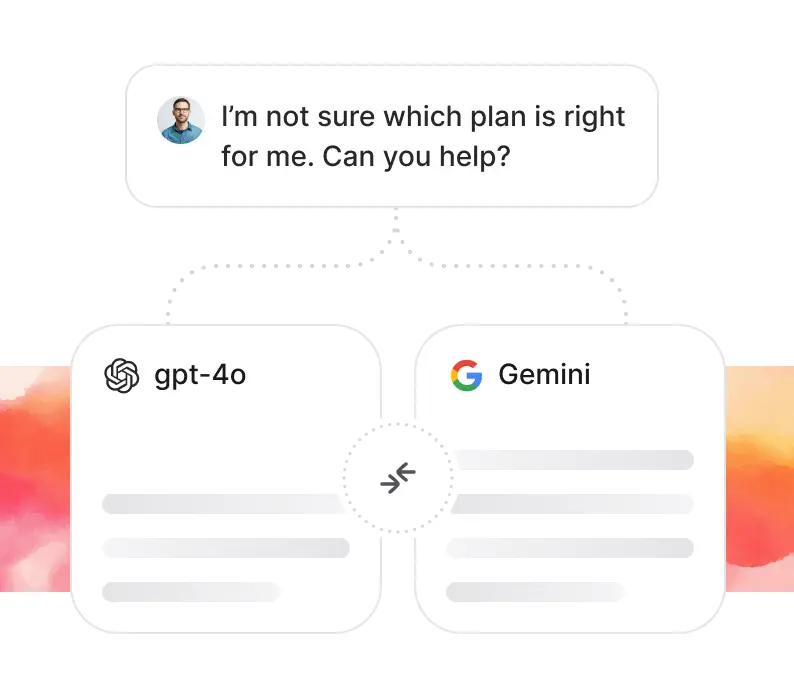
The important structural fact: models are user-selectable. Inside the Playground you can point the agent at GPT-5.6, Claude Fable 5, Gemini 3.5 Flash, DeepSeek V4-Pro, Grok 4.5, or Kimi K2.7, and even compare two side by side. That flexibility is a real plus, and it's the thing SiteGPT can't match.
SiteGPT
SiteGPT is narrower and proud of it. It's a DIY custom chatbot builder run by a self-described two-person team, and the pitch is literal: "It's like having ChatGPT specifically for your product." You point it at a URL, sitemap, or files, it trains in a few minutes, and you drop the widget on your site. The whole thing is built to get a non-technical person from URL to embedded bot without a sales call.
Under the hood, SiteGPT runs on just two models, GPT-4.1-mini and GPT-4.1, supports 95+ languages, and grounds answers strictly in what you trained it on. That grounding is the reliability win the tool's happiest reviewers point to, and it's a fair one. It's also, as we'll see, the boundary of what SiteGPT can do.
What each bot is allowed to learn from
This is the row I'd read first, because it decides whether the bot can actually answer your hardest questions.
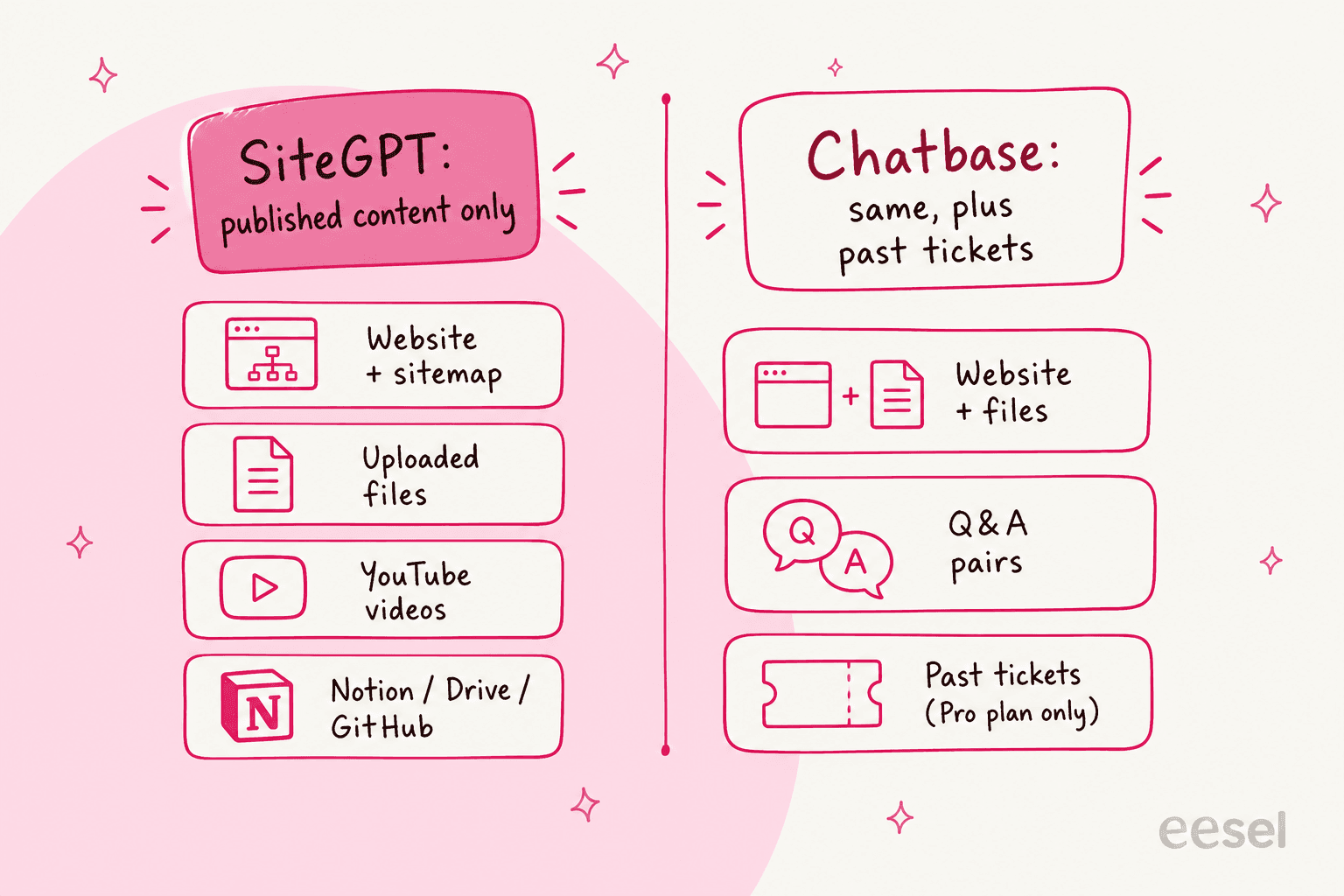
SiteGPT trains only on published content: a website URL or sitemap, YouTube videos, uploaded files (CSV/TXT/PDF/DOCX/PPTX/MD), raw text, and connected drives like Notion, Google Drive, Dropbox, OneDrive, Box, and GitHub. What's never on that list is your past support tickets. So the visitor typing a tricky question into the widget is often someone your published help center already failed, and SiteGPT only knows the help center.
Chatbase covers the same published sources and adds one that matters: past tickets. But it's gated twice. "Tickets as a source" is a Pro-plan-only row on the pricing page, and the data sources doc adds that it needs an active Salesforce or Zendesk integration via OAuth. So learning from your own ticket history is possible, at $500/mo, and only if that history lives in Salesforce or Zendesk.
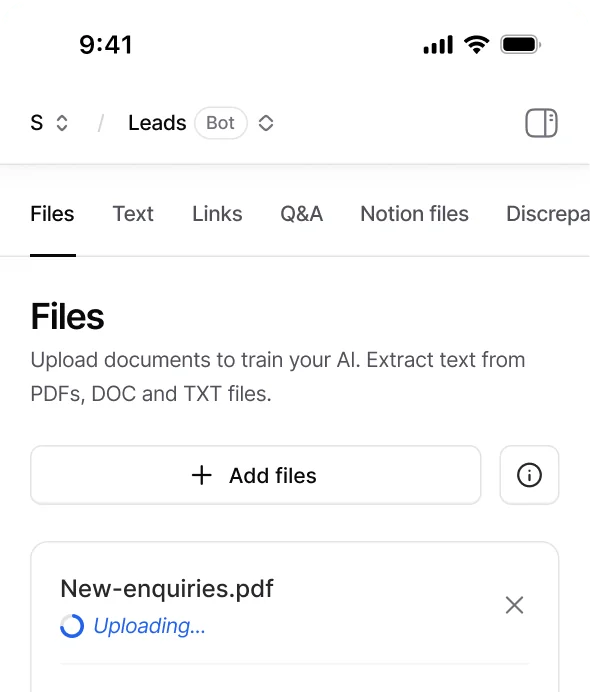
Here's the setup surface in Chatbase, which is clean and quick: you add files, links, Q&A pairs, and Notion pages from one panel.
The reason I keep coming back to tickets: your knowledge base tells the bot what you wish customers asked. Your resolved tickets tell it what they actually ask, and how your team actually answered. A customer service chatbot that only reads the first is starting the race a lap behind.
Pricing: two meters, two very different traps
Both tools publish plans that look tidy and hide the real cost one layer down. Answer the price question first, then the gotchas.
Chatbase pricing
Chatbase bills by message credits per month and caps every paid plan at one agent. Each request to the model burns credits based on the model you chose, and if you enable actions, a single reply can be two requests and twice the credits.
| Plan | Monthly | Message credits/mo | Agents | Training size | Seats |
|---|---|---|---|---|---|
| Free | $0 | 50 | 1 | 1 MB | 1 |
| Hobby | $40 | 700 | 1 | 10 MB | 2 |
| Standard | $150 | 4,000 | 1 | 20 MB | 3 |
| Pro | $500 | 15,000 | 1 | 40 MB | 5 |
| Enterprise | Custom | Higher | Higher | Higher | Higher |
The features you probably came for climb the ladder: the helpdesk, voice, and API access start at Standard ($150), and ticket training only appears on Pro ($500). Extra agents are $300 per agent per year, auto-recharge credits are $40 per 1,000, and removing "Powered By Chatbase" is $1,188 a year. Full detail in our Chatbase pricing breakdown.
SiteGPT pricing
SiteGPT has a trap of its own: the pricing page loads with the yearly toggle already on, so a quick look (and most third-party roundups) quote the yearly-prepay rates as if they were monthly. The real month-to-month prices are higher.
| Plan | Monthly | Effective /mo (yearly) | Messages/mo | Pages | Chatbots |
|---|---|---|---|---|---|
| Starter | $59 | $39 | 4k mini (or 400 GPT-4.1) | 1,000 | 1 |
| Growth | $129 | $79 | 10k mini (or 1,000 GPT-4.1) | 10,000 | 2 |
| Scale | $429 | $259 | 40k mini (or 4,000 GPT-4.1) | 50,000 | 3 |
| Enterprise | Custom | Custom | Custom | 500,000 | up to 10,000 |
The message meter is the real cost driver, and it's the sharpest difference between these two tools. A "message" is one GPT-4.1-mini reply. A GPT-4.1 reply, the smarter model, consumes roughly 10x the quota, so Starter's headline 4,000 messages becomes about 400 real questions a month if you want the better model. Extra messages come in packs of 5k for $59/mo, and removing branding is another $39/mo. The full SiteGPT pricing story has the rest.
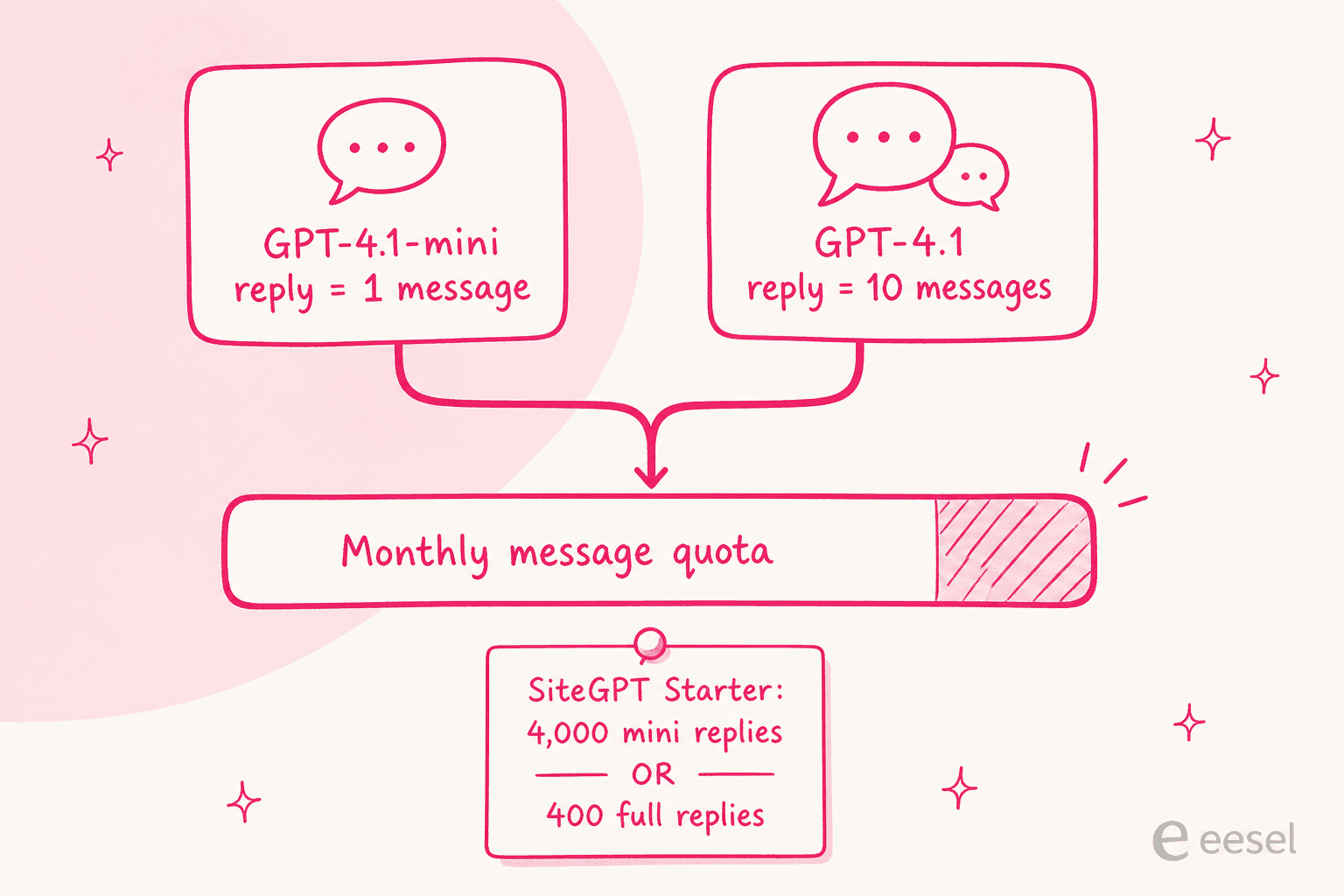
One SiteGPT quirk worth pricing in: the Zendesk AI Agent integration is Scale-only. So if you're on Growth at $129 and you decide you want SiteGPT answering inside Zendesk, that's a jump to $429. A Reddit user comparing the two put SiteGPT's version of this plainly:
"SiteGPT - Decent for FAQ stuff but it caps your messages (40k/mo on the $259 plan) and $39/mo extra just to remove their branding."

Which meter is friendlier?
At the very bottom, SiteGPT is often the cheaper way to run a lot of simple FAQ traffic on the mini model. Chatbase's free tier is friendlier for testing, and its per-plan credits stretch further if your questions are light. But both meters share a flaw: they charge per message or credit, not per resolved issue, so you pay the same whether the bot actually solved the problem or just replied. That's the exact billing model we designed eesel against.
A quick "which fits me?" check
Rather than another paragraph of hedging, walk this and see where you land.
Testing before you flip the switch
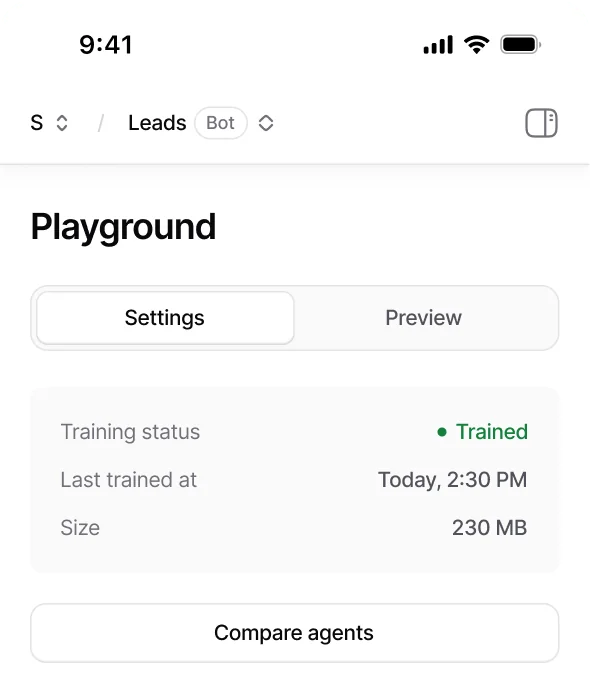
Both tools let you preview a bot, and both call it testing. Chatbase has a Playground where you chat with the agent live and a shareable preview link. SiteGPT has a similar manual preview plus Q&A training to correct answers.
Here's the honest limit, and it applies to both: this is a human typing questions at the bot, one at a time. Neither Chatbase nor SiteGPT replays your archive of real past tickets against the new agent and scores how many it would have resolved. So you launch on a hunch, watch the first week nervously, and find the gaps in production, on real customers. Having run enough of these rollouts, that's the part I'd never do blind again, and it's the single biggest reason I'd reach for a tool that simulates on historical tickets instead.
What real users say
The community footprint tells you what each tool is quietly good and bad at. Both sit at 4.8 on G2, though SiteGPT's is a thin ~12 reviews from a small team, so weight it accordingly.
SiteGPT's most repeated praise is speed to set up, and it's earned:
"It's extremely easy to set up, and I was able to train a custom chatbot in minutes just by entering a website URL."

Its most-named gap, from the single Capterra review, is the one that bites teams who live in a helpdesk:
"Currently the integration options are limited... Also, corrections currently need to be made directly on SiteGPT.ai and not through any integrated platform."

Chatbase draws the same "easy to use" praise, alongside a sharper split on what it's for. One r/SaaS thread landed on a line I think is fair:
"Chatbase and similar tools nail FAQs but don't really sell. They're great for support, not for driving revenue."
Both tools also show up constantly in "what should I use instead" threads, which is less a knock than a sign of how crowded the best AI chatbot builder space has become. If you're at that stage, our Chatbase alternatives roundup is a good next read.
So which one should you pick?
Here's where each one lands after all that.
Pick SiteGPT if you run a small site, your questions are mostly answerable from your published pages, and you want a bot live today without a sales call. On the mini model it's inexpensive, the setup really is minutes, and the grounding keeps it from making things up. Just go in knowing the ceiling: no inbox, no voice, no ticket learning, and the good model costs 10x the quota.
Pick Chatbase if you're a growing support team that wants more than a widget. The built-in helpdesk, voice, actions, and model choice are real, and ticket training exists if you're on Pro and on Salesforce or Zendesk. You'll pay for the range, and the one-agent cap on every plan is a genuine constraint worth planning around.
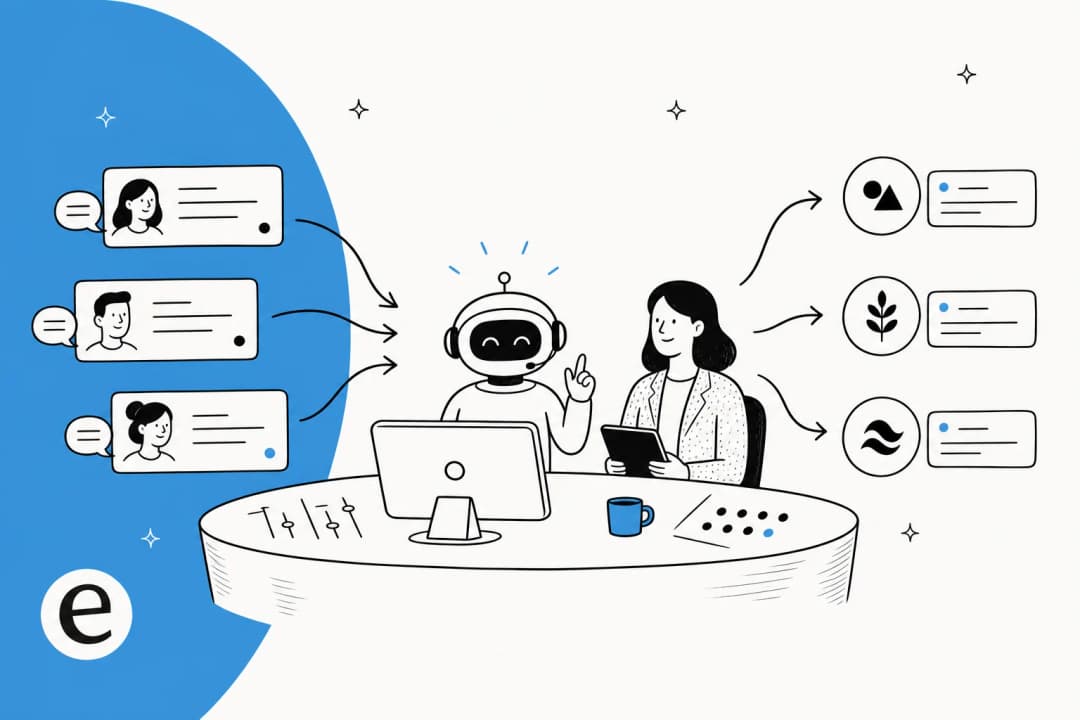
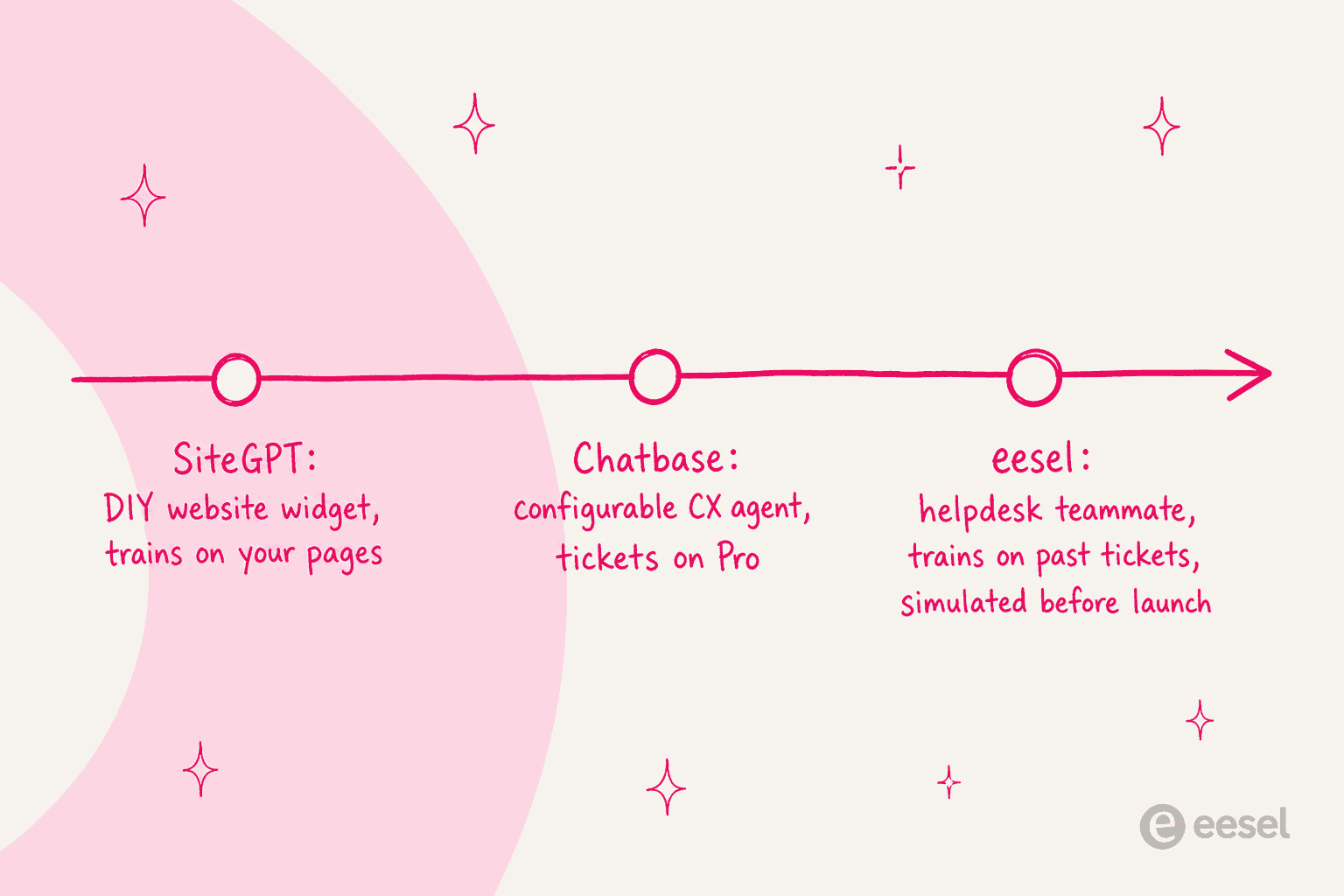
But notice what both of these have in common. They're website-widget tools that start from your published content, test by hand, and bill per message. If your reality is a support queue full of tickets, that's the wrong starting point, and it's the gap in the middle of this whole comparison.
Try eesel for support that starts from your tickets
If the reason you're comparing chatbot builders is customer support, I'd seriously look at eesel before you commit to either. It's an AI support teammate that joins your existing helpdesk rather than a widget you bolt onto a website. Two things it does that neither Chatbase nor SiteGPT does out of the box: it trains on your past tickets and help center on every plan, not just a top tier, and it simulates the agent against thousands of your real historical conversations so you see the resolution rate before anything goes live.
And the billing is built around the flaw in both meters above: eesel charges per issue the AI actually handles, roughly $0.40 a ticket, not per message whether it helped or not. It plugs into Zendesk, Freshdesk, Gorgias, and the rest in minutes, so you can point it at your queue and see what it would resolve for free.
Frequently Asked Questions
Is Chatbase or SiteGPT cheaper?
On sticker price, SiteGPT's entry tier is close to Chatbase's Hobby plan, but the two meters aren't comparable. SiteGPT bills by messages (a full GPT-4.1 reply costs about 10x a mini reply), while Chatbase bills by model credits and caps you at one agent. Our full Chatbase pricing and SiteGPT pricing breakdowns show the real monthly cost at each team size.
What is the difference between Chatbase and SiteGPT?
SiteGPT is a DIY website chatbot that trains on your published pages and files. Chatbase is a broader AI chatbot platform with a built-in helpdesk, voice, and the option to train on past tickets on its Pro plan. SiteGPT is simpler; Chatbase does more but costs more to unlock it.
Can Chatbase or SiteGPT train on past support tickets?
SiteGPT cannot; it trains only on published content like your website, files, and help center. Chatbase can, but only on its $500/mo Pro plan and only through a Salesforce or Zendesk integration. If learning from resolved tickets matters, an AI customer service chatbot like eesel does it on every plan.
Does SiteGPT integrate with Zendesk?
Yes, but only on its top Scale plan. SiteGPT can install as a Zendesk AI Agent via OAuth, which means wanting Zendesk pushes you from the $129/mo Growth tier to the $429/mo Scale tier. See how a dedicated Zendesk AI chatbot approach compares.
Which is better for customer support, Chatbase or SiteGPT?
For a small site answering FAQ-style questions, SiteGPT is faster to stand up. For a growing support team that needs a real inbox, escalation, and ticket learning, Chatbase goes further. Both are website-widget tools first, so if you live inside a helpdesk, look at purpose-built AI customer service software instead.
Can I test Chatbase or SiteGPT before going live?
Both let you preview a bot manually: you type questions and read the answers. Neither replays your historical tickets and scores the outcome. That gap is why we built eesel's simulation mode, which runs a new agent over thousands of your past conversations and reports the resolution rate before launch.
Are Chatbase and SiteGPT good free options?
Chatbase has a real free tier (50 message credits, 1 agent), which is handy for kicking the tyres. SiteGPT has no free plan, only a 7-day trial that needs a card. For more no-cost routes, see our roundup of free AI chatbot tools.


Article by
Kurnia Kharisma Agung Samiadjie
Kurnia is a software engineer and writer at eesel AI with two years of SEO experience, writing about AI tools, helpdesk software, and customer support. He pairs a developer's understanding of how these products are built with search-driven research into what actually ranks and resonates with the people searching for them.