Let's face it: support teams are stretched thin. Ticket volumes keep climbing, customers expect instant answers 24/7, and your best agents are burning out answering the same questions over and over. It’s a tough spot to be in.
An AI helpdesk chatbot can help manage these challenges. It has become a practical tool for scaling support while managing costs. The goal is to allow teams to focus on complex issues and customer relationships.
We’ve gone hands-on with some of the most popular platforms out there to see what’s what. This guide goes beyond basic website bots to review AI tools that plug into your helpdesk.
What is an AI helpdesk chatbot?
An AI helpdesk chatbot is an AI-powered tool that plugs directly into your service desk (think Zendesk, Freshdesk, or Jira) to automate support conversations.
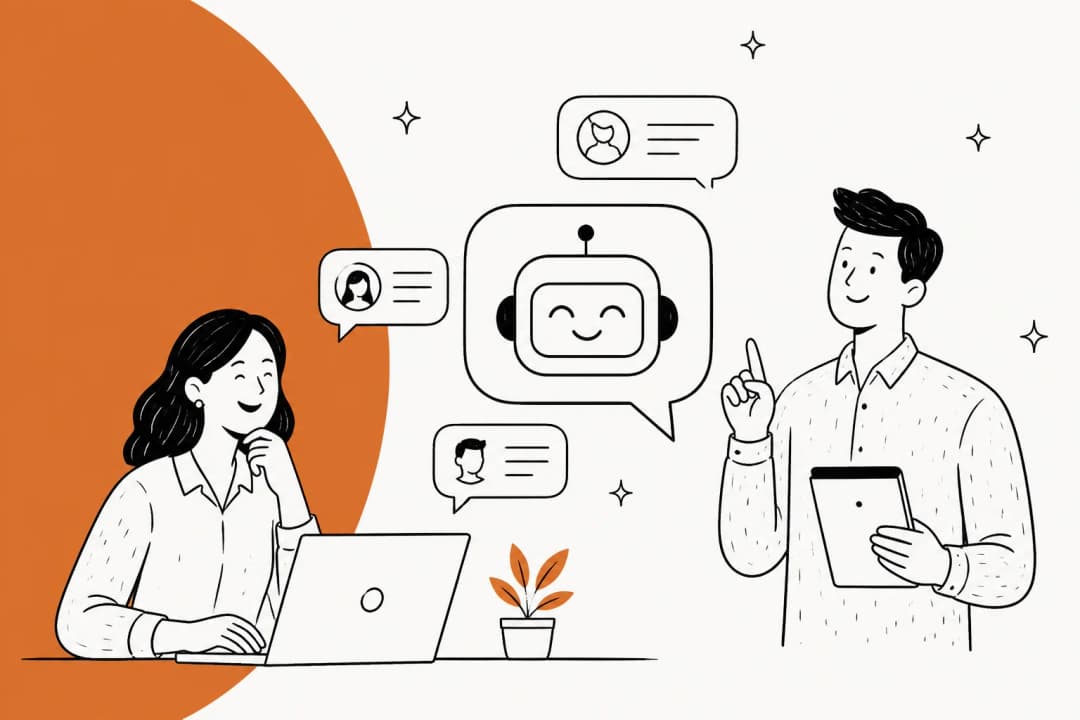
It differs from standard chatbots that you might see on a website. Instead of just pulling answers from a static FAQ page, an AI helpdesk chatbot learns from all your company knowledge. This includes everything from your help center articles and macros to your past tickets and documents. This allows it to understand context, nuance, and your company's specific voice to resolve issues on its own. Here’s a visual breakdown of the key differences:
It functions like a frontline agent on your team. It handles repetitive, straightforward questions, freeing up your human agents to tackle the tricky, high-value interactions that matter.
How we picked the best AI helpdesk chatbot platforms
To cut through the marketing noise, we focused on criteria that actually matter to a busy support team. We didn’t just look at feature lists; we looked at how these tools perform in the real world.
Here’s what we based our picks on:
-
Ease of setup: How fast can you get up and running? Do you need a team of developers and a six-month implementation project, or is it genuinely self-serve?
-
Learning and training: Does the AI learn from your real business context, like the thousands of past tickets sitting in your helpdesk? Or does it rely on you to manually build rigid conversation flows and upload static documents?
-
Control and safety: Can you roll out the AI gradually with a human in the loop, or is it an all-or-nothing switch that you just have to hope works?
-
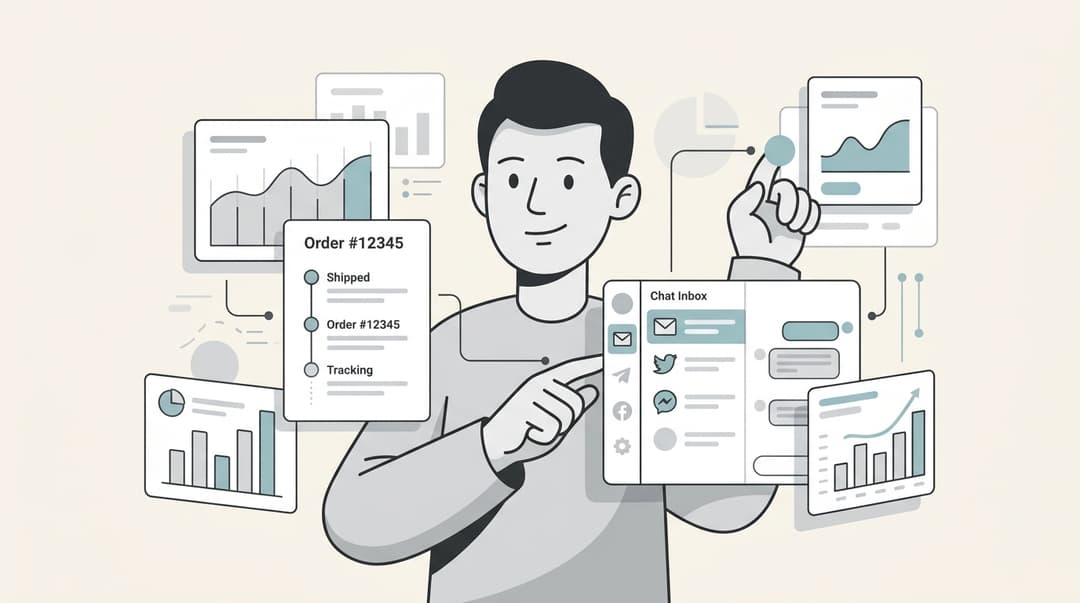
Integrations and actions: How well does it connect with your helpdesk and other critical tools (like Shopify)? Can it just talk, or can it actually do things, like process a refund or look up an order status?
-
Pricing model: Is the pricing clear, transparent, and predictable? Or are you going to get hit with surprise fees that penalize you for successfully resolving more customer issues?
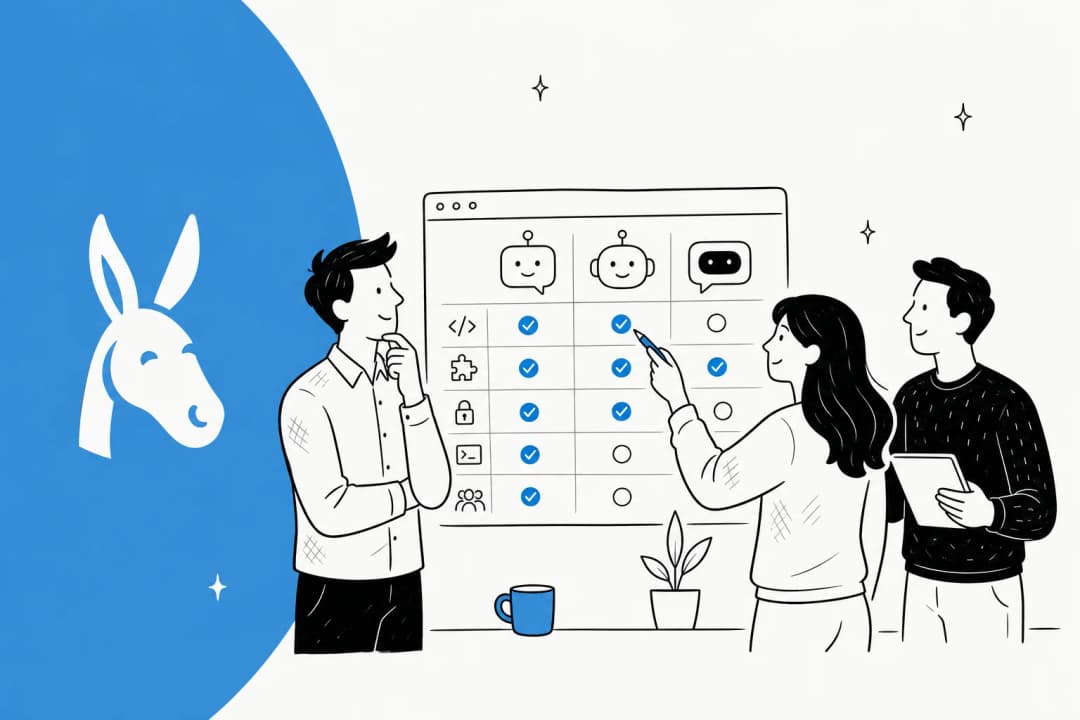
A comparison of the best AI helpdesk chatbot platforms in 2026
For a quick overview, here’s how our top picks stack up against each other.
| Tool | Best For | Starting Price | Key Differentiator |
|---|---|---|---|
| eesel AI | Teams that want an AI teammate - not just a tool | From $299/mo (500 credits) | Plugs into your helpdesk and learns from past tickets to start drafting replies in minutes. |
| ChatBot | Building structured, rule-based conversation flows | $52/mo (annual) | Intuitive drag-and-drop visual builder for creating chatbots from templates. |
| Zendesk AI | Teams committed to the Zendesk ecosystem | $55/agent/mo (annual) | Core AI features are built directly into Zendesk Suite plans for a unified workflow. |
| Gorgias | Ecommerce brands on Shopify | $50/mo | Mature, industry-leading Shopify integration for both sales and support automation. |
| Chatbase | Quickly building an AI agent from website content | $40/mo | Simple, fast setup by training the AI on your public data sources. |
A deep dive into the top 5 AI helpdesk chatbot tools
Now, let's get into the details of what makes each of these platforms stand out.
1. eesel AI
eesel AI is a versatile option that functions as an "AI teammate" rather than a traditional "chatbot." The setup process involves connecting it to your existing helpdesk. From there, it gets to work immediately, learning from past tickets, macros, and your help center docs. The approach is built around collaboration and a gradual, controlled rollout, which allows for a controlled and quick start with support automation. It includes a suite of tools like an AI Agent, AI Copilot, and AI Triage.
Why we picked it: A key feature is the human-in-the-loop approach. You can start on day one with eesel drafting replies for your agents to review and approve (using the AI Copilot). It learns from their feedback and edits, just like a new hire would. This approach mitigates risks associated with fully autonomous deployment. Additionally, the ability to run simulations on tickets before it ever talks to a customer provides performance insights before deployment.
Pros and cons: Pros: Fast, no-code setup, the ability to learn from the nuance of past conversations, and a predictable fixed monthly price. Cons: The entry paid plan starts at $299/month, so very small teams may prefer to begin on the free plan. Teams that prefer a rigid, decision-tree bot builder may find its conversational approach less structured compared to a tool like ChatBot.
Pricing: There is a free plan with 100 credits, no card needed. Paid Teammate plans start at $299/month for 500 credits (1 credit per ticket or chat), with every integration, channel and feature included and no per-seat fee. Paying a year upfront gets you two months free.
2. ChatBot
ChatBot, from the same company behind LiveChat, is all about building bots through a visual drag-and-drop interface. It’s a good fit for teams that want to design structured, predictable conversation flows without touching a line of code.
Why we picked it: Its main strength is the user-friendly visual builder and its library of pre-built templates. You can get a chatbot up and running pretty quickly for specific tasks like lead generation or answering simple FAQs, and you don't need any coding knowledge to do it.
Pros and cons: Pros: It's easy to get started, and you have a lot of control when designing specific conversation paths. Cons: It is a rule-based system. It may require manual updates to handle unexpected questions and will likely require constant manual updates to stay relevant as your business evolves.
Pricing: The Starter plan begins at $52/month when billed annually, which includes 1,000 chats per month.
3. Zendesk AI

For teams already using Zendesk for their helpdesk, their native Zendesk AI is an integrated option. It’s built directly into the Zendesk ecosystem, offering a connected experience for agents and admins. It can help with intelligent ticket routing, macro suggestions, and customer-facing bots.
Why we picked it: The convenience factor is significant. If your team uses Zendesk, the AI features feel like a natural part of your existing workflows. Zendesk has also started including core AI features, like "AI agents (Essential)," directly in their main Suite plans.
Pros and cons: Pros: Tight integration with the Zendesk Suite is its biggest selling point, providing a seamless and reliable environment. Cons: It is optimized specifically for the Zendesk ecosystem. Advanced capabilities like Copilot are available as modular add-ons to ensure teams can scale their AI power exactly where it is needed.
Pricing: Core AI features are included in Zendesk Suite plans, which start at $55 per agent/month when billed annually. The advanced Copilot add-on is an additional $50 per agent/month.
4. Gorgias
Gorgias is a premier helpdesk platform for ecommerce brands, especially those built on Shopify. Its AI and chatbot features are designed not just to solve support tickets but to actively drive sales.
Why we picked it: Its deep Shopify integration is a key feature. The AI can pull real-time order data, process returns, edit orders, and even make personalized product recommendations. It effectively turns a support conversation into a revenue opportunity. Gorgias claims its AI can automate common inquiries, which can save significant time for online stores.
Pros and cons: Pros: For a Shopify store, it provides a tailored solution. It automates a huge chunk of the most common ecommerce questions right out of the box. Cons: The platform is extremely robust, meaning it can take some time to fully master its extensive suite of tools.
Pricing: The Basic plan starts at $50/month, with pricing that scales up based on your monthly ticket volume.
5. Chatbase
Chatbase focuses on simplicity and speed. You give it a data source, like your website URL, a PDF, or a Notion page, and it instantly creates a conversational AI agent that you can embed anywhere.
Why we picked it: It provides a very fast way to build a functional AI agent from scratch. The whole process is incredibly straightforward and doesn't require any deep technical skills, making it a great option for smaller teams or anyone just dipping their toes into AI.
Pros and cons: Pros: The speed of deployment. It integrates with various tools like Zapier, Zendesk, and Slack, which adds a lot of flexibility. Cons: It primarily learns from static documents. This means it may not capture the specific tone and context available in past helpdesk tickets.
Pricing: The Hobby plan starts at $40/month, which gives you 1,500 message credits.
To see how these concepts come together in practice, the following video provides a step-by-step tutorial on building an AI customer support chatbot from scratch, illustrating many of the features discussed.
Key considerations for choosing an AI helpdesk chatbot
Picking the right tool can feel overwhelming. Here are a few key things to keep in mind that can help you cut through the noise.
Setup speed: Project vs. teammate approach
Some platforms involve a detailed implementation process that may require developer resources. Others offer a more direct approach, similar to adding a new user to your helpdesk. A tool like eesel AI lets you connect it to your helpdesk, where it starts learning and working immediately.
The importance of learning from past tickets
Your helpdesk contains valuable training data in past customer conversations. An AI that learns from this history can better reflect your company's specific context and tone. This is a core strength of platforms like eesel AI, which uses your past tickets to sound like your best agent from the get-go.
Safety first: The value of a gradual rollout
Consider platforms that allow for a controlled, human-supervised rollout. Starting with an AI copilot that drafts replies for your human agents to approve is a common method. It helps build trust, ensures quality, and helps the AI learn from real-time feedback.
Pricing models: Understanding 'per-resolution' fees
It's important to review pricing models carefully. A 'per-resolution' model, such as the one offered by Zendesk, ensures that your investment is directly tied to successful outcomes. This allows for a performance-based approach that scales naturally with your support success. Other models, such as those with a flat fee per interaction or a monthly interaction limit, can also offer predictable budgeting. To make sense of the options, here’s a comparison of common pricing models:
Finding the right AI helpdesk chatbot
Selecting the right AI helpdesk chatbot involves aligning the tool's capabilities with your team's specific needs, data sources, and budget. By evaluating factors like implementation speed, learning capabilities, safety features, and pricing structure, you can choose a platform that effectively supports your customer service operations. Many platforms offer trials or demos, allowing teams to test functionality before making a decision.
Frequently asked questions
How long does it take to set up an AI helpdesk chatbot?
This really depends on the platform. Some, like Chatbase, can be set up in minutes by pointing them to your website. Others, like eesel AI, can also start learning from your helpdesk almost immediately. More complex, rule-based systems might take longer to configure.
Can an AI helpdesk chatbot integrate with my existing tools like Zendesk or Shopify?
Absolutely. Top platforms are built for integration. For example, Gorgias has deep ties with Shopify, while tools like eesel AI and Zendesk's own AI plug directly into the Zendesk environment. Always check a platform's specific integrations before committing.
Is an AI helpdesk chatbot safe to use with customer data?
Safety is a top priority for reputable providers. The best approach is a gradual rollout where the AI starts by drafting replies for human agents to approve. This "human-in-the-loop" model, used by platforms like eesel AI, ensures you maintain full control and can build trust in the system before it interacts with customers on its own.
What makes a modern AI helpdesk chatbot different from older chatbots?
The biggest difference is the learning method. Older bots relied on rigid, pre-programmed scripts (decision trees). A modern AI helpdesk chatbot learns from your actual business data, like past support tickets and help center articles, allowing it to understand context and handle a much wider range of questions naturally.
Will an AI helpdesk chatbot replace my human support agents?
Not at all. The goal is to augment your team, not replace it. An AI helpdesk chatbot handles the repetitive, common questions, which frees up your human agents to focus on more complex, high-value problems where their expertise is truly needed. Think of it as a new teammate, not a replacement.
How much does an AI helpdesk chatbot typically cost?
Pricing varies widely. Some platforms charge per resolution which can become unpredictable. Others use a fixed monthly price, like eesel AI from $299/month for 500 credits (1 credit per ticket or chat), or another monthly plan like ChatBot at around $52/mo, which makes budgeting much easier.