

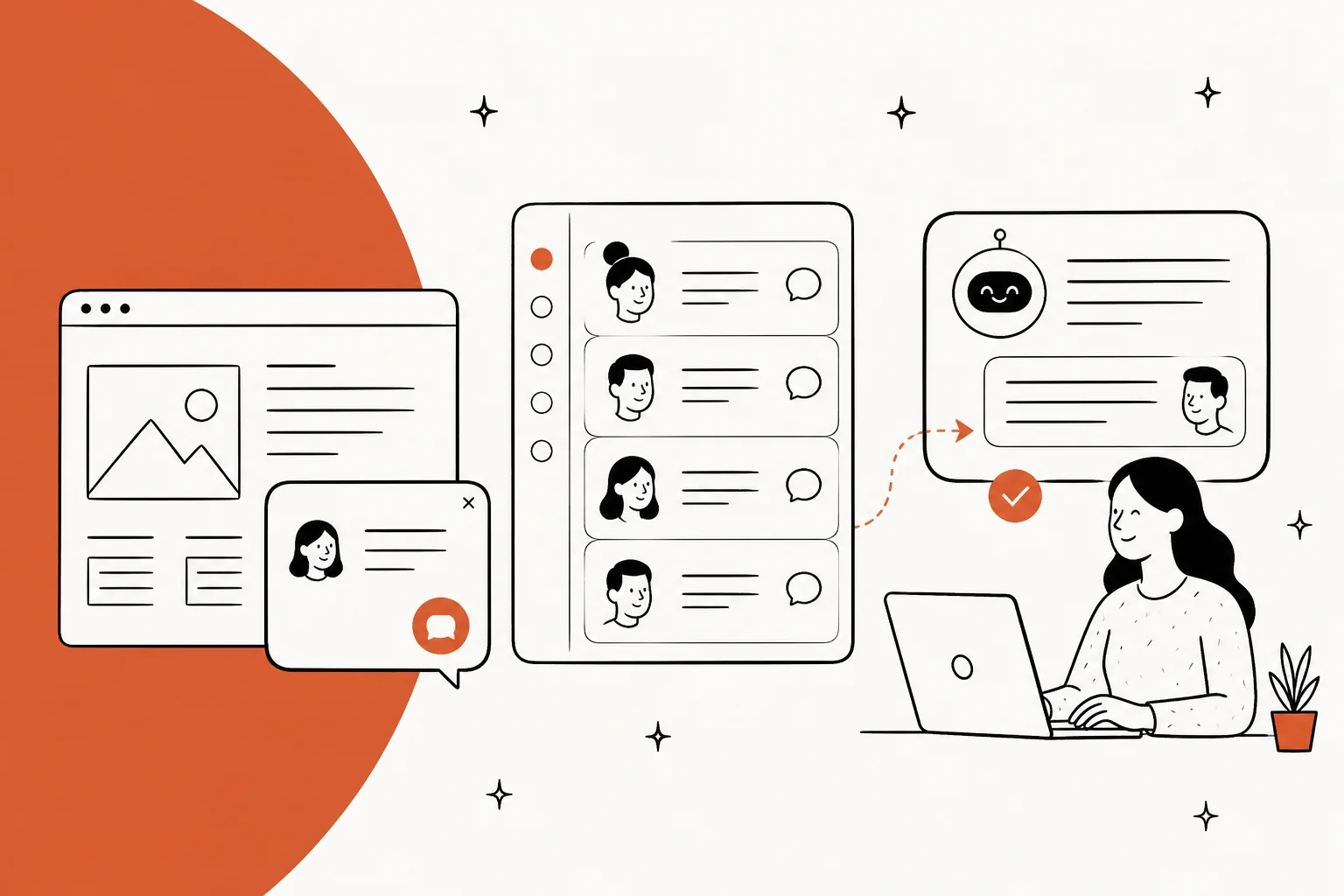
I build AI agents at eesel, which means I spend most of my week inside other vendors' chat products working out what they count. The widget is never the expensive part. The meter underneath it is. A chat box is a script tag and ten minutes of work. What you are actually buying is a queue, and a billing unit, and those units are not comparable even when the prices look similar.
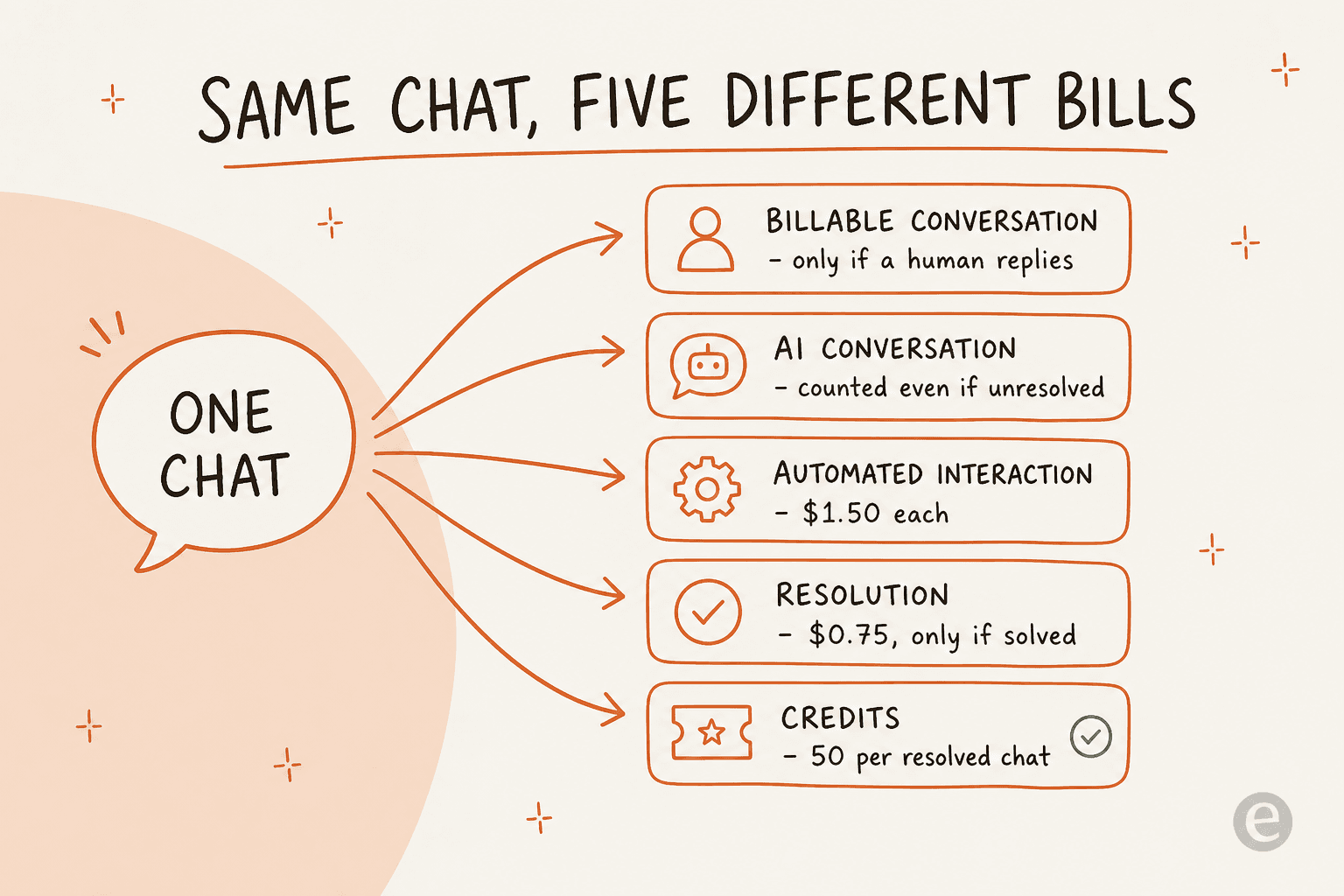
Here is what I mean. Tidio only bills a conversation when a human agent replies to it, so bot-only chats are free. Gorgias bills $0.85 to $1.00 per automated interaction whether or not it lands. Help Scout bills $0.75, but only for AI conversations that actually resolve. Freshdesk bills $0.49 per Freddy session, and a session is an attempt. HubSpot charges 50 credits per resolved conversation, which means the 3,000 credits on its $90 Professional seat buy you about 60 AI resolutions a month. Same customer question, five different invoices.
My short picks: Crisp if you want a flat monthly bill, Tidio if you are a small store, Gorgias if you sell on Shopify, Chatwoot if you need to self-host, and Zendesk if chat is one channel of six. And if you already run a helpdesk and the actual problem is that the chat widget on it has no useful AI behind it, that is a layer problem, not a platform problem. eesel plugs into the helpdesk you already have, answers on your chat bubble, and starts at $299 a month for 500 credits (1 credit per chat) with no seats to buy.
What "chat software" actually means in 2026
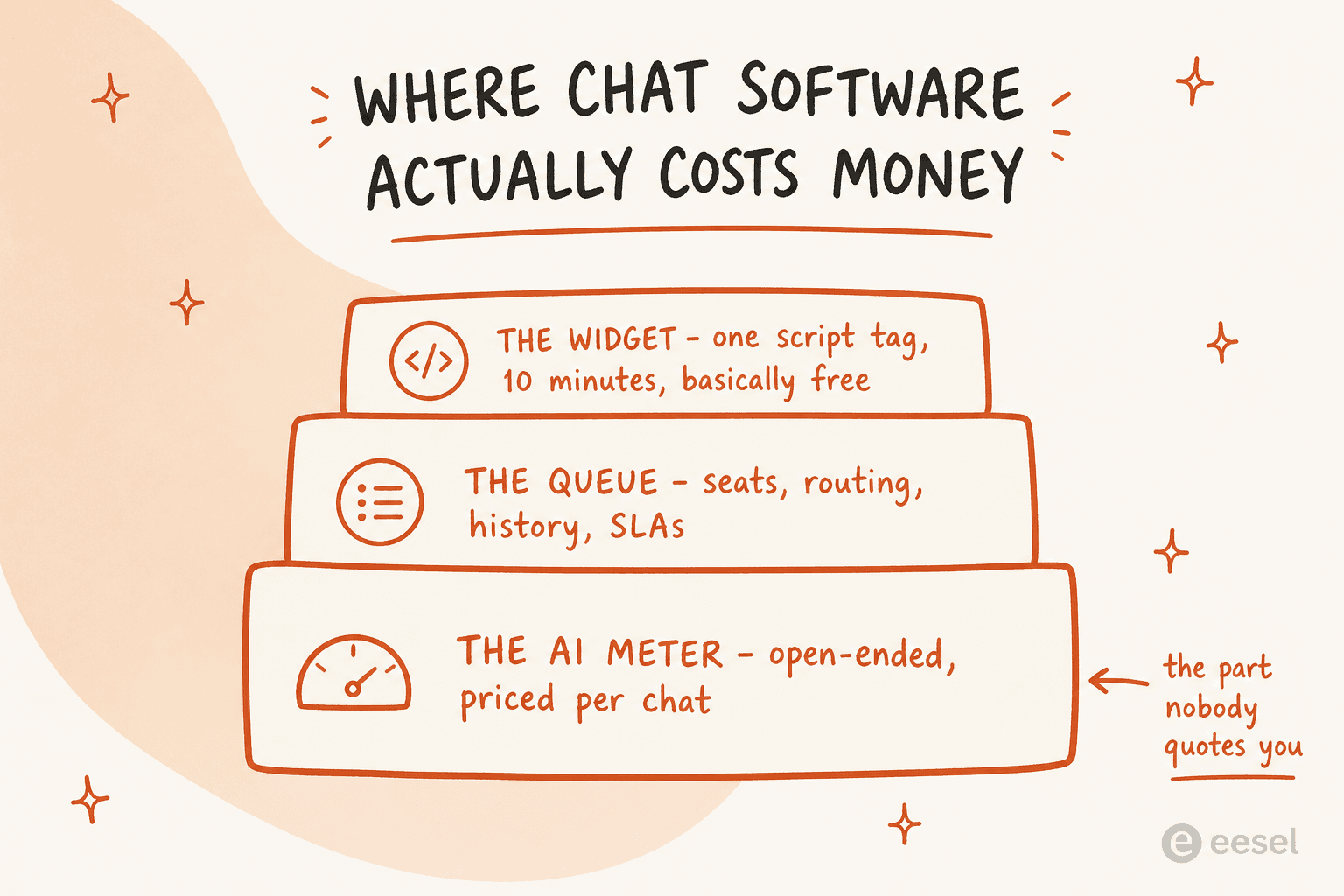
Three different products get sold under this heading, and the pricing pages rarely tell you which one you are looking at.
The first is the widget: the box in the corner of your site, the pre-chat form, the branding, the triggers that decide who sees it. This part has been solved for a decade. Everyone's is fine.
The second is the queue: routing, assignment, history, tags, SLAs, the workspace agents live in all day. This is where suites like Zendesk and Freshdesk earn their money, and where cheap tools start to hurt at about the twentieth agent.
The third is the AI, and it is the only part with an open-ended price. Everything else on your invoice is a seat count you control. The AI meter is a volume you mostly do not.
The gap between what you think you are being billed for and what the meter counts is where the surprises live. One Tidio user put the confusion plainly:
"There is a limit of conversations, and of course, limits for a free version should be, but in the limit software is calculating even the greeting to visitors, which I don't know how to turn off now."

This matters because chat volume behaves differently from email volume. Email arrives at a rate roughly set by your customer count. Chat arrives at a rate set by how visible you make the widget, which means the moment the bot works well and you put it on more pages, your usage bill goes up and your seat bill does not. That is a good problem, but only if you priced for it.
How I compared these ten tools
I pulled every pricing page live on 29 July 2026, read the chat and AI documentation for each, and answered four questions per tool:
- What is the billing unit for a chat? Seat, conversation, session, resolution, credit, or ticket.
- When does the meter tick? On a human reply, on a bot attempt, or only on a successful resolution.
- What does the AI actually do? Draft for an agent, follow a scripted flow, or resolve autonomously.
- What breaks at volume? Retention caps, visitor caps, contact caps, credit ceilings.
Prices below are the annual, paid-yearly rates unless I say otherwise, because that is what most of these pages render by default. Where a vendor publishes no number, I say so rather than estimate.
I did not rank on review scores. Every tool here sits somewhere between 4.3 and 4.7 stars, which tells you nothing about whether your bot will hand off cleanly at 11pm.
The comparison table
Read the billing unit column before the price column. Two tools at $19 a seat can differ by 10x once the AI starts working.
| Tool | Best for | Entry price | Human seat model | AI billing unit | AI rate | Free tier | Self-host |
|---|---|---|---|---|---|---|---|
| eesel AI | Adding AI to chat you already run | Free plan, then $299/mo | No seats | Credit (1 per chat or ticket) | From $299/mo for 500 credits | 100 free credits | No |
| Tidio | Small stores and SMB websites | $29 / mo | 10 seats included | Lyro AI conversation | from $0.75 | Yes, 50 conversations | No |
| LiveChat | Sales-led chat teams | $19 / agent | Per agent | Bundled, no meter | Included | No, 14-day trial | No |
| Crisp | Predictable flat billing | $45 / workspace | Bundled seats | AI credit balance | ~$0.055 per chat | Yes, 2 agents | No |
| Zendesk | Chat as one channel of six | $19 / agent | Per agent | Automated Resolution | Unpublished | No | No |
| Freshdesk | Mid-market teams wanting AI included | $19 / agent | Per agent | Freddy session | $0.49 per session | No, trial only | No |
| Gorgias | Shopify and ecommerce | $40 / mo | No seat fee | Automated interaction | $0.85 to $1.00 each | No | No |
| Help Scout | Email-first teams adding chat | $25 / user | Per user | Resolution | $0.75 each | Yes, 5 users | No |
| HubSpot Service Hub | Teams already on HubSpot CRM | $7 / seat | Per seat | Credits | 50 per resolution | Yes, 2 users | No |
| Chatwoot | Teams that must self-host | $0 self-hosted | Per agent on Cloud | Captain credit, 1 per message | $20 per 1,000 | Yes, 2 agents | Yes |
What 1,000 chats a month actually costs
Sticker prices hide the shape of the bill. Below is the same workload priced on each tool, using each vendor's own published rates. Pick a volume and see who is cheap and who is only cheap at the start.
The same chat volume, priced on each vendor's own rates
Assumes the AI handles 60% of chats and humans take the rest. Seat counts scale with volume. Figures are my arithmetic on each vendor's published 2026 rates, not vendor quotes.
| Tool | Human cost | AI cost | Monthly |
|---|---|---|---|
| Crisp Essentials | $95 flat, 10 agents | $25 credits included | $95 |
| Chatwoot Business | 3 agents at $39 | 500 credits, then $20/1k | $117 +credits |
| Tidio Growth | $59 for 250 | Lyro 100 at $75 | $134 |
| LiveChat Team | 3 agents at $49 | Bundled assist only | $147 |
| Freshdesk Pro | 3 agents at $55 | Within 500 free sessions | $165 |
| Zendesk Suite Team | 3 agents at $55 | Rate unpublished | $165 +AI |
| Help Scout Standard | 3 users at $25 | 150 resolutions at $0.75 | $188 |
| eesel AI | $0, no seats | 500-credit plan (250 used) | $299 |
| HubSpot Professional | 3 seats at $90 | 4,500 extra credits | $311 |
At this volume flat-rate wins. Crisp bills the same whether you take 50 chats or 5,000, and HubSpot is expensive before you count its $1,500 one-time onboarding fee.
| Tool | Human cost | AI cost | Monthly |
|---|---|---|---|
| Chatwoot Business | 5 agents at $39 | 500 credits, then $20/1k | $195 +credits |
| Tidio Growth | $179 for 1,000 | Lyro quota extra | $179 +Lyro |
| LiveChat Team | 5 agents at $49 | ChatBot from $52 | $297 |
| Crisp Plus | $295 flat, 20 agents | ~1,350 chats included | $295 |
| Zendesk Suite Team | 5 agents at $55 | Rate unpublished | $275 +AI |
| eesel AI | $0, no seats | 1,000-credit plan | $499 |
| Freshdesk Pro | 5 agents at $55 | 500 paid sessions at $49/100 | $520 |
| Help Scout Standard | 5 users at $25 | 600 resolutions at $0.75 | $575 |
| HubSpot Professional | 5 seats at $90 | 27,000 extra credits | $693 |
| Gorgias Pro | $550 includes 2,000 tickets | 410 extra at $0.90 | $919 |
This is where per-attempt pricing starts to bite. Gorgias bundles only 190 automated interactions into its $550 Pro plan, so a bot doing real work runs past the bundle fast.
| Tool | Human cost | AI cost | Monthly |
|---|---|---|---|
| Crisp Plus | $295 flat | Beyond 1,350, unpublished | $295 +AI |
| Chatwoot Business | 10 agents at $39 | Captain credits extra | $390 +credits |
| LiveChat Team | 10 agents at $49 | ChatBot from $52 | $542 |
| Zendesk Suite Team | 10 agents at $55 | Rate unpublished | $550 +AI |
| eesel AI | $0, no seats | 3,500-credit plan (3,000 used) | $1,349 |
| Help Scout Standard | 10 users at $25 | 1,800 resolutions at $0.75 | $1,600 |
| HubSpot Professional | 10 seats at $90 | 87,000 extra credits | $1,683 |
| Freshdesk Pro | 10 agents at $55 | 2,500 sessions at $49/100 | $1,775 |
| Gorgias Advanced | $1,430 includes 5,000 tickets | 1,270 extra at $0.85 | $2,510 |
At 3,000 chats the flat-rate tools stop publishing numbers and the metered ones spread across an 8x range. Crisp looks unbeatable here, but its AI credit overage rate is not published, so treat that row as a floor.
Two things fall out of that table. First, the cheapest tool changes completely between 250 chats and 3,000, so choosing on entry price is choosing for a company you are about to stop being. Second, the vendors that bill per attempt rather than per outcome get more expensive exactly when the bot is doing well.
1. eesel AI
Best for: teams who already have a helpdesk or a widget and want real AI behind the chat without re-platforming.
I work on this one, so weigh the enthusiasm accordingly and hold me to the numbers. eesel is not a chat platform. It is the AI layer that sits on the chat and helpdesk you already run, plus a chat bubble of its own for the sites that need one.

What it does well. The chat bubble is one script tag, and the same agent answers on your helpdesk, so a customer gets the same answer in chat as by email. It trains on the help centre, past conversations and internal docs you already have rather than on a flow you have to build, which is the practical difference between going live this week and next quarter. Because we simulate every rollout against real past conversations before it touches a customer, you see the answers first, which matters more in chat than in email: chat is live, and a wrong answer lands in front of someone who is still typing.
The handovers are the part I would actually defend. In one real chat from a customer's own website widget, the agent answered two documentation questions in a row, and the moment the user typed "Can I talk to a human?" it called the handover straight through to the helpdesk without arguing. That is the behaviour to test in every tool on this list.
Where it falls short. If you have no helpdesk and no widget at all, eesel is the wrong first purchase, and one of the platforms below is the right one. There is no ticketing system, no phone channel, and no workforce management. If your company wants a single vendor for everything, a layer will always be one more login.
Pricing. One fixed monthly price on the Teammate plan. 1 credit covers a chat or ticket, regardless of how many messages that takes. No seat fees, no platform fee. The free plan has 100 credits. When credits run out, agents pause, or you can turn on overage with a cap you set at $0.80 per extra credit. SSO and MFA are add-ons from $199 a month. Full detail is on the pricing page.
| Monthly credits | Price |
|---|---|
| 500 | $299/mo |
| 1,000 | $499/mo |
| 2,500 | $999/mo |
| 3,500 | $1,349/mo |
| 5,000 | $1,899/mo |
My take: pick eesel when the widget is fine and the answers are the problem. At 1,000 chats a month you are looking at $499 with no seats attached, and the free 100 credits let you test a slice of your chats honestly first. Skip it if you need a queue you do not have yet.
2. Tidio
Best for: small stores and SMB websites that want a bot and a shared inbox in one cheap bill.
Tidio is the tool I most often see on a 5-person ecommerce site, and it deserves that position. The onboarding is genuinely quick, and its AI agent, Lyro, is a real deflection product rather than a decision tree with a chat skin.
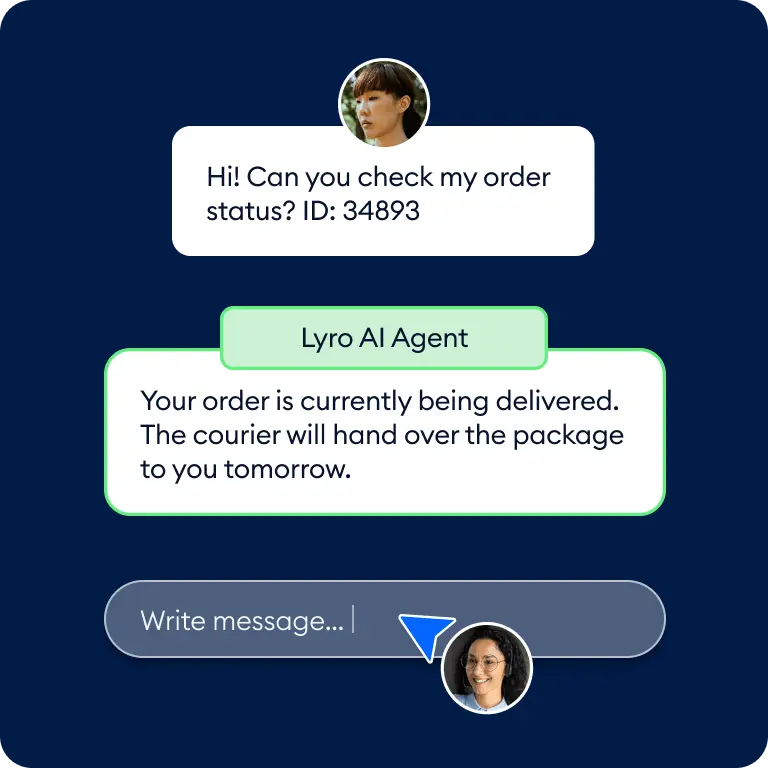
What it does well. The billing definition is the most customer-friendly on this list. Tidio's own FAQ states that a billable conversation is one that "includes a message from a human agent (you)", and that "responses from Flows and Lyro AI Agent are not counted as agent replies". Read that twice: if the bot handles the chat end to end, the conversation does not count against your plan. Seats are not billed either, with 10 included on Free, Starter and Growth.
Setup speed is the other thing users keep bringing up, usually in comparison to the older incumbents:
"Setup was honestly faster than LiveChat. I had the chat widget running and a basic bot handling FAQs within like an hour. The interface isn't as polished as LiveChat's but it's intuitive enough that my team didn't struggle. The free plan is actually usable too, which let me test it properly before committing. Up to 10 agents on free which is wild compared to most tools."

Where it falls short. The AI is a separate meter with its own ladder, so the friendly conversation definition does not make Lyro free. It starts at $39 a month for 50 Lyro conversations and runs to $110 for 150, which is roughly $0.73 to $0.78 per AI conversation, and it is billed per conversation rather than per successful resolution. Growth also stops at 2,000 billable conversations and pushes you to Plus at $300 a month plus usage.
Pricing. Free (50 conversations), Starter $29, Growth from $59 for 250 conversations rising to $349 at 2,000, Plus from $300 a month plus usage, Premium quote-only. Lyro is bought separately from $39. Full ladder in our Tidio pricing and Lyro pricing breakdowns.
My take: buy Tidio if you are under about 1,000 conversations a month and want one bill for chat and bot. Skip it if your AI volume is the big number, because the Lyro ladder gets expensive faster than the conversation ladder does. Teams outgrowing it usually look at Lyro alternatives rather than the next tier up.
3. LiveChat
Best for: sales-led teams where a human closing the chat is the whole point.
LiveChat is the oldest name here and still the most polished pure chat product. If your chat is a revenue channel staffed by people, this is a serious option.
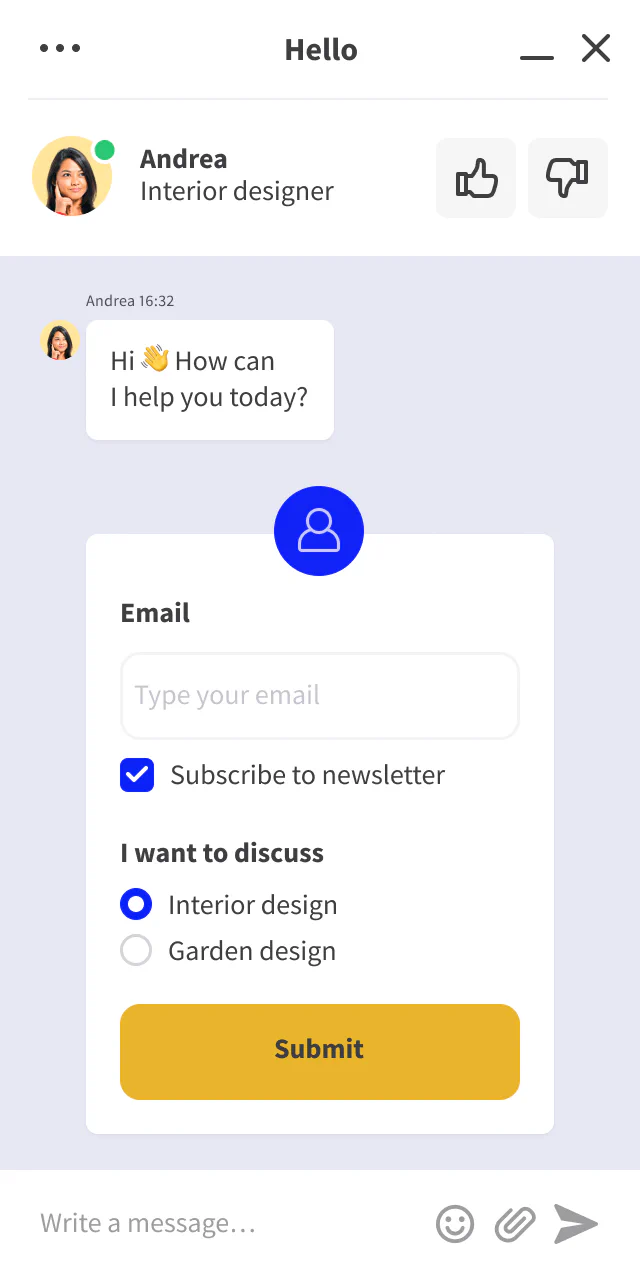
What it does well. Agent tooling, widget customisation and reporting are all excellent, and the AI features (Text Intelligence: reply suggestions, summaries, sentiment, tag suggestions) are bundled into the seat price rather than metered. For a team that wants AI to make agents faster and nothing more, that is a clean deal.
Where it falls short. Autonomous deflection is a different product. LiveChat cross-sells ChatBot from $52 a month, and text.com sells a per-resolution AI agent at $49.50 per 50-resolution refill, which is $0.99 per resolution. So the tool that looks like it includes AI includes the assist, not the deflection. Two smaller snags: chat history is capped at 60 days on the $19 Starter plan, and the published cap is on tracked visitors (100 / 400 / 1,000), not on concurrent chats, which is easy to misread as a chat limit.
Pricing. Starter $19, Team $49, Business $79 per agent per month billed annually, or $25 / $59 / $89 monthly. Enterprise is sales-gated. No free plan, 14-day trial, no card required.
My take: choose LiveChat when humans are the product and AI is a typing aid. Skip it if the goal is deflection, because you will end up buying two subscriptions to get what Tidio, Gorgias or an AI live chat layer gives you in one.
4. Crisp
Best for: teams who want a predictable bill and hate seat maths.
Crisp does the one thing almost nobody else does: it charges a flat rate per workspace, and conversations are unlimited on every plan including Free. Its FAQ is unusually blunt about why, asking why it would bill on consumption "while we are used to unlimited plans everywhere else."
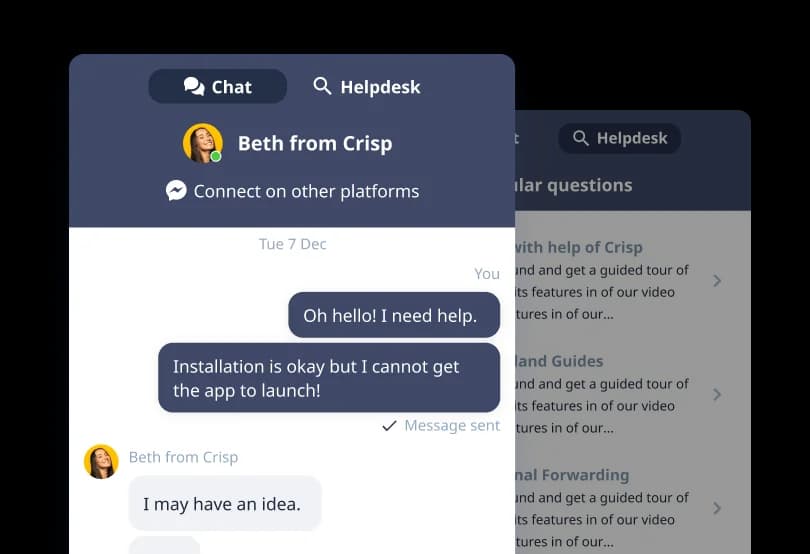
What it does well. Predictability, and a surprising amount of product for the money. Essentials at $95 a month covers 10 agents and unlocks WhatsApp, Instagram DMs, SMS, Line and Viber. Plus at $295 covers 20 agents with extra seats at $10. For a support team that spikes seasonally, a flat bill removes the worst conversation you can have with finance.
Where it falls short. The AI is a dollar credit balance, not a real plan feature, and the free tier gets none at all. Crisp includes $5, $25 and $75 of credits on Mini, Essentials and Plus, which it converts to "around 90", "around 450" and "around 1350" automated conversations. That works out to roughly $0.055 per automated conversation, which is by far the cheapest rate here, but the top-up rate past your included credits is not published anywhere. Annual pricing is not published either; the FAQ says you switch to yearly inside the app after subscribing. Removing the "We run on Crisp" branding requires the $295 Plus plan. The free tier in particular sets expectations it does not meet:
"I signed up for Crisp expecting a free chat widget with basic automated responses based on what their pricing page advertises. What I got was a basic widget with virtually no functionality — every feature that makes a chat widget actually useful (automated responses, away messages, AI agent, chat triggers) is locked behind paid plans starting at $45/month."

Pricing. Free $0 (2 agents, website widget only), Mini $45, Essentials $95, Plus $295 per workspace per month, Enterprise by quote. Our Crisp pricing page has the full tier grid, and Crisp AI chatbot covers the bot itself.
My take: Crisp is the best-value flat-rate option on this list, and I would shortlist it for any team under 20 agents that wants a single line item. Just get the credit top-up rate in writing before you commit, because an unpublished overage rate on the one metered feature is the exact thing that surprises people later.
5. Zendesk
Best for: teams where chat is one channel out of six and governance matters.
Zendesk is the default enterprise answer and mostly earns it. Messaging, routing, business hours, SLAs per channel: it all works, and someone has already built the integration you need.
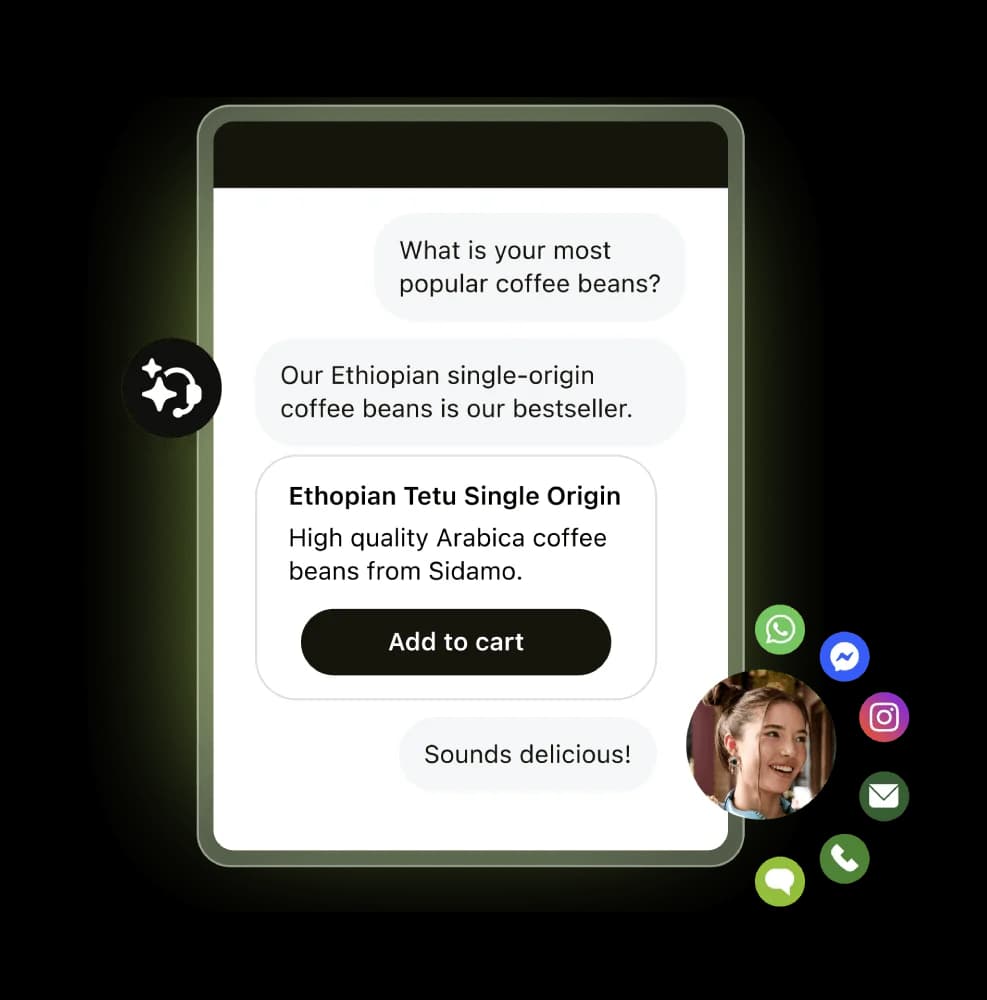
What it does well. Breadth and configurability. If you need chat plus email plus voice plus social with one customer record and real routing rules, this is the safe choice. The chatbot configuration is deep, the API is genuinely good, and the reporting is what larger teams end up needing.
Where it falls short. Chat is not on the entry plan. Support Team at $19 an agent is email and ticketing with no AI-tagged features at all; messaging, live chat and AI agents start at Suite Team, $55 an agent paid yearly. The AI unit is the Automated Resolution, and the rate is no longer published on the pricing page. Reviewers on the AI product are blunt:
"No, it's just terrible and a rip off. You can't even export the data on like what people ask the bot so you can sort it or manipulate it how you want. We stopped using it because ARs are a rip off, and it's a rushed product to get into the AI hype."
Another team evaluating the baseline AI agents for a chat and email rollout, in a r/Zendesk thread, summed it up as something that "doesn't feel like AI at all".
Pricing. Support Team $19, Suite Team $55, Suite Professional $115 per agent per month paid yearly, Suite Enterprise + Copilot by quote. Copilot add-on $50 an agent, Contact Center $83. Our Zendesk pricing guide has the whole grid, and Zendesk AI alternatives covers what teams switch to.
My take: buy Zendesk for the platform, not for the chat AI. Plenty of teams keep the Zendesk queue and put a different AI on the widget, which is a completely reasonable outcome and cheaper than the Copilot add-on. Worth comparing against Help Scout and HubSpot first.
6. Freshdesk
Best for: mid-market teams who want AI in the box rather than as a separate contract.
Freshworks has been the value alternative to Zendesk for years, and the current lineup keeps that shape while getting stricter about what "included" means.

What it does well. Every plan, including the $19 Growth tier, includes the first 500 Freddy AI Agent sessions. That is a real free allowance to test a bot against actual traffic, and it is more generous than most. The chat support tooling and the bots themselves are solid mid-market products.
Where it falls short. The unit is a session, not a resolution. Past the free 500, extra sessions cost $49 per 100, which is $0.49 each, and you pay it whether or not the bot solved anything. Freddy Copilot, the agent-side assist, is another $29 per agent per month and is not available on Growth. There is also no free plan any more, only a 14-day trial. Note too that Freshdesk and Freshchat are separate SKUs with separate prices, so check which one a quote refers to; our Freshchat pricing page covers the messaging product.
Pricing. Growth $19, Pro $55, Enterprise $89 per agent per month billed annually, plus $49 per 100 extra AI sessions and $29 per agent for Copilot. Full detail in our Freshdesk pricing breakdown.
My take: Freshdesk is the best "AI included" starting point on this list, and the 500 free sessions make a pilot easy to justify. Just model the session rate at your real volume before you assume it stays cheap, because attempts scale faster than resolutions do.
7. Gorgias
Best for: Shopify brands where chat is mostly order questions.
Gorgias is purpose-built for ecommerce, and it shows in the parts that matter: order lookups, refunds and subscription actions happen inside the conversation instead of in another tab.
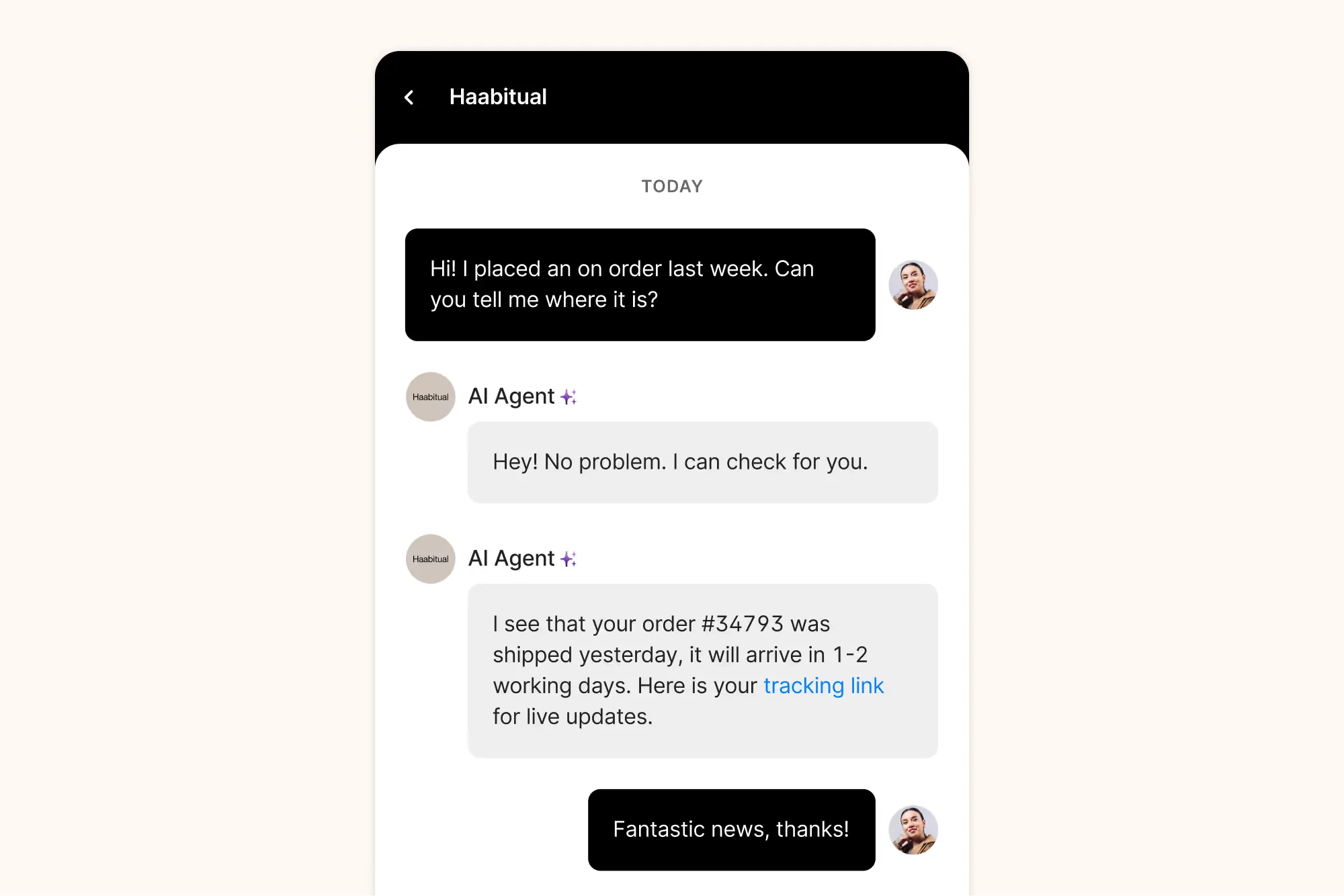
What it does well. No per-seat billing at all: Basic and above include 500 user seats, and you pay for tickets instead. The web widget is tuned for stores, and the AI agent ships pre-trained on ecommerce intents, so time-to-value on WISMO questions is genuinely short.
Where it falls short. The AI unit is the automated interaction at $0.85 to $1.00 depending on the plan, and the bundles are small: 30 interactions on Starter and Basic, 190 on Pro, 530 on Advanced. Brand voice, guardrails and Actions are not available on the $40 Starter plan at all, so the cheapest tier gets a bot that cannot do the ecommerce things you bought Gorgias for. Merchants also report that the AI takes real work to get right:
"I haven't had a great experience with the AI support agent. It takes a pretty big effort to train it. Then, I find that most of the responses have an error that I have to apologize for after the handoff."
Pricing. Starter $40 (50 tickets, 30 automated interactions), Basic $90 or $77 annual (300 tickets), Pro $550 or $471 annual (2,000 tickets, 190 interactions), Advanced $1,430 or $1,227 annual (5,000 tickets, 530 interactions), Enterprise by quote. Ticket overage is $0.40 on the lower plans and $0.36 on the higher ones. Our Gorgias AI pricing guide walks the whole model.
My take: if you are on Shopify and doing under about 2,000 tickets a month, Gorgias is the best-fitting tool here. Past that, do the automated-interaction maths before you sign, because a bot handling 60% of a 3,000-chat month costs more in interactions than the plan itself. Teams in that spot often keep Gorgias and change what runs the AI; see Gorgias alternatives.
8. Help Scout
Best for: email-first teams adding chat without buying a suite.
Help Scout is the calmest product on this list. Beacon puts chat, docs search and a contact form in one widget, and the inbox stays out of your way.
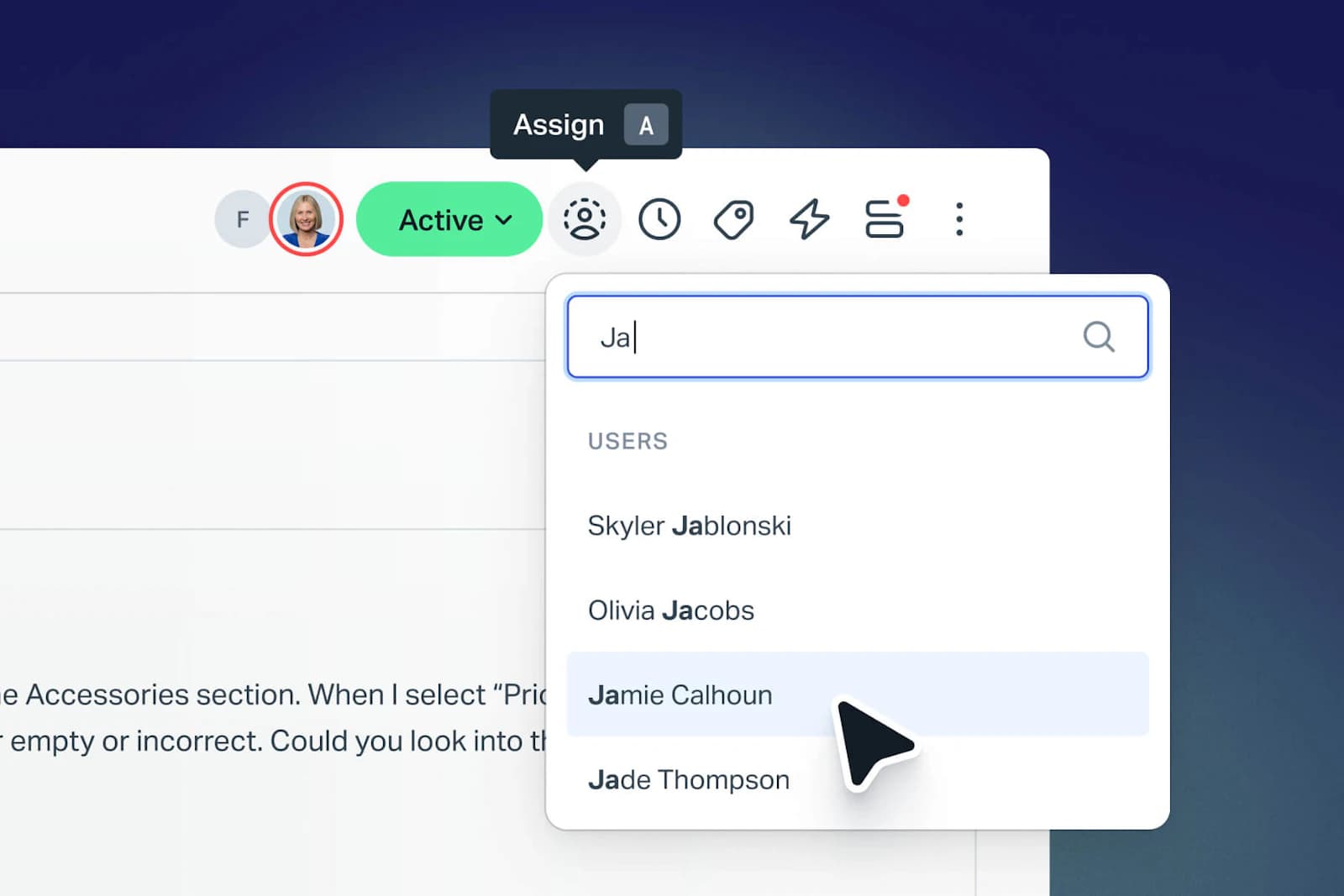
What it does well. Help Scout bills AI Answers per resolution, at $0.75, and only when the AI actually resolves the conversation. That is the fairest unit in this roundup, and it is worth noting that Help Scout tried per-customer-interaction pricing in 2025 and reverted to seats in November of that year, which suggests someone there is actually thinking about this. AI Assist, Drafts and Summarize are unmetered on the plans that include them.
That reversal is worth understanding, because the first attempt landed badly:
"We just received an email from HelpScout that they'll change their pricing to a completely new model. Whereas before you'd be charged by seat, you're now charged by customer interaction. It makes the costs unpredictable. It's super annoying because now we'll have to migrate a lot of docs etc. to a new provider."
Where it falls short. No voice, no social DMs, and chat is Beacon rather than a full messaging platform. Seat prices climb quickly: $25, $45 and $75 per user, with Pro requiring a minimum of 10 seats and a demo call rather than self-serve signup. And at 1,000 chats a month, the honest arithmetic on $0.75 per resolution is $450 in AI on top of the seats, so "fairest unit" is not the same as "cheapest bill".
Pricing. Free (5 users, 100 contacts a month), Standard $25, Plus $45, Pro $75 per user per month annual. AI Answers $0.75 per resolution on every paid tier. Extra inbox $10, extra Docs site $20. See our Help Scout pricing page.
My take: Help Scout is my pick for a team of 5 to 25 that runs on email and wants chat to be a small, tidy addition. Skip it if chat is your primary channel or you need omnichannel, and look at a Help Scout AI layer if the per-resolution bill outgrows the seats.
9. HubSpot Service Hub
Best for: teams already living in HubSpot CRM.
If your sales team is on HubSpot, chat that writes into the same contact record is worth real money. That is the whole case, and it is a good one.
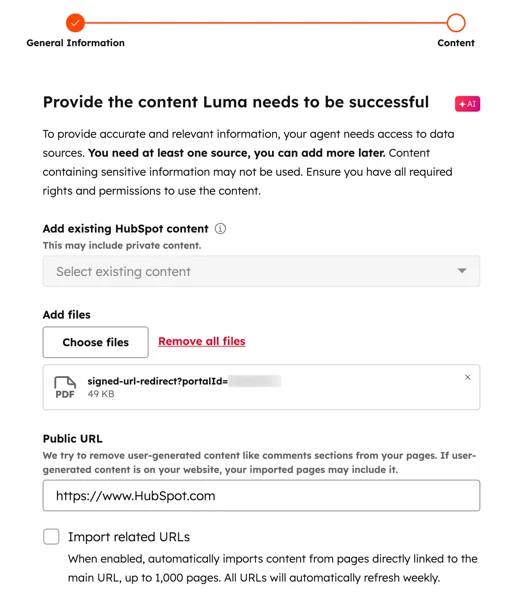
What it does well. The free tier includes live chat for up to 2 users, which is a real entry point, and the $7 Starter seat removes HubSpot branding and adds ticket pipelines and routing. Chat conversations land against the CRM record automatically, which no standalone chat tool can match without integration work.
Where it falls short. The AI runs on credits, and the maths is unkind. The Customer Agent costs 50 credits per resolved conversation, and Professional includes 3,000 credits a month. That is 60 AI resolutions a month included on a $90-per-seat plan, after which credits cost $9 per 1,000, or $0.45 per resolution. Professional also carries a mandatory one-time $1,500 onboarding fee, and Enterprise $3,500. Our HubSpot chatbot guide and the HubSpot AI pricing calculator unpack the credit model properly.
Reviewers who otherwise like the product land on the same sentence:
"The AI credits run out very quickly. And it would be great to have calendar availability integration."

Pricing. Free (2 users), Starter $7 per seat on annual commit ($20 monthly), Professional $90 per seat annual plus $1,500 onboarding, Enterprise $150 per seat plus $3,500 onboarding. Credits: 500 / 3,000 / 5,000 included by tier, $9 per 1,000 after.
My take: worth it if HubSpot is already your system of record and chat volume is modest. If chat is your main channel, the credit ceiling will decide your architecture for you, and not in a good way.
10. Chatwoot
Best for: teams with a hard requirement to self-host.
Chatwoot is the open-source option, and for regulated or privacy-sensitive teams it is often the only option that clears legal. The Community edition runs on your own infrastructure for the cost of the servers.
What it does well. Data stays where you put it, the codebase is inspectable (MIT licence, 34.8k GitHub stars), and Cloud pricing is the cheapest per-seat on this list at $19 for Startups and $39 for Business. Captain, its AI teammate, comes with a monthly credit quota on paid plans (300 / 500 / 800) rather than an open meter.
Where it falls short. Two things people miss. First, the free self-hosted Community edition does not include Captain AI at all, along with voice, SSO, roles and permissions and SLA policies, so "free and self-hosted with AI" is not a combination on offer; self-hosted AI means the Premium Support tier at $19 an agent or Enterprise Edition at $99. Second, Captain credits burn per message rather than per conversation, and overage is $20 per 1,000 credits, so a chat that takes ten turns costs about $0.20 and credits reset only at renewal. Run out mid-conversation and it falls back to a human. The free Hacker tier is also genuinely limited: 2 agents, 500 conversations a month, live chat only, 30-day retention.
And self-hosting is never free, it is billed by your infrastructure team instead. Someone owns upgrades, backups, scaling and the 2am page. A support lead who ran about 40 agents across two regions described the attempt in detail:
"Chatwoot was the most credible open source option we found and we spent a solid 2 months trying to make it work. The self hosting side was fine for our Devops team, but the omnichannel routing was brittle and the AI features were either non existent or bolted on awkwardly from community forks."
Worth knowing before you plan a bot, too: there is no visual flow builder, and as one r/Chatwoot reply puts it, the "agent bot" option "is just a webhook, so you'll need to connect something external."
Pricing. Cloud: Hacker $0, Startups $19, Business $39, Enterprise $99 per agent per month billed annually, with monthly rates not published. Self-hosted runs a separate ladder: Community $0, Premium Support $19, Enterprise Edition $99 per agent per month. See our Chatwoot pricing page, and Chatwoot AI for the Captain feature set.
My take: choose Chatwoot when self-hosting is a requirement rather than a preference. If it is a preference, price the engineering hours honestly first, because they usually exceed the seat cost you were avoiding. Teams that want the AI without owning the infrastructure look at AI options for Chatwoot.
Which one should you actually buy?
Most chat decisions collapse to one question: where do the chats come from, and do you already have somewhere to put them?
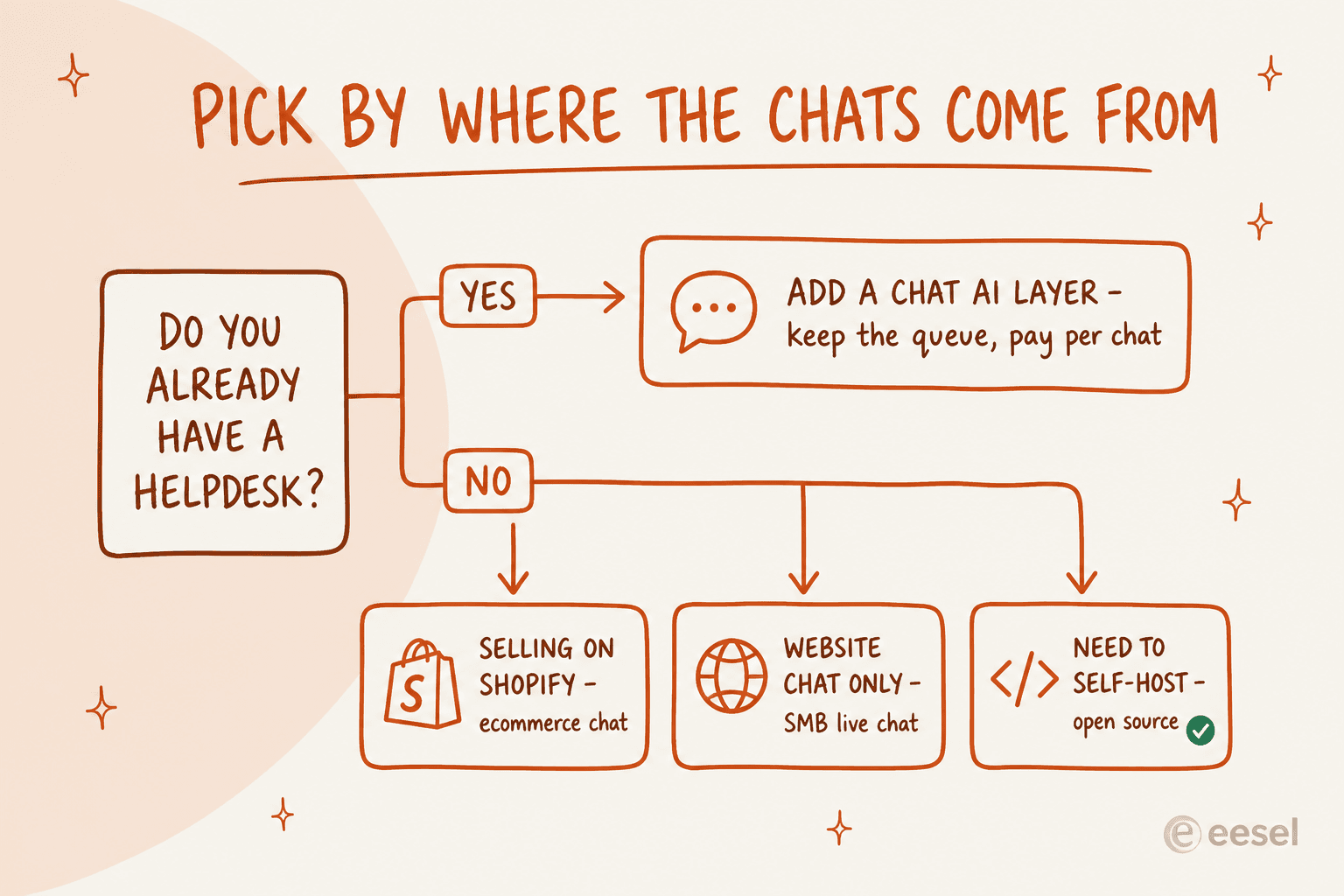
- You already run a helpdesk. Do not buy a second platform to get a better bot. Put an AI layer on the widget and queue you have, and keep the reporting your team already trusts.
- You sell on Shopify. Gorgias, with the automated-interaction maths done in advance.
- You are a small website with no helpdesk. Tidio or Crisp. Tidio if you want the bot metered separately, Crisp if you want one flat number.
- You must self-host. Chatwoot, with a real owner assigned to the infrastructure.
- Chat is one of six channels and compliance matters. Zendesk or Freshdesk, and expect the AI to be a separate line item either way.
The mistake I see teams make most
They buy on the seat price and discover the meter in month three.
The pattern is always the same. A team picks a $19-a-seat tool, rolls the bot out on every page because it is working, and then opens an invoice where the AI line is larger than the software line. Nobody did anything wrong. The bot got more chats because it was good, and the vendor charges per attempt.
Two habits fix this. First, price your worst month, not your current one: take your busiest week, multiply by four, assume the AI touches 60% of it, and run that number through the vendor's own published rate. Second, ask what the unit means before you compare rates. "Per conversation", "per session", "per interaction" and "per resolution" are four different products wearing the same word, and only one of them ties your bill to an outcome.
The other thing worth doing before anyone signs anything: test the bot on your real history rather than on the vendor's demo content. A chatbot that looks great answering questions about a fictional shoe store tells you nothing about how it handles your refund policy. Simulating against past conversations is the single highest-value hour in the whole evaluation, and it is the step teams skip most.
Try eesel on the chat you already have
If your widget is fine and the answers behind it are the problem, that is what eesel is for. It connects to the helpdesk you already run, across Zendesk, Freshdesk, Gorgias, Help Scout and the rest of the integrations list. Or it drops a chat bubble on your site with one script tag, then trains on the help centre and past conversations you already have.
Every rollout gets simulated against your real past chats first, so you see the answers before your customers do. It is one fixed monthly price from $299 for 500 credits, no seats, with 100 free credits to start. Try eesel or book a demo if you would rather we run the simulation with you.