
Tidio is a name you hear a lot in customer service circles, mostly known for its slick live chat widget. Lately, they've been making a big push into AI, bundling live chat, a help desk, and automation tools into one platform. The promise is that it can be the one and only hub you need for every customer conversation.
But is that actually true? In this Tidio review, we’re going to take a real, no-fluff look at what it offers. We’ll get into its features, its AI agent (Lyro), its slightly confusing pricing, and where it might fall short. The goal is to give you the details you need to figure out if it’s the right fit for your team.
What is Tidio?
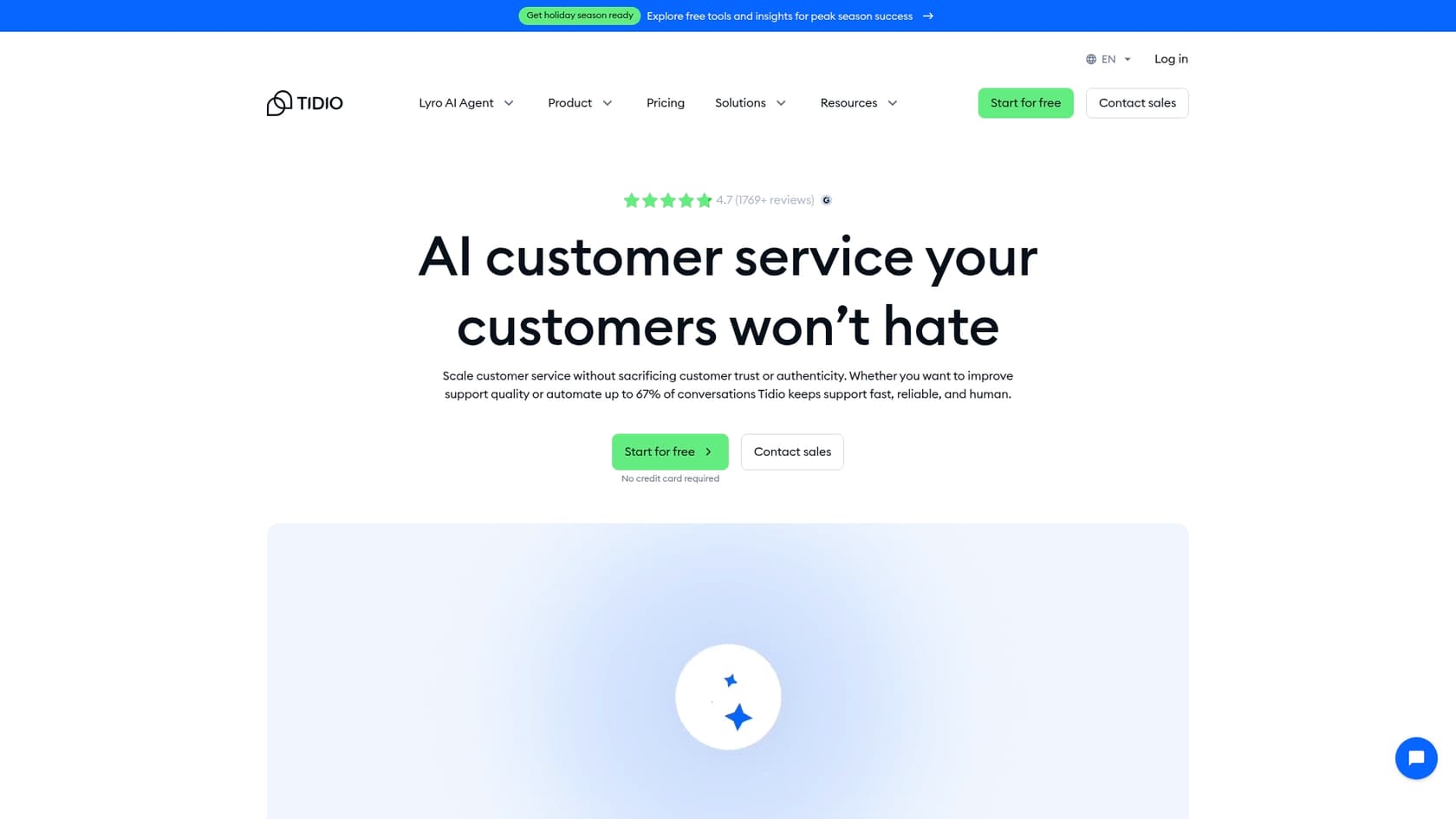
At its core, Tidio is an AI-powered customer service platform. It brings together a help desk, chatbot automation called Flows, an AI agent named Lyro, and live chat. The whole idea is to give you one place to manage chats from your website, DMs from Instagram and Messenger, and your emails.
Based on what it can do, Tidio seems like a solid choice for small to medium-sized businesses, especially e-commerce stores, that want a single tool to handle customer communication without breaking the bank. But that "all-in-one" approach has its downsides, especially if your team is already settled in with a help desk you like.
Tidio's core features
Tidio really does pack a lot into its platform. Let’s break down the main parts to see what works well and what could be better.
AI and automation: Lyro AI agent vs Flows
Tidio splits its automation into two main tools: Lyro, its conversational AI, and Flows, its rule-based chatbot builder. There's also a third automation tool for internal agent tasks called "Workflows," but we'll get to that in a bit.
Lyro (AI Agent)
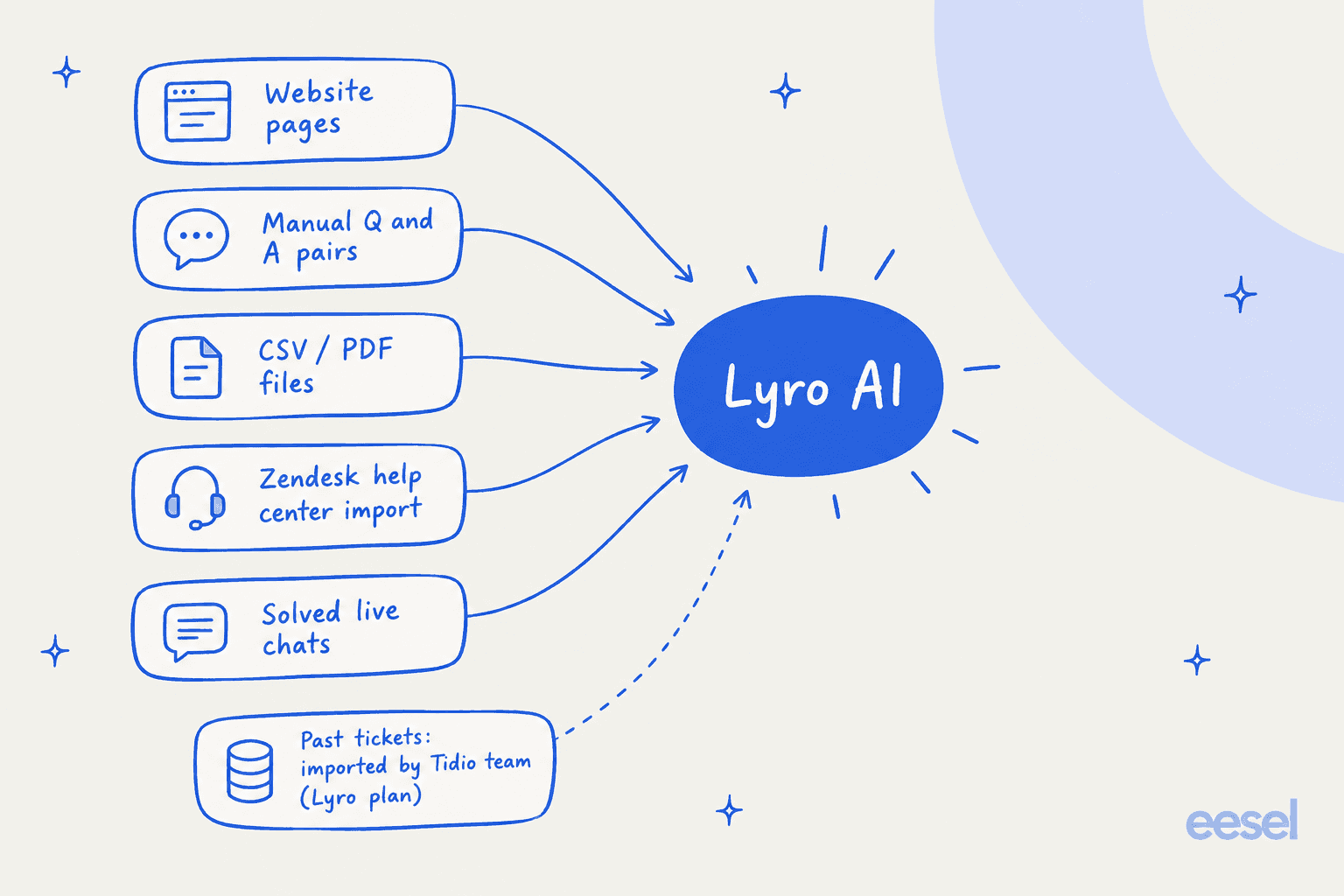
Lyro is Tidio's conversational AI, built to answer customer questions in a natural way. You train it by feeding it information from a few places: website URLs you give it, Q&A pairs you add manually, or by importing your Zendesk help center articles. Lyro can answer questions on its own, and a feature called Lyro Actions lets it connect to other systems to do things like check an order status.
Here’s the catch, though. Because Lyro answers from the sources you connect, it can get stuck on more complex questions that aren't spelled out in them. It also extracts Q&A pairs from solved live chats, and Tidio's team can import past conversations from Intercom, Gorgias, or Zendesk for Lyro subscribers, but that import goes through a data hand-off rather than a live connection.
This is where other tools take a different approach. For example, eesel AI gets up to speed by training on thousands of your historical support tickets from day one. This helps the AI learn your company's real voice and find solutions to actual customer problems, not just parrot what’s in an FAQ.
Lyro Actions
Lyro Actions are how Tidio lets its AI do more than just chat. They allow Lyro to make API calls to your other tools to grab information or kick off a task. To get this working, you’ll need to be comfortable with some tech stuff, like configuring API endpoints, methods, and authentication tokens on your own.
It's a powerful feature, and it is worth trying your actions in Tidio's Playground before they go live. In contrast, a platform like eesel AI gives you a self-serve workflow engine with a simulation mode. This lets your team safely test custom AI actions against thousands of past tickets to see how they'll do before you turn them on for real customers.
Flows (Rule-based chatbot)
Flows are Tidio's visual, no-code builder for creating automated chat scripts. They're perfect for straightforward, predictable jobs like building an FAQ flow, grabbing lead info, or walking visitors through a specific sequence of steps. If you just need a bot to follow a script, Flows work great.
The verdict on Tidio's AI
Tidio’s decision to separate AI into three different systems (conversational Lyro, rule-based Flows, and agent-side Workflows) can make things feel a bit disconnected. Instead of having one unified automation engine, you might find yourself managing three different tools inside one platform, which can get messy pretty quickly.
The help desk and ticketing system
Tidio's help desk is built around a shared inbox where you can manage tickets from email, chat, and social media. It has all the standard things you'd expect, like ticket tags, priorities, and custom filters to help you stay organized.
Agent assistance (Copilot)
Tidio has a feature called Copilot, which is a Chrome extension that suggests AI-powered replies for your agents. What's interesting is that it’s actually designed to work inside other help desks, like Zendesk and Gorgias.
The main issue here is that it all depends on a browser extension. This adds another layer to an agent's workflow that isn't native to their main tool, and it can feel a bit clunky at times.
For a smoother setup, eesel AI's AI Copilot integrates right into your existing help desk. Agents get instant, context-aware reply drafts inside the tools they already use, like Zendesk or Intercom, without having to install and juggle a separate extension.
Tidio integrations and channels
One of Tidio's biggest selling points is that it’s a multichannel platform. It does a really good job of pulling live chat, email, Facebook Messenger, Instagram, and WhatsApp into one dashboard. For any business wanting a central inbox, that’s a huge win.
E-commerce focus (Shopify)
Tidio has a really tight integration with Shopify. Agents can send product cards right in the chat, and Lyro can even give AI-powered product recommendations by syncing with your store’s inventory. This makes Tidio a very attractive option for Shopify store owners looking to chat with customers and boost sales.
Help desk integrations
This is where Tidio’s "all-in-one" philosophy can become a headache. Its integrations with platforms like Zendesk or Salesforce are mostly about pushing tickets or contacts from Tidio into those other systems.
For the AI itself, Tidio does offer a no-migration path: Lyro Connect adds Lyro onto an existing help desk like Zendesk or Salesforce without switching platforms. The catch is that it's available only on the Plus and Premium plans, so on lower tiers Lyro runs inside Tidio's own help desk. If you have a well-oiled support system with years of data and established workflows, that plan gate is worth weighing before you commit.
eesel AI takes a different route: it plugs directly into your current help desk on any plan, with no separate tier to unlock it. It enhances the setup you already have in Zendesk, Freshdesk, or Gorgias with powerful AI in just a few clicks.
Tidio pricing plans
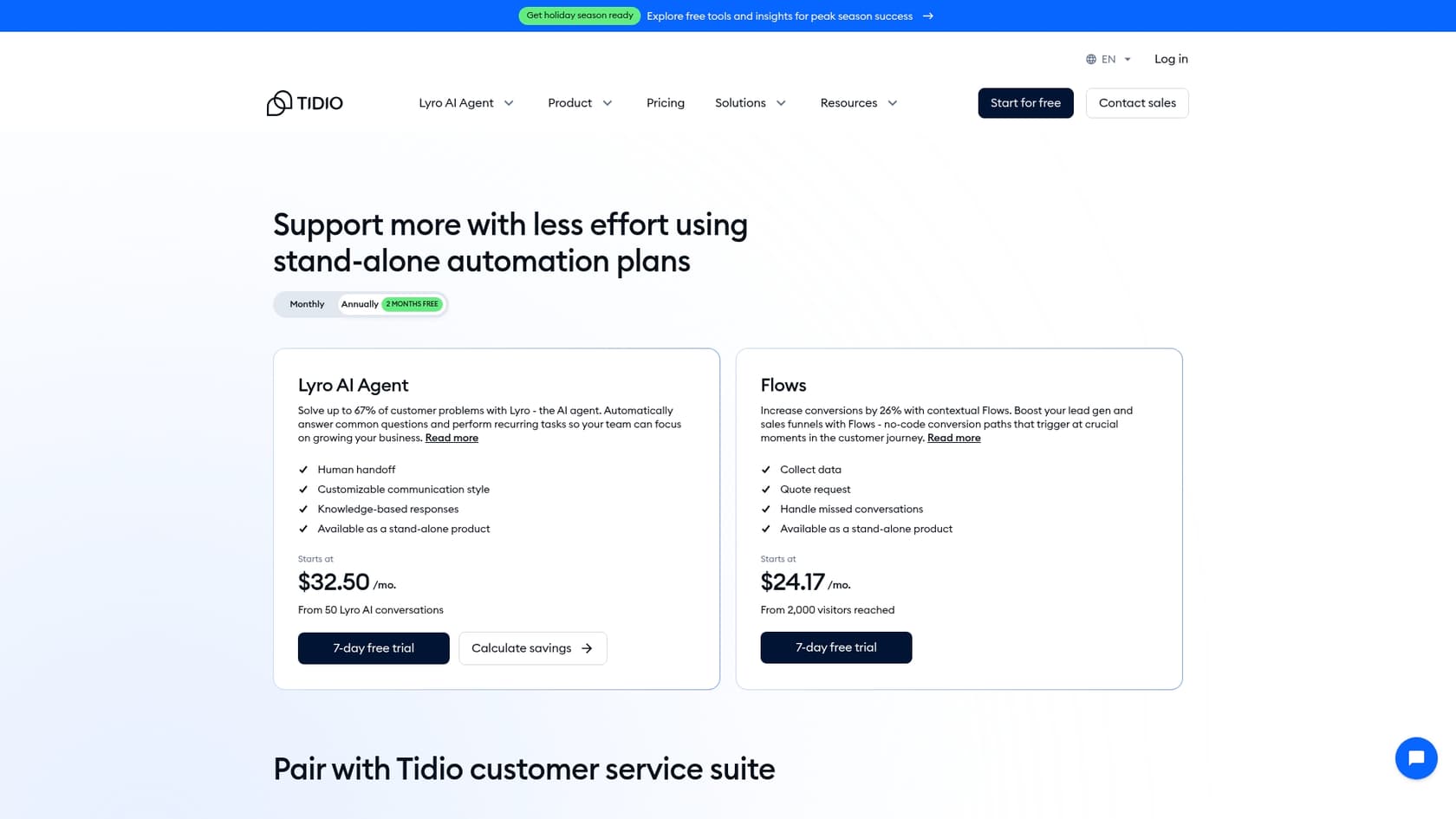
Tidio's pricing is... well, it's complicated. The cost is split across a few different metrics, making it tough to guess what your monthly bill will look like. You get charged based on:
-
Billable conversations: Any chat, ticket, or social media message a human agent replies to.
-
Lyro AI conversations: The number of chats where Lyro sends at least one reply.
-
Flows visitors reached: The number of unique visitors your automated Flows engage with.
Here’s a simplified breakdown of their plans, assuming you pay annually:
| Feature / Plan | Free | Starter | Growth | Plus |
|---|---|---|---|---|
| Price /mo | $0 | $24.17 | $49.17+ | $300+ |
| Billable Conversations | 50 | 100 | 250+ | Custom |
| Lyro AI Conversations | 50 (one-time) | 50 (one-time) | 50 (one-time) | Custom |
| Flows Visitors Reached | 100 | 100 | 100 | Custom |
| Key Features | Basic Live Chat | Copilot | Advanced Analytics | Dedicated Manager |

The biggest problem with this pricing model is that it's unpredictable. A busy month could easily send you over your limits in one or more categories, leading to surprise charges. It's a model that can get difficult to manage as your business grows.
For teams who need to know what they're paying each month, eesel AI's pricing is one fixed monthly price sized to volume, from $299/month for 500 credits (1 credit per ticket or chat), with no per-resolution fees. That keeps the bill easy to forecast.
Final verdict: Is Tidio right for you?
So, after this whole Tidio review, what's the bottom line?
Tidio is a solid pick for small to medium-sized businesses, especially in e-commerce, that are looking for an affordable, all-in-one tool for live chat and some basic automation. If you're starting from zero and are happy to make Tidio your main support hub, it offers a lot of bang for your buck.
However, it starts to show its weaknesses for teams with more established support operations.
-
It can be disruptive: If you already have a help desk like Zendesk, Lyro runs inside Tidio's own help desk unless you're on Plus or Premium, where Lyro Connect lets it sit on your existing one.
-
The tools feel scattered: The AI and automation features are split across Lyro, Flows, and Workflows, which can make things complicated to set up and manage.
-
The pricing is confusing: The multi-limit pricing model is a real challenge for growing teams that need predictable costs.
An alternative for AI-powered support: eesel AI
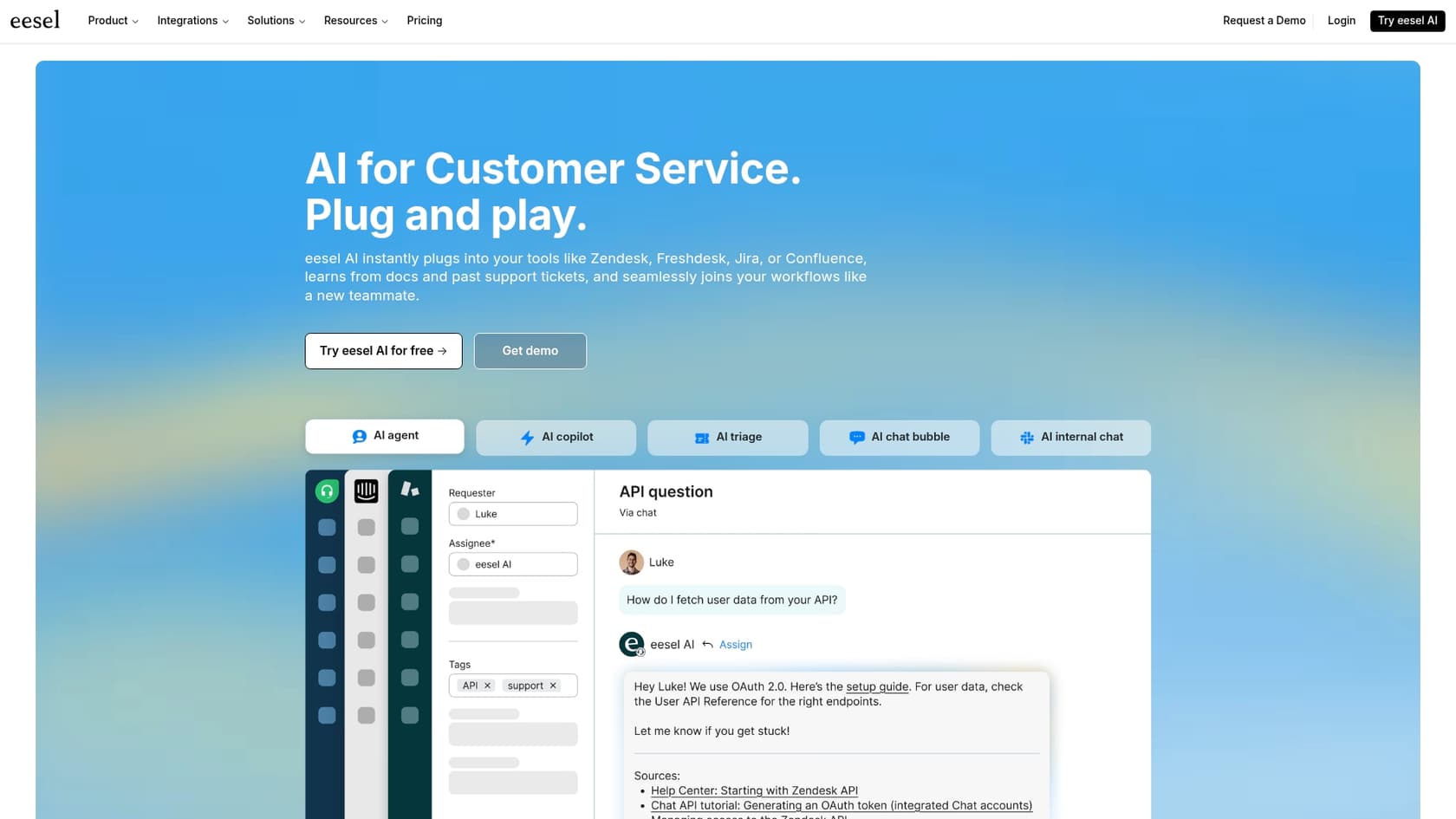
If you want to add powerful, customizable AI to your existing support setup without the pain of switching platforms, eesel AI is an ideal alternative. It’s built from the ground up to improve the tools you already know and love, not replace them.
Here’s what makes eesel AI different:
-
Go live in minutes, not months: eesel AI integrates with major help desks in just one click, getting you up and running almost instantly.
-
Unify all your knowledge: Train your AI on a wider range of sources, including past tickets, Confluence, and Google Docs, for much more accurate answers.
-
Test with confidence: Use the simulation mode to check how the AI will perform on your historical data before it ever talks to a live customer.
-
Transparent and predictable pricing: Simple plans with no hidden fees or confusing limits.
Ready to see how AI can level up your existing help desk? Start your free eesel AI trial today.
Frequently asked questions
Based on this Tidio review, is the platform generally a good fit for small to medium-sized businesses?
Yes, this Tidio review indicates it's a strong option for small to medium businesses, particularly e-commerce, looking for an all-in-one live chat and basic automation tool. It's especially good if you're starting fresh and want an affordable central support hub.
What are the main limitations of Tidio's AI agent, Lyro, as highlighted in this Tidio review?
This Tidio review points out that Lyro learns from the sources you connect, such as website pages, files, a Zendesk help center import, and solved live chats, while past tickets come in through an import by Tidio's team. This can make it struggle with complex questions not covered in those sources.
Can you explain why the Tidio review describes Tidio's pricing as potentially confusing and unpredictable?
The Tidio review notes that pricing is based on multiple metrics like billable conversations, Lyro AI conversations, and Flows visitors. Going over limits in any category can lead to unexpected charges, making monthly costs hard to predict.
Does this Tidio review suggest Tidio integrates well with existing help desks or aims to replace them?
Tidio's standard sync integrations mostly push data *from* Tidio *into* other tools. For the AI, though, Tidio offers Lyro Connect, which bolts Lyro onto an existing help desk like Zendesk or Salesforce with no migration. That no-migration option is limited to the Plus and Premium plans, so on lower tiers Lyro runs inside Tidio's own help desk instead.
For e-commerce businesses, particularly Shopify users, what benefits does this Tidio review highlight?
This Tidio review emphasizes Tidio's tight integration with Shopify, allowing agents to send product cards and Lyro to give AI-powered recommendations. This makes it a highly attractive option for Shopify store owners looking to boost sales through chat.
What's the difference between Lyro and Flows, according to this Tidio review?
This Tidio review explains Lyro is the conversational AI that answers questions naturally based on learned data. Flows, on the other hand, are rule-based chatbot builders for creating structured, predictable chat scripts for tasks like lead generation or FAQs.


Article by
Riellvriany Indriawan
Riell is a designer and writer at eesel AI with about two years of experience researching CX platforms, AI chatbots, and helpdesk software. She combines her design background with a sharp eye for how these tools actually look and feel in practice — making her comparisons unusually visual and user-focused.