WooCommerce FAQ plugins: the 10 best for product and store FAQs (2026)

Riellvriany Indriawan

Katelin Teen
Last edited November 25, 2026

The best WooCommerce FAQ plugin for most stores is Happy FAQs: its free version adds an FAQ tab to product pages and assigns an FAQ to a product, a whole category or a tag, and Pro is $29.99 a year for one site. If you want shoppers to ask their own questions on the product page, FAQ+ does that for $29 a year. If you want a full help center as well, pick BetterDocs. Our WooCommerce AI guide covers the wider toolkit.
Don't pick on FAQ schema. Google stopped showing FAQ rich results for every site on 7 May 2026, so the markup most of these plugins advertise no longer earns anything visible in search. What still matters is where the answer appears, how many products one answer can cover, and who writes it.
And no FAQ answers "where is my order?". For that, eesel is an AI teammate that reads your FAQ pages, products and live WooCommerce orders and answers shoppers in your chat or helpdesk. An AI coding agent such as Claude Code can run eesel integrations connect woocommerce from the eesel CLI to print your store's connect link and load your policies, though a WordPress admin still approves the connection.
What should a WooCommerce FAQ plugin do in 2026?
A WooCommerce FAQ plugin should put the right answer on the page where the shopper is about to ask it, without you copying it onto every product. I'm on eesel's support team, and the store questions I read fall into three piles. "Does it run small?" belongs on the product page. "Do you ship to Canada?" belongs on a store FAQ page. "Where is my order?" belongs to nobody's FAQ, because the answer is different for every shopper.
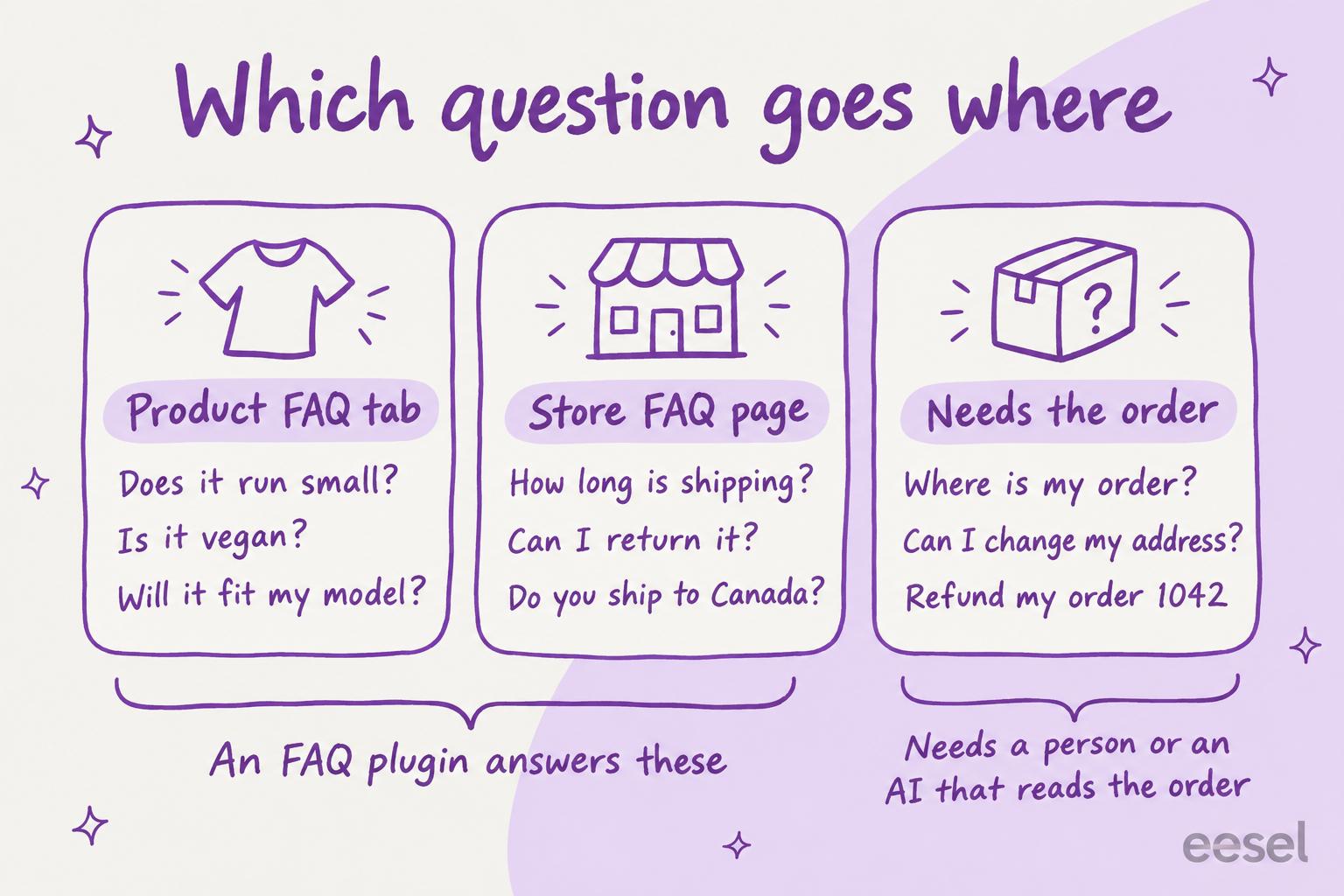
A good FAQ is the cheapest self-service a store has, and every question it answers is one less in the inbox (your deflection rate). So I judged each plugin on four things:
- A product FAQ tab. WooCommerce product pages show Description, Additional Information and Reviews, and WooCommerce's own docs say adding a tab takes code in a child theme or a snippets plugin. A plugin should do it without code.
- Reuse. Can one answer about your returns window show on every product, or on a whole category, or do you paste it product by product?
- Shopper questions. Can a shopper ask on the page and see your answer published for the next one?
- Who writes it. An AI draft from the product or page, or every answer by hand. Our guide to SEO-friendly FAQs covers what a good answer looks like either way.
Does FAQ schema still matter for a WooCommerce store?
Not for Google's search results. FAQ schema (the FAQPage structured data that turned a result into a row of dropdown questions) stopped earning that display in two steps. On 8 Aug 2023, Google's Search Central post said:
"Going forward, FAQ (from
FAQPagestructured data) rich results will only be shown for well-known, authoritative government and health websites. For all other sites, this rich result will no longer be shown regularly."
Then Google's documentation updates page said the feature "will no longer appear in Google Search starting May 7, 2026", and in June 2026 it removed the FAQ rich result docs altogether.
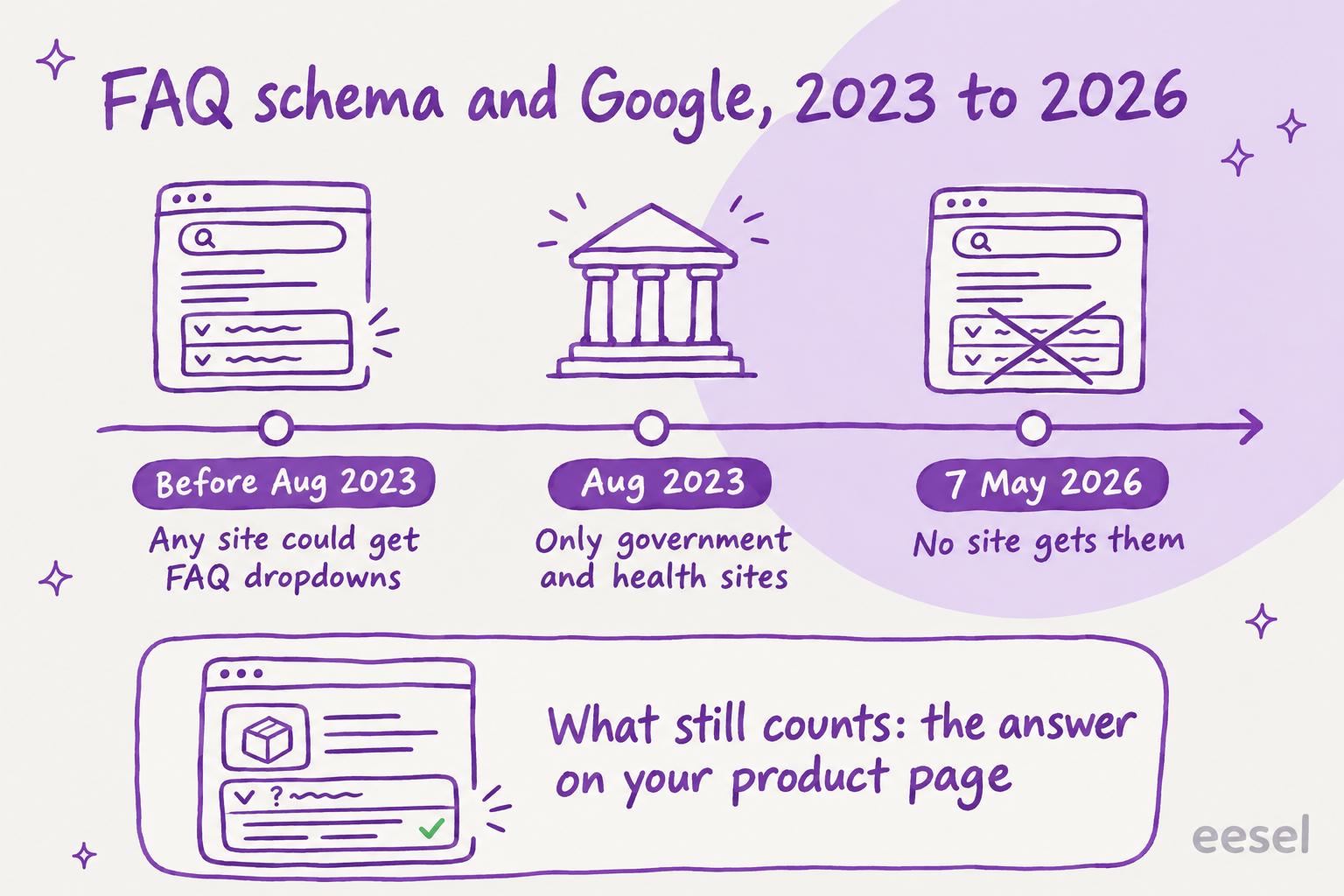
Keeping the markup is harmless; the same 2023 post says "Structured data that's not being used does not cause problems for Search". And it isn't a secret key to AI answers either: Google's guide to its AI features says "Structured data isn't required for generative AI search, and there's no special schema.org markup you need to add." So treat "Google FAQ schema" on a plugin's feature list as a tiebreaker at most (our FAQ schema generator post covers the markup if you still want it), and judge it on the four things above. The plugins' own readmes are catching up: Happy FAQs' listing already warns that Google shows FAQ rich results only for a limited set of sites.
The best WooCommerce FAQ plugins at a glance
I read each plugin's WordPress.org listing (and its stats through the WordPress.org plugin API), its vendor pricing page, its docs and its reviews on 25 Nov 2026. Prices are for one store on one site, paying yearly, in US dollars, at regular prices (Easy Accordion, BetterDocs and Ultimate FAQ were showing sale prices).
| Plugin | Product FAQ tab | One FAQ on a category | Shoppers ask questions | AI drafts FAQs | FAQPage schema | Paid tier, one site |
|---|---|---|---|---|---|---|
| Happy FAQs | Free | Free (category or tag) | Pro | Free | Free | $29.99/yr |
| Easy Accordion | Yes (docs don't mark it Pro) | Yes | Pro | Free | Free | $29/yr |
| FAQ+ | Yes | One answer on many products | Yes | No | Not mentioned | $29/yr |
| Helpie FAQ | Free, per product | Pro | Pro | No | Free | $38.99/yr |
| BetterDocs | Yes, since July 2026 | All or chosen products | No | Your own AI key | Yes | $69/yr |
| eesel | No (answers in chat) | Not applicable | Answers them itself | It is the AI | No | From $299/mo for 500 credits |
| AI Product FAQs and Questions | Yes | AI generation by category | Yes | Your OpenAI key | Not mentioned | $39/yr |
| FAQs Manager for WooCommerce | Yes | No (per product) | Registered customers only | No | Not mentioned | $39/yr |
| Ultimate FAQ Accordion | Premium only | Premium, by matching names | Premium | Free (basic) | Free | $87 listed, term not stated |
| Product FAQs for WooCommerce | Yes | No | No | No | No | $79/yr |
I left out Heroic FAQs: it is only sold inside the Heroic KB plans, and nothing I read describes a WooCommerce product tab.
The 10 best WooCommerce FAQ plugins in 2026
I ordered these on how well they answer product and store questions on a WooCommerce store, at the price a small store pays.
1. Happy FAQs
Best for: most stores that want product FAQ tabs and a store FAQ page from one free plugin.
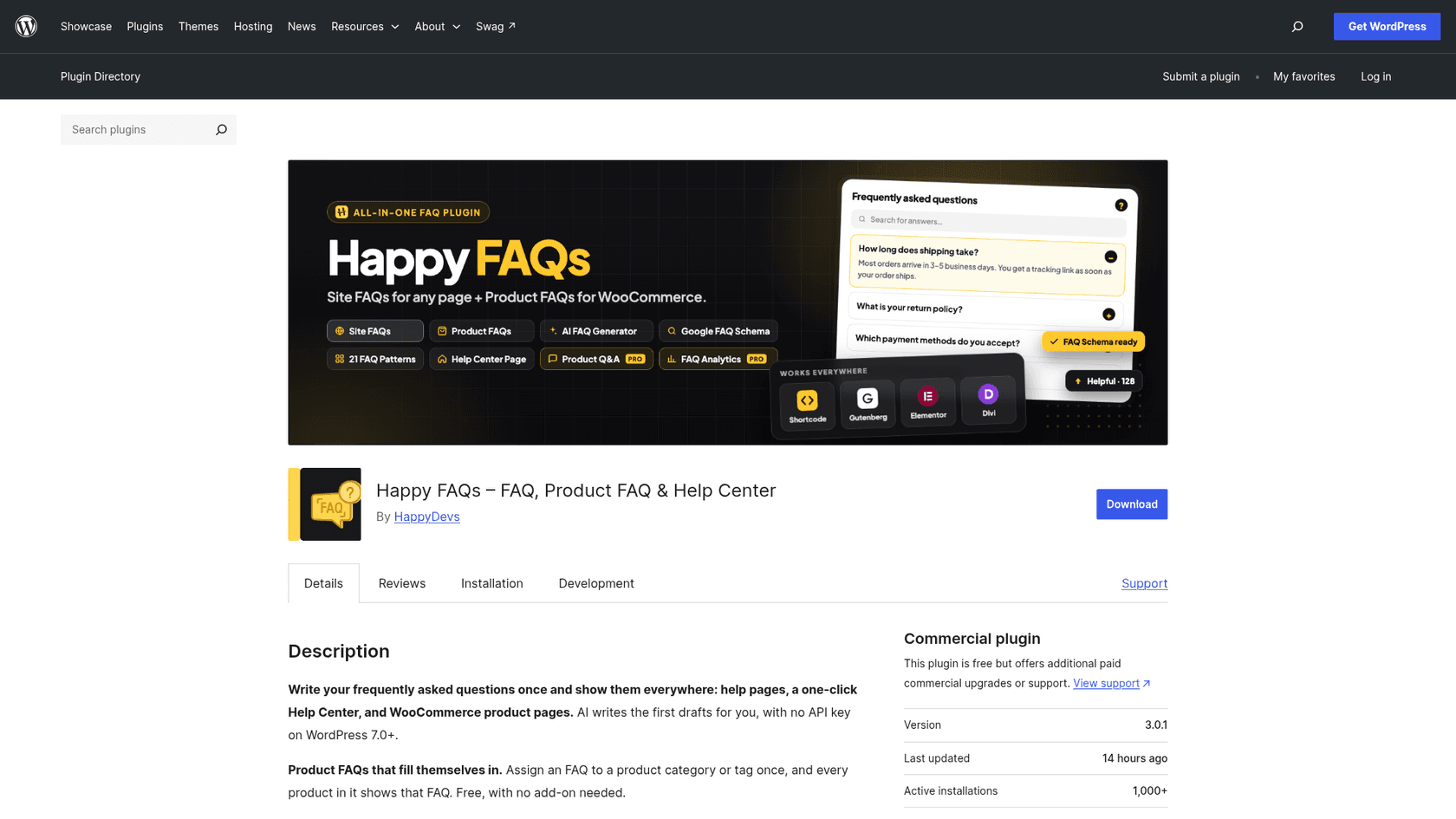
What it does well. Happy FAQs (it used to be called XPlainer, then Happy WooCommerce FAQs) is built for stores first. Its free version adds an FAQ tab to product pages and lets you assign an FAQ to one product, or to a product category or tag so every product in it inherits the answer (WordPress.org listing). Category and tag assignment being free is what sets it apart: Helpie FAQ charges for it and Ultimate FAQ needs Premium for any product tab. The free version also has a one-click Help Center page, 21 FAQ patterns, "Was this helpful?" votes, Gutenberg blocks, Elementor widgets and Divi modules, and an AI generator that drafts FAQs from a product, page or topic, using the AI provider connected in WordPress 7.0+ or your own OpenAI key on older WordPress.
Where it falls short. It is the smallest plugin here by installs, at 1,000+ (WordPress.org plugin API), and version 3.0 is a large recent rewrite, so most of its 23 ratings predate the current feature set. Global FAQs on every product, variation FAQs, cart and checkout FAQs, shopper questions, analytics and CSV import are Pro. Wordfence lists three patched 2024 vulnerabilities in XPlainer versions up to 1.7.0, so update an old copy before anything else.
"I just tried many plugins for adding the faq tab to my products with schema support, and this is the only plugin at doo all of them for me."
Pricing. Free, or Pro at $29.99 a year for 1 site, $79.99 for 5 and $199.99 for unlimited, with lifetime licenses at $89.99, $239.99 and $599.99 (HappyDevs pricing). Every plan has every Pro feature and a 14-day money-back guarantee.
My take: start here. The free version covers a product tab, category FAQs and a store FAQ page, which is the whole job for most stores. Skip it only if you need a plugin with years of reviews behind its current version.
2. Easy Accordion
Best for: stores already building pages with blocks or a page builder that want one plugin for FAQs and every other accordion.
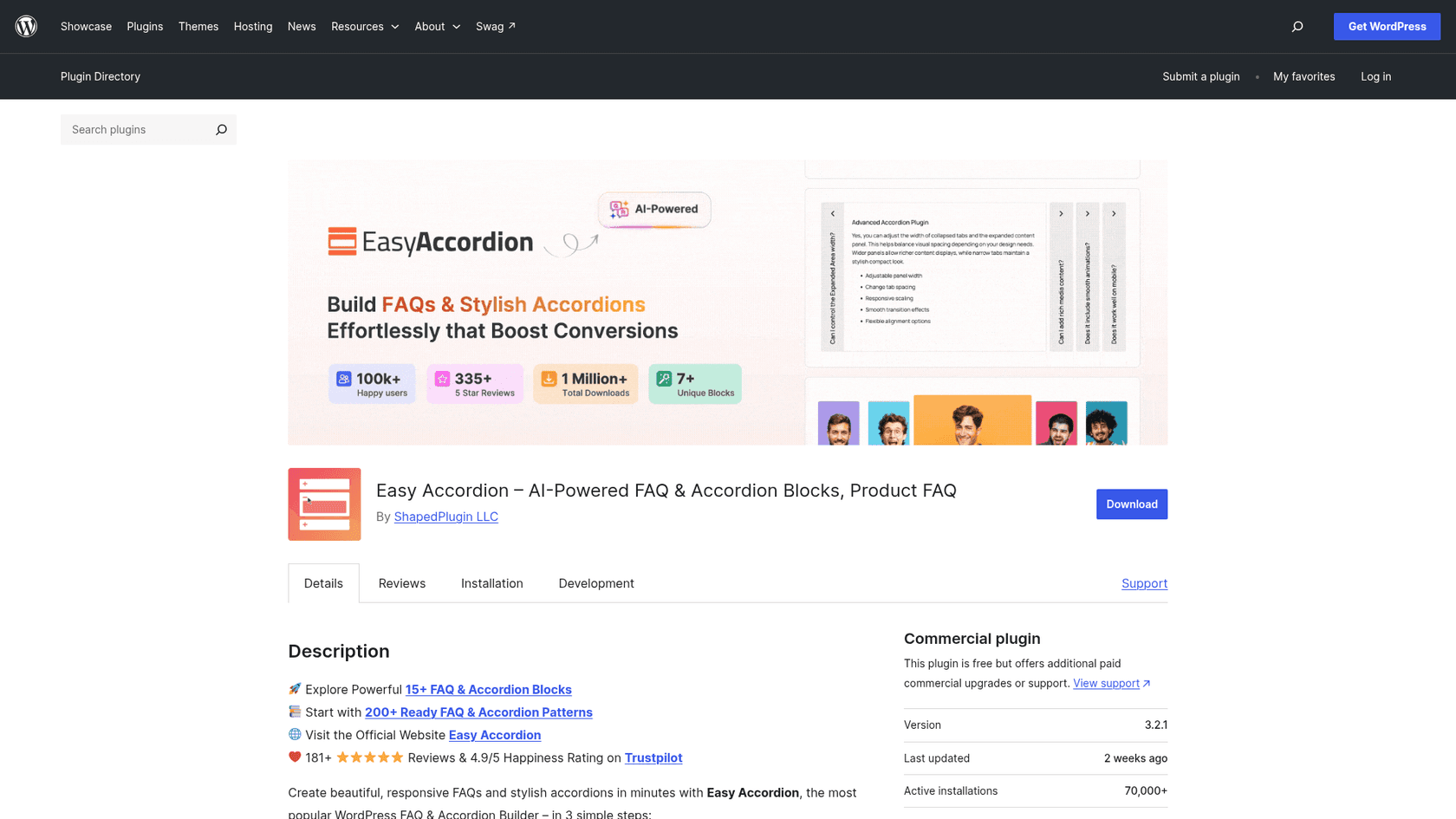
What it does well. Easy Accordion has 70,000+ active installs and a 4.9 rating from 358 reviews (WordPress.org plugin API), the most and the best-rated here. Its WooCommerce settings switch on a "WooCommerce FAQs Tab" with your own title and position, and show an accordion group on "All Products, specific Categories, or only for Specific Products" (Easy Accordion docs). FAQ schema, a free AI FAQ generator and FAQ import and export are in the free version, and it works in the block editor, Elementor, Divi, WPBakery and Beaver Builder (WordPress.org listing).
Where it falls short. It is an accordion builder first. FAQs go to products as groups from the settings screen, not from the product's own edit screen, and the tab doc doesn't say whether the tab is free or Pro (the readme marks other features Pro and not this one). Live search, user FAQ forms and analytics are Pro, and some reviewers find the free styling thin:
"Everything that could possibly make it look better is disabled unless you buy the Pro version. I can't even change the 20-pt font used in the FAQ titles."
Pricing. Pro is $29 a year for 1 site, $99 for 5 and $199 for unlimited, or $258, $458 and $798 lifetime (Easy Accordion pricing). A yearly license keeps working after it lapses, without updates or support, and there is a 14-day refund.
My take: pick it if your site already runs on accordions and you want FAQs to match the rest of the design. For a store that only needs product FAQs, Happy FAQs is more store-shaped.
3. FAQ+ - Ask Product Questions for WooCommerce
Best for: stores whose product questions are too varied to guess, so shoppers ask and you answer once in public.
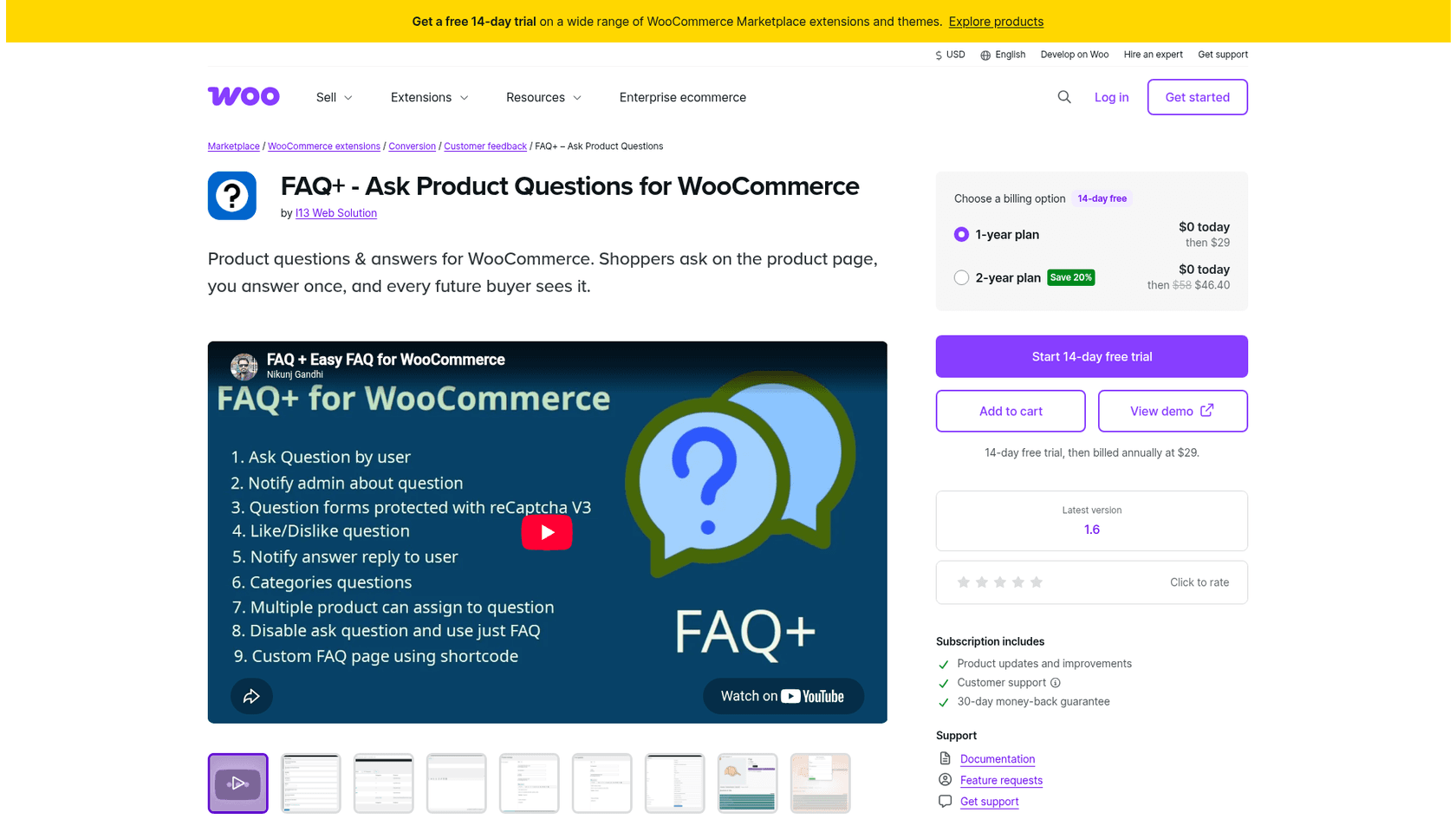
What it does well. FAQ+ adds an FAQ tab to every product page where shoppers can read answers and ask their own question (FAQ+ docs). You get an email, answer from the Product FAQs screen, and the shopper is emailed when the answer is published. The listing promises "nothing appears on your site until you answer or approve it"; guests can be allowed or blocked, reCAPTCHA v3 guards the form, and one answer can be assigned to several products (Marketplace listing). It works with the Cart and Checkout blocks and HPOS. For returns questions it can't answer, see automating WooCommerce returns.
Where it falls short. Every answer is typed by a person: there is no AI drafting, and the listing mentions no schema, search or analytics. It has no reviews on the Marketplace yet, so you are trusting the 14-day trial and the 30-day refund rather than other store owners.
Pricing. $29 a year after a 14-day free trial, or $46.40 for two years, with a 30-day money-back guarantee (Marketplace listing).
My take: the cheapest way to turn shoppers' questions into public answers. Pair it with a store FAQ page from your SEO plugin, and skip it if you'd rather not answer every question by hand.
4. Helpie FAQ
Best for: stores that want FAQs on a handful of products for free, and might grow into Q&A later.
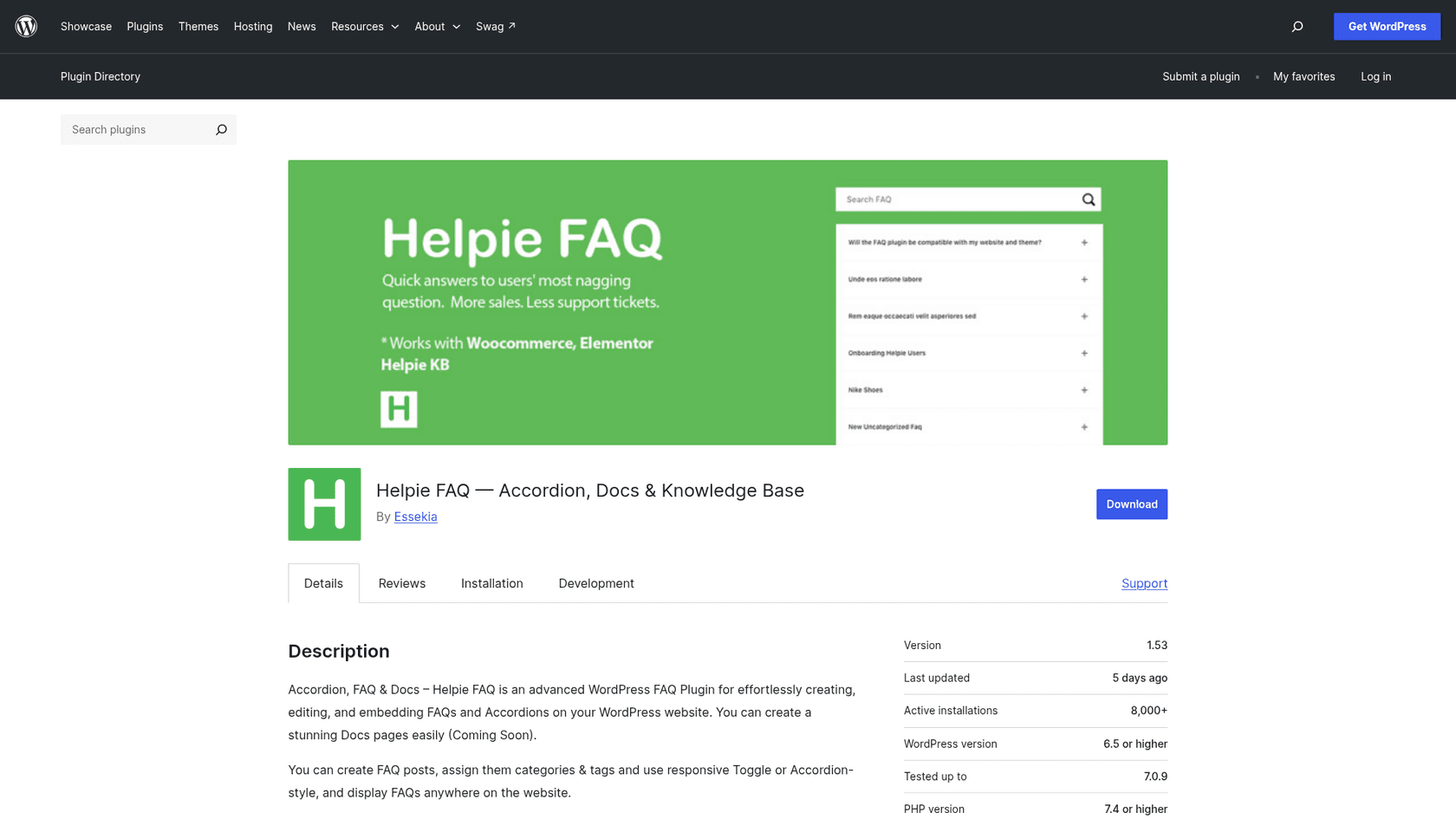
What it does well. Helpie FAQ's free version creates an FAQ tab on WooCommerce product pages where you add and edit FAQs for individual products, with an inline search bar and FAQ schema added automatically (WordPress.org listing). It has 8,000+ installs and a 4.5 rating from 80 reviews (WordPress.org plugin API), plus a Gutenberg block, two Elementor widgets and LMS FAQs. Pro adds a "WooCommerce Q&A tab", FAQs on all or some products, moderated user submissions and analytics on the most-read FAQs and most-searched words (Helpie pricing).
Where it falls short. FAQs on all products or a product category are Pro, so on the free version a returns answer goes onto each product separately. I found no AI features and no FAQ import or export. Reviewers have hit trouble with imports and with the schema:
"I imported my faqs using wp-import. faqs ARE in gourps and categoires. The plugin knows this in the backend, forgets in the front."
Pricing. Pro is yearly only: $38.99 for 1 site, $69 for 5, $99 for 30 and $149.99 for 100, with a 7-day trial (card required) and a 7-day refund "for valid reasons" (Helpie pricing).
My take: fine for a small catalog where each product has its own questions. Once you want one answer across a category, Happy FAQs does that free.
5. BetterDocs
Best for: stores that need a full help center (setup guides, sizing, policies) with product FAQs as one part of it.
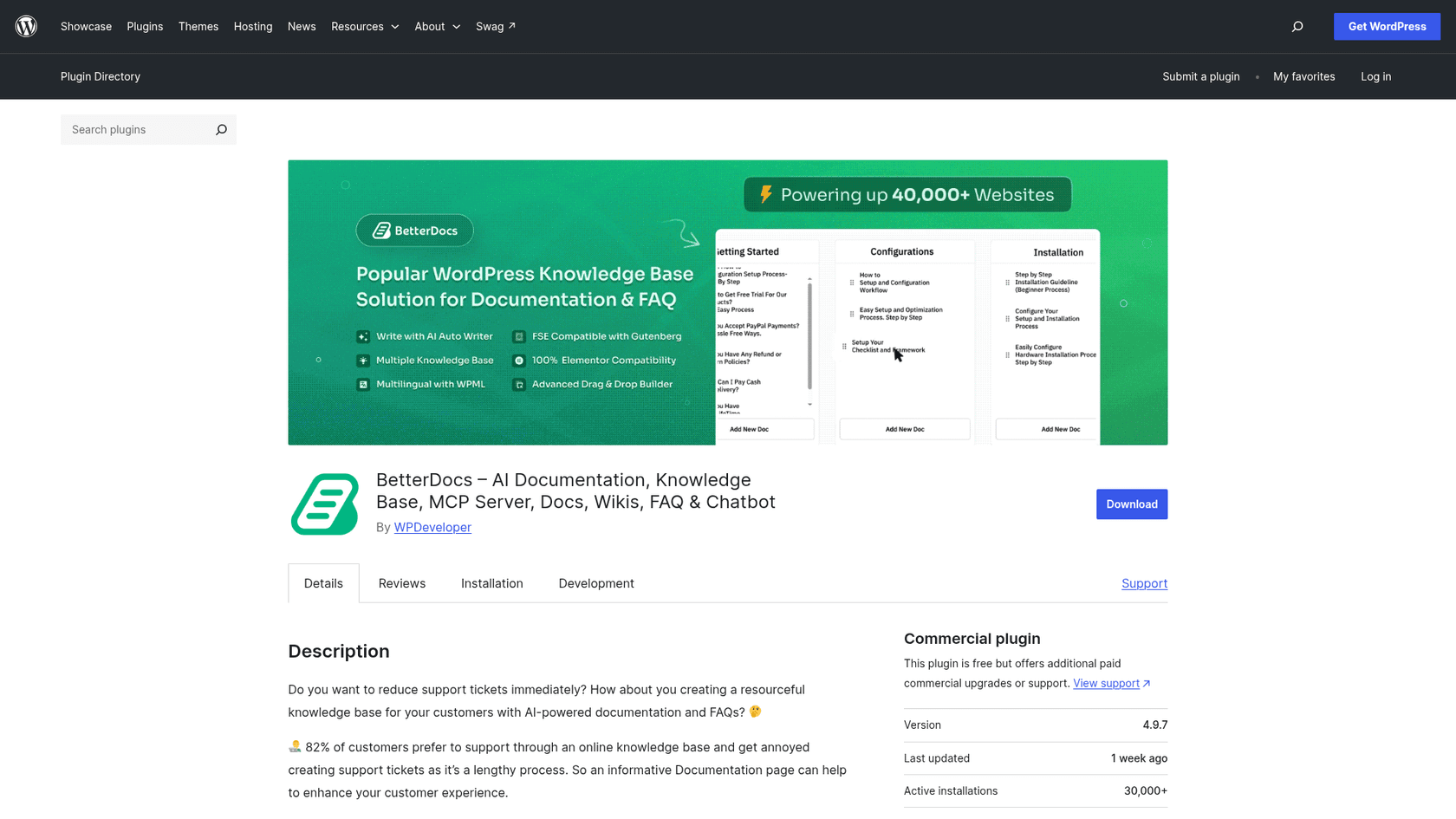
What it does well. BetterDocs is a knowledge base plugin with 30,000+ installs and a 4.8 rating from 517 reviews (WordPress.org reviews). Version 4.6.0 (7 July 2026) added "Product FAQ for WooCommerce: dedicated FAQ groups that display on single product pages", and 4.6.2 let those groups target all products or specific ones (changelog). Its AI Sample FAQs feature drafts store-wide and per-category product FAQs from your site content, and "Write With AI" uses your own OpenAI, Gemini or Claude key. It works with Elementor, Gutenberg and Full Site Editing.
Where it falls short. It is a lot of plugin for a store that only wants a product tab, and the product FAQ feature is months old. There is no shopper question form. The AI chatbot that "Pulls product names, categories, brands and shipping notes from WooCommerce" is a separate add-on on top of Pro (BetterDocs pricing), and some reviewers have found it heavy as content grows:
"However, as we added more documents, the site became slower on the backend, with the BetterDocs panel eventually taking 15-20 seconds to load."
Pricing. Starter is $69 a year for 1 site, Innovator $149 a year for unlimited sites, and Visionary $299 once with lifetime updates; the AI Chatbot add-on is $69 a year or $8.99 a month per site and needs Pro (BetterDocs pricing). Refunds within 14 days.
My take: pick it when your FAQ is outgrowing an accordion and needs to become a help center. Our FAQ software roundup covers hosted options too. For a product tab alone, it's more than you need.
6. eesel
Best for: stores whose most-asked questions need the order or the live product, not a fixed answer.
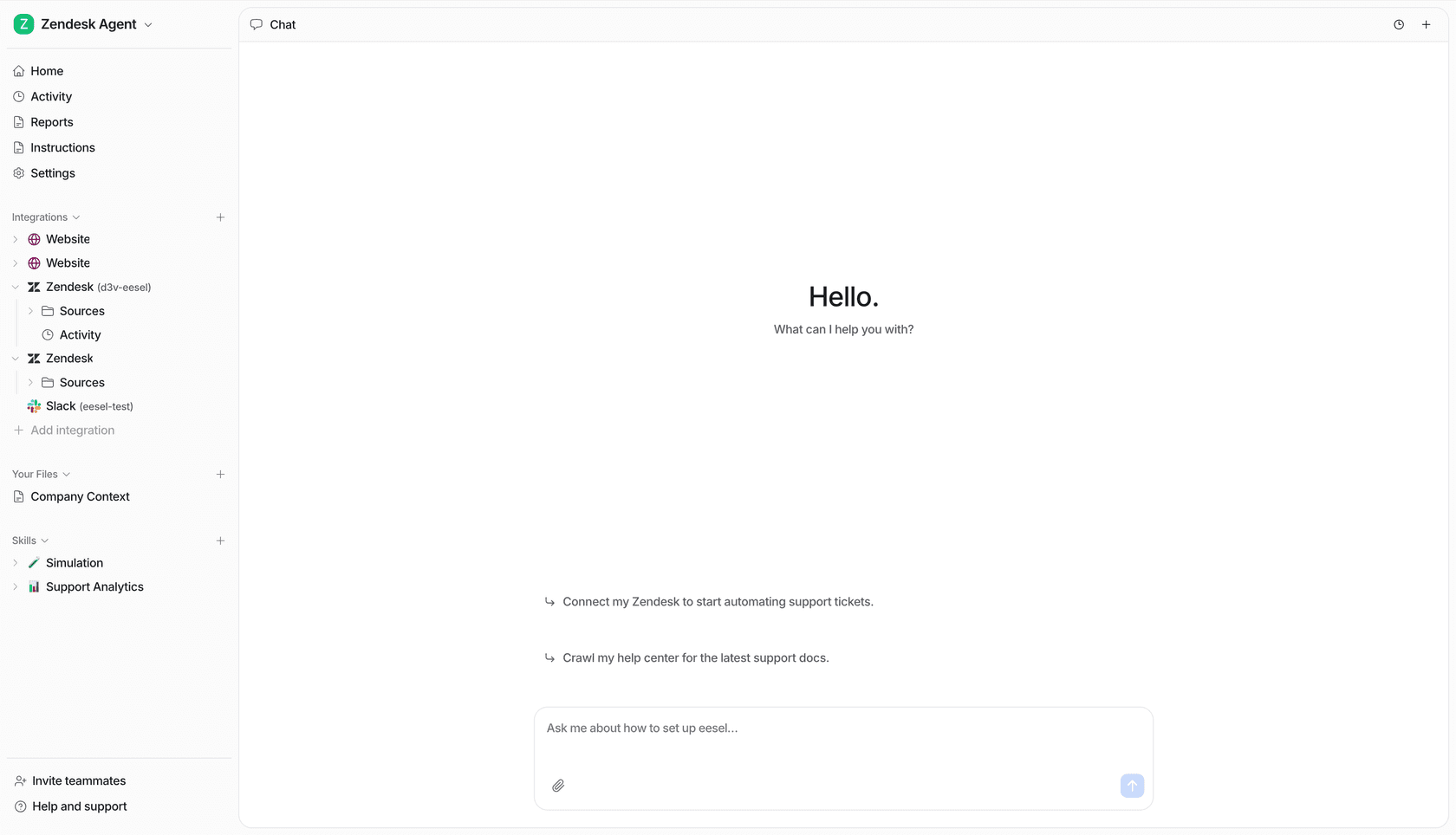
What it does well. eesel isn't an FAQ plugin; it is an AI teammate that answers the questions an FAQ can't. Connected through its free WordPress plugin, it learns your products, recent orders and customers, and reads an order live before it quotes or acts on it: status, line items, totals, order notes and custom fields, where shipping plugins put tracking numbers (eesel's WooCommerce docs). The same docs say your shipping and returns policy isn't in WooCommerce, so you connect your website too, which means the FAQ pages your plugin builds become what eesel answers from. It answers in a chat bubble on your store, inside your helpdesk and in Slack, and it can add order notes, change a status, refund through your gateway or update an address, each one set to run on its own, ask a person first, or stay off (actions and approvals). ClutchLoop runs eesel on Shopify rather than WooCommerce, but the job is the same: "180 replies sent to customers directly" and "76 live product lookups in Shopify" in a month.
Where it falls short. It adds no FAQ tab and no schema to your product pages, so it sits next to an FAQ plugin rather than replacing one. WooCommerce has no triggers in eesel, so nothing in your store starts a message: it answers when a shopper writes, a ticket arrives or someone asks in Slack. It doesn't take card details. And it costs far more than any plugin here, because it does the answering rather than displaying answers you wrote.
Pricing. Free with 100 credits for 7 days, no card, then from $299 a month for 500 credits, where a ticket or chat is 1 credit (eesel pricing).
My take: add it once your FAQ is in place and the questions still coming in are about orders. Our guide to adding AI to WooCommerce walks through the setup, and WooCommerce live chat plugins covers the chat side. Skip it if your inbox is mostly product questions an FAQ tab already answers.
7. AI Product FAQs and Questions for WooCommerce
Best for: stores with a large catalog that want a starting FAQ on every product without writing each one.
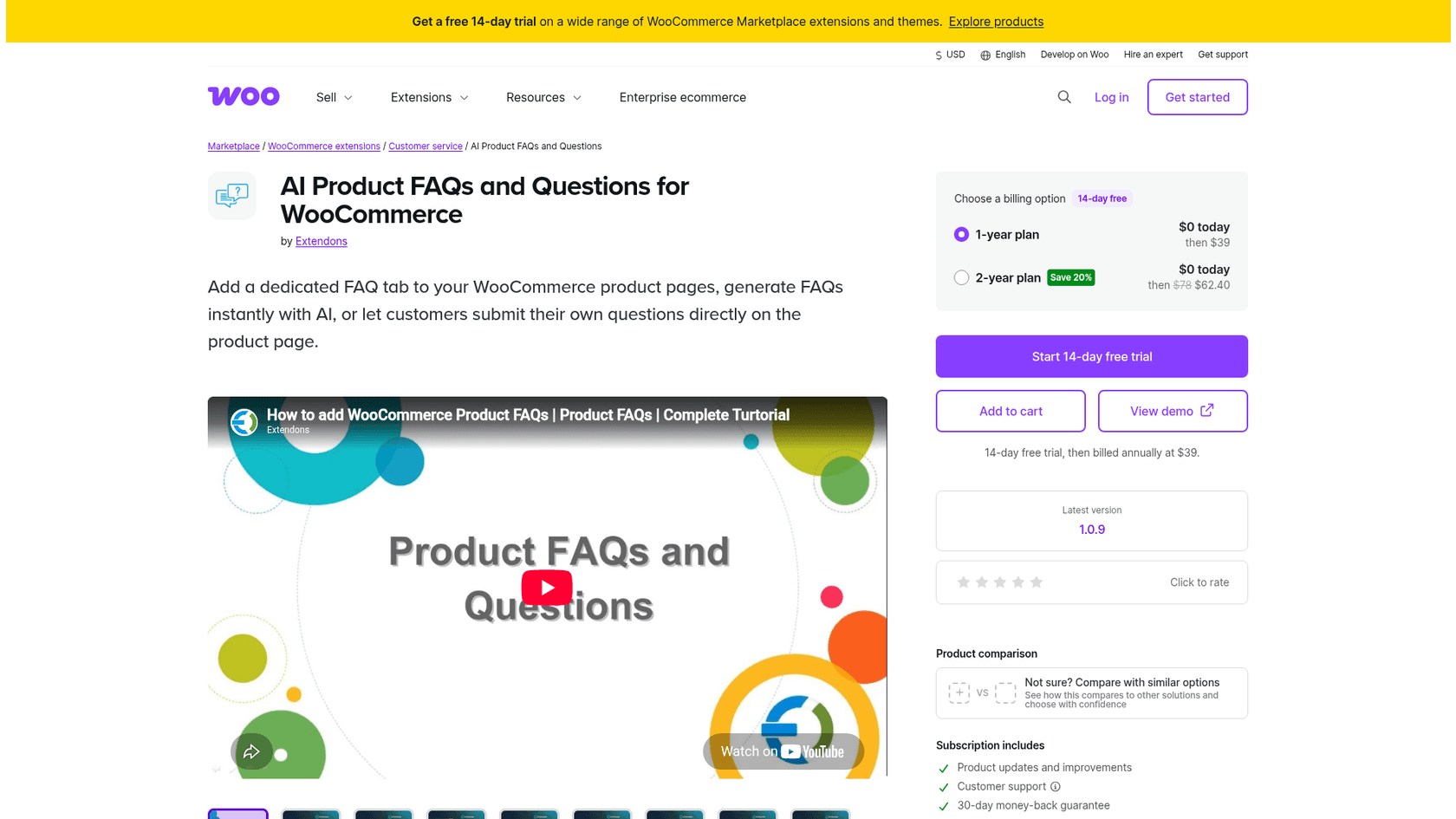
What it does well. It adds an FAQ tab and an Ask a Question form, and its AI bulk-generates a set number of questions per product for all products, chosen categories or chosen products (docs). Shopper questions can be public or private, need your approval, can be opened to guests, and show up on the customer's My Account page with emails when you answer (Marketplace listing).
Where it falls short. The AI needs your own OpenAI key, and the docs don't say which product data it writes from, so read every generated answer before it goes live. No schema, search or page-builder support is mentioned, and the listing has no reviews yet.
Pricing. $39 a year after a 14-day trial, or $62.40 for two years, with a 30-day refund (Marketplace listing).
My take: useful for a first draft across hundreds of products (see AI FAQ page generators for other ways to draft them). Happy FAQs' free generator does the same one product at a time, and its Pro adds bulk AI for less.
8. FAQs Manager for WooCommerce
Best for: B2B or wholesale stores that need some FAQs visible only to certain customer roles.
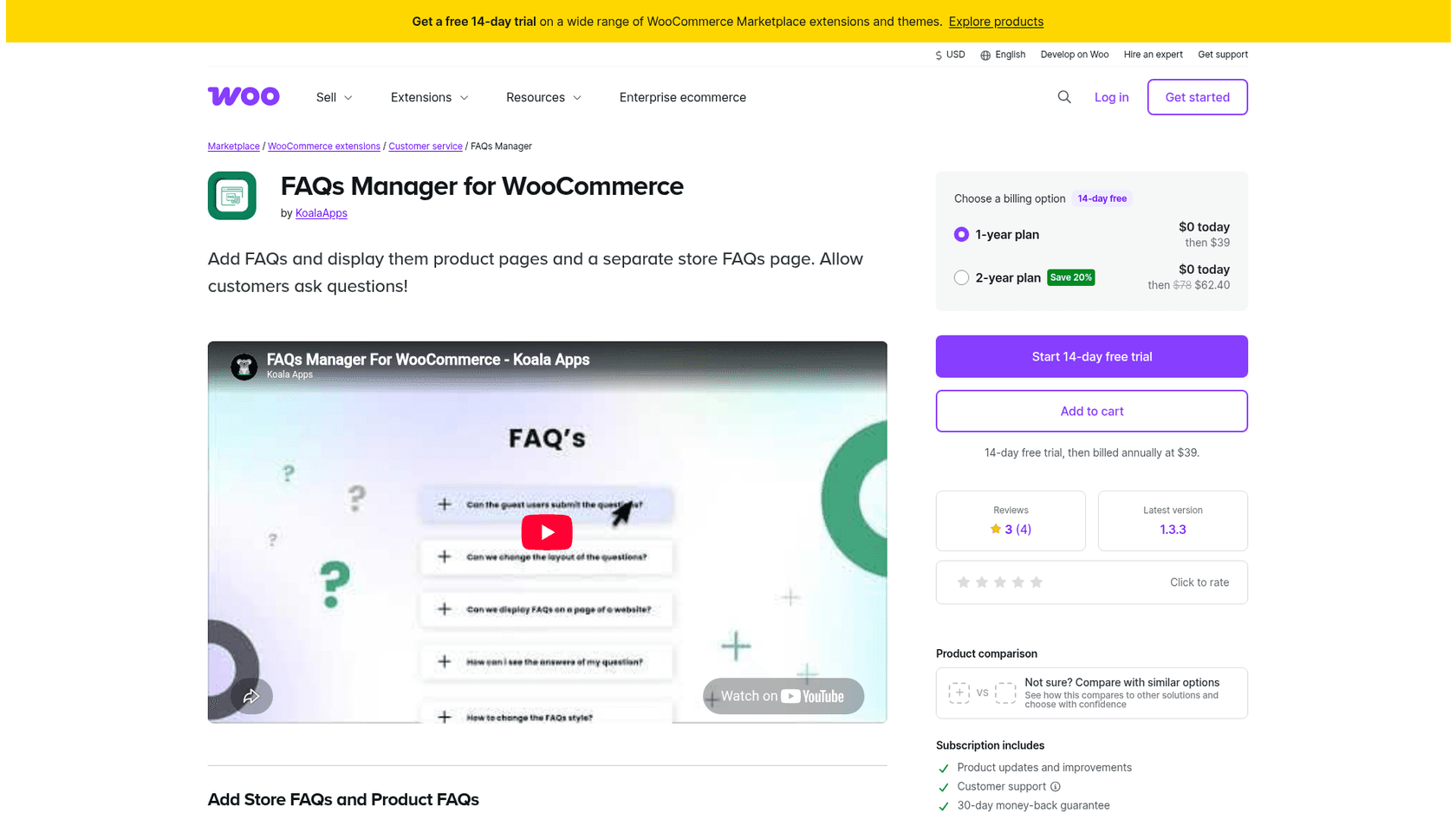
What it does well. FAQs show in a tab, before the tabs or after related products, and a shortcode builds a store FAQ page in 1, 2 or 3 columns (Marketplace listing). You can restrict FAQs by user role, which the listing pitches for B2B questions, and registered customers can ask, with questions kept private by default and Yes/No helpful votes on answers (docs).
Where it falls short. Only registered customers can ask, and FAQs are assigned to products one by one (its categories are the FAQ's own, not WooCommerce product categories). Each FAQ becomes its own page with a koala_faq slug, which one 1-star reviewer disliked. It is rated 3 from 4 reviews.
Pricing. $39 a year after a 14-day trial, or $62.40 for two years, with a 30-day refund (Marketplace listing).
My take: pick it for role-restricted FAQs, which nothing else here offers. A wholesale store weighing a bigger support stack should also read Gorgias alternatives for WooCommerce. Otherwise the free plugins above do more.
9. Ultimate FAQ Accordion
Best for: sites already running Ultimate FAQ that want to extend it to WooCommerce.
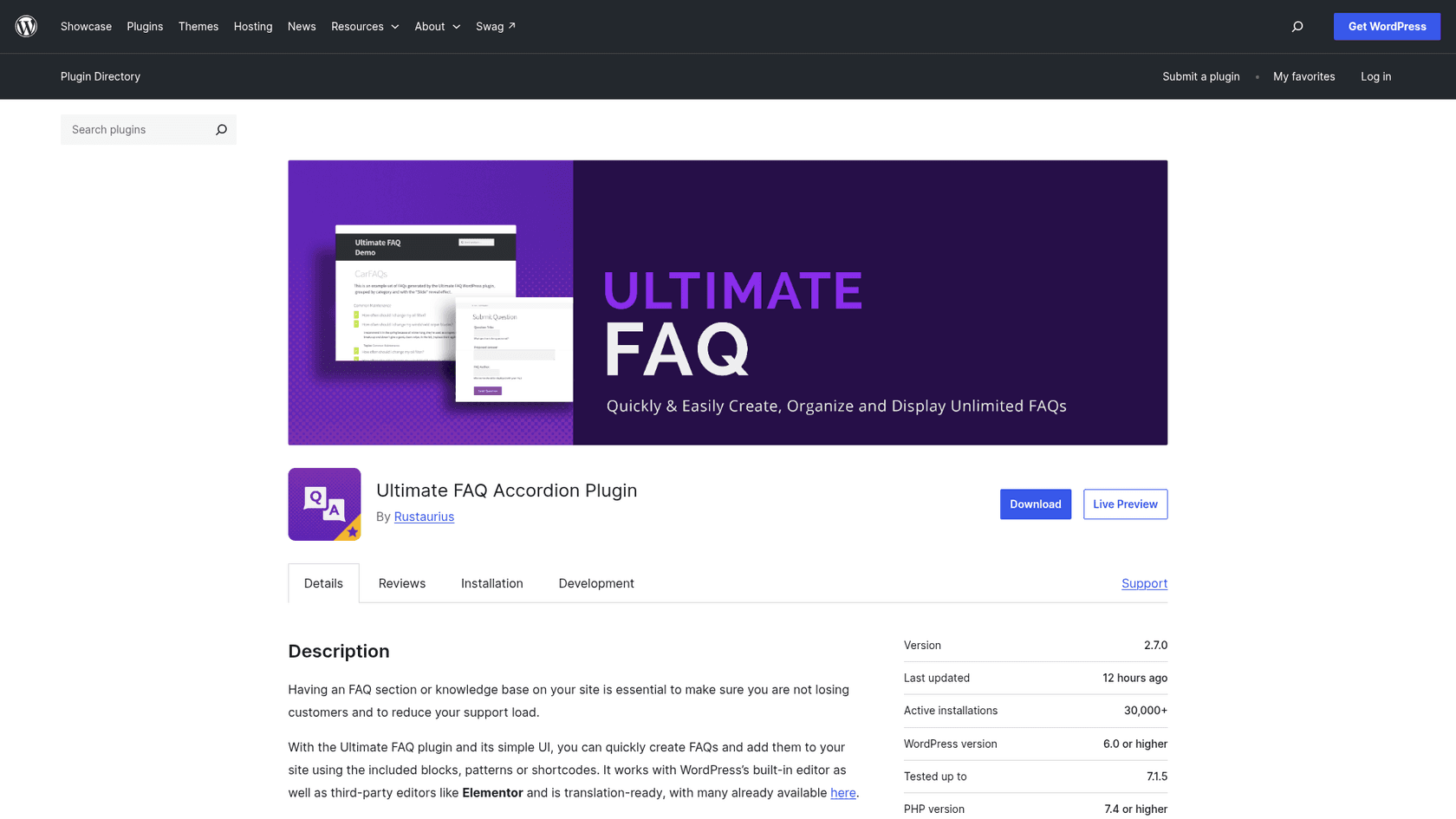
What it does well. It has 30,000+ installs and a 4.6 rating from 440 reviews (WordPress.org plugin API). The free version has five blocks, FAQ schema in LD+JSON, view counts and a basic OpenAI FAQ generator (WordPress.org listing). Premium adds a WooCommerce FAQ tab, live search, user submissions, spreadsheet import and a WPForms integration that suggests FAQs as people type.
Where it falls short. There is no WooCommerce product tab in the free version at all. Premium links FAQs to products by hand, or to a category only when the FAQ category's name matches the WooCommerce category's name. Some reviewers find setup heavy:
"i just need a simple faq and i dont need to spend hour to learn how to setup your FAQ."
Pricing. The plugin page lists $87 for 1 site, $167 for 5 and $247 for 10 (shown at $67, $127 and $197 when I checked) without saying whether that is a year or for life, with a 7-day trial and a 14-day refund.
My take: stay with it if your site already uses it. For a new WooCommerce store, Happy FAQs gives you the product tab free.
10. Product FAQs for WooCommerce
Best for: stores that want the plainest possible per-product FAQ tab and manage products by CSV.
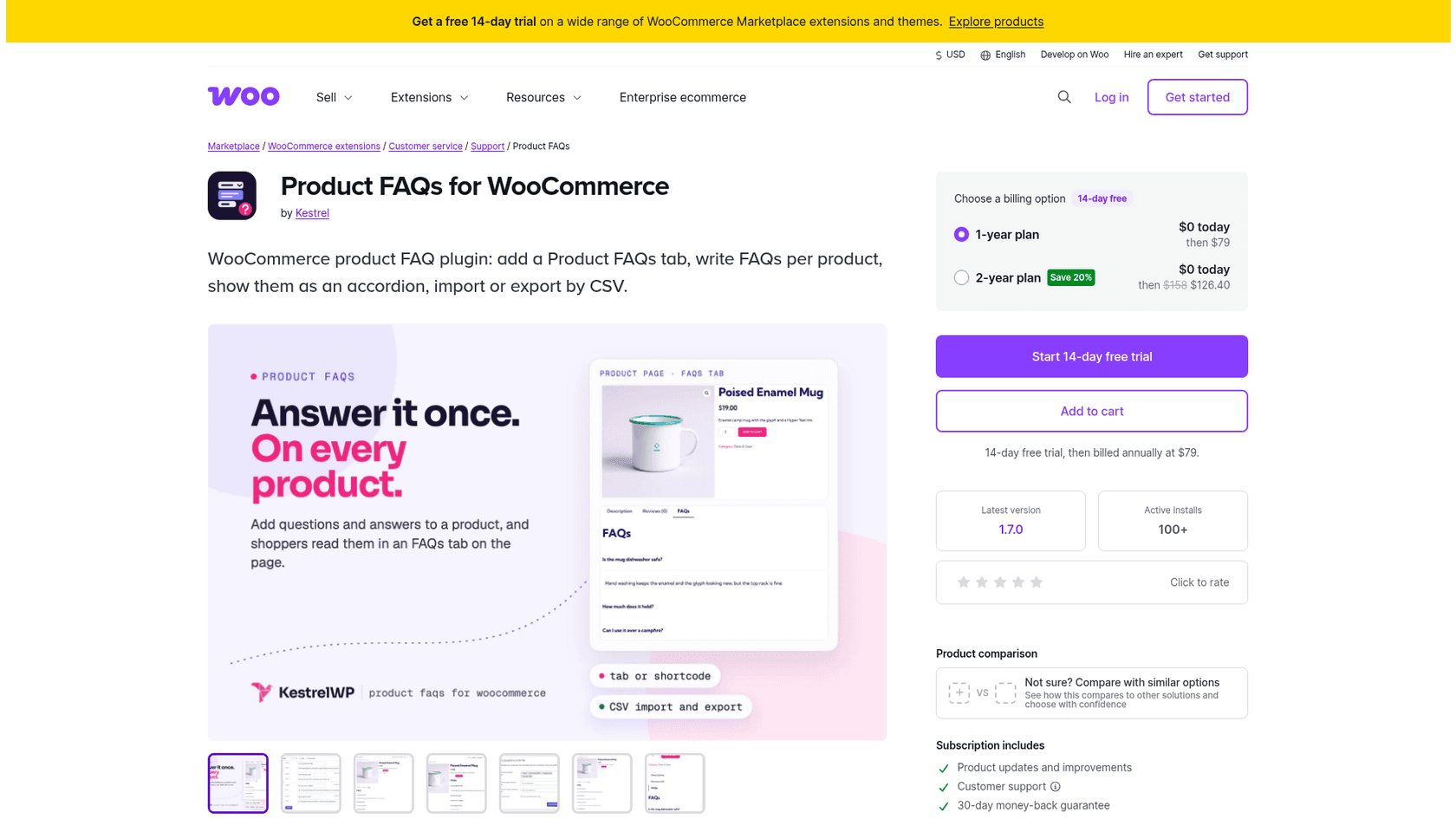
What it does well. It puts an FAQs tab after the standard tabs only on products that have FAQs, edited from a tab inside Product data, with a shortcode for themes and builders that replace product tabs (Marketplace listing). FAQs travel in WooCommerce's own product CSV import and export, handy if you edit your catalog in a spreadsheet. (Stock questions are another matter; see variation stock availability.)
Where it falls short. The listing is candid: "FAQs belong to one product each; there are no store-wide, category or shared FAQs", shoppers can't ask, there is no FAQ schema, and a CSV import keeps plain text, so links and bold are lost. It has 100+ installs and no reviews.
Pricing. $79 a year after a 14-day trial, or $126.40 for two years, with a 30-day refund (Marketplace listing).
My take: the narrowest plugin here, and the priciest of the Marketplace options. Choose it only if CSV editing of FAQs is the feature you need.
Do you need an FAQ plugin at all?
Not for a store FAQ page. If you run Yoast SEO (see the best WordPress SEO plugins), its FAQ block is "included in the free Yoast SEO plugin" and "automatically adds valid FAQ Schema markup" (Yoast); Rank Math's FAQ block adds the same markup in the block editor, and its docs say it "only works on Gutenberg" (Rank Math). Neither adds a product tab.
For product pages, the choice is code or a plugin. WooCommerce's product tabs doc shows how to add a tab with the woocommerce_product_tabs filter, but it is a developer-level doc and WooCommerce doesn't support custom code. You would still write each product's answers somewhere. Once you want the same answer on a whole category, a plugin earns its place.
Which WooCommerce FAQ plugin should you pick?
Pick by the job you came with. Here is where I'd start for each.
Tap the job closest to yours to see the plugin I'd start with, and the runner-up.
The pattern: almost every store is well served by a free plugin plus a store FAQ page, and our ecommerce FAQ examples show what to put on it. Pay only for the one feature you can name (shopper Q&A, role-restricted FAQs, a help center), not for schema. When the questions that keep coming are about orders, returns and stock, that is FAQ deflection with AI territory, not a bigger plugin.
Try eesel next to your WooCommerce FAQ plugin
An FAQ plugin answers the questions you already know. Your inbox holds the rest: the order status that hasn't moved, the address typed wrong, the refund that hasn't landed. Try eesel on those. It reads the FAQ pages your plugin builds along with your products and the live order, so a shopper gets your returns policy and their own order's status in the same reply.
You decide what it may do for whom. A refund can wait for your yes when a shopper asks, and run straight away when your support lead does, and billing can stay off entirely for anonymous visitors. Start free with 100 credits for 7 days and no card, then plans start at $299 a month for 500 credits.
Frequently Asked Questions
What is the best free FAQ plugin for WooCommerce?
How do I add an FAQ tab to WooCommerce product pages?
woocommerce_product_tabs filter in a child theme, or install a plugin such as Happy FAQs, Helpie FAQ or Easy Accordion that adds the tab for you. Our guide to automating WooCommerce support covers what to do with the questions a tab doesn't answer.