Best WooCommerce live chat plugins in 2026: 6 options compared

Riellvriany Indriawan

Katelin Teen
Last edited November 24, 2026

The best WooCommerce live chat plugin for most stores is Crisp: its WooCommerce plugin shows the shopper's cart and, for logged-in customers, past orders right in the chat, for $45 a month for 4 seats on its Mini plan. If you need it free, tawk.to costs nothing. If your agents need to refund an order without leaving the chat, Re:amaze is the only one here whose docs show agents refunding from the chat, from $29 per user a month.
Every plugin on this list installs in a few minutes. What separates them is how much of your store the chat can see, and that decides whether your team answers "where's my order?" in the chat or in another tab.
If you'd rather the chat answered order questions itself, eesel puts an AI agent in a chat bubble on your store that looks up WooCommerce orders and refunds or updates them, with refunds and status changes held for your approval by default. An AI coding agent can set much of it up with the eesel CLI, from uploading your return policy to asking test questions before it goes live, though connecting your store still needs an admin's approval.
What makes a live chat plugin good for WooCommerce?
A live chat plugin is good for WooCommerce when the person answering can see the order the shopper is asking about. I work on eesel's support team, and most store chats I read aren't "tell me about this product". They are where is my order, a refund that hasn't arrived, or an order status that reads like jargon. A live chat that can't see the order turns each of those into "let me check and get back to you".
So I read each plugin's WooCommerce integration first and the chat features second. Three questions decide it:
- What does it see from WooCommerce? Just the page the shopper is on, your product catalog, their cart, or their past orders.
- Can your team act from the chat? Refunding or changing an order without opening the WordPress admin.
- Who answers when you're offline? An AI chatbot, hired agents, or a contact form, and how that AI is billed.
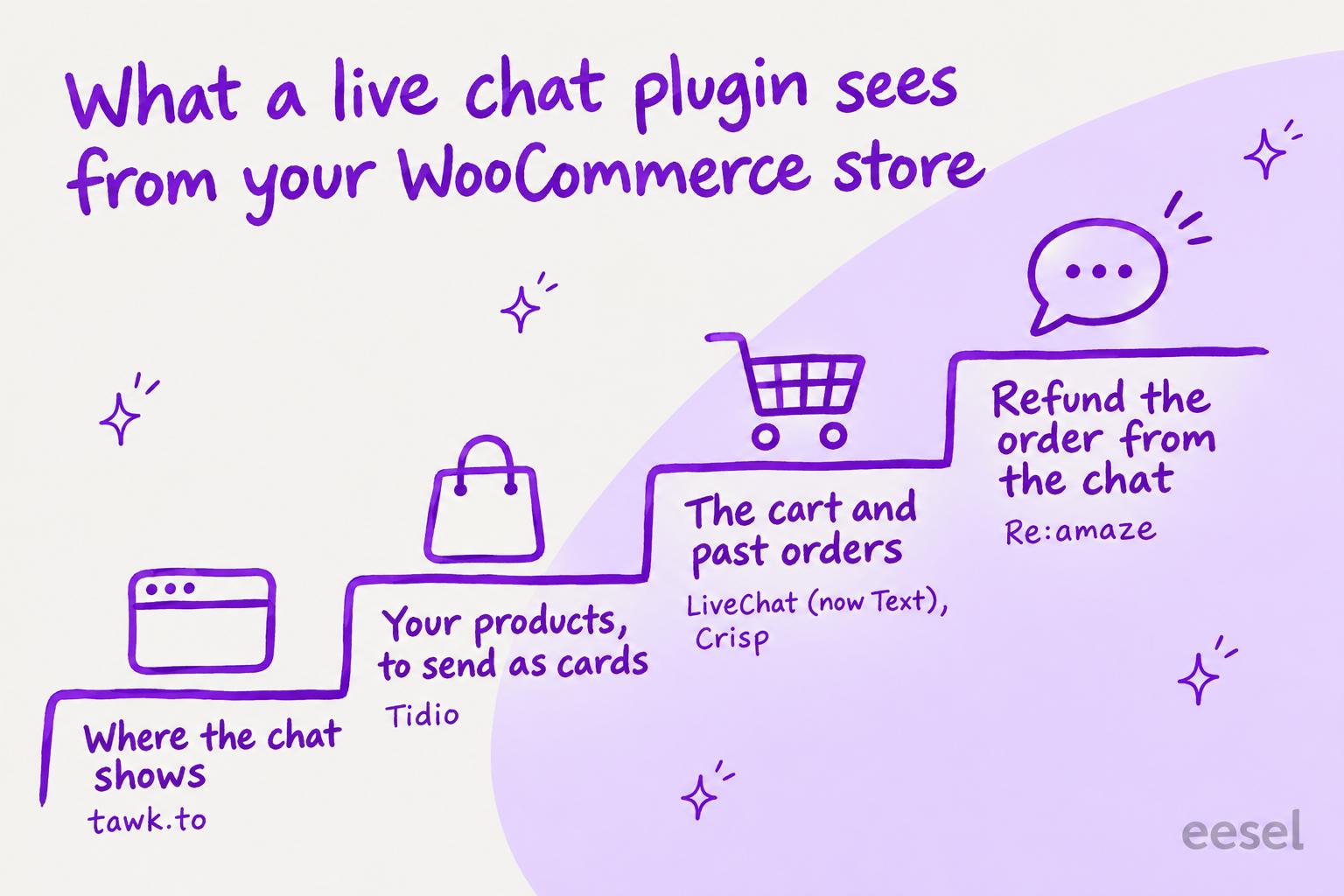
The best WooCommerce live chat plugins at a glance
I read each vendor's own pricing page, WooCommerce help article and WordPress.org plugin listing on 24 Nov 2026. Prices are in US dollars and per month unless they say otherwise, priced for a store with 3 people answering chats.
| Plugin | What it sees from WooCommerce | Act on orders from the chat | Free plan | Cost for 3 agents |
|---|---|---|---|---|
| Crisp | Customer data, cart, past orders (logged-in customers), order events | Not documented in the setup article | Yes, 2 seats | $45 (Mini, 4 seats) |
| Tidio | Product catalog, for product cards | Not documented | Yes, 50 human conversations a month | $390 a year (Starter with Lyro AI) |
| tawk.to | WooCommerce visibility settings for the widget | No | Free | $0 |
| LiveChat (now Text) | Live cart, recent purchases, order history, total spend | Not documented | No (free trial) | $57 billed yearly (Essential) |
| Re:amaze | Orders, customer lifetime, shipping and tracking | Yes: refund, order and payment status, order notes | No (14-day trial) | $59 (Starter, up to 500 conversations) or $87 (Basic) |
| eesel | Orders, order notes, customers, products, stock, subscriptions | Yes, by the AI, with approvals | No (7-day trial, 100 credits) | From $299 for 500 chats or tickets |
The 6 best WooCommerce live chat plugins in 2026
1. Crisp
Best for: small and mid-sized stores that want order context in the chat at a flat price.
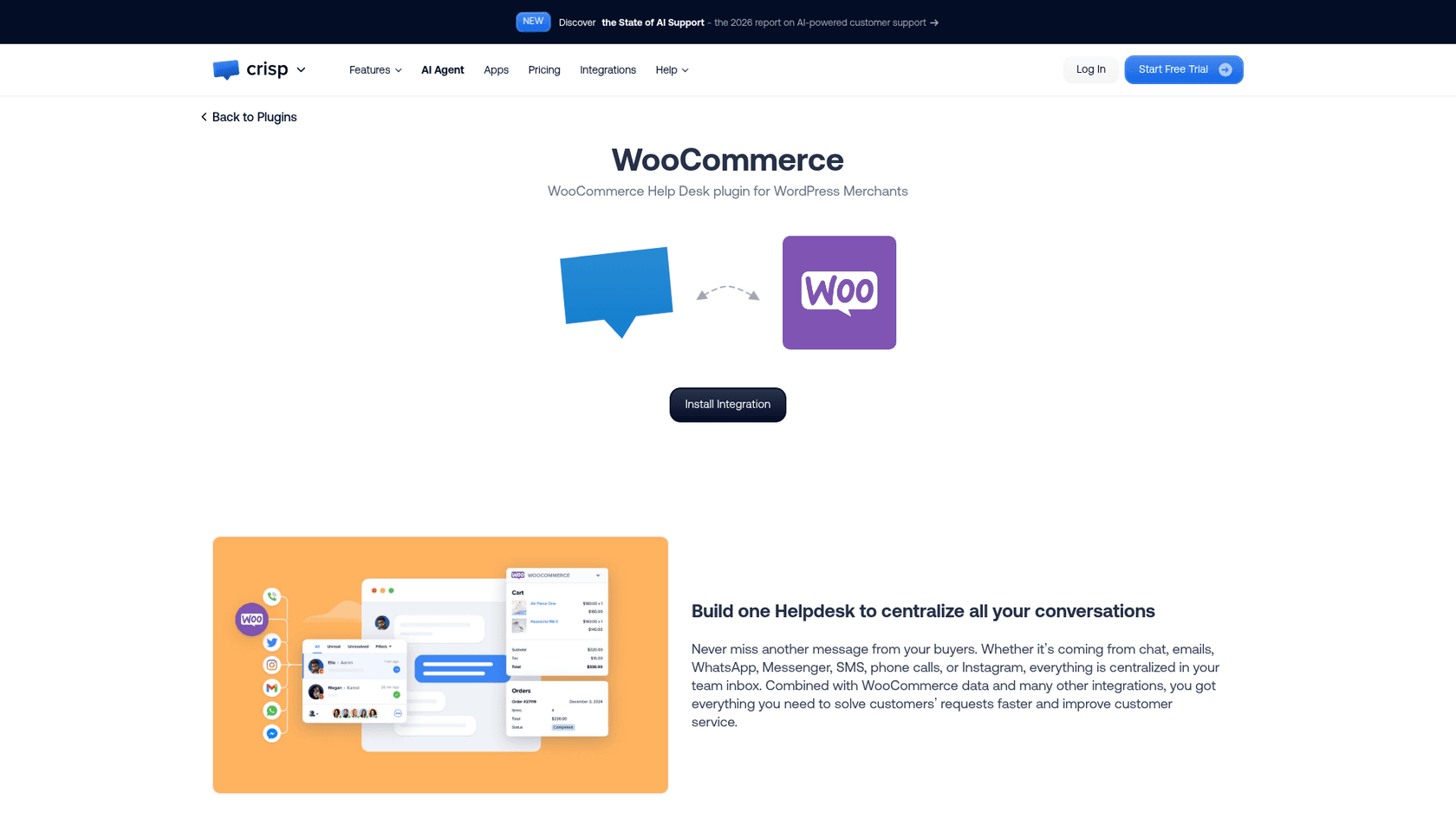
What it does well. Crisp's WooCommerce setup article lists what the plugin brings into a conversation: customer data synced into Crisp contacts, cart context while the visitor has an active session, past orders for logged-in customers, and order events pushed to the customer's profile when an order updates. That covers the "where is my order" chat without leaving the inbox. The same inbox takes email, WhatsApp, Messenger, Instagram and SMS, and the chatbot builder and knowledge base sit in the same tool (our Crisp live chat review).
Where it falls short. The setup article lists only viewing: customer data, cart, past orders and order events. To refund or change an order, your agent still goes to WooCommerce. Crisp's integration page mentions handling refunds, but its own setup guide doesn't say how. Past orders show only for customers who are logged in, so a guest checkout chat shows less. Crisp's WooCommerce plugin is also a zip you download from Crisp and upload in WordPress, not a one-click install from the plugin search.
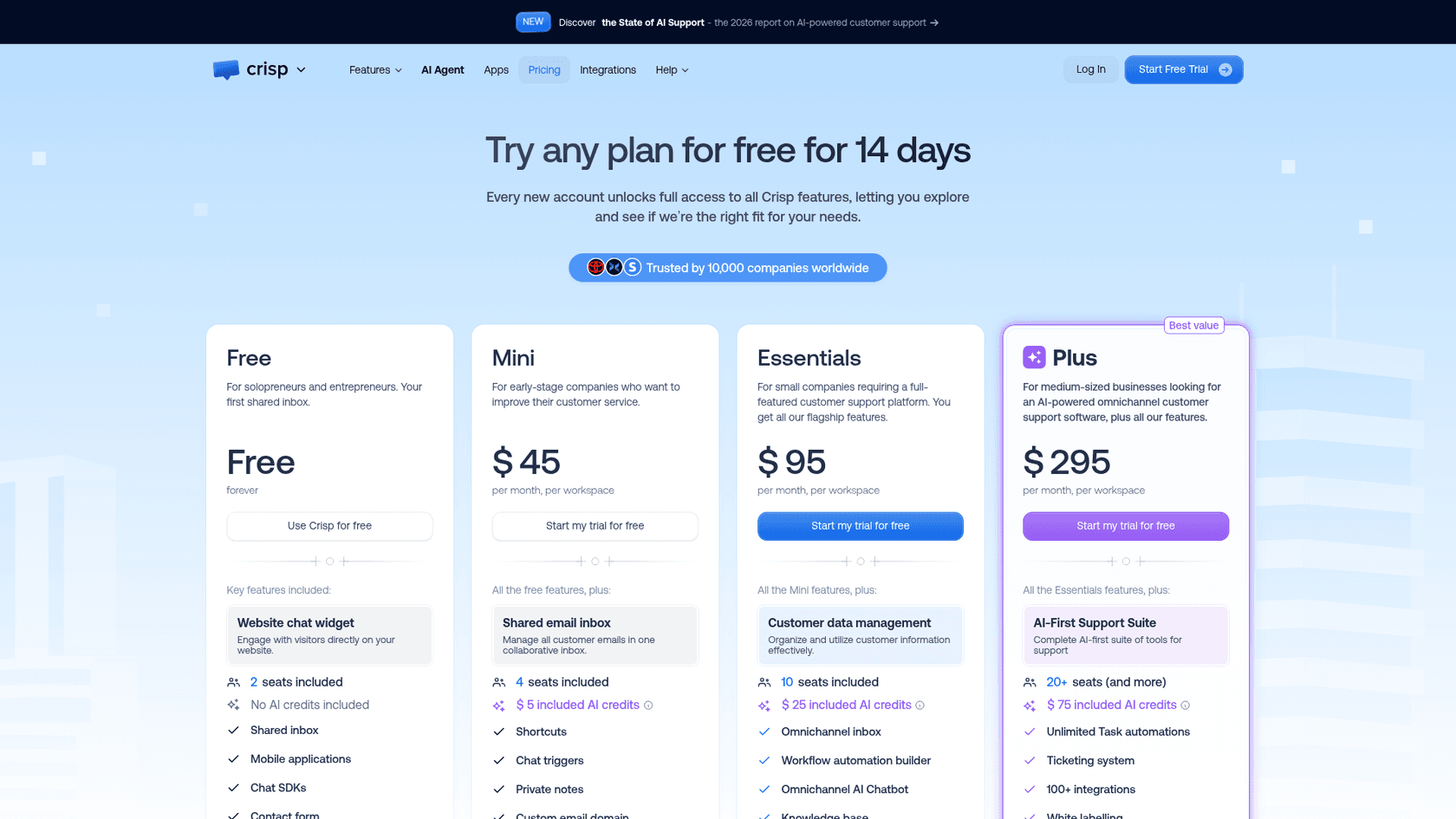
Pricing. Plans are per workspace, not per agent (pricing): Free with 2 seats, Mini at $45 a month with 4 seats, Essentials at $95 with 10 seats, and Plus at $295 with 20 seats and $10 for each extra one. AI comes as included credits: $5 on Mini ("around 90 automated conversations"), $25 on Essentials and $75 on Plus. Every plan has a 14-day free trial with every feature unlocked. For 3 agents, Mini at $45 a month covers you with a seat to spare. Our Crisp pricing guide has every add-on.
My take: pick Crisp if you want the cart and order history in the chat and a bill that doesn't grow with each agent. Skip it if your team refunds from chat every day; the trial unlocks everything, so check the order panel on the plan you'd actually pay for before it ends.
2. Tidio
Best for: stores that sell in the chat and want AI included in the plan.
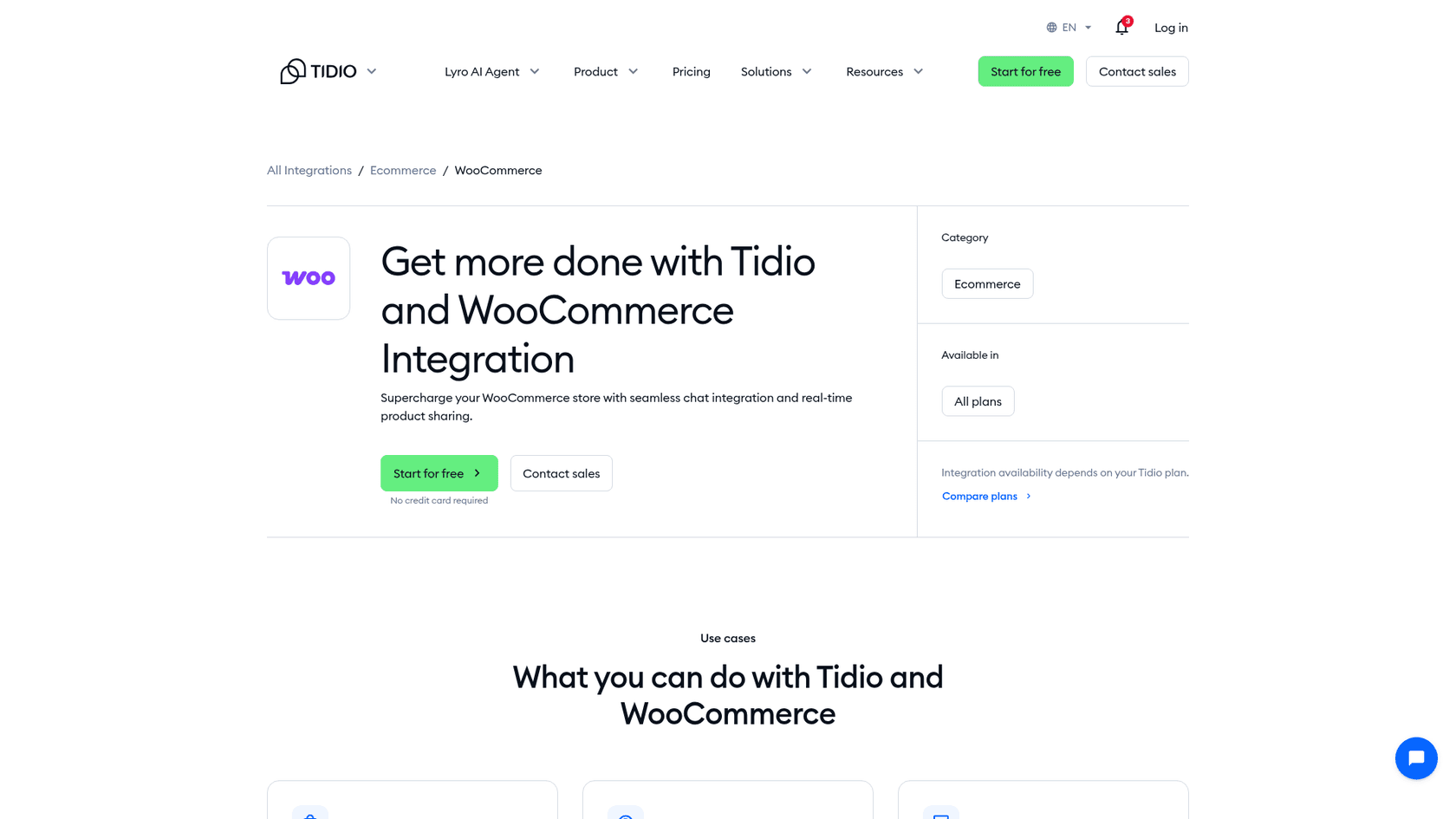
What it does well. Tidio installs from the plugin search: search "Tidio" in Plugins > Add New, activate it and sign up from the WordPress menu (Tidio's WooCommerce guide). Once you grant it access to WooCommerce, your team can browse the store's catalog in the Tidio inbox and send a product card mid-chat, and you get a message the moment a shopper clicks one (integration page). Active products sync on their own. Its AI agent, Lyro, answers routine questions on chat and email and hands the rest to your team (our Tidio AI agent review). The WordPress plugin holds 4.8 out of 5 stars on WordPress.org.
Where it falls short. Tidio's WooCommerce integration is about products: its own pages describe product cards, click tracking and catalog sync, not orders. Tidio's pricing page lists "Native Shopify actions" from the Growth plan up and no WooCommerce equivalent (pricing), so a "where is my order" chat on WooCommerce goes to your team. Lyro conversations and human conversations also share one monthly quota.
Pricing. Tidio prices by conversations per month, with up to 10 seats on self-serve plans (pricing). Free covers 50 human conversations a month and a one-time 50 Lyro conversations. Starter with Lyro is $390 a year billed annually (shown as $33 a month) for 50 conversations a month; Growth with Lyro starts at $750 a year (shown as $63 a month) for 100 conversations, scaling to 1,000. A "Human only" option costs less for the same quota. Plus starts at $300 a month plus usage. The 3-agent store fits on any of these, since seats aren't the limit; conversations are. More in our Tidio pricing breakdown.
My take: pick Tidio if your chat is mostly pre-sale and you want product cards and AI in one plan. Skip it if most of your chats are about existing orders, since its WooCommerce side doesn't read them.
3. tawk.to
Best for: stores that want live chat for free.
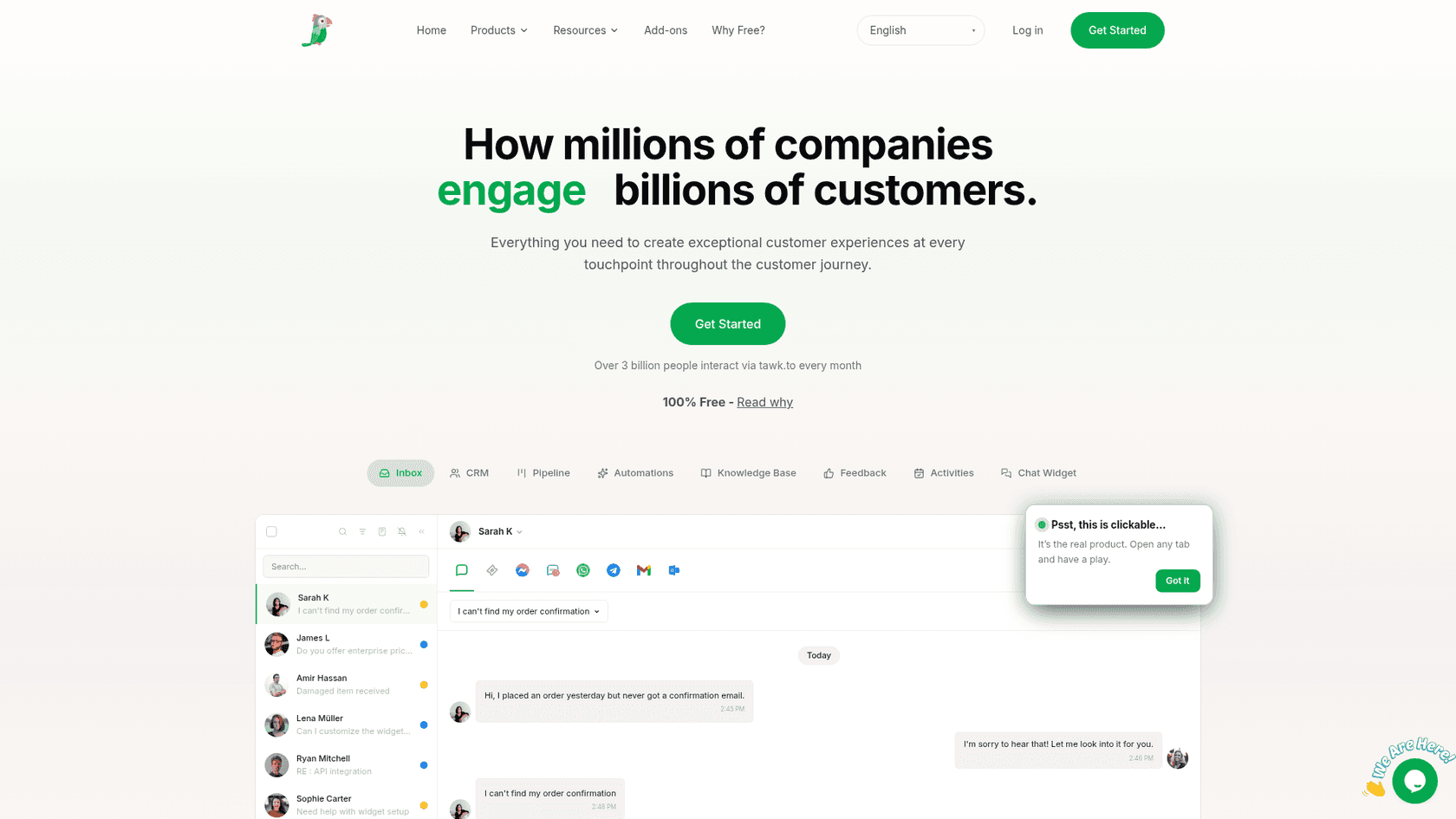
What it does well. tawk.to is free: the live chat, a ticketing inbox and a hosted knowledge base. It makes money elsewhere, as its pricing page explains: $29 a month to remove the "Powered by tawk.to" branding, AI Assist "from as little as $29/month" (with a free plan for sites with limited chat volume), and trained human agents who answer your chats for $1 an hour. The WordPress plugin installs from the plugin search, holds 4.6 stars on WordPress.org, and its setup article adds WooCommerce options for where the widget shows.
Where it falls short. Those WooCommerce options are about visibility. tawk.to's WordPress article doesn't describe bringing orders or the cart into the chat, so your team looks orders up in WooCommerce. The $1 an hour agents are tawk.to's people, not yours, so they answer from what you've trained them on.
Pricing. $0 for the chat, with optional paid add-ons: branding removal at $29 a month, AI Assist from $29 a month, and hired agents at $1 an hour. For 3 agents, $0.
My take: pick tawk.to if budget is the deciding factor or you're testing whether chat is worth it at all. Move on when your team spends more time looking up orders than answering.
4. LiveChat (now Text)
Best for: larger stores that treat chat as a sales channel and want to see which chats sold.
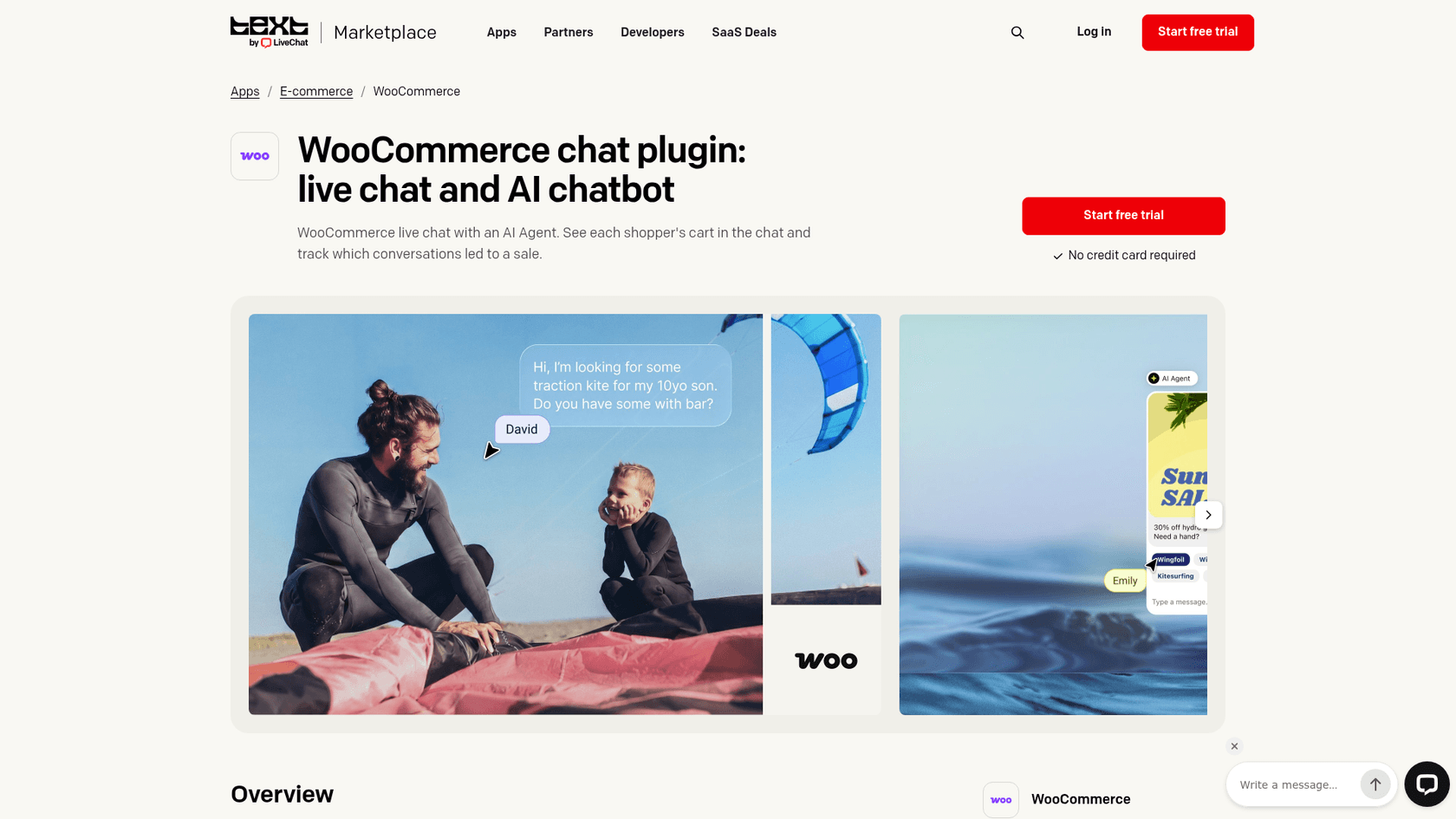
What it does well. LiveChat now goes by Text in its own Marketplace. Its WooCommerce app shows each shopper's cart in the chat, updating as items go in and out, flags a shopper who goes quiet with a full cart, and links orders placed during or right after a chat back to that conversation, split by AI Agent and team. Agents see recent purchases, full order history, total spend and order count. LiveChat's setup article adds that visitor tracking shows the last order's details, shipping address and total as custom variables.
Where it falls short. It reads orders but doesn't act on them: the app describes seeing carts and history, not refunds. Its Growth plan, at $79 per user, is the priciest per-agent plan here, and a per-user price only goes one way as the team grows.
Pricing. Billed yearly, Essential is $19 per user a month with 1 AI Agent and 10 AI resolutions a month, and Growth is $79 per user with 200 AI resolutions (pricing). Extra AI resolutions come in packs of 50 for $49.50. Paying yearly saves up to 24%, by LiveChat's own count. For 3 agents billed yearly: $57 a month on Essential, or $237 on Growth. Our LiveChat pricing guide has every plan.
My take: pick LiveChat if chat is how you sell and you want revenue tied to conversations. Skip it if you mostly answer post-purchase questions, where paying per user buys you a view of the order and nothing more.
5. Re:amaze
Best for: stores whose chats are mostly about orders that need changing.
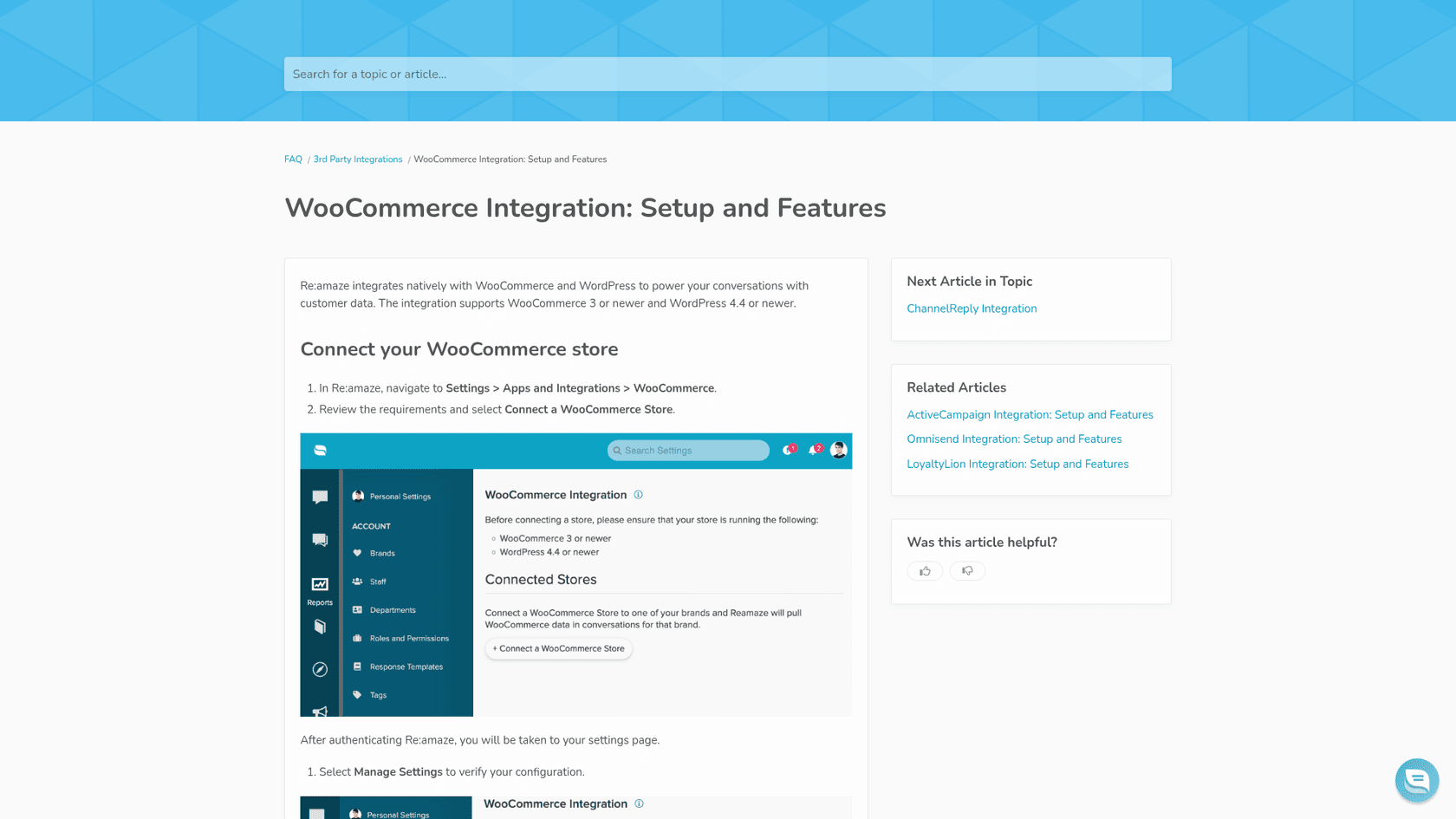
What it does well. Re:amaze is a full helpdesk with live chat on every plan, and its WooCommerce integration is native. From the conversation, agents can process refunds, update order and payment status, add order notes and see shipping and tracking (Re:amaze's WooCommerce article). Its AI Agent answers chat, email and SMS and uses WooCommerce products and orders as a knowledge source (AI Agent docs), and a rule-based Order Bot answers "where is my order" from the latest order. The WordPress plugin publishes the chat widget to your store.
Where it falls short. It is a helpdesk first, so it is more tool than a store that only wants a chat box. The AI Agent's docs describe it answering from order data, not refunding or cancelling itself; actions are for your agents. Running more than one store as separate brands needs Pro or above.
Pricing. Per user, Basic is $29, Pro $49 and Plus $69 a month, or 10% less billed yearly (pricing). Starter is a flat $59 a month for unlimited users and up to 500 responded conversations. AI Agent includes 5, 10 or 20 resolutions per user a month on Basic, Pro and Plus, then $0.85 each; Starter includes none and pays $0.85 for each one. For 3 agents: $59 on Starter if you stay under 500 conversations, otherwise $87 on Basic. Our Re:amaze pricing post has the detail.
My take: pick Re:amaze if your agents refund or fix orders all day and want to do it in the chat. Skip it if you only need a chat widget; the cheaper plugins above will do.
6. eesel
Best for: stores that want an AI agent in the chat to resolve order questions itself, not a chat inbox for people.
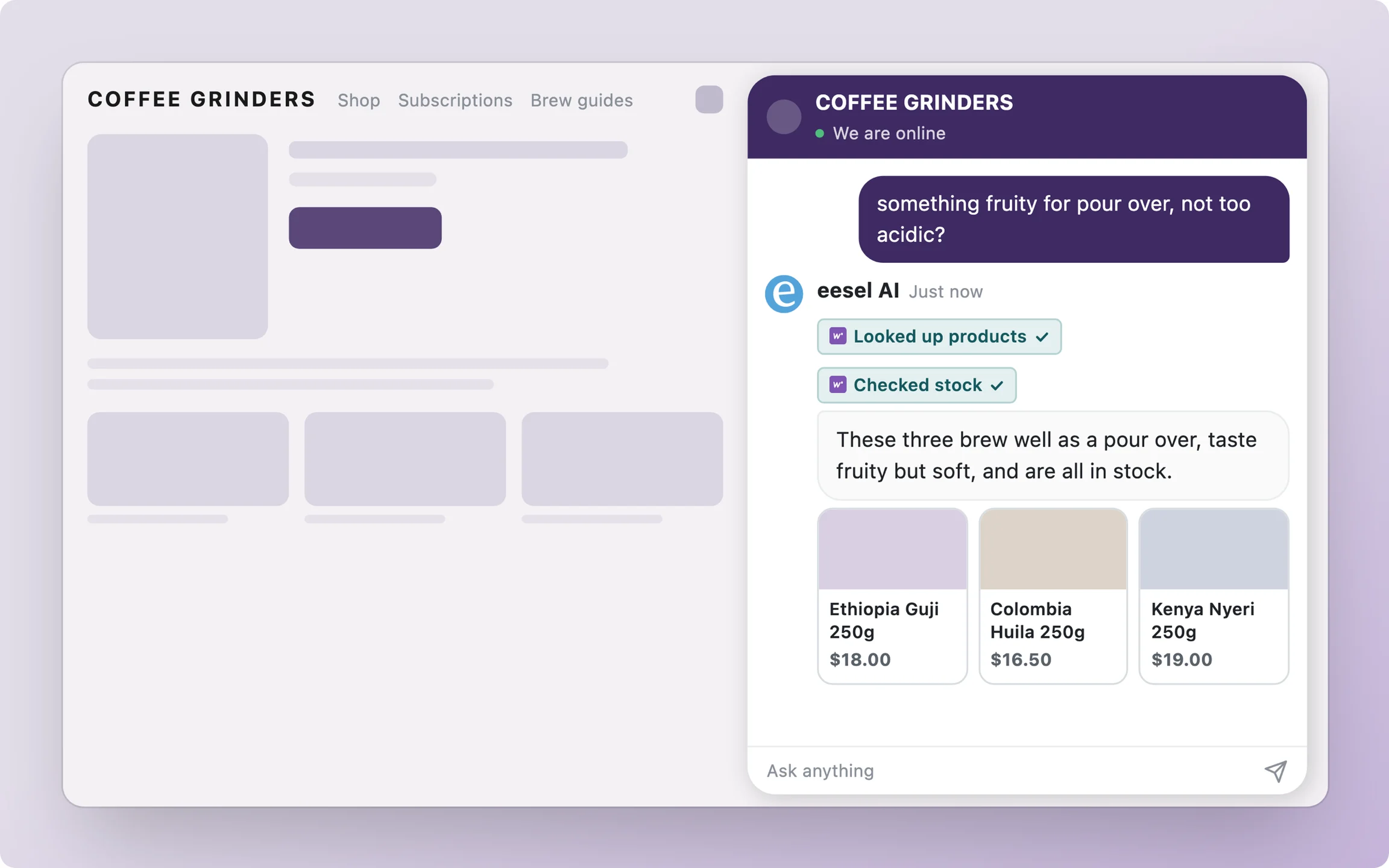
What it does well. eesel is an AI teammate, and its chat bubble puts it in front of shoppers on your store. With WooCommerce connected, it looks up orders, order notes, customers, products, stock and subscriptions while it answers, and it can add an order note, update an order's status, refund an order, or update a customer's address (eesel's WooCommerce docs). On your store it shows products as cards a shopper can add to their cart from. You choose, per action, whether it acts on its own, asks a person first or never does it (Actions and approvals), and refunds and status changes wait for your approval by default. The free eesel AI plugin connects the store through WooCommerce's own approval screen, with no API keys to copy.
Where it falls short. It isn't a live chat inbox for your team. When a shopper asks for a person, eesel takes their details and opens a ticket in your helpdesk, the way you tell it to, so the human reply comes by email or in that helpdesk. The WordPress plugin connects your store but doesn't add the chat bubble; you paste the bubble's snippet into your site.
Pricing. A free trial of 100 credits for 7 days, no card. Paid plans start at $299 a month for 500 credits, and a chat or ticket is 1 credit however long it runs (pricing). Seats are unlimited, so the 3-agent store pays the same.
My take: pick eesel if most of your chats are order questions and you want them resolved without a person, with refunds held for your yes. Skip it if you want your team chatting live with shoppers; pair a plugin above with eesel in the helpdesk instead.
Which WooCommerce live chat plugin should you pick?
For most stores it's Crisp; if your chats are mostly refunds, Re:amaze. Pick what you need the chat to do below to see my pick for that case and what it costs.
Pick what you need from the chat to see which plugin fits and what it costs a 3-agent store.
Who answers your WooCommerce chat when you're offline?
Each plugin has a different answer for the hours nobody is at the desk, and a different way of billing for it. tawk.to sells AI Assist and, unusually, people: hired agents at $1 an hour. Tidio counts Lyro's conversations against the same quota as your team's. Crisp includes AI credits by plan. LiveChat and Re:amaze both count AI resolutions, with a set number included and a price for each extra one.
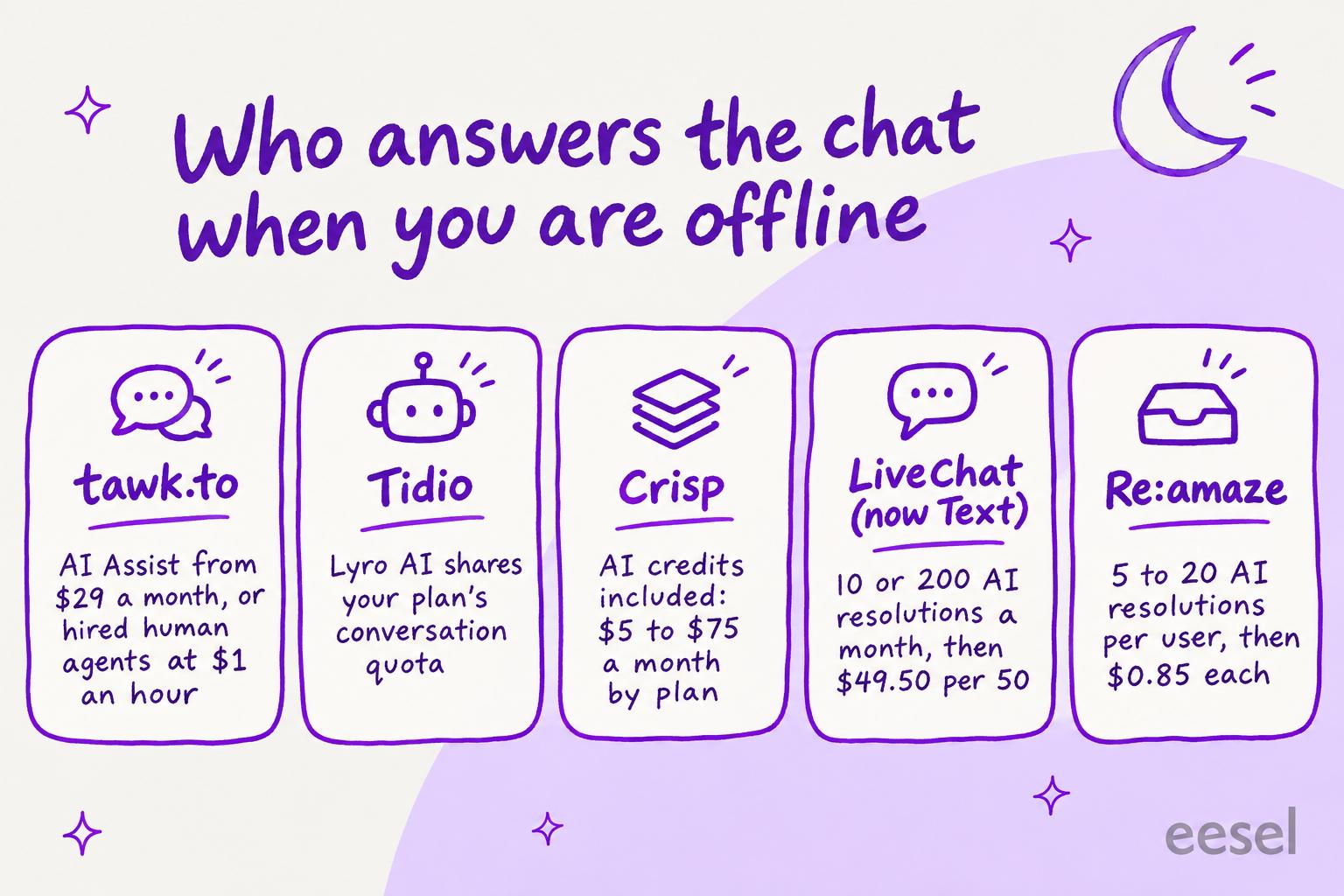
The catch is the same for all five: an AI that can't read the order can only tell the shopper to wait for a person. Re:amaze's AI Agent reads WooCommerce orders and LiveChat's sees the cart and order data; the others answer from your help articles and settings. If your offline chats are mostly order status, that difference matters more than the price per resolution. Our AI order tracking for ecommerce guide shows what a good answer looks like.
Try eesel in your WooCommerce chat
If your WooCommerce chat is mostly order questions, the biggest saving is fewer chats that need a person. eesel answers in a chat bubble on your store, looks up the shopper's order and tracking notes before it replies, and refunds or updates the order when your rules allow. You decide per action, and per kind of person asking, what it does alone and what waits for your yes, so it can refund when your support lead asks and only ever ask first when a shopper does. The free WordPress plugin connects your store in a couple of clicks, and you can test it against real questions before it goes live. Try eesel with your own store.
