

Dixa has no night-shift switch: a business hours schedule decides what customers see after close, and Mim, its AI agent at EUR 0.40 per conversation, is the only part that actually answers. The default schedule covers 42.5 of 168 weekly hours, so most of the week is yours to plan. I would attach Mim to your chat and email flows, put a business hours check in front of every handoff, and let a closed-hours customer leave a case instead of waiting for a person. eesel has no Dixa connector, but it can answer on your website chat from your help center. With the eesel CLI, an AI coding agent can upload approved knowledge, such as your exported help articles and opening-hours policy, then ask test questions like "are you open Sunday?" and check the answers before the chat goes live. Connecting a helpdesk still needs someone with admin access.
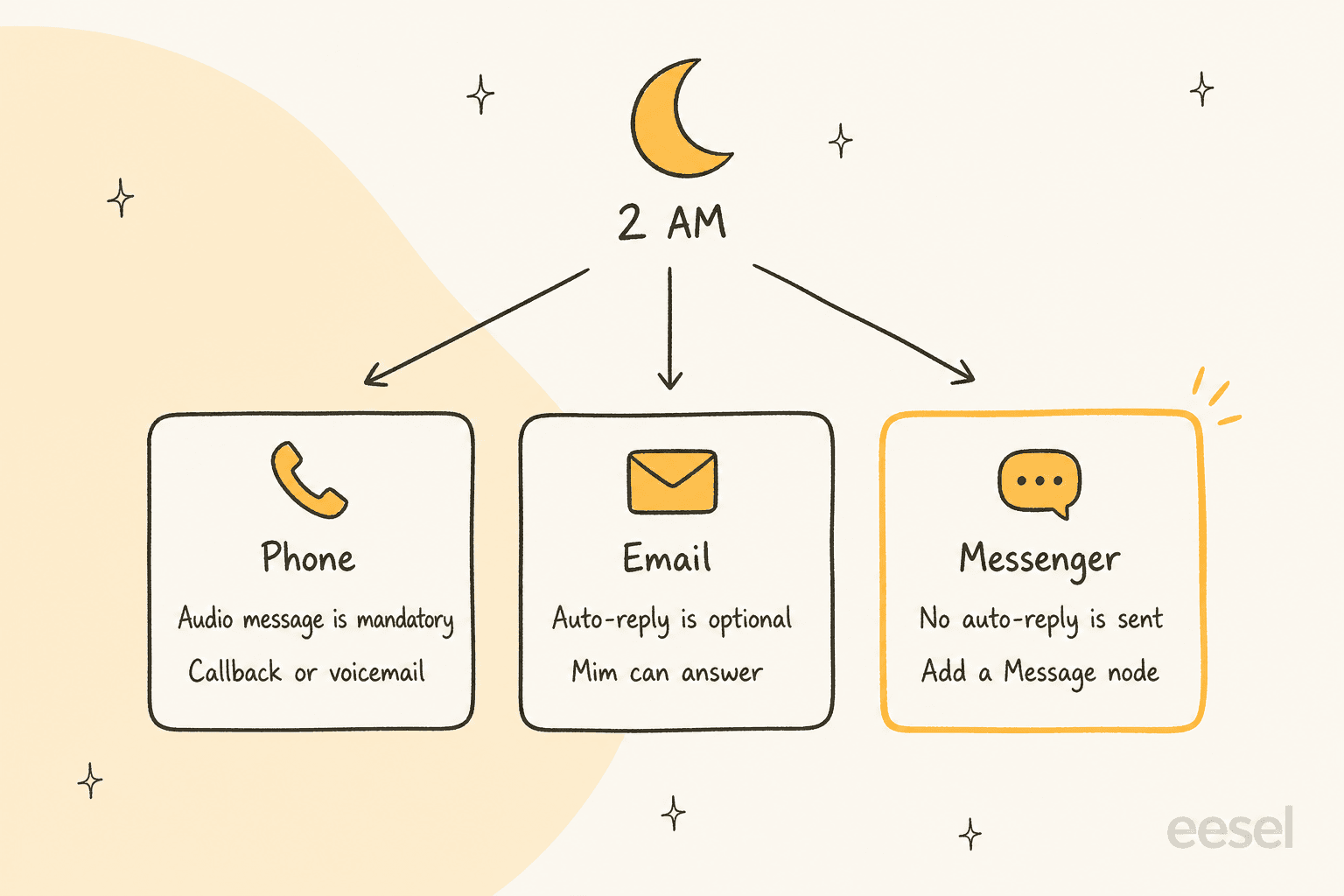
What does Dixa do when a customer writes at 2 AM?
It depends on the channel, and each channel has its own after-hours behavior. I read Dixa's help center on business hours, Mim on email, Mim on Messenger and Mim on voice, plus the pricing page, and the picture is three channels, three different night behaviors.
| Message arrives at 2 AM | What the schedule does | What Mim can add |
|---|---|---|
| Phone call | Plays the outside business hours audio message, which is mandatory for every schedule, then hangs up or continues in the flow | Mim on voice is in beta; callback and voicemail nodes follow the AI node |
| Sends an optional outside-hours auto-reply | Mim answers if an AI agent node sits in the email flow | |
| Dixa Messenger | Sends no auto-reply; you add a Message node to the flow to show a reason | Mim answers if an AI agent node sits in the Messenger flow |
Dixa's help center is blunt about the Messenger gap: auto-replies are not sent on Messenger conversations. That is the one I would test first, because a closed chat widget that says nothing looks broken, not closed.
A reviewer on Capterra put the upside well, and it is also the reason night setup is fiddly:
"Using the software has reduced the disarray that is commonly caused by having separate systems, as Dixa has everything in one place: phone, email, real-time live chat and Facebook Messenger."

Everything lives in one place, but every channel still needs its own after-hours answer. My Dixa review covers the rest of the platform.
How do Dixa business hours schedules work?
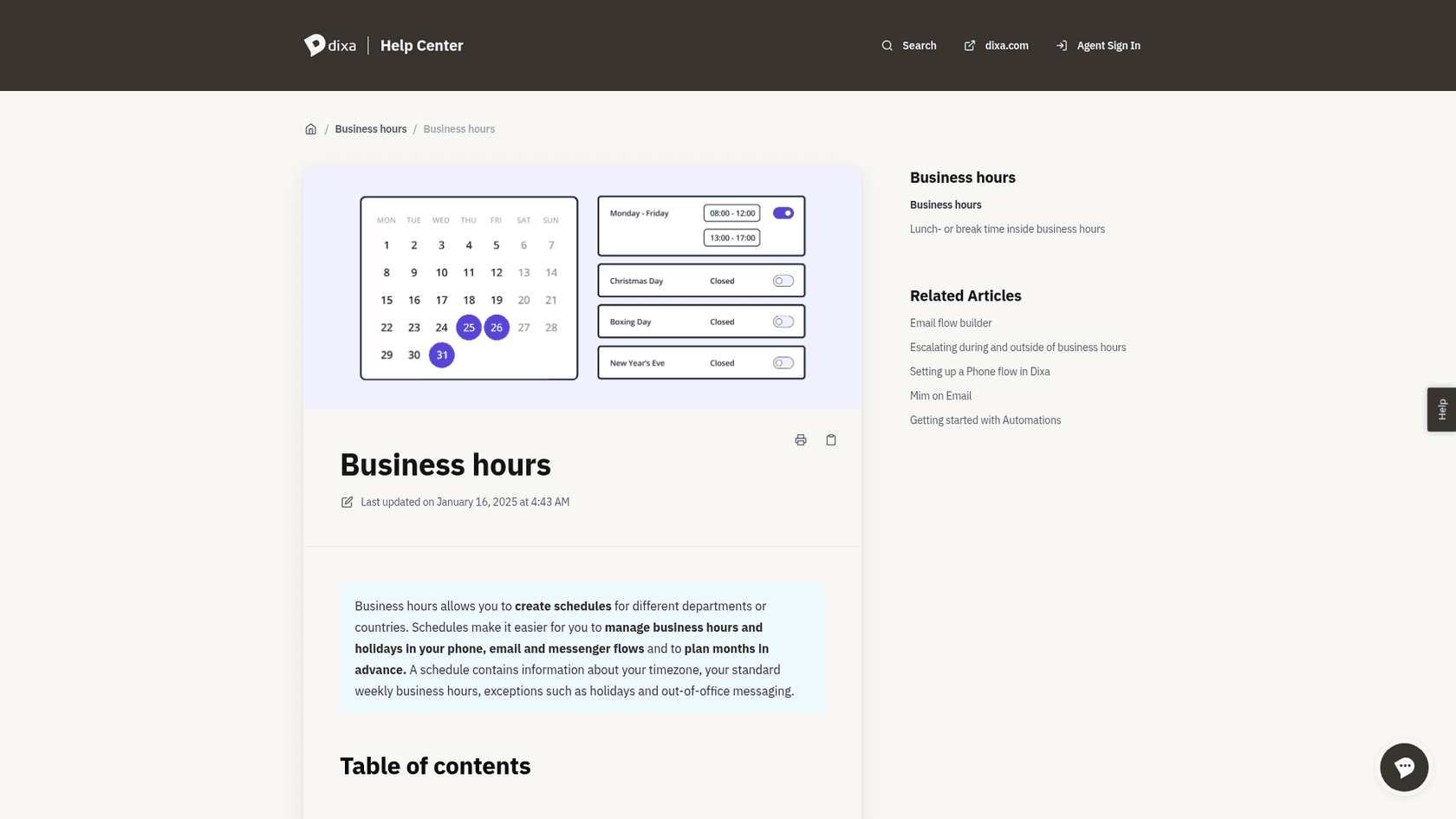
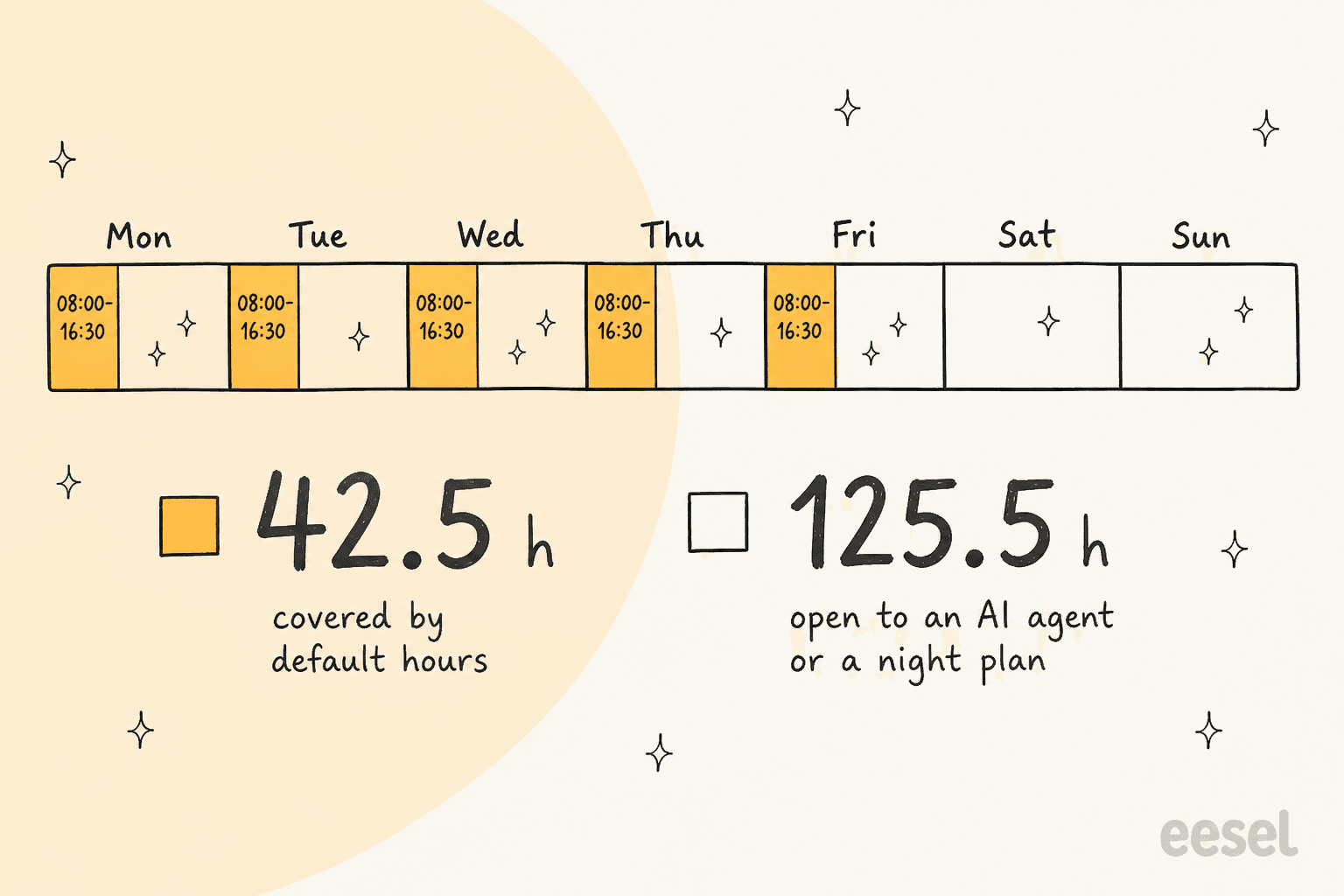
A schedule holds a timezone, weekly hours, exceptions and out-of-office messages, and the same schedule can feed several phone and email flows. You create one under Settings, Business Hours. Dixa's article says a new schedule defaults to 08:00 to 16:30, Monday to Friday, and closed on the weekend.
That default covers 42.5 of the 168 hours in a week, which leaves 125.5 hours with nobody scheduled.
The details that matter for nights and weekends:
- Holiday calendars. Pick one for your country and holidays update every year. You cannot switch to a different calendar once connected, though you can delete holidays you do not observe and recover them later.
- Exceptions. One exception per date, with its own hours or Closed, optionally repeating yearly. Each can carry its own audio message or auto-reply, so a summer closure can say so.
- Conflicts. If two holidays or an exception clash, Dixa asks you to pick; if you do not, it chooses the strictest hours.
- One schedule per number or widget. Dixa's FAQ recommends separate schedules per phone number or chat widget, so you can change one without touching the others.
- In the flow. Add the Business Hours action to a phone or email flow and choose a schedule. On phone you also choose whether to hang up after the audio message.
Business Hours sits in the Routing section of Dixa's plan comparison with no add-on label on any plan, so you do not pay extra for the schedule itself. Dixa's analytics also has a business hours filter, which helps when you review night volume. My SLA management guide explains why that filter matters for first-response targets.
Can Mim answer customers outside business hours?
Yes, and it is the part of Dixa that works when nobody is logged in. Dixa describes Mim on Messenger as AI-powered support on your website with instant, 24/7 answers, and you add it by dropping an AI agent node into the flow. Email works the same way: add the node to your email flow and pick the agent. Mim also handles Social and SMS conversations on the Team plan, per the pricing page.
Two email details I would not skip:
- Mim does not detect spam, auto-replies or out-of-office notices on its own, so Dixa tells you to put an Intent Detection node in front of it. Standard AI Intent Detection is listed from the Professional plan.
- Mim replies only to the sender address, and it answers every question it can, then says which ones it cannot.
My Dixa AI agent post goes deeper on setup and what Mim covers.
What goes wrong when Mim offers a human at 2 AM?
Mim offers a transfer that nobody is there to take. Dixa's escalation article describes it plainly: a customer reaches out at 2 AM, Mim offers a handoff, and the customer immediately gets a "no agents available" message, which feels broken. This is the trap I would check on day one, because the default handoff is written for a team that is online.
Dixa gives two fixes:
- Two Mim variants. A business hours check sits before the Mim node. Open hours route to a variant that offers a human; closed hours route to a variant told it works alone.
- One Mim with a check built in. You disable (not delete) the default Escalate to human tool, write an escalation procedure, and add two platform tools: Check Business Hours and Create contact form conversation. Inside hours Mim transfers. Outside hours it explains that nobody is available and offers to collect details and file a case for a colleague to review on return.
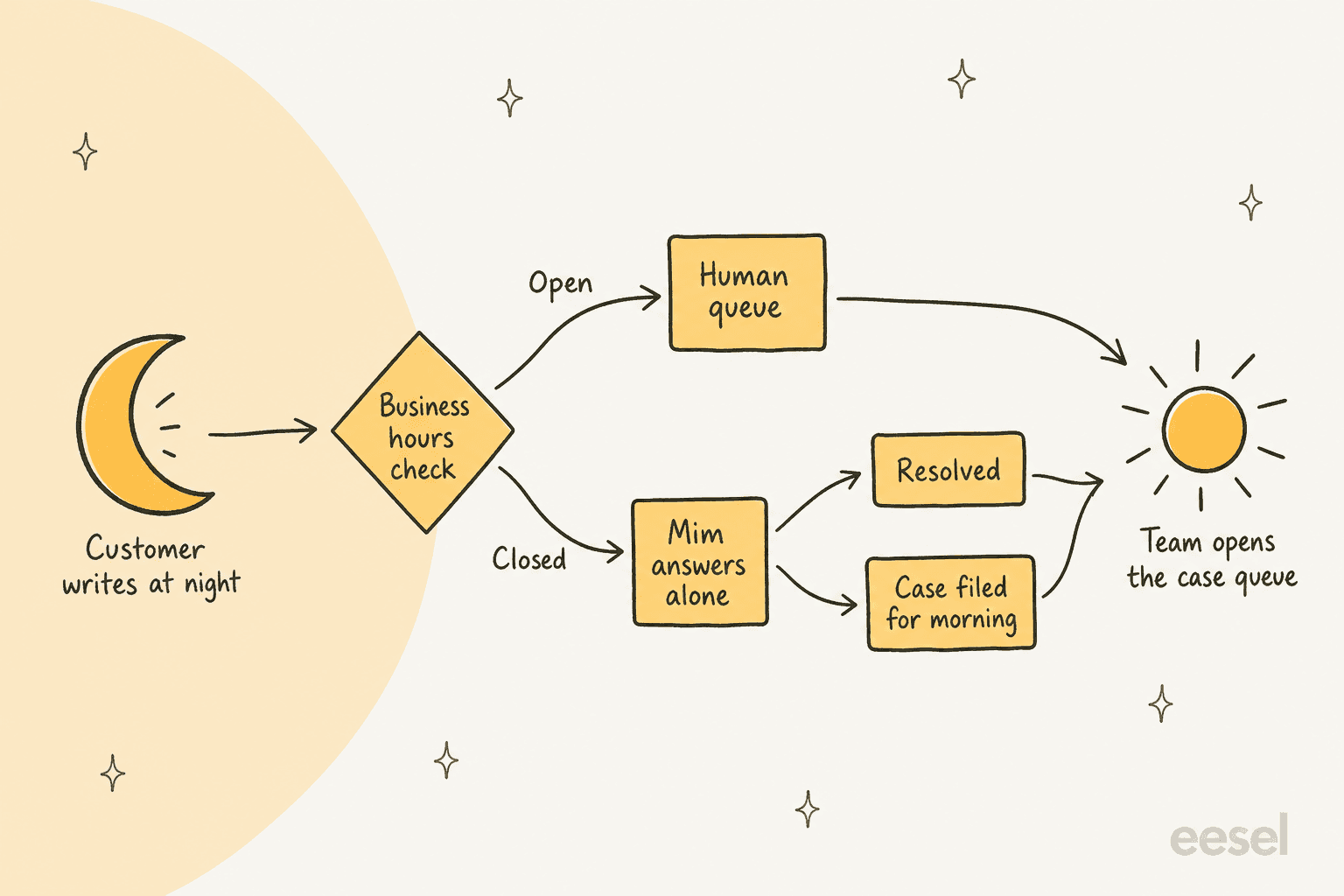
I would pick the second option for a small team, since you maintain one agent instead of two. Dixa's handoffs article adds three rules that save you at night:
- A handoff to a flow only works if the path after the AI node leads to a queue. Otherwise the conversation can end without reaching anyone.
- Do not ask Mim to reply and hand off in the same turn; put the customer message in the handoff's custom message instead.
- The contact form handoff works on Messenger, WhatsApp, SMS, Facebook and Instagram, but not email or voice, and it is not counted as a handoff in the agent's analytics.
My Dixa AI escalation to human post covers the full setup, and AI agent handoff best practices covers wording. The general pattern is human in the loop.
What happens to the case in the morning?
It lands wherever your flow sends it, so decide that before you go live. A contact form conversation triggers the same email flow as a normal inbound email, and Dixa warns about the loop this creates: if Mim also runs on email, make sure it does not try to handle a form submitted after it already failed in Messenger.
For the queue itself, Dixa's queue timeout feature is the safety net. It triggers a new action after a wait you set, for example a contact form instead of live Messenger chat, or an email auto-reply when peak waits run long. Two limits: timeouts do not apply to transferred conversations, and an email conversation must reach a queue before the timeout closes it.
A rule I use: give the morning shift one queue for after-hours cases, sorted by when they arrived. My conversation routing, prioritization and summaries posts show what Dixa adds to that queue, and shared support queue management covers the habits.
How do phone calls work after hours?
Phone is the channel where AI helps least, so lean on the schedule. The outside-hours audio message is mandatory, and Dixa's help center recommends callback and voicemail options after the AI node for out-of-hours calls. Voicemail is on every plan; Customer Callback and IVR are listed from Professional.
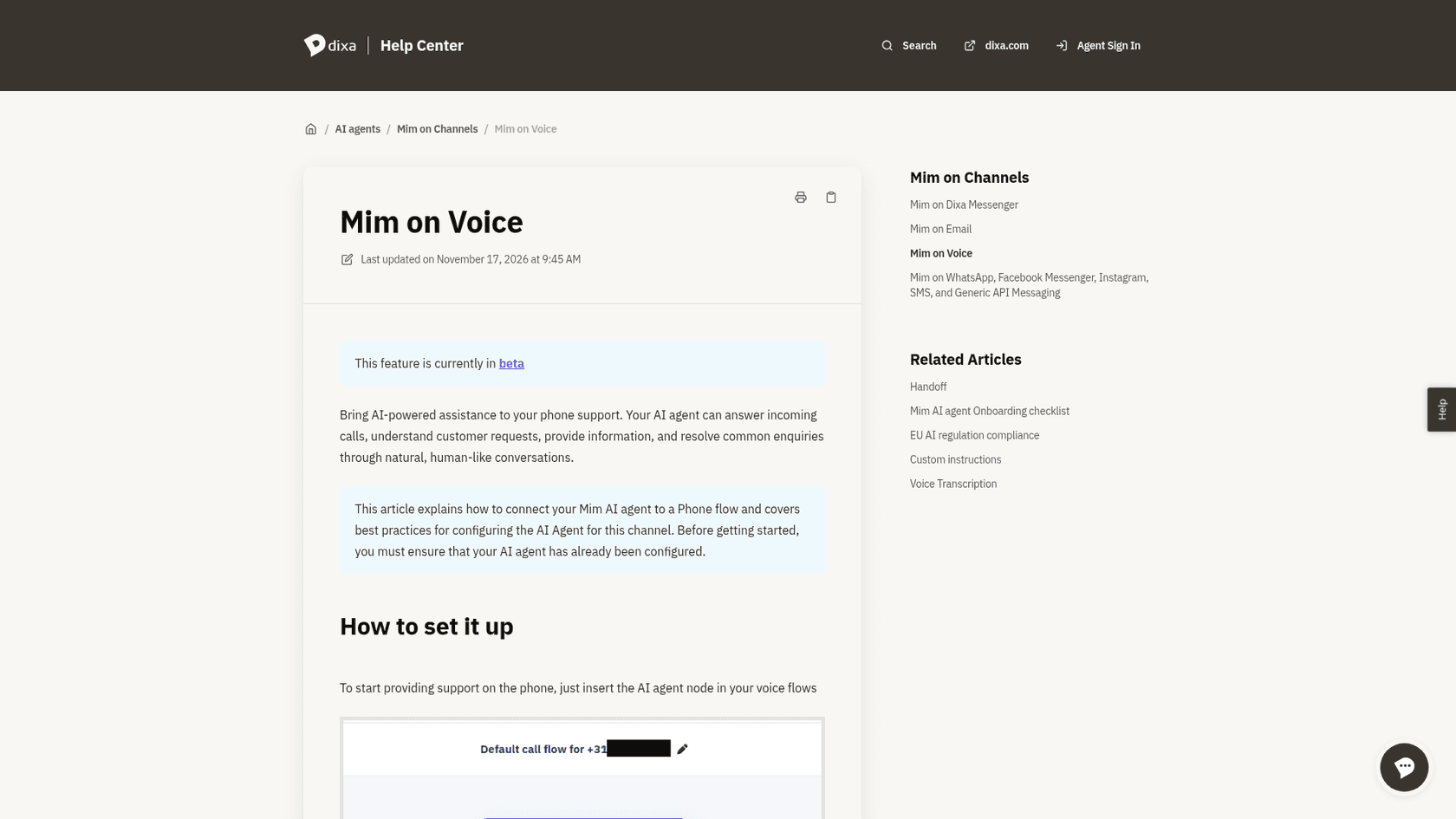
If you use Mim on voice, three limits from Dixa's article: it is in beta, a call can last up to 7 minutes before the agent ends it unless it transfers to a queue, and the default proactive handoff instruction is written for chat and can fire after almost every answer on a call. Dixa also notes the AI works 24/7 while your team may not, so you always need an escalation path that is not a live transfer. My AI phone support for ecommerce and AI voice agents posts compare the wider options.
What does after-hours coverage cost on Dixa?
The AI part is a flat EUR 0.40 per AI conversation, plus the seats you already pay for. Dixa's pricing page says it bills that rate whether Mim resolves the conversation or hands it to your team, and it shows a median Mim resolution rate of 62%, which works out to an effective EUR 0.65 per resolution at that rate.
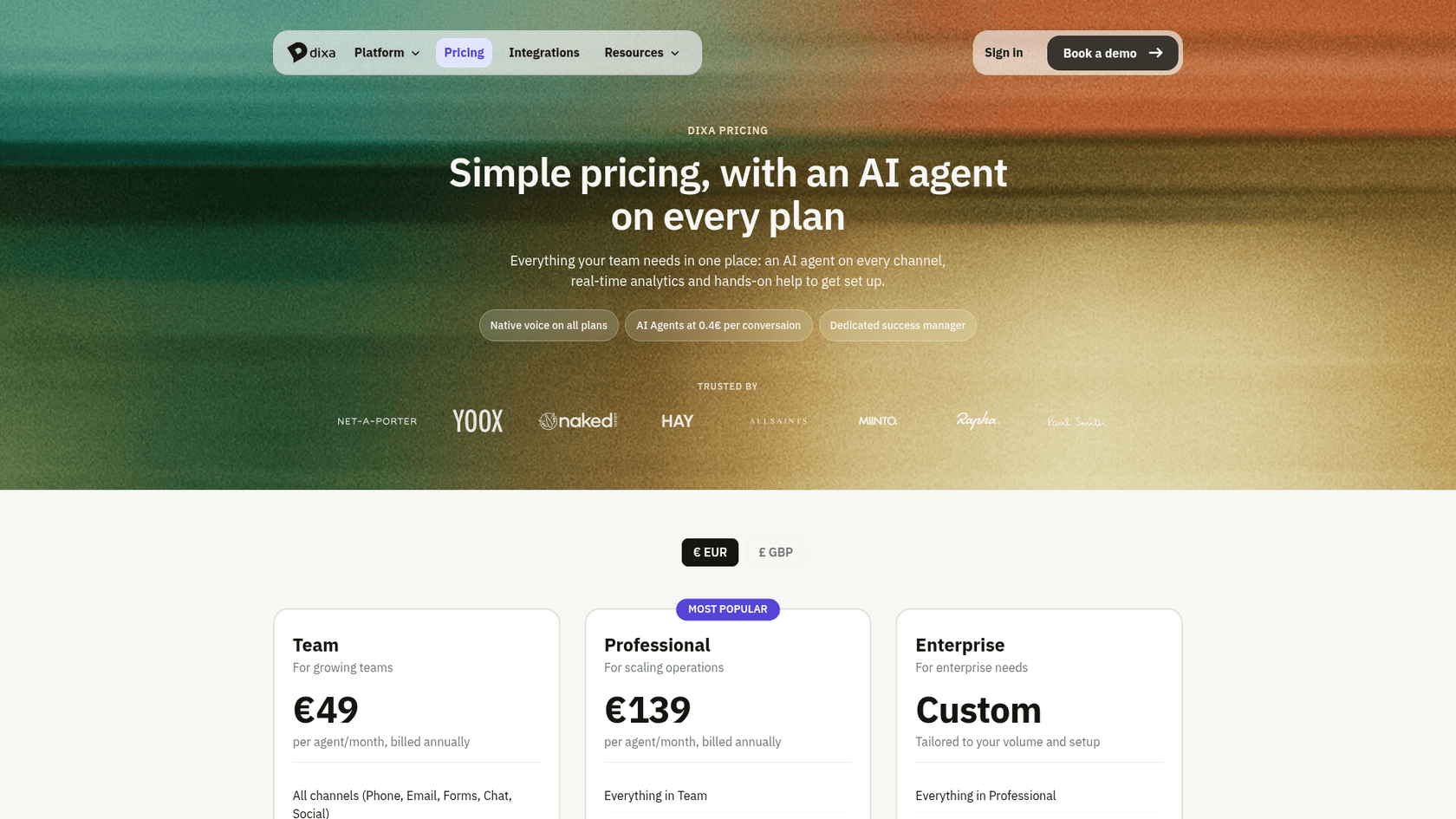
| Item | Price on Dixa's pricing page | What it does at night |
|---|---|---|
| Team seat | EUR 49 per agent a month, billed annually | Business Hours, voicemail, Mim on chat, email, social and SMS |
| Professional seat | EUR 139 per agent a month, billed annually | Adds IVR, Customer Callback, SLA alerts, standard intent detection |
| Enterprise | Custom | Adds SSO and advanced intent detection |
| Mim AI agent | EUR 0.40 per AI conversation | Answers on any channel it is attached to |
| Copilot | EUR 39 per agent a month | Drafts and summaries for the morning shift |
| Advanced Insights | EUR 29 per agent a month, included in Enterprise | Contact reasons and sentiment across AI and human conversations |
| Voice Transcription | EUR 0.012 per minute | Searchable text for night calls |
A worked example, which is my assumption and not a Dixa number: 400 night conversations a month on Messenger and email is 400 x EUR 0.40 = EUR 160 for the AI layer. That is before you count a seat, so a closed-hours Mim is cheap next to a night-shift hire; my AI for support staffing post has the maths for that comparison. The Dixa pricing post lists every seat and add-on, and Dixa alternatives compares other stacks.
Where does eesel fit if you run Dixa?
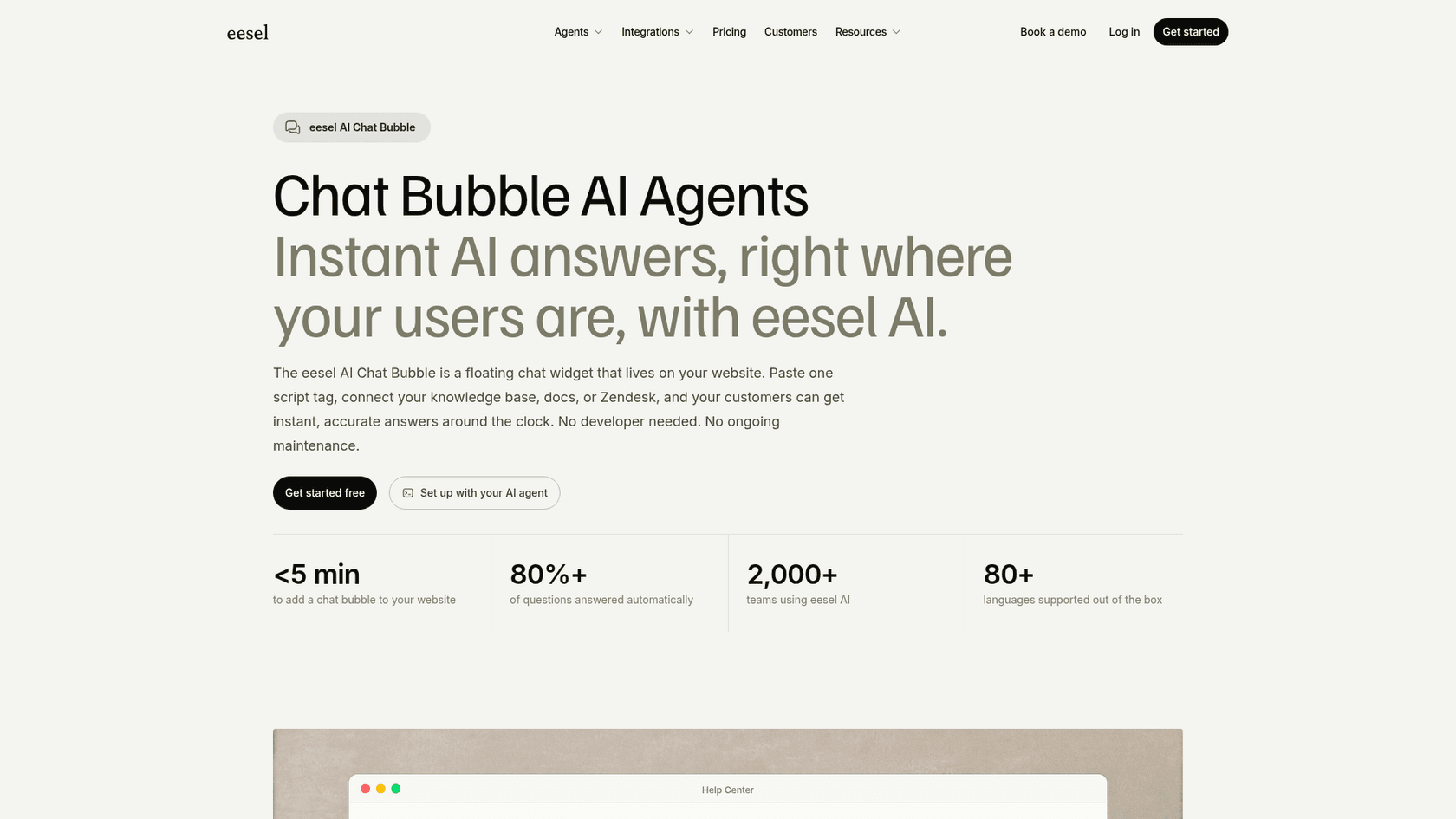
As a website chat agent, not a Dixa connector. I checked eesel's integrations directory and docs: there is no Dixa integration, so eesel cannot sit inside your Dixa queue or write a note on a Dixa conversation. What it can do is run the Chat Bubble, a floating widget you add with one script tag, answering from your help center and website pages around the clock. Its page says escalation can go by email, and I would point that email at your Dixa support address, where it should arrive as a normal email conversation. I have not tested that pairing, so try it with a sample message before you rely on it.
eesel has spent years putting AI agents on live support queues, and the lesson that repeats is that the night shift fails at the handoff, not the answer, which is why I simulate every rollout against past tickets first. None of eesel's published customer stories runs on Dixa, so here are two on a different helpdesk that show the pattern. Question Beauty gets short messages at all hours in many languages and has a team around the clock; eesel handled about 990 Gorgias tickets in a month, sent about 960 replies and closed about 280 without a person. ClutchLoop saw about 230 Gorgias tickets and 27 website chats in a month, with work spread through day and night, and eesel sent about 180 replies directly.
Pricing is one monthly fee for a batch of credits, from $299 a month for 500, on the eesel pricing page; a ticket or chat is one credit. For the closed-hours language side, see AI multilingual support for ecommerce, and for testing before launch, AI support simulation testing.
How do I set up Dixa night coverage this week?
Five steps, about half a day for one channel:
- Write the schedule. Add real hours, a holiday calendar and a custom message for any closure. Use one schedule per number or widget.
- Cover Messenger first. Add a Message node after the hours check, then Mim. It is the one channel where Dixa sends no auto-reply.
- Fix the handoff. Use the two-variant route or the escalation procedure, and confirm the path after the AI node ends in a queue.
- Filter email noise. Put Intent Detection before Mim so out-of-office replies and spam do not burn
EUR 0.40each. - Test at the hour that matters. Send a real message at 2 AM and one on a holiday, ask for a person each time, and check the customer sees something honest. My Dixa AI sentiment analysis and quality assurance posts help you review those nights.
If your team spans timezones instead, follow-the-sun support may fit better than any AI at all. For the general pattern across helpdesks, read AI after-hours support and track first response time and escalation rate once it is live.
Try eesel for your Dixa night shift
If most of your overnight messages are questions your help center already answers, try eesel as the website chat agent in front of Dixa: it answers around the clock from your published articles, hands the rest to your team by email, and you judge a real night of conversations before paying beyond the trial. It is not a Dixa connector, so keep Mim for the channels inside Dixa and use eesel for the website widget, and start with a demo if you want help choosing the split.