Why after-hours support quietly costs more than you think
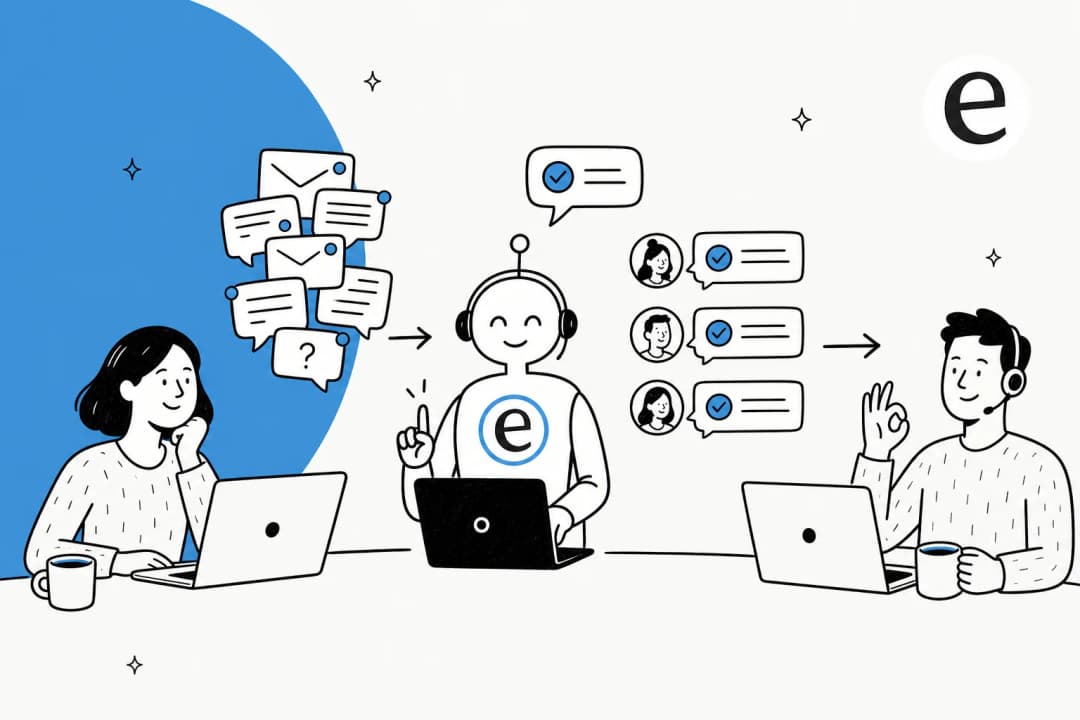
I work the support queue, so I'll be honest about what after-hours coverage actually feels like from the inside. It's not the dramatic outage at midnight. It's the slow tax: you log in Monday and there are 60 tickets that all arrived while everyone was asleep, half of them are "where's my order" or "how do I reset my password," and now your whole morning is spent digging out instead of helping the people who wrote in five minutes ago.
Customers don't see your office hours. They see a contact form, and they expect an answer. For an e-commerce store, a question that goes unanswered at 11pm on a Saturday isn't a deferred ticket, it's often a lost sale, because the customer just buys from whoever replies first. The cost isn't the ticket. It's the gap between when the question arrives and when anyone's around to answer it.
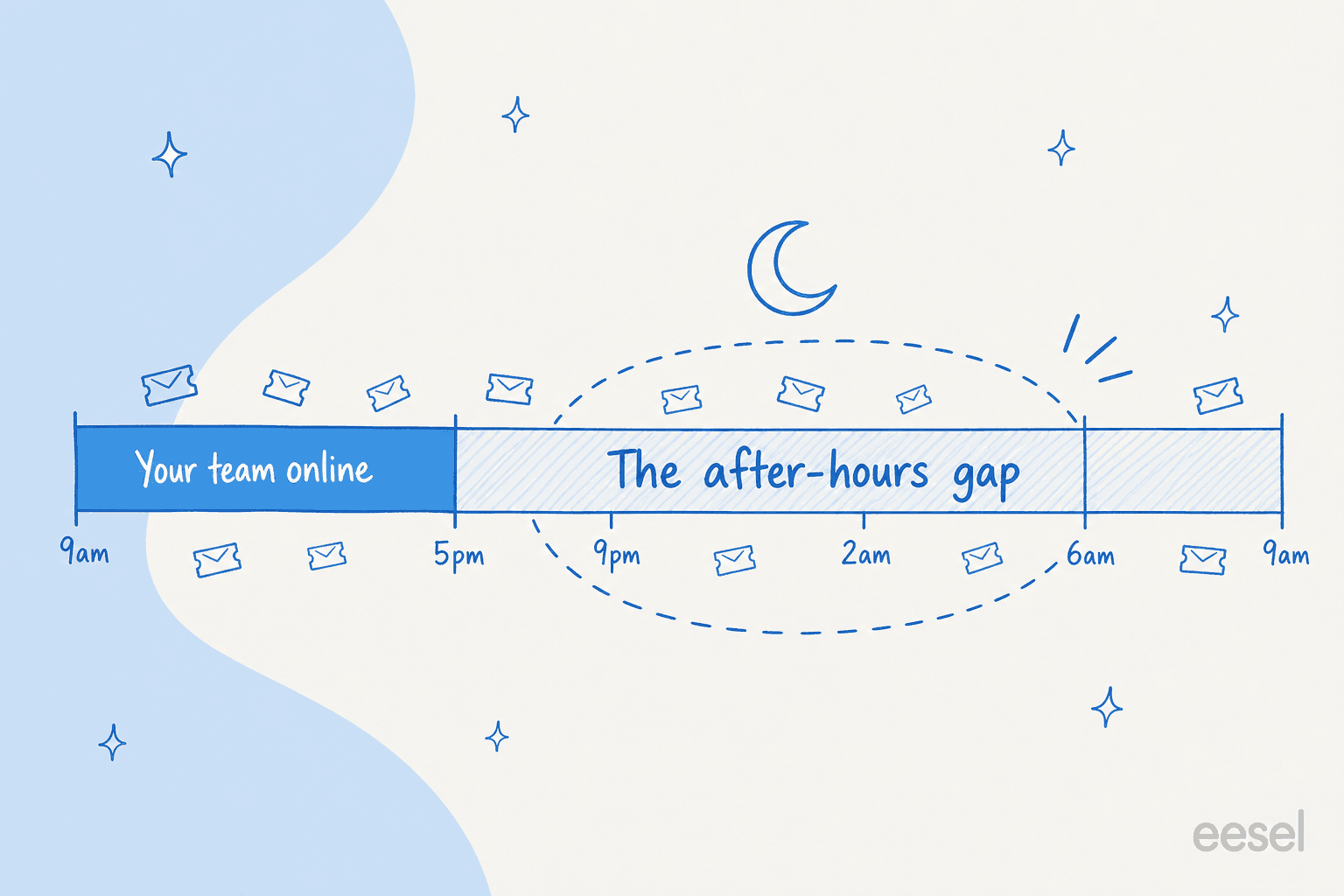
The old fix was to hire a night shift, outsource to a BPO, or rotate someone onto an unpopular on-call. All three are expensive, and all three put a tired human on the easiest tickets in the queue, the exact ones that don't need a human at all. The math gets worse when you actually compare the cost of a human agent covering those hours to what the same coverage costs with AI. That's the real reason after-hours has become the first place teams reach for support automation.
What "AI after-hours support" actually means
Here's the reframe most articles skip: AI after-hours support is a spectrum, not a switch. When someone says "we put AI on nights," they could mean three very different things, and picking the right one for your team is most of the decision.
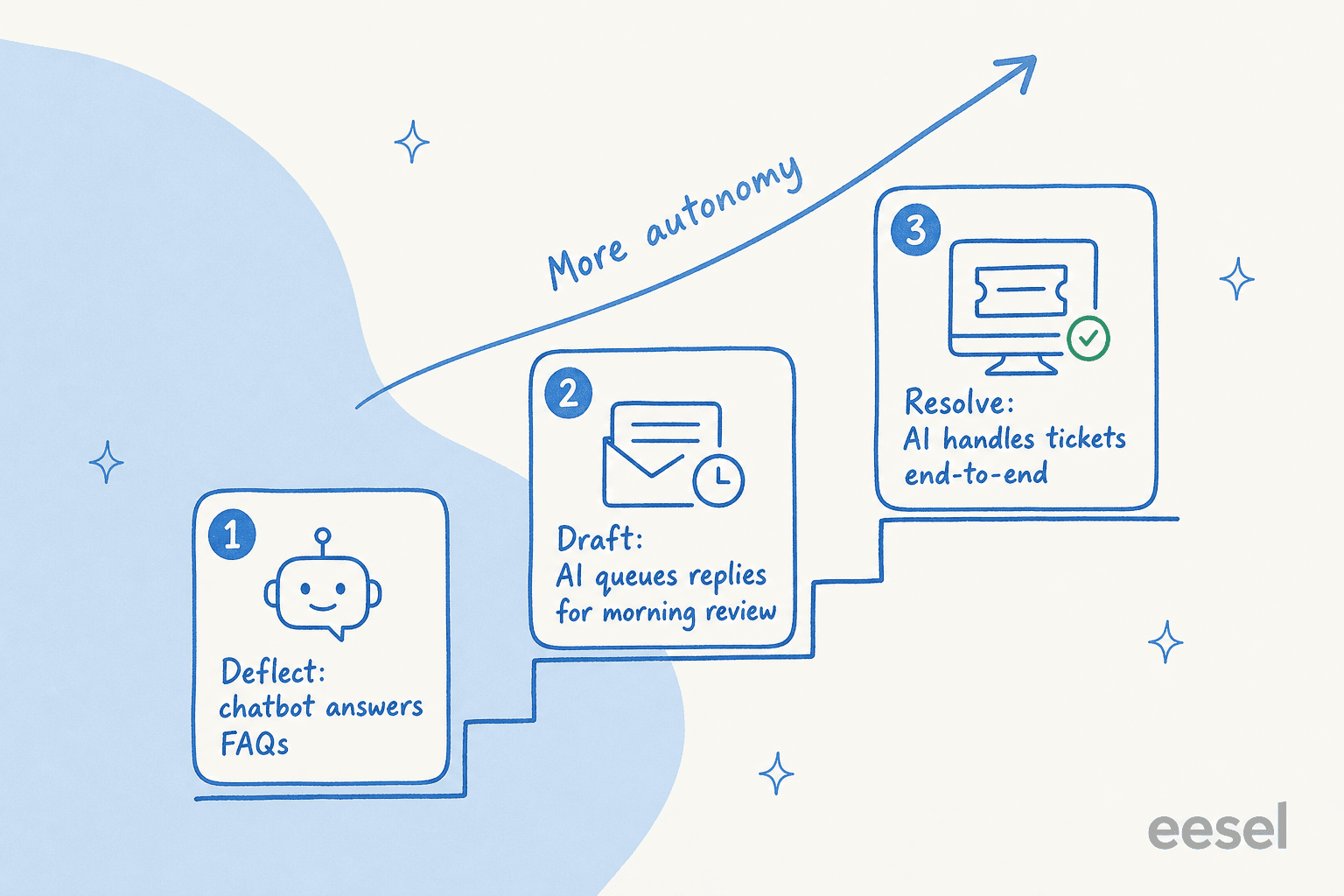
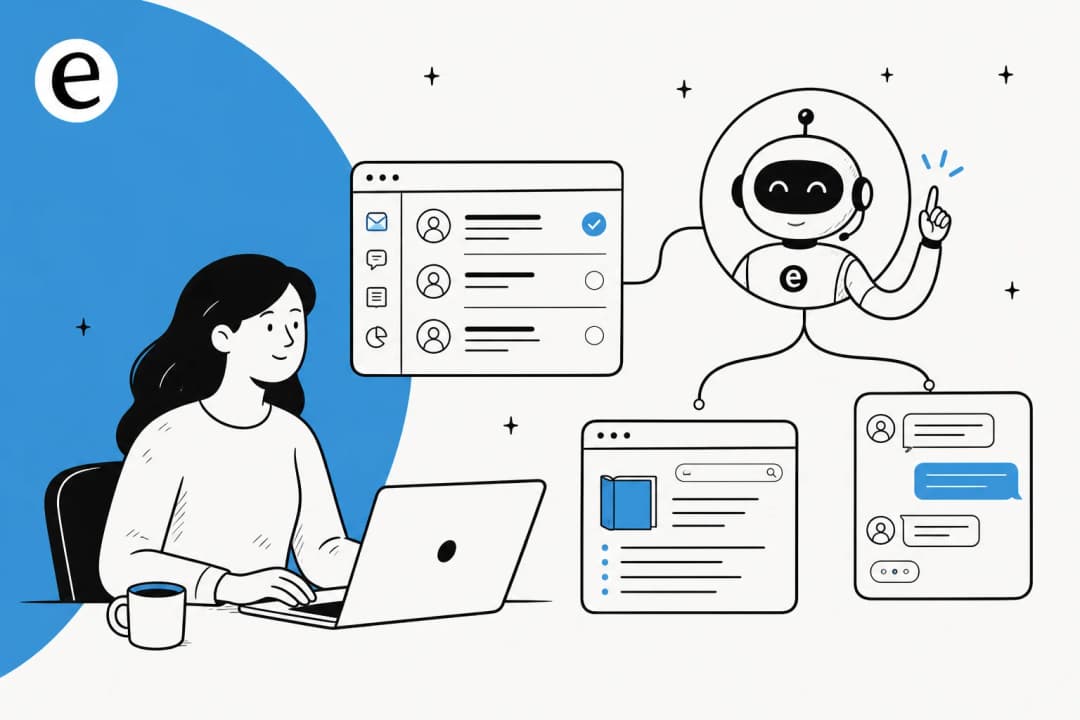
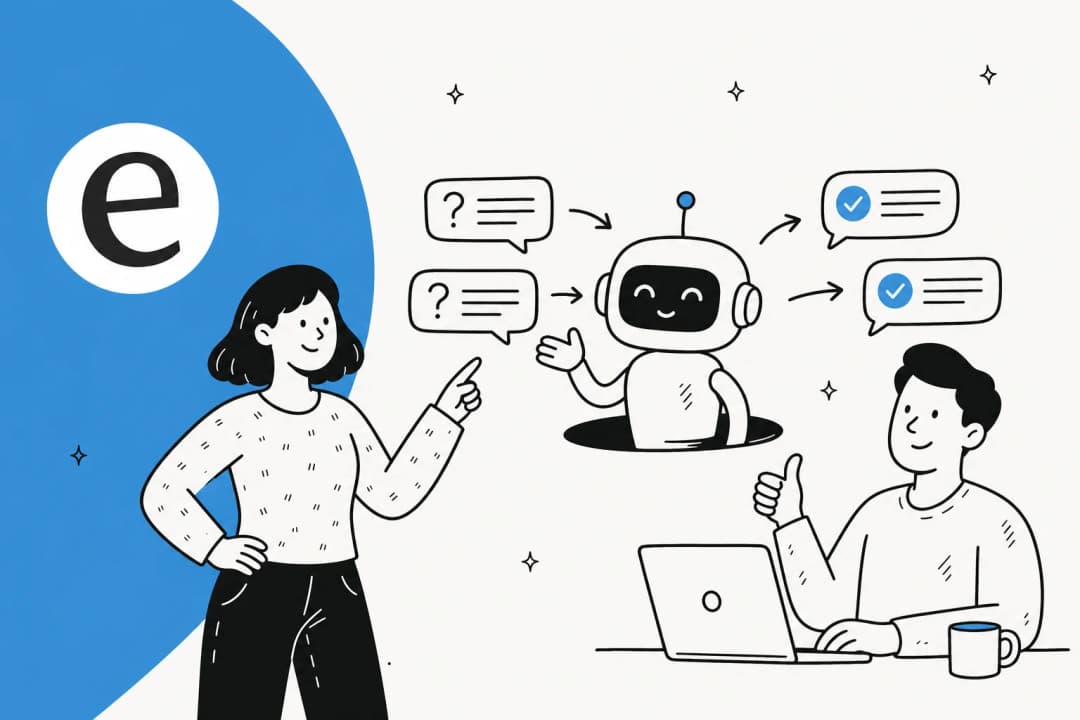
- Deflect. A chatbot on your site or in your help center answers common questions from your docs, so the customer self-serves and never files a ticket. Lowest risk, and it's where most teams start. This is the heart of ticket deflection.
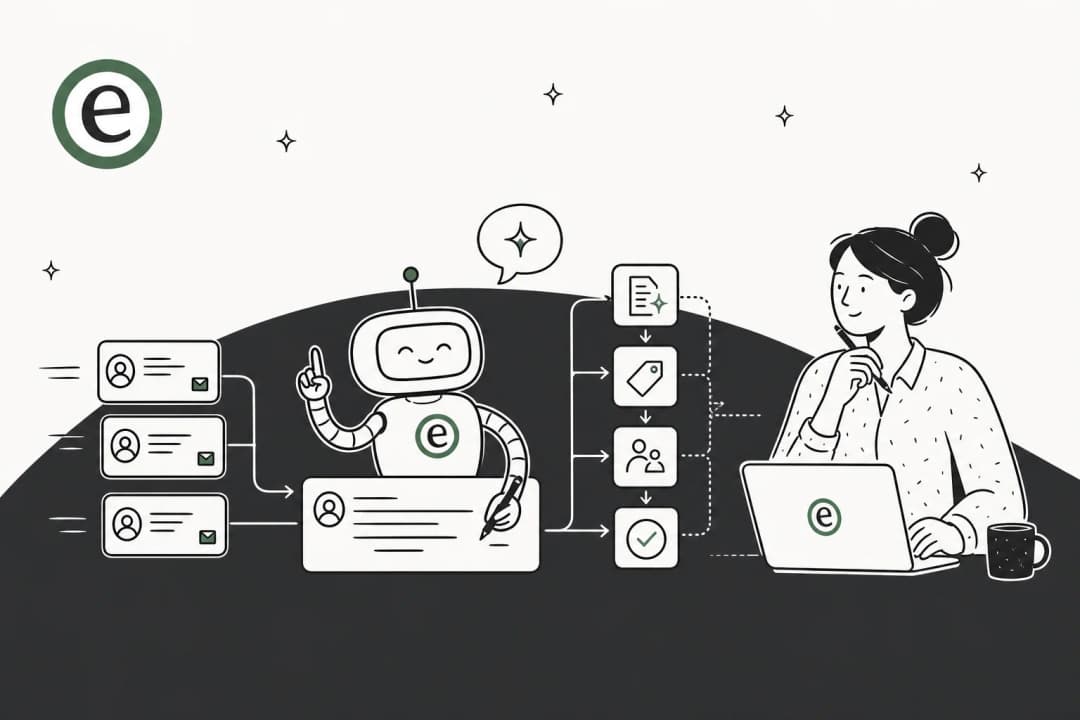
- Draft. The AI reads each overnight ticket and writes a suggested reply, then leaves it as a draft or internal note for a human to approve in the morning. Nothing goes out unsupervised, but your team starts the day with the thinking already done. This is the "copilot" mode.
- Resolve. The AI fully answers and closes the tickets it's confident about, on its own, overnight. Highest leverage, and the one that needs the most care.
In practice, the pattern I see work is to start with deflect or draft, watch it for a few weeks, then hand over more of the easy, repetitive tickets to full resolution once you trust it. Going straight to "resolve everything on night one" is how teams get burned. The whole point is to let the AI handle the volume that doesn't need you, the WISMO, the password resets, the "what's your return policy," so your humans wake up to a queue of things that actually need a human.
The thing everyone gets wrong: a confident wrong answer at 2am
This is the part I care about most, because it's where after-hours support is genuinely different from daytime support.
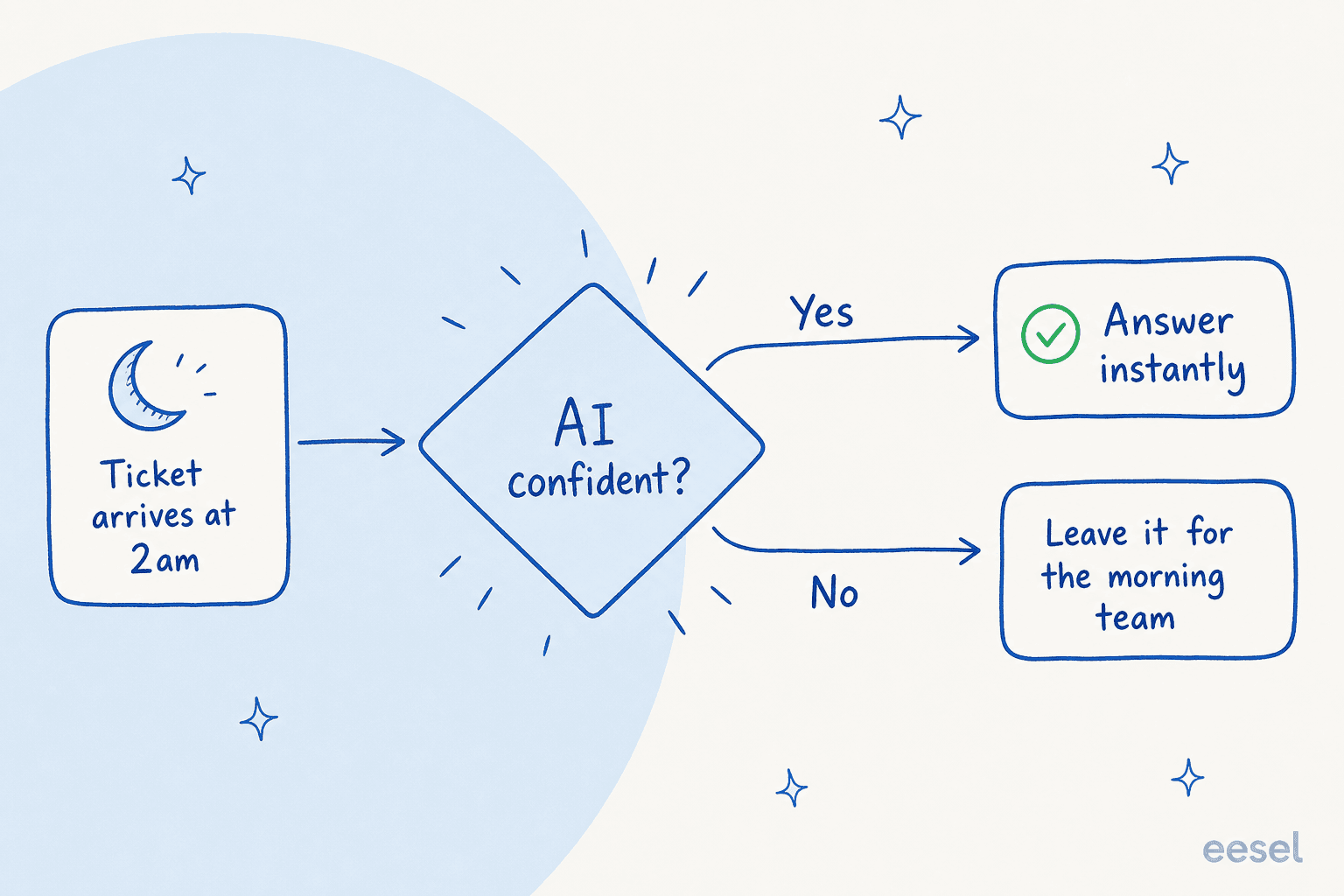
During the day, if the AI drafts something slightly off, an agent catches it before it sends. At 2am, there's no agent. So the failure mode isn't "the AI says I don't know", that's fine, that's honest. The failure mode is the AI confidently giving a wrong answer to a real customer with nobody there to catch it. A made-up refund policy, a wrong shipping date, a fabricated "yes we support that," sent at 3am and discovered at 9am after the customer has already acted on it.
One CX lead I came across, running about 7,000 tickets a month on a DTC supplements store, put the problem better than I could. The AI will never answer 100% of questions, he said, but if it just replies "sorry, I don't know this," he can't go and check all 7,000 tickets to see whether it actually made a good answer. What he needed was "an AI who is only handling the tickets that it's confident to handle," and leaves all the others alone.
That's the whole game for after-hours. The answer is confidence-based routing: the AI replies only when it has a solid answer grounded in your own knowledge, and silently routes everything else to a human to pick up in the morning. No guessing, no filler.
This is exactly the bar we hold our own product to. We've spent the last three-plus years putting AI agents on live support queues, and we've watched a confident-sounding bot quietly hand a wrong answer to a customer, which is why we now insist every rollout gets simulated against historical tickets first. You run the agent against thousands of your own past tickets, see exactly what it would have said and where it would have stayed silent, fill the gaps, and only then go live. For overnight coverage that step isn't a nice-to-have, it's the difference between sleeping soundly and waking up to a mess.
If you want to go deeper on the controls, our breakdown of the confidence threshold and how escalation rules work covers the knobs that matter.
How it works inside the helpdesk you already use
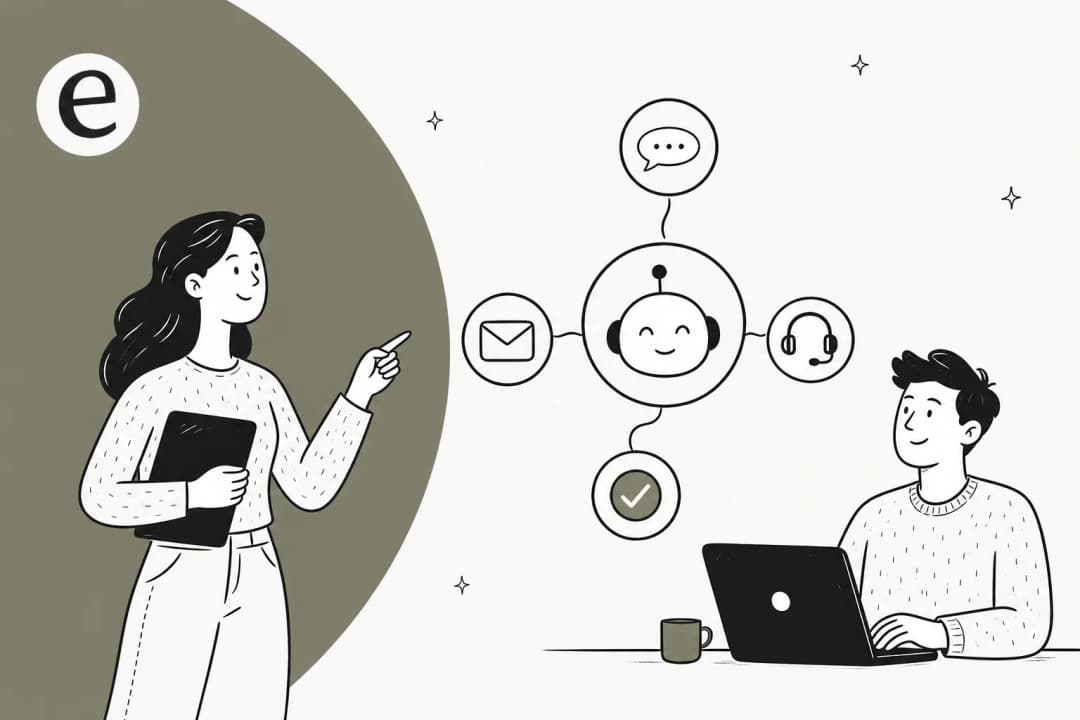
The good news: you don't need a new platform for nights. A decent AI support agent sits inside the helpdesk you already run, Zendesk, Freshdesk, Gorgias, Front, Help Scout, so the overnight tickets land in the same place, tagged and triaged, and your team picks up in the morning exactly where the AI left off.
The part that makes after-hours coverage actually work is what the AI learns from. The weak version reads only your help-center articles and falls flat the moment a question goes off-script. The version that holds up overnight learns from your past resolved tickets, your macros, and your internal docs, so it answers the way your team actually answers, not the way a generic FAQ bot does. Training on your own history is consistently the single most-requested thing I hear teams ask for, and it's why a well-trained knowledge base matters more than the model.
Two things matter more after hours than during the day. First, language: at 3am the awake customer is often in another timezone and another language, so an agent that answers in 80+ languages automatically is doing real work while your local team sleeps. Second, clean handover: when the AI can't help, it should hand off neatly, leaving the conversation and its context ready for a human, not dump the customer into a dead end. That deflect-then-handover flow is what separates a helpful overnight AI chatbot from an annoying one.
Setting up overnight coverage without babysitting it
The fear I hear most is "I don't have time to babysit a bot all night." Fair. The point of after-hours AI is that it runs without you, so the setup is about getting the guardrails right once, not monitoring it live. Here's the order I'd do it in:
- Connect your helpdesk and knowledge. Point the agent at your past tickets, help center, and internal docs. This is the knowledge base it answers from, the more real history, the better it does overnight.
- Pick your level. Start with deflect or draft, not full resolution. Decide which ticket types the AI is allowed to touch and which it should always leave for a human (refunds over a certain amount, anything legal or account-security, for example).
- Simulate before you go live. Run it against thousands of your historical tickets and read what it would have said. This is the step that turns "I hope it's fine" into "I've seen exactly how it behaves."
- Set it loose on nights and weekends. Turn on full automation only for the safe, repetitive ticket types you watched it nail in simulation. Everything else stays draft-only or routes to the morning queue.
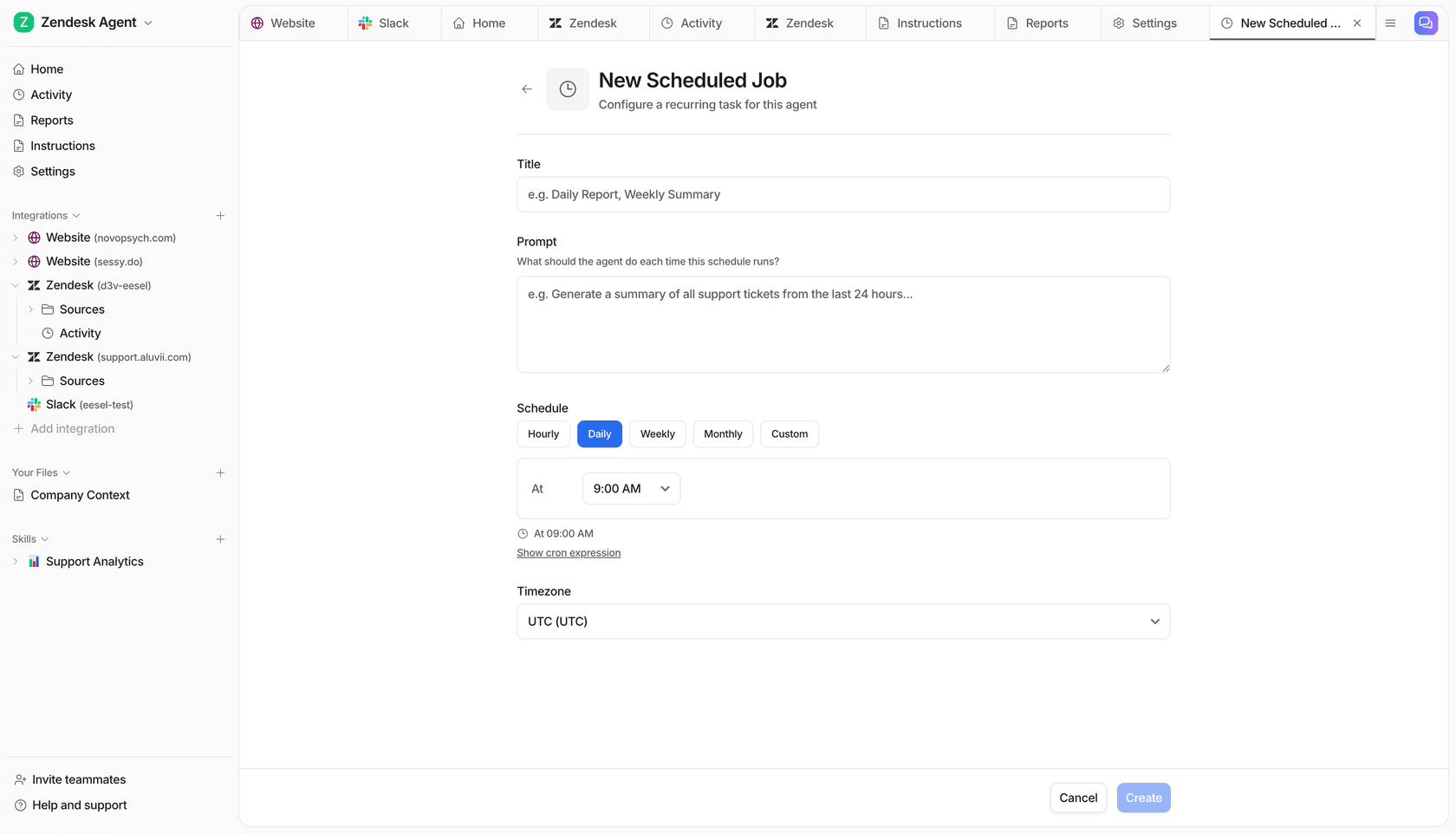
There's also a quieter use of after-hours AI that I love: scheduled overnight work. You can have the agent run a recurring job, say, summarize every ticket that came in over the last 24 hours, or draft replies to the overnight backlog, so the team logs in to a tidy brief instead of a wall.
The thing to avoid is a setup that needs constant correction to behave, hand-training it through round after round of fixes on day one. If a tool needs that much babysitting just to get going, it's the wrong tool for unsupervised hours. The good ones learn from your existing material and your feedback as you approve or reject drafts, instead of demanding a from-scratch training marathon.
Does it actually work? The numbers I'd look at
Healthy skepticism is the right starting point here, so let me ground this in real results rather than promises.
In its first month on Zendesk, Gridwise saw eesel resolve a real chunk of its frontline volume:
In the first month, eesel is resolving 73% of our tier 1 requests. Our team implemented and achieved results quickly during our 7-day trial.
Kim Simpson, Gridwise, via eesel's helpdesk results
A 73% tier-1 resolution rate is exactly the kind of repetitive volume that dominates the overnight queue. In one real-traffic trial we ran for a German e-commerce brand, the agent hit 93% triage accuracy and caught 100% of spam with zero false positives, the unglamorous sorting work that otherwise eats your team's first hour of the day. The bigger deployments tell the same story at scale: one customer runs a fully automated agent processing over 100,000 tickets a month in German.

The number that matters for you specifically, though, is the one you measure on your own queue. Before and after you turn on after-hours AI, track first-response time on overnight tickets, the share the AI resolved versus escalated, and the approval rate on its drafts. Our framework for measuring AI support ROI walks through it, and it's worth separating AI deflection from human deflection so you're not flattering the numbers. If the overnight resolution rate is climbing and the approval rate on drafts is high, it's working. If not, your knowledge base usually needs the attention, not the model.
One more cost note, because it bites: watch the billing unit. Some tools charge per resolution, which quietly penalizes you for a busy night or a seasonal spike, your Black Friday bill balloons exactly when you can least afford the surprise. A flat or usage-based per-ticket model keeps a quiet Tuesday night cheap and a busy one predictable.
Try eesel for after-hours support
If you're sold on the idea and want a tool that does it the safe way, here's where I'd point you. eesel is an AI support agent that plugs into your existing helpdesk in minutes, learns from your past tickets and docs on day one, and only answers the questions it's confident about, leaving the rest for your morning team. It works like a teammate who happens to never sleep.
The bit that makes it a fit for unsupervised hours specifically: you can simulate against past tickets before it ever talks to a customer, so you go live knowing exactly how it behaves at 2am. Start with draft-only mode, watch it for a couple of weeks, then let it fully resolve the repetitive overnight tickets you've seen it handle well.

It's free to try, no credit card, and you can have it answering after-hours tickets on a test queue the same afternoon you sign up. For a queue that never sleeps, that's about the lowest-risk way I know to finally cover it.
Frequently Asked Questions
What is AI after-hours support?
Is it safe to let AI answer customer questions overnight when no one is watching?
How much does AI after-hours support cost?
Can AI handle support in other languages overnight?
How do I measure whether after-hours AI support is working?


Article by
Riellvriany Indriawan
Riell is a designer and writer at eesel AI with about two years of experience researching CX platforms, AI chatbots, and helpdesk software. She combines her design background with a sharp eye for how these tools actually look and feel in practice — making her comparisons unusually visual and user-focused.