9 best Krea 3 alternatives for image editing in 2026

Kira

Katelin Teen
Last edited October 18, 2026

Why are people looking for Krea 3 alternatives?
I work on the AI blog writer at eesel, which draws a hero banner and several in-body diagrams for every post it writes. The banner and diagrams in this post came out of that pipeline. So image-model bills, rejected renders and edits that quietly change a logo are a normal part of my week, and I came to Krea 3 with that lens: does it make the edit I asked for, leave everything else alone, and cost what the sticker says?
On the first two, Krea 3 does well. Krea launched it into open beta on October 15, 2026 as an editing-first model, and its own measurements put most 2K edits at under 8 seconds. You can draw a box on part of an image and give that region its own prompt, and the rest of the frame stays put. My Krea 3 review scored it 3.7 out of 5 for editing, mostly on that speed and precision.
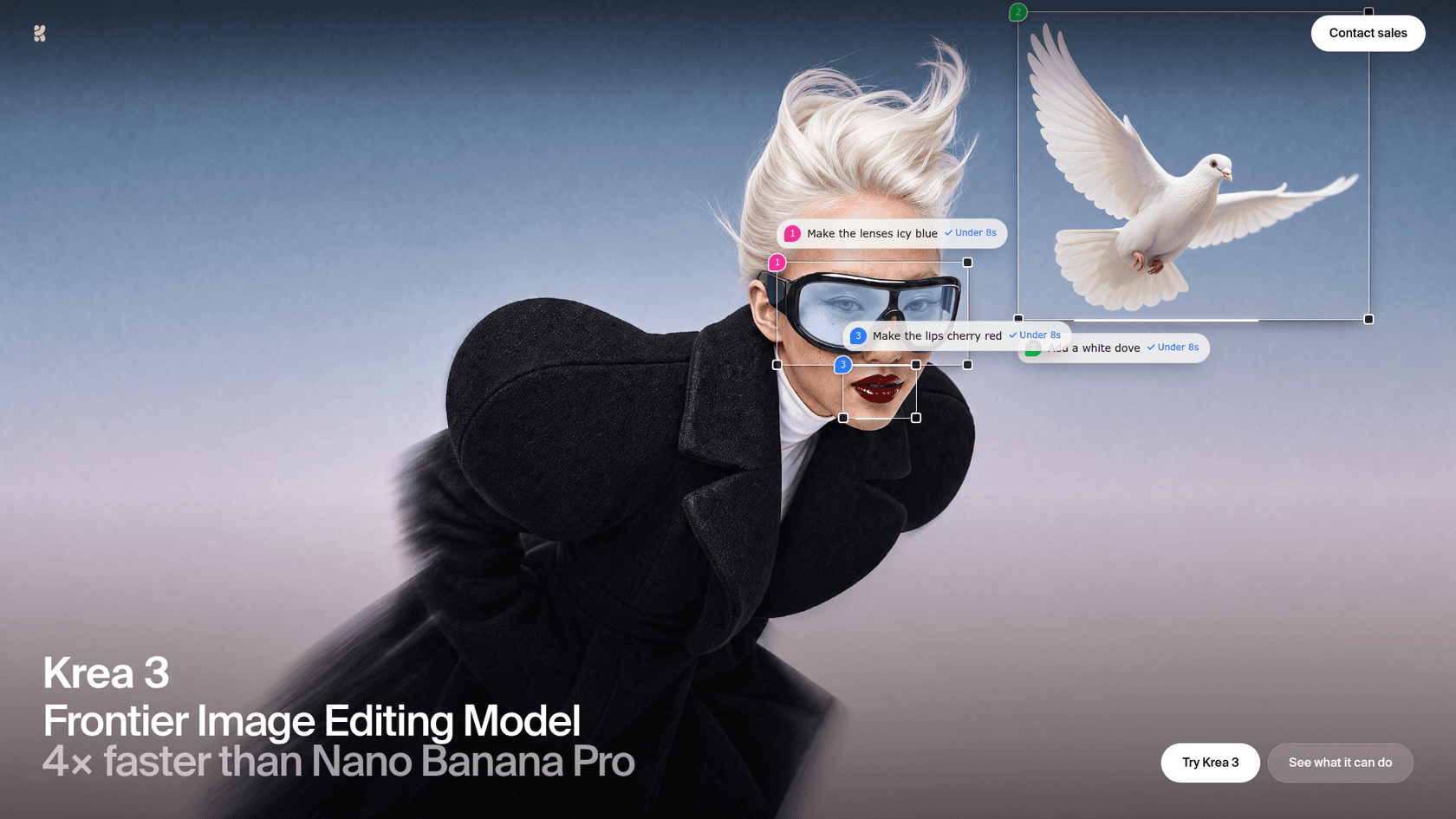
Early testers liked the same things:
"Excels at fast, reference-driven image edits. I gave it six inputs, tried different backgrounds, and it kept the subject consistent throughout"
The reasons people look elsewhere are just as concrete:
- The real price is higher than the headline. The Krea 3 API charges
$0.03per 1K image and$0.06per 2K image, plus$0.02for each reference up to about 1 MP and$0.07for each larger one, plus$0.02for high thinking. My Krea 3 pricing breakdown has the full math. - The API is gated. It is in early access for workspaces in the Krea 3 beta, through sales.
- No open weights yet. Self-hosting is listed for enterprise plans only. One Hacker News commenter put the contrast plainly: "flux is open weight and available" (serf, Hacker News).
- Text inside images is uneven. Krea flags text-to-image as experimental in the beta, and early users posted scrambled signage.
- App limits. The same tester who praised it noted "You can only generate up to 4 images at a time" in the app.
None of that makes Krea 3 a bad pick. It means the right alternative depends on which of those five things is actually blocking you.
How I picked these Krea 3 alternatives
I started with the tools a buyer actually gets pointed to. When I asked ChatGPT for Krea 3 alternatives for editing product photos, it searched for Photoshop, Firefly, Photoroom, FLUX Kontext and Midjourney and came back with a shortlist close to this one. I kept the tools that do image editing (not only generation), dropped anything without a public price, and added the two API models people compare Krea 3 to most: Nano Banana and GPT Image.
Then I checked every price on the vendor's own pricing page on October 18, 2026, and judged each tool on four things:
- Product fidelity. Does the logo, label and shape survive the edit?
- Control. Can you edit one region, or only re-roll the whole frame?
- Real cost per edit, references included, not the list price.
- Access. App, API, open weights, or all three.
The fastest way to judge the first two yourself is to run the same three photos through every tool you are considering. ChatGPT's own answer made the same suggestion, and it is the test I use for blog visuals too: a plain product, something reflective, and a busy lifestyle shot.
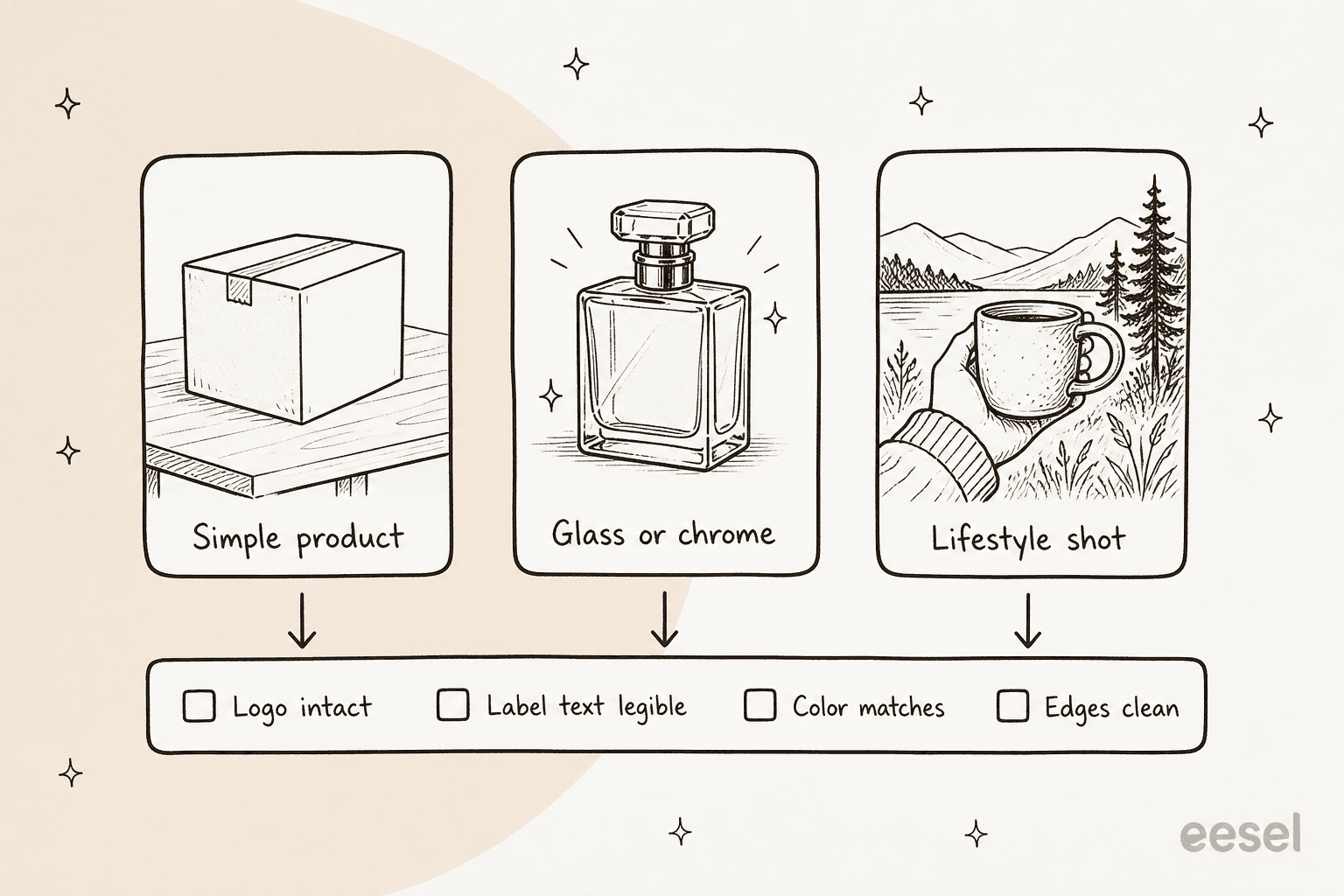
Glass and chrome are where most models fail first, because they redraw reflections and drift the product's shape. The checklist matters more than the vibe: a gorgeous image with a warped label is a returned order waiting to happen.
Krea 3 alternatives at a glance
Here is the summary table. "2K edit" means one 2K output with one reference photo at the vendor's API list price; for app-only tools it shows the entry plan.
| Tool | Best for | 2K edit (API list price) | App plans from | Free option | Open weights | Max references | Commercial and security notes | Mobile app |
|---|---|---|---|---|---|---|---|---|
| Krea 3 (baseline) | Fast regional edits | $0.08 to $0.15 | Pro $35/mo ($21 yearly) | 100 units/day | No (enterprise self-host) | 6 or 8 (docs conflict) | Commercial license on paid plans | Web |
| Photoroom | Bulk product photos | $0.10 (Image Editing API) | Pro $7.50/mo billed yearly | 1,000 watermarked API sandbox calls | No | Not stated | SOC 2 Type 2 API (Enterprise) | iOS, Android |
| Adobe Firefly + Photoshop | Pixel-level retouching | Not listed on plan pages | Firefly Standard $9.99/mo | Daily limits | No | Not stated | Firefly models "commercially safe"; indemnity enterprise-only | iOS, Android |
| FLUX 3 Image | Flat, predictable API cost | $0.10 (refs included) | Playground | Klein weights | Klein only | 10 | Withheld outputs not billed | Web |
| Nano Banana 2.1 | Cheapest frontier edits | $0.05 (Pro: $0.134) | Google AI Plus $4.99/mo | Gemini app | No | 14 | SynthID watermark; paid data not used for training | iOS, Android |
| GPT Image 2.5 | Text and layout in images | Token-billed, no per-image figure | ChatGPT (all tiers) | Yes, in ChatGPT | No | Not stated | Batch at half price | iOS, Android |
| Midjourney | Art direction and style | No public API | Basic $10/mo | No | No | 4 (Edit model) | Pro or Mega required above $1M revenue | Web |
| Leonardo AI | Many models, one subscription | Credit-based, price not listed | Essential $12/mo | 150 tokens/day | No | Not stated | Paid users keep full ownership | iOS, Android |
| Flair.ai | Branded product photoshoots | API early access (Scale) | Pro $8/mo | 5 images | No | Not stated | SAML SSO on Enterprise | Web |
| Qwen Image | Open weights, transparency | $0.033 (Qwen-Image-3.0 API) | Qwen Chat | 10 free API images | Yes, 2.1 (research license) | 10 | 2.1 weights non-commercial only | Web |
Two columns do most of the work for a product team: the 2K edit price, and whether the logo survives. The table can only answer the first.
What does one edit cost on each tool?
List price per image is not the number that shows up on the invoice. Krea 3, FLUX.2 and Photoroom all charge differently for references, and Google and OpenAI bill in tokens. So I worked out one comparable unit: a single 2K edit with one reference photo, at each vendor's published API rate.
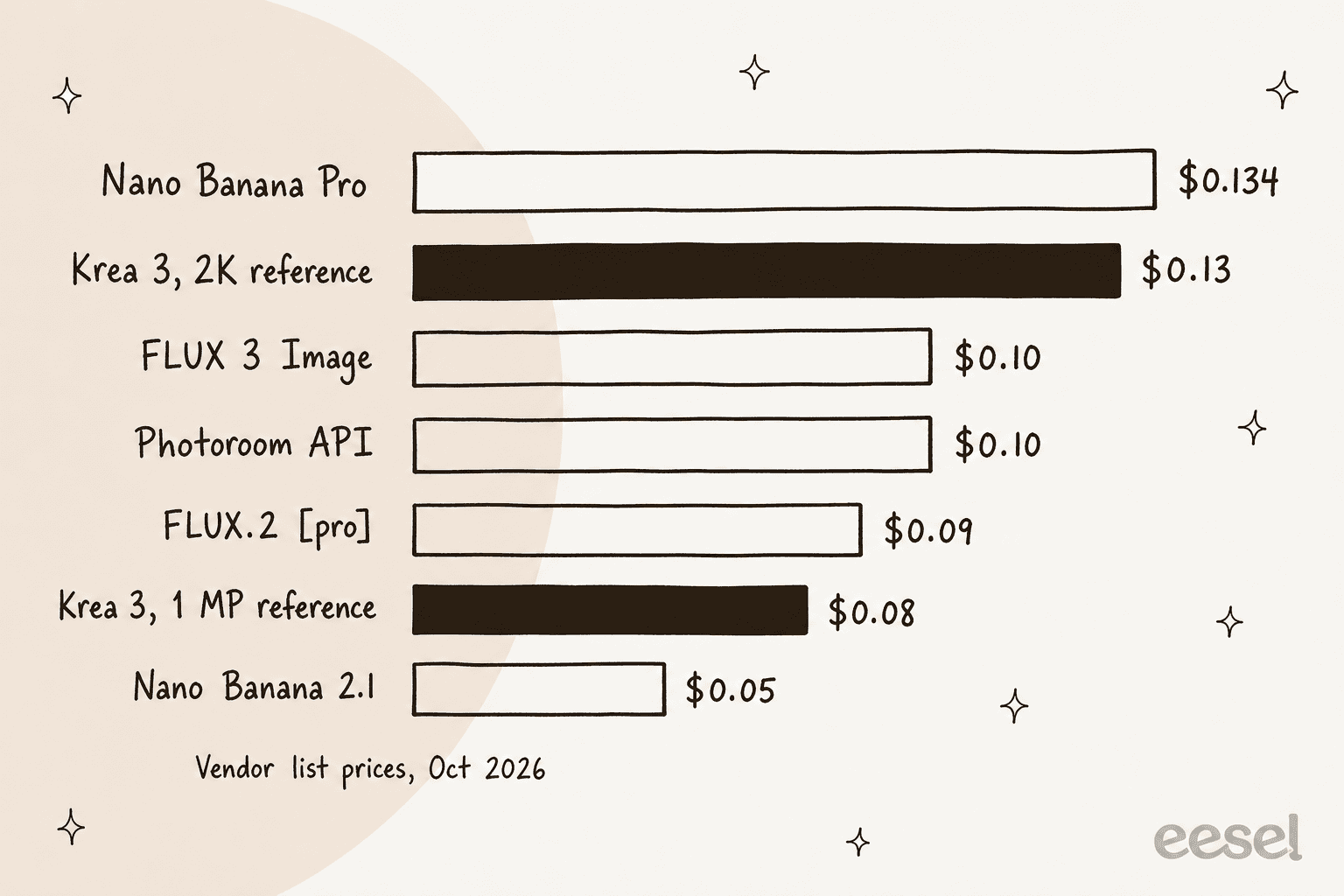
The surprise for me was how much the reference size moves Krea 3. With a full-size 2K reference it sits right next to Nano Banana Pro; shrink the reference to about 1 MP first and it drops to $0.08, cheaper than FLUX 3 Image. If you stay on Krea, resize references before you send them.
Plug in your own monthly volume below. It uses the same list prices, so treat it as a planning range, not a quote.
One caveat on OpenAI: a Hacker News commenter pointed out that comparisons often use GPT Image's top quality setting, which most work does not need. That is fair, and it is why I left GPT Image out of the calculator rather than guess.
1. Photoroom
Best for: ecommerce teams editing hundreds of product photos for listings.
Photoroom is the tool ChatGPT ranked first for product photos, and I agree with the ranking for that one job. It is built around the product shot rather than open-ended creativity: cut out the product, drop in a background, add a realistic shadow, export at catalog scale. The Photoroom API says it processes over 3 million images a day.
What it does well
- Core tools are unlimited on every paid plan: background remover, retouch, AI shadows, AI fill and expand, and image enhancer.
- Batch and Shopify sync. Shopify is included on Max and Ultra, and every plan allows up to 50 seats.
- A real API with 20+ editing tools, from ghost mannequin to relight, plus an MCP server you can call from tools like Claude.
- Background removal is a solved problem here. A 2024 community background-removal arena ranked it first, ahead of remove.bg.
Where it falls short
- Less room for art direction. Complex scene building and fine creative control are not what it is designed for, a trade-off ChatGPT's answer flagged too.
- Exports are capped, at 1,000 a month on Pro, and generative tools spend credits (Edit with AI tops out around 400 edits a month on Pro).
- The best security terms are Enterprise-only. The SOC 2 Type 2 API, SLA and SSO sit on the Enterprise line.
Pricing
| Plan | Price (billed yearly) | AI credits/month | Exports/month |
|---|---|---|---|
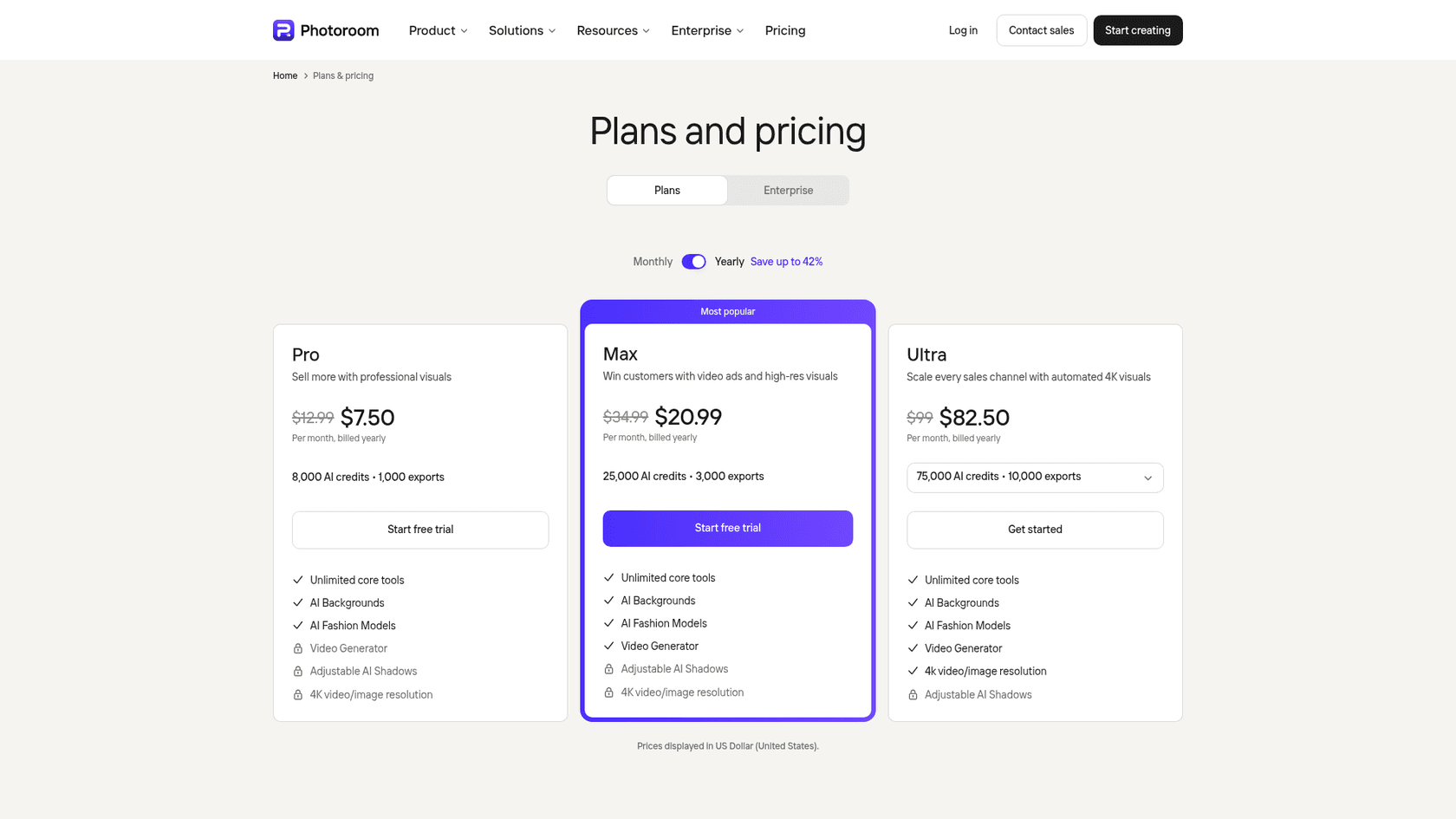
| Pro | $7.50/mo | 8,000 | 1,000 |
| Max | $20.99/mo | 25,000 | 3,000 |
| Ultra | $82.50/mo | 75,000 | 10,000 |
| API, Remove Background | $0.02 per image | ||
| API, Image Editing (Plus) | $0.10 per image | 1,000 watermarked sandbox calls free |
The pricing page shows higher crossed-out prices next to each plan and says yearly billing saves up to 42%. My Photoroom pricing guide covers the monthly side.
Verdict: pick Photoroom if most of your edits are "same product, new background" at volume. Skip it if you need a model to reimagine the whole scene. The deciding factor is export volume, not image quality. For more options in this lane, see my Photoroom alternatives list.
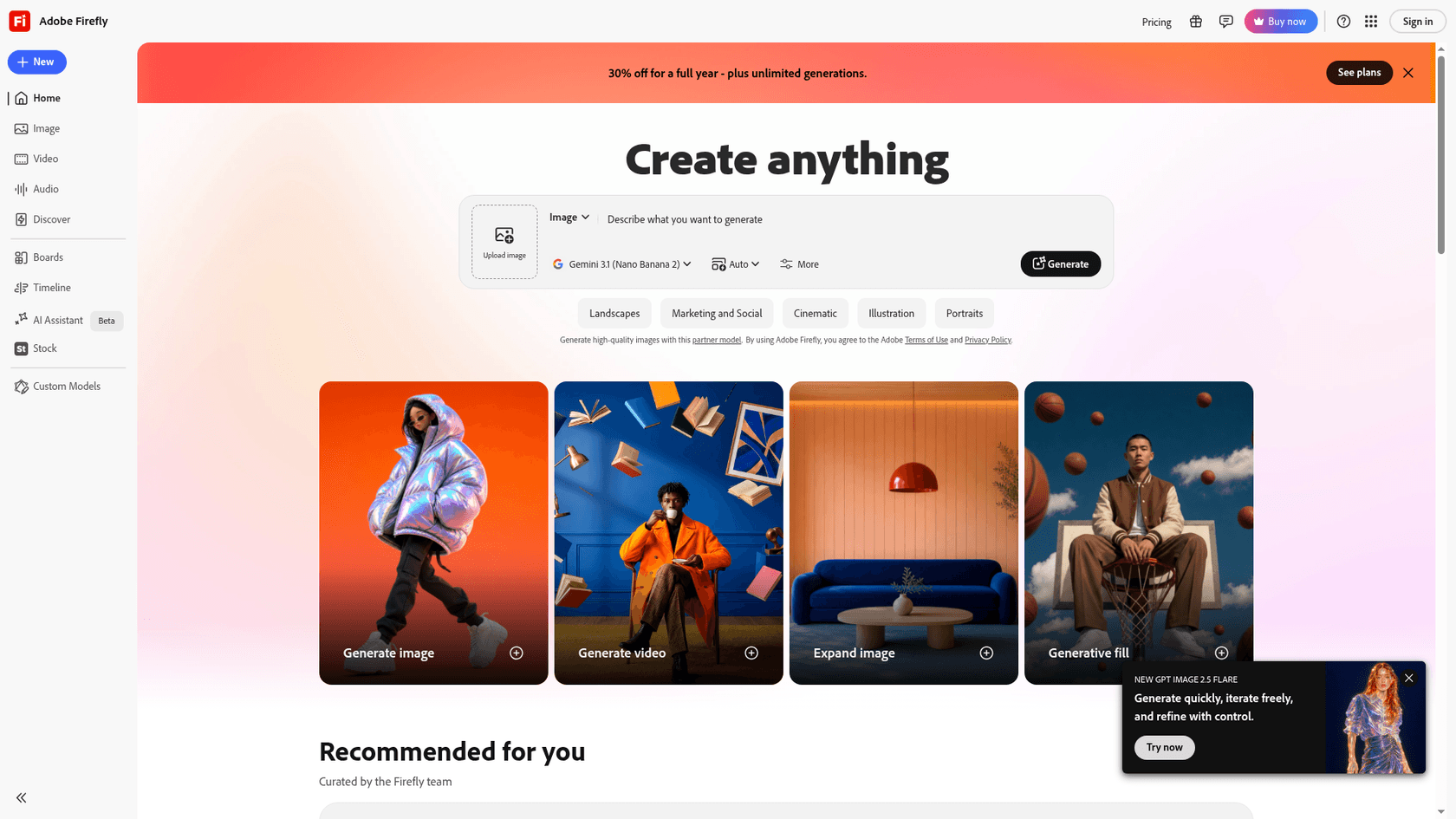
2. Adobe Firefly and Photoshop
Best for: designers who need to fix the last 5% by hand.
Every AI editor eventually produces an image that is 95% right. Photoshop is where you fix the other 5% without starting over: layers, masks, and Generative Fill on exactly the pixels you select. Firefly is Adobe's AI hub on top, and it now runs partner models too. Adobe's plan pages list Nano Banana, Nano Banana 2, Nano Banana Pro, FLUX.2 Pro and ChatGPT Image 2 alongside Adobe's own Firefly models.
What it does well
- The most control of any tool here. Selection, masking and layer-level edits beat any prompt-only model when a human needs to finish the job.
- One subscription, several models. You can try the same edit on Firefly, Nano Banana Pro and FLUX.2 Pro without signing up for three APIs.
- A commercial-safety story. Adobe calls its own Firefly models safe for commercial use.
Where it falls short
- Slower and steeper to learn than a dedicated AI editor.
- Partner models carry different terms. For partner models, Adobe leaves it to the customer to decide whether outputs suit their use, and IP indemnification covers eligible enterprise customers only.
- Credits are thin on the Photoshop-only plan: 25 generative credits a month.
Pricing
| Plan | Monthly price | Generative credits/month |
|---|---|---|
| Firefly Free | $0 | Daily limits |
| Firefly Standard | $9.99 | 2,000 |
| Firefly Pro | $19.99 | 4,000 (includes Photoshop web and mobile) |
| Firefly Pro Plus | $49.99 ($34.97 first year until Oct 21) | 10,000 |
| Firefly Premium | $199.99 ($139.91 first year until Oct 21) | 50,000 plus unlimited Firefly Video Model |
| Photoshop | $22.99 (annual, billed monthly) | 25 |
| Creative Cloud Pro | $69.99 ($34.99 promo) | 4,000 |
Verdict: pick Photoshop and Firefly if a designer owns the final image and needs pixel control. Skip it if you want an API that edits thousands of images unattended; the plan pages do not list one. The deciding factor is whether a person touches every image.
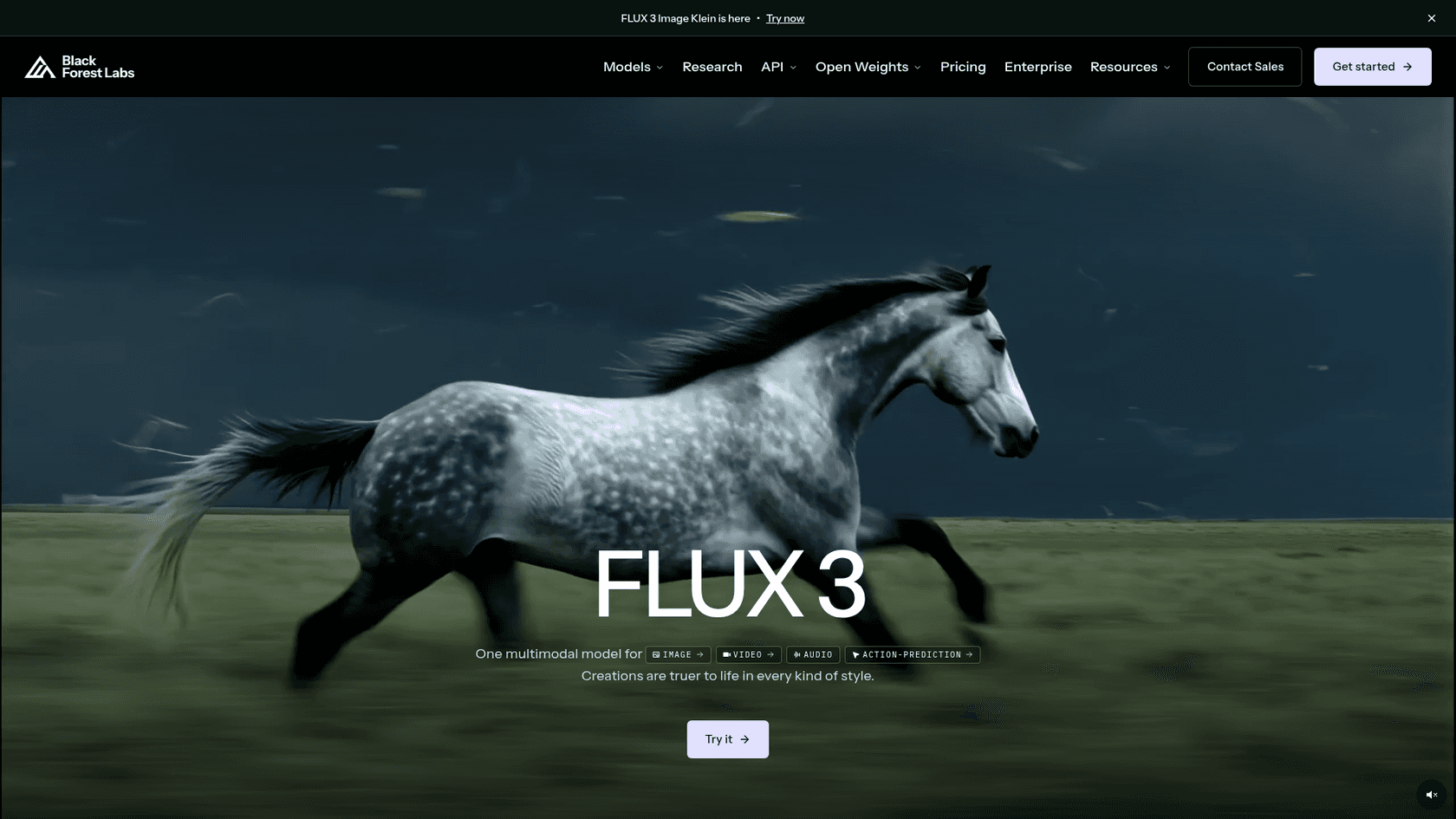
3. FLUX 3 Image (Black Forest Labs)
Best for: developers who want a flat, predictable API bill, and anyone who wants open weights from the same family.
In August, FLUX 3 had no image price at all. That has changed. BFL's pricing page now lists FLUX 3 Image at $0.10 per 2K image, with up to ten references included at no extra charge. That is the cleanest bill in this list: the price does not move when you add references.
What it does well
- Flat per-image pricing, references included, from
$0.048at 1K to$0.607at 4K. - Up to 10 references per edit, and references up to 16 MP are accepted (downscaled to 4 MP).
- A cheap open sibling. FLUX 3 Image Klein (5.6B parameters, one consumer GPU) costs
$0.014per 2K image on the API, and its weights are on Hugging Face under the FLUX Kommunity License. - FLUX.2 is still live for teams that want per-megapixel billing: a 2K edit with one 1 MP reference works out to
$0.09on [pro] and$0.19on [max].
Where it falls short
- FLUX 3 Image itself has no open weights; only Klein does.
- The Playground needs a sign-in, and self-hosting tiers show no public price.
- Older advice is stale. FLUX.1 Kontext, the model ChatGPT recommended, is now listed as previous generation, and BFL's docs point new projects at newer models.
An older Hacker News note still holds for the family: "NanoBanana and Flux Kontext are the models that get closest to traditional SDXL inpainting techniques" (vunderba, Hacker News).
Pricing
| Model | 1K | 2K | 4K | References |
|---|---|---|---|---|
| FLUX 3 Image | $0.048 | $0.10 | $0.607 | Up to 10, included |
| FLUX 3 Image Klein | $0.009 | $0.014 | $0.036 | Edits cost the same as generation |
| FLUX.2 [pro] | $0.03 first MP, $0.015 per extra MP | $0.015 per input MP | ||
| FLUX.2 [max] | $0.07 first MP, $0.03 per extra MP | $0.03 per input MP |
Verdict: pick FLUX 3 Image if you edit with several references and hate surprise bills. Pick Klein if you want to run the model yourself. Skip it if you need a polished no-code app. The deciding factor is how many references a typical edit carries. My FLUX 3 alternatives post covers the rest of the field.
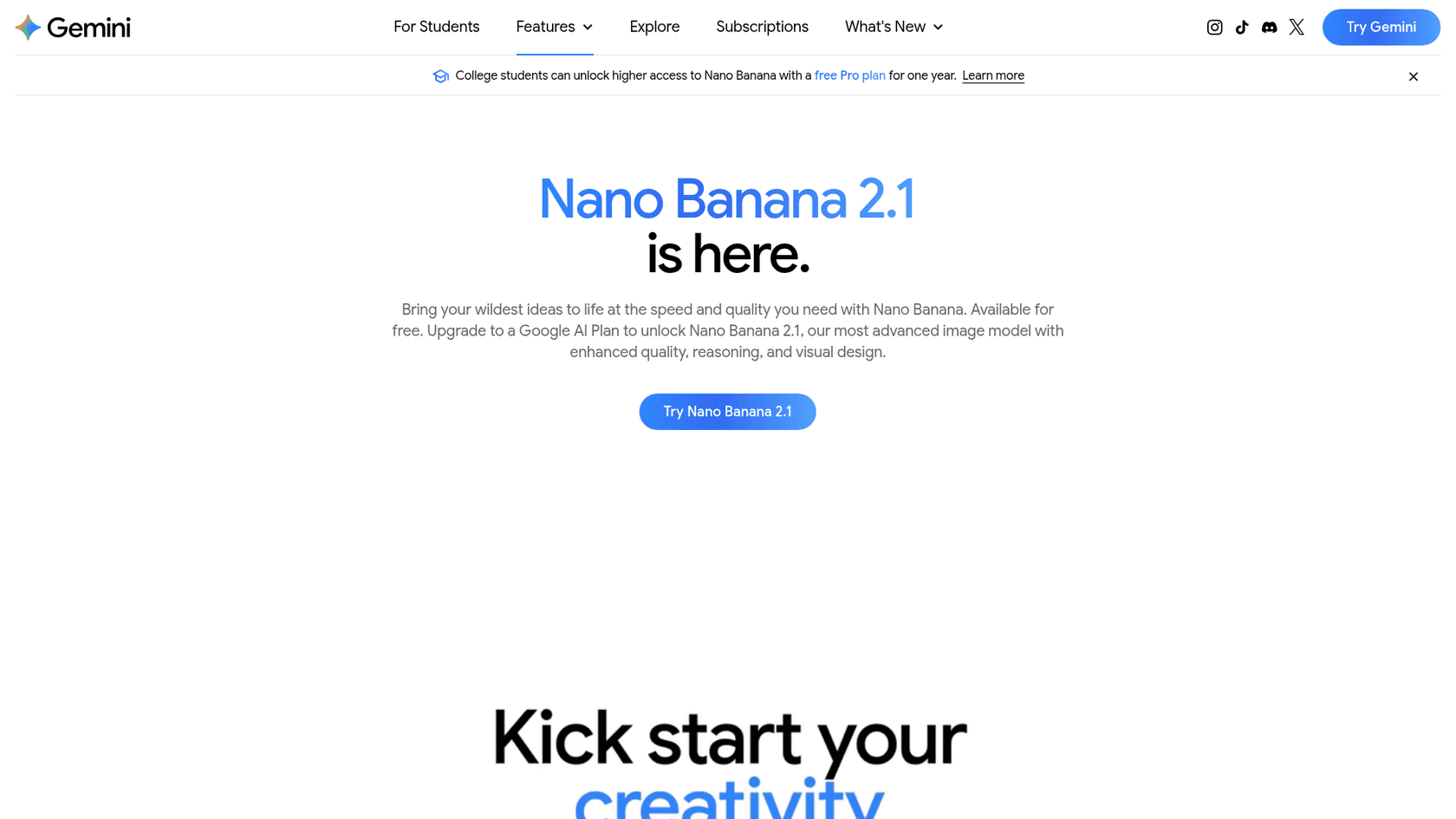
4. Nano Banana 2.1 and Nano Banana Pro (Google)
Best for: the cheapest frontier-quality edits through an API, and consumer editing inside the Gemini app.
Krea benchmarked Krea 3 against Nano Banana Pro, but the model to watch on price is the newer Nano Banana 2.1. On Google's pricing page it bills $30 per million image-output tokens, which works out to $0.0504 per 2K image, and half that in batch.
What it does well
- Lowest frontier price in this list:
$0.0336at 1K,$0.0504at 2K,$0.113at 4K, with batch at half price. - The most references: up to 14 per request (10 objects plus 4 characters on 2.1).
- Two tiers. Nano Banana Pro costs more (
$0.134per 2K image) but keeps dedicated style references. - Easy to try. The Gemini app offers Nano Banana free, and a Google AI plan unlocks 2.1.
Where it falls short
- No free API tier for either model; you test in Google AI Studio and pay for production use.
- A SynthID watermark is added to every generated image, which matters if you need provenance-free output.
- Thinking is part of the model. My Nano Banana 2.1 write-up covers how thinking tokens add to the output bill.
Developers who use several models often route Nano Banana to the final asset step:
"the best approach I've found so far is to use gpt-image for the initial design, but nano banana for the asset export once I have the design."

Pricing
| Model | 1K | 2K | 4K | Batch |
|---|---|---|---|---|
| Nano Banana 2.1 | $0.0336 | $0.0504 | $0.113 | Half price |
| Nano Banana Pro | $0.134 | $0.134 | $0.24 | $0.067 (1K/2K) |
| Google AI Plus / Pro / Ultra (app) | $4.99 / $19.99 / from $99.99 a month |
Verdict: pick Nano Banana 2.1 if cost per edit is the main reason you are leaving Krea 3. Pick Pro if you need its style references. Skip both if a SynthID watermark is a problem. My Nano Banana Pro review covers the higher tier in depth.
5. GPT Image 2.5 (OpenAI)
Best for: images with real text in them, like posters, UI mockups and labelled diagrams.
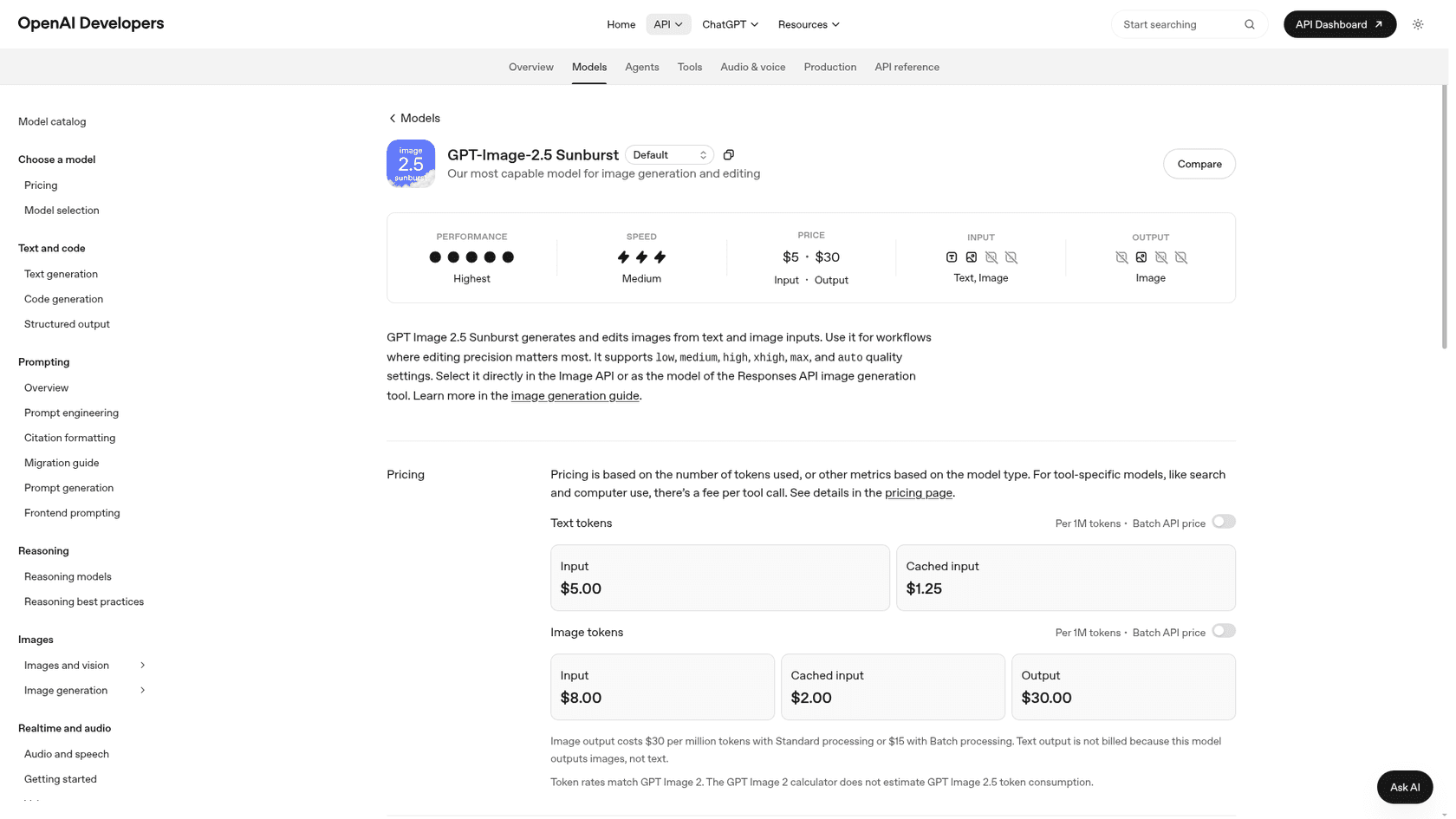
GPT Image 2.5 ships as two API models at the same price: Flare for fast everyday work and Sunburst for editing precision. Both edit through the same endpoint, with prompt-based masking, and ChatGPT's own image tool runs on the same family for every plan, free included. My ChatGPT Images 2.5 post covers the launch.
What it does well
- Text and layout. This is the tool I would test first for anything with lettering, which is exactly where Krea 3's beta struggles.
- Many quality levels. Sunburst adds xhigh and max on top of low, medium and high, so you can trade cost for detail per job.
- Batch at half price on image tokens, and sizes up to 3840 px per edge.
Where it falls short
- No published per-image price for 2.5. OpenAI's page says the GPT Image 2 calculator does not estimate 2.5 token use. GPT Image 2's own table runs from
$0.006(low) to$0.211(high) per 1024 x 1024 image. - A recognizable look. Some users find its output easy to spot: "All of the GPT-image images are immediately recognizable as AI" (pants2, Hacker News).
- Slower than Krea 3 on Krea's own timing table, though Krea's landing page labels its GPT Image 2.5 figure a draft estimate.
Pricing
| Item | Standard (per 1M tokens) | Batch (per 1M tokens) |
|---|---|---|
| Image input | $8.00 ($2.00 cached) | $4.00 |
| Image output | $30.00 | $15.00 |
| Text input | $5.00 ($1.25 cached) | $2.50 |
| ChatGPT app | Included on all tiers |
Verdict: pick GPT Image 2.5 if your edits include words that have to be spelled right. Skip it if you need a per-image price you can quote to finance today. The deciding factor is how much text lives in your images. My ChatGPT Images 2.5 pricing guide has the token math. For setup, see the OpenAI image edit API walkthrough.
6. Midjourney
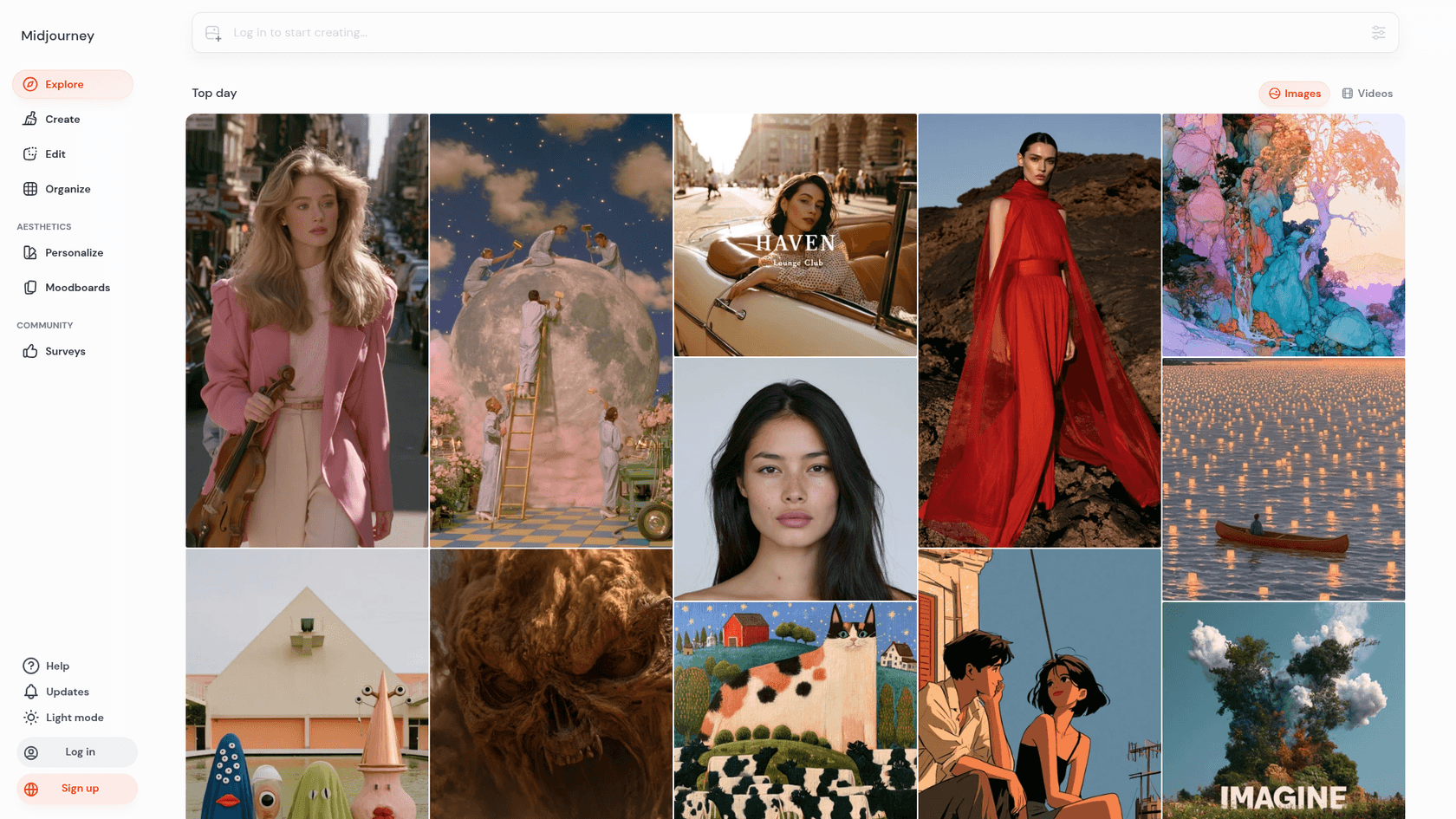
Best for: art direction, mood and style, when the look matters more than an exact product.
Midjourney is the tool people reach for when they want an image to feel like something. Its default model is now V8.2, released July 24, 2026, and its new Edit model replaced the older Omni Reference, Character Reference and Retexture tools with instruction-based edits from up to 4 reference images. The Editor handles inpainting and outpainting.
What it does well
- Taste. For moodboards, campaign concepts and stylized hero art, it is still the benchmark most designers compare against.
- Unlimited Relax mode on Standard and above, so exploration does not burn through a budget.
- A simpler editor in V8.2, with instruction edits replacing a pile of separate reference tools.
Where it falls short
- No public API, and its terms forbid automated access, so it cannot sit in a product pipeline the way Krea 3 or FLUX can.
- Product fidelity is not the goal. It will make a beautiful bottle; it may not make your bottle.
- Stealth mode needs Pro or Mega, and companies over
$1Min yearly revenue must be on Pro or Mega.
Pricing
| Plan | Monthly | Yearly (per month) | Fast GPU time |
|---|---|---|---|
| Basic | $10 | $8 | 3.3 hours |
| Standard | $30 | $24 | 15 hours, plus unlimited Relax |
| Pro | $60 | $48 | 30 hours, Stealth mode |
| Mega | $120 | $96 | 60 hours, Stealth mode |
Verdict: pick Midjourney if you are exploring a visual direction. Skip it for product catalogs or anything automated. The deciding factor is whether you need an API. More options are in my Midjourney alternatives list.
7. Leonardo AI
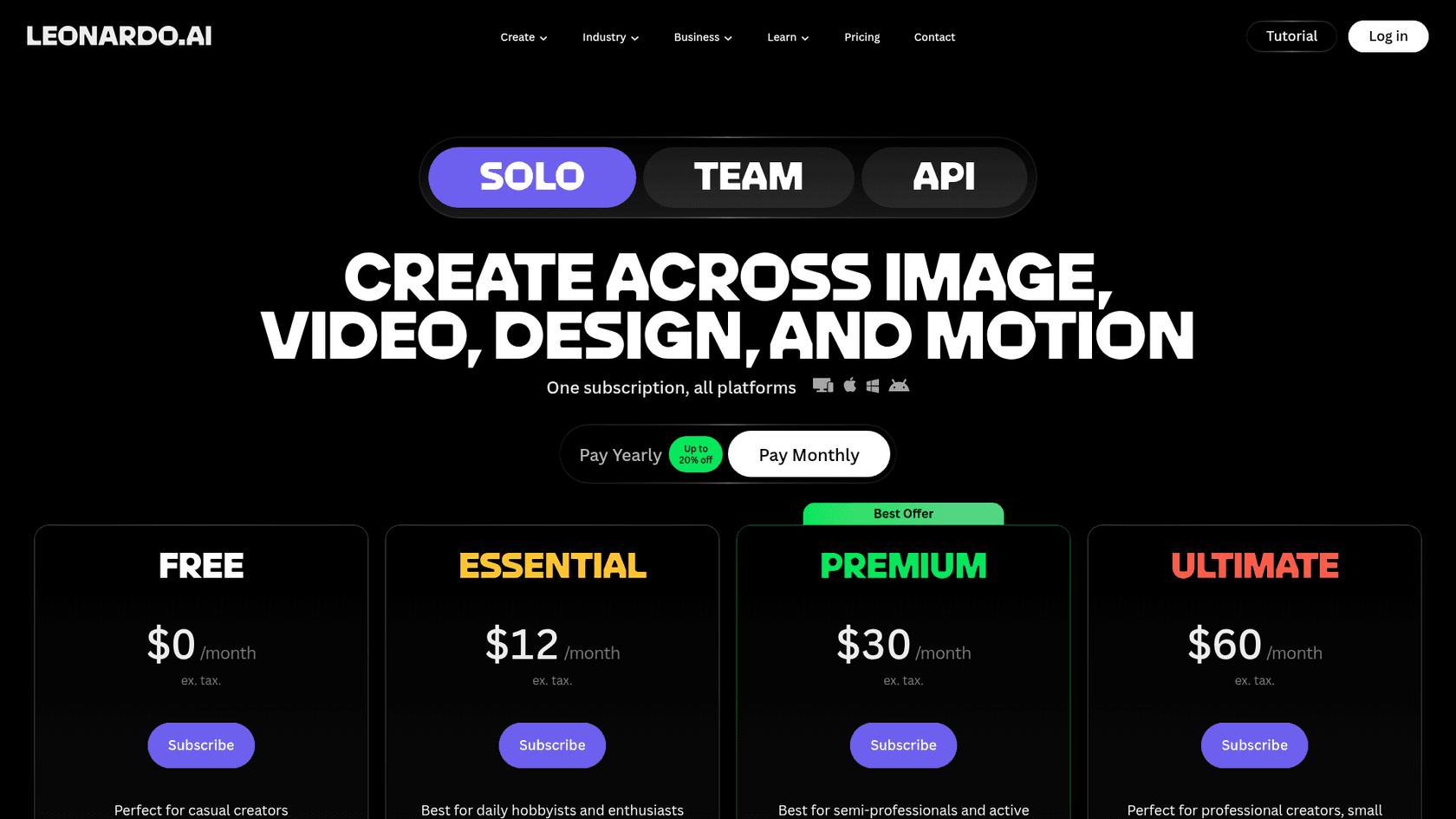
Best for: creators who want many models behind one subscription.
Leonardo AI is closest to Krea's own app in spirit: a creative suite that runs its in-house models next to partner models. Premium and above include unlimited relaxed images on Leonardo's Lucid and Phoenix models and on FLUX Dev and Schnell, while partner models like Nano Banana Pro, FLUX.1 Kontext, Ideogram and Seedream spend tokens.
What it does well
- Model variety. You can run the same edit on several models without leaving the app.
- A real free tier of 150 tokens a day.
- Ownership. Paid subscribers keep full ownership of their outputs.
Where it falls short
- Partner models always cost tokens, so the "unlimited" label applies to Leonardo's own models only.
- The API has no public per-credit price; it is pay-as-you-go with credits that never expire, and custom plans go through sales.
- Less specialized for product photos than Photoroom or Flair.
Pricing
| Plan | Monthly price | Tokens |
|---|---|---|
| Free | $0 | 150 per day |
| Essential | $12 | 8,500 per month |
| Premium | $30 | 25,000 per month |
| Ultimate | $60 | 60,000 per month |
| Team Starter / Growth | $24 / $48 per seat |
Yearly billing is up to 20% off. My Leonardo AI pricing post has the full token math.
Verdict: pick Leonardo if you like Krea's all-in-one app idea and want a cheaper entry plan. Skip it if you need a published API price. The deciding factor is how often you use partner models. See Leonardo AI alternatives for more.
8. Flair.ai
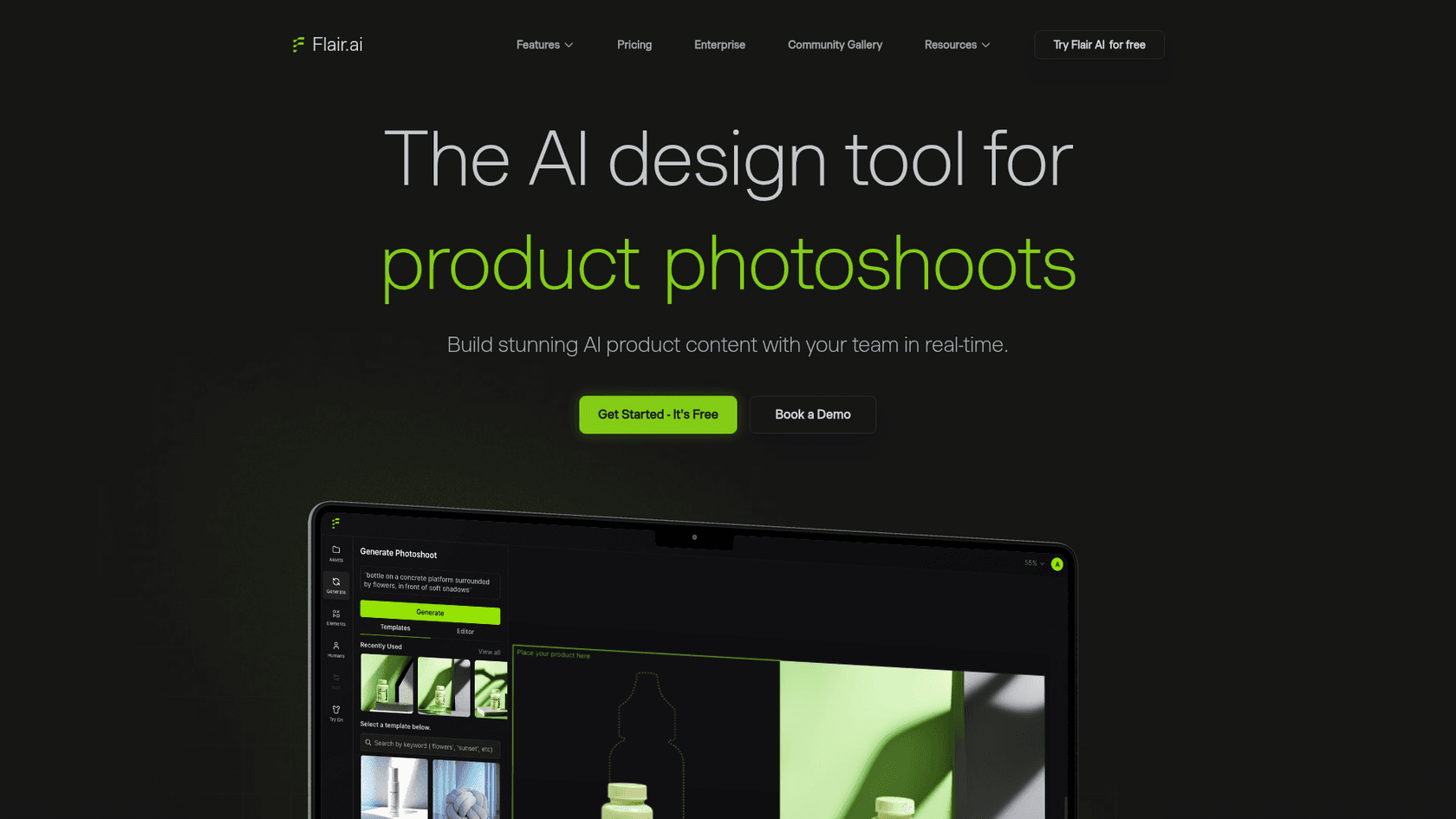
Best for: brands that want styled product photoshoots without a studio.
Flair sits between Photoroom and a general model. You drag your product into a scene, pick a template, and it builds a photoshoot around it, including on-model fashion shots. You can also train custom models on your products, which is the feature that keeps a product looking like itself across many scenes.
What it does well
- Product-trained custom models, up to 8 standard ones on Pro+ and 15 on Scale.
- Drag-and-drop photoshoots and templates built for ecommerce and ads.
- A company commercial license on Pro+, Scale and Enterprise.
Where it falls short
- Small image quotas: 80 images a month on Pro+ and 150 on Scale, and ad generation costs 4x the image quota.
- The API is early access on Scale, with unlimited API access on Enterprise only.
- No stated security certifications on the pricing page; SAML SSO is Enterprise-only.
Pricing
| Plan | Price per month (annual toggle on) | Images per month |
|---|---|---|
| Free | $0 | 5 |
| Pro | $8 | Not stated |
| Pro+ | $26 | 80 |
| Scale | $38 (tier 1 of 5) | 150 |
| Enterprise | Custom | Custom |
Verdict: pick Flair if you want lifestyle product shots in your brand's style and do not need thousands a month. Skip it for high-volume catalog work. The deciding factor is quota. For the copy around those photos, an AI product description generator fills the other half of a listing.
9. Qwen Image (Alibaba)
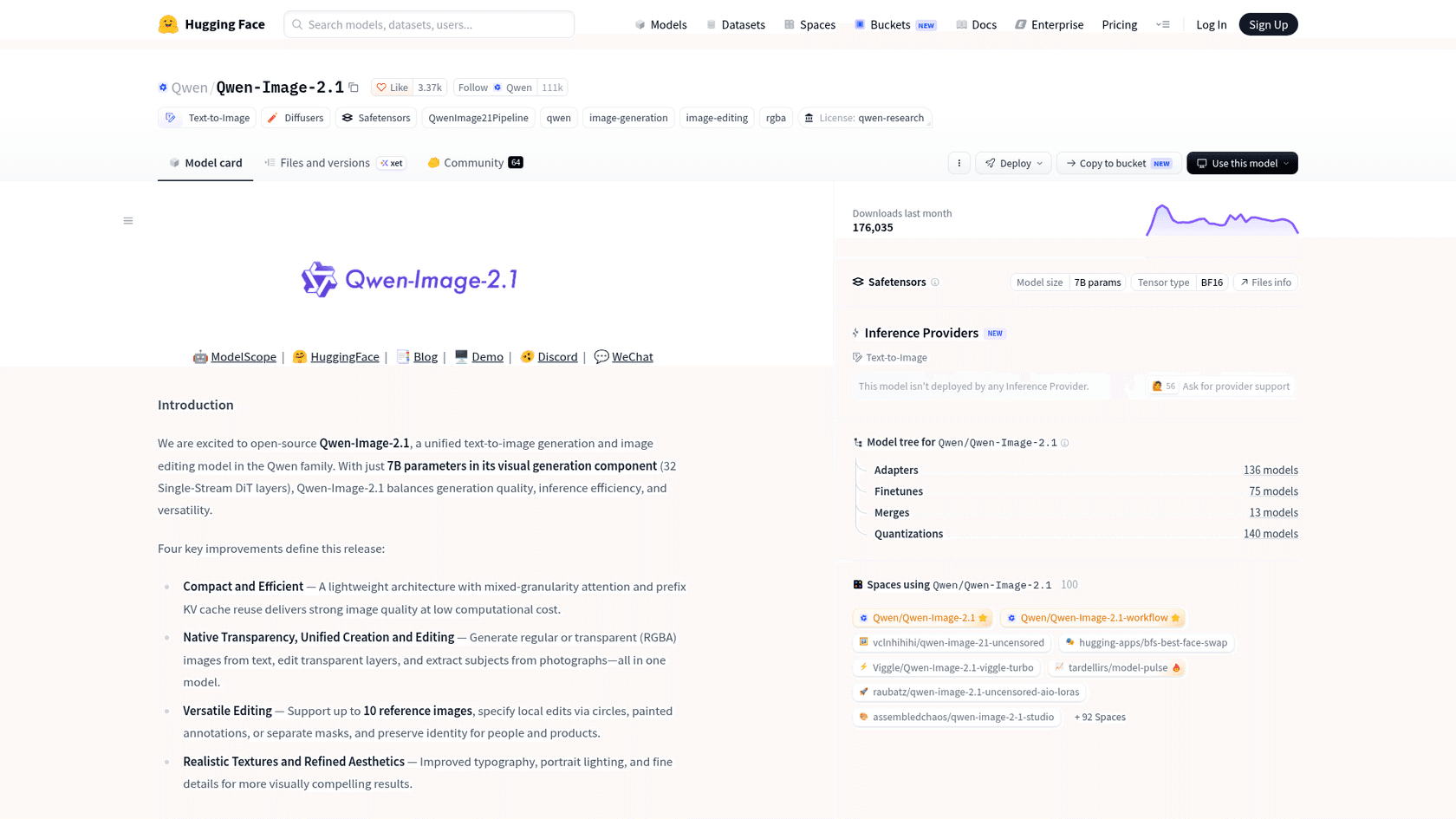
Best for: running an editing model yourself, and images that need a transparent background.
Qwen Image 2.1 is the open-weight option most people mention alongside Krea and FLUX. It is a 7B model that edits from up to 10 references and does native transparency (RGBA), so you can produce a cutout with a clean alpha channel from the same model that edits the scene. A faster Qwen-Image-2.1-Turbo with 8 denoising steps followed on October 9.
What it does well
- Weights you can download, small enough for a single GPU.
- Native transparency inside the editing model, so cutouts and scene edits come from one place.
- The cheapest hosted API in this list. On Alibaba Cloud Model Studio, Qwen-Image-3.0 is
$0.03per image plus a$0.003input charge.
Where it falls short
- The 2.1 weights are non-commercial. The Qwen Research License allows research and evaluation only; commercial use needs a separate license from Alibaba.
- Qwen-Image-3.0 looks API-only; it is not in the Qwen Hugging Face listing.
- Benchmarks are self-reported on Qwen's own test set.
Pricing
| Model | Price per image | Free quota |
|---|---|---|
| Qwen-Image-3.0 | $0.03 output + $0.003 input | 10 images |
| Qwen-Image-3.0-Pro | $0.04 (1K) / $0.075 (2K) + $0.003 input | 10 images |
| Qwen-Image-2.1-Pro / Turbo | $0.04 / $0.016 | 10 images |
| Qwen-Image 2.1 weights | Free download, research license |
Verdict: pick Qwen if you want to experiment locally or need transparent PNGs. Skip the 2.1 weights for commercial work unless you get the separate license. The deciding factor is the license. My Qwen Image 2.1 review has the test results. The Qwen Image Edit guide covers setup.
Which Krea 3 alternative should you choose?
Start from the reason you are leaving, not from a leaderboard. Most people looking for Krea 3 alternatives have one specific blocker, and each tool above removes a different one.
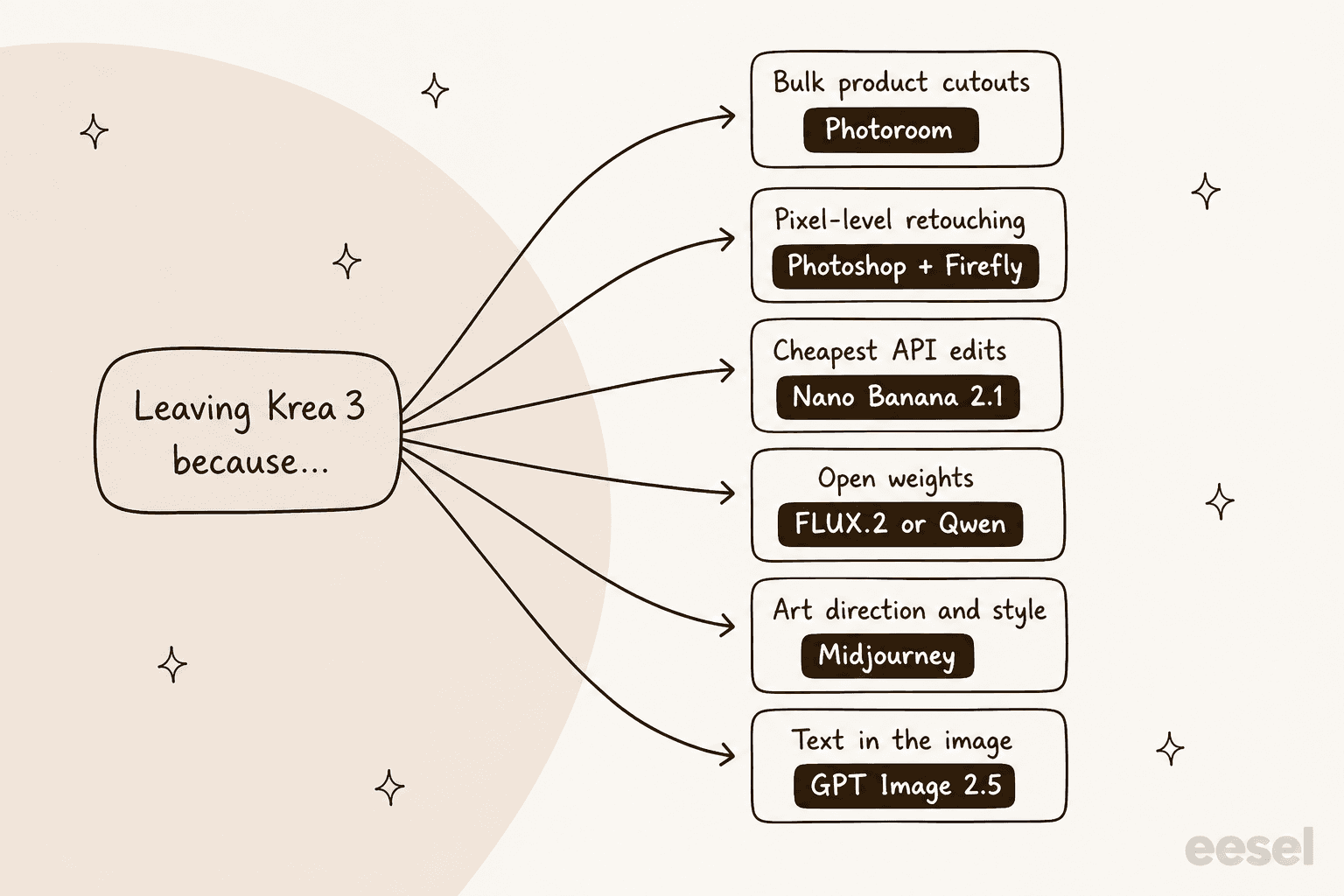
A few scenarios where I would make a different call than the obvious one:
- "I just need it cheaper." Before switching, resize your references to about 1 MP. That alone takes a Krea 3 2K edit from
$0.13to$0.08. If you still need cheaper, Nano Banana 2.1 is the move. - "My edits carry five or six references." FLUX 3 Image, because references are included in its flat
$0.10. On Krea 3, six large references add$0.42to a single edit. - "I sell physical products." Photoroom for the cutout and background, then a generative model only for lifestyle scenes. Run the glass-and-chrome test before committing.
- "I want to own the model." FLUX 3 Image Klein if you need a commercial path, Qwen 2.1 if you are researching.
Krea 3 is still the right answer if you want fast regional edits in a polished app and can live with a gated API. Krea's team said open weights are being discussed internally, so the open-weights gap may close.
Where do your edited images end up?
For a lot of teams, the product photo is not the end product. It goes into a listing, an ad, a launch post or a buying guide, and the image model only does the picture half of that job. That is the part I spend my time on at eesel.
The eesel AI blog writer researches a topic, writes a cited post in your brand voice and generates its own hero banner and diagrams, the same way this post's banner and diagrams were made. You can drop your edited product shots into the draft where a real photo beats an illustration. One SEO content lead using it on Webflow scaled to 360+ posts a month, about 12 a day, from a keyword-to-publish pipeline with bulk review.
If you want to brief images well either way, my guide to creating AI blog images covers the basics. The AI blog writer with images post shows what the output looks like.
Try eesel
If you are comparing Krea 3 alternatives because your images feed blog posts and product pages, eesel's AI blog writer can take the writing and the diagrams off your plate, so your image budget goes to the product shots that actually need a photo. It joins as an AI teammate that keeps your brand context across every post, so drafts come back in your voice and ready to review. Try eesel free and see a draft on your own topic.
