
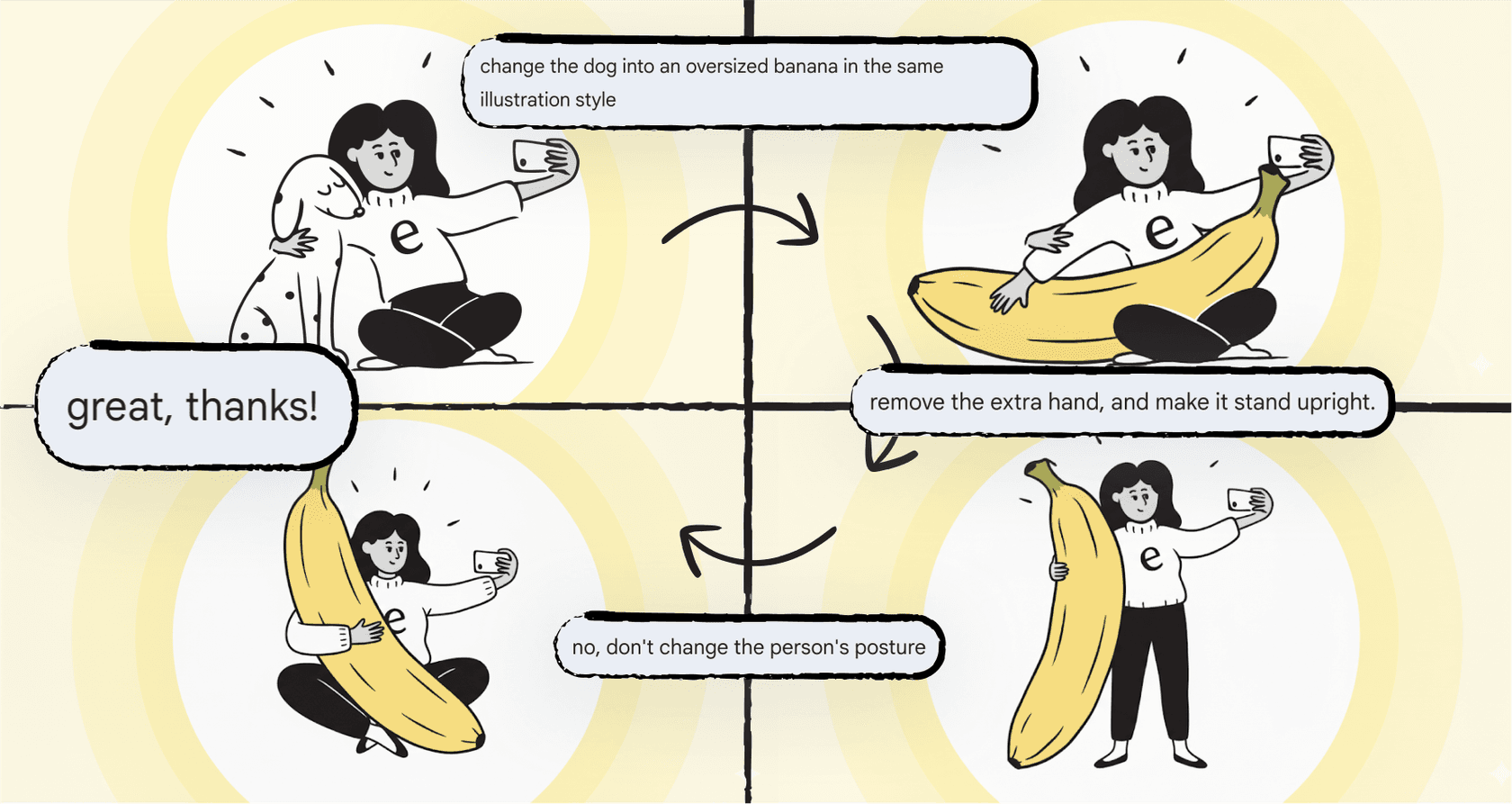
So, you've probably heard the buzz around Google's Nano Banana Pro. It’s been turning heads in the AI image world, and for good reason. It tackles some of the most annoying problems that creative and marketing folks have been dealing with for what feels like forever. The creative power is undeniable, but let's get to the real question on everyone's mind: what’s this thing going to cost?
Figuring out the different pricing plans and how to even access them is the first step to deciding if it makes sense for your workflow and budget. This guide will walk you through every official Google plan and even some third-party options for Nano Banana Pro pricing, so you can make a choice without all the guesswork.
What is Nano Banana Pro?
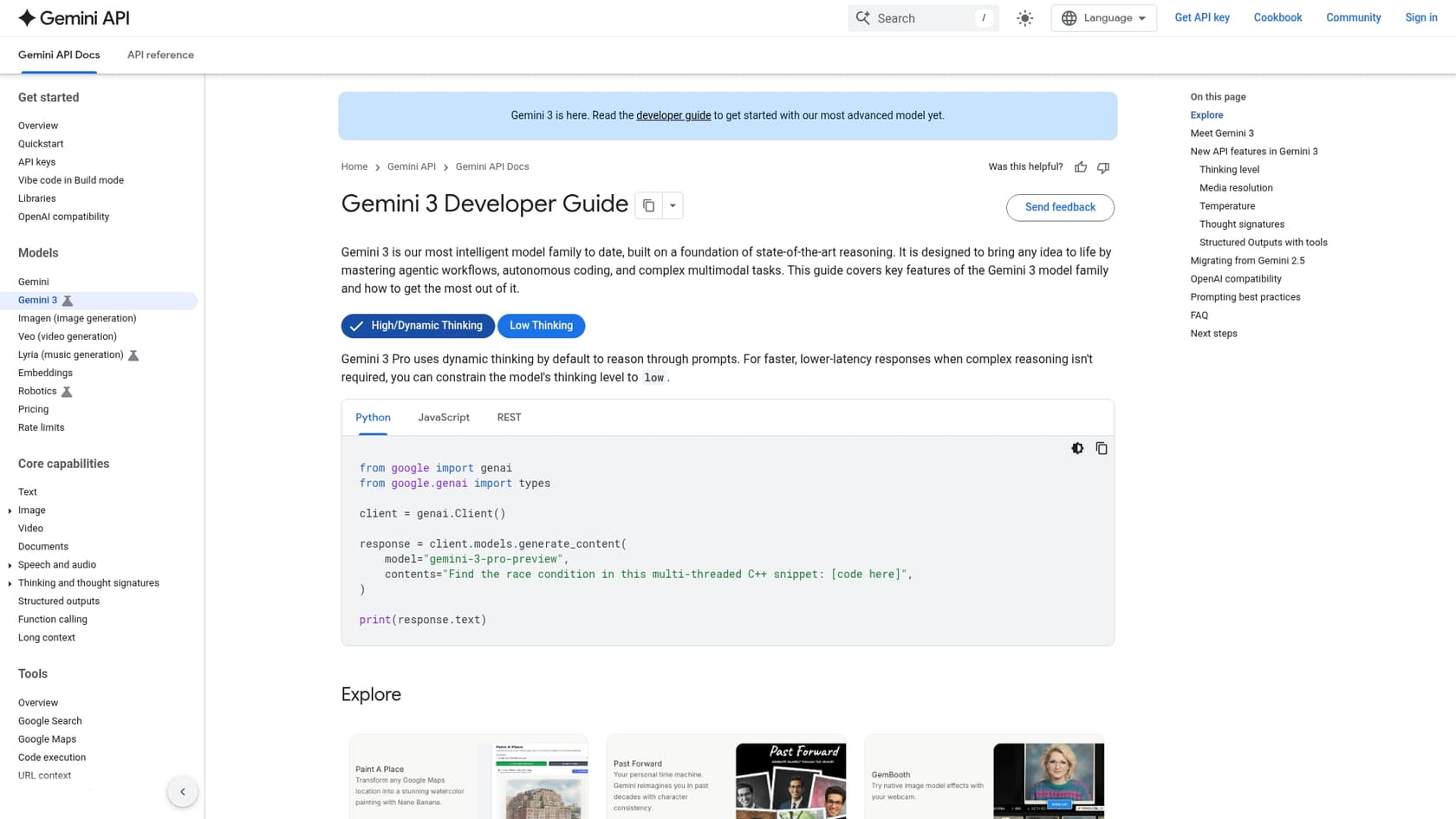
Simply put, Nano Banana Pro is Google’s newest and smartest AI model for creating and editing images. It’s built on their Gemini 3 Pro technology, which gives it a real knack for understanding what you’re actually asking for. Think of it less like a vending machine for images and more like a creative assistant that gets your complex ideas.
This isn't just a minor update. It’s a genuine leap forward that fixes some of the biggest headaches creators have had with other AI image tools.
Key capabilities that make it different
What’s all the fuss about? It really comes down to a few standout features that just work better.
-
It can actually spell. For years, getting AI to generate an image with clean, legible text was a nightmare. Nano Banana Pro nails it, which is a huge time-saver if you’re making mockups, social media graphics, or anything with words. No more fixing garbled text in another app.
-
It keeps things consistent. You can give it up to 14 reference images to work from. This means if you need a character to look the same across ten different scenes or want to stick to your brand's specific color palette, you finally can.
-
The visuals are fact-checked. Because it's hooked into Google Search, it can generate accurate diagrams, charts, and infographics using real information, not just making its best guess.
-
The quality is top-notch. It can generate images up to 4K resolution and gives you a ton of control over things like lighting, camera angles, and focus. The results look polished and ready for professional projects.
Understanding the official Google Nano Banana Pro pricing tiers
Google offers Nano Banana Pro through its own apps and services, with a few different plans aimed at everyone from the casually curious to massive companies. Going through Google is the most straightforward way to get access.
The free tier (for casual users and testing)
This is where most of us start. It's the perfect way to kick the tires and see what the tech can do without pulling out your wallet.
-
Who it's for: Anyone curious about AI art, students needing visuals for a project, or professionals who want a test drive before committing to a paid plan.
-
How to access: You can use it right now in the Gemini app worldwide. Just make sure you select the "Thinking" model when you're ready to create an image.
-
Features & Limitations:
- You get a set number of images you can create each day (around 20).
- Downloads come in a standard, lower resolution.
- Every image has a small, visible watermark (the Gemini "sparkle" icon).
- You won't have full access to advanced tools like blending multiple images.
The Google AI Pro plan (for consistent creators)
Once you move past the "just messing around" phase and need more horsepower, the Pro plan is your next logical step.
-
Who it's for: Content creators, social media managers, and marketers who are regularly producing a good amount of high-quality images.
-
How to access: This tier requires a Google AI Pro subscription.
-
Features & Limitations:
- Your daily limit gets a massive boost to 500+ images per day.
- You can download your creations in high resolution, all the way up to 2K and 4K.
- You get the keys to all the advanced features, like blending up to 14 reference images and full text generation.
- One thing to note: images on this tier may still have the visible watermark.
The Google AI Ultra plan (for power users and professionals)
This is the top-of-the-line option for people who need the absolute best quality without any restrictions for their professional work.
-
Who it's for: Creative agencies, professional designers, and any business that needs high-quality, unbranded visuals for commercial use.
-
How to access: You'll need the premium Google AI Ultra subscription for this one.
-
Features & Limitations:
- You get the highest daily usage limits offered in a consumer plan.
- The most important feature here is that there is no visible watermark on your images. This is a must-have for any professional use.
- Subscribers on this tier often get to try out new features before anyone else.
Enterprise and API access (for developers and scaled use)
This option is for businesses that want to build Nano Banana Pro's magic directly into their own products or internal workflows.
-
Who it's for: Developers and companies who need to integrate AI image generation on a large scale.
-
How to access: This is available through the Google Cloud Vertex AI platform and the Gemini API.
-
Pricing model: This isn't a flat monthly fee. It’s usually a pay-as-you-go model based on how much data you process (measured in "tokens") or a custom license for large companies. It lets you generate as much as your budget allows.
-
Key benefit: You get raw access to the model, which means you can fine-tune it for specific needs and have full commercial rights to use it in your own apps.
| Feature | Free Tier | Google AI Pro Plan | Google AI Ultra Plan | Enterprise / API |
|---|---|---|---|---|
| Pricing | Free | $19.99 / month | $249.99 / month | Pay-per-token |
| Daily Quota | ~20 images | 500+ images | Highest limits | Custom / Unlimited |
| Resolution | Standard | Up to 4K | Up to 4K | Up to 4K |
| Visible Watermark | Yes | Yes | No | No |
| Best For | Casual testing | Consistent creators | Professionals & Agencies | Custom Applications |
Third-party Nano Banana Pro pricing plans
Google isn't the only game in town. A few independent platforms have popped up that give you access to the same core technology through their own tools. While they aren't official Google products, they can be a great alternative if you prefer a different pricing setup.
For instance, "nanobanana-pro.com" uses a credit-based system. Instead of a daily cap, you buy a bunch of credits each month and use them whenever you want. This can be a lot more flexible if your creative needs come in waves.
Here’s what their plans look like:
| Plan (nanobanana-pro.com) | Monthly Price (Billed Annually) | Credits per Month | Best For |
|---|---|---|---|
| Basic | $7.50 / mo | 300 credits | Individuals, light users |
| Pro | $19.50 / mo | 1600 credits | Professional creators |
| Max | $80.00 / mo | 9200 credits | Large teams, studios |
Beyond visuals, scaling your content with AI
Okay, so you've nailed down how to create incredible visuals with Nano Banana Pro. That's a huge win. But those stunning images usually need great written content to go with them for blog posts, social media, and marketing campaigns. Once you solve the visual problem, you often bump right into the next one: writing all the copy.
This is exactly why a tool like the eesel AI Blog Writer exists. It aims to do for writing what Nano Banana Pro does for images: take one simple input (like a single keyword) and turn it into a complete, well-researched, and SEO-friendly blog post that doesn't sound like it was written by a robot.
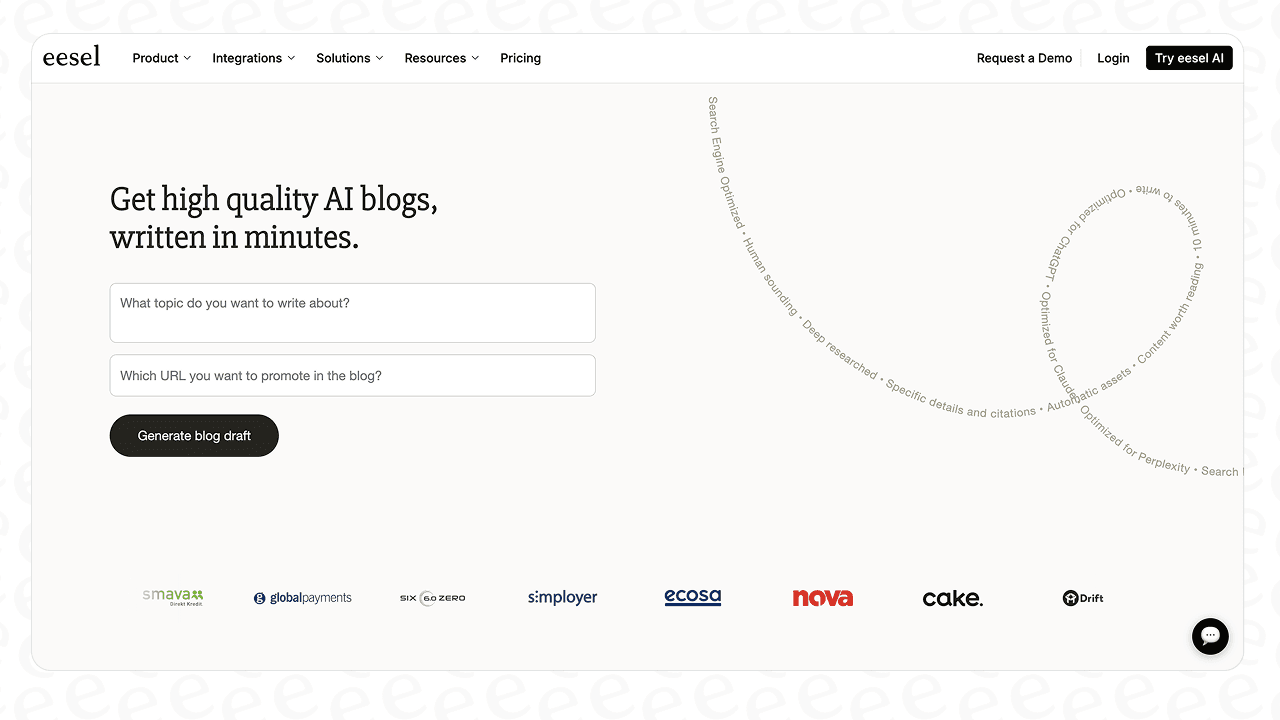
We know this works because we're not just selling it; we use it ourselves at eesel. It helped take our own blog from around 700 impressions a day to over 750,000 in just three months. It handles the tedious parts of content creation like research and drafting, freeing up your team to think about the bigger picture. The best part? It's currently free to use while we get feedback from early adopters.
Which Nano Banana Pro pricing plan is right for you?
Nano Banana Pro's pricing is pretty flexible, offering a clear path from just trying it out for free to using it for high-stakes commercial projects. The right plan for you really just boils down to what you need.
Here’s a quick cheat sheet:
-
Start with the free tier. Get a feel for the tool and see if its creative style works for you.
-
Upgrade to the AI Pro plan once you start hitting the daily limits and need higher-resolution images.
-
Invest in the AI Ultra plan if you're a professional and need those clean, watermark-free images for clients or marketing materials.
-
Look into API access if you're a developer with an idea for building a custom tool.
By pairing a top-tier visual generator like Nano Banana Pro with a smart writing assistant, you can build a full content creation system that saves a ton of time and produces fantastic work.
Once you have your visual workflow figured out, give the eesel AI Blog Writer a try for free to see how quickly you can scale up your written content.