6 best Gemini Omni 1.1 Flash alternatives for AI video in 2026

Kurnia Kharisma

Katelin Teen
Last edited August 29, 2026

How I picked these (and my angle)
I write about AI models for a living and I build software at eesel, so I come at "alternatives" posts from two directions at once: which model a person is actually searching for when they type "Gemini Omni alternative," and what the tool really does once you get past the launch reel. I have not lived inside every one of these for a year, so I am careful to separate what I have tested from what I have read in the vendor docs. Where a number comes from a pricing page, I link the pricing page.
The bar for making this list was simple. The tool has to be a current, generally available video model with a public way to access it, real pricing you can check, and a genuine reason someone would pick it over Omni. Sora failed the first test, so it is out. Six made the cut.
A quick word on why the field is so busy right now. As one commenter put it on the Omni 1.1 launch thread, raw generation quality is becoming table stakes:
"Raw generation quality is becoming table stakes; controllability might be the more important battleground."

That is exactly the lens to shop with. Every model here can make a pretty clip. The question is which one gives you the control, the price, and the access you need.
The alternatives at a glance
Here is the whole field on one screen. Prices are the current published list rates for a 10-second, 720p clip (video output only); the access model is how you actually buy it.
| Model | Best for | Native audio | Draft / preview mode | ~10s 720p list price | Free tier | How you access it |
|---|---|---|---|---|---|---|
| Gemini Omni 1.1 Flash | Multi-turn editing + 40s extension | Yes | Yes (360p drafts) | ~$1.00 | No | Gemini API |
| Runway Gen-4.5 | Full creative studio + VFX | Yes | No | Credits (~$1.20–$2.90) | Limited free | Credits / subscription |
| Veo 3.1 (Fast) | One-shot cinematic + audio | Yes (native) | No | ~$1.00 | No | Gemini API / Google Flow |
| Kling 3.0 Omni | Value + motion control | Yes | No | ~$1.12 | Free web credits | Prepaid unit packs |
| Luma Dream Machine | Clean API, per-clip pricing | Add-on | No | ~$0.90 | Free web tier | API + web |
| Seedance 2.0 | Cheap resolution scaling | Yes | No | ~$1.50 | Free token quota | Token-billed API |
| Grok Imagine 1.5 | Lowest entry cost + audio input | Yes | No | ~$1.40 | With X sub | X app / API |
The takeaway: nobody is dramatically cheaper than Omni at 720p. What varies is how you pay (Kling's prepaid packs versus Luma's clean per-clip API versus Runway's credits) and what each one is actually good at. So use the decision tree below to shortlist, then read the two or three items that matter to you.
1. Runway Gen-4.5
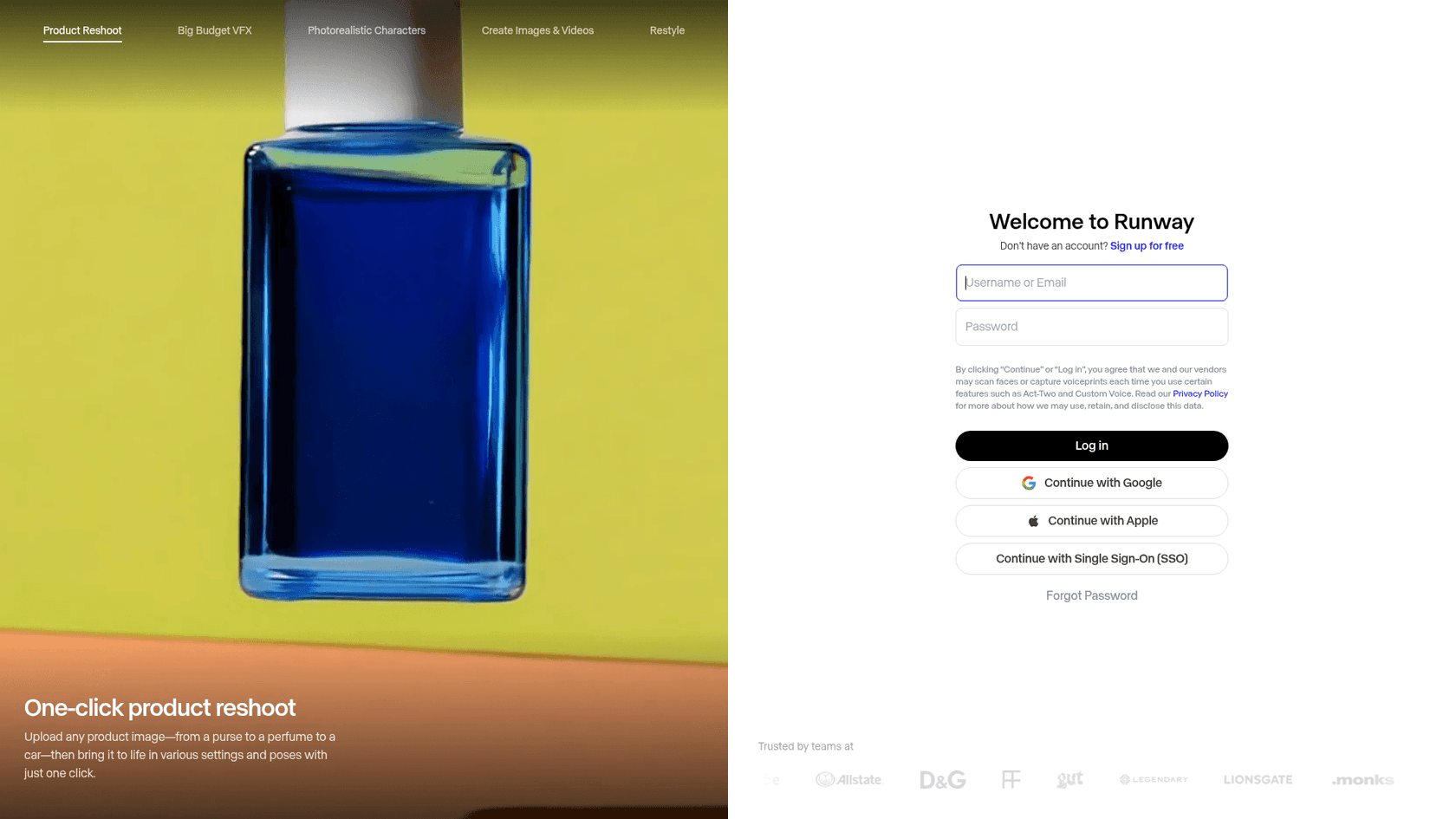
Runway is the closest thing this list has to a full creative studio rather than a single model. It is the one the film and ad world actually reaches for, and its site name-drops teams like Lionsgate and Legendary. If Omni's pitch is "chat with your video," Runway's is "every tool for the shot lives in one place."
Strengths. Breadth. Beyond text-to-video you get product reshoots, big-budget VFX, photorealistic characters, and restyle, all under one roof. Runway also now resells other models from a single API, including Seedance, gpt-image-2, and Nano Banana Pro, so you can route to the best engine per job without leaving the platform.
Limits. Runway publishes no simple per-second API rate; you buy credits, and the effective cost moves with your plan. It is a studio you learn, not a one-line API call. And when you use its resold Seedance path, clips cap at 15 seconds.
Pricing. Credits, not dollars-per-second. $15 buys 625 credits, which Runway equates to about 52 seconds of Gen-4.5; the $95 plan stretches the same dollar to roughly 791 seconds, so the effective rate improves the more you commit. That works out to roughly $1.20 to $2.90 for a 10-second clip depending on your tier. There is a limited free plan to start.
Verdict. If your work is real production, not one-off clips, Runway earns its place over Omni. For the deeper cost math, my Runway pricing breakdown and the Runway review go further, and the Runway alternatives roundup covers the rest of that field.
2. Google Veo 3.1
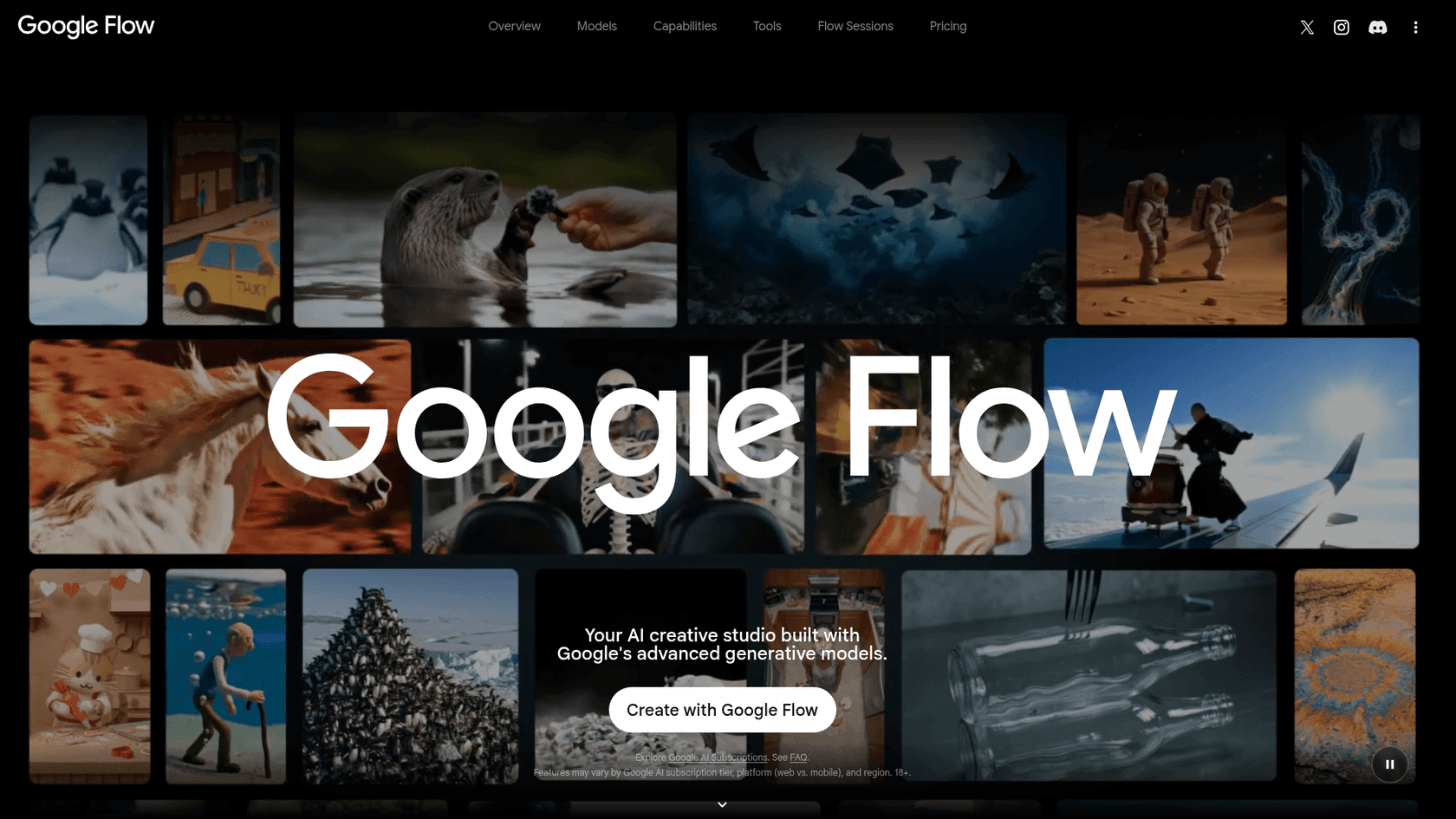
Here is the twist: one of the best Omni alternatives is also from Google. Veo 3.1 is the one-shot cinematic sibling in the same generative-video family, and it runs both through the Gemini API and inside Google Flow, Google's creative studio. Simon Willison caught the strategic point on the launch thread:
"Interesting that OpenAI abandoned Sora entirely but Google are continuing to invest heavily in their own video generation."
Strengths. Native audio on every tier and a finished, cinematic one-shot output. Where Omni is built for conversational, multi-turn editing, Veo is built to hand you a complete shot in a single pass. Flow adds a friendly studio UI on top for people who do not want to touch an API.
Limits. No free tier, and it is a preview model, so treat it as moving. It does not offer Omni's stateful editing or the draft-then-upscale workflow; you generate, then regenerate.
Pricing. Straight per-second on the Gemini API: Veo 3.1 Lite is $0.05 per second of 720p, Fast is $0.10 (matching Omni), and Standard is $0.40. So a 10-second 720p clip runs $0.50, $1.00, or $4.00 depending on tier.
Verdict. If you want cinematic clips over conversational editing and you are already in Google's ecosystem, Veo is the natural pick. My wider Gemini alternatives and Gemini pricing guides put the whole Google lineup, including Gemini 3 Flash and the Lyria 3 audio model, in context.
3. Kling 3.0
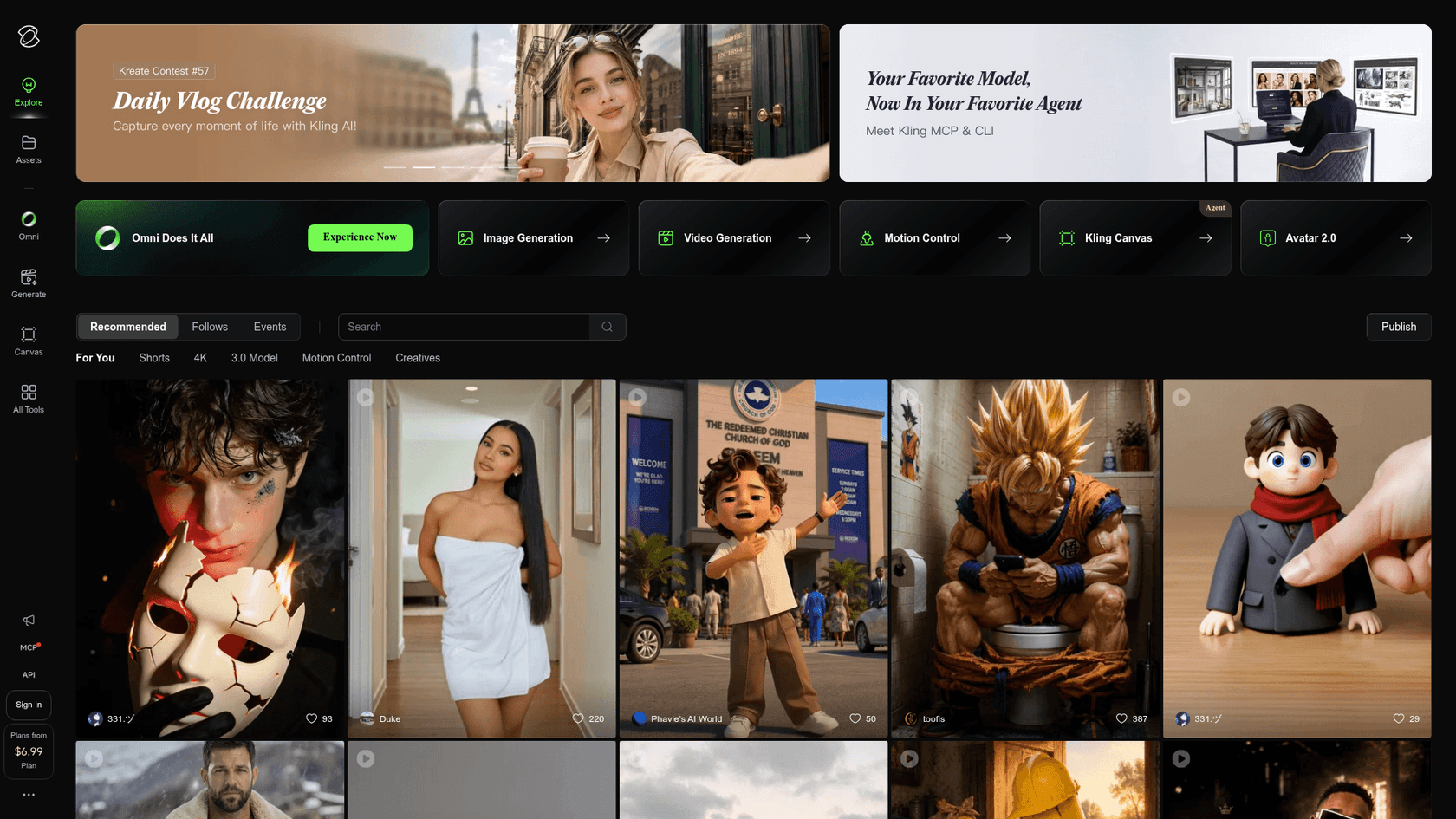
Kling has quietly become the value pick that keeps showing up in serious comparisons. Its current lineup is 3.0, 3.0 Turbo, and 3.0 Omni, and the app leans hard into creator controls: Motion Control, Kling Canvas, Avatar 2.0, and a busy community feed.
Strengths. Motion control is the headline. If you want to direct how the camera and subject move rather than hope the model guesses, Kling gives you the levers, and the 3.0 Omni tier includes audio. Quality-per-dollar is consistently strong.
Limits. The entry barrier is real, and it is worth knowing before you commit. API access runs on prepaid unit packs, and the smallest video pack is $700 for 5,000 units with a 180-day validity and no rollover. That is a steep on-ramp compared to a pay-as-you-go API.
Pricing. One unit costs $0.14. Kling 3.0 Omni with audio and no video input runs 0.8 units per second at 720p, so about $0.112 per second, or roughly $1.12 for a 10-second clip. There are free web credits to try it in the browser first.
Verdict. For motion control and value, Kling is a genuine step up on Omni, as long as you can stomach the prepaid model. My Kling pricing and Kling reviews go deeper, and the Kling alternatives page has the neighbours.
4. Luma Dream Machine
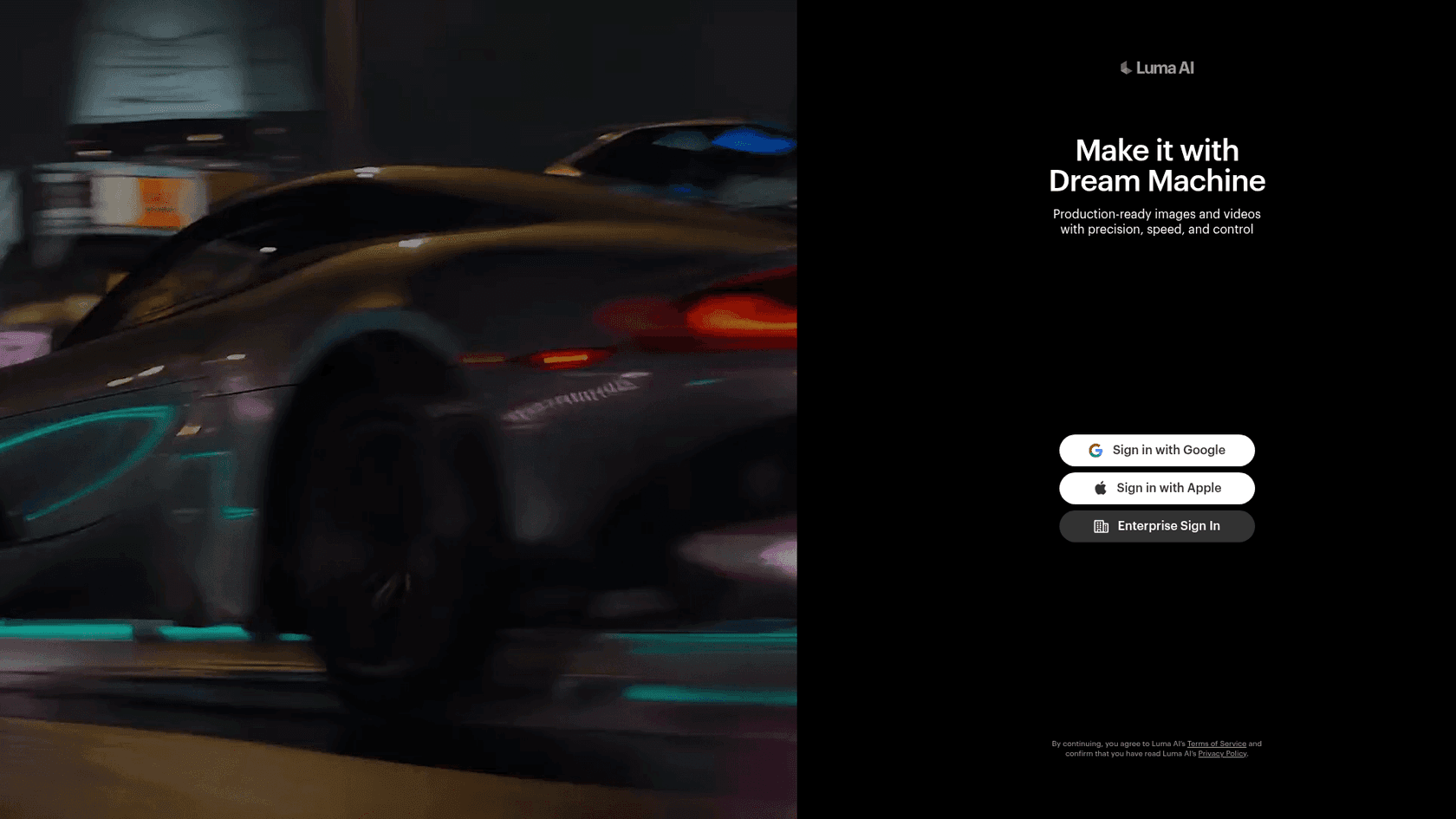
Luma's Dream Machine is the one I reach for when I want the cleanest developer experience. Its Ray 3.2 model is pitched as "production-ready images and videos with precision, speed, and control," and the pricing page is refreshingly simple to reason about.
Strengths. Per-clip pricing that you can predict, a real free web tier to prototype in, and an API-first posture. For anyone building video generation into a product rather than clicking around a studio, that predictability matters more than a marginally prettier demo.
Limits. Pricing is non-linear by duration, which surprises people: the second half of a clip costs the same as the whole first half. Audio is more of an add-on than a native, always-on feature, and the premium HDR paths multiply the base rate.
Pricing. Per clip, per resolution. A 5-second 720p clip is $0.30, but a 10-second one is $0.90, because the model charges 2x for the second five seconds. 1080p runs $1.20 and $3.60. HDR doubles it; HDR plus EXR triples it.
Verdict. If you value a clean API and predictable per-clip costs over Omni's editing flow, Luma is the developer-friendly pick. See my Luma pricing breakdown and the Luma alternatives roundup for the full picture.
5. Seedance 2.0
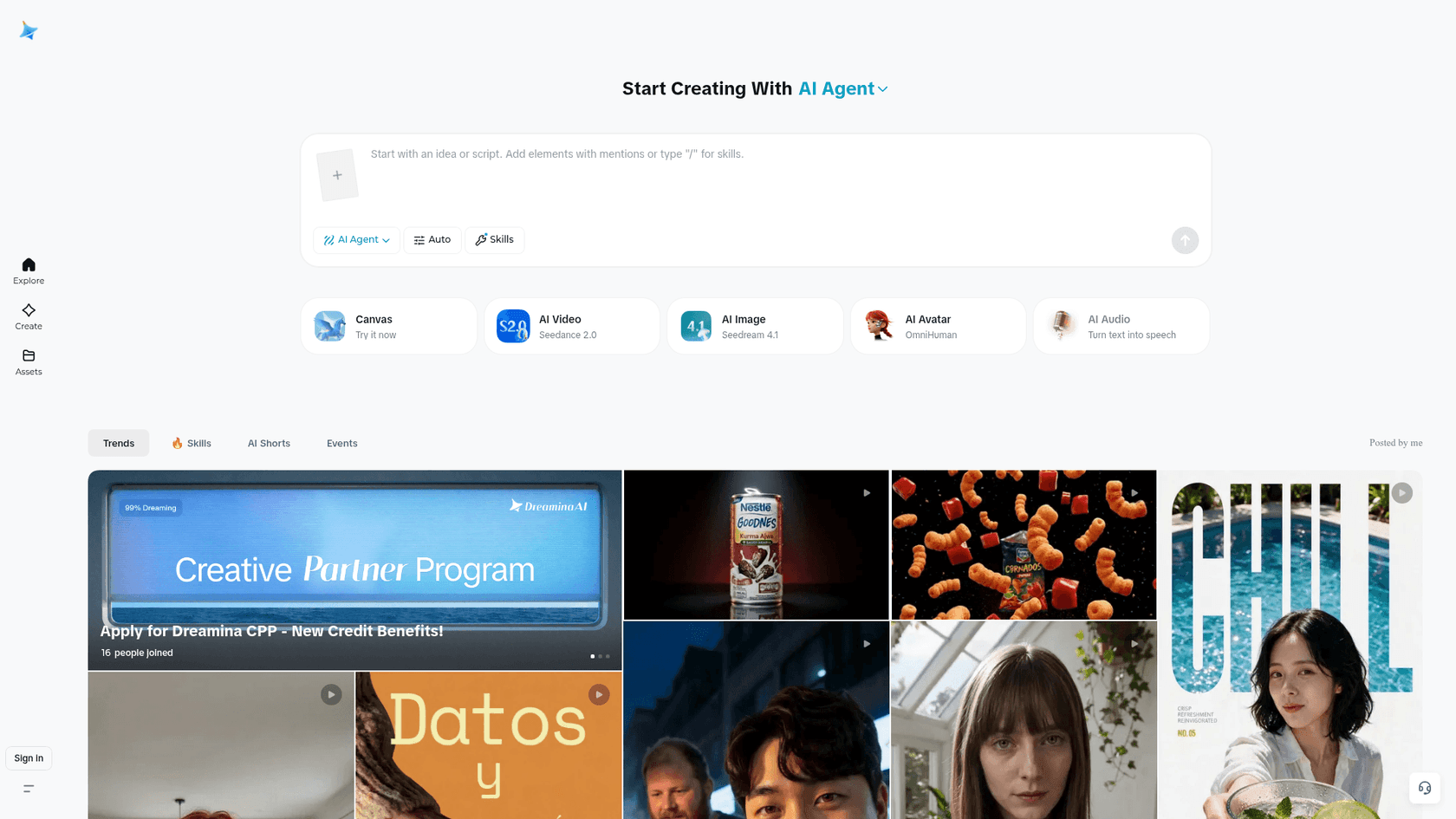
Seedance 2.0 is ByteDance's video model, reachable through the consumer Dreamina app and the BytePlus ModelArk platform for developers. It is the one to watch if you want resolution to scale without the cost exploding at the top end.
Strengths. A billing model that actually gets cheaper per token as resolution rises, and free token quota on BytePlus to test with. Because it is token-billed, you pay for exactly what you generate, and short low-res drafts are cheap.
Limits. The token math is the least intuitive here: cost is duration times width times height times frame rate, divided by 1,024, so you have to run the numbers per job rather than eyeball a per-second rate. Video-input jobs also carry minimum-token floors.
Pricing. Token-billed, with the per-1M rate falling from $7.00 at 720p to $4.00 at 4K. Using BytePlus's own worked examples, a 5-second clip is about $0.76 at 720p, $1.87 at 1080p, and $3.89 at 4K; the Fast and Mini variants drop a 720p clip to $0.60 and $0.38. A 10-second 720p clip lands near $1.50.
Verdict. For high-resolution output at a sane price, Seedance is the sleeper. It is also the engine Runway resells, which tells you the pros rate it. Just budget time to model the token cost before you commit to a pipeline.
6. Grok Imagine 1.5
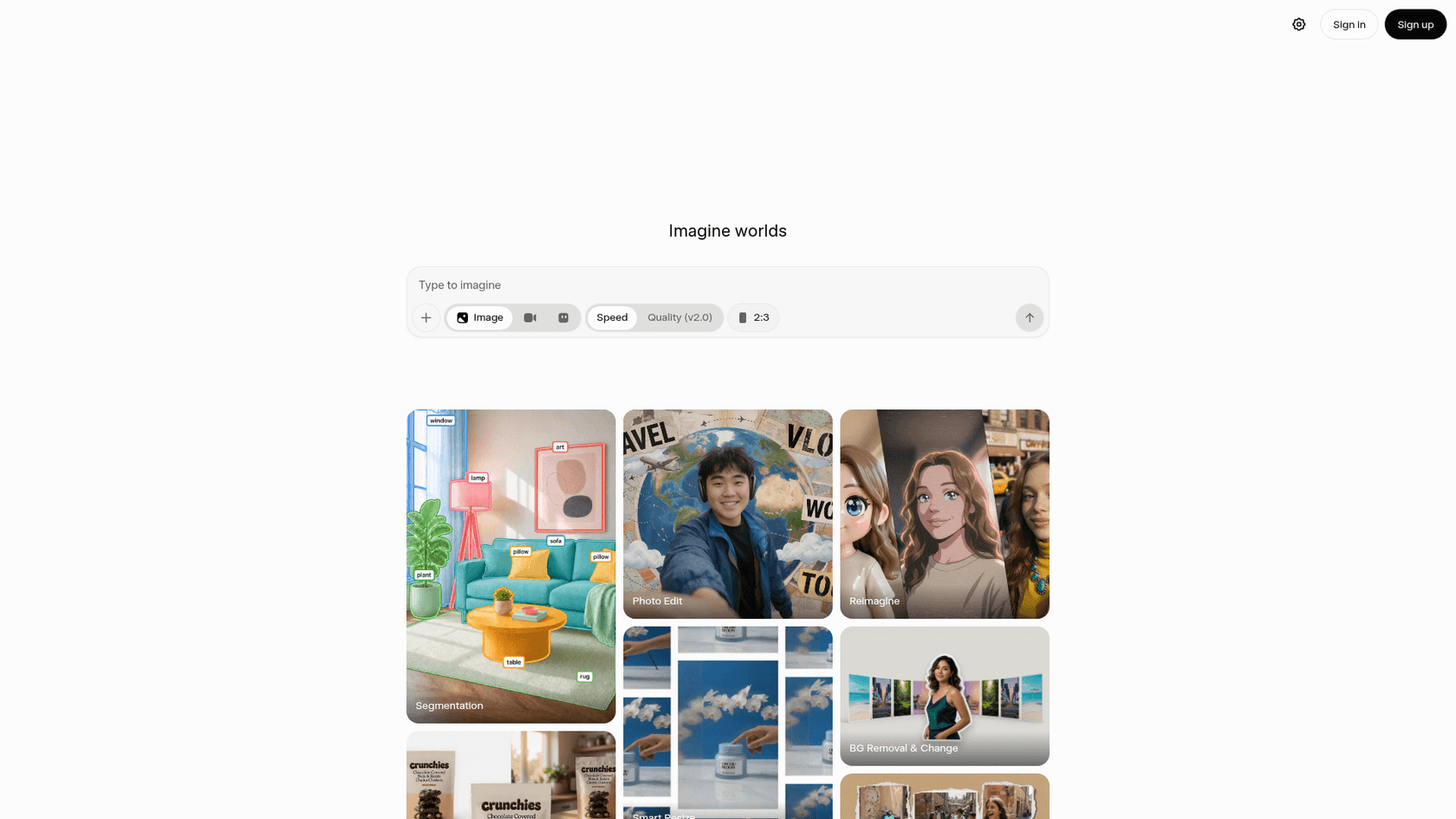
Grok Imagine is xAI's video-and-image model, and it wins on one clear axis: it is the cheapest and lowest-friction way onto this list, especially if you already pay for X.
Strengths. Lowest entry cost, a slick "type to imagine" interface, and a rare feature, it is the only model here that takes audio as an input to guide generation. Bundling with an X subscription means many people can try it at no extra cost.
Limits. It is the least "enterprise" of the six. There is no draft-then-upscale flow to match Omni's, and its ceiling on control and length is lower than the studio-grade tools. It is built for speed and reach more than for a production pipeline.
Pricing. Straight per-second on the xAI API: $0.08 at 480p, $0.14 at 720p, and $0.25 at 1080p. So a 10-second 720p clip is about $1.40, and the image side ($0.02 to $0.05 per image) is a category bargain.
Verdict. If you want the fastest, cheapest on-ramp and you already live in X, Grok Imagine is the easy yes. It is not going to replace a Runway or Kling workflow, but it does not try to.
What about Sora?
If you searched for Omni alternatives even a few months ago, Sora would have topped every list. Not anymore. According to OpenAI's own help center, the Sora web and app experiences were discontinued on April 26, 2026, and the Sora API will be shut down on September 24, 2026. Purchased credits get redirected to Codex.
So do not build anything new on Sora. It is a dead end, and it is the reason a name that once anchored the whole category is a footnote here. If you had a Sora pipeline, one of the six above is where you migrate. (Our older Sora 2 alternatives and imagine vs Sora comparisons still have useful context on where each one lands.)
The honest limit of all of these (and where eesel fits)
Here is the thing every one of these posts dances around. A better video model is still just a model. It is raw infrastructure you have to wire up, prompt, and babysit. It does not know your brand, your tickets, or your content calendar, and it will not do a job from start to finish. As one developer vented on the launch thread, the gap between a slick demo and a practical result is still wide:
"It certainly makes for easy demos, but I always struggle with the practical application. As in, what work or enjoyment does someone actually get from this?"
That is the distinction I care about as a builder. A model is a tool; a teammate does the job. At eesel, we build AI teammates you hire for specific roles: an AI helpdesk agent that joins your support queue, and an AI blog writer that publishes content, each arriving with the skills, integrations, and company context for its role. We have spent years putting AI on live support queues, watching where confident-sounding models quietly get things wrong, which is why every rollout gets simulated against your real history before it touches a customer.
So if the actual job is answering support tickets or shipping content at scale, do not reach for a video model and a stack of glue code. Reach for a teammate that already plugs into your tools and does the work. It is free to try, and it is a very different bet than renting GPU time by the second.
If your job really is video, though, pick from the six above by what you value: cost, control, cinematic quality, a clean API, or stitched length. That is the whole decision.