

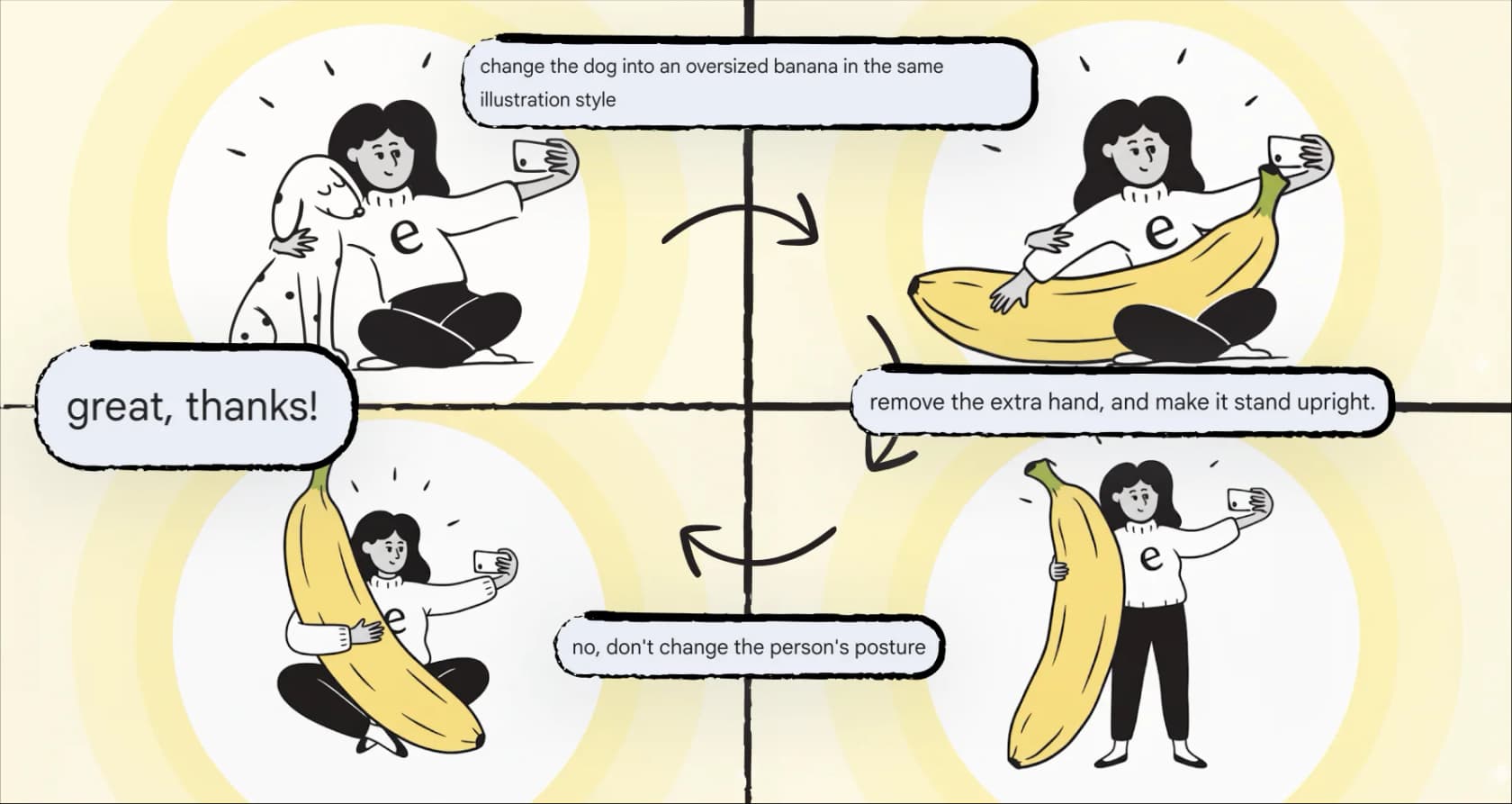
Just when you think you’ve gotten the hang of one AI tool, another one drops. The world of AI content creation moves fast, and Google's latest entry is Nano Banana Pro, a major update to its popular AI image generator. It runs on the powerful Gemini 3 Pro model and comes with some big promises: studio-quality images, more creative control, and legible text, which has always been a weak spot for AI image tools.
But does it actually deliver? In this Nano Banana Pro review, we’ll break down everything you need to know. We'll look at its main features, how it works, what it costs, and its real-world limitations. We’re here to figure out if this tool is just a fun new toy or a serious asset for content creators and marketers trying to step up their visual game.
What is Nano Banana Pro?
So, what exactly is Nano Banana Pro? Think of it as Google's new, heavy-duty AI image generator, which they officially rolled out in November 2025. It’s the follow-up to the original Nano Banana model and is powered by Google’s most advanced AI, Gemini 3 Pro. This new engine helps it understand complex prompts better and pull in real-world information from Google Search.
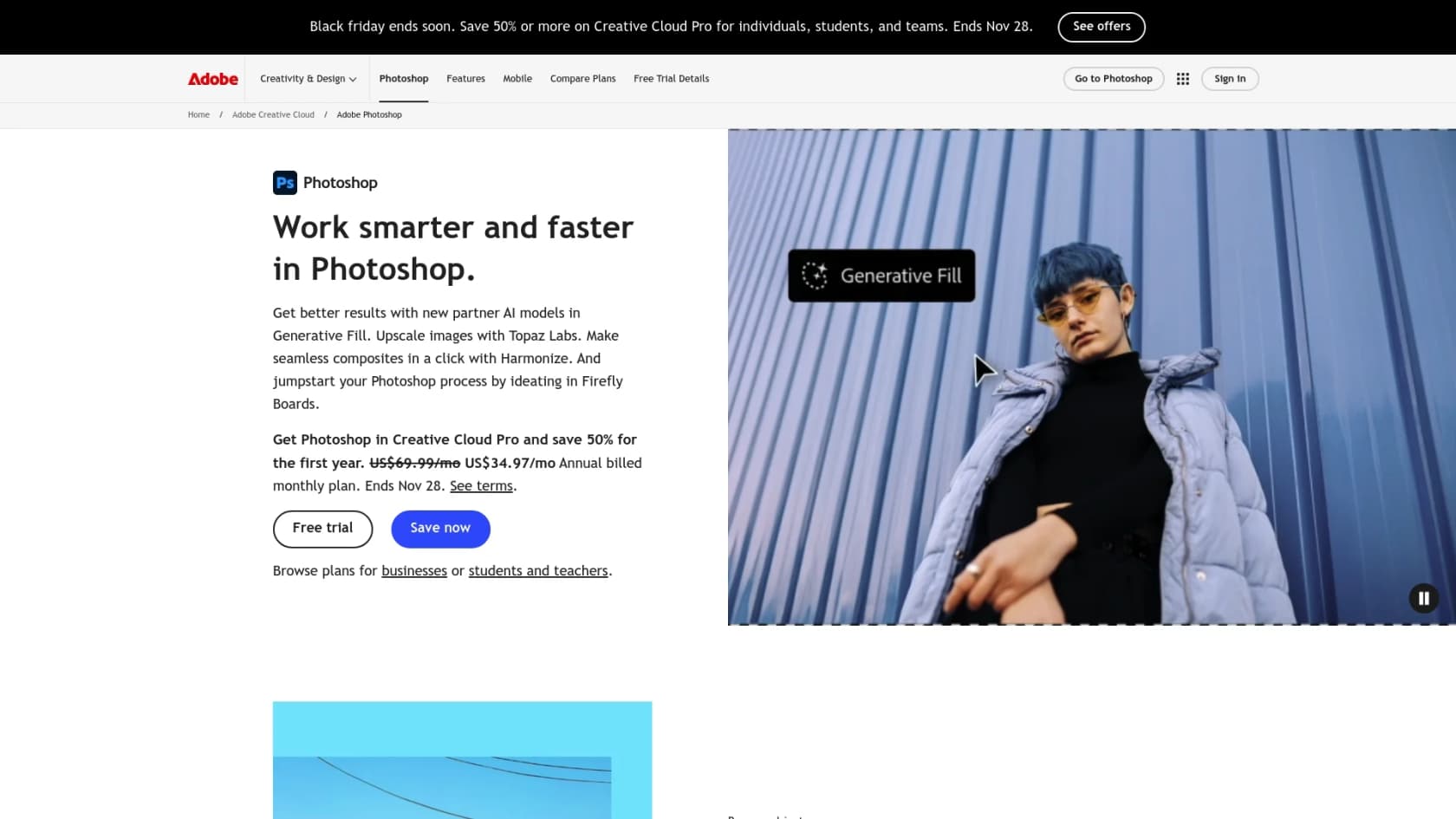
Unlike the first version, which was great for creative and sometimes quirky images, Nano Banana Pro is aimed at professionals. It’s built to help creators and marketers produce high-quality visuals, mockups, and even infographics with much better accuracy. You’ll find it popping up across Google’s products, from the Gemini app to tools like Google Ads and Vertex AI. It's even being integrated into third-party apps like Adobe Photoshop.
A deep dive into key features
This isn't just a minor update. Nano Banana Pro has some genuinely new tricks up its sleeve that make it stand out from other AI image generators out there. Let's get into what makes it different.
Studio-quality image generation and editing
The first thing you’ll notice is the quality. Nano Banana Pro can create images in up to 4K resolution, which means the results are sharp enough for professional campaigns and even print.
But it’s the editing that really opens things up. You can:
-
Tweak camera angles and focus. Want to blur the background or change the perspective after the image is already made? You can do that.
-
Change the entire mood. You can turn a daytime photo into a nighttime scene or add dramatic lighting effects with a simple command.
-
Make small, specific changes. Need to refine just one part of an image? You can select an area and adjust it with a text prompt without messing up the rest of the picture.
It can actually write legible text
Here's the feature that really caught my eye. For years, AI models have been terrible at rendering text, usually spitting out jumbled, nonsensical letters. According to Google's announcement, this model is their best yet at creating images with clear, readable text, from short taglines to whole paragraphs.
This alone opens up a ton of practical uses, like creating:
-
Product mockups that have the right branding and labels.
-
Marketing posters with crisp headlines.
-
Social media graphics with text overlays that don't look wonky.
-
Content for different regions by translating and rendering text in other languages, like Arabic.
Consistent characters and styles
If you've ever tried to get an AI to draw the same person twice, you know the struggle. Nano Banana Pro tackles this by letting you blend up to 14 different images and keep up to five people looking consistent. This is huge for things like storyboarding, creating a brand mascot, or developing a marketing campaign where all the visuals need to feel connected. You can take a character from one scene and drop them into a completely new one, and they'll still look the same.
It knows things about the real world
Because it's connected to Gemini 3 Pro and Google Search, Nano Banana Pro can create images that are visually appealing and factually informed. You could ask it to generate an infographic about a scientific process, and it will pull in relevant information to make it accurate. This pushes it beyond being just a creative toy and turns it into a useful tool for visualizing information.
How to access Nano Banana Pro (and what it costs)
Google is making Nano Banana Pro available in a bunch of its products, so everyone from casual users to big companies can try it. But how you get it and what it costs depends on the platform.
Where can you use it?
You can find Nano Banana Pro in a few different places:
-
For casual users: It’s available in the Gemini app. If you're on the free plan, you get a certain number of images before it switches back to the standard model. Paid subscribers get more.
-
For professionals: It’s being added to Google Ads, Google Slides, and Vids for Workspace users. It's also showing up in tools from other companies, like Adobe's Firefly and Photoshop.
-
For developers: You can access it through the Gemini API and Google AI Studio, or Vertex AI for larger projects.
Understanding the pricing model
You can try Nano Banana Pro for free, but if you plan on using it a lot, there's a cost involved, especially if you're using the API. The price reflects that it's a premium tool.
| Access Method | Tier | Cost Details | Key Information |
|---|---|---|---|
| Gemini App | Free Tier | Free, but with daily/monthly limits. | Once you hit your limit, it defaults to the standard Nano Banana model. |
| Gemini App | Google AI Plus, Pro, Ultra | Included with your subscription, with higher image quotas. | Ultra subscribers get the most generations and no visible watermark. |
| API / Vertex AI | Pay-as-you-go | ~$0.139 per 1080p/2K image, ~$0.24 per 4K image. | Prices can change. It's slower and more expensive than the standard model. |
| Third-Party Apps | Varies by App | Included in subscriptions like Adobe Creative Cloud Pro. | Pricing depends on the specific third-party platform. |
The limitations: What to watch out for
But it’s not all perfect. Let's get into the limitations, because this wouldn't be a real review without them. Even with all its cool features, there are still some rough edges.
It still gets weird sometimes
Nano Banana Pro is advanced, but it can still make some classic AI mistakes.
-
Labeling and details: A hands-on review from WIRED mentioned that the model can struggle to label objects correctly in a busy scene. Sometimes it gets things wrong or just makes stuff up.
-
Factual errors: Even though it can use Google Search, it isn't always right. It's a good idea to double-check any data or facts it puts into an infographic.
-
The six-fingered hand problem: You know the one. Fine details like hands and faces can still come out a bit distorted, which is a dead giveaway that an image is AI-generated.
It's just one piece of the puzzle
Nano Banana Pro is great for making standalone images. But let's be honest, a great image is only half the battle, right? If you're creating a blog post, you still need to do the research, write SEO-friendly text, structure it with headings, add links, and make it all flow together.
Jumping between one tool for images and another for writing can feel clunky and slow. This is where tools designed for the entire content creation process can really help.
Scaling content creation with a complete AI toolkit
While Nano Banana Pro handles the visuals, what if you could automate the entire process of creating a blog post from just a single keyword? That’s the idea behind a tool like the eesel AI Blog Writer. It’s not just for creating bits and pieces of content; it generates complete, SEO-optimized articles that are pretty much ready to go live.
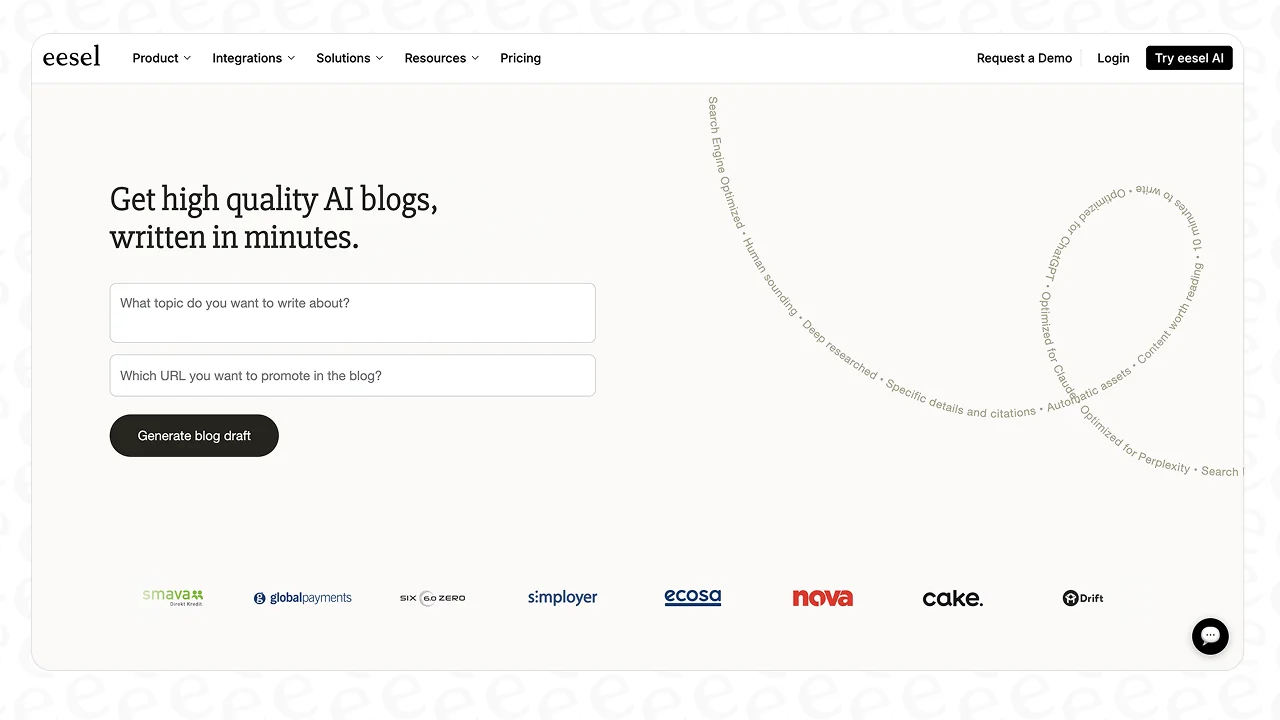
The AI Blog Writer takes care of everything:
-
It does the research. It looks at the top-ranking content for your keyword to build a solid outline.
-
It writes like a human. It drafts a full-length article in a natural, conversational tone.
-
It handles the SEO. It places keywords in the headings and throughout the article where they make sense.
-
It pulls in other assets. It can embed relevant YouTube videos and even find real quotes from Reddit to add a bit of social proof.
At eesel, we actually used our own AI Blog Writer to grow our blog from 700 to 750,000 impressions a day in just three months. It’s a full content engine, not just an image maker. So while Nano Banana Pro can create that perfect hero image for your post, the eesel AI Blog Writer can build the whole article around it. It’s free to use right now, and we're looking for feedback from people trying it out.
A powerful tool in the creator's arsenal
So, what's the final verdict in this Nano Banana Pro review? It's genuinely impressive. Its ability to create high-resolution, context-aware images with text that you can actually read makes it a really valuable tool for marketers, designers, and creators. The level of editing control is a huge step up for professional work.
But it’s important to see it for what it is: a specialized tool for making visuals. For teams that need to scale their entire content strategy, it's one great instrument in a much larger orchestra. To really succeed with SEO and content marketing, you need a setup that combines strong visuals with well-researched, well-written text.
Ready to see what a more complete AI content strategy can do for your growth? Give the eesel AI Blog Writer a try for free today and see what happens when you turn your next keyword into a top-ranking article.