If you’ve been paying any attention to AI, you’ve probably seen the images. Jaw-droppingly beautiful, weird, and wonderful visuals that look like they were pulled from a sci-fi movie or a fantasy novel. There’s a good chance many of them were made with Midjourney, the AI image generator that can turn a few words into a masterpiece.
When Midjourney first hit the scene, it was pretty much the king of AI art. But as other tools like DALL·E 3 and Stable Diffusion have gotten better, the conversation has started to change. People are running into some pretty big roadblocks with Midjourney that make it tough to use for anything beyond a fun side project.
This guide will walk you through everything you need to know about Midjourney. We’ll cover what it is, how you actually use it (which is its own story), what makes its art so special, and the major limitations that you need to be aware of, from its clunky user interface to its total lack of an API.
What is Midjourney?
Midjourney is an independent research lab and the AI tool it created. In short, it’s a private AI tool that whips up images based on text descriptions, or "prompts" as they're called. Unlike some other models you might have heard of (like Stable Diffusion), Midjourney is closed-source. You can’t peek under the hood to see how it works.
For the longest time, the only way to access it was through a bot on the chat platform Discord, which has shaped its entire user experience and community from day one.
At its heart, Midjourney is all about taking your words and turning them into something beautiful and artsy, often with a painterly vibe. It’s got a knack for things like composition and lighting, which makes its images feel polished right away. It's not just a utility for making pictures; the company sees itself as a platform for "expanding the imaginative powers of the human species."
How Midjourney works: The setup and user experience
Getting started with Midjourney has always been… a bit of a thing. While they've recently launched a web app, its DNA is still deeply tied to Discord, a platform that can be a real barrier if you've never used it before.
The Midjourney Discord-first approach
For a long time, using Midjourney meant living in Discord. Here's what that looks like:
-
Join the server: First, you need a Discord account. Then you have to join the official Midjourney server, which is home to over 20 million people.
-
Use the
/imaginecommand: You find one of the designated "newbie" channels, type/imagine, and then write out your text prompt. -
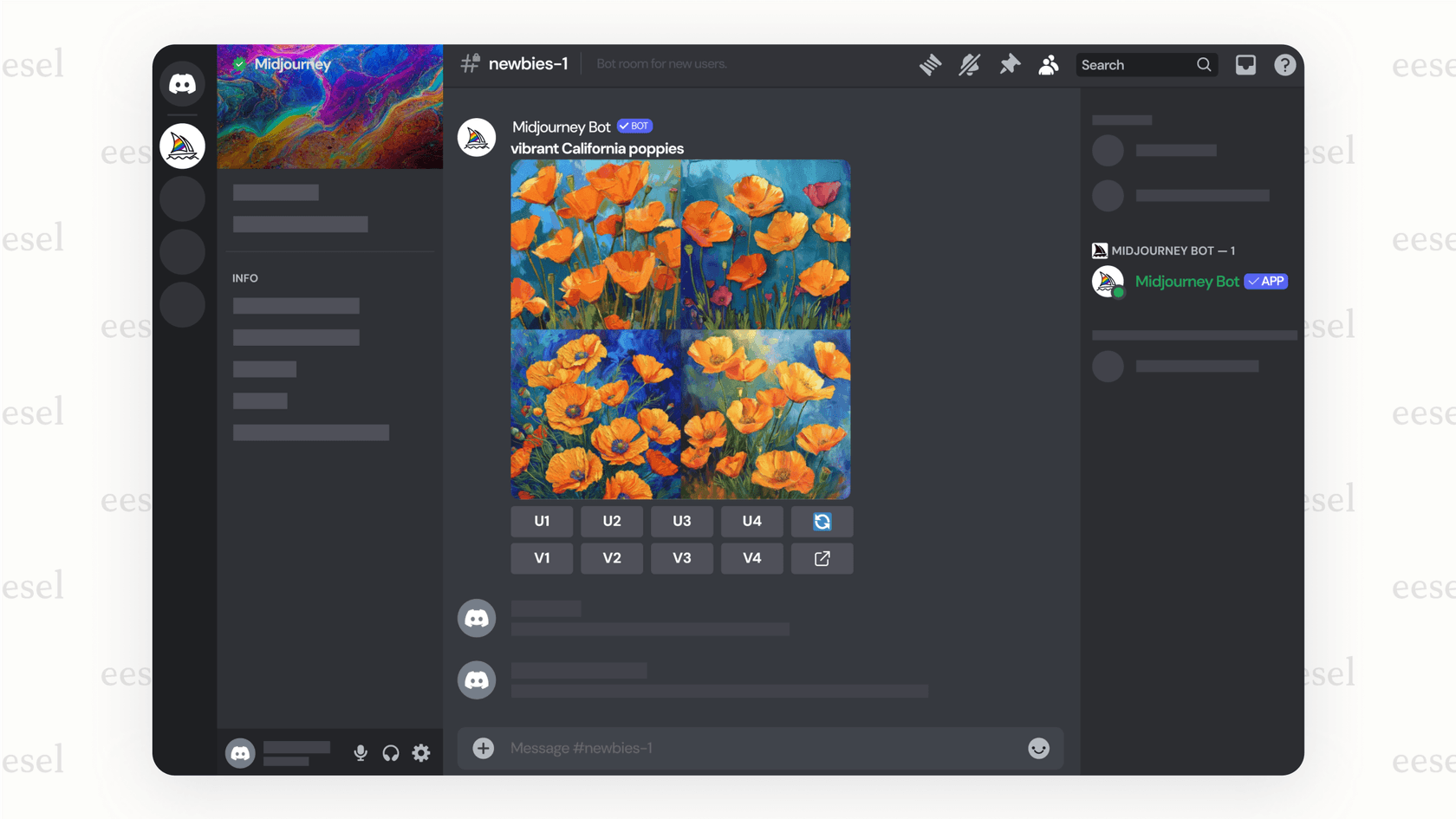
Generate and wait: The bot gets to work and spits out four image options in that public channel. From there, you can pick one to "upscale" (make bigger and more detailed) or create new variations.
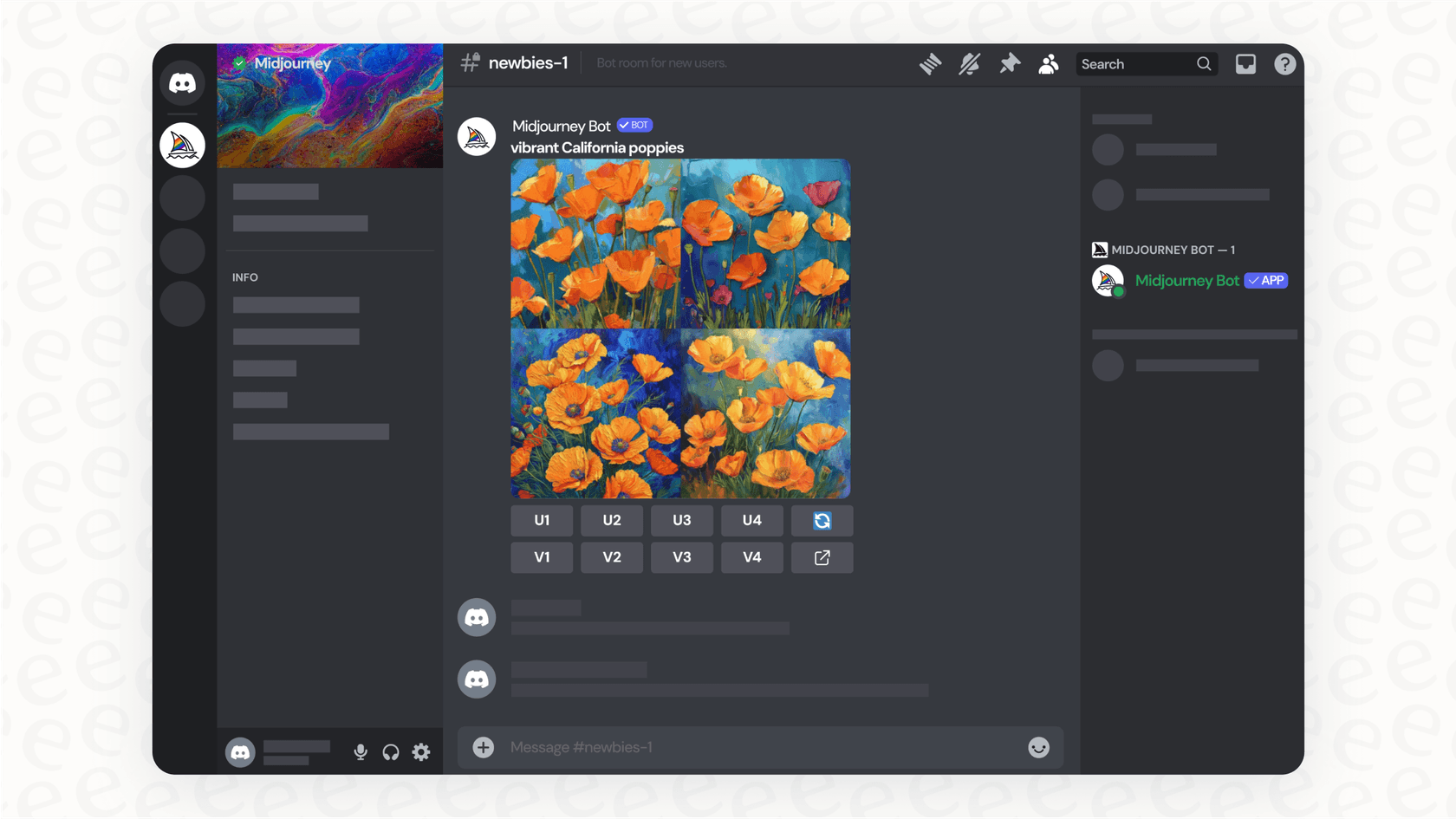
While this creates a bustling, creative community, it's also chaotic. The public channels are a nonstop waterfall of other people's art, and it’s ridiculously easy to lose track of your own generations. Plus, a command-line interface isn't exactly intuitive for most people. It's a learning curve that, frankly, puts a lot of people off.
The new Midjourney web interface
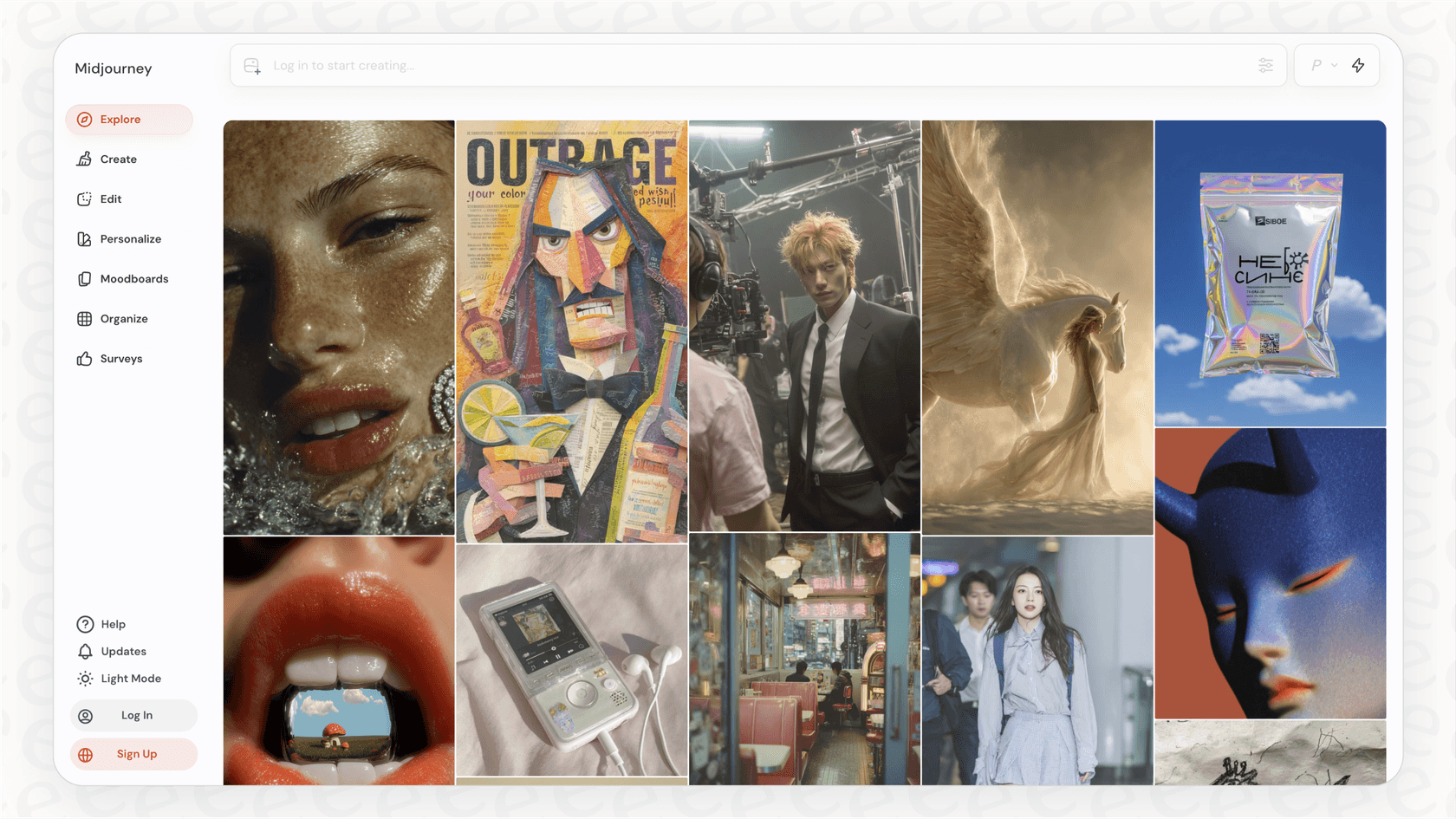
Midjourney has heard the complaints and finally started rolling out a web application. It offers a more standard experience where you type your prompt into a search bar and see your creations in a tidy gallery. This is a huge improvement, but the tool's reputation is still heavily influenced by its Discord origins.
This whole setup is a huge pain for any business trying to actually get work done. You can't ask your whole team to learn Discord just for one tool. That’s why platforms like eesel AI are built to work where you work, plugging right into tools like Slack instead of forcing you onto a new one.
Midjourney's key features and artistic strengths
Despite the usability headaches, there's a reason Midjourney got so popular: its artistic output is incredible. It has a distinct aesthetic that often feels more polished and art-directed than its rivals, right out of the box.
The images just look good. Midjourney is a master of creating beautiful lighting, strong composition, and tapping into a deep knowledge of art history and styles. Your prompts often produce results that look like professional concept art or digital paintings.
It also has its own distinct "look." Unlike some AI tools that give you a blank canvas, Midjourney has a built-in bias for what looks good, which is a big help for beginners who haven't mastered writing super-detailed prompts yet. It’s also weirdly good at understanding prompts about moods, emotions, and artistic movements, making it a fun tool for just exploring ideas. Plus, the team is constantly releasing new versions, each one a major leap forward in realism and understanding.
The limitations and challenges of Midjourney
While it's a dream for artists, Midjourney has some serious limitations that make it a poor fit for most people, especially in a business setting.
No Midjourney API access
This is the big one, especially if you’re thinking about using it for work. Midjourney has no API. In simple terms, that means you can't connect it to other software, websites, or automated workflows. You can’t build an app that uses Midjourney's tech or have it automatically generate images as part of a process. It’s a walled garden, designed as a standalone tool, not a building block for something bigger.
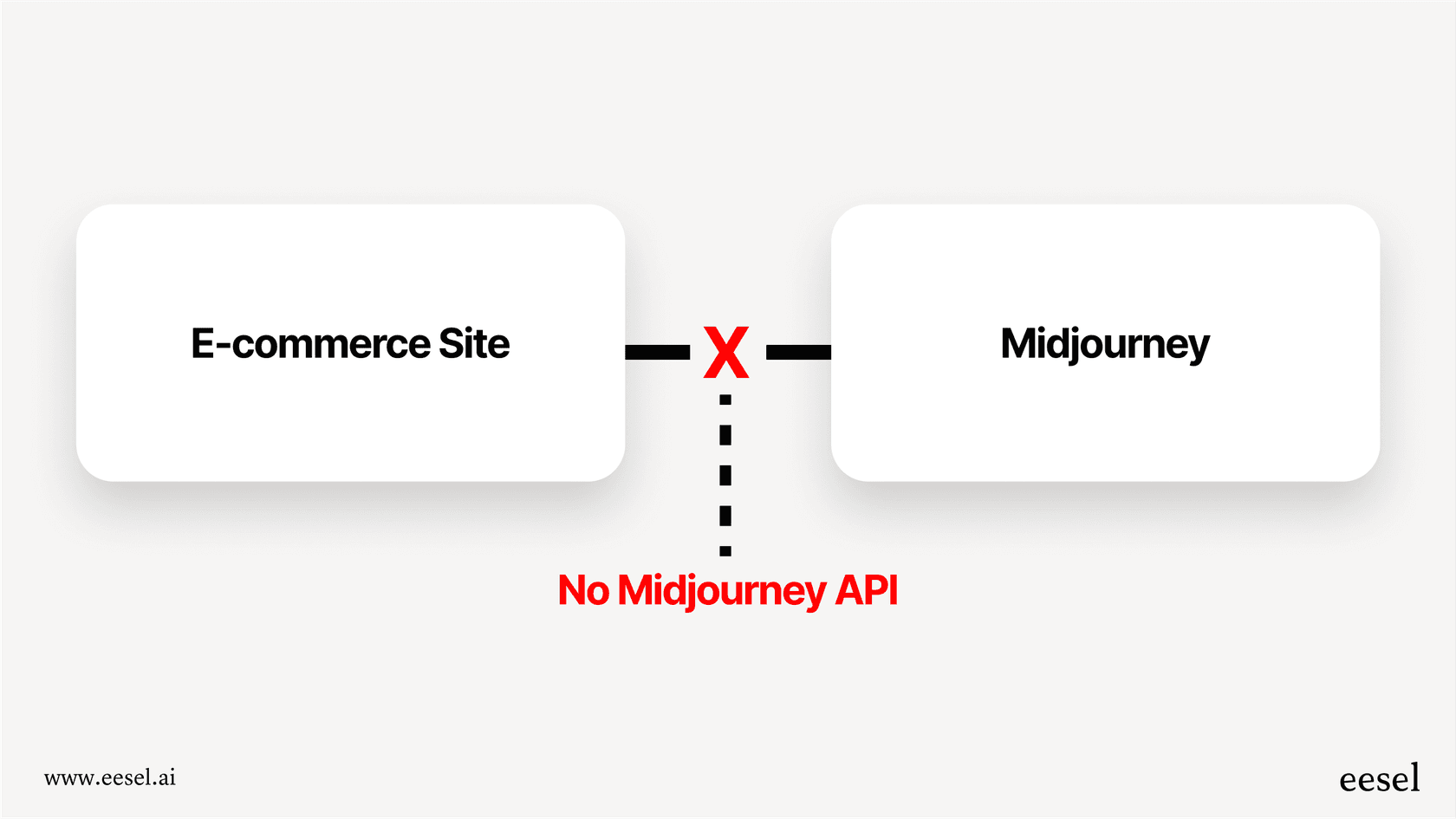
For businesses, integration is everything. Think about an AI support tool like eesel AI. Its whole purpose is to integrate with your knowledge base, like Confluence, and your help desk, like Zendesk or Intercom, to automate answers. That's impossible without an API.
Restrictive Midjourney content moderation
Midjourney's content filter is… aggressive. To put it mildly. Users are constantly reporting that completely innocent prompts get blocked. Words related to the human body or even fashion design can trigger a warning or get you banned. The goal is to prevent not-safe-for-work (NSFW) images, but the filter is so overzealous it often gets in the way of legitimate creative work.
Midjourney privacy concerns
Want to work on a project without the whole world watching? By default, you can't. All images are generated publicly on Discord unless you shell out for the more expensive Pro or Mega plans, which give you access to "Stealth Mode." For anyone working on sensitive or private projects, this lack of privacy on the cheaper plans is a major dealbreaker.
Lack of a Midjourney free tier
And if you just want to poke around and see what it can do? Too bad. Midjourney killed its free trial back in April 2023 because it was getting too popular. It’s now a purely pay-to-play service, which keeps casual users from trying it out and has likely helped competitors gain ground.
Midjourney pricing
So, how much does all this cost? Midjourney runs on a subscription model with four tiers. They all give you access to the community gallery and let you use the images commercially, but the main difference is how much "Fast GPU time" you get. Fast mode generates your images right away, while Relax mode puts you in a queue (and isn't available on the cheapest plan).
Here’s a quick look at the standard monthly plans:
| Plan | Monthly Price | Annual Price (/mo) | Fast GPU Time | Relax GPU Time | Key Features |
|---|---|---|---|---|---|
| Basic Plan | $10 | $8 | 3.3 hr/month | None | Limited generations (~200/mo) |
| Standard Plan | $30 | $24 | 15 hr/month | Unlimited | Unlimited relaxed generations |
| Pro Plan | $60 | $48 | 30 hr/month | Unlimited | Stealth Mode for private images |
| Mega Plan | $120 | $96 | 60 hr/month | Unlimited | Stealth Mode, more fast hours |
The key takeaway here is that true privacy starts at $60 a month, which can be a steep price for freelancers or small teams.
Final thoughts on Midjourney
So what's the verdict on Midjourney? It's a fantastic tool for artists, designers, and anyone who wants to create stunning, unique images. For pure creative fun, it’s hard to beat.
But for business? The story's different. The weird Discord interface, the lack of privacy on cheaper plans, and especially the missing API make it a non-starter for most companies. It’s a closed-off tool designed for making one-off images by hand, not for automation or integration.
If you're looking for AI that actually slots into your workflow instead of walling itself off, you need a different kind of tool. Platforms like eesel AI are built from the ground up to be self-serve, controllable, and connected to the software you already depend on.
Ready to see how AI can work inside your existing tools, not outside of them? Learn how eesel AI can automate support and unify knowledge for your team.
Frequently asked questions
How do I get started with Midjourney if I've never used it before?
Getting started with Midjourney traditionally involves joining its Discord server, using the "/imagine" command in public channels, and managing creations there. While a web app is now available, its origins mean a learning curve, especially if you're new to Discord.
What makes the images generated by Midjourney so visually appealing compared to other AI tools?
Midjourney excels at composition, lighting, and tapping into art history, often producing images that look like professional concept art. It has a distinct aesthetic and a "built-in bias for what looks good," making it beginner-friendly for achieving polished results.
Why is there no API available for Midjourney, and how does this impact businesses?
Midjourney currently offers no API, meaning it cannot integrate with other software, websites, or automated workflows. This lack of integration makes it a significant roadblock for businesses aiming to automate image generation or connect it to existing systems.
Are there any privacy concerns I should be aware of when using Midjourney for my projects?
Yes, privacy is a concern with Midjourney's cheaper plans, as all images are generated publicly by default on Discord. To work on private projects, you need to subscribe to the more expensive Pro or Mega plans to access "Stealth Mode."
Does Midjourney offer a free trial or a free tier for casual use?
No, Midjourney discontinued its free trial in April 2023 due to high demand. It is now a purely pay-to-play service, requiring a subscription even for initial exploration.
What are the different pricing plans for Midjourney, and what do they include?
Midjourney offers four subscription tiers (Basic, Standard, Pro, Mega) ranging from $10 to $120 per month. Plans differ primarily in the amount of "Fast GPU time" provided and access to features like "Stealth Mode" for private image generation.