Why "folk for email" needs its own guide
I build AI agents at eesel, and the part of that job that keeps me up is never the writing. It's the moment an agent decides a message is ready to leave. We've spent years putting AI on real support inboxes, and the bugs that matter are almost always about when something sends, not what it says.
So when people search "folk AI assistant for email management," I read it as a specific question: what does folk actually do with my inbox, and when does an email go out without me tapping a button? The short answer is that folk's email features are spread across five or six of its use-case pages, and the send rules differ slightly between them. This guide pulls them into one place.
(A quick name check: this is folk.com, the texting assistant from Nozomio, Inc. It is not folk.app, the sales CRM with a similar name. Reviews on G2 and Trustpilot under "folk" are about the CRM.)
What folk does with your email
folk is a personal AI assistant you text on iMessage, Telegram or WhatsApp. It runs on its own private cloud computer, so it keeps working when your phone is off. Email is one of the apps you can hand it.
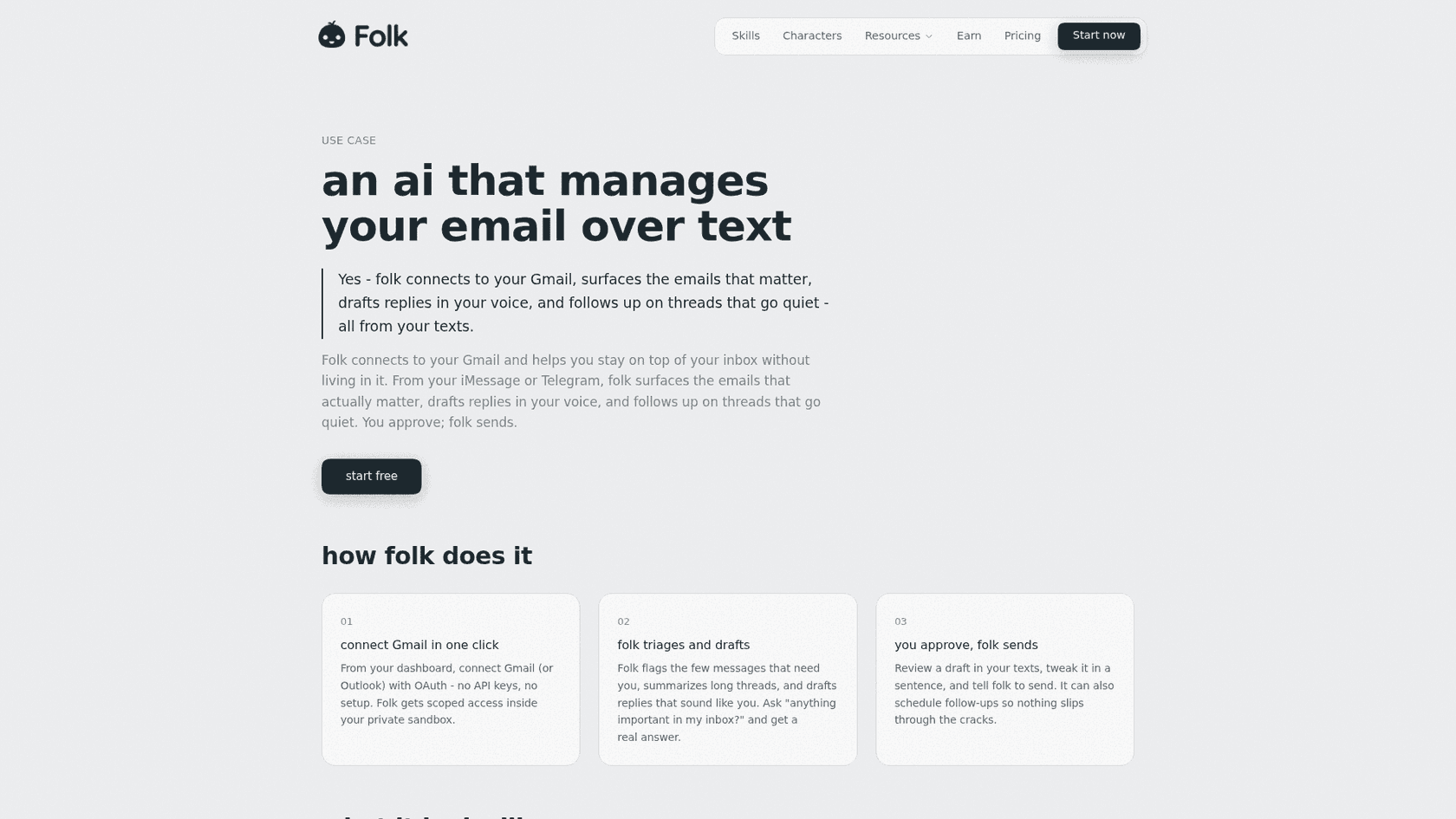
The email use case page describes three steps:
- Connect Gmail or Outlook from your dashboard with OAuth. No API keys.
- folk triages and drafts. It "flags the few messages that need you, summarizes long threads, and drafts replies that sound like you." You can ask "anything important in my inbox?" and get a real answer.
- You approve, folk sends. You review the draft in your texts, tweak it in a sentence, and say send. It can also schedule follow-ups for threads that go quiet.
That's the core. But a lot of folk's email work lives on other pages, and those are the jobs where it actually saves time.
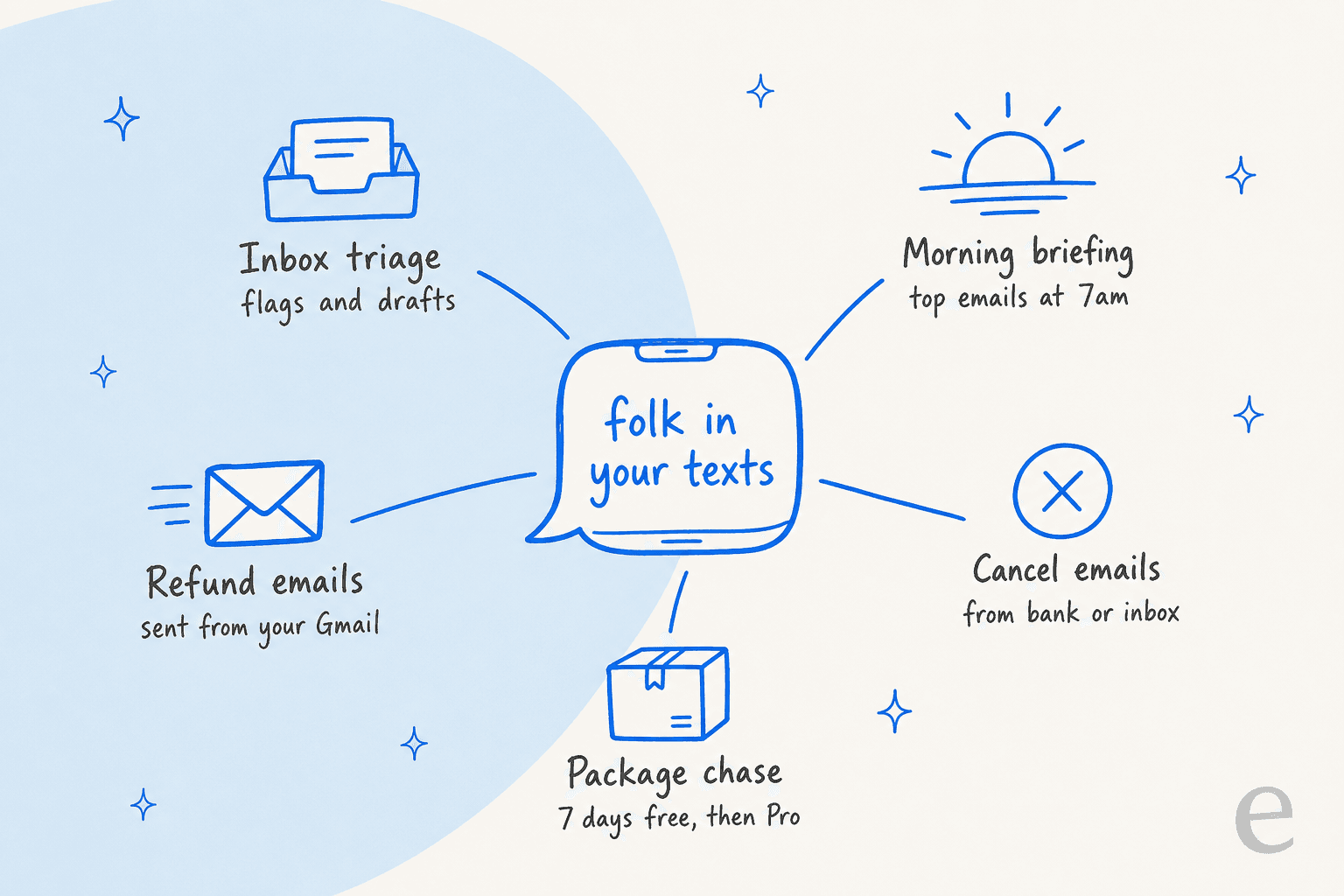
The five email jobs folk handles
1. Inbox triage. The main email page above. Flags, summaries, drafts in your voice, follow-ups. Under the hood this is the same idea as AI email triage in a mail client, except the interface is a text thread.
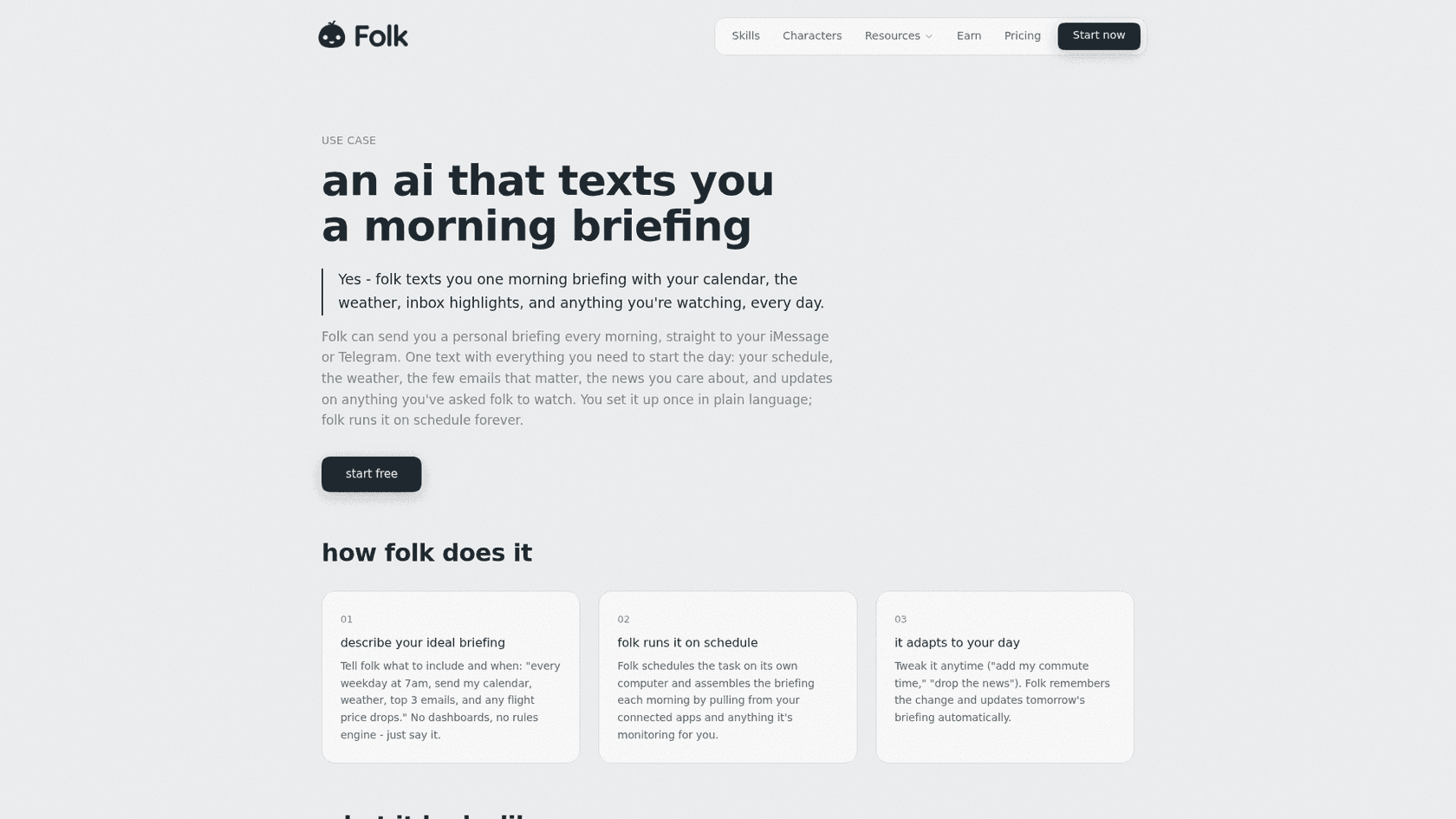
2. Morning briefing. The morning briefing page lets you describe a daily text in plain words, for example "every weekday at 7am, send my calendar, weather, top 3 emails, and any flight price drops." folk schedules it on its own computer and pulls the inbox highlights from your connected Gmail.
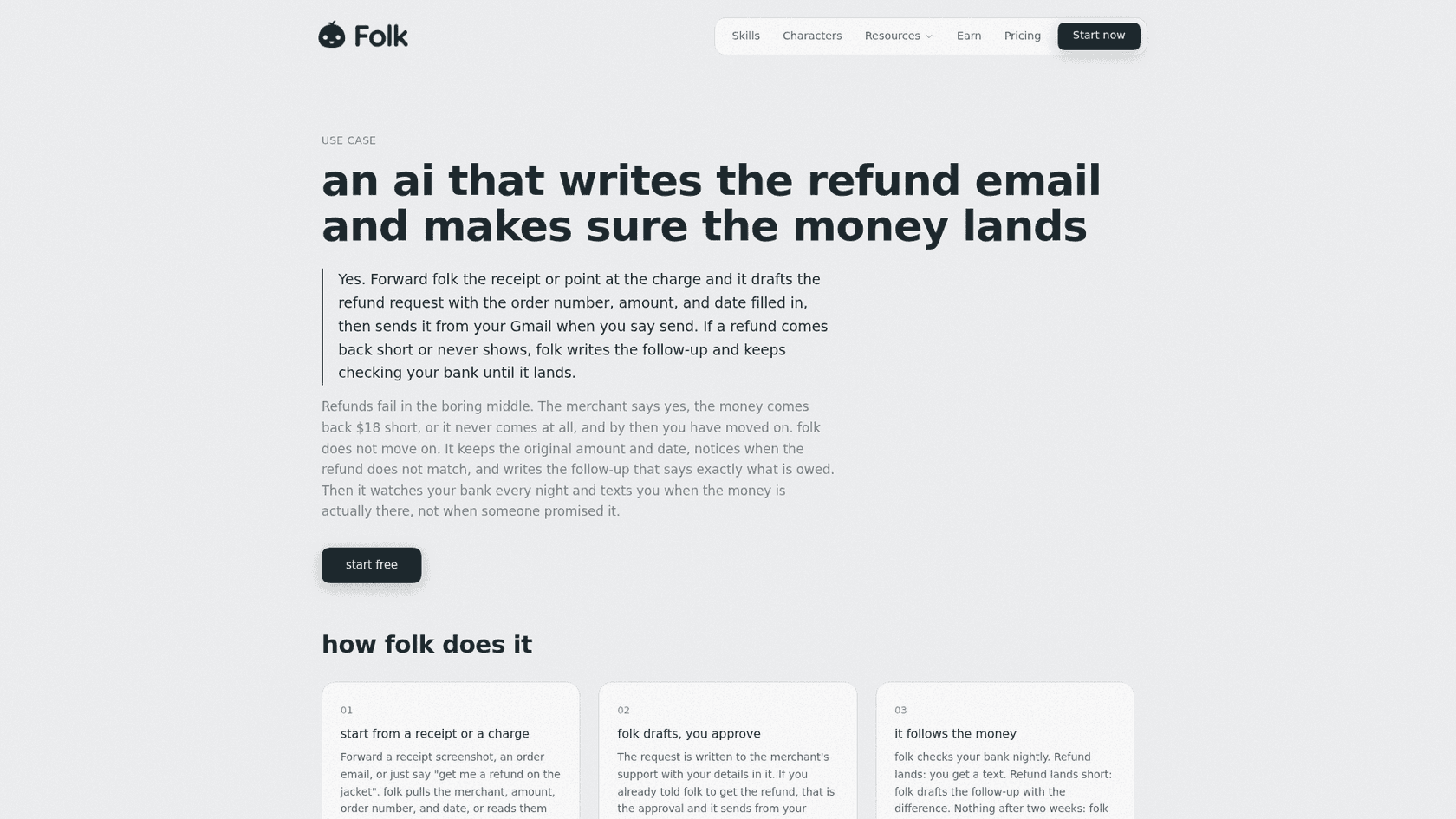
3. Refund emails. On the refunds page, you forward a receipt or say "get me a refund on the jacket." folk drafts the request with the order number, amount and date filled in, sends it from your Gmail, and, if you've linked your bank, checks every night until the money lands. If a refund comes back short, it drafts the follow-up with both amounts.
4. Cancellation emails. The cancel subscriptions page has folk spot recurring charges you've stopped using, either from a read-only bank link through Plaid or by reading your inbox, then draft the cancel email with a refund ask for the unused period. It is explicit that folk "does not log into merchant accounts"; it only writes the email.
5. Package chase. On the package page, folk picks up order confirmations from Gmail, notices when tracking has gone quiet for days, and drafts the where-is-my-order email to the store. This is the email version of what a business would call order tracking automation, pointed the other way.
What ties these together is the voice. folk's pitch is that drafts "sound like you." In my experience, that's the part to watch most closely. When we ran a trial of eesel drafting replies for a real support team, agents sent the AI's draft unchanged only 12% of the time. Most of them turned an 8 to 15 sentence draft into one to three sentences. The fix was training on the team's own sent replies, not a better model. Expect the same from any assistant writing as you: your first week of drafts will be longer and politer than you'd write.
When does folk actually send an email?
This is the question I'd want answered before connecting anything, and folk's pages answer it in three different ways depending on the job.
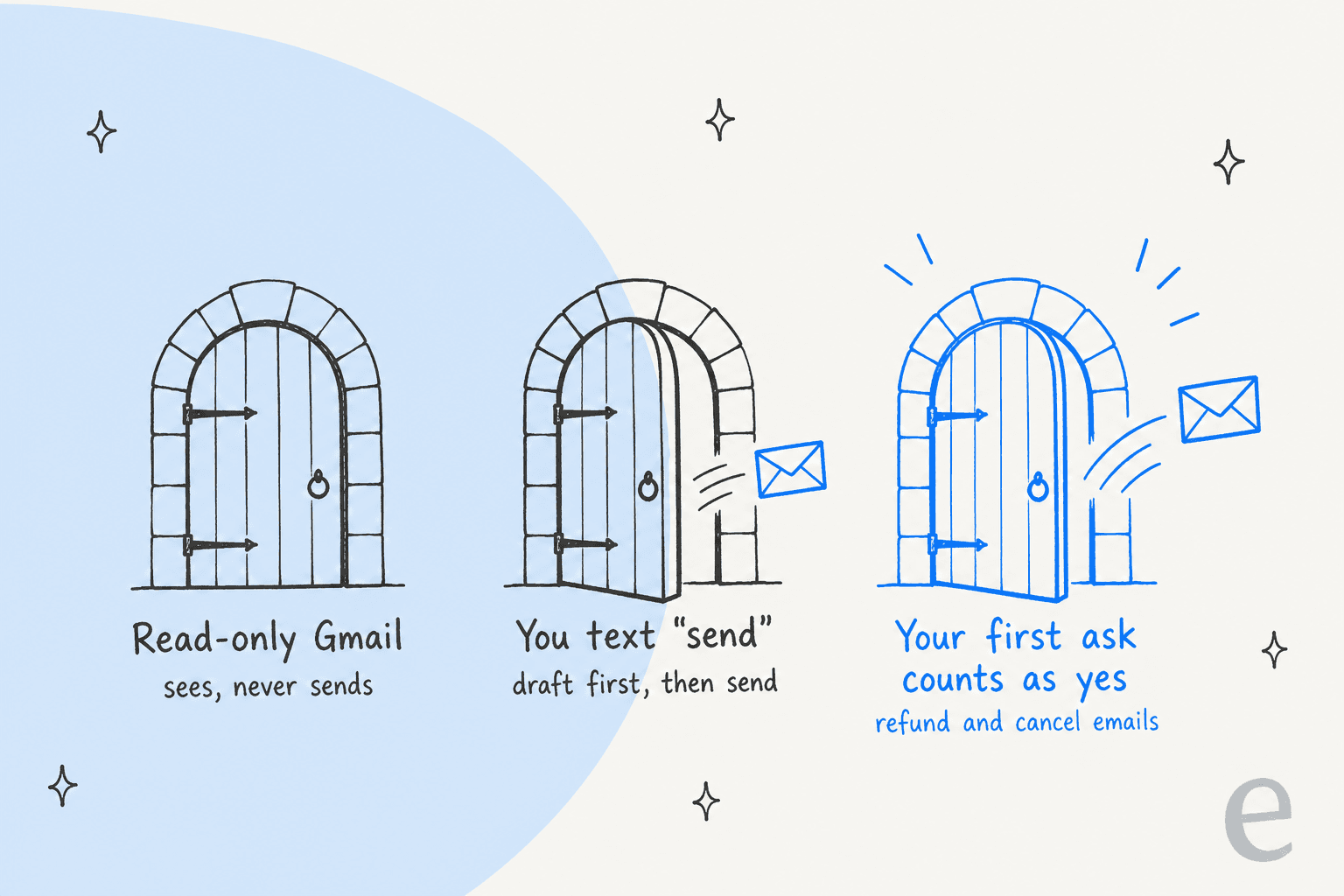
Door 1: read-only. folk's privacy policy says that when you connect Google apps directly, "you can pick read-only access, so folk can see but never send, edit or delete." This gives you triage, summaries and the morning briefing with zero send risk. You copy drafts into Gmail yourself.
Door 2: you text "send." This is the default on the main email page. The FAQ answers "Does folk send emails without my permission?" with a flat "No. Folk drafts and you approve." In the example on the page, folk drafts a lease-renewal reply and asks "Send it?" before anything leaves.
Door 3: your first ask is the approval. The refund and cancel pages describe a shortcut. On the refunds page: "If you already told folk to get the refund, that is the approval and it sends from your Gmail right away. Otherwise it shows you the draft first." The cancel page says the same for cancellations: "If you already told it to cancel that one, that counts as the yes and it goes out from your Gmail in the same turn."
None of this contradicts the FAQ. You did ask. But it means "get me a refund on the jacket" is an instruction to send, not a request for a draft. If you text that half-asleep about the wrong order, the email is already out. When I design agents I treat this as a product choice with a real trade-off: one fewer tap for the common case, one less checkpoint for the rare mistake.
The fix is easy. Put "draft only" in the first message, or set a standing rule (more on that below).
What it needs, and what it costs
Each email job leans on a different permission and a different part of the plan. Here's the full picture from folk's pricing page and the use-case FAQs, checked October 7, 2026.
| Email job | Needs | Sends from | Free plan | Pro ($9.99/mo) |
|---|---|---|---|---|
| Inbox triage and drafts | Gmail or Outlook | Your inbox, after "send" | Yes | Smarter engine |
| Morning briefing | Gmail, a background task | Nothing (it texts you) | Yes, uses 1 of 3 slots | Unlimited briefings |
| Refund emails | Gmail, bank link optional | Your Gmail | Yes | Yes |
| Cancellation emails | Bank link or inbox | Your Gmail | Yes, watching within 3 slots | Unlimited watching |
| Package chase | Gmail or forwarded confirmations | Your Gmail | 7 days of watching | Ongoing tracking |
The constraint that bites on the free plan is 3 things running in the background at once. A morning briefing, a subscription watcher and one package tracker use all three. Pro is $9.99 a month or $99.99 a year (about $8.33 a month), and it removes the cap, adds the "smarter engine," and moves calls from 10 minutes a week to 120 minutes a month. There's also a Max tier at $99.99 a month listed only in the App Store terms.
For context, that's cheap next to the best AI apps for Gmail and dedicated AI email assistants. Fyxer's pricing starts at $37 a month billed annually, and Superhuman Mail starts at $25. The difference is scope: those tools live inside your mail client and only do email, while folk is a general life assistant that happens to read your inbox.
What happens to your email data
I'd read this section before connecting a real inbox. Here's what folk's privacy policy (last updated September 8, 2026) and subprocessors page say about email specifically.
Good news first:
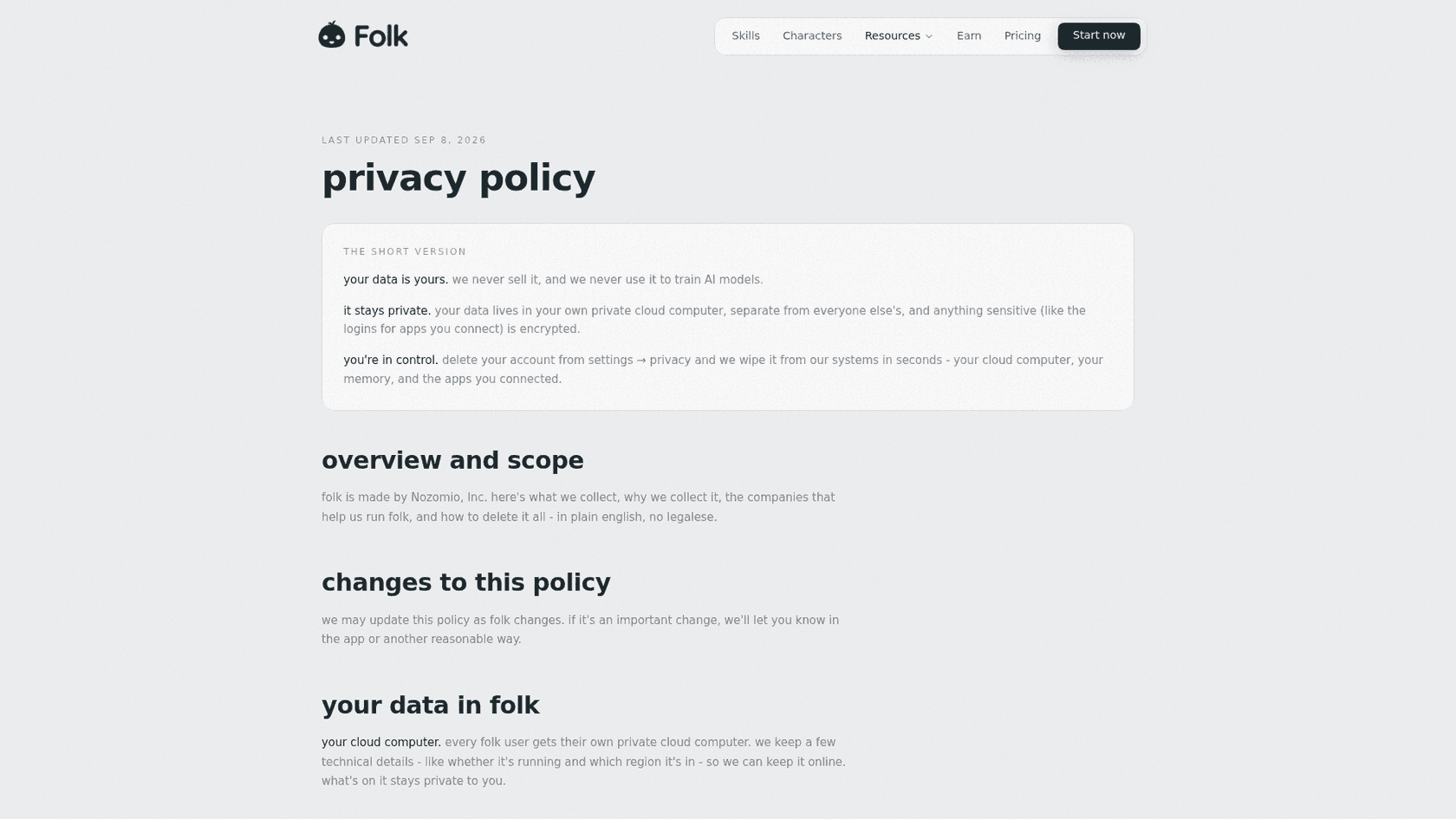
- folk says it never uses your data to train AI models, and its Google Workspace section commits to Google's Limited Use rules.
- Each user gets a separate private cloud computer, and app logins are encrypted.
- App connections like Gmail run through Composio, a service that holds the OAuth link.
- Deleting your account from settings wipes your memory, messages and cloud computer "in seconds."
What to know:
- Your email content is sent to OpenAI and Anthropic models through OpenRouter to answer you. folk says those calls are on paid API terms that bar training.
- Langfuse, Lemma and Raindrop "record the messages folk exchanges with its AI models" to find broken replies. If folk summarizes an email, that summary request passes through those tools.
- Disconnecting Gmail revokes access immediately, but "emails, files and notes folk already saved for you stay until you delete them or your account."
- folk's pages don't list a SOC 2, ISO 27001 or HIPAA certificate. Its terms cap liability at what you paid in the prior 12 months, which on the free plan is
$0.
None of this is unusual for a young consumer assistant. folk is a six-person team that raised a $6.2M seed led by CRV. It does mean folk is a fit for a personal inbox and not for a work account that holds client data or anything covered by a compliance rule.
How to set up folk for email safely
This takes about 10 minutes. The order matters, because the access you grant in step 1 decides how much the rest can go wrong.
- Pick the access level first. If you only want triage and the morning briefing, connect Google read-only. If you want refunds and cancellations sent for you, you need send access. Don't grant more than the jobs you'll actually use.
- Connect a personal inbox only. Not a work account, not a shared alias, not an address that receives client mail. folk's terms also bar giving others access to your folk account without permission, so it isn't a team tool.
- Text one standing rule. Something like: "Always show me a draft before sending any email, including refunds and cancellations." folk remembers preferences and the refund page says it shows the draft first unless you already approved, so this closes Door 3.
- Spend your 3 free slots on purpose. A morning briefing plus one subscription watcher is a good start. Add package tracking only if you shop online often, since that's where Pro starts to earn its
$9.99. - Expect to edit early drafts. Correct the length and tone in your replies for the first week ("shorter, no greeting"). That's the same feedback loop that moved our support drafts from mostly rewritten to mostly sent.
- Plan your exit. If you stop using folk, delete the account from settings, not just the Gmail connection. Disconnecting alone leaves saved emails in place.
If that's more trust than you want to give a texting assistant, there are tools that stay inside the inbox:
- Gemini in Google Workspace can summarize emails, recap threads and help you write.
- Gmail's nudges and follow-up reminders cover the "thread went quiet" job for free.
- My Fyxer AI review covers an inbox-only assistant that never sends.
- The folk AI assistant alternatives roundup compares other texting assistants, and Instinct AI for email covers a close rival with a different send model.
How folk compares with other texting assistants on email
Several AI personal assistants now promise to run your inbox over text. On email, they split on two questions: which inboxes, and who presses send.
| Assistant | Inboxes | Default send behavior | Price for email |
|---|---|---|---|
| folk | Gmail, Outlook | Draft, you approve (first ask counts on refunds) | Free; Pro $9.99/mo |
| Instinct | Gmail | Reads your Gmail, also sends from its own address | Invite-only, no public price |
| Orchid | Gmail | Drafts and reminders over iMessage | $29.99/mo flat |
| Martin | Gmail, Outlook | Triage and drafts on Pro only | From $21/mo annual |
folk's edge on email is Outlook support and a free plan that actually includes Gmail. Its gap is the same as the rest of this group: no shared inbox, no team rules, nothing an admin can audit. For that you want a different category of tool, which is the next section.
What about a team or support inbox?
A personal assistant answers to one person's judgment. A team inbox needs rules that outlive any one person: who owns a thread, what the refund policy is, when a human takes over. As eesel's cofounder Amogh puts it on sales calls, email is the biggest helpdesk in the world, and plenty of small teams still run support straight out of Gmail.
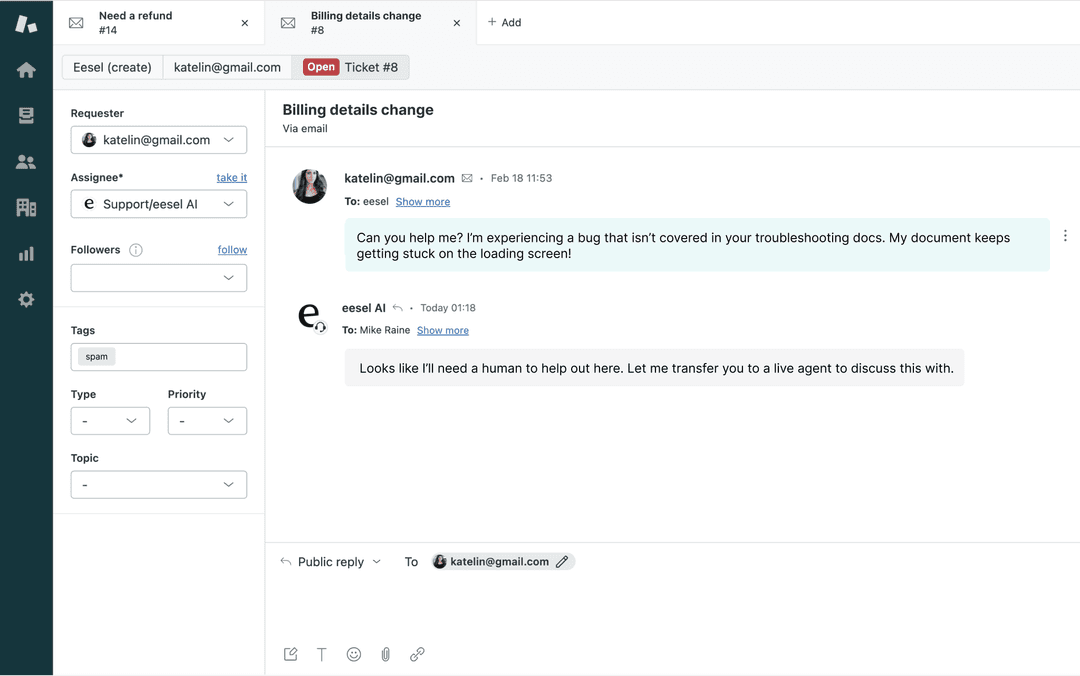
That's the job eesel's AI helpdesk teammate was built for, and the steps in automating email support apply to it. eesel is a set of AI teammates you hire for defined jobs, and the helpdesk teammate works your support inbox. Per the eesel integrations docs, it responds to support emails directly from your inbox, drafting, sending and following up, and it learns from your help center and the replies your team has already sent.
The difference from folk is the checkpoint. folk asks you, one email at a time. eesel runs against your past emails first, so you see how it would have replied to last month's tickets before it touches a live one, and you choose which topics it drafts and which it sends. If you're weighing AI for email support, the guide on automatic email replies is a good next read.
For the routing side, email ticketing systems are one option. If you're still deciding on structure, see shared inbox vs ticketing.
If you handle refunds for a store, the flip side of folk's refund emails is worth a look too: customers' assistants will be emailing you. The guides on AI for refund requests and email response automation cover how to answer them at volume.
Try eesel for your support inbox
folk is a capable inbox helper for one person, especially for the errands nobody wants to write: refunds, cancellations, missing packages. Keep it on a personal account, and tell it to draft before it sends. If the inbox you're really behind on is the shared one, eesel's AI helpdesk teammate connects to Gmail or your helpdesk in minutes, answers from your docs and past replies, and hands anything unusual to a person. Run it on last month's emails before it sees a live one. Try eesel free.

Frequently Asked Questions
Can the folk AI assistant manage my email?
Does folk send emails without asking me?
Which email providers does folk support?
Is folk AI email management free?
Is it safe to connect Gmail to folk?
Does disconnecting Gmail delete what folk saved?
Can I use folk for a work or team inbox?
What are alternatives to folk for email management?


Article by
Kira
Kira is a writer at eesel AI with a Computer Science background and over a year of hands-on experience evaluating AI-powered customer service tools. She focuses on breaking down how helpdesk platforms and AI agents actually work so that support teams can make better buying decisions.