What email response automation actually means
Strip away the marketing and "email response automation" covers three pretty different things, and people mix them up constantly.
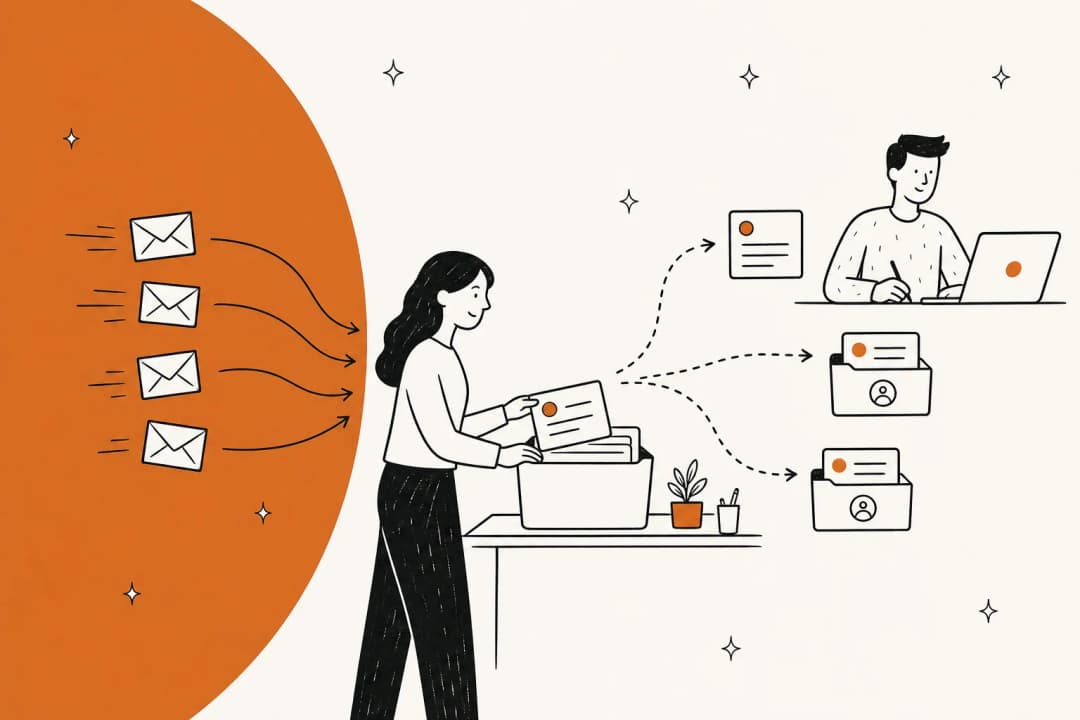
The oldest kind is rules and templates: an auto-reply rule that fires "We got your message, we'll be in touch" the second an email lands, or a canned macro an agent inserts by hand. Useful, but it isn't answering anything. It's an acknowledgement.
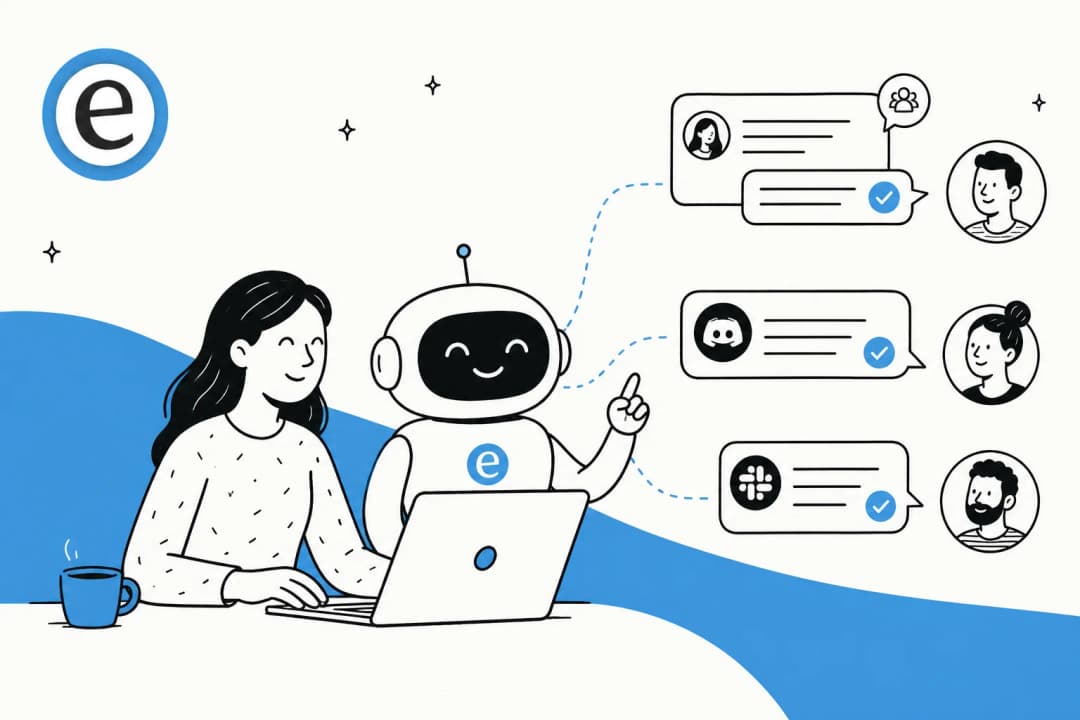
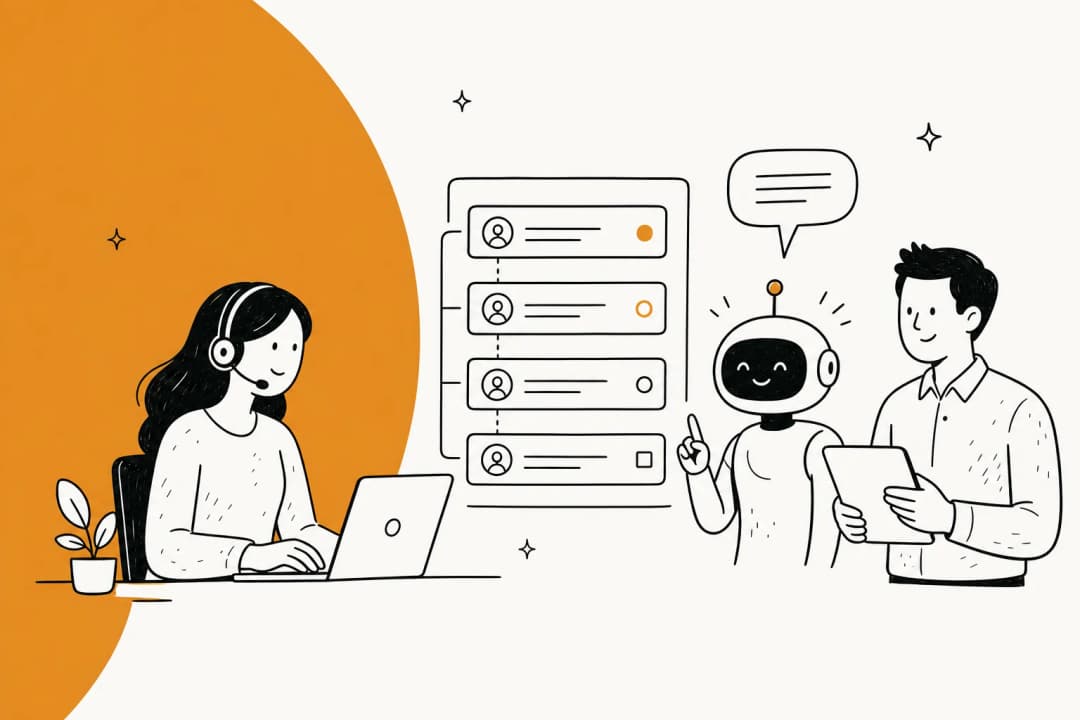
The second kind is AI-assisted drafting, sometimes called a copilot. The AI reads the email, writes a full reply, and drops it in front of your agent to review and send. The human is still in the loop, but the blank-page problem is gone.
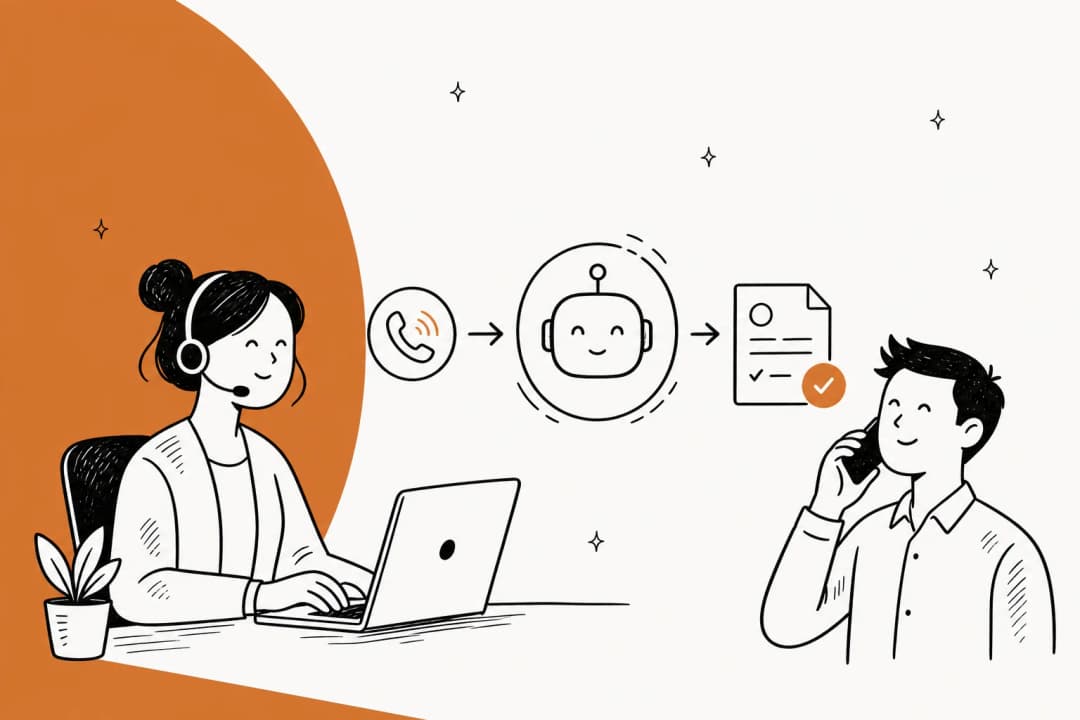
The third kind is autonomous resolution: the AI reads the email, writes the reply, and sends it, no human touch, for the questions it's confident about. This is what most people mean when they say they want to "automate email support," and it's where the real time savings live. It's also where the risk lives, which is why most of this guide is about doing it safely.
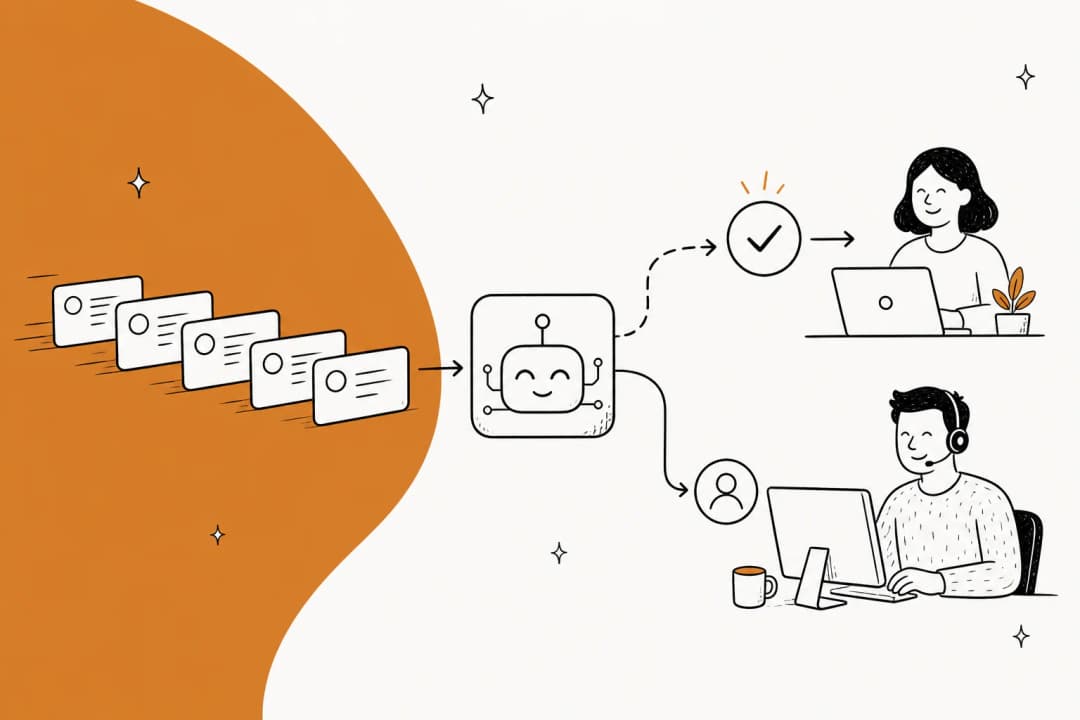
Real AI for customer service automation blends all three. The AI acknowledges instantly, drafts for the tricky stuff, and fully resolves the easy stuff. The art is drawing the line between "easy" and "tricky" correctly, and moving that line as trust grows.
How AI email response automation works
Under the hood, a modern email automation flow is a short pipeline. Understanding it matters, because every step is a place you get to set a control.
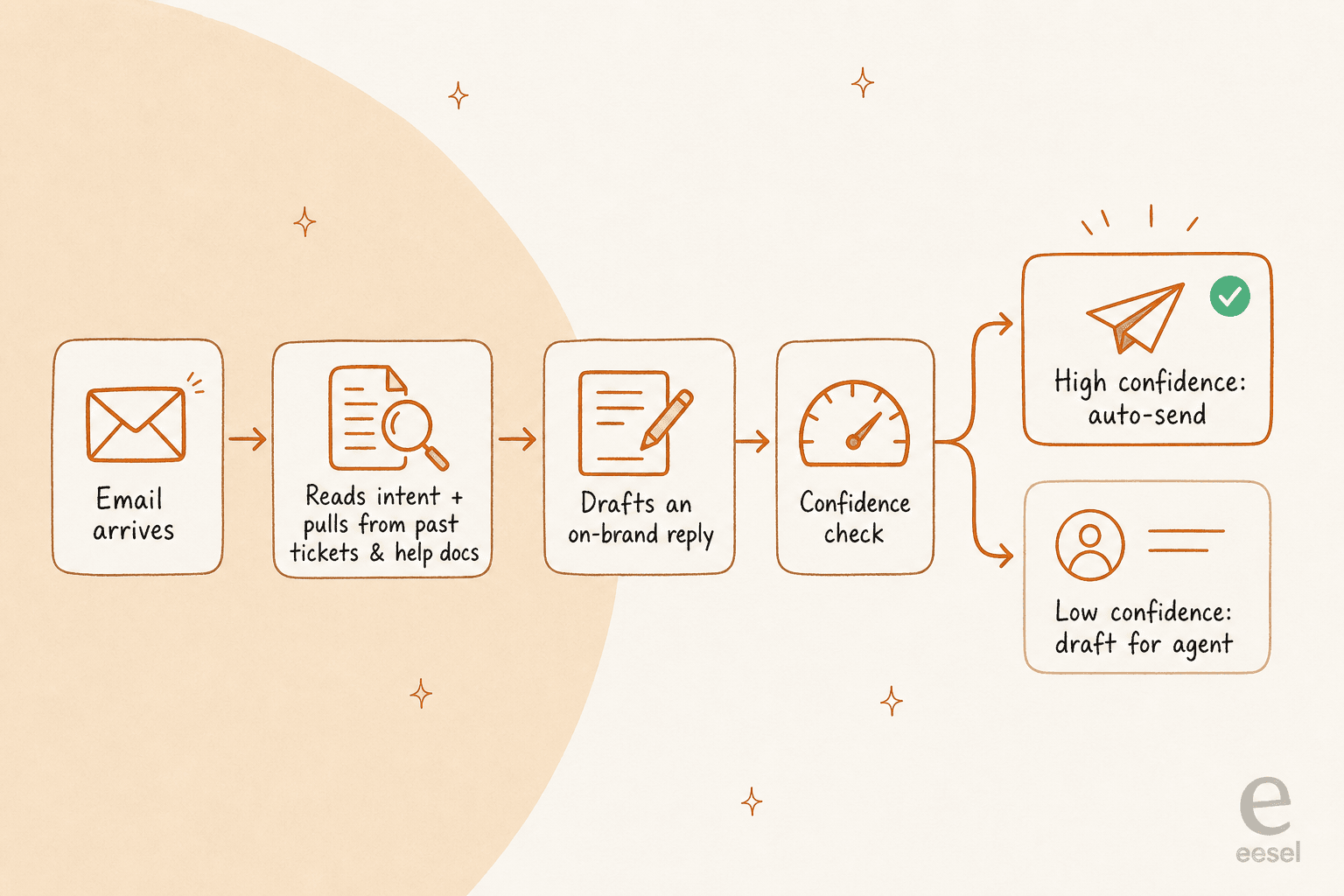
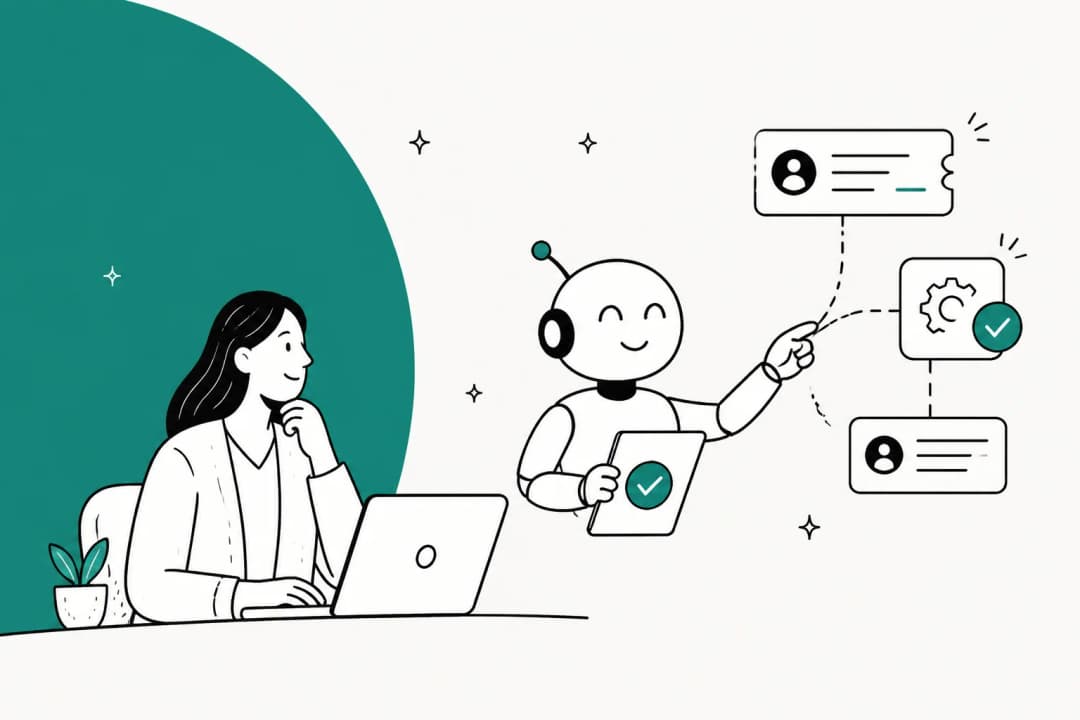
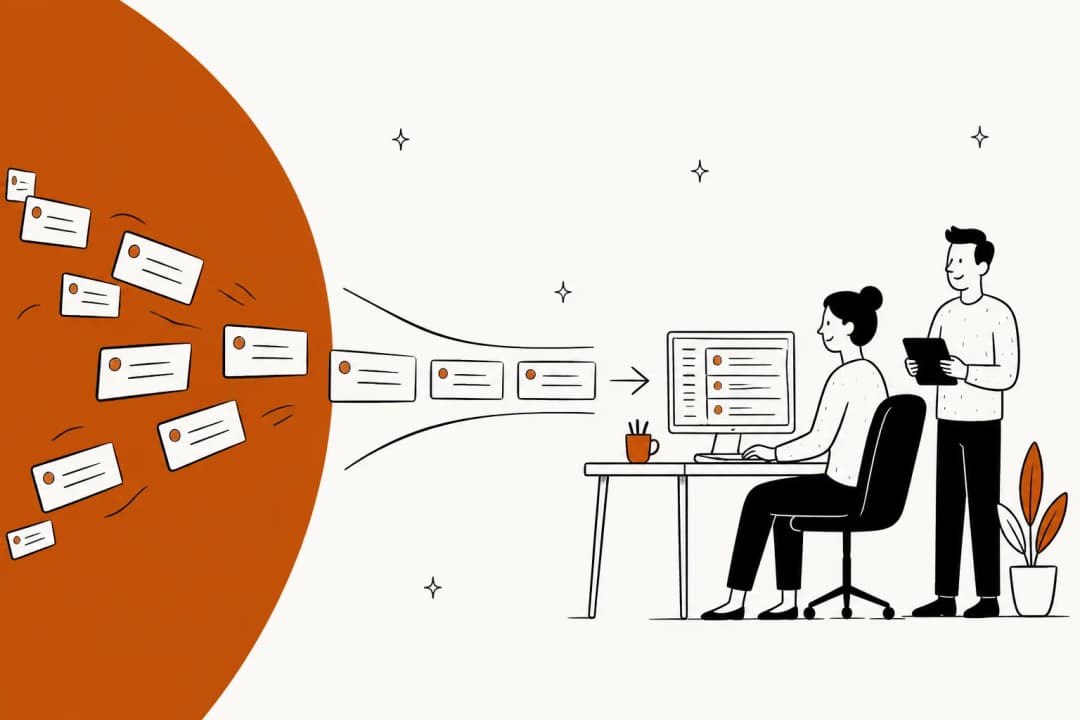
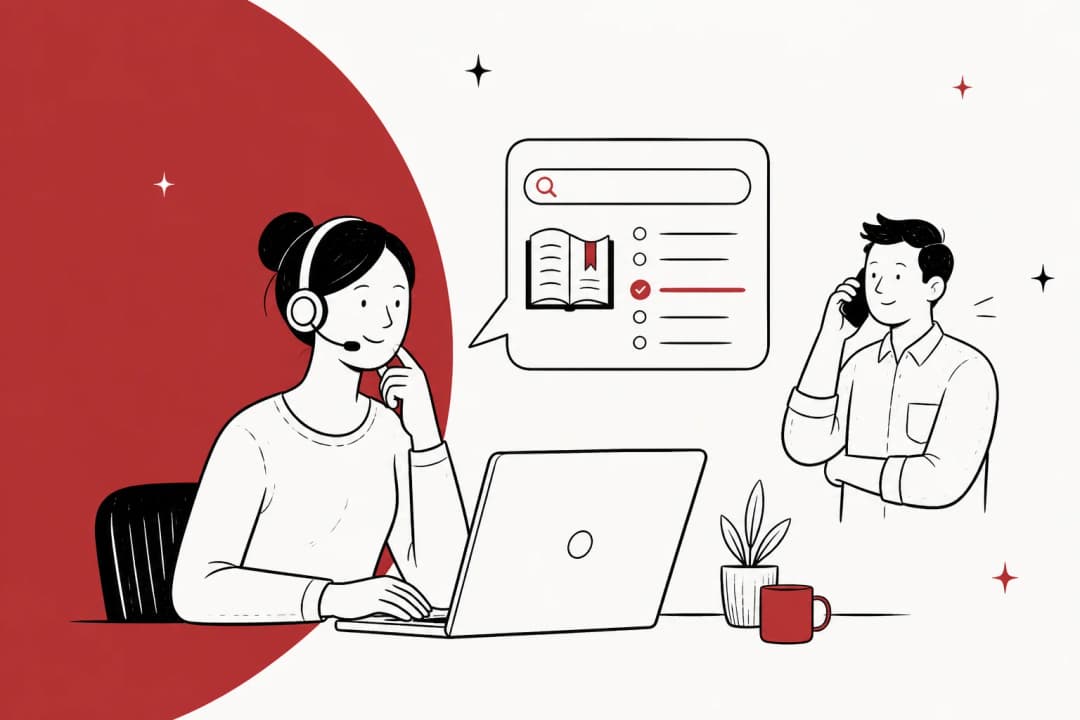
An email arrives in your ticketing system. The AI reads it and works out the intent, not just keywords, the actual ask. Then it pulls the answer from your knowledge: your help center, your internal docs, and, crucially, your history of solved tickets. Training on real resolved tickets is the difference between a reply that sounds like your team and one that reads like a chatbot, which is why past-ticket training is the most consistently-requested capability I hear about.
Next it drafts an on-brand reply. Then comes the step that separates a safe system from a reckless one: the confidence check. If the AI is confident and its answer is grounded in your docs, it can send. If it's unsure, it holds back and leaves a draft for a human instead of guessing. That guardrail is how you prevent AI hallucinations in support, and it's non-negotiable. An AI that always answers is a liability; one that knows when to stay quiet is a teammate.
The best tools also let you simulate this whole flow before it touches a live customer. eesel's simulation mode runs the AI against your past tickets so you can see, by topic, exactly how it would have replied and what its resolution rate would be, before you turn anything on. I'd never recommend rolling out email automation without that dry run. It's the closest thing to a safety net this category has.
What you should automate first (and what to leave alone)
The single biggest mistake I see is teams trying to automate everything on day one, getting burned by one bad reply, and switching the whole thing off. Don't do that. Automate the questions where the right answer is knowable and boring, and route the rest to a person.
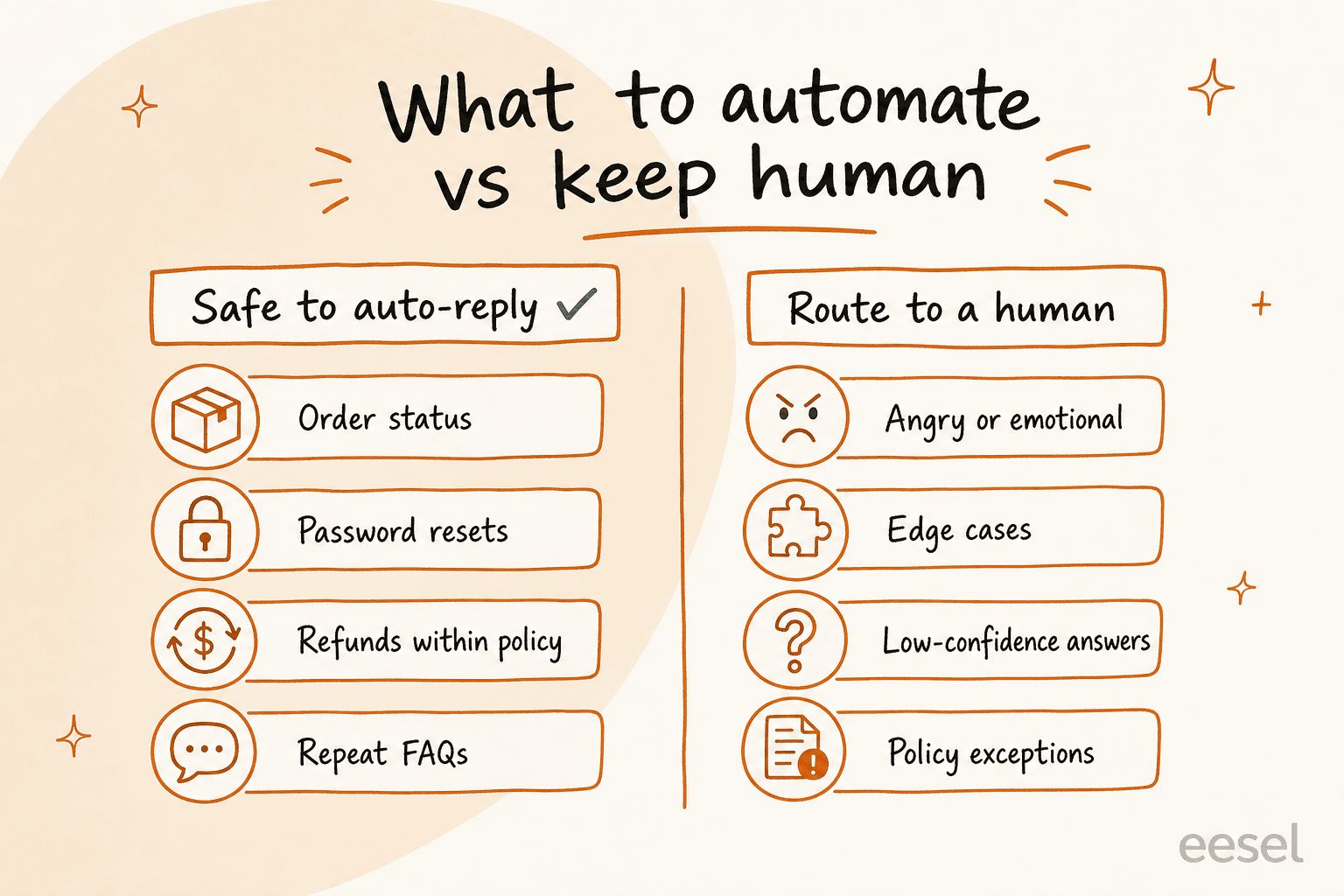
The green column is your starting point. "Where's my order?", "how do I reset my password?", "can I get a refund?" (when the answer is a clean yes per policy), and the FAQs your team answers fifty times a week. These are perfect for tier-1 support deflection: high volume, low ambiguity, and a correct answer that lives in your docs. For ecommerce teams, refund and shipping macros are the obvious first win.
The right column is where you keep a human, at least to start. Angry or emotional emails need a person's judgement. Genuine edge cases don't have a documented answer, so the AI shouldn't invent one. And anything where the AI's own confidence is low should escalate cleanly to an agent rather than get forced into a reply.
Here's the counterintuitive part: the line between these columns isn't fixed. As your knowledge base grows and the AI learns from corrections, questions migrate from the right column to the left. The refund exception that needed a human last month becomes a documented rule this month. Good automation is a moving line, not a one-time config.
How much time it actually saves
Support leaders always ask me for the ROI math, and it's simpler than most vendor calculators make it look. Take the emails your team handles, the share that's genuinely repetitive, and the minutes each one costs. That's your recoverable time. Plug your own numbers in:
The numbers get real fast. A mid-size team doing 300 emails a day, over half of them repetitive, can hand a big chunk of a full-time role back to higher-value work. That tracks with what I see: Global Pay reported up to 80% time savings finding answers, and Design.com runs 50,000+ tickets a month across an AI-assisted setup. Just remember the calculator is a starting estimate, not a promise. Your real number depends on how much of your knowledge is actually written down. Track it against your live customer service metrics once you're running.
The copilot-first rollout that actually sticks
If I could give a support lead one piece of advice on this, it's this: don't go straight to autonomous. Start as a copilot, prove it, then graduate. This is the pattern nearly every successful team I've watched follows.
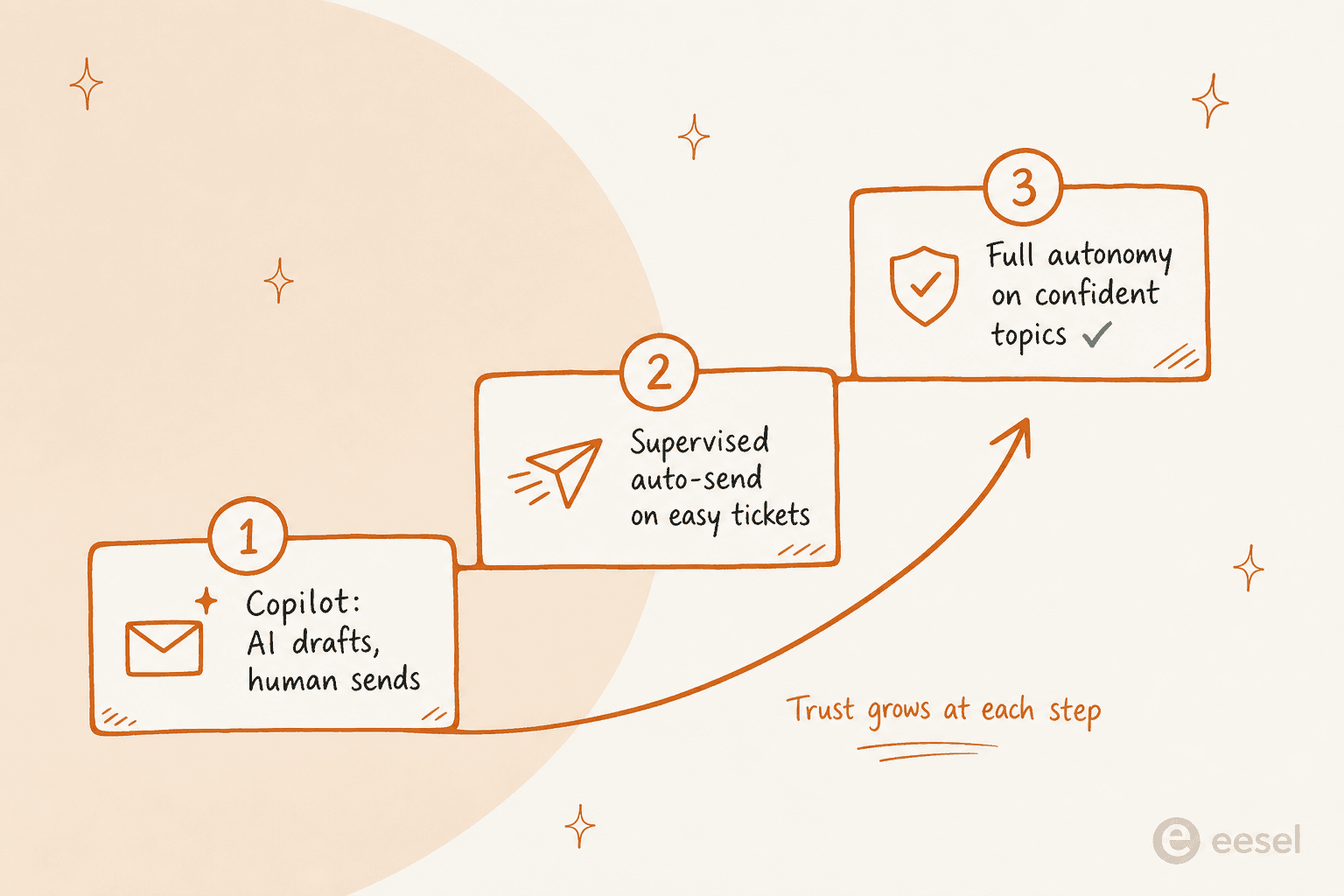
Step one, the AI drafts, your agents send. They edit what's off, and every correction teaches it. You get the speed of automation with zero risk, and your team builds trust in the thing instead of resenting it. A records-data SaaS team on Zendesk put it plainly:
"Eesel has greatly improved our speed and interactions with Zendesk and customers by providing accurate draft responses on all cases using the awesome training model via past ticket data."
Filip Miskovski, Recordpoint
Step two, once the drafts on a given topic are consistently good, you let the AI auto-send those, supervised. Step three, you grant full autonomy on the topics it's earned. The move that keeps this safe is being able to say, in plain language, exactly when the AI should jump in and when it should hold back, per topic and per ticket type.
That control is the whole ballgame, and it's the number-one thing buyers push on. One CX lead at a DTC supplements brand summed up the mindset better than I could:
"The AI will never be able to answer 100% of the questions. I need an AI who is only handling the tickets that it's confident to handle and all the other ones, leave them alone."
Any email automation tool that can't respect that boundary isn't ready for your inbox. A good AI copilot for customer service hands the hard ones back without being asked.
Where teams get email automation wrong
A few pitfalls come up again and again, and they're all avoidable.
Automating on thin knowledge. If your help docs are stale or sparse, the AI has nothing good to pull from and will either stay silent or guess. Fix the knowledge base first, or pick a tool that learns from past tickets so it isn't starting from an empty page. Some tools even flag the gaps and draft the missing articles for you.
No confidence gate. I'll say it again because it's the one that burns people: an AI that auto-sends everything, with no threshold, will eventually send something wrong to a real customer. Insist on confidence-based routing from day one.
Ignoring the pricing model. A per-resolution price sounds fair until a busy month doubles your bill for doing exactly what you bought the tool to do. I prefer predictable usage-based pricing with no per-seat fees, so scaling up your automation doesn't quietly scale up your invoice.
Treating it as set-and-forget. The best results come from teams that review what the AI sent, correct it, and let it improve. It's a teammate you coach, not an appliance you install. Weave it into your existing customer service workflow rather than bolting it on.
Try eesel for email response automation
If you want to automate email replies without any of the horror stories, this is the exact problem eesel AI is built for. It plugs into your existing helpdesk and email in a few minutes, trains on your past tickets and help docs on day one, and drafts or sends replies with a confidence gate you control, in plain language, per topic.

The part I'd actually use first is simulation mode: run it against your last few thousand tickets to see your real resolution rate by topic before a single customer is affected. It works across Zendesk, Freshdesk, Front, Gorgias, and plain email, in 80+ languages, and it's free to try with no credit card. Start it in draft mode, watch it work, and turn up the autonomy on your terms.
Frequently Asked Questions
What is email response automation?
Is it safe to let AI send email replies automatically?
How much does email response automation cost?
Will automated replies sound robotic to my customers?
What kinds of support emails can AI actually handle?


Article by
Riellvriany Indriawan
Riell is a designer and writer at eesel AI with about two years of experience researching CX platforms, AI chatbots, and helpdesk software. She combines her design background with a sharp eye for how these tools actually look and feel in practice — making her comparisons unusually visual and user-focused.