What does Meta Muse actually do for a marketer?
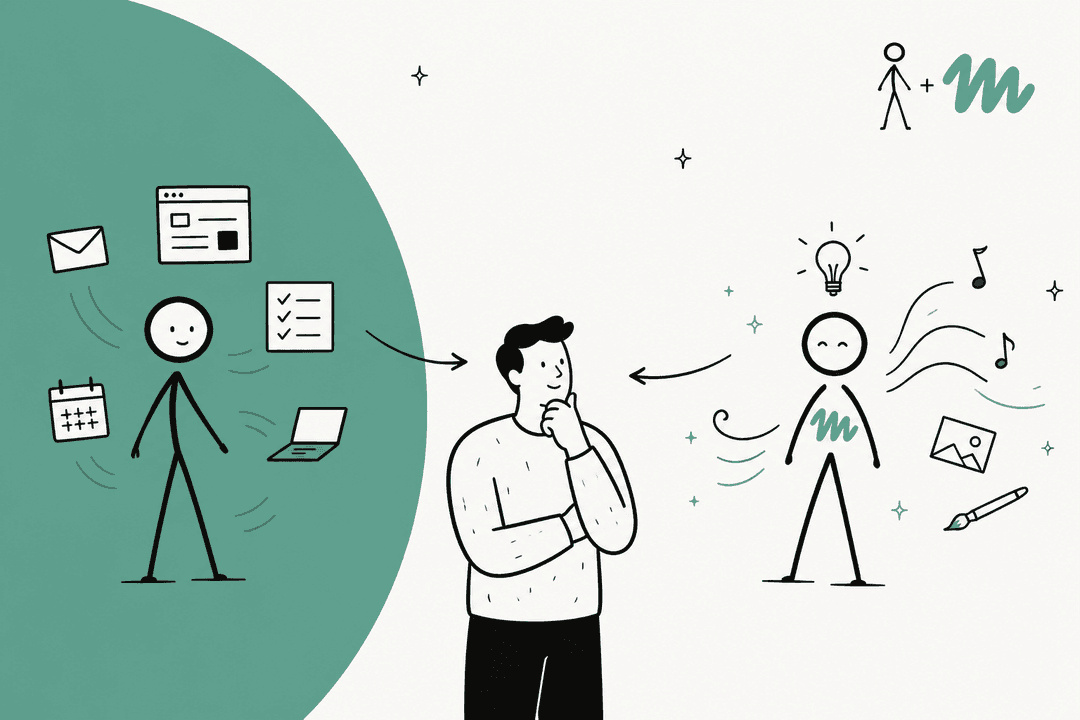
I've spent two years on the SEO side of eesel's blog, and most of what I read about "AI for marketing" collapses two very different jobs into one: making stuff, and figuring out what's working. When people search "Meta Muse for marketing," they usually expect the first. After reading every Meta page on the business launch, I think Muse is much stronger at the second.
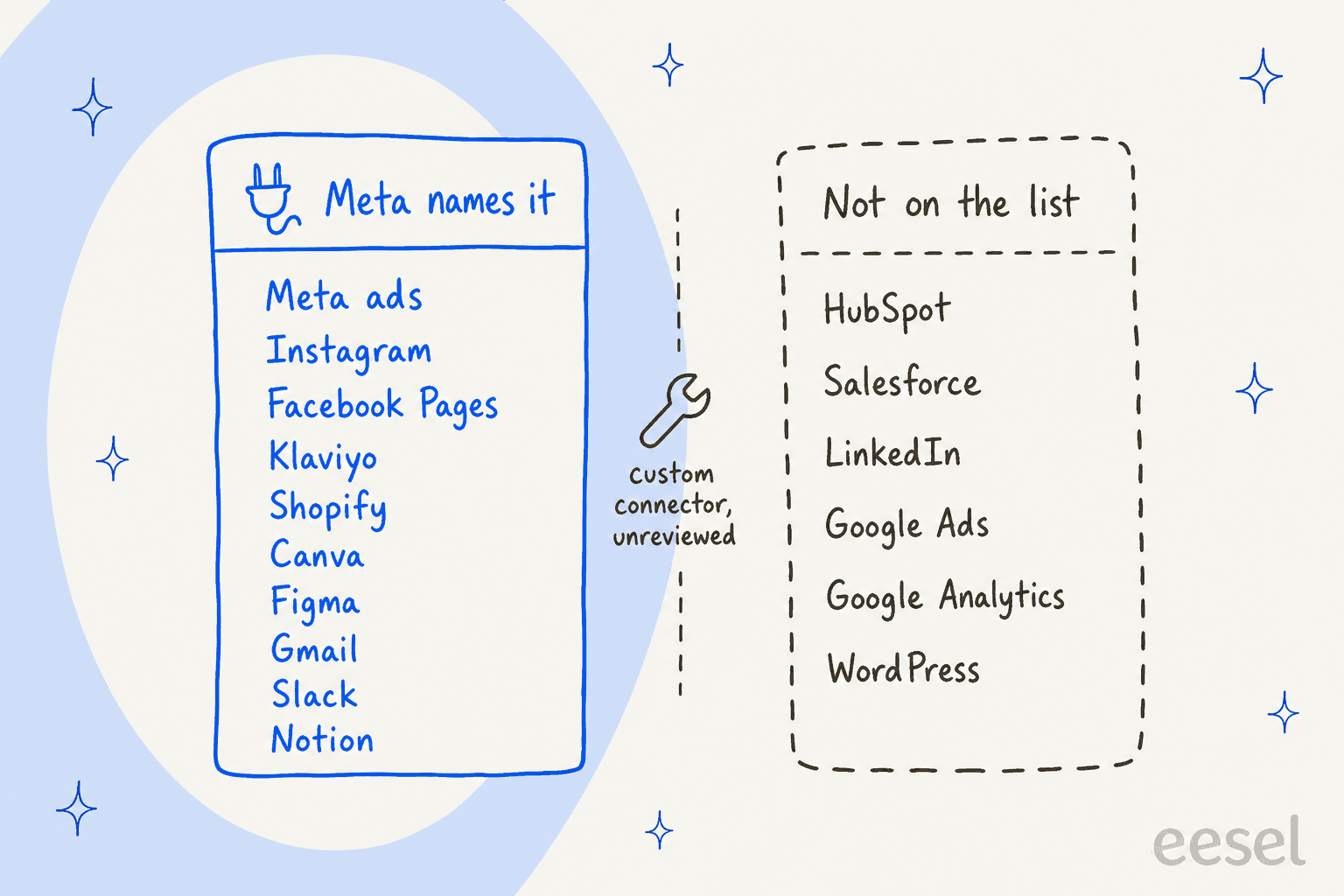
Meta Muse is Meta's personal AI agent, launched September 8, 2026 and running on the Muse Spark model. On September 29, Meta added a set of business connectors. Per the Meta newsroom post, Muse can now connect "Instagram professional account analytics, Facebook Pages, and Meta ad accounts in a few clicks," alongside 15 named third-party tools: Asana, Box, Canva, Dropbox, Figma, Granola, HighLevel, Intuit QuickBooks, Klaviyo, Lovable, Notion, Shopify, Slack, Stripe and Zoom.
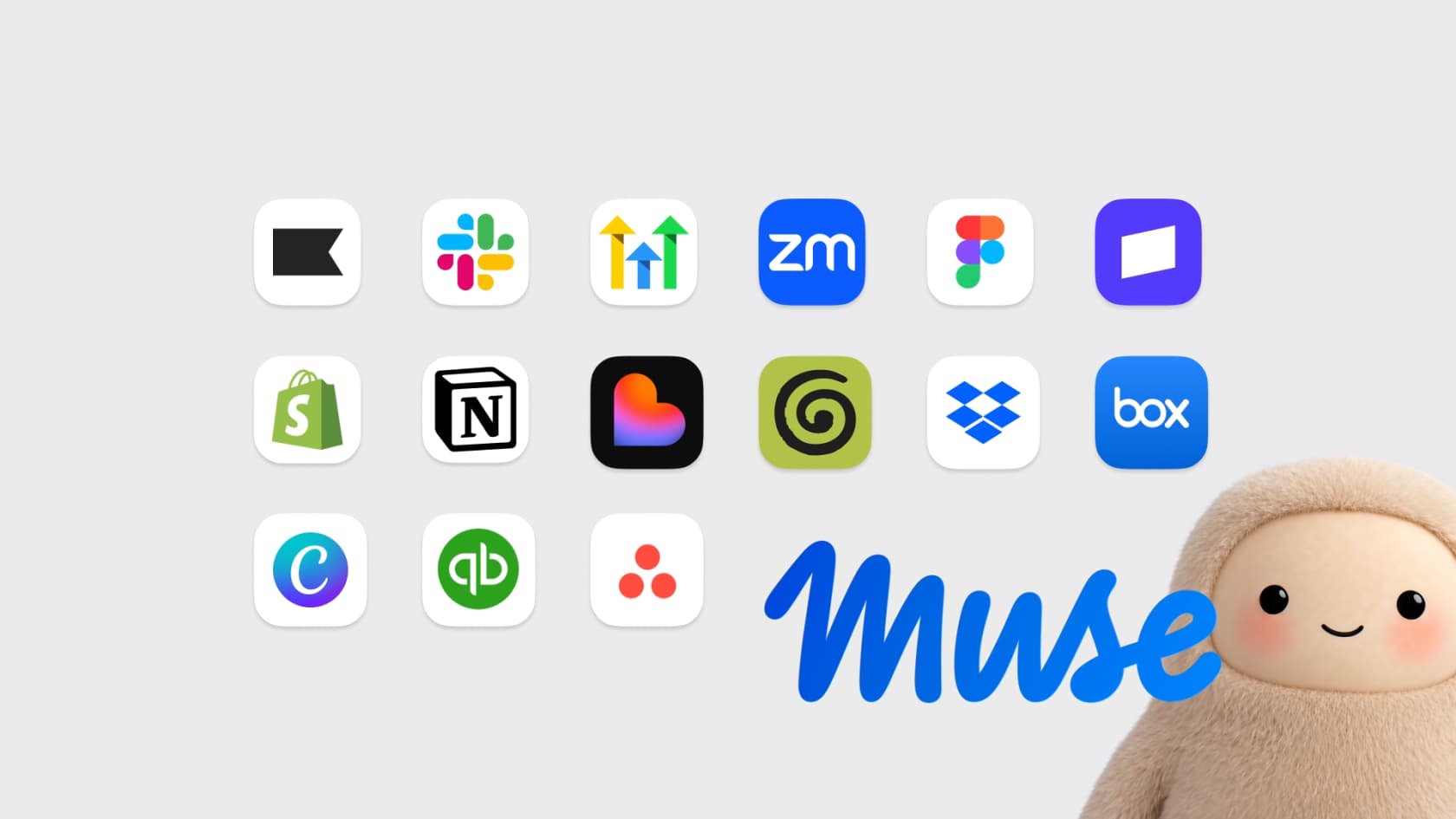
For a marketer, the relevant pieces are:
- Meta ads, Instagram and Facebook Pages. Access to the numbers you'd otherwise pull from Ads Manager and Instagram insights. muse.ai/business says Muse "learns your voice, spots what's working, and helps you improve your ads and content."
- Klaviyo. Email and SMS data, so Muse can see which campaigns and flows drove orders. My Klaviyo AI breakdown covers what Klaviyo's own AI already does.
- Shopify and Stripe. Revenue and orders, the ground truth every channel report should end at. See Shopify AI for the store-side tools.
- Canva and Figma. Your templates and brand files, per the partner quotes in Meta's post. Canva AI and the Figma agent cover those tools on their own.
- Gmail, Slack, Notion. The places briefs, approvals and campaign notes already live.
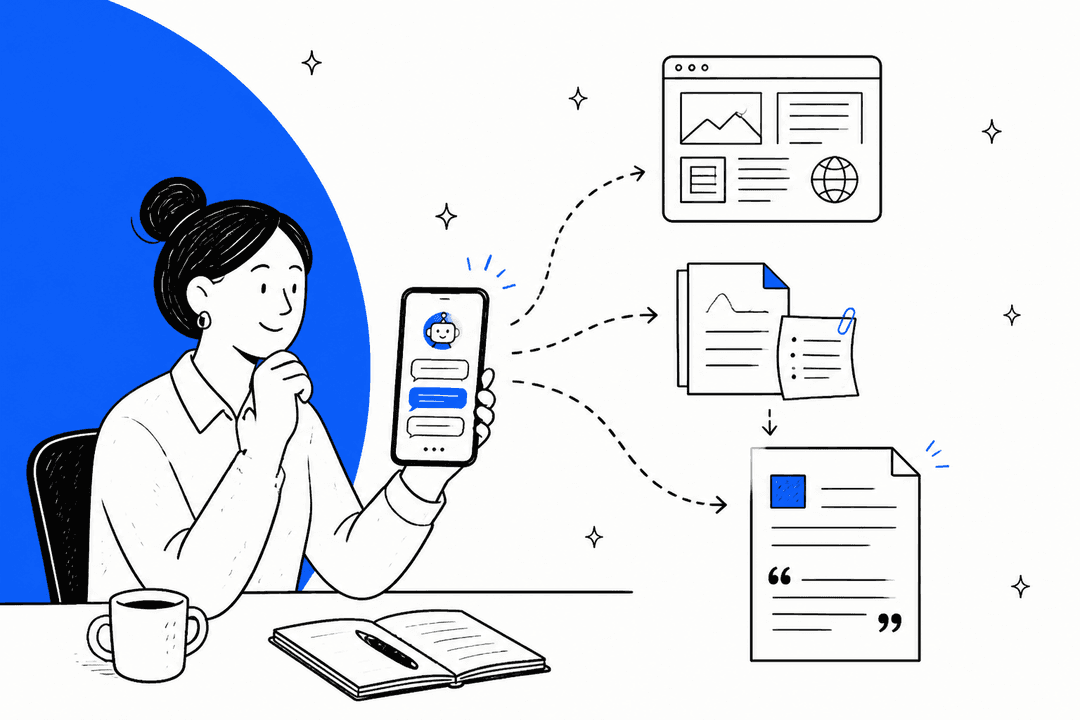
Muse works in its own browser inside an isolated virtual machine, runs tasks in the background after you close the app, and can repeat a job on a schedule, "like a weekly summary or a daily check of your messages," per Meta's business goal guide. It produces artifacts too: PDFs, spreadsheets, documents, images and podcasts, according to the getting started help page.
Why is cross-channel reporting the real draw?
The usual Monday ritual for a small marketing team goes like this. Open Ads Manager, open Klaviyo, open Shopify, paste three sets of numbers into a sheet, and argue about which channel gets credit. Each tool reports its own wins. None of them sees the others.
That's the gap Muse can close, because it's the first Meta tool that sits on top of your ad account and your email and your store at once. The first marketers to try it on Reddit said exactly this:
"The limit I keep hitting is that the connector only reads Klaviyo, so when I ask whether a campaign drove sales it has no clue what Meta was doing that same week. That's the part of Muse I'm curious about, since it'd be looking at the ad account and the email data together."

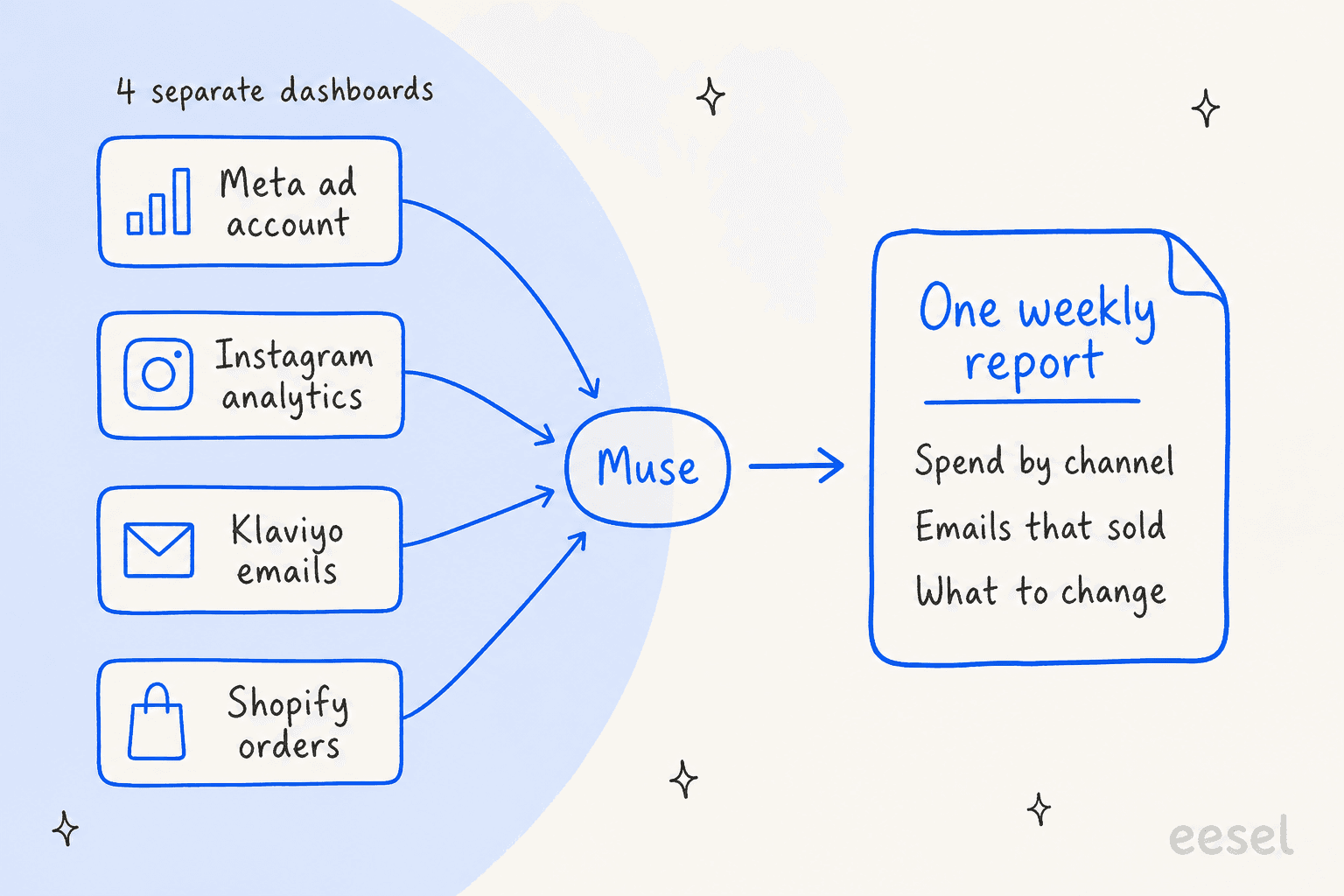
Meta's own example prompts lean the same way. Its About Muse for Small Business page suggests: "Analyze my best-performing posts and ads. Then draft a week's worth of posts and plan an ad campaign using my existing content and industry trends for my review." Note the last three words. Analysis first, drafts second, and you at the end.
Here's how I'd phrase the standing job for a small team:
- "Every Monday at 8am, pull last week's Meta ad spend and results, Instagram reach, Klaviyo campaign revenue and Shopify orders."
- "Tell me which channel drove the most orders, which ad sets wasted spend, and which emails sold."
- "Draft three changes for this week. Don't change anything until I approve."
One more reason this matters: Meta's privacy page says "Muse doesn't share your conversations or the data in your virtual machine with Meta ad systems." So feeding Muse your Klaviyo and Shopify numbers doesn't, by Meta's account, flow into ad targeting. If you want a wider view of analysis tools, my AI marketing tools roundup has the alternatives.
Which marketing tasks should you hand to Muse?
The approval model shapes the answer. Muse splits actions into reads (looking at your data) and writes (sending, posting, buying), and by default it asks before most writes, per Meta's approval help page. So the low-risk, high-value work is anything that's mostly reading and drafting.
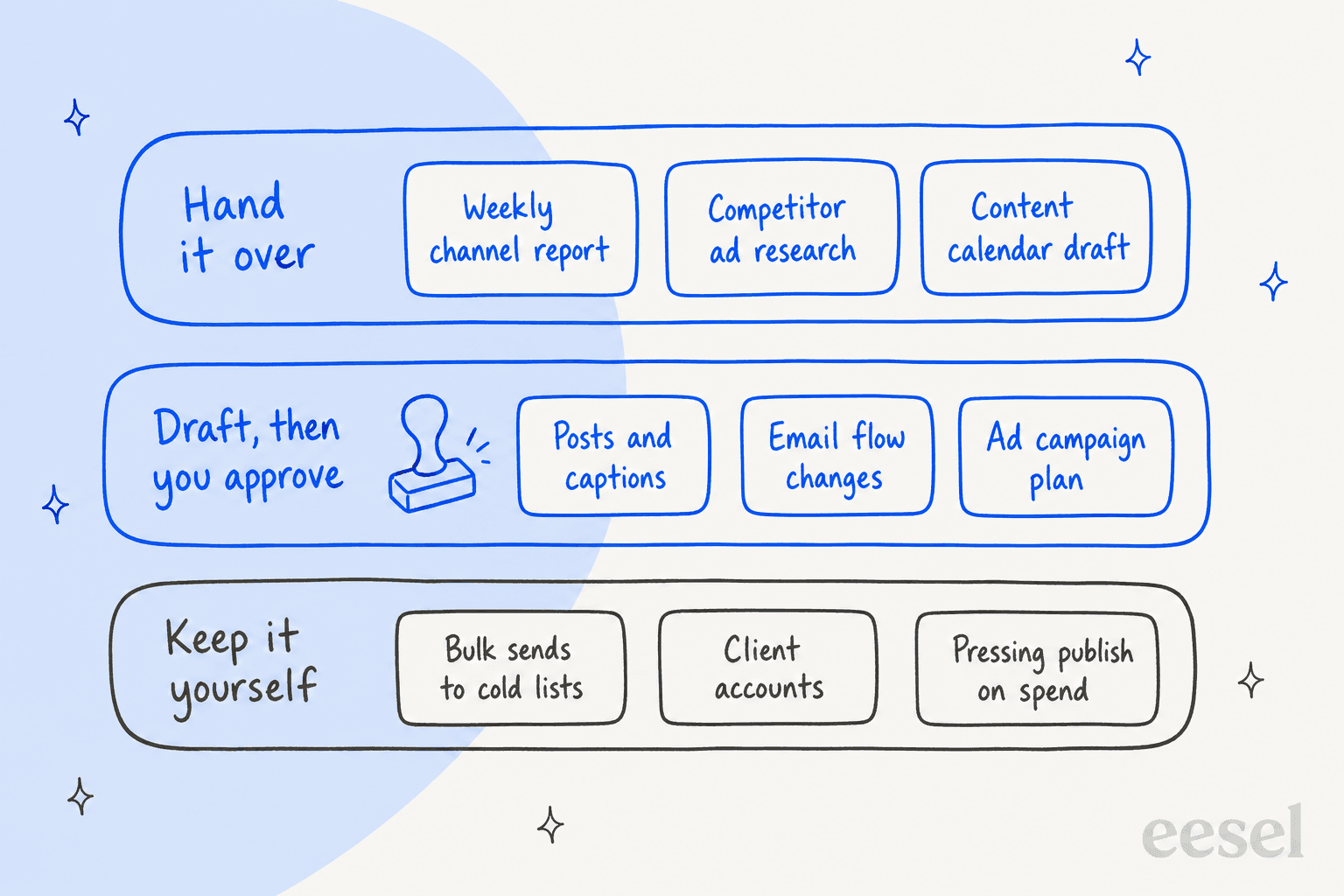
| Marketing task | Connectors it uses | Hand it to Muse? | What you still check |
|---|---|---|---|
| Weekly cross-channel report | Meta ads, Instagram, Klaviyo, Shopify | Yes, on a schedule | Attribution claims and any number you'll repeat to your boss |
| Competitor ad and content research | Its own browser | Yes | Sources, and that it stays on public pages |
| Content calendar draft | Instagram, Notion, Canva | Yes | Dates, launches and brand calendar conflicts |
| Week of posts and captions | Instagram, Facebook Pages, Canva | Draft only | Claims, tone, image rights |
| Email flow audit and rebuild | Klaviyo | Draft, approve each change | Consent lists and sending volume |
| Ad campaign plan | Meta ad accounts | Plan only | Budget, targeting, policy fit |
| Customer replies on Instagram or WhatsApp | None (different product) | No, use Meta Business Agent | n/a |
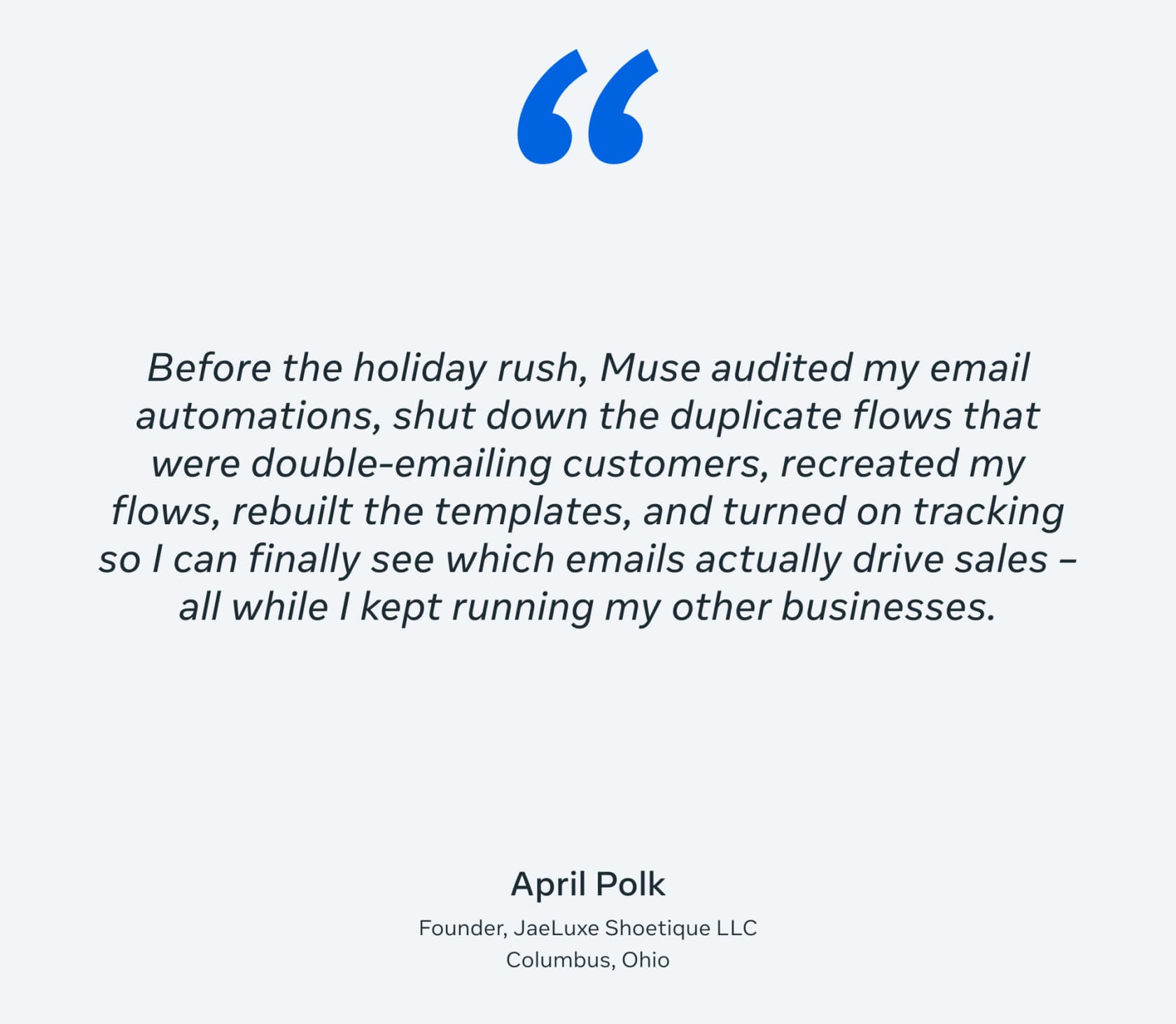
Email is where Meta has the most concrete example. In its launch post, Meta featured a tester, April Polk, whose Muse rebuilt her Klaviyo setup before the holidays. She's a Meta-selected example, so read it as a best case, not a typical result:
Content creation sits in the middle lane. Muse can draft a week of posts and captions in your voice, pull your Canva templates and produce images as artifacts. Meta's separate image model is covered in my Muse Image post. It's a fine first draft machine. For comparison, a dedicated AI social caption generator or AI ad copy generator does a narrower job with less setup.
What happens when Muse publishes or spends for you?
This is the section I'd read twice before turning on any connector, because the defaults and the terms don't quite match the landing page.
The defaults are careful. "By default, Muse will not take many important actions, like sending an email, without your approval," per the Connectors help page. You can set connectors to "Always ask," and many can be read-only. Meta's business help adds that Muse "checks with you before you publish, send, spend or share."
But you can loosen them, and some actions don't come back. Every approval prompt offers "Allow for this task," "Allow for this site" and "Always allow." And while muse.ai/business says of publishing and spending "you can undo it," the approval help page says "Some other actions, like sending an email, cannot be reversed." A sent campaign is sent. The approval view itself is clean, which one operator on LinkedIn singled out:
"There is no running commentary on tool calls, no long trail of reasoning, and no wall of output. Muse distills everything into what I actually need to know. What is happening, what needs my approval, and whether the task is done."

Meta's own moderation still applies to Muse's output. One Hacker News user reported that after Muse edited and reposted his Marketplace listings, his Marketplace access was suspended. It's a single report with no reply from Meta, so treat it as a warning, not a pattern:
"Using muse.ai to generate marketplace ads and modify existing ads to make them more attractive. Marketplace account suspended with the following message: 'You can't use Marketplace We've suspended your access to Marketplace because you didn't follow our Commerce Policies.'"

The terms put the liability on you. The Muse Supplemental Terms have no personal-use-only clause, so marketing use is allowed. Three clauses matter for marketers:
- Bulk sends. You can't use Muse to "Initiate bulk calls, messages, or other communications without required consent under applicable telecommunications laws," naming the TCPA and CAN-SPAM. A list you bought is a list you can't hand to Muse.
- AI disclosure. You can't "Misrepresent Muse responses as human-generated" where the law requires disclosure. Muse can add a note that a message was AI-generated, but only if you ask, per the getting started page.
- Responsibility. "You are also solely responsible for the actions Muse takes," including "any contracts, commitments, communications, content or transactions made."
If you publish AI-assisted copy at volume, a fact-check step is worth more than any prompt. My guide on fact-checking AI content is the checklist I use.
Which Meta AI should handle which marketing job?
Meta now offers four AI tools to businesses, and its comparison table says "you may use more than one." For marketing, they split cleanly:
| Meta tool | Marketing job | Where it runs |
|---|---|---|
| Muse | Cross-channel analysis, goals and plans, drafts for posts, emails and campaigns, scheduled reports | muse.ai, Muse app on macOS, iOS and Android |
| Meta AI | Quick help on the task in front of you, including your Instagram, Facebook and ad account info | Meta AI app and meta.ai |
| Meta AI Business Assistant | Analyze Meta ad campaigns, fix account issues, get benchmarks | Ads Manager and Business Support Home |
| Meta Business Agent | Message customers, capture leads, book appointments | WhatsApp, Messenger, Instagram Direct (coming soon) |
The practical split: if your question lives entirely inside Ads Manager, the Business Assistant is already there. If it crosses tools (ads plus email plus store), that's Muse. And if a customer DMs you about an order, neither Muse nor the assistant answers it; that's Meta Business Agent, or a helpdesk teammate. Meta's AI chatbot post and the wider Meta Enterprise Platform cover the rest of the family.
Where does Muse stop for a marketing team?
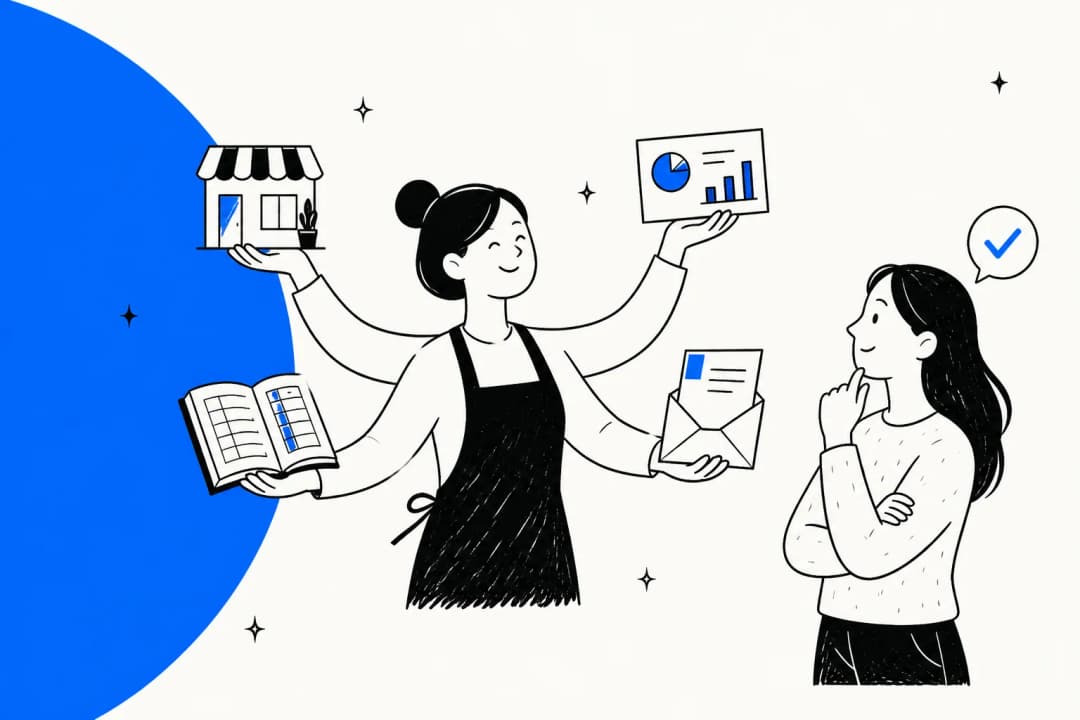
Muse is built for one person. That's fine for a solo founder doing their own marketing, and a real constraint for a team.
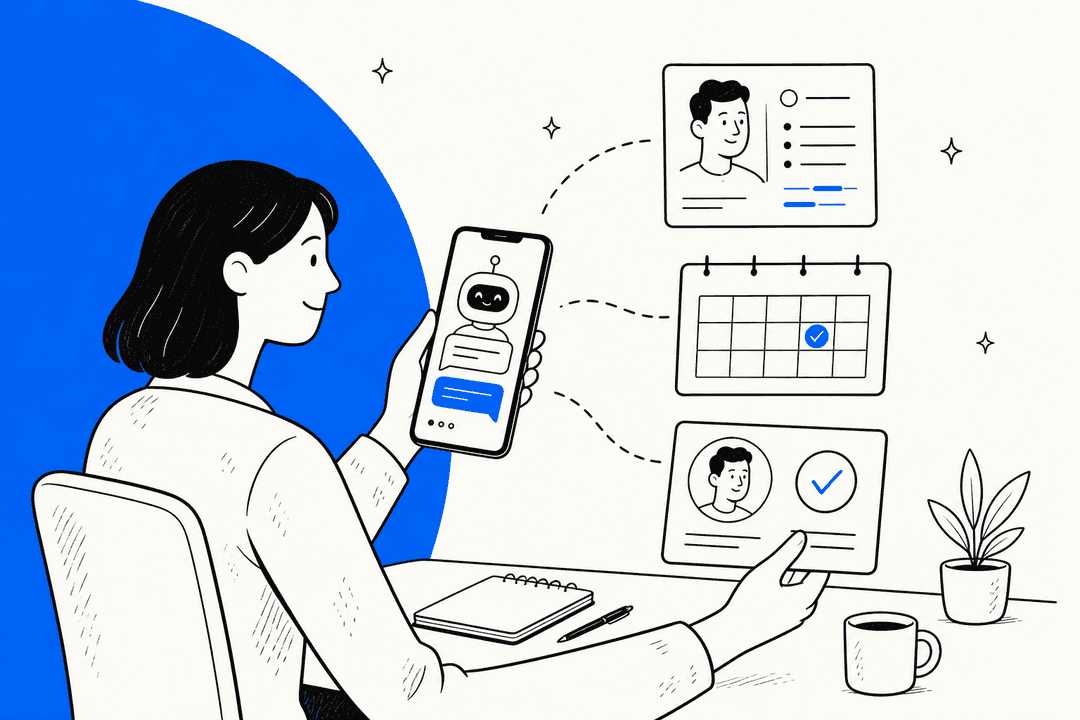
- No team or agency setup. Muse is tied to one Meta account. No Meta page describes seats, admin roles or a shared workspace, per the business goal guide. An agency can't run client accounts from one shared Muse, and a team can't share one Muse's memory of the brand.
- Gaps in the stack. HighLevel is the only CRM Meta names. HubSpot, Salesforce, LinkedIn, Google Ads, Google Analytics and WordPress don't appear on any Muse page I checked. You can ask Muse to build a custom connector, but "Meta doesn't review custom connectors or how they use your information," per the Connectors help page.
- Where it's available. US and Canada, 18 and over, per muse.ai/business. A global team can't standardize on it yet.
- Training is on by default. The data help page says the training setting "is on when you first use Muse." Switch it off before you connect customer data from Klaviyo or Shopify.
- Disconnecting doesn't wipe memory. After you remove a connector, information Muse used "might still remain in Muse's memories and your conversation history," per the same connector docs.
People still want a human in the loop, too. A second commenter in the same r/FacebookAds thread put it simply:
"Having Meta and Klaviyo data in one place could make it much easier to see what's actually driving sales instead of judging each channel separately. I'd still want to review anything it recommends before letting it make changes though."
If you need team features today, my Meta Muse alternatives list and the small business marketing tools roundup are the next stops. OpenAI's take on the same idea is in my dots for marketing post.
How much does Meta Muse cost for marketing?
There's no "Muse for Small Business" plan to buy. Marketers use the same individual plans as everyone else, listed on Meta's subscriptions page:
| Plan | Price | Weekly allowance | Fits |
|---|---|---|---|
| Free | $0 | 100M Muse tokens a week, per Mark Zuckerberg on X | Trying it on one weekly report |
| Power | $20/month | 500M Muse tokens a week | A marketer running daily drafts and scheduled reports |
| Maximum | $100/month | 3B Muse tokens a week | Heavy background research and long analysis runs |
Plans renew monthly and belong to one Meta account. A three-person team on Power pays $60 a month, but gets three separate agents with three separate memories, not one shared one. The Muse small business pricing post compares this with Business Agent's per-message pricing, and Meta Muse pricing explains what a "token" buys.
Where does content marketing fit?
Social posts and emails are short, and Muse drafts them well enough. A blog program is a different shape of work, and it's the part of marketing I know best.
A post that ranks needs keyword research, primary sources with links, internal links into your existing pages, images, and a publish step into your CMS. Muse has no named SEO data source and no WordPress or Webflow connector on Meta's list, so each of those steps comes back to you. I covered that gap in detail in Muse for blog writing and Muse for SEO content briefs, and the refresh side in Muse for content refresh.
That's the job eesel's AI blog writer is built for. It's one of eesel's ready-to-work AI teammates, and its role is the blog: it picks topics from keyword gaps, researches with every claim linked, writes in your brand voice, adds diagrams and header images, interlinks your existing posts, and publishes to WordPress, Webflow, Ghost or Notion. One SEO content lead runs it as a keyword-to-publish pipeline at 360+ posts a month on Webflow. A marketer at a staffing agency put the demand plainly in eesel's chat: "I need help with the SEO content writing for our website."
So the split I'd recommend: Muse watches the channels and drafts the short stuff, and a dedicated writer ships the long-form. The AI blog writer for marketing post and how the writer works go into the setup.
Try eesel for your content marketing
If you're bringing Muse in to read your ads and draft your Instagram week, give the blog its own teammate. eesel's AI blog writer takes a keyword, researches it with cited sources, writes the post in your voice with images and FAQs, and publishes it to your CMS on a schedule. It's the same writer behind eesel's own blog, which draws 750k+ monthly impressions.

You steer it by chat ("make the intro punchier") in the dashboard, Slack or Teams. Try eesel free and let it draft your next post while Muse builds the Monday report.
Frequently Asked Questions
Can Meta Muse be used for marketing?
Can Meta Muse post to Instagram or run Facebook ads for me?
Does Meta Muse connect to HubSpot, Google Ads or LinkedIn?
Is Meta Muse good for email marketing?
How much does Meta Muse cost for marketing?
Can Meta Muse write blog posts for content marketing?
Does Meta use my Muse marketing data for ads?


Article by
Kurnia Kharisma
Kurnia is a software engineer and writer at eesel AI with two years of SEO experience, writing about AI tools, helpdesk software, and customer support. He pairs a developer's understanding of how these products are built with search-driven research into what actually ranks and resonates with the people searching for them.