


No single best customer support software exists in 2026. There is a best way to compare them though, and most roundups miss it. Start with the seat prices, which are boring: $19 to $65 a seat covers Zendesk, Freshdesk, Front, Help Scout and Zoho Desk. The number that actually decides your bill is the AI billing unit, and ten vendors use eight different ones. A HubSpot "resolution" is $0.45. A Freshdesk "session" is $0.49, a Gorgias "automated interaction" is $0.85 to $1.00, an Agentforce "conversation" is $2.00. Four prices, but not for the same thing.
Quick picks, then. Zendesk when you need the biggest ecosystem and can stomach an unpublished AI rate. Gorgias when 40% or more of your tickets need Shopify actions. Help Scout for the small team that wants the cleanest AI pricing anywhere, which is $0.75 per resolution and escalations free. And Zoho Desk, from US$7 a seat, if what you want is AI with no meter at all.
One bias I should own up front. I work on eesel's support queue, so my days are spent watching what AI does to a real inbox. The teams who get burned are almost never the ones who picked the wrong helpdesk. They are the ones who never tested the AI against their own history before switching it on. If your helpdesk is fine and the AI is the only missing piece, eesel AI sits on top of Zendesk, Freshdesk or Front. It simulates on your past tickets first, then runs on one fixed monthly price from $299/month for 500 credits, no seat fee.
How I put this list together
Every vendor's live pricing page got pulled on 27 July 2026, not a cached summary, and the reason is that four of the ten changed something meaningful this year. After that I read what people actually say on Reddit, G2, Capterra and Trustpilot. Then, on each pricing page, I went into the AI FAQ for the exact billable unit instead of the marketing headline sitting above it.
Three rules I held to here. First one, when a vendor does not publish a number, I say so rather than quote a guess. Second, monthly prices that render client-side and never show up in the page source get marked "not captured", since computing them off an advertised discount is how wrong figures spread around. And third, every quote below links out to the thread or the review it came from.
What I did not do is award a single winner. After a few years of watching support teams roll AI onto live queues, the honest answer is that the right pick swings hard on two questions. Do you sell physical products. And are you replacing a helpdesk, or adding intelligence to one you already like.
The 2026 shortlist at a glance
| Tool | Best for | Entry price | Top published plan | AI billing unit | Published AI rate | Free tier | Seats billed? | Rating |
|---|---|---|---|---|---|---|---|---|
| eesel AI | AI on your current helpdesk | $0 (100 free credits) | 5,000 credits at $1,899/mo | Credit (1 ticket or chat) | From $299/mo for 500 credits | 100 free credits | No | Not on G2 |
| Zendesk | Biggest ecosystem | $19/agent/mo | Enterprise (quote) | Automated resolution | Not published | No | Yes | 4.3/5, 6,964 |
| Freshdesk | Email-first mid-market | $19/agent/mo | $89/agent/mo | Session (72h window) | $0.49 | No | Yes | 4.4/5, ~3,750 |
| Gorgias | Shopify brands | $40/mo | $1,430/mo | Automated interaction | $0.85-$1.00 | No | No | 4.6/5, 560 |
| Help Scout | Small, human teams | $0 (5 users) | $75/user/mo | Resolution | $0.75 | Yes | Yes | ~4.4/5, 436 |
| HubSpot | CRM-first orgs | $0 (2 users) | $150/seat/mo | Credit (50 per resolution) | $0.45 | Yes | Yes | Not captured |
| Front | Complex shared work | $25/seat/mo | $105/seat/mo | Conversation | from $0.05 | No | Yes | 4.7/5, 2,499 |
| Zoho Desk | Budget and bundled AI | US$0 (3 users) | US$40/user/mo | None, AI is bundled | No meter | Yes | Yes | 4.5/5 Gartner |
| Shopify Inbox | Free chat for small Shopify stores | $0 (needs a Shopify plan) | Free, one plan | None, AI is free | No AI fee listed | Yes | No | 4.6/5, 5,804 (App Store) |
| Crisp | Flat, predictable bills | $0 (2 agents) | $295/mo | AI credit bundle | No unit rate | Yes | No | Not captured |
Ratings come from each vendor's G2 or Gartner page where one was available (Shopify Inbox's is from the Shopify App Store); a few are blocked to crawlers and are noted as such in the items below. Prices are annual-billing rates unless stated.
The thing missing from every comparison table: you are not comparing the same unit
Here is the trap. You line five vendors up side by side, you see $0.45, $0.49, $0.75, $0.90 and $2.00, and you conclude that one of them is several times pricier than another. Those numbers are metering different events though.
A Freshdesk email session is a 72-hour window running from the customer's first email, and every AI reply inside that window counts as one session. So you pay whether the bot got it right or not. Help Scout charges only when the customer gets an AI answer and then does not escalate, search the knowledge base, ask again or click "I still need help", with a hard cap of one resolution per conversation. Roughly the same price. Completely different risk.
Gorgias is the sharpest example of it. The pricing page headline reads "pay only when it resolves a conversation", except the unit printed on every plan card is the automated interaction, and the rate runs from $0.85 to $1.00 per interaction depending on the plan. Which means a four-reply chat bills four times.
Zendesk earns credit for defining its unit clearly, and criticism for not pricing it. The FAQ says an automated resolution means "you pay only for customer requests that were successfully resolved by the AI agent, without any escalation to a human agent." A dollar figure appears nowhere on that page. The only public numbers come from customers:
"From what I can see in regards to this new 'Automated Resolution' pricing model, we'll be paying about $1.50 ~ $1.20 per resolution. And what Zendesk counts as a resolution can be ... subjective... If you have 500 AR per week, the bill blows out to be $650, where there wasn't a charge before."

A few second-order traps are worth pricing in before you sign anything. Two meters can fire on one ticket: Gorgias can overrun on tickets ($0.36 to $0.40) and on automated interactions ($0.85 to $1.00) inside the same month. Every bot reply bills as its own unit, as above. Then there is a floor even at zero automation, because Gorgias bakes an AI Agent component ($30 to $477 a month depending on plan) into the plan price, whether the agent resolves anything or not.
Play with the numbers here before you read the rest:
What one month of AI resolutions actually costs
Pick a monthly volume of AI-handled conversations. Seat licences are excluded, this is the AI meter only.
| Tool | Monthly AI cost |
|---|---|
| Shopify Inbox no AI fee listed, Shopify store chat only | $0 |
| Freshdesk per Freddy session, first 500 included | $0 |
| eesel AI 500-credit plan, 1 credit per ticket | $299 |
| Gorgias per automated interaction, $0.90 | $450 |
| Agentforce per conversation, $2.00 | $1,000 |
| Tool | Monthly AI cost |
|---|---|
| Shopify Inbox no AI fee listed, Shopify store chat only | $0 |
| Freshdesk 1,500 sessions over the 500 included | $735 |
| eesel AI 2,500-credit plan, 1 credit per ticket | $999 |
| Gorgias per automated interaction, $0.90 | $1,800 |
| Agentforce per conversation, $2.00 | $4,000 |
| Tool | Monthly AI cost |
|---|---|
| eesel AI above 5,000 credits, 1 credit per ticket | Talk to us |
| Shopify Inbox no AI fee listed, Shopify store chat only | $0 |
| Freshdesk 9,500 sessions over the 500 included | $4,655 |
| Gorgias per automated interaction, $0.90 | $9,000 |
| Agentforce per conversation, $2.00 | $20,000 |
Rates checked 27 July 2026 from each vendor's own pricing page. The units are not equivalent: a Gorgias automated interaction, a Freshdesk Freddy session and an eesel credit all measure slightly different things, so treat this as the shape of the bill, not a quote. Shopify Inbox shows $0 because it lists no AI fee, but it needs a paid Shopify plan and only answers chats in the store's widget. Zendesk is left out because it no longer publishes a dollar rate for an automated resolution.
A note on why this matters more than it looks. In one eesel cost analysis of a German ecommerce buyer running about 1,000 tickets a month, per-resolution pricing came out at $792 a month on an 80% resolution rate, and a Black Friday month at 4,000 tickets came out at $3,168. The uncomfortable part: per-resolution pricing charges you more the better your AI gets, and more again when a seasonal spike arrives that you never chose. Worth to ask any vendor whether their quoted resolution rate counts auto-closed spam, because in that customer's inbox 22% of the tickets were spam.
1. eesel AI
Best for: teams whose helpdesk is fine and whose AI is not.

I should be upfront here: I work at eesel, so treat the enthusiasm accordingly and go check the pricing page yourself. eesel is not a helpdesk. It is an AI teammate that plugs into the helpdesk you run already, reads your past tickets, your macros and your help center, then starts drafting or resolving inside that same tool. Nothing new for the agents to learn, which matters more than it sounds when you happen to be the person who would have run that training session.
Features. It connects to Zendesk, Freshdesk, Front, Gorgias, Help Scout and HubSpot on the helpdesk side, and to Slack, Teams and a website widget on the chat side. Each one has its own integration page with the setup steps. Knowledge comes from Confluence, Notion, Google Docs, SharePoint, your help center and your ticket history. The piece I lean on most is simulation: before anything reaches a customer, you replay the agent against historical tickets and see what it would have said.
Pros. No seat fee and no platform fee, with every integration and channel included. Escalation rules are yours to set, so the agent hands off anything outside its confidence threshold. You are never charged for tickets a human handles.
Cons. It is not a ticketing system, so if you do not already have one this is the wrong starting point. There is no Crisp connector today (Zoho Desk was added in September 2026). SOC 2 Type II is in progress rather than certified, and HIPAA is available on the Enterprise plan with a signed BAA.
Pricing.
| Plan | Price | Credits per month |
|---|---|---|
| Free | $0, no card | 100 |
| Teammate | $299/mo | 500 |
| Teammate | $499/mo | 1,000 |
| Teammate | $999/mo | 2,500 |
| Teammate | $1,899/mo | 5,000 |
| Above 5,000 | Talk to us | Custom |
1 credit is one ticket or one chat, however many messages it takes. Every integration, channel and seat is included. If you run out, agents pause until credits reset, or you can turn on overage with a cap you set at $0.80 per extra credit. Pay a year upfront and get two months free. SSO and MFA are an add-on from $199/month. See the pricing page.
"In the first month, eesel is resolving 73% of our tier 1 requests. eesel offers easy Zendesk implementation and setup. Our team implemented and achieved results quickly during our 7-day trial. Responses are simple to fix and adjust. The platform even includes automations for ticket tagging, assignment, and status updates!"
Kim Simpson, Gridwise
Verdict: pick it if your helpdesk is staying and you want AI without a migration. Skip it if you are shopping for a ticketing system, or if your helpdesk is Zoho Desk or Crisp.
2. Zendesk
Best for: teams that need the deepest ecosystem and can live with an unpublished AI rate.
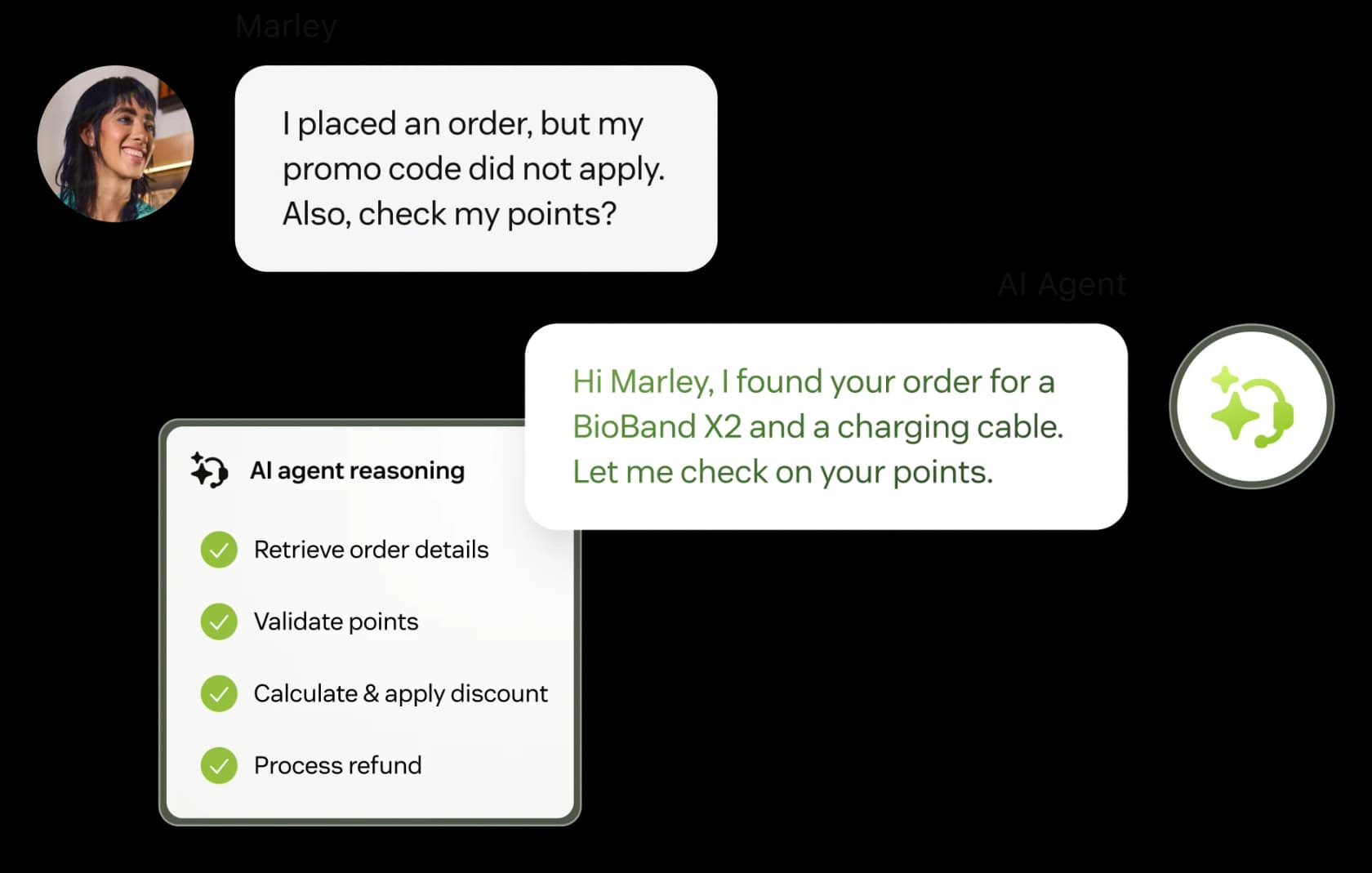
Zendesk is still the default, and I want to be fair on why that is. Nothing else here matches it for marketplace depth, for omnichannel maturity, or for the sheer number of people who already know how to administer the thing. Its G2 page carries 6,964 reviews at 4.3/5, with 92% of reviewers at four or five stars. That is a twelvefold review lead over the next-closest vendor here.
Features. Ticketing, messaging, voice, help center, AI agents, intelligent triage and a Copilot for agents. The 2026 lineup is Support Team, Suite Team, Suite Professional and a renamed Suite Enterprise + Copilot tier that is now quote-only.
Pros. Reliable core ticketing, an enormous app ecosystem, mature ticket routing and reporting, and an AI unit definition that at least excludes escalated tickets.
Cons. Cost predictability, and it is not close. The standalone Advanced AI add-on is gone, Copilot is a separate $50 per agent per month, and App Builder, Action Builder and Voice all bill on consumption beyond plan allowances with no published rates.
Pricing.
| Plan | Price (annual) | Notes |
|---|---|---|
| Support Team | $19/agent/mo | Email and ticketing, no AI features listed |
| Suite Team | $55/agent/mo | Adds AI Agents, knowledge base, Action Builder |
| Suite Professional | $115/agent/mo | Adds Admin Copilot, App Builder, writing tools |
| Suite Enterprise + Copilot | Talk to sales | Intelligent Triage, Auto Assist, generative voice |
| Copilot add-on | $50/agent/mo | Stacks on any plan |
Suite Professional plus Copilot is $165 per agent per month before a single automated resolution. There is no free tier, only a 14-day trial.
"My company currently uses Zendesk, and as we've grown from just a few users to a couple of dozen, our Zendesk bill has climbed to around $5,000 per month (not including add-ons). At this price point, we're increasingly tempted to explore alternatives... I reached out to their support team, but their response was vague, suggesting only that we downgrade to a lower plan, which isn't an option for us as we'd loose access to some of the features."
Verdict: buy it for the ecosystem, not the AI. If you already run it and the AI quote came back ugly, Zendesk AI alternatives is a cheaper conversation to have than a migration.
3. Freshdesk
Best for: email-heavy mid-market teams who want proven ticketing with an optional AI agent.

Freshdesk has always been the sensible-shoes option, and it wears that well enough. The Command Center workspace is clean, the ticketing core is proven, and the Freddy AI Agent really is no-code to switch on. It sits at roughly 4.4/5 across ~3,750 G2 reviews, though that page is JavaScript-gated so the figure comes from search rather than a direct read.
Features. Shared-inbox ticketing, omnichannel routing, automation rules, a knowledge base, Freddy AI Agent for customers and Freddy Copilot for agents.
Pros. The first 500 Freddy sessions are now included on all three plans including Growth, which is a real change from the old Pro-and-up gating. Freshdesk automations are approachable for a non-technical admin.
Cons. Two things. The Free plan is gone, replaced by a 14-day Enterprise trial. And the session meter charges for attempts, not outcomes, which is exactly where teams get surprised.
"Auto-replies sounded great in theory, but once real tickets came in, it started giving confident but wrong answers. CSAT dipped quick. What worked better for us was using it as an agent assist, draft replies, summaries, tagging, not full auto mode."
That pattern is the single most common story I hear, on any platform. Simple tickets fly, anything nuanced gets misclassified, and agents spend longer fixing than they would have spent replying. It is also why escalation rules matter more than raw model quality.
Pricing.
| Plan | Price (annual) | AI included |
|---|---|---|
| Growth | $19/agent/mo | First 500 Freddy sessions |
| Pro | $55/agent/mo | First 500 sessions, Copilot available |
| Enterprise | $89/agent/mo | First 500 sessions, Freddy AI Insights |
| Extra AI sessions | $49 per 100 | $0.49 per session, all plans |
| Freddy Copilot | $29/agent/mo | Pro and Enterprise only |
Verdict: a strong pick at $19 a seat if your volume stays near the 500 free sessions. Past that, run the Freshdesk AI pricing math before you commit, or layer a different agent on top of the same inbox.
4. Gorgias
Best for: Shopify brands where tickets need real store actions, not just answers.
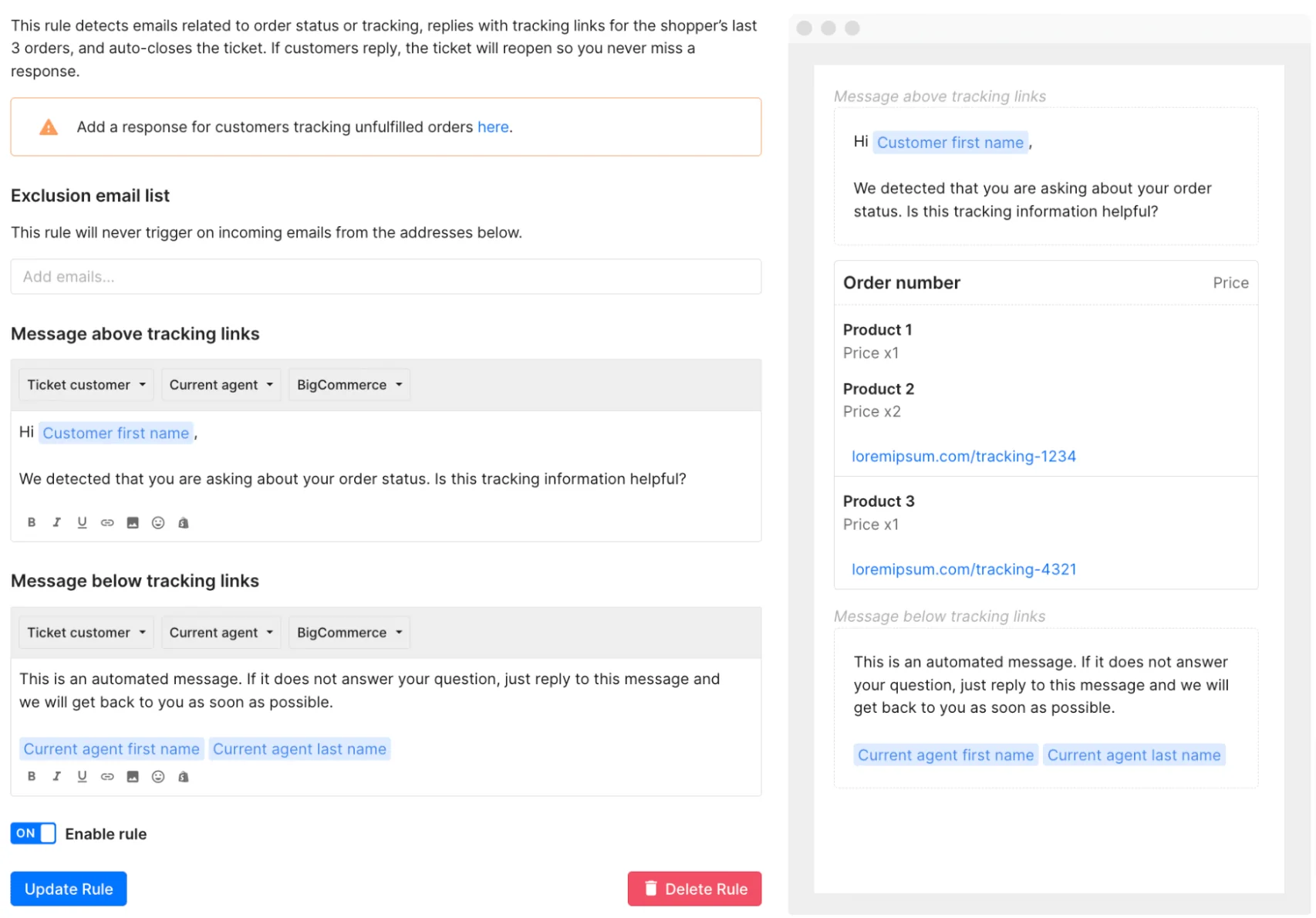
Gorgias is the most opinionated tool on this whole list, and that is meant as a compliment. It is built for online retail, priced by ticket volume instead of seats (3 users on Starter, 500 on everything above it), and the AI can actually take store actions rather than just describe them. It holds 4.6/5 across 560 verified reviews on its G2 seller page.
Features. Ecommerce helpdesk, native Shopify integration, rules and macros, AI Agent, plus Voice from $25/mo and SMS from $17/mo. It is also the only vendor here with a real security file: SOC 2 Type II renewed annually, GDPR and CCPA confirmed, and a gated HIPAA report with BAA available on its trust center.
Pros. For a brand where refunds, cancellations and order edits dominate the queue, nothing else here is as direct. The community's own rule of thumb is refreshingly concrete:
"I've been around ecommerce for 10+ years and this is honestly how I'd choose: 40%+ tickets need Shopify actions → I'd lean Gorgias. Mostly conversational support → Zendesk is fine."
Cons. The double meter, the per-interaction meter on top of tickets, and a Starter tier with no brand voice, no guardrails and no AI Actions. Small teams with high inquiry volume are the worst fit.
Pricing.
| Plan | Monthly | Annual (per mo) | Tickets | AI interactions | Ticket overage | Per automated interaction |
|---|---|---|---|---|---|---|
| Starter | $40 | Monthly only | 50 | 30 | $0.40 | $1.00 |
| Basic | $90 | $77 | 300 | 30 | $0.40 | $0.90 |
| Pro | $550 | $471 | 2,000 | 190 | $0.36 | $0.90 |
| Advanced | $1,430 | $1,227 | 5,000 | 530 | $0.36 | $0.85 |
| Enterprise | Custom | Custom | 5,000+ | Custom | Custom | Custom |
Verdict: the right call above that 40% threshold and an expensive one below it. If you are under it, Gorgias alternatives or a cheaper helpdesk plus an AI layer will serve you better.
5. Help Scout
Best for: small, relationship-driven teams who want AI pricing that cannot bite them.
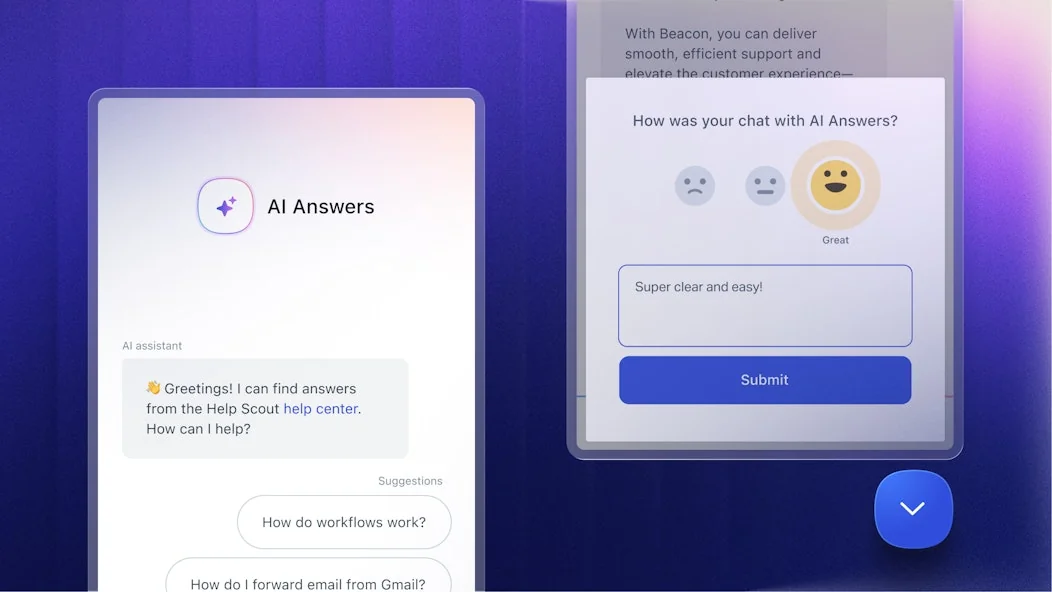
Help Scout is email-native in a way that the ticketing platforms are not. To the customer, conversations just look like normal email, no ticket numbers and no robotic autoresponders, and a new agent picks the inbox up in under an hour. Its G2 seller page shows about 4.4/5 from 436 verified reviews.
Features. Shared inbox across email, live chat, Instagram, Messenger and WhatsApp, a Docs knowledge base, the Beacon widget, plus AI Assist, AI Drafts, AI Summarize and the customer-facing AI Answers.
Pros. The cleanest AI pricing on this entire list. $0.75 per resolution, escalated conversations are not charged at all, a maximum of one resolution per conversation, a spending cap you set yourself that auto-disables AI Answers when hit, and three months of free unlimited resolutions to start. That is the pricing model I would hand a nervous finance team.
Cons. Feature depth. G2's aggregated top con is "Lack of Features", the better generative helpers (Drafts, Summarize) are gated to Plus at $45 a user, and per-seat plus per-resolution stacks up fast at volume. There is also a trust wound worth knowing about, from a 2025 flip to per-interaction pricing that was later reversed:
"HelpScout changed back to user-based pricing. Guess too many people cancelled including me... I'll still stay with Freescout anyways. Helpscout lost all trust with this flip-flopping on pricing."
Pricing.
| Plan | Price (annual) | Limits |
|---|---|---|
| Free | $0 | 5 users, 1 inbox, 1 Docs site, 100 contacts/mo |
| Standard | $25/user/mo | Up to 25 users, 2 inboxes |
| Plus | $45/user/mo | Up to 50 users, 5 inboxes, AI Drafts and Summarize |
| Pro | $75/user/mo | Unlimited users, minimum 10, sales-led |
| AI Answers | $0.75/resolution | Same rate on Standard, Plus and Pro |
Help Scout's own ROI calculator assumes a 73% average AI Answers resolution rate, which is a usefully specific number to hold other vendors to when you compare deflection rates.
Verdict: my default recommendation for teams under 25 people who care how their emails read. Outgrow it on automation depth and Help Scout alternatives is the next stop.
6. HubSpot Service Hub
Best for: companies already living inside HubSpot's CRM.
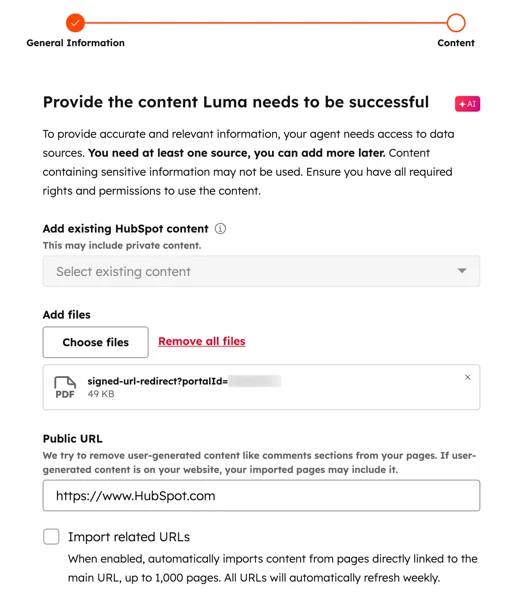
When your marketing and your sales already run on HubSpot, having the support tickets sit on the same customer record is a strong argument by itself, and Breeze Customer Agent is priced better than most people assume it is. HubSpot moved it to outcome-based billing on 14 April 2026: 50 credits per resolved conversation at $9.00 per 1,000 credits works out to $0.45 a resolution, the cheapest published per-resolution rate here. The company says Breeze resolves 65% of conversations and cuts resolution time 39% across more than 8,000 customers.
Features. Omnichannel help desk and ticketing, knowledge base, customer portal, health scores, NPS and CSAT, Breeze Customer Agent and a Data Agent at $0.10 an answer.
Pros. Best published resolution rate, one customer record across the whole funnel, and a real free tier for two users.
Cons. Predictability, again, and this one has teeth. Credits drain instantly, uncapped and irreversibly, and the Starter to Professional jump is the sharpest price cliff in this entire roundup.
"Might have just cost my company $11k this year because the credit system just lets you blow past what you've paid for. Even if you turn off automatic enrichment, if you mistakenly manually enrich a list of say 10,000 contacts, you'll blow through 100k+ credits in minutes and you won't be able to stop it. I watched helplessly as we went well beyond our limit."
Pricing.
| Plan | Annual commit | Pay monthly | Included credits | Onboarding fee |
|---|---|---|---|---|
| Free | $0 | $0 | None | None |
| Starter | $7/seat/mo | $20/seat/mo | 500 | None |
| Professional | $90/seat/mo | $100/seat/mo | 3,000 | $1,500 required |
| Enterprise | $150/seat/mo | Talk to sales | 5,000 | $3,500 required |
Breeze Customer Agent starts at Professional, so the real entry price includes that $1,500 onboarding fee. One Reddit poster was quoted $17,500 a year to move up from a $250-a-year Starter plan.
Verdict: worth it if you are already all-in on HubSpot and you set a hard credit ceiling on day one. Otherwise the cliff is brutal, and Service Hub AI alternatives covers the ways around it.
7. Front
Best for: collaborative teams doing complex, cross-department customer work.
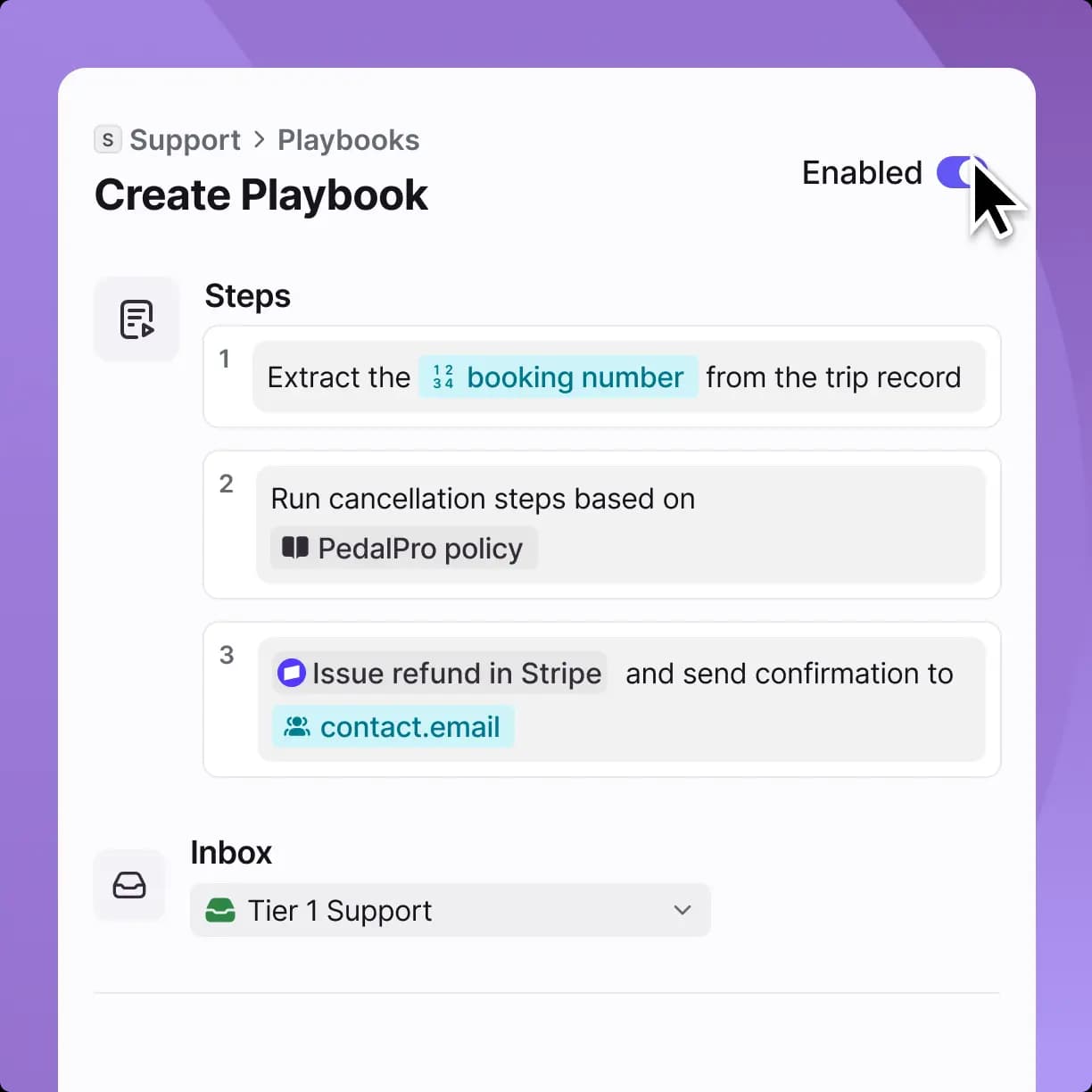
Front holds the best satisfaction scores here by a clear margin, 4.7/5 from 2,499 G2 reviews, with 83% of those being five stars. The shared inbox model, where a whole team can see, assign, comment on and resolve together, wins for work that involves logistics, finance or account management rather than a clean ticket queue. Its 2026 homepage leans into exactly that: "AI for simple support is everywhere. Complex customer operations demand Front."
Features. Shared inboxes across email, chat, SMS, social, WhatsApp and voice, rules automation, SLAs, analytics, a knowledge base, and an AI suite of Autopilot, Copilot, Smart QA and Smart CSAT.
Pros. Autopilot bills at from $0.05 a conversation, by far the lowest headline AI unit here, and Front markets it resolving up to 70% of requests. Compose, Translate and Summarize are included on all plans at 200 actions per teammate per day.
Cons. Pricing complexity, which is also the dominant complaint in reviews. Here is the trap: Professional at $65 plus Copilot ($20), Smart QA ($20) and Smart CSAT ($10) is $115 a seat, which is more than Enterprise at $105, where all three are already included. Autopilot's $0.05 is also a "from" price behind a sales call, not a flat published rate.
"Extremely overpriced, and the pricing is very complicated. They ask you to pay separately [for features / add-ons]…"

Pricing.
| Plan | Price/seat/mo (annual) | Seat cap |
|---|---|---|
| Starter | $25 | Up to 10 |
| Professional | $65 | Up to 50 |
| Enterprise | $105 | No cap |
| Copilot | $20/seat/mo | Included on Enterprise |
| Smart QA | $20/seat/mo | Included on Enterprise |
| Smart CSAT | $10/seat/mo | Included on Enterprise |
Verdict: if you need more than two AI add-ons, buy Enterprise and stop doing the arithmetic. If you need structured ticketing more than collaboration, community framing calls Front a "supercharged shared inbox" for a reason, and shared inbox software may be the category you actually want.
8. Zoho Desk
Best for: budget-conscious teams who want AI with no usage meter whatsoever.
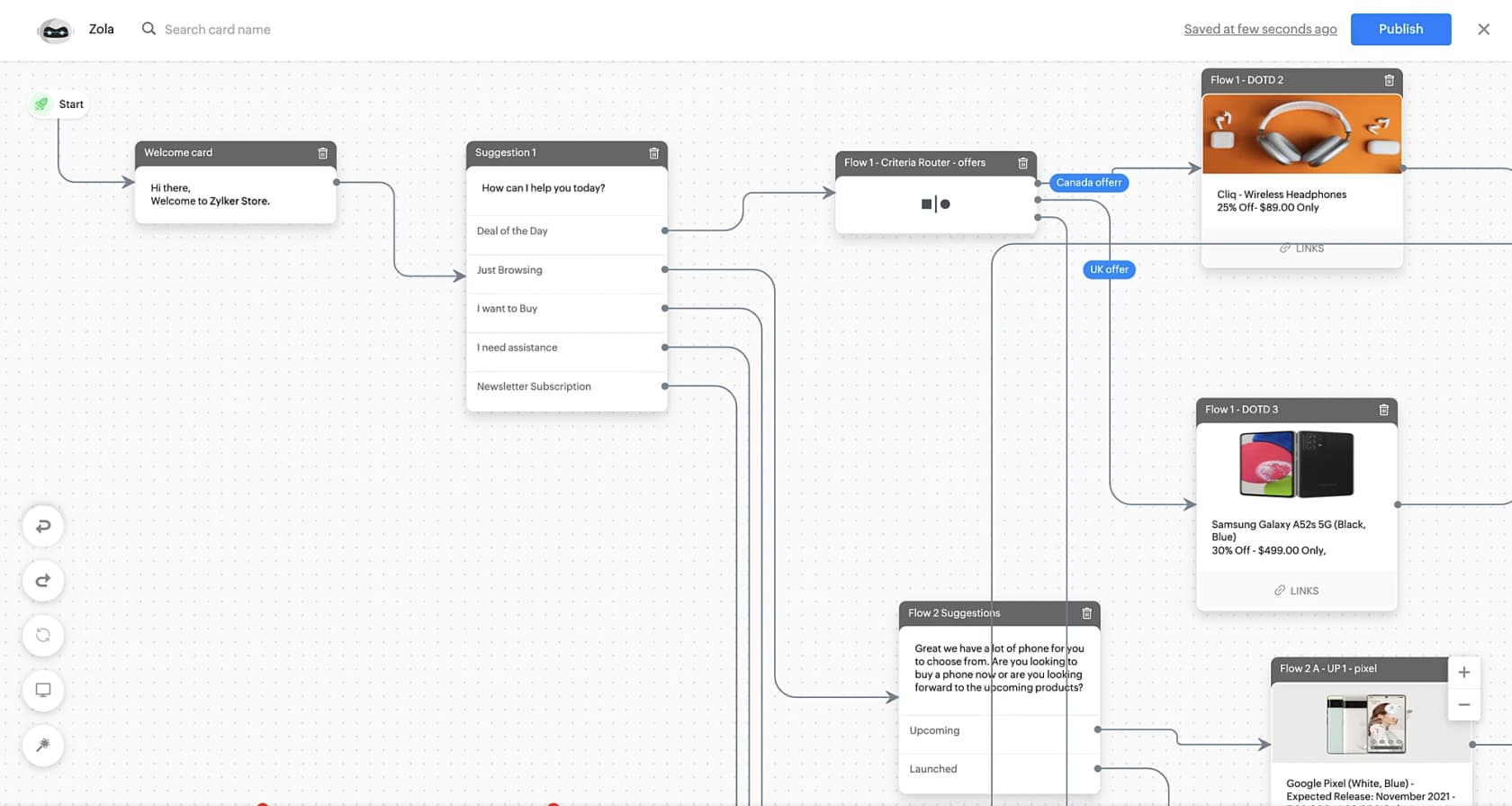
Zoho Desk is the value play, and 2026 has made it better in one specific way. It is the only vendor here with no per-unit AI charge at all. AI Agents with 30M free tokens a month now start at Express (US$7), the Answer bot moved down to Standard (US$14), and Zia sits at Professional (US$23) instead of being Enterprise-only. Gartner Peer Insights has it at 4.5/5 from 2,403 ratings.
Features. Multichannel ticketing, an AI knowledge base and self-service portal, community forums, the ASAP embeddable widget, Zia, an Answer bot, AI Agents with bring-your-own-key, plus Guided Conversations and Zoho SalesIQ live chat at Enterprise.
Pros. Very cheap, and the AI story is refreshingly free of meters. Bring your own OpenAI or DeepSeek key and Zoho charges nothing on top.
Cons. AI quality and interface clarity. The recurring verdict on Zia is polite disappointment, and "cluttered" shows up across G2, Software Advice and Gartner alike.
"I've started using some of Zia's features - the summary for a ticket is ok but struggles when there is a lot of content - it has a limit [on length]."
Pricing.
| Plan | Price (annual) | AI included |
|---|---|---|
| Free Edition | US$0 | 3 users, email ticketing only |
| Express | US$7/user/mo | AI Agents, 30M free tokens/mo, BYOK generative AI |
| Standard | US$14/user/mo | Adds Answer bot |
| Professional | US$23/user/mo | Adds Zia |
| Enterprise | US$40/user/mo | Adds Guided Conversations, SalesIQ live chat |
| Light users | US$6/agent/mo | Professional and Enterprise, 50 free on Enterprise |
Verdict: unbeatable on price per feature, especially if you already use other Zoho products. Just calibrate your AI expectations to the price, and note that eesel now connects to Zoho Desk, so you can bolt a stronger agent onto it the way you can with Zendesk or Freshdesk.
9. Shopify Inbox
Best for: small Shopify stores who want free chat with an AI agent running today.
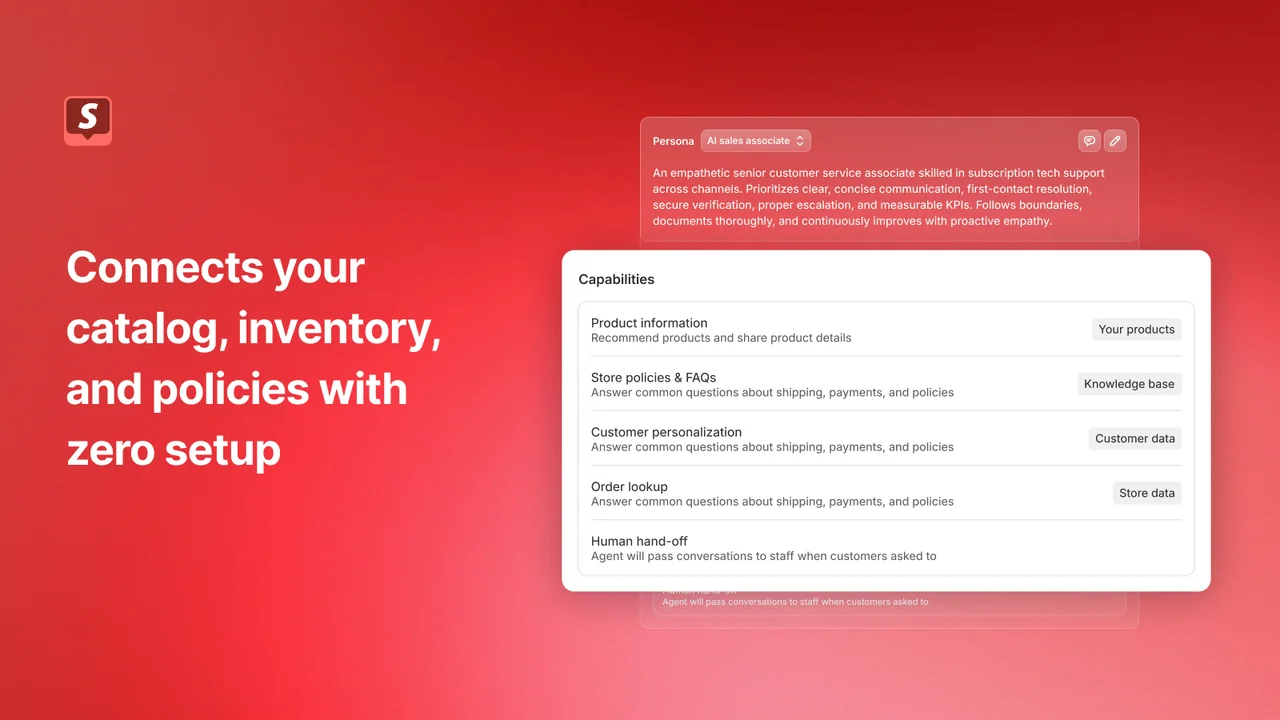
Shopify Inbox wins on price, because it costs nothing. It is Shopify's own chat app, free on the Shopify App Store, and its opt-in Inbox agent works like an AI sales associate in your store's chat. It holds 4.6/5 from 5,804 App Store reviews, and because Shopify builds it, the agent reads your catalog, inventory and policies with no setup at all.
Features. Storefront chat, the Inbox agent (it answers product, shipping, returns, sizing and store-policy questions from your catalog, policies, Knowledge Base facts and files, and store pages), personal product recommendations, replies in 21 languages, AI-suggested replies for staff, and analytics on orders assisted and buyer satisfaction. There are desktop, iOS and Android apps for answering on the go.
Pros. Free, with no AI meter at all, and nothing to connect. When the agent gets stuck it hands the chat to your staff with its context, and if nobody is around it gives the shopper your store email.
Cons. Scope, and it is a hard limit. It only works for Shopify stores, and it is storefront chat, not a helpdesk: there is no ticketing, and the agent only works in your store's chat widget, so it cannot send email for you. The Inbox agent also needs new customer accounts and is off by default for stores that installed Inbox before it launched. Shopify's Help Center says merchants are responsible for the accuracy of its answers, and merchant reviews in October 2026 mention wrong answers and ask for actions beyond answering, like adding a note to an order.
Pricing.
| Product | Price | Notes |
|---|---|---|
| Shopify Inbox | Free | Includes the Inbox agent and AI-suggested replies, no AI fee listed |
| Shopify plan | Required | Inbox is only available on Basic, Grow, Advanced and Plus |
Verdict: great for a Shopify store whose questions mostly arrive in chat and who wants something running today. The moment you need email, a ticket queue or order actions, you are shopping for a helpdesk. Our Shopify Inbox guide covers what it can and cannot do.
10. Crisp
Best for: small teams who want one flat bill and unlimited conversations.
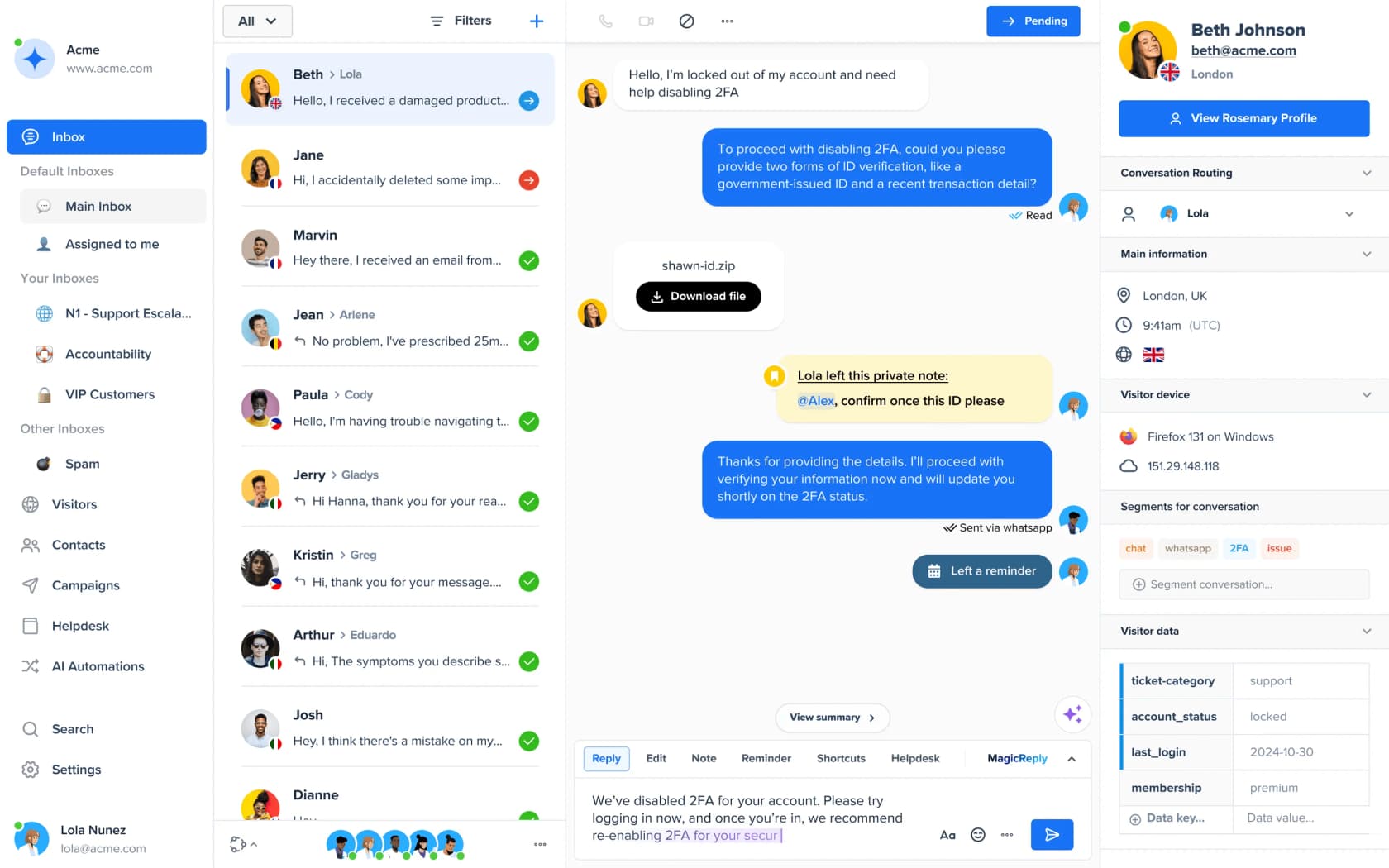
Crisp does the one thing nobody else on this list will do. It refuses to meter conversation volume at all. Every plan gets unlimited conversations at a flat price per workspace, with the agents included. For a team that hates surprises, that is worth real money. Data is EU-hosted and a DPA is available, which matters if you are selling into Europe.
Features. Chat widget, omnichannel inbox across 12+ channels, knowledge base and help center, support CRM, analytics and no-code AI agents.
Pros. Predictability. And the implied AI economics are startling: the credit bundles work out to roughly $0.056 per automated conversation, an order of magnitude below every per-resolution competitor here.
Cons. Verifiable evidence, and I want to be straight about this rather than paper over it. I could not find a G2 rating, a review count, a security certification statement or a single community quote with a real permalink for Crisp. The plan comparison table's checkmarks did not render on scrape either, so treat any "included on plan X" claim as needing your own check. AI credits are also absent entirely from the Free plan.
Pricing.
| Plan | Price/mo per workspace | Agents | AI credits |
|---|---|---|---|
| Free | $0 | 2 | None |
| Mini | $45 | 4 | ~$5, about 90 automated conversations |
| Essentials | $95 | 10 | ~$25, about 450 automated conversations |
| Plus | $295 | 20+, then $10/agent | ~$75, about 1,350 automated conversations |
| Enterprise | Custom | Custom | Custom |
The older Basic, Pro and Unlimited tier names are retired. Nonprofits and students get 50% off.
Verdict: the best pick when a predictable invoice matters more than a deep feature set. Verify the AI feature gating yourself before you buy, and note there is no eesel connector for Crisp. Crisp alternatives is the fallback if the evidence gap bothers you.
Which one I would actually pick
Strip the feature grids out and the decision comes down to two questions only.
Are you replacing a helpdesk or adding AI to one? This is the fork most buyers skip past, and it is the expensive one. To migrate means picking a tool, moving your tickets and macros over, retraining the team, and losing months. To layer means connecting the helpdesk you have already, and being live in an afternoon.
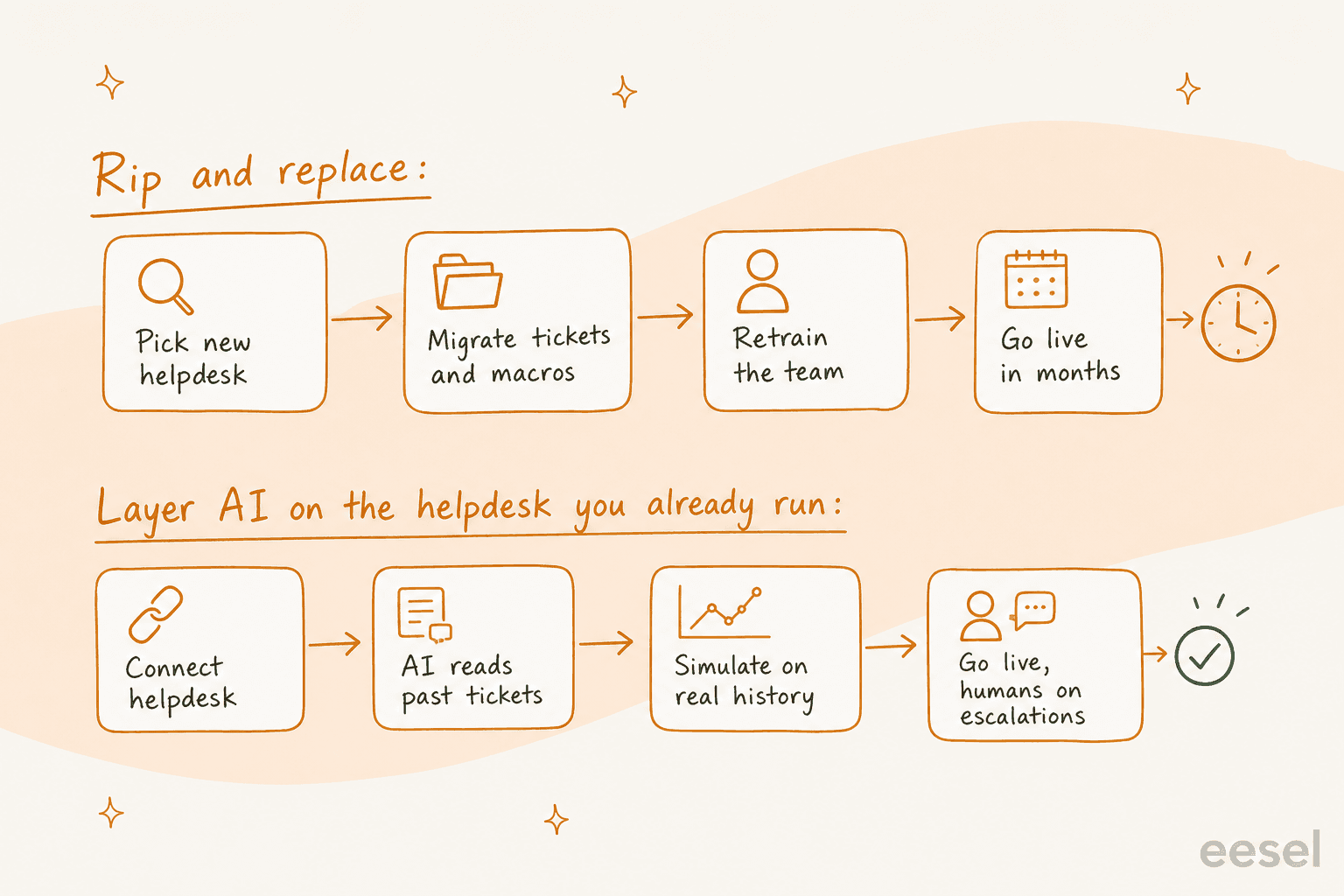
Do you sell physical products? If yes, and store actions dominate the queue, then Gorgias earns its price. If no, a general helpdesk plus a strong AI layer almost always comes out cheaper. Ecommerce helpdesk software is a different shopping list to a general one anyway.
For everyone else, here is where I land on it. Under 25 people and email-first, that is Help Scout, for the inbox and the honest AI meter. Tight budget, Zoho Desk at US$7. Already inside HubSpot, then HubSpot, with a credit ceiling set on day one. Complex collaborative work, Front, bought at Enterprise. Big and mature and ecosystem-dependent, Zendesk. A startup still figuring out its volume should read my notes on helpdesk software for startups first, before committing to any seats.
One more thing, and it matters more than any price in this post. The sharpest objection I have heard from a buyer, a CX lead running about 7,000 tickets a month at a DTC brand, was not about the cost at all:
"The AI will never be able to answer 100% of the questions, but if it tries and just answers 'sorry I don't know this,' I cannot go and check all my 7,000 tickets to see if the AI actually made a good answer, then the point is a little bit gone. I need an AI who is only handling the tickets that it's confident to handle and all the other ones, leave them alone."
That is the real buying criterion right there. Ask every vendor on the shortlist how their agent decides it is not confident, and what happens next after that. When the answer is vague, the price stops mattering. Worth to agree your support KPIs before the rollout too, so you can tell whether the AI helped or only moved the work around.
Try eesel AI on the helpdesk you already run
If reading this list mostly convinced you that the helpdesk is fine and the AI is the problem, that is exactly the gap eesel fills. Point it at whatever you already run, whether that is Zendesk, Freshdesk or Front. The agent reads your past tickets, your macros and your help center. Then you run a simulation against real ticket history and see exactly what it would have replied, before a single customer does. Nothing to migrate. Nothing for the agents to relearn.

Pricing stays in a unit you already think in: one fixed monthly price from $299 for 500 credits, 1 credit per ticket, no seat fees, no platform fee, and a ticket a human handles is never charged to you. Start free with 100 credits and no card, and set your own overage cap if you want one. Try eesel.