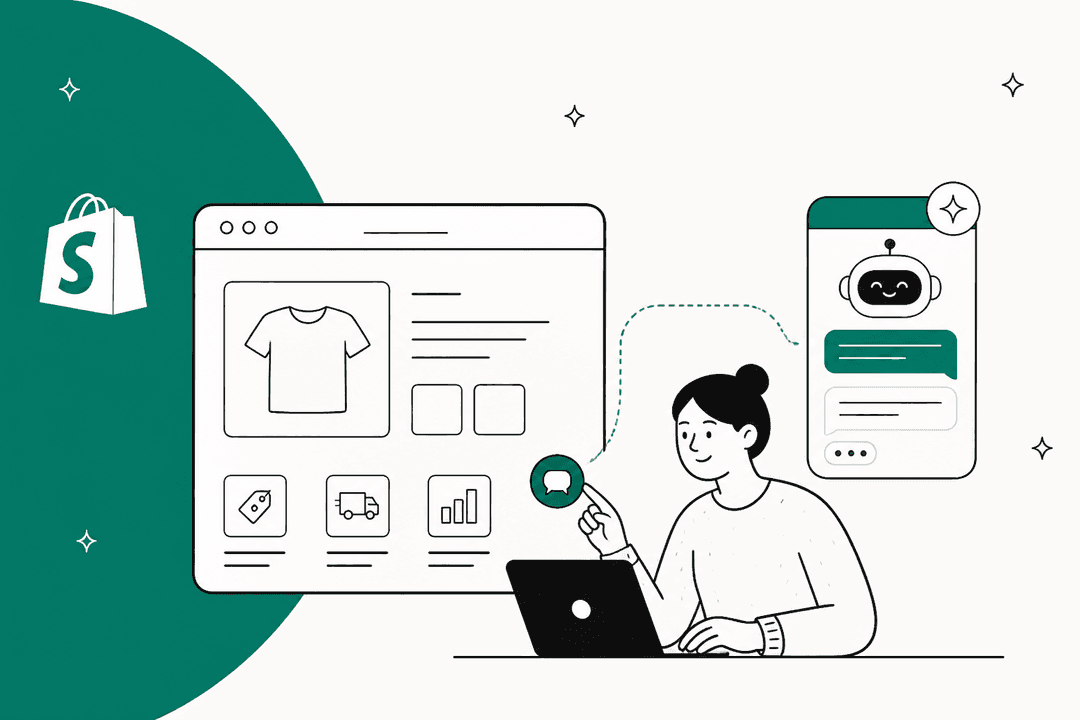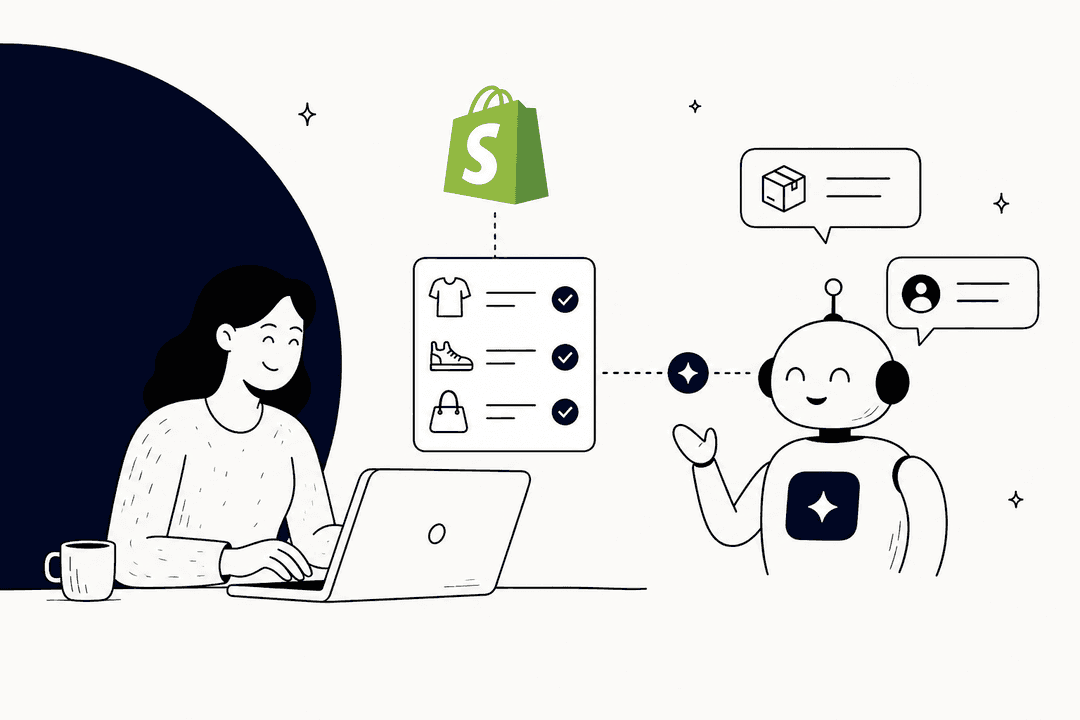
Let's be honest, live chat is a huge deal in e-commerce. When a customer is hesitating over that "add to cart" button, a quick chat can be the nudge they need. Shopify even found that 70% of Shopify Inbox conversations are with customers in the middle of a purchase.
That's exactly why Shopify created Shopify Inbox, its own free messaging tool to help merchants grab those opportunities. It’s designed to let you manage customer chats directly from your online store, which sounds great on paper.
But is it the right tool for your business? This guide will give you a straightforward look at Shopify Inbox, covering what it does well, what it costs (spoiler: nothing), and where you’ll start to feel the growing pains. While it's a solid starting point, most growing stores eventually hit a wall and need a more powerful AI solution to keep up.
What is Shopify Inbox?
So, what exactly is Shopify Inbox? Think of it as a free messaging app built by Shopify, for Shopify merchants. Its main job is to give you one simple dashboard to handle all the chats coming from your online store. You can use it on your computer at inbox.shopify.com or download the iOS and Android apps to chat on the go.

If you’ve been using Shopify for a bit, you might remember its earlier versions, Shopify Chat or Ping. This is just the latest version of that same idea.
It’s a simple way for new merchants to talk to customers in real-time and turn questions into sales, all without having to install a third-party app. One thing to keep in mind, though: as of February 19, 2025, the chat integration with the Shop App was removed. This means you can't manage chats from customers on that app anymore, narrowing its focus back to just your main online store.
Key features and capabilities of Shopify Inbox
Shopify Inbox comes with a decent set of features built to help you chat with customers and, hopefully, sell more products. Let's break down what it can actually do.
Real-time chat and conversation management
The main feature is, of course, the live chat widget for your store. You can tweak its look, colors, icons, position, from your theme editor to match your brand. When you're chatting, you can see if a customer is currently active on your site thanks to a handy Online indicator.
The real magic for e-commerce is the customer context it provides. When a chat pops up, you can see the customer's profile, the products they've been looking at, what's in their cart, and their order history. This lets you give personalized advice without asking them for details you should already have.
If you have a team, you can assign conversations to different staff members. Inbox also uses a bit of machine learning to guess the topic of a message (like Order status or Shipping) to help you see what's most urgent.
One recent change to know about: the Require sign-in setting is now on by default for new installs and for stores that get the latest version of Inbox. Shopify's own docs note that it adds friction for customers while reducing spam.
Simple automation features
Shopify Inbox has a few tools to help you save some time, but they are pretty basic.
-
Instant Answers: These are pre-set questions and answers for things like your return policy. Customers can click a button and get an instant reply. Shopify Magic can even help you write these based on your store's info.
-
Quick Replies: These are your classic canned responses. You can create shortcuts for answers you type all the time, which is a definite time-saver.
-
AI-Suggested Replies: Inbox can also suggest replies as you type (this feature used to carry the Shopify Magic name). It’s a neat idea, but it has some requirements (like your store has to be in English) and, frankly, the suggestions can be a bit hit-or-miss. You’ll probably find yourself editing them quite a bit.
-
Email Follow-up: If you're offline, Inbox will ask the customer for their email. This way, you can reply later and don't lose out on a potential sale just because you stepped away from your computer.
-
Inbox agent: An opt-in AI that answers product, shipping, and return questions from your catalog and policies, looks up orders once the customer signs in, and can add items to the cart. It only operates in your store's chat widget and needs new customer accounts.
Built-in sales and conversion tools
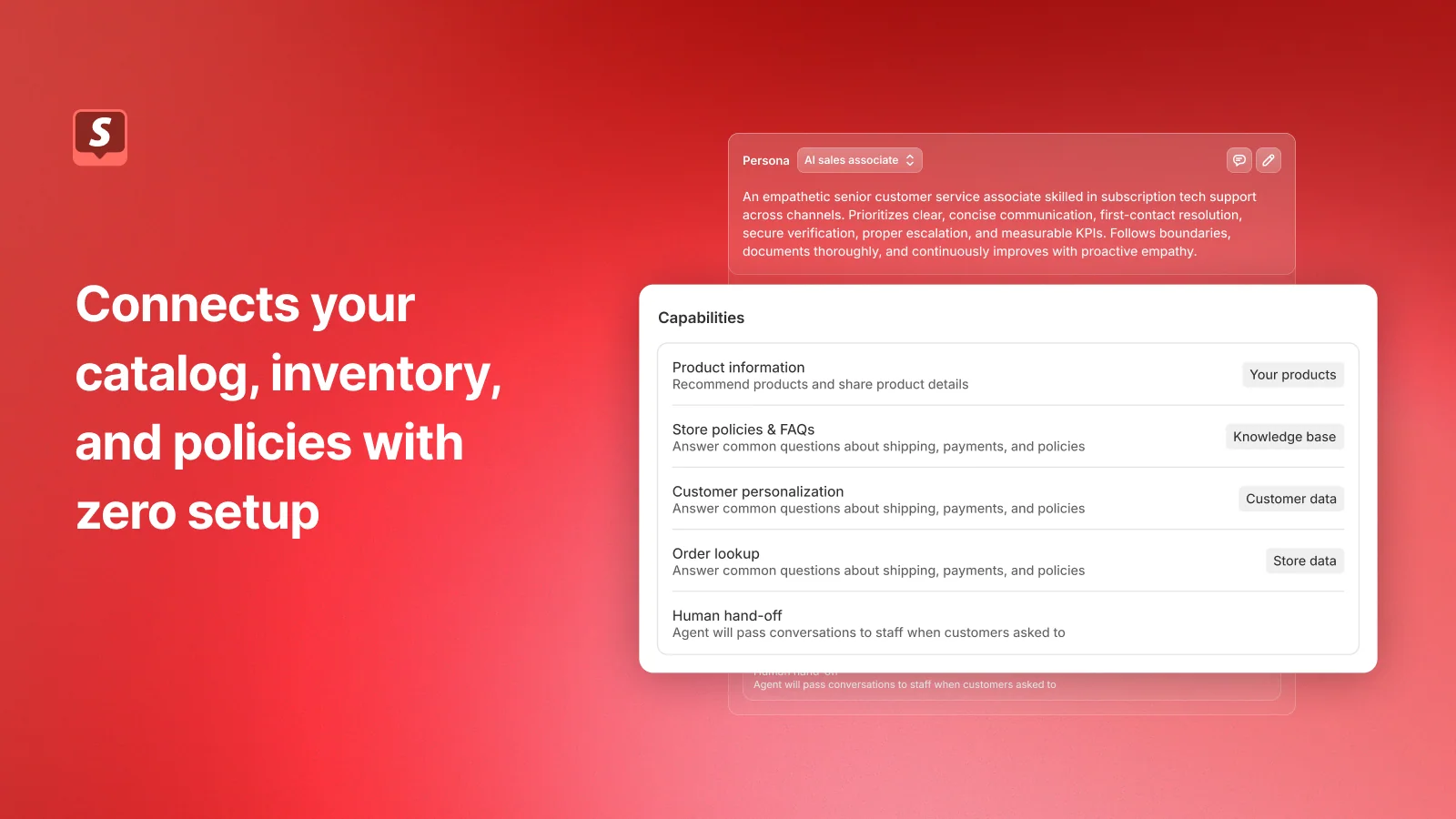
Shopify’s main goal with Inbox is clear: turn chats into sales. The older claim that responding faster can boost conversion by up to 69% no longer appears on Shopify's listing, which now pitches an AI sales associate instead.
To help you out, your agents can do a few sales-y things right in the chat window:
-
Send product links, photos, and videos.
-
Create and share discount codes to sweeten the deal.
How Shopify Inbox compares to advanced AI platforms
While Shopify Inbox is a good first step, it helps to see what you're missing compared to a dedicated AI support platform. The graphic below breaks down the key differences:
| Feature | Shopify Inbox | Advanced AI Platforms (like eesel AI) |
|---|---|---|
| Chat Management | Basic chat from web & mobile | Full ticketing, SLAs, advanced agent routing |
| Automation | Greetings, Instant Answers, Quick Replies, opt-in Inbox agent | Autonomous ticket resolution, triage, and actions |
| Integrations | Store chat widget only | 100+ help desks, CRMs, and internal tools |
| Analytics | Basic volume & response time | Deep insights on agent performance, topic trends, ROI |
| Multi-channel | Online store chat (Shop app channel removed) | Email, social, phone, and chat consolidated in your existing help desk |
Pricing: How much does Shopify Inbox cost?
This part is simple: Shopify Inbox is completely free. You can grab it from the Shopify App Store and add it to your store without paying a dime.
It comes with every Shopify plan, from Basic to Advanced. There are no sneaky fees, different tiers, or per-user charges. Of course, "free" is always great for a new store, but it's also a reflection of its limited toolset. As your business grows, the real "cost" of a free tool often shows up in wasted time and a support team that's stretched way too thin.
The limitations of Shopify Inbox for growing stores
For a solopreneur or a tiny team, Shopify Inbox is a fantastic starting point. But as your order volume picks up, that same simplicity can quickly start holding you back. Here are the main limitations you’re likely to run into.
Lack of advanced automation and AI in Shopify Inbox
Outside the opt-in Inbox agent, the automation in Shopify Inbox is rule-based. Instant Answers and Quick Replies are helpful, but you have to set them all up yourself, and they can’t handle questions with any real nuance. As some merchants have pointed out, the AI-suggested replies often feel generic and need a human touch anyway.
The Inbox agent is opt-in and only operates in your store's chat widget, so the AI features that modern support teams depend on across email and social still live elsewhere. If you leave the agent off, which is the default for stores that installed Inbox before it launched, every single conversation, no matter how basic, still needs a person to look at it.
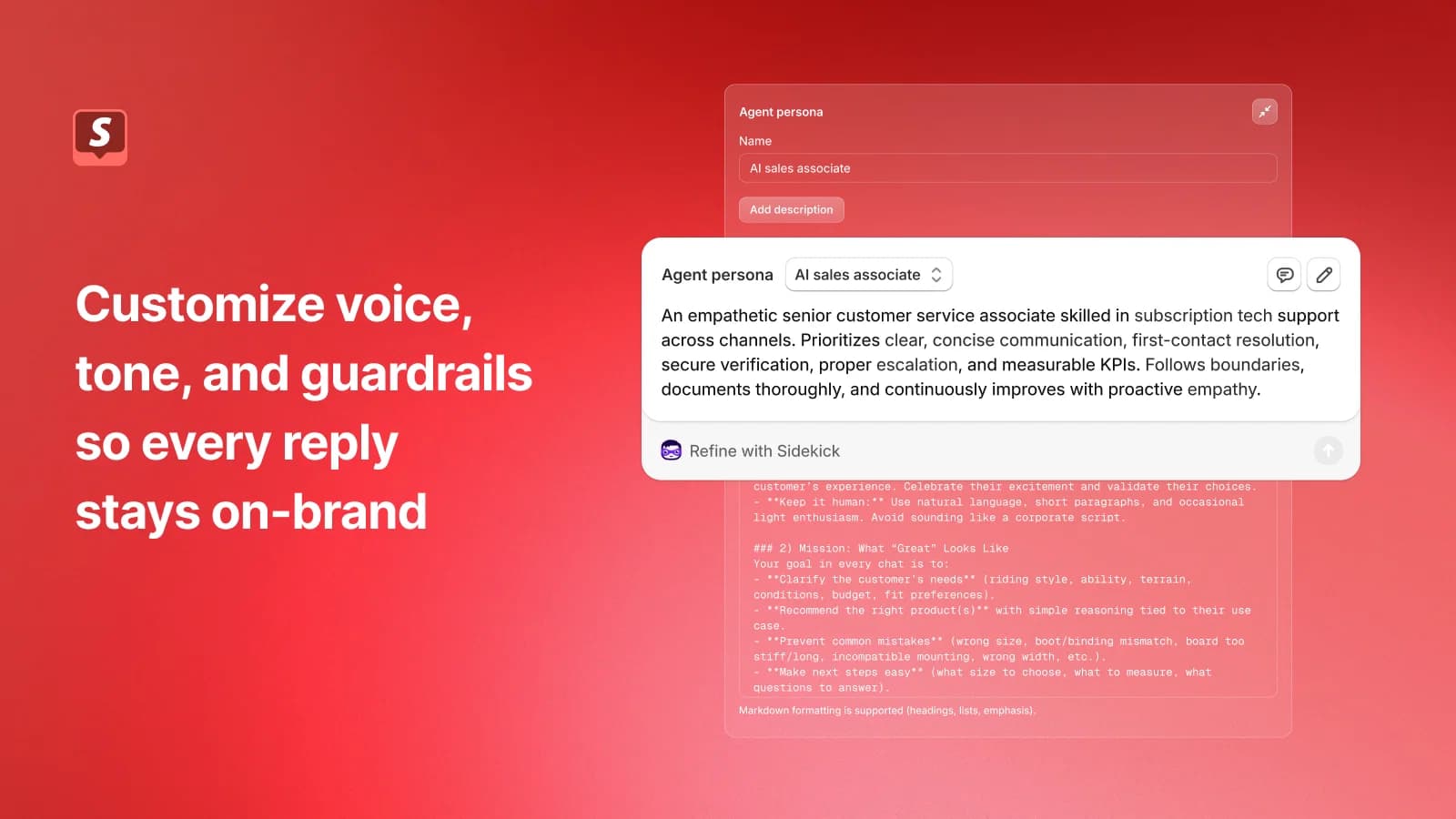
If your team is drowning in repetitive questions, this becomes a huge bottleneck. A platform like eesel AI can connect to your help desk and knowledge base to answer common questions about order status or returns automatically, before an agent ever has to see them.
Limited multi-channel integration for Shopify Inbox
Customers today will message you from wherever is easiest for them. Shopify Inbox's docs describe chat on your online store only. Facebook Messenger, Instagram DMs, support emails, and SMS messages aren't listed as channels, so they stay in separate tools.
Many brands use tools like Postscript for SMS or a proper help desk for email, but that just creates another screen for your team to watch. The Shop App channel, removed in February 2025, narrowed its reach even further.
This setup forces your team to jump between different apps, which leads to disconnected conversations and a clunky customer experience. In contrast, tools like eesel AI are built to work with dedicated help desks like Gorgias or Zendesk that bring all your customer channels together.
Shopify Inbox scalability and reporting challenges
Let's just say it: Shopify Inbox is a chat tool rather than a full help desk. Its docs don't describe the features you need to manage support once you start growing, like custom ticket statuses, routing tickets based on agent skills, or internal notes for when your team needs to work together on a tricky problem.
The analytics cover a few numbers. The Overview page reports assisted sessions, assisted orders, satisfaction rate, and average response time, but the docs don't describe deeper insights into your team's performance or what your customers ask about most often.
As you grow, those "Where Is My Order?" (WISMO) questions will bury a team using just Shopify Inbox. The Inbox agent can look up order status, but only after the customer signs in and only inside the chat widget. A more advanced AI workflow, on the other hand, can instantly see what a customer is asking. Simple questions get answered automatically with live order data, while tougher issues get sent to the right human expert with a pre-written draft to help them reply faster. That’s the kind of smart automation that helps a support team scale without burning out.
When to upgrade from Shopify Inbox to an AI-powered alternative
So, when do you know it’s time to move on from Shopify Inbox? If any of these sound painfully familiar, you've probably outgrown it:
-
Your team is swamped. You spend all day answering the same questions about shipping and returns instead of having valuable conversations that actually lead to sales.
-
You need to offer 24/7 support. Customers want answers at all hours, but you can't afford to have staff working around the clock. An AI agent can handle those late-night questions instantly.
-
Your customer experience feels inconsistent. You notice different agents give slightly different answers, and your brand's voice gets lost in the shuffle.
-
You're already using a help desk. If you have a tool like Zendesk or Gorgias, adding Shopify Inbox to the mix just creates another silo. You need an AI tool that works with the systems you already have.
The point isn't just to answer questions faster. It's to free up your team to focus on the complicated, relationship-building chats that make customers stick around.
This is where a tool like eesel AI really makes a difference. It doesn't ask you to ditch your current setup. Instead, it plugs into your existing help desk and learns from your business data, acting like a new, super-efficient teammate.
Shopify Inbox: A great start, but not the final destination
Shopify Inbox is a fantastic free tool for anyone just getting their store off the ground. It's simple, it's integrated, and it does a good job of helping you secure those first crucial sales.
But as your business grows, its limits in automation, multi-channel support, and scalability become pretty hard to ignore. Answering every single question by hand just isn't sustainable.
The future of e-commerce support is using AI to give customers instant, accurate answers 24/7, which in turn frees up your human agents to handle the work that really matters, building relationships and turning shoppers into loyal fans.
If you’re starting to feel the growing pains of Shopify Inbox, it might be time to see what a real AI support platform can do for you. Explore how eesel AI can automate your customer support and start free with 100 credits.
Frequently asked questions
What exactly is Shopify Inbox, and what's its primary purpose for merchants?
Shopify Inbox is a free messaging app built by Shopify, designed to give merchants a simple dashboard to handle customer chats directly from their online store. Its main job is to help convert customer questions into sales opportunities by providing real-time support.
How much does Shopify Inbox cost for e-commerce businesses?
Shopify Inbox is completely free and comes with every Shopify plan, from Basic to Advanced. There are no additional fees or per-user charges, making it an accessible option for new or small stores looking to add live chat.
What are the main features of Shopify Inbox that help with customer communication?
Key features include real-time chat with customer context (like cart contents and order history), basic automation like Instant Answers and Quick Replies, and sales tools such as sending product links and discount codes directly in chat. It also allows for staff assignment of conversations.
What are the biggest limitations of Shopify Inbox for a growing e-commerce store?
For growing stores, Shopify Inbox limits AI automation to an opt-in agent in the store chat widget, so conversations outside it still require human intervention. It also has limited multi-channel integration, forcing teams to manage communications across different apps, and offers only basic reporting and scalability features compared to a full help desk solution.
Does Shopify Inbox integrate with other communication channels besides my online store?
Shopify Inbox connects to your online store's chat widget. Facebook Messenger, Instagram DMs, support emails, and SMS messages aren't listed as supported channels in Shopify's docs, which often creates fragmented customer experiences for growing businesses.
When should I consider upgrading from Shopify Inbox to a more advanced AI-powered support solution?
You should consider upgrading if your team is overwhelmed by repetitive questions, you need 24/7 support, your customer experience feels inconsistent, or if you're already using a dedicated help desk that Shopify Inbox doesn't integrate with seamlessly. An upgrade helps free your team for more complex, relationship-building tasks.


Article by
Kira
Kira is a writer at eesel AI with a Computer Science background and over a year of hands-on experience evaluating AI-powered customer service tools. She focuses on breaking down how helpdesk platforms and AI agents actually work so that support teams can make better buying decisions.