

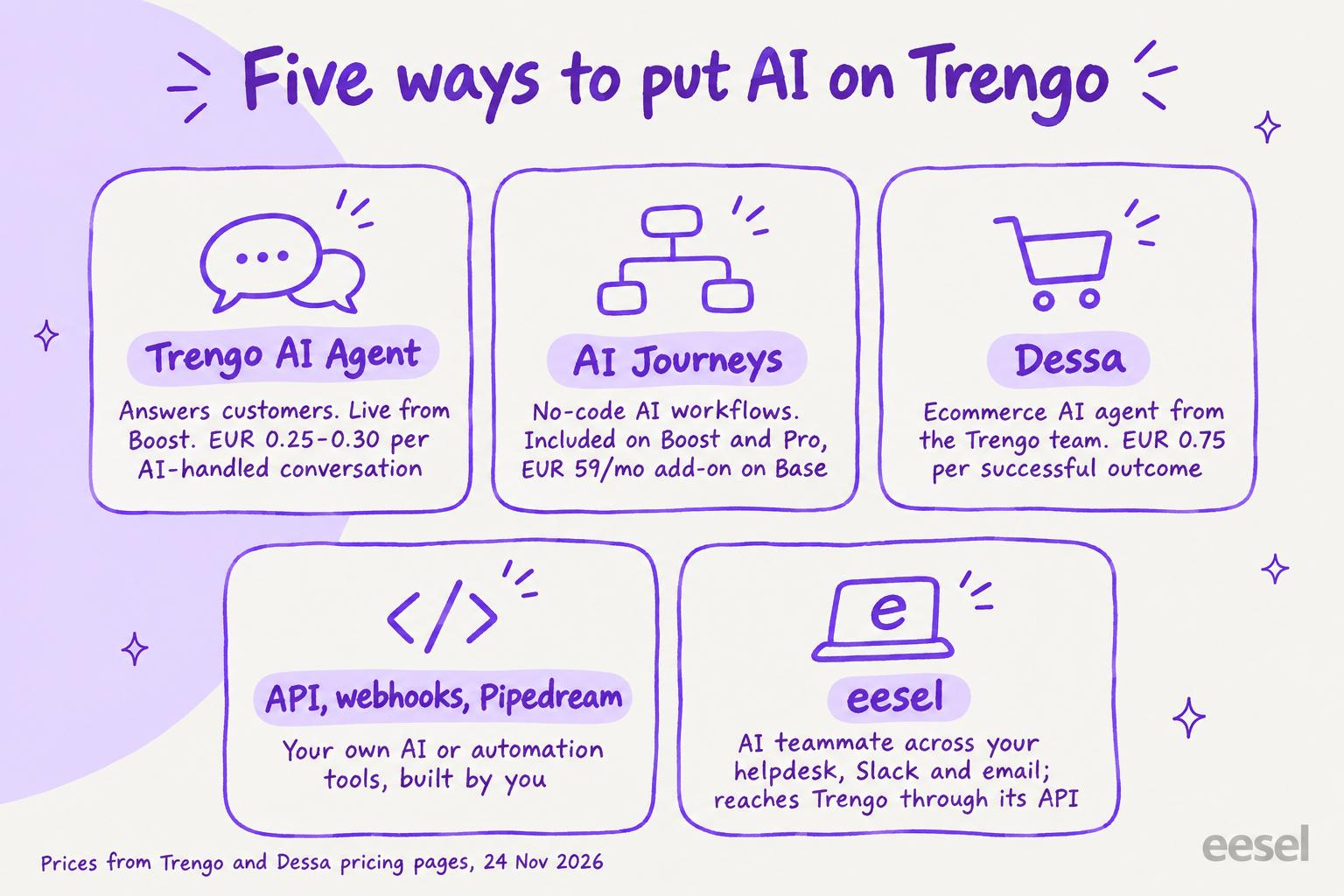
The best AI for most teams on Trengo is its own AI Agent, which answers customers live from the Boost plan (€299 a month billed yearly) and adds €0.25 to €0.30 for every conversation it handles, whether or not it resolves it. On the Base plan it runs in a test Playground only. Beyond the AI Agent you have AI Journeys, Trengo's no-code AI workflows; Dessa, a separate ecommerce AI agent from the Trengo team that charges €0.75 per successful outcome; and Trengo's API and webhooks, which let your own AI or automation tools work inside Trengo. If your team also runs support in a mainstream helpdesk, Slack or email, an AI teammate like eesel works across those tools and can reach Trengo through its API, and a coding agent can set it up for you with the eesel CLI, with an admin approving the connection to a helpdesk such as Zendesk or Freshdesk.
How I picked these
I build integrations and APIs at eesel, so I read Trengo, an omnichannel support inbox, the way I'd read any platform I had to connect an AI to: who the AI answers, what it learns from, what it can touch, and what each conversation costs. Every option here comes from Trengo's own pricing page, help centre and developer docs, plus Dessa's pricing page, Pipedream's Trengo app page and eesel's own docs, read on 24 November 2026. If you're still weighing the platform itself, our Trengo pricing and Trengo alternatives guides go deeper.
The five routes split by who the AI works for. The AI Agent answers your customers, AI Journeys runs the flows around it, Dessa is a second, ecommerce-only agent, the API and webhooks put your own tools to work inside Trengo, and an AI teammate like eesel works across the tools around it.
The best AI for Trengo, compared
| Option | Works for | Plans | What you pay | Answers customers on its own? |
|---|---|---|---|---|
| Trengo AI Agent | Your customers | Live on Boost and Pro; Playground only on Base | €0.25 (yearly) or €0.30 (monthly) per AI-handled conversation, on top of the plan | Yes, with hand-off rules you set |
| AI Journeys | Your customers and team, as flows | Included on Boost and Pro; €59 a month add-on on Base | Included or the add-on; AI Agent steps still carry the surcharge | Inside the flow you build |
| Dessa | Ecommerce customers | Its own plans, beside Trengo or another helpdesk | €0.75 per successful outcome; Starter €375 a month for 500 | Yes, with an Assist Mode that drafts first |
| Trengo API, webhooks and Pipedream | Your own AI tool or code | API actions in AI flows from Boost | No Trengo charge listed; your tool bills its own usage | Only what you build |
| eesel | Your team and customers, in your other tools | Its own plans | One credit per ticket or chat, from $299 a month for 500 | Per person and per tool: on its own, ask first, or off |
The pick for most teams already on Trengo is the AI Agent on Boost, with AI Journeys around it once it handles the easy questions well. For ecommerce brands, Dessa is worth pricing next to it, and the API route adds to either rather than replacing them. Our post on built-in AI vs a layer covers the wider trade-off.
1. Trengo AI Agent
Best for teams on Boost or Pro whose most common questions arrive on WhatsApp, live chat and email and are answered in a help centre or a few policies.
What it does
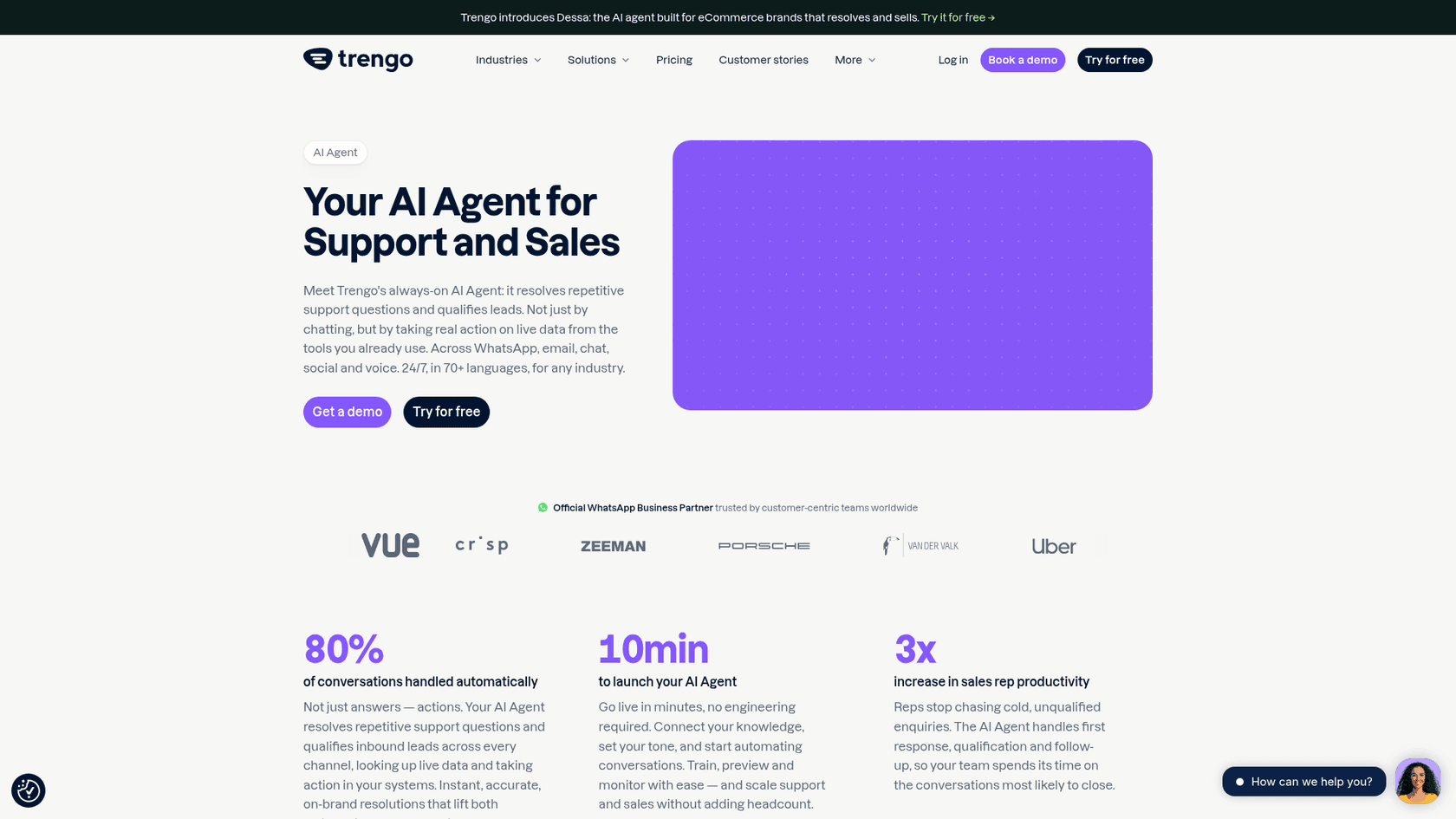
Trengo's AI Agent, which Trengo used to market as AI HelpMate, "resolves repetitive support questions and qualifies leads. Not just by chatting, but by taking real action on live data from the tools you already use. Across WhatsApp, email, chat, social and voice." It applies labels, triggers actions, looks up live data in your other systems and hands a conversation to a person with its context. On the sales side it qualifies inbound leads and books meetings into reps' calendars. Calling external APIs from AI flows ("Third-party AI Actions") needs Boost or Pro, per the pricing page.
What it learns from
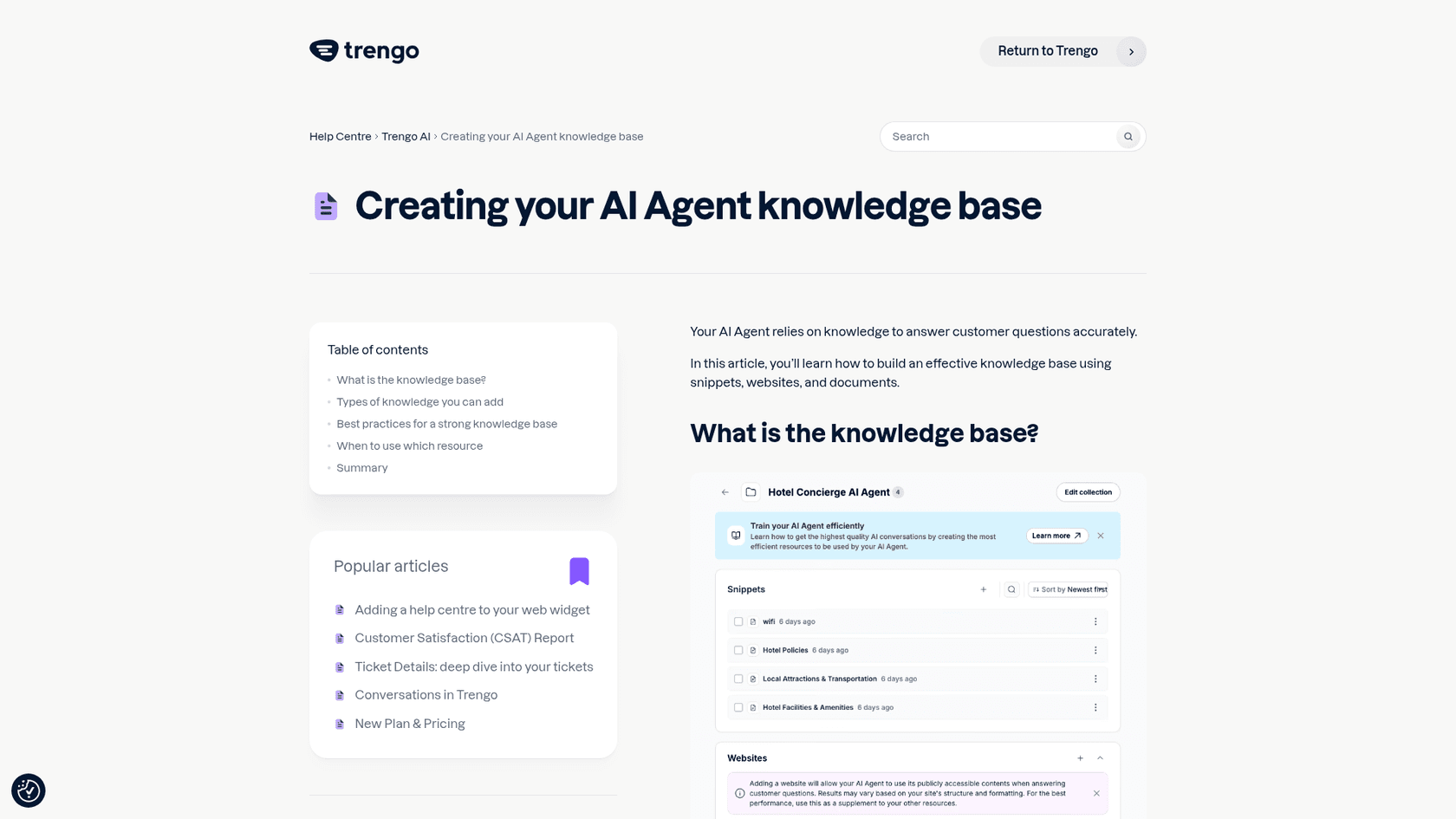
The AI Agent learns from snippets, websites, PDF, TXT and CSV documents, and a connected Trengo Help Center, as Trengo's knowledge base guide lists them. Snippets are short question-and-answer or policy entries that "give you the most control", and Trengo advises using websites "as a supporting source, not your primary one". Past conversations aren't one of the sources in that guide, so if your best answers sit in years of WhatsApp and email threads rather than a knowledge base, plan to write the top ones up as snippets first.
Pricing
Trengo charges an AI surcharge of €0.30 per conversation on monthly billing and €0.25 on yearly billing, on top of the plan, for each conversation the AI Agent handles. The pricing page says any WhatsApp message or SMS the AI Agent handles carries the surcharge. On voice it's billed per minute instead. The surcharge comes out of the same prepaid Balance as WhatsApp and Twilio fees, with auto top-up, according to Trengo's plan and pricing article.
The word that matters is "handled". The AI Agent page leads with "80% of conversations handled automatically", and a customer quoted on the same page reports "67% of questions handled automatically, 40% fully resolved on their own". You pay the surcharge on the 67, not the 40. That's a different model from per-resolution pricing, and our guide to cost per resolution shows how the two compare.
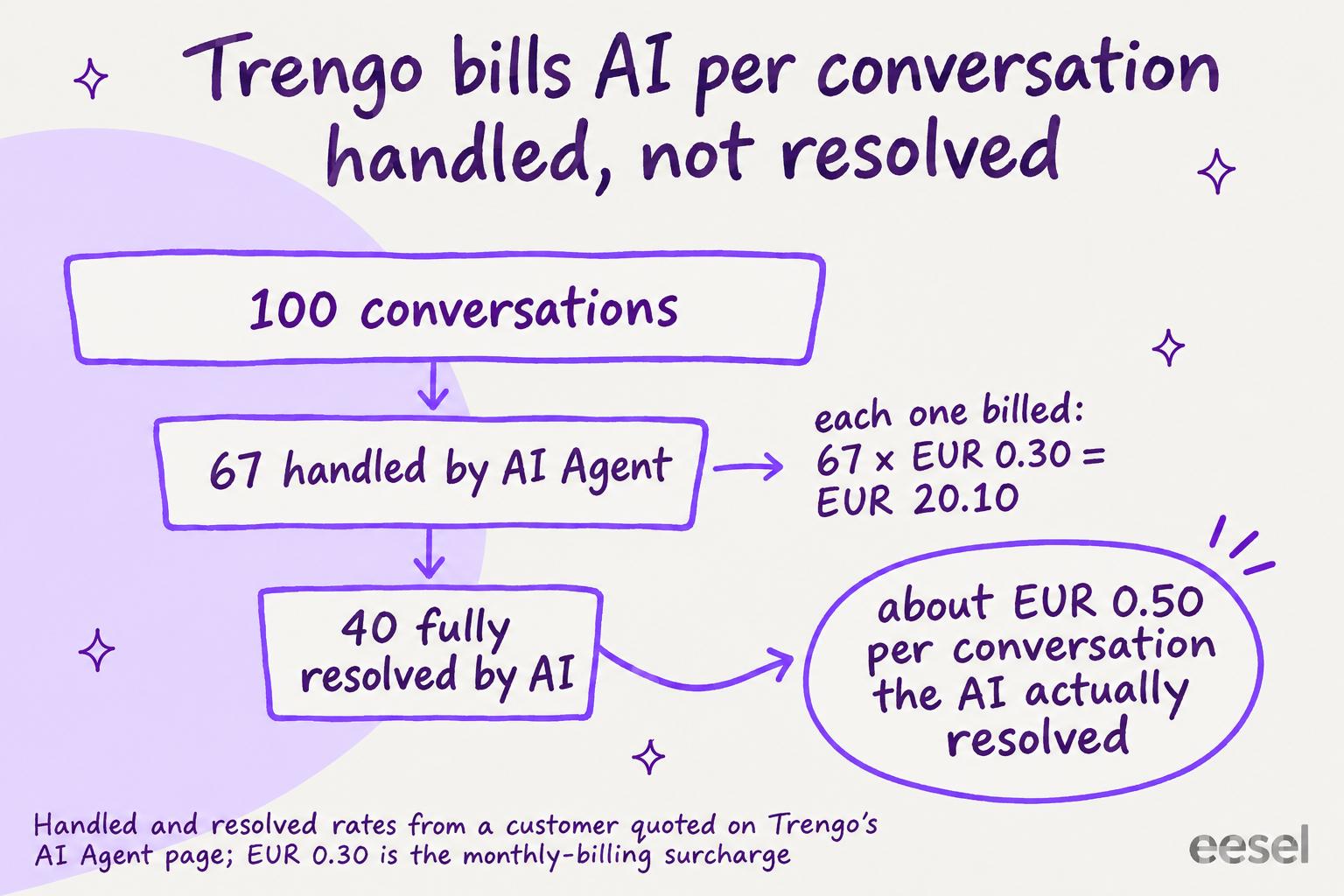
My take: pick the AI Agent if Trengo is your whole support desk and you're on Boost or Pro already. Skip it as your only AI if your answers live in past conversations, since the knowledge guide doesn't list them. The deciding factor is your resolved-to-handled ratio in the first month, because that sets your real cost per resolution.
2. AI Journeys
Best for teams that want AI steps inside routing and intake flows (collect an order number, summarise, label, route) rather than a bot that answers everything.
What it does
AI Journeys is "Trengo's no-code customer journey builder", with smart ticket routing and round robin, across email, messaging and the website widget. Its building blocks, per the AI Journeys calculator article, include Send AI message, AI input collection, AI routing, AI summary, AI labeling, AI CSAT, an AI Agent message, conditions, assignment, closing a ticket and an HTTP action that calls an external API and uses its response in later steps. On-demand Journeys are macros an agent triggers by hand, with AI summary, CSAT and labelling, but "AI Agent, AI routing and AI Input collection are currently not possible to use" in them.
Pricing and plans
AI Journeys is included on Boost and Pro, and a €59 a month (or €588 a year) add-on on Base, per the pricing page, which marks it "In Beta: final pricing and packaging may change". One trap from the help centre: a journey's trigger can't be changed once it's created, so sketch the trigger before you build.
My take: use it if your inbox needs triage and intake before anyone, human or AI, answers. Skip it if the AI Agent alone covers your questions. The deciding factor is whether your top conversations need information collected before they can be answered.
3. Dessa, Trengo's ecommerce AI agent
Best for ecommerce brands whose top questions are order status, returns and address changes, and that want to pay only for outcomes.
What it does
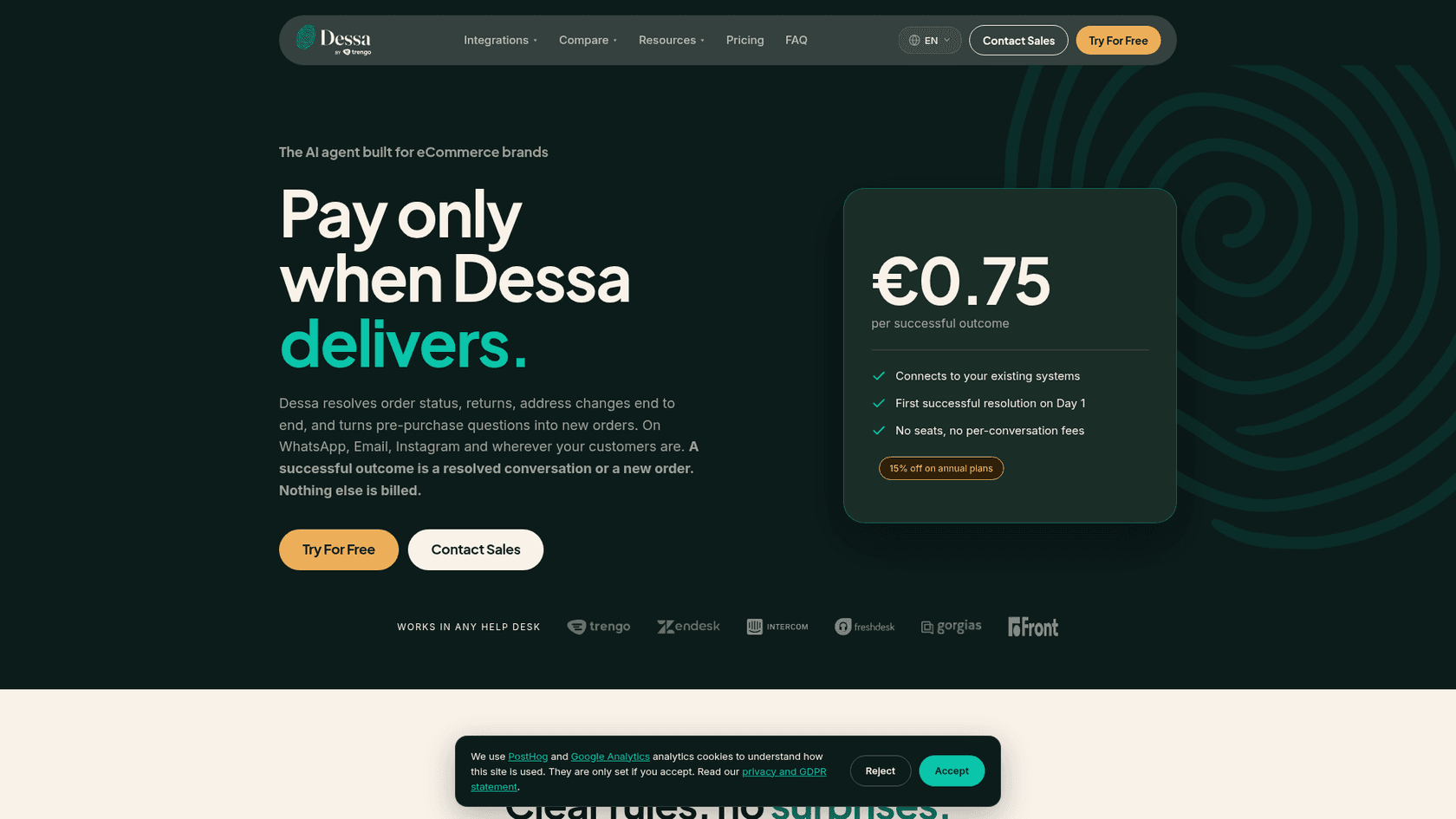
Dessa is "an AI agent for eCommerce customer service, built by the team at Trengo" and sold on its own site. It handles order status, returns and refunds, delayed orders, edits, cancellations and address changes, and damage triage with hand-off, and it does guided shopping and add to cart for pre-purchase questions. It runs on WhatsApp, Instagram, Facebook, TikTok, email and live chat, and has an Assist Mode that drafts replies before you let it answer on its own. It says it works in Trengo, Zendesk, Gorgias and other helpdesks, and Trengo runs a banner for it across trengo.com.
Pricing
Dessa charges €0.75 per successful outcome, which it defines as "a resolved conversation or a new order. Nothing else is billed." Escalations are free, the Starter bundle is €375 a month for 500 outcomes, annual plans are 15% off, and there's a 14-day trial with no card, per Dessa's pricing page. Against the AI Agent's €0.30 per handled conversation, Dessa costs more per unit and less per wasted conversation, so the cheaper one depends on how many conversations your AI handles without resolving them. For WhatsApp-heavy stores, our guide to AI for WhatsApp support covers more options.
My take: price Dessa next to the AI Agent if you sell online and most of your volume is order questions. Skip it if you're not in ecommerce, since its playbooks are built for stores. The deciding factor is your resolution rate: if your AI resolves fewer than about 40% of the conversations it handles (33% on yearly billing), €0.75 per outcome works out cheaper than €0.30 per handled conversation, before counting the orders Dessa also bills for.
4. Trengo API, webhooks and Pipedream
Best for teams with a developer, or an automation tool already in place, who want their own AI to read and act in Trengo.
What it does
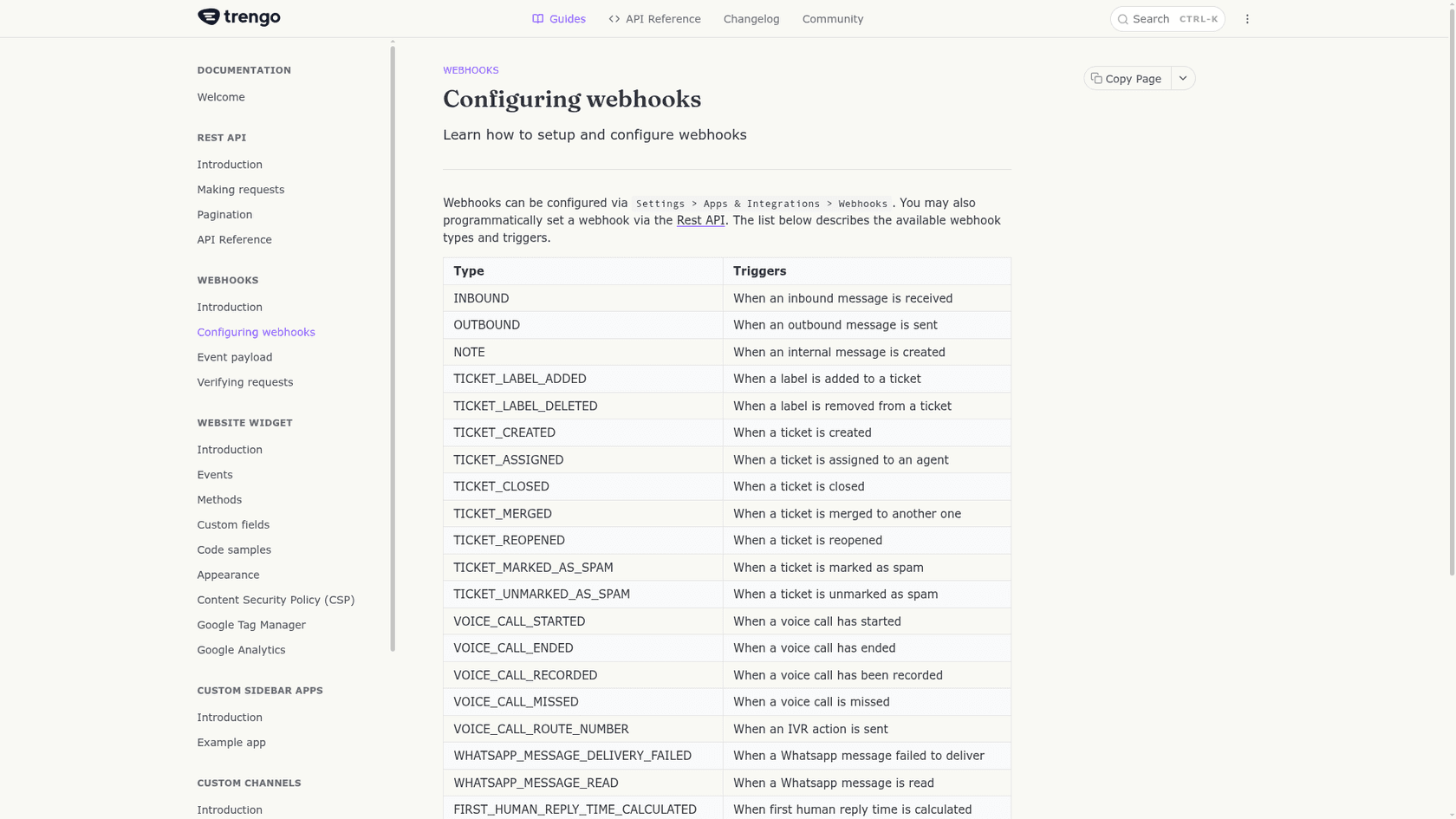
Trengo's REST API at https://app.trengo.com/api/v2 takes one header, Authorization: Bearer with a personal API key (prefix trpat_) or a service account key (prefix trsa_) that acts as "a separate user for an integration". It allows 120 requests a minute. Older keys without either prefix stop working on 31 January 2027, so check any integration you set up years ago. The send a ticket message endpoint posts a reply or an internal note on a ticket, and webhooks fire on inbound and outbound messages, notes, new, assigned, closed and reopened tickets, labels, voice calls and WhatsApp delivery events.
If you'd rather not write code, Pipedream's Trengo app wraps the API as actions, including Send A Ticket Message, Attach Label, Assign Ticket and Close Ticket, and triggers such as New Inbound Message Event, and exposes them as Model Context Protocol tools. Trengo's developer docs don't list an MCP server of their own, so that is the nearest thing to one; our explainer on an AI agent MCP server covers how those tools work.
What it doesn't do
Nothing here answers customers until you build it: the webhook to wake your code, the prompt, the hand-off rules and the reply. The rate limit also matters at scale, since one reply can take several calls (read the ticket, read its messages, post the answer).
My take: use the API with a service account key if you have a developer and want AI that does things Trengo's own agent doesn't. Skip it if nobody on the team will own the code. The deciding factor is who fixes it when the webhook stops firing.
What will AI on Trengo cost your team?
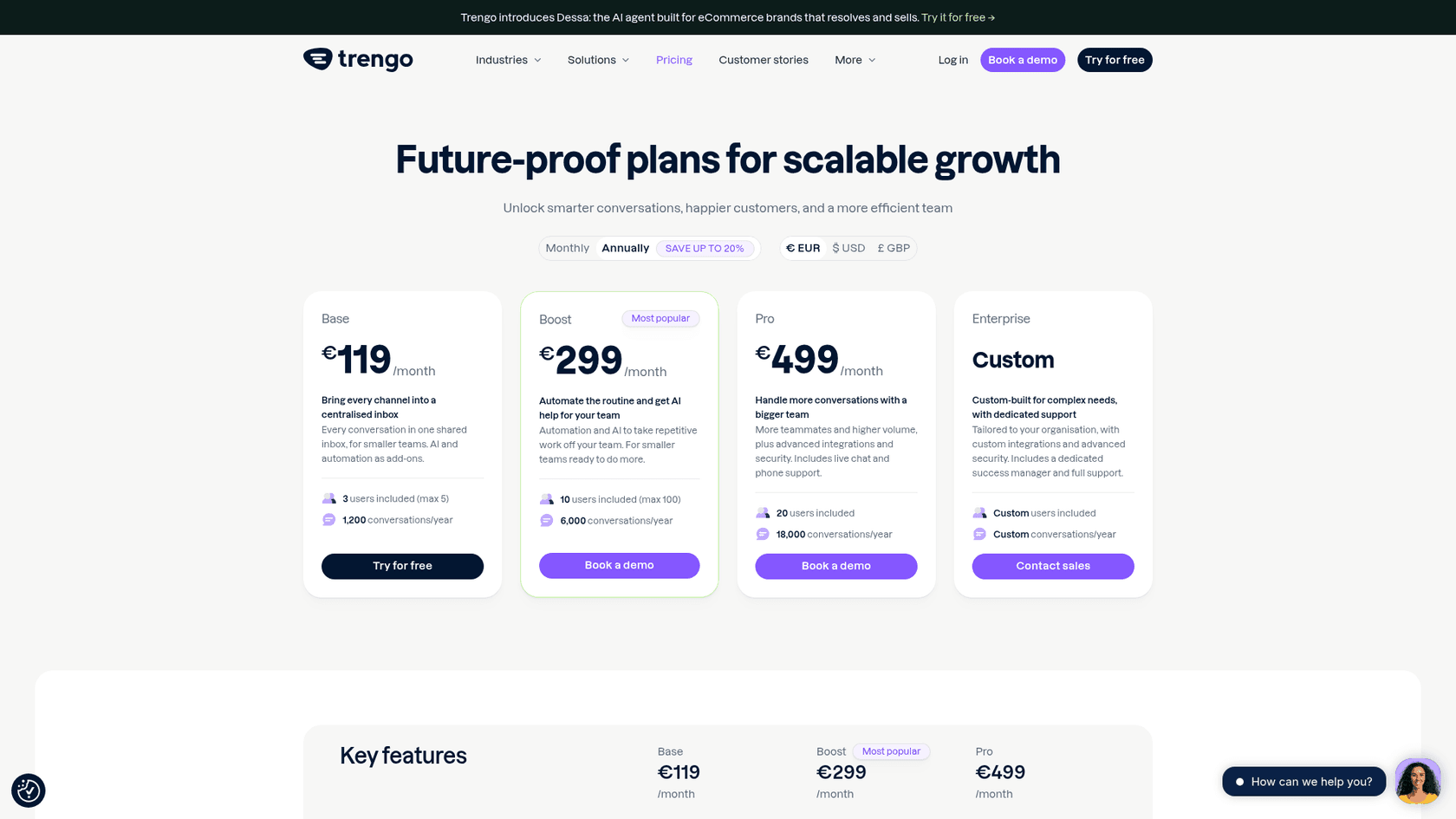
A Trengo AI bill has four parts: the plan, which is a flat platform fee rather than per seat; extra users above the plan's included seats; conversation packs once you pass the plan's allowance; and the AI surcharge on every conversation the AI Agent handles. Trengo counts a conversation as an outbound message thread within a 7-day window, per its plan and pricing article; the calculator assumes conversations the AI Agent answers count toward the allowance too.
Pick your plan, team and volume to see what the AI Agent adds to your Trengo bill. WhatsApp, Voice and Meta fees are separate and not counted here.
The calculator splits each plan's yearly allowance evenly across months (100, 500 and 1,500 conversations) and assumes you buy packs of 100 for anything above it. Trengo's conversations article says that on yearly plans unused conversations carry over within the year, and that sending past your allowance without a pack triggers an overage surcharge it doesn't publish, so check the numbers against your own billing screen. AI Journeys and the AI Agent's per-minute voice billing aren't included.
5. Where eesel fits, if Trengo isn't your whole support stack
eesel is an AI teammate that joins the tools your team already works in: Zendesk, Freshdesk, Help Scout, Front, Slack, email and Shopify. It has no built-in Trengo integration, so if Trengo runs your whole support desk and you want AI answering in its inbox today, the AI Agent or Dessa is your answer. eesel earns a look when Trengo is one channel among several, or when you want the same teammate on your helpdesk, Slack support and internal questions.
For Trengo itself, eesel's Your APIs page lets it call a REST API with the authentication header you set for a domain. Trengo's API takes exactly one, the Bearer key, so eesel can look up a Trengo ticket, read its messages, and post a reply or an internal note through the send-message endpoint. A webhook automation gives you a URL that wakes eesel with whatever Trengo's INBOUND webhook sends. Joining the two so eesel answers new Trengo messages is a setup your team wires up and tests, not an out-of-the-box integration.
What eesel may do depends on who is asking. For your team, named people, a verified customer and an anonymous visitor, each tool can act on its own, ask first or stay off, so the same teammate can post a reply when your support lead asks and never touch billing for a visitor. Anything set to ask first waits for a person's yes, as eesel's actions and approvals docs describe. It learns from your past tickets as well as your help centre, and you can run it over historical tickets before it replies to anyone. Pricing is one credit per ticket or chat, from $299 a month for 500 credits on eesel's pricing page, with a 7-day trial and 100 free credits. If you work with a coding agent such as Claude Code or Cursor, the eesel CLI lets it load your approved help articles and macros into eesel, set up the webhook automation and ask test questions before anything goes live, with an admin approving the connection to a helpdesk such as Zendesk or Freshdesk.
SE Ranking, which builds SEO software, runs one eesel agent per product across three Zendesk connections and handled 4,650 conversations in a month, with refunds and Tier 2 issues handed to the team.
My take: pick eesel if your tickets live in a mainstream helpdesk or Slack and Trengo is one channel among several, or if you have someone to wire up the API route. Skip it if Trengo is your helpdesk and you want AI in its inbox without building anything. The deciding factor is where most of your customers' conversations happen.
Try eesel next to Trengo
If WhatsApp and chat run through Trengo but your real queue sits in Zendesk, Freshdesk, Help Scout or Slack, run eesel on your past tickets first. You'll see which questions it would answer from your own replies, and which it would hand to a person, before a single customer sees a draft.

Try eesel free for 7 days, or compare it with your shortlist in our guide to Trengo alternatives.