

The best helpdesk MCP server in 2026 is Gorgias's: it's first-party, included on every Helpdesk plan at no extra cost, and can read and reply to tickets. Front's is the pick for multichannel shared inboxes, Zendesk's new Bridge is the most governed (but still early access), and Plain's has the most tools, at nearly 400. Help Scout's is read-only, and Freshdesk's is metered at 1,200 actions a year on Growth. Nearly all of them act with one person's access, and only while that person is in the chat. None of them works the queue when nobody is asking, which is the job an AI teammate like eesel does on top of the same helpdesk. If you run a coding agent, the eesel CLI lets Claude Code or Cursor connect your helpdesk to eesel, load its knowledge and send it test questions, and connecting the helpdesk still needs an admin's approval.
Helpdesk MCP servers compared
A helpdesk MCP server is the vendor's own endpoint that lets Claude, ChatGPT, Cursor or another client work with your tickets through the Model Context Protocol. Here's how the eight with the most to offer compare, priced for one buyer: a 5-agent team on annual billing, handling about 2,000 tickets a month.
| Helpdesk | Who built it | Can it reply to customers? | Who it acts as | Extra cost for MCP | Helpdesk price for 5 agents |
|---|---|---|---|---|---|
| Gorgias | Gorgias (open beta) | Yes | You, within your role | None | $360/mo (Helpdesk part of the Pro tier, billed monthly) |
| Front | Front | Yes | Each teammate, capped by admin | None listed | $325/mo (Professional) |
| Zendesk | Zendesk (early access) | Ticket updates, after a person confirms | Its own identity, for a consenting user | Free during early access | $95/mo (Support Team) |
| Plain | Plain | Yes | You | None listed | $225/mo (Foundation) |
| HubSpot | HubSpot | No reply tool listed | You | None listed | Not counted here |
| Freshdesk | Freshworks | Ticket updates | Whoever owns the API key | 1,200 actions/yr, then $15 per 1,000 | $95/mo (Growth) |
| Help Scout | Help Scout | No, read-only | Each teammate | None listed | $125/mo (Standard) |
| Zoho Desk | Zoho (you build the server) | If you add the tool | The account you connect | $0, uses your API quota | Not counted here |
How I picked and ranked them
I'm an engineer on eesel's agent team, so I read these the way I'd read a dependency: what each server exposes, how it signs in, who it acts as, and what it charges per call. I went through each vendor's own MCP docs, plan pages and pricing in November 2026. I didn't run every server against a live account, so where I say a tool exists, that's the vendor's docs saying so.
Three questions decided the order:
- Is it first-party? A server the vendor maintains moves with its API. A user in Front's community put it plainly before Front shipped one:
"Obviously having an MCP Server that's maintained by the service provider (you guys), rather than the community, is the way to go."
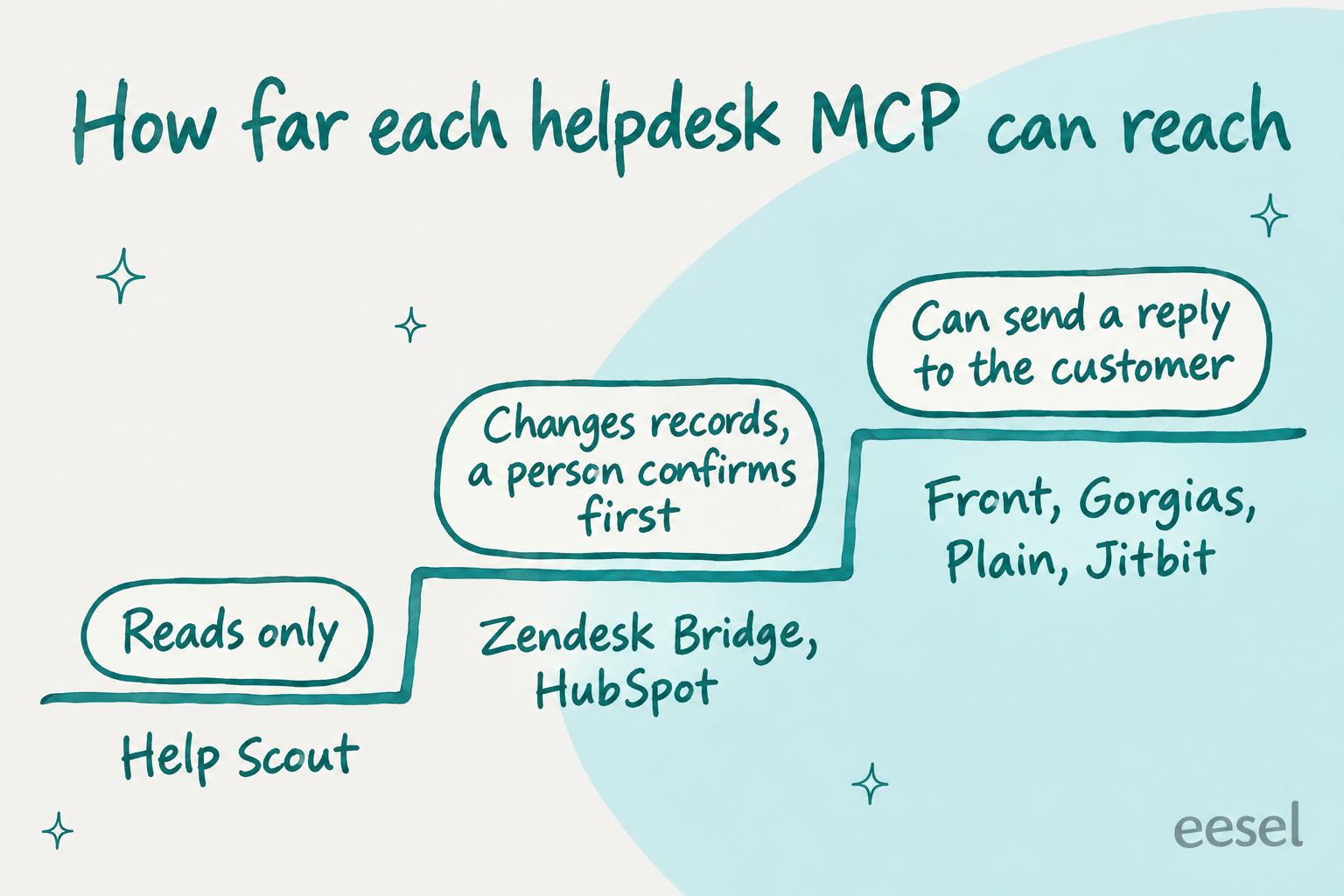
- How far can it reach? Reading tickets is useful. Replying to customers is a different level of trust, and the defaults around it matter.
- What does a call cost? Some servers are free, some count every tool call, and one asks you to price an early access program that hasn't set its price yet.
Community servers and multi-app gateways (Zapier, Activepieces) are out. They work, but they're a different choice from your helpdesk vendor's own server.
The 8 best helpdesk MCP servers in 2026
Each one is written up the same way: who it's for, what it can do, who it acts as, what it costs, what to watch for, and my take.
1. Gorgias MCP
Best for: ecommerce teams on Gorgias who want their AI assistant to reply, tag and triage, as well as read.
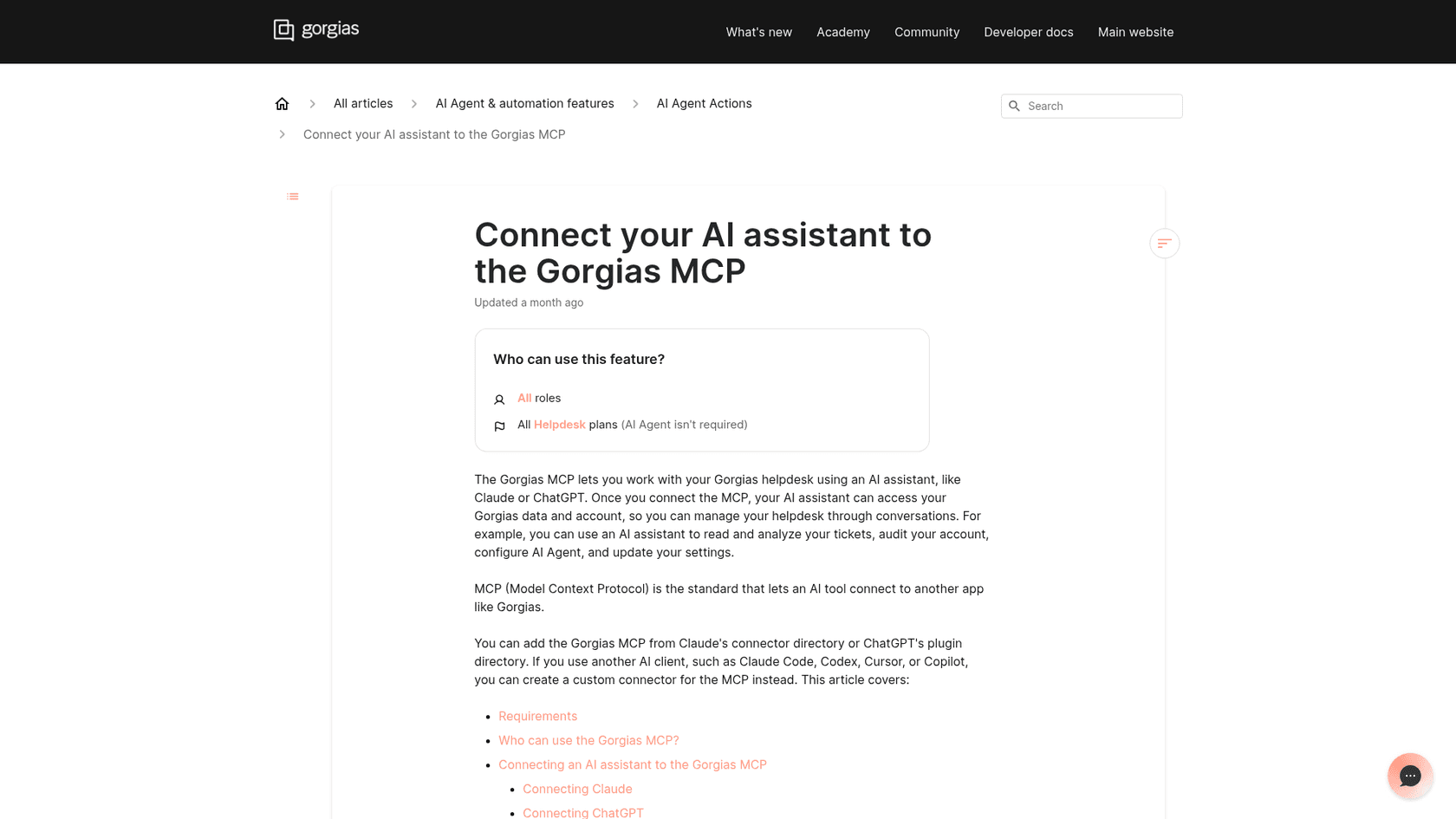
What it can do: the Gorgias MCP can search and read tickets, reply to customers, add internal notes, and update status, priority, assignee and tags. It also manages macros and rules, audits and edits Gorgias AI Agent settings, drafts Help Center articles, and pulls CSAT and response-time data. It's listed in Claude's connector directory and ChatGPT's plugin directory, and any other client connects at mcp.gorgias.com/mcp.
Who it acts as: "Your AI assistant acts as you", within your Gorgias role.
Price for our team: Gorgias prices by tickets, not seats. Its pricing page puts its Pro tier, 2,000 tickets a month, at $550 billed monthly (it's the one item here not priced on annual billing), of which $360 is the Helpdesk and $190 is AI Agent. The MCP needs only the Helpdesk, and the open beta note says it comes at no extra cost.
Watch out for: it's still in open beta, and "some writes (Macro edits, AI Agent config) are gated during the beta". Replying to a ticket or applying a macro can message a customer. The defaults are sensible: help articles and AI Agent guidance save as drafts, and new rules and actions are created turned off.
My take: the most useful helpdesk MCP on the market right now, with the safest defaults. If you're on Gorgias, connect it; skip it only if your team can't yet risk an assistant that can message customers, and then keep it to reads. If you want a picture of what an agent adds on top, see AI agent for Gorgias.
2. Front MCP server
Best for: teams running email, SMS and chat out of one Front shared inbox.
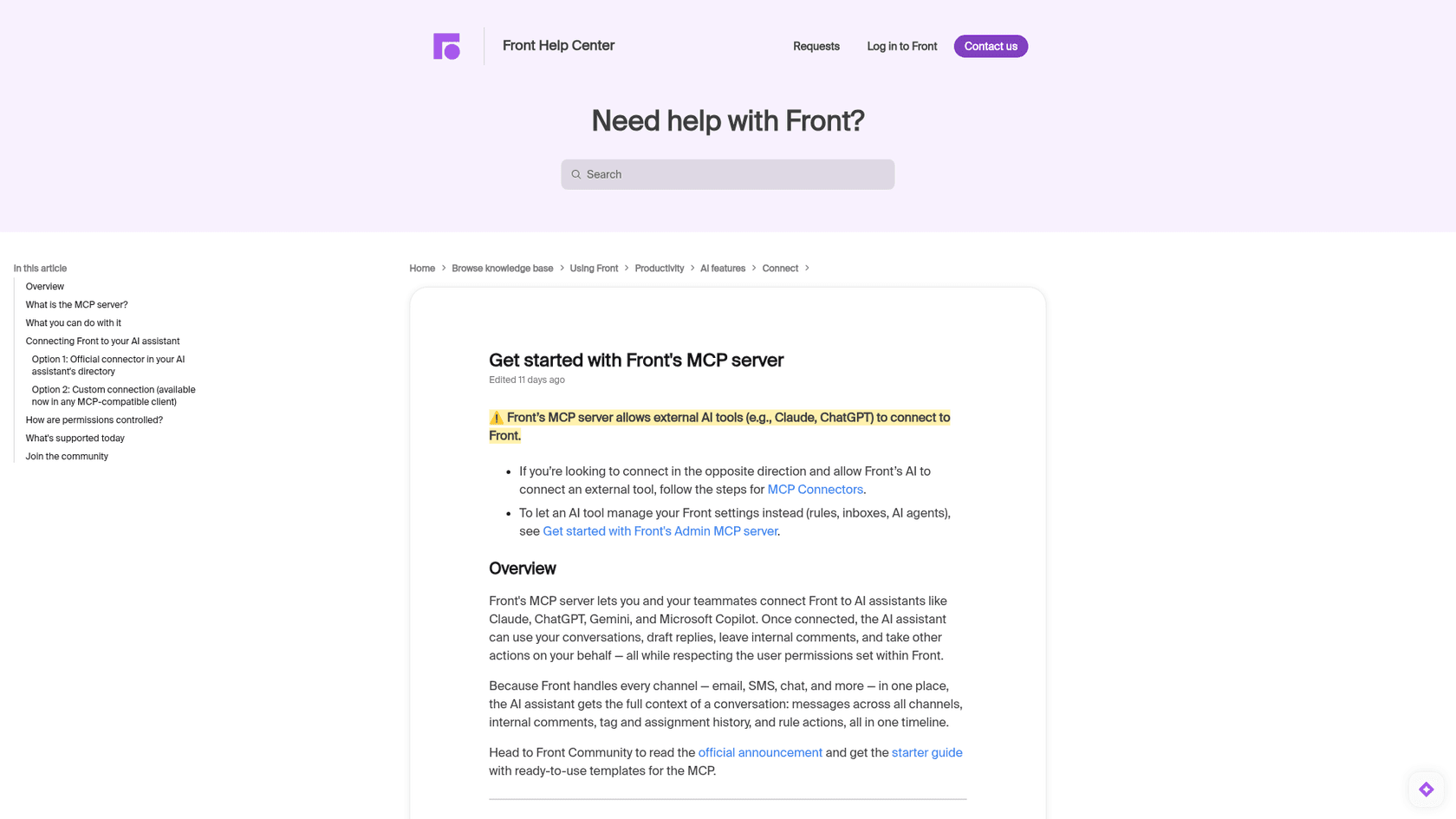
What it can do: Front's MCP server searches and reads conversations across every channel, drafts and sends replies on the conversation's native channel, reads and posts internal comments, tags, assigns, changes status, and searches and updates contacts. A separate Admin MCP server, in open beta, lets an admin's AI assistant create or edit rules, inboxes, tags, templates, knowledge bases and AI agents.
Who it acts as: each teammate, but only inside the read, write and send permissions a Front admin allows for the connection. That admin cap is the feature I'd point a security reviewer at.
Price for our team: Front's pricing page lists Starter at $25 a seat a month billed annually, but Starter supports only one channel type, so a multichannel team needs Professional at $65 a seat: $325 a month for 5 agents. Front's MCP article doesn't tie the server to a plan, and the Admin MCP is free on every plan during its beta.
Watch out for: send is a real permission here. Until you trust your prompts, have an admin leave it off and let the assistant draft.
My take: the best fit for multichannel teams (skip it if you only answer email and want the cheapest seat), and the only one here that splits conversation work and admin work into two servers. More on the product itself in eesel's Front pricing breakdown.
3. Zendesk Bridge (Zendesk MCP server)
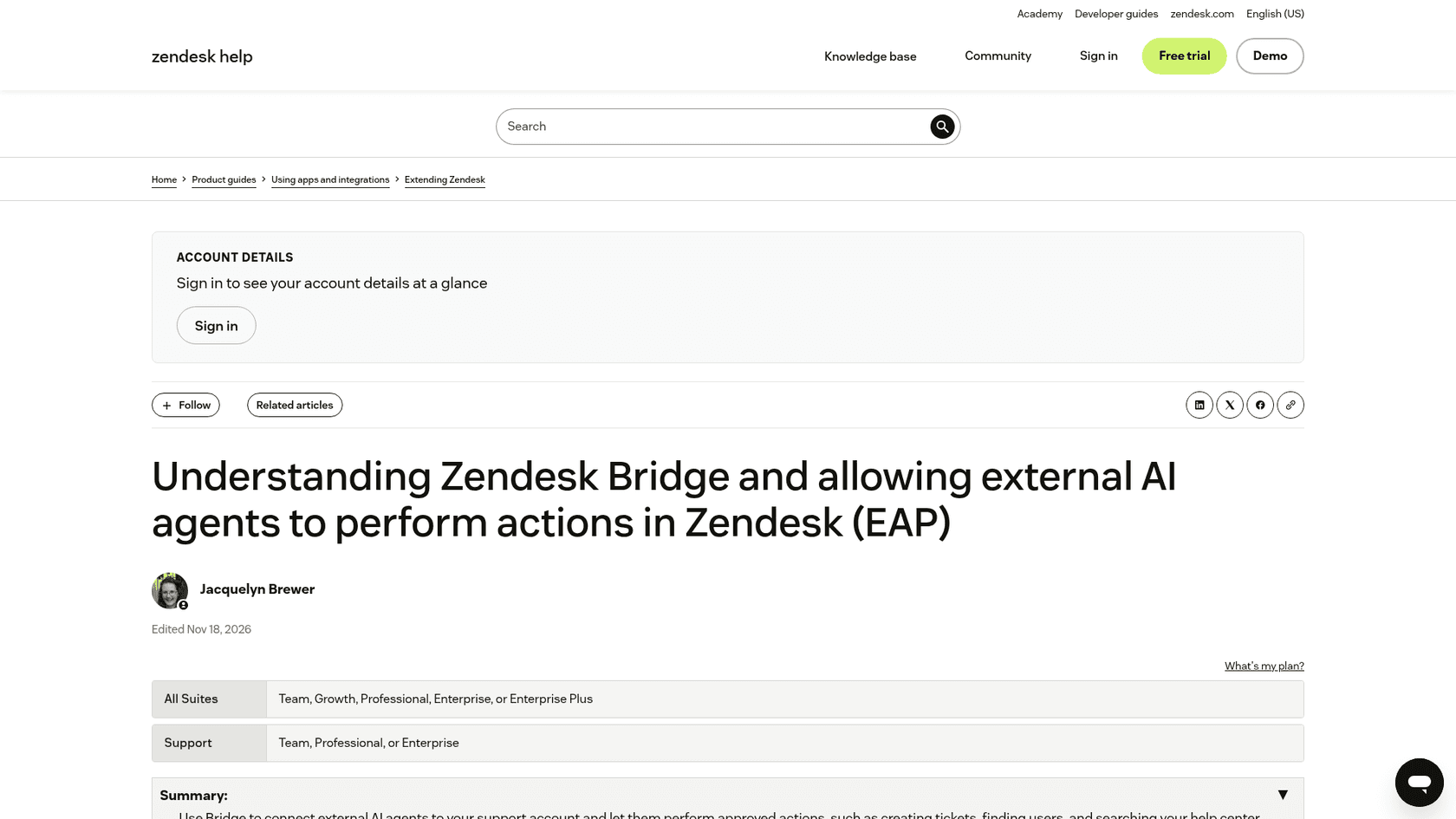
Best for: Zendesk teams that need an audit trail and per-tool control before any AI touches a ticket.
What it can do: Zendesk Bridge connects Claude, ChatGPT, Copilot, Gemini or your own agent to the Zendesk MCP server. An admin picks tools from a catalog covering tickets, messaging, users, organizations, knowledge, Admin Center and action flows, up to 150 per connection for a pre-built provider. Connecting an agent is two steps: configure the connection in Admin Center under AI, then External AI, and paste its server URL into the client.
Who it acts as: this is where Zendesk differs from everyone else. External agents sign in with their own identity over OAuth 2.1, never a person's password or API token, and act on behalf of a user with that user's consent. The acting user's role, groups and permissions still decide what goes through, and transaction logs record which agent did what for whom.
Price for our team: Bridge is free during the early access program. Support Team is $19 an agent a month on Zendesk's pricing page, so $95 a month for 5 agents. Zendesk says billing-grade metering is phased in through general availability in 2027, and pricing "might change".
Watch out for: it's early access. Destructive actions, bulk exports and third-party integrations aren't supported yet, Admin Center tools are read-only, and changes are proposed for a person to confirm. You also have to join the program in Admin Center first.
My take: the most carefully governed helpdesk MCP I've read, and a sign of where the others will go. Skip it for now if you need deletes, bulk exports or admin changes, which early access leaves out. Note that Zendesk also has the opposite direction covered: its MCP client lets Zendesk call outside servers.
4. Plain MCP server
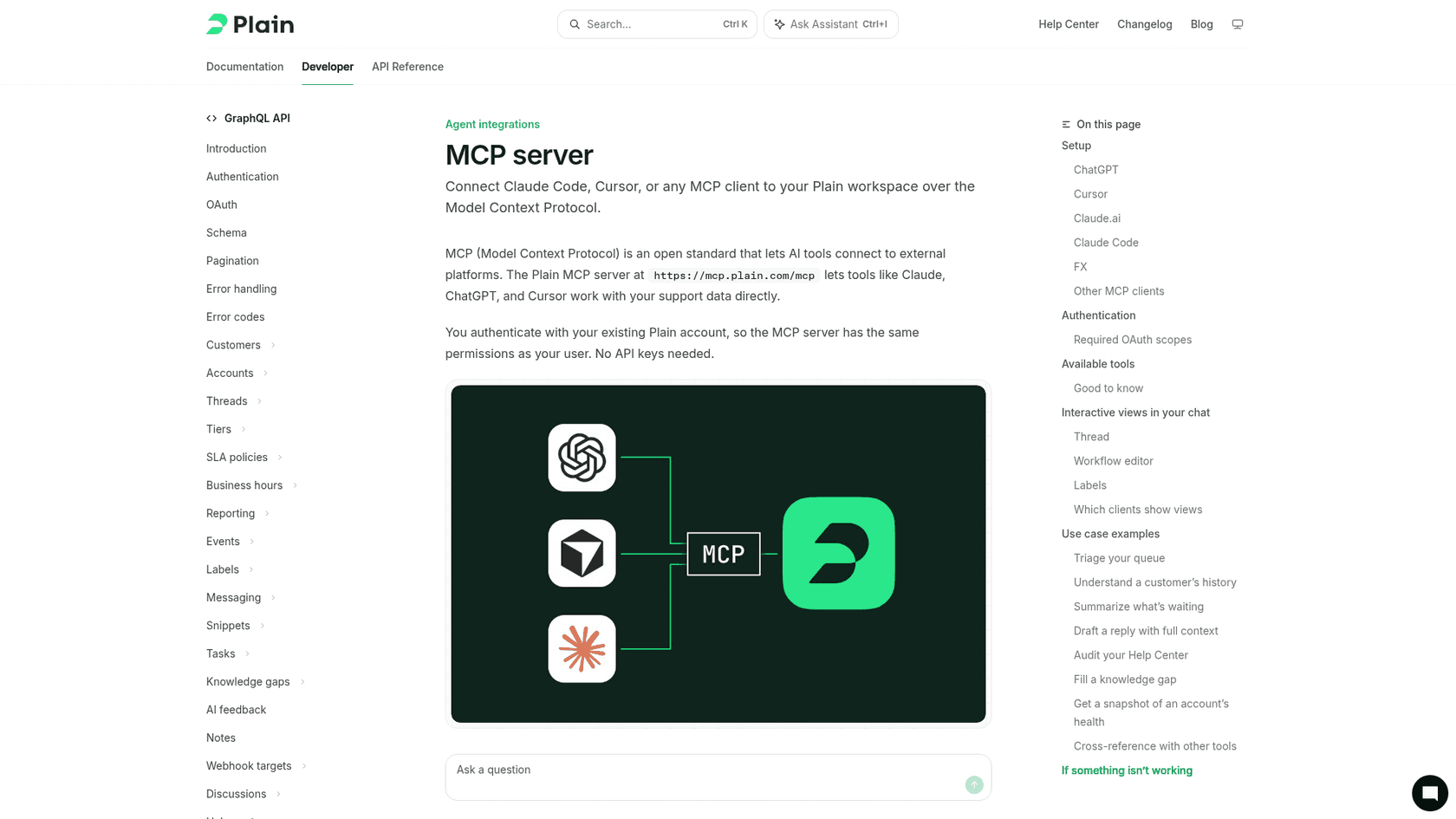
Best for: technical B2B support teams that want every corner of their helpdesk reachable from an AI client.
What it can do: Plain's MCP server has "nearly 400 tools", covering threads, customers, labels, the help center, workflows, SLAs and saved views.
Who it acts as: you. The connection shares "the same context as your normal web app user", and "replies to threads will appear as though they come from your user."
Price for our team: Plain's pricing page has Foundation at $45 a user a month billed annually, so $225 a month for 5 agents.
Watch out for: a server this wide hands a lot of reach to one chat window. Plain also offers machine users with scoped API keys, which is the better route if you're building something that runs on its own.
My take: the deepest server here, from a helpdesk built API-first. Pick it if you're a B2B team already on Plain; skip it if you want a helpdesk mainly for its MCP, since nearly every other one now ships a server. See our Plain review for the rest of the product.
5. HubSpot MCP server
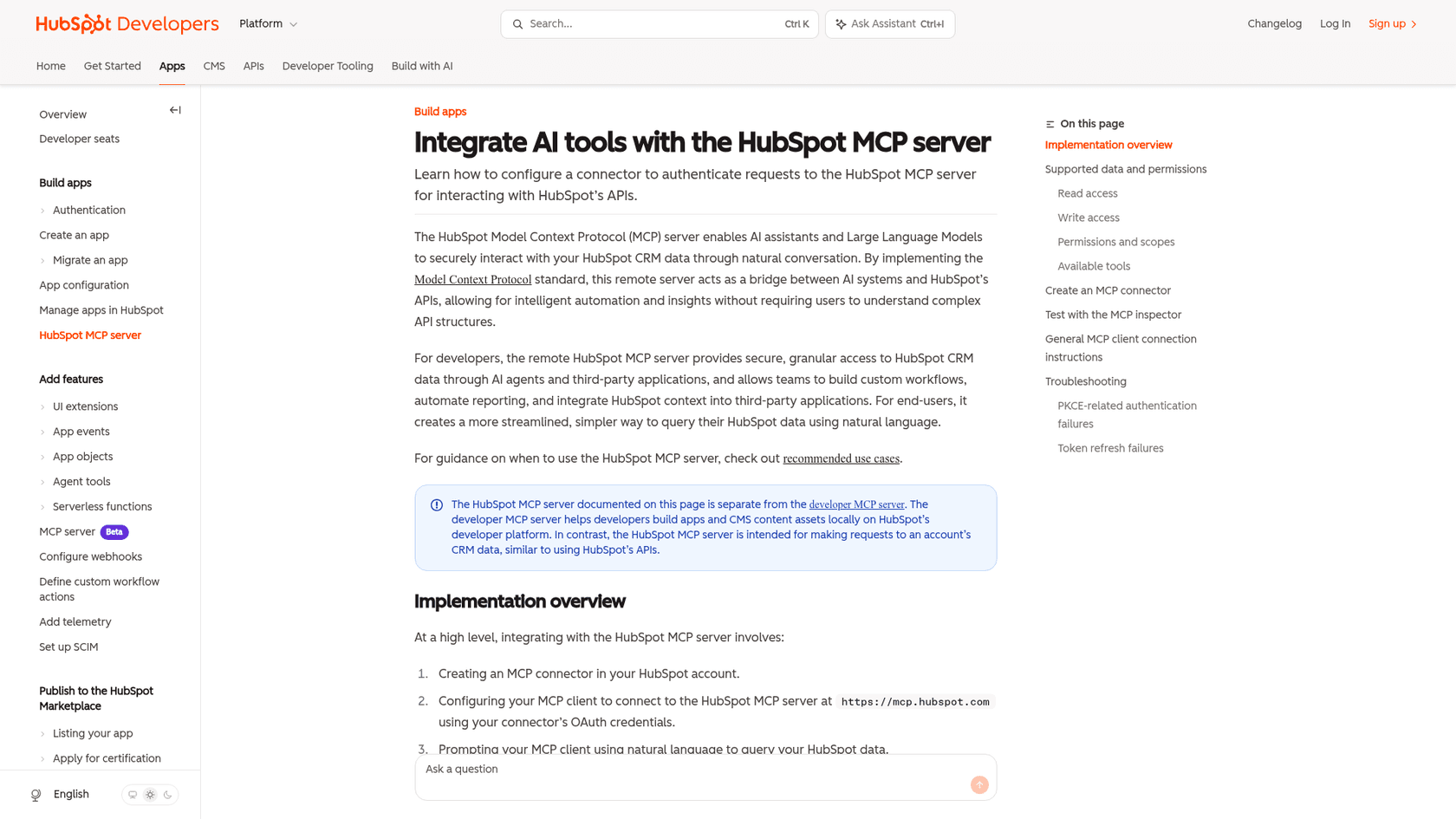
Best for: teams on HubSpot Service Hub who want ticket and conversation data next to the CRM record.
What it can do: the remote HubSpot MCP server reads CRM records including tickets, help desk conversations across chat, email, WhatsApp and other channels, and knowledge base article content. It can create and edit tickets, and its write tool shows a summary of proposed changes and waits for you to confirm. I found no tool for replying to a conversation in its tool list.
Who it acts as: you, within your existing HubSpot permissions.
Price for our team: HubSpot's launch note made it generally available to all HubSpot accounts in April 2026, with no MCP fee listed. Your Service Hub seat price is the same with or without it, so I haven't counted it here.
Watch out for: if your account has Sensitive Data turned on, conversation data is blocked from the MCP server.
My take: strong for questions that cross support and sales ("which open tickets belong to deals closing this month?"). Skip it if what you want is replies going out.
6. Freshdesk MCP server
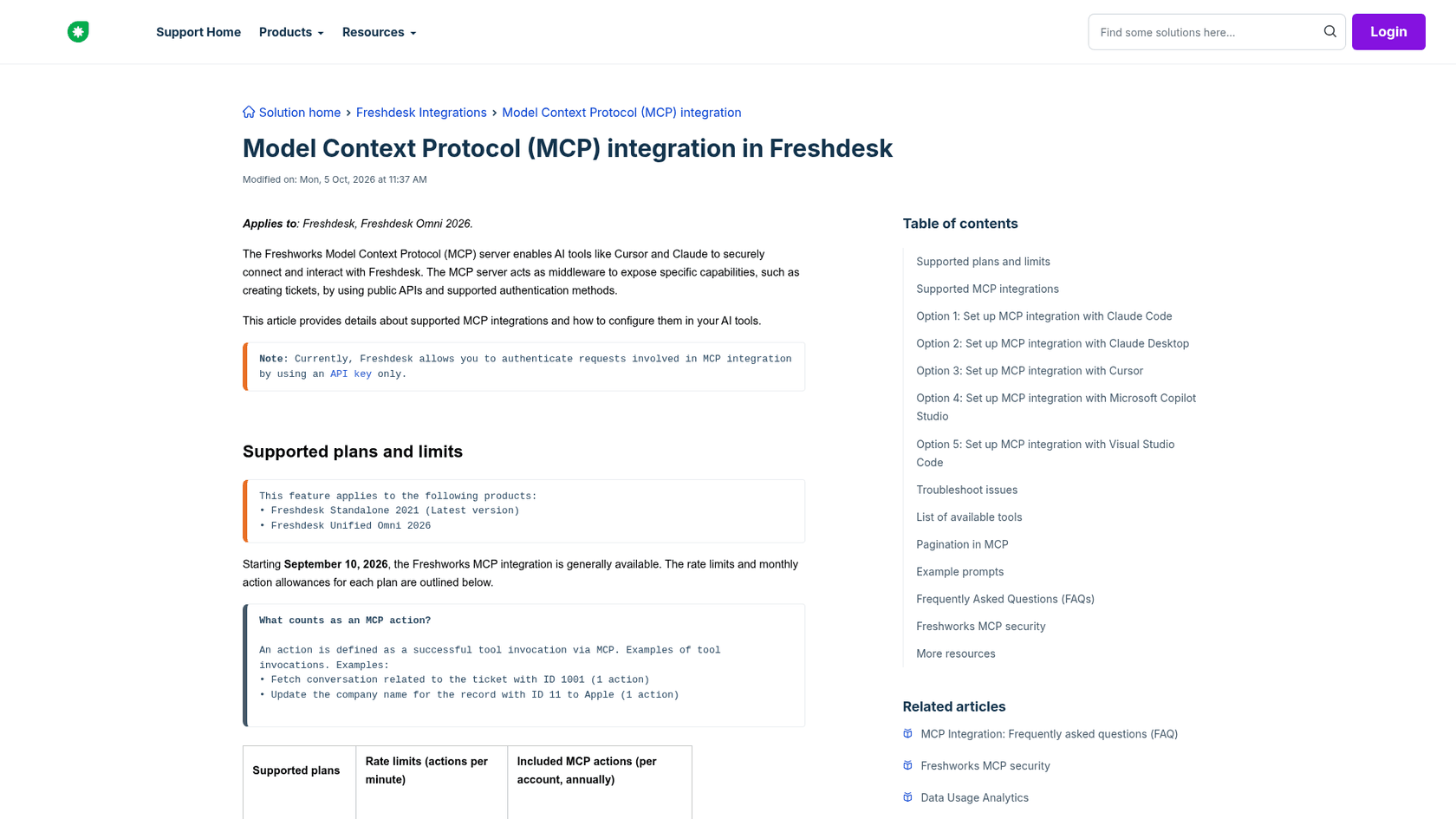
Best for: Freshdesk admins who want occasional AI help with tickets from Claude Code, Claude Desktop, Cursor or Copilot Studio.
What it can do: the Freshworks MCP server, generally available since September 10, 2026, exposes Freshdesk's public APIs as tools, such as creating tickets and fetching a ticket's conversation. It lives at your-subdomain.freshdesk.com/mcp; custom domains don't work.
Who it acts as: whoever owns the API key, because "Freshdesk allows you to authenticate requests involved in MCP integration by using an API key only."
Price for our team: Growth is $19 an agent a month billed annually on Freshdesk's pricing page, so $95 a month. The catch is the meter: each successful tool call is one action, and Growth includes 1,200 actions a year per account (Pro 6,000, Enterprise 12,000). More cost $15 per 1,000.
Watch out for: 1,200 a year is 100 a month. An assistant that makes 4 tool calls per question covers about 25 questions a month on Growth. I broke the meter down in the Freshdesk MCP actions pack post.
My take: solid for an admin's ad hoc work. Skip it as a team-wide tool unless you've budgeted the packs. eesel's guide to the Freshworks MCP gateway covers the wider plan.
7. Help Scout MCP
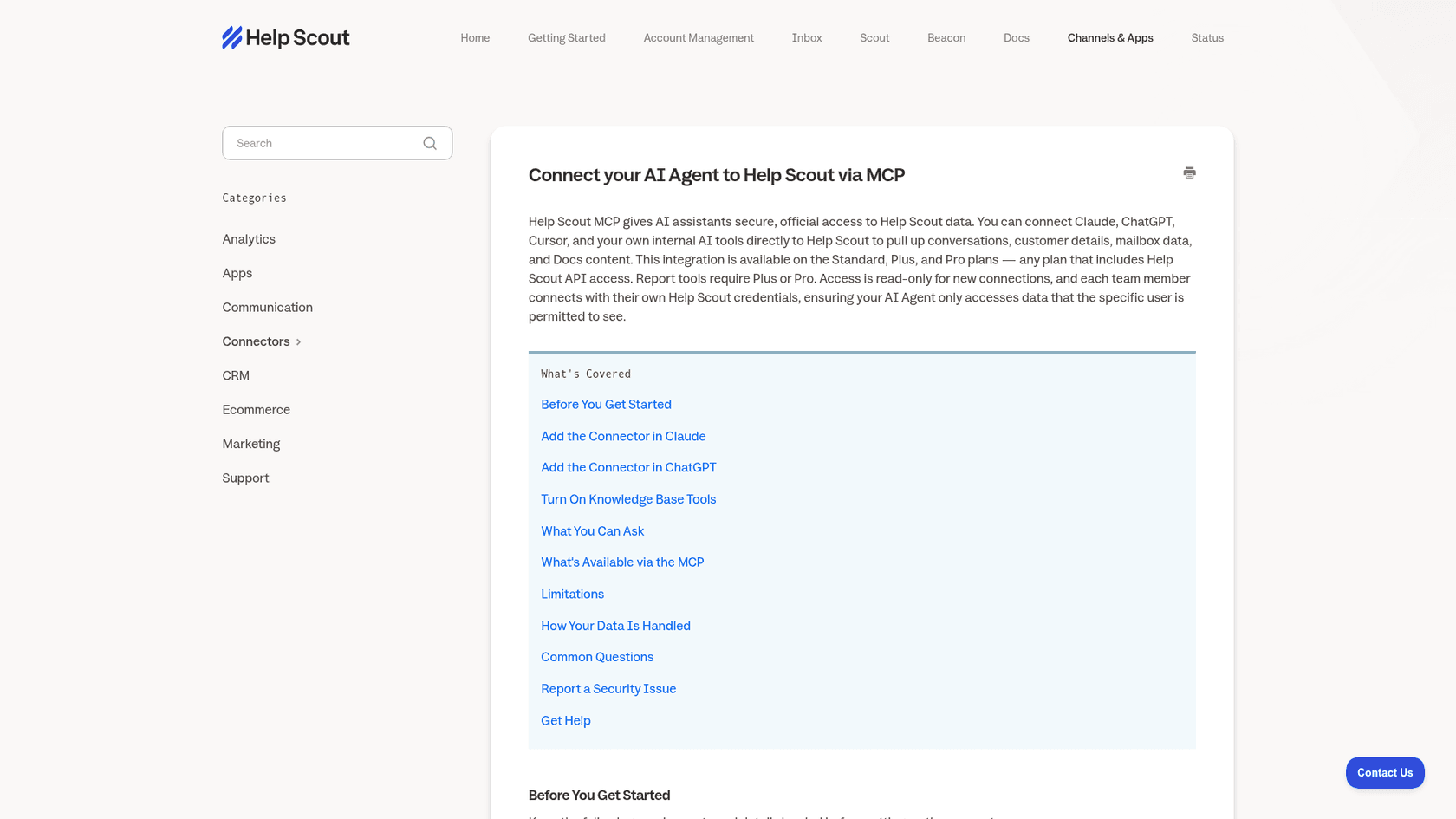
Best for: Help Scout teams who want to search old conversations and pull reports from Claude or ChatGPT.
What it can do: Help Scout MCP lists, searches and summarizes conversations, reads customer profiles, browses inboxes and saved replies, searches Docs articles, and pulls reports. It connects at mcp.helpscout.net/mcp.
Who it acts as: each teammate, signed in with their own Help Scout login.
Price for our team: it's on Standard, Plus and Pro. Standard is $25 a user a month billed annually on Help Scout's pricing page, so $125 a month for 5 agents. Report tools need Plus ($45) or Pro ($75).
Watch out for: it can't create, send, edit or delete anything. Docs tools need a separate Docs API key pasted on the sign-in page. Skip it and every other tool works while article search quietly doesn't.
My take: the safest server on this list, and the least capable. Pick it for reporting; skip it if you want anything changed in the inbox. Our Help Scout pricing guide covers the plans in full.
8. Zoho MCP for Zoho Desk
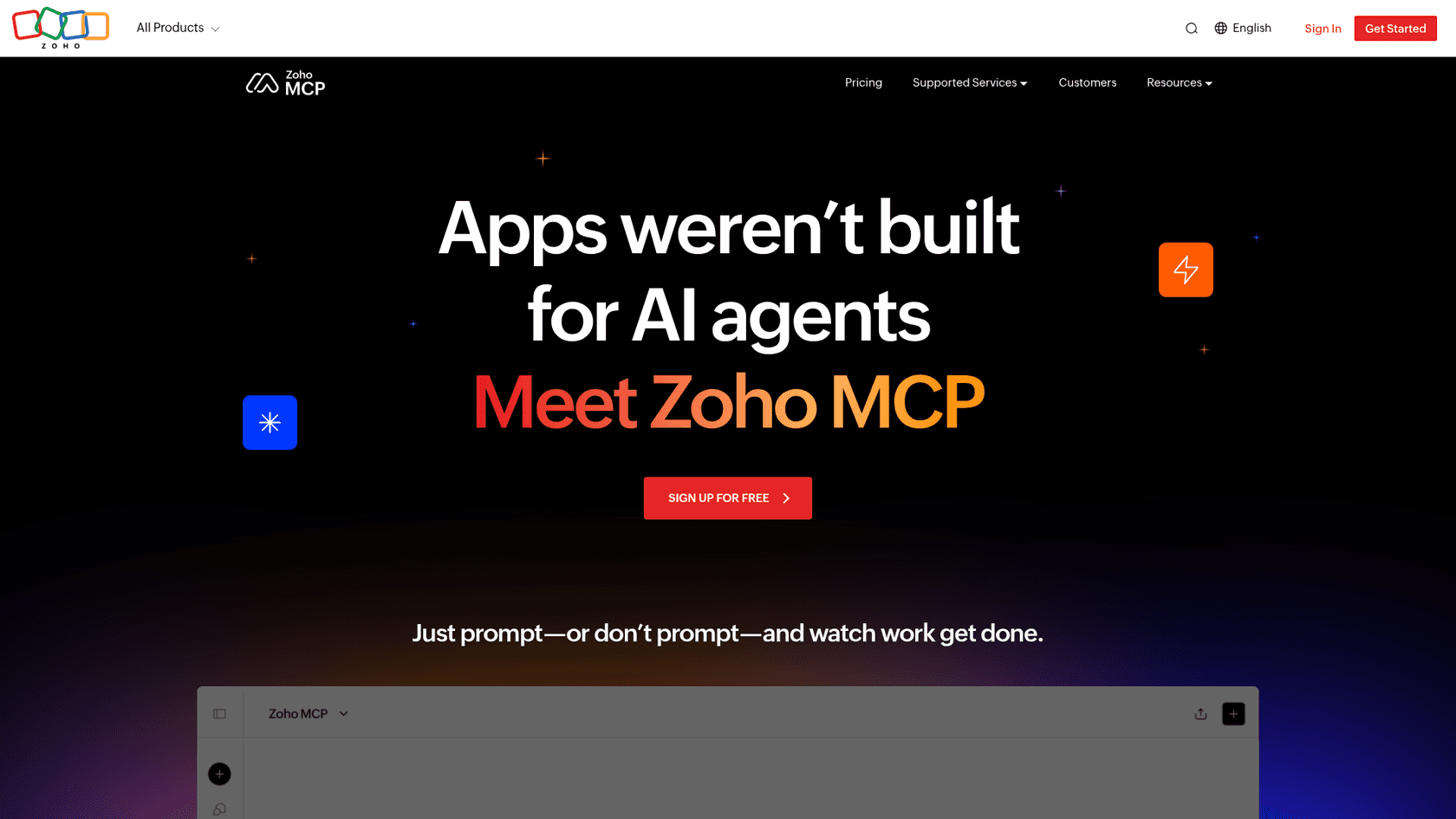
Best for: Zoho Desk teams who want to choose exactly which tools an AI client gets.
What it can do: Zoho MCP isn't a fixed server. You create one, pick tools from Zoho Desk and other Zoho apps (CRM, Mail, Projects and more), and give the URL to your client. Zoho's own example prompt has an agent find open tickets, mark them in progress and reply.
Who it acts as: the Zoho account you connect when you build the server.
Price for our team: Zoho MCP is included at no additional cost for all Zoho users and runs on your existing API quota, per its pricing page. Your Zoho Desk plan price doesn't change, so I haven't counted it.
Watch out for: you own the tool list. Add a reply tool and a customer-facing action is one prompt away.
My take: the most flexible option, and the one with the most setup. Skip it if nobody on your team wants to own a tool list. Otherwise start read-only, then add writes one at a time. Our Zoho Desk AI review covers Zia, Zoho's own AI.
Other helpdesks with an MCP server
These didn't make the top eight, but they're worth knowing:
- Jitbit. Jitbit's MCP server is built into every SaaS account at
/api/mcp(on-premise from v11.21). It searches tickets, reads knowledge base articles, creates tickets, posts replies or notes, changes category or priority, and closes tickets, acting as you. Pricing is in our Jitbit pricing guide. - HelpSpot. HelpSpot's headless page says its MCP lets an agent "find and update requests, add notes, search and edit knowledge base articles, and build reports from live data." It's $2,199 a year for 10 agents on its pricing page, cloud or self-hosted.
- Kustomer. Kustomer has a setup guide for its MCP server app with ChatGPT and Claude, and points to its pricing page for which plans include it. See Kustomer pricing.
- Jira Service Management. The Atlassian Rovo MCP Server works on Jira work items, but its Jira Service Management tools cover ops alerts, on-call schedules and team information, not the service desk itself. Some tools use Rovo credits, mostly 1 to 10 per call.
- Teamwork Desk. Teamwork Desk connects through the Teamwork.com MCP server.
What does a helpdesk MCP server cost?
For most helpdesks, nothing on top of the plan. The exceptions are the ones to model before you roll a server out to a whole team.
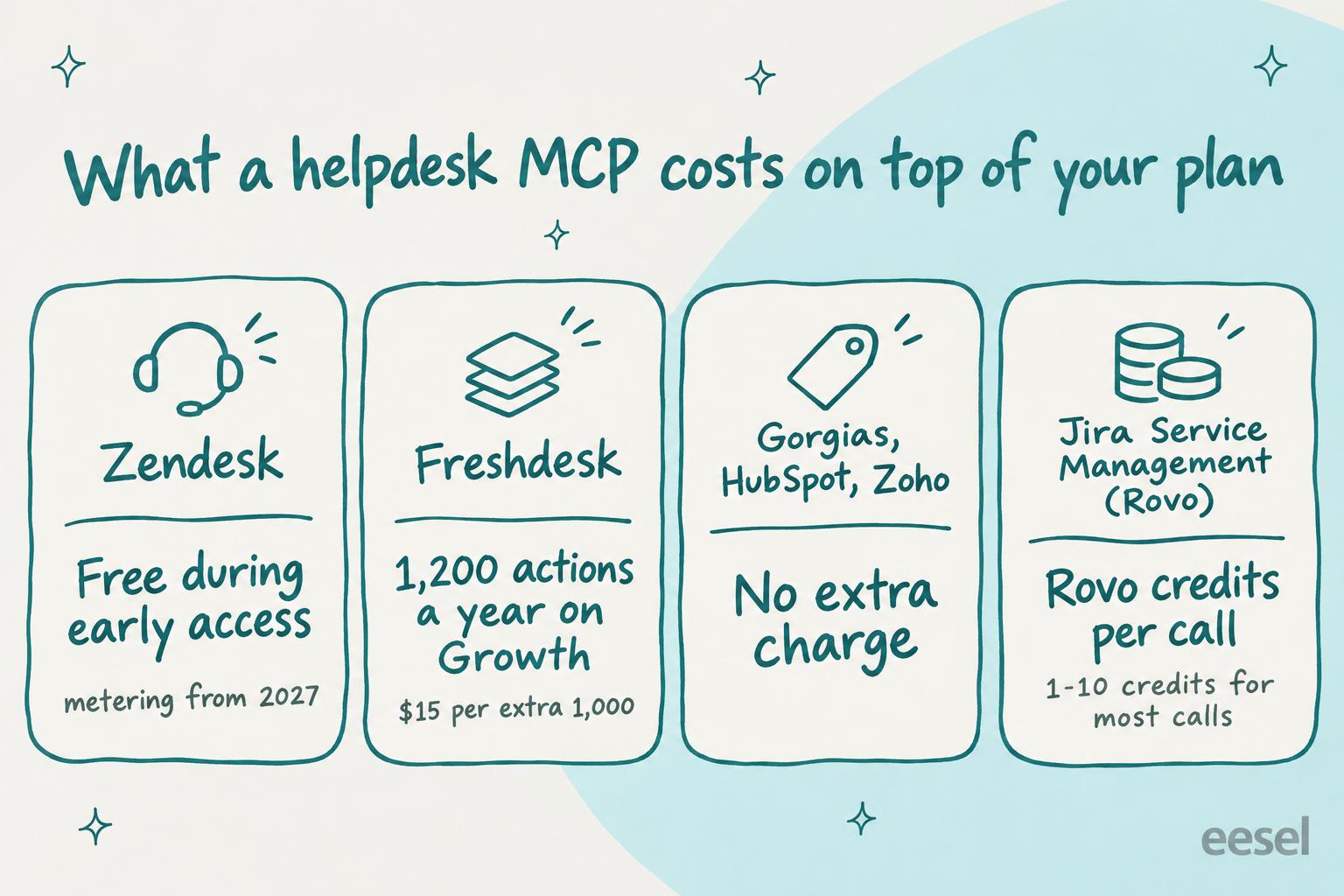
Two costs sit outside every vendor's page. First, you bring the AI client: Gorgias says so outright, and the same holds for the others. Second, an admin on the AI side: Help Scout and Gorgias both note that on Claude Team or Enterprise, an owner has to add or allow the connector before teammates can use it.
Which helpdesk MCP server fits your team?
You usually don't pick a helpdesk for its MCP server. You pick the server your helpdesk ships, and the question is what it lets you do. Pick yours:
Pick your helpdesk to see what its MCP server can do, who it acts as, and what it costs.
If your helpdesk is on the list, connect its server and use it for the questions you ask yourself. If it isn't, Zapier and Activepieces both expose helpdesk tools over MCP, and our guide to MCP for customer support covers the protocol side.
What a helpdesk MCP server won't do
A helpdesk MCP server runs while someone is in the chat, and stops when they close it. Nothing wakes it when a ticket arrives at 2am. In every server here except Zendesk's, it acts as the person who connected it, carrying their role into every call. That makes it the right tool for a support lead's questions ("which macros haven't been used in 90 days?") and the wrong one for answering customers around the clock.
To get from a connection to something that works the queue on its own, you need four things none of these servers ship: something that wakes on every new ticket, an identity of its own in the helpdesk, permissions set by who is asking rather than who connected, and a person's yes before risky steps. I covered that gap in more depth in headless helpdesk.
Try eesel on top of your helpdesk's MCP
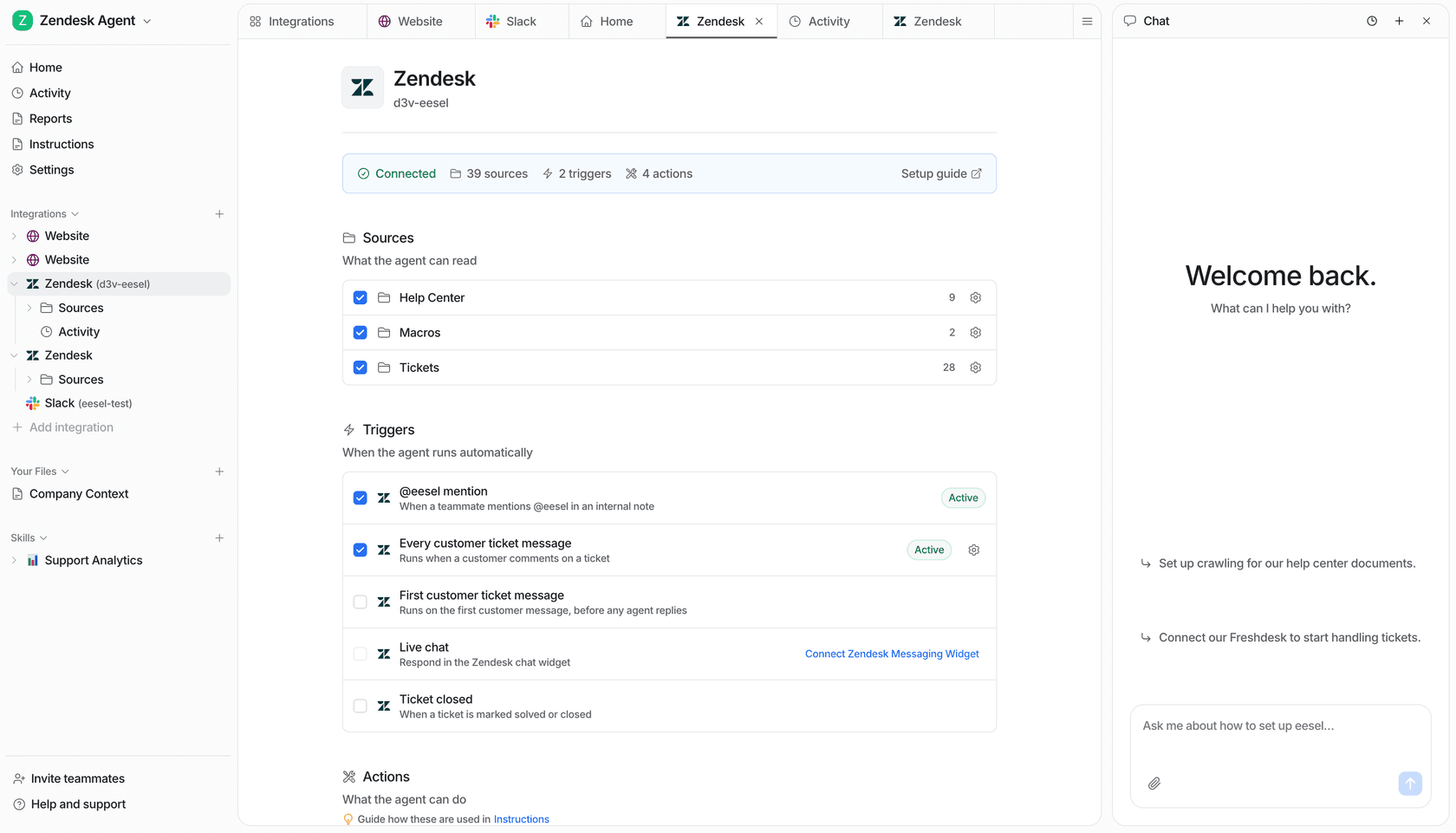
Keep your helpdesk's MCP server for the questions you ask it. eesel is the AI teammate for the tickets that come in while nobody is asking. It connects to Zendesk, Freshdesk, Gorgias, Help Scout and others, wakes on every new ticket, learns from your help center and past tickets, and works inside the helpdesk.
What it may do depends on who is asking. Each action runs on its own, asks first or stays off, and eesel adjusts that to who wrote in, so the same teammate can refund an order when your support lead asks and can hold it for a person's yes when a customer does. ClutchLoop runs it as "Loopy" on Gorgias: 230 Gorgias tickets handled in a month, 180 replies sent to customers directly.
It also speaks MCP in both directions. Your eesel workspace is an MCP server, so Claude Code or Cursor can talk to your agent, check its activity and approve held actions, with the same role you have in the dashboard. And you can link your helpdesk's own MCP server, or any other, to the agent by asking for it in chat. From a terminal, the eesel CLI runs the whole setup: connect the helpdesk, add knowledge, set each action, then send test questions before you go live. Try eesel next to the MCP server you already have.
Frequently Asked Questions
What is a helpdesk MCP server?
Which helpdesks have an official MCP server?
Is there a free helpdesk MCP server?
Does Zendesk have an MCP server?
Can a helpdesk MCP server answer my tickets automatically?
How do I connect a helpdesk MCP server to Claude Code?
claude mcp add --transport http with your helpdesk's endpoint, then sign in or pass the API key it asks for. eesel's guide to Claude Code MCP tools walks through it.