


What "AI for HubSpot Service Hub" actually means
I spent a good chunk of this year shipping and maintaining eesel's HubSpot integration, which meant living inside Service Hub's ticket APIs, its knowledge base, and its Breeze settings in more detail than I expected. So this is written from inside both routes, not a rewrite of a marketing page.
The confusion worth clearing up first: "AI for HubSpot Service Hub" is really two different products, depending on who you want doing the work.
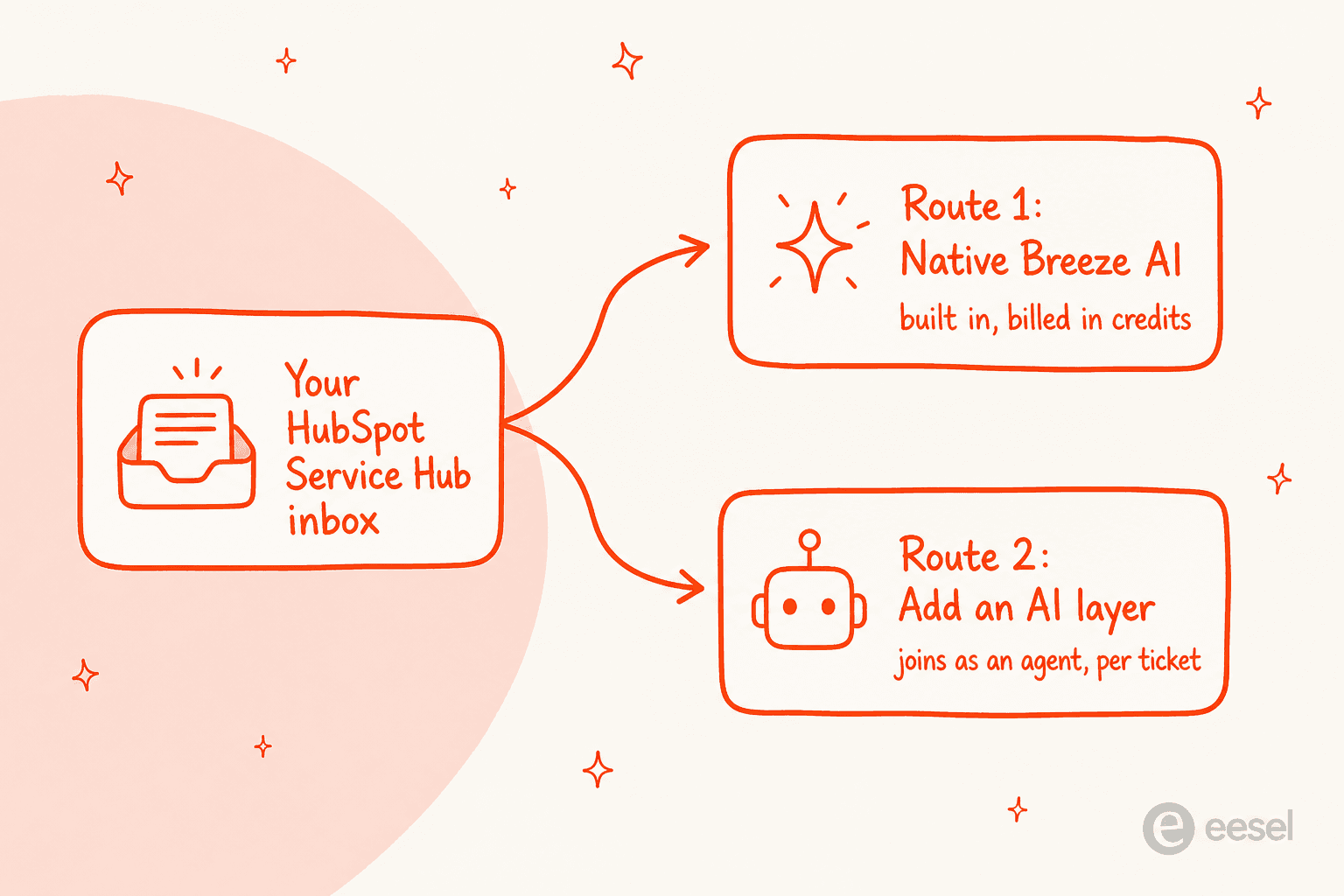
The native route is HubSpot building AI into the help desk you already pay for. The third-party route is a separate AI agent that plugs into Service Hub and does the queue work for you. Both are legitimate. They differ on what they are good at, how they bill, and how quickly you can trust them. Let me walk each one.
Route 1: HubSpot's native Breeze AI
HubSpot renamed a lot of this recently, so the names are worth getting straight before anything else. What used to be "Breeze Agents" is now Agent Hub; the support agent inside it is the Breeze Customer Agent; and "Breeze Assistant" is the in-product helper that reads as "Breeze Copilot" in the panel. The piece you care about for support is the Customer Agent.
Setting one up is pleasant. You give the agent a name and a personality, then point it at your knowledge.

Here is what each piece does, in plain terms:
- Breeze Customer Agent is the autonomous agent. It replies to tickets across chat and email, cites the source it used, and hands off to a human when it is unsure. It is the part that actually deflects tickets.
- Breeze Assistant is agent assist. It drafts replies, summarizes long threads, and answers questions about your own setup inside the workspace.
- Knowledge base agent watches your conversations, spots the topics customers keep asking about, and flags where your help center has gaps.
That last one is a nice touch, and it is the kind of thing you only appreciate after a few weeks of running an agent.

Feeding the agent knowledge is where a common myth falls apart. HubSpot's AI is not the walled garden it is sometimes made out to be. The Customer Agent takes existing HubSpot content, uploaded files, and a public URL crawl, and HubSpot crawls up to 1,000 linked pages per source and refreshes them weekly.

There are real limits, and they are worth naming plainly rather than dressing up. Login-gated pages fail the crawler, so HubSpot's own workaround is to upload a PDF instead. The import of an existing help center is a one-time copy of up to 400 articles, not a live sync, so edits after that do not flow through on their own. And the packaged Customer Agent reads and updates contact properties only, up to ten of them. None of these are dealbreakers; they are just the shape of the tool.
One thing that surprised people this year: the Customer Agent runs entirely on OpenAI models under the hood, per HubSpot's own AI model cards, and there is no model picker anywhere. That is fine, but if you assumed you could bring your own model or tune which one answers, you cannot.
Where the native route gets expensive
The honest catch with Breeze is the billing shape. The Customer Agent is a Professional-and-up feature, so first you are paying for the seat, and then you are paying for the AI in credits on top.
HubSpot Service Hub pricing looks like this:
| Plan | Price / seat / mo | Required onboarding | Included credits / mo | Customer Agent |
|---|---|---|---|---|
| Free | $0 (2 users) | none | none | Not available |
| Starter | from $20 | none | 500 | Not available |
| Professional | $90 (annual) | $1,500 one-time | 3,000 | 50 credits / resolution |
| Enterprise | $150 (quoted) | $3,500 one-time | 5,000 | 50 credits / resolution |
Now the part that trips teams up. A resolution costs 50 HubSpot credits, which works out to about $0.50. Professional includes 3,000 credits a month. Do the division.
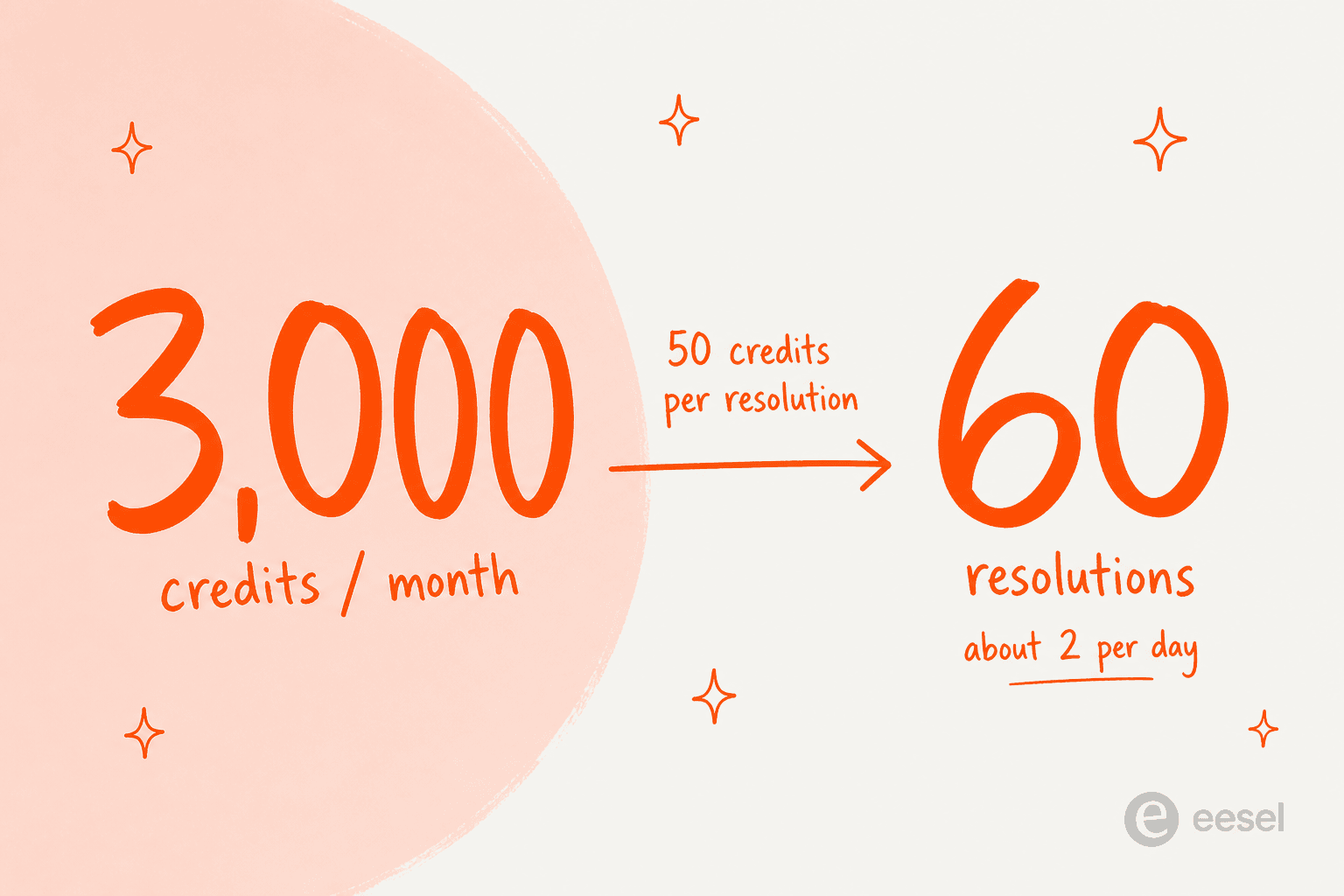
Professional's 3,000 included credits cover about 60 resolutions a month, roughly two a day, and those same credits are shared with other Breeze actions like the Data Agent. Past that, extra credits run about $9 to $10 per 1,000, and they do not roll over month to month. Automatic top-up is the default rather than something you opt into, so the meter keeps running unless you go turn it off. This is not a knock on HubSpot; it is just a case where the sticker price ($90/seat) and the real cost of running an agent at volume are two very different numbers.
Two more billing details worth knowing before you commit. A resolution counts when the agent replies citing a source and no human steps in within 72 hours, or when a lead is qualified, and the status freezes at 72 hours, so a conversation that ended unhappily still bills, and a reopened email thread can bill again. And if you run out of credits, the agent silently stops taking new conversations across every channel until the meter resets. Worth knowing before the queue quietly goes unanswered on a Friday.
Route 2: add a third-party AI agent
The other way to add AI for HubSpot Service Hub is to bring in an agent built specifically to work a support queue, and connect it to HubSpot. This is the route I know best, because eesel is one of these agents.
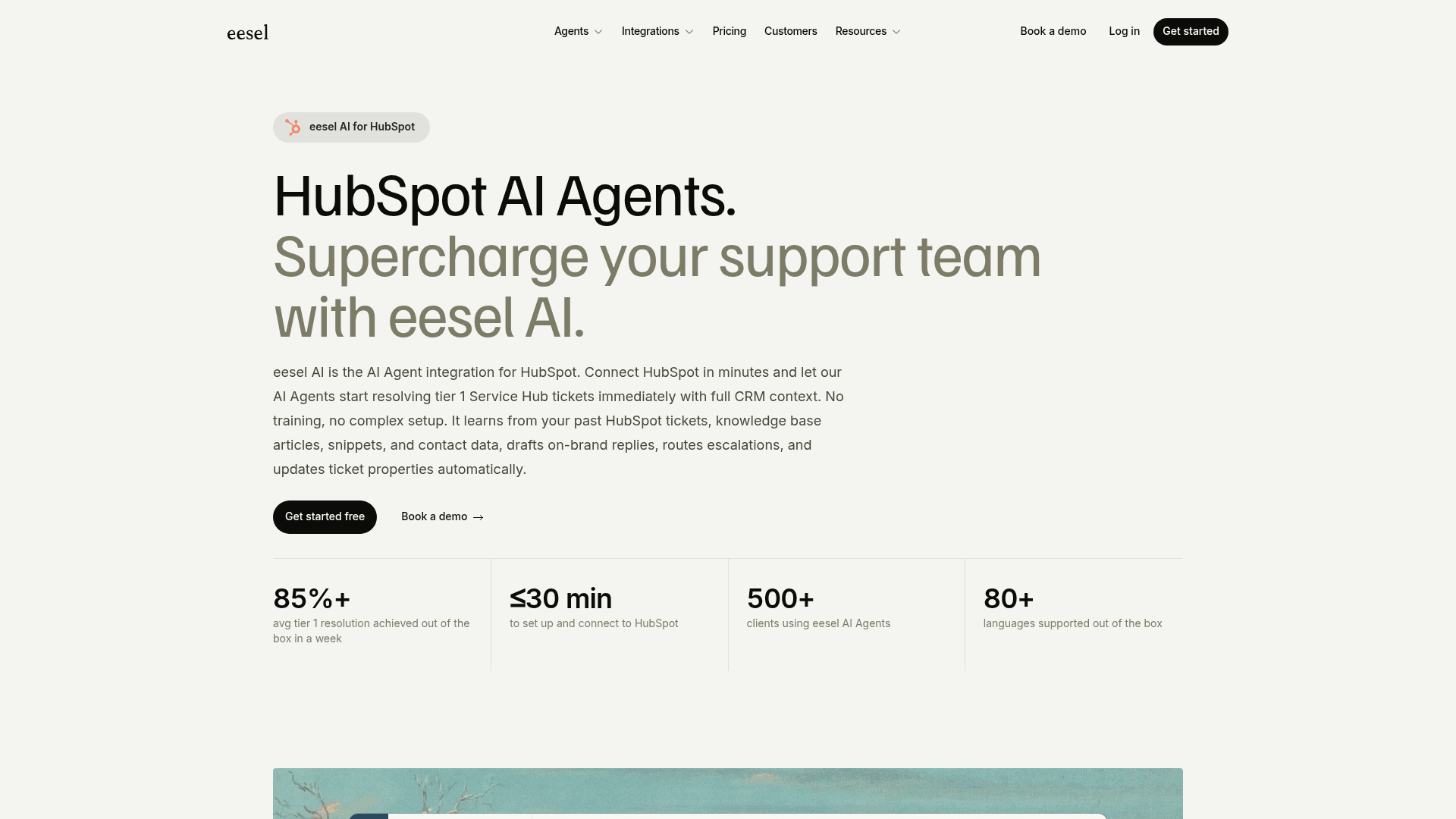
The mental model is different from a chatbot widget. eesel joins as a real AI Agent inside Service Hub. It reads tickets, drafts and sends replies, updates ticket properties, moves tickets through your pipelines, and pulls live contact data from the CRM, the same actions a human agent takes. There is no separate inbox and no widget bolted onto your website.
What makes the third-party route quick to trust is where the knowledge comes from. On connection, eesel automatically imports your HubSpot tickets, knowledge base articles, and snippets, plus optional sources like Confluence, Notion, or Google Docs. No manual training, no data labeling. On its own HubSpot integration page, eesel publishes a setup time under 30 minutes and an 85%+ average tier-1 resolution out of the box in the first week.
You configure it by describing what you want, not by wiring a rules engine. Tell it which tickets to handle, how to write, and when to escalate, in plain language.
Two more things worth naming, because they are the parts that make the queue-work route feel safe:
- It respects your existing HubSpot setup. eesel works alongside your ticket pipelines, routing, and SLA policies rather than replacing them. Because it reads live CRM data, a reply can reference the customer's actual plan, order, or ticket history instead of a generic answer.
- It simulates on your own history. Before it touches a live customer, eesel replays your past HubSpot tickets and scores its answers against what your team actually sent, so you get a real read on accuracy instead of a demo-day guess. It does not promise you a resolution rate up front; it shows you how it would have handled tickets you have already answered, which is the honest version of that number.
Native or third-party: which route fits you
Neither route is universally right. Here is the honest split, dimension by dimension.
| Dimension | Native Breeze AI | Third-party agent (eesel) |
|---|---|---|
| Where it runs | Inside HubSpot Service Hub | Inside HubSpot Service Hub, as an agent |
| Minimum plan | Professional ($90 / seat) | Any HubSpot plan |
| Learns from past tickets | Content sources you add | Yes, automatic on connect |
| Knowledge sync | One-time 400-article import | Ongoing sync of tickets + KB |
| Testing before go-live | Cite-and-handoff logic | Simulates over your real past tickets |
| Billing unit | Credits per resolution | 1 credit per ticket handled |
| Headline price | $90-$150 / seat + ~$0.50 / resolution | From $299/mo (500 credits), no seats |
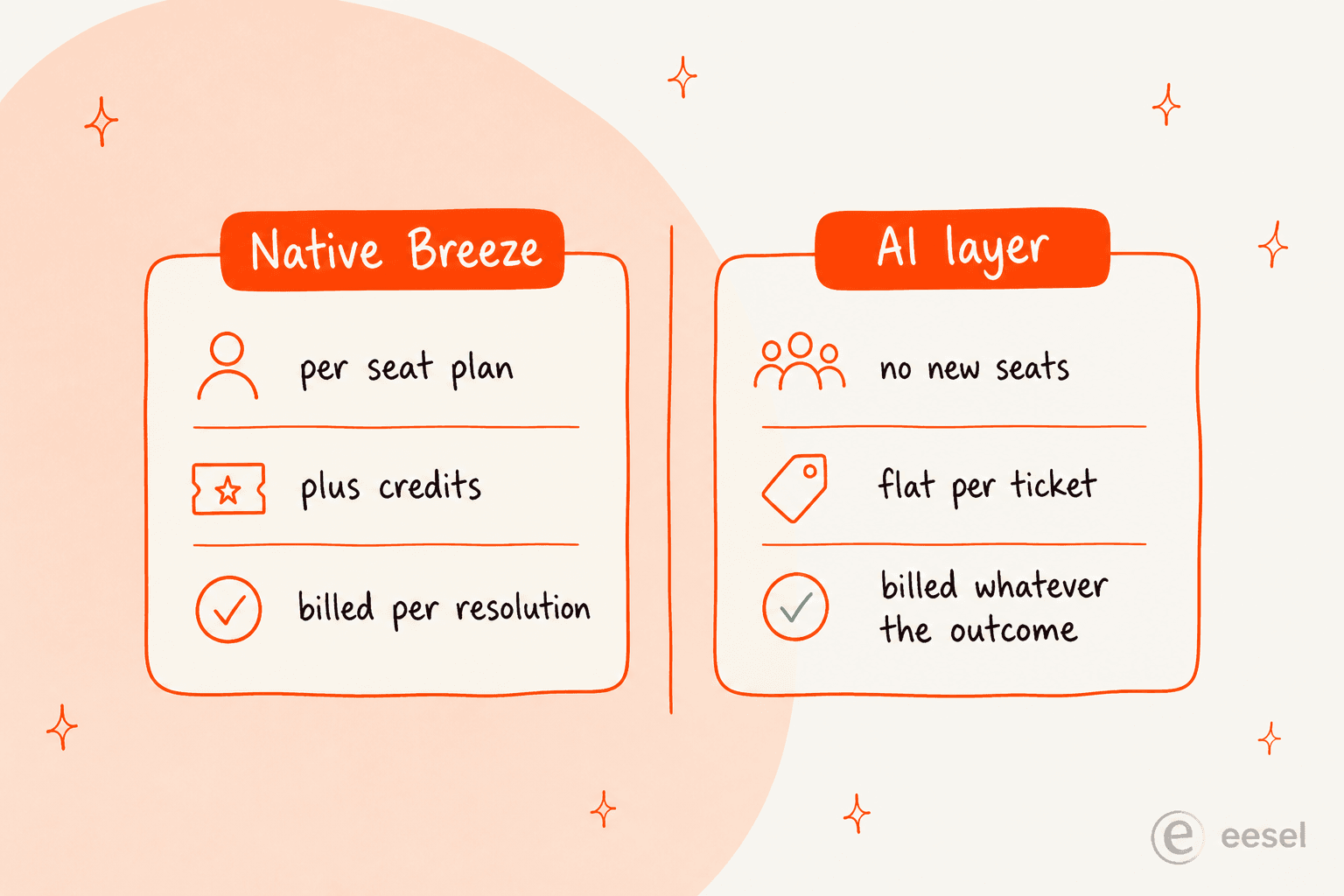
If you are already on Service Hub Professional or Enterprise, your volume is modest, and you want AI wired natively into the CRM you live in, Breeze is right there and good at the job, especially with the knowledge-gap flagging. If your priority is resolving repetitive tier-1 tickets at real volume, keeping the meter tied to tickets rather than credits, and testing on your own history first, the third-party route is usually the shorter path.
The two are not even mutually exclusive. Plenty of teams keep Breeze Assistant on for their agents and let a third-party agent handle the front line of the queue.
What it costs, in real numbers
Sticker prices hide the real bill, so here is a worked example at a small team scale.
Say you run a five-agent support team on Service Hub Professional and you want an autonomous agent handling tier-1. Five seats of Professional is $450 per month, plus the required $1,500 one-time onboarding. Your 3,000 included credits cover about 60 resolutions a month. If the agent actually resolves 1,000 tickets, that is 950 resolutions past the included pool, roughly 47,500 credits, which at about $0.009 to $0.010 per credit lands somewhere around $430 to $475 a month in credits on top of the seats.
Compare the volume-based route. eesel uses 1 credit per HubSpot ticket handled, however many back-and-forth messages it takes, on one fixed monthly price with no platform fee and no per-seat pricing. Handle those same 1,000 tickets and that fits the 1,000-credit plan at $499, and it does not change when you add a sixth agent to HubSpot. The unit to watch is the billable one: eesel counts tickets handled, not resolutions, so there is no 72-hour freeze rule or reopened-thread double-count to model. HubSpot's meter rewards resolutions that stick; eesel's credits simply track volume.
Neither model is "cheaper" in the abstract. The native route scales with your seats and your credit burn; the volume route scales with your ticket count. Pick the one whose meter matches how your team actually grows.
Try eesel for HubSpot Service Hub
If the route you want is an agent that connects to HubSpot and starts clearing tier-1 tickets, that is precisely what eesel for HubSpot is built to do. It connects in minutes, learns from your past HubSpot tickets and knowledge base, and drafts replies with live CRM context so answers reference the customer's actual account, not a generic script.
The one differentiator I would point at: simulation over your real HubSpot history. Before the agent replies to anyone, you see how it would have handled the tickets your team already answered, scored against what you actually sent. It is free to try with 100 credits and no credit card, setup runs under 30 minutes, and it respects the pipelines, SLA policies, and security setup you already have in HubSpot.