


How I read a quote-gated price page
I have spent the last couple of years writing about how support tools price their AI, and the pattern that trips teams up most is the one TeamSupport uses: a clean grid of monthly numbers with a "Get a Quote" button under each. The numbers anchor you, the quote form is where the real figure lands, and the gap between them is the add-ons.
At eesel, I sit next to a team that has run AI on live support queues for years, across thousands of real tickets, and the first thing the team does before any rollout is simulate the AI on a customer's own historical tickets so the cost and the resolution rate are known before go-live, not after the invoice. That is the lens for this whole piece: not "is TeamSupport good" (it is a solid 4.4/5 on G2), but "what will you actually pay, and where does the meter hide." Let me walk the whole TeamSupport pricing page line by line.
TeamSupport pricing at a glance
TeamSupport publishes two separate price cards, toggled by a Support / Chat tab. Everything below is billed annually, and every plan routes to a Get a Quote form.
| Product | Plan | Price | Seat model | AI included |
|---|---|---|---|---|
| Support | Starter | $45/mo | Max 5 users | AI Productivity Tools only |
| Support | Professional | $65/mo | Unlimited users | Kevin AI assistant |
| Support | Scale | $85/mo | Unlimited users | Kevin AI assistant |
| Chat | Starter | $29/user/mo | Per user | — |
| Chat | Professional | $39/user/mo | Per user | — |
| Chat | Scale | $59/user/mo | Per user | — |
Two things jump out. First, the Support tiers switch billing model mid-ladder: Starter is capped at max 5 users, while Professional and Scale read "unlimited users," which suggests $65 and $85 are flat base prices rather than per-agent. The page never states the unit outright, which is exactly why it is quote-gated. Second, live chat is a whole separate product, so a team that wants tickets and chat is buying from two price cards, not one.
The Support product, tier by tier
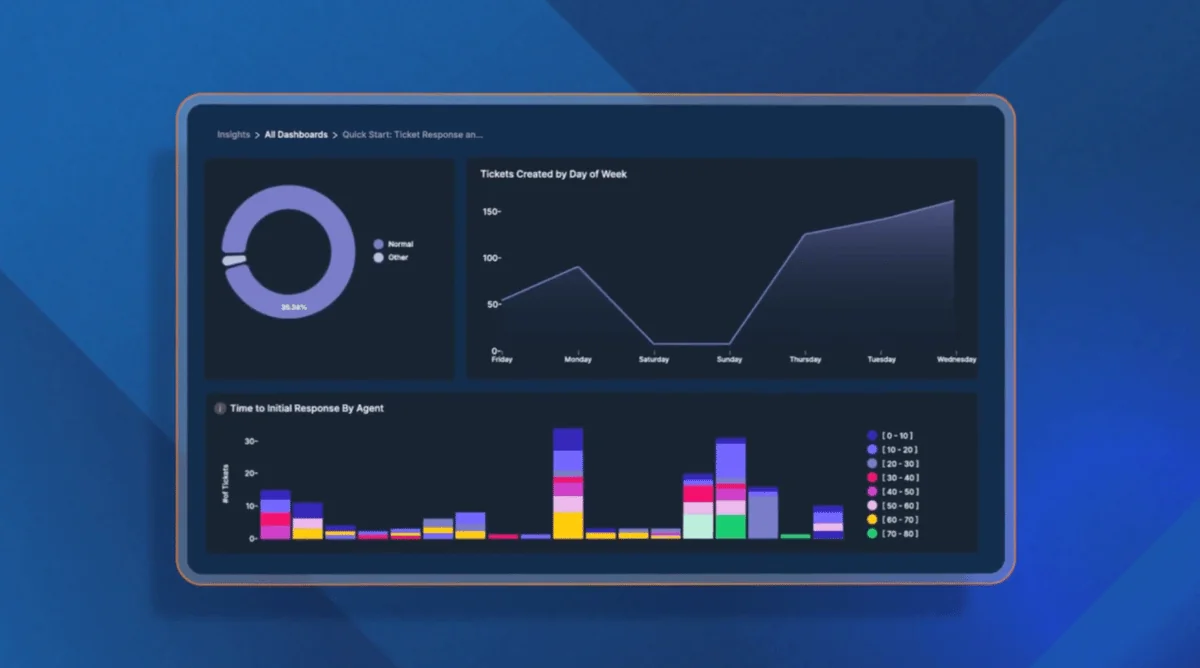
The Support product is the ticketing system, and it is what most people mean by "TeamSupport." Here is what unlocks at each tier, from the comparison grid on the pricing page.
| Feature | Starter | Professional | Scale |
|---|---|---|---|
| Ticketing | Included | Included | Included |
| AI Productivity Tools | Included | Included | Included |
| Kevin (AI assistant) | — | Included | Included |
| Customer intelligence & distress signals | — | Included | Included |
| Customer Portal | — | Included | Included |
| Knowledge Base | — | Included | Included |
| Playbooks | — | 1 included | 3 included |
| Custom Fields | — | — | Included |
| Automation | — | — | Included |
| Broadcast | — | — | 500 messages/mo |
| Messaging & live chat | $15/mo/agent | $15/mo/agent | $15/mo/agent |
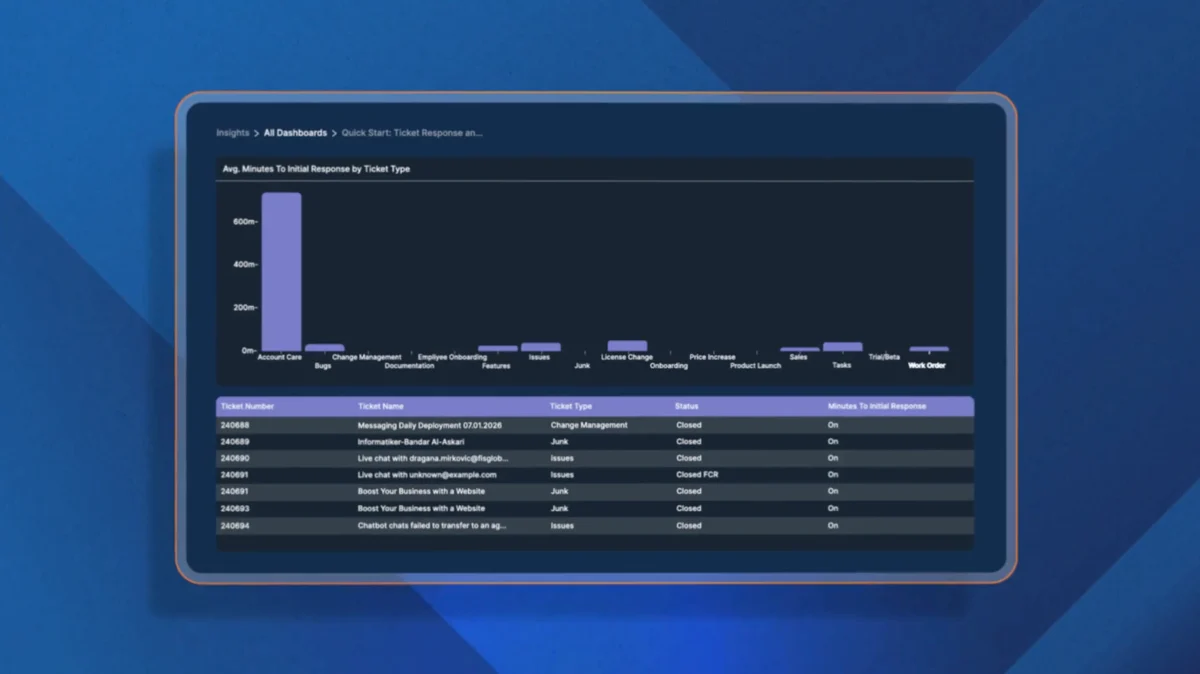
| Insights | — | $270/mo | $270/mo |
Starter ($45/mo, max 5 users) is deliberately thin. You get ticketing and the general AI Productivity Tools, but no knowledge base, no customer portal, no Kevin, and none of the Customer Distress Index signals that are TeamSupport's headline B2B feature. It is a starter in the truest sense.
Professional ($65/mo) is where TeamSupport becomes itself. Kevin, the AI assistant, the customer portal, the knowledge base, and the account-health signals all switch on. This is the tier most B2B teams will actually price. One Playbook (TeamSupport's automation recipe) is included.
Scale ($85/mo) adds the enterprise plumbing: custom fields, full automation, three Playbooks, and Broadcast for outbound messaging. If you need to bend the data model to fit your accounts, this is the floor.
The knowledge base and customer portal only exist from Professional up, which matters if self-service is part of your plan. A desk without a knowledge base on the entry tier means the cheapest plan cannot really deflect tickets on its own.
The Chat product is priced separately
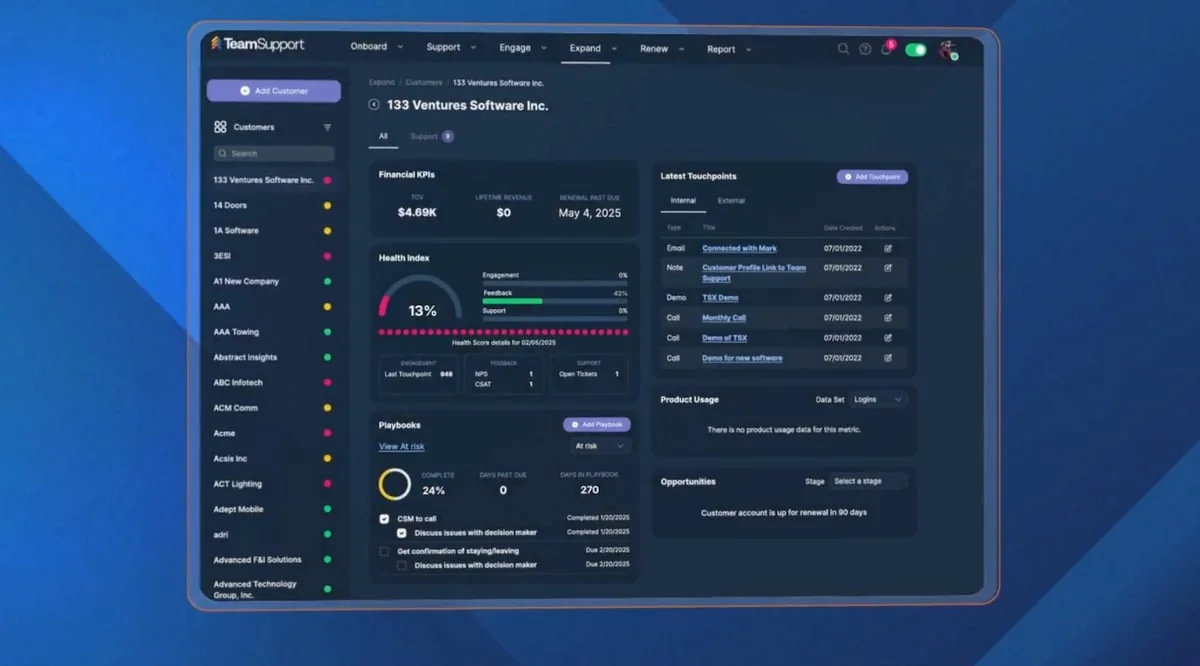
This is the part buyers miss. TeamSupport's live chat is not just an add-on toggle, it is a separate product with its own price card, and unlike the Support tiers it is explicitly per user, per month.
| Chat plan | Price | Billing unit |
|---|---|---|
| Starter | $29 | Per user, per month |
| Professional | $39 | Per user, per month |
| Scale | $59 | Per user, per month |
So there are two ways to get chat, and they cost different amounts. You can bolt messaging & live chat onto a Support plan for $15/agent/month, or you can buy the standalone Chat product at $29 to $59 per user. The standalone product carries deeper channel and security features, but several of them, HIPAA compliance, third-party certification, audit logs, and an uptime SLA, are themselves paid add-ons marked with a $ in the grid rather than bundled.
If you need a signed uptime SLA or HIPAA on chat, budget for it separately, it is not in the base Chat price. That is a fair thing to charge for, but it is the kind of line item that only surfaces on the quote, not the marketing page.
The AI story: Kevin, and what is not metered
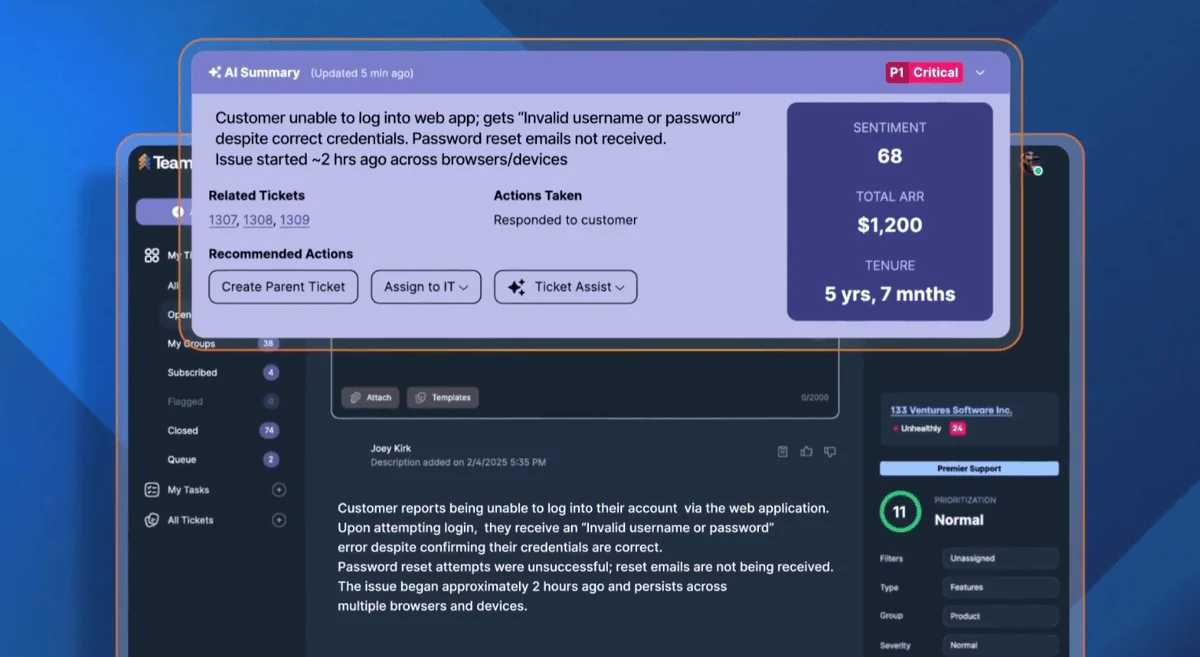
TeamSupport markets a broad AI feature set, and the pricing structure for it is unusual in a way that cuts both ways.
What you get: Kevin, the AI assistant, is included on Professional and Scale, not on Starter. The more general "AI Productivity Tools" (summaries, tone assists) appear on all three Support tiers. There is no separate AI SKU and no per-conversation meter on the pricing page.
What that means for budgeting: bundling AI into the seat price is simpler than a usage meter, and I will give TeamSupport credit for not nickel-and-diming per message. But it also means you cannot see a cost per resolution. You are paying for AI whether it resolves 5 tickets or 5,000, and there is no published number telling you how many tickets Kevin is expected to close. Compare that to a tool like Freshdesk, which prices Freddy at $49 per 100 sessions, or Help Scout, at $0.75 per AI resolution, where the unit economics are legible.
The honest read: TeamSupport's AI pricing is simple but opaque. It is easy to sign, hard to evaluate.
The add-ons that become the real bill
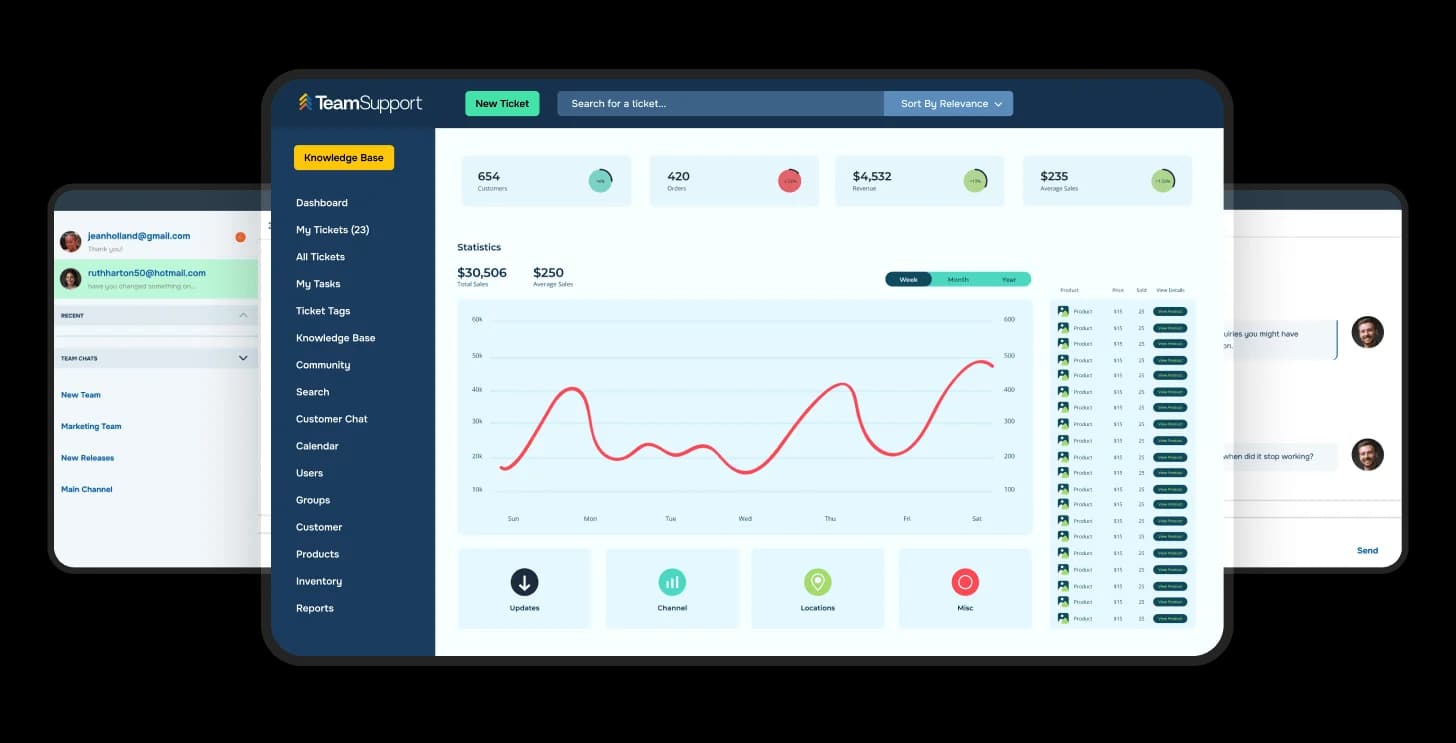
None of this is hidden, all of it is on the pricing grid, but it adds up fast, so here it is in one place.
| Add-on or service | Cost |
|---|---|
| Messaging & live chat | $15/mo/agent (every tier) |
| Insights (analytics) | $270/mo (designer + 5 viewers) |
| Playbooks (overage) | $100/mo for up to 50, past included |
| Broadcast (overage) | $100/mo for 10,000 messages |
| Basic Training (one-time) | $1,000-$2,000 by tier |
| Data import, TS-assisted | $1,000 per 5,000 records |
| Data import, self-serve | Complimentary |
| Hourly professional services | $175-$250/hr by tier |
A few things worth flagging. The Insights module at $270/month is more than triple the Scale base plan, so real reporting is a meaningful upcharge. TeamSupport-assisted data import at $1,000 per 5,000 records can be a large one-time cost for an established team migrating history, though the self-serve import is free if you do it yourself. And notice the tier logic runs backwards on services: Basic Training and hourly rates drop as you spend more, from $250/hr on Starter to $175/hr on Scale, which quietly rewards the bigger commitment.
To make the stacking concrete, plug your own team into the estimator below.
So, is TeamSupport worth the price?
For the right team, yes. If you run B2B support where the account matters more than the individual contact, TeamSupport's rollups and its churn-signal scoring are a real, differentiated feature, and the 4.4/5 on G2 across nearly 900 reviews is earned. Founded in 2008 as the first cloud tool built for B2B, it knows its lane.
The honest frictions are three:
- You cannot budget without a call. No free plan, no self-serve checkout, every button is a quote form.
- The add-ons stack. Chat, Insights, Playbooks, and services are all real line items on top of the base plan.
- The AI is unmetered but unmeasured. Simple to buy, hard to evaluate against a resolution-priced tool.
If those are dealbreakers, my full TeamSupport alternatives roundup compares seven desks on exactly these dimensions, from Zendesk at the enterprise end to Zoho Desk at the budget end.
A cheaper path: add AI without changing desks
If the thing pulling you toward TeamSupport's pricing page is "I want good AI on my support queue," there is a way to get it that does not involve a migration or a quote form.
eesel AI is an AI teammate that drops into the helpdesk you already run, Zendesk, Freshdesk, Zoho Desk, Help Scout, Gorgias, or a shared inbox, learns from your past tickets and help center, and starts resolving the repetitive ones. For a B2B team with high-value accounts, the part that matters is that you can simulate it on your historical tickets first, see the resolution rate and the exact replies it would have sent, then turn it on one ticket type at a time.

The pricing is the opposite of a quote wall: fixed per month and fully public. You get 100 free credits, then plans start at $299/month for 500 credits (1 credit per ticket or chat), with no per-seat fee and no platform fee. Tickets your humans take do not use credits. You can start free, no credit card, and try eesel against your own tickets in an afternoon.
Frequently asked questions
The FAQ block above is rendered from the post's structured data. In short: TeamSupport lists Support tiers at $45, $65, and $85/month and Chat tiers at $29 to $59/user/month, all quote-gated with no free plan; its AI is bundled into the top Support tiers rather than metered; and the add-ons (chat, Insights, Playbooks, services) are where the real bill forms. If you want transparent, credit-per-ticket AI on the desk you already run, eesel AI is the lowest-friction path.