The 9 best Aircall alternatives in 2026, priced for a support team

Kurnia Kharisma

Katelin Teen
Last edited November 3, 2026

CloudTalk is the closest Aircall replacement for a support team: same per-seat model, IVR and queues, and live call monitoring on its $49 Expert plan against Aircall's $50 Professional. Pick Dialpad if you want the cheapest serious option, JustCall if support also makes outbound calls, and Talkdesk if you are really shopping for a contact center. Before you switch, check your Aircall notice date, because the contract is what most reviewers are leaving, not the calls. And if the real backlog is email and chat, eesel's AI teammate works those tickets in the helpdesk your calls already log into.
Why do support teams look for Aircall alternatives?
Aircall is a good phone system, and I want to start there because most "alternatives" posts skip it. It has 250+ integrations, it sits at 4.4 out of 5 from 1,687 reviews on G2, and the CRM and helpdesk wiring is the thing its happy users mention first. If you are on Aircall and it works, the cheapest move is usually to stay.
I spend most of my time on search data, and the people typing "Aircall alternatives" are rarely unhappy with the dialer. Reading 465 Capterra and 1,687 G2 reviews, the reasons cluster into four things:
- The 3-licence minimum. Aircall's own pricing FAQ says "all plans require a minimum of 3 licenses regardless of billing cycle". A two-person support team still pays for three seats.
- The features support teams want sit one tier up. Call whispering, barge, live monitoring, AI call summaries and queue callbacks are on Professional at $50 a licence, not Essentials at $30.
- Contracts at cancellation. This is the loudest theme. Missed notice windows and porting fees show up again and again.
- Call quality loops. A smaller group reports dropped or garbled calls and a support process that points back at their own internet.
The contract theme is worth reading in a reviewer's own words, because it tells you what to check before you sign anything new:
"We're moving to a different provider mainly because of this lack of flexibility around contracts, not the calling product itself."

The pricing theme reads almost like a feature checklist for a support lead:
"Enforcing a mandatory 3-license minimum makes it unnecessarily expensive for small teams, while essential tools like Salesforce integrations, live call monitoring, power dialers, and AI summaries are locked behind higher tiers or paid add-ons."
And the call quality complaint, which is rarer but ends in an actual switch more often than the others:
"Aircall's troubleshooting repeatedly focuses on blaming our individual equipment and connectivity rather than adequately investigating potential problems within their own infrastructure."

To be fair to Aircall, Trustpilot shows it replying to 98% of negative reviews, and plenty of G2 reviewers call it "the most competitive" on price for what they get.
What Aircall costs in 2026
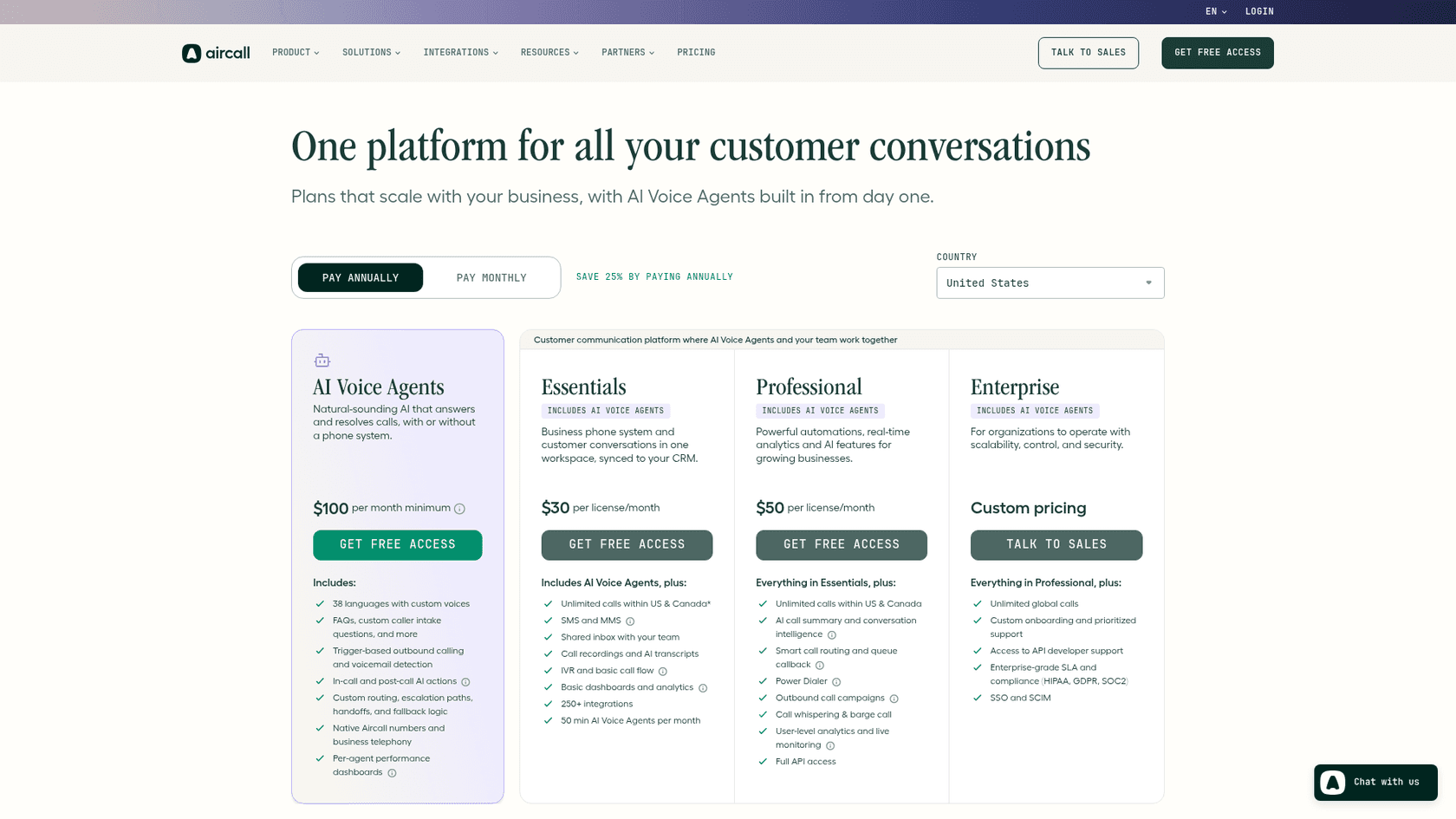
Here is the full rate card, because you cannot compare alternatives without knowing what you pay today. Aircall's prices load in the browser, so I read them from the pricing page and its embedded price data on November 4, 2026.
| Plan | Annual, per licence/mo | Monthly, per licence/mo | Minimum | What it adds |
|---|---|---|---|---|
| Essentials | $30 | $40 | 3 licences | Unlimited US and Canada calls, IVR, recordings, AI transcripts, 250+ integrations |
| Professional | $50 | $70 | 3 licences | AI summaries, smart routing, queue callback, whisper and barge, live monitoring, full API |
| Enterprise | Quote | Quote | 25 licences | Unlimited global calls, HIPAA, SOC 2, SSO and SCIM |
Add-ons are where the bill grows. AI Assist Pro is $49 a seat, Analytics+ is $15, extra numbers are $6 each, and AI Voice Agents run $0.29 a minute pay-as-you-go after 50 free minutes a month, with bundles down to $0.19 at 10,000 minutes. So a 10-agent team on Professional pays $500 a month before any add-on. That is the number every alternative below has to beat.
Phone system or call center: which one are you replacing?
This is the question that decides your shortlist, and it is the one most comparison pages skip. Aircall sits in the middle. Its Essentials plan is a business phone system. Its Professional plan is a light support call center. The alternatives split cleanly on either side of that line.
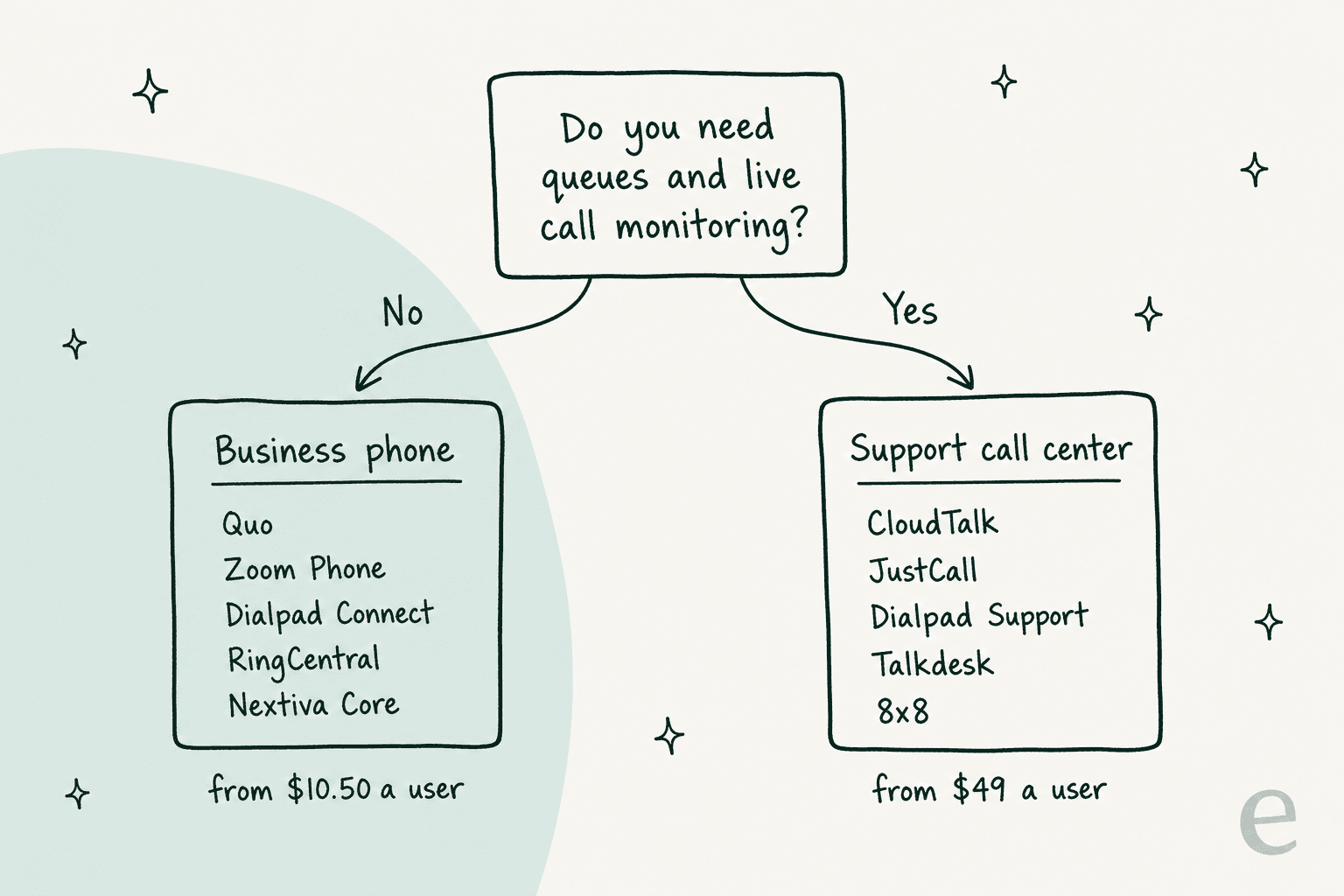
If your team takes a handful of calls a day and each one is a warm transfer to whoever knows the answer, you want a business phone: numbers, an IVR menu, recording, a CRM sync. Quo, Zoom Phone, Dialpad Connect, RingCentral and Nextiva Core do this from $10.50 to $25 a seat.
If calls stack up, you need someone to see who is waiting, and a team lead listens in to coach, you want a support call center: queues, wallboards, live monitoring, whisper and barge for call center quality assurance. That is CloudTalk Expert, JustCall Pro, Dialpad Support, Talkdesk and 8x8, and it starts around $49 a seat. Our guide to call center technology explains each of those pieces if any are new to you.
Get this wrong and you either overpay for a contact center your three agents never use, or you buy a cheap phone plan and discover the queues are a paid add-on.
The best Aircall alternatives at a glance
All prices below are list prices per user per month on annual billing, from each vendor's own pricing page, checked November 4, 2026.
| Tool | Best for | Entry price | Seat minimum | Live monitoring from | Free trial | AI voice agent pricing | Public pricing |
|---|---|---|---|---|---|---|---|
| CloudTalk | Like-for-like Aircall swap | $25 (Starter) | 1, or 3 on Expert | Expert, $49 | 14 days, no card | From $99 for 200 min | Yes |
| Dialpad | Cheapest serious option | $15 (Connect) | None listed | Support, $89 | 14 days on Connect | Custom credits | Yes |
| JustCall | Support plus outbound | $29 (Team) | 2 | Pro, $49 | 14 days | Down to $0.15/min, 100 min free | Yes |
| RingCentral | One vendor for phone, video, SMS | $20 (Core) | None listed | RingCX, from $65 | Yes, length not stated | AI Receptionist from $39 | Yes |
| Nextiva | Phone plus chat in one plan | $15 (Core) | None listed | Scale, $75 | None listed | XBert AI $1.50 per conversation | Yes |
| Quo | Small teams sharing one number | $15 (Starter) | None listed | Not listed | 7 days | Sona AI agent included, credit tiers | Yes |
| Zoom Phone | Teams already on Zoom | $10.50 (Metered) | None, caps at 99 or 250 | Zoom Contact Center, separate | Yes, 100 minutes | AI receptionist, price not shown | Yes |
| Talkdesk | Enterprise contact center | $85 (Digital) | Not stated | Voice Essentials, $105 | Express plan for under 50 staff | Quote only | Partly |
| 8x8 | Global phone and contact center | Quote | Quote | Quote | None listed | Quote only | No |
| Aircall (today) | Baseline | $30 | 3 | Professional, $50 | Free access | $0.29/min | Yes |
How I picked and priced these
I started from what ChatGPT recommends when a support lead asks for Aircall alternatives, then checked every tool against its own pricing page and help docs rather than review roundups. I left out tools that are mainly sales dialers. For the full picture of AI customer service software beyond calls, see our separate roundup. Every price is the vendor's own list price, and I price each tool for one buyer: a 10-agent support team that needs a queue and a team lead who can listen in. That is where the plan you need differs most from the plan on the headline.
I also want to be upfront: eesel is not a phone system, so it is not in this list. I come back to it at the end, for the part of the work a phone system does not touch.
1. CloudTalk: the closest like-for-like swap
Best for: support teams that like how Aircall works and want the same thing with friendlier entry terms.
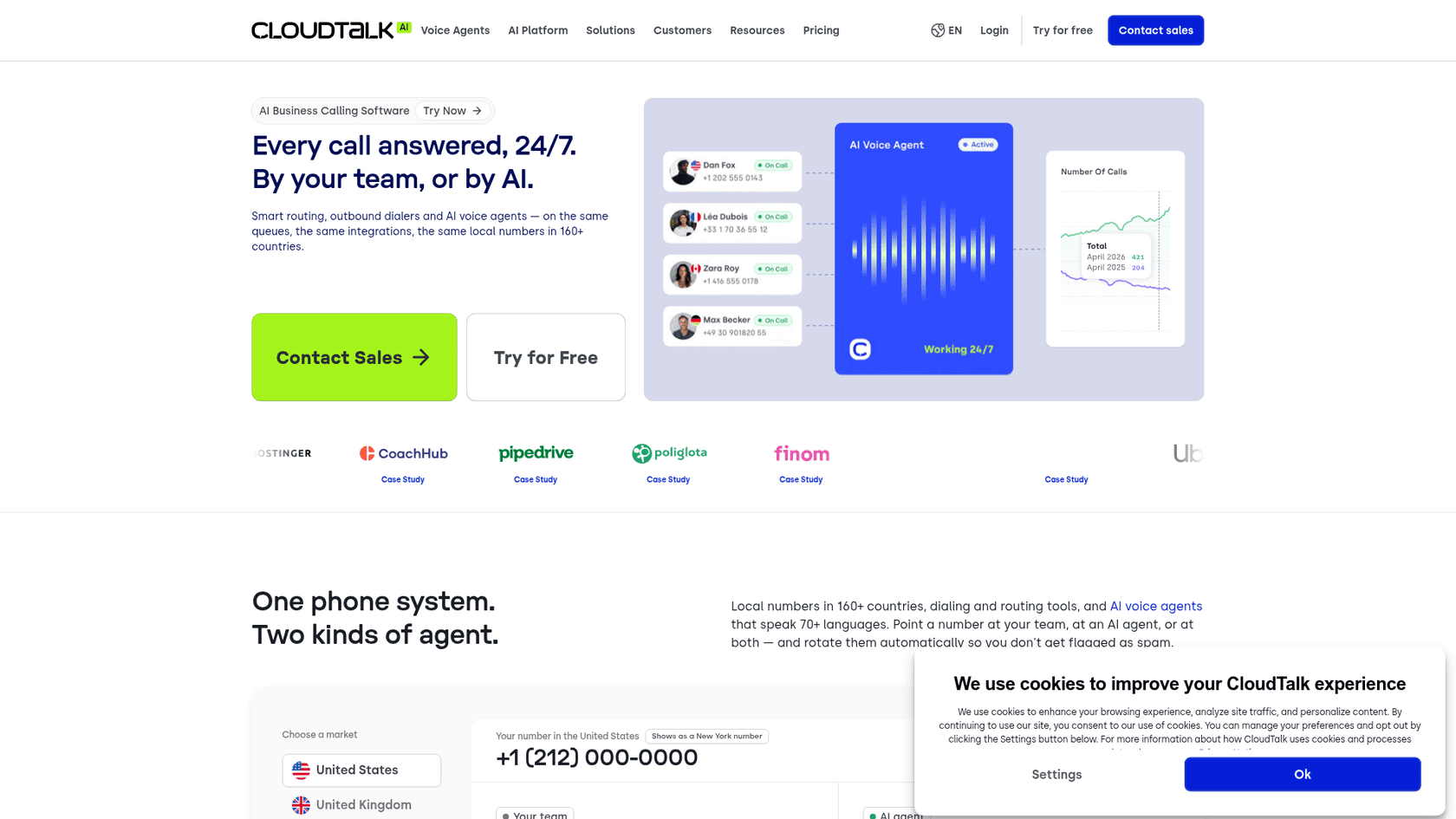
CloudTalk is the tool I would trial first if you want to keep your Aircall habits. The structure maps almost one to one: per-seat plans, IVR and integrations on the middle tier, and live monitoring, wallboards and SSO on the top self-serve plan. The CloudTalk homepage pitch is "every call answered, 24/7", with local numbers in 160+ countries, which matters if you support customers outside the US.
What it does well
- A single-seat Starter plan at $25, so a two-person team does not pay for a third seat.
- A 14-day trial with no credit card, which beats Aircall's open-ended "free access" for planning a side-by-side test.
- AI Voice Agents from $99 for 200 minutes, plus a $9 AI Conversation Intelligence add-on.
- Native helpdesk links, including a CloudTalk Zendesk integration and a HubSpot integration.
Where it falls short
- Live monitoring, wallboards and the Salesforce integration are Expert only, and Expert carries a 3-seat minimum. So the support-team plan has the same floor as Aircall.
- US and Canada customers pay an 11% cost-recovery fee on top of list price.
Pricing
| Plan | Annual | Monthly | Minimum |
|---|---|---|---|
| Starter | $25 | $34 | 1 |
| Essential | $29 | $39 | 1 |
| Expert | $49 | $69 | 3 |
My take: pick CloudTalk if you want Aircall Professional's feature set for $1 less a seat and a cleaner trial. Skip it if the 3-seat floor was your main complaint and you need monitoring, because Expert keeps that floor. Our CloudTalk vs Dialpad comparison helps if those two end up as your finalists, and the CloudTalk alternatives list covers the reverse trip.
2. Dialpad: the cheapest serious option
Best for: teams that want a cheap business phone today and a real contact center product from the same vendor later.
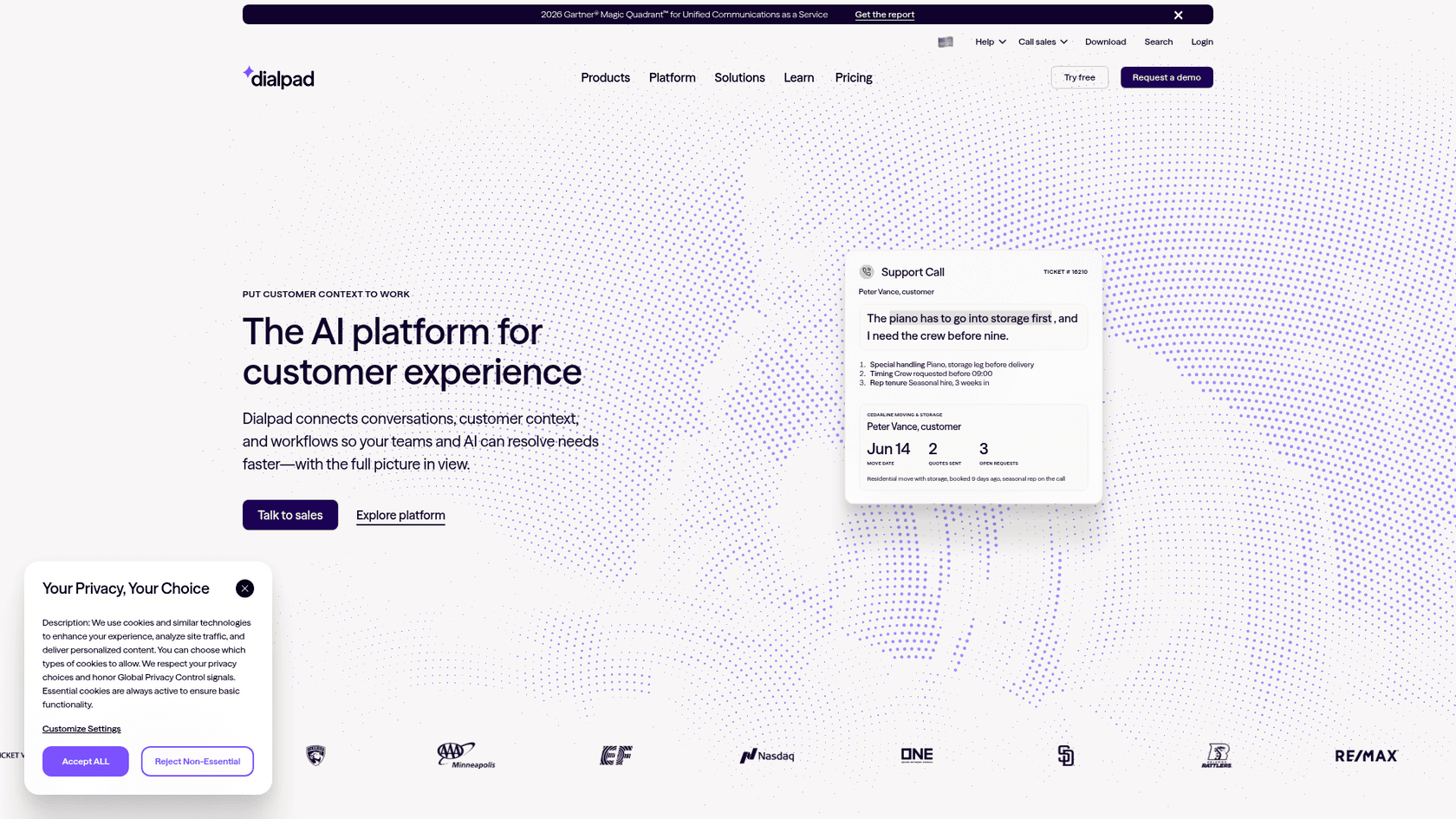
Dialpad splits into three products, and that is the thing to understand before you look at a price. Connect is the business phone, Support is the contact center, and Sell is the outbound sales dialer. Connect Standard at $15 a seat with no listed minimum is the cheapest credible starting point in this list.
What it does well
- Connect Standard at $15 annual or $27 monthly, with a 14-day free trial.
- AI is built into the core product rather than sold as a separate seat, a point our Dialpad review digs into.
- On Support, managers get Listen In, Barge In and Take Over without a tier restriction.
Where it falls short
- Key CRM integrations on Connect start at Pro, $25.
- The support call center is a separate product at a much higher price, so "$15" and "contact center" do not belong in the same sentence.
- The pricing page names Salesforce, HubSpot and Zoho, but not Zendesk, so check your helpdesk link before you commit.
Pricing
| Product and plan | Annual | Monthly |
|---|---|---|
| Connect Standard | $15 | $27 |
| Connect Pro | $25 | $35 |
| Support Essentials | $89 | $109 |
| Support Advanced | $119 | $145 |
| Support Premium | $149 | Annual only |
| AI Agents | Custom credits | Custom |
My take: Dialpad Connect is the best pick for a small team that mostly needs good numbers, routing and AI notes on a budget. A support team with a real queue will end up on Support at $89, which is above Aircall Professional. The full Dialpad pricing breakdown has the Sell plans too.
3. JustCall: support plus outbound callbacks
Best for: teams where support agents also make outbound calls, like callbacks, renewals or appointment reminders.
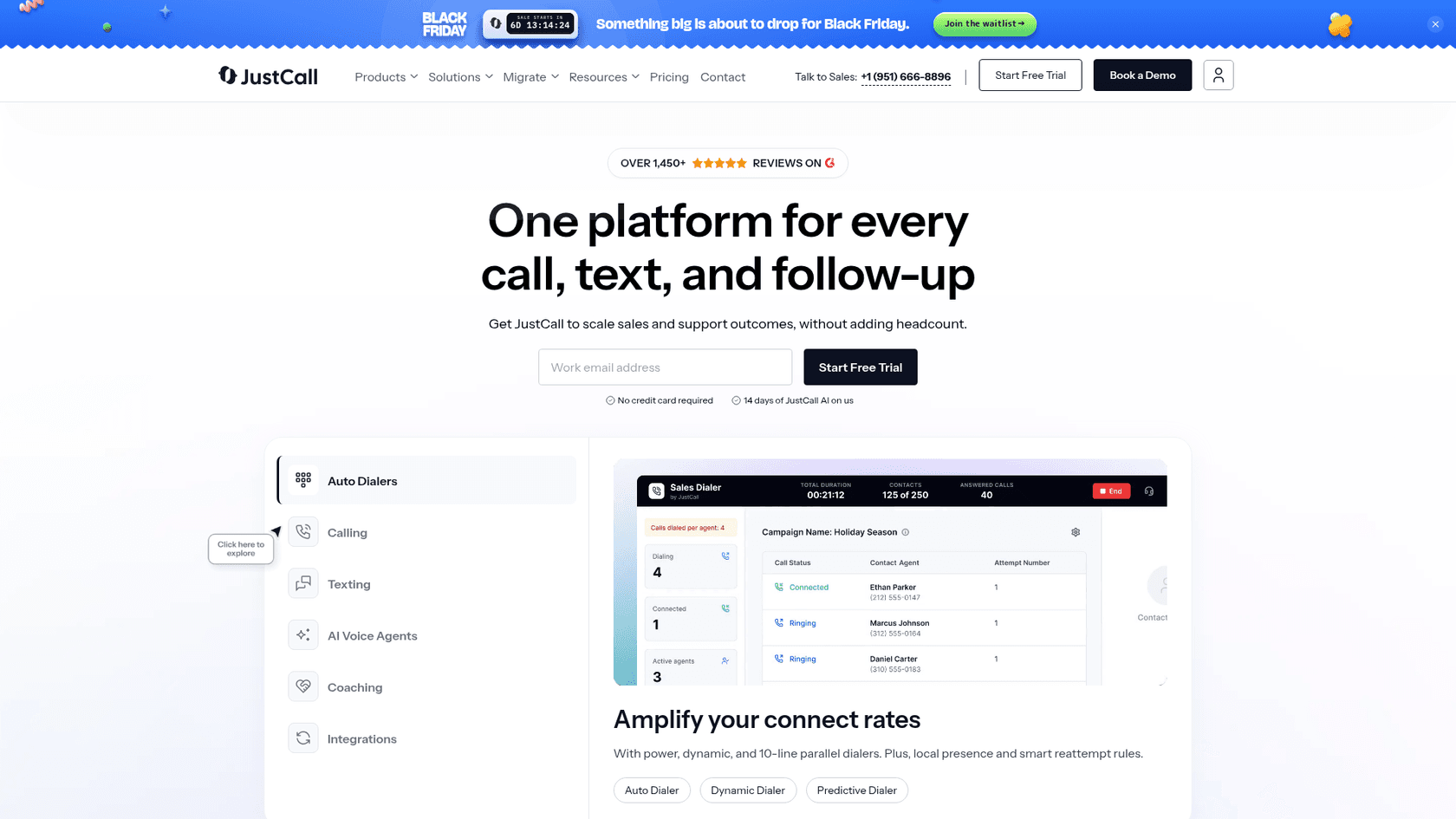
JustCall started on the sales side, and you can see it in the product: auto, dynamic and 10-line parallel dialers sit right on the homepage. For support teams that only take inbound calls that is noise. For teams that also call customers back, it is the most capable dialer in this list at Aircall-level pricing.
What it does well
- A 2-licence minimum, one lower than Aircall.
- Live monitoring (listen, whisper, barge) on Pro at $49, the same tier as CloudTalk Expert.
- AI Voice Agent pricing that drops to $0.15 a minute at volume, with the first 100 minutes free.
- A 14-day trial and a claimed 100+ integrations.
Where it falls short
- SSO is on the quote-only Business plan, which carries a 10-licence minimum.
- The pricing page carried a Black Friday banner saying prices change on November 10, 2026, so re-check before you sign.
Pricing
| Plan | Annual, per licence | Minimum |
|---|---|---|
| Team | $29 | 2 |
| Pro | $49 | 2 |
| Pro Plus | $89 | 2 |
| Business | Quote | 10 |
My take: pick JustCall if your agents dial out as much as they pick up. If your team is inbound only, CloudTalk gives you the same $49 monitoring tier with less sales tooling in the way.
4. RingCentral: one vendor for phone, video and SMS
Best for: companies that want the support line, the office phones and meetings on one bill.
RingCentral's business phone product, RingEX, is a full company phone system with meetings, SMS and an AI assistant bundled in. For a support team, the thing to know from the RingEX pricing page is that call queues are a paid Booster, not part of the base plans, and the contact center is a separate product called RingCX.
What it does well
- Core at $20 annual or $30 monthly, with unlimited domestic calling, call recording and 100 toll-free minutes.
- Up to 33% off for annual billing, the biggest annual discount in this list.
- A deep AI catalogue: AI Receptionist from $39, Conversational Intelligence from $60. The options are compared in best AI for RingCentral.
Where it falls short
- CRM integrations start at Advanced, $25.
- The Call Queues Booster is $35, and RingCX starts at $65 a user, so the support call center path costs more than the headline suggests.
- The pricing page has a team-size selector, so confirm your band's price before you budget.
Pricing
| Plan | Annual | Monthly |
|---|---|---|
| Core | $20 | $30 |
| Advanced | $25 | $35 |
| Ultra | $35 | $45 |
| RingCX contact center | From $65 | Quote |
One former Aircall customer put the call quality difference bluntly:
"We have now been using Ring Central, which is also dependent on internet, and according to our users the difference is aboslutely shocking."
That review dates from 2021, so treat it as one data point, not a verdict. My take: RingCentral fits when the support line is one part of a bigger company phone rollout. A standalone support team gets a cleaner deal from CloudTalk or JustCall.
5. Nextiva: phone and chat in one plan
Best for: small businesses that want calls, SMS and website chat in one place without a separate helpdesk.
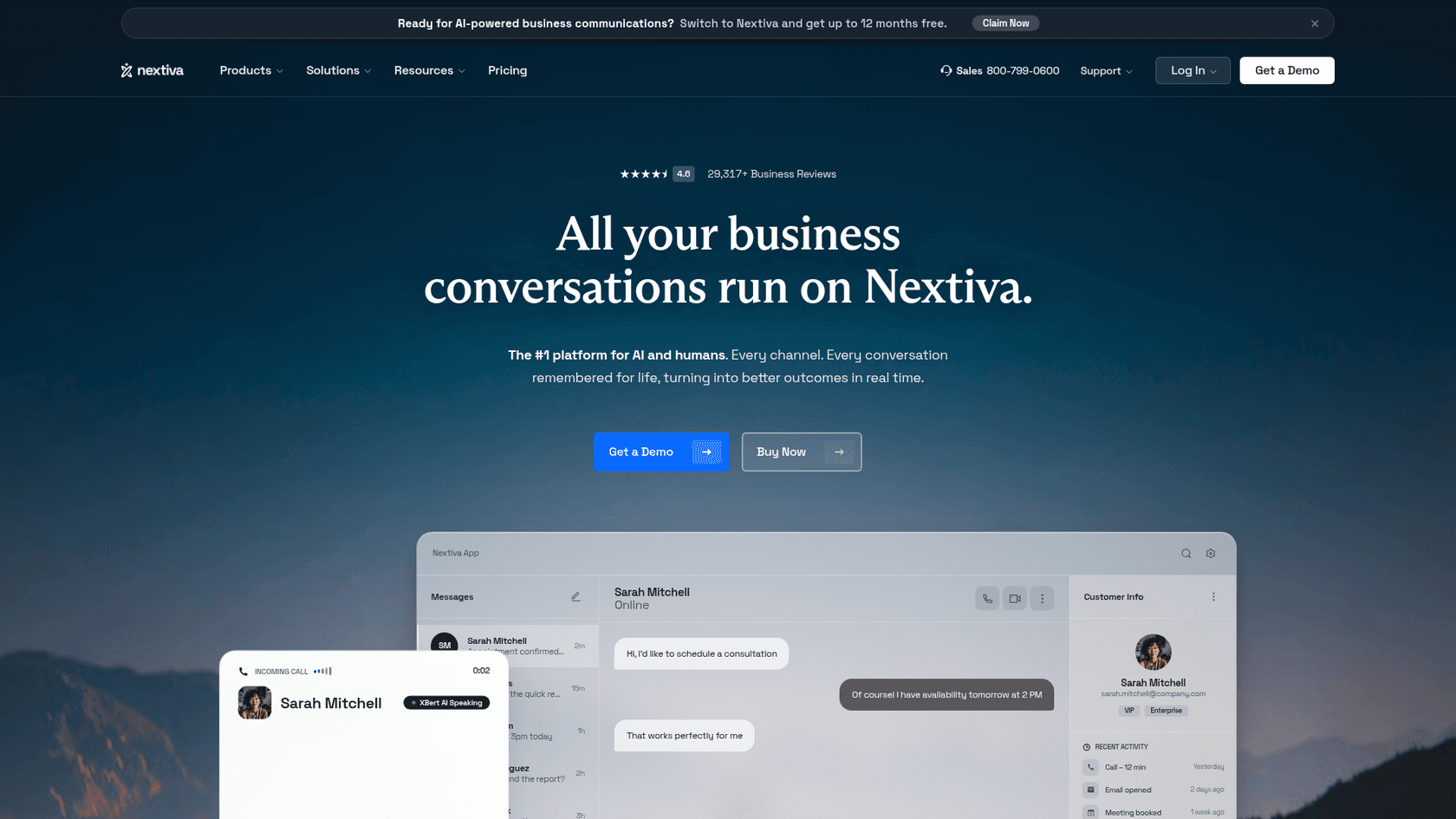
Nextiva's small business plans are built around conversations rather than only calls. Engage at $25 adds live chat and a chatbot, per Nextiva's pricing, which no other entry plan in this list does. For a team that runs support out of a shared inbox rather than a helpdesk, that is a real convenience.
What it does well
- Core at $15 annual or $23 monthly, with no seat minimum.
- Chat and chatbot on Engage, $25.
- Contact center plans list Salesforce, HubSpot and Zendesk integrations as available.
- Pay-per-use AI: XBert AI at $1.50 per conversation, or a $99 a month XBert AI Employee package.
Where it falls short
- Supervisor monitoring starts on Scale at $75, the highest monitoring price among the self-serve tools here.
- Annual pricing needs a 12-month term, and no free trial is listed.
- The dedicated contact center starts at $75 an agent, with higher tiers quote only.
Pricing
| Plan | Annual | Monthly |
|---|---|---|
| Core | $15 | $23 |
| Engage | $25 | $50 |
| Scale | $75 | Not shown |
| Contact Center Essential | From $75 | Quote |
My take: Nextiva makes sense when you want one tool for calls and chat and you do not have a helpdesk. If you already run Zendesk or Freshdesk, you are paying for a chat inbox you will not use.
6. Quo (formerly OpenPhone): small teams sharing one number
Best for: two to ten people answering a shared support line, with no queue to manage.
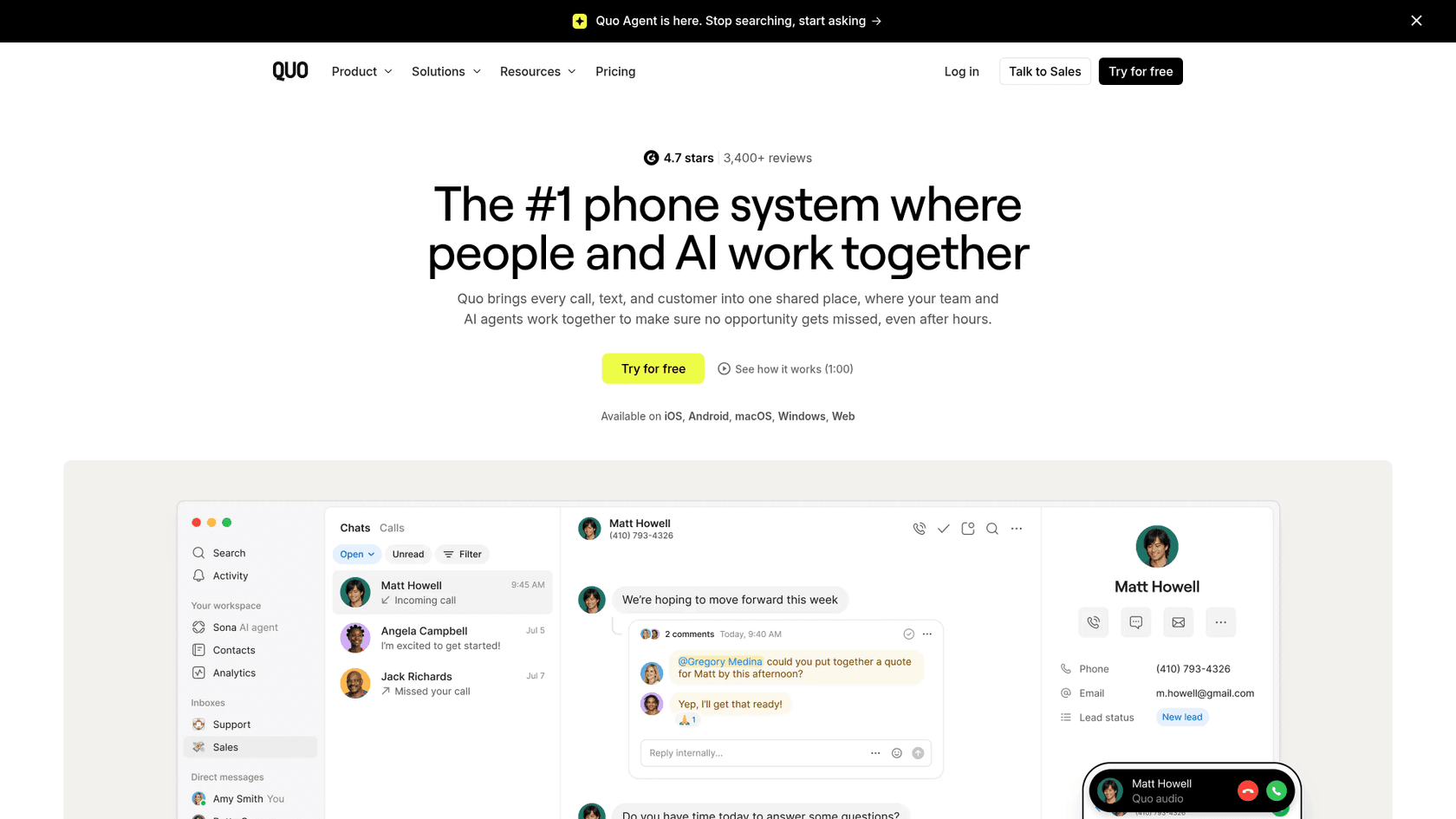
OpenPhone is now Quo, and the old openphone.com pricing page redirects there. It is the simplest product in this list, in a good way: one shared inbox for calls and texts, internal comments on a thread, and an AI agent called Sona on every plan.
What it does well
- Starter at $15 annual, Business at $23, Scale at $35, with no seat minimum and a 7-day trial.
- Phone menus (IVR), call transfers, auto-recording and HubSpot or Salesforce sync on Business.
- Unlimited US and Canada calling and one number per user included, with extra numbers at $5.
Where it falls short
- Call queues, live monitoring and a Zendesk integration are not listed on the pricing page.
- US texting needs a one-time $19.50 registration and a $1.50 to $3 monthly fee.
My take: Quo is my pick for a tiny team that wants a shared support number that feels like a group chat. Once you need a team lead watching a live queue, you have outgrown it.
7. Zoom Phone: if your company already lives in Zoom
Best for: companies that already pay for Zoom and want the support line on the same admin console.
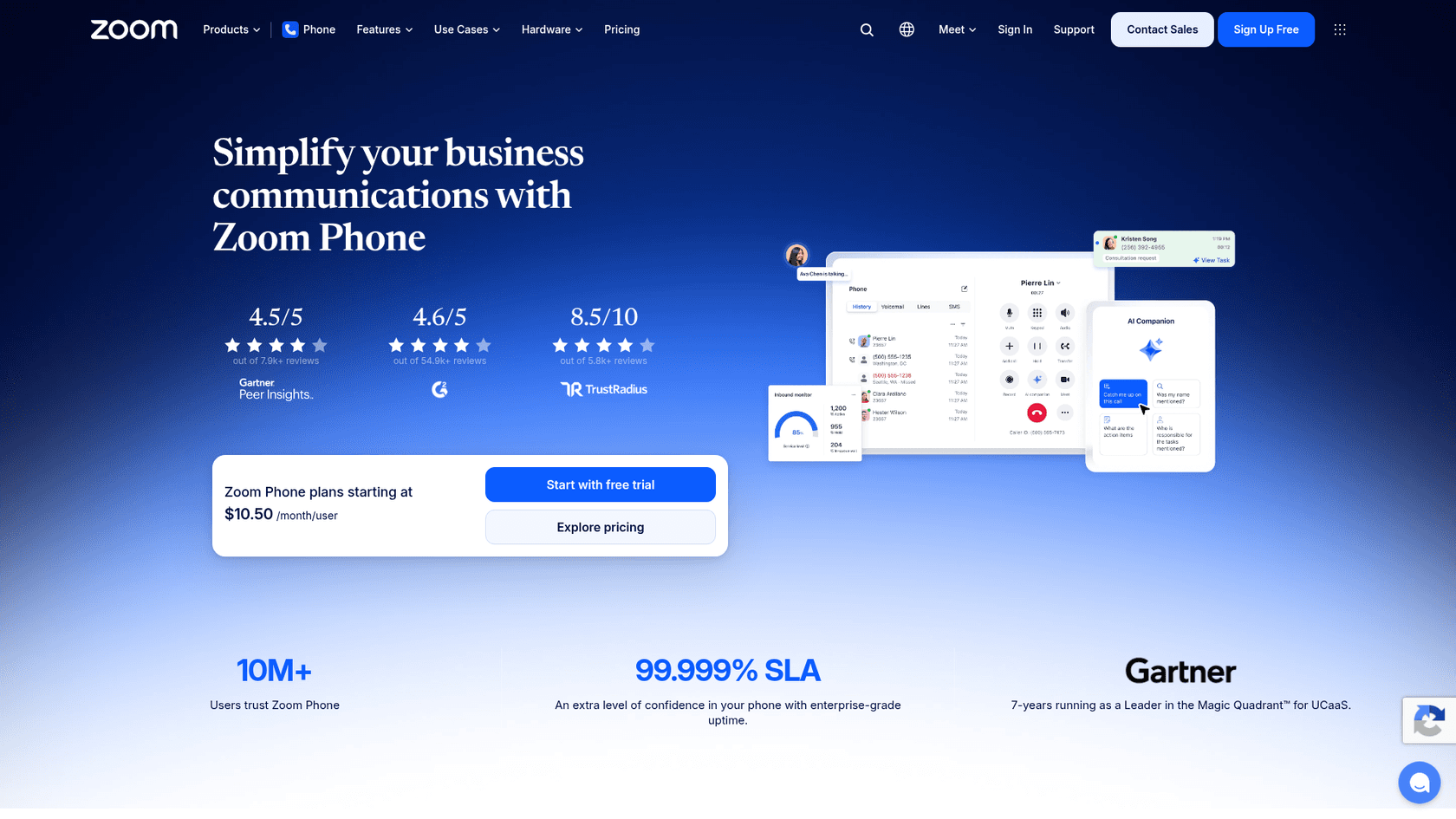
Zoom Phone starts at $10.50 a user on the US and Canada Metered plan, the lowest sticker in this list, and $16 for unlimited calling. It has shared lines, call queues and team SMS, and hands off to Zoom Contact Center when you outgrow it.
What it does well
- The lowest entry price here, plus a free trial with 100 minutes.
- Call queues on the phone plans, with an enhanced queue analytics add-on at $25 a month.
- Unlimited international calling for $10 a month extra.
Where it falls short
- Monitoring, IVR tiers and CRM sync by plan are not itemised on the pricing page.
- The real support call center, Zoom Contact Center, is priced separately.
- License caps sit at 99 on the first three plans.
Pricing
| Plan | Annual, per user |
|---|---|
| US and Canada Metered | $10.50 |
| US and Canada Unlimited | $16 ($18 monthly) |
| Pro Plus | $20.50 |
| Business Plus | $24.50 |
My take: Zoom Phone wins on price if you already run Zoom. For a dedicated support team, the missing monitoring detail means you should trial it with your team lead before you move numbers. Our Zoom pricing guide covers the wider Zoom bill.
8. Talkdesk: when you are really buying a contact center
Best for: support operations with 50+ agents, workforce management needs, or regulated industries.
Talkdesk is a different weight class. It sells a full CCaaS platform (contact center as a service) with Voice Essentials at $105 a user on Talkdesk's pricing, and Elite at $165 adds workforce management, screen recording and performance management. If you are comparing it with Aircall, you are probably outgrowing Aircall rather than leaving it.
What it does well
- Workforce management and quality tooling that no other tool here includes.
- Industry editions at $225 for healthcare, financial services and retail.
- Talkdesk Express for US and Canada companies under 50 employees, with 25 licences and $100 of credit, no contract.
Where it falls short
- Every AI product (Copilot, Autopilot, Navigator, Interaction and Quality Analytics) is quote only.
- Billing terms, seat minimums and per-minute rates are not on the pricing page.
Pricing
| Plan | Per user/mo |
|---|---|
| Digital Essentials | $85 |
| Voice Essentials | $105 |
| Elite | $165 |
| Industry Experience Clouds | $225 |
My take: pick Talkdesk when you need workforce management and quality scoring across a large team. For under 25 agents, it is more contact center than you will use. Our contact center management guide covers what that extra layer buys you.
9. 8x8: global phone and contact center from one vendor
Best for: international support teams that want office phones and a contact center from one contract.
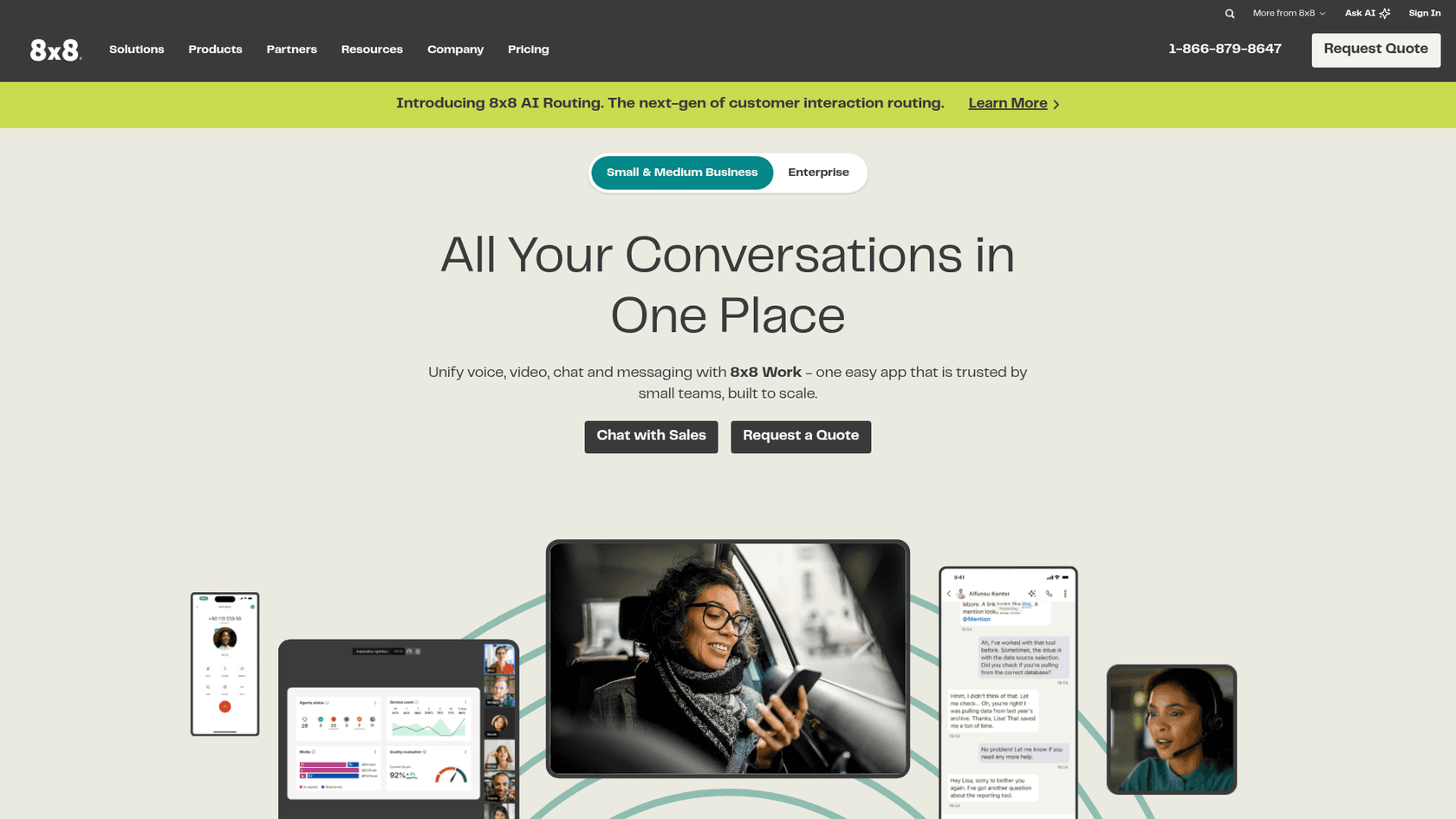
8x8 sells unified communications and a contact center together, and its newest feature is 8x8 AI Routing, which replaces manual IVR trees with intent-based routing. Its contact center pages show Salesforce and Zendesk integrations.
What it does well
- One vendor for business phones and contact center.
- AI Routing instead of hand-built IVR menus.
Where it falls short
- No public pricing: the homepage offers "Chat with Sales" and "Request a Quote", and the pricing URLs no longer load.
- No free trial is listed.
My take: 8x8 belongs on the shortlist for an international team big enough to run a procurement process. A 10-agent team that wants to start this month will move faster with CloudTalk or Dialpad.
What would 10 agents actually cost?
Sticker prices hide two things: seat minimums and which plan has the features a support team needs. Here is the like-for-like view, the cheapest plan on each tool that lists live call monitoring, for 10 agents on annual billing.
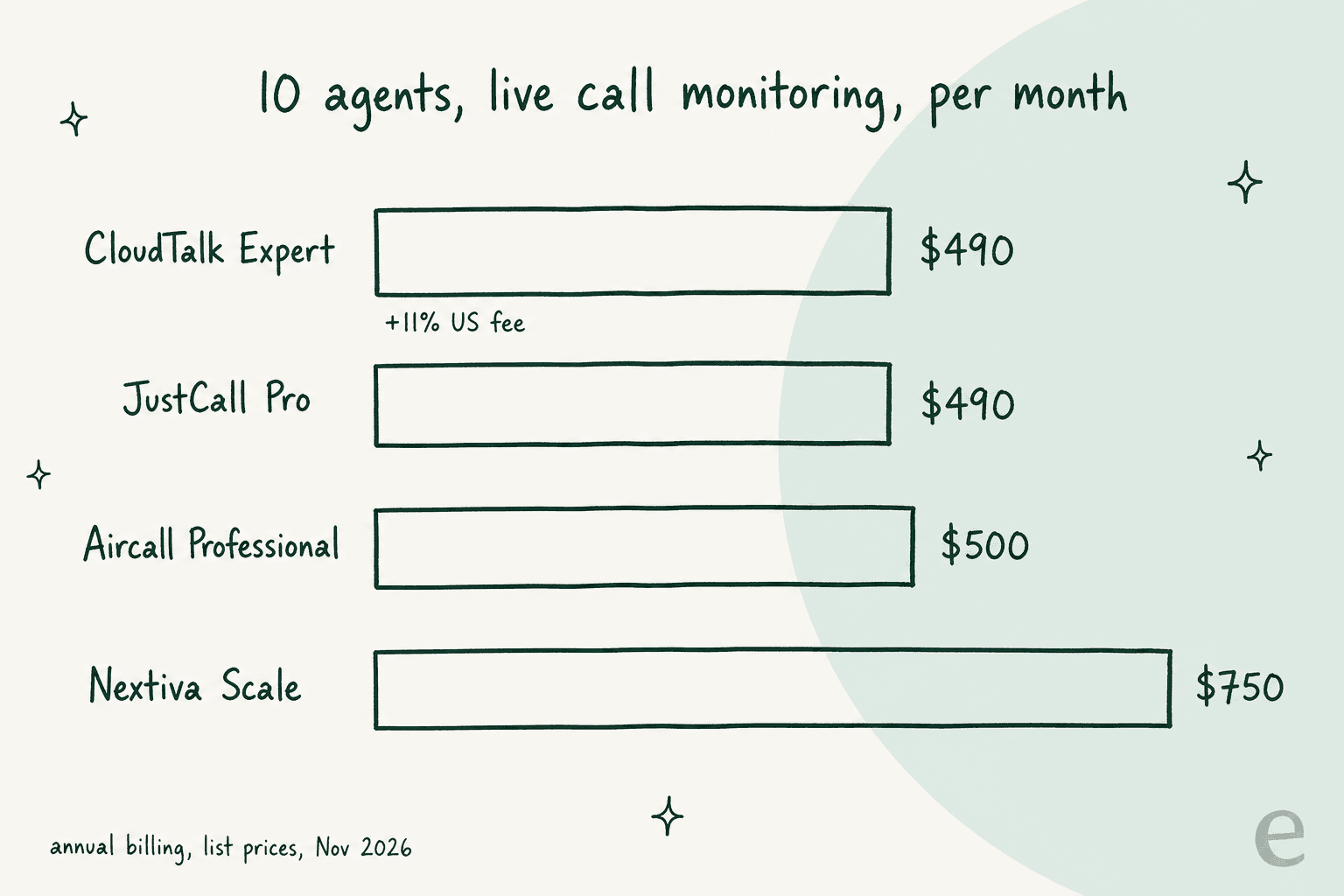
The surprise for most teams: at 10 agents, the big three self-serve tools land within $50 of each other. JustCall Pro saves you $10 a month against Aircall Professional, and CloudTalk Expert ends up around $544 once the 11% US fee is added, slightly above Aircall. You switch for contract terms, trial terms, call quality or a feature, not for the seat price. If cost per agent is the real worry, agent productivity moves the number more than the seat price does. The real savings only show up if you can drop down to a simple phone plan because you never used the queue.
Plug in your own team size:
What would your support team pay per month?
Pick a team size. Prices are list prices on annual billing from each vendor's own pricing page, November 2026, with seat minimums applied.
| Tool | Simple phone plan | Monthly | Call center plan | Monthly |
|---|---|---|---|---|
| Aircall | Essentials ($30) | $150 | Professional ($50) | $250 |
| CloudTalk +11% US fee | Essential ($29) | $145 | Expert ($49) | $245 |
| JustCall | Team ($29) | $145 | Pro ($49) | $245 |
| Dialpad | Connect Standard ($15) | $75 | Support Essentials ($89) | $445 |
| RingCentral RingCX is a separate product | Core ($20) | $100 | RingCX (from $65) | $325 |
| Nextiva | Core ($15) | $75 | Scale ($75) | $375 |
| Quo no monitoring listed | Business ($23) | $115 | Not offered | n/a |
| Zoom Phone contact center sold separately | US & CA Unlimited ($16) | $80 | Not offered | n/a |
| Talkdesk quote for terms | Quote only | n/a | Voice Essentials ($105) | $525 |
| Tool | Simple phone plan | Monthly | Call center plan | Monthly |
|---|---|---|---|---|
| Aircall | Essentials ($30) | $300 | Professional ($50) | $500 |
| CloudTalk +11% US fee | Essential ($29) | $290 | Expert ($49) | $490 |
| JustCall | Team ($29) | $290 | Pro ($49) | $490 |
| Dialpad | Connect Standard ($15) | $150 | Support Essentials ($89) | $890 |
| RingCentral RingCX is a separate product | Core ($20) | $200 | RingCX (from $65) | $650 |
| Nextiva | Core ($15) | $150 | Scale ($75) | $750 |
| Quo no monitoring listed | Business ($23) | $230 | Not offered | n/a |
| Zoom Phone contact center sold separately | US & CA Unlimited ($16) | $160 | Not offered | n/a |
| Talkdesk quote for terms | Quote only | n/a | Voice Essentials ($105) | $1,050 |
| Tool | Simple phone plan | Monthly | Call center plan | Monthly |
|---|---|---|---|---|
| Aircall | Essentials ($30) | $750 | Professional ($50) | $1,250 |
| CloudTalk +11% US fee | Essential ($29) | $725 | Expert ($49) | $1,225 |
| JustCall | Team ($29) | $725 | Pro ($49) | $1,225 |
| Dialpad | Connect Standard ($15) | $375 | Support Essentials ($89) | $2,225 |
| RingCentral RingCX is a separate product | Core ($20) | $500 | RingCX (from $65) | $1,625 |
| Nextiva | Core ($15) | $375 | Scale ($75) | $1,875 |
| Quo no monitoring listed | Business ($23) | $575 | Not offered | n/a |
| Zoom Phone contact center sold separately | US & CA Unlimited ($16) | $400 | Not offered | n/a |
| Talkdesk quote for terms | Quote only | n/a | Voice Essentials ($105) | $2,625 |
"Call center plan" means the cheapest tier that lists live call monitoring or call queues. Minimums: Aircall 3 seats, JustCall 2, CloudTalk Expert 3. Calls outside the US and Canada, extra numbers and AI add-ons are billed on top. 8x8 publishes no prices.
How do you switch without losing calls?
The contract theme in Aircall reviews is the practical warning here. One Capterra reviewer was pushed into two extra full-price terms: one from a missed cancellation deadline, and a second when "porting our number out to a new provider required a full extra month at full price". Plan the move around that.
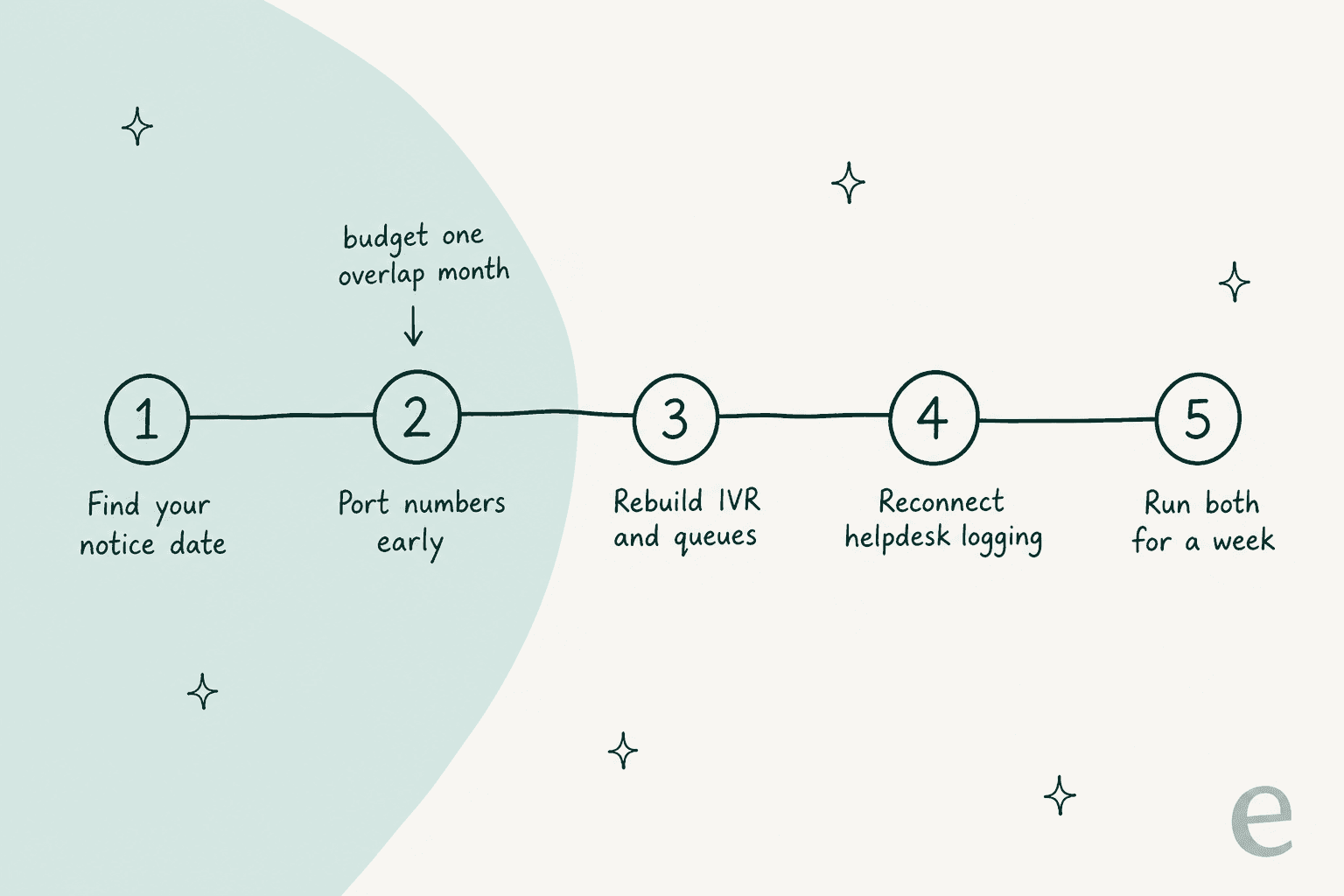
- Find your notice date. Pull your Aircall order form and put the cancellation deadline in a calendar before you trial anything.
- Port numbers early, and budget one overlap month. Porting takes time, and you will pay both vendors while it happens.
- Rebuild your IVR and queues. None of these tools import Aircall call flows. Our walkthrough on IVR phone tree setup shows the shape of a good one.
- Reconnect helpdesk logging. Check that calls, call recordings and voicemail transcripts land on the right ticket in your helpdesk.
- Run both for a week. Route a slice of calls to the new tool and compare dropped calls and missed call alerts before the full cutover.
What about the tickets the phone does not answer?
Here is the part most switching projects miss. A support team's calls are usually a minority of its work. The rest is email, chat and the tickets your phone system creates when it logs a missed call or a voicemail. Swapping Aircall for CloudTalk changes none of that.
That is the job eesel does. eesel is an AI helpdesk teammate: it joins the helpdesk you already run, learns from your help center and past tickets, and drafts or sends replies on the text tickets. It does not answer phone calls, and it does not replace your phone system. It sits next to whichever one you pick, on any of these helpdesks:
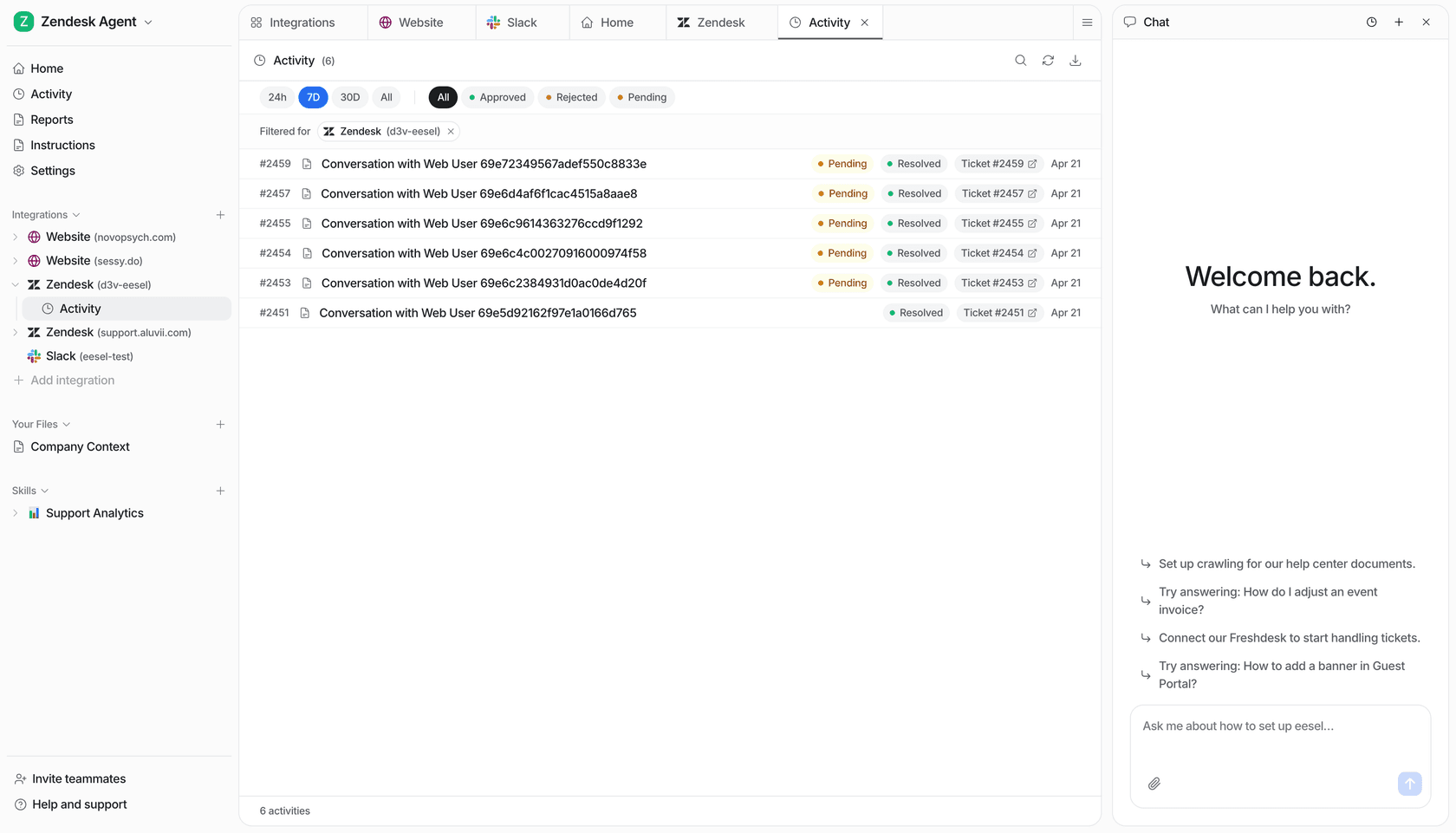
The detail I like most comes from a real setup. Lesson Pro, which runs private lessons across the US, has eesel on two Zendesk accounts. In one month eesel worked about 1,900 Zendesk tickets, left about 1,700 internal notes and drafted about 560 replies for the team to send. And voicemails are skipped on purpose, along with job applications and order forms, because those are for people. That is the right split for a phone-heavy team: the phone system takes the call, a person handles the voicemail, and the AI clears the email queue so that person has time to call back.
If you are also weighing AI on the phone itself, Zendesk now has AI agents for voice in early access too. Beyond that, the voice agents above (Aircall at $0.29 a minute, JustCall down to $0.15) are the place to start. Our guides to AI voice agents for support and the best AI for phone support compare them.
The best AI voice agents list covers the standalone tools, and ecommerce teams should read our take on AI phone support for ecommerce.
Which Aircall alternative should you choose?
Here is how I would decide, by situation:
- You like Aircall but hate the terms: trial CloudTalk first. Same model, $49 for the monitoring tier, a 14-day trial with no card.
- You are a small team with no real queue: Dialpad Connect at $15 or Quo at $15 to $23. You will save the most here.
- Your agents also dial out: JustCall Pro at $49.
- The support line is part of a company-wide phone rollout: RingCentral, or Zoom Phone if you already pay for Zoom.
- You want calls and chat without a helpdesk: Nextiva Engage.
- You have 50+ agents and need workforce management: Talkdesk, or 8x8 if you are international.
- You are on Zendesk and want fewer tools: look at Zendesk voice support. Basic voice comes with Suite Team at $55 an agent on Zendesk's pricing, and IVR and monitoring with Suite Professional at $115. The full Zendesk pricing post covers the number and minute add-ons.
If you are rethinking the helpdesk as well, our Zendesk alternatives post covers it, and Freshdesk Contact Center is the helpdesk-plus-voice option on the Freshworks side.
For a wider view beyond phone systems, our roundup of customer service call center software and the call center automation guide go further.
Try eesel alongside your new phone system
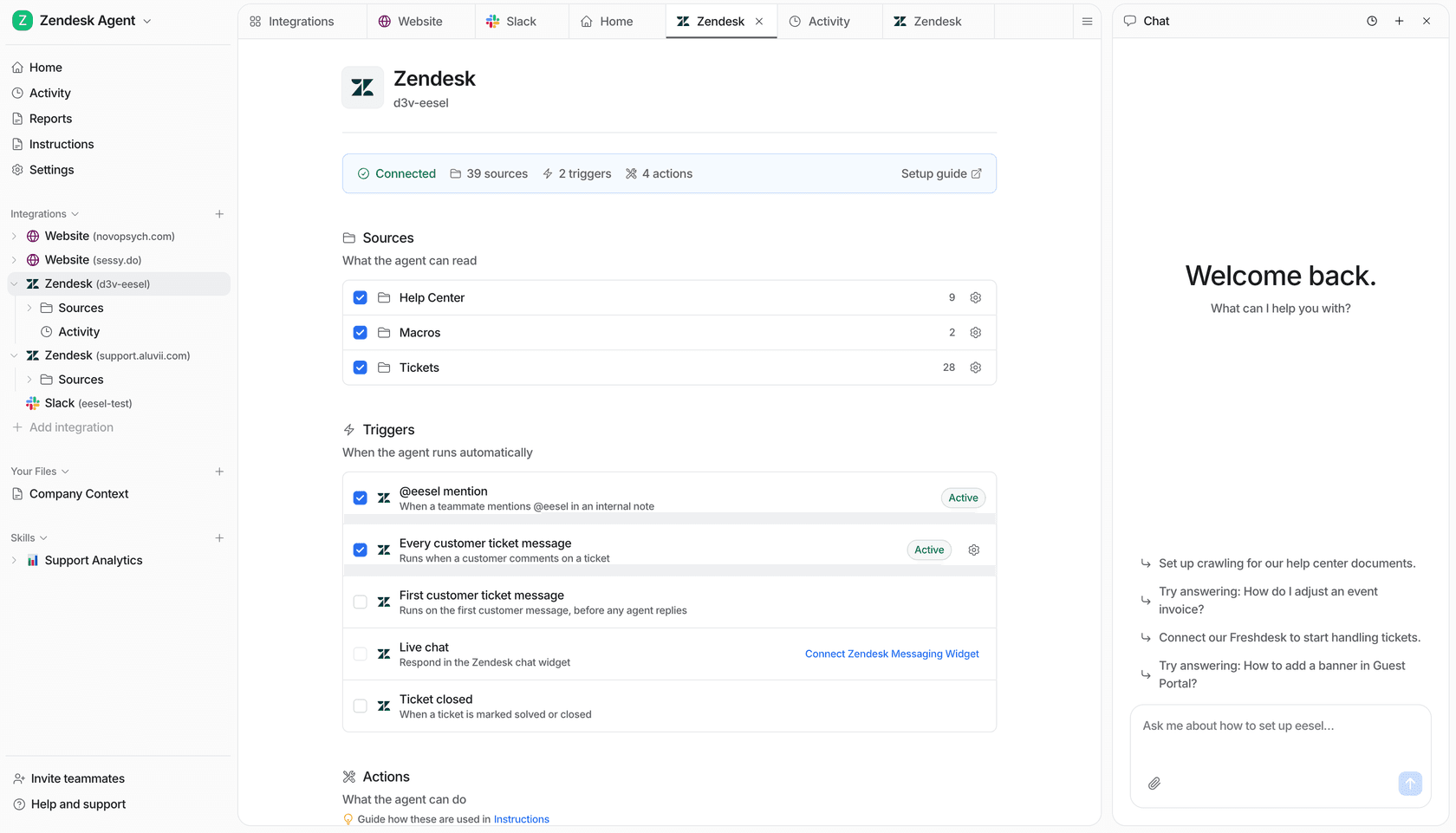
Whichever phone system wins your trial, the email and chat side of the queue is still waiting. eesel connects to your helpdesk in minutes, reads your help center, macros and past tickets, and starts drafting or sending replies in your team's voice, with a person approving anything you want checked first. You can test it on your own past tickets before it touches a live one.
Pricing is a fixed monthly plan, from $299 for 500 credits, where a ticket or a chat is one credit, with no per-seat fee. That last part matters if the 3-licence minimum is what sent you here. There is a free trial with 100 credits and no card. Try eesel.