If your support team handles phone calls alongside tickets, you've probably felt the friction. Agents switch between Zendesk and a separate phone system. Call details get lost. Customer context lives in one place while the conversation happens in another.
The CloudTalk Zendesk integration solves this by bringing your phone system directly into Zendesk. Your agents can make and receive calls, see customer profiles, and log everything automatically without leaving their workspace.
Here's what this integration actually does, how to set it up, and what results real teams are seeing.
What is the CloudTalk Zendesk integration?
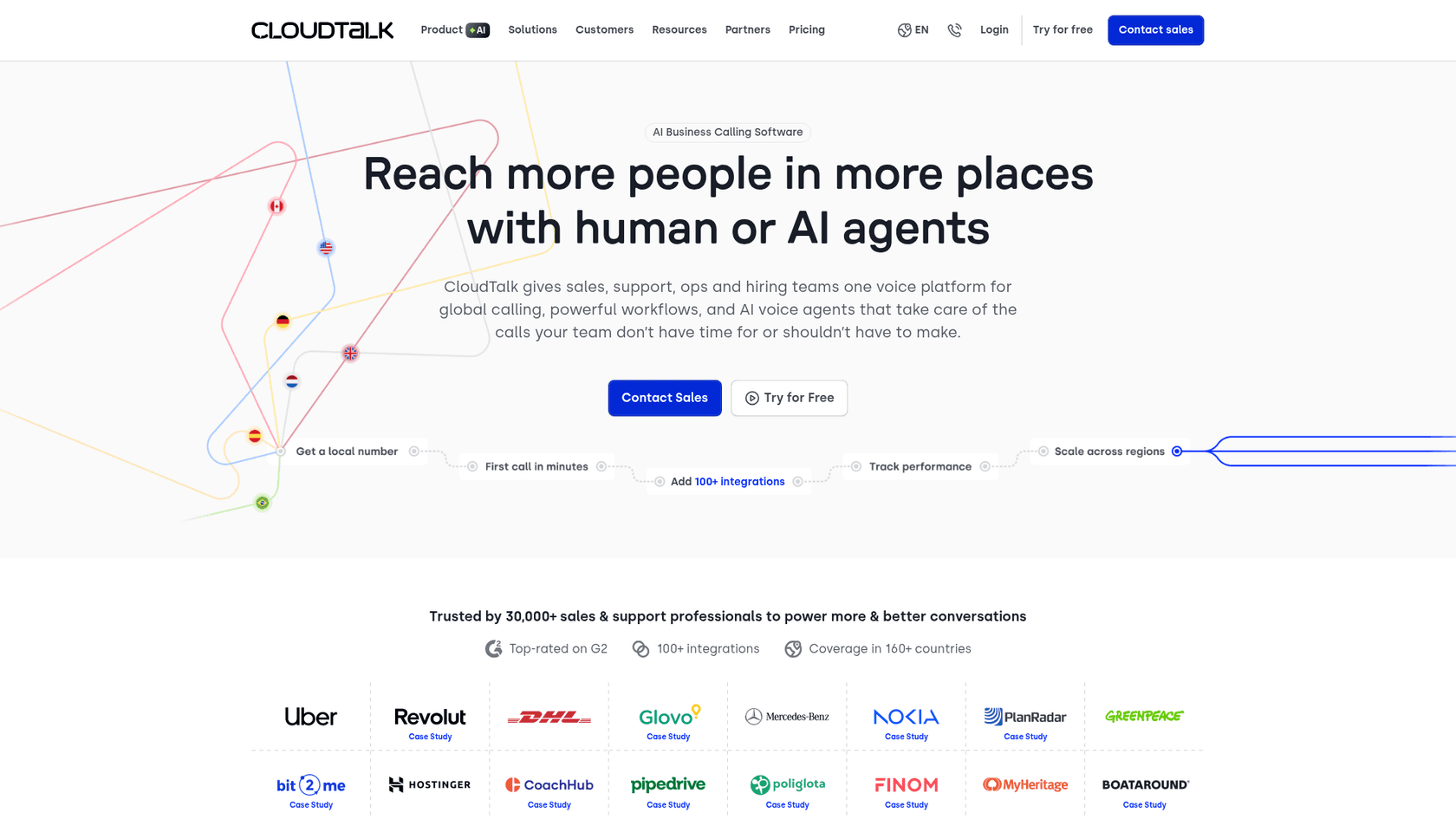
CloudTalk is cloud-based call center software that gives teams phone numbers in 160+ countries, call routing, AI-powered features, and analytics. When you connect it to Zendesk, you get two types of integration working together:
Data synchronization keeps contact information and call records synced between both platforms. When someone calls, CloudTalk checks Zendesk for their profile. When an agent logs a call, it appears as a ticket in Zendesk with recordings, notes, and tags attached.
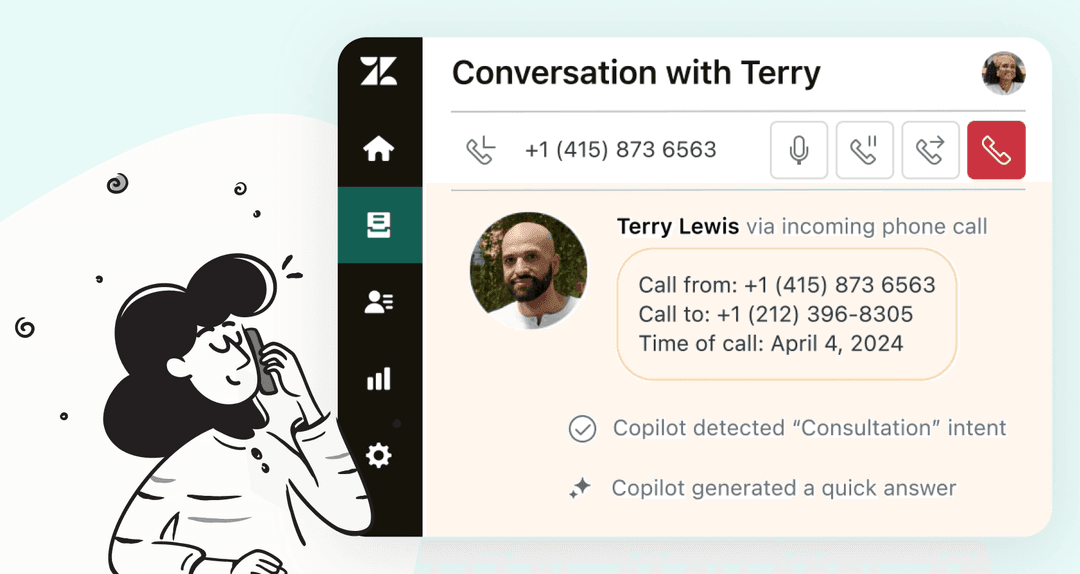
CTI (Computer Telephony Integration) embeds CloudTalk's calling interface directly into Zendesk. Agents see a dialer in their sidebar, can click any phone number to call, and get automatic popups showing who's calling before they answer.
This matters for teams that:
- Handle high call volumes alongside tickets
- Want agents to have full customer context during calls
- Need call data logged automatically for reporting
- Run support and sales operations through Zendesk
While CloudTalk handles the phone channel, teams looking to automate their entire support operation across email, chat, and tickets often pair it with eesel AI for comprehensive AI-powered ticket resolution.
Key features and benefits
Two-way data synchronization
The integration syncs contacts, calls, and tickets in real time:
- Contact sync pulls names, emails, and phone numbers from Zendesk into CloudTalk (and vice versa), so both systems stay current
- Automatic ticket creation logs every call, voicemail, and SMS as a Zendesk ticket with full details attached
- Recording export adds call recordings and transcripts directly to the corresponding tickets
- SMS logging captures text conversations in Zendesk for complete communication history
Click-to-call and CTI features
The embedded phone interface transforms how agents work:
- Click-to-call turns any phone number in Zendesk into a clickable link. Right-click and dial instantly
- Automatic caller profile pops up the customer's Zendesk profile and ticket history when they call in
- In-app calling lets agents make and receive calls without leaving Zendesk
- Call controls include hold, transfer, mute, and conference calling from the sidebar
AI-powered capabilities
CloudTalk layers AI on top of the phone experience:
- AI Voice Agents handle routine inbound and outbound calls 24/7, escalating to humans only when needed
- Conversation Intelligence transcribes calls, analyzes sentiment, extracts topics, and scores conversations automatically
- Smart dialer builds call lists from CRM views and dials with one click
- Power dialer automates sequential calling, skipping voicemails and connecting agents only to live answers
Real results from real teams
The numbers back up the claims:
- Swile reduced support tickets by 50% after implementing CloudTalk with Zendesk
- Dentakay increased call volume 2.5X in 8 months while 90% of agents saved time using the power dialer
- Capitalo boosted efficiency 83.3% with AI features, cutting call analysis time from 2 hours to 20 minutes daily
- Bit2Me dropped missed calls from 80% to 16% and cut wait times by 85%
CloudTalk pricing for Zendesk integration
The Zendesk integration works across all CloudTalk plans. Here's the breakdown:
| Plan | Annual Price | Monthly Price | Key Features |
|---|---|---|---|
| Lite | €19/user/mo | €27/user/mo | Unlimited US/Canada calls, 1 ring group, click-to-call |
| Starter | €25/user/mo | €34/user/mo | 500 EU/UK minutes, unlimited ring groups, basic integrations |
| Essential | €29/user/mo | €39/user/mo | Unlimited calls, smart dialer, 95+ standard integrations |
| Expert | €49/user/mo | €69/user/mo | Power dialer included, Salesforce integration, min 3 users |
Important notes:
- The Zendesk integration is included in all plans (not a paid add-on)
- Annual billing saves approximately 30% (equivalent to 3+ free months)
- 14-day free trial available without credit card
- AI Voice Agents are a separate add-on starting at €350/month for 1,000 minutes
For teams comparing costs across AI support solutions, our pricing at eesel AI takes a different approach: we charge per AI interaction rather than per seat, which often works out better for growing teams.
How to set up the CloudTalk Zendesk integration
Prerequisites
Before you start, you'll need:
- An active CloudTalk account with admin access
- An active Zendesk account with admin permissions
- Matching email addresses for users in both systems (this simplifies user mapping)
Step 1: Connect Zendesk to CloudTalk
Log into CloudTalk and navigate to Account > Integrations. Find Zendesk in the list and click to add it. You'll be prompted to authorize the connection between the two platforms.

The system will ask you to sign into Zendesk and grant permissions. Once authorized, the basic connection is established.
Step 2: Configure data synchronization
After connecting, you'll see options for what data to sync:
- Enable contact synchronization to keep customer records aligned
- Set call export rules to determine which calls create Zendesk tickets (all calls, inbound only, outbound only, etc.)
- Configure ticket assignment rules so calls get routed to the right agents or groups
- Choose whether to include call recordings and transcripts in tickets
You can also set number-specific overrides if different phone lines should behave differently.
Step 3: Install the CloudTalk CTI in Zendesk
For the embedded calling experience, install the CloudTalk for Support app from the Zendesk Marketplace.
Once installed, agents will see the CloudTalk dialer in their Zendesk sidebar. They can make calls, receive calls, and see customer information without switching tabs.
Step 4: Configure call handling rules
Fine-tune how calls behave in Zendesk:
- Set per-call-type behaviors (what happens with inbound calls vs. missed calls vs. voicemails)
- Configure ticket properties like priority, tags, and custom fields for different call types
- Define assignment rules so tickets go to specific groups or agents based on the phone number called
- Set up business hours to route after-hours calls to voicemail or specific queues
Step 5: Test the integration
Before going live:
- Make a test call to one of your CloudTalk numbers
- Verify the caller ID popup appears in Zendesk
- Check that a ticket was created with the call details
- Test click-to-call by right-clicking a phone number in a Zendesk ticket
- Confirm call recordings appear in tickets after the call ends
If everything works as expected, you're ready to roll it out to your team.
Is the CloudTalk Zendesk integration right for you?
This integration makes sense if your team spends significant time on phone support and wants to keep everything in one place. The CTI features eliminate tab-switching, while automatic ticket creation ensures nothing falls through the cracks.
For teams already using Zendesk as their primary help desk, adding CloudTalk is straightforward. The integration takes minutes to set up, not hours. And since it's included in all plans, there's no extra cost beyond your CloudTalk subscription.
The combination becomes particularly powerful when you add AI to handle routine work. CloudTalk's AI Voice Agents can manage simple calls 24/7. And for everything else email, chat, and tickets eesel AI provides autonomous resolution that learns from your existing conversations.
Together, they create a support operation where phone calls, tickets, and customer data flow seamlessly between systems. Agents get context. Customers get faster responses. And you get better visibility into what's actually happening across your support channels.
Real customer results
The best way to understand the impact is looking at actual deployments.
Swile, a French employee benefits platform, integrated CloudTalk with Zendesk and saw a 50% reduction in support tickets. By automating call logging and giving agents full customer context upfront, they eliminated the back-and-forth that previously generated extra tickets.
Dentakay, a dental tourism company, scaled their call volume 2.5X in just 8 months. Their data management specialist noted that about 90% of agents now use the power dialer to automate dialing, saving significant time on every call.
Capitalo, a financial services company, achieved an 83.3% efficiency boost using CloudTalk's AI features. Their sales operations manager reported that AI cut their call quality analysis time from 2 hours to 20 minutes daily, while also reducing mis-targeted leads by 24%.
A customer success manager at Bit2Me summarized the transformation: "With CloudTalk, we dropped our missed calls from 80% to 16% and cut wait times by over 85%, while scaling from 2 to 20+ agents."
Taking your Zendesk support further with eesel AI
CloudTalk solves the phone channel exceptionally well. But modern support teams handle tickets across multiple channels: email, chat, social, and SMS. That's where eesel AI comes in.

While CloudTalk automates phone workflows, eesel AI acts as an autonomous support agent that handles tickets end-to-end across all channels. Here's how they complement each other:
- CloudTalk handles voice calls, voicemails, and SMS with AI voice agents and conversation intelligence
- eesel AI takes over email, chat, and ticket-based support with an AI agent that drafts and sends responses, escalates complex issues, and learns from your past tickets
Together, they create a comprehensive automation layer for your Zendesk instance. Phone calls get CloudTalk's voice AI and CTI features. Everything else gets eesel AI's ticket resolution capabilities.
Our Zendesk AI integration connects in minutes, learns from your existing tickets and help center, and can run simulations on past tickets before going live. You start with eesel drafting replies for review, then level up to full autonomous responses as it proves itself.
If you're already investing in CloudTalk for phone support, adding eesel AI completes the picture for true omnichannel automation. Teams using both typically see up to 81% autonomous resolution across all support channels.