Connecting your phone system with your CRM should not require a week of setup or an engineering degree. The CloudTalk HubSpot integration brings voice calling directly into your CRM, letting sales and support teams make calls, log activities, and trigger workflows without switching between apps.
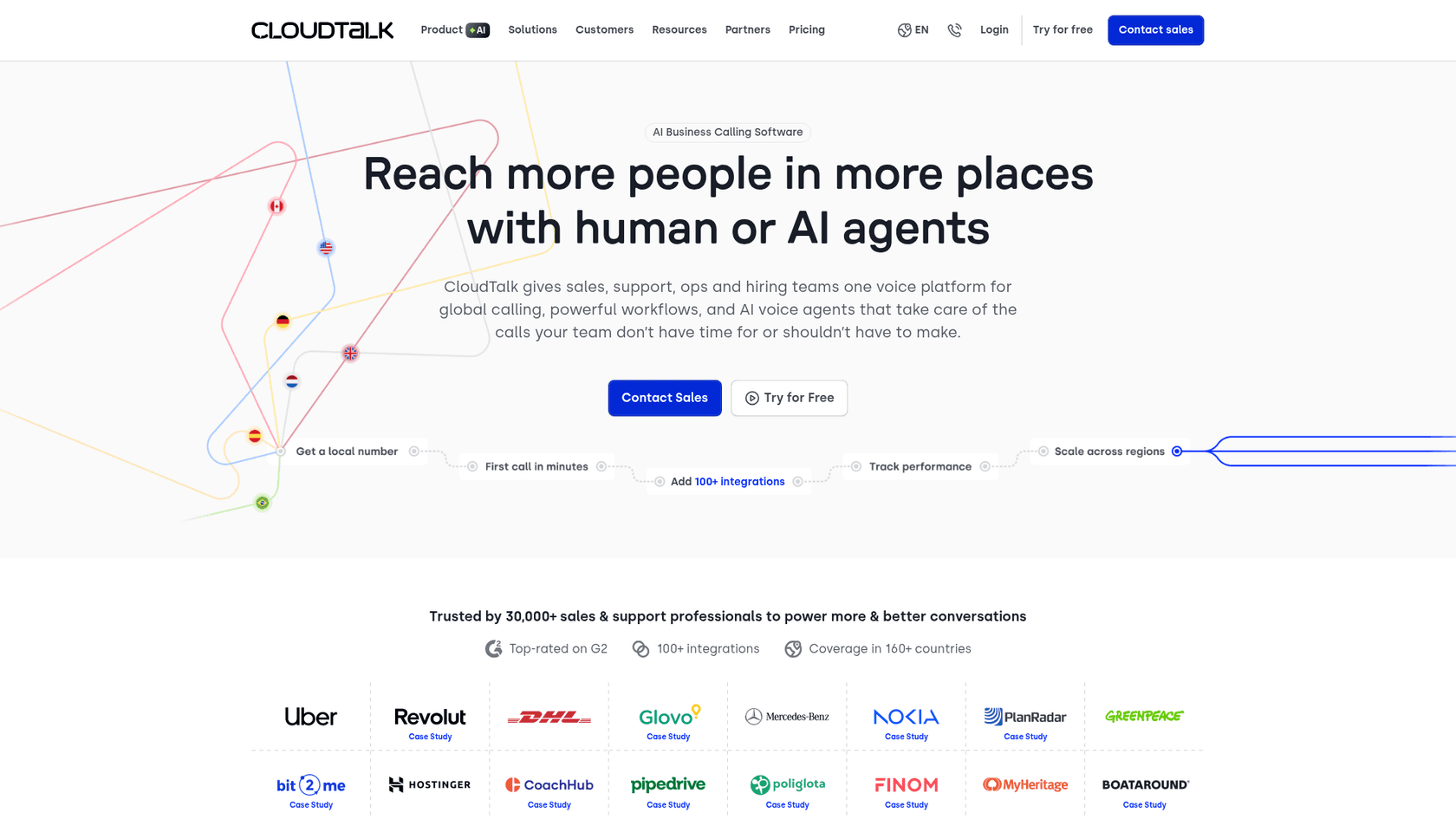
CloudTalk is an AI-powered business calling platform used by over 30,000 sales and support professionals at companies like Uber, Revolut, and DHL. When connected to HubSpot, it creates a two-way data flow that keeps contact records updated and call activities logged automatically. For teams exploring AI-powered alternatives for customer service automation, eesel AI offers autonomous support capabilities that complement calling integrations.
Prerequisites and what you need to get started
Before setting up the integration, ensure you have the right plans and permissions in place.
CloudTalk requirements:
- Essential plan or higher (starting at €29/user/month when billed annually)
- Admin access to your CloudTalk account
HubSpot requirements:
- Sales Hub or Service Hub Professional plan
- Permission to install apps from the HubSpot Marketplace
Important: The email address you use in CloudTalk must match exactly with your HubSpot user email. If they do not match, synchronization will not work correctly. CloudTalk agents must also have the same email as their HubSpot user account.
If you are exploring other AI-powered options for HubSpot, you might also consider eesel AI's HubSpot integration for automating support workflows.
How to set up the CloudTalk HubSpot integration
Step 1: Connect CloudTalk to HubSpot
Start by logging into your CloudTalk dashboard. Navigate to Account > Integrations from the main menu. Find HubSpot in the list of available integrations and hover over it to reveal the + Add button.
Clicking Add redirects you to HubSpot's authentication page. Enter your HubSpot credentials and select the account you want to integrate if you have multiple HubSpot accounts. After authorizing the connection, you will be redirected back to CloudTalk where you can customize your integration settings.

Step 2: Configure synchronization settings
Once connected, you control exactly what data flows between the two systems. Choose which call types to log in HubSpot: inbound calls, outbound calls, missed calls, and voicemails. You can also decide whether call activities are created when a call is answered or when it ends.
The Connected Numbers section lets you limit the integration to specific phone numbers. If left blank, all company numbers will sync with HubSpot. You can also choose to log only calls made during business hours and customize how new contacts are created for unknown numbers.

Step 3: Set up the HubSpot CTI widget
The CloudTalk CTI (Computer Telephony Integration) widget embeds calling capabilities directly into HubSpot. To install it, go to the HubSpot App Marketplace, search for CloudTalk, and install the app.
In HubSpot, navigate to Settings > Objects > Activities > Calling and select CloudTalk as your default calling provider. Assign phone numbers to your agents so they can start making and receiving calls directly from HubSpot contact, deal, and company records.

Step 4: Map custom fields and outcomes
Outcome mapping ensures your call results are properly categorized in HubSpot. CloudTalk can populate the HubSpot Activity Outcome field in three ways:
- Call Type Disposition: Set default outcomes for inbound, outbound, missed calls, and voicemails
- Tag-Based Outcome Mapping: Map CloudTalk call tags to specific HubSpot outcomes
- Campaign Disposition Mapping: Map campaign dispositions when using CloudTalk's dialer campaigns
If multiple configurations apply to the same call, the priority order is: Campaign Disposition Mapping (highest), then Tag-Based Outcome Mapping, then Workflow Call Type Setting (fallback).

Key features that make this integration powerful
Click-to-call from HubSpot
The CTI widget adds a call icon to every contact, deal, and company record in HubSpot. Click any phone number to initiate a call instantly through CloudTalk. The call opens in the CloudTalk Phone app while remaining connected to your HubSpot session. No manual dialing, no copying and pasting numbers, no switching between browser tabs.
Two-way contact synchronization
Contacts sync automatically every 5-10 minutes between the two platforms. When a contact's owner changes in HubSpot, CloudTalk updates the contact's Favorite Agent assignment accordingly. The integration also removes duplicates and refreshes contact data including names, phone numbers, email addresses, and deal statuses.
Power and parallel dialer
Sales teams can populate CloudTalk's Power Dialer campaigns directly from HubSpot contact lists. The Power Dialer automatically sequences through calls, removing repetitive tasks and helping reps reach up to 3x more customers daily. For even higher volume, the Parallel Dialer dials up to 10 leads simultaneously, connecting agents only to answered calls and automatically skipping voicemails.
For teams interested in AI-powered sales automation, eesel AI's sales assistant tools offer complementary capabilities for automating outreach and follow-ups.
AI-powered call insights
CloudTalk's AI Conversation Intelligence add-on (€9/user/month) automatically transcribes calls, analyzes sentiment, extracts topics, and scores conversations. These insights sync to HubSpot, giving managers visibility into call quality without manual review. The AI Voice Agent feature can even handle routine inbound and outbound calls 24/7, escalating only complex issues to human agents.
Sales team use cases
Power dialing through prospect lists: Import HubSpot contact lists into CloudTalk campaigns and let the dialer work through them automatically. Reps spend more time talking to prospects and less time navigating between records.
Instant screen pops: When an inbound call arrives, the CTI widget displays the caller's HubSpot profile including open deals, recent tickets, and conversation history. Reps enter every call fully informed.
Automated follow-up task creation: Use HubSpot workflows triggered by CloudTalk call outcomes to create follow-up tasks. A missed call can automatically generate a callback task assigned to the contact owner.
Call outcome tracking and pipeline updates: Map call results directly to deal stages. A "Demo Booked" tag in CloudTalk can move a deal to the next pipeline stage in HubSpot automatically.
Performance analytics and coaching: Call recordings and AI-generated scores appear directly on HubSpot contact records, making it easy for managers to review calls and provide feedback without leaving the CRM.
Teams looking to further automate their sales processes might explore eesel AI's sales assistant capabilities for additional workflow automation.
Support team use cases
Incoming call routing with customer context: When customers call, agents see their full HubSpot history before answering. Support teams can greet customers by name and reference previous interactions immediately.
Automatic ticket creation from missed calls: Missed calls can trigger HubSpot workflows that create tickets, ensuring no customer inquiry falls through the cracks.
SMS follow-ups within HubSpot workflows: Send SMS messages through CloudTalk directly from HubSpot workflows. A follow-up text after a support call can include documentation links or satisfaction surveys.
Call recording access for quality assurance: All call recordings are accessible from the HubSpot contact timeline. QA teams can review conversations, add feedback, and track improvement over time.
Multi-channel conversation history: Phone calls, SMS messages, and WhatsApp conversations all appear alongside emails and meetings in HubSpot's activity timeline, creating a complete customer communication history.
For comprehensive support automation beyond calling, eesel AI's customer support solution handles ticket routing, response drafting, and autonomous resolution.
Pricing and plans
The CloudTalk HubSpot integration is available on the Essential plan and above. Here is the complete pricing breakdown:
| Plan | Annual Price | Monthly Price | Key Features |
|---|---|---|---|
| Lite | €19/user/month | €27/user/month | Basic calling, 1 ring group |
| Starter | €25/user/month | €34/user/month | 500 EU minutes, unlimited ring groups |
| Essential | €29/user/month | €39/user/month | HubSpot integration, 95+ integrations |
| Expert | €49/user/month | €69/user/month | Power dialer included, Salesforce Suite |
Additional costs to consider:
- HubSpot Sales Hub or Service Hub Professional required (separate subscription)
- Power Dialer add-on: €15/user/month (included in Expert plan)
- Parallel Dialer add-on: €39/user/month
- AI Conversation Intelligence: €9/user/month
The integration itself does not incur additional fees beyond your CloudTalk and HubSpot subscriptions.
Best practices for maximizing the integration
Keep email addresses synchronized: Ensure every CloudTalk agent's email matches their HubSpot user email exactly. Mismatched emails are the most common cause of sync issues.
Train agents on CTI widget usage: Before going live, walk agents through making calls, transferring, adding tags, and completing after-call work within the HubSpot interface.
Set up outcome mapping early: Define your call outcome taxonomy in HubSpot first, then map CloudTalk tags to those outcomes. This ensures consistent reporting from day one.
Use workflow automation for follow-ups: Create HubSpot workflows triggered by call outcomes to automate task creation, email sends, and deal stage updates.
Regular review of call analytics: Schedule weekly reviews of call volume, connection rates, and outcome distributions to identify coaching opportunities and process improvements.
For teams looking to automate support workflows beyond calling, eesel AI's HubSpot integration provides AI-powered ticket handling and response automation.
Alternatives to consider for HubSpot calling
While CloudTalk offers robust calling capabilities, other options exist depending on your needs:
Aircall provides similar click-to-call functionality and HubSpot integration, with a focus on ease of use for smaller teams.
RingCentral offers a broader unified communications platform including video and messaging, though at a higher price point.
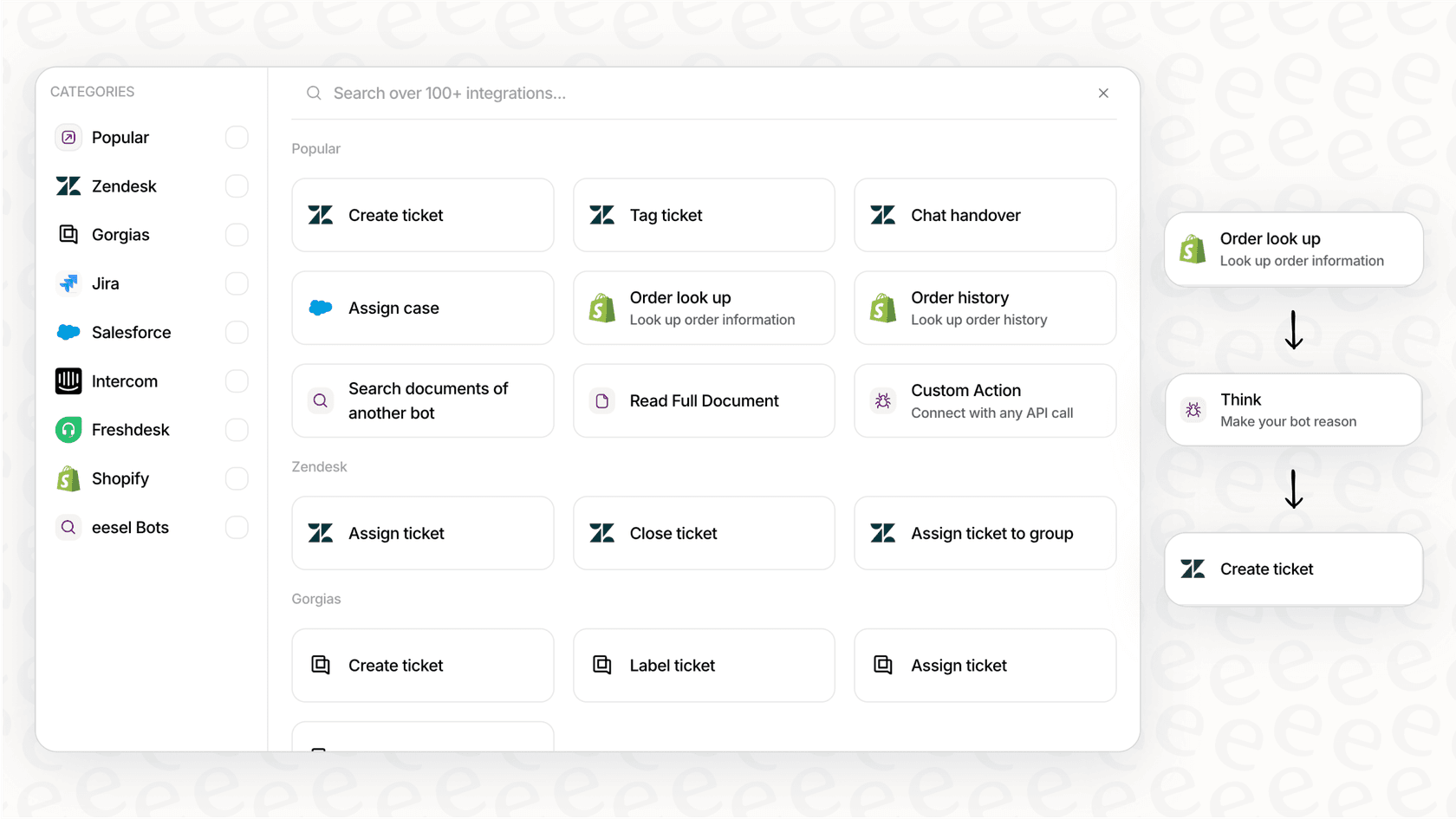
eesel AI takes a different approach for support teams, offering AI-powered automation within HubSpot that handles ticket routing, response drafting, and autonomous resolution without requiring agents to be on the phone. For teams looking to reduce call volume through better self-service and AI handling, eesel AI complements or replaces traditional calling solutions.
Getting started with CloudTalk and HubSpot
The CloudTalk HubSpot integration transforms how sales and support teams communicate with customers. By bringing calling directly into your CRM, you eliminate data silos, reduce manual logging, and give agents full context for every conversation.
To get started:
- Verify you have CloudTalk Essential (€29/user/month) and HubSpot Professional plans
- Connect the integration from CloudTalk's Account > Integrations page
- Install the CTI widget from the HubSpot Marketplace
- Configure sync settings and outcome mapping
- Train your team and start calling
For teams looking to go beyond calling and fully automate their customer service, eesel AI works alongside or in place of traditional phone systems to handle support tickets autonomously. Learn more about eesel AI pricing and how it can reduce your support workload while improving response times.