HubSpot's built-in AI (Breeze) is impressive, but it is not the whole story. The best teams know when to use native features and when to bring in specialized tools that extend what HubSpot can do.
Think of HubSpot as your central nervous system. It coordinates everything, but you still need specialized organs to handle specific functions. That is where AI add-ons come in. They plug into your CRM and handle specialized tasks with more depth than a general-purpose platform can offer.
We have spent time researching the landscape to find the seven most valuable HubSpot AI add-ons for 2026. These tools integrate deeply, solve real problems, and deliver measurable results.
How we evaluated these HubSpot AI add-ons
To make this list useful, we looked at several factors:
- Integration depth: Does it feel native or like an external tool?
- Setup complexity: How long until you see value?
- Specific use case fit: Does it solve a clear problem?
- Pricing transparency: Can you understand costs upfront?
- Proven results: Are there real customer outcomes?
We also focused on tools that complement rather than compete with HubSpot Breeze. The goal is extending HubSpot, not replacing it.
Quick comparison: Best HubSpot AI add-ons
| Tool | Primary use | Starting price | Best for |
|---|---|---|---|
| eesel AI | Support automation | $299/month | Teams wanting autonomous ticket resolution |
| HubSpot Breeze | All-in-one AI | $450/month (Service Hub Pro) | Teams staying within the HubSpot ecosystem |
| Fellow | Meeting productivity | $15/user/month | Sales teams needing CRM documentation |
| Clay | Data enrichment | $495/month | Outbound sales and account-based marketing |
| Jasper | Content creation | $69/month | Marketing teams producing content at scale |
| Zapier | Workflow automation | $35.99/month | Operations teams connecting tools |
| Gong | Revenue intelligence | ~$133/user/month | Enterprise sales teams and RevOps |
The 7 best HubSpot AI add-ons for 2026
1. eesel AI
Best for: Support teams that want AI to actually resolve tickets, not just draft replies.
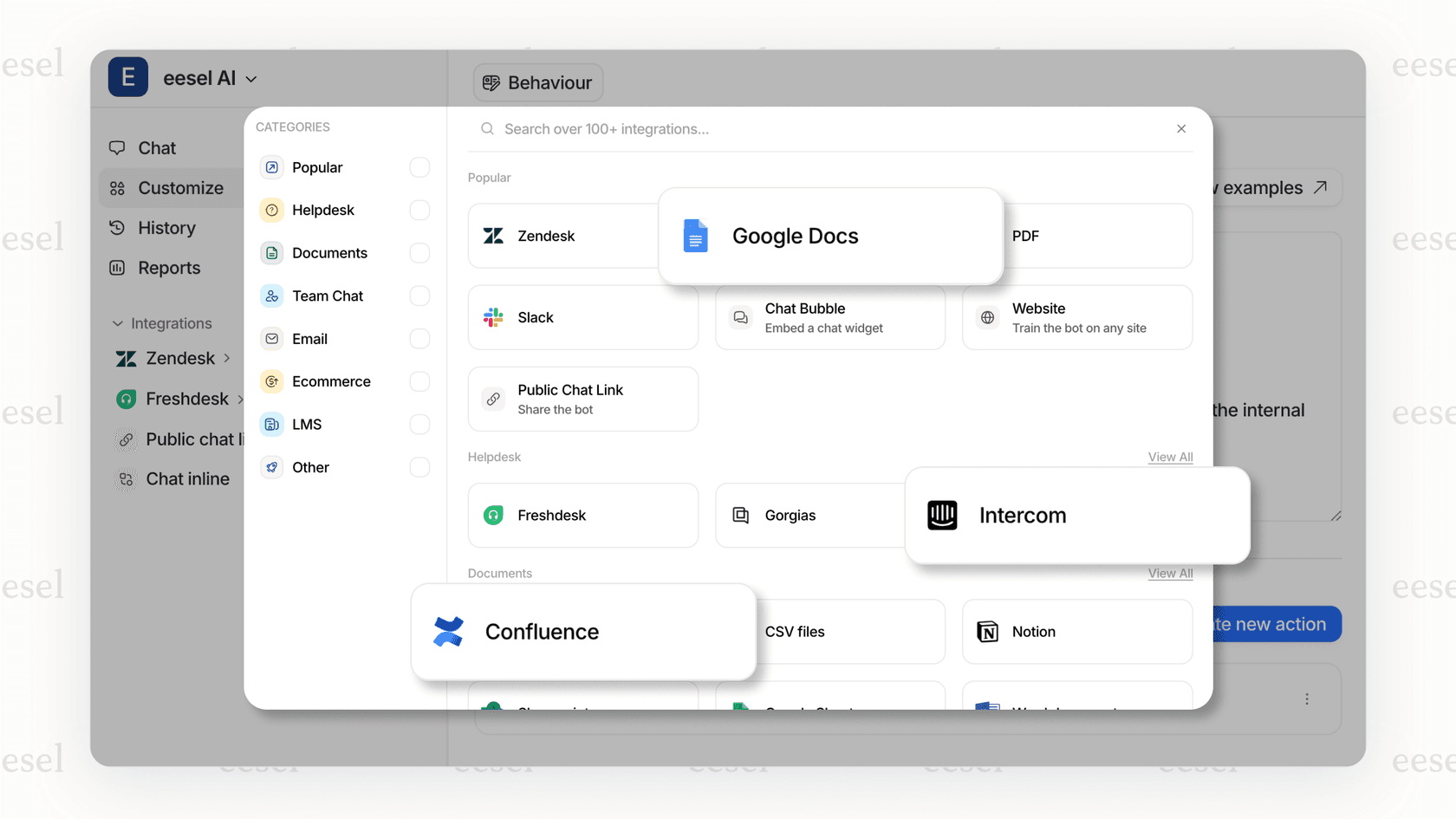
Most AI tools for support stop at suggestions. They draft a response and leave the rest to your human agents. eesel AI goes further. It learns your business from past tickets, help center articles, and company docs, then handles frontline support autonomously.
Here is how it works. You connect eesel AI to HubSpot Service Hub, and it immediately starts learning your tone, policies, and common issues. Within minutes, it can start drafting replies. Within days, you can turn it loose on Tier 1 tickets and watch it resolve them end-to-end.
The key differentiator is the teammate model. Instead of configuring rigid workflows, you hire eesel AI like you would a new support agent. Start with oversight (drafting replies for review), then gradually expand its scope as it proves itself. Eventually, it handles full conversations, escalates complex issues intelligently, and closes resolved tickets automatically.
Key features:
- AI Agent: Autonomous ticket resolution across email, chat, and tickets
- AI Copilot: Drafts replies for human agents to review and send
- AI Triage: Auto-tags, routes, merges, and closes tickets based on content
- Multi-channel: Works across all your support channels in 80+ languages
- 100+ integrations: Connects to HubSpot, Zendesk, Freshdesk, Slack, Shopify, and more
Pricing:
| Plan | Monthly | Annual | Interactions/mo | Key features |
|---|---|---|---|---|
| Team | $299 | $239/mo | 1,000 | Website/docs training, Copilot, Slack, reports |
| Business | $799 | $639/mo | 3,000 | + Past tickets, MS Teams, AI Actions, EU data residency |
| Custom | Contact | Custom | Unlimited | + Multi-agent orchestration, custom integrations |
Setup complexity: Low. Most teams are up and running in minutes, not weeks. eesel AI learns from your existing data automatically. No manual training or documentation uploads required.
Why we included it: eesel AI is the only tool on this list that truly automates support end-to-end within HubSpot. While other tools assist your agents, eesel AI can become your first responder, handling the repetitive work that clogs most support queues. Mature deployments see up to 81% autonomous resolution rates with payback periods under two months.
2. HubSpot Breeze
Best for: Teams that want to stay within the HubSpot ecosystem and avoid third-party complexity.
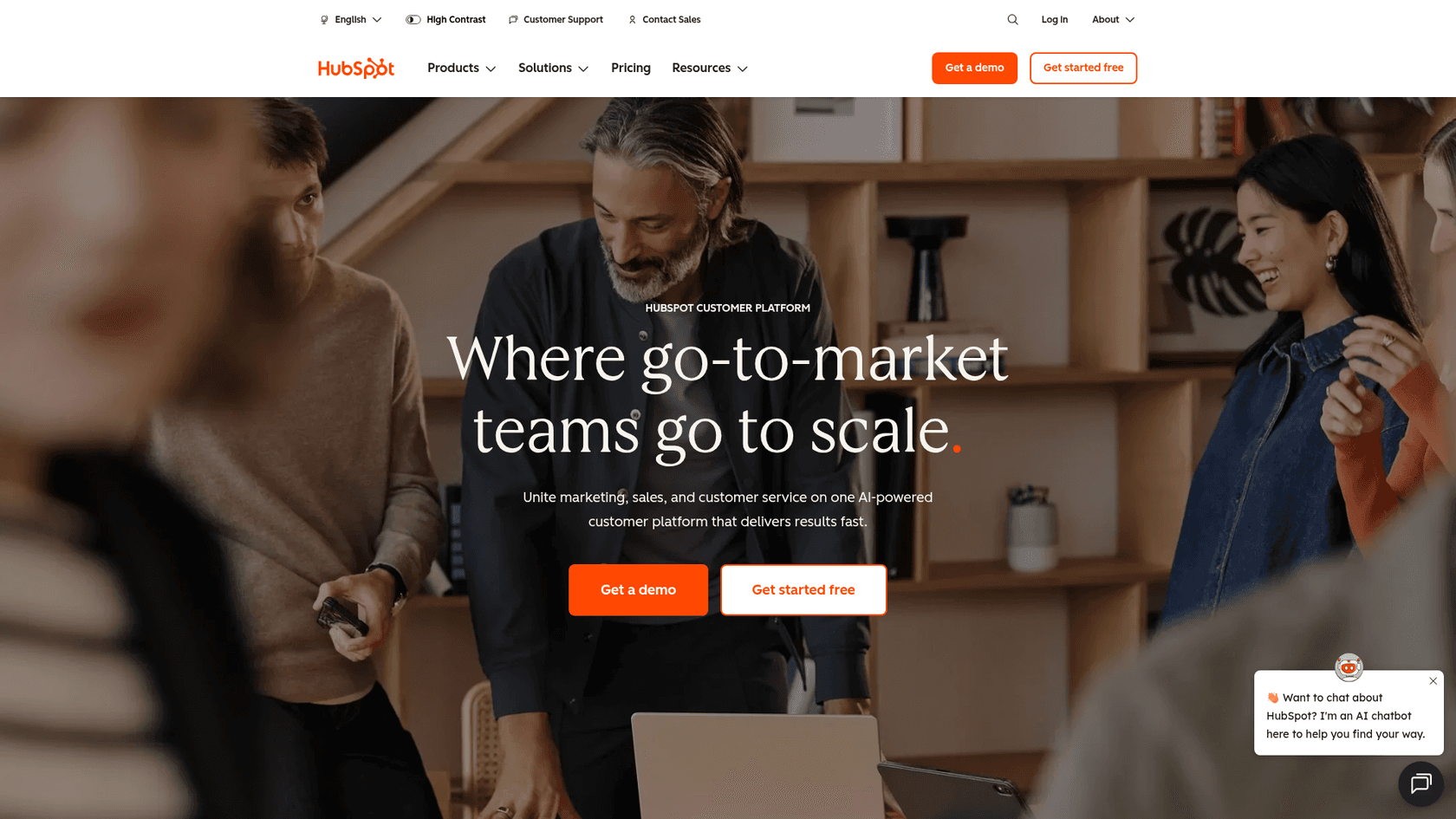
Breeze is HubSpot's native AI suite, and it has come a long way. It includes Copilot for general assistance, specialized agents for specific tasks, and Intelligence features for data enrichment. If you are already paying for HubSpot Professional or Enterprise, you have access to most of Breeze already.
The standout feature is Breeze Customer Agent. This AI agent handles conversations across marketing, sales, and service. It can qualify prospects, book meetings, answer pricing questions, and resolve support issues. All using your CRM data for context.
HubSpot claims top teams resolve over 90% of conversations automatically with Customer Agent. Even average teams see 65%+ resolution rates. That is significantly higher than most standalone chatbot platforms.
Key features:
- Breeze Copilot: AI assistant across all HubSpot hubs
- Customer Agent: 24/7 AI support across chat, email, WhatsApp, and voice
- Prospecting Agent: Automated sales outreach and research
- Content Agent: Marketing content generation
- Native integration: Works seamlessly with your existing HubSpot data
Pricing:
Breeze is included in Professional and Enterprise plans:
| Hub | Professional | Enterprise |
|---|---|---|
| Marketing Hub | $800/month | $3,600/month |
| Sales Hub | $450/month per user | $1,500/month per user |
| Service Hub | $450/month per user | $1,200/month per user |
Customer Agent runs on HubSpot Credits (usage-based). Some plans include monthly credits; additional credits can be purchased.
Setup complexity: Low. No external integration needed. You can convert existing knowledge base docs into AI responses in minutes.
Why we included it: Sometimes the best add-on is not an add-on at all. If your needs are straightforward and you want to minimize vendor complexity, Breeze is genuinely capable. The tight CRM integration gives it context that third-party tools struggle to match.
3. Fellow

Best for: Sales teams that hate CRM data entry.
Fellow is an AI meeting assistant that solves a specific problem: getting conversation insights into HubSpot without manual work. It records, transcribes, and summarizes meetings, then automatically syncs everything to the right contacts and deals.
The HubSpot integration is where Fellow shines. After a sales call, meeting notes appear in the contact record. Action items become tasks. Deal stages can update based on conversation outcomes. Your reps focus on selling while Fellow handles the documentation.
Key features:
- AI meeting assistant: Records, transcribes, and summarizes calls
- CRM sync: Automatically logs meetings to HubSpot contacts and deals
- Action items: Tracks and assigns follow-ups
- Meeting templates: Standardized agendas for consistent discovery
Pricing:
| Plan | Price | Key features |
|---|---|---|
| Free | $0 | Basic meeting notes, limited history |
| Pro | $9/user/month | AI features, unlimited history |
| Business | $15/user/month | HubSpot integration, analytics |
| Enterprise | Custom | SSO, advanced security |
HubSpot integration requires Business plan or higher ($15/user/month minimum).
Setup complexity: Low. One-click OAuth connection to HubSpot. Field mapping takes 10-15 minutes.
Why we included it: CRM hygiene is a silent killer for sales teams. If your reps are not logging activities consistently, your pipeline data is garbage. Fellow removes the friction and ensures HubSpot reflects reality.
4. Clay
Best for: Outbound sales teams and account-based marketing.
Clay is a data enrichment platform that makes your HubSpot contacts smarter. It pulls from 100+ data sources to fill in missing information about leads and accounts. Email addresses, phone numbers, job titles, company technographics, intent signals. If it exists somewhere, Clay can probably find it.
The workflow is elegant. You build a Clay table with your target accounts, add enrichment columns for the data you need, and watch it populate automatically. Then sync the enriched data back to HubSpot for your sales team to use.
Key features:
- Waterfall enrichment: Cascading data lookups for maximum coverage
- AI research agent: Automates manual research tasks
- CRM sync: Two-way sync with HubSpot contacts and companies
- Outreach automation: Personalized sequences at scale
Pricing:
| Plan | Monthly price | Credits | Key features |
|---|---|---|---|
| Free | $0 | 100/mo | Basic enrichment |
| Starter | $149/mo | 2,500/mo | API access, basic integrations |
| Growth | $495/mo | 10,000/mo | AI agent, HubSpot integration |
| Pro | $800/mo | 50,000/mo | Team features, priority support |
| Enterprise | Custom | Custom | SSO, dedicated CSM |
HubSpot integration requires Growth plan or higher ($495/month minimum).
Setup complexity: Medium. The platform has a learning curve. Expect 15-30 minutes to set up your first enrichment workflow and map fields to HubSpot.
Why we included it: Bad data kills outbound campaigns. If your reps are working with incomplete contact records, they are wasting time. Clay ensures your HubSpot data is comprehensive and current, which makes every other sales activity more effective.
5. Jasper
Best for: Marketing teams producing high volumes of content.
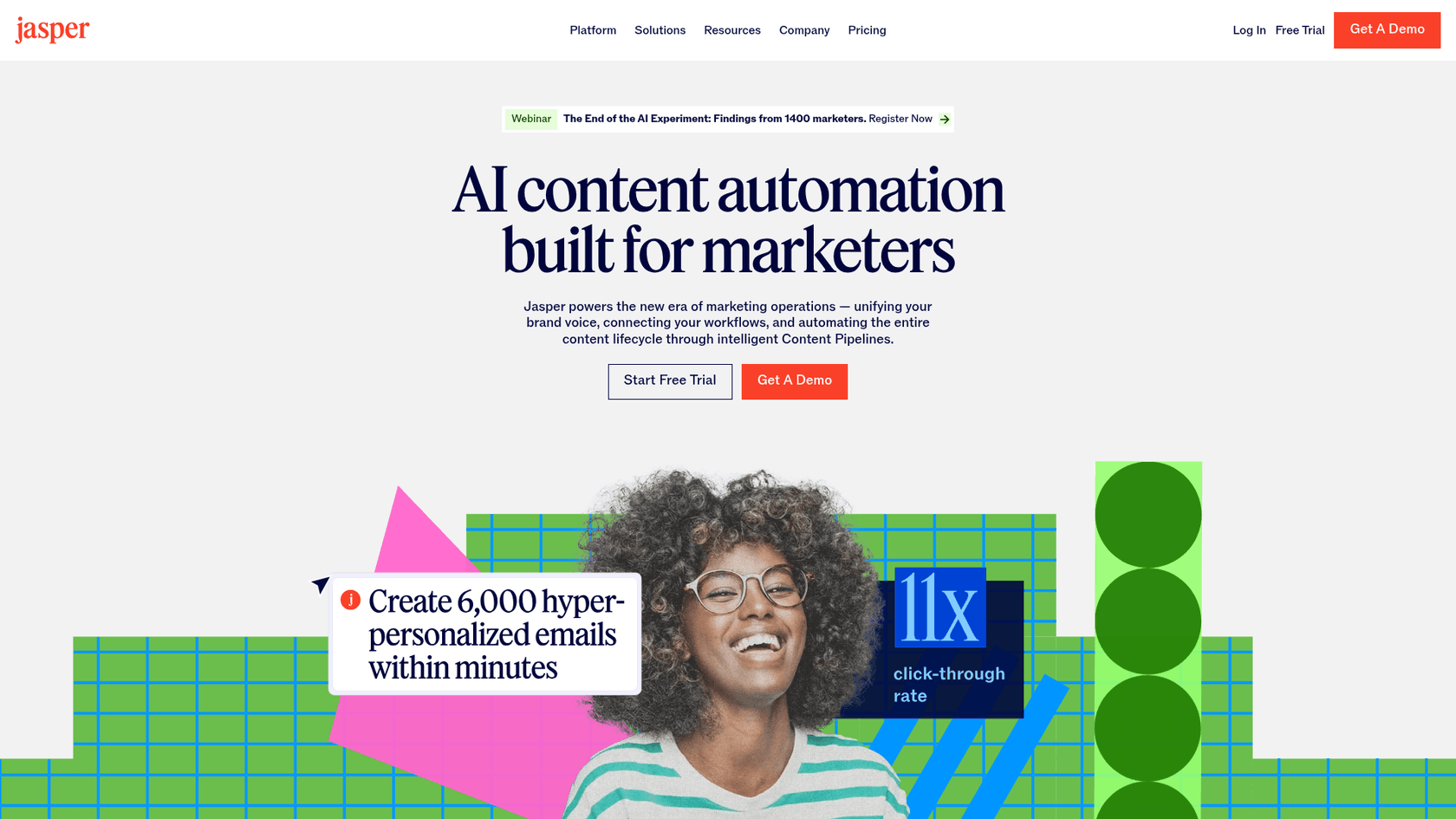
Jasper is an AI content platform built for marketers. It generates blog posts, social content, emails, and ad copy. The key differentiator is Brand Voice, which trains Jasper on your existing content so everything it creates sounds like you.
Jasper focuses on content creation rather than direct HubSpot integration. You create content in Jasper, then export it for use in your HubSpot CMS. While there is no native two-way sync, the content generation capabilities can significantly accelerate your marketing production.
Key features:
- AI content generation: Blogs, social posts, emails, ads
- Brand Voice: Trains on your content for consistent tone
- Campaigns: End-to-end marketing campaign creation
- SEO Mode: Surfer SEO integration for optimized content
Pricing:
| Plan | Monthly price | Seats | Key features |
|---|---|---|---|
| Creator | $49/month | 1 | AI content generation, basic templates |
| Pro | $69/month | 5 | Brand Voice, SEO mode, API access |
| Business | Custom | 10+ | Custom AI training, dedicated support |
Note: Jasper does not offer native HubSpot integration. Content is created in Jasper and manually exported to HubSpot.
Setup complexity: Medium. Uploading brand guidelines and training Jasper on your voice takes 30-60 minutes. The HubSpot connection itself is simple API key setup.
Why we included it: Content marketing at scale is exhausting. If your team is producing multiple blog posts and campaigns per week, Jasper can dramatically accelerate production without sacrificing quality. The HubSpot integration means your content flows directly into your distribution channels.
6. Zapier
Best for: Operations teams connecting HubSpot to the rest of their stack.
Zapier is the glue that holds modern tech stacks together. It connects HubSpot to 7,000+ apps through automated workflows called Zaps. When something happens in one tool, Zapier makes something happen in HubSpot (and vice versa).
The HubSpot integration catalog is extensive. Gmail, Slack, Google Sheets, Mailchimp, Typeform, Calendly. If you use it, Zapier probably connects it to HubSpot. New lead in Typeform? Create a contact in HubSpot. Deal stage changes? Notify Slack. The possibilities are endless.
Key features:
- 7,000+ integrations: Connect HubSpot to almost any tool
- Multi-step Zaps: Complex workflows with conditional logic
- AI features: Intelligent automation on higher tiers
- Data sync: Two-way sync between apps
Pricing:
| Plan | Monthly price | Zaps | Tasks/mo | Key features |
|---|---|---|---|---|
| Free | $0 | 5 | 100 | Basic single-step Zaps |
| Professional | $35.99 ($29.99 annual) | Unlimited | 750 | Multi-step Zaps, filters |
| Team | $103.50 | Unlimited | 2,000 | Shared workspaces |
| Enterprise | Custom | Unlimited | Custom | SSO, advanced admin |
Setup complexity: Low to medium. Simple Zaps take minutes. Complex multi-step workflows with filters and paths require more planning.
Why we included it: HubSpot cannot be your only tool. You will always have specialized apps for specific functions. Zapier ensures data flows between them without manual work. It is not the flashiest AI tool, but it is the foundation that makes everything else work together.
7. Gong
Best for: Enterprise sales teams serious about conversation intelligence.
Gong is the category leader in revenue intelligence. It records and analyzes sales calls to extract insights about what works, what does not, and where deals stand. The AI identifies deal risks, coaching opportunities, and competitive mentions.
The HubSpot integration enriches your CRM with conversation data. Every call gets logged to the right contact and deal. Deal health scores update based on conversation signals. Managers get visibility into pipeline reality without relying on rep self-reporting.
Key features:
- Call recording and transcription: Automatic capture of sales conversations
- Deal intelligence: AI-powered deal insights and risk alerts
- Coaching: Conversation analytics for rep improvement
- Forecasting: Data-driven revenue predictions
Pricing:
Gong does not publish pricing publicly. Industry reports suggest:
- Starting price: ~$1,600/user/year (approximately $133/user/month)
- Typical range: $100-$200 per user per month
- Minimum seats: Usually 10-15 required
Contact Gong sales for exact pricing.
Setup complexity: Medium. Integration setup takes 1-2 hours. Team onboarding and adoption requires more effort than simpler tools.
Why we included it: For large sales organizations, conversation data is a goldmine that most teams ignore. Gong surfaces insights that can transform your sales process. The HubSpot integration ensures those insights feed back into your CRM where they can drive action.
How to choose the right HubSpot AI add-on
With seven solid options, how do you decide? Start with your biggest pain point.
Support teams drowning in tickets: Start with eesel AI if you want true automation, or HubSpot Breeze if you prefer staying native.
Sales teams with CRM hygiene issues: Fellow solves the documentation problem automatically.
Outbound teams with data quality problems: Clay enriches your contacts so reps work with complete information.
Marketing teams producing content at scale: Jasper accelerates creation without sacrificing brand voice.
Operations teams managing complex tech stacks: Zapier connects everything together.
Enterprise sales teams needing conversation intelligence: Gong provides insights that transform performance.
Most teams eventually use multiple add-ons. The key is starting with the one that solves your most pressing problem, then expanding as you see results.
Getting started with HubSpot AI add-ons
Adding AI to your HubSpot instance does not have to be complicated. Here is a simple approach:
- Identify your biggest bottleneck: Where are you losing time or missing insights?
- Pick one add-on: Start with the tool that addresses that specific problem.
- Run a pilot: Test with a small team before rolling out broadly.
- Measure results: Track the metrics that matter for your use case.
- Expand gradually: Add more tools as you prove value.

If support automation is your priority, try eesel AI free. It connects to HubSpot Service Hub in minutes and starts learning your business immediately. You can run simulations on past tickets to see how it performs before going live.
The best HubSpot AI add-ons do not just connect to your CRM. They make it smarter. Choose the right ones, and your team will spend less time on manual work and more time on what matters: building relationships and driving growth.