Most support teams know they need a knowledge base. The problem is building one that actually helps customers self-serve. Writing articles takes time, keeping them updated is tedious, and guessing what content to create often misses the mark.
HubSpot's answer is the Knowledge Base Agent, part of their broader Breeze AI platform. Instead of manually drafting articles, this AI analyzes your closed support tickets, identifies what's missing, and generates drafts automatically.
But is it the right fit for your team? This guide breaks down how HubSpot's AI knowledge base works, what it costs, where it falls short, and when you might want to consider alternatives.
What is the HubSpot AI knowledge base?
HubSpot's AI knowledge base is a feature set within Service Hub that uses artificial intelligence to automate knowledge base creation and management. It's part of HubSpot's Breeze AI ecosystem, which includes assistants, agents, and automation tools across their platform.
Traditional knowledge bases rely on support teams manually writing articles based on what they think customers need. HubSpot's approach flips this. The Knowledge Base Agent analyzes actual support conversations, spots patterns in what customers ask, and drafts content based on real resolutions your team has already provided.
The system works alongside the Breeze Customer Agent, which handles real-time support conversations. Together, they create a feedback loop: the Customer Agent identifies gaps where it can't answer questions, and the Knowledge Base Agent generates content to fill those gaps.
This integration is tight by design. The knowledge base pulls from your CRM data, uses customer segments to personalize content, and connects with your existing HubSpot workflows. If you're already invested in HubSpot's ecosystem, this approach can streamline operations. If you're not, it's worth understanding the trade-offs.
How HubSpot's Knowledge Base Agent works
The Knowledge Base Agent follows a four-step process that turns support conversations into self-service content.
First, it scans your closed support tickets. The agent reviews one-to-one emails from your connected help desk, looking for patterns in customer questions and how your team resolved them. It needs at least five closed tickets to start identifying meaningful patterns.
Next, it identifies knowledge gaps. The agent compares what customers are asking against your existing knowledge base articles. If a topic comes up frequently but lacks coverage, it flags that as a priority gap.
Then it generates article drafts. Using the resolution strategies from your team's successful tickets, the AI drafts comprehensive help articles. These aren't final, but they give your team a strong starting point instead of a blank page.
Finally, human review. Your team edits the drafts to match your tone, adds any missing details, and approves them for publishing. This human-in-the-loop approach ensures quality while saving drafting time.
The integration with Customer Agent is where this gets interesting. When the Customer Agent encounters questions it can't answer from existing articles, it logs those gaps. The Knowledge Base Agent picks up on this and drafts new content. Published articles then feed back into the Customer Agent's response library. This creates a cycle where both agents continuously improve your self-service capabilities.
Key features and capabilities
HubSpot's AI knowledge base comes with several features designed to reduce manual work and improve content relevance.
AI-powered content generation. The core feature transforms support ticket resolutions into draft knowledge base articles. Rather than starting from scratch, your team gets structured drafts based on actual customer interactions.
Intelligent gap identification. The system doesn't just generate content randomly. It analyzes ticket volume, customer frustration signals, and resolution complexity to prioritize which gaps to fill first.
Multi-language support. HubSpot supports 17+ languages, and the localization goes beyond simple translation. The system adapts tone, terminology, and even formatting (like date formats and measurements) for different regions.
CRM integration. Because it sits on HubSpot's Smart CRM, the knowledge base can personalize articles based on customer data. An article about API usage might show different sections to free-tier users versus enterprise customers.
Workflow automation. You can set up publishing pipelines, content expiration alerts when product features change, and performance-based optimization workflows that flag underperforming articles.
Security features. The agent includes automated redaction to prevent sensitive information (customer names, credit card numbers, proprietary data) from appearing in public-facing articles.
Pricing and availability
Here's where things get specific. HubSpot's Knowledge Base Agent isn't a standalone product. It's bundled into Service Hub Professional and Enterprise plans, and it requires an active Customer Agent subscription to function.
| Plan | Price (annual) | Knowledge base | AI agents | Best for |
|---|---|---|---|---|
| Free | $0 | Not included | Not included | Basic CRM only |
| Starter | $9/mo/seat ($20 monthly) | Not included | Not included | Small teams |
| Professional | $450/mo (5 seats) | 1 KB, 2,000 articles | 100 credits/conversation | Growing teams |
| Enterprise | $1,500/mo (10 seats) | 25 KBs, 10,000 articles | 100 credits/conversation | Large organizations |
Source: HubSpot Service Hub Pricing
Additional costs to factor in:
- Professional onboarding: $1,500 one-time fee
- Enterprise onboarding: $3,500 one-time fee
- HubSpot Credits: AI features consume credits (3,000 included with Pro, 5,000 with Enterprise)
The credit system matters. Each Customer Agent conversation uses 100 credits. If you have high support volume, you'll likely need to purchase additional credit packs. This makes the true cost harder to predict than the base subscription price suggests.
Important: Professional requires a minimum of 5 seats ($450/month). Enterprise requires a minimum of 10 seats ($1,500/month).
Limitations to consider
Before committing, understand where HubSpot's AI knowledge base has constraints.
HubSpot ecosystem lock-in. The Knowledge Base Agent only works with HubSpot Service Hub. If you're using Zendesk, Freshdesk, or another help desk, you can't use this feature without migrating your entire support operation to HubSpot.
Tier restrictions. There's no free trial or Starter access. You need Professional (minimum 5 seats at $450/month) or Enterprise (minimum 10 seats at $1,500/month), plus onboarding fees.
Minimum ticket volume. The agent needs at least five closed tickets to start analyzing patterns. Newer teams or those with low volume won't see value immediately.
Single knowledge base limit (Professional). The Professional tier restricts you to one knowledge base with up to 2,000 articles. If you need multiple knowledge bases for different products or regions, you'll need Enterprise.
Human review bottleneck. While the AI drafts articles, every piece still requires human review before publishing. This is good for quality control but doesn't eliminate the approval workflow entirely.
Credit consumption. AI features burn through HubSpot Credits quickly. High-volume teams may find themselves buying credit packs regularly, adding unpredictability to costs.
When to consider alternatives
HubSpot's AI knowledge base makes sense if you're already using Service Hub Professional or Enterprise and want to streamline content creation. But it's not the right fit for every team.
Consider alternatives if:
- You're not using HubSpot Service Hub and don't want to migrate
- You need AI agents that work across multiple help desk platforms
- You prefer pay-per-use pricing over per-seat subscriptions
- You want to deploy AI support without upgrading to a higher tier first
- Your team uses a mix of tools (Zendesk for support, Salesforce for CRM, etc.)
This is where we can help. At eesel AI, we take a different approach. Instead of locking you into a single ecosystem, we integrate with the tools you already use: Zendesk, Freshdesk, Intercom, Gorgias, Jira, ServiceNow, and 40+ other platforms.
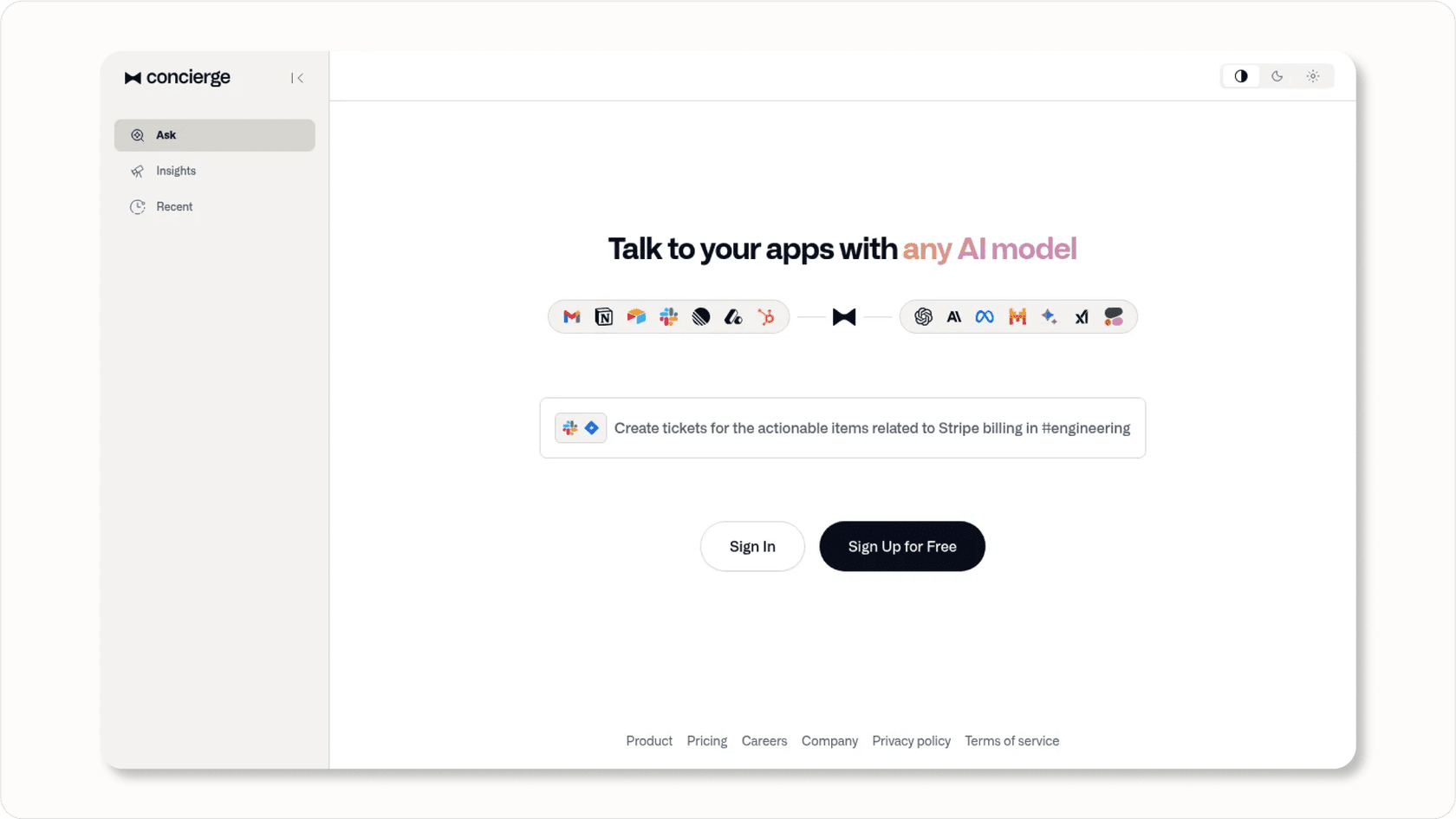
Our pricing is pay-per-interaction, not per-seat. The Team plan starts at $239 per month (annual) for up to 1,000 AI interactions, and every plan includes AI Agent, Copilot, and Triage features. No tier upgrades required to access core functionality.
We also let you run simulations on past tickets before going live. You can see exactly how the AI would respond, measure resolution rates, and gain confidence before touching real customers. This "test before you invest" approach helps teams validate AI performance without disrupting operations.
Source: eesel AI Pricing
Getting started with AI-powered knowledge bases
Whether you choose HubSpot or an alternative, here's how to evaluate AI knowledge base solutions for your team.
Start by assessing your current support ticket volume and patterns. AI knowledge bases need data to work with. If you don't have enough historical tickets, the system won't have patterns to analyze.
Evaluate your existing help desk platform. If you're happy with your current setup, look for AI solutions that integrate with it rather than requiring a full migration. The switching costs of changing help desks often outweigh the benefits of a specific AI feature.
Consider integration requirements beyond the help desk. Does the AI need to connect to your CRM, e-commerce platform, or internal documentation? Map these requirements before evaluating tools.
Factor in total cost of ownership, not just software costs. Include onboarding fees, credit purchases, training time, and any required tier upgrades. A lower base price with unpredictable usage costs can exceed a higher flat rate.
Plan for human review workflows. Even the best AI-generated content needs quality control. Make sure your team has bandwidth to review and refine drafts before publishing.