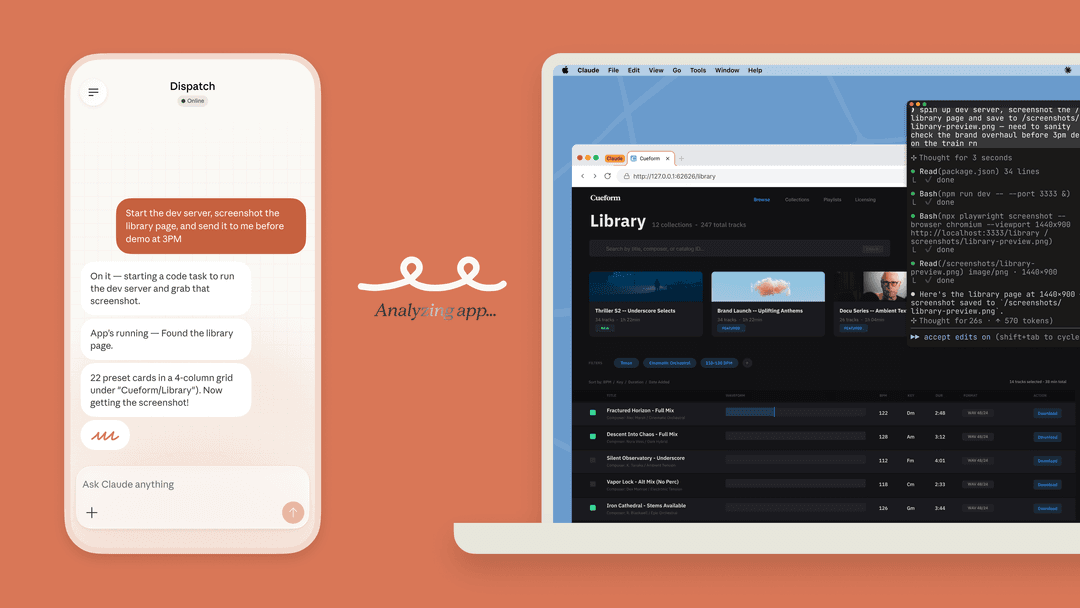
What Town AI does with HubSpot
I'm Rama, and I build integrations at eesel. A big part of my week goes on the code that lets an AI read a CRM record and then write something back, without breaking a teammate's report. The thing I've learned is that an AI connection to HubSpot is only as safe as its write rules. Reading deals is easy. Deciding who is allowed to change a deal stage, and when, is the whole job.
Town is a personal AI assistant. You name your Townie and it gets its own @town.com email address, then it works across your email, calendar, Slack and docs. Town came out of beta on June 3, 2026, alongside a $55M Series A led by a16z. Its CEO, Jean-Denis Greze, was previously CTO of Plaid.
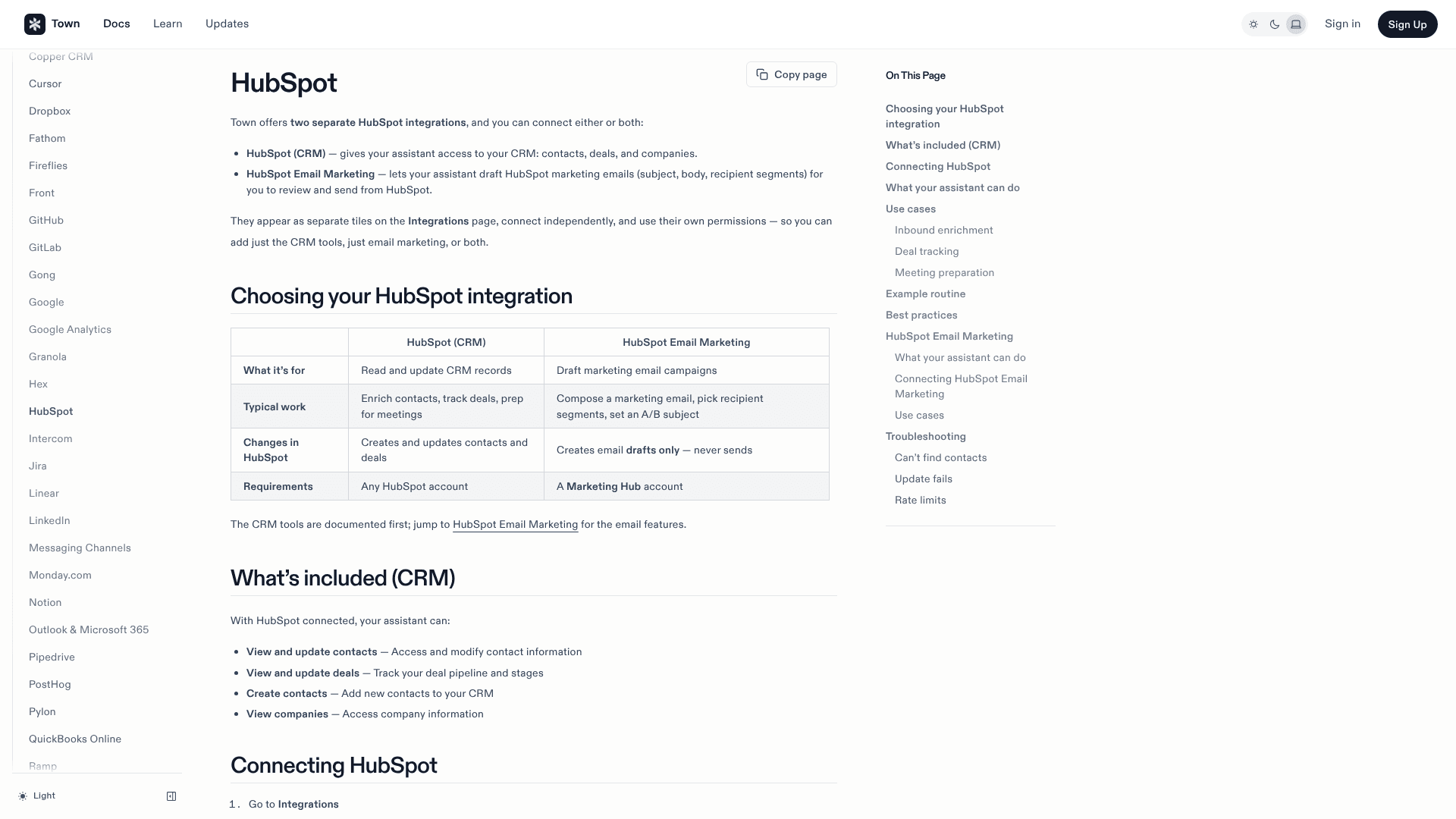
Town's own line for the pairing is "HubSpot holds the record; Town keeps it true." In practice, that means Town reads what happened outside HubSpot (your calls, your inbox, your calendar) and turns it into drafted updates for the HubSpot CRM. You approve them, and they land on the record.
That direction matters. HubSpot's built-in AI, now spread across Breeze and HubSpot's AI agents, works on data that's already in HubSpot. Town's integration FAQ makes the contrast itself: HubSpot's AI works inside HubSpot, while Town "works across your whole stack."
What can Town read and change in HubSpot?
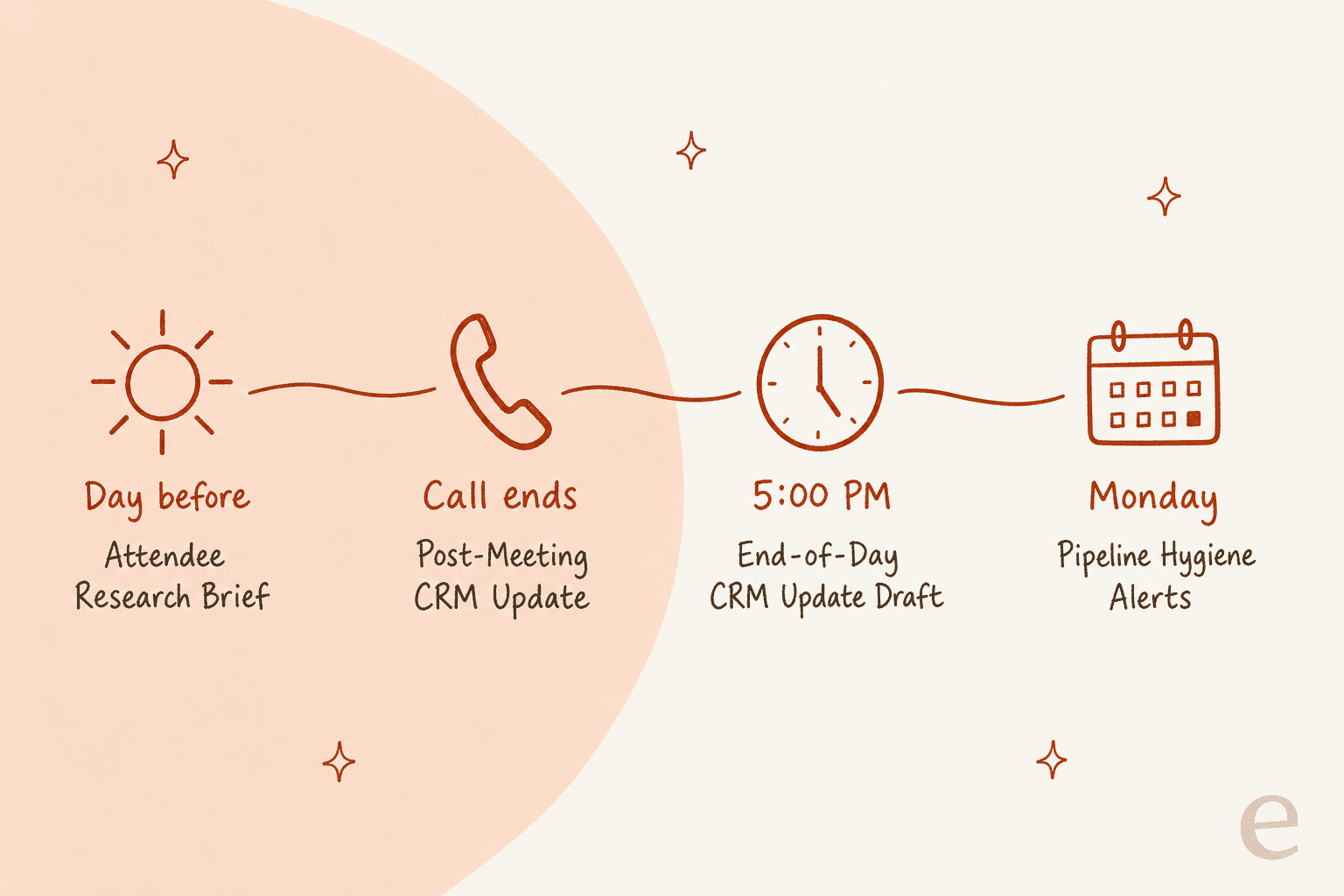
Town gives you two separate HubSpot integrations, each with its own tile and its own permissions. You can connect one or both.
| HubSpot (CRM) | HubSpot Email Marketing | |
|---|---|---|
| What it's for | Read and update CRM records | Draft marketing email campaigns |
| Changes in HubSpot | Creates and updates contacts and deals | Creates email drafts only, never sends |
| Requirements | Any HubSpot account | A Marketing Hub account |
| Availability | All Town plans | Rolling out gradually |
Source: Town's HubSpot docs.
On the CRM side, Town's docs list six capabilities: list contacts, get contact details, create a contact, update a contact, list deals and get deal details. The "what's included" list adds viewing and updating deals and viewing companies. The marketing connection is narrower: it builds a draft from an existing template (so your header, footer and unsubscribe settings carry over), sets recipient lists, adds an optional A/B subject line, and fills in a planned send date. You still press send in HubSpot.
Underneath, the connection runs through HubSpot's remote MCP server. MCP, short for Model Context Protocol, is the open standard that lets an AI assistant work with an app's data, and HubSpot hosts its own server. If you want the background, my guide to MCP for customer support walks through how these servers work. Three details from HubSpot's docs are worth knowing before you connect:
- Your HubSpot permissions still apply. The MCP server "respects your existing HubSpot user permissions," so your Townie can only see and edit records you can.
- Sensitive Data blocks activity history. If your account has HubSpot's Sensitive Data setting on, calls, emails, meetings, notes and tasks are blocked from MCP access. HubSpot says this applies to the MCP server specifically, not to its standard APIs. That's the history a meeting brief leans on most, so check this setting first.
- Scope changes mean reinstalling. You don't pick scopes by hand. When HubSpot adds MCP tools, users who installed earlier have to reinstall to grant the new ones.
HubSpot's MCP server can do more than Town's docs list, including tickets, segments and pipelines. I'd plan around Town's own docs, not HubSpot's full tool list, because the docs are what Town supports.
Which Town routines work with HubSpot?
Most of the value comes from routines, which are pre-written requests from Town's routine library that you send to your Townie. It asks you a few setup questions, then builds and switches on the routine. Five of them are built around a CRM like HubSpot.
| Routine | When it runs | What it does to HubSpot | Default write rule |
|---|---|---|---|
| Attendee Research Brief | About a day before each external meeting | Reads CRM context into a briefing | Research only |
| Post-Meeting CRM Update | When a transcript is ready, plus an hourly backup sweep | Logs a call note on the contact and deal, creates tasks with due dates | Notes and tasks run on their own; stage changes and outbound email wait |
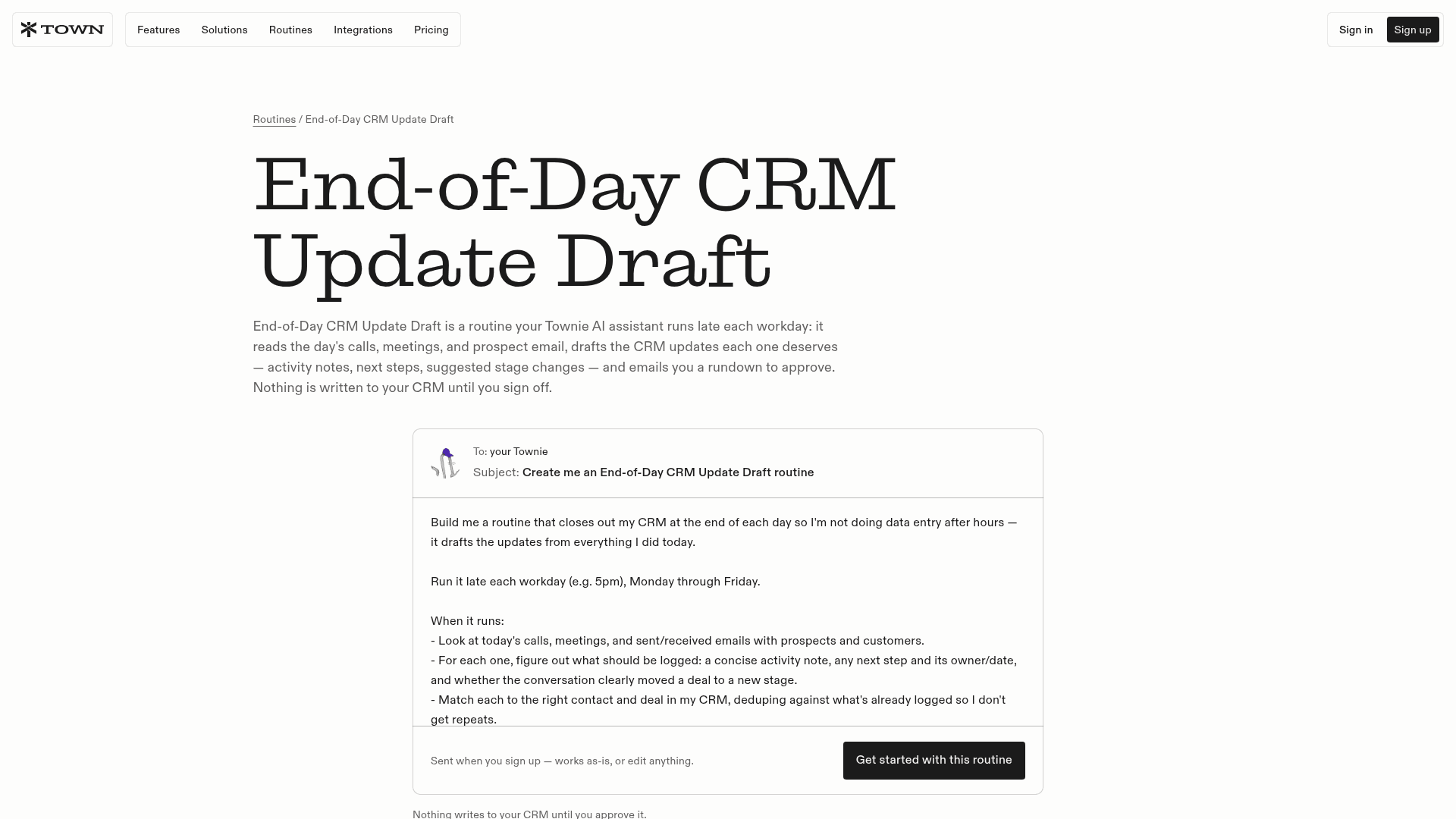
| End-of-Day CRM Update Draft | 5pm weekdays by default | Drafts activity notes, next steps and suggested stage changes | Nothing written until you approve |
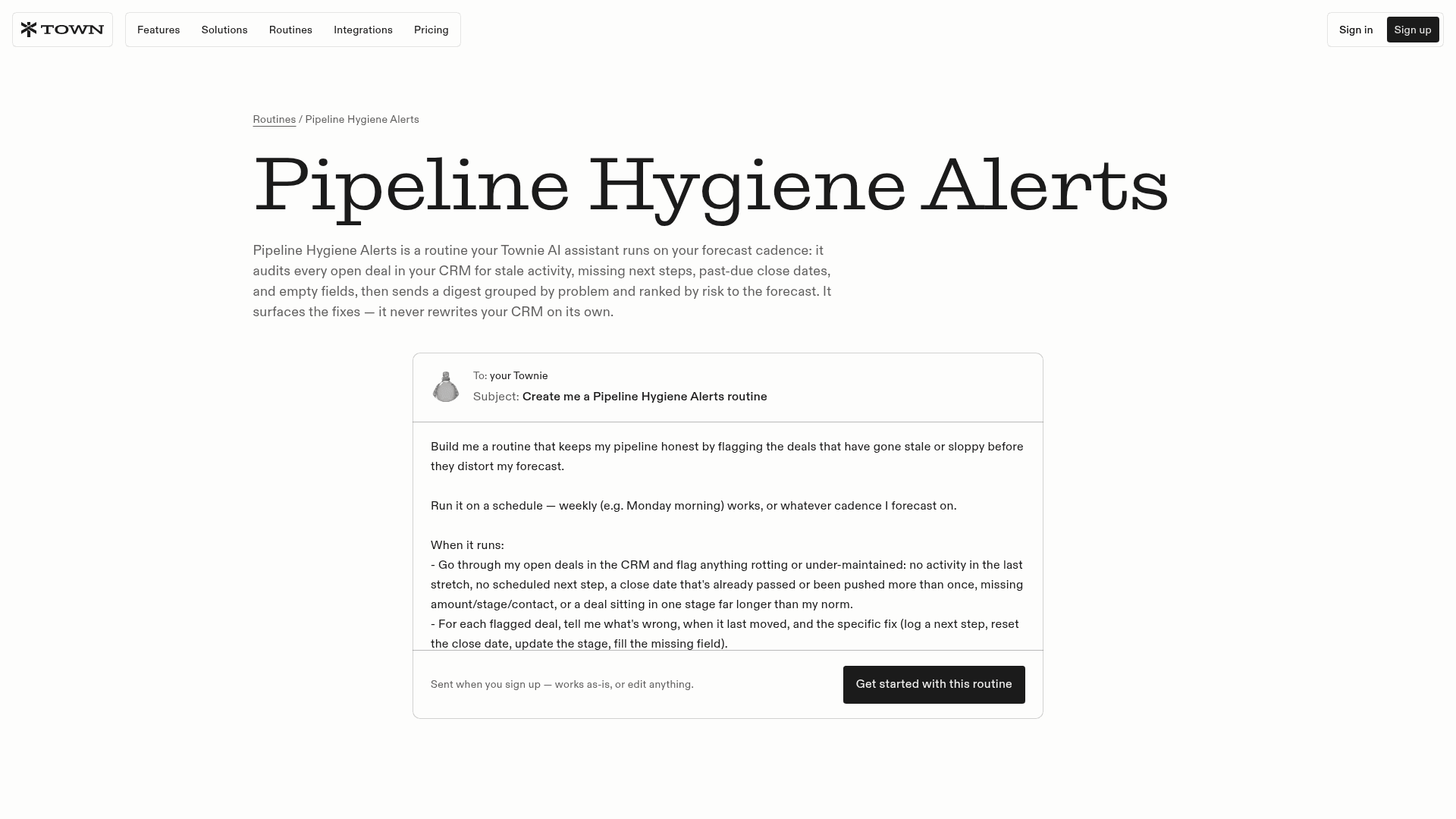
| Pipeline Hygiene Alerts | Weekly, Monday morning by default | Audits every open deal and sends a ranked digest | Never rewrites your CRM on its own |
| Signup and Pipeline Readout | Once a week | Compares new signups and pipeline against your baseline | Read-only analysis |
Put together, they cover a full sales week, starting from the brief before the call and ending at the audit before Monday's pipeline review.
Post-Meeting CRM Update is the one I'd switch on first. It reads the whole transcript (decisions, commitments with owners and due dates, open questions, risks) and matches it to the right contact and deal. The hourly sweep catches transcripts that arrive late, and Town says it "keeps track of what it's already handled, so the same meeting is never logged twice." You need a notes source such as Granola, Fathom or Fireflies. If you don't have one, start with my meeting notes app guide or the Otter alternatives list.
End-of-Day CRM Update Draft is the catch-all for everything that wasn't a recorded call. Late each workday it reviews the day's calls, meetings and prospect email, then drafts one rundown email for you to approve. It dedupes against what's already on the record, so touches you logged yourself don't get repeated, and ambiguous items "are flagged, not guessed."
Pipeline Hygiene Alerts is the one sales managers will like. Each week it checks every open deal for stale activity, no next step, past-due or repeatedly pushed close dates, missing amounts or contacts, and deals sitting in one stage too long. It groups the problems and ranks them by risk to the forecast. Town's pitch against HubSpot's own reporting is fair: "Reports show you columns; this reads each deal's history." Team leads can point it at the whole team's pipeline, though changes still only happen when you approve them.
The other two routines are read-only. Attendee Research Brief tells internal and external meetings apart by email domain, so your weekly team sync never triggers a briefing. Signup and Pipeline Readout skips weeks where nothing really shifted. Both are safe to run without approvals, because they only report to you. For a related job, Stalled Deal Re-Engagement drafts nudges for quiet deals, which I covered in my Town AI for client follow-ups guide.
How to connect HubSpot to Town
Setup takes about 10 minutes if you're a HubSpot user with edit rights on the records you care about.
- Sign up for Town. New accounts get a 7-day Pro trial, which is long enough to run these routines on a week of real calls.
- Open Integrations and connect HubSpot. Find the HubSpot tile, click Connect, and authorize Town in HubSpot. There's nothing to install. Town requests access to contacts, deals and companies, and you can revoke it from HubSpot's settings at any time.
- Add HubSpot Email Marketing only if you need it. It's a separate tile, needs Marketing Hub, and may not be on every account yet.
- Connect a meeting notes source. Post-Meeting CRM Update needs a transcript. Town can also record meetings itself.
- Send one routine request. Pick Post-Meeting CRM Update, click "Get started with this routine," and answer your Townie's questions properly: your exact stage mapping, which meetings to skip, and who gets the recap.
- Run it by hand first. Town's triggers docs suggest testing a new routine manually before switching on automatic triggers. Run it on yesterday's call and check the note on the HubSpot record before you trust it with tomorrow's.
Town's docs also include a simple custom routine to copy: when an email arrives from someone who isn't in HubSpot, research the sender, create the contact, add company, title and LinkedIn URL, and log what was found. If inbound enrichment is your main job, compare it with HubSpot's own CRM data enrichment before paying for both.
How Town keeps HubSpot safe
A wrong deal stage is a bigger problem than a missing note. It flows into forecasts, triggers HubSpot workflows, and pings people. Town's HubSpot docs say so plainly: "Automated CRM updates can trigger other HubSpot routines, notifications, and reports. Test carefully."
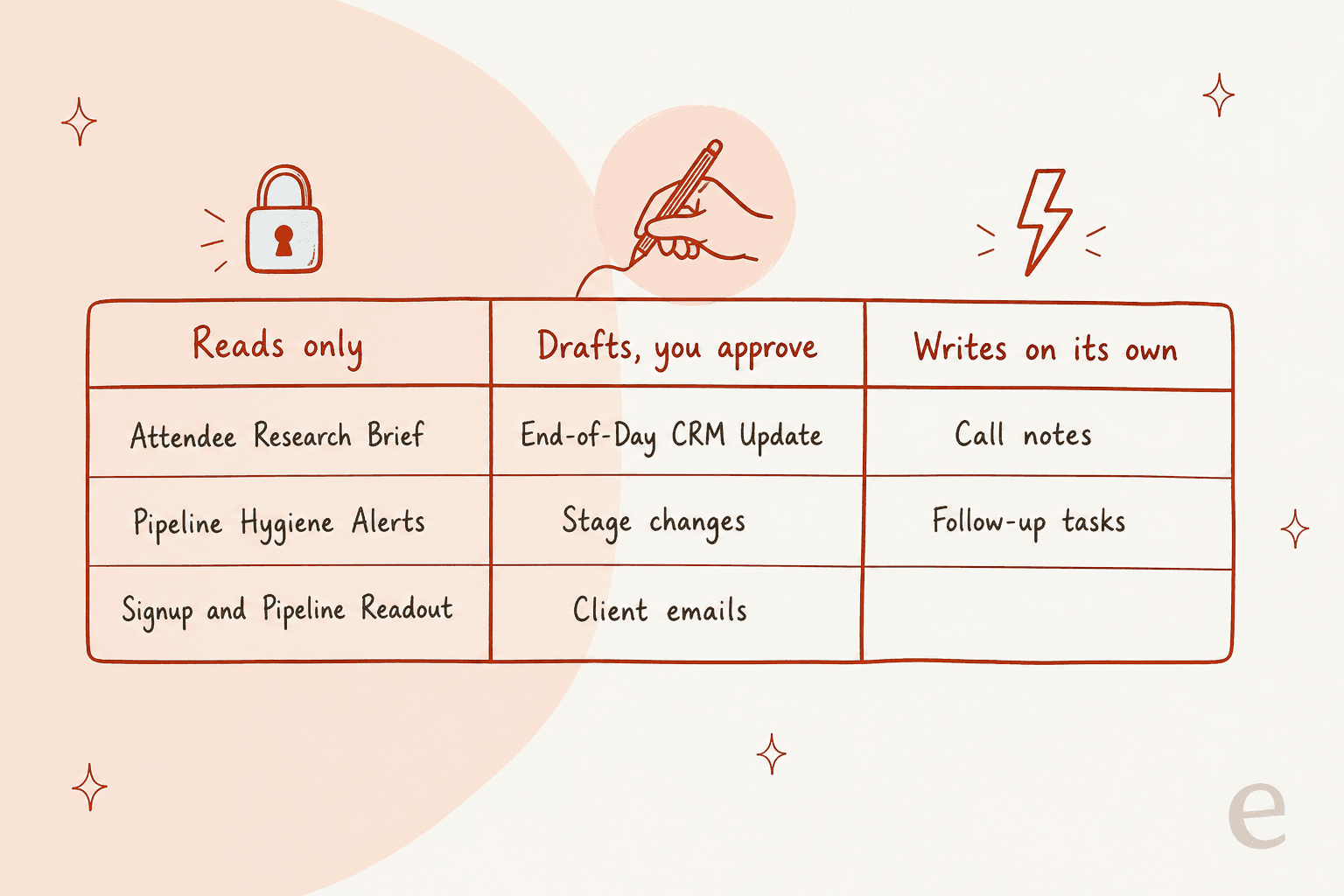
Every Town routine runs in one of three modes: read-only, approval-required or autonomous. Inside one routine you can mix modes per tool.
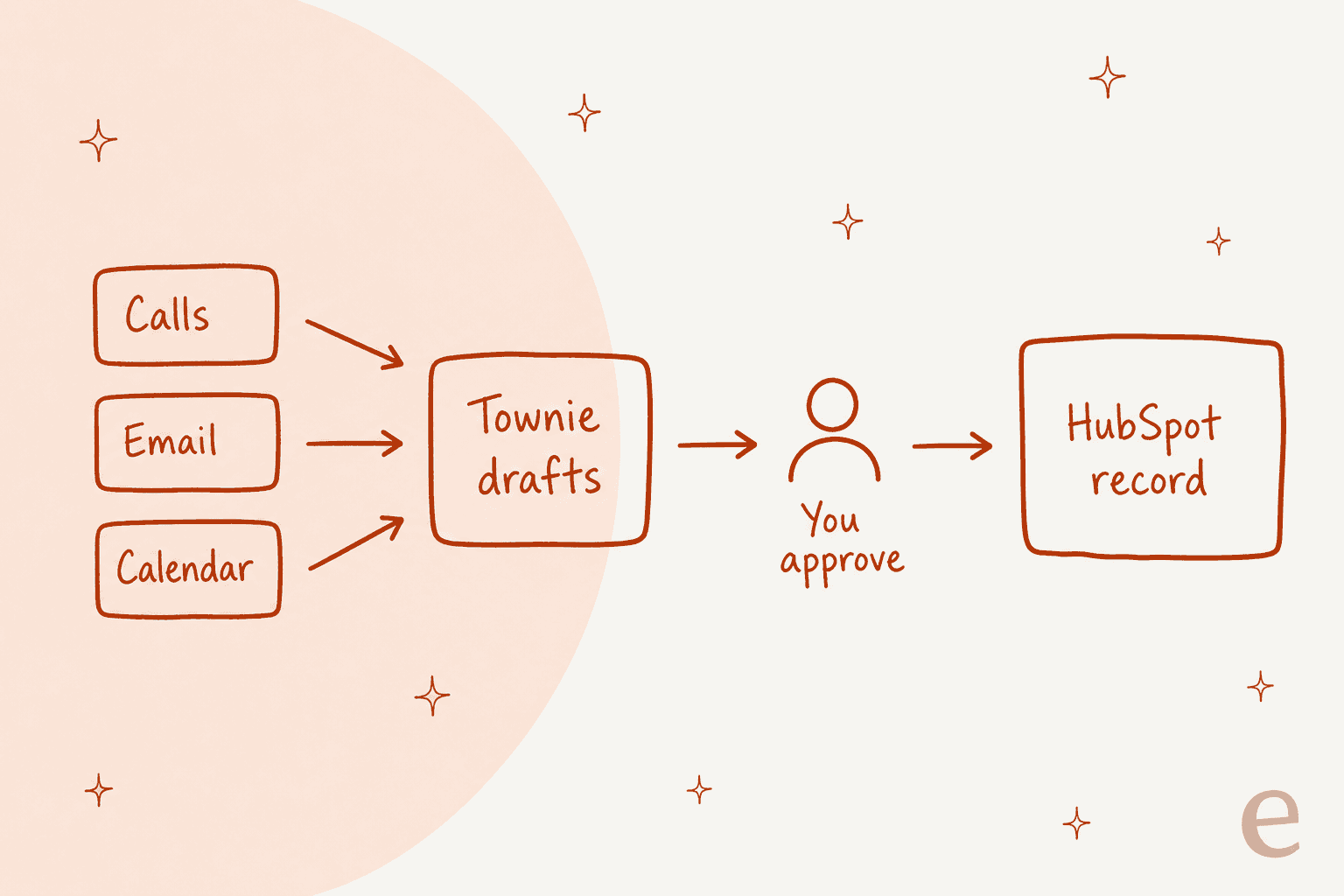
Here's how I'd set a HubSpot routine up:
- Contact and deal updates: approval-required. Town's own best practice is "Use approval-required for updates."
- Call notes and tasks: fine to run on their own. That's the Post-Meeting CRM Update default, and a wrong note is easy to fix.
- Deal stage changes: approval-required, plus a hard guardrail. Town's example is "never moving a deal to Pass automatically."
- The why behind every change: ask the routine to note why it made each update, which Town's docs also recommend, so the next rep reading the record has the context.
On HubSpot's side, the docs say its own manage_crm_objects tool "presents a proposed-changes summary for user review and requires explicit user confirmation" before it creates or updates anything. Combined with Town's approval queue, you get two checks between a call transcript and a changed deal. That's stricter than most do-it-yourself setups, like connecting ChatGPT to HubSpot with a custom app.
Two limits remain. Town's docs mention HubSpot rate limits: if a busy routine hits them, run it less often or batch its operations. Also, Town is a personal assistant, so the HubSpot connection acts as the person who authorized it. That works well for small sales teams, and Town's spread inside companies seems to come from exactly that:
"Town is the Devin for Everything Else i was talking about at AIE Europe i brought it into our company one day and a few weeks later was shocked to hear that it had just organically spread to @liamcbride and the rest of our team with no further hyping or enablement from me."
Which Town plan do you need for HubSpot?
All Town integrations, HubSpot included, are available on every plan. The routines are where plans matter. Every library routine is built as a custom routine, and Town gates custom routines and trigger types by plan.
| Plan | Price per month | Credits | Custom routines | Triggers |
|---|---|---|---|---|
| Free | $0 | 30 chats | None | Weekly Briefing only |
| Starter | $15 (monthly only) | 1,250 | 2 | Scheduled only, at most once a day |
| Pro | $49 annual / $59 monthly | 5,000 | Unlimited | All trigger types |
| Power | $99 annual / $119 monthly | 12,000 | Unlimited | All trigger types |
| Power Plus | $199 annual / $239 monthly | 40,000 | Unlimited | All trigger types |
| Team | $59 annual / $71 monthly per seat | 6,000 per seat, pooled | Unlimited | All trigger types |
Source: Town Plans & Pricing docs and pricing page.
On Starter, End-of-Day CRM Update Draft and Pipeline Hygiene Alerts both work, because they're scheduled. Post-Meeting CRM Update doesn't work the way it's designed. It runs when a transcript lands, which is an event trigger, and event triggers need Pro or higher. With only 2 custom routine slots, a Starter user would realistically pick the end-of-day rundown and the Monday audit, and log calls once a day.
Credits are the other thing that changes the cost. Town doesn't publish a fixed credit cost per run. Its credits docs say usage depends on how much a run reads and does, and you can see per-routine totals under Settings → Plan. A weekly pipeline audit across hundreds of deals will cost more than a single call note. My Town AI pricing breakdown has the overage math, and HubSpot's own AI is metered separately in HubSpot credits.
Where Town fits for HubSpot, and where it doesn't
Town is a good fit if you personally own HubSpot deals: a founder doing sales, an account executive, a consultant, a recruiter. The routines are written for one person's pipeline and one person's inbox. It also suits teams where HubSpot is the system of record but reps hate data entry, which is most of them.
A few limits are worth knowing first:
- Town's documented scope is contacts, deals and companies. HubSpot tickets, quotes and custom objects aren't in Town's HubSpot docs, even though HubSpot's MCP server exposes more.
- It's young. Town has no G2 or Capterra reviews yet, so most user feedback comes from early users on X.
- Team pools have no per-member limits. On Team plans, Town's team billing docs note one heavy user can drain the shared credit pool.
If you're comparing options, my roundup of AI tools for HubSpot covers the add-on route, and HubSpot's deal insights and prospecting agent are the native route. For other personal assistants, see my AI personal assistants roundup, my Instinct AI review, and Lindy if you'd rather build the workflows yourself. Sales teams on other CRMs can look at Salesforce AI or Pipedrive AI.
When your HubSpot work is really support tickets
Here's a pattern I see quite often. Someone searches for an AI to work with HubSpot, but what's actually piling up isn't deals. It's tickets in HubSpot Service Hub: order questions, account issues, "any update on this?" replies. That's a shared queue, not one rep's pipeline, and a personal assistant is the wrong shape for it. Town meters credits per run, works from one person's accounts, and its documented HubSpot scope doesn't include tickets.
HubSpot's own answer is the Breeze customer agent, which bills HubSpot credits for each resolution. If you're weighing that, my posts on HubSpot Service Hub AI alternatives and whether Service Hub AI is worth it do the credit math.
The other route is hiring a teammate for the queue. eesel is a set of AI teammates you hire for specific jobs, and the helpdesk teammate joins your existing HubSpot help desk instead of replacing it. Think of it as the support-shaped version of an AI employee.
Try eesel for the HubSpot tickets your customers are waiting on
If the HubSpot work slipping through is customer tickets, not your own deals, eesel's AI helpdesk teammate for HubSpot connects in minutes. It learns from your help center and docs, then drafts or sends replies in the queue your team already uses. Start in draft mode, check the replies, and let it send once you trust it.
On the eesel pricing page, one ticket or chat is 1 credit no matter how many replies it takes, so last month's ticket count tells you what you'd pay.

You can start free with 100 credits and no card, point it at last week's HubSpot tickets, and see how many replies it would have drafted. Try eesel
Frequently Asked Questions
Does Town AI integrate with HubSpot?
Yes. Town connects to HubSpot in one click through HubSpot's official MCP server at mcp.hubspot.com, with no API keys to manage. The connection works on every Town plan and any HubSpot account, including free. My AI tools that integrate with HubSpot list covers the other options.
What can Town AI change in HubSpot?
Town's HubSpot docs list viewing and updating contacts and deals, creating contacts, and viewing companies. A second, separate connection, HubSpot Email Marketing, creates marketing email drafts only and never sends them. For HubSpot's own approach, see my HubSpot AI data cleanup guide.
Will Town AI update HubSpot records without asking me?
Not by default. Town's HubSpot integration FAQ says record updates are drafted and held for approval, and autonomy is opt-in per routine. Town's docs also recommend approval-required mode for CRM updates, because automated changes can trigger other HubSpot workflows. That is stricter than wiring Claude to HubSpot yourself.
Which Town plan do I need to use Town AI with HubSpot?
The HubSpot connection is free on every plan, but useful CRM routines need Pro at $49 a month (annual). Starter at $15 allows 2 custom routines on a once-a-day schedule only, so a call note can't be logged when a transcript lands. The full breakdown is in my Town AI pricing guide.
Can Town AI log calls to HubSpot automatically?
Yes, with the Post-Meeting CRM Update routine. When a transcript from Granola, Fathom or Fireflies is ready, it logs a call note on the right contact and deal and creates follow-up tasks, while stage changes and outbound email wait for you. If you don't have a notes tool yet, my meeting notes app guide covers the options.
How is Town AI different from HubSpot's own AI?
HubSpot's AI works inside HubSpot. Town works across your inbox, calendar, call notes and CRM, so it updates the HubSpot record from things that happened outside it. My HubSpot Breeze guide explains what HubSpot's built-in AI covers.
Can I use Town AI for HubSpot Service Hub tickets?
Town's HubSpot docs cover contacts, deals and companies, not help desk tickets, and Town bills per credit per run. For a support queue in HubSpot, an AI for HubSpot Service Hub that works the tickets themselves, like eesel's helpdesk teammate, is the better fit.



Article by
Rama Adi
Rama is a software engineer at eesel AI with two years of experience writing about B2B SaaS, AI tools, and customer support technology. Based in Bali, Indonesia, he brings a developer's perspective to product comparisons — cutting through marketing copy to what the integrations and APIs actually do.