Why growing brands move from Gorgias to Zendesk
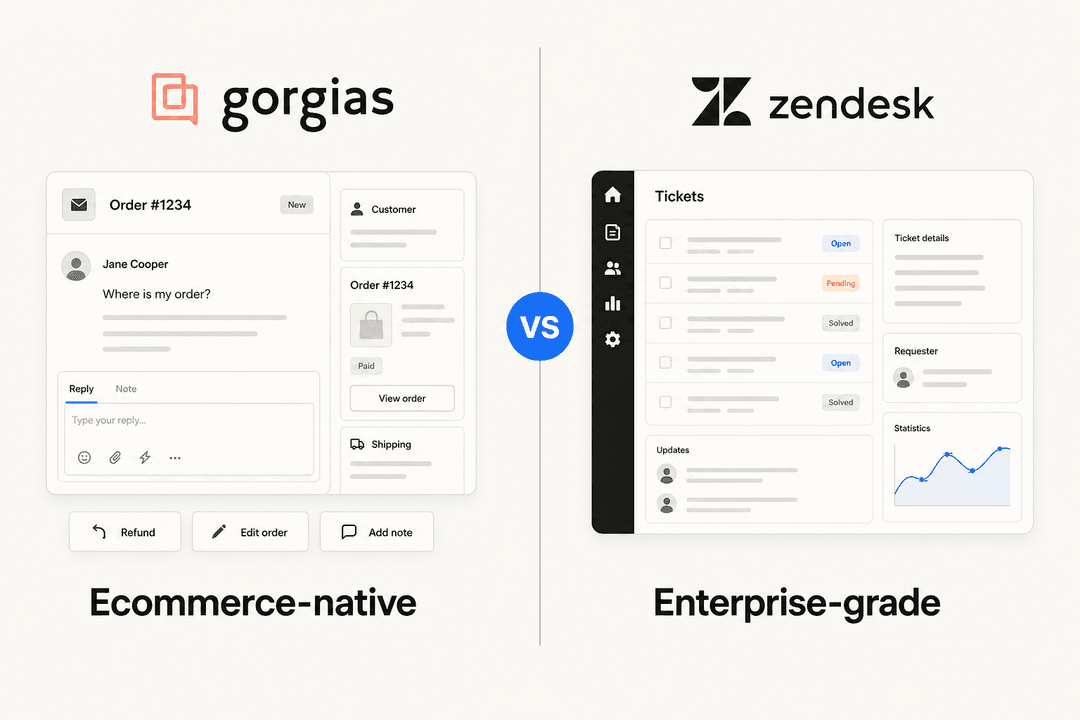
I build integrations at eesel, and the team has spent the last few years putting AI agents on live Gorgias and Zendesk queues. Gorgias is where most of the Shopify brands I talk to start, and for good reason. It's built for ecommerce, it puts the customer's orders next to every ticket, and on G2 it scores 9.2 for ease of admin against Zendesk's 8.2, with a typical implementation time of one month against two.
So nobody leaves Gorgias because it's bad at Shopify. They leave because the business around the Shopify store got bigger. These are the four triggers I see most.
1. Ticket pricing at volume
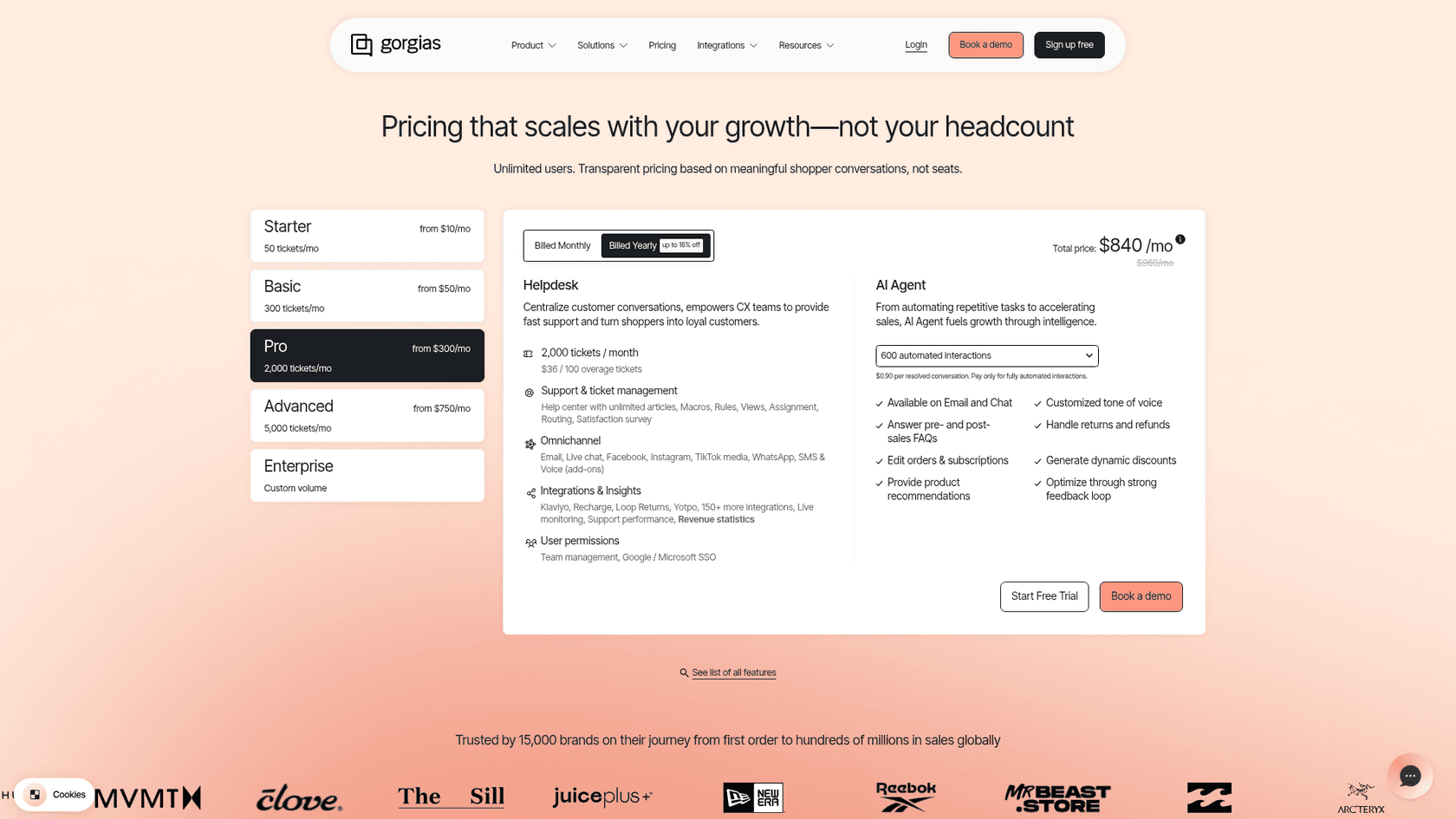
Gorgias pricing is per ticket, not per seat. On annual billing, Pro is $300 a month for 2,000 tickets and Advanced is $750 for 5,000, with overage at $36 per 100 tickets. Above 5,000 tickets a month, you're on a custom plan that goes through sales. A ticket becomes billable the moment any message goes out, per Gorgias's billing docs, whether an agent, the AI Agent or an automatic Rule sends it.
That model is great for a small team with most of the company in the inbox. It gets harder when orders grow faster than headcount. A DTC supplements brand that talked to eesel was running about 7,000 Gorgias tickets a month on 30,000 orders, with a high season from November to May. That's past the top self-serve plan before peak season even starts.
"The main frustration with Gorgias is the pricing model, which is based on ticket volume rather than a flat monthly fee. As our order volume grows and customer inquiries increase, the cost scales up quickly in ways that can be difficult to predict and budget for."

The same model is also why teams choose Gorgias in the first place. One Capterra reviewer picked it over Zendesk because per-user pricing "made them a poor fit" for giving the whole company access (Capterra). If most of your company needs to see tickets, a seat-based helpdesk can cost you more, not less. My Gorgias plans comparison goes deeper on Gorgias, and the Zendesk Suite pricing breakdown covers Zendesk.
2. Omnichannel beyond email and chat
Gorgias sells voice as an add-on from $25 a month and SMS from $17, neither available on Starter. Self-serve phone numbers cover the US, Canada, the UK, France and Australia, per Gorgias's docs, and other countries are by request.
Every current Zendesk Suite plan includes messaging, email, voice, SMS and live chat in one workspace, with call minutes billed as usage. WhatsApp is available from Suite Team, with extra fees. If you're opening a call center or selling in markets outside those five countries, Zendesk Talk is the reason to look. My Zendesk omnichannel guide covers the rest.
3. B2B and wholesale customers
Gorgias positions itself as built "specifically for ecommerce and Shopify", and I couldn't find anything it says about B2B. Zendesk has the plumbing wholesale support needs: organizations (users in several organizations on Suite Professional), SLAs from Professional, and custom objects, up to 30 on Professional (Zendesk pricing). If a growing share of your tickets comes from retailers rather than shoppers, my Zendesk B2B support guide is the next read.
4. More brands and more structure
Gorgias does handle several stores on any plan, which is a real strength. Where it tops out is the enterprise layer: unlimited help centers and SAML single sign-on are custom-plan only. Zendesk's multibrand docs allow up to 5 brands on Growth and Professional and up to 300 on Enterprise, plus a sandbox on Enterprise. See Zendesk brands for how that's set up.
If none of these four apply and it's only the invoice that hurts, I'd hold off. A migration costs weeks of your team's attention, and Gorgias alternatives or an AI layer that cuts the tickets your agents touch may fix the same problem for less.
What moves in a Gorgias to Zendesk migration, and what doesn't
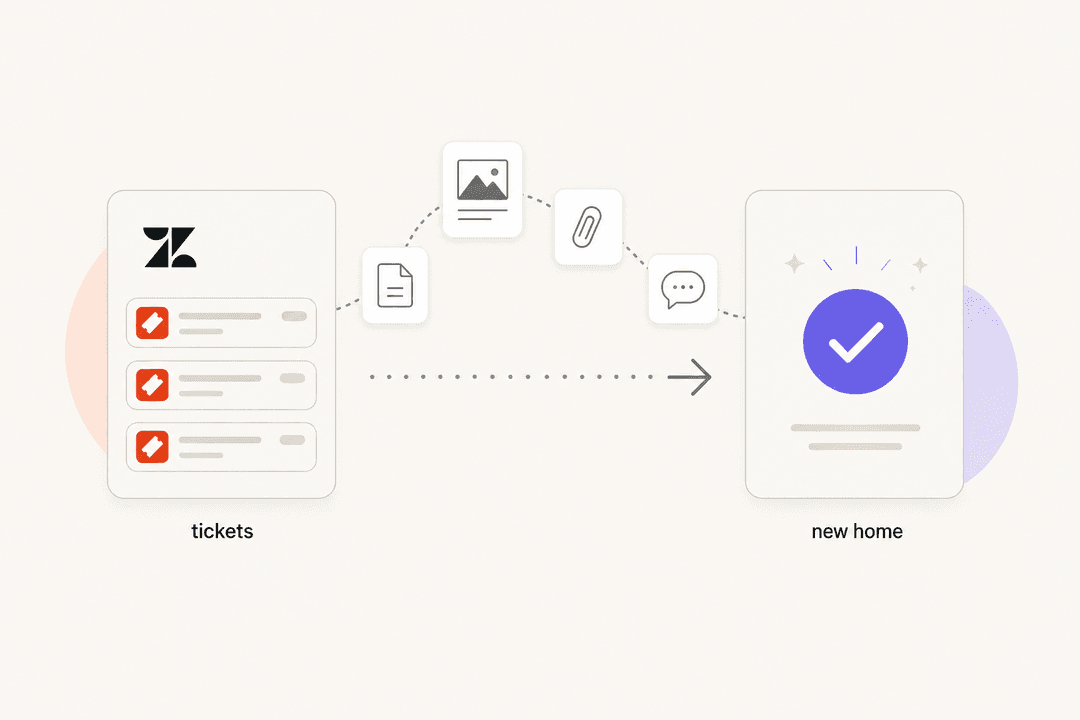
This is the table I'd print out before scoping anything. The "moves" column assumes a migration tool; the notes come from the tools' own docs and from Zendesk's import rules.
| Gorgias item | Moves to Zendesk? | Notes |
|---|---|---|
| Tickets and messages | Yes | Public and private notes, attachments and tags, with created, updated and closed dates |
| Customers | Yes | Names, emails, phones, notes and custom fields |
| Agents | Yes, but create them first | Help Desk Migration asks you to create matching agents in Zendesk before you start |
| Macros | Partly | Text moves; Shopify variables only work in Gorgias and need rewriting |
| Help center articles | Yes, via a tool | Gorgias itself says "Exporting articles isn't supported" |
| Companies | No object to move | Gorgias has no companies object, so Zendesk organizations start empty |
| Rules | No, rebuild | Recreate as Zendesk triggers and automations |
| Views | No, rebuild | Recreate as Zendesk views |
| AI Agent Guidance, Actions, skills | No, rebuild | No export is documented |
| Chat widget and integrations | No, reinstall | New widget snippet on the store, new Marketplace apps |
| Reporting history | No | "Zendesk metrics and SLAs are not supported for imported tickets," per the Ticket Import API |
The two rows that surprise people are the last two. Your first reply time and resolution time history won't exist in Zendesk, so export your Gorgias reports and keep the CSVs somewhere safe. And your chat widget changes, which means the shopper-facing experience changes on cutover day.
Macros are worth a closer look too. A Gorgias macro that says "your order {{ticket.customer.integrations.shopify.orders[0].name}} shipped" relies on a variable that, per Gorgias's docs, only works when a store is connected to Gorgias. In Zendesk that line arrives as literal text or a blank. Search your Gorgias macros for shopify before you migrate and plan the rewrite.
Migration methods and what they cost
There are three realistic routes. Here's how they compare.
| Method | What you pay | Best for | Watch out for |
|---|---|---|---|
| Help Desk Migration (self-serve tool) | One-time, per record. $100 for 1,000 records, $514 for 10,000 on the base Essential package | Most brands under a few hundred thousand tickets | Delta migration is only in Premium, from $500 |
| DIY through both APIs | Developer time | Teams with an engineer and unusual data | Gorgias API limits of 40 to 80 requests per 20 seconds |
| Zendesk Professional Services or a partner | Quote only; no public prices | Large or complex moves | Longest lead time |
Help Desk Migration
Help Desk Migration (by Relokia) is the one self-serve tool I found that lists Gorgias as a source and Zendesk as a target. It has an app on the Zendesk Marketplace and an Advanced Implementation Partner badge. Import2, the other name that comes up, doesn't list Gorgias on its apps page.
The free demo moves 20 tickets and 20 articles, and you can run it as many times as you like. The final price comes from the demo. Its pricing page counts agents, contacts, companies, tickets and articles as records, and attachments, comments and notes are free.
Two things I'd check before you buy:
- Delta migration. A full migration takes hours to days, and customers keep writing in while it runs. Picking up those new tickets is a "delta" run, and it's only in the Premium package, from $500. For a live store I'd treat it as required.
- Leftover demo data. Every demo writes real records into Zendesk. One G2 reviewer "overlooked reversing a few demos" and needed another tool to clean up.
DIY with the Gorgias and Zendesk APIs
On the Gorgias side you page through tickets, messages and customers with the Gorgias API. Its rate limits are 40 requests per 20 seconds with an API key, or 80 with OAuth. At two requests a second, 100,000 tickets need at least 100,000 message calls, which is roughly 14 hours of reads before a single attachment. My Gorgias API rate limits post has the retry details.
On the Zendesk side you write with the Ticket Import API, up to 100 tickets per call. It keeps original timestamps, and archive_immediately sends closed tickets straight to the archive, which Zendesk suggests above 750,000 tickets. Triggers don't fire on imported tickets unless they're imported as closed, and CC'd customers don't get notified. On Suite Professional, the Zendesk API limit is 400 requests a minute.
The API limits hit tool users as well, since the tools call the same APIs:
"The duration of the migration depends on the API limits set by your accounts on both platforms. If your limits are low or restricted to daily quotas, you may need to upgrade or pay additional fees to the platform you are currently using or plan to use."
Zendesk Professional Services
Zendesk's own migration article says to hire Professional Services for "large or complex migrations" and points to partners on the Marketplace. Neither publishes prices. I'd only go this way if you're moving several brands at once or need custom objects populated from Shopify data.
Compare your bill before and after
Moving from tickets to seats changes which number matters. This calculator uses list prices on annual billing: Gorgias's plans with overage and its per-interaction AI Agent rate, Zendesk Suite Professional with $1.50 committed automated resolutions, and Zendesk plus eesel instead of Zendesk's AI. Plug in your own volume.
Play with the agent slider and the pattern shows quickly. A brand at 6,000 tickets a month with 12 agents pays $1,380 a month in Zendesk seats. If Zendesk's AI resolves 1,500 of those tickets, 120 are included and the other 1,380 cost $2,070 at the committed rate, so the AI line is bigger than the seat line. That's the number to model before you sign, and it's why the AI deserves its own section.
What happens to your AI in the switch
This is the part that gets lost in a migration plan, because it isn't data. Your AI setup is months of tuning: the answers you corrected, the order actions you approved, the edge cases you wrote rules for. Here's where each piece ends up.
Gorgias AI Agent stays in Gorgias
Gorgias AI Agent learns from your Shopify store, help center, website, uploaded documents, Guidance and Actions, according to Gorgias's docs. Past tickets aren't on that list. It's priced per automated interaction: $1.00 on Starter, $0.90 on Basic and Pro, $0.85 on Advanced. On current plans, a ticket it fully resolves also counts as a billable helpdesk ticket.
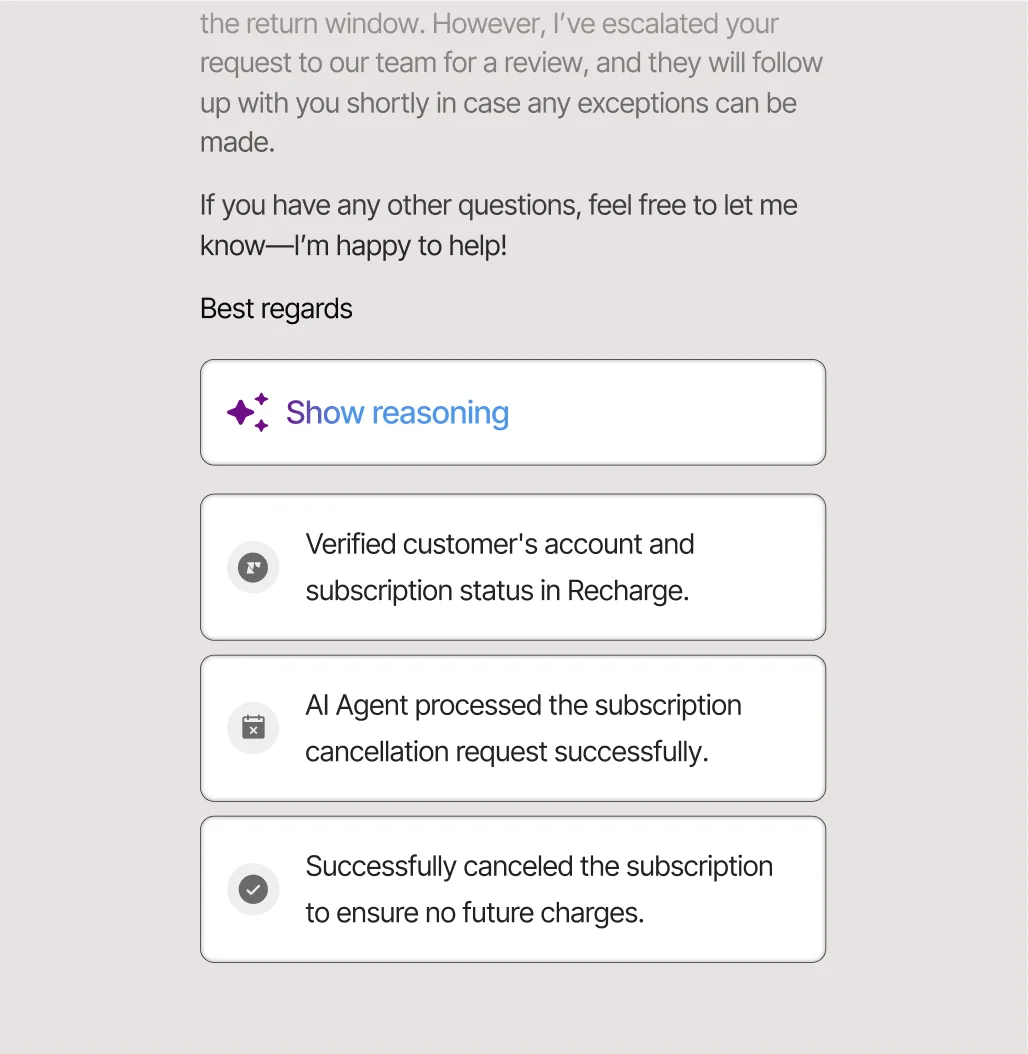
When you leave, none of that config comes with you. I couldn't find a documented export for Gorgias AI Guidance (up to 100 active entries), Actions or skills, and no migration tool lists them. Before you cancel, I'd copy every Guidance entry into a document by hand. It's tedious, but it's your best record of how your brand wants edge cases handled, and it becomes the brief for whatever AI you use next.
Zendesk AI starts from zero, with a different price model
Zendesk's AI agents are included in every plan and billed on outcomes. On the pricing page, that's 10 automated resolutions per agent a month on Suite Professional, then $1.50 each committed or $2.00 pay-as-you-go, with included resolutions capped at 10,000 a year per the automated resolutions article.
In May 2026 Zendesk started moving accounts to resolution tiers: only a "verified" resolution draws on your allowance, and the resolution allowance is now a dollar pool of $5 per agent seat a month on Professional, capped at $5,000 a year. Zendesk says the per-tier prices in its docs "are placeholders only", so you'll get the real ones from sales. My Zendesk automated resolutions post tracks the change.
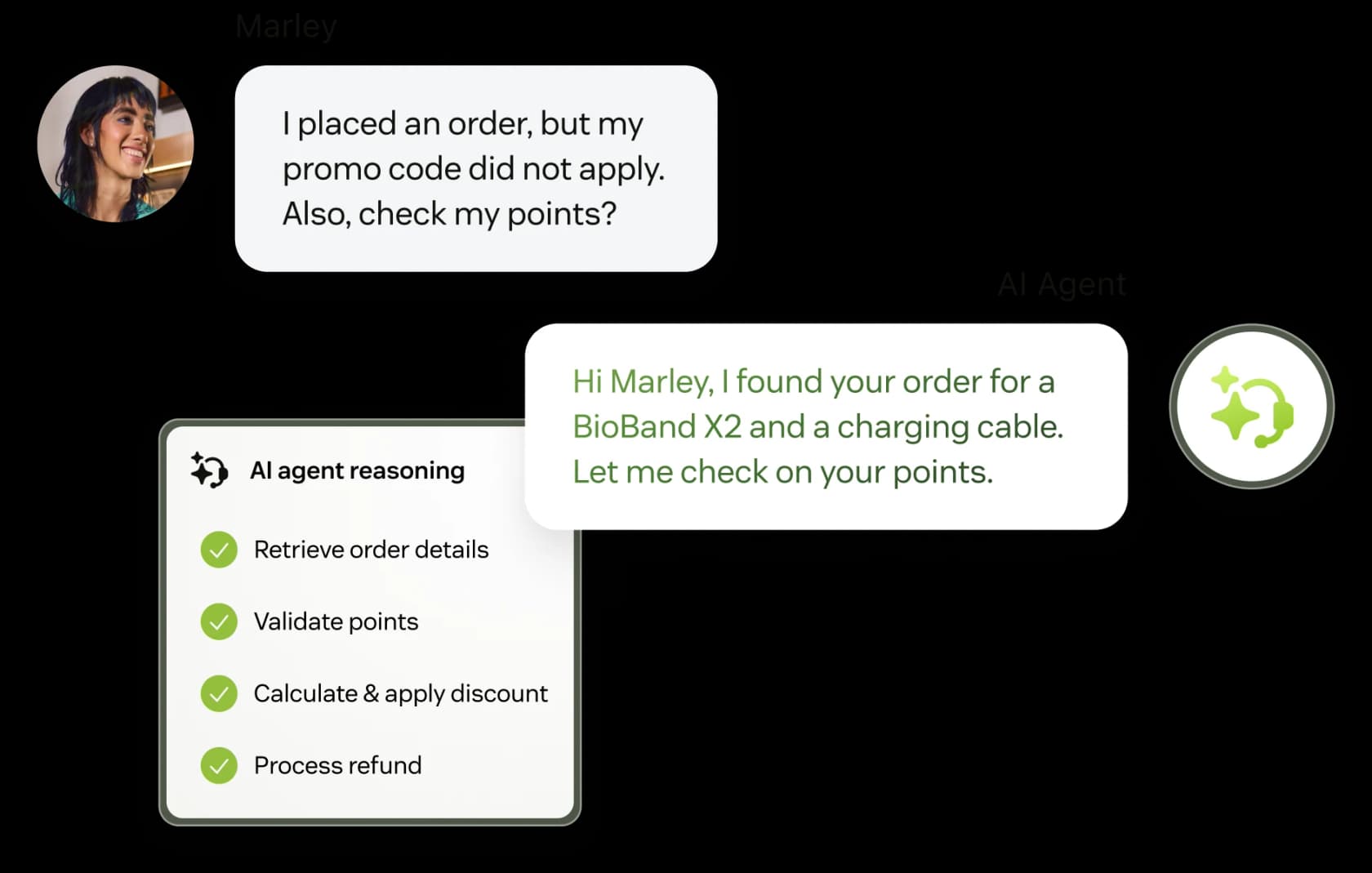
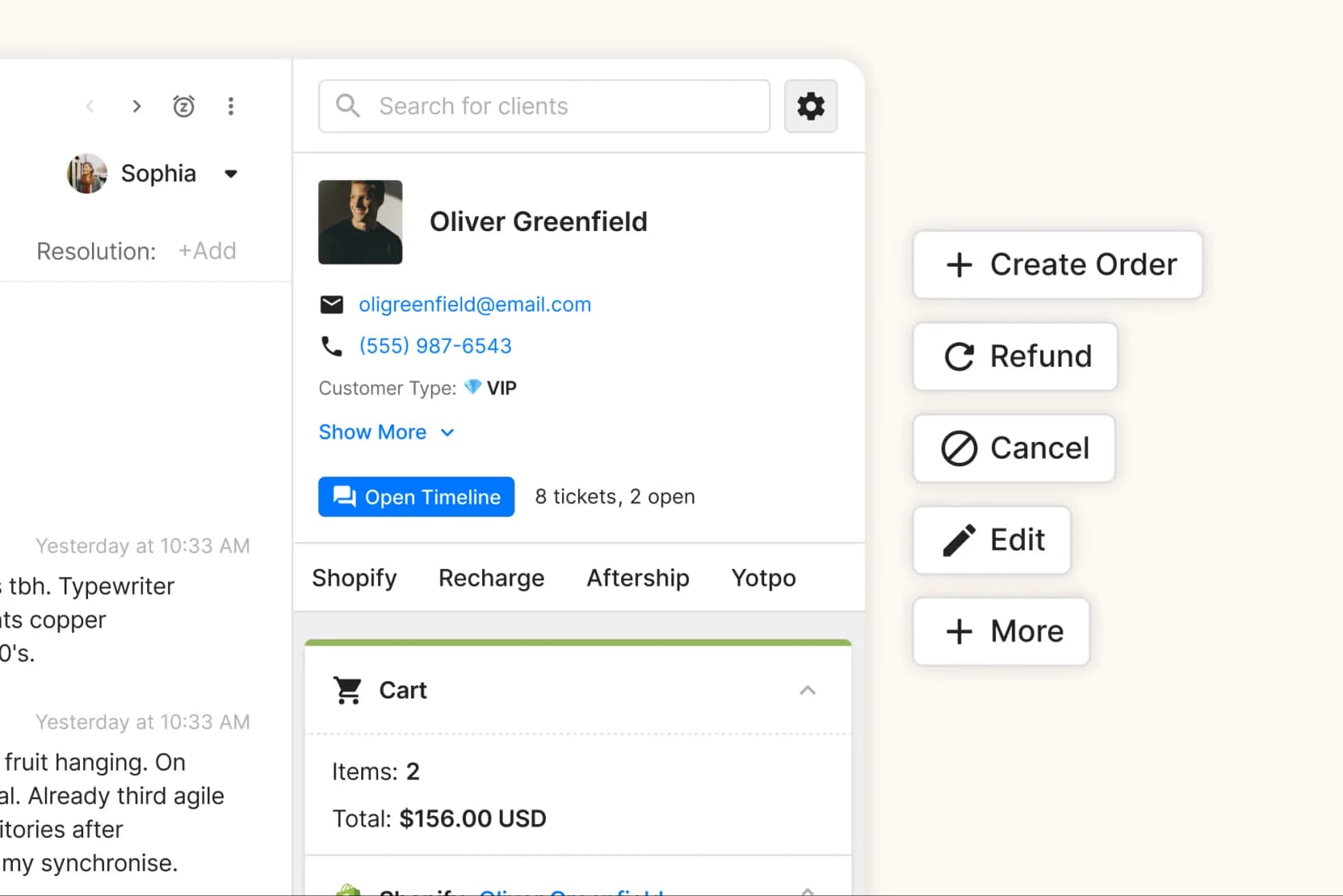
Shopify is where the rebuild is heaviest. For human agents, the free Shopify for Zendesk app shows orders and processes refunds and cancellations from the sidebar, so that part of the Gorgias experience comes back quickly. For the AI, Zendesk has native Shopify actions like order lookup, cancel and refund, but an admin wires them into action flows first, on Suite Growth or higher.
If you want AI suggestions for human agents too, Zendesk Copilot is $50 per agent a month on top of the seat.
Also note that AI agents - Essential went legacy on May 11, 2026 and is removed on December 10, 2026. A brand migrating now builds on the current agentic tier, not Essential.
| Gorgias AI Agent | Zendesk AI agents | |
|---|---|---|
| Billing unit | Automated interaction, no human within 72 hours | Automated resolution, verified by an LLM check |
| List price | $0.85 to $1.00 per interaction | $1.50 committed, $2.00 pay-as-you-go (tier prices on request) |
| Included | Sold in bundles (190 for $190 a month on Pro, $171 billed annually) | 10 per agent a month on Professional, or a $5 per seat allowance |
| Shopify actions | Built in | Action flows an admin builds |
| Comes with you when you leave | No | No |
That last row is the real lesson. Whichever helpdesk you pick, an AI that lives inside the helpdesk has to be rebuilt every time the helpdesk changes.
How to keep your AI and Shopify lookups working through the move
The alternative is to keep your AI one layer up, in a tool that connects to the helpdesk rather than living inside it. That's how eesel is built, and it's the setup I'd use for a migration.
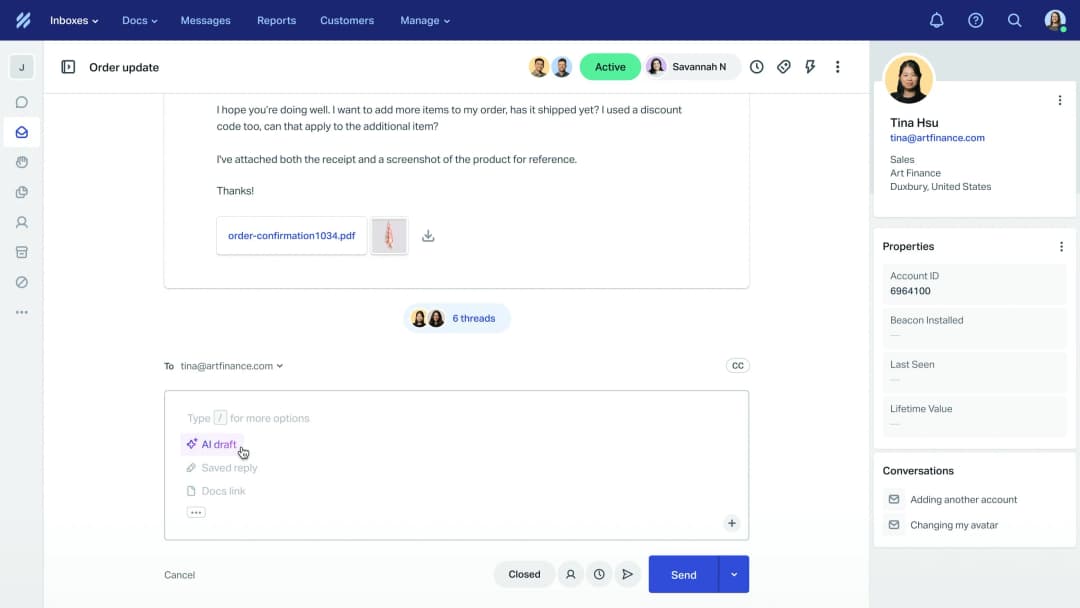
eesel is an AI teammate for your helpdesk. It works inside Gorgias like another agent on the team, and the same way inside Zendesk: it drafts or sends replies, leaves internal notes, tags and routes tickets. Its Shopify connection is separate from the helpdesk, and it looks up orders, tracking and stock live, starts returns and fixes shipping addresses. One agent can connect to as many integrations as you like, so Gorgias and Zendesk can sit side by side during the move.
Here's what carries over, and what doesn't:
- Carries over untouched: the Shopify connection and its order actions, your website crawl, Google Drive, Notion and uploaded files, and your written instructions. None of these are stored in Gorgias.
- Gets re-read from Zendesk: help center articles, macros and past tickets. eesel reads these from whichever helpdesk they sit in, so once your history is in Zendesk, a full Zendesk connection imports it from there.
- Gets recreated: automations. In eesel an automation is a helpdesk trigger plus instructions, so the Gorgias ones don't fire in Zendesk. You ask for the same automation on the Zendesk trigger in the dashboard chat, and the instructions stay the same.
The order matters, because removing a connection in eesel also removes what eesel read through it. This is the sequence I'd run:
- Before the migration, keep eesel on Gorgias as it is. It keeps working your queue while the data moves.
- Connect Zendesk to the same eesel agent once the tickets and articles have landed. Check that the Tickets, Macros and Help Center counts under Integrations > Zendesk look right.
- Test it on your Zendesk history. eesel's skills include testing its answers against hundreds of your past tickets, so you see what it gets right before it answers a customer on the new helpdesk.
- Recreate your automations on Zendesk triggers, starting in draft mode, and flip them live on cutover day.
- Disconnect Gorgias last, after the delta migration and after Zendesk is live.
I'll be honest about one thing: testing matters more than the migration. When a German jewelry brand ran eesel on its real Zendesk and Shopify traffic, about 1,000 tickets a month in eight languages, the trial showed 93% triage accuracy and caught every spam ticket, which was 22% of its inbox. But only 12% of drafts went out without edits at first, so the team used it as a research and triage assistant while it learned. That's the normal shape of week one, on any helpdesk.
On cost, eesel doesn't bill per resolution. eesel pricing is a fixed monthly plan where a ticket is one credit however many replies it takes: $299 a month for 500 credits, $999 for 2,500 and $1,899 for 5,000. There are no per-seat fees, and spam or tickets you tell it to leave alone don't count. You size the plan in advance, and if a Black Friday week runs you out of credits, you choose between pausing and overage at $0.80 a credit under a cap you set. If you want the full comparison against Zendesk's own AI, my eesel vs Zendesk AI post covers Zendesk's AI, and the eesel vs Gorgias AI post covers Gorgias.
A cutover plan that doesn't drop tickets
Putting it together, here's the order I'd run a Gorgias to Zendesk migration in. It's the same shape as my general helpdesk migration guide, adjusted for Gorgias.
- Audit and export first. Export your Gorgias Rules and the views that go with them (see my Gorgias views guide), plus macros (Gorgias exports these as CSV), reports and every AI Agent Guidance entry. Note which macros use Shopify variables.
- Set up Zendesk. Create agents, custom fields and brands, switch on the help center, install the Shopify app, and turn off triggers and automations so imported tickets don't send emails.
- Run the demo migration and check 20 tickets by hand: attachments, internal notes, tags, timestamps. Delete the demo records afterwards.
- Run the full migration, then the delta to pick up tickets created in the meantime.
- Rebuild the logic. Rules become Zendesk triggers, views become views, and macros get their Shopify lines rewritten. Point your AI at Zendesk and test it on past tickets.
- Cut over channels, one at a time: email forwarding, then the chat widget, then social, WhatsApp and voice.
- Run both side by side for a week, with Gorgias read-only for anything that trickles in, before you cancel the Gorgias plan.
"Migrating platforms is a major operational lift, and my preference was to stay with Gorgias if there was a reasonable path forward on pricing."

That reviewer is right about the lift. It's also why I'd keep the number of things that change at once as small as possible. The helpdesk has to change; your AI's knowledge doesn't.
eesel for Gorgias and Zendesk
If you're mid-migration, eesel is the AI teammate that doesn't need rebuilding when the helpdesk changes. It works your Gorgias queue today, joins Zendesk when you're ready, and keeps its Shopify order lookups, returns and address changes working on both. It learns from your help center, macros and past tickets in whichever helpdesk they live in.

Try eesel free with 100 credits and no card. Connect your Shopify store and your Gorgias account now, test it on your past tickets, and add Zendesk the week your data lands.
Frequently Asked Questions
How long does a Gorgias to Zendesk migration take?
How much does it cost to migrate from Gorgias to Zendesk?
Can I move my Gorgias AI Agent to Zendesk?
Do Shopify order lookups work in Zendesk like they do in Gorgias?
Will my ticket history and reports survive a Gorgias to Zendesk migration?
Is Zendesk cheaper than Gorgias for ecommerce?
Should I migrate from Gorgias to Zendesk or pick another helpdesk?



Article by
Rama Adi
Rama is a software engineer at eesel AI with two years of experience writing about B2B SaaS, AI tools, and customer support technology. Based in Bali, Indonesia, he brings a developer's perspective to product comparisons — cutting through marketing copy to what the integrations and APIs actually do.