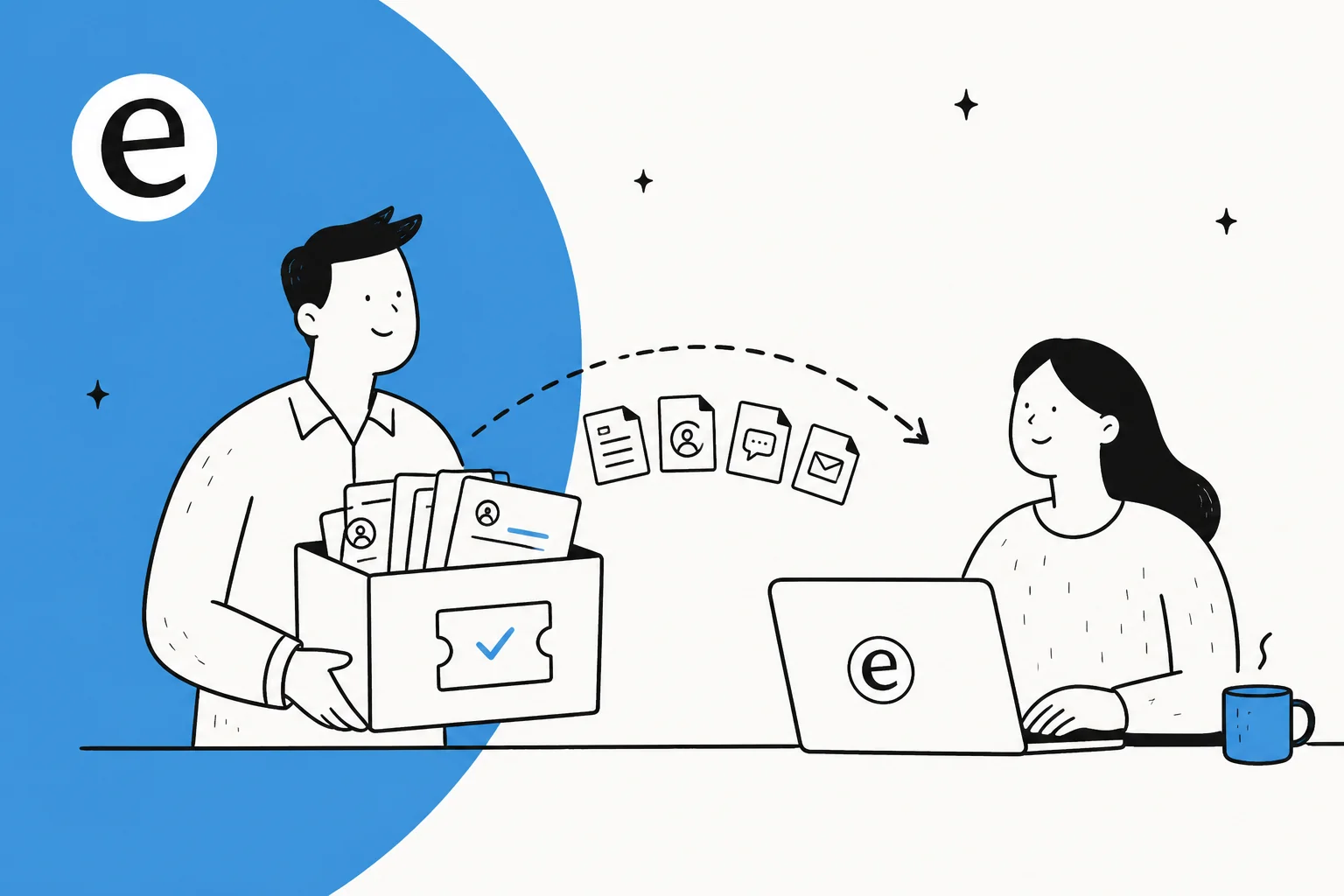
The real risk isn't the move, it's what you leave behind
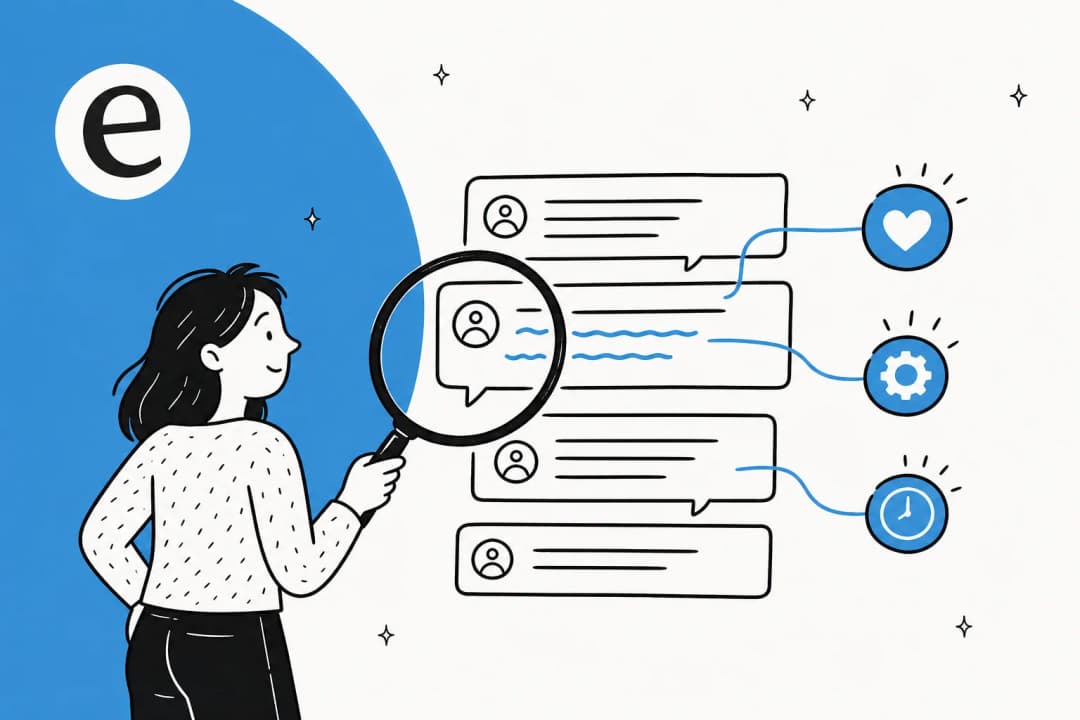
When a team tells me they're scared of switching helpdesks, they almost never mean the UI. They mean the years of context sitting in their tickets: the weird edge-case refund policy that only lives in a 2024 thread, the customer who always needs the long explanation, the exact wording the team settled on for the "where's my order" reply. That's institutional memory, and a sloppy migration torches it.
I've watched this go sideways from both ends. The most common trigger we see isn't even teams choosing to leave, it's getting pushed. One semiconductor hardware team came to us mid-scramble because their incumbent AI vendor changed its business model and forced them off the tool, with about 250 tickets a month across four languages riding on it. When the move isn't on your timeline, the pressure to "just get it over with" is exactly when history gets dropped.
So before you touch an export button, get clear on what you're actually protecting. It isn't one thing.
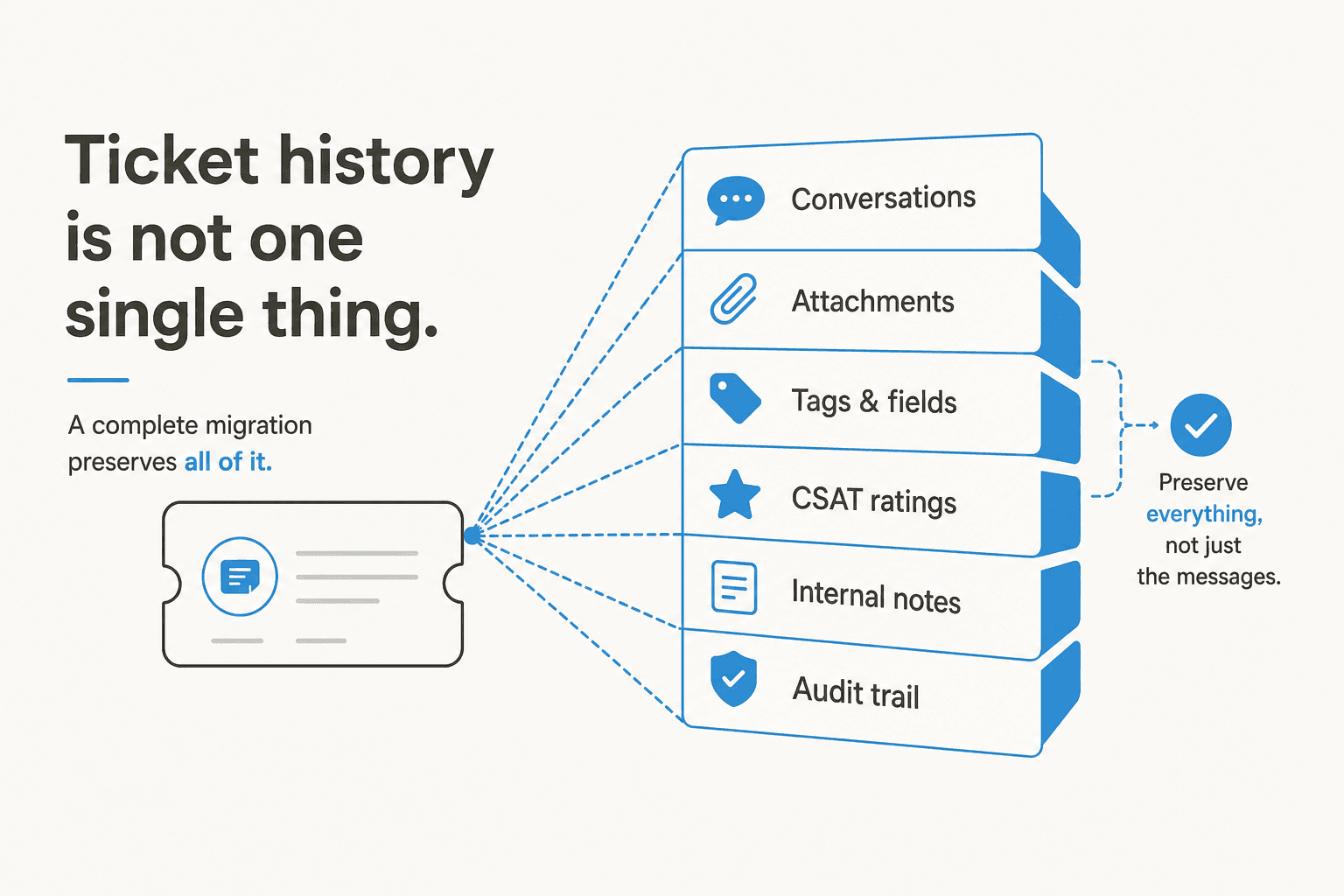
A ticket is a little bundle of data, and a migration that only grabs the reply text quietly loses most of it:
- Conversations - the full back-and-forth, public replies and customer messages, in order.
- Attachments - screenshots, logs, receipts. These are where the actual problem usually lives.
- Tags and custom fields - your routing logic and reporting categories. Lose these and your ticket tagging and reporting start from zero.
- Internal notes - the private context agents left for each other. Invisible to customers, priceless to your team.
- CSAT and ratings - your historical quality baseline. You can't tell if the new setup is better if you deleted the old scores.
- Audit trail - who did what, when. For regulated teams the audit log export is non-negotiable.
If your export plan doesn't account for all six, you're not preserving ticket history, you're preserving a transcript.
Step by step: switch helpdesks without losing ticket history
Here's the workflow we'd run. It's deliberately boring, because boring is what keeps your data intact.
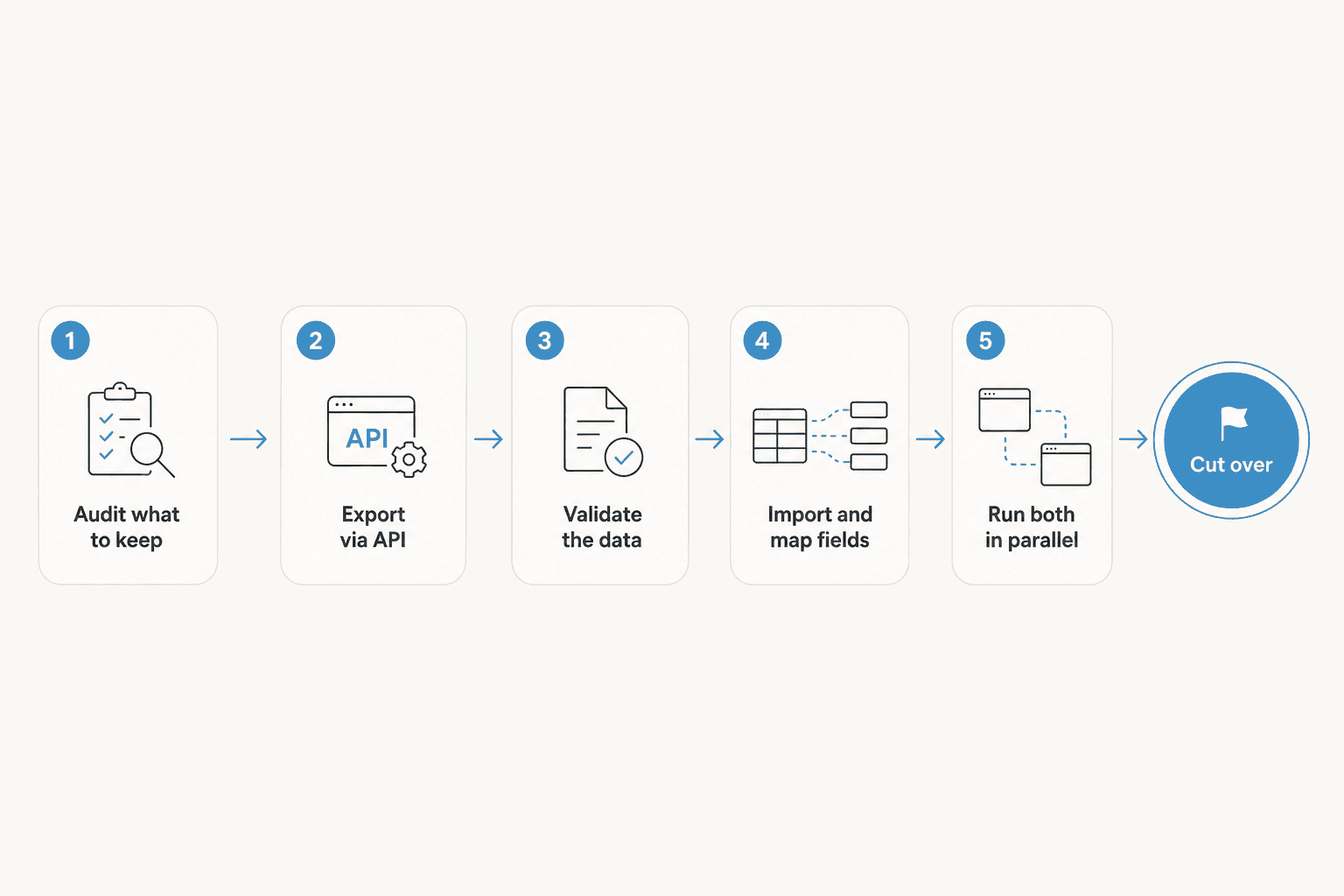
1. Audit what you actually need to keep
Not every ticket from 2019 needs to move. Decide your cutoff (most teams keep two to three years of history live and archive the rest), and list the data types from the section above that you genuinely report on or reference. This is also the moment to grab your knowledge base: help-center articles export separately from tickets, and they're easy to forget. On Zendesk, for instance, the help center export and article import/export are their own jobs.
2. Export everything through the API
The CSV download button in your helpdesk admin is a trap. It usually gives you a flattened summary, not the full threaded conversation with attachments and metadata. The complete export almost always comes from the API. Zendesk has an incremental export endpoint built for exactly this, plus dedicated flows for exporting ticket data and conversation history. Freshdesk has its own ticket data export with custom fields. Pull the structured data, not the screenshot-friendly version.
If you also report in a BI tool, this is a good time to set up a clean data export to Excel or Power BI so your analytics don't reset to zero on day one.
3. Validate before you trust it
Open the export. Actually open it. Count the tickets and compare against your admin dashboard. Spot-check ten tickets across different years and categories: are the attachments there? The internal notes? The timestamps? A migration that "completed successfully" but silently dropped every attachment is the nightmare scenario, and you only catch it by looking.
4. Import and map fields into the new helpdesk
This is where most history gets mangled, because field names rarely line up one-to-one. Your old "Priority: Urgent" might be "Severity: P1" in the new tool. Map every field deliberately before importing, and do a small test batch first (50 tickets, not 50,000). If you're moving between two specific tools, there's usually a documented path, like migrating from Zendesk to Freshdesk or Zendesk Chat to Messaging. Triggers and automations move too: don't forget to export and re-import your triggers and macros so your workflows survive.
5. Run both in parallel, then cut over
Do not flip the switch the moment the import finishes. Keep the old helpdesk live and read-only while the new one takes incoming tickets. For a few weeks you'll want to glance back at the old system to confirm a detail or pull a thread the import missed. When you've gone a couple of weeks without needing it, you're safe to cut over fully. The parallel run is the single cheapest insurance you can buy against a migration regret.
The part everyone forgets: your history is training data
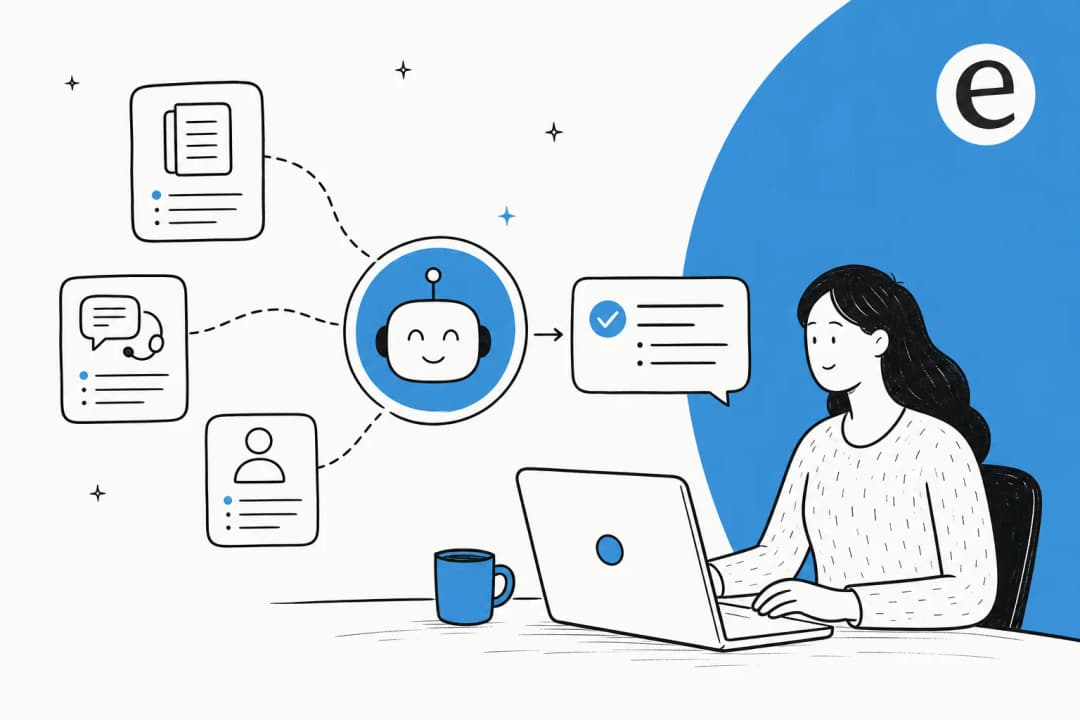
Here's the reframe I wish more teams started with. You're not just rescuing your ticket history so it sits in a new database doing nothing. Your past tickets are the best training data your support AI will ever get.
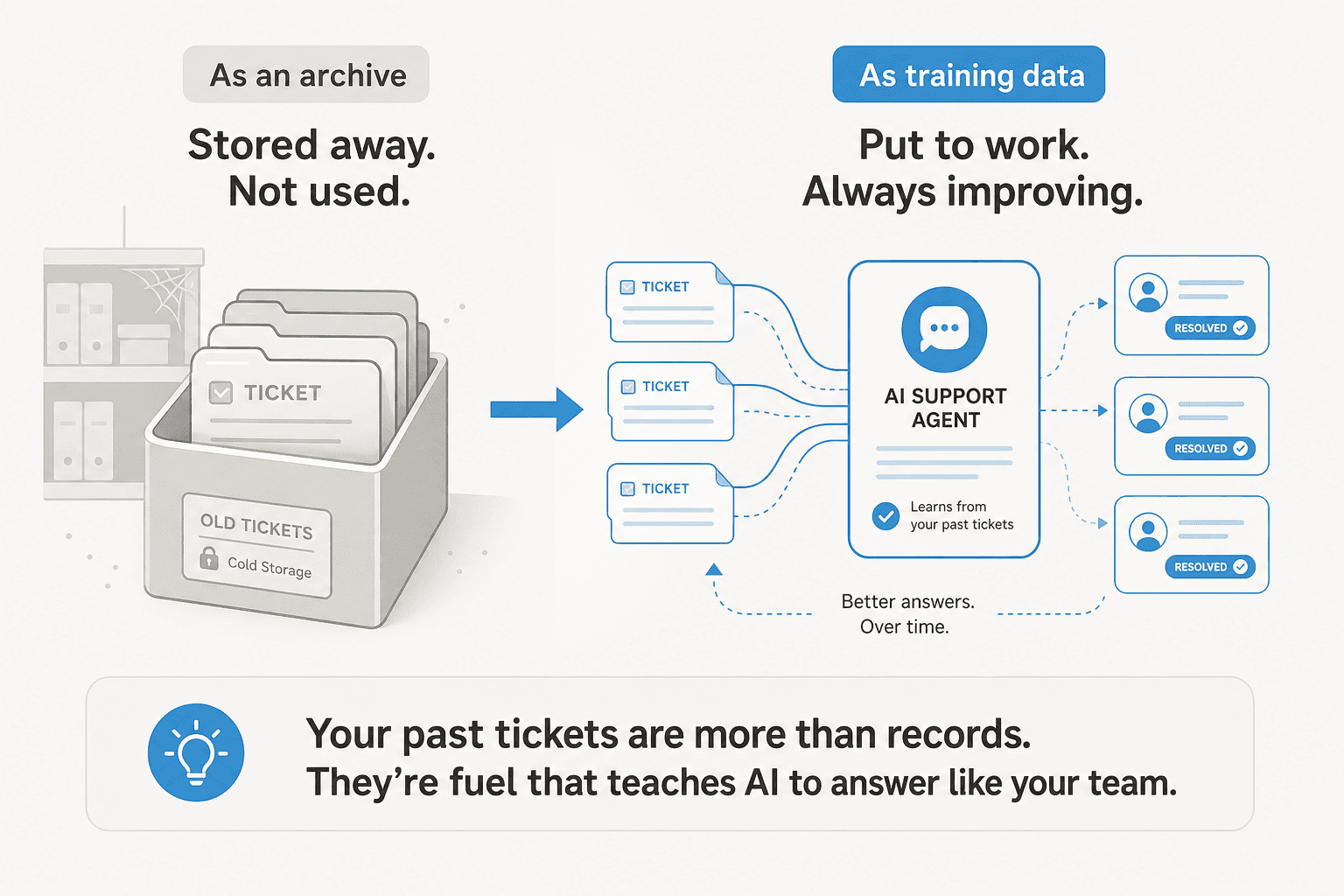
Every resolved ticket is a worked example of how your team answers, in your tone, against your real policies. Feed that into an AI support agent and it learns to handle the repetitive tier-1 questions the way you already do, instead of inventing answers from a generic model. This isn't a nice-to-have we tacked on. As one of our co-founders put it after a run of demo calls: "past ticket training strikes again. Classic. People really, really, really want to train on past tickets." It's the most consistently requested capability we hear about, full stop.
We've seen what it does in practice. A multi-brand health and wellness company on Zendesk runs five separate AI agents, each one trained only on its own brand's ticket history so it actually understands the product it supports. A Dutch facility-management firm trained its agent on resolved tickets so the service desk could stop re-answering the same questions and focus on the genuinely hard ones. The history you were treating as an archival liability turns out to be the asset.
"In the first month, eesel is resolving 73% of our tier 1 requests. eesel offers easy Zendesk implementation and setup. Our team implemented and achieved results quickly during our 7-day trial."
Kim Simpson, Gridwise (verified G2 review)

A migration you might not need to do at all
Now the contrarian bit. If the only reason you're switching helpdesks is "we want better AI," stop and reconsider, because that's the one migration you can usually skip entirely.
Most modern AI support tools, eesel AI included, don't require you to be on their platform. They layer on top of the helpdesk you already run. We connect directly to Zendesk, Freshdesk, Help Scout, Front, and over 100 other tools, train on the tickets and docs already sitting there, and start drafting or resolving without you exporting a single thing.
That changes the math completely. A full platform migration is weeks of project management, field mapping, and parallel-running risk. Adding an AI layer is a connect-and-train job measured in minutes to hours. We've had teams weigh building their own thing on the raw Claude or OpenAI API instead, and the verdict is usually the same one an engineering lead at a crypto-hardware company gave us: "we could try to write our own LLM application but we didn't want to invest our time into that. We wanted something that we would not have to maintain."
So the honest decision tree looks like this. Switch helpdesks when the platform itself is the problem: it's too slow, too expensive, missing a channel you need, or a vendor is forcing you off. Don't switch helpdesks just to bolt on AI, because you can do that where you already are. And if you're nervous about turning AI loose on live customers, that's fair, it's the biggest objection we hear too. The fix is to simulate against your historical tickets first, so you see exactly how the AI would have handled real past conversations before it ever touches a live one.
A quick reality check on the worried cases
If you're in a regulated space, the audit trail is the thing to obsess over, not the replies. Confirm your export captures actor, action, and timestamp, and that the new tool can store them in a way your compliance team accepts.
If you're multi-brand or multi-region, plan the segmentation before you move. We've seen teams need two knowledge bases inside one help center, or a separate agent per brand, and discovering that requirement mid-migration is painful. Map it out first.
And if you're a small team without a dedicated ops person, lean hard on the parallel-run period and keep your cutoff modest. You don't need every ticket since the dawn of time, you need the last two or three years intact and a way to glance at the rest. Knowing your real cost per ticket and support metrics before and after also tells you whether the change was worth it.
Try eesel
If your switch is really an "we need better AI" switch, you can skip the migration. eesel AI connects to your existing helpdesk, trains on the ticket history and docs you already have, and runs a helpdesk AI agent that drafts and resolves tier-1 tickets in your team's voice, no export, no field mapping, no parallel-run risk.
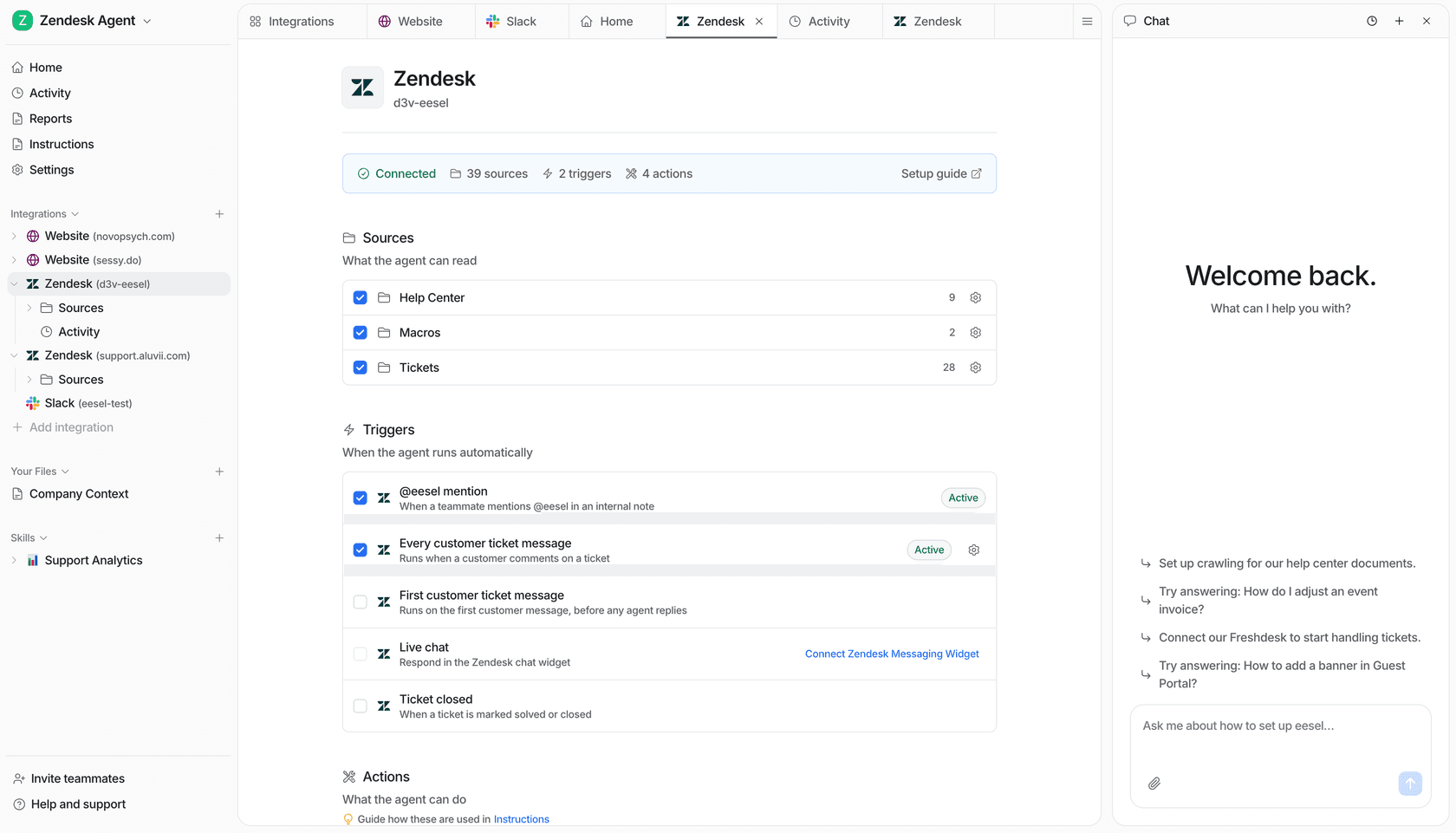
The best part is you can prove it before you commit: run a simulation against your past tickets to see the resolution rate on your own data, then turn it on for real when you're ready. Try eesel on the helpdesk you've already got.
Frequently Asked Questions
Can I switch helpdesks without losing ticket history?
What parts of my ticket history actually matter when I switch helpdesks?
Do I have to migrate ticket history at all to use AI support?
How long does a helpdesk migration take?
Will my old tickets still be useful after I switch helpdesks?


Article by
Alicia Kirana Utomo
Kira is a writer at eesel AI with a Computer Science background and over a year of hands-on experience evaluating AI-powered customer service tools. She focuses on breaking down how helpdesk platforms and AI agents actually work so that support teams can make better buying decisions.