

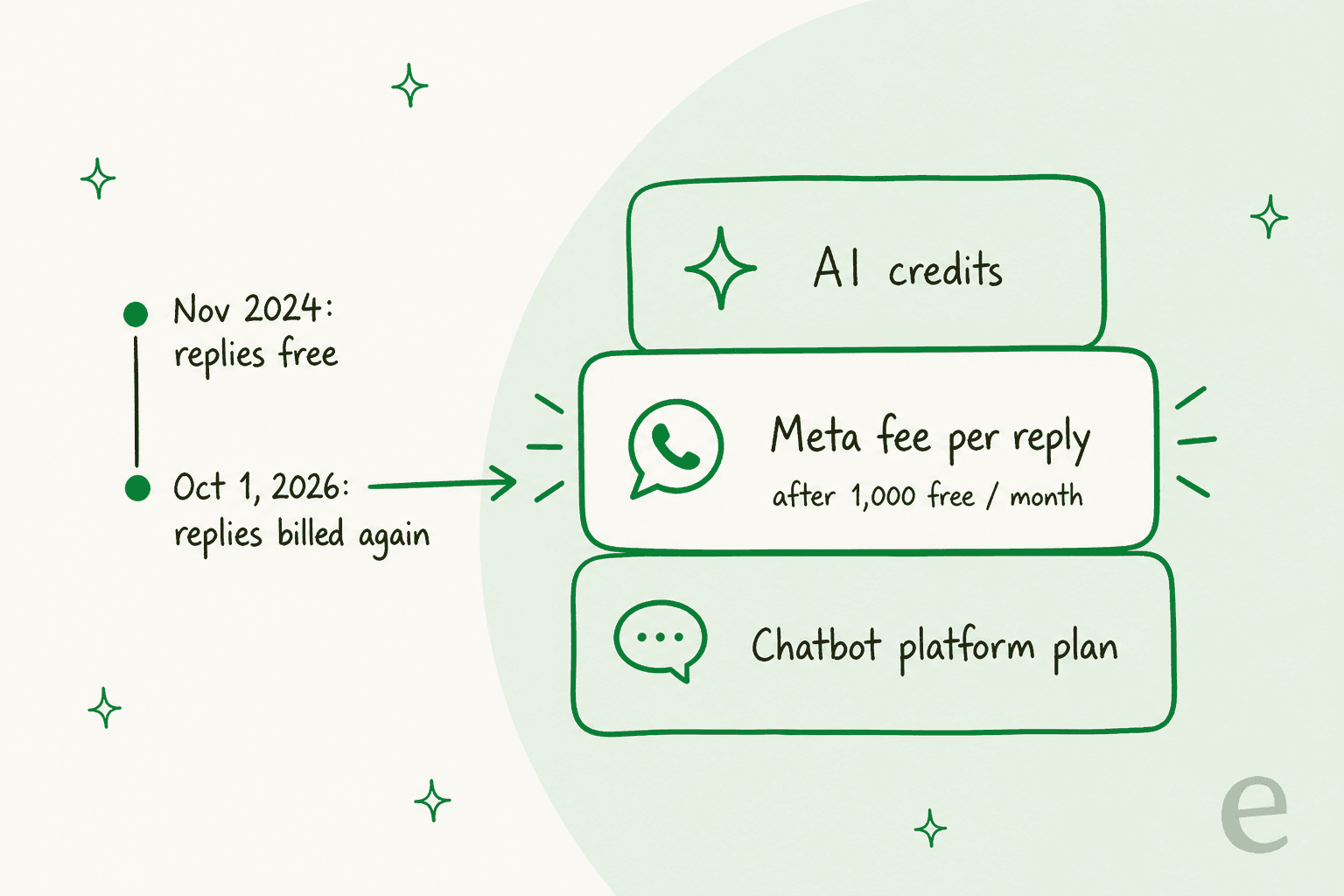
A WhatsApp AI chatbot is a bot on the official WhatsApp Business Platform that writes answers from your own content, and in 2026 it costs more than the platform's sticker price. Since October 1, 2026, Meta bills every service reply after the first 1,000 per phone number each month, and since January 15, 2026 its terms ban general-purpose AI assistants on WhatsApp. A support bot for your own business is still fine.
You have four real options: the free WhatsApp Business app's auto-replies, Meta's own Business Agent (about 4-5¢ a message, per Meta), a WhatsApp-first platform like Wati, AiSensy or Zoko, or an AI agent that lives in the helpdesk your team already uses. For a WhatsApp-only shop, Wati Pro plus its Astra AI agent ($218/month on annual billing) is the cheapest complete setup I found. If WhatsApp sits next to email and chat in Zendesk, Freshdesk or Gorgias, eesel puts one AI teammate across all of it, priced at one credit per conversation however many messages go back and forth.
That's the pattern behind Question Beauty: eesel answered short "price?" messages from Messenger, email and chat in whatever language the customer wrote in, sent 960 replies in a month, and still handed refunds and complaints to a person.
What is a WhatsApp AI chatbot?
A WhatsApp AI chatbot reads what a customer sends to your WhatsApp Business number, then writes a reply from your own material (help center, product catalogue, policies, past conversations) rather than walking them through a fixed button menu. The older kind of WhatsApp chatbot (I tested several in my best WhatsApp chatbot roundup) is basically a decision tree, where you press 1 for orders and 2 for returns. The AI kind can make sense of "hey did my blue one ship yet??" and go look for the order.
I build AI agents at eesel, so let me be blunt about the part most guides skip, which is that the model is the easy bit. Whether a WhatsApp bot helps you or embarrasses you comes down to everything around it: what it's allowed to answer from and when it gives up and calls a person, plus whether anyone tested it before customers did. eesel has spent years putting AI on live support queues. The lesson that stuck is simple. A confident wrong answer costs more than no answer at all, and that's why every eesel rollout gets simulated on real past conversations first.
On top of that, WhatsApp brings three constraints a website chat widget never has to deal with:
- The 24-hour window. Free-form replies are only allowed within 24 hours of the customer's last message. Once that passes, Meta only lets you send pre-approved templates, so an AI bot can't just "follow up next week" with a casual message.
- Per-message fees. Meta charges per delivered message, and the rate depends on the category and the customer's country. Why that changed in October is covered below.
- Meta's AI rules. You can't run any AI you like on WhatsApp. Meta has firm opinions on what kind of bot gets to live there.
What changed for WhatsApp AI chatbots in 2026?
Meta shipped three changes this year. Most "best WhatsApp chatbot" lists written before October still haven't caught up with the second one. (For the campaign side of the same updates, see my WhatsApp platform 2026 updates.)
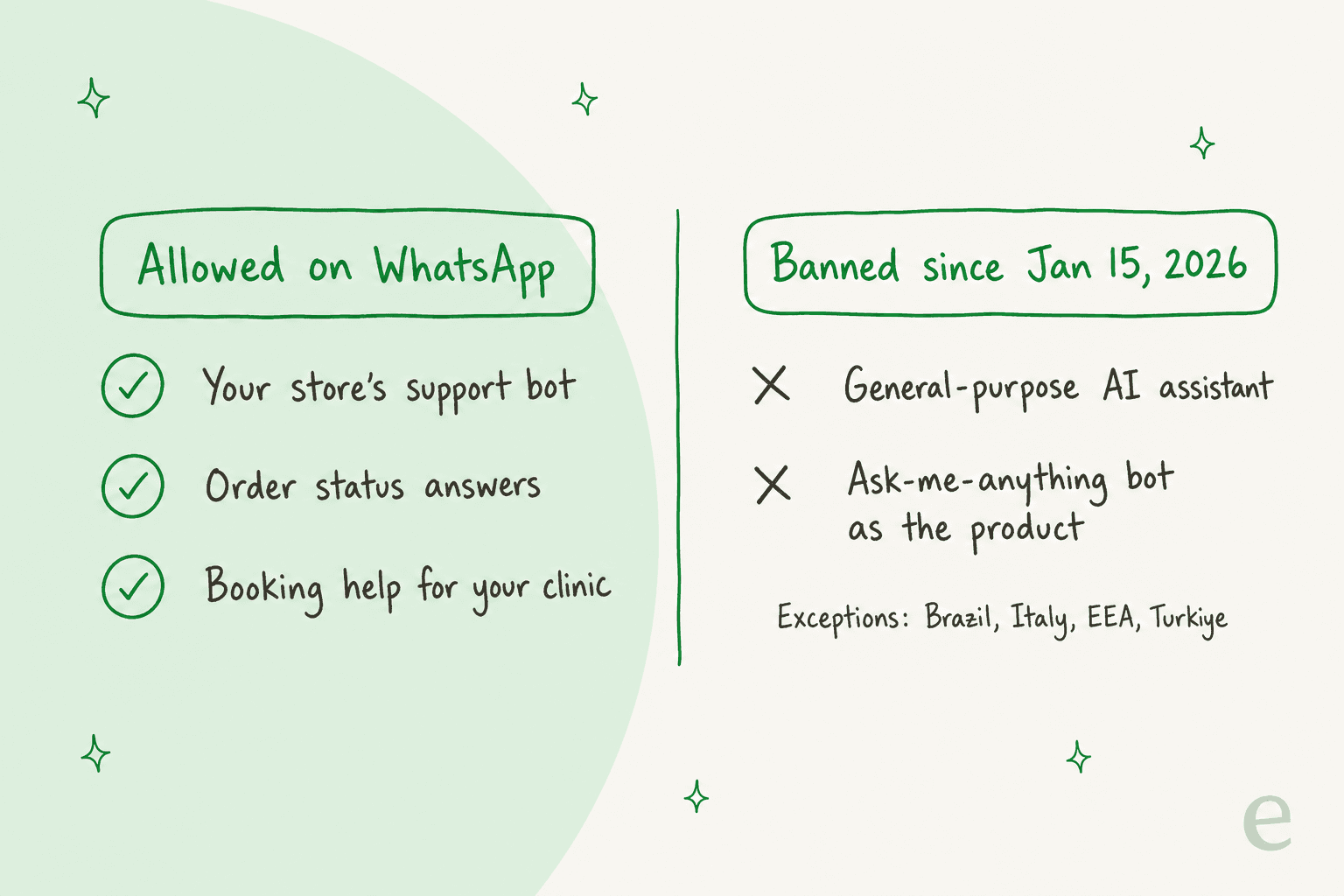
1. General-purpose AI assistants are banned (January 15, 2026). Section 4.7 of Meta's WhatsApp platform terms bars AI providers from the platform when AI is "the primary (rather than incidental or ancillary) functionality" being offered. In plain terms, you can't ship a ChatGPT-style "ask me anything" assistant on WhatsApp as your product. Meta's AI providers policy dates the rule to January 15, 2026, and it names the places where local law forces an exception: Brazil, Italy and the European Economic Area, and Türkiye.
The good news is that the bot most readers actually want is still allowed. Meta's own pricing page says service replies "can be powered by a 3rd-party AI solution or people", which means a business using AI to answer its own customers is in the clear. I went through the fine print in Meta's AI chatbot policy changes.
2. Service replies cost money again (October 1, 2026). This is the change that hits your bill. Replies inside the 24-hour window were free from November 2024 until this month. As of October 1, 2026, Meta gives each business phone number 1,000 free service messages a month, and charges from the 1,001st, and any free messages you don't use won't roll over. There's also a nasty detail: if your Meta messaging account has no payment method, Meta's pricing page says it simply stops delivering service messages once the free 1,000 run out. For a busy AI bot, that's a quiet outage waiting to happen right when a sale starts.
Since every AI reply counts as a service message, a bot burns through those 1,000 far quicker than a human team would. Below is the per-message rate in a few markets, taken from Meta's rate card effective October 1, 2026:
| Customer's country | Service reply | Marketing template | Utility template |
|---|---|---|---|
| United States / Canada | $0.0034 | $0.0250 | $0.0034 |
| India | $0.0014 | $0.0118 | $0.0014 |
| Brazil | $0.0068 | $0.0625 | $0.0068 |
| Mexico | $0.0085 | $0.0397 | $0.0085 |
| United Kingdom | $0.0220 | $0.0635 | $0.0220 |
| Germany | $0.0550 | $0.1365 | $0.0550 |
In the US the fee is close to a rounding error. Germany is another story: 10,000 extra AI replies a month to German customers comes to $550 in Meta fees alone, and that's before the bot itself. Anyone selling into Europe should run the numbers country by country, or read my WhatsApp Business API pricing guide.
3. Meta launched its own AI agent (July 1, 2026). Meta added a fifth message category called Meta Business Agent, billed at $2.00 per million tokens. By Meta's own estimate a message uses 20,000 to 25,000 tokens, which works out to about 4-5 cents per message, and it gets charged even inside the free window that click-to-WhatsApp ads give you. On its pricing page, Meta compares its agent with a third-party AI over 10,000 replies in Brazil and lands at roughly half the cost. Sure, that's Meta grading its own homework. Still, it helps to know the platform owner is now a competitor too.
What are your options for a WhatsApp AI chatbot?
Once you strip away the brand names, there are really four ways to put AI on a WhatsApp number (my best AI for WhatsApp support post ranks the tools behind them). Each one trades setup effort against how much of your support the AI can take on.
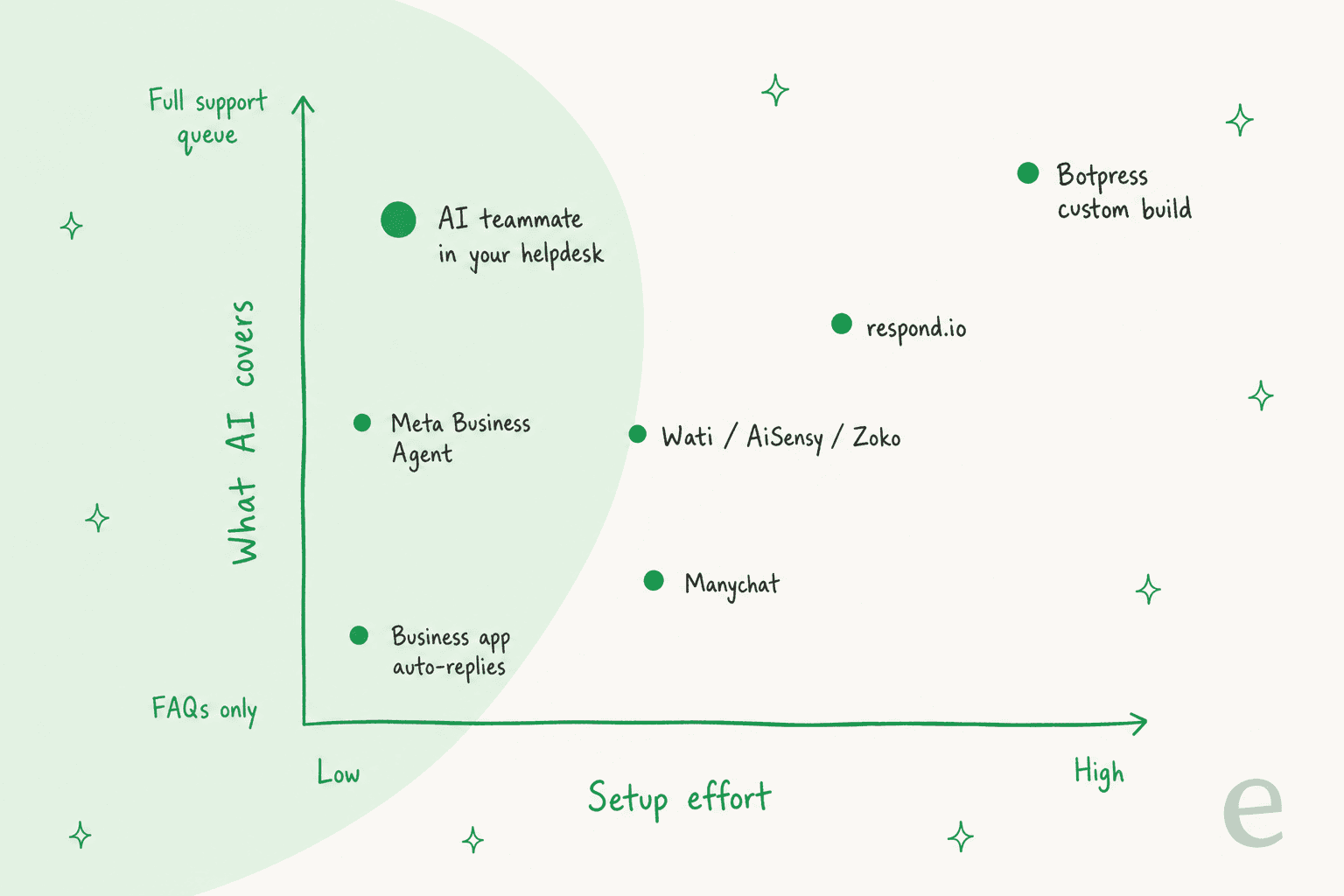
| Option | What it is | AI depth | Who it suits |
|---|---|---|---|
| WhatsApp Business app auto-replies | Greeting, away and quick-reply messages in the free app | None, it's rule-based | Very small shops with a handful of FAQs |
| Meta Business Agent | Meta's own AI, billed per token through the Business Platform | FAQs and simple questions, per Meta's examples | Businesses that want Meta's agent and nothing in between |
| WhatsApp-first platform | Wati, AiSensy, Zoko, Manychat, respond.io: a WhatsApp inbox with an AI agent add-on | FAQ answers, some order lookups, handoff in the tool's own inbox | Teams where WhatsApp is the main or only support channel |
| AI teammate in your helpdesk | An agent like eesel that answers WhatsApp and routes everything into Zendesk, Freshdesk, Gorgias or email | Answers from docs and past tickets, plus actions, in the same queue as email | Teams where WhatsApp is one channel among several |
| Custom build | Botpress, or your own code on the WhatsApp API | Whatever you build | Teams with a developer and unusual workflows |
The mistake I see most often is choosing by feature list rather than by where your team already works. When your agents spend all day in Gorgias, a separate WhatsApp inbox becomes a second queue nobody watches at 4pm on a Friday. When WhatsApp is 90% of your conversations, though, a WhatsApp-first tool is simpler and cheaper. Whichever way you go, the goal doesn't change: ticket deflection on WhatsApp without customers feeling stonewalled.
Which WhatsApp AI chatbot tools are worth a look?
I looked at the tools ChatGPT itself shortlists when someone asks this question, and added the ones eesel customers keep bringing up. All prices below come from each vendor's own pricing page, checked on October 26, 2026.
| Tool | Starting price for WhatsApp + AI | How AI is billed | Human handoff | Answers from | Free plan or trial | Best for |
|---|---|---|---|---|---|---|
| eesel | $299/mo (500 credits) | 1 credit per conversation | Into Zendesk, Freshdesk, email or another helpdesk | Help center, docs, Google Drive, Notion, Zendesk articles | 100 free credits | WhatsApp next to an existing helpdesk |
| Wati | $218/mo (Pro + Astra Pro, annual) | Credits per reply (1 text, 3 rich) | Assign to a person in Wati | Website links, documents, Q&A pairs | Astra Free (web widget only) | WhatsApp-first SMBs |
| respond.io | $199/mo Growth (monthly billing) | AI credits, fair use | Takeover button in respond.io | Approved knowledge sources, files | 7-day trial | Multichannel sales and support teams |
| Manychat | $29/mo Pro (annual) | Pages conflict: included vs $29 add-on | Shared inbox on Business plan and up | Up to 250k characters of business context | Free plan (no WhatsApp) | Instagram and ad-driven lead capture |
| AiSensy | $95/mo (Basic $45 + AI agent $50) | 1,000 AI messages included | Escalation to team inbox | Website crawl, PDFs, DOCX | Free plan | Budget WhatsApp marketing in India |
| Zoko | $74.98/mo (Starter + Guru) + OpenAI | $0.09 per resolution after 100 | Assign to agent if unresolved | Your FAQs, via your own OpenAI account | 7-day trial | Shopify stores on WhatsApp |
| Botpress | $150/mo Plus (annual) | Per conversation, $0.10 AI spend included | HITL on Plus; Desk on request for Team | Whatever you build in | Free plan (100 conversations) | Custom builds with a developer |
| Meta Business Agent | No plan fee | $2.00 per 1M tokens, about 4-5¢/message | Hands off to your agents, per Meta's example | Not documented on the pricing page | None | Simple FAQs at Meta's price |
On method: I went through each vendor's docs and pricing page, plus their help center, and took the screenshots below fresh. When a vendor's own pages contradict each other, I say so instead of quietly picking the friendlier number.
1. eesel
Best for: teams that already run support in a helpdesk and want WhatsApp handled by the same AI teammate.
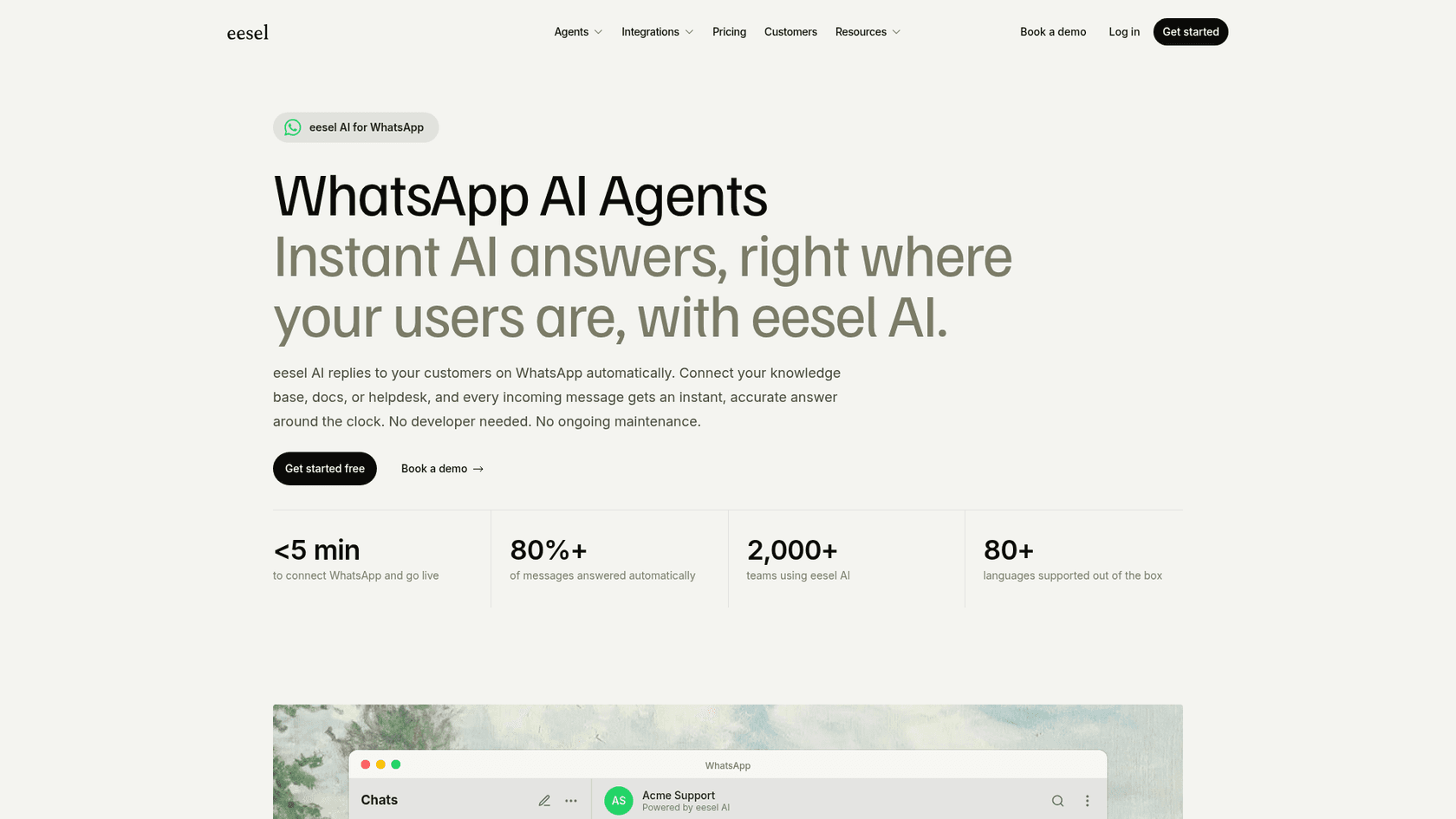
What the AI does: eesel is an AI teammate platform, and on WhatsApp the one you're hiring is its AI helpdesk teammate. You link your WhatsApp Business number and connect your knowledge (help center, Google Drive, Notion, Zendesk articles, your website). Tone, topics and escalation rules get set by chatting with it, not by filling in settings pages. Tell it "always escalate to a human if someone mentions a refund" and that's what it does. It answers in 80+ languages and flags gaps too, for example by drafting help articles for questions your docs don't cover. Inside Zendesk, eesel automations can even be scoped by channel, which gives WhatsApp tickets their own rules.
Handoff: escalation by topic, confidence or customer request, into email, Zendesk, Freshdesk or another connected helpdesk.
Pricing: free with 100 credits, then $299/month for 500 credits up to $1,749/month for 5,000. One chat costs 1 credit no matter how long it runs, and if you switch overage on it's $0.80 per credit. Meta's message fees are billed separately.
Verdict: the strongest fit when WhatsApp is one door into a support queue you already run. At high volume it isn't the cheapest per conversation. eesel also doesn't publish WhatsApp-specific docs on templates or the 24-hour window yet, so if outbound follow-ups matter to you, ask about those on a demo. For proof it copes with short, messy, multilingual chat, look at ClutchLoop: it answers about seven in ten conversations without a person stepping in, and checks Shopify for live price and stock before it replies. Ecommerce teams can also read AI WhatsApp support for ecommerce.
2. Wati
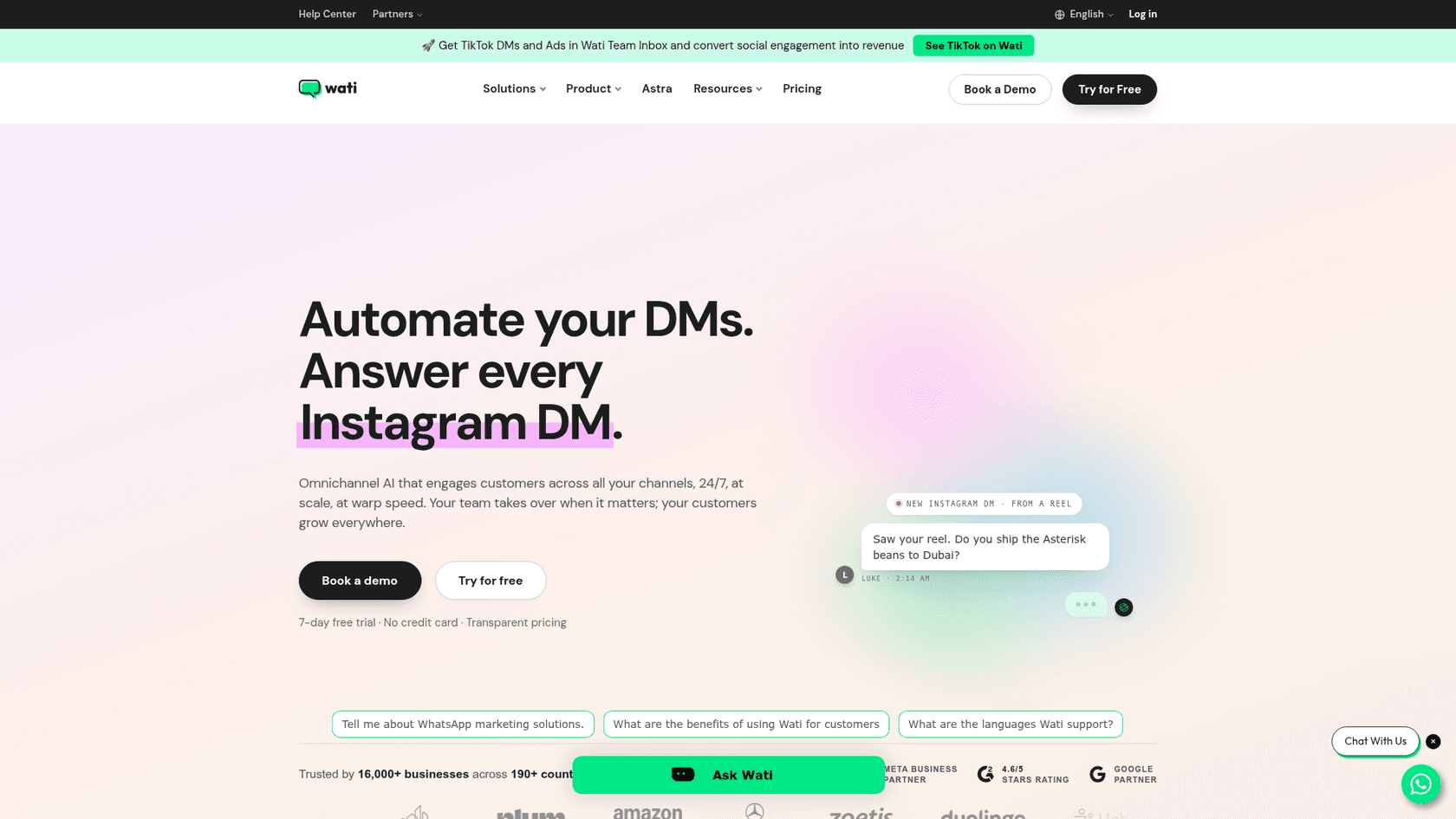
Best for: small and mid-sized businesses where WhatsApp is the main support and sales channel.
What the AI does: Wati's AI agent goes by Astra, and it's priced separately from the inbox. It trains on website links and Q&A pairs, plus documents (PDF, DOCX, TXT, MD). Notion, Google Drive and Confluence show as "coming soon", and when your content changes you retrain it by hand. Astra can handle voice as well, at 5 credits a minute.
Handoff: an "Assign to team/user/bot" action hands the chat to a person, at which point Astra stops responding.
Pricing: the Wati inbox is $59/month Growth (no AI agent), $119/month Pro, or custom Business, all shown on annual billing. Astra Pro adds $99/month for 5,000 credits (1 per text reply, 3 per rich reply or action), and extra credits cost $20 per 1,000. That puts the cheapest WhatsApp AI setup at $218/month before Meta fees.
Verdict: for the price, this is the most complete WhatsApp-first package, and campaigns and broadcasts come thrown in. Check two things first. Wati's own pages disagree on how many languages Astra supports (30+ on one page, 12+ on another), and because credits are per reply, chatty customers cost more than quick ones.
3. respond.io
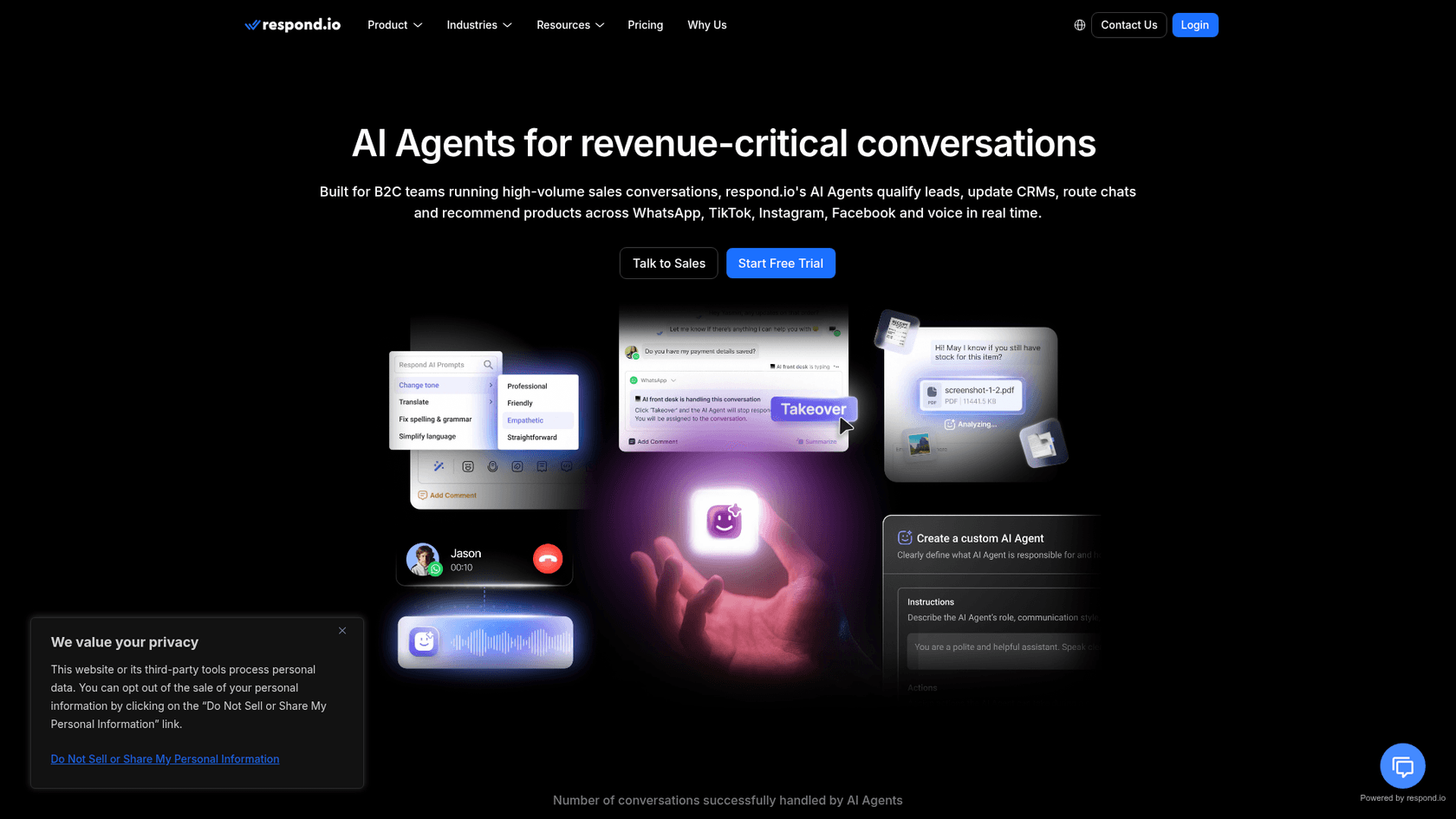
Best for: teams running sales and support across WhatsApp, Instagram, Messenger and TikTok from one inbox.
What the AI does: respond.io's AI Agents can read text, images, PDFs and voice notes, and they answer only from knowledge sources you approve. Receptionist, Sales Agent and Support Agent templates come included, and the agents can pick up WhatsApp calls in 30+ languages. Respond.io is upfront about the limits. Replies take 10 to 15 seconds and the agent only sees the last 20 messages, while live stock checks or CRM write-back need the Advanced plan.
Handoff: there's a Takeover button, so a person can stop the AI and step into the chat.
Pricing: AI Agents start on Growth at $199/month billed monthly ($159 yearly) for 1,000 monthly active contacts and 10 users. On Growth, extra contacts cost $12 per 100. Respond.io says it puts no markup on Meta's fees.
Verdict: the most polished multichannel inbox in this list, and its own docs say it's built for businesses with 500+ conversations a month. Billing by contact gets pricey when lots of different people message you just once. I go deeper in my respond.io pricing breakdown and respond.io alternatives.
4. Manychat
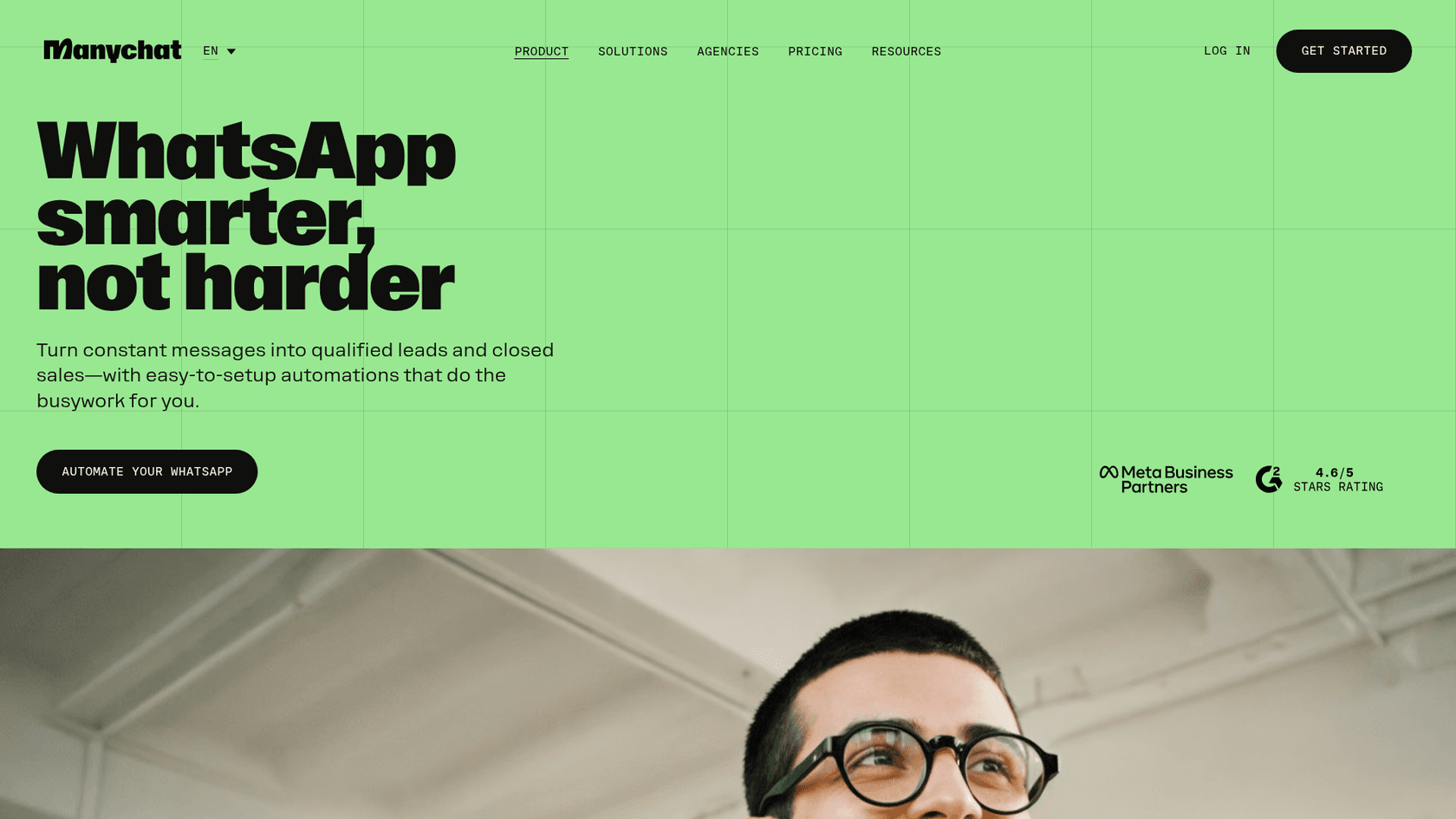
Best for: brands whose WhatsApp traffic comes from Instagram, ads and click-to-WhatsApp campaigns.
What the AI does: Manychat AI covers AI replies and comment replies, AI goals, an AI step inside flows, and intent recognition, all with up to 250k characters of business context. The product is built around flows and lead capture more than around a support queue.
Handoff: chats get answered in Manychat's own inbox, and the shared team inbox and chat assignment are only on Business and Advanced.
Pricing: WhatsApp starts on Pro at $29/month (annual) for 2,500 contacts and goes up to $139/month Advanced. The catch is that the pricing page lists AI as built into Pro, while Manychat's AI page still calls it a $29/month add-on. Ask them before you budget.
Verdict: great at turning an Instagram comment into a WhatsApp lead. It's less of a fit for a support team that needs AI-to-human escalation rules, since Manychat doesn't describe any. See my Manychat pricing guide or Manychat alternatives.
5. AiSensy
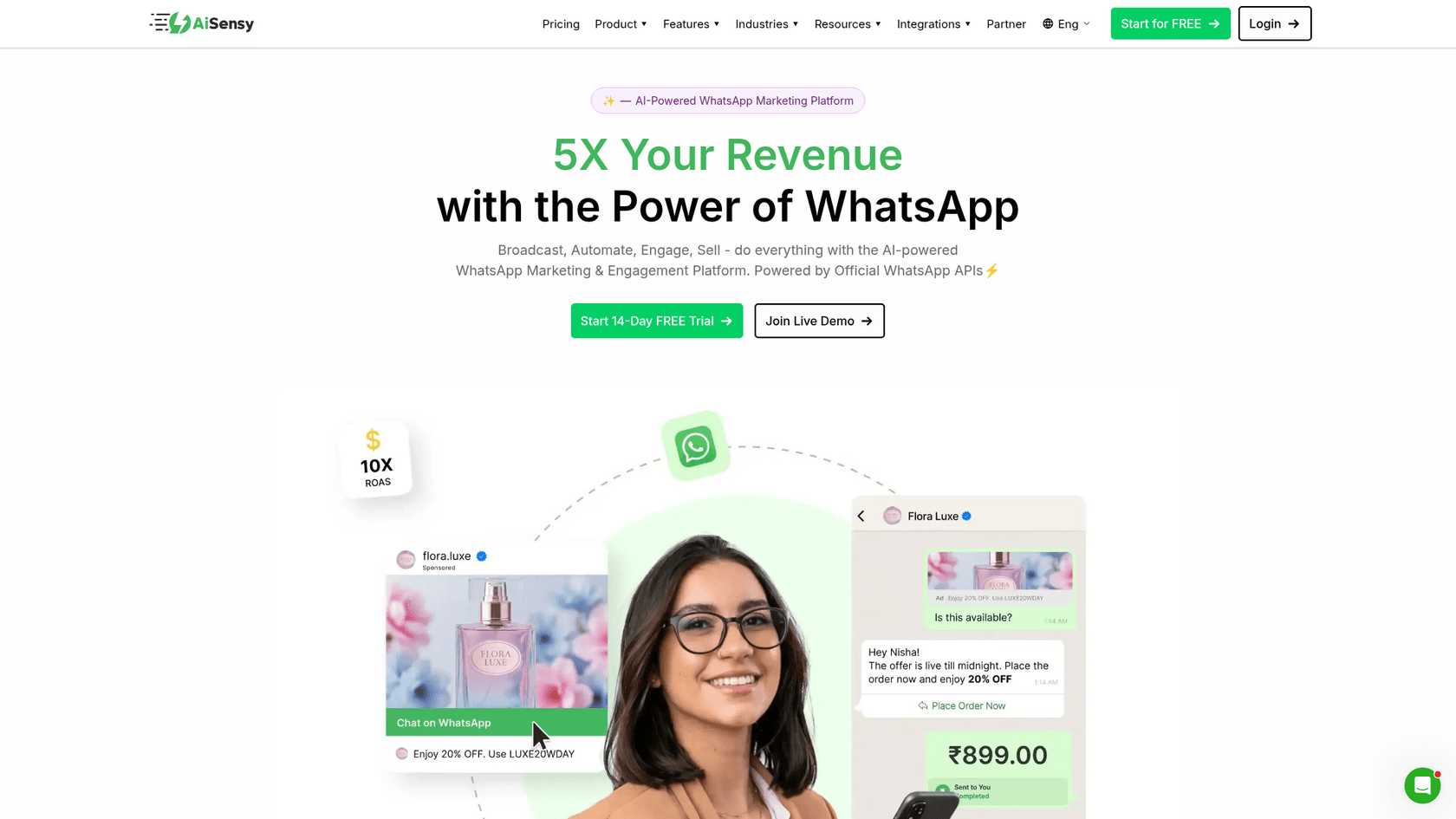
Best for: budget-conscious businesses, especially in India, that mostly run WhatsApp marketing and want a basic AI agent on top.
What the AI does: AiSensy's AI agent learns from a website crawl and from uploaded PDFs, DOCX files and brochures. It can also call a REST API to take actions. For now, it only replies in English.
Handoff: it "escalates to humans when needed", and on the rule-based side, flows have a "Request Intervention" step that pushes the chat into the team inbox.
Pricing: plans run $45/month Basic to $899/month Unlimited (₹1,500 to ₹45,000 in India). The AI agent costs $50/month (₹1,350) for 1,000 AI messages, and each AI reply also counts as a Meta service message. Beyond 1,000, "separate charges apply", but no rate is published.
Verdict: if your customers write in English and volume stays modest, this is the cheapest way into a WhatsApp AI agent. One thing to confirm before signing: the FAQ says 3,500 AI messages, but the price card says 1,000.
6. Zoko
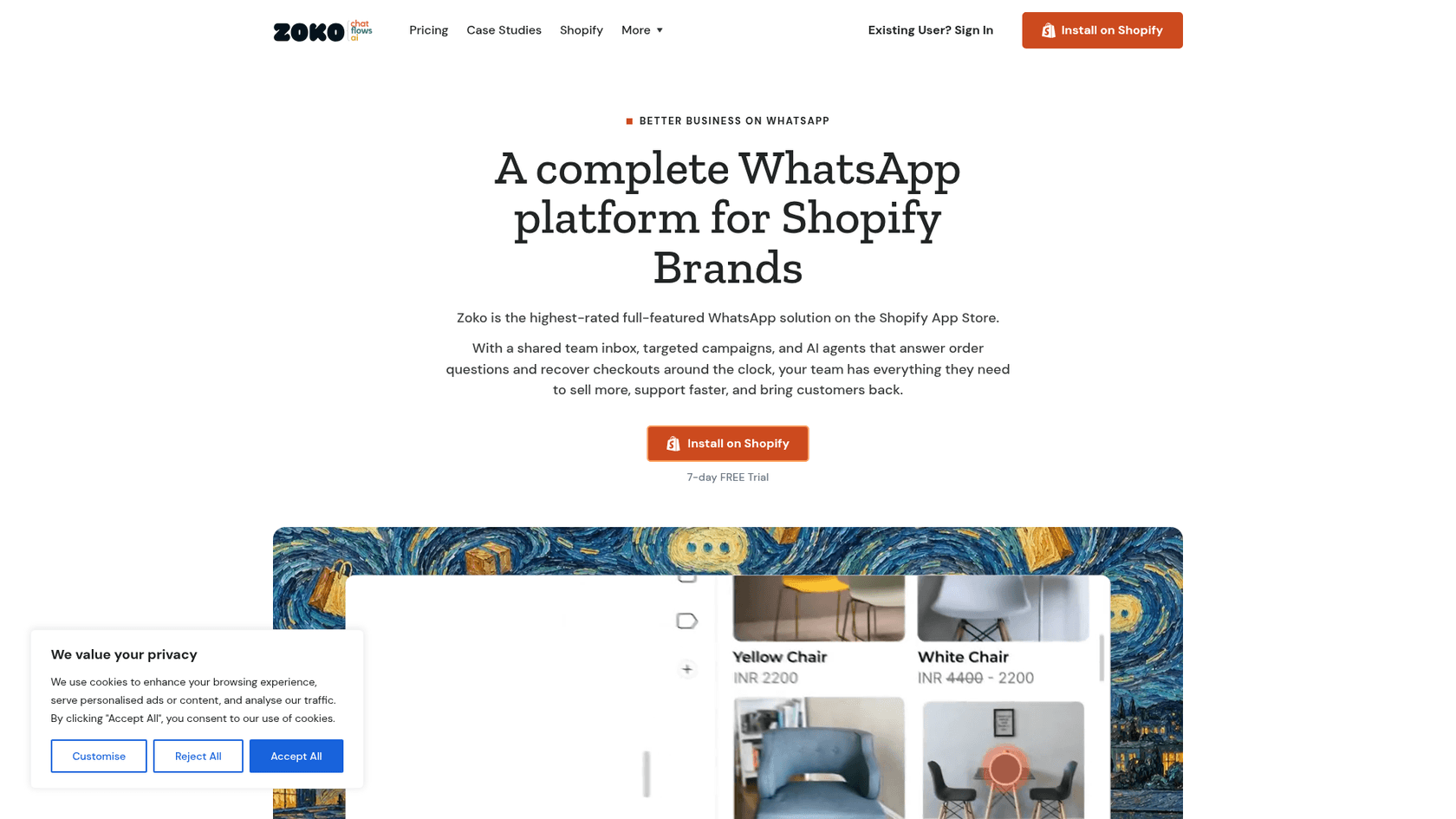
Best for: Shopify stores that want WhatsApp chat, campaigns and order-tracking bots in one place. (If you're weighing a Shopify AI chatbot more broadly, start there.)
What the AI does: Zoko sells three AI agents, namely Guru for FAQs and Wismo for order tracking, with Sello covering sales. You plug in your own OpenAI account, and per Zoko's help center, the bots stop working if that balance runs out.
Handoff: Guru comes with an "Assign to Agent if Unresolved" setting. You can also keep VIP-tagged customers out of bot replies.
Pricing: Starter is $49.99/month plus Zoko's own $0.015 per conversation; Plus is $79.99/month with the first 5,000 conversations free of Zoko's fee. Guru and Wismo are each $24.99/month plus $0.09 per resolution after the first 100. OpenAI then bills you on top of all that.
Verdict: good value for a Shopify brand. The honest caveat is that your AI cost ends up split across two invoices. My Zoko review and Zoko pricing guide go deeper.
7. Botpress
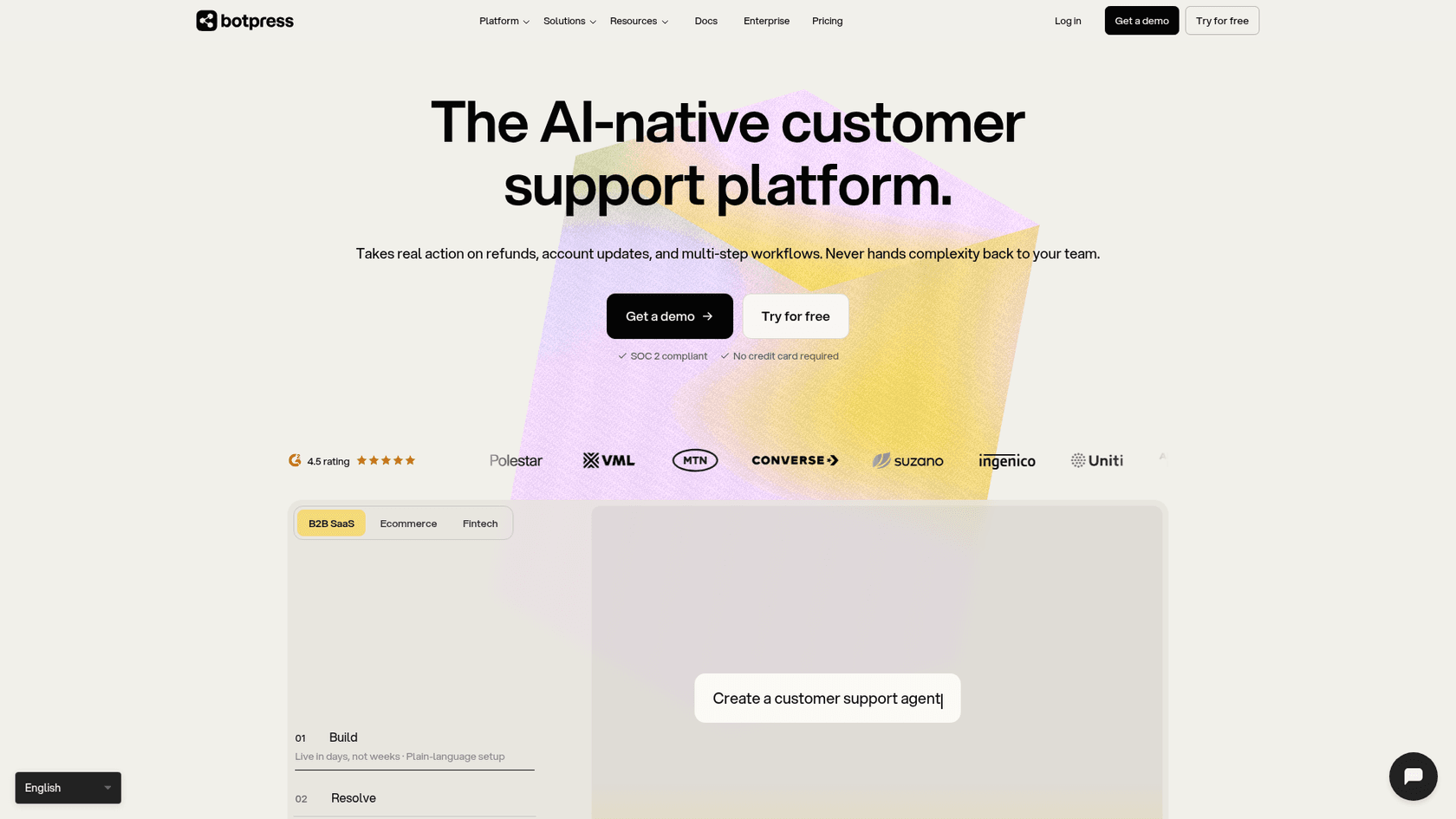
Best for: teams with a developer who want to build custom logic on WhatsApp.
What the AI does: whatever you build. In basic setup the WhatsApp integration connects through your Facebook account. The bot can't send anything until Meta verifies your business, and Meta bills its fees to you directly.
Handoff: you need Plus or higher for the HITL integration. New workspaces hand off through Botpress Desk, which is "available upon request" for Team, Managed and Enterprise.
Pricing: Plus is $150/month billed annually for 250 conversations, then $65 per 100; Team is $750/month for 1,500, then $50 per 100. Every conversation includes $0.10 of AI spend, and you can't switch conversation top-ups off (Botpress pricing has the full picture).
Verdict: the most flexible option here, and also the most work. If you'd rather not own a bot, compare it in my Botpress vs eesel write-up.
8. Meta Business Agent
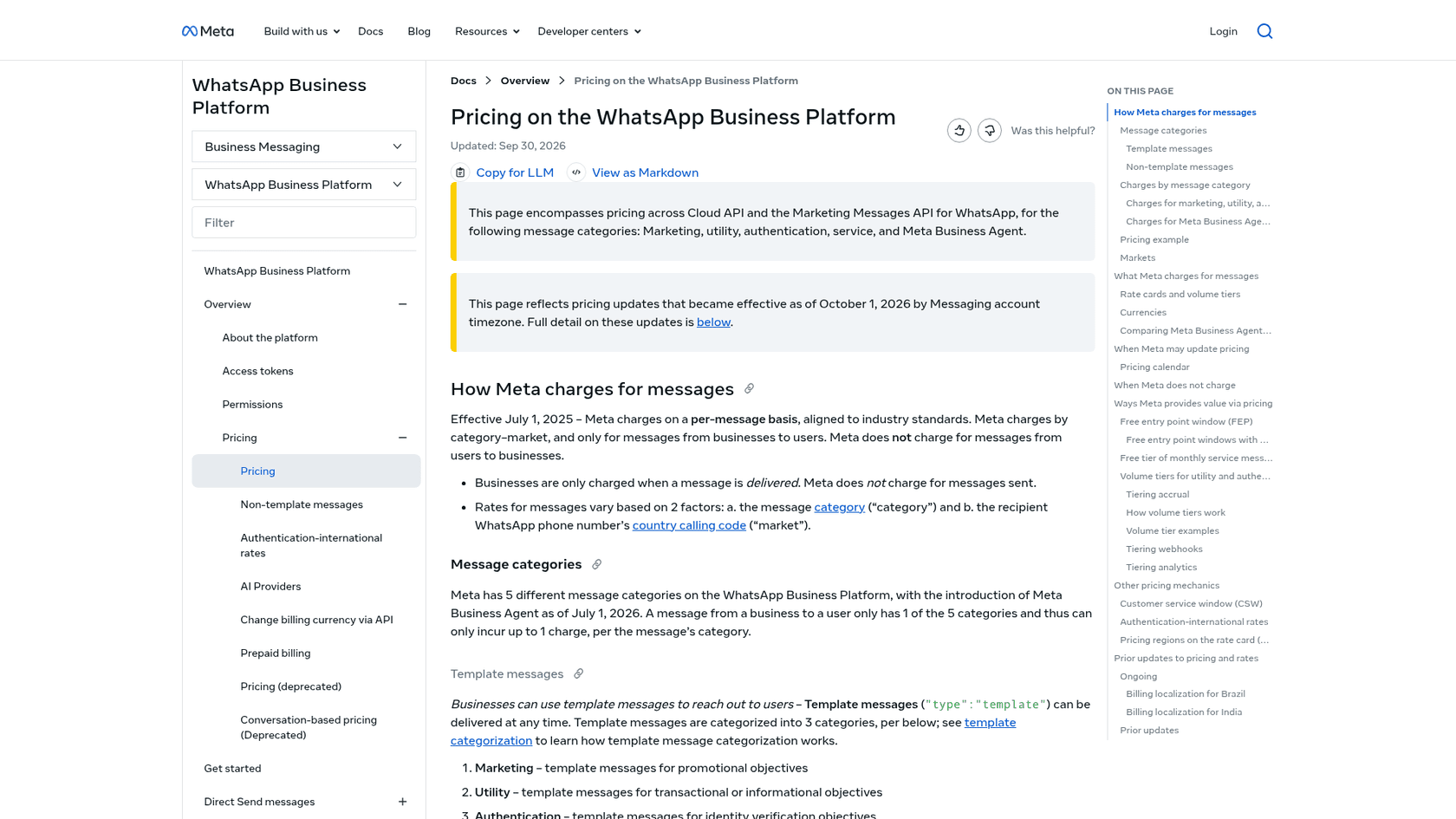
Best for: businesses that want the platform owner's own AI with no extra vendor.
What the AI does: In Meta's examples it answers product questions and hands off to a customer service representative. I couldn't reach Meta's public product page when I checked, so I'm only going on what the pricing docs say.
Pricing: $2.00 per million tokens, about 4-5¢ per message by Meta's estimate. Meta puts a simple four-message inquiry at about 16-20¢ and a complex ten-message one at about 40-50¢. There's no free tier, and you're charged even in the free click-to-WhatsApp ad window.
Verdict: worth a test for pure FAQ traffic. Once a question touches orders or refunds, or anything in your helpdesk, you'll still want a tool that knows your systems.
How much does a WhatsApp AI chatbot cost per month?
The sticker price is just one of three lines on the bill. There's the platform and the AI usage (credits, resolutions or tokens), and since October there's also Meta, which charges for replies past the free 1,000.
Comparing tools is annoying mostly because the billing units don't line up. Wati and AiSensy count replies, while eesel and Botpress count conversations; Zoko counts resolutions and Meta counts tokens. So I priced a single buyer: a US store with one phone number, at three AI replies per conversation. Pick a volume:
Monthly cost of a WhatsApp AI chatbot, by volume
US customers, 3 AI replies per conversation, 1 phone number. Platform + AI + Meta service fees, USD.
| Setup | Est. total | How it adds up |
|---|---|---|
| Meta Business Agent | $60-75 | 1,500 messages at Meta's 4-5¢ estimate |
| Zoko Starter + Guru | $120 + OpenAI | $49.99 + $7.50 Zoko fee + $24.99 + $36 resolutions + $1.70 Meta |
| respond.io Growth | $201 | $199 monthly + $1.70 Meta |
| Wati Pro + Astra Pro | $220 | $119 + $99 (annual billing) + $1.70 Meta |
| eesel | $301 | $299 for 500 credits + $1.70 Meta |
| Botpress Plus | $314 | $150 + 250 extra chats at $65/100 (annual) + $1.70 Meta |
| Setup | Est. total | How it adds up |
|---|---|---|
| Wati Pro + Astra Pro | $255 | $119 + $99 + 1,000 extra credits $20 + $17 Meta |
| Meta Business Agent | $240-300 | 6,000 messages at Meta's 4-5¢ estimate |
| Zoko Plus + Guru | $293 + OpenAI | $79.99 + $24.99 + $171 resolutions + $17 Meta |
| respond.io Growth | $336 | $199 + 1,000 extra contacts at $12/100 + $17 Meta |
| eesel | $866 | $849 for 2,000 credits + $17 Meta |
| Botpress Team | $1,017 | $750 + 500 extra chats at $50/100 (annual) + $17 Meta |
| Setup | Est. total | How it adds up |
|---|---|---|
| Wati Pro + Astra Pro | $466 | $119 + $99 + 10,000 extra credits $200 + $47.60 Meta |
| Zoko Plus + Guru | $594 + OpenAI | $79.99 + $24.99 + $441 resolutions + $47.60 Meta |
| Meta Business Agent | $600-750 | 15,000 messages at Meta's 4-5¢ estimate |
| respond.io Growth | $727 | $199 + 4,000 extra contacts at $12/100 + $47.60 Meta |
| eesel | $1,797 | $1,749 for 5,000 credits + $47.60 Meta |
| Botpress Team | $2,548 | $750 + 3,500 extra chats at $50/100 (annual) + $47.60 Meta |
Assumes one contact per chat and every Zoko chat resolved by the bot. Prices from each vendor's pricing page on 26 Oct 2026; Meta service rate $0.0034 per reply after 1,000 free. AiSensy and Manychat are left out: AiSensy doesn't publish its AI overage rate, and Manychat's own pages disagree on the AI price.
A few things stand out. At scale the WhatsApp-first tools come out cheapest, because they bill per reply on cheap credits. Meta's own agent holds up at low volume and scales linearly from there. eesel isn't the budget pick per conversation, and I won't pretend otherwise: what a credit buys is the whole conversation, order lookups and helpdesk actions included, from the same pool of credits your email tickets use. With WhatsApp as your only channel and simple questions, Wati wins on price. With WhatsApp as one channel feeding Zendesk or Gorgias, paying for a second inbox plus an AI add-on often costs more than it looks, and the true cost of AI customer service is mostly the people time it saves or wastes.
How do you set up a WhatsApp AI chatbot without it embarrassing you?
In most tools, connecting the number takes minutes. A bot your customers actually trust takes a few more decisions, and this is the order I'd make them in.
- Pick what it answers, and what it never answers. Start with the boring top 20, things like shipping times, order status, returns policy, sizing and opening hours. Then write down the topics that always go to a person (refunds, complaints, anything legal). Question Beauty's setup makes a good model here. eesel answers product and delivery questions, and refund and return decisions, complaints, wholesale and creator requests get assigned to a person with a note.
- Feed it your real answers, not your marketing copy. Help center articles and past conversations beat the homepage every time. If your docs are thin, do an AI knowledge base pass first, so you don't end up with a bot that confidently invents a returns window.
- Test it on conversations you've already had. Before going live, throw last month's real WhatsApp questions at it. That's where you want to catch the hallucinations, not in front of a customer. eesel runs this as a simulation over your past tickets. With other tools, paste a batch of real questions into the preview.
- Set the handoff before the welcome message. Decide where escalations land (a WhatsApp inbox, Zendesk, Freshdesk, email) and who keeps an eye on it. A bot that promises "a teammate will reply" when nobody ever does is worse than having no bot. My human handoff guide has the patterns.
- Plan around the 24-hour window. Any follow-up after 24 hours (a delayed parcel, a back-in-stock alert), whether from the bot or your team, has to be a template. Templates need Meta approval, which can take up to 24 hours, so set them up before launch.
- Add a payment method to your Meta account. Since October 1, 2026, service replies stop after the free 1,000 if there isn't one on file. Check it even when your tool bills you for everything else.
- Check the language mix. Customers writing in Portuguese, German or Arabic? Test those languages first. Right now AiSensy only replies in English, while eesel and respond.io handle dozens of languages. My guide to multilingual customer support covers the edge cases, and can AI handle multilingual support tests it.
Already on a helpdesk? The setup guides for automating WhatsApp support, WhatsApp replies in Zendesk and WhatsApp in Gorgias walk you through the plumbing.
What do real users say about WhatsApp AI chatbots?
The loudest complaint isn't aimed at any single vendor. People are fed up with bots that answer confidently and get it wrong, or that won't let a customer reach a person at all. One early tester of Meta's own Business Agent described the grounding problem plainly:
"Consistency is a problem. I saw the same product come back at two different prices in two replies. If you don't ground it properly, it just makes things up."

The same poster pointed out that the agent gives you only four controls (knowledge, personality, audience, handoff) and, so far, no connectors to order systems. Another commenter saw much the same with built-in bots in general:
"the built-in support bots handle faqs okay but fall apart on anything needing context or an action, like booking or looking up an order."
And here's the customer's side of the chat, from the same thread:
"i need human operator that really understands me not an ai parrot 🦜 respect your users!"
The tools that do better need real setup work. A theater operator who went with respond.io was honest about what that took:
"We settled on Respond io, spending the last 3 weeks training it and linking it to our reservations system to answer availability questions. My impressions: Integrating the chat apps is super easy. Getting the AI agent instructions right is an ongoing task to make sure it answers in the way we want it to."
Read the billing terms carefully as well. One Wati reviewer had a warning about plan changes:
"if you have active features (like chatbots) exceeding the lower plan's limits, the downgrade silently fails at the renewal date."

My take is that grounding and handoff matter more than which model sits underneath. A bot that sticks to your real docs and steps aside the moment it's unsure will beat a smarter-sounding one that makes up prices. That's the bar I'd hold any of these tools to during a trial.
Try eesel on WhatsApp
Maybe your customers already message you on WhatsApp while your team works in Zendesk, Freshdesk, Gorgias or plain email. eesel slots in as an AI teammate across both. You link your WhatsApp Business number and point it at your help center and past tickets, then tell it in plain English what to answer and what to hand over. It replies in the customer's language and escalates whatever you flag. You can also test it on your own past conversations before a single customer sees it.

There are 100 free credits to try it with, no card needed, and paid plans start at $299/month with one credit per conversation. Try eesel on your WhatsApp number, or read how Question Beauty handles multilingual chat with it first.