What a service desk chatbot actually is
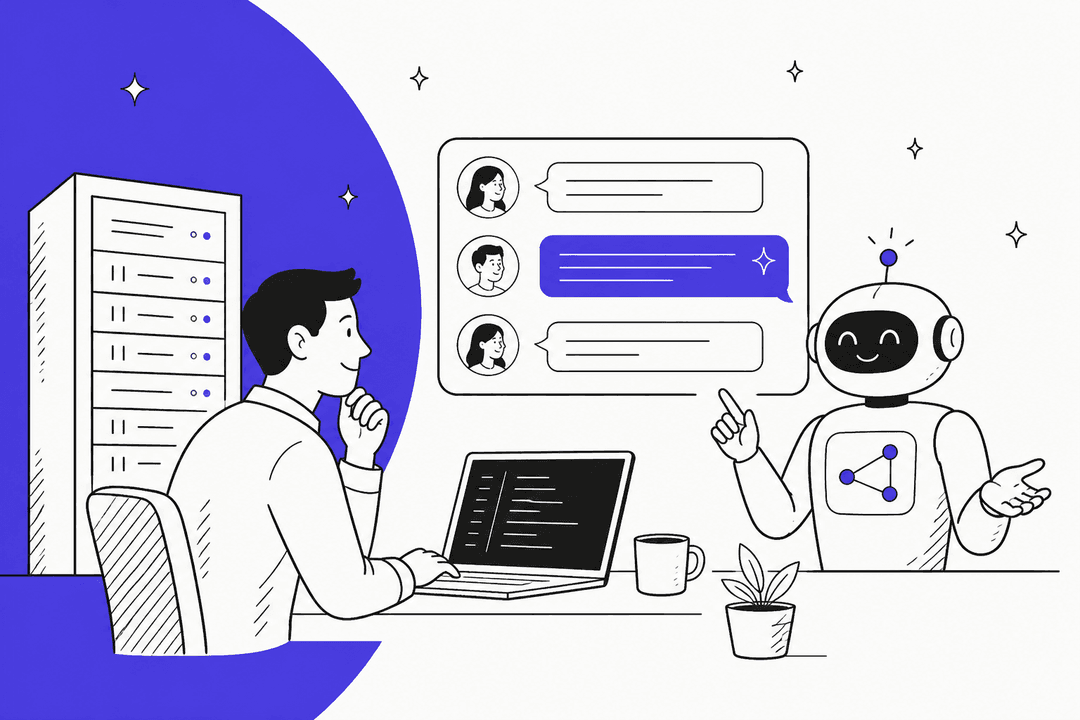
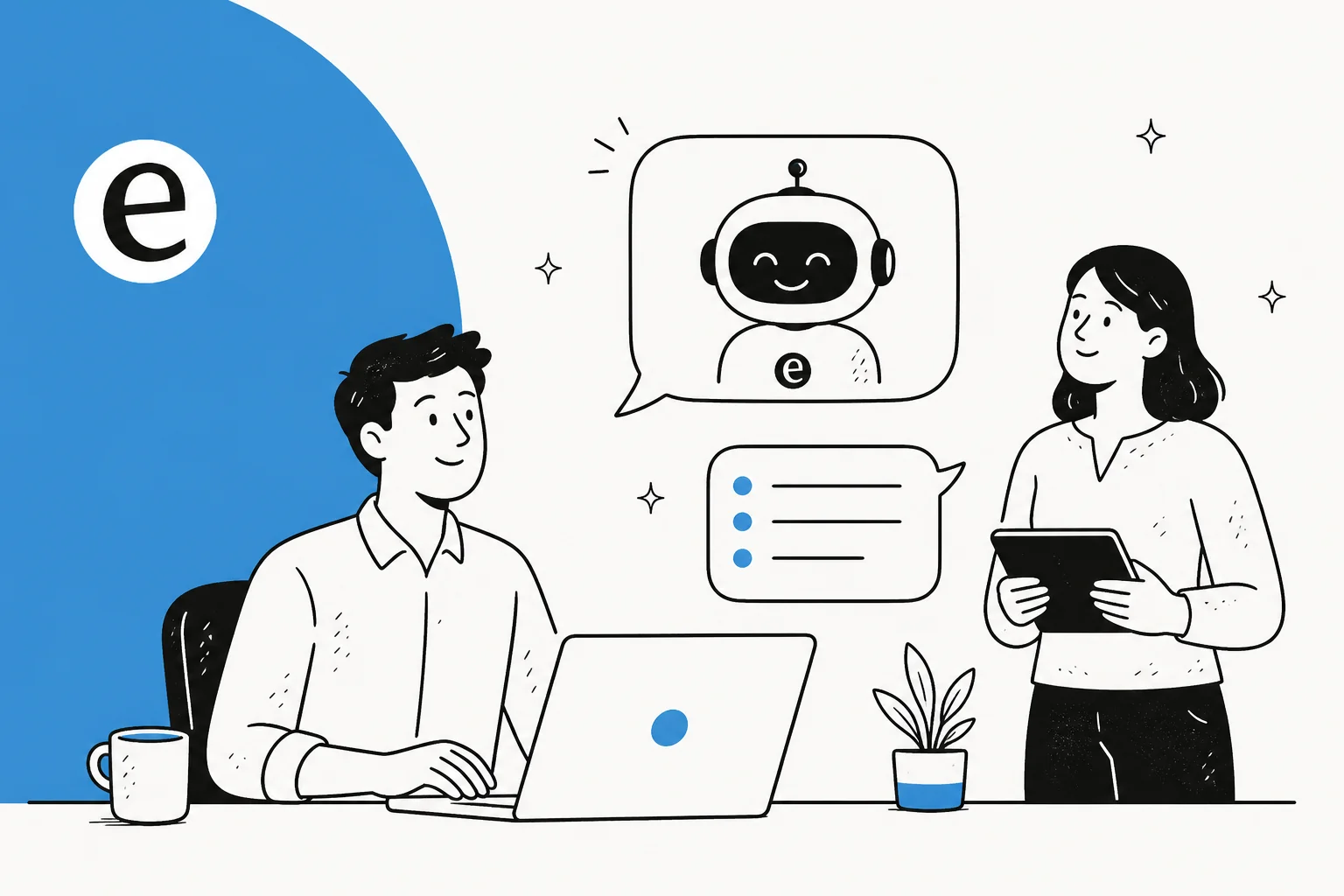
A service desk chatbot is the conversational layer that sits in front of your service desk and handles the questions a human agent would otherwise field one by one. Someone asks "how do I reset my VPN password?" or "who approves a new software license?", and the bot answers, resolves it, or opens a ticket, without a person touching it.
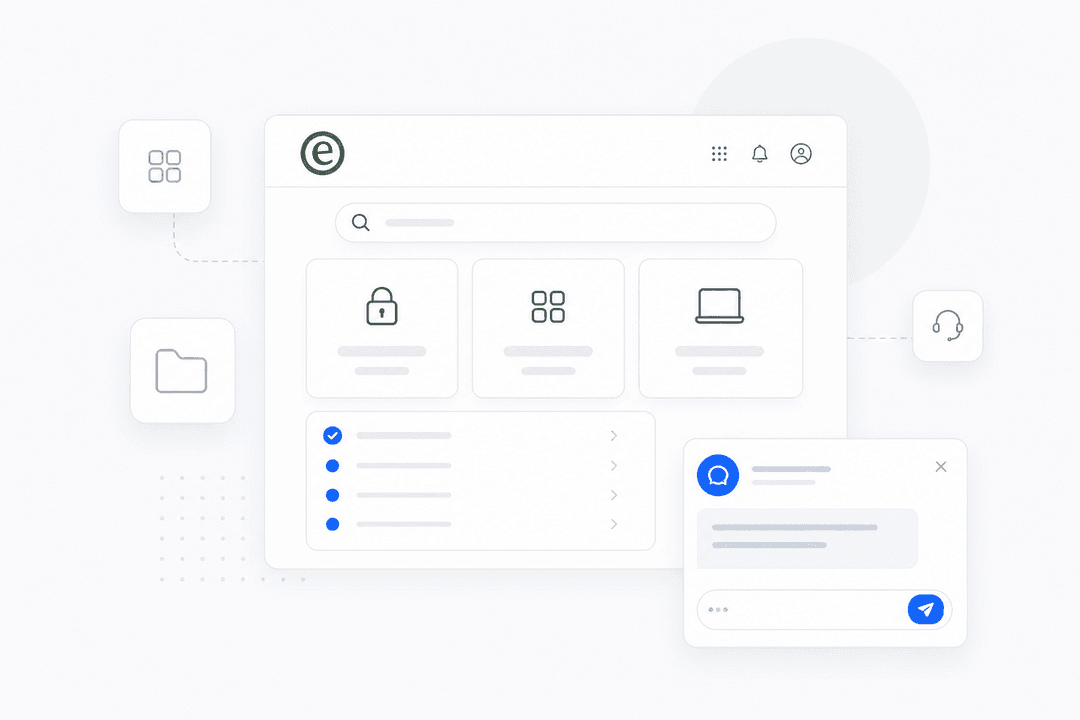
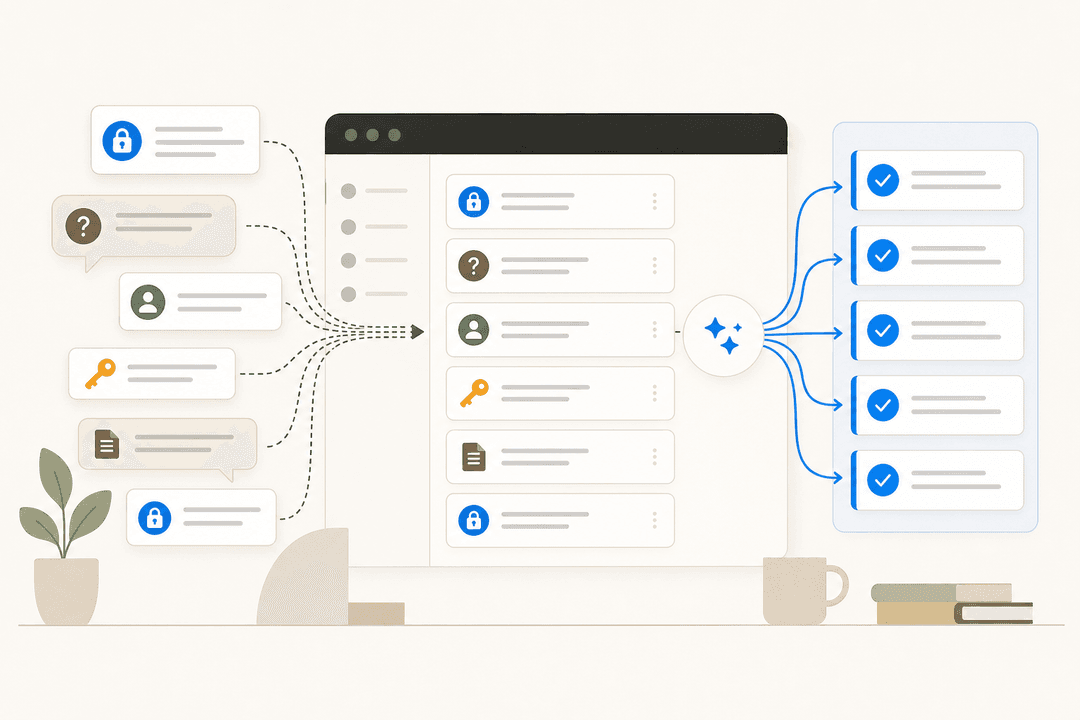
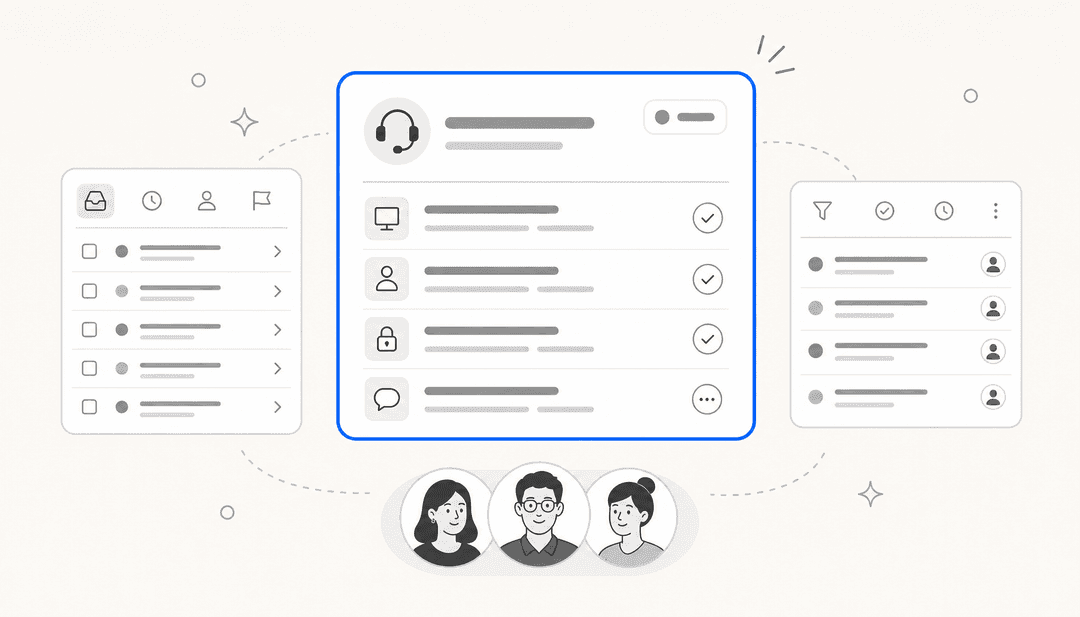
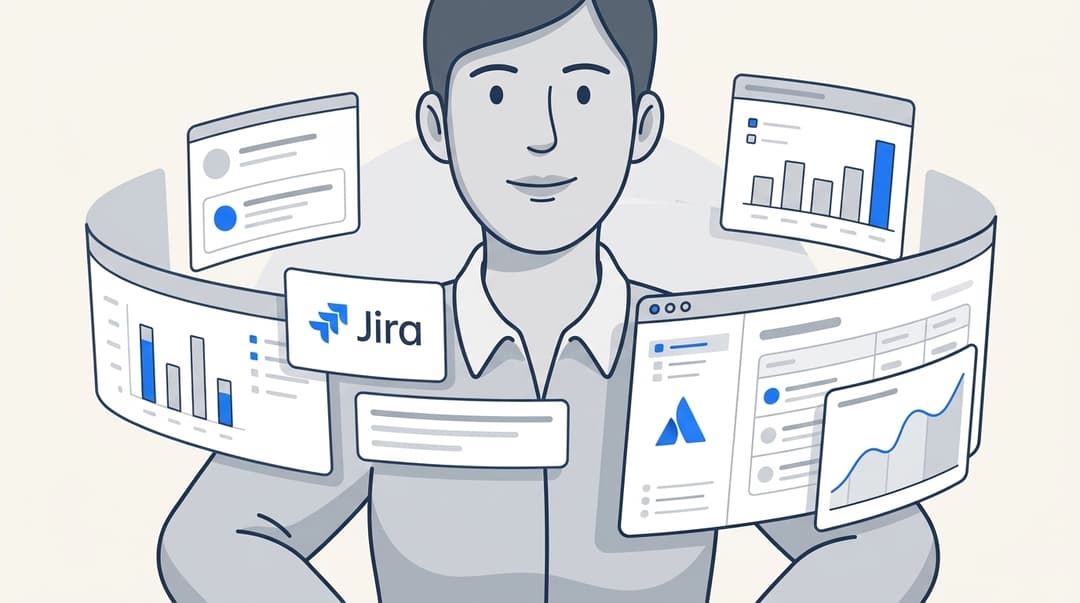
Two things get muddled here, so it's worth separating them. The help desk (or service desk) is the system of record: the queue, the tickets, the SLAs. Tools like Jira Service Management, Freshservice, and ServiceNow live here. The chatbot is the AI that talks to employees and closes the easy tickets before they pile up in that queue. You don't usually replace one with the other; you put a chatbot on top of the internal helpdesk software you already run.
There's also an IT-versus-everyone-else split. Most service desk chatbots start in IT, the classic ITSM use case, because IT questions are repetitive and well-documented, which is why even smaller IT teams get value fast. But the same bot increasingly handles HR, facilities, and employee support too, since "how do I request PTO?" is structurally the same problem as "how do I request a laptop?".
How a service desk chatbot works under the hood
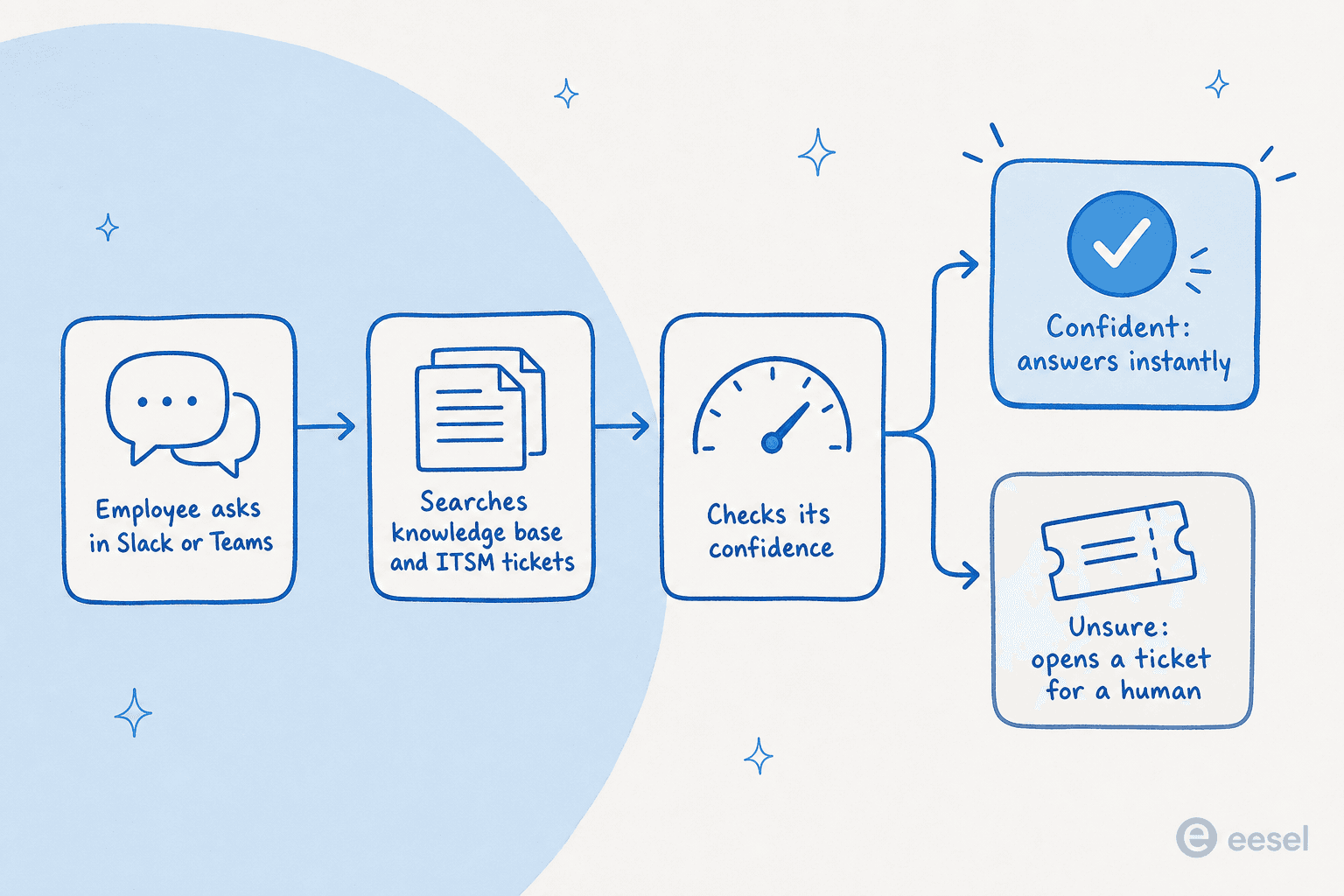
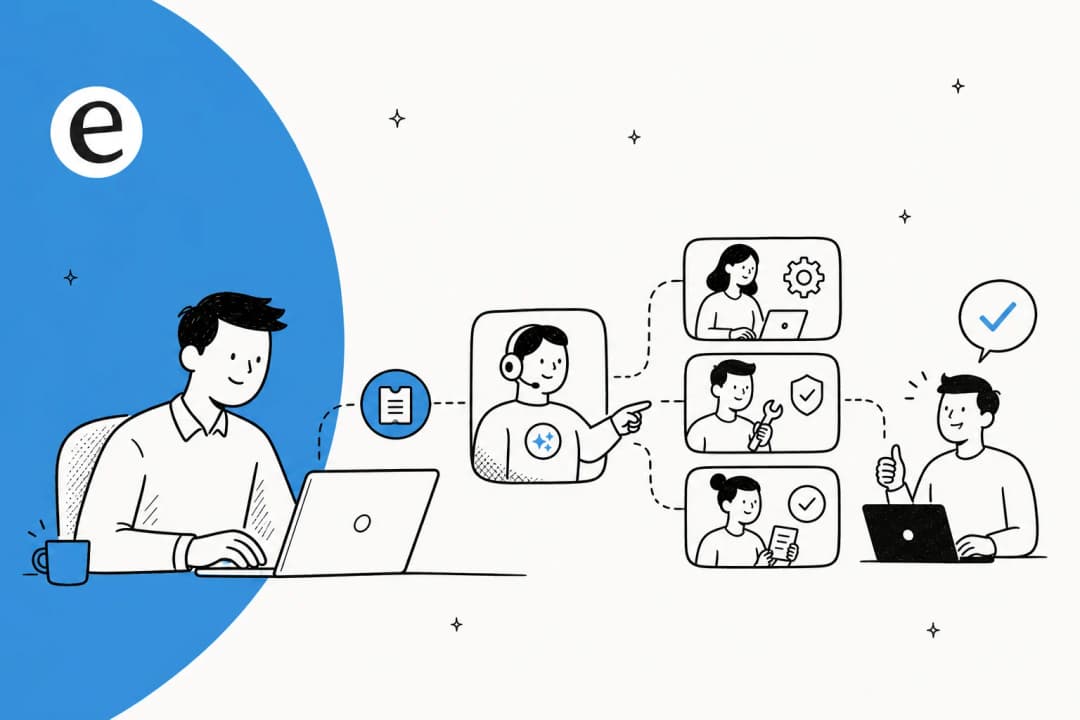
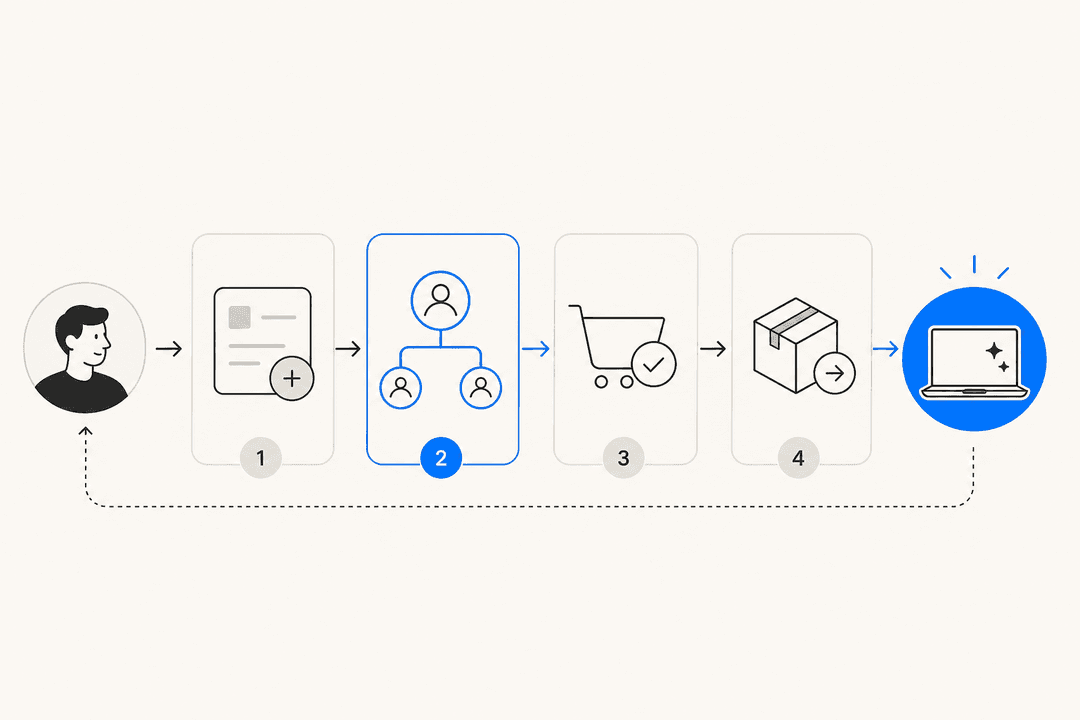
Under the marketing, almost every service desk chatbot runs the same four-step loop. Knowing it makes the difference between tools obvious.
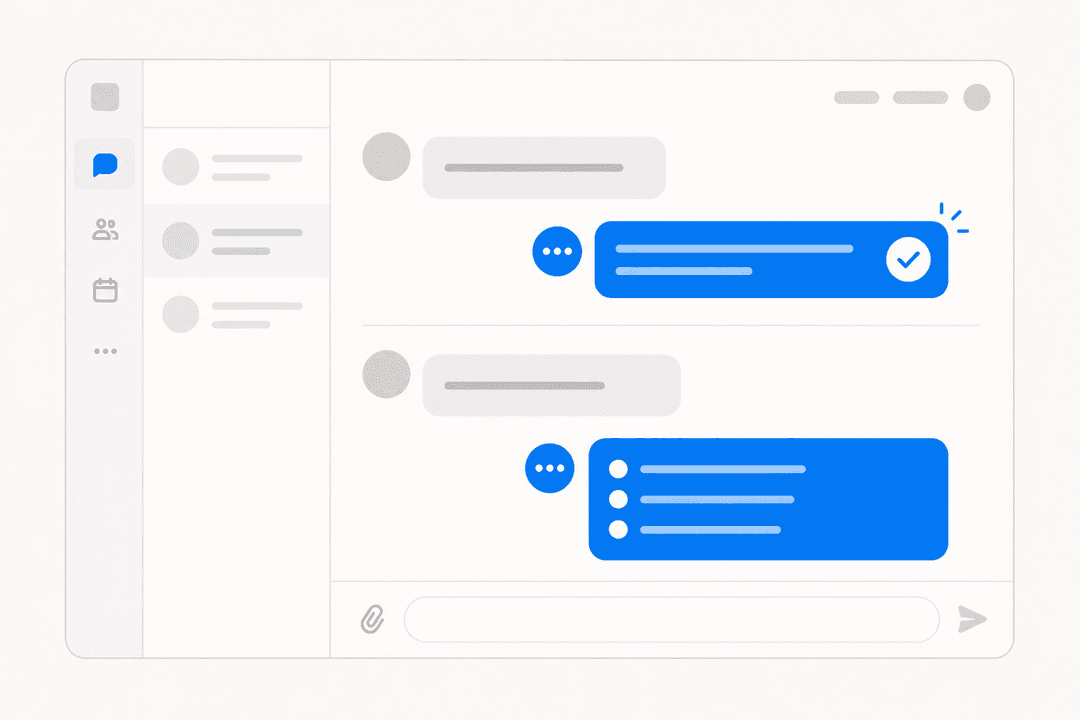
- It listens where people ask. An employee types a question in Slack, Microsoft Teams, a portal, or a chat widget. The best ones meet people in the chat tool they already live in, so there's no new habit to learn.
- It retrieves your knowledge. The bot searches your knowledge base, past tickets, and connected docs for the relevant answer. This is retrieval-augmented generation, and it's why a chatbot grounded in your Confluence space beats a generic LLM that's just guessing from training data.
- It checks its confidence. A good chatbot scores how sure it is before it speaks. High confidence, it answers. Low confidence, it stays quiet and escalates. This step is the whole ballgame, and I'll come back to it.
- It acts or routes. If it can resolve the request, it does: answers the question, resets the setting, or files and tags the ticket. If it can't, it opens a clean ticket and routes it to the right human with the context already attached.
That retrieval-then-confidence pattern is also what separates a real conversational AI from the old scripted decision-tree bots that made everyone hate chatbots in the first place. The old ones followed rules you had to build by hand; modern conversational AI platforms read your documentation and figure it out.
eesel AI working inside Slack, where employees already ask for help.
What it can actually resolve today
Here's where honesty matters more than hype. A service desk chatbot, like any AI help desk, is very good at a specific shape of work: high-volume, low-variance, well-documented requests. It's not good at judgment calls.
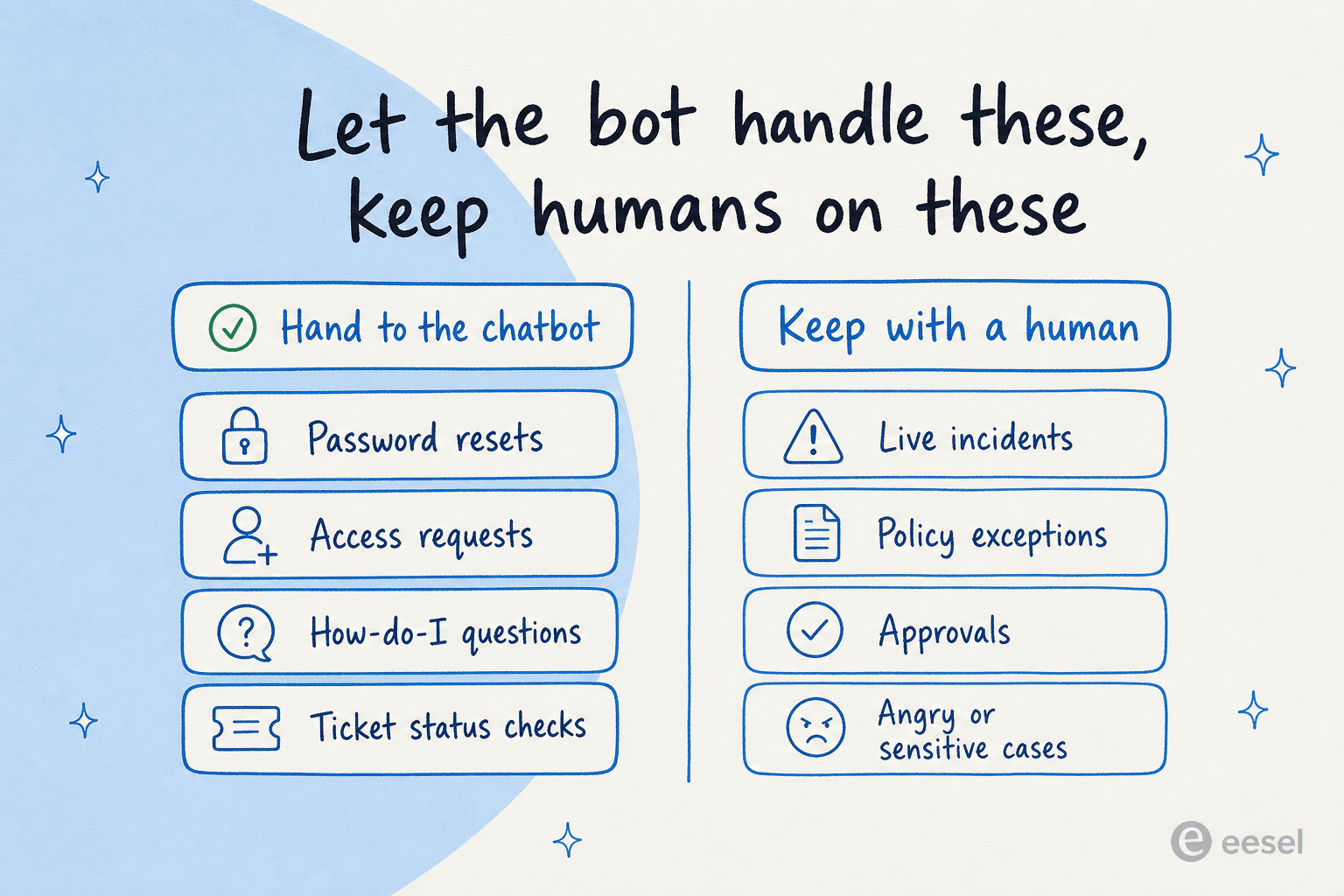
The requests that are a natural fit:
- Password resets and account unlocks, the single most common IT ticket in most orgs.
- Access and provisioning requests ("I need access to the finance drive"), where the bot can run the workflow or route it for approval.
- How-do-I questions answered by an existing doc, the bulk of any service desk queue.
- Status checks ("where's my laptop order?"), where the bot reads the ticket and reports back.
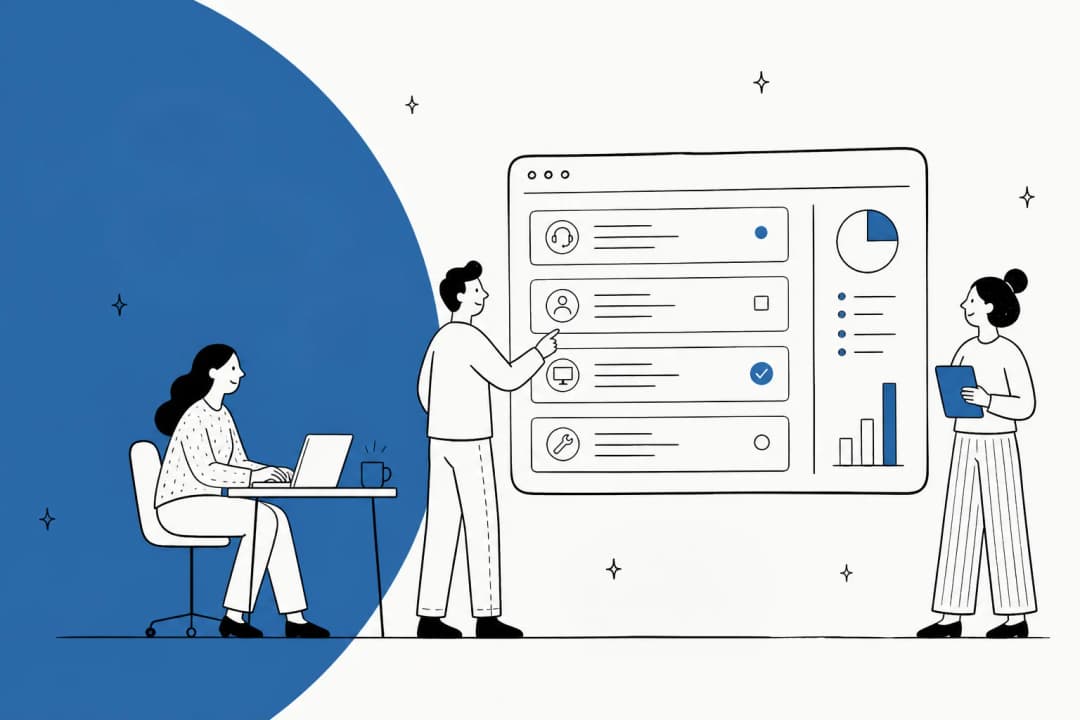
- Triage and tagging of everything else, so the human queue arrives sorted. This alone is why ticket triage is one of the highest-ROI places to start.
What still belongs with a human: live incidents, anything needing a policy exception, approvals with real financial or security weight, and any conversation where someone is frustrated. A chatbot that tries to handle those erodes trust faster than it saves time. The goal isn't 100% automation; it's clearing the routine 40-70% so your team can spend attention on the cases that need a brain.
The one feature that actually decides everything: confidence
I said I'd come back to this. If you take one thing from this post, take this: the difference between a service desk chatbot people trust and one they mute is whether it knows what it doesn't know.
A support lead we work with put the whole thesis in one sentence:
"The AI will never be able to answer 100% of the questions. I need an AI who is only handling the tickets that it's confident to handle and all the other ones, leave them alone."
an ops lead at a DTC supplements brand, from an eesel sales call
That's it. That's the buying criterion. A chatbot that auto-answers everything will be wrong often enough that employees stop believing any of its answers, and once trust is gone you've made support worse, not better. A chatbot that only speaks when it's confident, and cleanly escalates the rest, quietly builds a reputation for being right, which is what drives adoption.
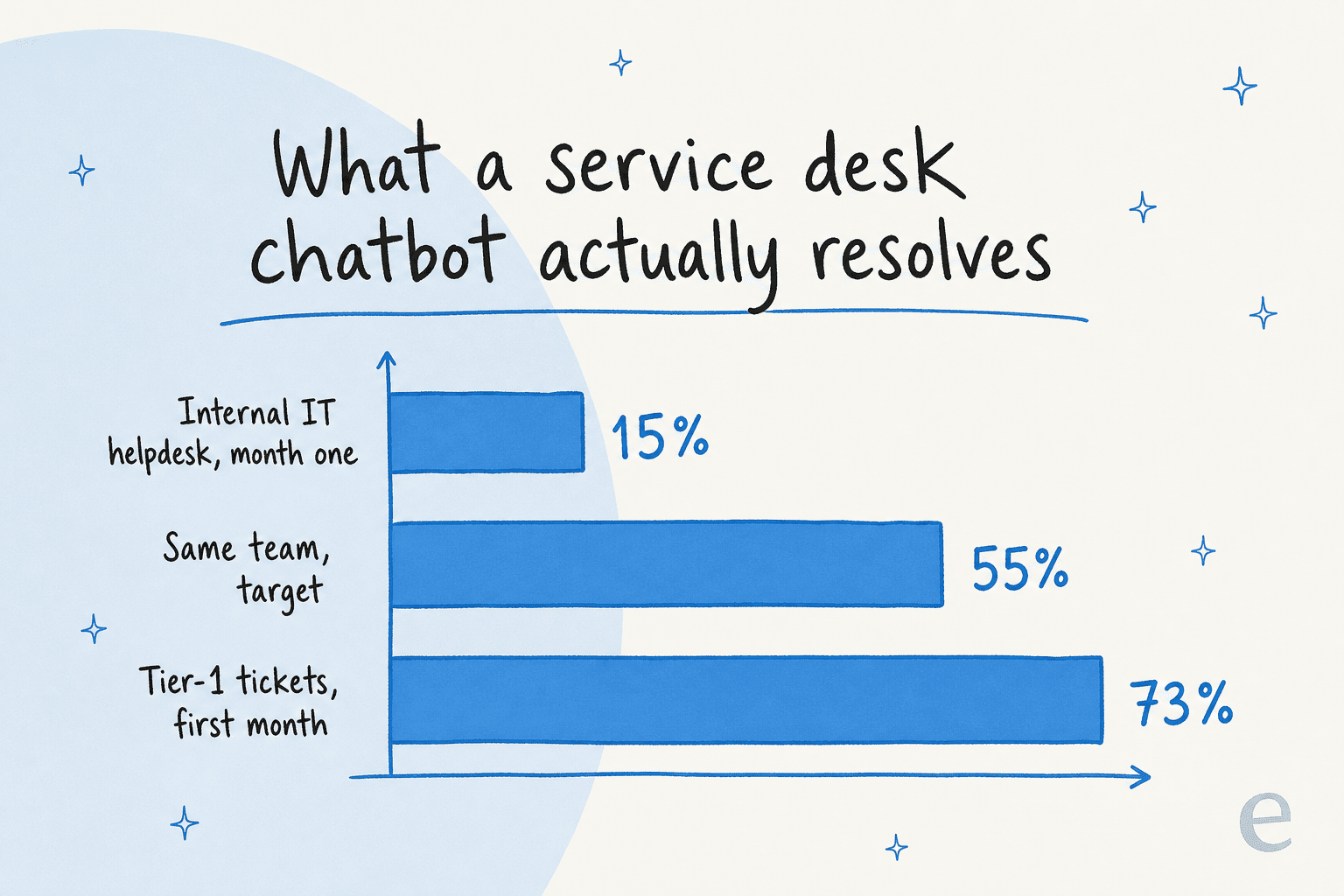
This is exactly why the internal IT team I mentioned earlier deliberately launched at 15% deflection instead of chasing a big headline number. They let the bot handle only what it was sure of, watched it stay accurate, then widened its scope toward 55%. Slow-and-trusted beats fast-and-wrong every time.
What to look for when you pick one
Most service desk chatbots demo well. The differences show up in week three. Here's what I'd actually weigh, having watched a lot of these rollouts.
Does it connect to what you already run? The chatbot has to read your knowledge and write back to your service desk. If you're on Jira Service Management, Freshservice, or ServiceNow, check the integration is real and two-way, not a read-only widget. The same goes for Slack and Teams, your knowledge sources, and your ticketing system.
Can you test it before it's live? This is the one buyers skip and regret. You want to run the bot against your own historical tickets and see exactly how it would have answered, before a single employee talks to it. At eesel we simulate every rollout against thousands of a customer's past tickets first, because we've watched confident-sounding bots quietly give wrong answers, and a simulation is how you catch that on a spreadsheet instead of in production.
Can you control its scope? You should be able to say "only auto-answer password resets and access requests, leave everything else for humans" and have the bot respect it. Confidence thresholds, ticket-type exclusions, and per-topic rules are what let you start narrow and expand safely.
Is the pricing predictable? Per-seat add-ons on incumbent ITSM tools get expensive as your team grows, and per-message models punish you for follow-ups. Usage that's priced in tickets, the unit you already think in, is easiest to forecast.
Here's a quick calculator to sanity-check whether the volume even justifies a chatbot. Plug in your real numbers:
Where service desk chatbots still fall short
Being fair about the limits is the honest thing, and it's also the useful thing. A service desk chatbot is only as good as the knowledge behind it: if your docs are stale, scattered across five tools, or written for the wrong audience, the bot inherits every one of those gaps. Cleaning up your knowledge base is usually the highest-leverage thing you can do before deploying anything.
It also won't fix a broken process. If provisioning takes three approvals and two systems, a chatbot can route that faster but it can't collapse the approvals. And no chatbot handles a real incident, that's a human call, every time.
The build-your-own temptation is real here, especially for teams with engineers. But most land where one eesel customer did:
"We could try to write our own LLM application but we didn't want to invest our time into that. We wanted something that we would not have to maintain."
Karel, GENERAL BYTES
A weekend prototype is easy; the retrieval quality, confidence scoring, integrations, and ongoing maintenance are the part that eats a quarter.
Try eesel
If you want a service desk chatbot that plugs into what you already run, eesel AI is built exactly for this. It connects to Jira Service Management, Freshservice, Slack, Teams, and your knowledge sources, then answers IT and internal questions where employees already ask.
The two things that matter most: you can simulate the bot against your own past tickets before it ever talks to an employee, so you know its accuracy and deflection up front, and you control its scope with confidence thresholds and per-topic rules so it only handles what you trust it with. Across 160 active accounts it's now handled over 183,000 real conversations, and it's free to try on your own data.

Frequently Asked Questions
What is a service desk chatbot?
How much does a service desk chatbot cost?
What is the difference between a service desk chatbot and an IT help desk?
Can a service desk chatbot work inside Slack or Microsoft Teams?
How accurate is a service desk chatbot?


Article by
Kira
Kira is a writer at eesel AI with a Computer Science background and over a year of hands-on experience evaluating AI-powered customer service tools. She focuses on breaking down how helpdesk platforms and AI agents actually work so that support teams can make better buying decisions.