Most IT teams are already flooded with Teams messages. Someone pings IT asking how to reset their password. Someone else sends a direct message asking what devices they're eligible for. A third person DMs to say their VPN stopped working. The IT agent answers, closes the chat, and three more come in.
The appeal of a Teams IT support bot is obvious: employees are already in Teams, so why not put the automated first responder there too? The concept is simple. The execution is where it gets nuanced.
This guide covers how Teams IT bots work, what to automate first, the three paths for building one, and what to get right before launch.
Why IT teams are adding bots to Microsoft Teams
The most practical reason: Microsoft Teams has 300 conversations per minute happening across its user base. Employees are already there. Making them switch to a separate IT portal to file a ticket creates friction that most employees quietly bypass by messaging IT staff directly.
Remote and hybrid work made this harder to manage. 73% of departments will have remote workers by 2028, according to Upwork. Remote employees cannot walk to the IT desk, which means every request comes in as a message, an email, or a form submission -- channels that do not scale.
Monthly ticket volumes have grown 35% over two years, according to Service Desk Show. And roughly 50% of IT service desk calls are password resets -- fully repeatable work that a bot can handle in under 60 seconds.
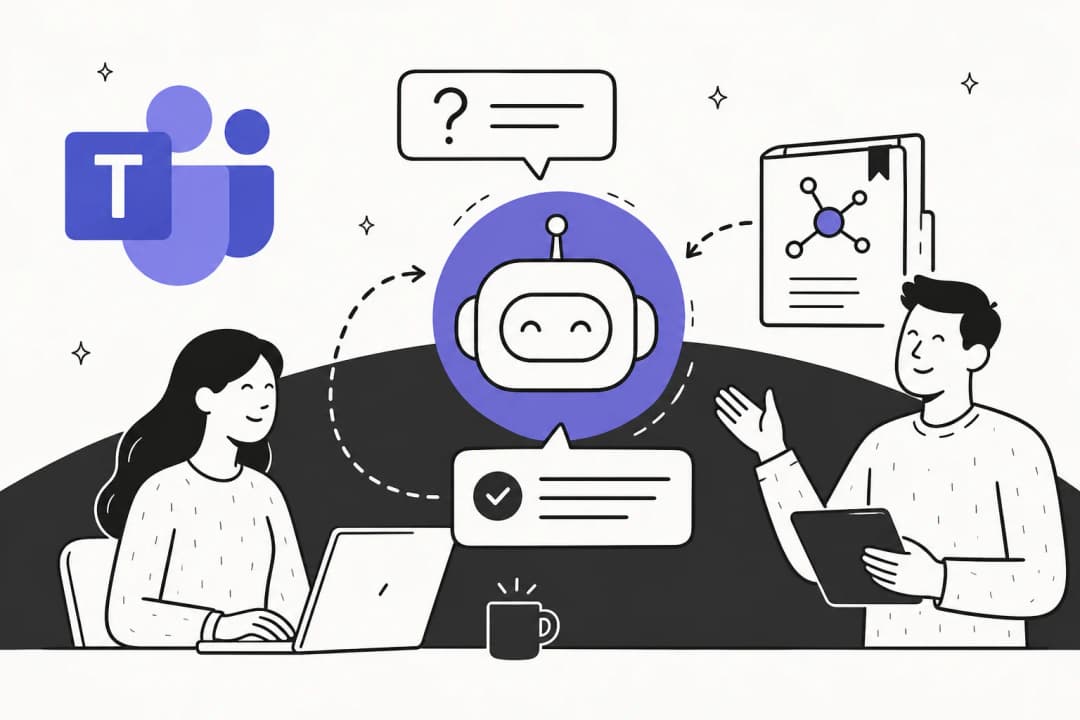
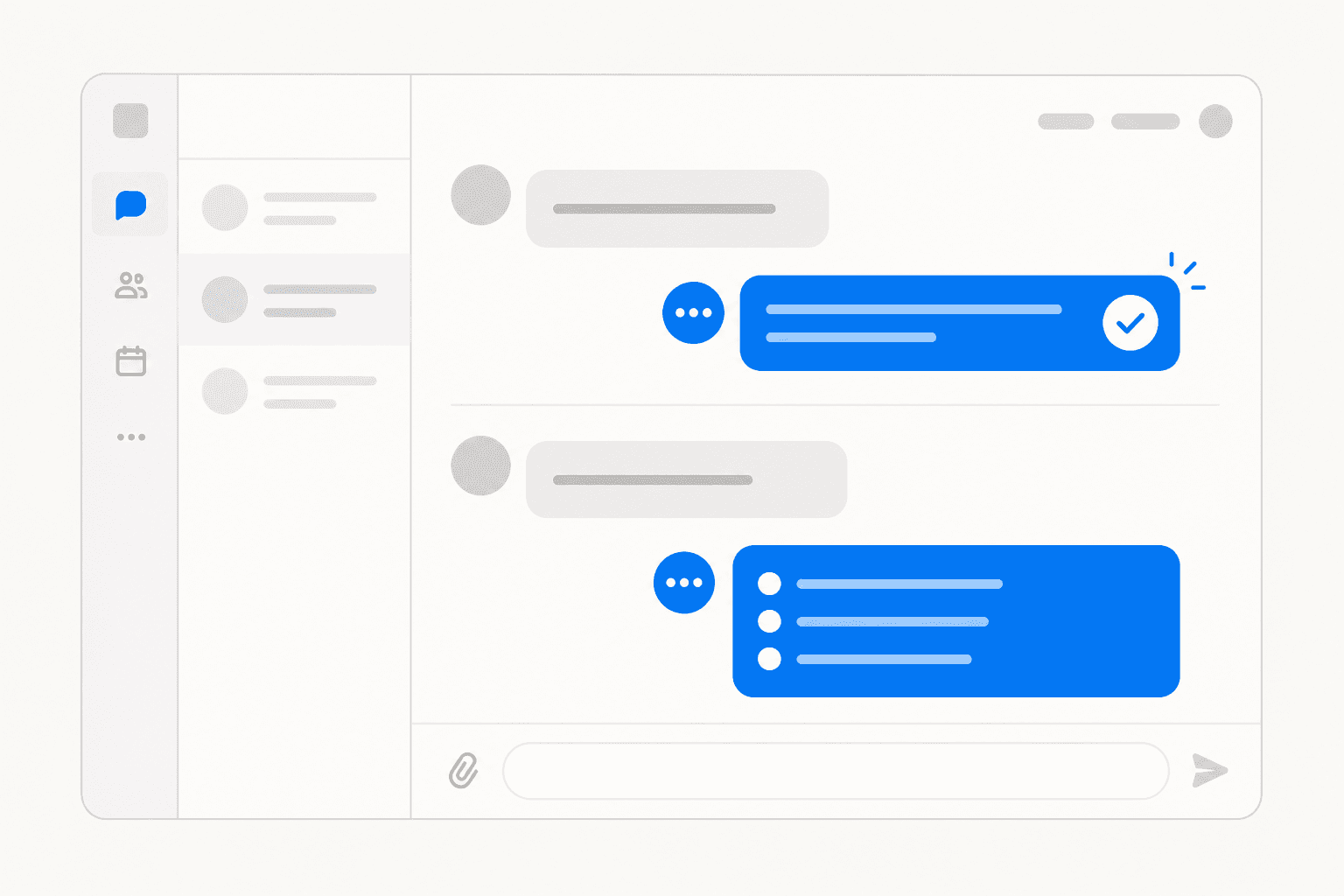
A Teams IT bot addresses this by acting as the automated first line of support. It answers questions, creates tickets, resets passwords, and escalates edge cases to a human, all inside the interface employees are already using every day.
What a Teams IT support bot actually handles
The scope of what a Teams IT bot can automate is wider than most IT teams initially assume.
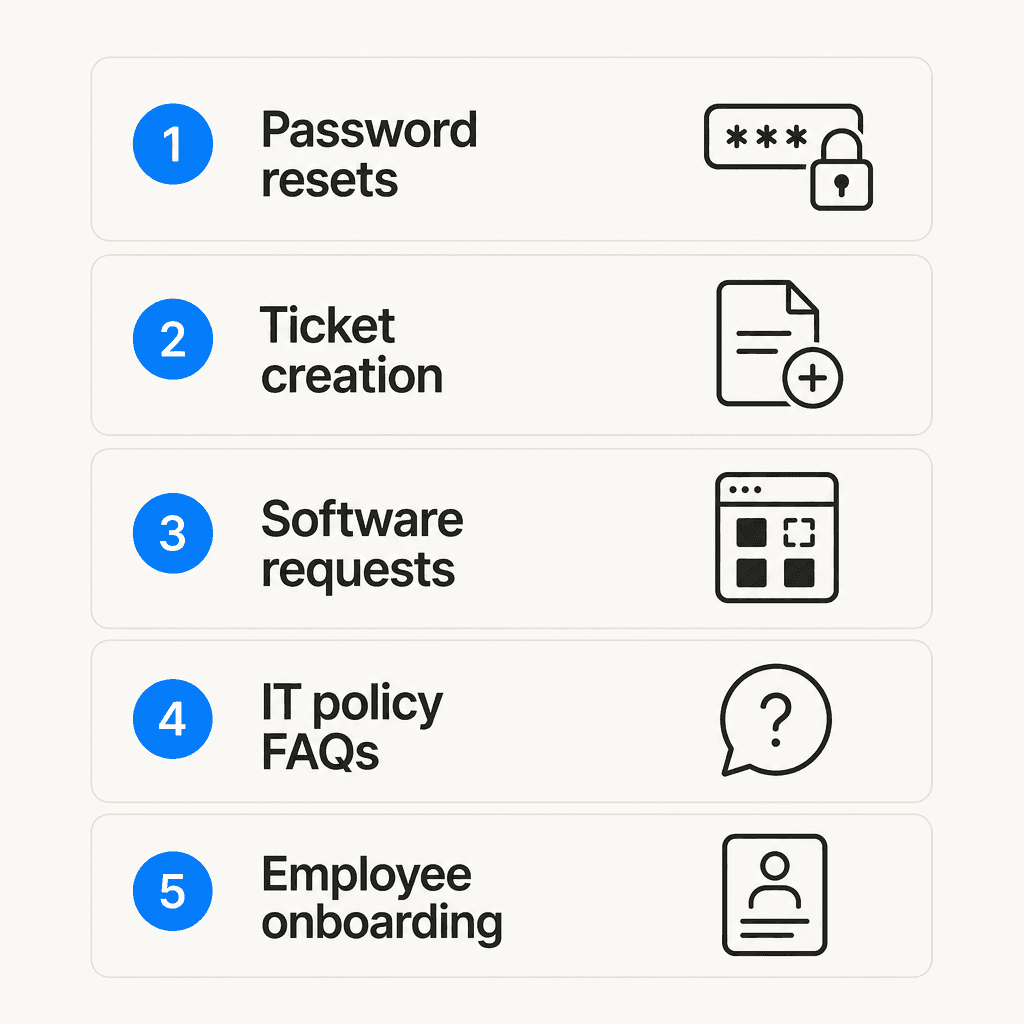
Password resets and account unlocks are the highest-volume starting point. The automated flow described by Workativ takes under 60 seconds: employee requests a reset, bot verifies identity against Active Directory or Okta, sends the reset link to the verified email, closes the ticket. What typically takes an hour with a human agent takes about a minute.
Ticket creation and tracking removes the need for a separate portal. Employees message the bot conversationally -- "my laptop won't connect to the VPN" -- and the bot gathers device and error details, creates the ticket in your ITSM system (ServiceNow, Freshservice, Zendesk), confirms the ticket number and SLA, and lets employees check status later without logging into anything. Microsoft's Copilot Studio IT Helpdesk template includes a specific example: "Last week I requested access to the HR database. Can you tell me who still needs to approve the request?"
IT policy and FAQ answers cover the questions IT agents repeat dozens of times per week: how to connect to VPN, what devices employees are eligible for, how to set up MFA, BYOD policy. The bot searches connected knowledge sources -- SharePoint, Confluence, your IT portal -- and returns direct answers instead of routing to a human.
SysAid describes their Teams bot searching "through SysAid's system of records, articles in approved SharePoint sites, documents, and even public websites" to answer these questions.
Software and hardware requests become structured workflows instead of email chains. The bot collects request details, routes to manager approval, notifies IT to fulfill, and updates the employee. No one chasing approvals manually.
Employee onboarding is where a Teams bot often shows the most immediate ROI for remote teams. New hires on day one can request their laptop setup, software licenses, VPN credentials, and email configuration through the bot, without needing to find and contact an IT person. Workativ explicitly lists this use case: "Streamline IT onboarding activities such as requesting specific computers, establishing email services."
Proactive notifications flip IT from reactive to proactive. Rather than waiting for employees to discover an outage, the bot pushes alerts: "VPN service is currently experiencing issues," "Your password expires in 7 days -- click here to reset now." Workativ calls this "dynamic notification automation."
Escalation to human agents covers what the bot cannot resolve. It creates a ticket, flags the triage channel, and an IT agent takes over the live Teams conversation. The employee does not leave the interface -- the handoff happens in the same thread. Microsoft's Copilot Studio template explicitly includes "Connect to a human" as a core capability.
Three paths to building a Teams IT bot
Most organizations have three realistic options. They have different tradeoffs in cost, control, and implementation effort.
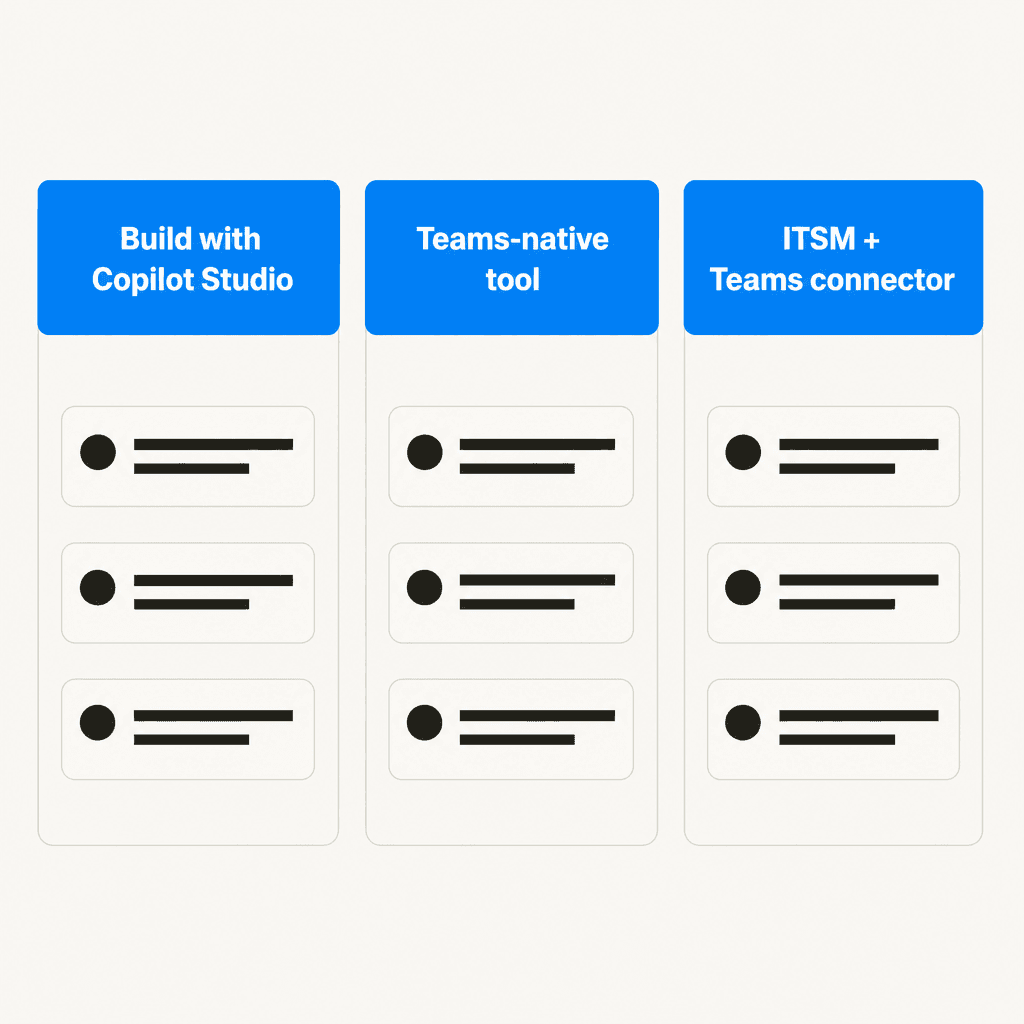
Microsoft Copilot Studio (native)
Microsoft launched an official IT Helpdesk Agent template in Copilot Studio as part of their Scenario Library. It includes pre-built flows for ticket creation, status checks, FAQ answers, and human escalation. Deep integration with SharePoint, Entra ID, and ServiceNow is native.
The catch is licensing complexity. Microsoft 365 Copilot costs $30/user/month. Full AI agent governance requires Microsoft Agent 365 at $15/user/month on top. Standalone Copilot Studio credits run $200/month for 25,000 credits. The floor is around $45/user/month before consumption charges -- relevant if you are weighing this against a purpose-built third-party tool.
Best for organizations already on M365 Copilot who want a fully Microsoft-stack solution and have the IT architecture to configure Purview and Azure governance.
Teams-native tools
Several vendors build specifically for Teams: Desk365, Tikit by Cireson, Rezolve.ai. These deploy via the Teams app store with no custom development required. They include built-in ITSM ticketing, a knowledge base, and a bot -- purpose-built for the Teams interface.
The category has matured. As recently as 2022, a well-upvoted r/MicrosoftTeams comment described fully native Teams tools as "terrible and missing tons of functionality." By 2026 the leading tools have closed most of those gaps. Desk365 consistently gets positive community mentions:
"For the price, this works out great for us. Responsive team, and adding features at a very fast pace."
-- u/FocussedMSP, r/MicrosoftTeams
Best for teams that want a turnkey solution without custom development, particularly SMBs.
ITSM platform + Teams connector
The approach recommended by much of the sysadmin community is to keep your existing ITSM backbone -- ServiceNow, Freshservice, SysAid, Zendesk -- and add a Teams channel as the employee-facing interface. Agents still work in the ITSM tool; employees interact through Teams; tickets sync bidirectionally.
One sysadmin put it plainly:
"Lots of mainstream systems do have connectors for teams functionality, so you can still have users and techs manage most of their workflow in teams."
-- u/canadian_sysadmin, r/MicrosoftTeams
This avoids rebuilding what already works. For organizations with existing ITSM investments and established workflows, adding a Teams connector is often the fastest path to a bot employees trust -- because the underlying ticket system they have relied on for years is unchanged.
This is also the path that Atlassian JSM shops have been navigating since Halp was discontinued in June 2024. The Teams integration for JSM exists, but plenty of former Halp users took the opportunity to evaluate whether JSM was still the right underlying system for their needs.
Best for organizations with mature ITSM platforms that do not want to replace them.
Setting up your Teams IT bot: four things to get right
These four areas separate deployments that actually deflect tickets from pilots that quietly get abandoned after month two.
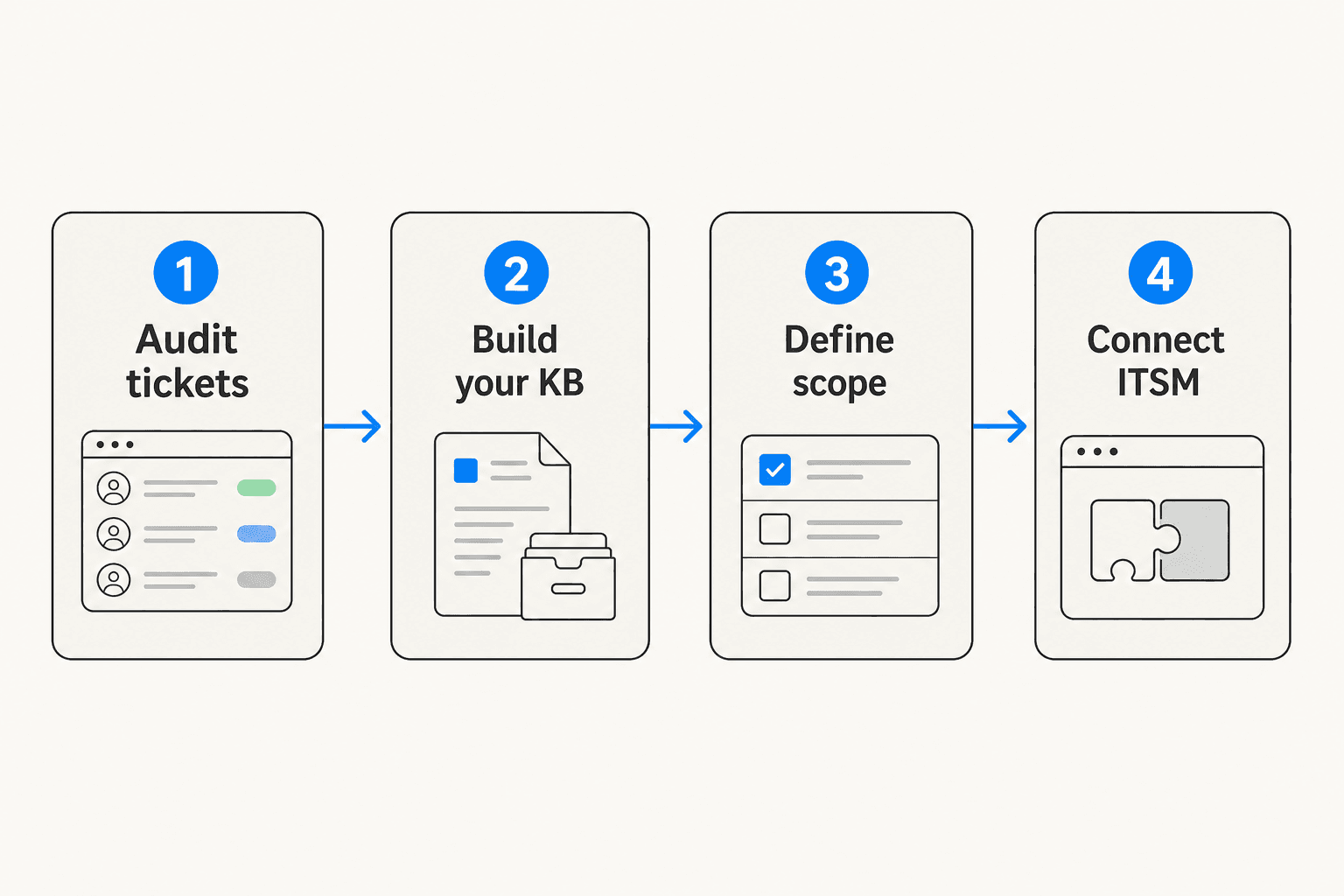
1. Audit your ticket history first
Pull 90 days of tickets and find your top 20-30 request types by volume before configuring anything. These are your automation targets. You will probably find that a handful of categories -- password resets, VPN access, software installs, printer issues -- account for the large majority of volume. Those are the bot's first scope.
Skipping this step means configuring the bot for what you assume employees ask, which rarely matches what they actually ask. The mismatch shows up immediately as low deflection rates.
2. Build your knowledge base before the bot goes live
The bot is only as good as the knowledge it can access. If there are no KB articles covering a question, the bot will either give a wrong answer or escalate to a human -- which defeats the purpose.
Workativ recommends: "Create your knowledgebase articles or FAQ-based questionnaires and bring them to the bot. Offer curated suggestions for everyday IT issues." For the top 20-30 request types you identified in step 1, make sure each has at least one clear KB article before the bot goes live.
This applies equally if you are using a tool that connects to SharePoint or Confluence -- the quality of those docs determines the quality of bot answers. Our AI helpdesk implementation guide walks through the pre-launch knowledge base audit in detail.
3. Start with a narrow scope and expand from there
The teams with the smoothest launches pick two or three use cases and do those well before adding more. A sensible first deployment scope: password resets, account unlock requests, and FAQ answers from the IT policy document. That's it.
Loading ticket intake, software request routing, onboarding flows, and hardware requests onto the same launch makes week-one issues harder to debug. Narrow scope means faster iteration and a cleaner ROI story to show stakeholders.
Elementum AI's 2026 analysis notes that many AI projects "fail to reach production or deliver expected outcomes because they remain isolated pilots rather than integrated workflows." Proving clear ROI on a small scope first gives you the organizational momentum to expand confidently.
4. Treat adoption as a change management problem
A significant number of Teams bot deployments fail not because the technology breaks but because employees do not use the bot. They know who in IT to message, they ping them directly, and the bot sits unused.
The fix is deliberately closing the informal channel. Pin the bot in Teams, announce it internally with a clear instruction ("For IT requests, message @ITBot"), run a pilot with one team before org-wide rollout, and -- critically -- IT staff need to stop handling out-of-channel requests. If employees can still message IT staff directly and get immediate answers, adoption never comes.
Microsoft's own survey found 89% of respondents more productive with automation. The willingness is there. Getting employees to the bot is a process problem, not a technology problem.
What to measure
Microsoft's Copilot Scenario Library lists seven KPIs for IT helpdesk agents:
| KPI | What it tells you |
|---|---|
| IT budget variance | Are support costs declining as the bot deflects tickets? |
| Usage rate | What percentage of eligible employees are using the bot? |
| Product adoption rate | Is that number growing week over week? |
| Customer satisfaction (CSAT/NPS) | Are employees satisfied with bot resolutions? |
| IT outsourcing costs | Is external support spend decreasing? |
| Service outage response time | How fast are employees notified during incidents? |
| Average ticket resolution time | Is MTTR declining? |
For a practical starting point, track deflection rate and MTTR monthly. If deflection is growing and MTTR is falling, the bot is working. Our chatbot analytics guide covers the specific metrics that matter for helpdesk deployments, including industry benchmarks for resolution rate and deflection that give you a comparison point against your own numbers.
One worth watching that the Microsoft list omits: cost per ticket. As the bot handles more L1 volume, the cost per resolved ticket should fall. Track it quarterly against your pre-bot baseline and it becomes the clearest ROI number to show leadership.
Try eesel for Microsoft Teams IT support
eesel is an AI teammate that deploys inside Microsoft Teams and connects to your existing helpdesk -- Zendesk, Freshdesk, Help Scout, and others -- to handle IT support without employees switching tools.
The Teams integration gives eesel the same capabilities available in Slack: it can be @mentioned in channels, receive direct messages, answer IT questions from connected knowledge sources (Confluence, SharePoint, Notion, Google Drive), handle ticket queues, and send proactive weekly digests. It starts in draft-for-review mode and earns autonomous sending rights as your team gains confidence in its responses week by week.
Unlike per-seat SaaS tools, eesel's pricing is pure usage-based: $0.40 per support ticket handled, free for lightweight lookups, and $50 in free usage at signup with no credit card. If you route 200 tickets to the bot and handle the other 800 manually, you pay for 200 -- not for your entire team.
Gridwise hit 73% tier-1 resolution in their first month during a 7-day trial. Global Pay reports up to 80% time savings on internal knowledge access via their Slack integration. Smava runs 100,000+ Zendesk tickets per month fully automated in German.
For IT teams evaluating whether to add a Teams bot on top of an existing helpdesk, eesel is designed to be the AI layer on top of what you already have -- not another platform to manage separately. For engineering and DevOps teams specifically, our AI for DevOps support guide covers how the same approach applies to internal incident management and postmortem workflows.
Frequently Asked Questions
What is a Microsoft Teams IT support bot?
Can I set up a Teams IT support bot for free?
How long does it take to deploy a Teams IT support bot?
Will a Teams IT bot work with our existing ticketing system?
What should I automate first with a Teams IT bot?


Article by
Riellvriany Indriawan
Riell is a designer and writer at eesel AI with about two years of experience researching CX platforms, AI chatbots, and helpdesk software. She combines her design background with a sharp eye for how these tools actually look and feel in practice — making her comparisons unusually visual and user-focused.