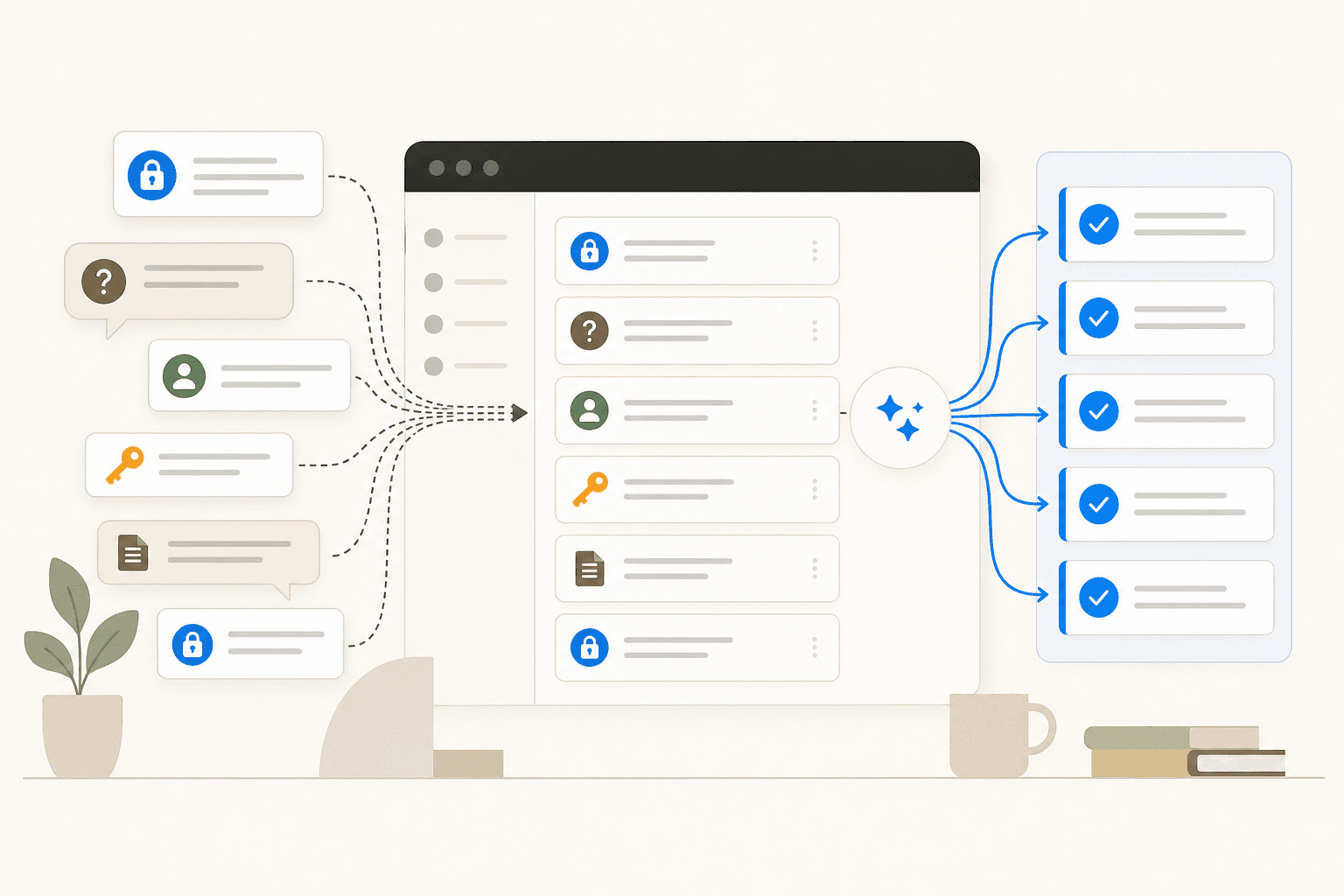
Your IT team fields the same three questions every Monday morning: how do I reset my password, how do I request software access, and what's the PTO policy. Your HR generalists spend half their day on questions already answered in the employee handbook. And when a VP's laptop breaks Thursday evening, nobody is available until Friday at 9 AM.
Employee support AI is the category of tools that handles this: autonomous agents and intelligent routing systems that answer, triage, and act on internal support requests without a human reading every one. It covers IT helpdesk automation, HR service delivery, enterprise knowledge search, and workflow execution. When implemented well, it lets support teams focus on the work that actually requires human judgment.
This guide covers what these tools do, where they tend to fail, and how to roll one out without creating new problems.
What employee support AI actually is
The term covers two overlapping tracks.
IT support automation handles Tier 1 helpdesk requests: password resets, account lockouts, software access requests, device troubleshooting, and basic "how do I" questions. Tier 1 IT issues make up 60-70% of all incoming ticket volume, which means most of what your IT team reads, categorizes, and responds to daily is repetitive work an AI agent can handle directly.
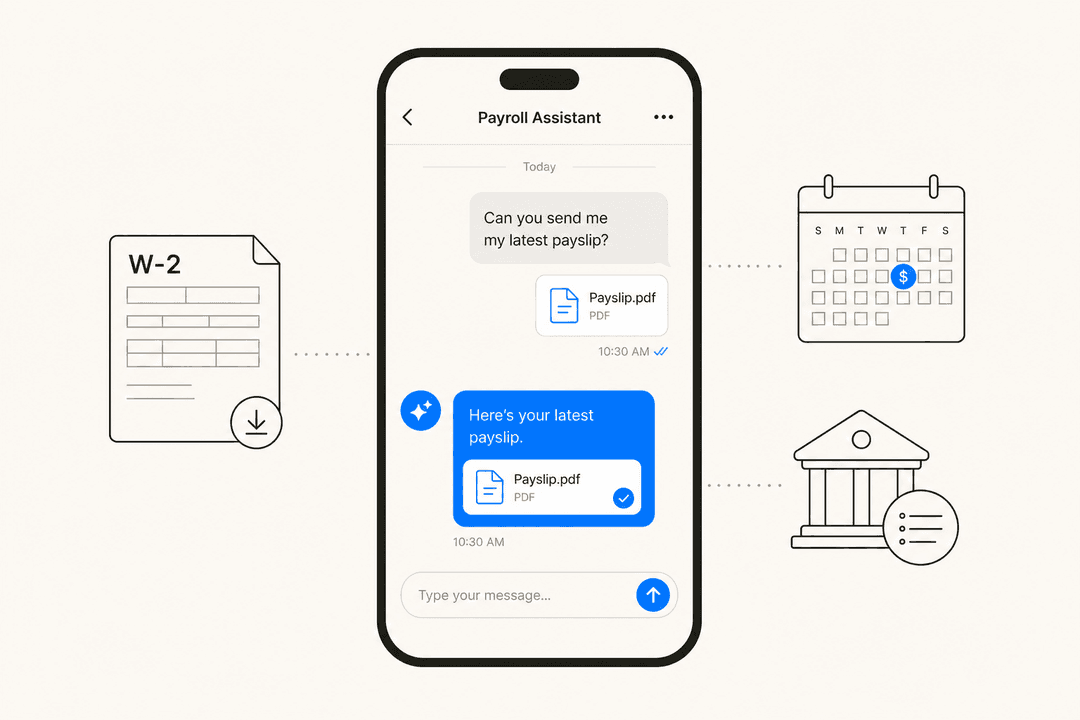
HR service delivery covers the operational side of HR: PTO and benefits questions, payroll inquiries, onboarding checklists, policy lookups, and employee relations case intake. HR teams often run with a 1:300 or 1:500 ratio of generalists to employees - the volume of repetitive queries is unsustainable at any meaningful company size.
Modern employee support AI tools are expanding to also cover hardware procurement, finance operations questions, and general cross-departmental knowledge search - positioning themselves as a single internal virtual assistant rather than siloed tools for IT vs. HR.
The distinction from customer support AI matters: employee support involves internal systems, sensitive HR and payroll data, and a known audience who expect faster resolution than external customers. A dropped customer ticket is a bad experience. A dropped VP laptop ticket is a political crisis.
The numbers behind the push
Teams aren't adopting employee support AI out of interest in AI - they're doing it because the alternative is unsustainable.
HDI's State of Tech Support 2025 report found support teams process an average of 10,675 tickets per month, with 34% of teams reporting volume growing year-over-year. Meanwhile, 60% of employees consider "immediate" response to mean under 10 minutes - and the median resolution time across 1,000 SaaS companies is 82 hours.
The cost-per-ticket picture is stark:
- Human-handled password resets cost an estimated $70 each in IT labor - Forrester Research via Trusona
- AI agents cost $0.50 per interaction vs. $6.00 for a human agent - a 12x cost difference
- Self-service portals resolve issues at $1.84 per contact vs. $13.50 for assisted channels
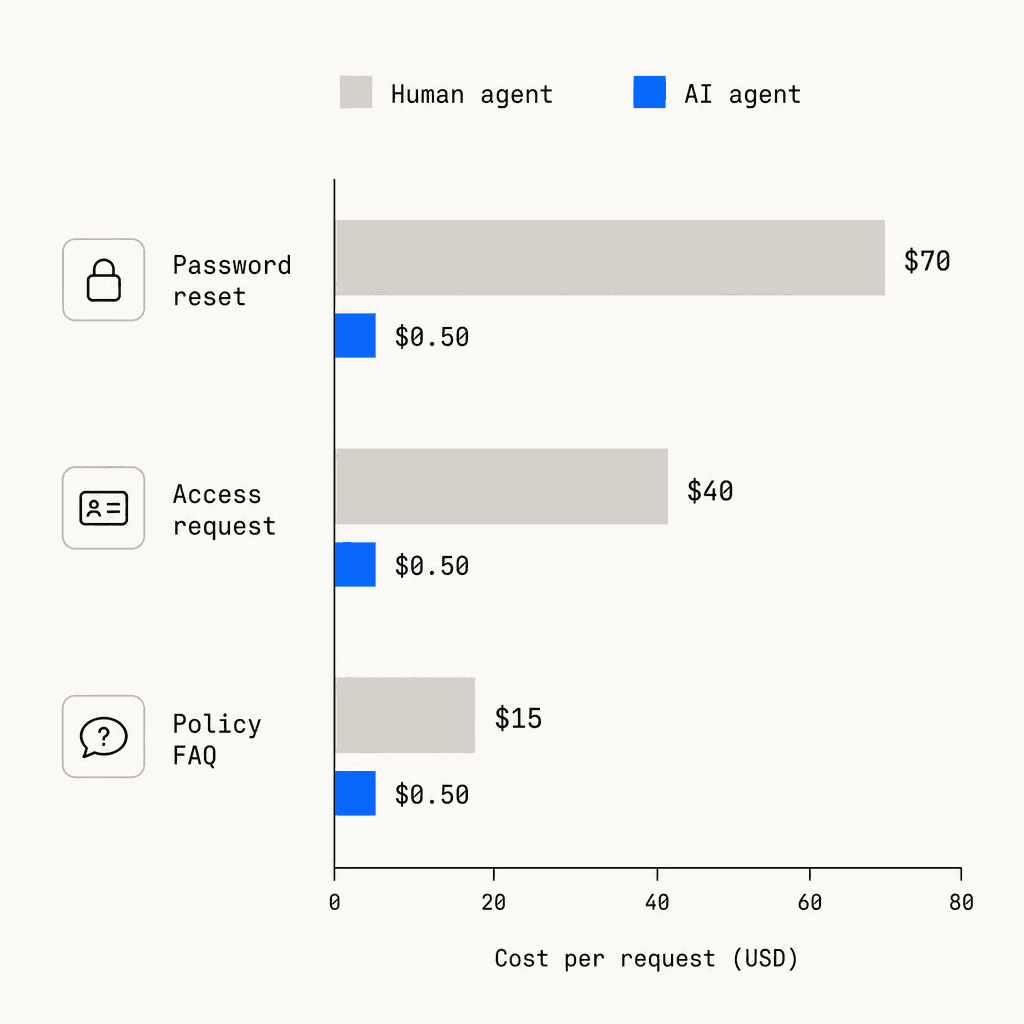
Freshworks' 2025 CX Benchmark Report found AI agents deflect over 45% of incoming queries and reduce average first response time by 55%. AI-assisted agents handle 13.8% more inquiries per hour than unassisted ones - and for the lowest-performing agents specifically, the improvement reaches 35%.
Gartner projects that by 2026, 40% of enterprise applications will feature task-specific AI agents, up from less than 5% in 2025. The shift is underway regardless of whether individual teams are ready for it.
Key use cases
IT helpdesk automation
The clearest ROI in employee support AI is Tier 1 IT: requests that are high-volume, low-complexity, and well-documented. Password resets. Account unlocks. Software access requests. VPN setup. "How do I connect to the printer?"
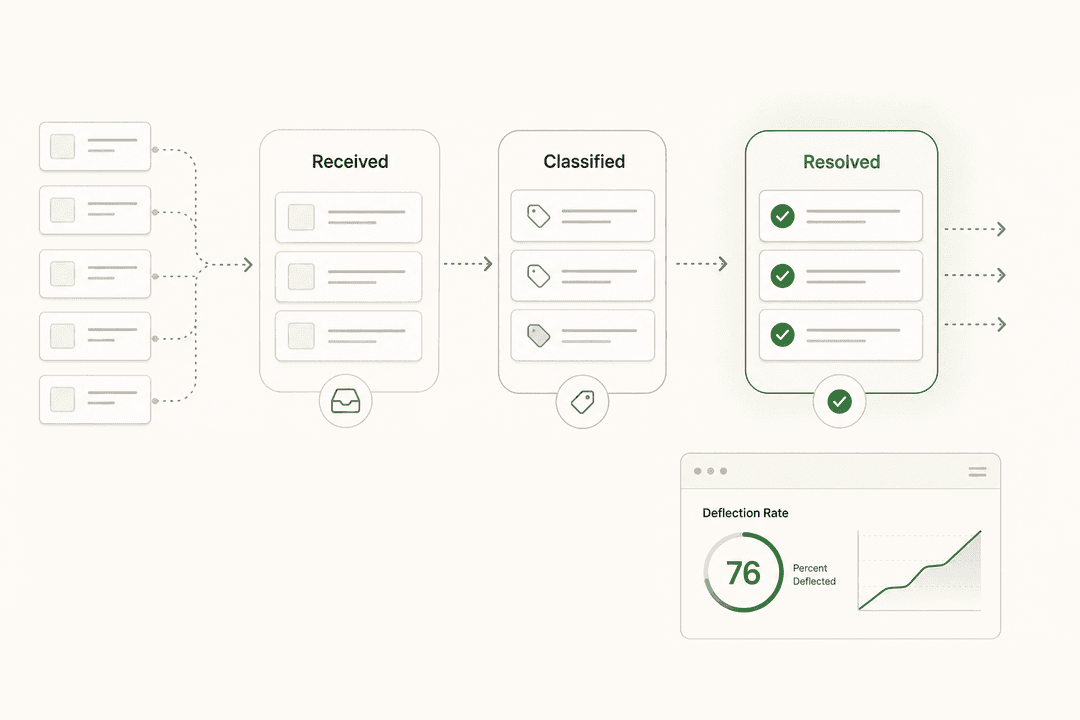
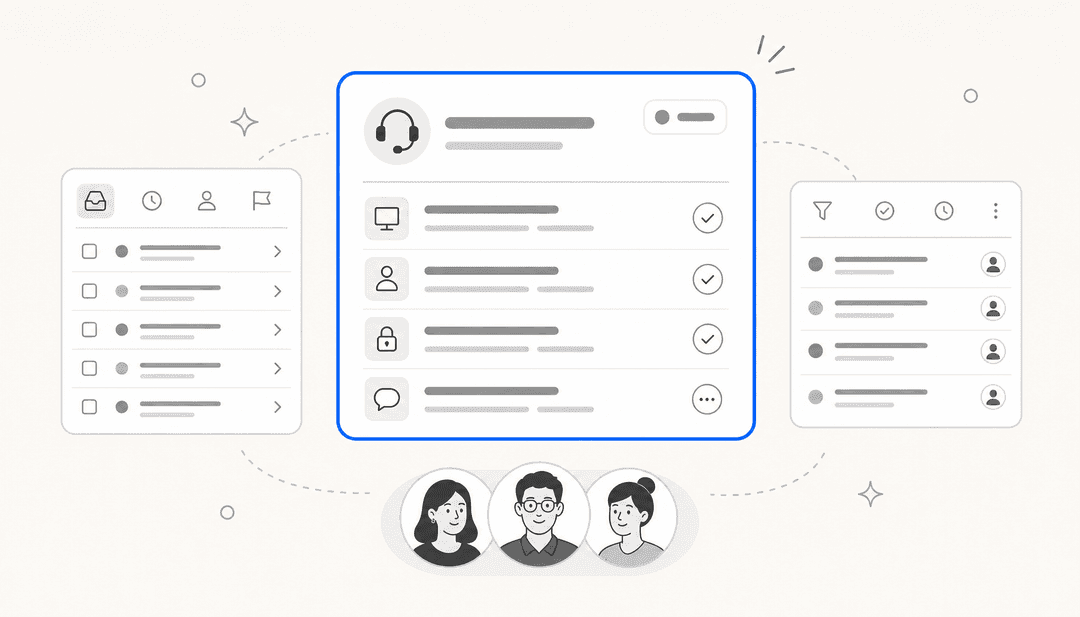
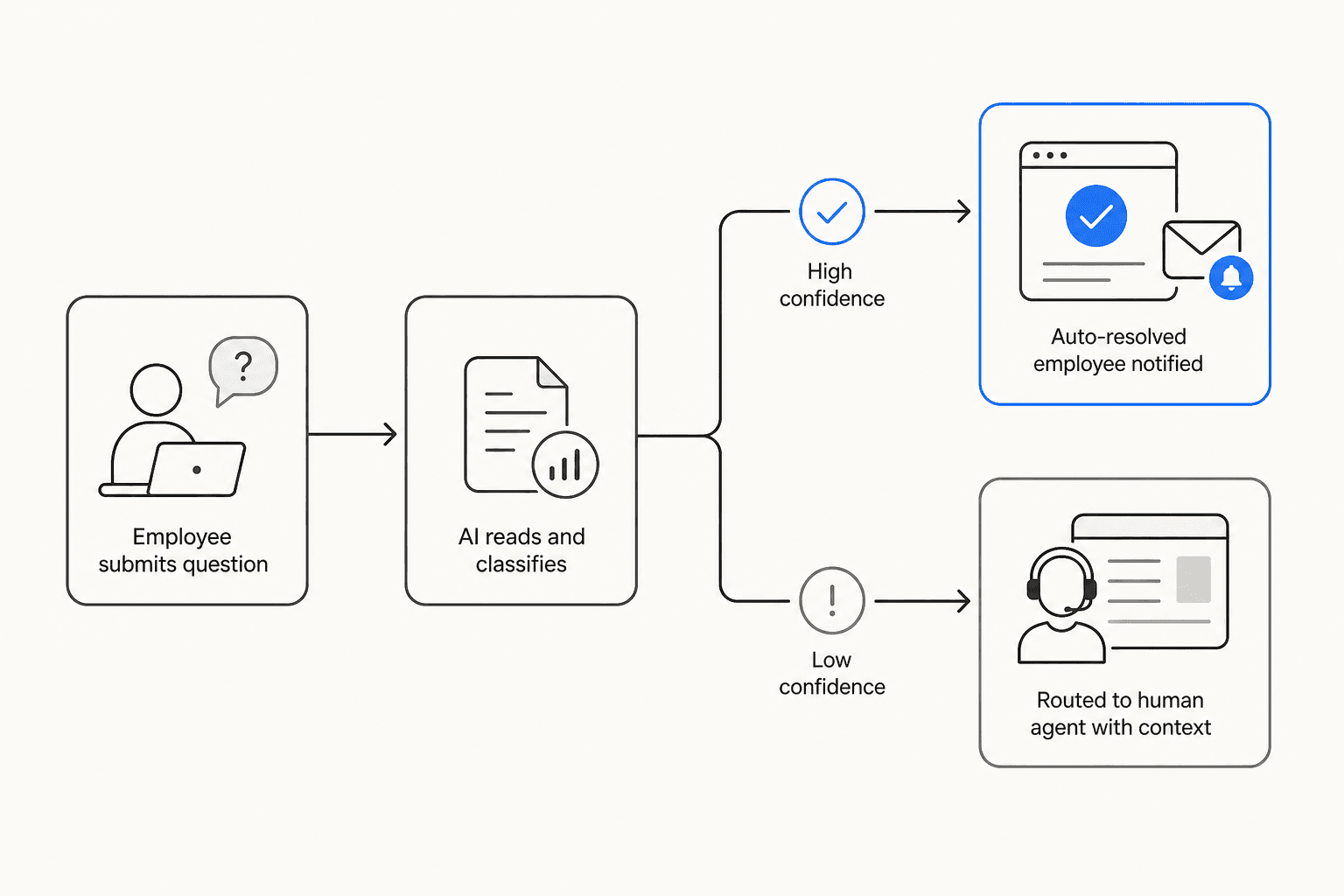
An AI agent connected to your helpdesk (Zendesk, Freshdesk, Jira Service Management) and your knowledge base reads incoming tickets, searches relevant docs, and either resolves them directly or drafts a response for the agent to approve before sending. When configured with confidence thresholds, it auto-resolves high-confidence requests and routes lower-confidence ones to a human with full context already attached.
Tools that go further - with actual tool-use capabilities - can query your MDM system, look up asset assignments, create follow-up tickets, and update fields in your ITSM without human intervention. That's meaningfully different from a FAQ bot.
eesel's AI helpdesk agent handled 73% of Tier 1 requests for Gridwise in their first month on Zendesk, operating in draft or autonomous mode depending on confidence. See also: AI for DevOps support for the engineering team variant.
HR service delivery
HR support automation works best on the query types that are high-volume and answerable from existing documentation: benefits enrollment deadlines, PTO accrual policies, parental leave eligibility, onboarding checklists, and general workplace questions.
These queries are genuinely repetitive. An AI agent trained on the employee handbook and benefits guide answers them in seconds instead of hours. HR generalists get time back for work that actually requires judgment: performance conversations, employee relations investigations, strategic workforce planning.
One caveat worth stating clearly: employee relations cases - investigations, complaints, harassment reports - should not be auto-resolved. The category where AI helps is intake, routing, and documentation. Decision-making stays with humans. More on this under failure modes below.
Knowledge management and enterprise search
A separate but related problem: employees can't find information that does exist. It's buried in a Confluence page nobody remembers, in a Slack thread from two years ago, in a Google Doc with twelve versions.
An AI knowledge layer searches across all of those simultaneously, returns the relevant section, and links to the source. Tools in this category function as a governed knowledge layer - ensuring the answer returned is the current version of a policy, not an outdated one sitting in an archived folder.
For IT teams, this is especially valuable for documentation that changes frequently: access request procedures, new-hire setup checklists, compliance training deadlines, software license inventories.
Workflow automation
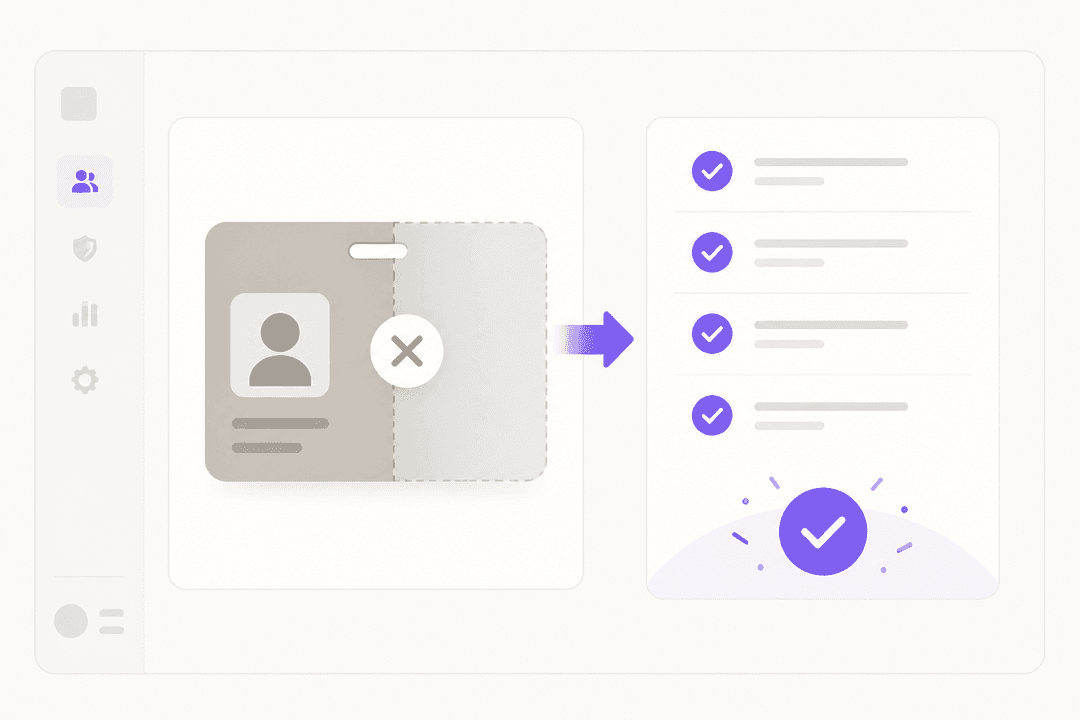
The more advanced use case: the AI doesn't just answer, it acts. New-hire access provisioning. Offboarding checklists. Software request approval routing. Benefits enrollment triggered by a life event query.
This is where tools diverge sharply. Some employee support AI products are sophisticated enough to trigger multi-step workflows in connected systems (HRIS, ITSM, MDM). Others are well-dressed chatbots. The demo usually looks the same - the real test is whether the agent can write to your systems, or only read from them.
What actually goes wrong
The practitioner community has been running these systems long enough to have strong opinions. The failure patterns are consistent.
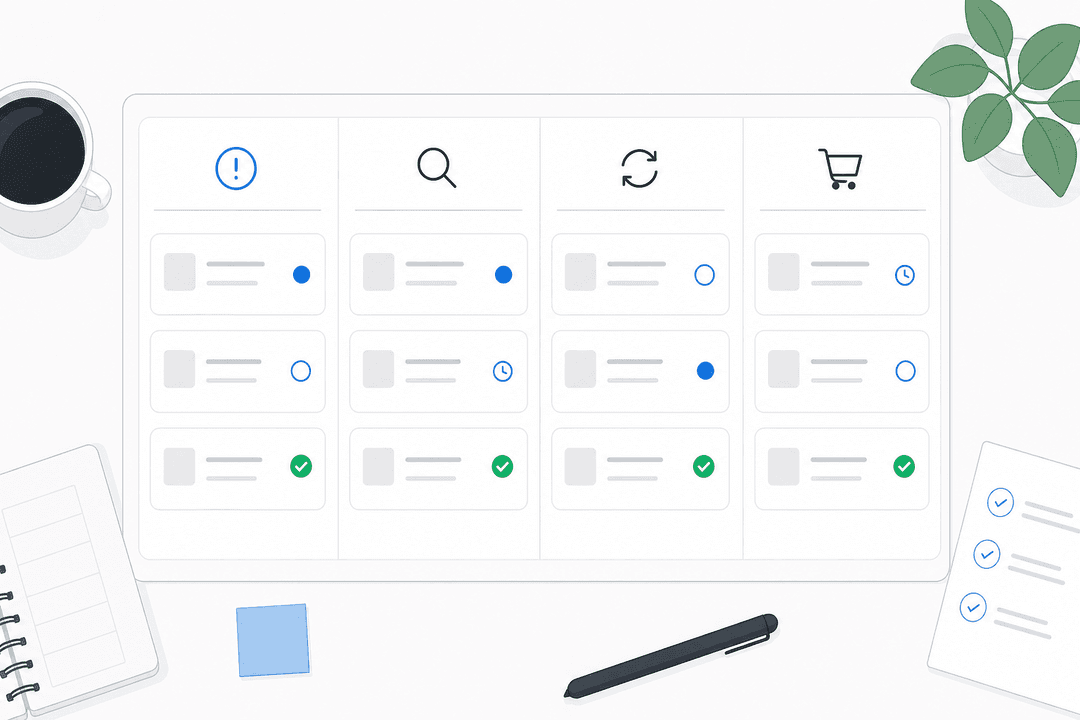
Silent routing failures. The most widely discussed problem in IT and HR practitioner forums: AI that mis-categorizes tickets and fails without telling anyone.
"High priority issues from execs somehow land in the sales queue. Some tickets get auto marked as resolved because a keyword triggers the wrong rule. Yesterday I spent hours digging through the backlog after a VP complained his laptop issue sat untouched for four days. The logs show it attempted to categorize the ticket, failed silently, and just dumped it into a default queue without flagging anything."

The fix is not complicated, but vendors often don't build it by default: a dead-letter queue for low-confidence classifications, a confidence threshold below which tickets go to humans, and daily audit logging. A practitioner in the same thread:
"Silent failures are the worst part. Before retraining, I'd add a dead letter queue plus an alert whenever routing confidence is low or a ticket falls back to default. I've seen setups get way more stable once every auto close and auto route is auditable."
Keyword rules mislabeled as AI. A lot of what gets sold as "AI routing" is if/then keyword matching. It works until a request doesn't match a keyword, at which point the ticket drops or goes to the wrong place. Real LLM-based classification handles ambiguous language, context, and novel request types far better. When evaluating vendors, ask specifically: is classification rule-based or model-based?
Automating broken processes. Gartner projects that 40% of agentic AI projects will fail by 2027 - mostly because teams are automating broken workflows, not redesigning them for AI. If your current IT ticketing process has gaps in documentation or unclear ownership, AI will route requests into those gaps faster. Fix the process first. The ITSM best practices guide and the ITSM automation overview are practical starting points.
Scope creep into sensitive HR territory. AI works well for policy lookups and benefits FAQs. It should not auto-resolve employee relations cases, harassment complaints, or performance disputes. HR Acuity's research found that 40% of employees already lack confidence in how their company handles workplace concerns. Automating sensitive intake poorly makes that number worse.
The "chatbot slapped on a helpdesk" trap. As one r/sysadmin commenter put it: "Most of the demos I see are just a chatbot slapped on top of a helpdesk." The tell is whether the agent can take action in connected systems or is limited to returning text from a knowledge base. If the answer to "can it reset my password" is "here are the steps to reset your password," you have a FAQ bot.
How to choose an employee support AI tool
A few dimensions that matter more than the vendor's "AI-powered" claim:
Slack/Teams native vs. portal-based. Employees don't want to log into a separate system to submit a support request. Tools that live inside Slack or Microsoft Teams see substantially higher adoption because they require no behavior change. Teams IT support bot has a full walkthrough of what a Slack/Teams-native setup looks like in practice.
Auto-learning vs. manual retraining. Tools that learn from resolved tickets continuously - updating their knowledge as your team corrects answers - require far less ongoing maintenance than tools that need manual retraining when performance degrades. The community is unambiguous on this: "Vendor support keeps saying retrain the model with more data, which sounds great except that takes weeks and doesn't fix what's happening now." - r/helpdesk, March 2026
Action-capable vs. FAQ-only. Does the agent write to your systems - reset a password, provision access, update a ticket field - or only answer questions? For IT use cases specifically, action-capable agents deliver significantly higher ROI because they close the loop without a human doing the final step.
Data governance for HR. For any HR data - benefits, payroll, employee relations - check: is data used to train the vendor's models? Is there EU data residency? Is there a BAA for HIPAA-sensitive data? Is the platform SOC 2 Type II certified? These aren't edge considerations; they're baseline requirements for any HR deployment.
Confidence-based escalation. The difference between a system that fails silently and one that maintains trust is whether it knows what it doesn't know. Look for configurable confidence thresholds and an explicit escalation path to humans.
Getting started: a 4-stage rollout
Rolling out AI employee support doesn't have to be a big-bang project. The most successful implementations start narrow, prove value, and expand from there.
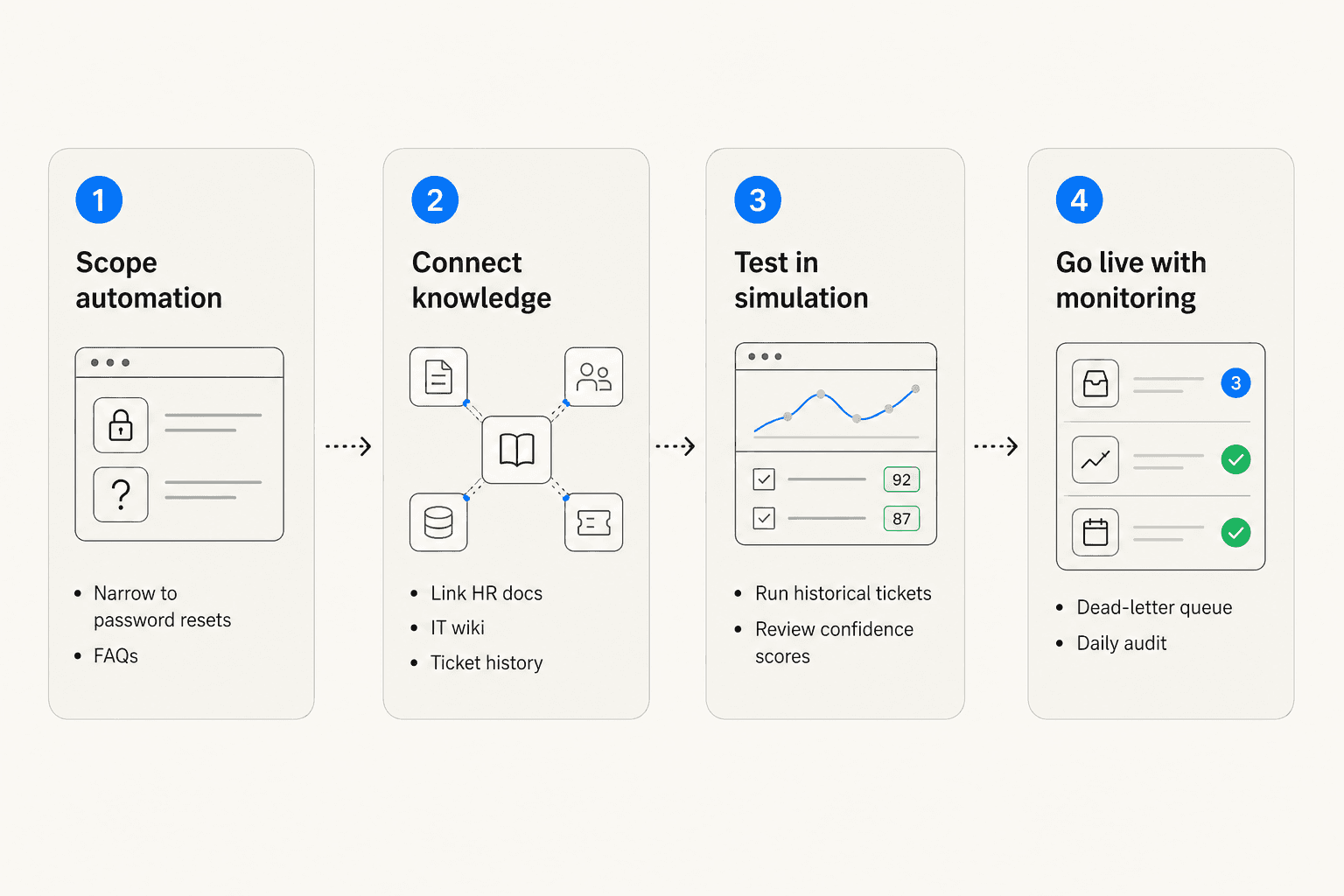
Stage 1: Scope narrowly. Start with two or three request types that are highest-volume and most unambiguous: password resets, access requests, PTO policy lookups. Don't automate everything in month one. The goal is proving the system works reliably on a narrow slice before expanding. The practitioners who struggled most started broad; the ones who succeeded started focused.
Stage 2: Connect your knowledge. The AI is only as good as the documentation behind it. Connect your knowledge base, HR handbook, onboarding docs, and historical resolved tickets before launch. Run a gap analysis to surface which question categories lack documentation coverage. Fill those gaps first - gaps in your knowledge base become gaps in AI coverage.
Stage 3: Simulate before going live. Run the AI against a batch of historical tickets to see how it would have responded. Review low-confidence classifications. Identify categories where the AI is uncertain. This surfaces documentation and routing logic gaps before they cause a live failure. eesel's simulation feature is specifically designed for this step.
Stage 4: Go live with monitoring. Set a confidence threshold below which tickets go to humans. Add a dead-letter queue for anything that falls back to default. Schedule a daily 5-minute audit of auto-closed tickets in the first month. Once the system is stable on the initial scope, expand to the next category. The full AI helpdesk implementation guide has a step-by-step walkthrough.
The community practitioner advice that surfaces most often: "Strip back the automation to just the basics. Let it handle simple stuff like password resets and access requests where the keywords are obvious. Everything else goes to a human for triage."
For IT teams, the internal ticketing system guide and the automated IT incident management guide cover the setup in more depth. For HR teams, the HR helpdesk AI guide walks through HR-specific configuration including sensitive data handling.
The cost case is also worth running through with your finance team before selecting a tool. The AI vs. hiring support agents breakdown has a full cost comparison if you need the numbers in one place.
Try eesel AI for employee support
eesel AI is an autonomous AI agent platform that connects to your existing helpdesk and Slack - no new dashboard required. IT and ops teams configure agents in plain language, run simulations on historical tickets before going live, and let the agent handle Tier 1 requests in draft or autonomous mode based on confidence thresholds they set.
Gridwise resolved 73% of Tier 1 requests in their first month using eesel on Zendesk. Pricing is usage-based at $0.40 per ticket, with a $50 free trial and no credit card required. eesel connects to Zendesk, Freshdesk, Slack, Microsoft Teams, Google Drive, Notion, Confluence, SharePoint, and 100+ other tools - so your IT and HR knowledge is searchable from a single configured agent rather than scattered across separate portals.