What an IT support chatbot actually is
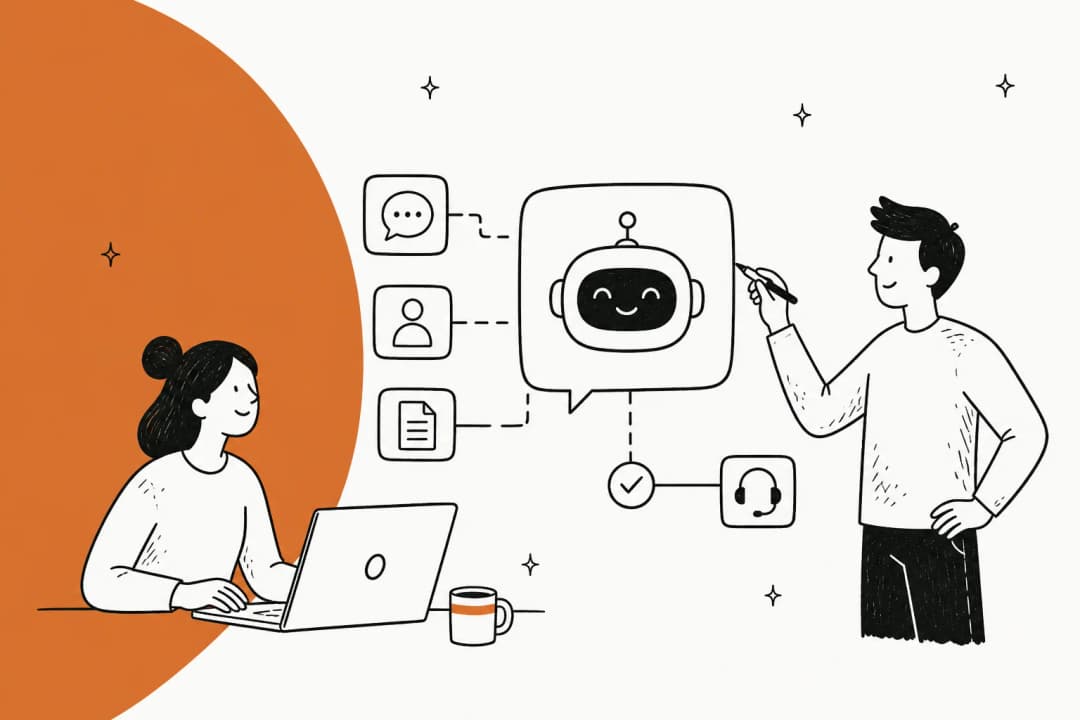
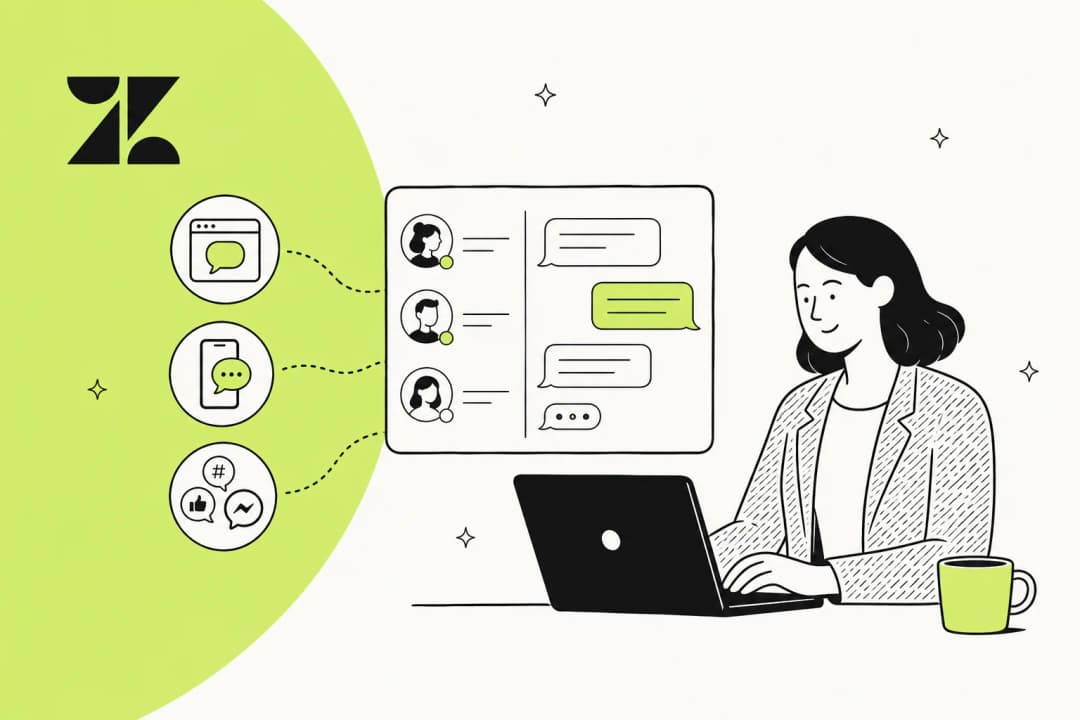
An IT support chatbot is a conversational tool that handles internal technology requests: password resets, VPN issues, software access, "how do I connect to the printer," onboarding questions, and the long tail of things that used to land in a ticket queue. It sits between your employees and your IT team, replacing the form-and-queue grind of a traditional internal ticketing system, and its whole job is to answer what it can so a human only touches what really needs a human.
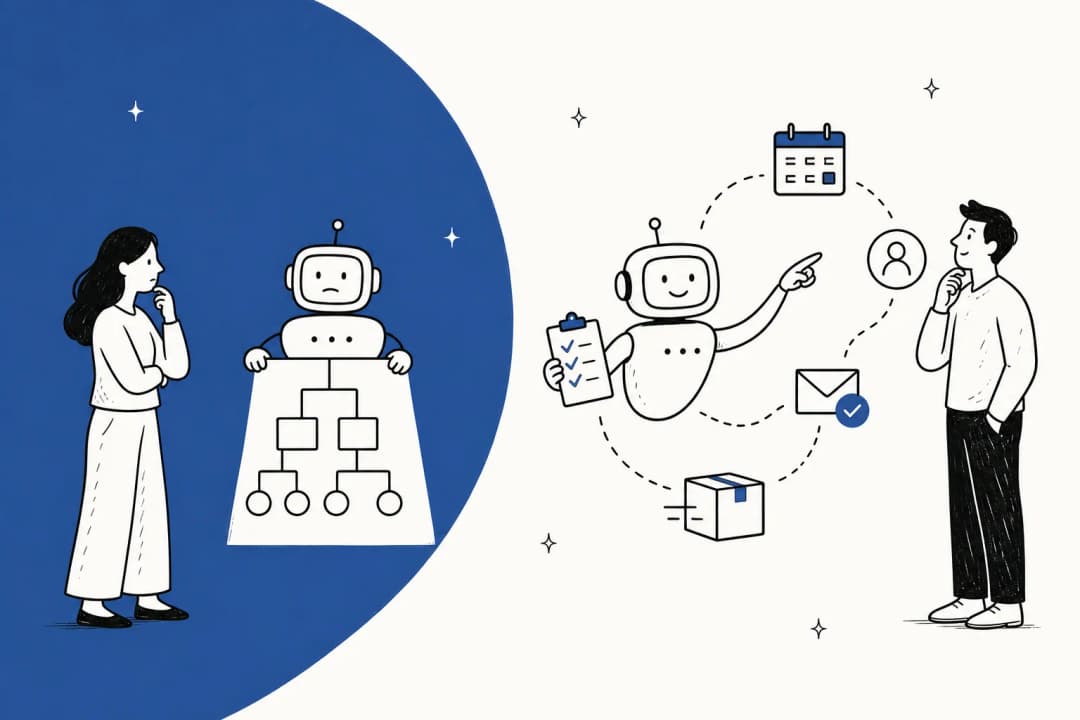
The important distinction in 2026 is not "chatbot yes/no," it is what kind. There are two very different things wearing the same name:
- Rule-based bots. These follow a decision tree you build by hand: if the user clicks "reset password," show step 1, then step 2. They are predictable and cheap, and they fall apart the moment someone phrases a question in a way you did not script. Every unhandled path dumps the user back into the ticket queue, which is where the "our chatbot is useless" reputation comes from.
- AI agents. These read the request in natural language, search your knowledge base and past tickets, and generate an answer, or take an action, or escalate. There is no tree to maintain. This is the difference I would spend the most time understanding, and I wrote a whole piece on AI agents versus rule-based chatbots if you want the deep version.
There is also an internal-versus-external split worth naming. A customer-facing AI chatbot deflects support tickets from the outside world; an internal support chatbot serves your own employees. This post is about the internal kind, though most of the mechanics are identical, and the same platform usually does both.
What a good one actually does
Marketing pages love the phrase "instant answers." Here is what that breaks down to in practice, and where I would set the bar.
- Resolves repetitive tier-1 requests end to end. Password resets, access requests, "where is the VPN client," "how do I set up my new laptop." These are the bulk of an IT queue and the easiest wins.
- Triages and routes what it cannot solve. Even when the bot does not answer, it earns its keep by reading the ticket, classifying it, and routing it to the right person, so a human starts from a summary instead of a cold ticket. That ticket triage work is quietly one of the highest-value things it does.
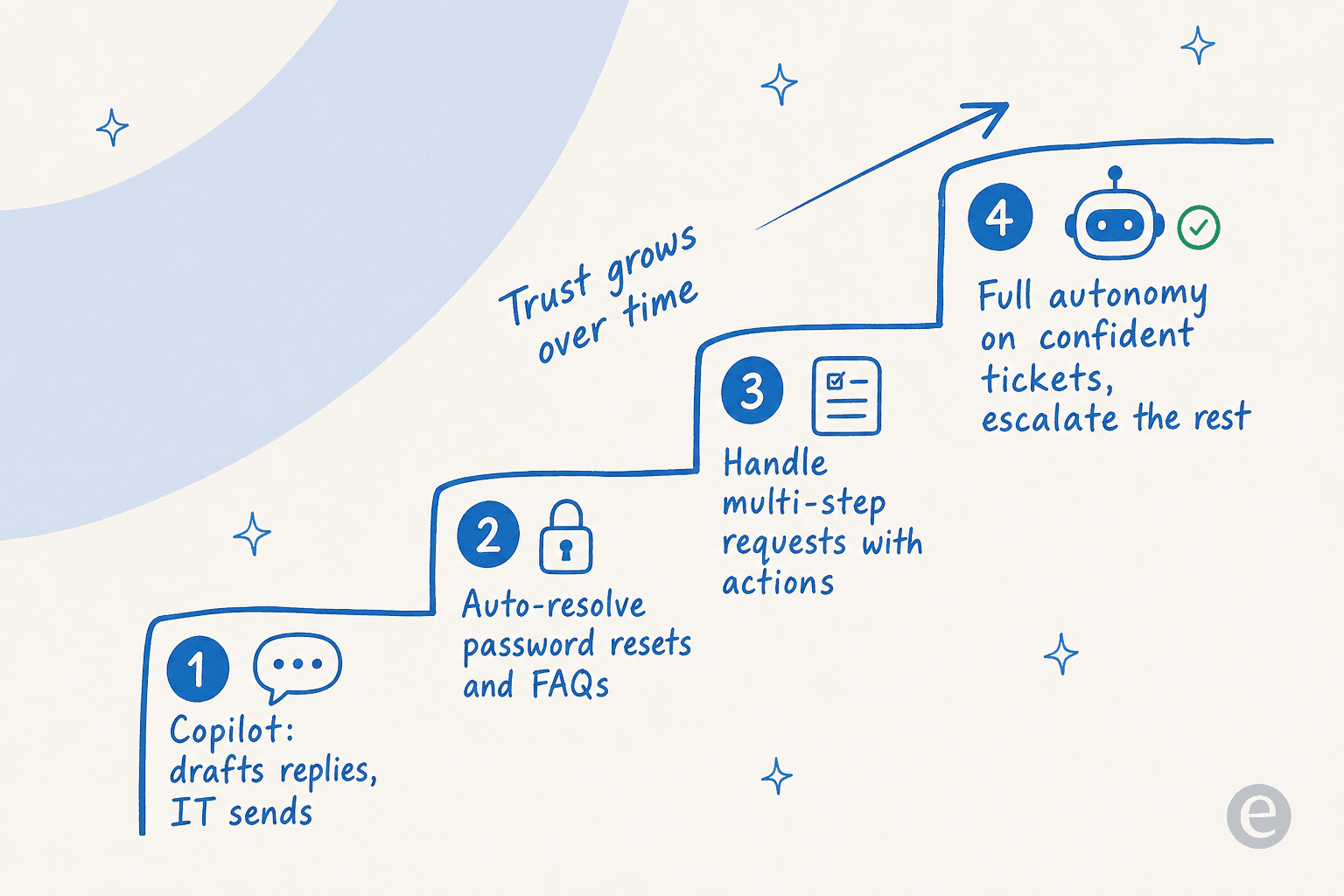
- Drafts replies for a human to send. In copilot mode, it writes the answer and an agent hits send. This is where most teams start, because it builds trust without risk.
- Takes actions, not just answers. The better agents can unlock an account, create or update a Jira ticket, or trigger a workflow through an API, rather than just quoting a doc at the user.
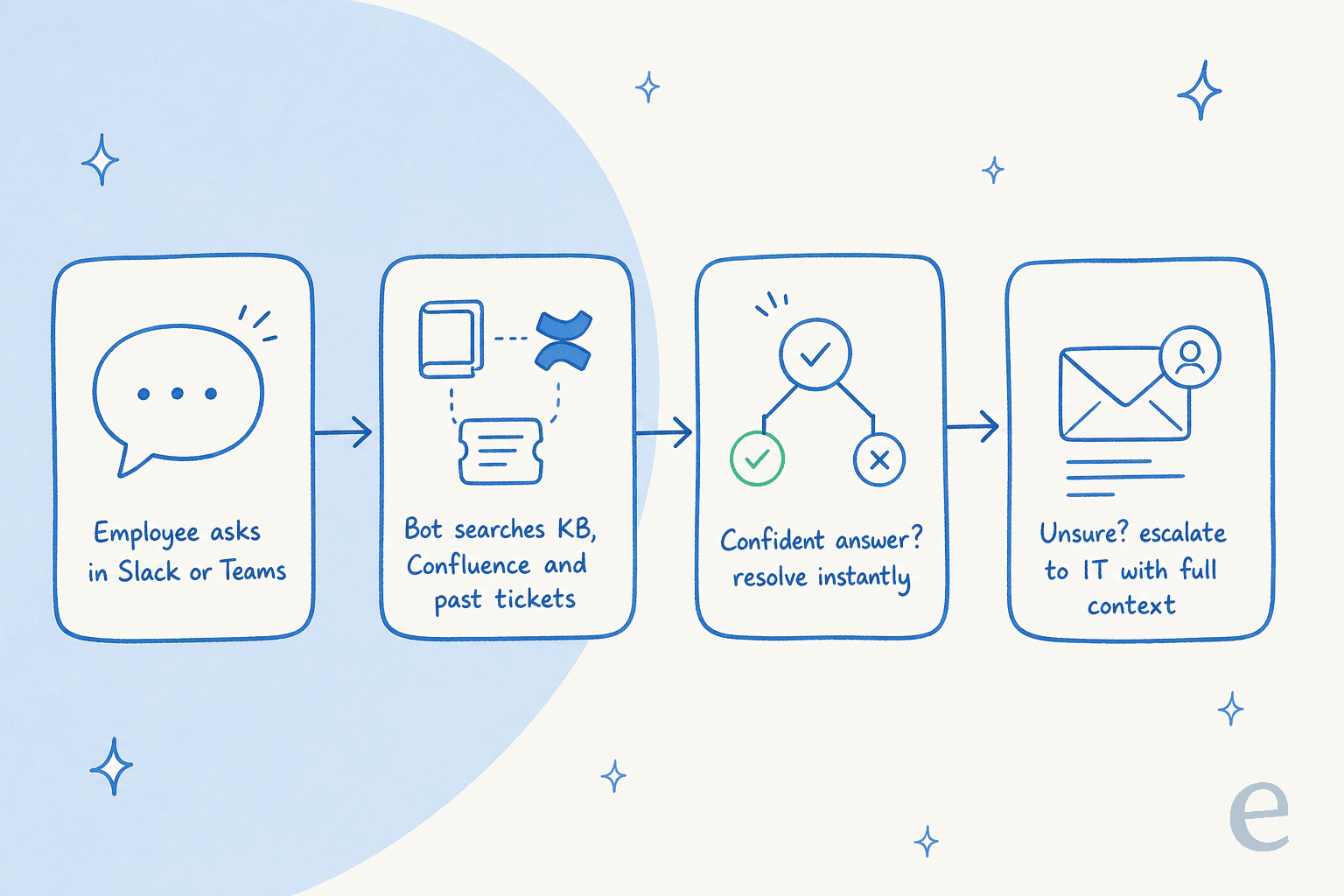
- Escalates cleanly with context. When it hands off, it passes the full conversation and its best guess, so nothing is lost in the handoff to a human.
The one capability I would treat as non-negotiable: it has to know when it does not know. A bot that confidently invents an answer to "how do I get into the finance share drive" is worse than no bot at all. More on that below.
How an IT support chatbot works under the hood
Most modern IT support chatbots run on the same core loop, whatever the marketing calls it. As someone who has spent the last few years wiring these into real helpdesks, here is the honest mechanical version.
First, it ingests your knowledge. The bot connects to wherever your answers already live: your internal knowledge base, Confluence or Notion runbooks, Google Drive, PDFs, IT policy docs, and, crucially, your history of resolved tickets. That last source is the one teams underrate. Your solved tickets are the record of how your IT team actually answers questions, in your own environment, and they are far richer than a help center written for a general audience.
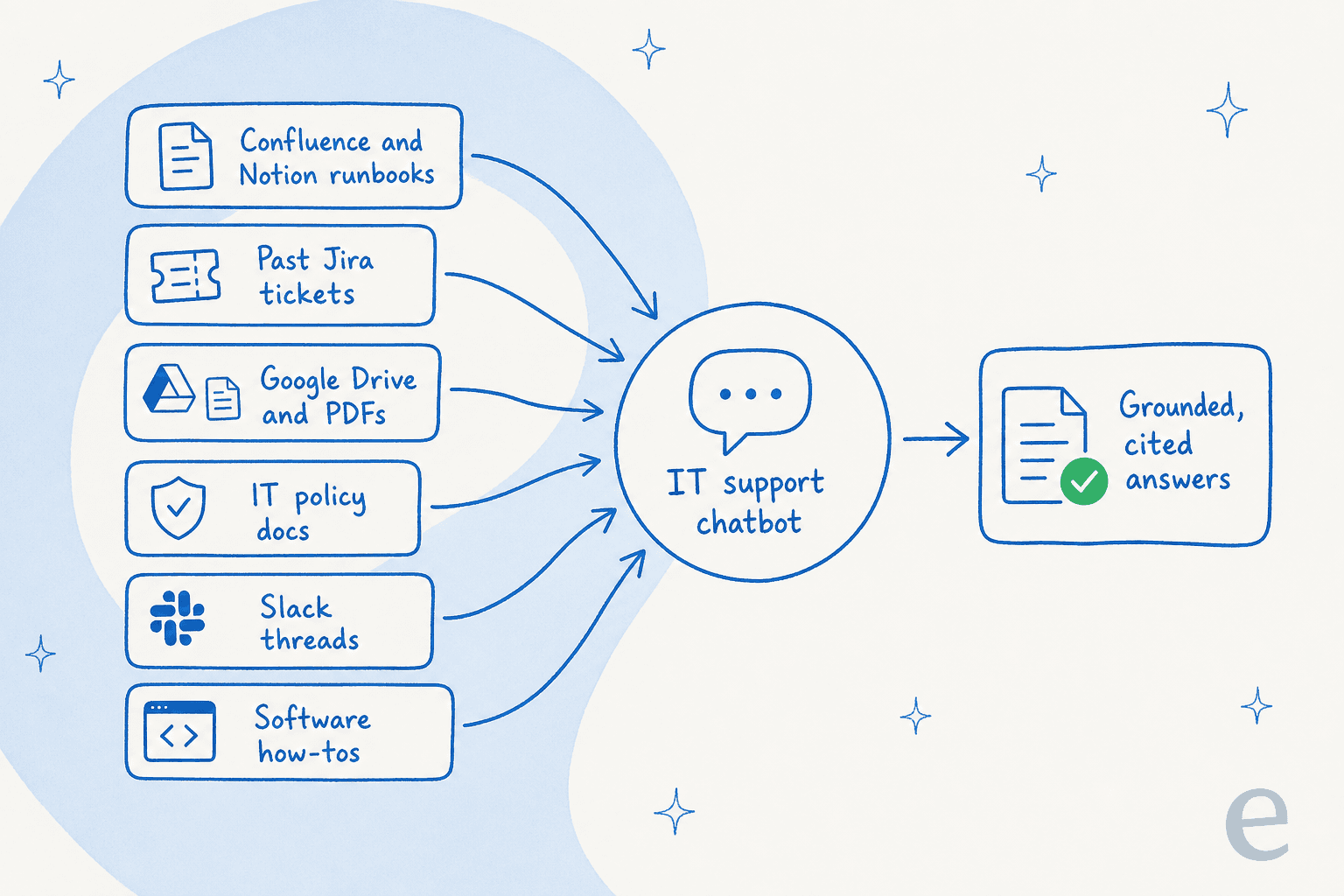
Second, it retrieves and grounds. When a request comes in, the agent searches that connected knowledge for the relevant passages and uses them to generate an answer, a pattern usually called retrieval-augmented generation. Grounding the model in your documents is what keeps it from making things up, and it is why training the AI on your knowledge base matters more than which underlying model a vendor uses.
Third, it decides. A good agent scores its own confidence. High confidence and it answers directly; low confidence and it drafts for review or escalates. This confidence-based routing is the single most important control you have, and it is the number one thing IT buyers ask for before they will let a bot reply to anyone unsupervised.
Fourth, it learns. Every correction an agent makes to a draft, and every newly solved ticket, feeds back in so the next answer is better. Some tools also spot topics with no coverage and flag the knowledge gap so you can write the missing doc.
If you connect an IT support chatbot and it answers badly, the cause is almost always in step one or two, not the AI itself, thin knowledge or bad retrieval. I dug into that failure pattern in why your AI chatbot is not answering correctly.
Where IT support chatbots deliver
The best way to picture the value is a few concrete scenarios where it bites.
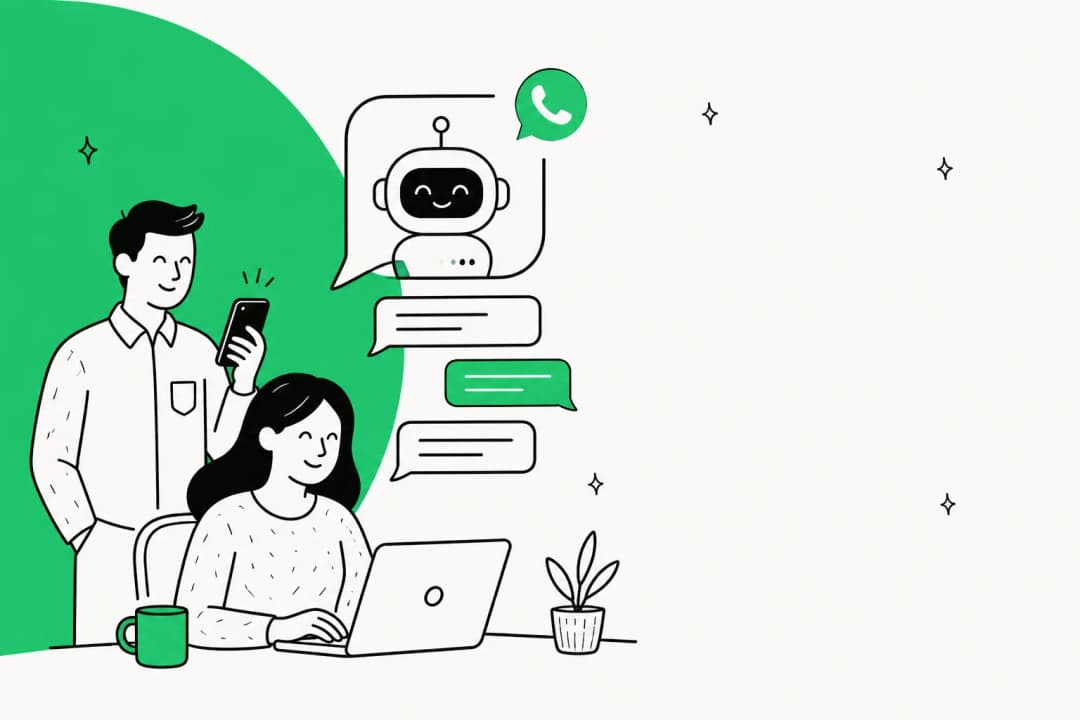
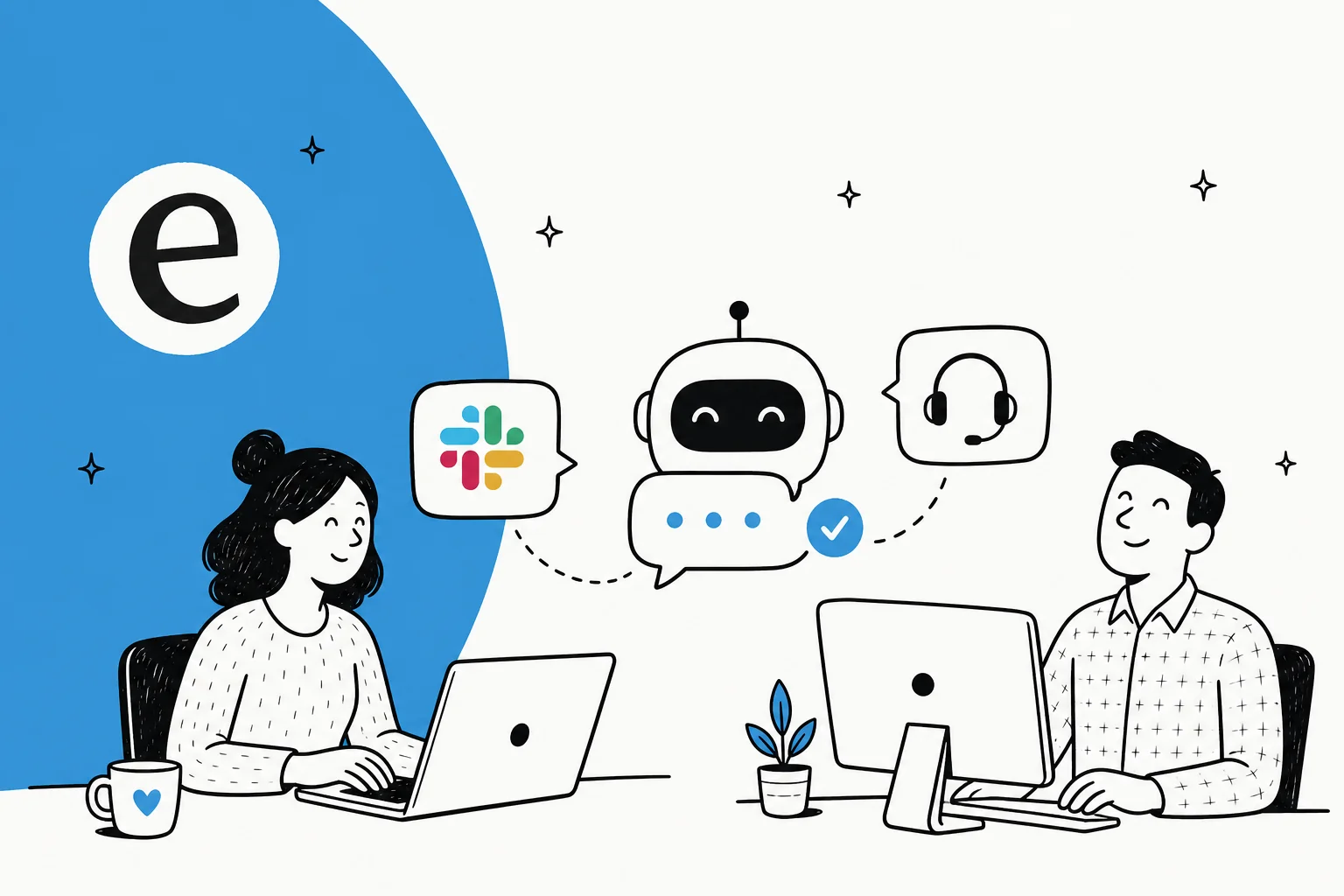
In Slack or Teams, as the first place people ask. Most employees do not want to open a portal and fill out a form to ask where the VPN client is. They will type it into a channel. Putting the bot right there, in Slack or as a Microsoft Teams IT support bot, meets people where they already are and quietly kills a whole category of tickets before they become tickets.
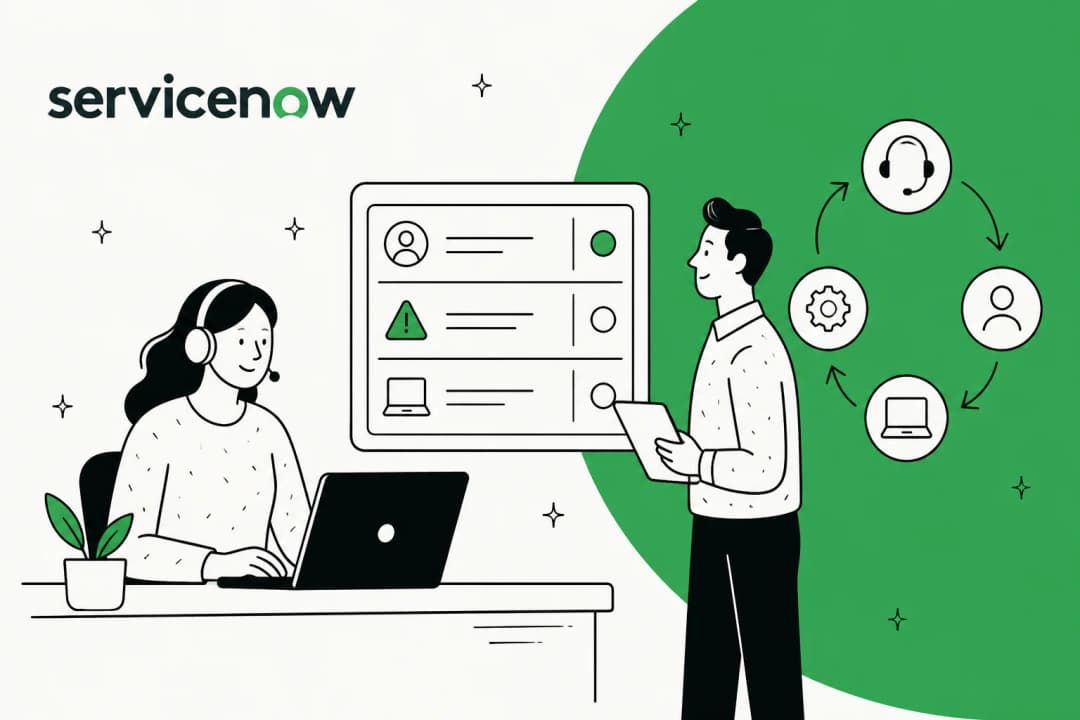
On a service desk, as a first responder. On a formal ITSM desk like Jira Service Management or Freshservice, the bot fires on every incoming ticket, reads it, and leaves a suggested reply as an internal note plus the right tags and routing. One example I keep coming back to: a head of IT at a fintech debt-resolution company put an AI agent in front of their internal Jira Service Management desk, backed by Confluence and Slack, as the first responder on tickets, and moved deflection from 15% toward a 55% target. That is the shape of the win, not a magic 100%, but a big, boring chunk of the queue handled before a person sees it.
"In the first month, eesel is resolving 73% of our tier 1 requests... we saw results quickly during our 7-day trial."
Kim Simpson, Gridwise, on the eesel helpdesk agent
For HR and other internal teams too. The exact same setup runs an HR helpdesk ("how much PTO do I have," "how do I update my benefits"). If you are standing one up for IT, you are most of the way to standing one up for every internal function, which is worth factoring into the buying decision.
How to build and roll one out
You have two real options: build one yourself on an LLM API, or buy a platform that does the plumbing. I will be honest about the build path, because it is tempting for engineering-heavy IT teams.
Building means you own retrieval, connectors to every knowledge source, confidence scoring, escalation logic, an admin UI, and ongoing maintenance as models and APIs change. It is very doable. It is also a product, not a project. One customer, a company with plenty of engineering talent, put it plainly:
"We could try to write our own LLM application but we didn't want to invest our time into that. We wanted something that we would not have to maintain."
Karel, GENERAL BYTES, in an eesel customer story
If you buy, the rollout is roughly the same five steps whatever tool you pick.
- Connect the bot to where people ask. Slack, Teams, or your service desk. Do not make employees learn a new place to get help, put the bot in the channel they already use.
- Point it at your knowledge. Connect your docs and your past tickets. The historical tickets are what make answers sound like your team instead of a generic manual.
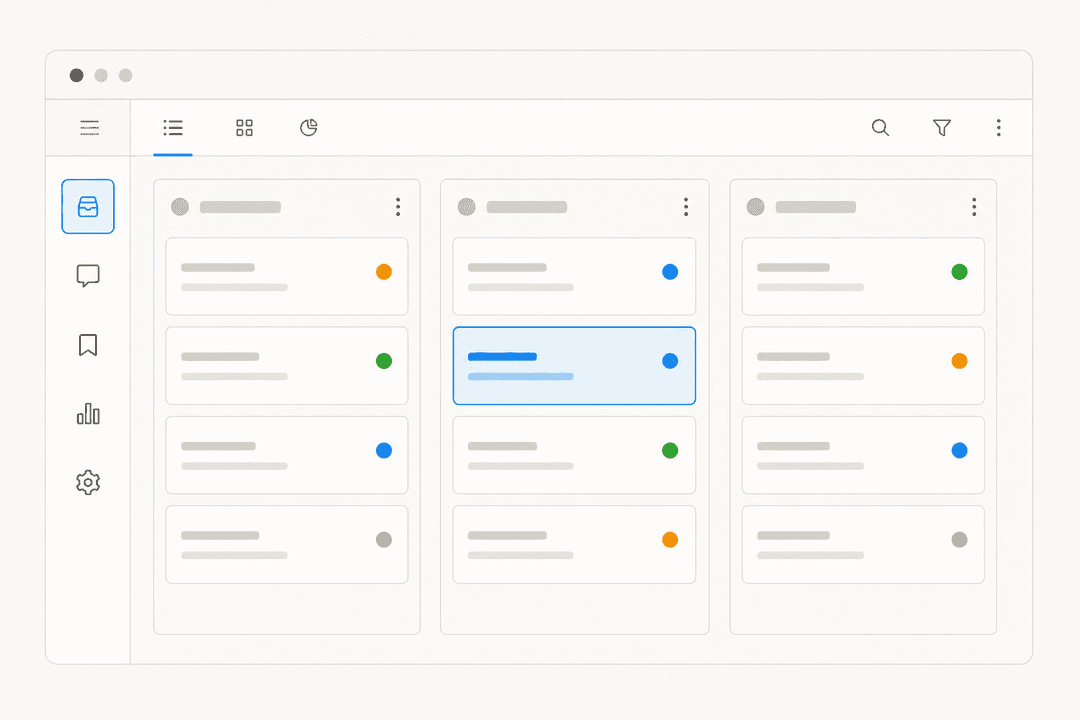
- Simulate before it goes live. This is the step teams skip and regret. Run the bot against your last few thousand real tickets to see, per topic, what it would have answered and how well. I have watched a confident-sounding bot quietly give wrong answers, which is exactly why eesel simulates every rollout against historical tickets first, so test against real history before anyone unsupervised sees a reply.
- Start in copilot mode, then grant autonomy gradually. Let it draft for humans first. As you see it get a category right, flip that category to auto-resolve. Keep the rest in draft. This graduated approach is how trust actually gets built.
- Measure and tune. Track resolution rate, deflection, and where escalations cluster, then fill the knowledge base gaps those escalations reveal. A chatbot is never "done," it is tuned. The teams that treat it as ongoing support ticket automation rather than a one-time install are the ones that keep climbing past the easy wins.
Common mistakes to avoid
A few pitfalls I see over and over, worth heading off before they cost you a rollout.
- Turning on full autonomy from day one. The fastest way to lose your team's trust. The whole point of confidence routing is that you do not have to. A support lead I work with wanted an AI that only handles the tickets it is confident about and leaves the rest alone, that instinct is correct, so honor it.
- Feeding it only the help center. A polished public knowledge base is written for the wrong audience. Your solved tickets carry the real answers. Skip them and the bot sounds like a brochure.
- Choosing on model, ignoring control. The underlying model matters far less than whether you can scope what the bot touches, exclude sensitive ticket types, and see what it would do before it does it.
- Picking a pricing model that punishes success. Per-resolution or per-seat pricing can make a good month expensive. Look hard at how AI agent costs scale with volume before you commit, and prefer predictable per-ticket pricing.
- Making it a walled garden. If the bot cannot escalate cleanly to a human with full context, employees learn to route around it entirely, and you are back to square one.
Try eesel for your internal IT desk
If you would rather not build retrieval, connectors, and confidence scoring from scratch, eesel is an AI teammate that plugs into the helpdesk and chat tools you already run, Jira Service Management, Zendesk, Freshdesk, Slack, Microsoft Teams, Confluence, Notion, and 100+ integrations, and learns from your past tickets and docs on day one.

Two things make it a fit for a cautious IT team specifically. First, you can simulate the agent on thousands of your real historical tickets and see exactly what it would resolve, by topic, before it ever replies to an employee. Second, it uses confidence-based routing so the bot only auto-answers what it is sure of and escalates the rest, and pricing is a flat $0.40 per ticket with no per-seat fee, so a busy internal desk does not get punished for a high-volume month. You can start free, no credit card, and it is running in minutes.
Frequently Asked Questions
What is an IT support chatbot?
How much does an IT support chatbot cost?
How do I build an IT support chatbot for Slack or Teams?
Can an IT support chatbot connect to Jira Service Management?
Will an IT support chatbot give wrong answers to employees?


Article by
Rama Adi
Rama is a software engineer at eesel AI with two years of experience writing about B2B SaaS, AI tools, and customer support technology. Based in Bali, Indonesia, he brings a developer's perspective to product comparisons — cutting through marketing copy to what the integrations and APIs actually do.