The average IT support team fields the same questions on repeat. How do I reset my VPN? Where's the PTO request form? What's the approved vendor list? These are not hard questions, but answering them takes time — and the time adds up. A team of five IT people spending two hours a day on tier-one questions is losing 500 hours a year to lookups any well-connected AI could handle in seconds.
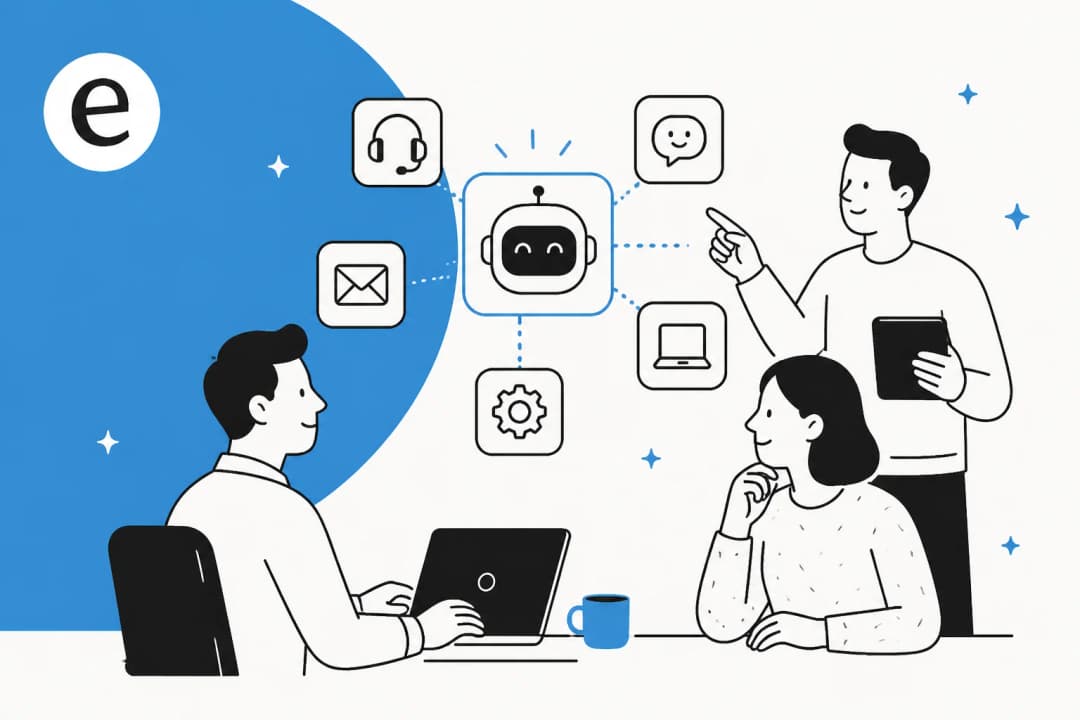
That's the promise of an internal support chatbot: an AI that lives in Slack or Microsoft Teams, knows your company's documentation, and answers employee questions without creating a ticket or bothering a human. Done well, it frees your IT and HR teams for work that actually requires judgment. Done badly, it confidently returns wrong answers and trains employees to stop trusting it.
This article covers six tools that handle internal support chatbots, ranging from lightweight Slack bots that connect to your existing docs in under an hour to enterprise platforms where the chatbot is one component of a broader service management system. Each does something different; the right fit depends on how much complexity you need and how much you're willing to pay.
What makes a good internal support chatbot?
Before the list: four criteria that separate useful bots from frustrating ones.
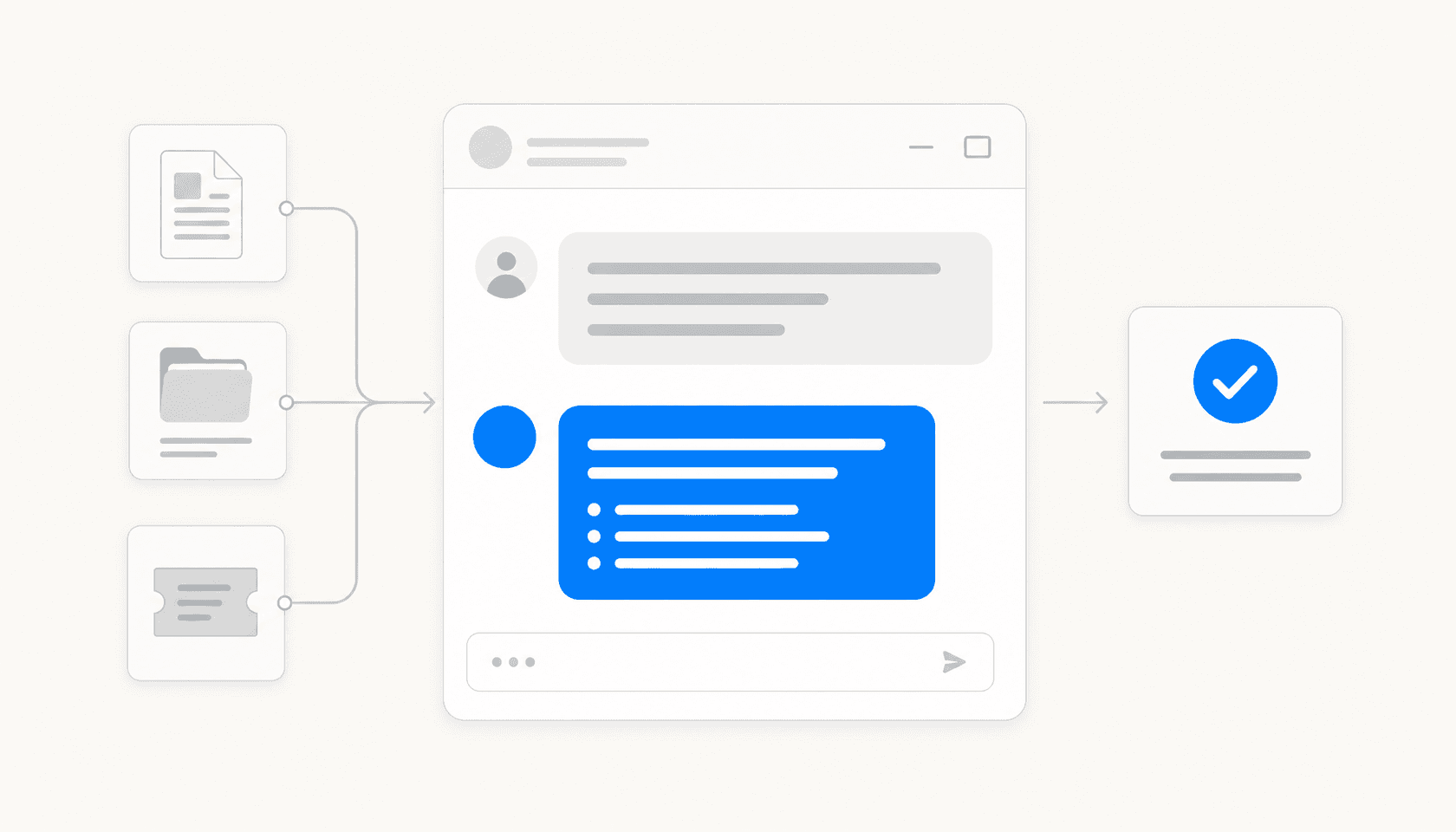
Knowledge breadth. The bot is only as good as what it can read. A chatbot that only searches your IT ticketing system misses the HR policy in Google Drive, the engineering runbook in Confluence, and the onboarding checklist in Notion. Look for tools that connect to multiple knowledge sources and let you control exactly which ones the bot can access.
Channel fit. Employees use Slack or Teams or both — the chatbot has to be there. A self-service portal no one bookmarks is not a chatbot; it's a dead page. The tools that actually get used are the ones that show up in the place where employees already ask questions.
Honest limitations. A bot that says "I don't know, here's who to ask" is more useful than one that fabricates an answer. Check how each tool handles low-confidence queries before you roll it out to 500 people.
Pricing that doesn't punish scale. Per-seat models get expensive as headcount grows. Per-resolution models are predictable. ITSM platforms bundle the chatbot into a tier, so you're paying for incident management whether you need it or not.
1. eesel AI
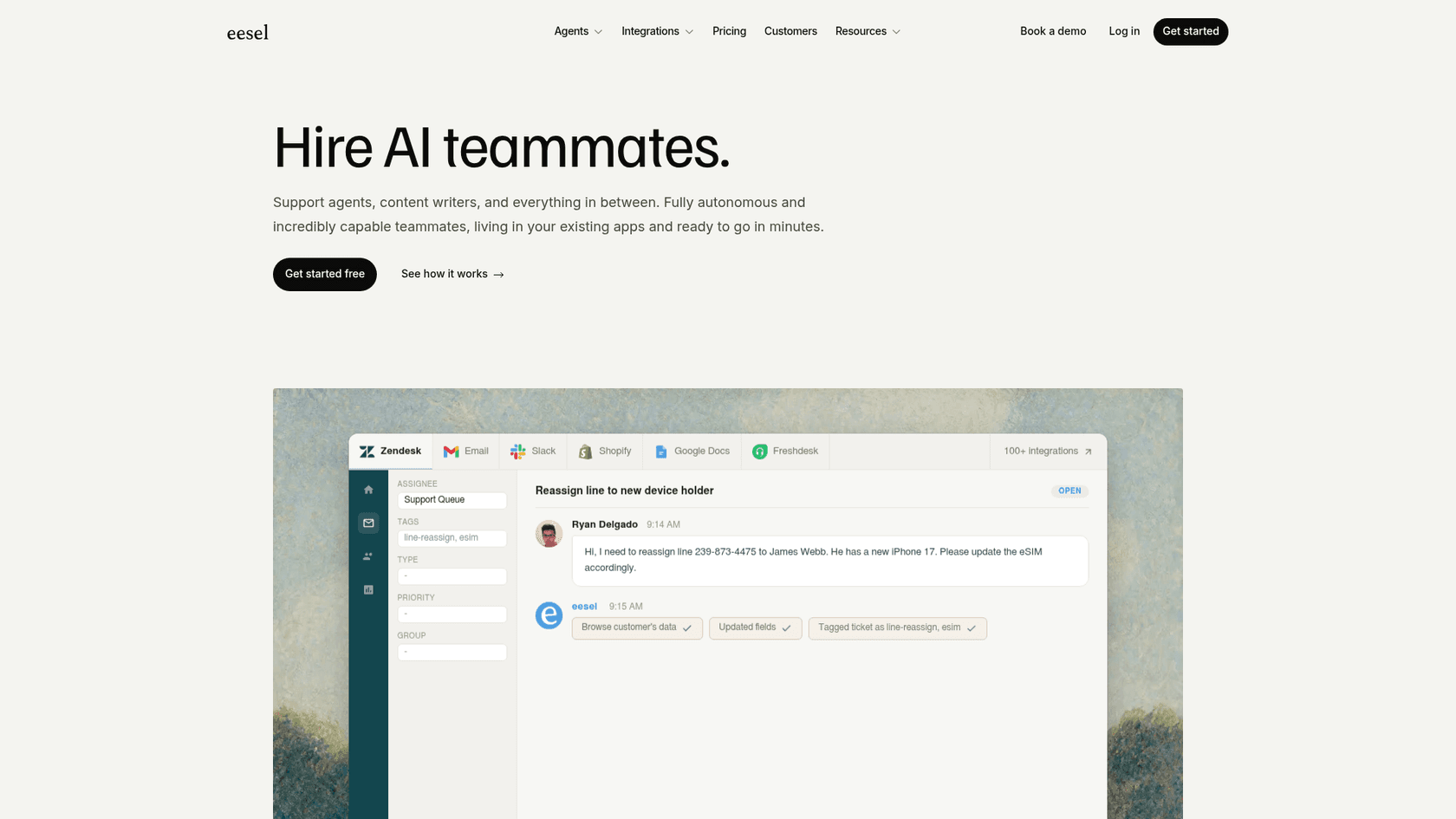
eesel AI is an AI agent platform that connects to your existing knowledge sources — Confluence, Notion, Google Drive, SharePoint, Zendesk articles, past support tickets — and deploys as a bot in Slack or Microsoft Teams. Employees ask questions by mentioning it or DMing it; the bot answers from your actual docs and escalates to a human when it isn't confident. More than 2,000 teams use eesel, with over a million tasks completed across the platform.
The AI Internal Chat use case is specifically designed for this: instead of employees digging through wikis or waiting for a colleague to respond, they ask the bot and get an answer in seconds. eesel's confidence-based routing handles the failure mode — when the bot isn't sure, it queues a draft for a human rather than sending a wrong answer. Gridwise resolved 73% of tier-one requests in their first month.
Pricing:
| Plan | Price | What's included |
|---|---|---|
| Pay-per-use | $0.40 per helpdesk task, $4 per blog post | Usage-based; no platform fee, no monthly minimum |
| Enterprise | $1,000/month + usage | SSO, HIPAA, BAA, dedicated solutions engineer |
New accounts get $50 in free credits, no card required. Commit to $300+/month annually and pay 25% less.
What it handles well:
- Connects to many knowledge sources at once (Confluence + Notion + Google Drive + past tickets simultaneously)
- Setup takes under 15 minutes — no IT implementation project
- No per-seat fees — cost scales with usage, not headcount
- Simulation mode lets you test the bot against past tickets before going live
Limitations:
- The bot's output quality depends on the quality of your source documents — thin or outdated wikis produce thin answers
- Flat-rate plans have monthly interaction caps that can be restrictive for high-volume teams
- Microsoft Teams integration requires a higher flat-rate tier
Best for: SMBs and mid-market teams that want a Slack or Teams bot connected to internal knowledge quickly, without buying a full ITSM platform.
2. Guru
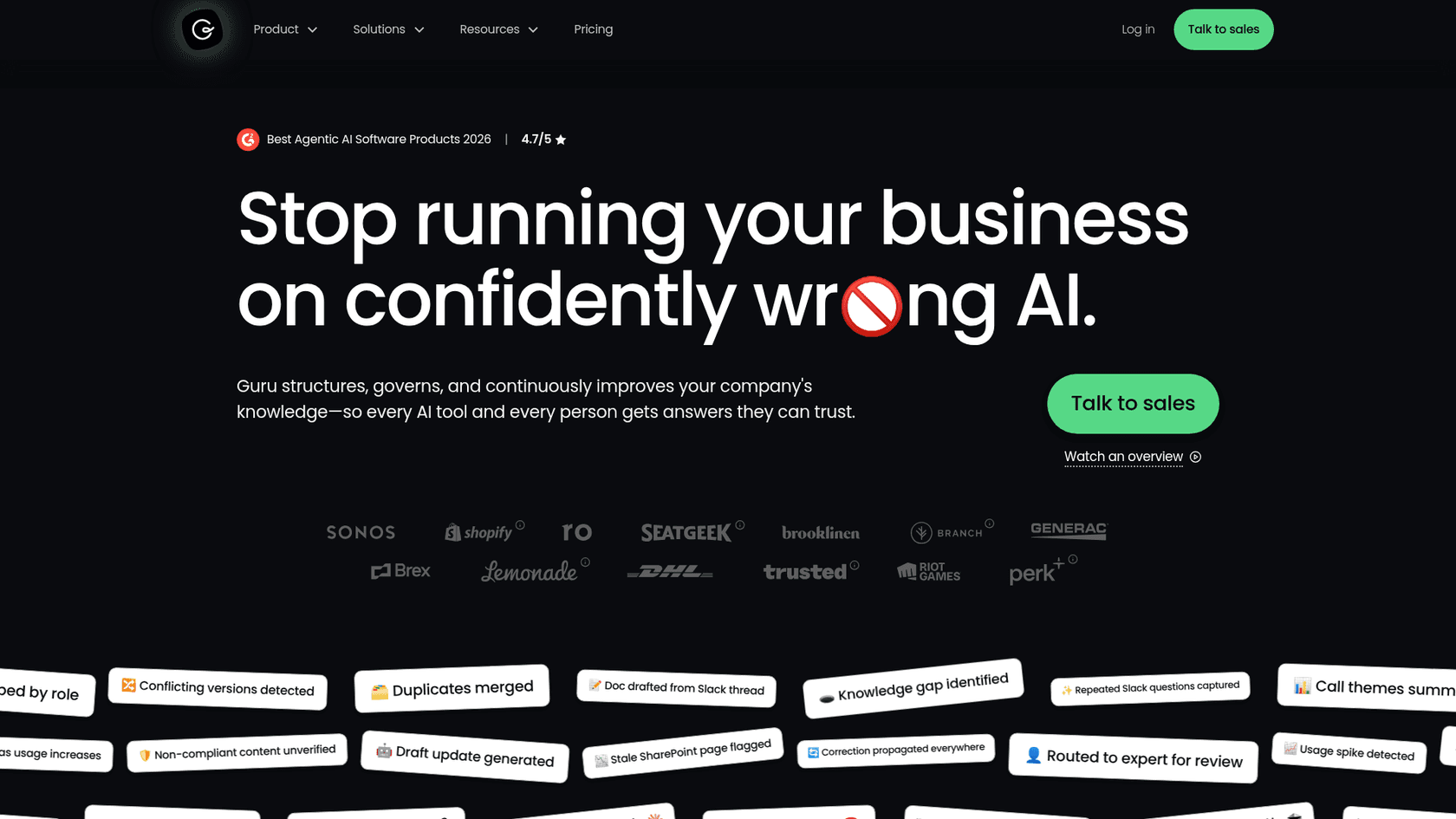
Guru takes a different angle. Its tagline is "Stop running your business on confidently wrong AI" — and the product is built around the claim that half of all AI responses contain inaccuracies without verified knowledge. Rather than just searching your existing content, Guru structures it, deduplicates it, flags stale pages, and continuously verifies it. The Knowledge Agent then answers questions from that governed source.
The practical difference: if you have 20 slightly different versions of your VPN setup guide scattered across Confluence, SharePoint, and a Slack thread, a standard enterprise search tool indexes all 20 and picks one. Guru detects the conflict, reconciles it to one authoritative version, and answers from that. As one VP of Engineering put it: "The AI doesn't know if that's accurate or not, and now another human is grabbing that version and making an iteration of it, and so on."
Guru delivers its Knowledge Agent through Slack, Microsoft Teams, a browser extension, and via MCP, so the same governed knowledge layer powers external AI tools and agents without rebuilding governance per tool.
Guru is rated 4.7/5 on G2 and named a Best Agentic AI Software Product for 2026. The platform is SOC 2 Type 2 and HIPAA-ready, with permission-aware answers (scoped to each employee's role), DLP masking for sensitive content, and audit logs across all knowledge consumers.
Pricing: Enterprise contact sales only. The package includes the platform, a dedicated AI and knowledge management strategy team, and enterprise governance infrastructure. No self-serve tier as of 2026.
What it handles well:
- Knowledge accuracy and governance — the platform is specifically built to prevent confidently wrong AI answers
- "Correct once, right everywhere" propagation: a fix in one place updates everywhere the knowledge is consumed
- 100+ enterprise integrations plus MCP for connecting to existing AI tools
- The included strategy team handles knowledge architecture design, rollout, and ongoing optimization
Limitations:
- No self-serve option — requires a sales call and a structured onboarding engagement
- The governance value is highest when your existing knowledge is messy and duplicated; teams with a clean, well-maintained wiki may not see as much lift
Best for: Enterprises where knowledge accuracy is critical, documentation is scattered, and the cost of a wrong AI answer is real (compliance-sensitive industries, regulated environments).
3. Moveworks
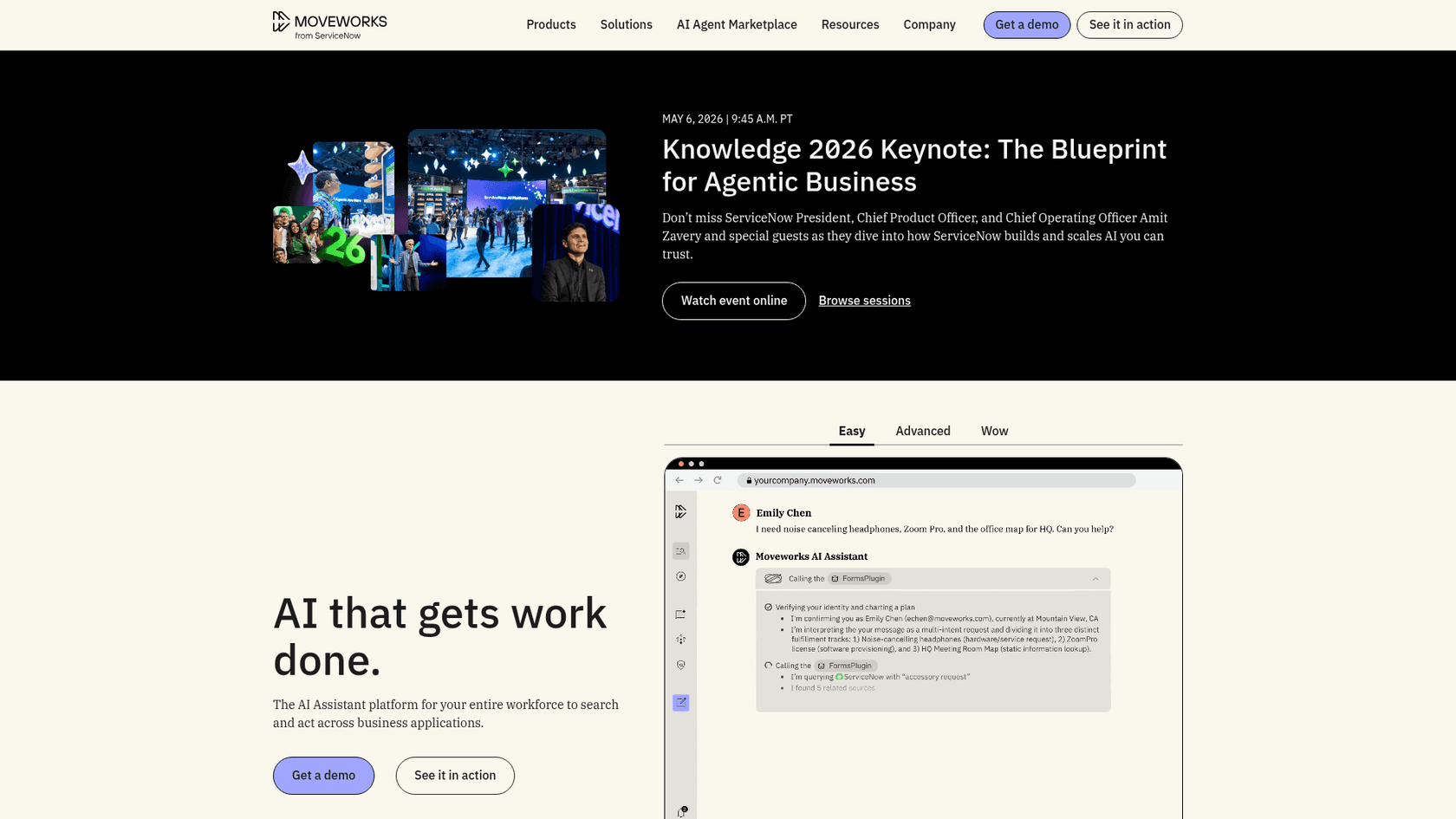
Moveworks is the broadest-scope tool on this list. It isn't just a chatbot that answers questions — it's an AI assistant that executes tasks end-to-end across IT, HR, Finance, and other departments. An employee can ask it to reset a password, request software access, update their direct deposit details, or open a procurement request, and Moveworks handles the workflow in the connected system, not just the lookup. More than 5 million employees across 350+ enterprises use the platform, including 10% of the Fortune 500.
In December 2025, ServiceNow acquired Moveworks for $2.85 billion. Moveworks continues to be sold as a standalone product — organizations can buy it independently of ServiceNow — and it is also bundled into ServiceNow ITSM tiers as "Moveworks for ITSM." The Moveworks AI also powers ServiceNow's new EmployeeWorks product, described as "a conversational front door for the enterprise" available in Teams, Slack, or any browser.
The platform's Reasoning Engine handles multi-step automation: the assistant doesn't just retrieve an answer, it plans, executes, and adapts if a step fails. G2 reviewers (4.6/5 across 51 reviews) note that "the integration with Slack and Teams also feels smoother, and it rarely misses a command," though some flag complexity in initial integration and slower support response times.
Pricing: No public pricing. Enterprise contracts only, through the sales team. For ServiceNow customers, Moveworks for ITSM is bundled at Foundation, Advanced, and Prime tiers — still contact sales for figures.
What it handles well:
- End-to-end task execution across IT, HR, Finance — not just Q&A
- 100+ enterprise integrations out of the box, including ServiceNow, Jira, Workday, and Salesforce
- Available in over 100 languages
- Agent Studio lets developers build custom AI agents without model tuning or dialog scripting
Limitations:
- Priced and scoped for large enterprises; not accessible to mid-market teams
- No self-serve trial or public pricing
- For niche department queries, some users report generic or inaccurate results
Best for: Large enterprises that need AI to actually execute workflows across multiple systems, not just answer questions — and that have the integration complexity to justify the investment.
4. Freshservice
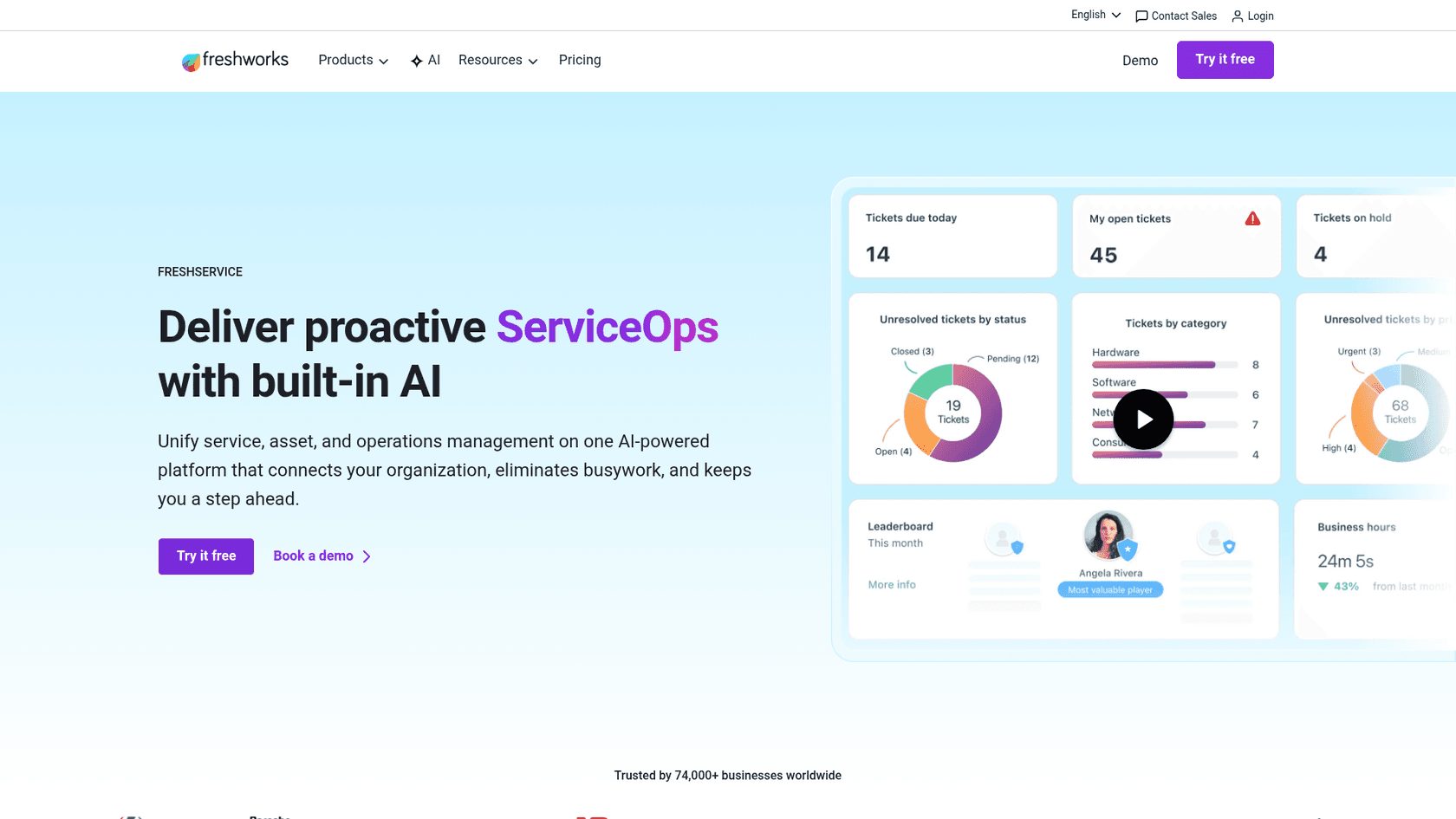
Freshservice is Freshworks' IT service management platform, and its AI layer is built under the "Freddy AI" brand. The internal support chatbot component is Freddy AI Agent — a 24/7 virtual agent available in Microsoft Teams, Slack, Microsoft 365 Copilot, and the self-service portal, supporting 40+ languages.
Freddy AI Agent handles conversational self-service (employees describe a need in plain language; the bot handles routine requests end-to-end), enterprise search across the knowledge base and service catalog, and automatic request fulfillment for software requests that can be processed without human review. Freshservice reports 66% ticket deflection from Freddy AI Agent users, and one customer note: "Because of the Freddy AI virtual bot, we could deflect 65% of the tickets... It saves 200 hours per month."
The broader ITSM platform is strong: 74,000+ businesses use Freshservice, including Trainline, ITV, Porsche, and Databricks. The ITIL-aligned structure makes it familiar for IT teams used to incident, problem, and change management workflows.
Pricing:
| Plan | Price per agent/month | Key limit |
|---|---|---|
| Starter | $19 (annual) | Basic ticketing, no AI |
| Growth | $49 (annual) | ITSM foundations, no AI |
| Pro | $99 (annual) | Advanced ITAM, no AI |
| Enterprise | Contact sales | Includes Freddy AI (1,200 sessions/year) |
The AI chatbot (Freddy AI Agent) is only included in Enterprise; lower tiers can add it as a separate paid add-on. All plans include a 14-day free trial, no card required.
What it handles well:
- Full ITSM workflow (incident, problem, change, asset management) in the same platform as the chatbot
- Strong reporting and SLA management out of the box
- Multi-channel employee reach: Teams, Slack, portal, email in one place
- 356% ROI in under 6 months per Forrester TEI study
Limitations:
- The AI chatbot is on Enterprise only — the lower tiers are the ones most likely to get evaluated by teams with a modest budget
- G2 and Capterra users cite reporting limitations and licensing complexity as consistent friction points
- Some configuration forces processes to adapt to the system rather than the reverse
Best for: Mid-market IT teams that want a single platform covering ITSM ticketing, asset management, and employee self-service, and are ready to invest in Enterprise for the AI layer.
5. Jira Service Management
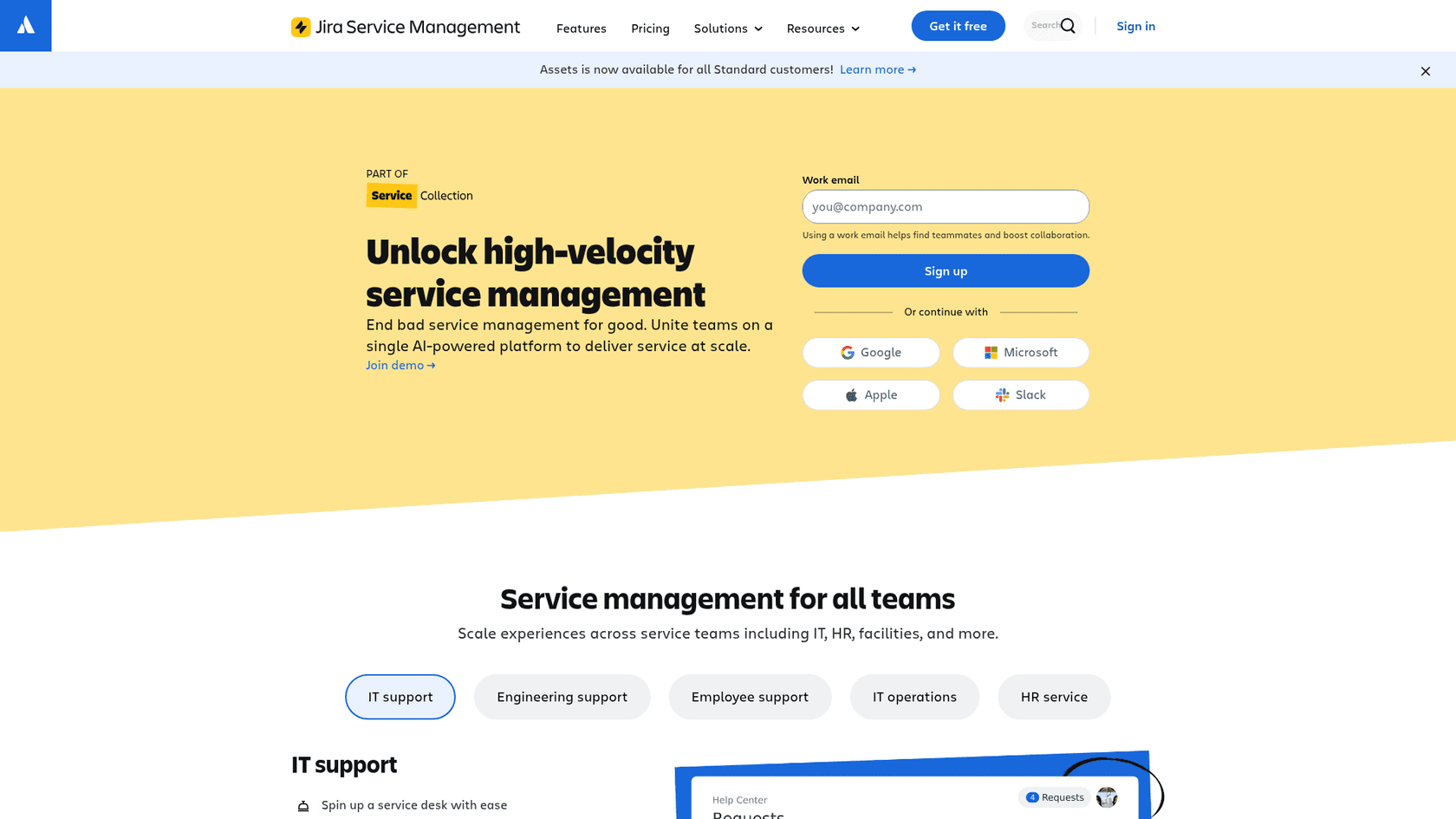
Jira Service Management (JSM) is Atlassian's ITSM platform, and its value proposition rests heavily on the Atlassian ecosystem. Teams already using Jira Software, Confluence, and Bitbucket get a service desk that connects natively to their existing infrastructure. Engineering teams can link an incident directly to the Jira issue that caused it; the knowledge base is Confluence; the virtual agent can answer questions from Confluence pages without any extra setup.
The AI virtual agent lives in the Premium and Enterprise tiers and delivers 24/7 self-service deflection through Slack. It handles conversational intake (gathering information before routing to an agent), knowledge base lookup and suggestion, and automatic triage. Atlassian Intelligence also powers AI-driven incident grouping, post-incident summaries, and change risk scoring. 60,000+ customers trust JSM, and a Forrester study found 275% ROI in three years.
"The virtual agent is like a global, 24/7 helping hand."
Pricing:
| Plan | Price per agent/month | Key limit |
|---|---|---|
| Free | $0 | 3 agents, 2 GB storage |
| Standard | $20 | Up to 100,000 agents |
| Premium | $51.42 | AI virtual agent, 99.9% SLA |
| Enterprise | Contact sales | Up to 150 sites, 99.95% SLA |
A 7-day free trial for Standard and Premium is available (extendable to 30 days).
What it handles well:
- Tight Atlassian ecosystem integration — works natively with Confluence, Jira Software, Bitbucket, and Rovo
- Asset management (CMDB) is now included on Standard
- Developer-native features: deployment gating via CI/CD, change calendar, AI risk scoring for changes
- 1,000+ Marketplace apps for customization
Limitations:
- Steep learning curve — the single most-cited complaint from Gartner Peer Insights reviewers
- AI virtual agent is Premium+ only; Standard has the ticketing infrastructure but not the chatbot
- Teams not on Atlassian products get significantly less value from the ecosystem advantage
Best for: Developer-centric companies already running on Atlassian who want service management that connects directly to engineering workflows.
6. ServiceNow Virtual Agent
ServiceNow is the enterprise standard for IT service management, used by 85% of the Fortune 500. Its Virtual Agent is the conversational AI component: a GenAI-powered chatbot that resolves employee requests through guided conversations, multi-turn NLU, and integration with the ServiceNow workflow engine. It supports Slack, Microsoft Teams, and any third-party channel via integration, and includes live agent handoff when the bot reaches its limits.
In February 2026, ServiceNow launched EmployeeWorks, a new front door product powered by the Moveworks conversational AI (acquired December 2025). EmployeeWorks combines Moveworks' natural language understanding with ServiceNow's workflow automation into one employee experience layer. At ServiceNow internally, the Autonomous Workforce handles 90%+ of employee IT requests.
The platform's G2 rating is 4.4/5 from 1,270 reviews, with reviewers citing workflow automation and centralized management as the main strengths. The most consistent complaints: "complexity of setup and customization", "expensive", and AI features that "can feel limited unless properly configured and licensed".
Pricing: No public pricing. ITSM is sold in three named tiers — Foundation, Advanced, and Prime — each with a "Get Custom Quote" CTA. All three include Virtual Agent as a platform capability.
What it handles well:
- Unmatched integration depth for enterprises already on ServiceNow — ITSM, HRSD, and workflows connect natively
- Virtual Agent ships with pre-built conversations and a drag-and-drop Conversation Designer
- EmployeeWorks (GA February 2026) adds Moveworks-quality conversational AI for existing ServiceNow customers
- Ranked #1 in the Building and Managing AI Agents use case by Gartner
Limitations:
- Priced and scoped for large enterprises; implementation projects run months
- AI features require proper licensing and configuration before they deliver value
- Not realistic as a standalone chatbot purchase — the value assumes you're buying the broader ServiceNow platform
Best for: Large enterprises already invested in ServiceNow who want a unified employee experience layer on top of their existing ITSM infrastructure.
Side-by-side comparison
| Tool | Starting price | Slack/Teams | ITSM included | Setup time | Best for |
|---|---|---|---|---|---|
| eesel AI | $0.30/helpdesk task (usage-based) | Both | No | Under an hour | Teams wanting a quick knowledge chatbot |
| Guru | Contact sales | Both + MCP | No | Structured engagement | Governance-first knowledge management |
| Moveworks | Contact sales | Both | No (standalone) | 8-week enterprise rollout | Large orgs needing end-to-end automation |
| Freshservice | $19/agent/mo (AI on Enterprise) | Both | Yes | Days to weeks | Mid-market IT wanting full ITSM |
| Jira SM | $0 Free / $20 Standard / $51.42 Premium | Both (AI on Premium+) | Yes | Days to weeks | Atlassian-native dev teams |
| ServiceNow | Contact sales | Both | Yes | Months | Fortune 500 ServiceNow customers |
How to choose
For most small and mid-sized teams, the decision is simple: if you don't already have an ITSM platform and aren't planning to buy one, get a Slack AI chatbot that connects to your existing documentation. eesel AI handles this in under an hour and you can test it free. Guru fits teams where knowledge accuracy is a compliance requirement or where the documentation is messy enough that you need automation to keep it clean.
If you're evaluating a full ITSM platform, the chatbot often comes with it. Freshservice makes sense for mid-market IT teams that need incident management, asset tracking, and self-service in one budget. Jira Service Management is the right call for engineering-heavy orgs already on Atlassian. ServiceNow and Moveworks are the enterprise choices — realistic only if you have a multi-thousand-person workforce, a dedicated IT budget, and the appetite for an implementation project.
Whatever you choose, the chatbot's performance ceiling is your documentation quality. A tool connected to clean, current, well-organized internal docs will outperform a more expensive tool connected to stale wikis. Before evaluating software, it's worth auditing what you'd actually be giving the bot to read — that's often the bigger project.
If you want to try an internal support chatbot before committing to anything, eesel AI's free trial takes minutes to set up and comes with $50 in credits. Connect it to one Confluence space or Google Drive folder and see what percentage of your IT questions it handles on the first try.