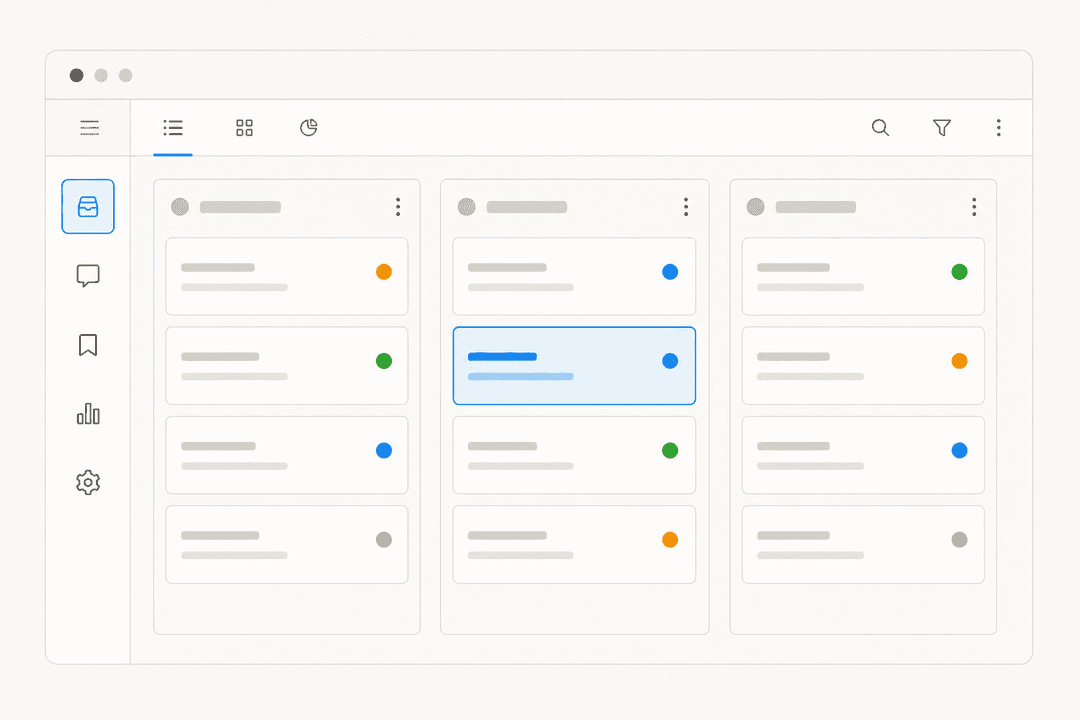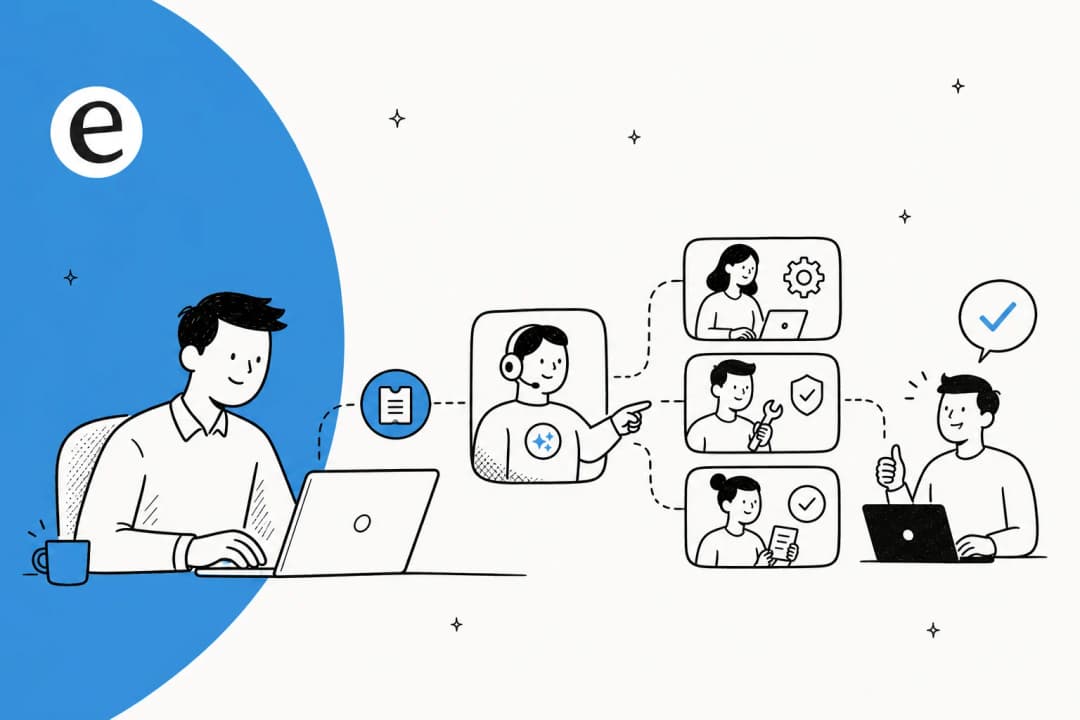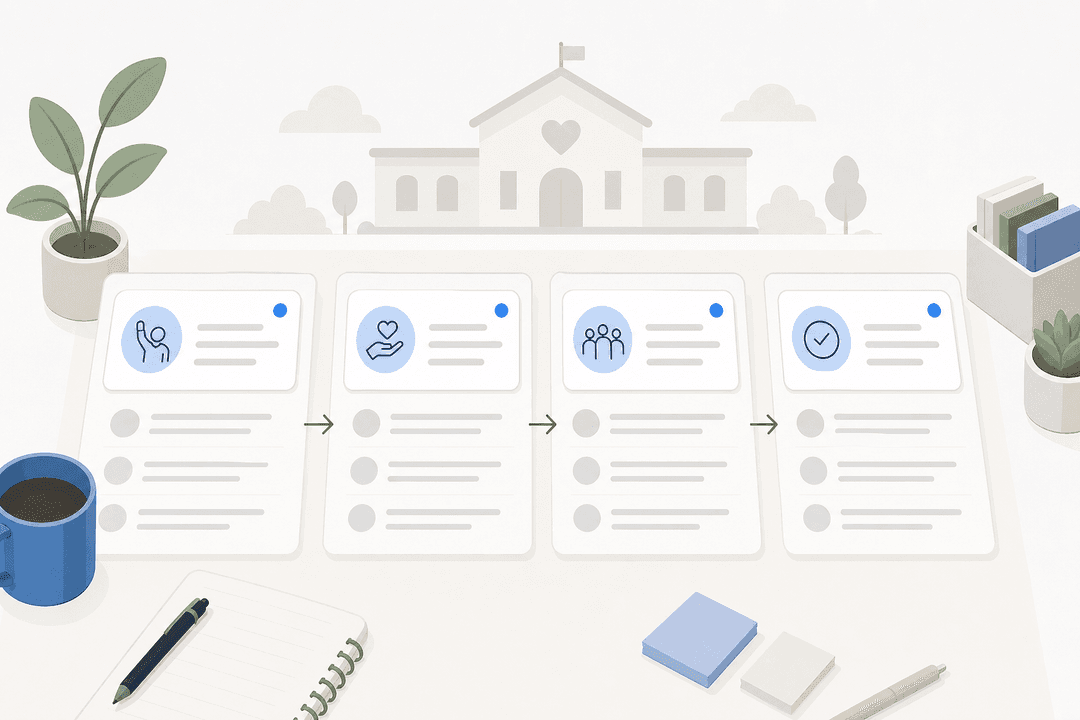
There is a particular problem with internal IT support. Employees know where the ticket portal is. They just don't use it. They send a Slack message instead, or email someone directly, or ask a colleague who then has to dig through documentation they half-remember. The ticket portal exists; adoption doesn't.
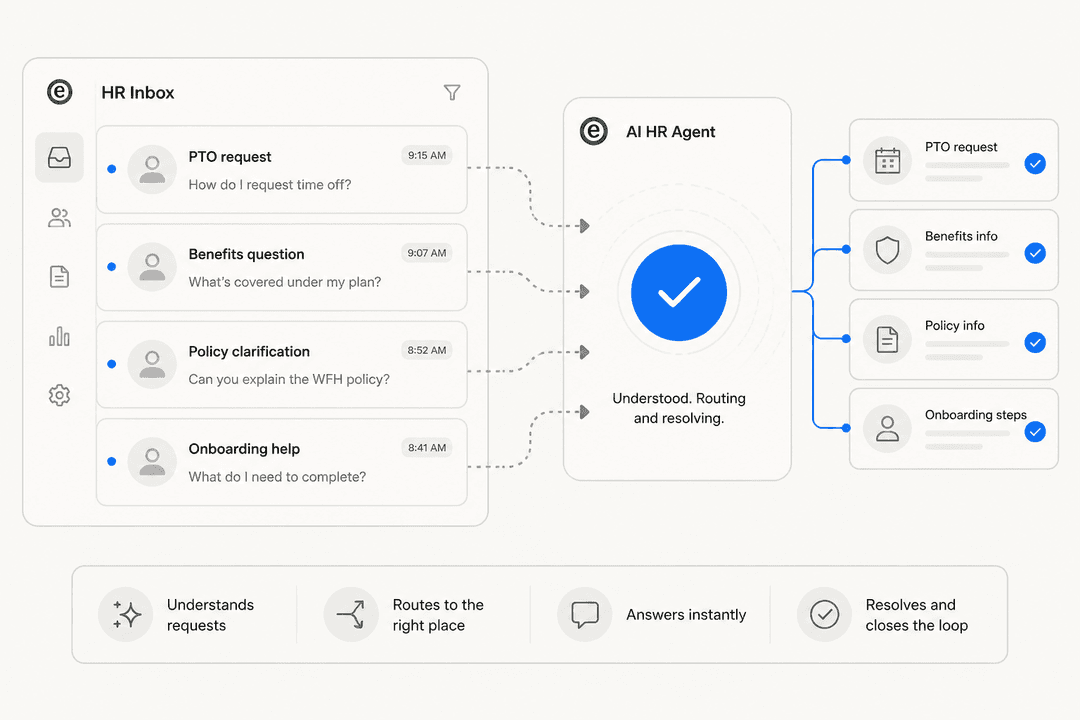
The best internal helpdesk software in 2026 solves for that. Not by forcing employees into a new system, but by meeting them where they already are -- Slack, email, the tools they use every day -- and resolving their request before a human ever has to touch it.
Five platforms below. The range is deliberate: full enterprise ITSM, developer-native ITSM, a mid-market option with strong IT integrations, and an AI layer that handles the tier-0 and tier-1 requests before they ever reach a ticketing system.
What we looked for
Self-service that actually deflects. A knowledge base employees never open doesn't help. The platforms worth considering have either AI that intercepts the request before a ticket is created, or search that's good enough that employees use it unprompted.
Slack and Teams integration that goes deeper than notifications. Routing ticket alerts to a Slack channel is table stakes. Letting employees resolve requests from Slack without opening another browser tab is where the real adoption gains happen.
Pricing that holds at your growth rate. Per-seat models work until you hire fast. Per-ticket models break during peak periods. The right fit depends on your volume trajectory, not just today's headcount.
Setup time vs. feature depth. An eight-month implementation timeline is only acceptable if you have eight months. Most teams need something working in days, not quarters.
AI that earns trust before autonomy. A confident wrong answer is worse than no answer. Grounded responses (from your documentation, not invented) and a way to test before going live are the floor, not a premium feature.
Quick comparison
| Tool | Best for | Starting price | AI deflection |
|---|---|---|---|
| Freshservice | IT teams wanting full ITSM with built-in AI | $19/agent/mo | Freddy AI -- 66% deflection rate |
| Jira Service Management | Dev/tech teams already on Atlassian | Free (3 agents) | Rovo AI virtual agent (Premium+) |
| ServiceNow | Enterprise with complex multi-team IT workflows | Quote-based | Now Assist + Moveworks EmployeeWorks |
| HappyFox | Mid-market teams with IT-specific tool integrations | $21/agent/mo | Autopilot + Assist AI for Slack/Teams |
| eesel AI | Teams wanting Slack-native AI on top of existing tools | $0.40/task | 73% tier-1 resolution rate |
Freshservice
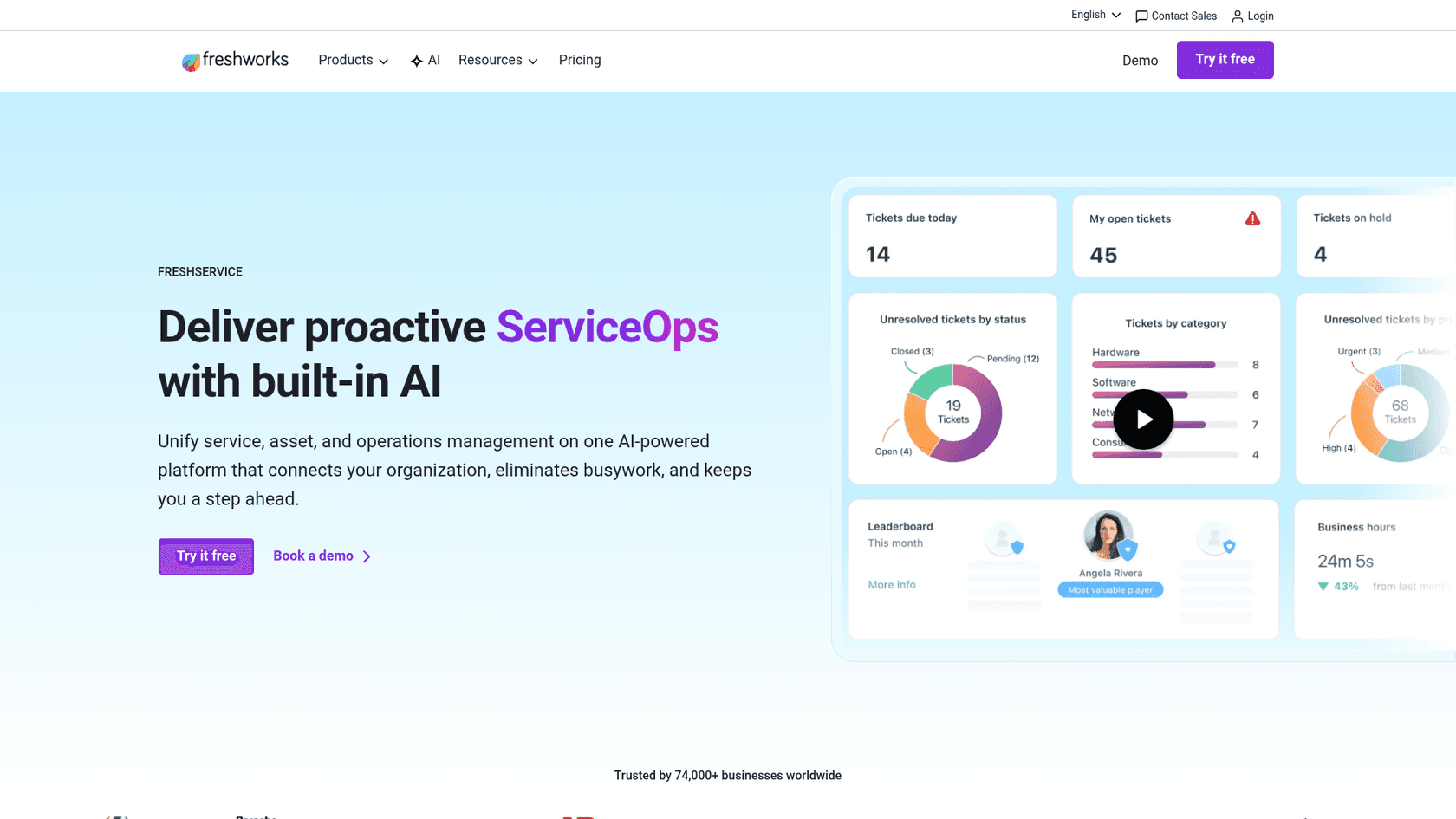
Freshservice is Freshworks' purpose-built ITSM platform -- distinct from Freshdesk, which handles customer support. It's built specifically for internal IT service delivery and employee experience, and 74,000+ businesses use it, from ITV to Carrefour to Databricks to the University of Oxford.
The headline number is a 356% ROI in under 6 months per a Forrester Total Economic Impact study. At the operational level, Texas A&M's IT team put it more concretely:
"With Freshservice on our side, the transportation team can now resolve incoming requests in 15 minutes, versus three months."
What it does well for internal teams
The ITSM coverage is ITIL-aligned and wide: incident, problem, change, release, service catalog, and knowledge management in one interface. IT asset management (ITAM) is included on Growth and Pro plans -- hardware and software tracking, auto-discovery, and a CMDB -- so your helpdesk and asset register share data without building a custom integration.
The AI layer, Freddy AI, has three tiers with distinct functions. Freddy AI Agent is the virtual assistant available on Slack, Microsoft Teams, the employee portal, and Microsoft 365 Copilot -- it handles tier-0 requests in 40+ languages with 66% ticket deflection in Freshworks' own benchmarks. Freddy AI Copilot surfaces reply suggestions, ticket summaries, and smart field recommendations for agents handling the requests that do come through. Freddy AI Insights adds anomaly detection and trend analysis for IT managers.
Enterprise Service Management (ESM) -- extending the same ITSM setup to HR, Finance, Legal, and Facilities -- is available on Pro and above. For organizations wanting to run multiple internal helpdesks on one platform, this is the feature that makes Freshservice the hub rather than just the IT tool.
Pricing
| Plan | Price | Key inclusions |
|---|---|---|
| Starter | $19/agent/mo (annual) | Incident management, service catalog, basic automations |
| Growth | $49/agent/mo (annual) | + Problem management, ITAM, project tracking |
| Pro | $99/agent/mo (annual) | + Change management, ESM, advanced analytics |
| Enterprise | Custom | Freddy AI bundled, higher limits |
14-day free trial, no credit card required.
What to watch
The pricing steps are steep. The jump from Starter ($19) to Pro ($99) is necessary to unlock change management and ESM, which most teams beyond a handful of IT staff will eventually need. A 10-agent team on Pro pays $990/month annually -- compare that against the alternatives before committing.
Freshservice is also an IT-operations-first platform. If you want non-IT departments running their own helpdesks on the same instance, that works -- but it adds configuration overhead that not every team wants to manage.
Jira Service Management
Jira Service Management is Atlassian's ITSM platform built on Jira, and it's the dominant choice for IT teams already living in Jira and Confluence. 60,000+ customers use it, and a Forrester Total Economic Impact study found 275% three-year ROI. Thumbtack's Director of IT Operations made the core value proposition plain: "The virtual agent is like a global, 24/7 helping hand."
What it does well for internal teams
The Atlassian ecosystem integration is genuine. If developers use Jira Software and documentation lives in Confluence, JSM connects to both without any additional work. An incident ticket links to the code change that caused it. An IT agent working a service request sees the same interface their engineering colleagues use -- there's no parallel system to train on.
As of 2026, JSM ships as part of Atlassian's Service Collection, which bundles in Assets (the IT asset tracking and CMDB module). Assets is now included in the Standard tier -- previously it required Premium. That's a meaningful change if you're comparing it against earlier pricing analyses.
The free plan genuinely works for small teams. Three agents, unlimited customers, a service portal, email ticketing, and a Confluence-powered knowledge base -- all free. The Gartner Peer Insights score is 4.5/5 from 1,458 reviews, with 50% five-star ratings and strong marks for IT service request handling.
Applied Systems' Director of IT framed the day-to-day improvement:
"With our prior tool, procurement requests would get stuck with manager approval. With Jira Service Management, the biggest win is transparency."
Pricing
| Plan | Price | Key inclusions |
|---|---|---|
| Free | $0 | 3 agents, portal, email, basic automation, Confluence KB |
| Standard | $20/agent/mo | Assets/CMDB, SLAs, audit logs |
| Premium | $51.42/agent/mo | AI virtual agent, AIOps, major incident management, 99.9% SLA |
| Enterprise | Contact sales | 150 sites, SAML, data residency |
7-day free trial for Standard and Premium.
What to watch
The complexity is real and consistently flagged. On Gartner Peer Insights, the most common criticism is the steep setup and administration curve -- non-technical admins struggle, and advanced features often require ScriptRunner plugins or specialist knowledge. One sysadmin on Reddit was direct: "In my experience you have to spend a lot of time as a team to customize JSM, the portal, the forms, the flows, etc to get everything to work..."
The AI virtual agent is gated to Premium, which means the jump from $20/agent to $51.42/agent is required for any AI deflection. For a 10-agent team, that's an extra $315/month. Teams not already in the Atlassian ecosystem also won't get the force-multiplier effect that makes JSM better than its feature list alone suggests.
ServiceNow
ServiceNow is the enterprise ITSM standard. 85% of the Fortune 500 use it. The 98% renewal rate says those customers aren't leaving. By February 2026, ServiceNow's own IT team reported that its Autonomous Workforce handles 90%+ of employee IT requests end to end.
The February 2026 launch of EmployeeWorks -- which folds Moveworks' conversational AI into the platform after ServiceNow acquired the company in December 2025 -- significantly deepens the employee-facing side. Moveworks built its reputation resolving IT requests through natural-language conversation, and it now ships as a bundled tier at each ITSM plan level.
What it does well for internal teams
The breadth is unmatched. ServiceNow's ITSM covers incident, problem, change, release, and asset management, with AI that uses historical incident data, enterprise knowledge bases, and proactive remediation workflows to resolve requests end to end. AstraZeneca attributed "30,000+ hours reclaimed annually" to the platform. Pure Storage reported "7x faster case resolution".
A G2 reviewer with 1,270 peers summarized the operational reality:
"What I like most about ServiceNow IT Service Management is its structured, consistent approach to incident management. It gives us a centralized place to log, track, and resolve application issues... while maintaining clear ownership and SLAs. The built-in workflows, notifications, and escalation mechanisms help ensure issues are handled within defined timelines, so nothing gets overlooked."

ServiceNow is also recognized as a Gartner Magic Quadrant leader in four separate reports, including the 2025 AI Applications in IT Service Management report.
Pricing
ServiceNow publishes three named ITSM tiers -- Foundation, Advanced, and Prime -- each ending in "Get Custom Quote." No dollar figures appear on any public pricing page. Analyst estimates from enterprise contract data typically place ServiceNow ITSM in the $80-150+ per user per month range including licenses, modules, and professional services, but ServiceNow itself does not publish these numbers.
What to watch
ServiceNow is not for small teams. The same G2 community (4.4/5, 1,270 reviews) that praises the platform's workflow automation also flags "Learning Curve (72)", "Expensive (60)", and "Complexity (56)" as the top pain points. One reviewer was measured about it:
"Pricing is another concern, since the platform is relatively expensive and the ROI tends to be clearer for larger organizations than for smaller teams."
If your team doesn't have dedicated ServiceNow administrators and an IT ops budget that absorbs enterprise licensing, the complexity costs more than the platform saves.
HappyFox
HappyFox is a mid-market help desk and ITSM platform with a genuine focus on IT teams. A Forrester TEI study found 401% ROI in three years for power users, and the platform consistently positions against Zendesk on price -- claiming 50% lower cost for comparable feature coverage.
The product has two distinct internal-facing offerings. The standard Help Desk can be configured for IT operations, while the dedicated Service Desk is a proper ITSM product with incident management, change management, asset tracking, and SLA enforcement built in.
What it does well for internal teams
The IT-specific integrations are deeper than most platforms at this price point. Jamf Pro (Apple fleet management), Microsoft Intune, NinjaOne, and Lansweeper (IT asset discovery) are native integrations. For an IT team managing a mixed Mac/Windows fleet, that removes tool-switching that most helpdesks require.
The Slack and Teams integration goes beyond notifications. Assist AI is HappyFox's conversational AI bot that lives inside Slack and Microsoft Teams -- employees ask it questions and it answers from the knowledge base, creating a ticket only when the answer isn't available. Darwinbox's IT team reported a 3X improvement in first response time after implementing it.
The unlimited-agent pricing model is a real differentiator for growing teams. Instead of paying per agent, the Growth tier at $1,999/month (annual) covers 20,000 tickets per year with unlimited agents. If you're hiring and your per-seat costs are climbing, this model is worth modeling at your expected volume.
Pricing
| Plan | Price | Notes |
|---|---|---|
| Basic | $21/agent/mo (annual) | Max 5 agents, SLA, knowledge base |
| Team | $39/agent/mo (annual) | Min 5 agents, multi-brand, custom roles |
| Pro | $89/agent/mo (annual) | + Asset management, task management, load balancing |
| Enterprise PRO | Contact sales | Agent scripting, Customer Success Manager, 24/7 phone |
| Unlimited agents -- Growth | $1,999/mo (annual) | 20,000 tickets/year, unlimited agents |
| Unlimited agents -- Scale | $3,999/mo (annual) | 150,000 tickets/year |
What to watch
The Basic plan caps at 5 agents -- small teams evaluating HappyFox for affordability will hit the ceiling fast. The minimum spend on Team (the first plan without the cap) is $195/month for 5 agents on annual billing. That's reasonable, but it's not the $21/agent figure on the plan page once minimums are applied.
Assist AI is a separate product from the core helpdesk. Check current bundling before assuming it's included.
eesel AI
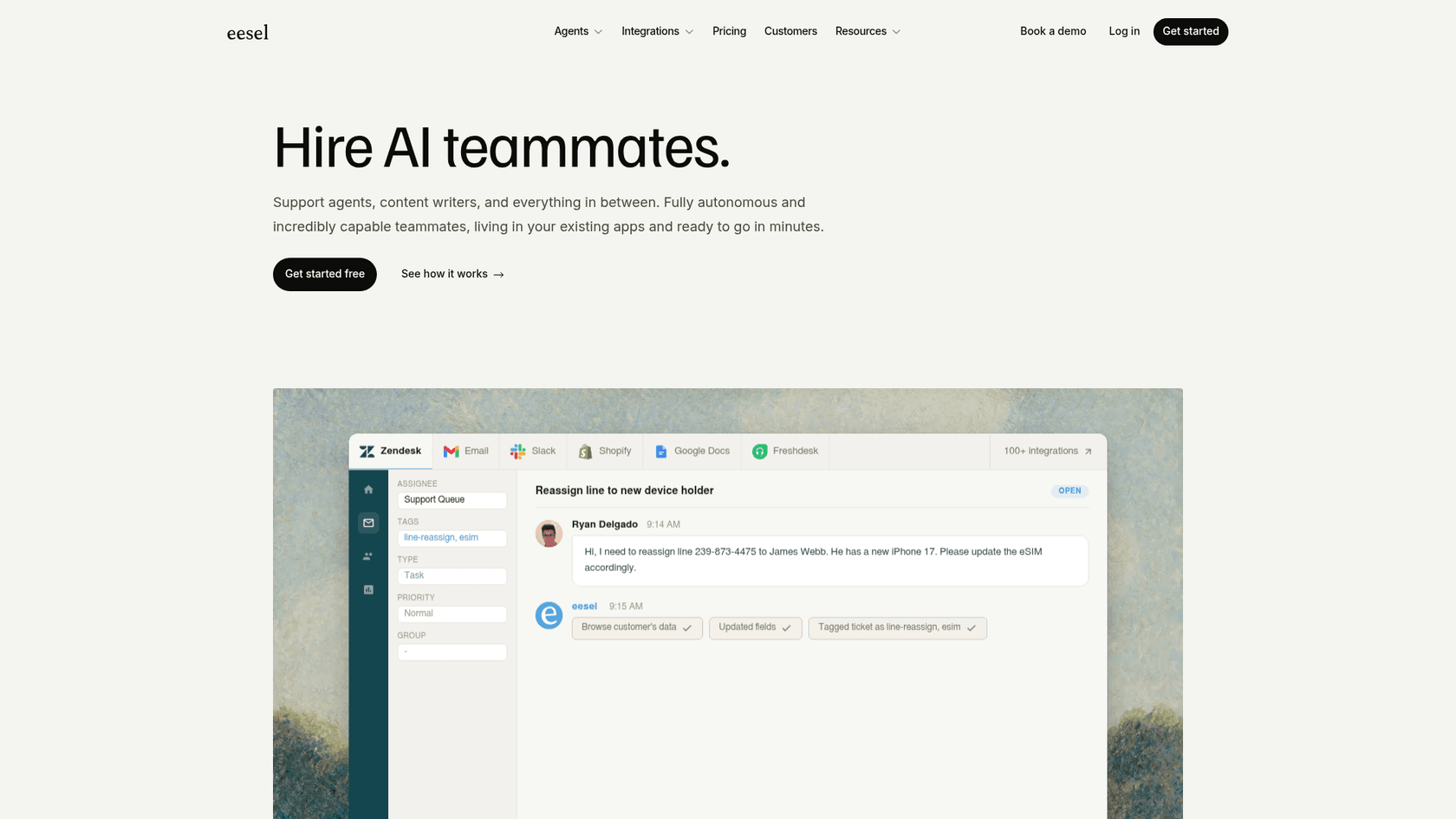
eesel AI approaches internal helpdesk from a different direction. Rather than being a standalone ITSM system, it's an AI layer that operates on top of whatever tools your team already uses -- Slack, Confluence, Jira, Freshservice, Google Drive -- and resolves employee requests through conversation before they become tickets. The company describes it as "AI teammates. Not chatbots. Not copilots."
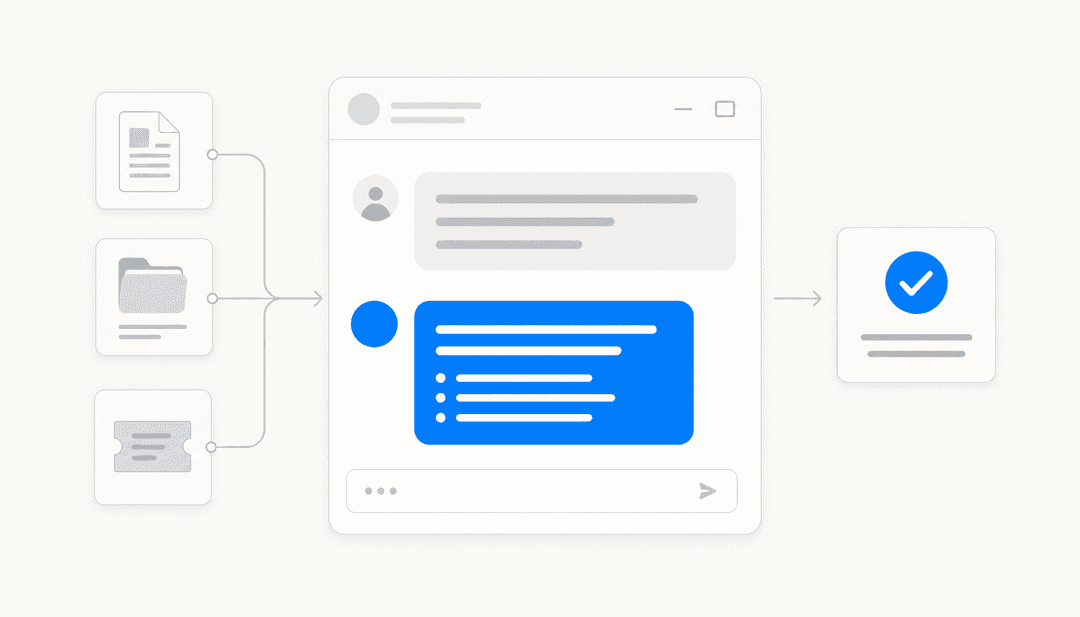
The distinction matters. A chatbot gives scripted answers from a decision tree. A copilot helps a human agent respond faster. eesel aims to resolve the request autonomously -- using your actual documentation and past tickets as the knowledge source -- and escalate only when it isn't confident. At Gridwise, 73% of tier-1 IT requests were resolved without human intervention in the first month.
What it does well for internal teams
The Slack integration is the deepest of any tool on this list. Employees @mention the bot in any channel, or send a direct message, and it answers from the connected knowledge base. The sources can include Confluence spaces, Notion wikis, Google Drive, SharePoint, your help center, and past support tickets -- all unified into one queryable layer. It creates a ticket only when it can't resolve the request, and when escalating, transfers the full conversation context, cited articles, and prior actions to the connected ITSM system.
The multi-bot architecture suits IT environments with distinct request types. You can run a separate bot in #it-help, #hr-questions, and #facilities, each drawing from its own scoped knowledge base with its own tone and escalation rules. No single bot that knows too much about everything; no knowledge bleed between departments.
Before going live in autonomous mode, eesel offers a simulation run against thousands of past tickets from your connected helpdesk. It surfaces the categories the AI handles confidently, the knowledge gaps that would produce weak answers, and a predicted deflection rate -- before any employee sees a real response. That's the right baseline to set before expanding autonomy. A longer breakdown of how this works across different ITSM setups is in the AI IT help desk comparison.
The usage-based pricing is different from everything else on this list. At $0.40 per resolved task, a team handling 500 employee requests per month pays $200 -- regardless of how many agents are in the helpdesk. There's also a $50 free trial with no credit card required.
Pricing
| Option | Price | Notes |
|---|---|---|
| Pay per task | $0.40/task | Regular tasks (tickets, chat sessions) |
| Team plan | $299/mo ($239/mo annual) | Up to 3 bots, 1,000 interactions/mo |
| Business plan | $799/mo ($639/mo annual) | Unlimited bots, 3,000 interactions/mo, Teams integration |
| Enterprise add-on | $1,000/mo | Dedicated engineer, SSO, HIPAA, BAA |
| Free trial | $50 in credits | No credit card, all features unlocked |
What to watch
eesel is not a full ITSM system. There's no native change management, CMDB, or ITIL-aligned incident lifecycle. If ITIL process compliance or hardware asset tracking is a hard requirement, eesel works best as a front-end layer on top of Freshservice or JSM rather than a standalone replacement. The best-of-both setup -- eesel handling tier-0 and tier-1 in Slack, with Freshservice or JSM underneath for process management -- is increasingly how mid-size technical teams run internal support in 2026.
The flat-rate plans cap interactions. The Team plan's 1,000 interaction cap is roughly 30 per day. Teams handling high daily volume will either hit the cap mid-month or need the pay-per-task model at $0.40/request, which scales linearly with volume rather than setting a ceiling.
How to choose
The right tool depends more on where your team is today than which feature checklist is longest.
If you need full ITIL process coverage -- incident, problem, change, CMDB, release management -- Freshservice or Jira Service Management are the natural starting points. Freshservice is easier to set up and includes stronger out-of-box AI deflection from day one. JSM wins if you're already on the Atlassian stack and want engineering and IT on the same system -- the ecosystem connection is worth more than the feature list suggests.
If your organization is enterprise-scale with complex multi-team workflows, ServiceNow is the category leader. The implementation complexity and lack of transparent pricing are real, but so is the depth. The 2026 Moveworks integration via EmployeeWorks closes the gap on conversational AI that was previously ServiceNow's weakest point.
If you're mid-market and want to avoid per-seat pricing friction as your team grows, HappyFox's unlimited-agent plans are worth modeling at your expected annual ticket volume. The IT-specific integrations (Jamf, Intune, NinjaOne) and the Assist AI bot for Slack are differentiators that most helpdesks at this price point don't offer.
If Slack is your team's primary communication channel, eesel AI is the most natural fit. Employees don't need to learn a portal or change their behavior -- they ask in Slack and get an answer. If you already have Freshservice or JSM running, eesel layers on top rather than replacing it, handling the tier-0 and tier-1 volume before it reaches the ticketing system. That combination -- eesel in Slack as the front door, with an ITSM system underneath for process management -- is the pattern that mid-size IT teams are moving toward when the priority is adoption over configuration.
Any of the five tools above will work if you implement it properly. The one that will actually get used by your employees is the one that meets them where they already are.